Affiliate automations let your practice handle affiliate onboarding, lead assignment, commission tracking, and partner communication automatically instead of managing each step by hand. These automations run through Workflows, using an affiliate-specific trigger and a set of affiliate actions found in the workflow action library. As your referral network grows, this keeps the admin work manageable without adding it to your team's plate.
Building an affiliate or referral partner program takes ongoing coordination: welcoming new partners, keeping their status current, assigning leads correctly, and letting them know when they've earned a commission. Automating these steps offers real advantages:
Time savings. Repetitive tasks like onboarding, lead assignment, and status updates happen automatically instead of manually.
Fewer errors. Automated status updates and campaign assignments reduce the chance of an affiliate being miscategorized or missed.
Stronger affiliate engagement. Automatic notifications about milestones, campaign additions, or sales keep partners informed and motivated.
Scalability. A larger affiliate network doesn't require a proportionally larger amount of manual work.
Flexibility. Workflows can be tailored to match how your practice actually runs its referral or affiliate program.
Every affiliate automation starts with a workflow trigger. The Affiliate Created trigger fires automatically whenever a new affiliate is added to your account, so you never have to remember to manually kick off onboarding steps.
For example, if you run a referral campaign and several new affiliates sign up in the same week, this trigger ensures each one is automatically pulled into your onboarding workflow the moment they're created, with no manual follow-up required.
For the full step-by-step on adding and configuring this trigger inside a workflow, see the dedicated Affiliate Created Trigger guide and the Workflows collection, which covers workflow building in depth.
Once a workflow is triggered, you can chain together the following affiliate-specific actions to manage what happens next.
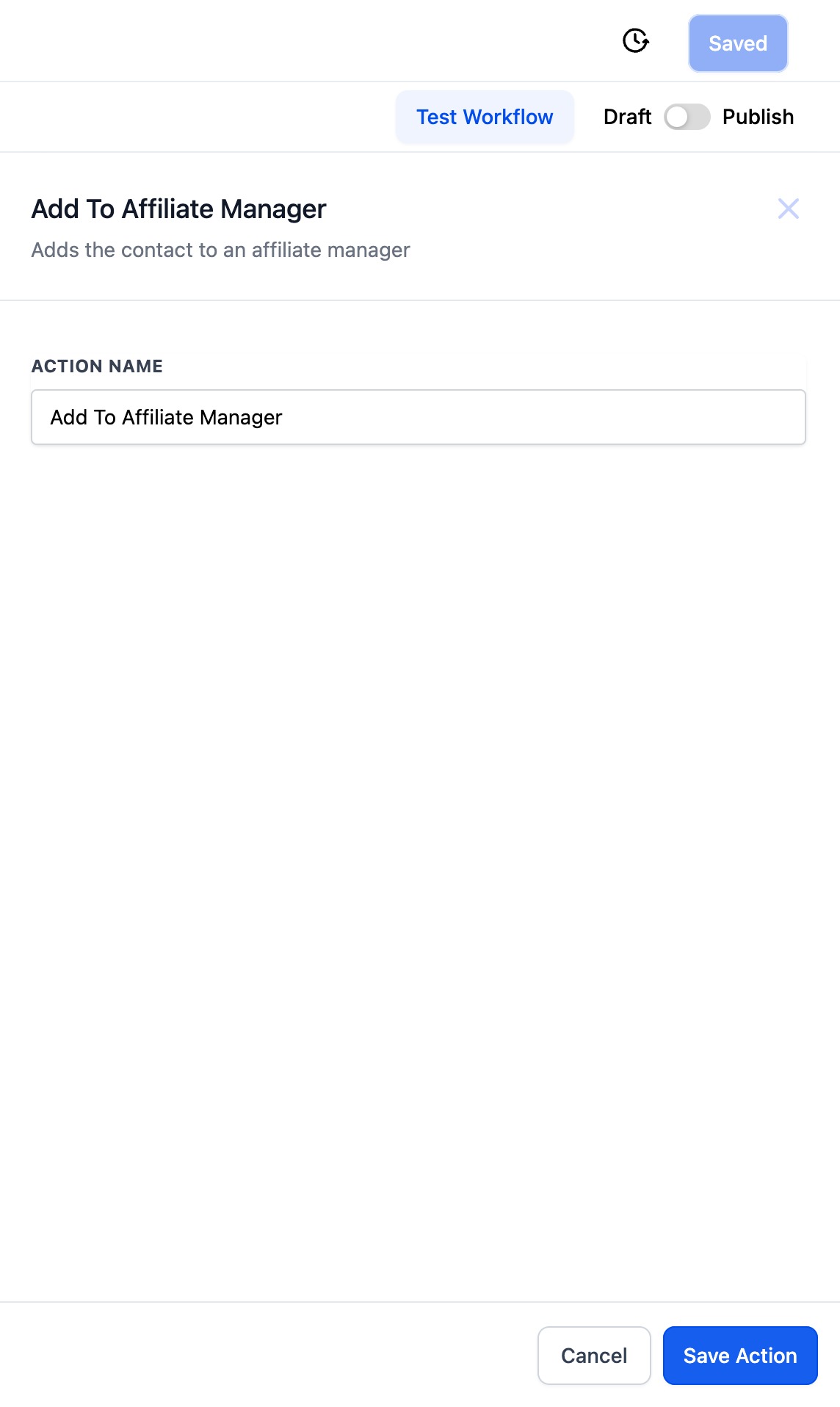
Automatically adds a contact to the Affiliates list inside Affiliate Manager, with their status set to active by default. This is typically the first action in an onboarding workflow, since it's what actually turns a contact into a tracked affiliate.
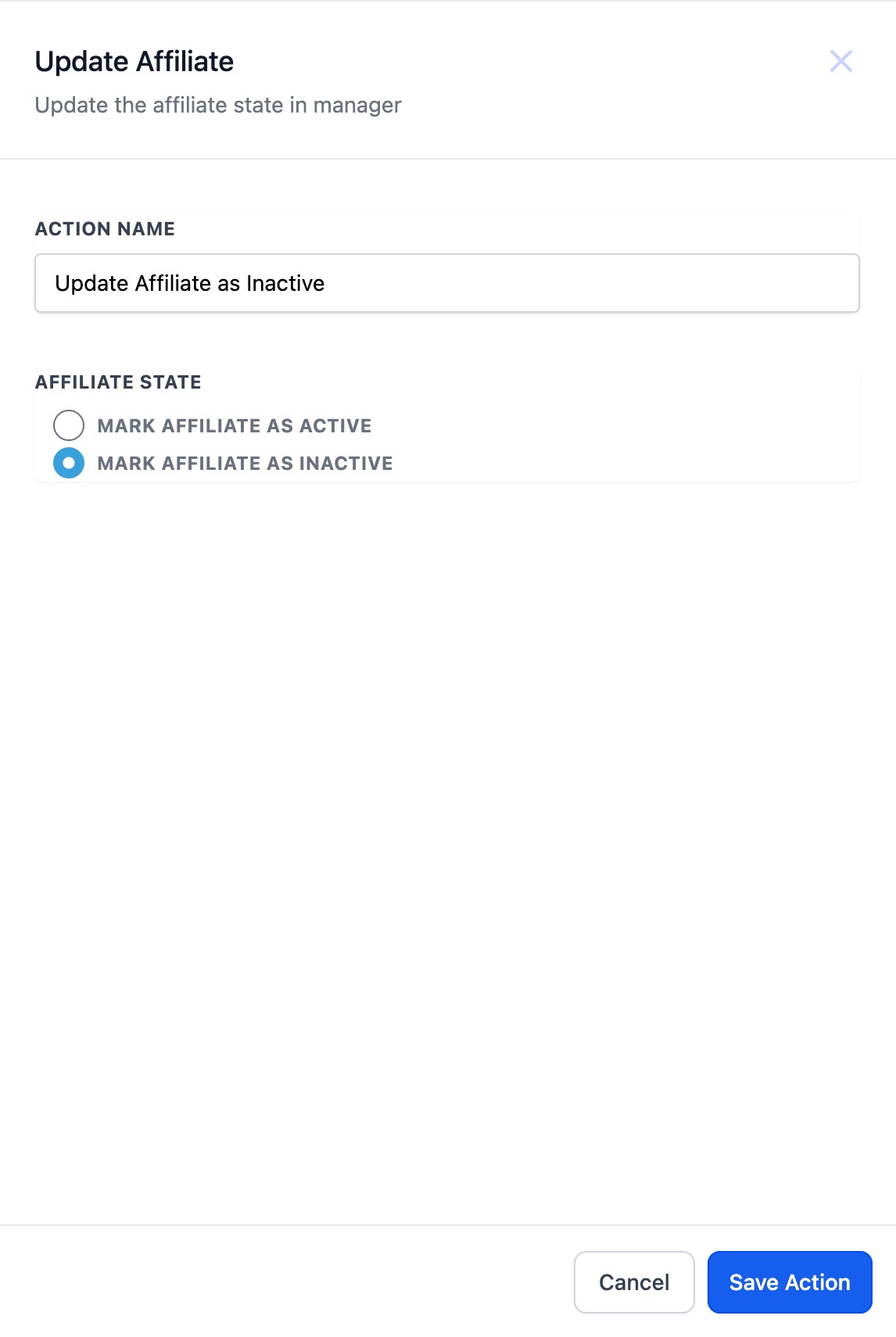
Updates an existing affiliate's status to either active or inactive. Supported options:
Mark as Active
Mark as Inactive
This is useful for automatically deactivating affiliates who haven't met activity requirements after a set period, or reactivating a partner once they meet a condition again.
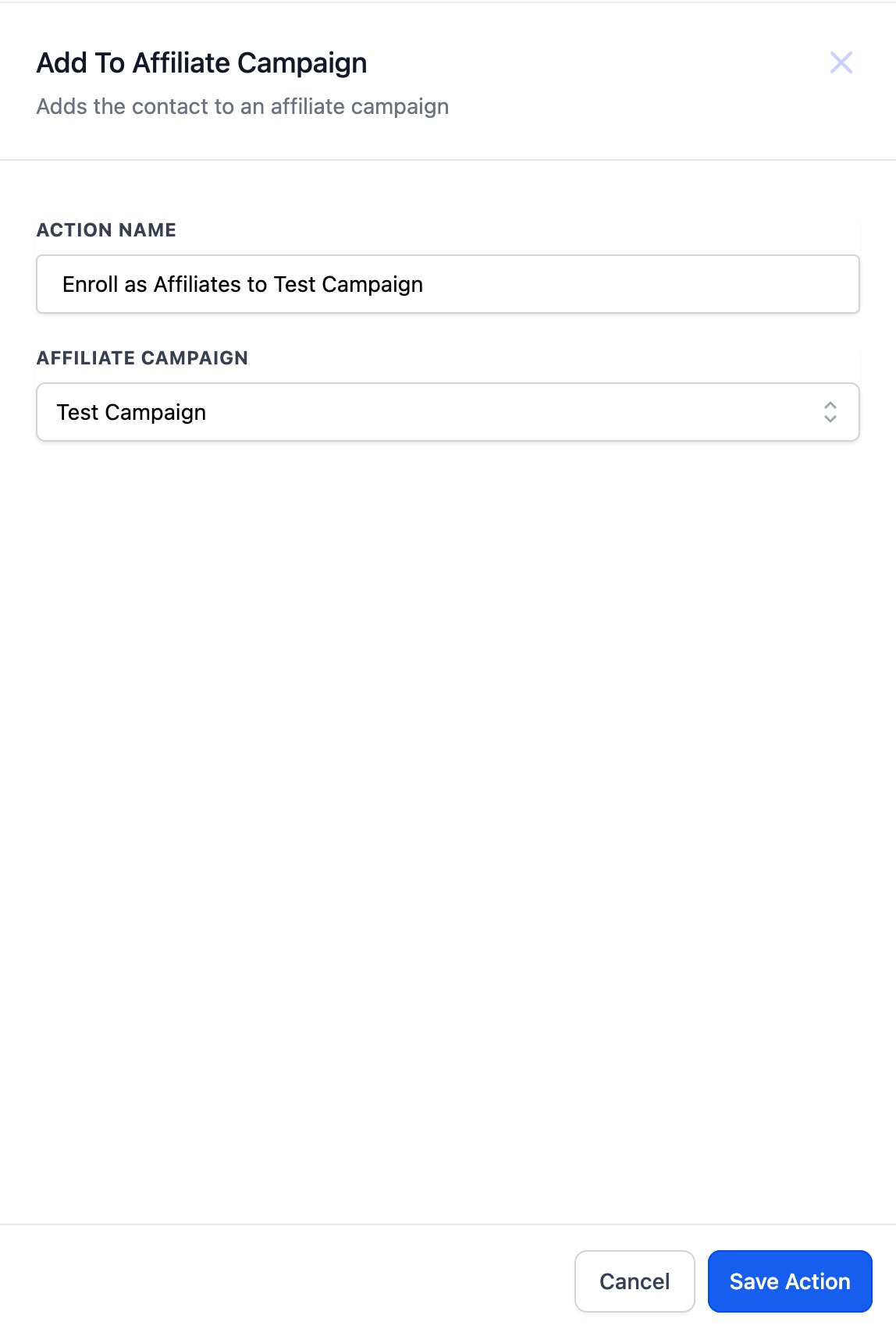
Adds an affiliate to a specific campaign under Affiliate Manager's Campaigns tab. You choose the campaign from a dropdown menu when configuring the action. This is handy when you launch a new promotion or referral incentive and want every active affiliate enrolled automatically instead of adding them one at a time.
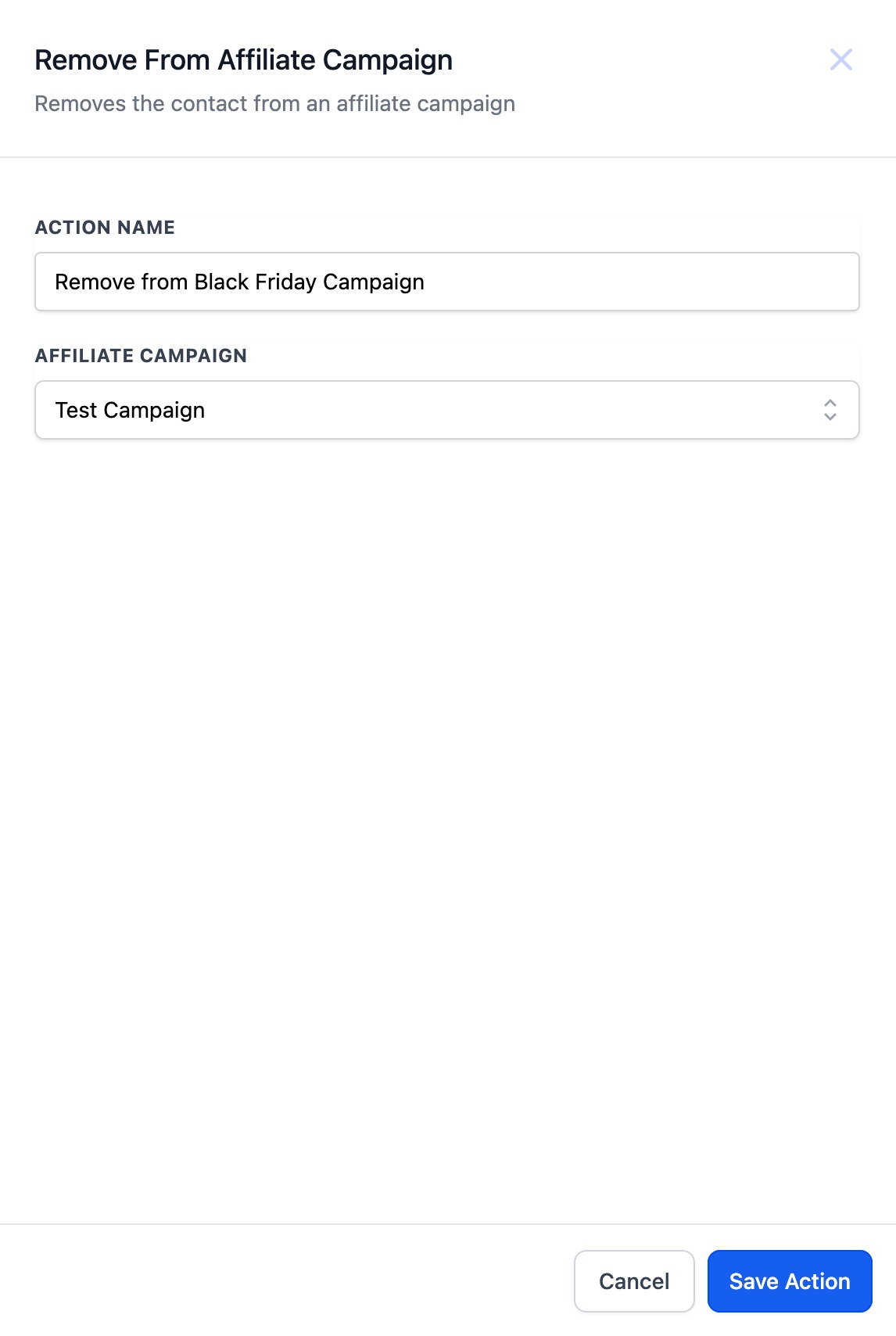
Removes an affiliate from a campaign, again selected from a dropdown menu. Use this when a partner no longer qualifies for a specific promotion, so they stop receiving campaign-related communication or credit for it.
These building blocks combine into a handful of practical automations most practices set up first:
Automated onboarding. Trigger on Affiliate Created, then use Add to Affiliate Manager and Add to Affiliate Campaign to register a new partner, assign them to the right campaign, and send them their affiliate link and portal access, all without manual setup.
Lead assignment and sales tracking. Route leads generated by a referral partner and log sales attributed to them so credit and tracking stay accurate.
Commission tracking. Keep commission-related actions and status updates current so payouts are based on accurate, up-to-date affiliate activity.
Campaign enrollment and targeted follow-up. Automatically enroll affiliates into a relevant campaign and send them tailored updates based on their performance.
Partner recognition. Send an automatic email or text when an affiliate hits a milestone or closes a sale, keeping them engaged without you having to track it manually.
Affiliate triggers and actions are built the same way as any other automation: from Automation > Workflows in your account. If you're new to building workflows, start with the Workflows collection for a full walkthrough of triggers, actions, and how to chain them together; this article focuses specifically on the affiliate-related building blocks available to you there.
Do I need a paid plan to use affiliate automations? Affiliate automations are built using the standard Workflows feature, so they're available anywhere your account has access to Workflows and Affiliate Manager.
What triggers an affiliate automation? The Affiliate Created trigger fires whenever a new affiliate is added to your account. From there, you chain together affiliate actions to handle onboarding, status changes, and campaign assignment.
Can I automatically assign a new affiliate to more than one campaign? Yes. Add multiple Add to Affiliate Campaign actions to the same workflow, each pointed at a different campaign, if you want a new affiliate enrolled in several campaigns at once.
What happens if I remove an affiliate from a campaign using automation? They stop being associated with that specific campaign going forward. Their overall affiliate status (active or inactive) is unaffected; removal only applies to that one campaign.
Can affiliate automations send emails or texts to affiliates? Yes. Once an affiliate action runs, you can follow it with standard email or SMS actions in the same workflow to notify the affiliate, for example confirming their onboarding or congratulating them on a sale.
Is there a way to automatically deactivate inactive affiliates? Yes, using the Update Affiliate action with the Mark as Inactive option. Pair it with a workflow condition based on activity or time elapsed to automate the deactivation.
Where do I find affiliate sales or lead assignment triggers? Affiliate sales tracking and lead assignment run through their own triggers and actions in Workflows alongside the Affiliate Created trigger described here. Check the Workflows collection for the full list of available affiliate-related triggers and actions.
Do these automations replace manually managing Affiliate Manager? No. Automations handle the repetitive parts (onboarding, status changes, campaign assignment), but you can still manage affiliates manually inside Affiliate Manager at any time.
