Ad Manager is a centralized tool inside Aesthetix CRM that lets your practice create, manage, and track advertising campaigns across multiple platforms in one place. Instead of switching between separate ad platforms, you can build campaigns, monitor performance, and optimize results without leaving Aesthetix CRM.
For a med spa or aesthetic practice, this means you can run a Botox promotion, capture new consultation leads, or retarget past patients from the same dashboard where you manage contacts, calendars, and conversations.
Ad Manager brings Facebook, Instagram, Google, LinkedIn, and TikTok advertising together into one easy-to-use dashboard. You create campaigns, define your audience and budget, add creatives, and publish, all from a streamlined interface. Performance data flows back so you can see spend, clicks, leads, and conversions in real time.
Ad Manager supports several platforms and ad types. The table below outlines the objectives and formats available on each.
Platform | Campaign Objectives | Ad Formats Supported |
|---|---|---|
Meta (Facebook and Instagram) | Lead Generation, Website Traffic, Engagement, Sales | Single Image, Video, Carousel (up to 10), Lead Forms, Conversation Forms |
Google Ads | Search Campaigns, Demand Generation (coming soon) | Search Ads, Image, Video, Carousel (Demand Gen) |
LinkedIn Ads | Lead Generation, Website Visits | Single Image, Video, Carousel, Lead Forms |
TikTok | Lead Generation | Lead Forms |
TikTok campaigns capture leads through TikTok lead forms and follow the same campaign flow as the other networks. When you create a campaign, select TikTok as the network and follow the standard steps. See the "Create an Ad Campaign" guide for the full campaign mechanics.
All-in-one advertising: Manage campaigns across Facebook, Instagram, Google, LinkedIn, and TikTok from a single dashboard.
Time-saving workflows: A guided setup helps you launch ads quickly.
Simplified targeting: Reach the right patients through goal-based campaign objectives.
Clear ROI: Get instant visibility into ad performance, spend, and conversion metrics.
Outcome-focused: Run lead generation, traffic, or conversion campaigns that drive real appointments and revenue.
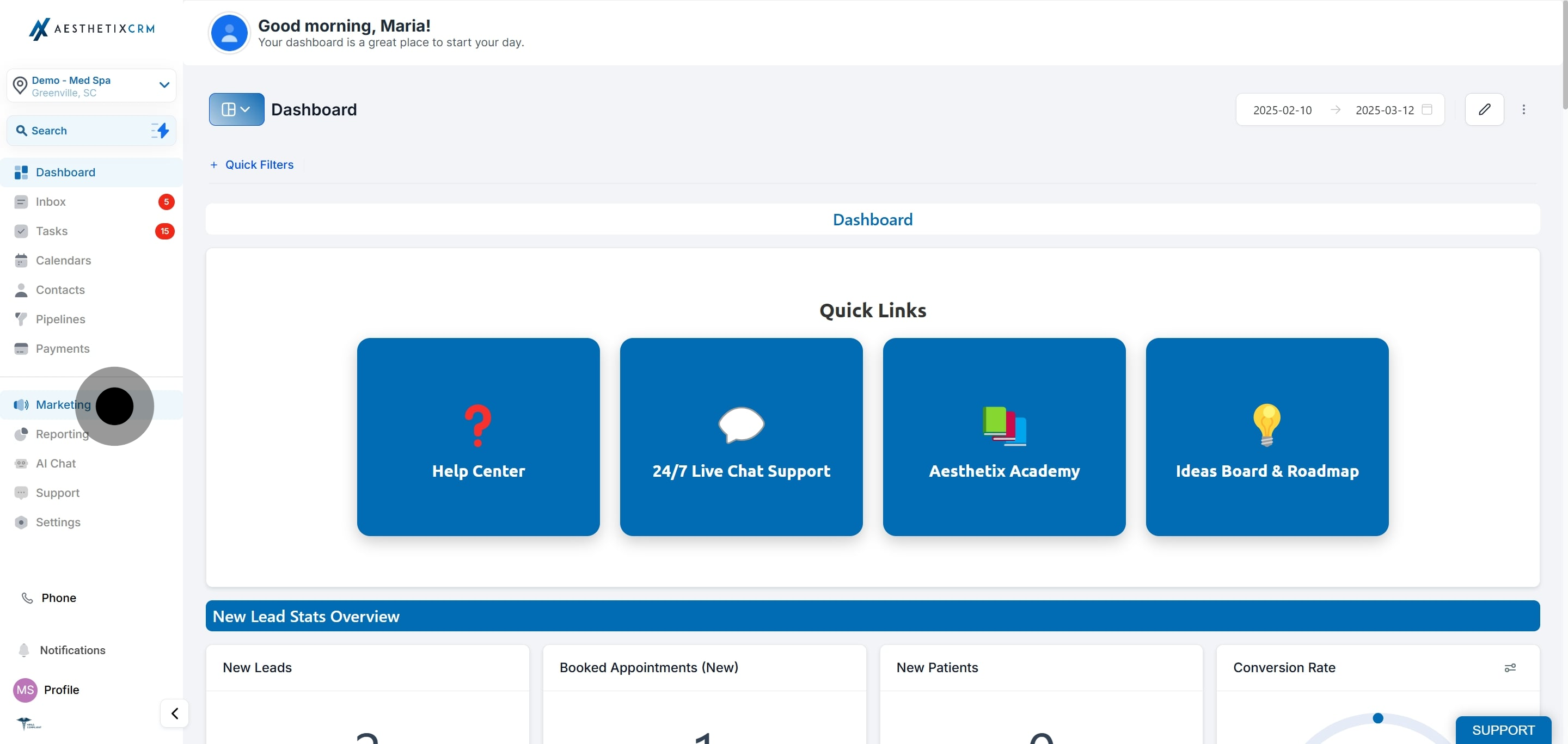
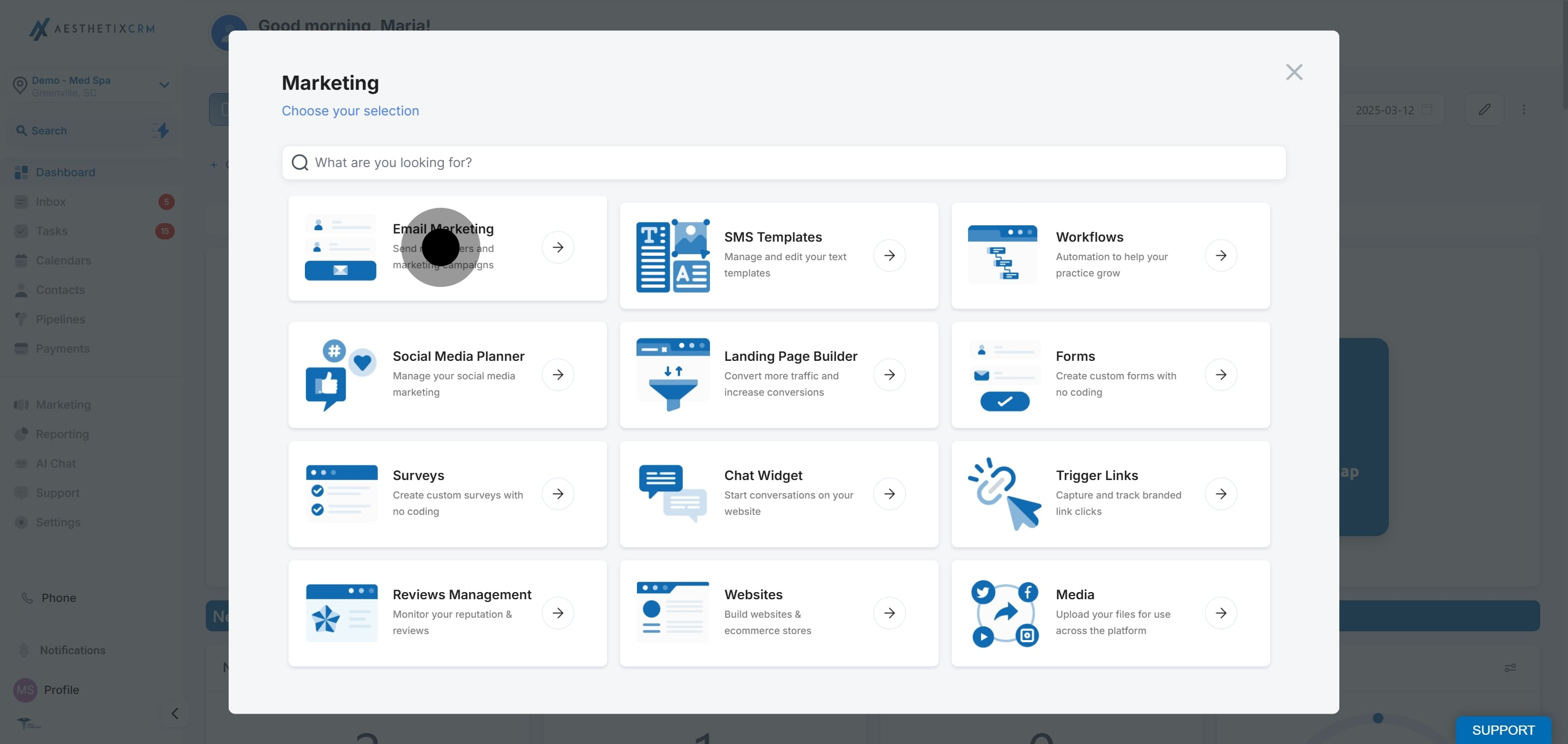
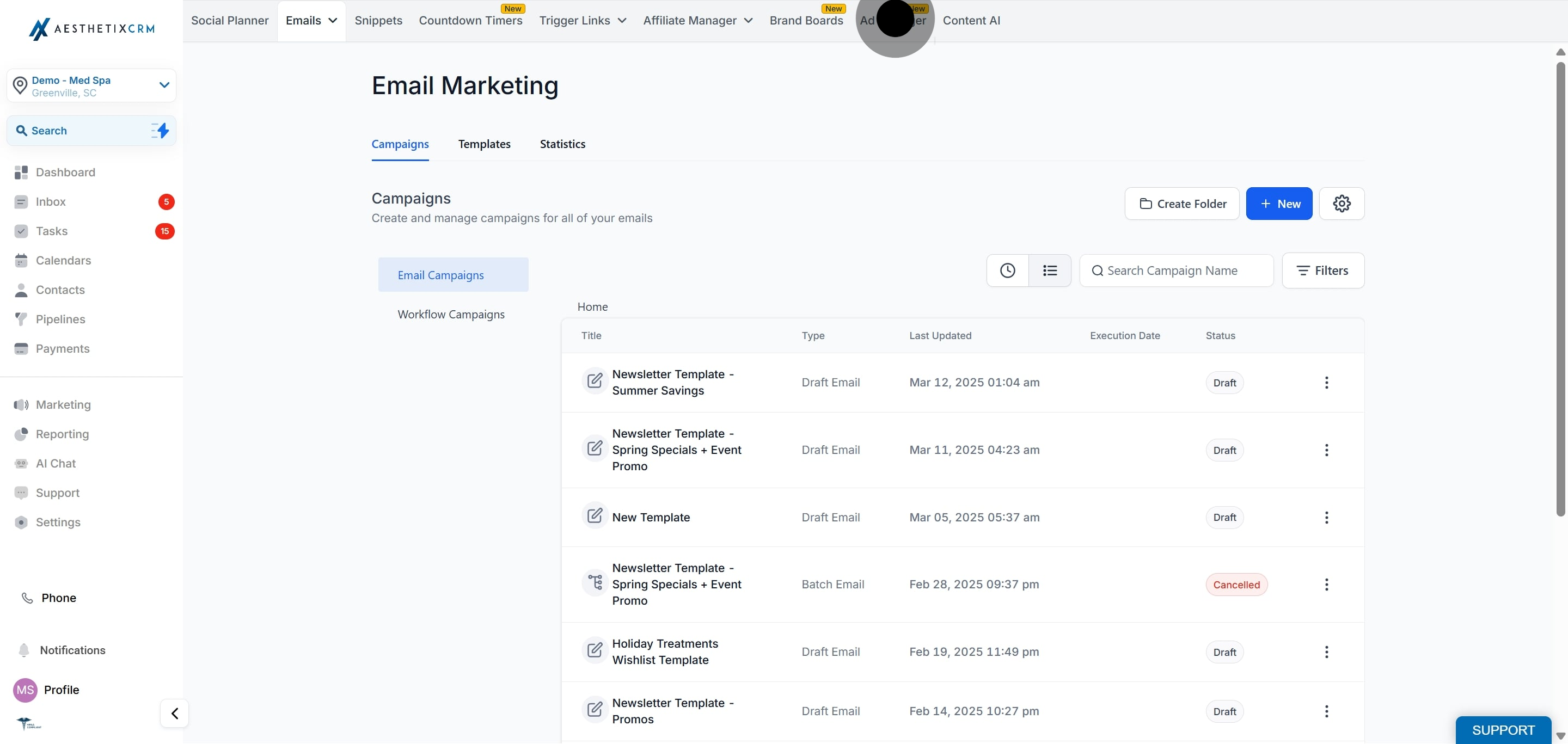
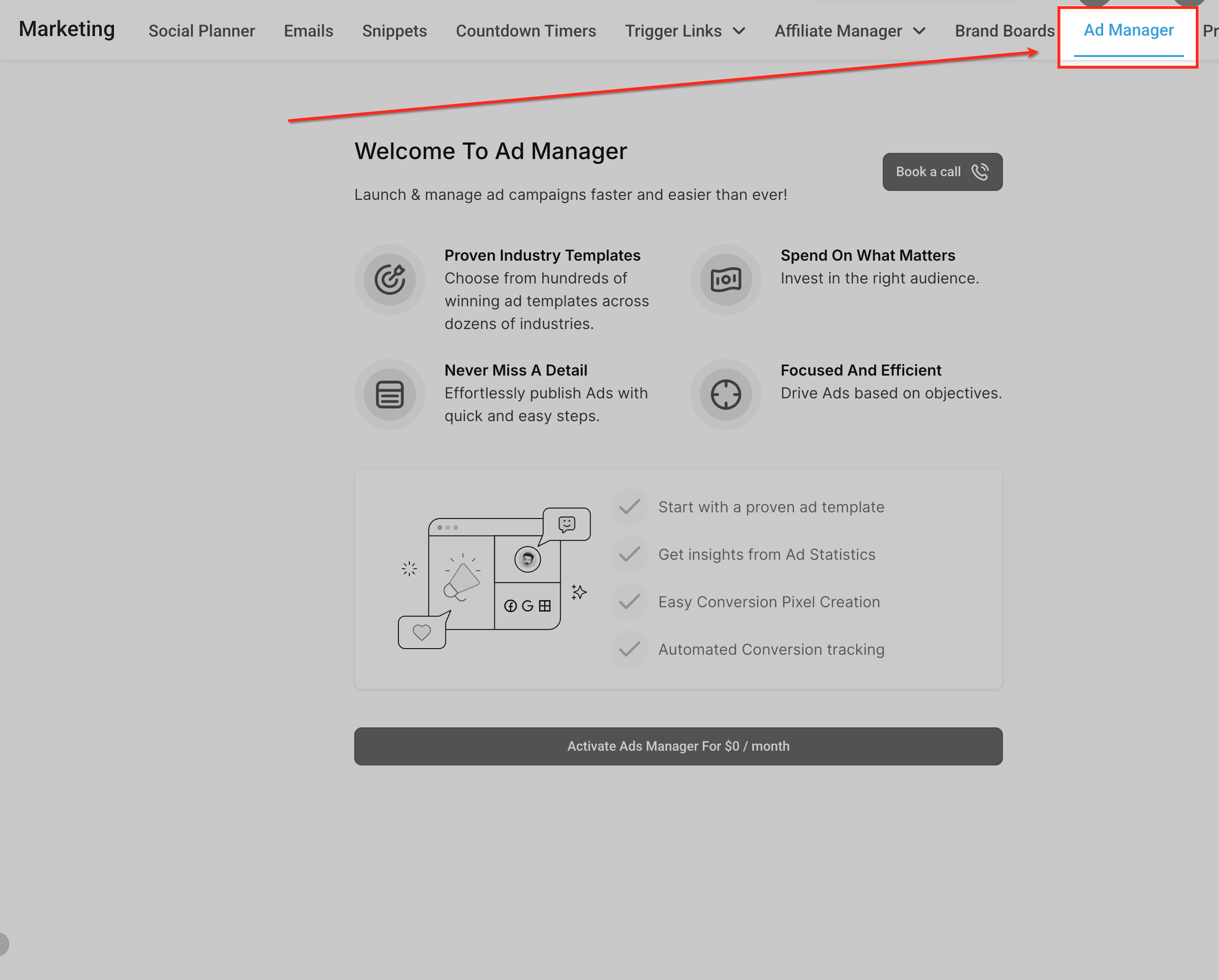
To open Ad Manager, go to the Marketing section of Aesthetix CRM and select Ad Manager.
Ad Manager settings are where you connect your ad accounts and pages, set up your conversion pixel, and build audiences. Open the settings area from within Ad Manager.
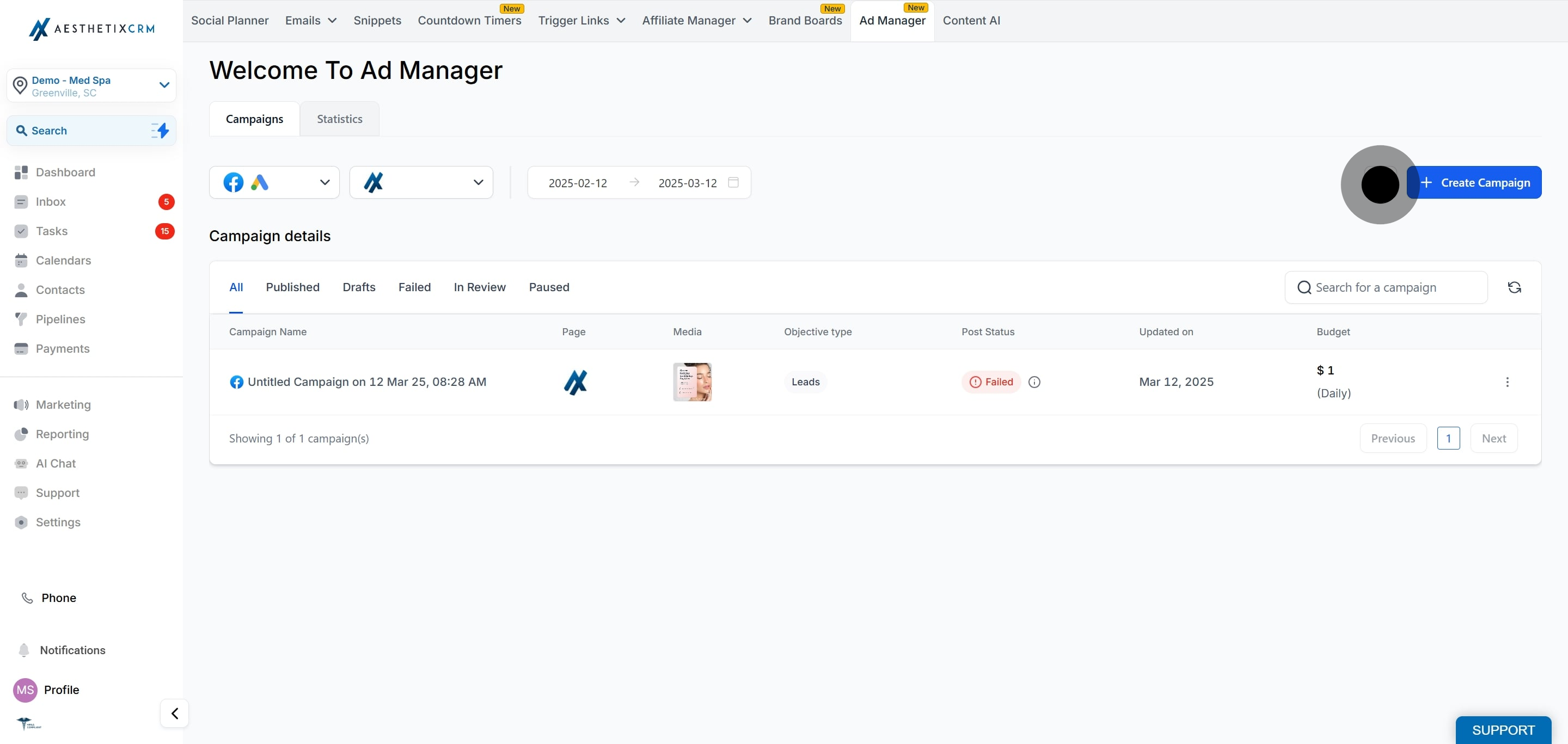
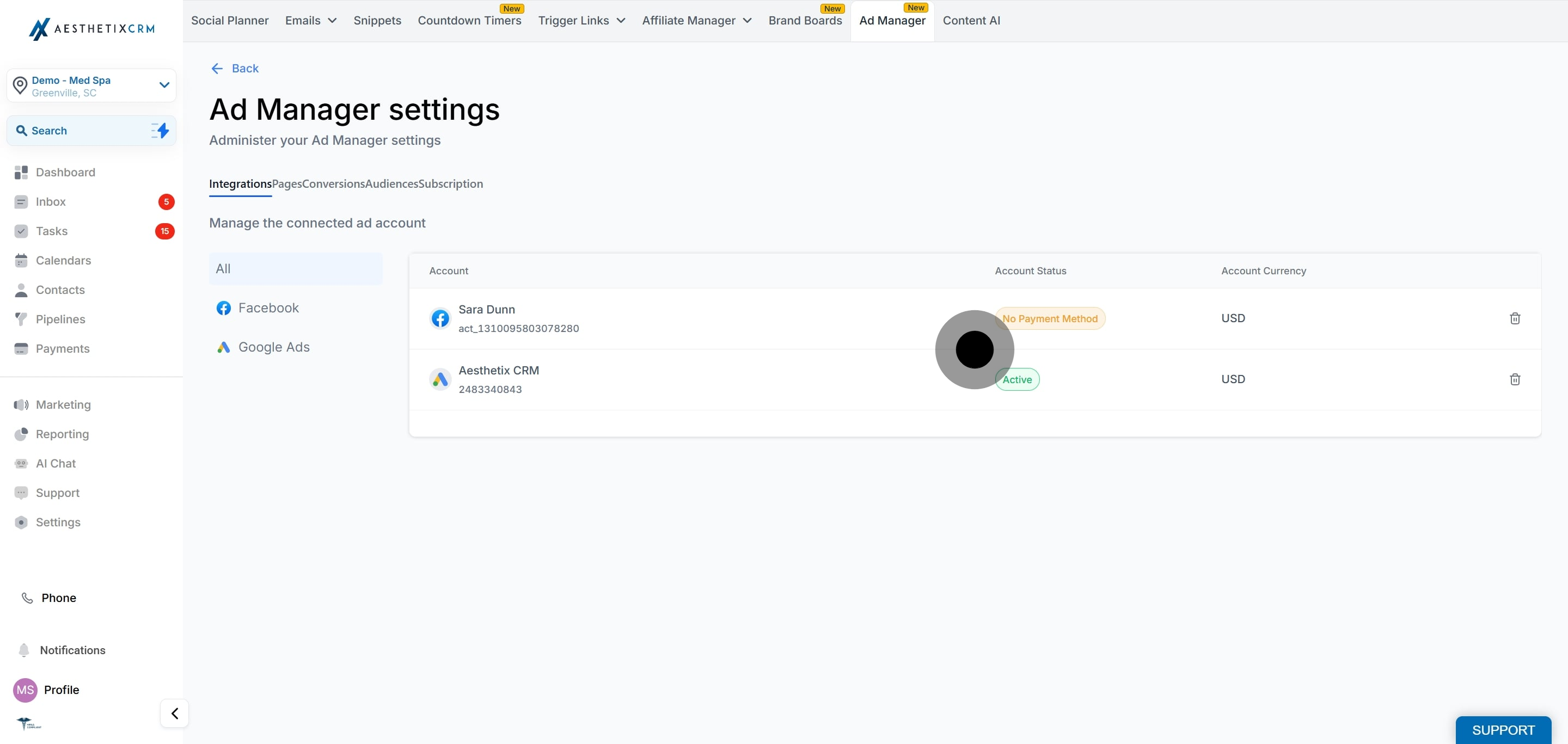
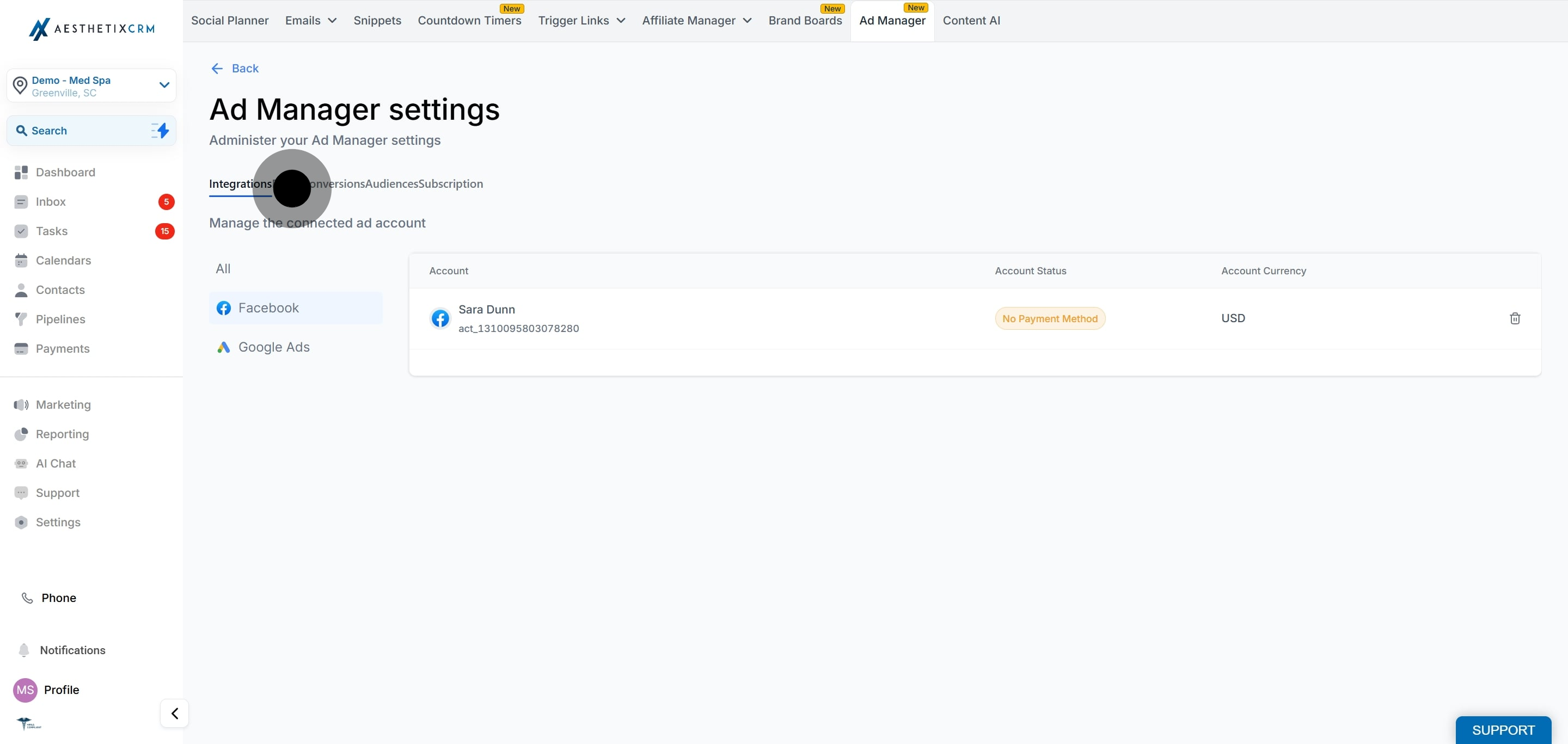
The Integrations tab is where you connect and manage your ad account. Currently Ad Manager supports connecting a single Meta ad account. Support for additional ad accounts may be added in future releases.
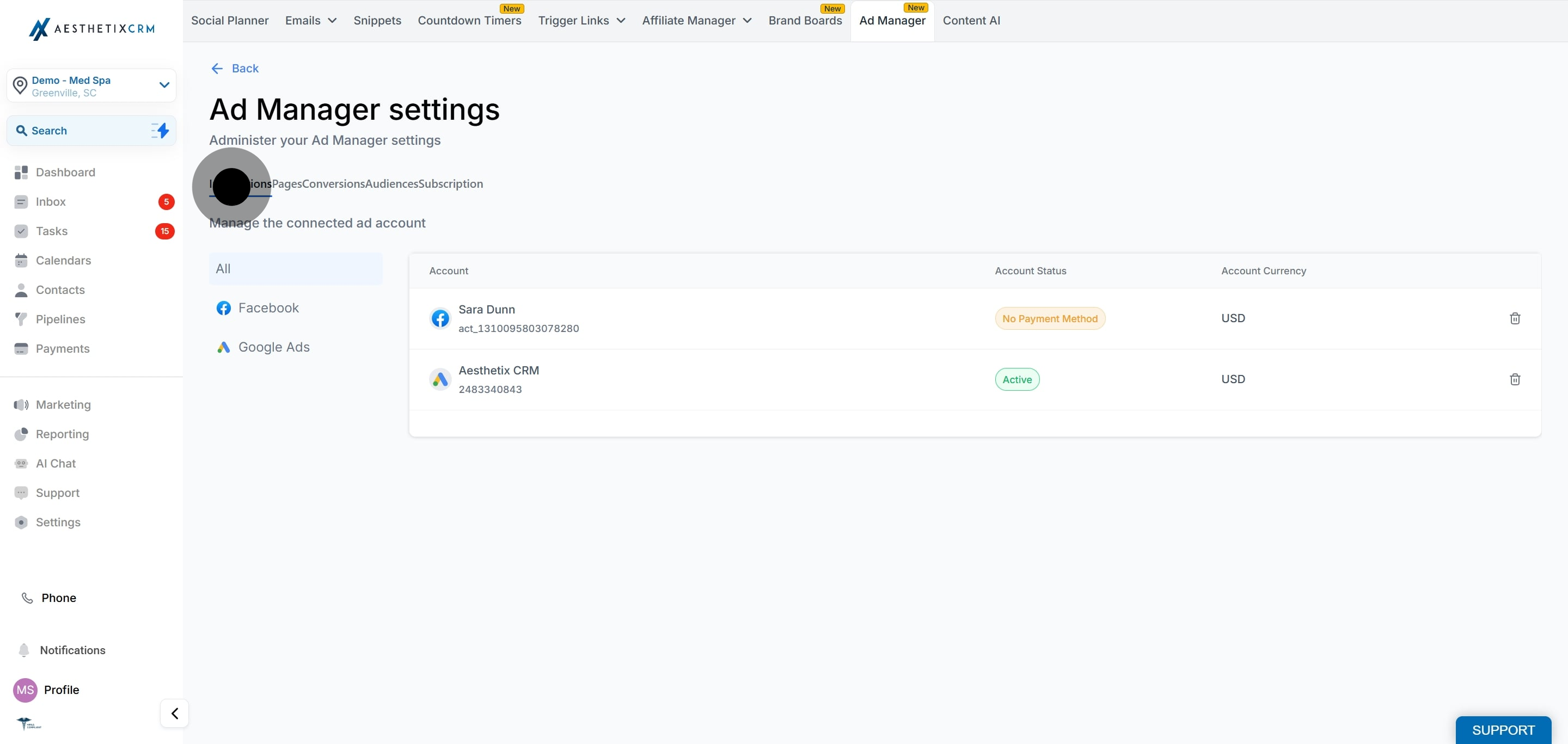
When you connect your Meta ad account, you log in through Facebook. During this step you may see a consent screen that mentions LeadConnector. This connection is powered by our underlying advertising provider, so this screen is expected and safe to approve. Grant the requested permissions so Ad Manager can create and manage campaigns on your behalf.
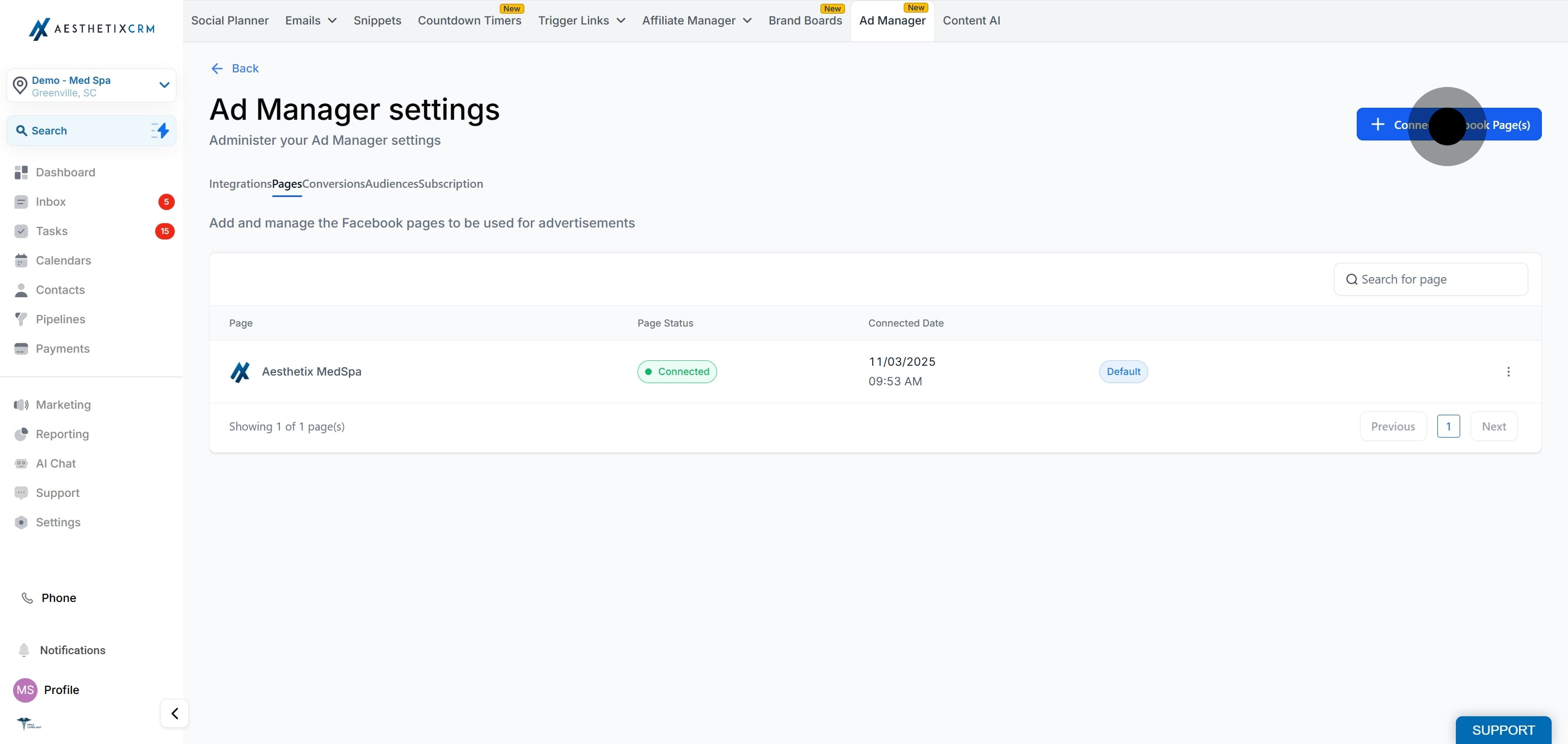
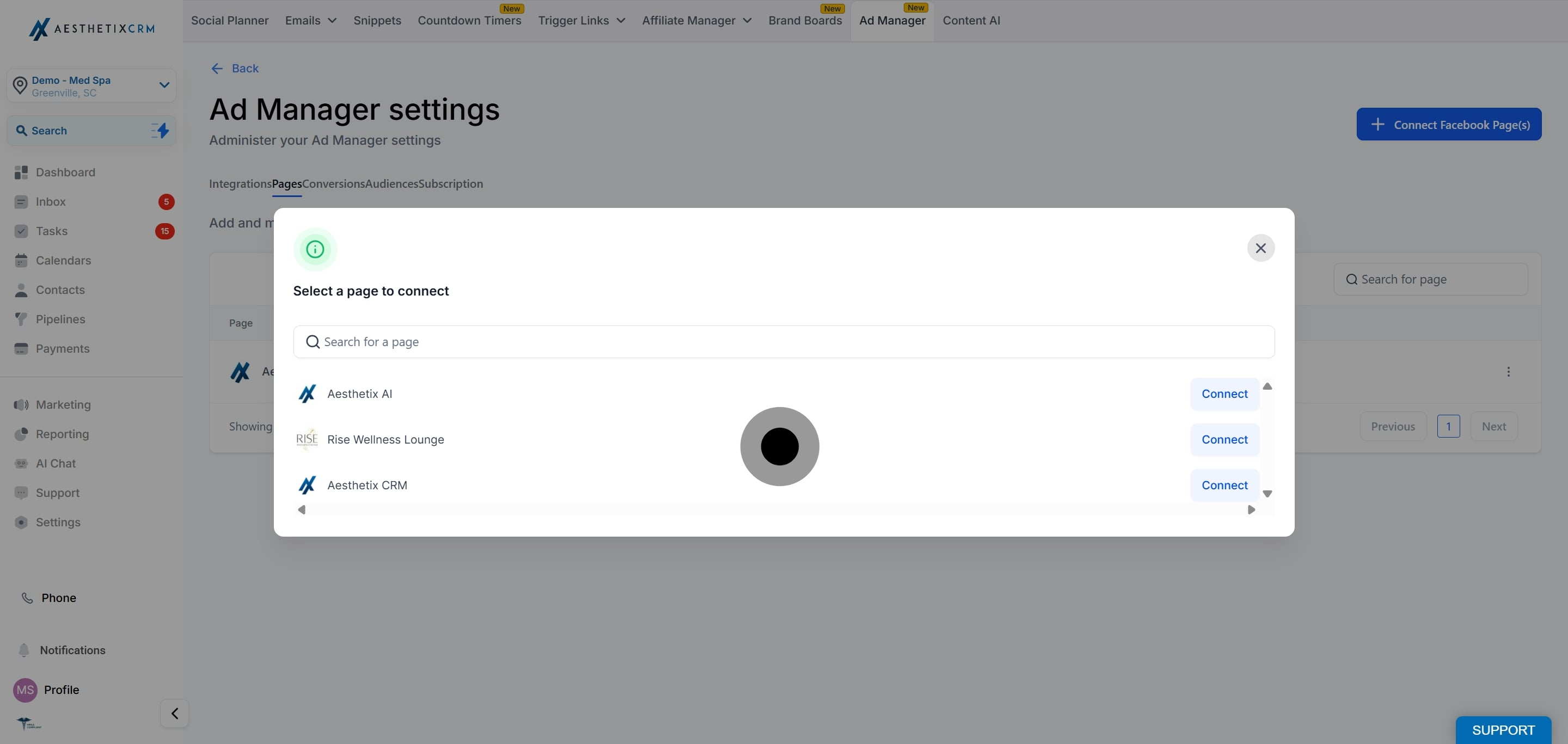
The Pages tab manages your connected Facebook pages. Ad Manager lets you connect multiple Facebook pages while connecting a single ad account.
If you click the delete icon next to a connected Facebook page, you are prompted that the action cannot be undone. Once confirmed, that page is delinked from Ad Manager and no future ads can be published on it from Ad Manager. Ads already published on that page are not affected and remain on Facebook, but they can no longer be managed from Ad Manager. If you reconnect a delinked page later, the campaigns that were created on it through Ad Manager will start reflecting in the campaign details section again.
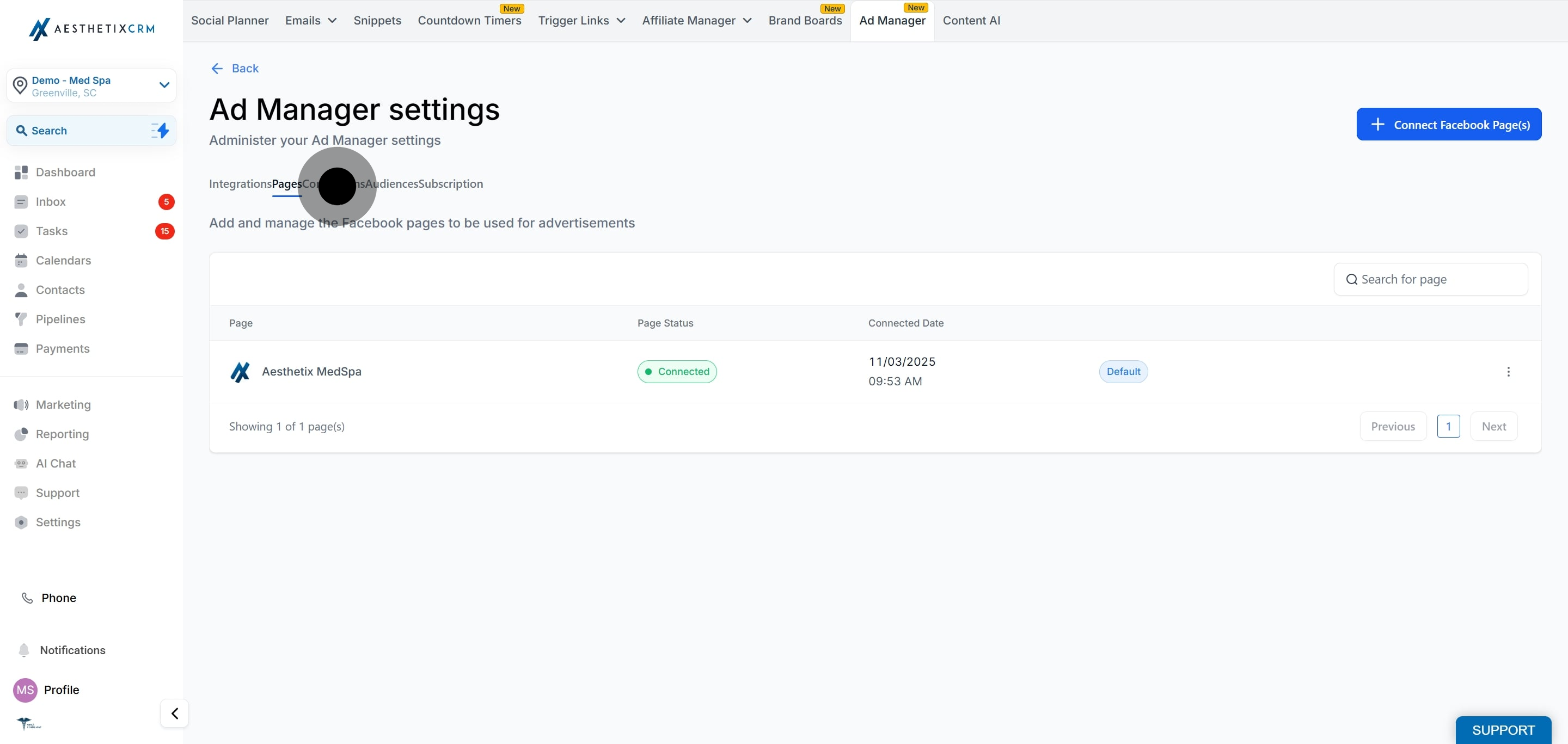
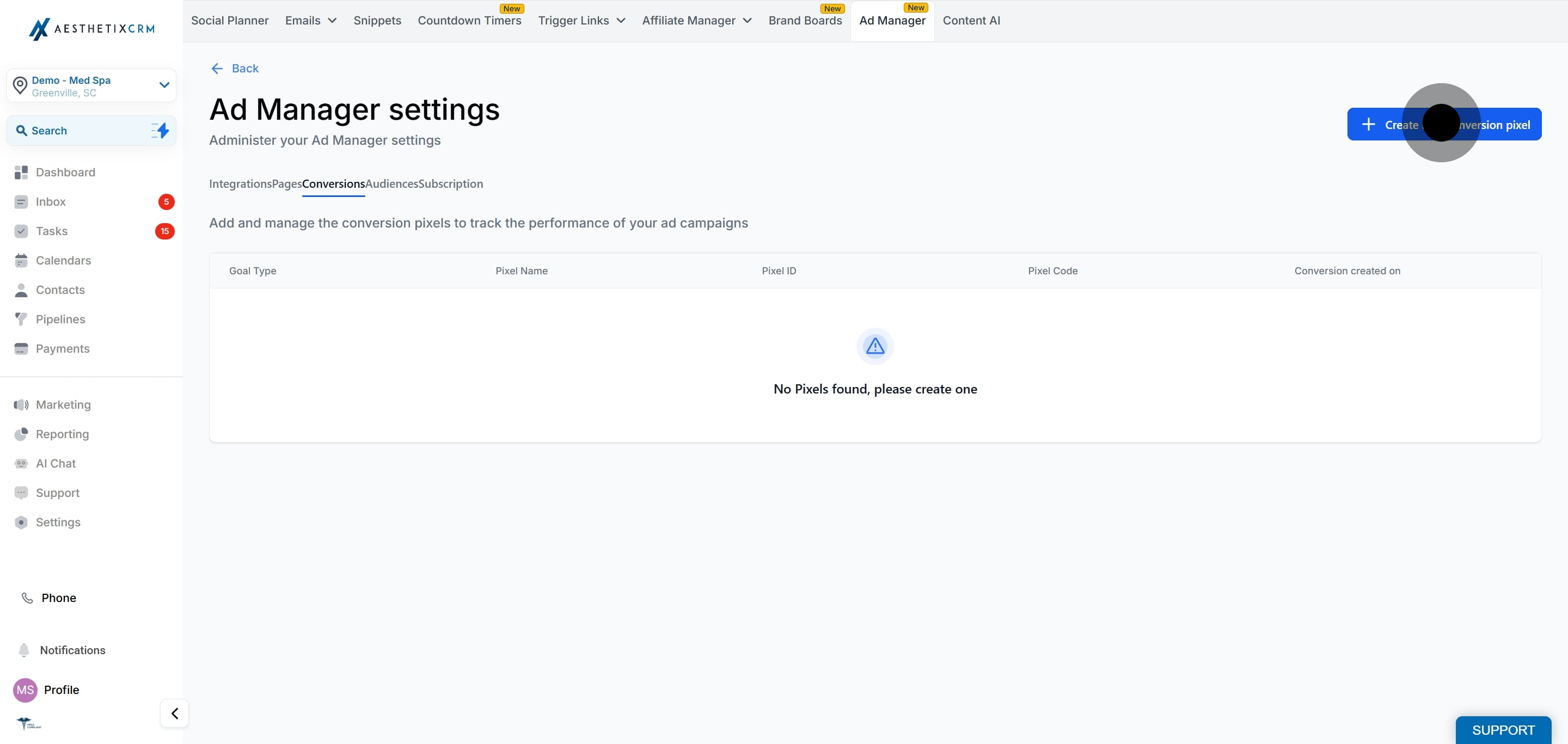
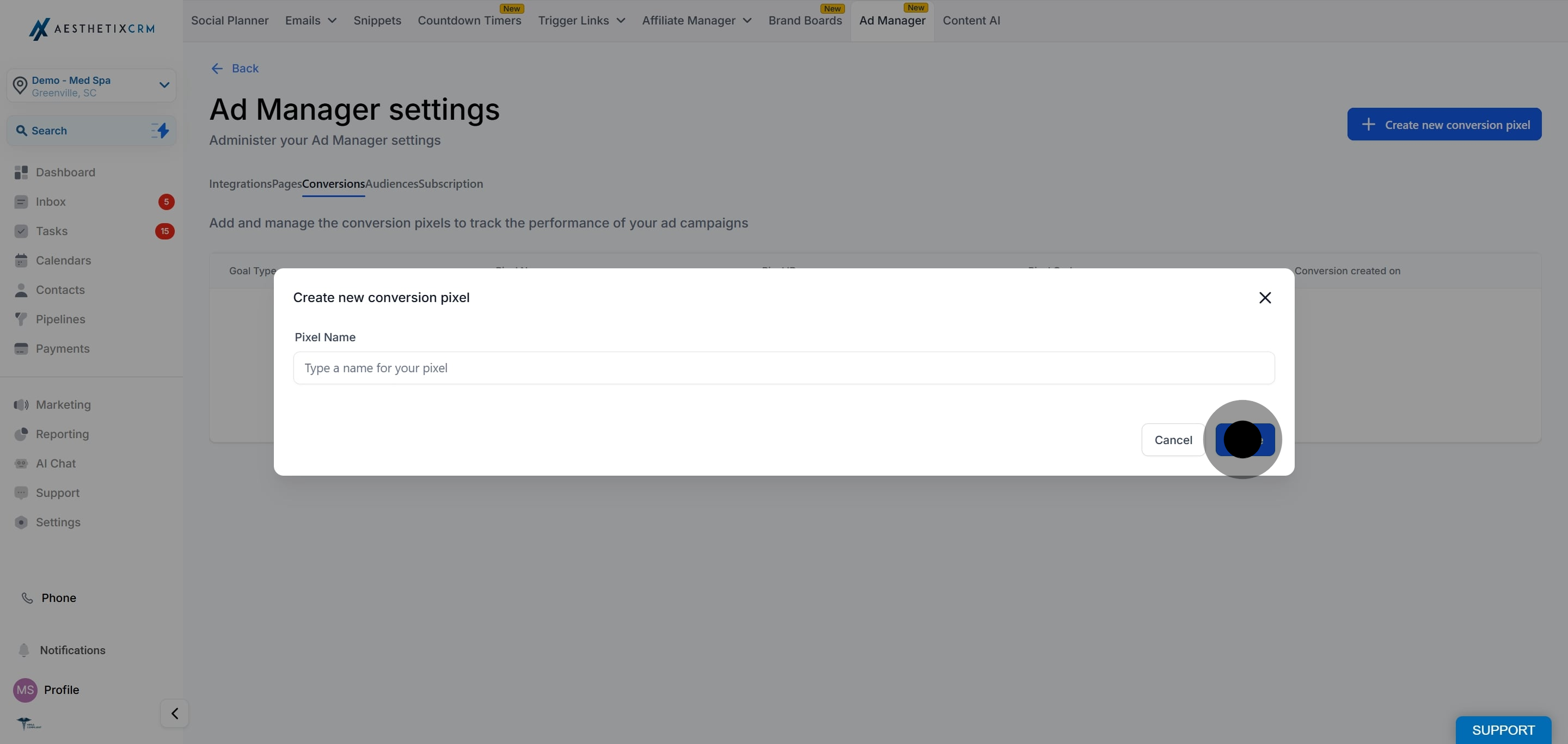
The Conversions tab is where you create your conversion pixel. The pixel tracks actions people take after clicking your ad. Currently one pixel can be created in Ad Manager, and it can be used for both Lead and Funnel events without restrictions from Facebook.
If you also use the Facebook Conversions API pixel inside your funnels, that is configured separately. See the Funnels collection for pixel usage in funnels, and see Workflows for the Facebook Conversions API trigger and action.
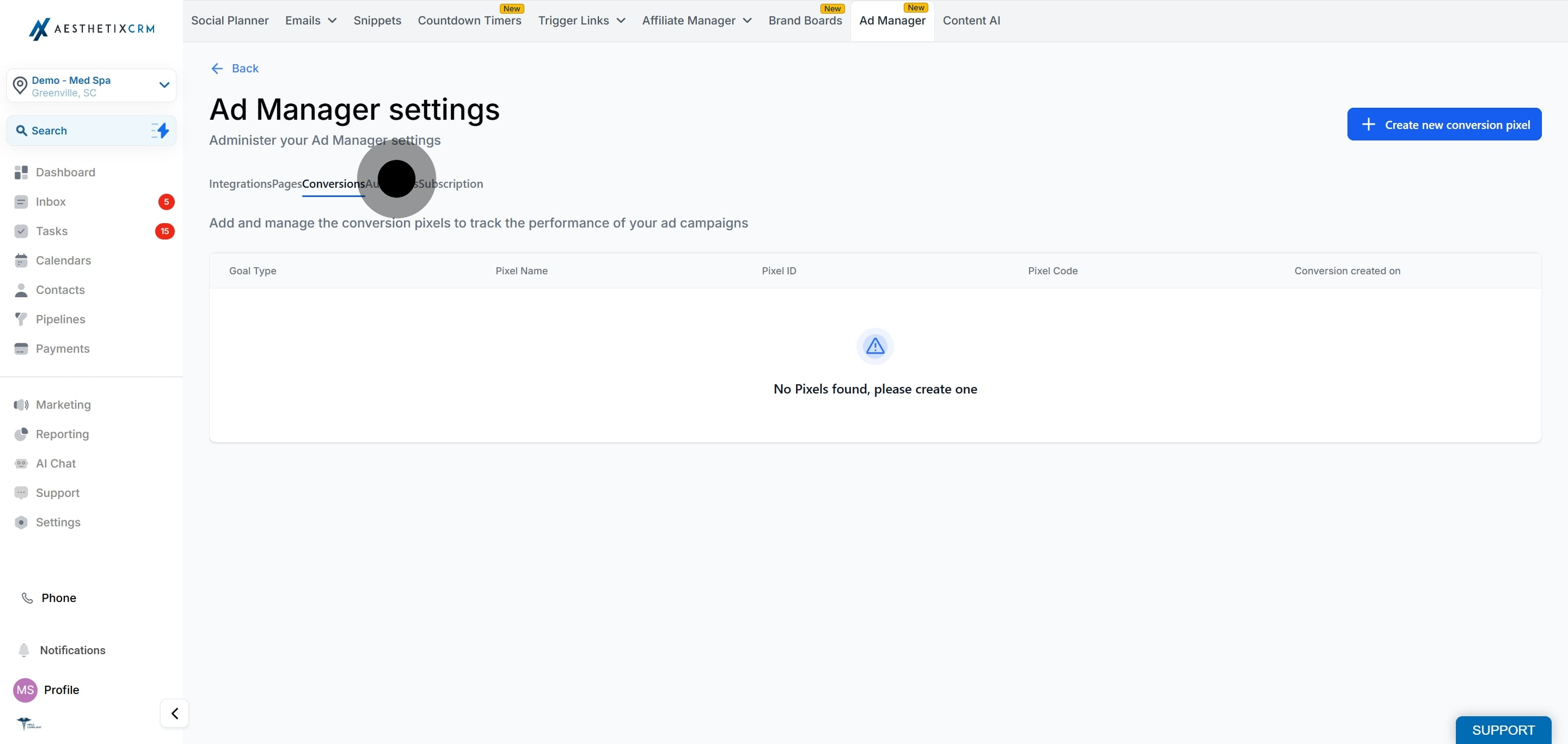
The Audience tab is where you build and manage the target audiences you can reuse across campaigns, such as custom audiences and lookalike audiences.
Important for patient privacy: If you build a custom audience or lookalike audience by uploading a patient contact list (emails or phone numbers), you are sharing patient contact data with the ad platform, which hashes and uses it for matching. Only do this with patient consent and in line with your practice's HIPAA policies. Never upload protected health information beyond basic contact identifiers, and never upload details about treatments, diagnoses, or appointments.
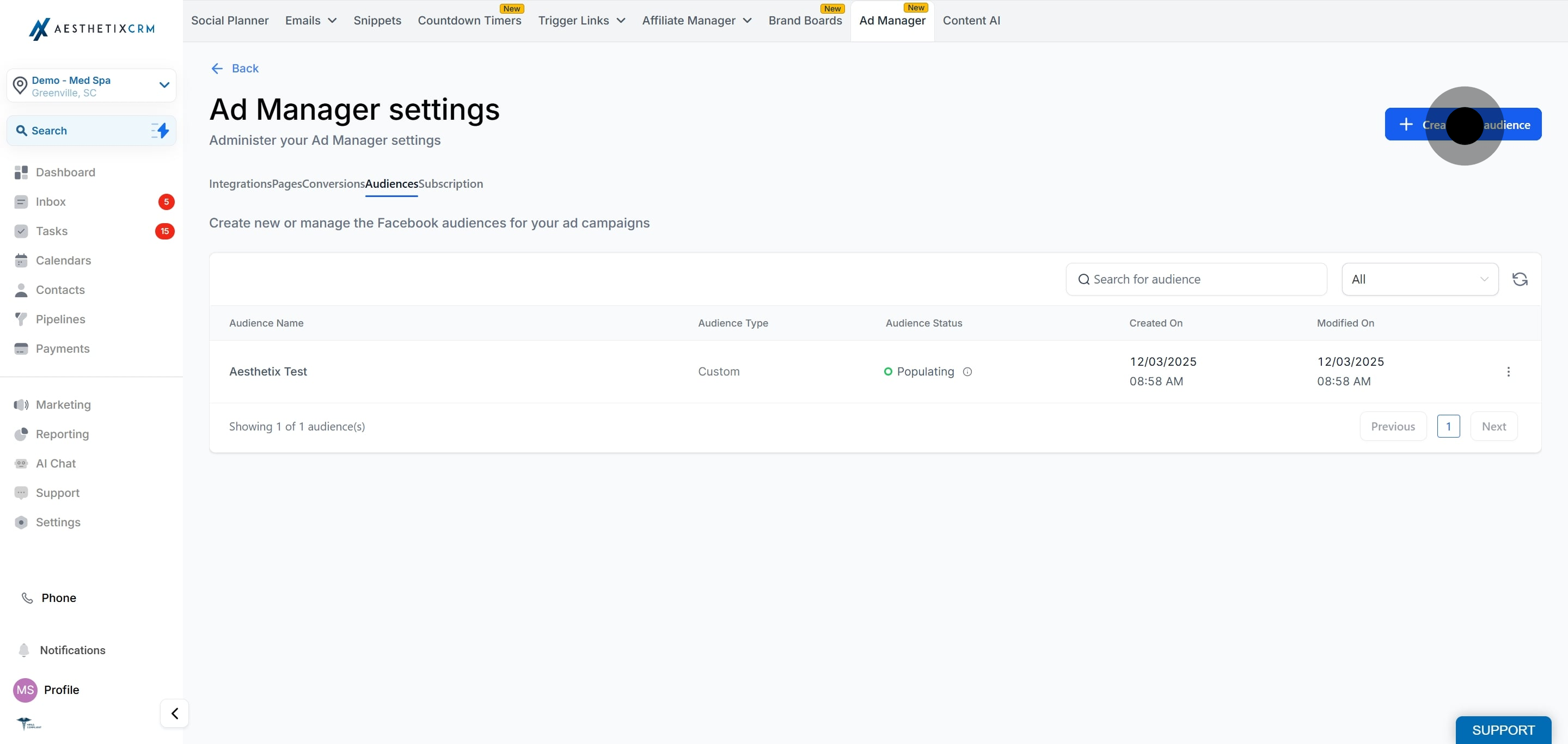
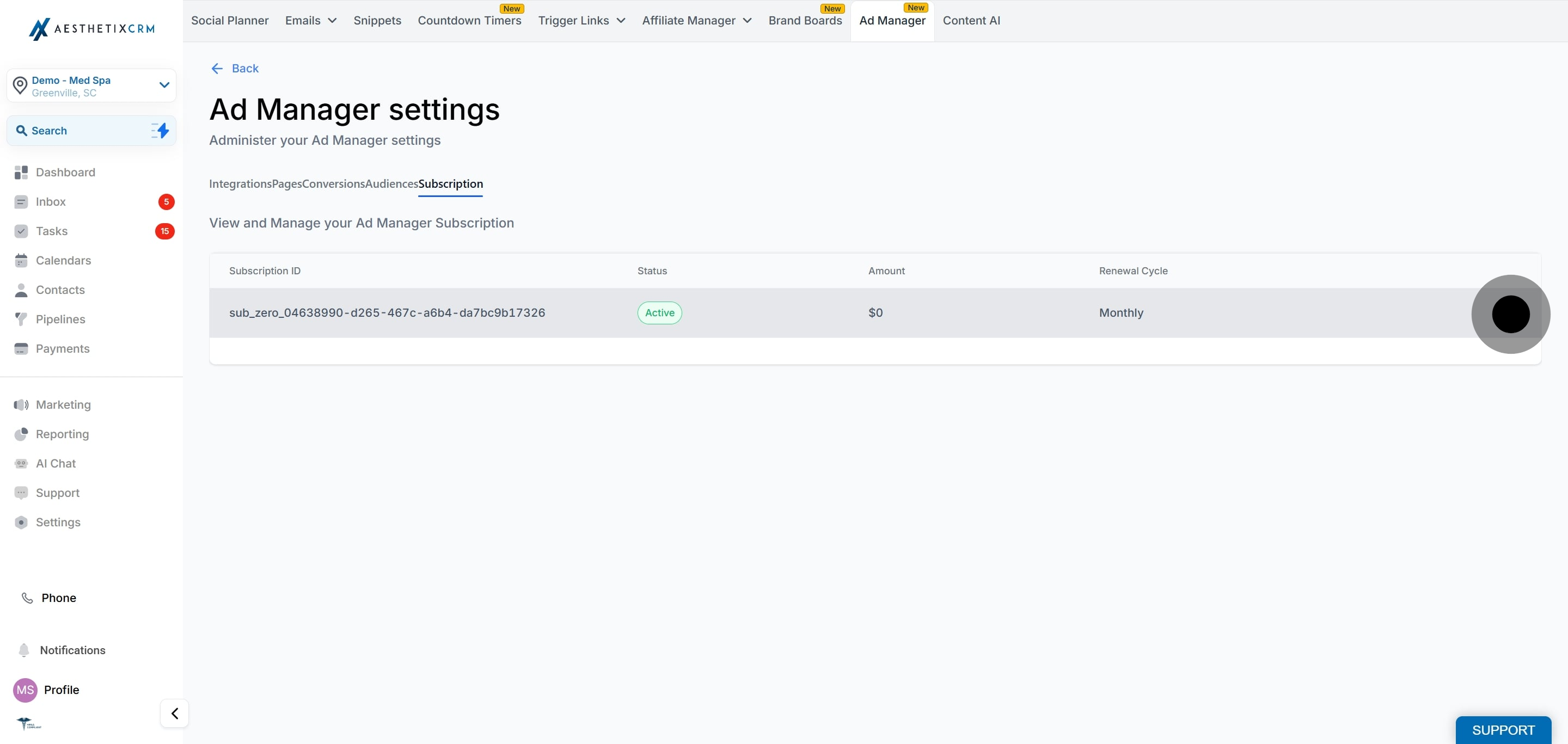
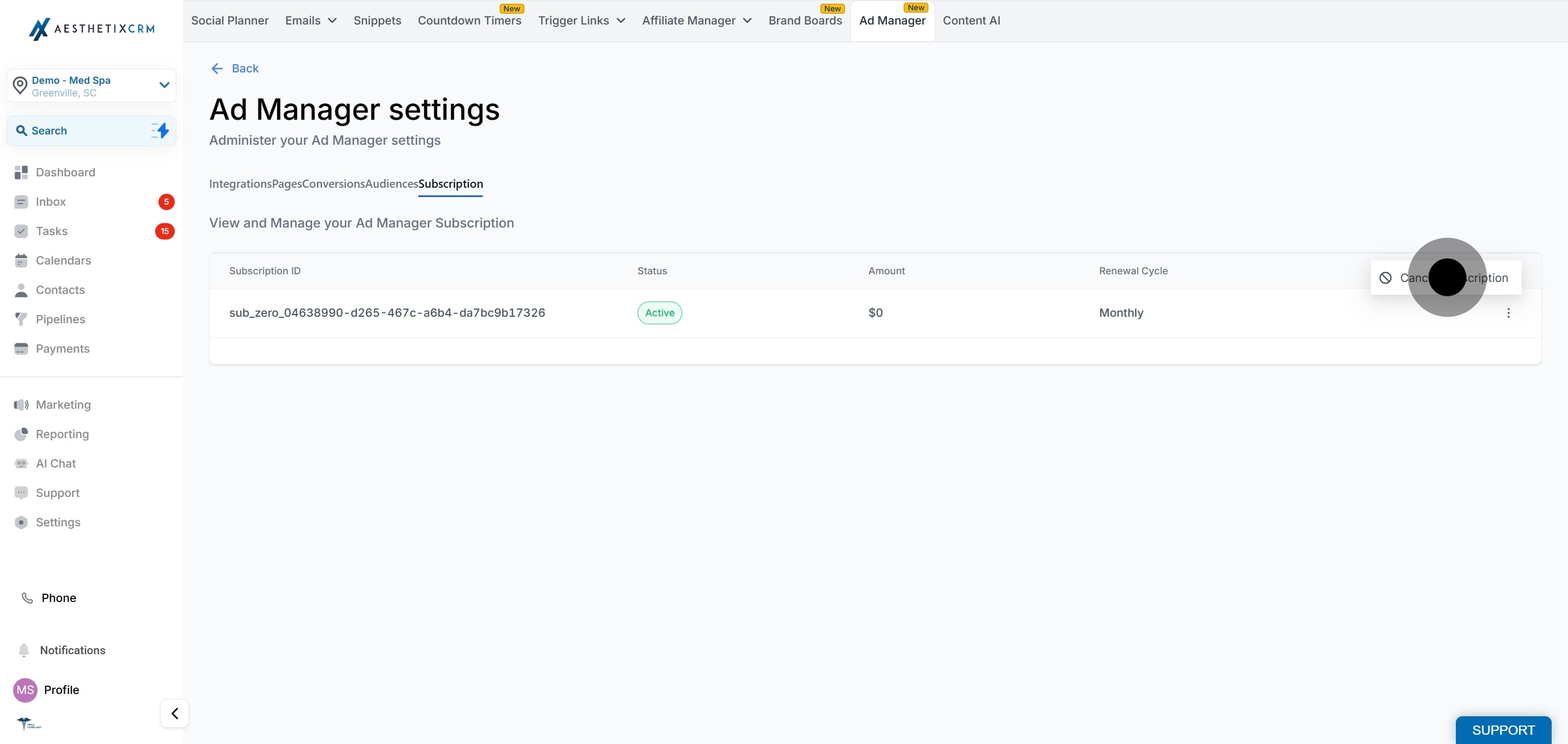
Note: Ad Manager is included with every Aesthetix CRM plan at no additional charge. There is no separate Ad Manager subscription to purchase or manage. You only pay the ad platforms (Facebook, Google, and so on) directly for your ad spend.
Open Ad Manager from Marketing.
Connect your Meta ad account under Integrations.
Connect your Facebook page or pages under Pages.
Create your conversion pixel under Conversions.
Build any custom or lookalike audiences you plan to reuse under Audience.
Create a campaign, choosing your platform, objective, audience, budget, and schedule.
Monitor performance metrics such as impressions, clicks, leads, conversions, and spend in the Statistics tab.
Account connection basics are also covered in the Integrations collection. Organic (non-paid) posting to Facebook, Instagram, and other networks is handled in the Social Media Planner, not Ad Manager. General cross-channel dashboards live in the Reporting collection.
Which platforms are supported in Ad Manager?
Ad Manager supports Meta (Facebook and Instagram), Google, LinkedIn, and TikTok. TikTok is used for lead-form capture.
How many ad accounts and pages can I connect?
You can connect a single Meta ad account and multiple Facebook pages. Support for additional ad accounts may come in future releases.
Why does a LeadConnector screen appear when I connect my account?
The connection is powered by our underlying advertising provider, so the LeadConnector consent screen is expected. It is safe to approve so Ad Manager can manage your campaigns.
How many conversion pixels can I create?
Currently one pixel can be created in Ad Manager, and it can be used for both Lead and Funnel events without restrictions from Facebook.
What happens if I disconnect a Facebook page?
The page is delinked and no new ads can be published on it from Ad Manager. Ads already running on that page stay live on Facebook but can no longer be managed here. Reconnecting the page restores its campaign details in Ad Manager.
Can I upload a patient list to build a custom audience?
Yes, but do so only with patient consent and in line with your HIPAA policies. Uploading contact identifiers shares them with the ad platform, so never include treatment or health details.
Where do I see my campaign results?
All performance metrics are available in real time in the Statistics tab of Ad Manager. See the "Ad Campaign Statistics" guide for details.
Do I still pay the ad platforms directly for ad spend?
Yes. Your ad budget is charged to the payment method on your connected Meta ad account. Ad Manager is where you build and manage the campaigns.
