Ad Manager lets you build and launch Meta (Facebook and Instagram) ad campaigns without leaving Aesthetix CRM. You select a goal, define your audience and budget, add your creative, and publish, all from one streamlined interface that mirrors Meta's structure while simplifying the common steps. Campaigns you create here are sent to your connected Meta ad account and follow Meta's publishing and review policies.
This guide walks through creating a Meta campaign. TikTok, Google, and LinkedIn campaigns follow the same overall flow; select the network you want when you start.
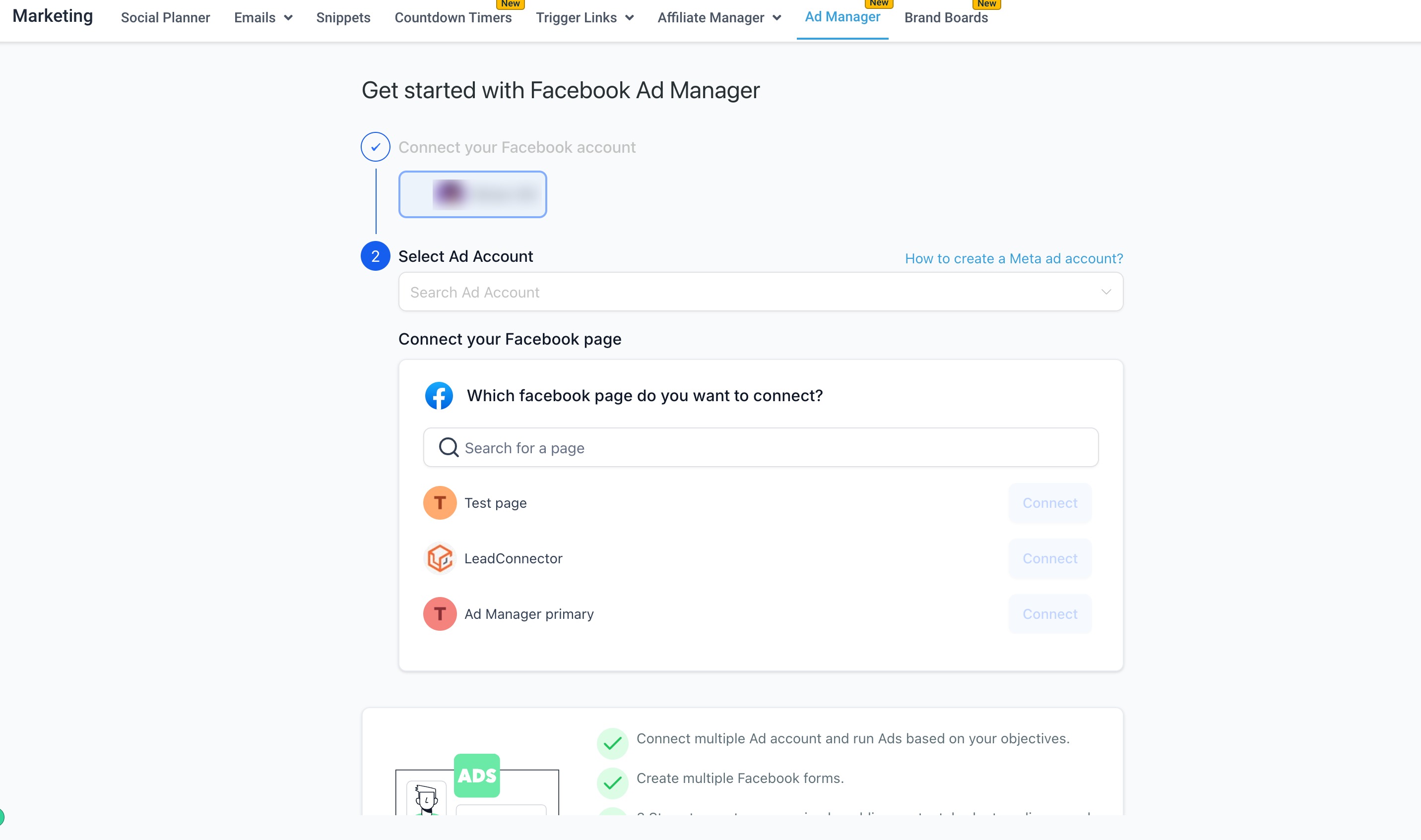
Before you begin, make sure your Meta integration is connected. In Ad Manager, connect your Meta ad account and one or more Facebook pages by logging into your Facebook account. During login you may see a consent screen that mentions LeadConnector; this is our underlying advertising provider and is expected and safe to approve. Ad Manager allows connecting multiple Facebook pages and a single ad account. See the "Overview of Ad Manager" guide for connection details.
Meta campaigns in Ad Manager follow a three-level hierarchy: Campaign, then Ad Set, then Ad.
When you create a campaign, Ad Manager automatically creates one ad set and one ad to get you started. You can add more at each level.
Limits:
Up to 10 ad sets per campaign
Up to 10 ads per ad set
You can publish, pause, duplicate, and edit at each level using the ellipsis (three dots) menus. Using this structure keeps testing and reporting clean, for example one ad set targeting past Botox patients and another targeting new local prospects.
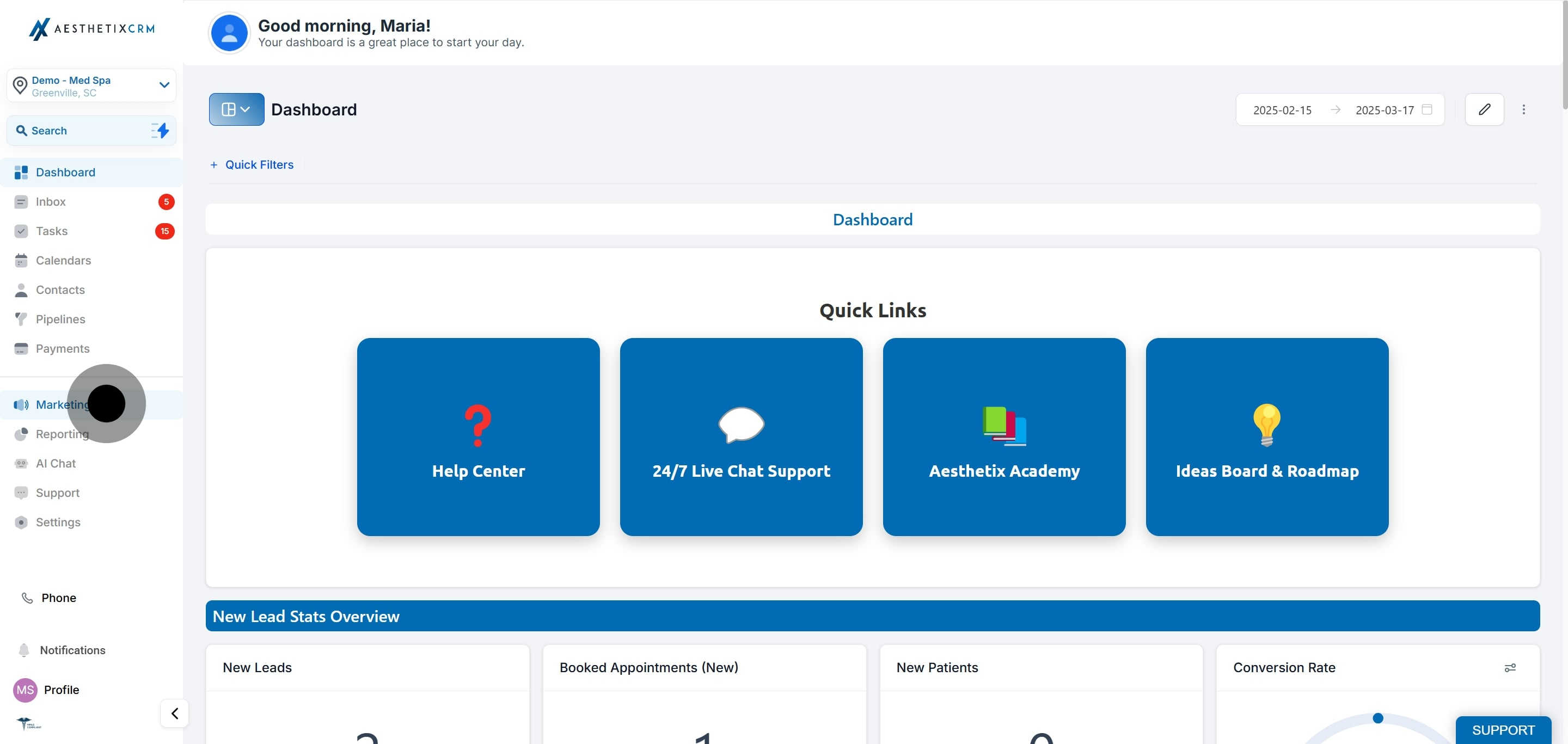
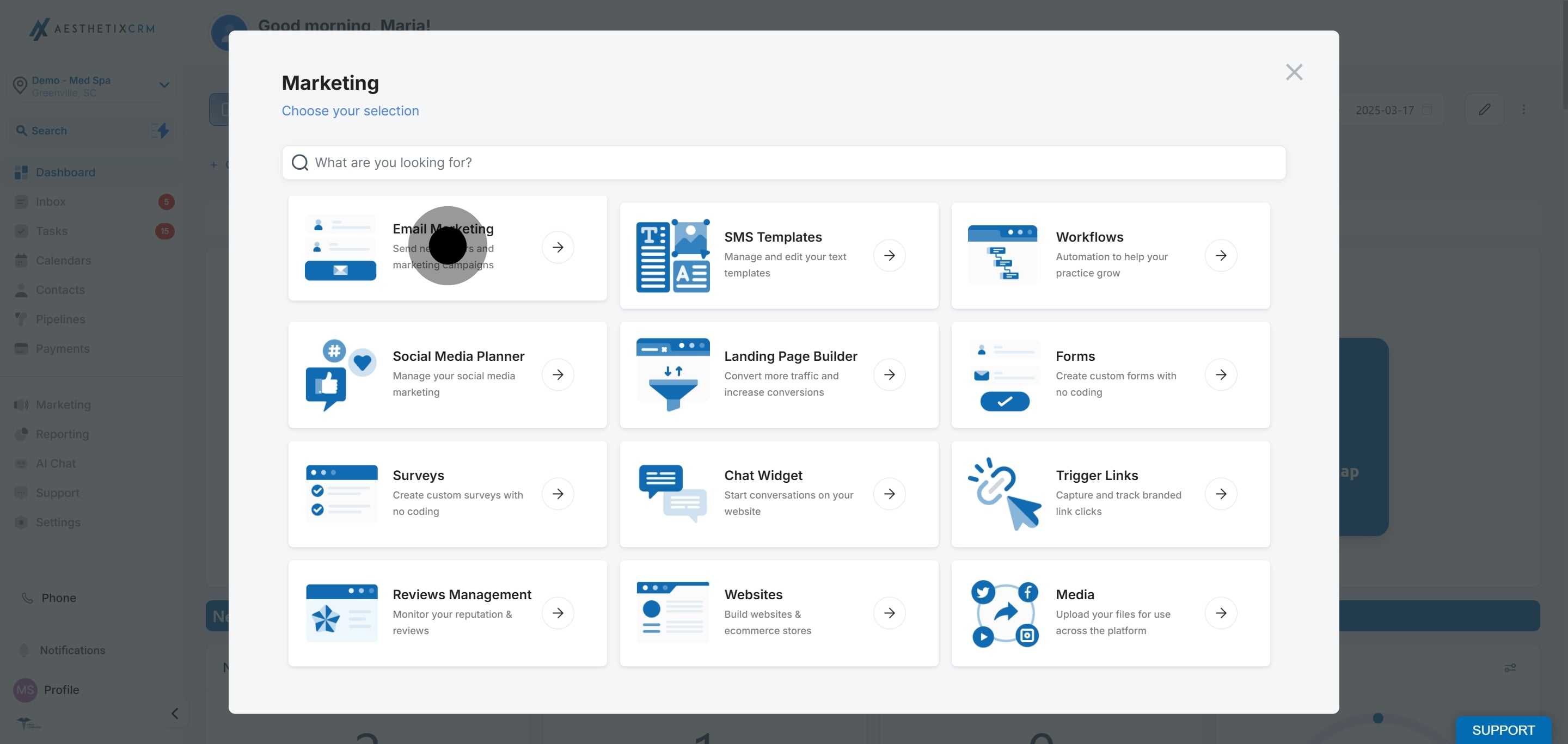
Go to Marketing and open Ad Manager.
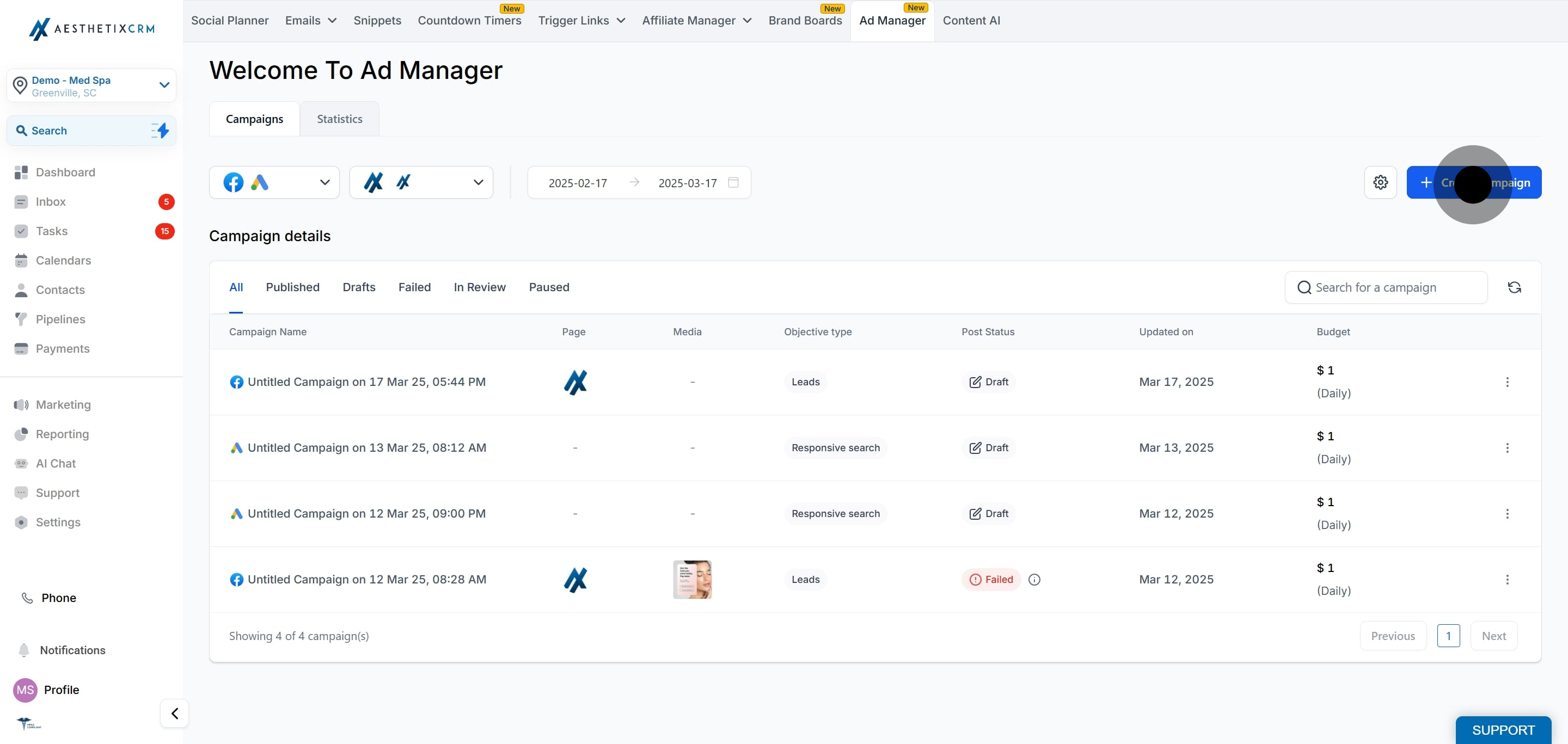
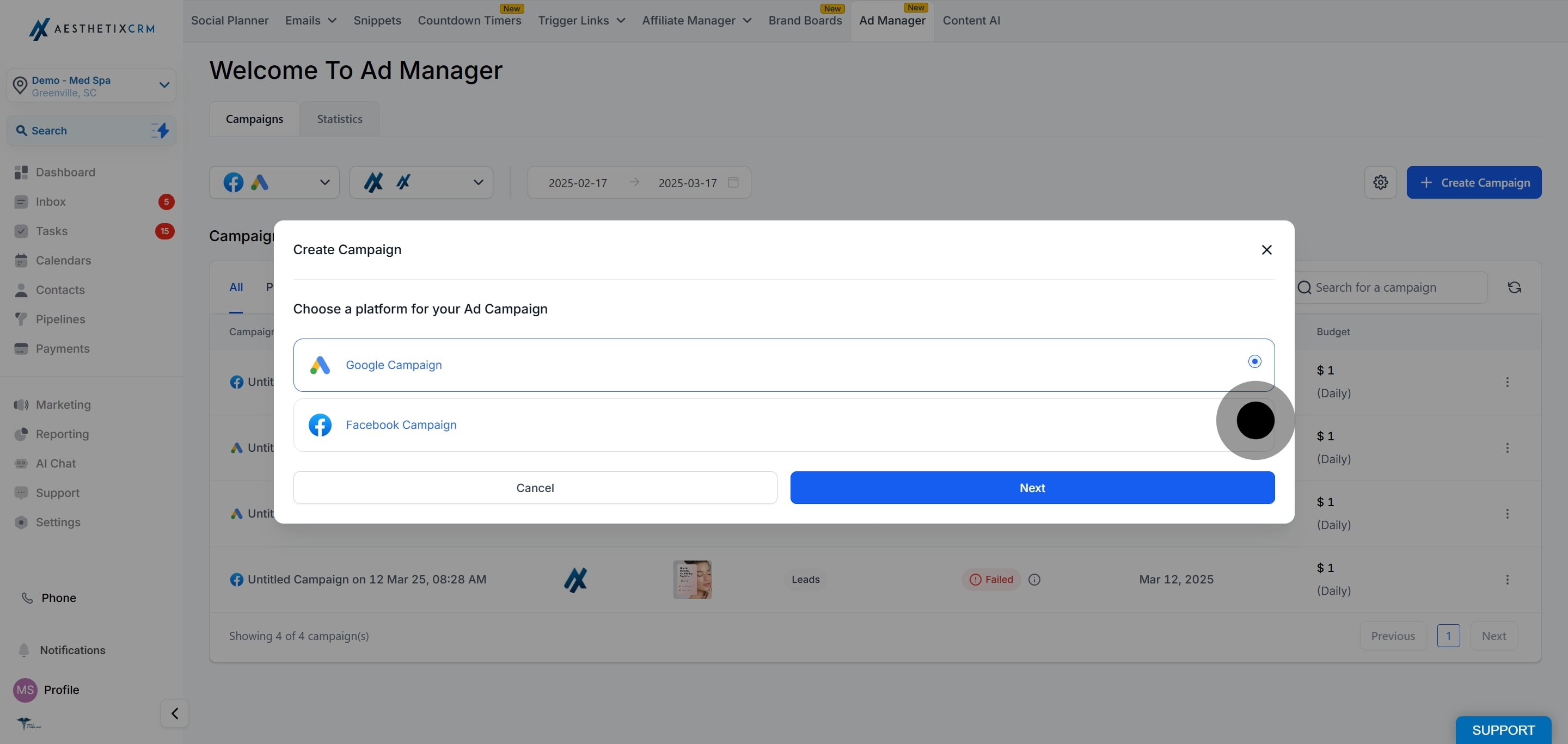
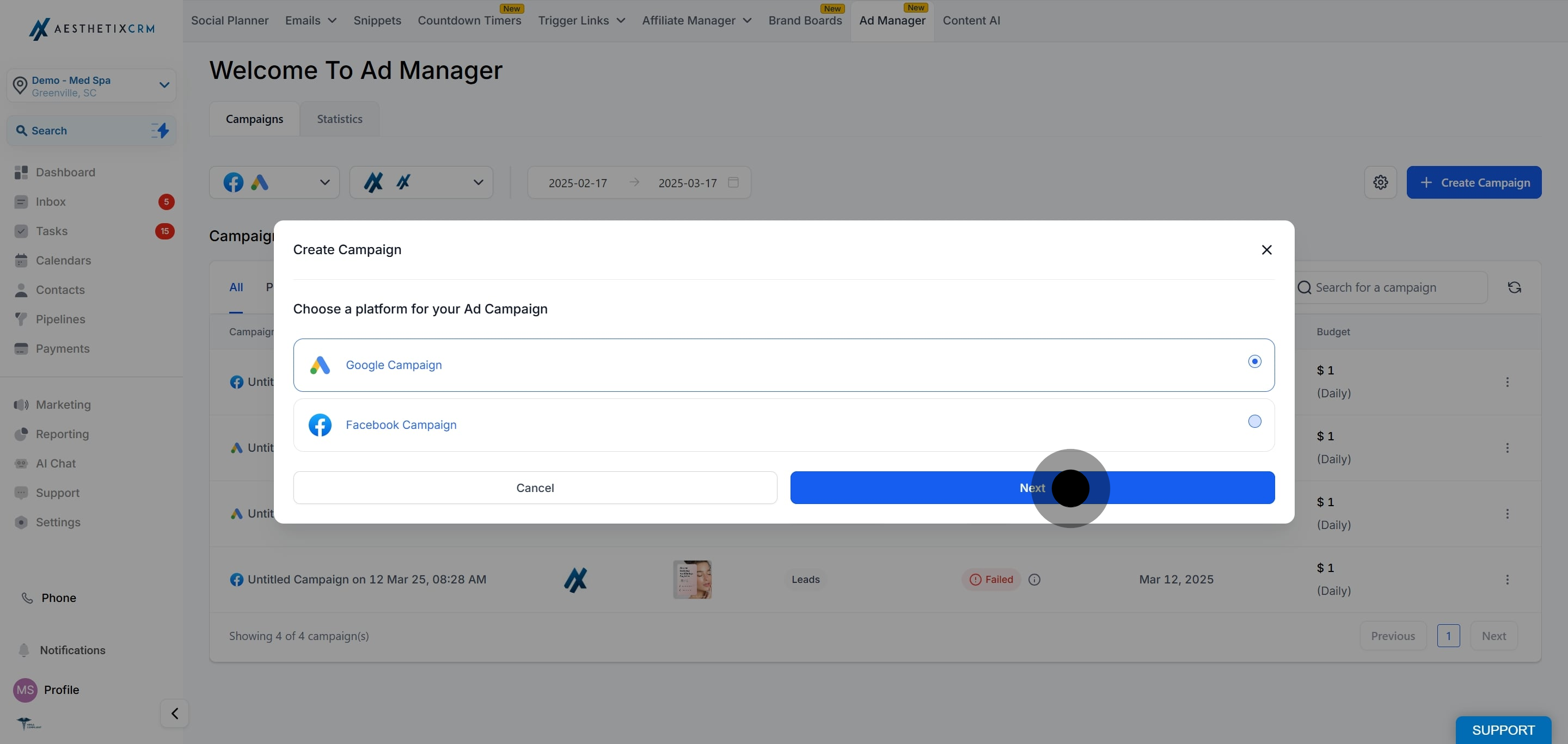
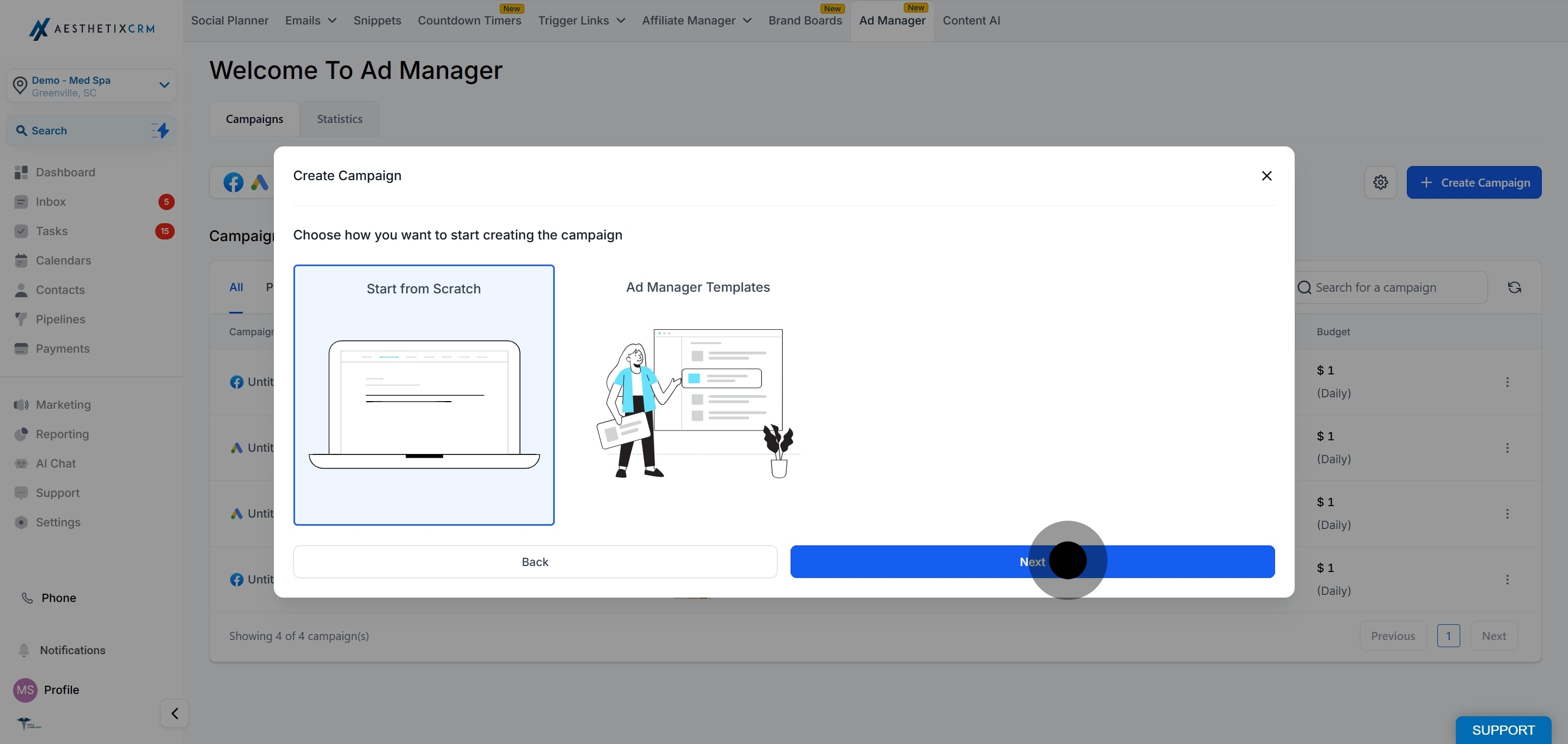
On this screen you can either start from scratch or use an Ad Manager template. To learn more about templates, see the "Campaign Templates" guide.
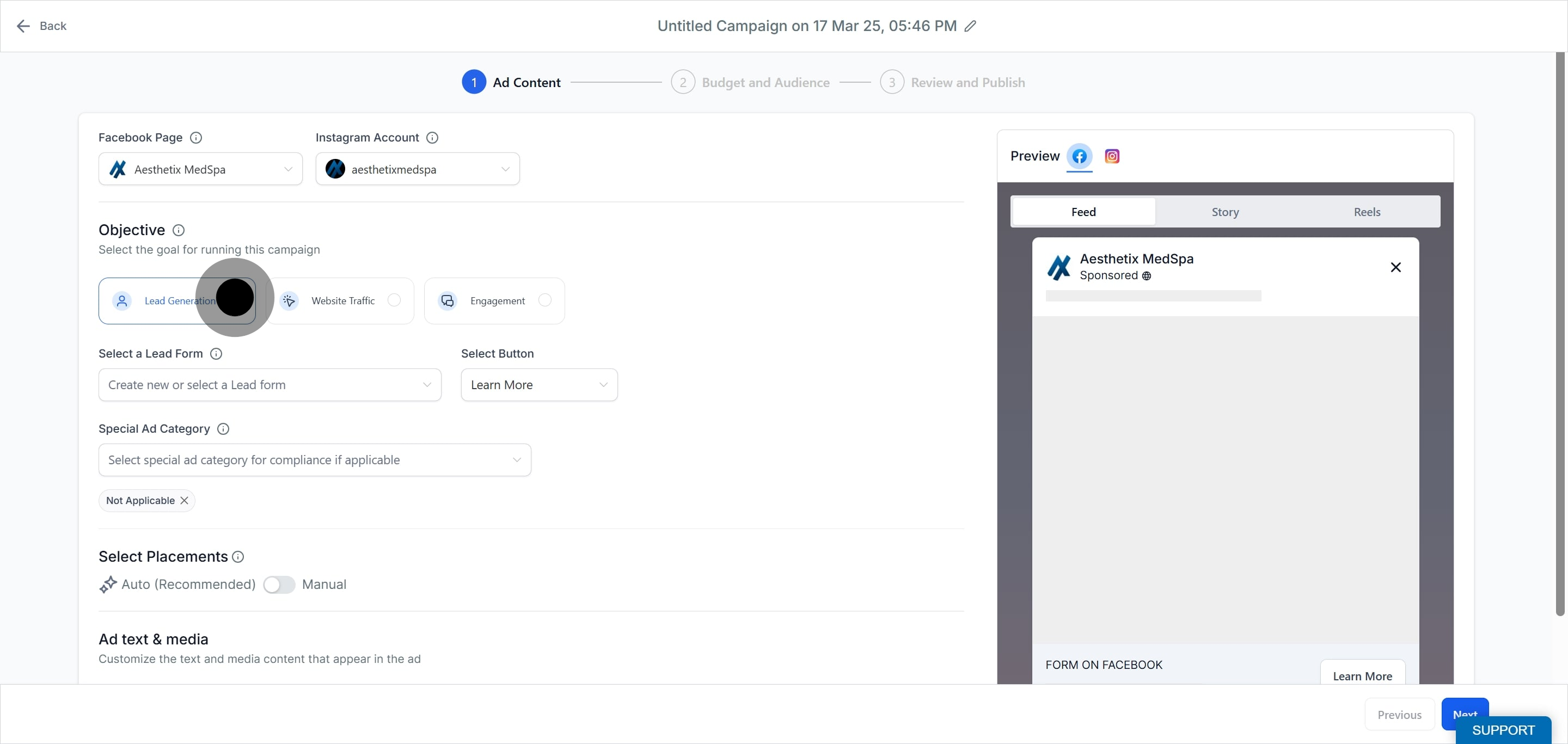
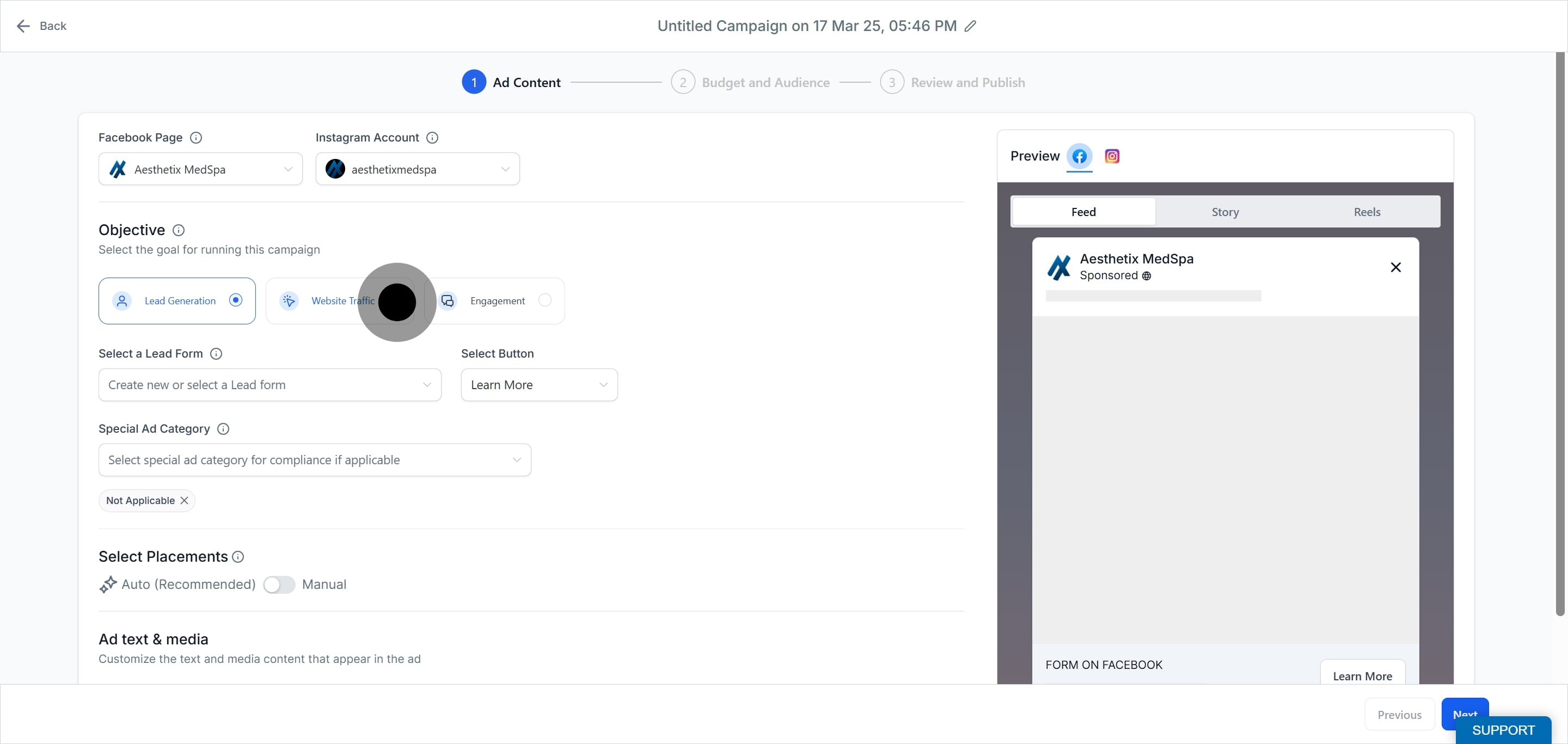
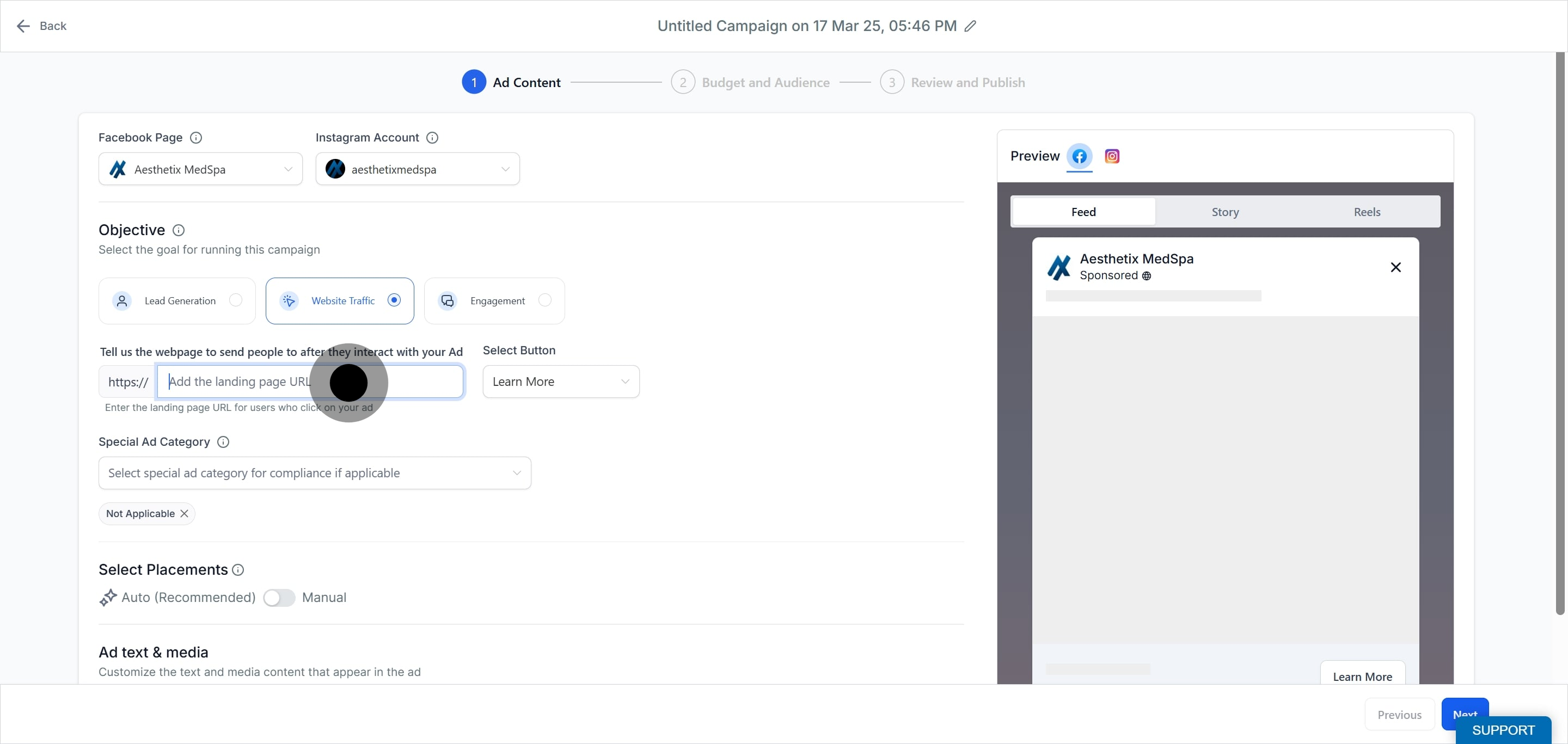
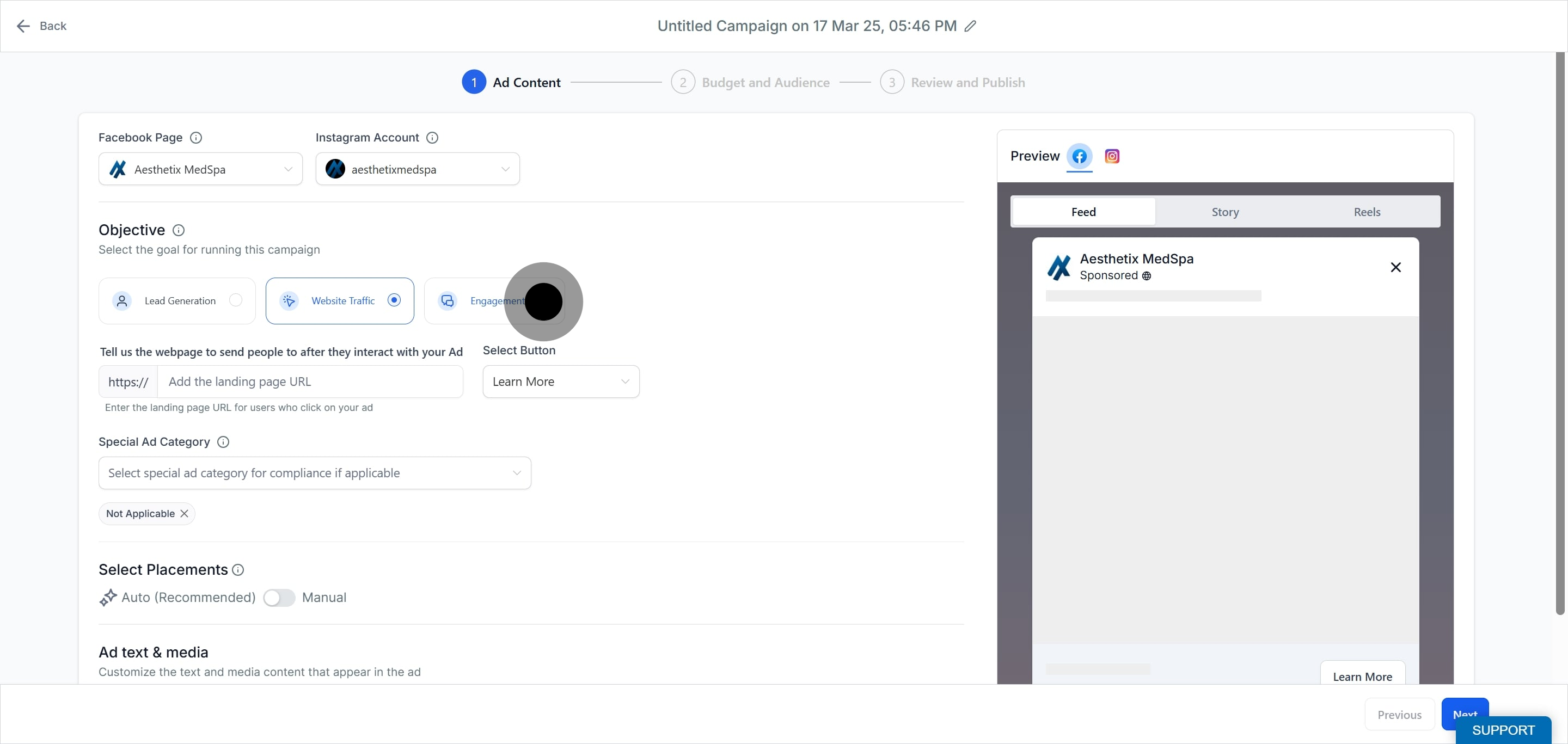
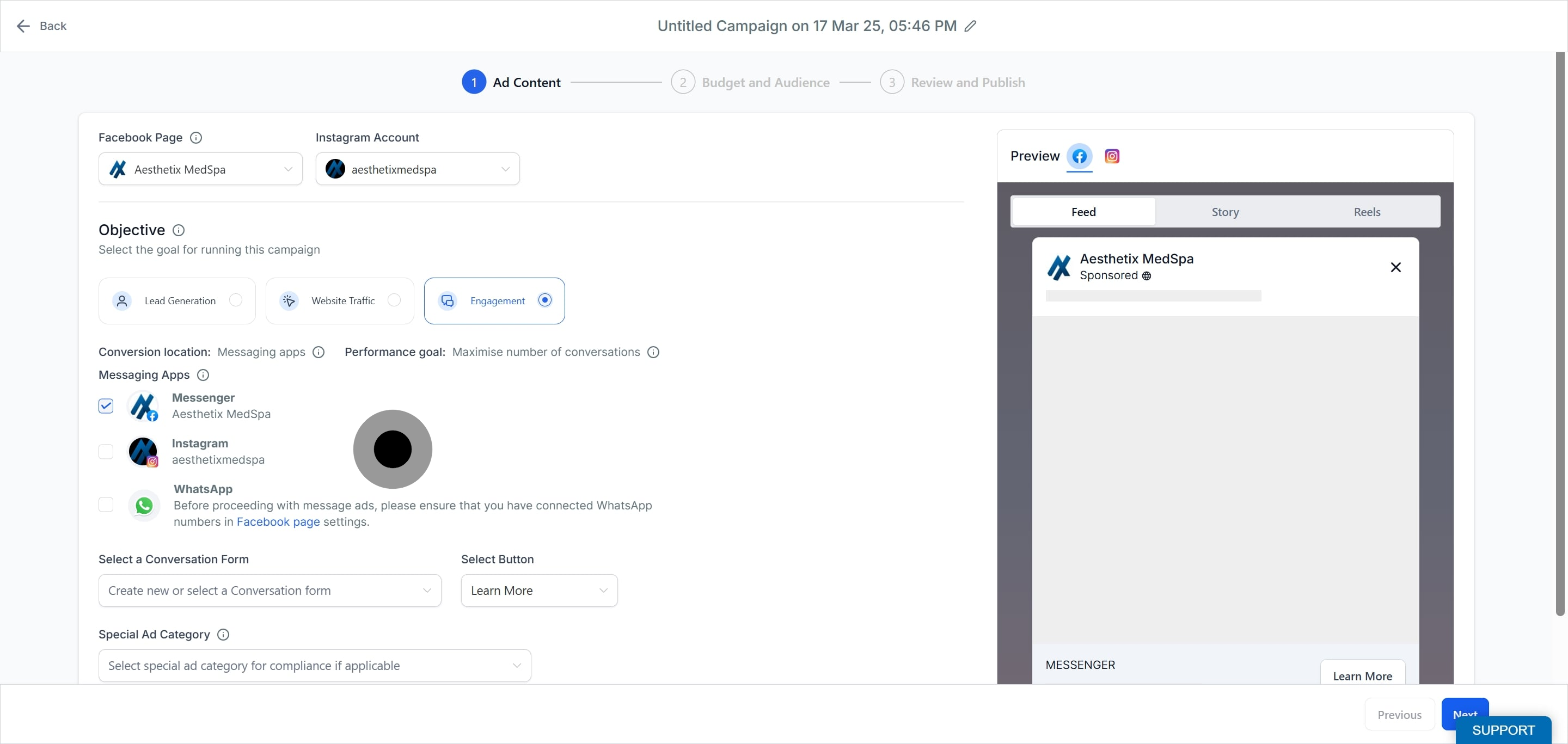
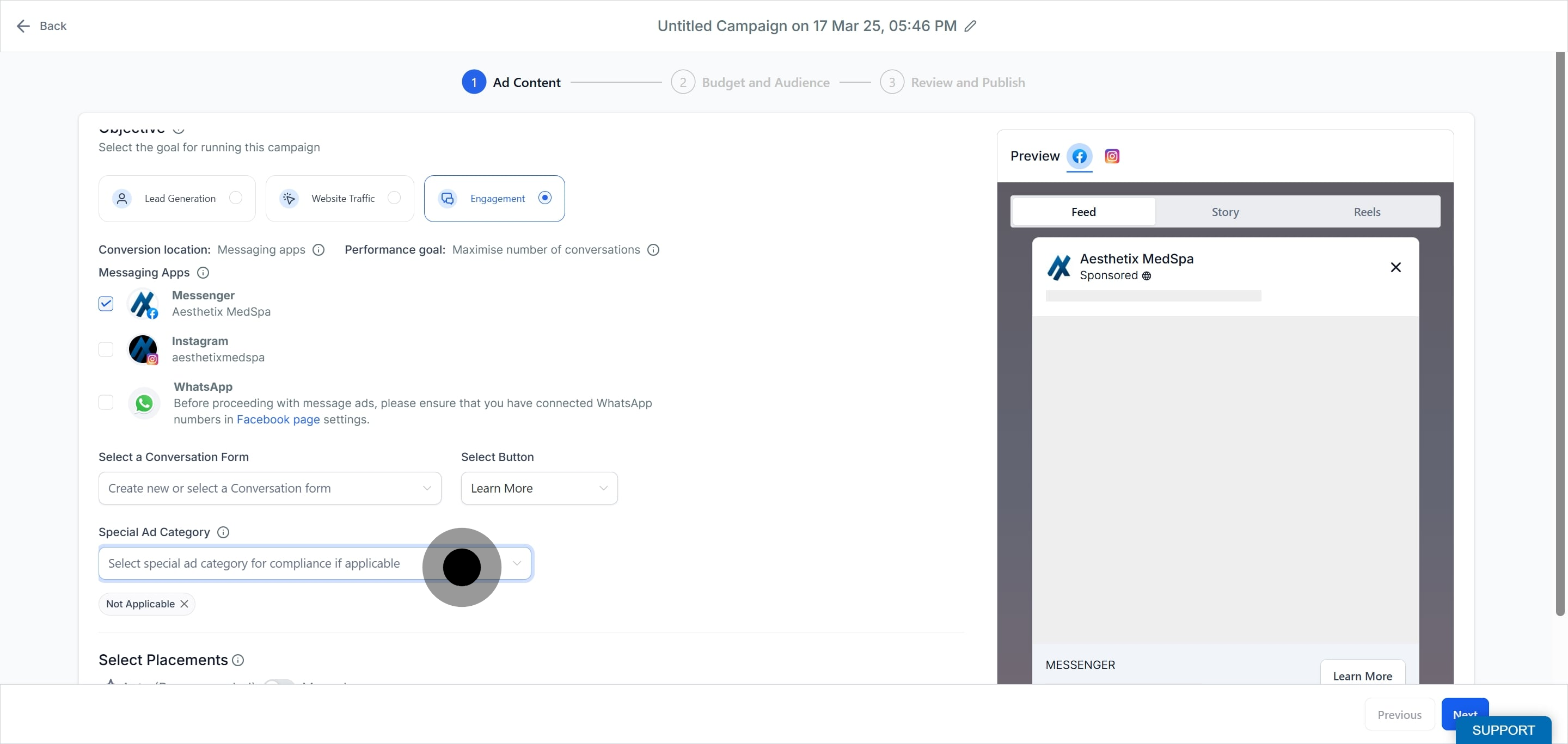
Your objective is the goal you want the campaign to achieve. The controls that appear next depend on the objective you pick.
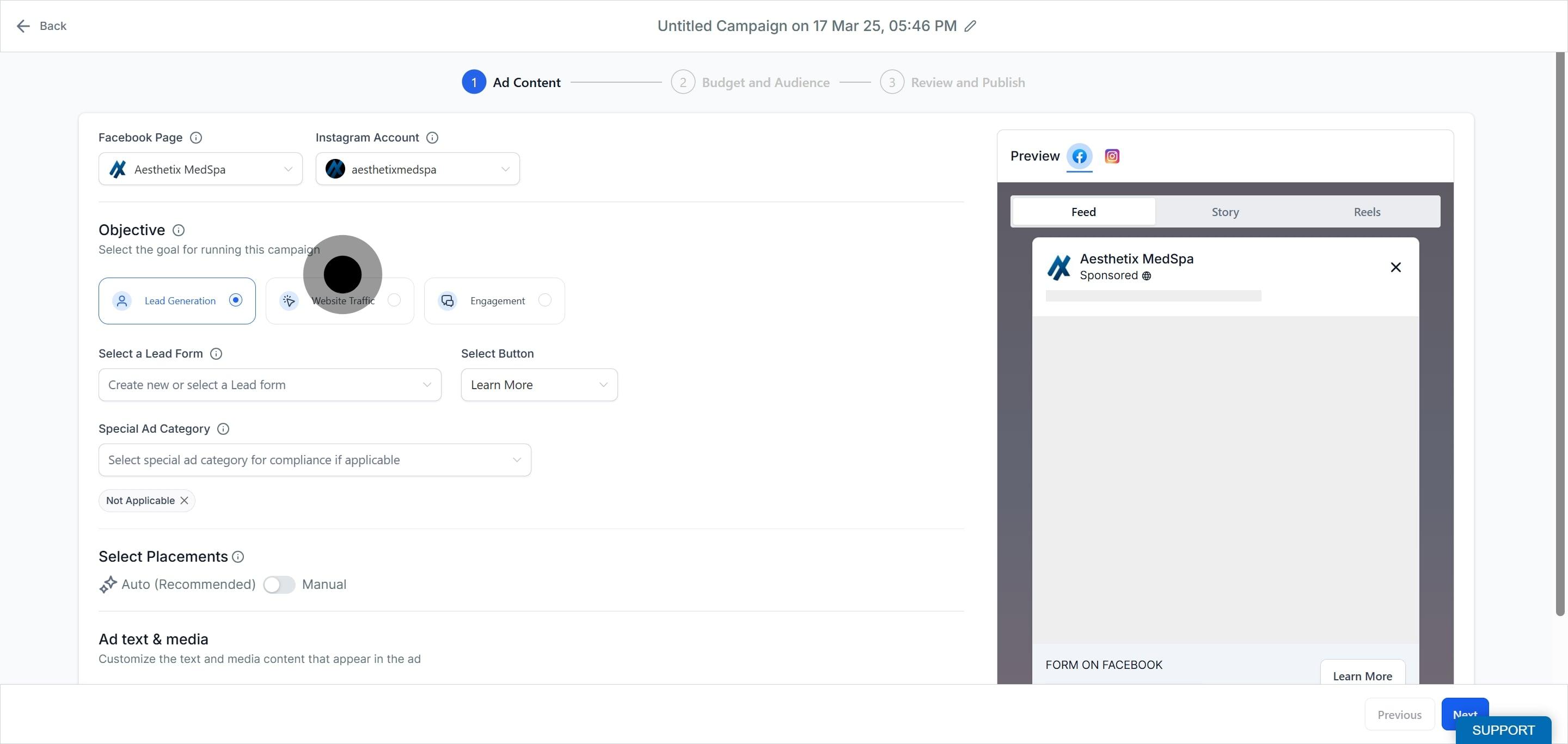
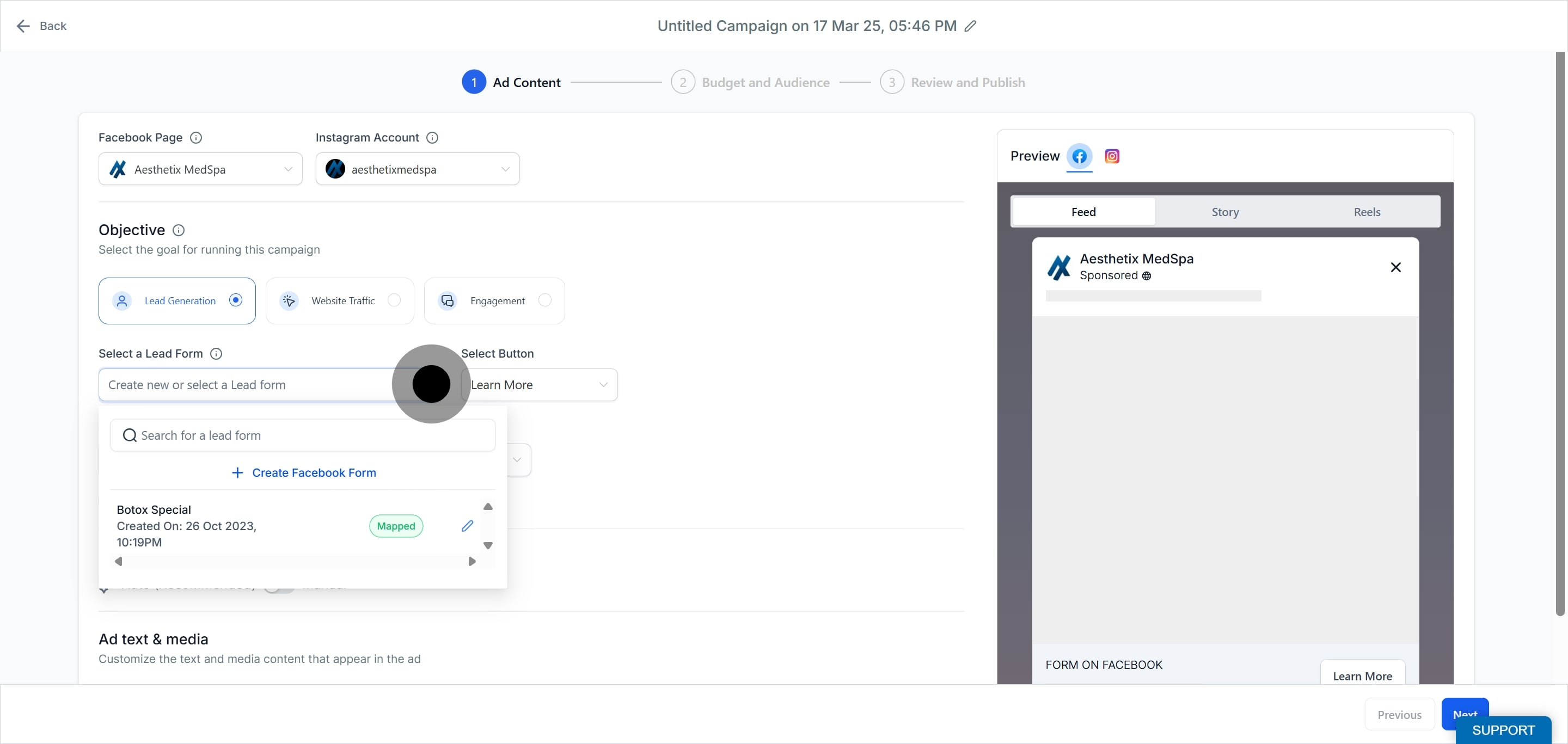
Lead Generation is achieved using a Facebook lead form. Choose an existing form or create a new one. For a med spa, this is ideal for capturing consultation requests directly from Facebook or Instagram. To learn how to build a form, see the "Create a Facebook Form in Ad Manager" guide.
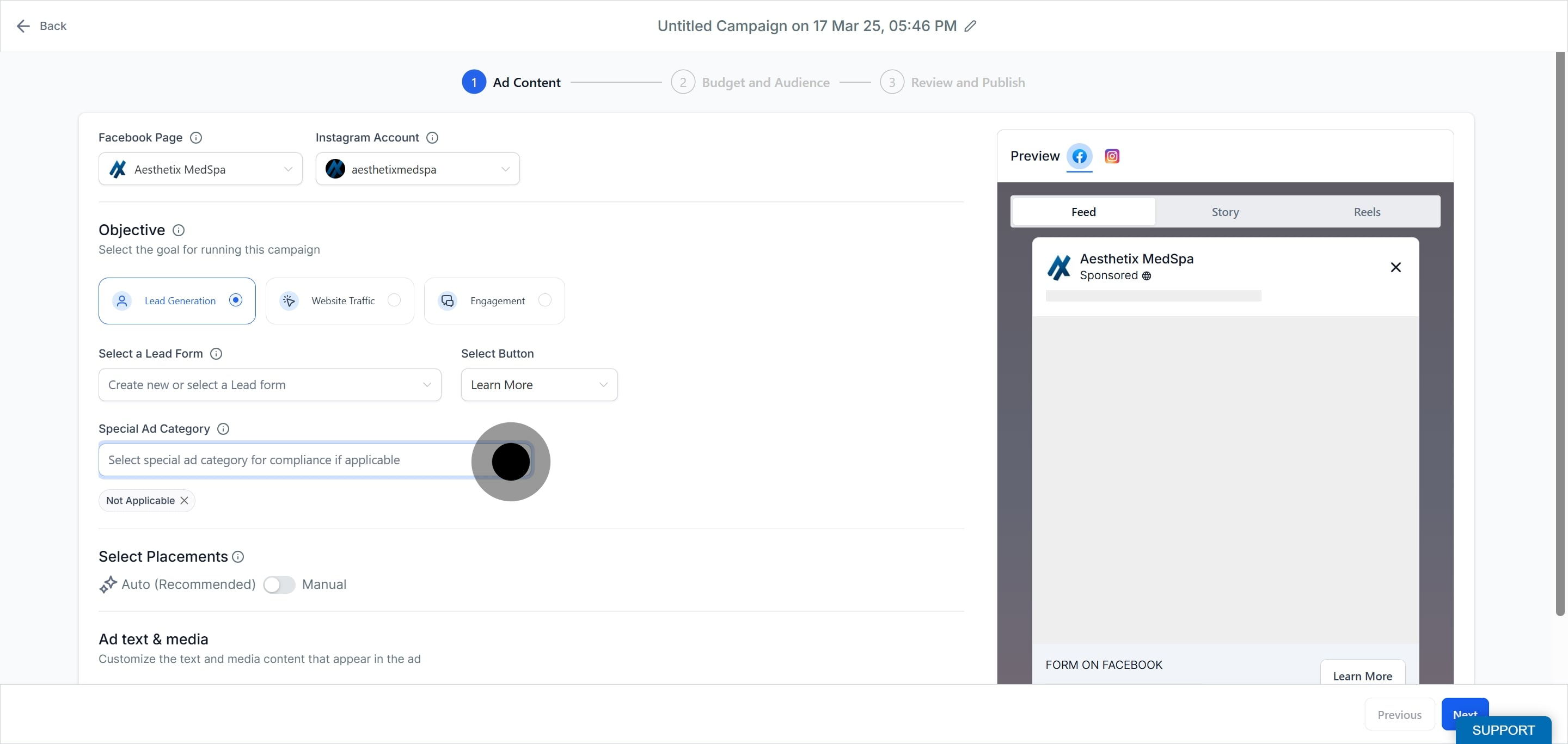
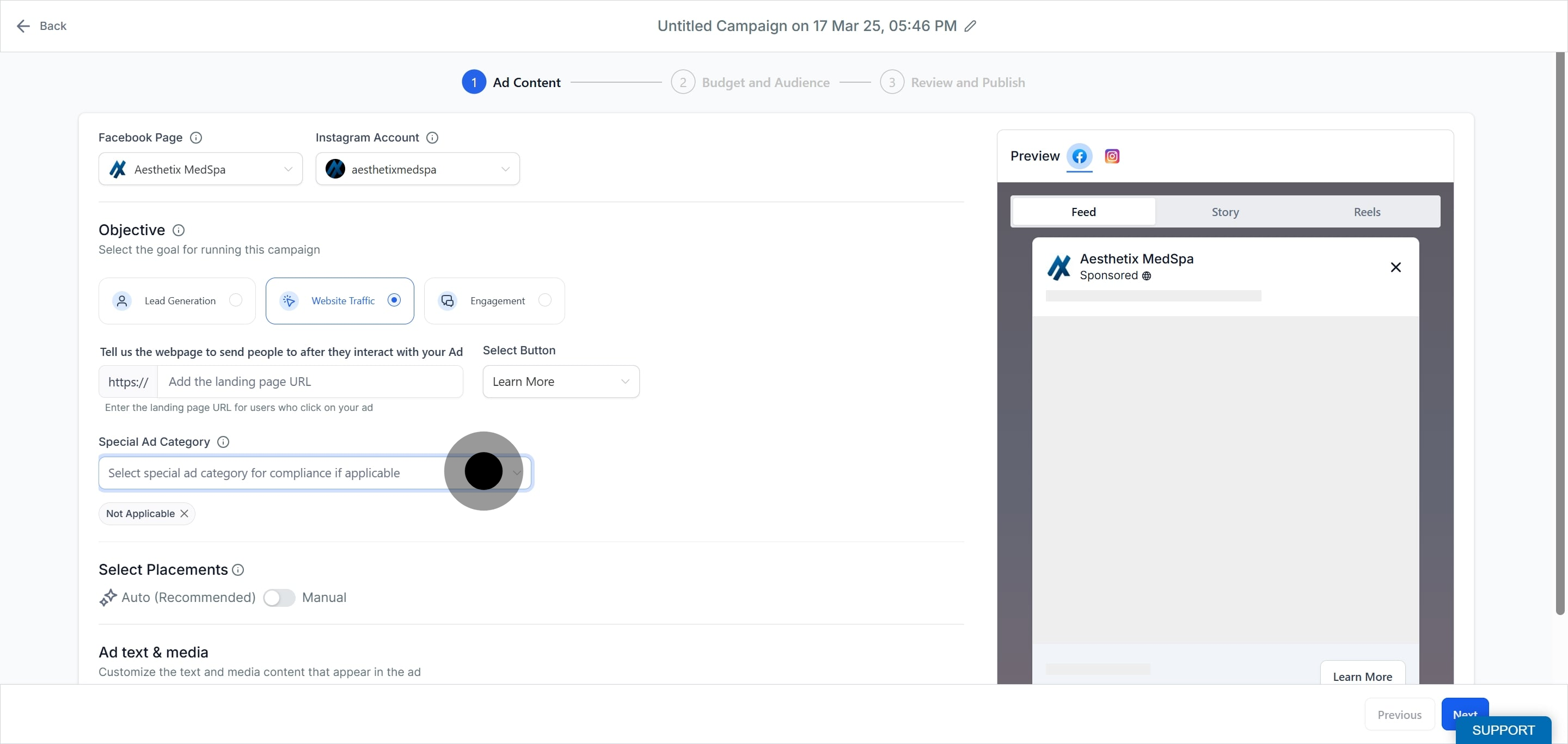
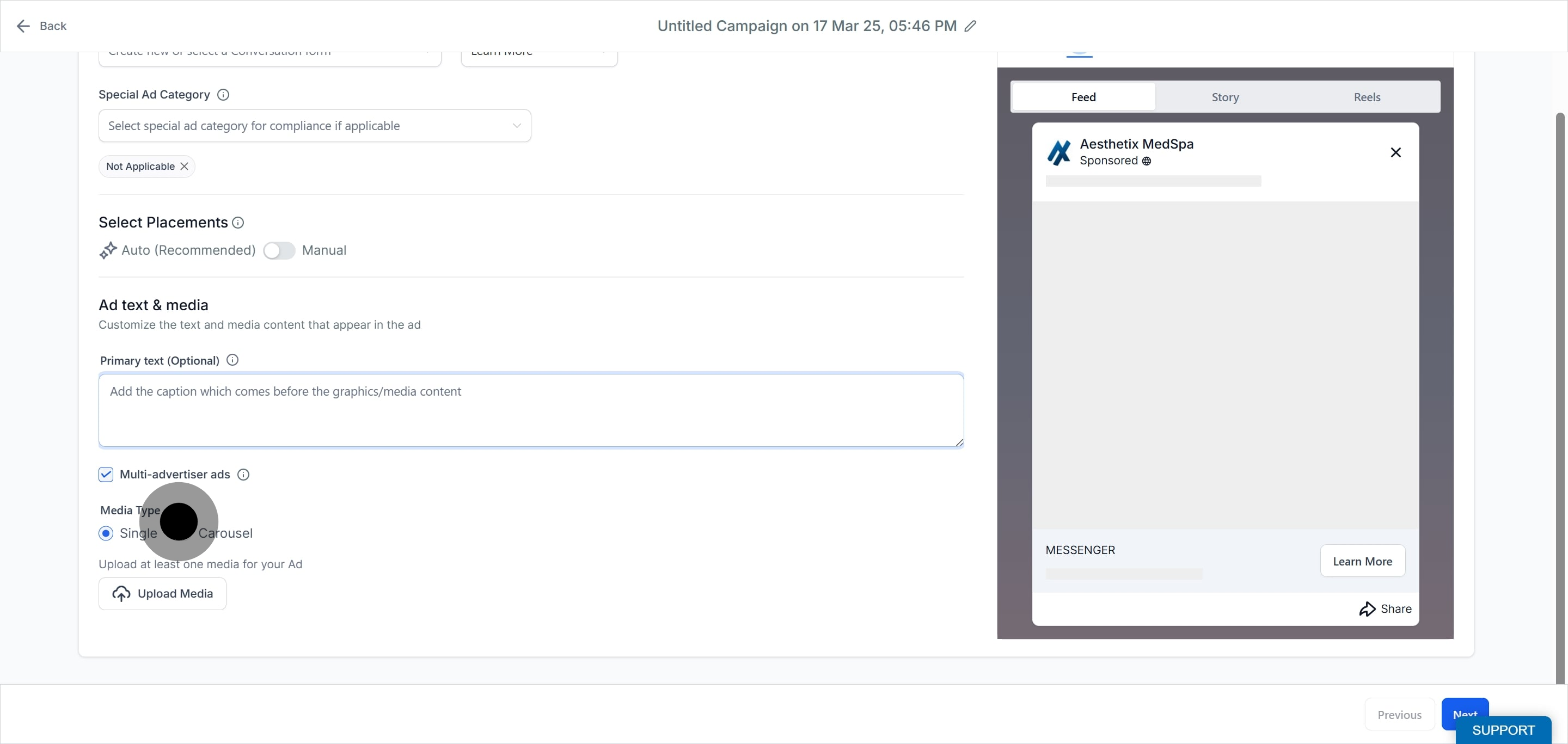
If your ad falls under a special category, select the appropriate category so your campaign complies with local laws and reviews smoothly. If it does not, select Not Applicable. Note that Special Ad Category ads have limited targeting: lookalike and saved audiences are not allowed, zip or postal codes are not allowed (selected locations include at least a 15 mile or 25 km radius), most detailed targeting options are unavailable, age defaults to 18 to 65+ and cannot be edited, and gender is set to all genders and cannot be edited.
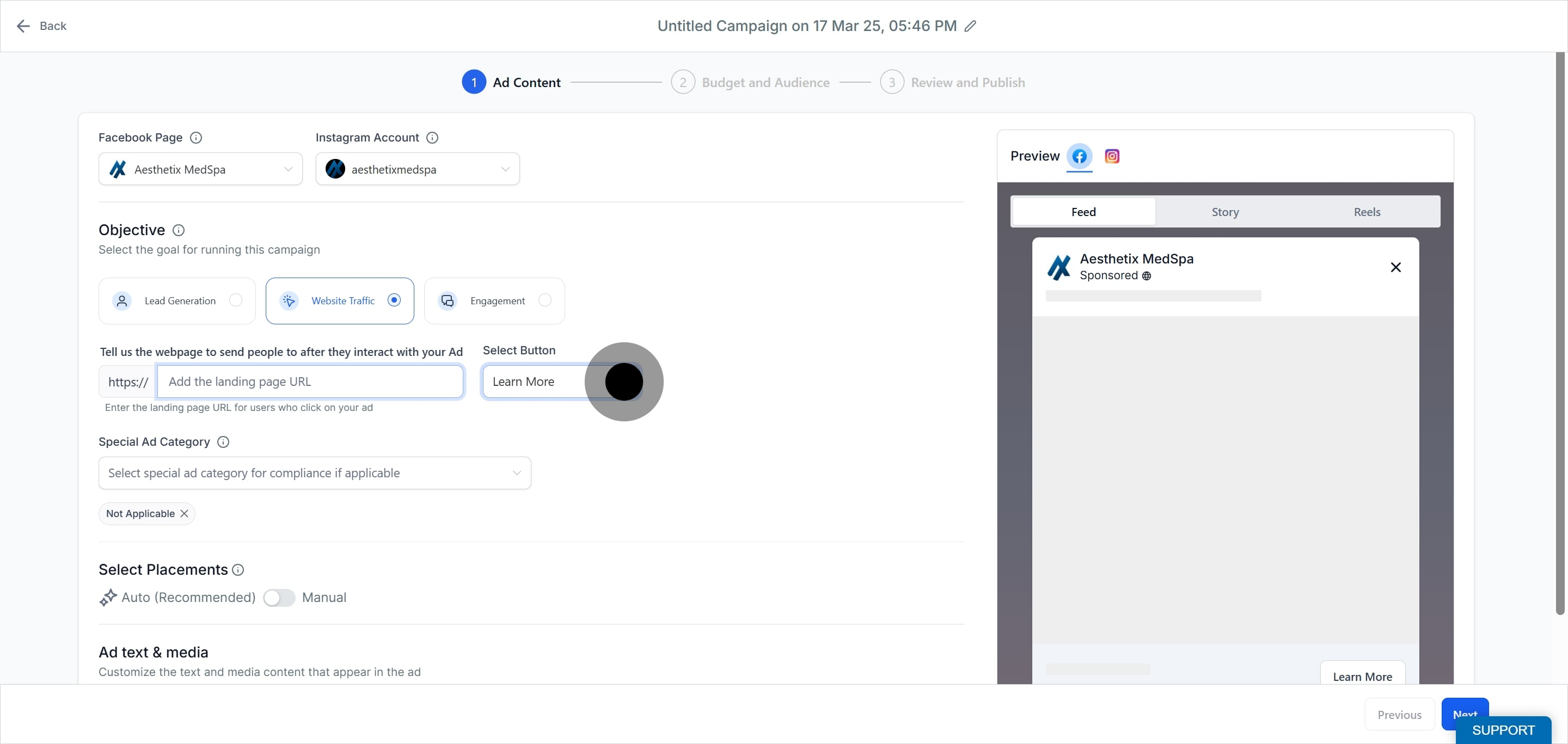
Choose Website Traffic to send people to a landing page, for example a page describing a seasonal filler special.
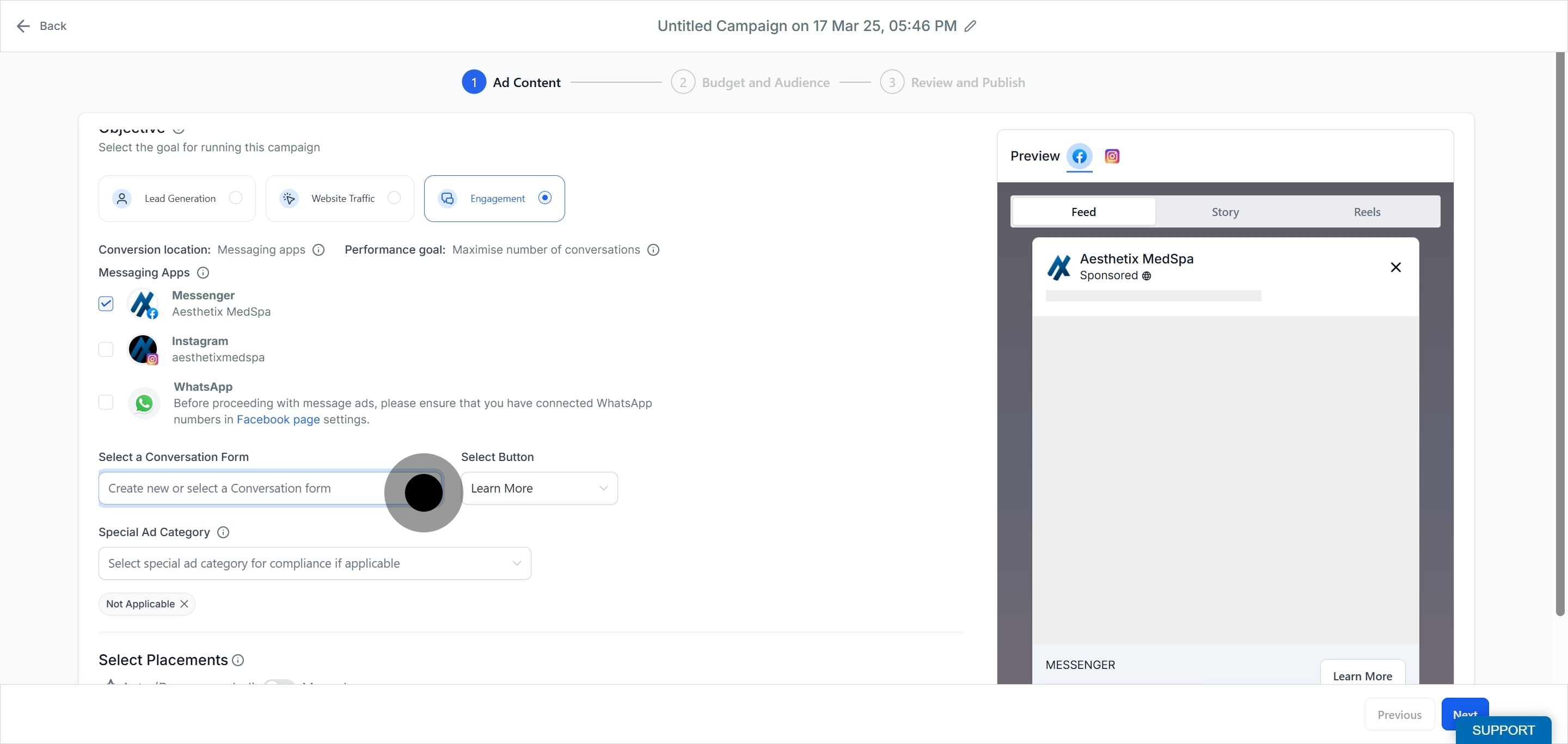
Choose Engagement to start conversations with prospective patients through messaging apps.
The ad set is where you name the group, choose your page and Instagram account, set placements, choose your budget, and control your audience. You can add up to 10 ad sets per campaign.
Give the ad set a name.
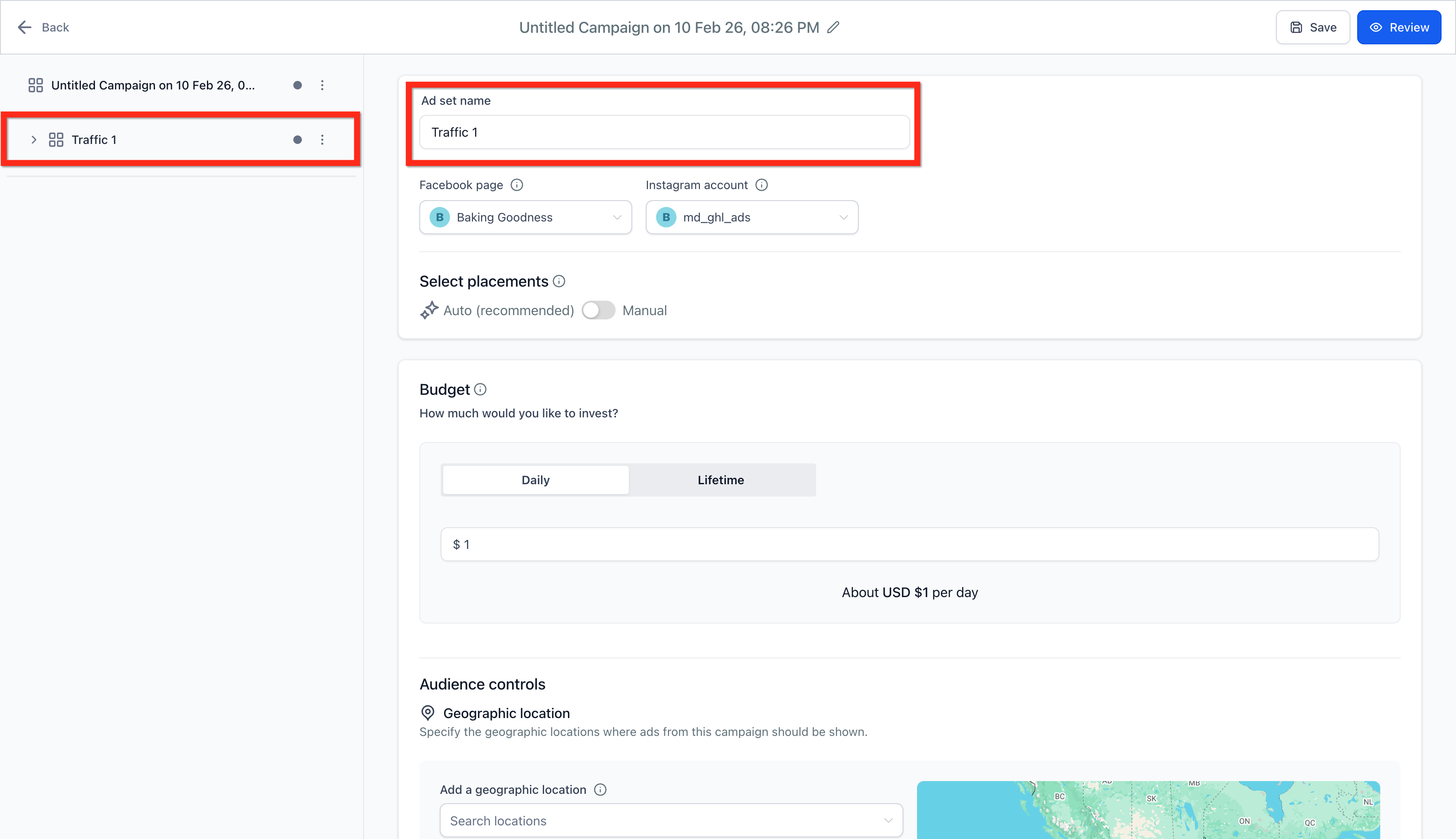
Choose the Facebook Page that represents your practice in the ads. Then choose an Instagram Account if you want the ads to run under it; if no Instagram account is connected, the ad uses your Facebook Page name, profile picture, description, and follower count.
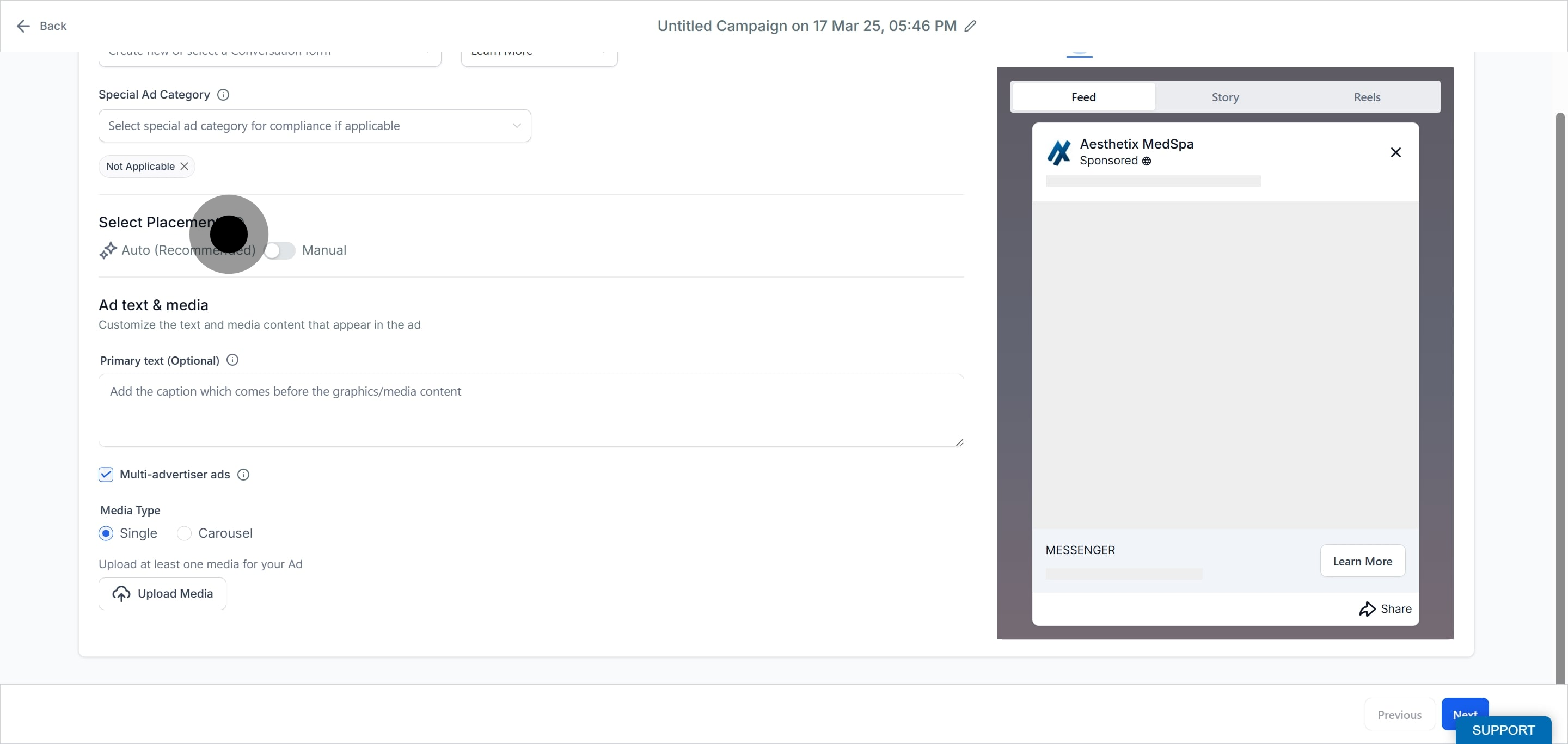
Placements are the places your ads can appear. Automatic placements let Meta find the best available results across all default placements based on your budget and help control costs. Turn on the manual toggle instead if you want to select specific placements for brand safety and optimization.
Note: Available manual placements depend on what Meta currently supports. Instagram Explore Feed is no longer selectable as an ad placement. If an existing draft campaign previously included Instagram Explore Feed, that placement is removed automatically the next time the ad set is saved; no action is needed on your part.
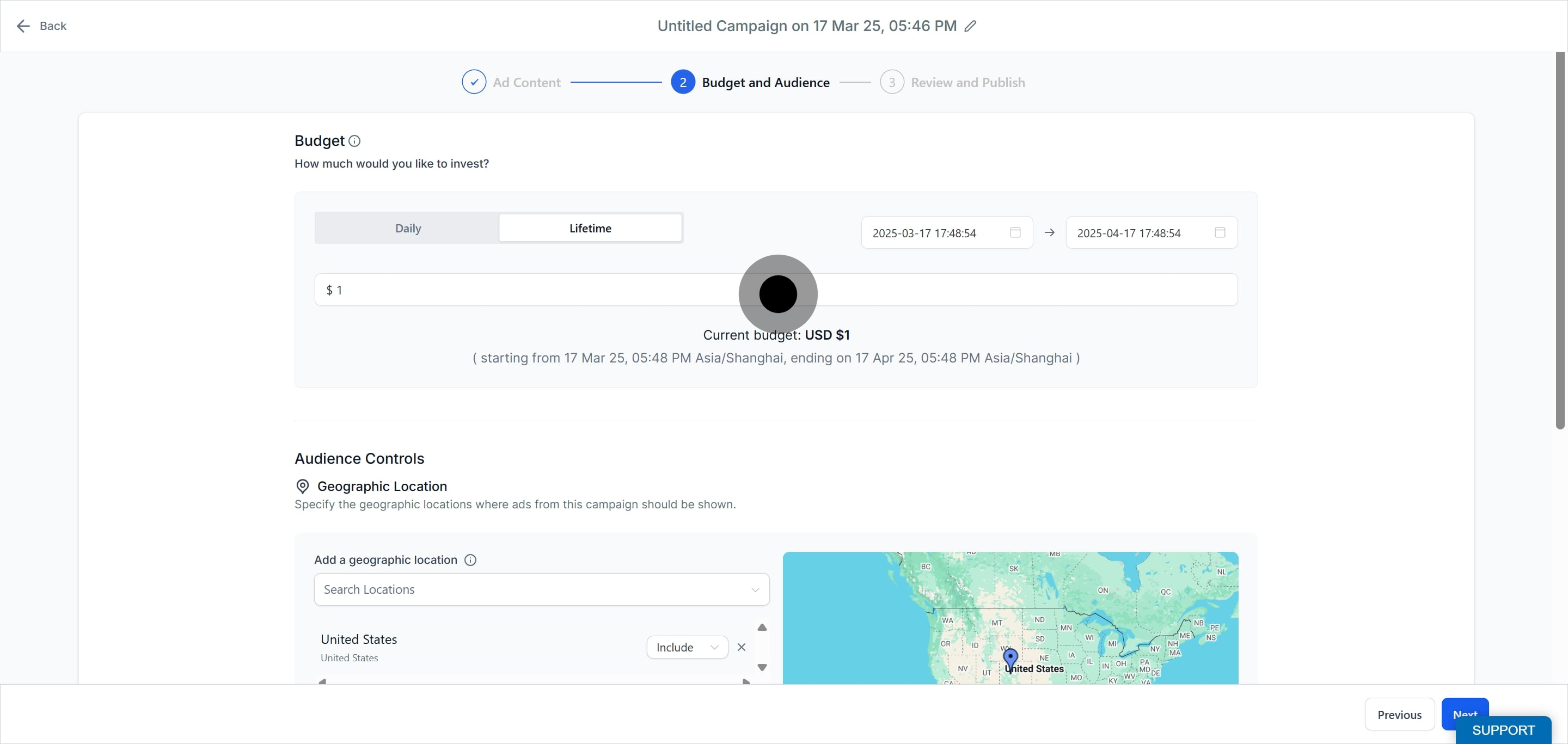
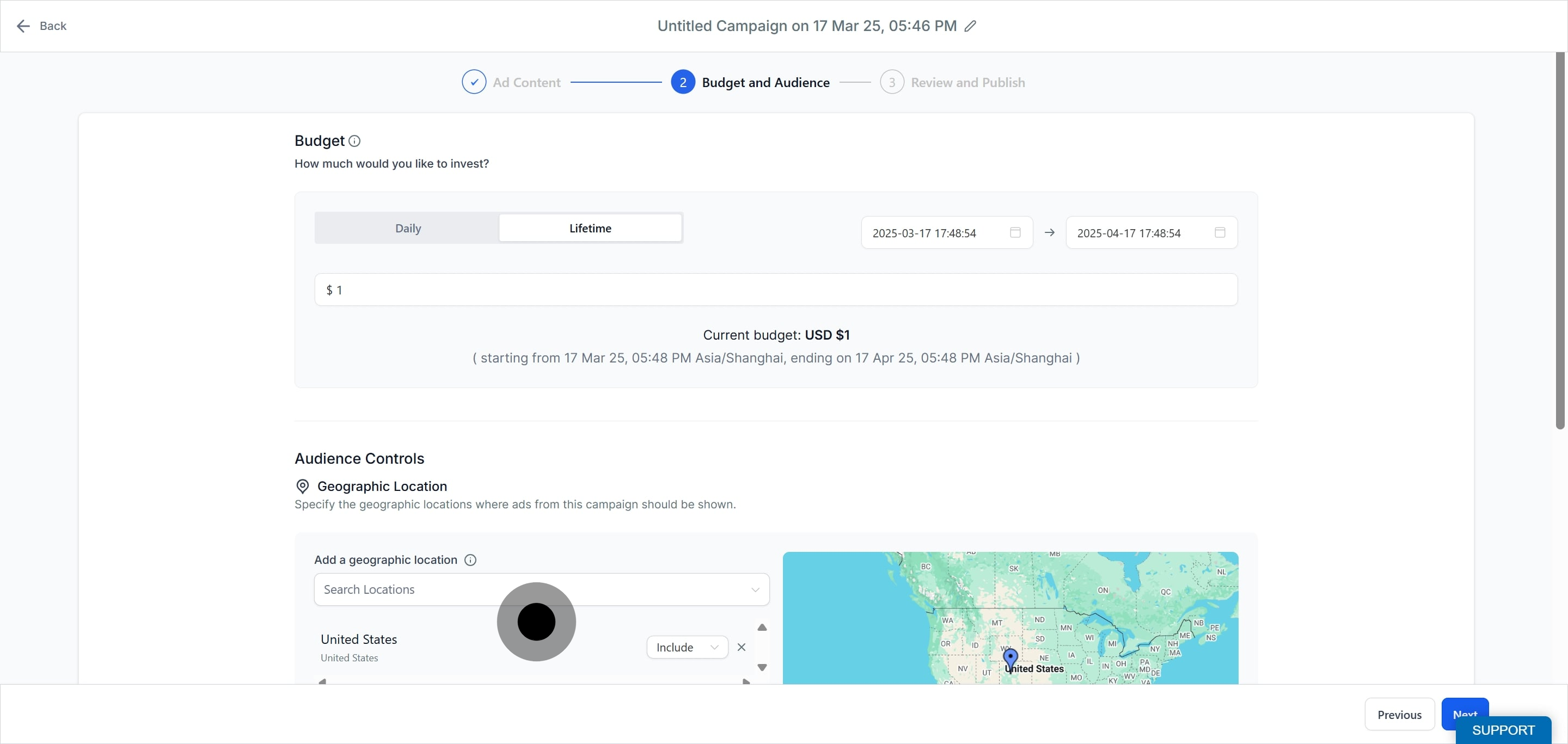
Choose the average amount you want to spend by selecting either a daily or a lifetime budget. Spend is charged to the card on your connected Meta ad account. For lifetime budgets you can set a start and end date and time using the date pickers, and you can increase or decrease a lifetime budget by pausing and editing the campaign. The currency shown is the one set up on your connected ad account, and the start and end date timezone is the timezone you are in while creating the campaign.
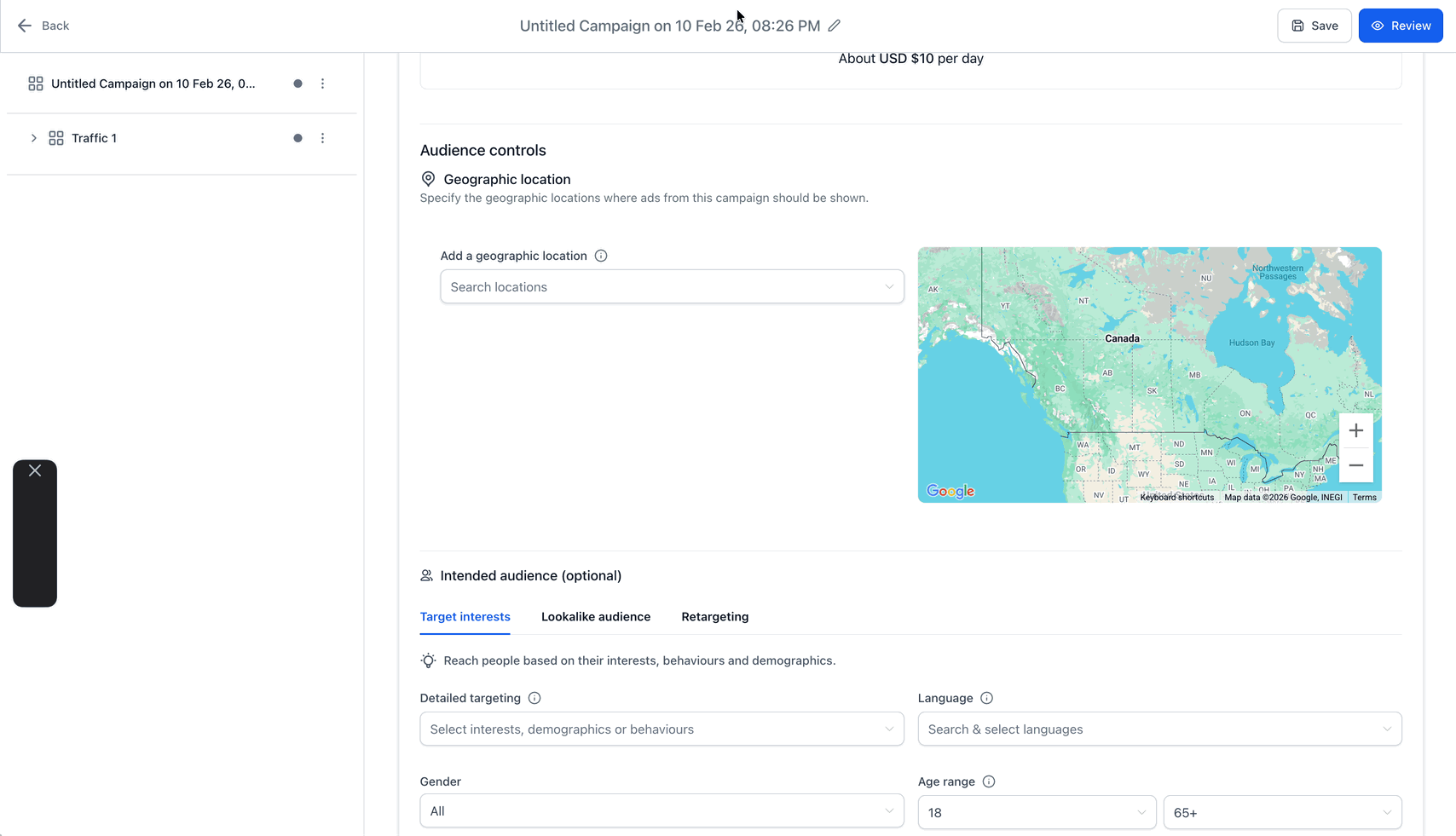
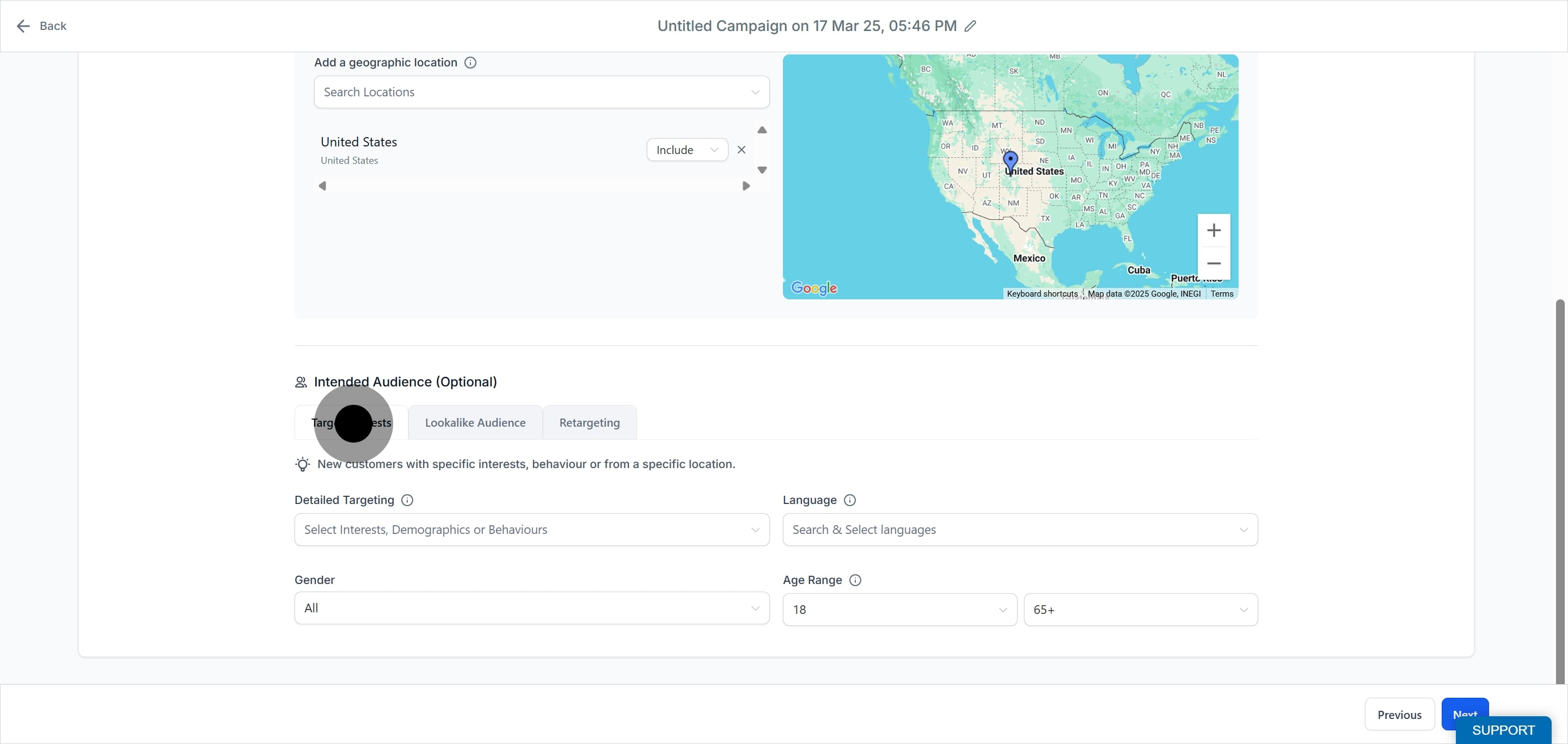
Under Geographic Location, target or exclude specific locations within a country or state. Choosing a broader area, such as a whole country or metro rather than several small cities, can improve results. You can further narrow your audience with the optional intended audience settings described below.
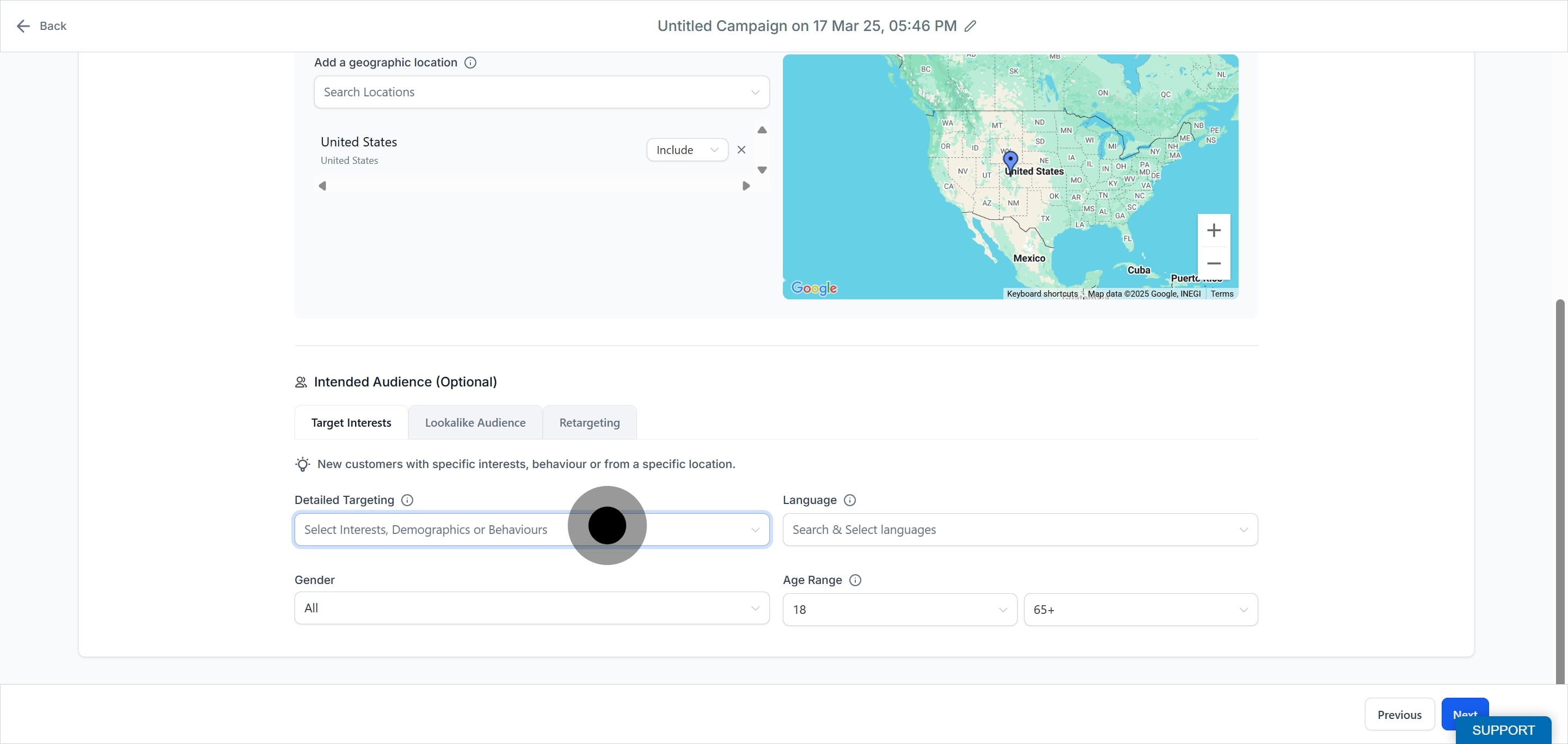
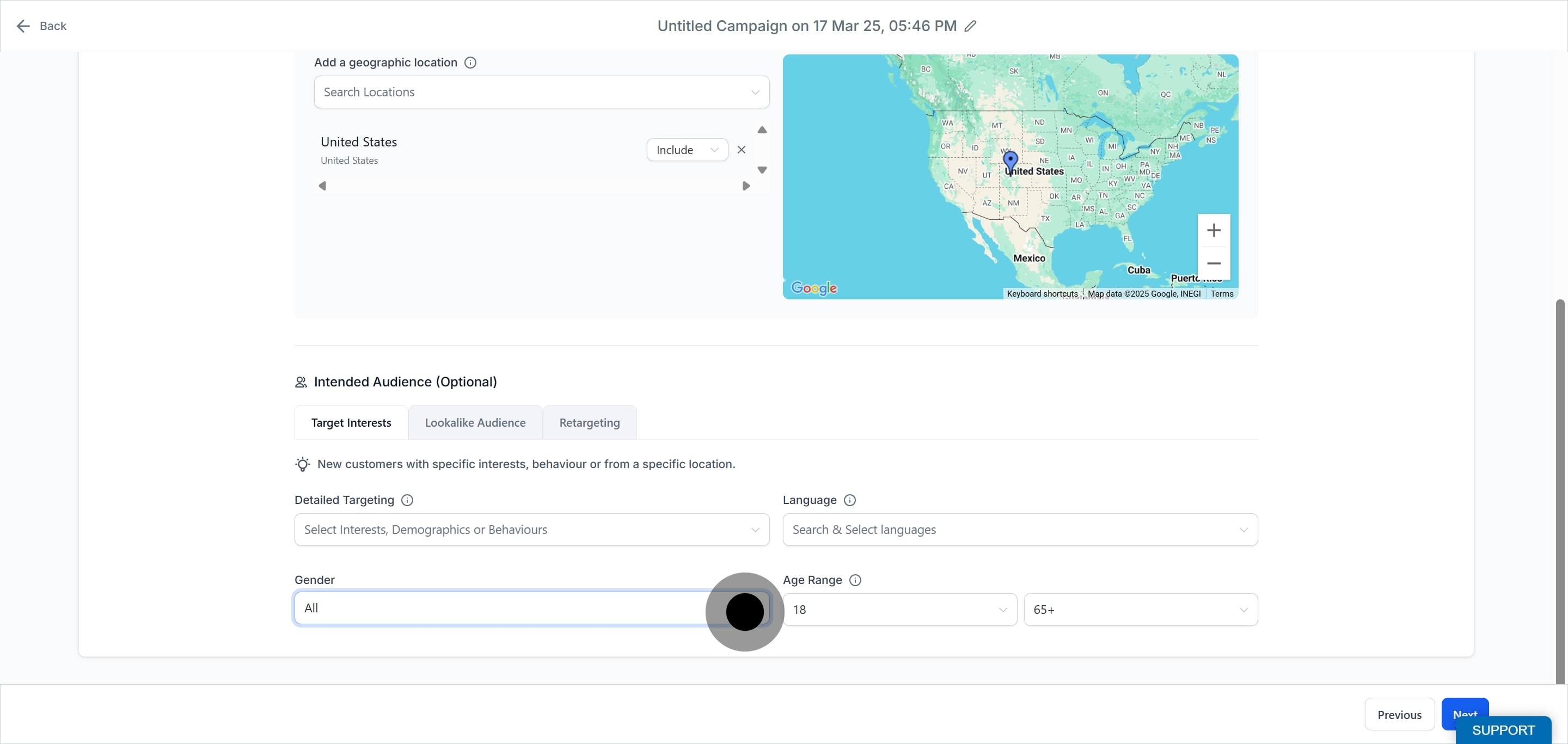
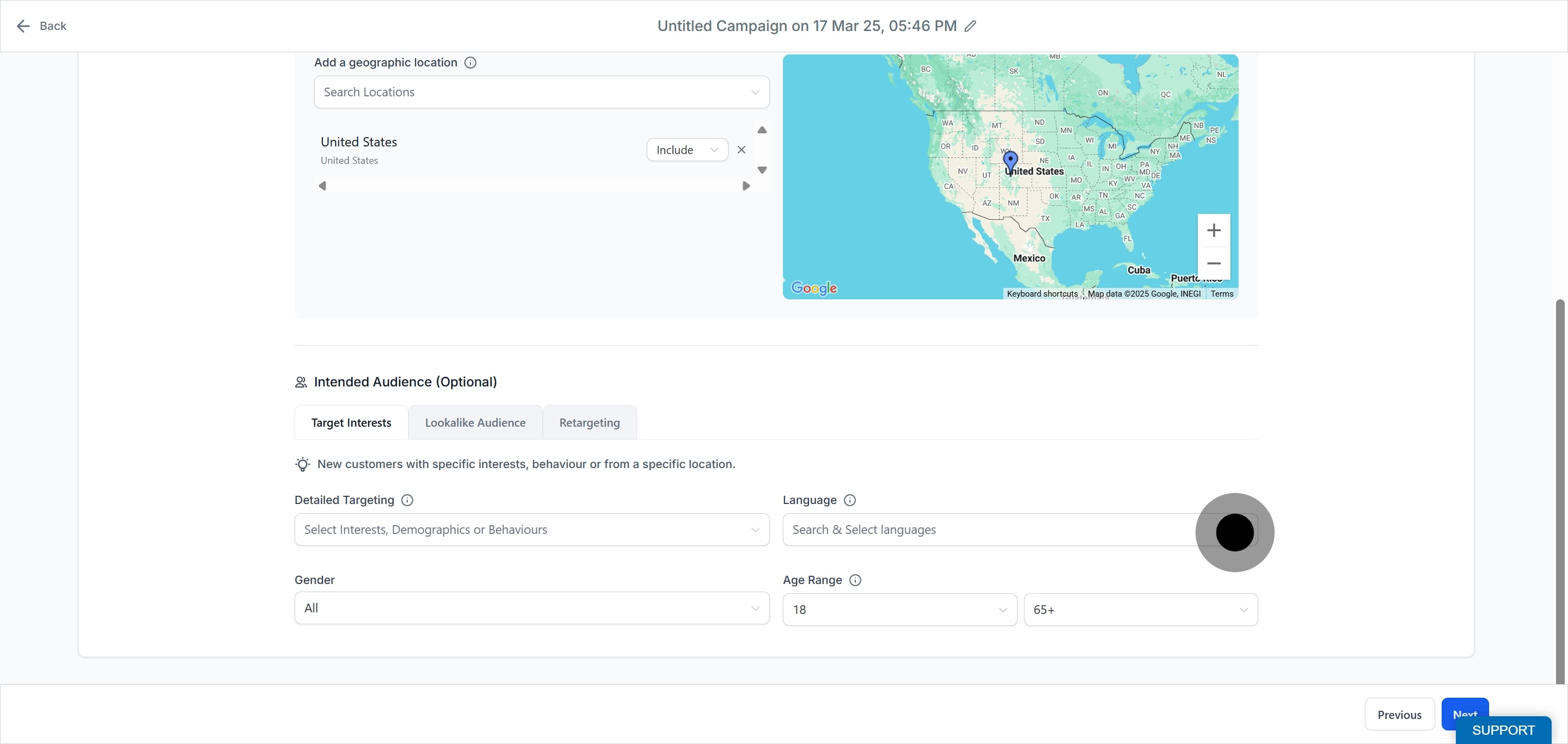
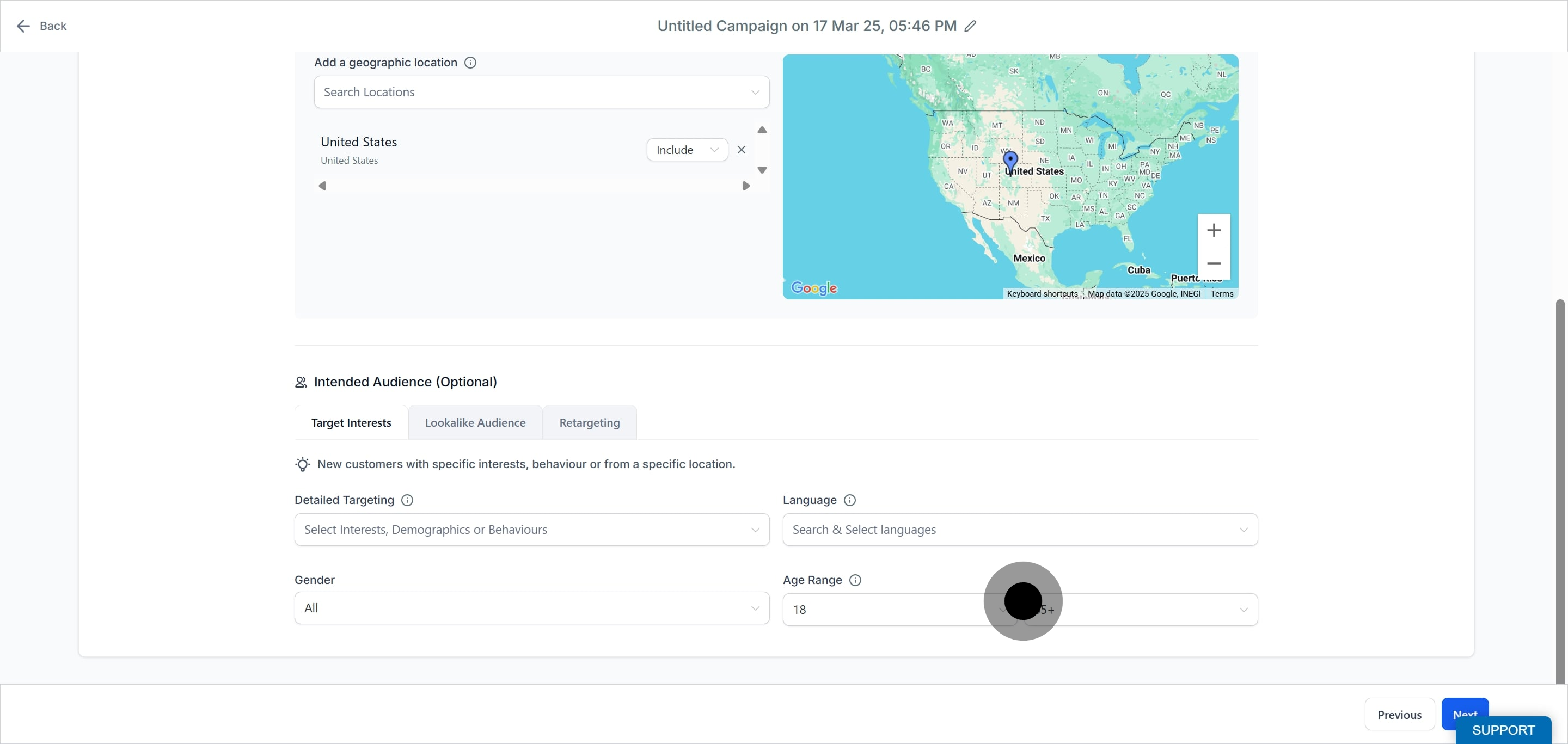
If you build a custom or lookalike audience from a patient contact list, only do so with patient consent and in line with your HIPAA policies. Uploading emails or phone numbers shares those identifiers with Meta; never upload treatment or health details.
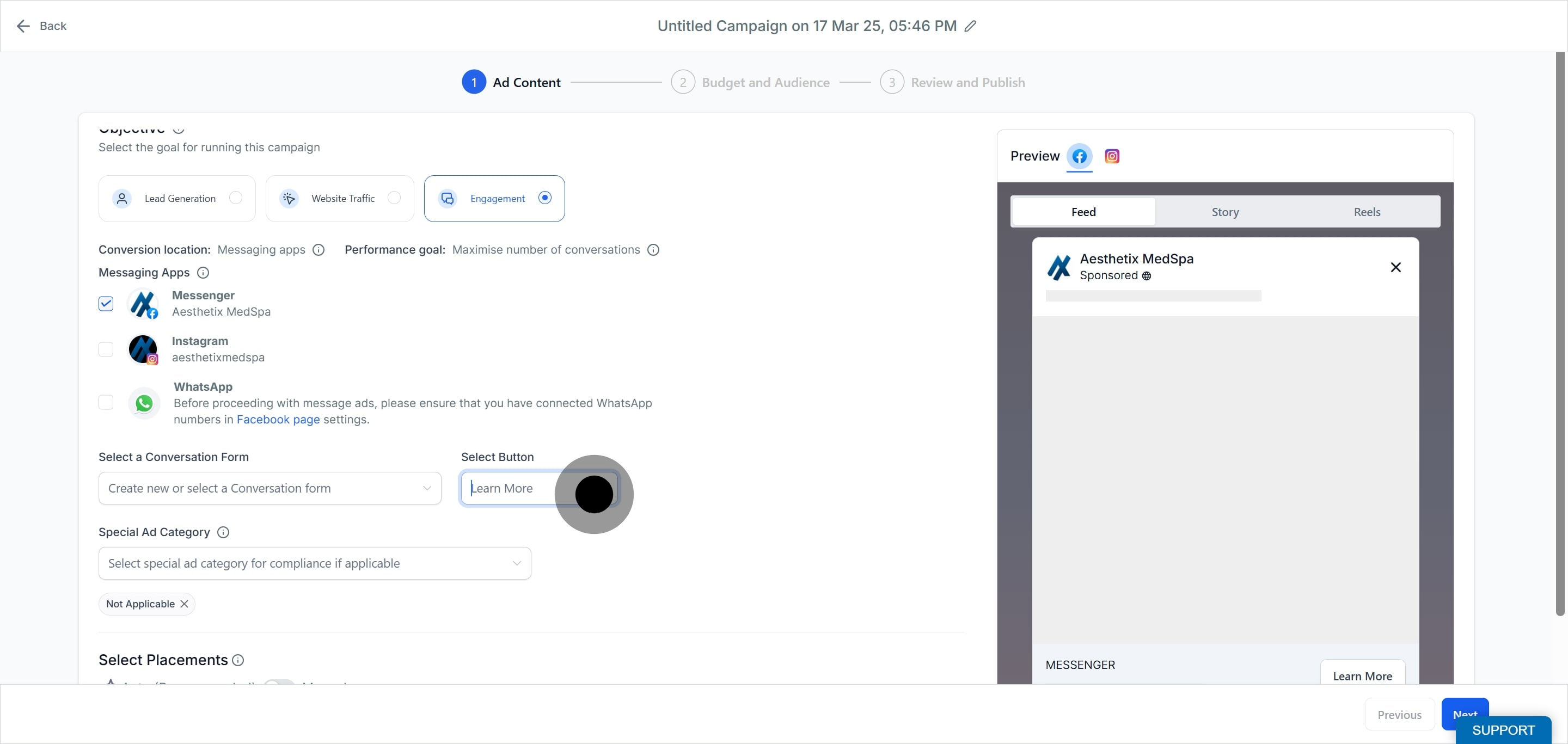
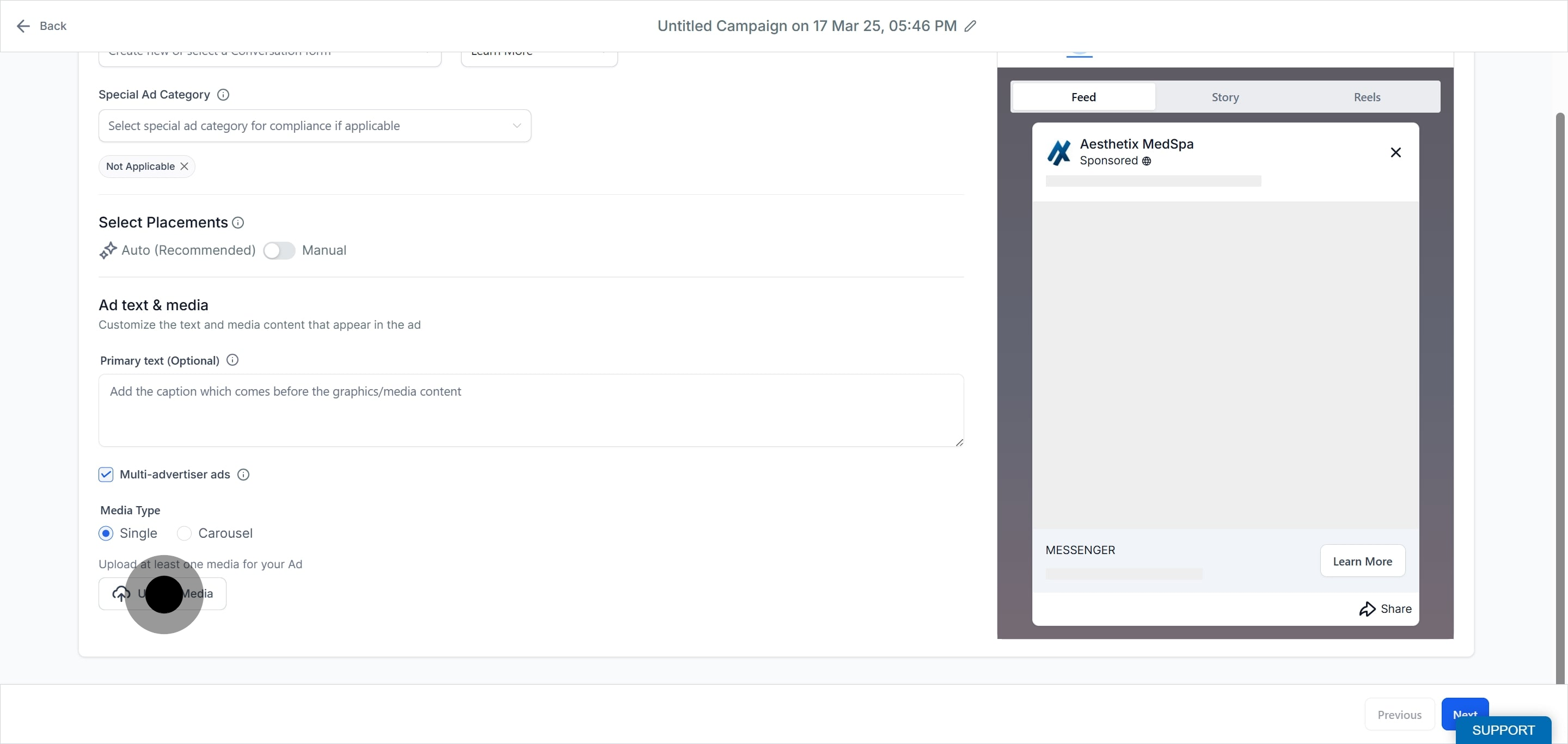
The ad is the creative people see. You can add up to 10 ads per ad set. Give the ad a name, then, depending on the objective you chose at the campaign level (Lead Generation, Website Traffic, Engagement, or Sales), you will connect a Website URL, a Facebook Lead Form, or a Conversation Form.
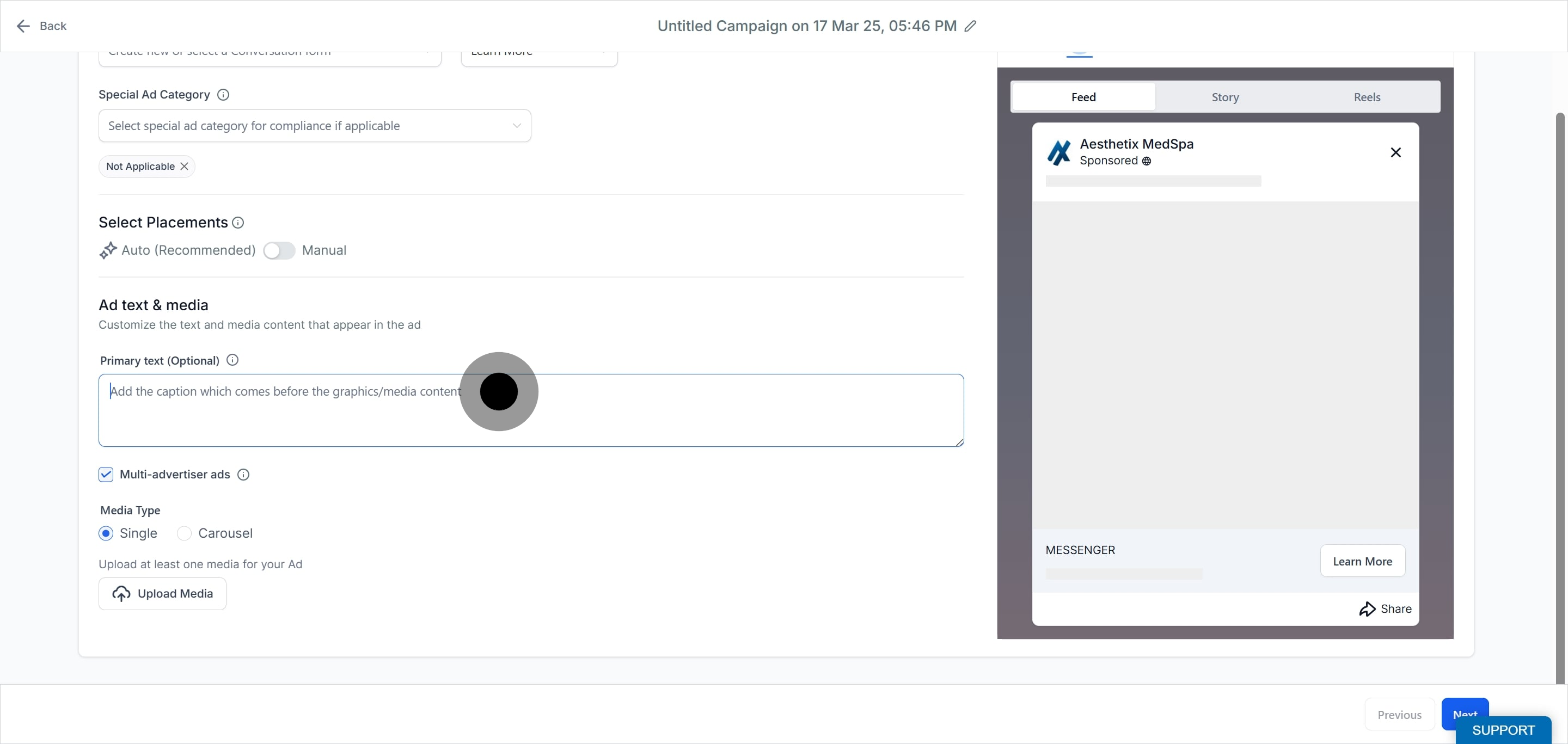
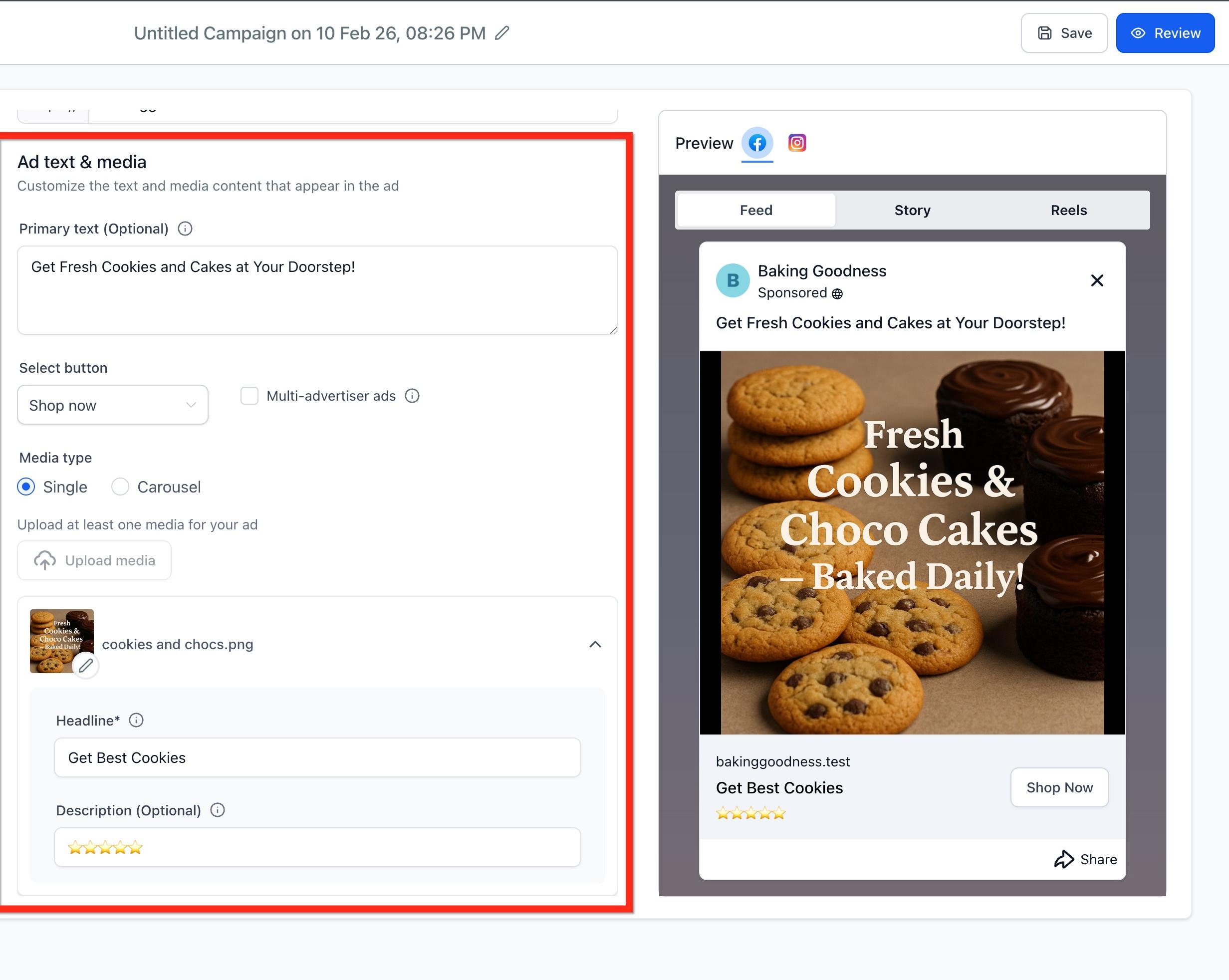
Add your ad text and media:
Primary text is optional; the recommended length is 125 characters.
Headline is required; the recommended length is 40 characters.
Description is optional; the recommended length is 30 characters.
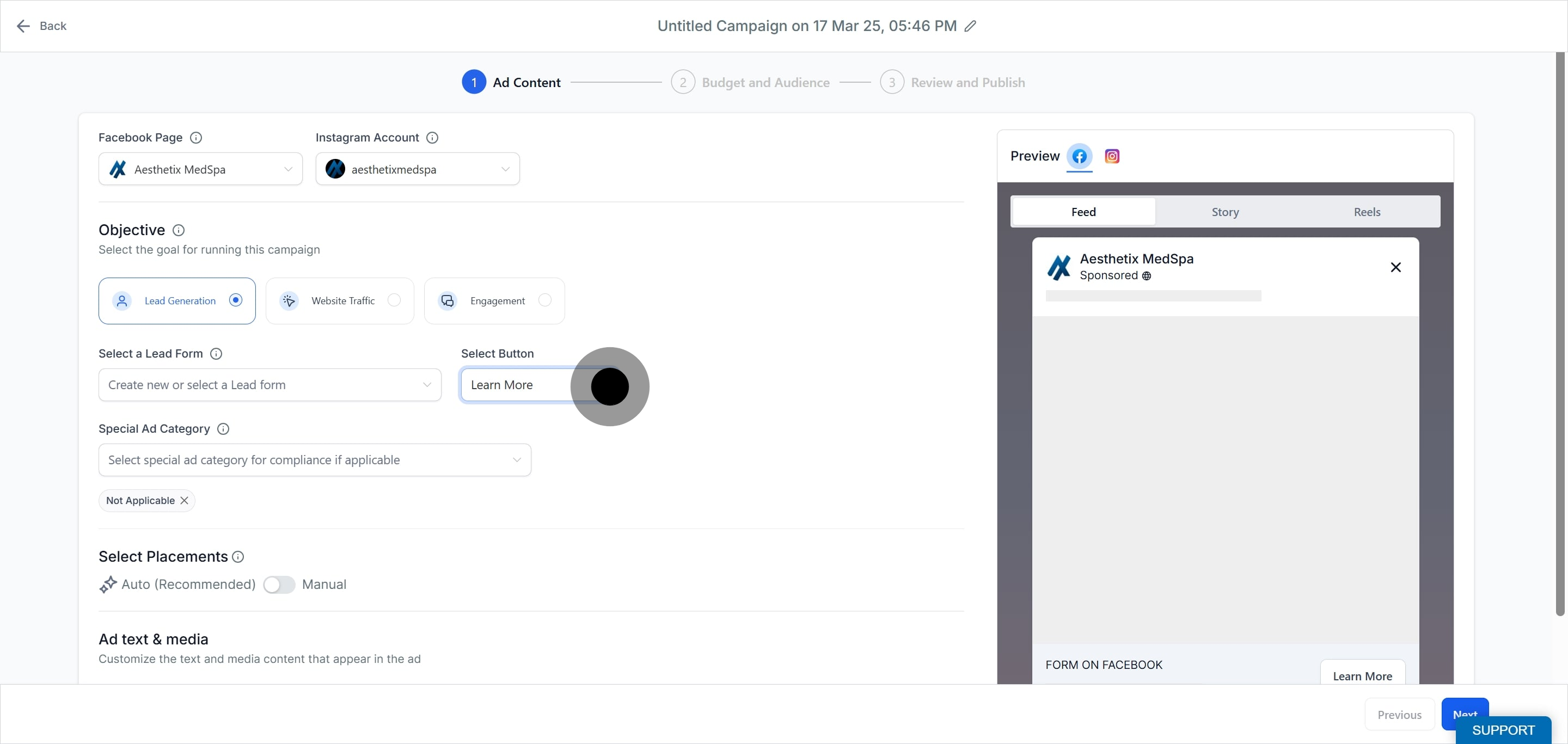
Select a button, such as Learn More, Buy Now, or Contact Us. A Get Offer call to action is available for Lead Generation ads.
Upload a single image, a carousel of images, or a single video. Images are allowed up to 8MB and videos up to 1GB.
Multi-advertiser ads: This checkbox is on by default and can be turned off. When enabled, a carousel of related products from other businesses may appear below your ad after a viewer engages with it, which can increase reach and cost efficiency. Turn it off if you need clear brand separation.
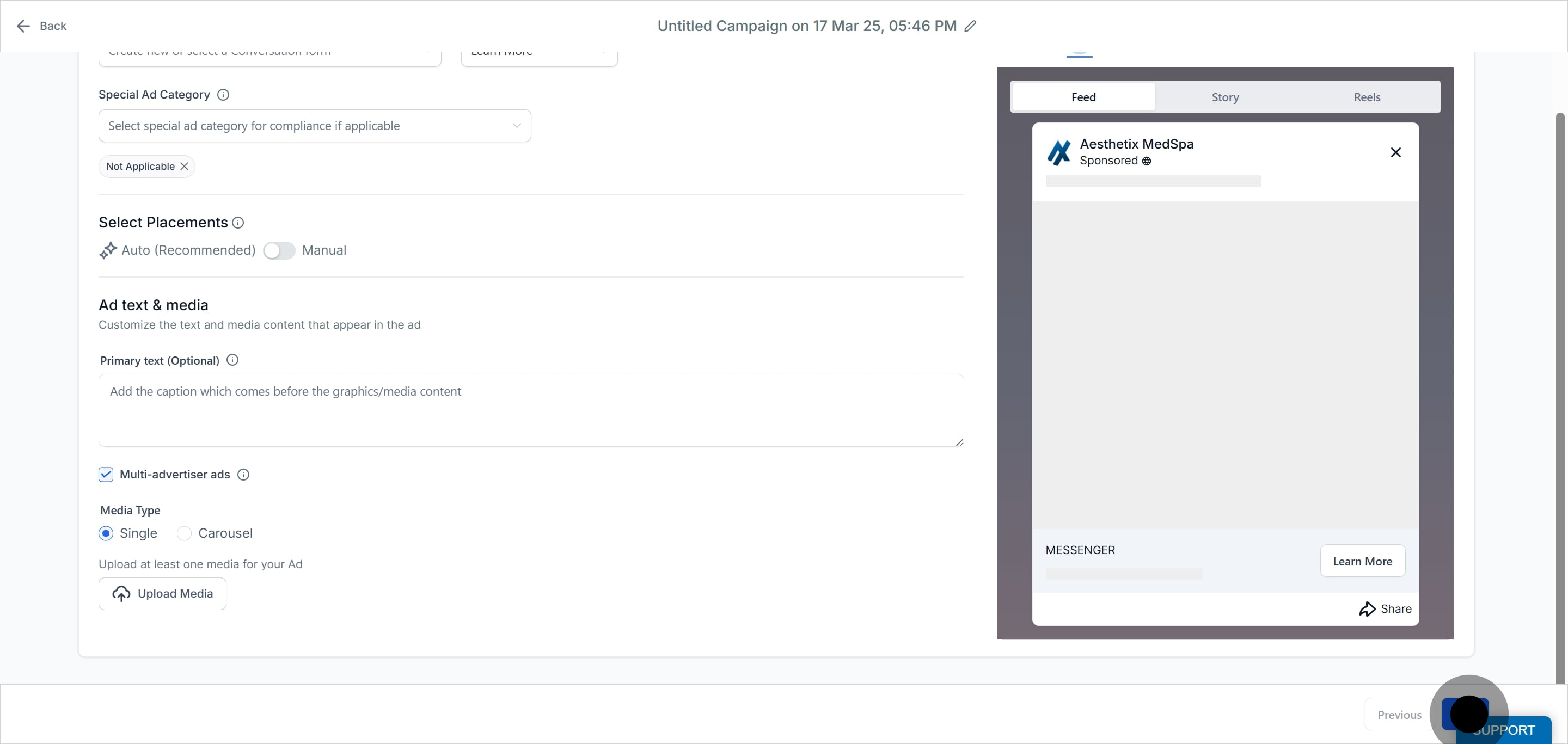
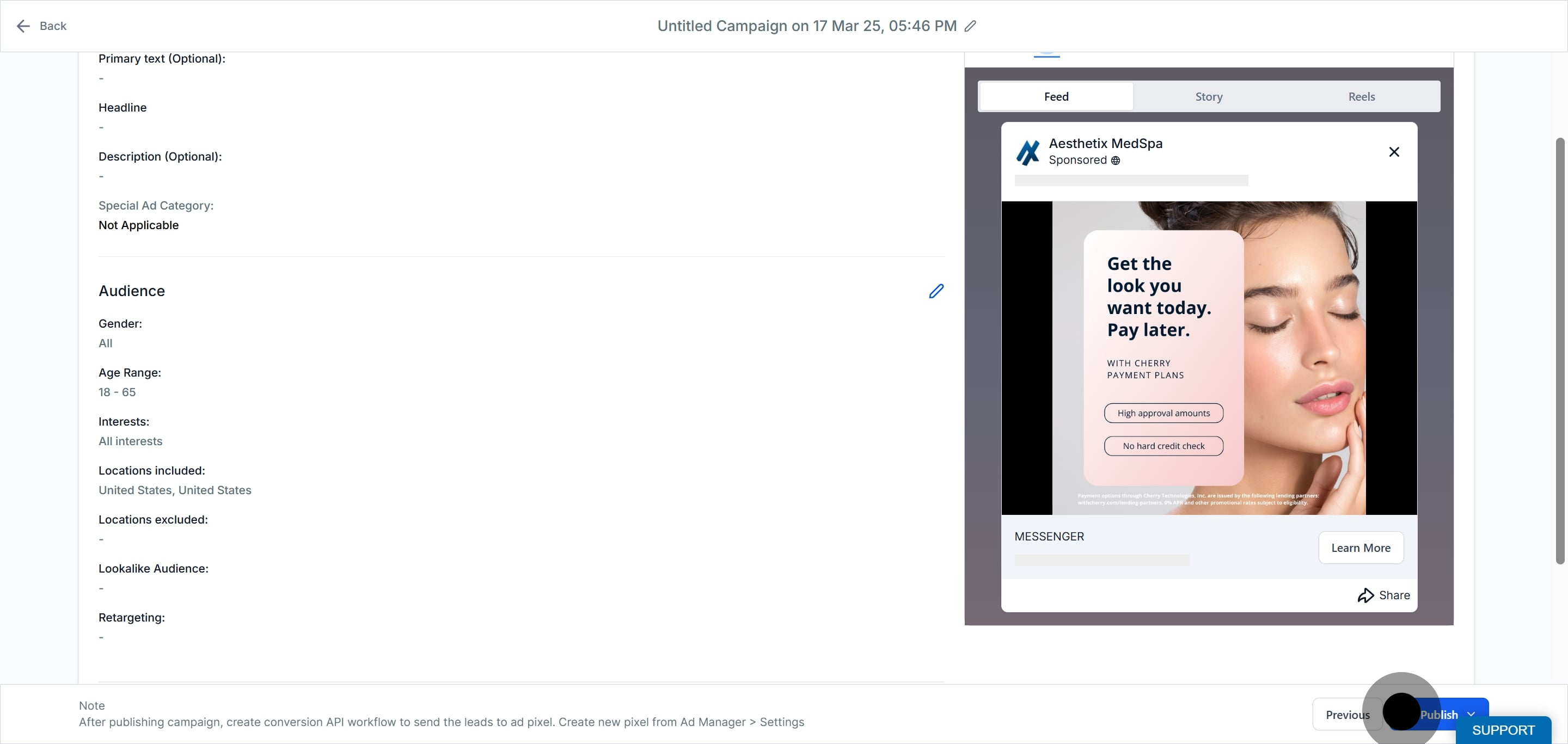
Click Review and verify all details, including creative, media, copy, budget, audience, and other options, before taking your campaign live. Then click Publish Campaign Now and click Confirm.
For automatically routing new leads into nurtures or notifying your team when a Facebook or LinkedIn lead form is submitted, use the Lead Form Submitted triggers in Workflows.
How many ad sets and ads can I create?
Up to 10 ad sets per campaign and up to 10 ads per ad set.
Should I set my budget at the campaign or ad set level?
Use the ad set budget controls in Ad Manager for the clearest mapping between each audience test and its spend.
What are the file size limits for creative?
Images are allowed up to 8MB and videos up to 1GB. You can upload a single image, a carousel of images, or a single video.
What are the recommended character counts?
Primary text is recommended at 125 characters, the headline at 40 characters, and the description at 30 characters. Only the headline is required.
Why are my targeting options limited?
If you selected a Special Ad Category, Meta restricts targeting. Lookalike and saved audiences are not allowed, zip codes are not allowed, detailed targeting is limited, age defaults to 18 to 65+, and gender is set to all, and these cannot be edited.
My ad was rejected. What should I check first?
Verify your Special Ad Category selection, your content compliance, and the quality of your destination page or form, then adjust and resubmit.
Can I clone ad sets and ads?
Yes. You can duplicate at the campaign, ad set, and ad levels using the ellipsis menus. See the "Clone a Campaign" guide.
Does the campaign publish straight to Meta?
Yes. Campaigns are sent to your connected Meta ad account and follow Meta's publishing and review policies before going live.
Why is Instagram Explore Feed missing from my placement options?
Instagram Explore Feed is no longer available as a selectable placement in Meta's ad system. If a draft campaign previously had it selected, it's removed automatically the next time you save the ad set, and no action is needed on your end.
