Your Affiliate Manager lets you run a referral program for patient advocates, partner providers, or influencers who send new patients to your practice. Affiliates track their own links, stats, and payouts from their Client Portal, while you manage campaigns and approvals from the Affiliate Manager in Aesthetix CRM. Here are answers to the most common questions.
How do new affiliates get their unique referral link? New affiliates can access their unique referral link a few ways. When you set up a campaign, you can choose a default email template that includes the referral link and other essential details; this email sends automatically the moment a new affiliate joins the campaign. You can also build an automation in Workflows using the "Affiliate Enrolled In Campaign" trigger to send a personalized email or text with their link. Affiliates can also always find their referral link and other details by logging into their affiliate Client Portal at any time.
Can sales be tracked using coupon codes? Yes. You can create a unique coupon code for each affiliate, and when a patient uses that code, the sale is tracked and attributed to the correct affiliate automatically. This is especially useful when direct link sharing isn't practical, such as in-person referrals or printed materials.
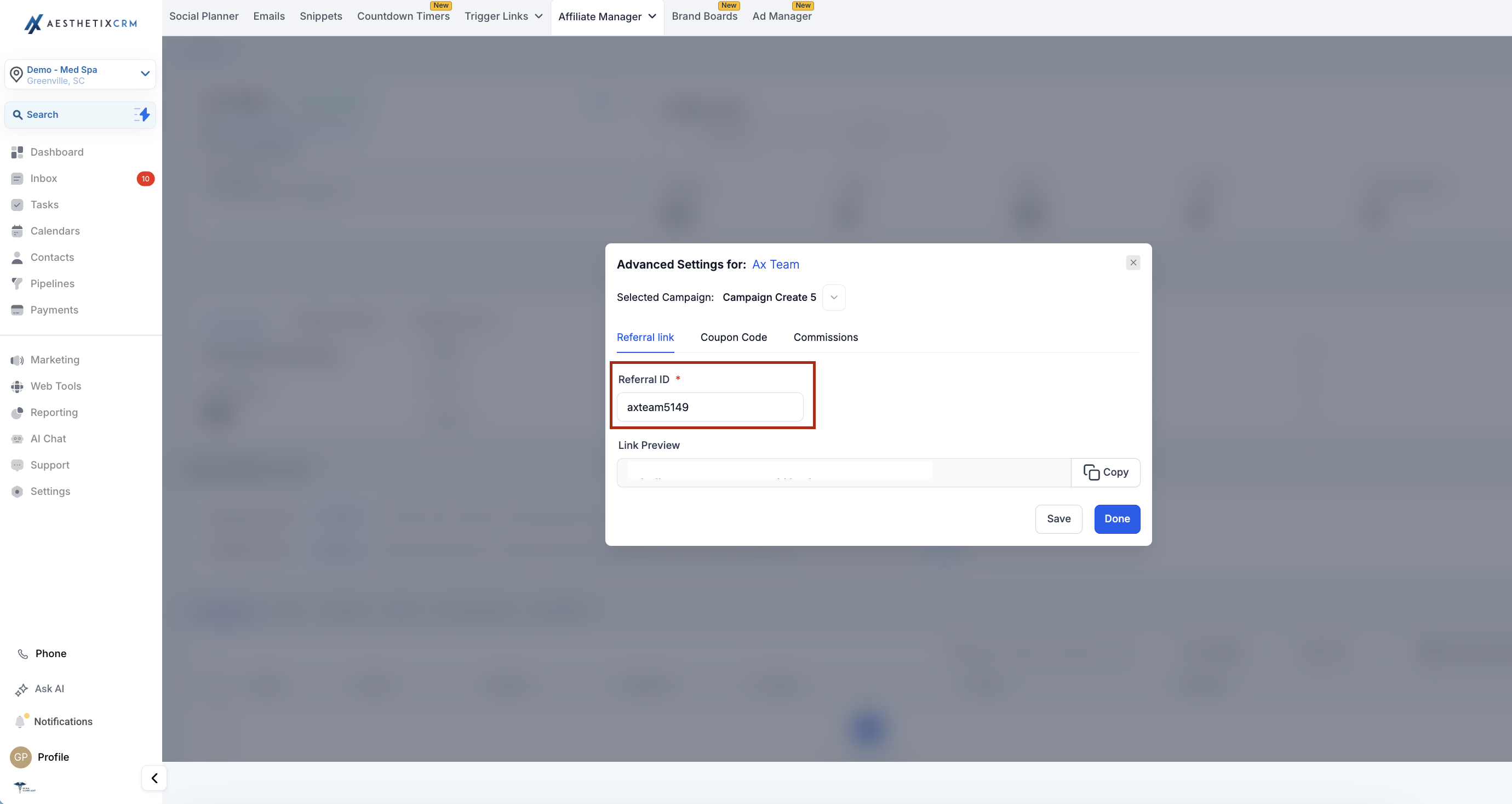
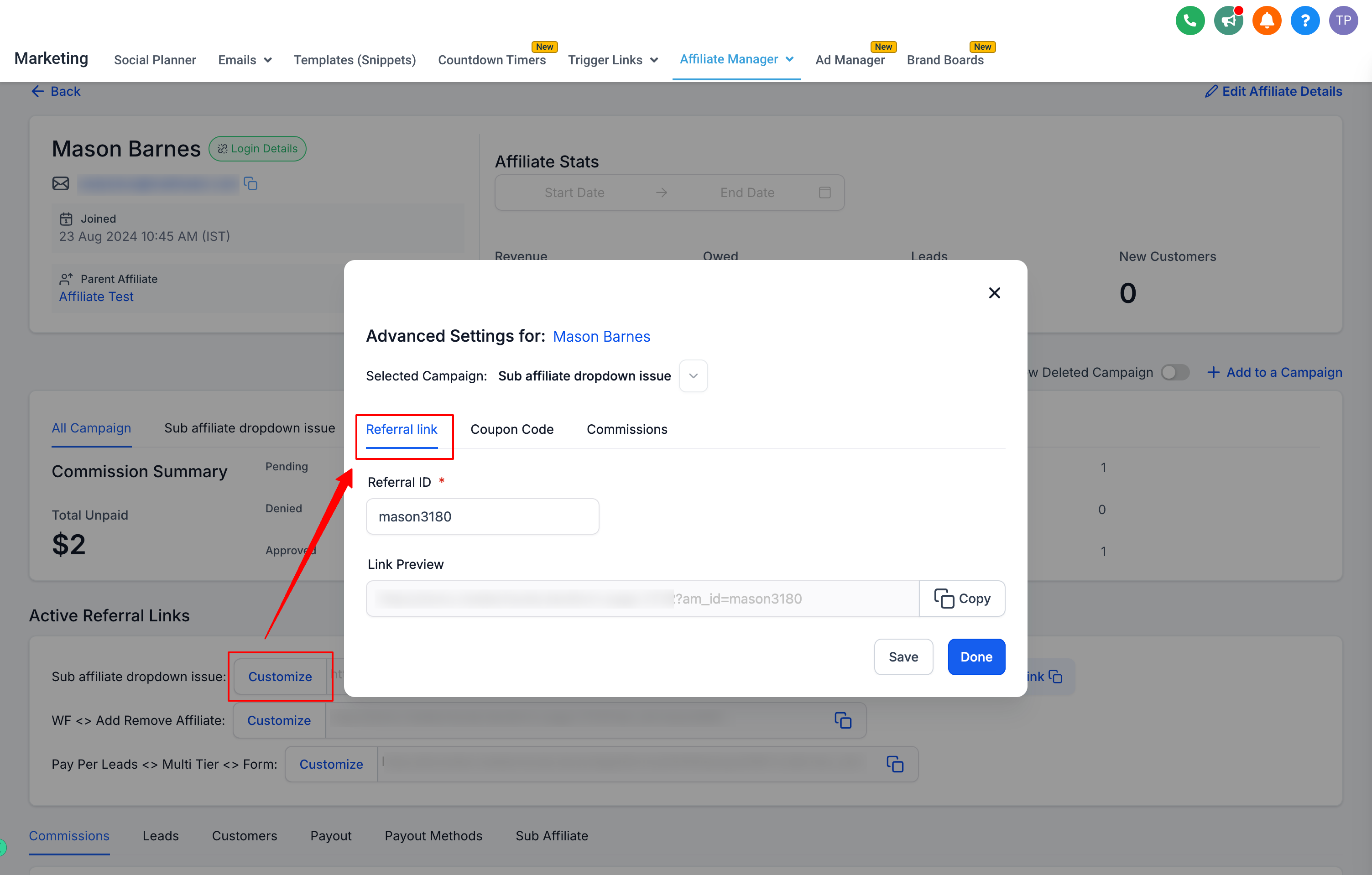
Can I customize the referral ID for my affiliates? Yes, you can customize the referral ID (also called the AM ID) for any affiliate:
Open the affiliate's profile.
Scroll down to "Active Referral Links."
Click "Customize" next to the campaign whose referral ID you want to change.
Modify the referral ID in the "Referral Link" tab.
Save your changes.
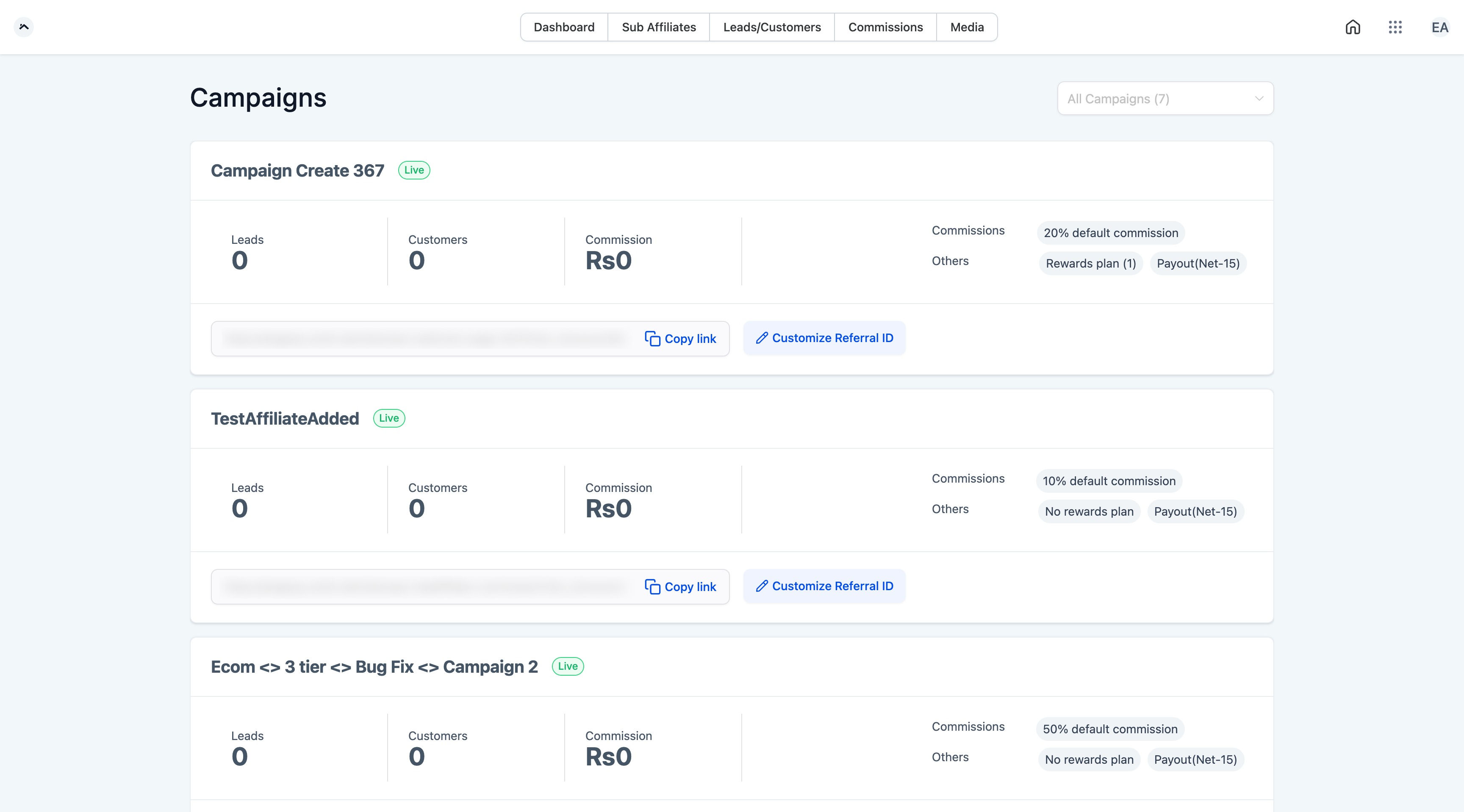
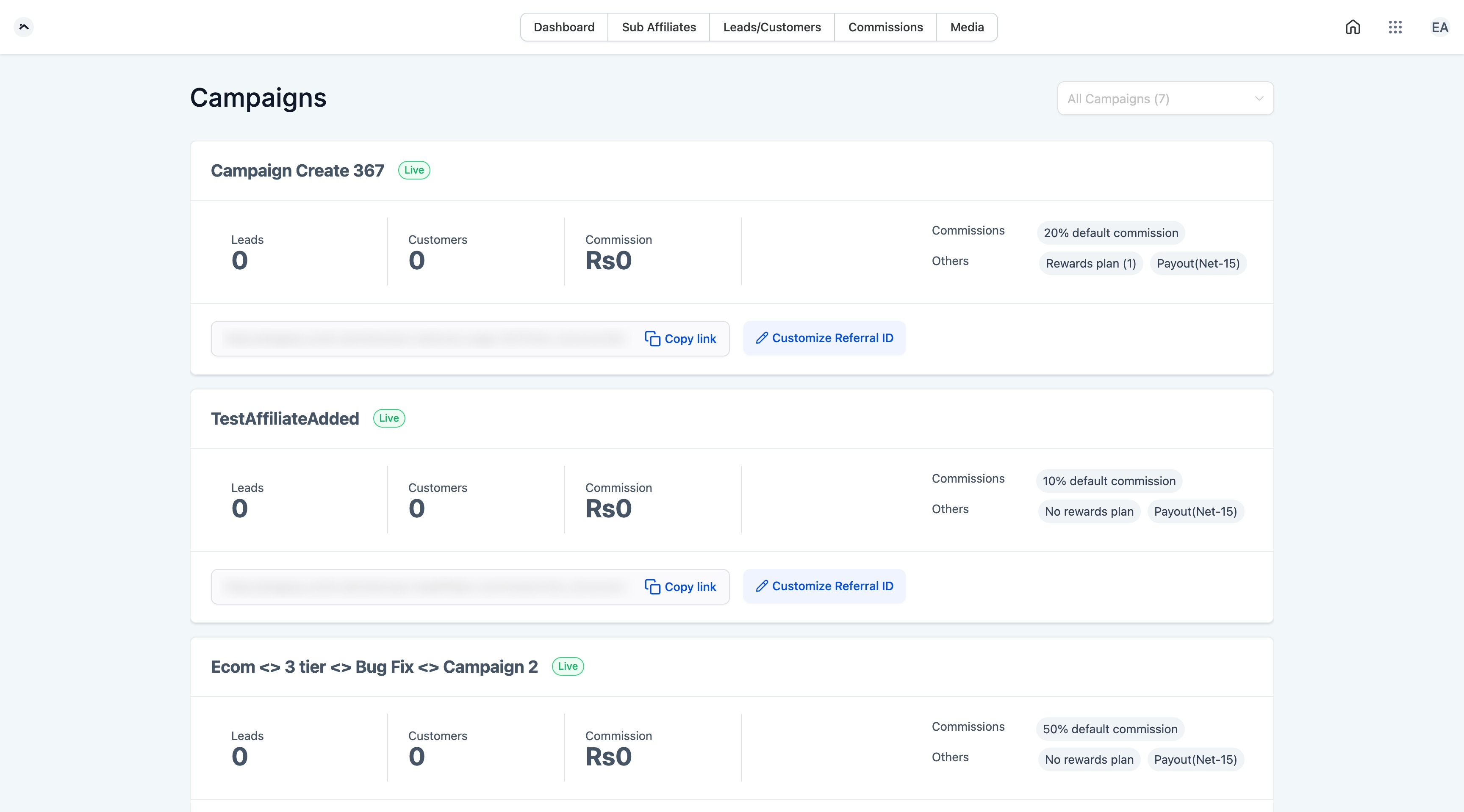
Where can affiliates view their performance statistics? Affiliates can view their performance stats on the Dashboard screen inside their Client Portal. From there they can access their affiliate links and see the count of leads, converted patients, and canceled patients who signed up through their links.
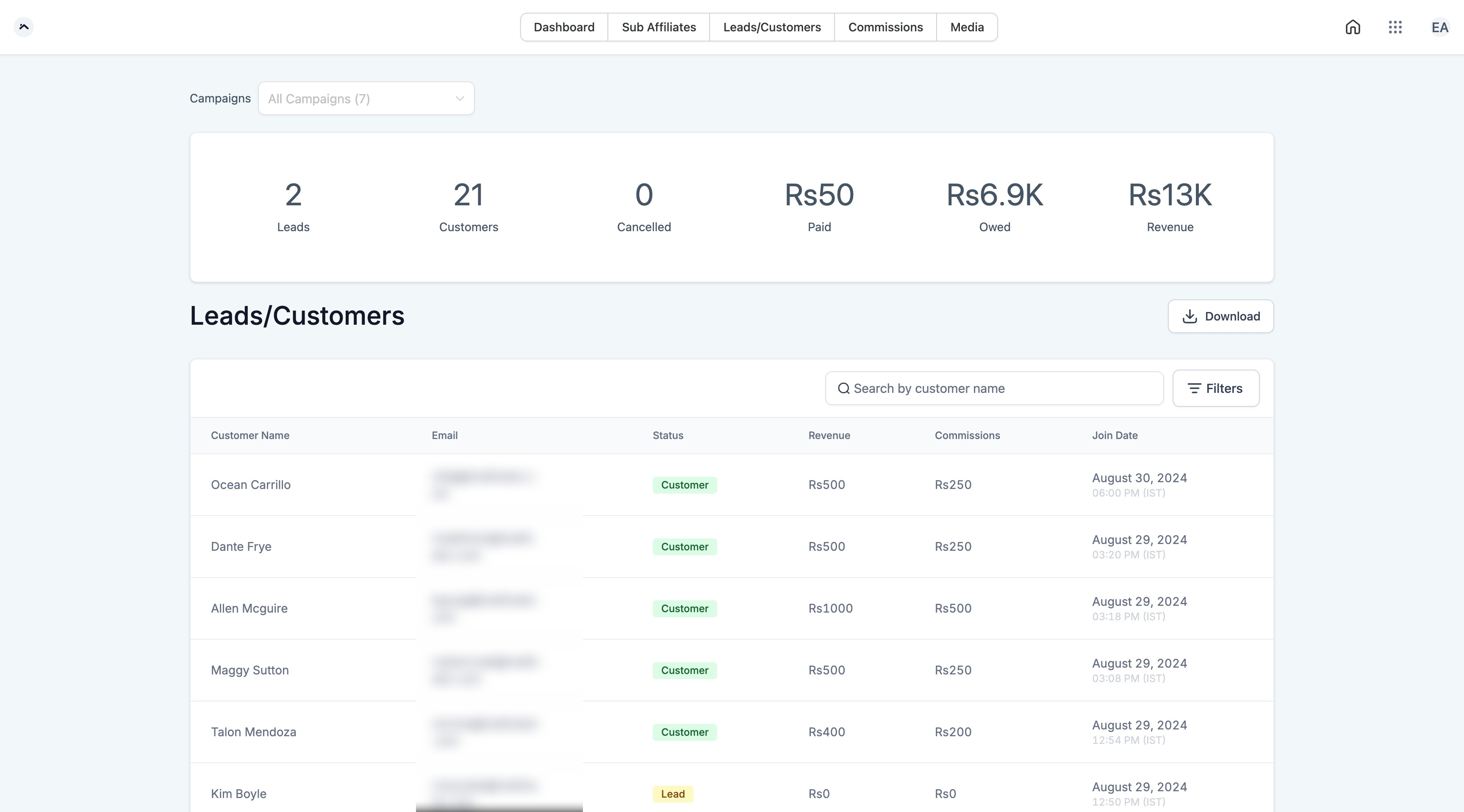
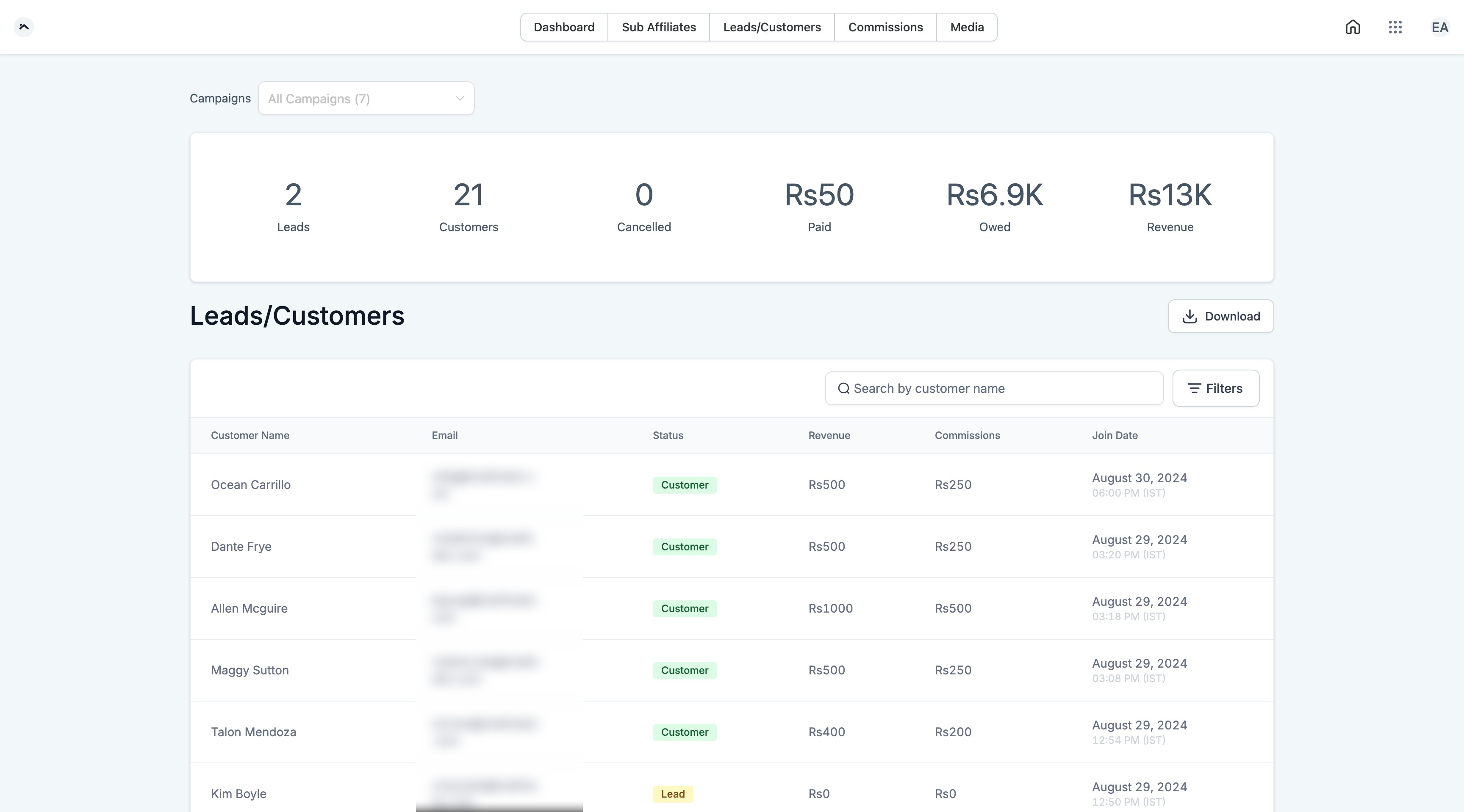
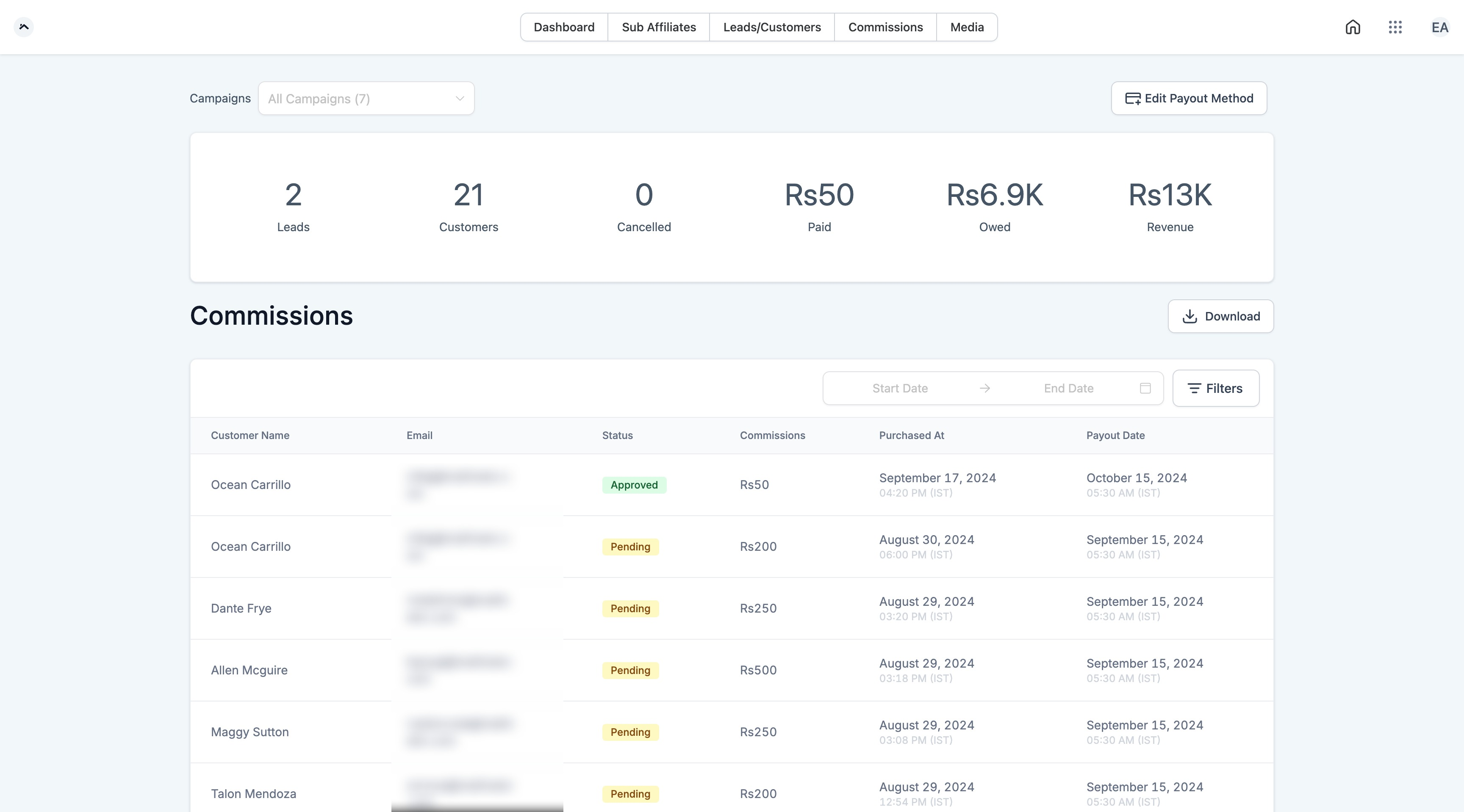
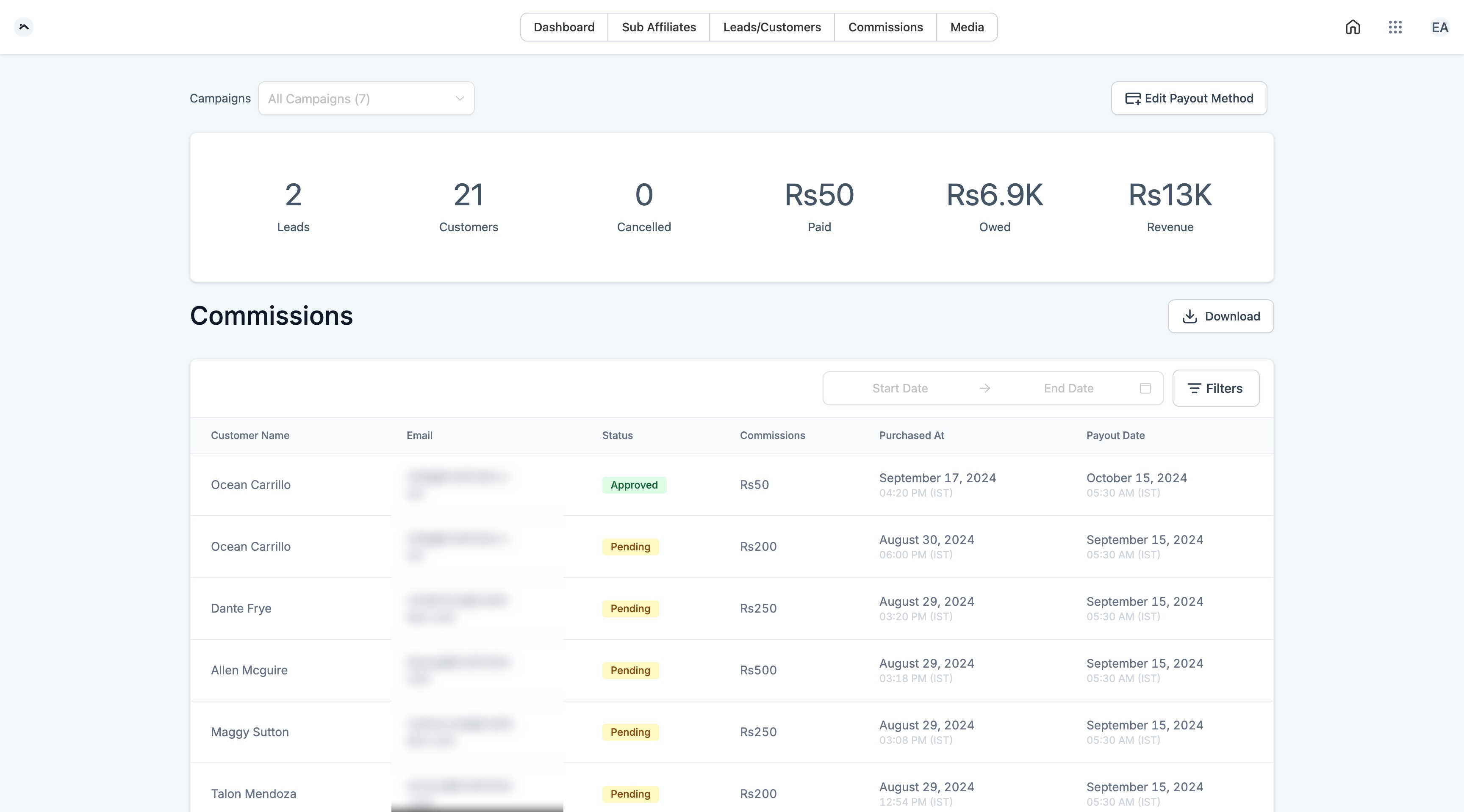
How can affiliates view their payment information? Affiliates can find their payment details on the Commission screen in their Client Portal. This screen shows the total amount already paid out, the amount currently owed, and the total revenue an affiliate has generated for your practice. Affiliates can also add or update their preferred payout method here.
Can affiliates view details of the leads and patients who signed up through their links? Yes. Affiliates can see this information on the Leads/Customers screen in their Client Portal.
What happens if an affiliate is part of an inactive campaign? Affiliates can still view their stats even when their campaign is inactive. However, their affiliate link shows as disabled and can't be used to attribute new sales until you reactivate the campaign.
Can affiliates see why a patient canceled? The Client Portal shows the count of canceled patients, but it doesn't provide specific cancellation reasons. Even without the "why," seeing the number of cancellations can help an affiliate spot trends or flag potential issues with the leads they're sending.
How frequently are affiliate stats updated? Affiliate stats update in real time, so affiliates always see current numbers whenever they check their Client Portal.
How do affiliates get access to the Client Portal? Getting an affiliate set up takes four steps:
Add the affiliate to a campaign: As the account owner, go to the Affiliate Manager and add your affiliate to an active campaign. Once added, they receive an email invitation to sign up for the Client Portal. If the invitation doesn't arrive, have them check spam or junk folders, confirm the email address on file is correct, and confirm the campaign is active.
Affiliate sign-up: The affiliate clicks the link in the invitation email, which takes them to a sign-up page where they follow the prompts to create their account.
Affiliate login: Once their account is created, affiliates log in to the Client Portal with their credentials or a one-time password provided at sign-up. If they run into login trouble, double-check they're using the correct credentials; they can also reset their password with the "Forgot Password" option.
Accessing the dashboard: After logging in, affiliates land on their Affiliate Dashboard, where they can view their stats and referral links.
Can I attribute multiple sales to different affiliates? Yes, you can attribute sales to multiple affiliates as needed.
Are manually attributed sales subject to approval? Yes. Manually attributed sales follow the same validation process as any other affiliate sale.
Can a sale be attributed without the patient's email address? Yes. Manual attribution can rely on other identifiers, such as a unique ID or a custom field, when an email address isn't available.
