
If you run a patient or partner referral program through Aesthetix CRM's Affiliate Manager, you can export your complete list of affiliates to a CSV file at any time. This is useful for reviewing affiliate performance offline, sharing data with your accounting team, or keeping a backup of your referral partner records.
How to Export Your Affiliate List
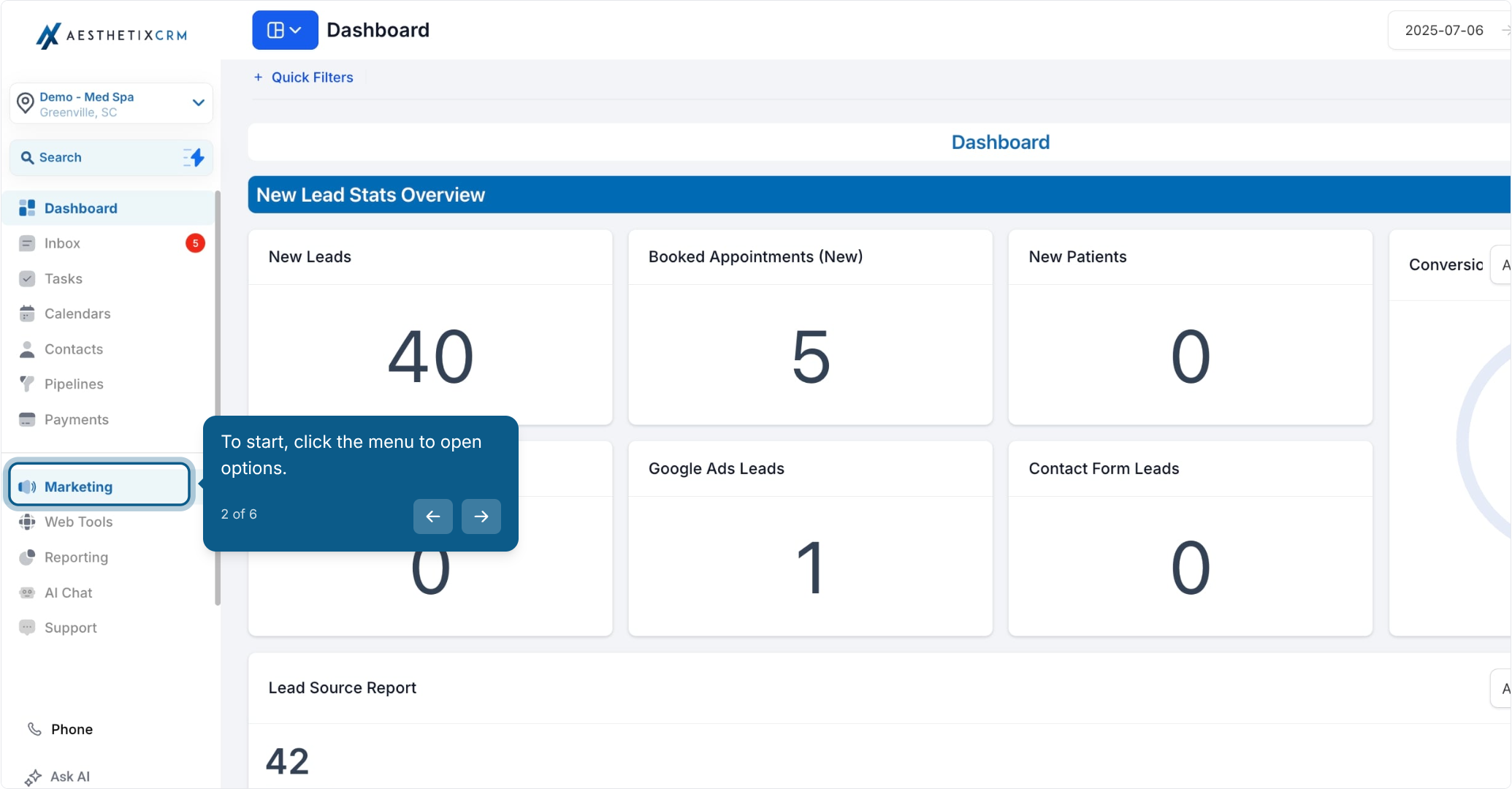
From the main menu, click to open your account options.
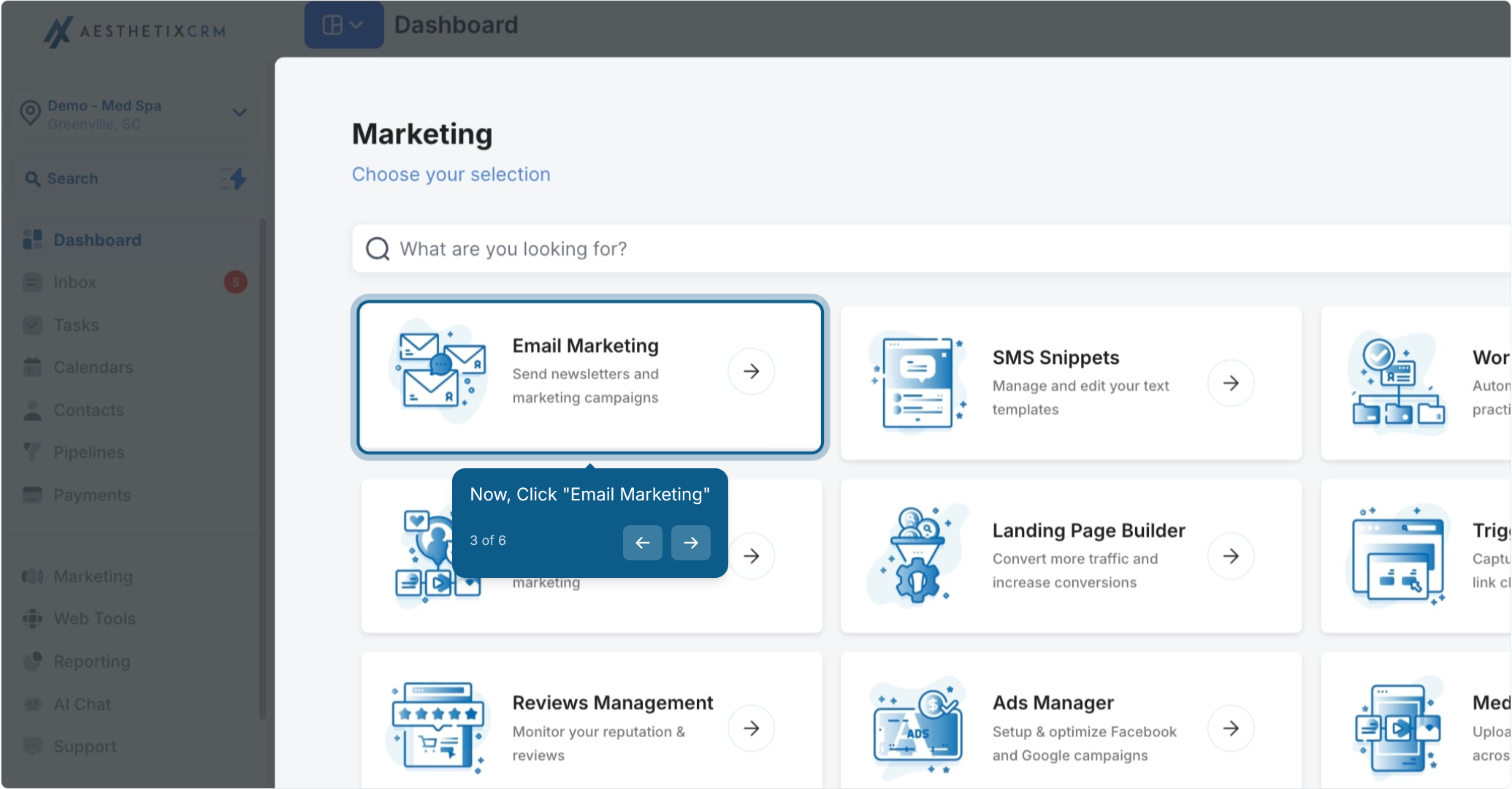
Click "Email Marketing."
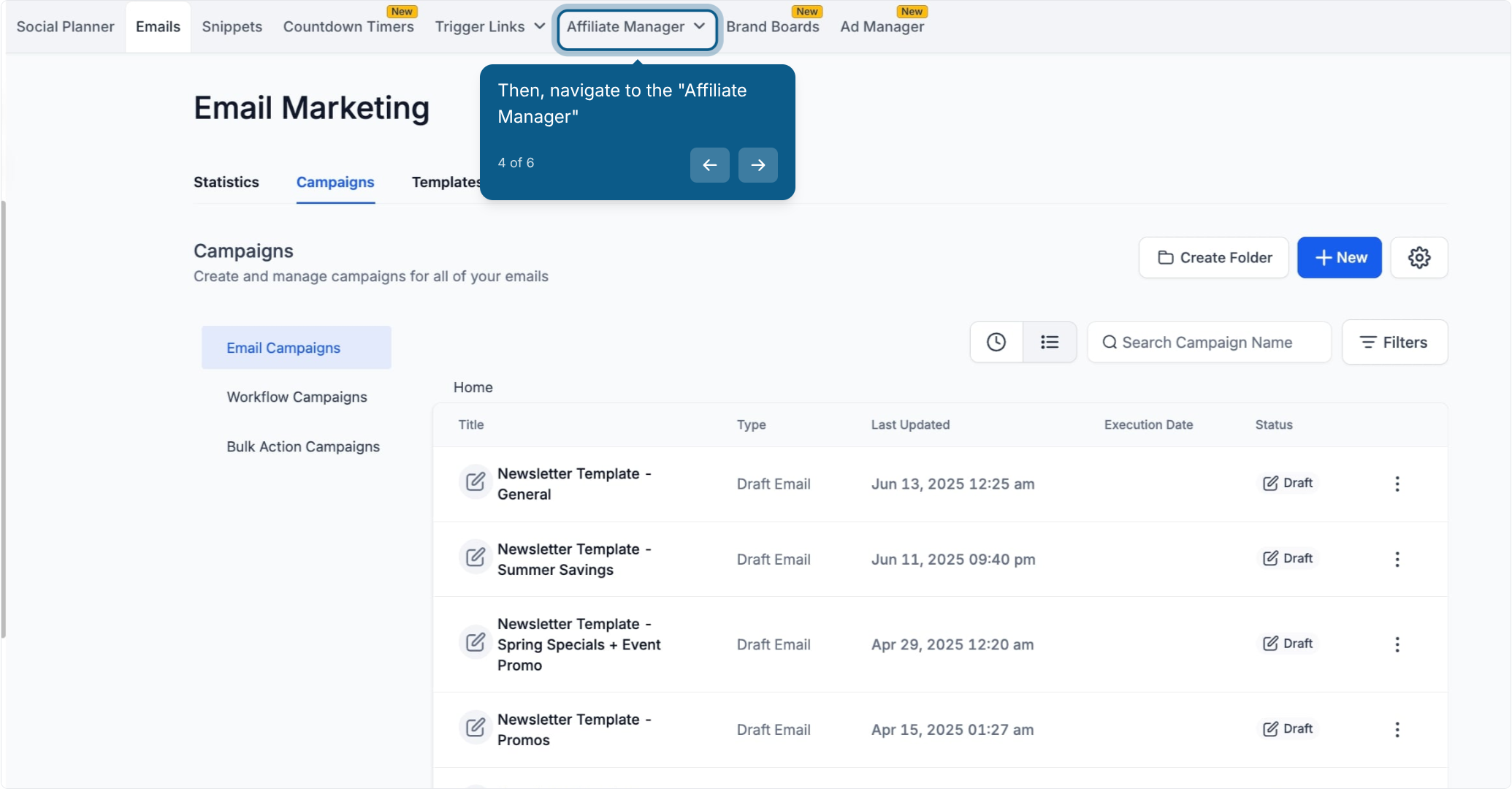
Navigate to "Affiliate Manager."
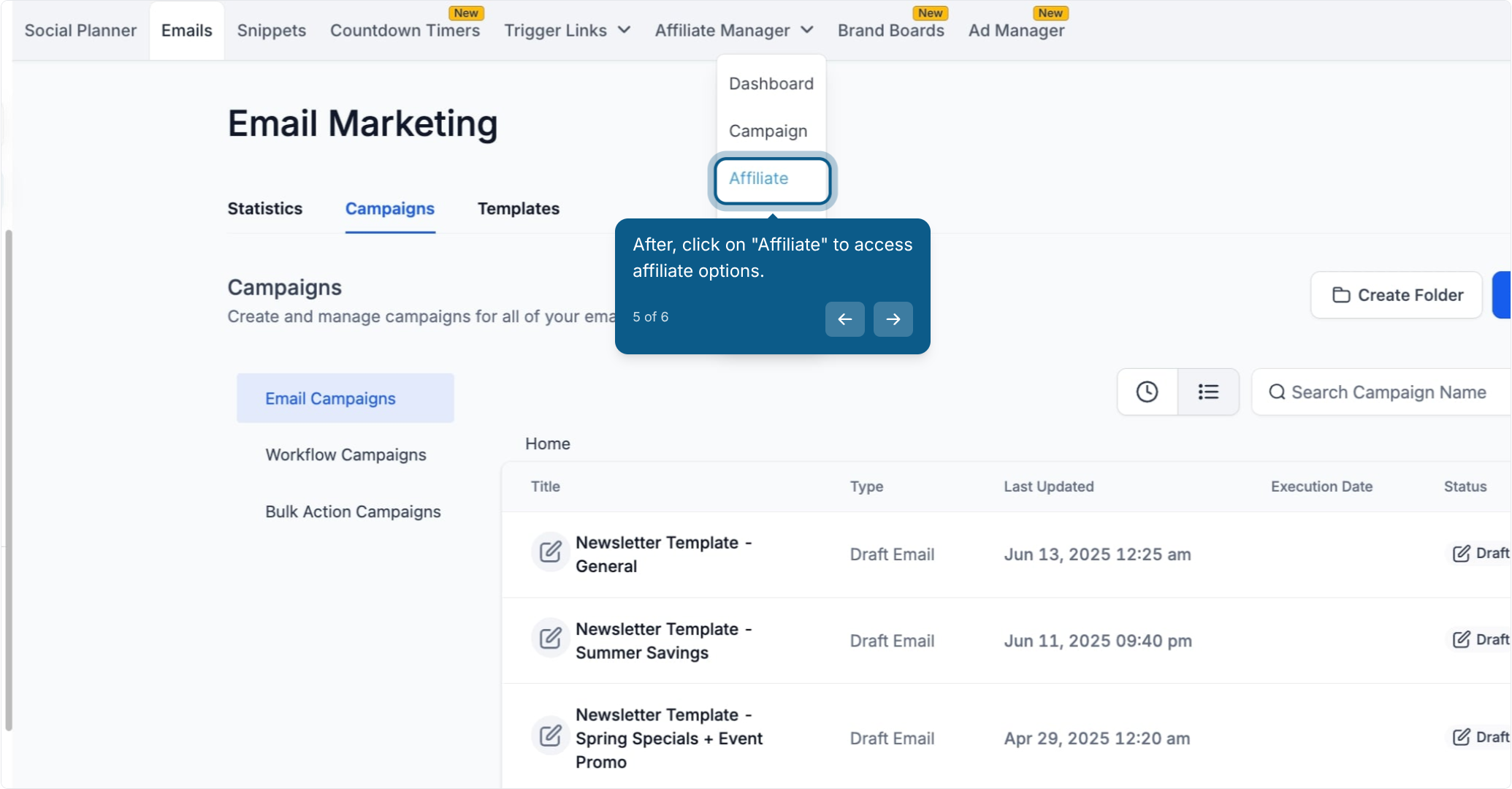
Click on "Affiliate" to access your affiliate options.
Click the download icon to export your affiliate list.
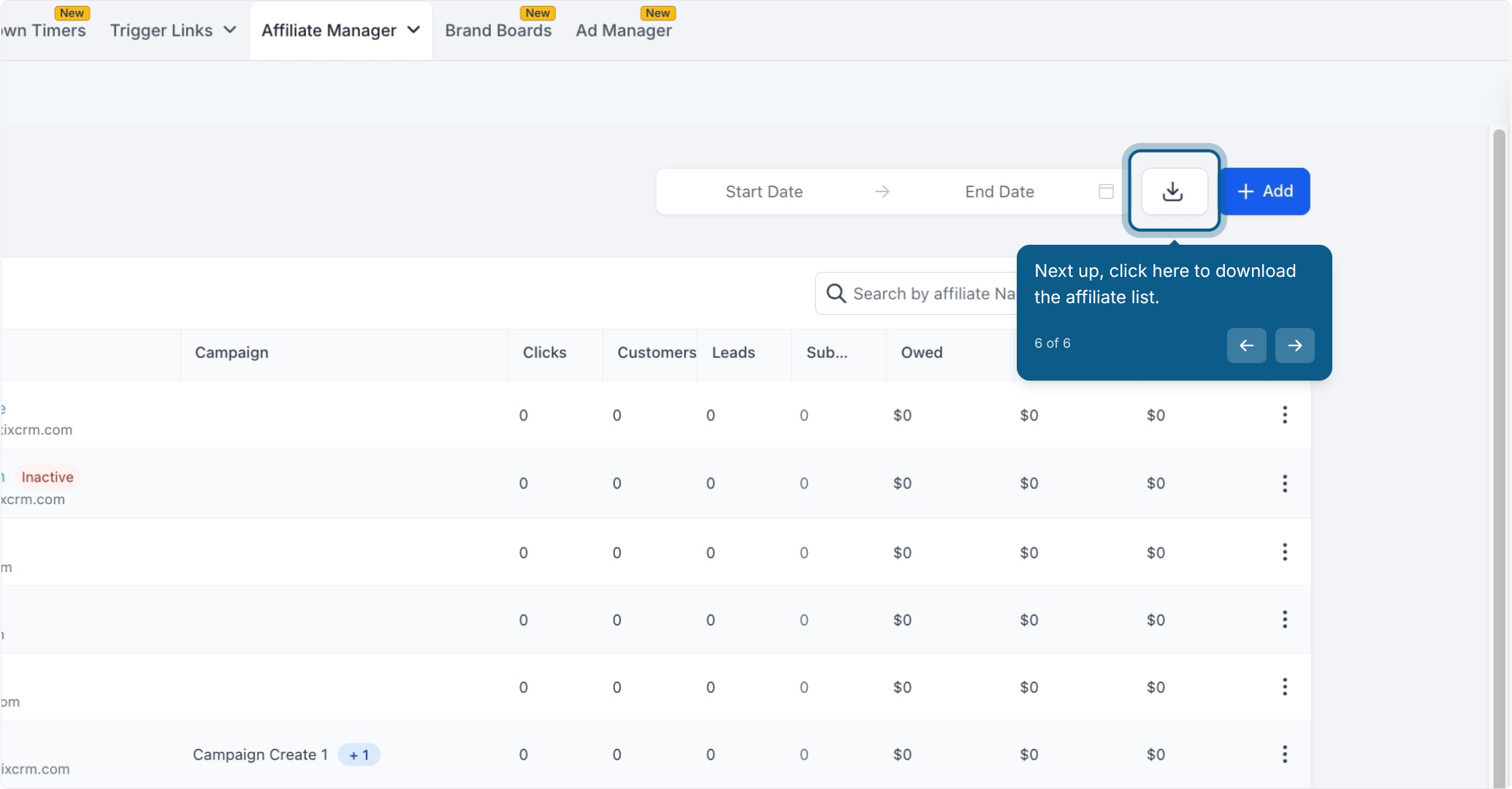
Your affiliate list will download as a CSV file containing your current affiliates and their associated details, ready to open in a spreadsheet program.
Frequently Asked Questions
What information is included in the exported affiliate list? The CSV export includes your affiliates' core details as stored in the Affiliate Manager, such as their name, contact information, and account status. Use it as a quick reference or to cross-check against your other records.
Can I export a filtered or partial list of affiliates? The export downloads your full affiliate list as shown in the Affiliate Manager at the time you click the download icon. If you need a subset, sort or filter the list in the app first before exporting.
What file format does the export use? The affiliate list downloads as a CSV (comma-separated values) file, which opens directly in spreadsheet programs like Excel or Google Sheets.
Where does the downloaded file save? The CSV file saves to your browser's default download location, the same place any other file download from your browser lands.
Can I re-import the exported list to update affiliate records? This export is meant for reporting and record-keeping, not for bulk re-import. To update affiliate information, make changes directly within the Affiliate Manager.
How often should I export my affiliate list? There's no set schedule. Many practices export periodically (monthly or quarterly) to keep an offline backup or to review referral partner activity alongside their other reporting.
Do I need a specific permission level to export the affiliate list? You'll need access to the Email Marketing and Affiliate Manager areas of your account. If you don't see these options, check with your account administrator about your user permissions.
Is patient information included in the affiliate export? No. The affiliate list export contains your referral partners' details, not patient records. If your affiliates are also patients, only their affiliate profile information is included, not clinical or appointment data.