The Affiliate Profile Page is where you go to manage one specific affiliate in detail. Instead of scanning a list, you get a full picture of that partner's activity, from an admin, plastic surgeon, or dermatologist referral partner to a patient who's driving new business your way. You'll find it in Affiliate Manager > Affiliates, then click into any individual affiliate's name to open their profile.
Think of affiliates as your practice's referral network: patients, influencers, partner providers, or anyone with a unique referral link who sends new leads and customers your way. The profile page is the central place to review their performance, adjust their campaigns, and manage what they're owed.
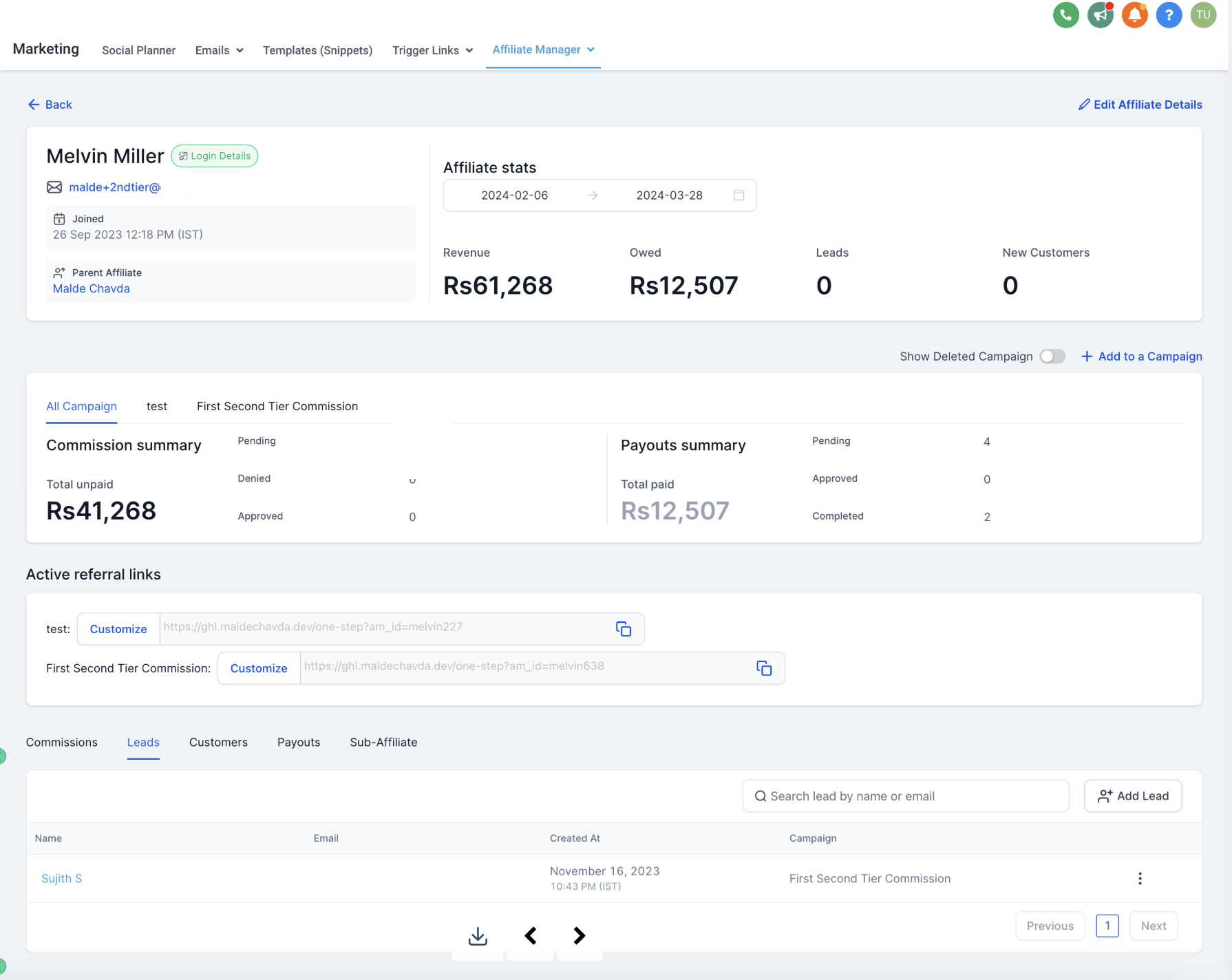
At the top of the profile, you'll see the affiliate's core information:
Email address on file.
Join date, so you know how long they've been part of your program.
Parent affiliate, if this person was recruited by another affiliate (useful for multi-tier referral structures).
A magic link that gives you one-click access into that affiliate's own portal, without needing their login credentials. This is handy when you need to see exactly what they see or troubleshoot something on their behalf.
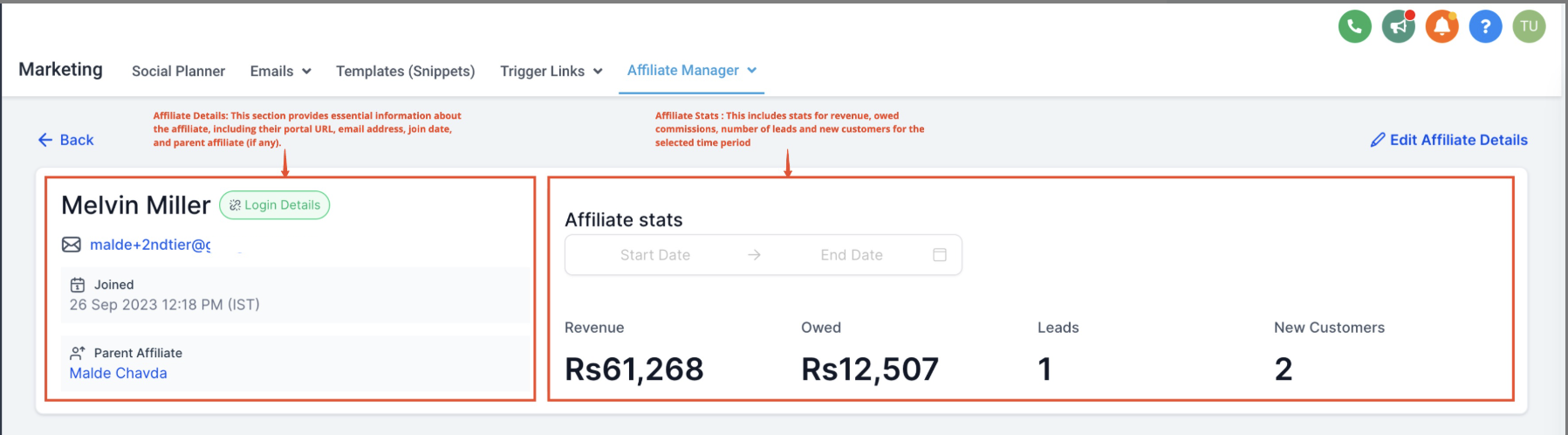
Right below the details, you get a quick performance snapshot for that affiliate:
Revenue generated, total sales attributed to their referrals.
Owed payouts, what your practice currently owes them in commissions.
Number of leads they've sent your way.
New customers they've converted.
This gives you an at-a-glance read on whether an affiliate is actively driving results before you dig into the details.
If you're running more than one affiliate campaign, this section shows how this particular affiliate is participating across all of them:
View summary metrics, including commissions earned and payouts received.
Filter to see data by an individual campaign, or pull an aggregate summary across every campaign the affiliate is part of.
Toggle between active, deleted, and inactive campaigns to see the full history, not just what's currently running.


You can assign this affiliate to a new campaign right from their profile page, without leaving to go find them in a separate list. This keeps campaign management fast when you're onboarding an affiliate into a new referral promotion or seasonal push.
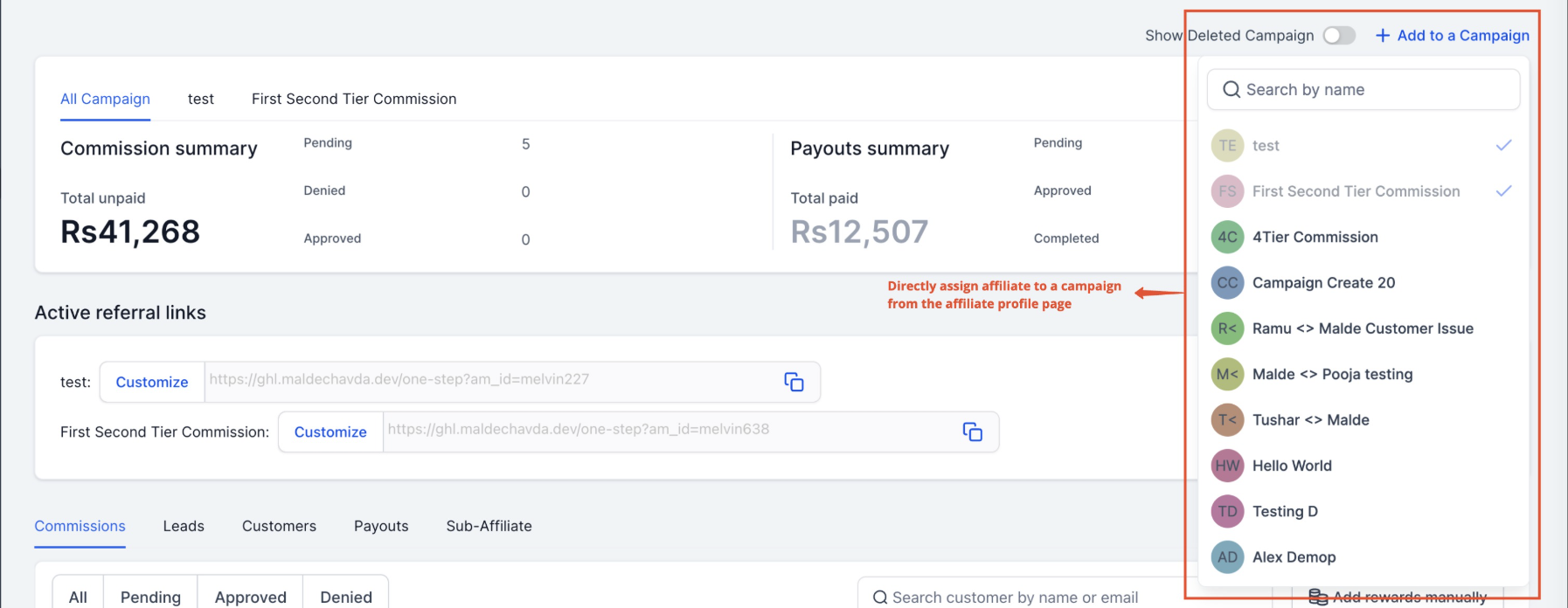
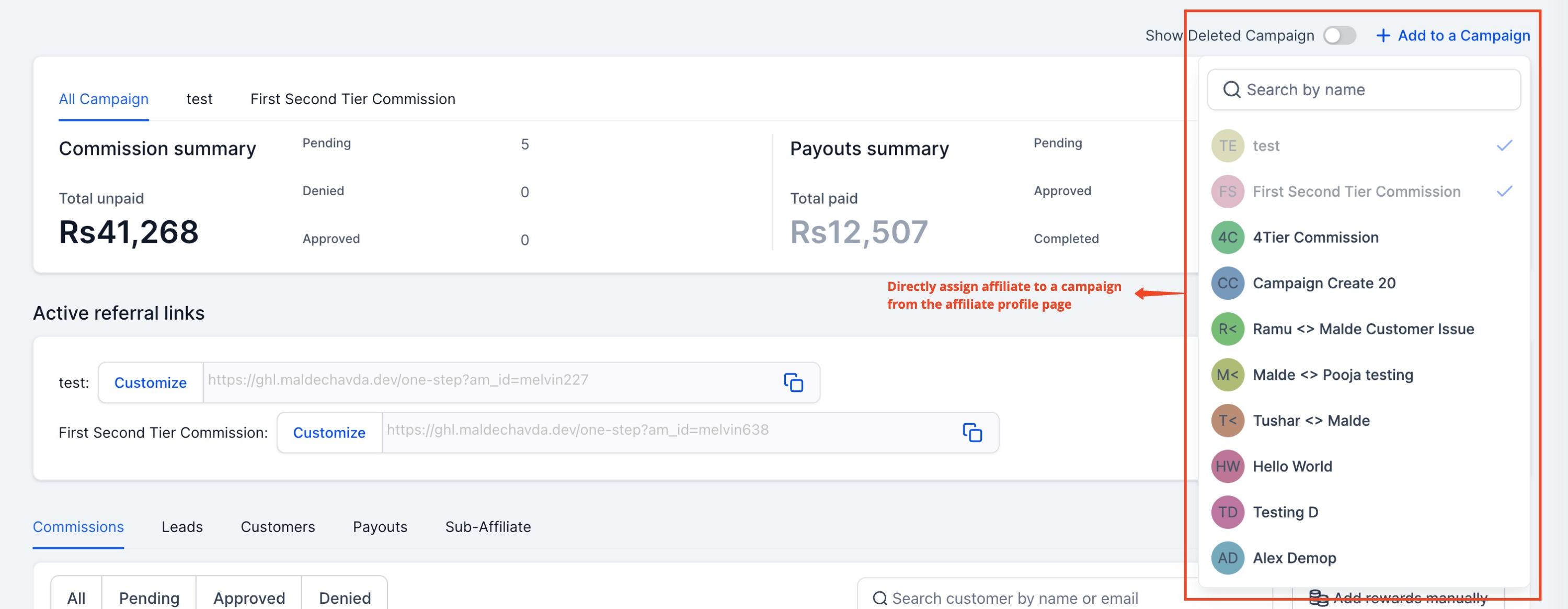
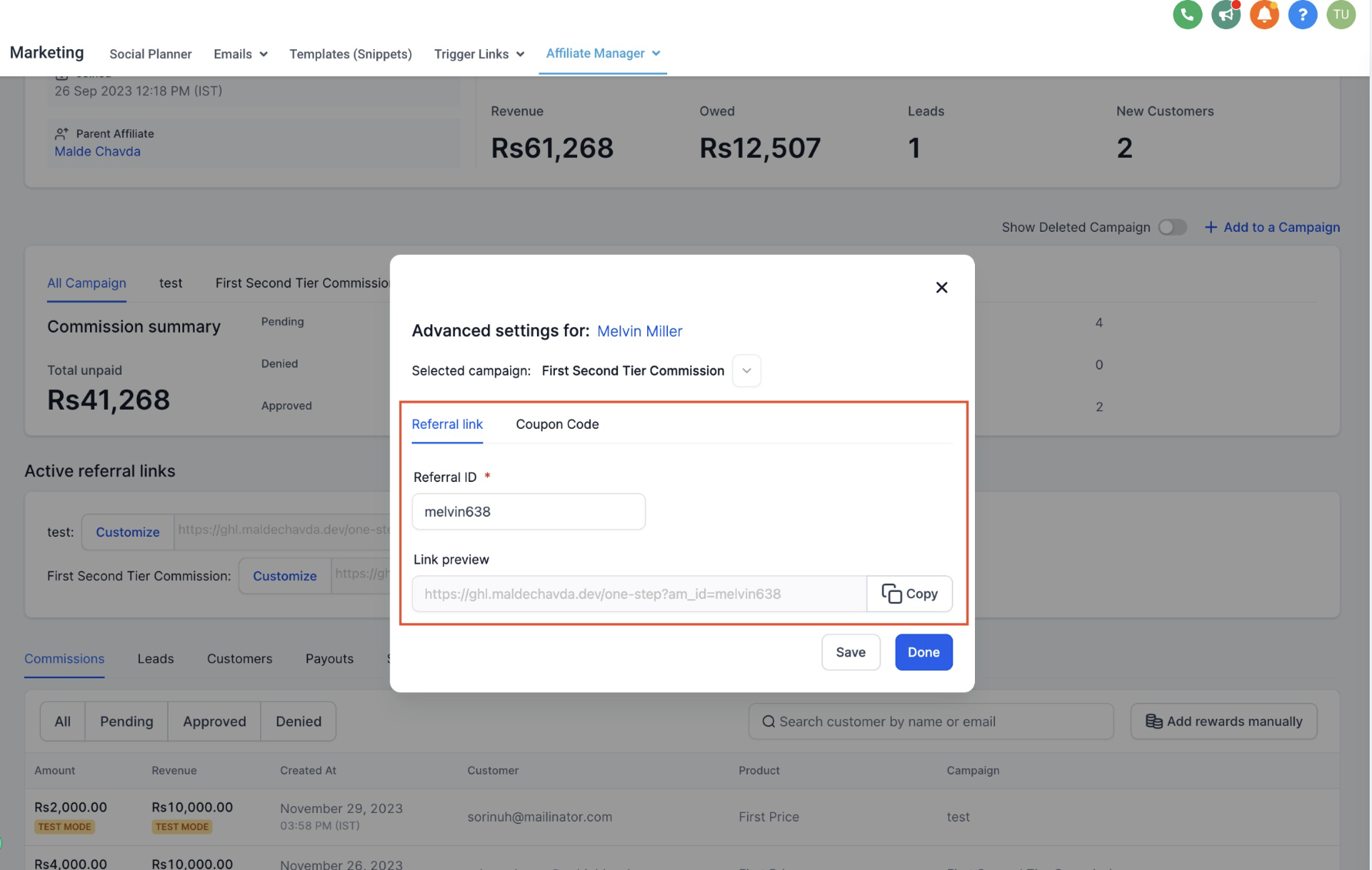
This section lists every referral link tied to the affiliate, broken out by campaign.


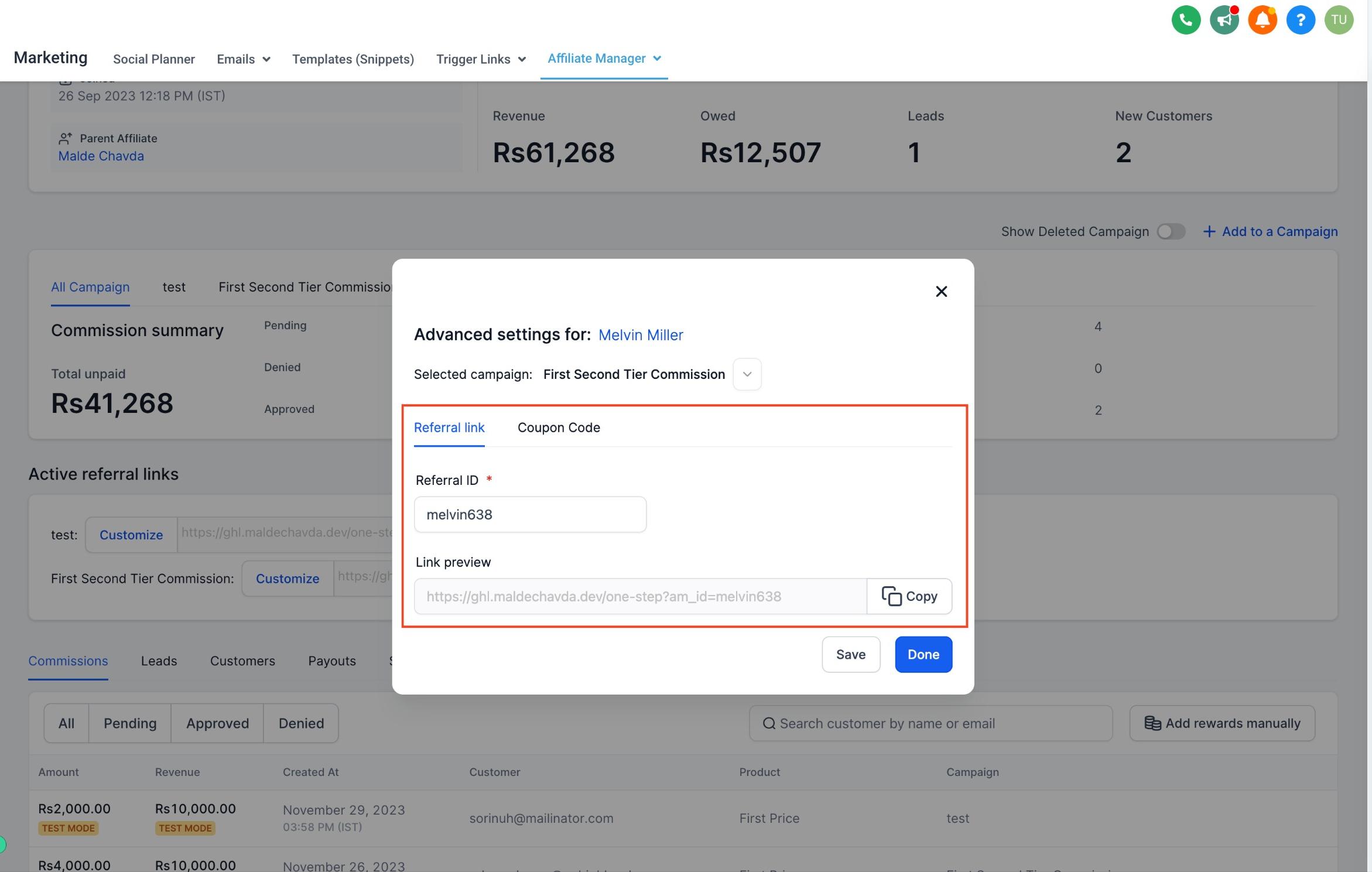
You can also customize the referral ID for a given campaign, which is useful if you want a more recognizable or trackable code for a specific promotion.
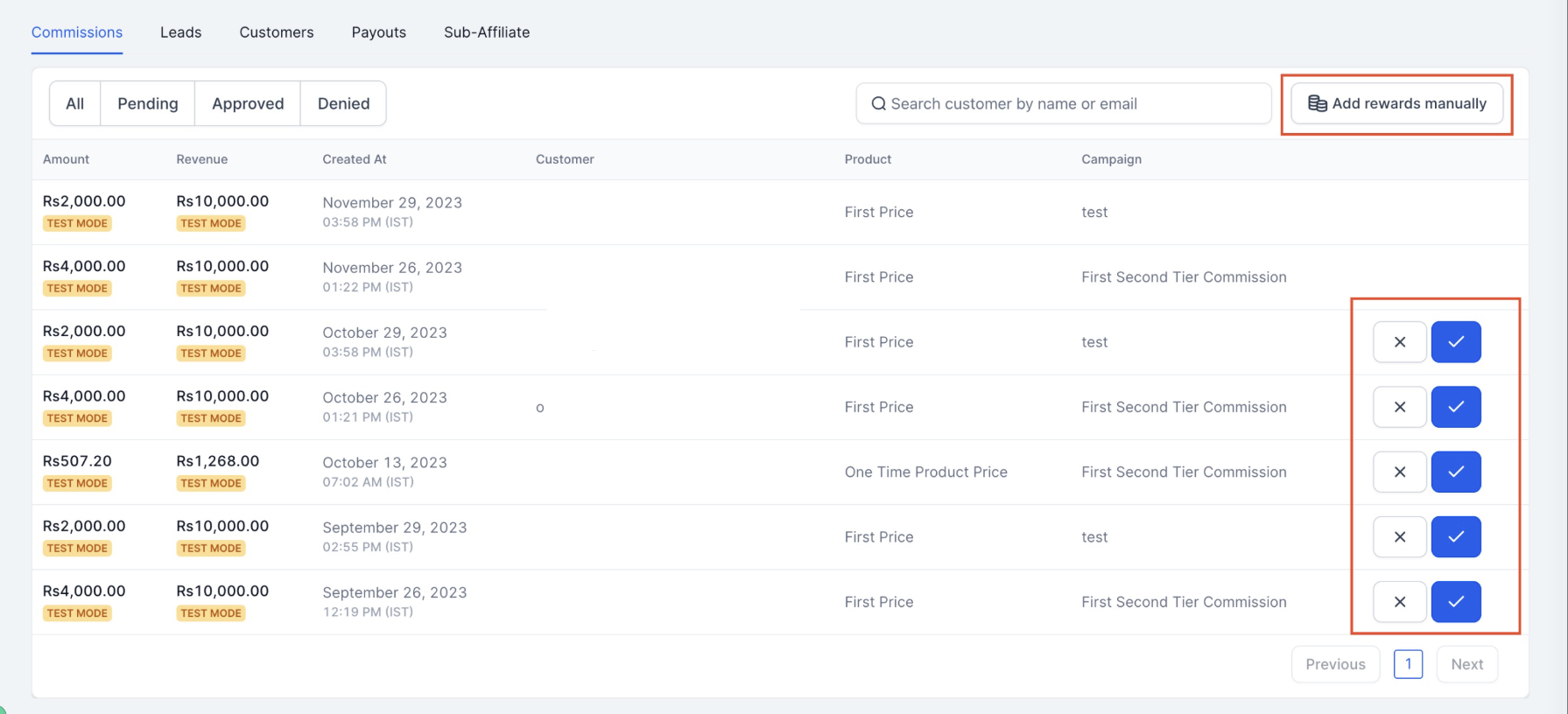
From here you can manage everything tied to this affiliate's commissions:
Approve or deny individual commissions before they're paid out.
Add a commission manually, for cases where a referral happened outside the normal tracking flow (for example, a patient who mentioned an affiliate's name during a phone booking).
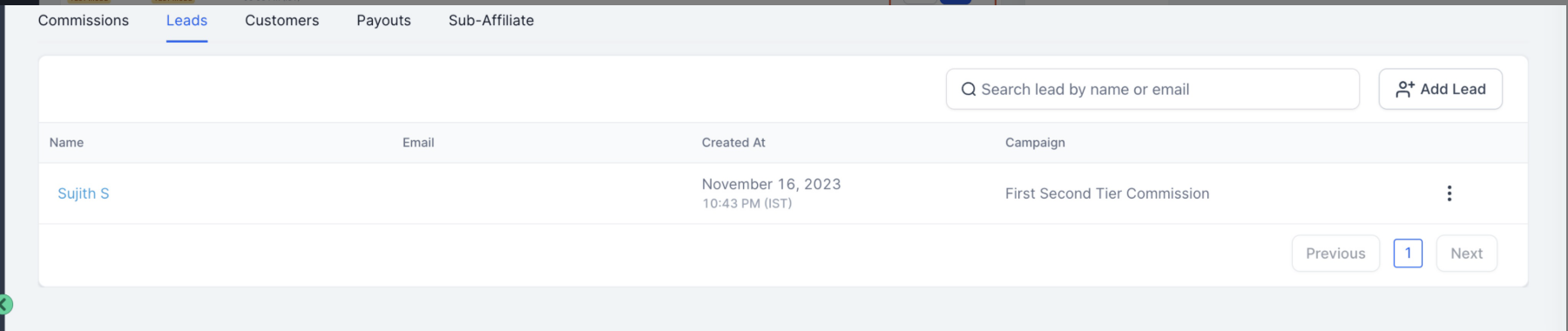
This tab shows every lead the affiliate has referred to your practice.
Delete a lead if it was logged in error or is a duplicate.
Manually add a lead when you need to credit the affiliate for a referral that came in outside your normal tracking (a walk-in who mentions they were sent by the affiliate, for instance).
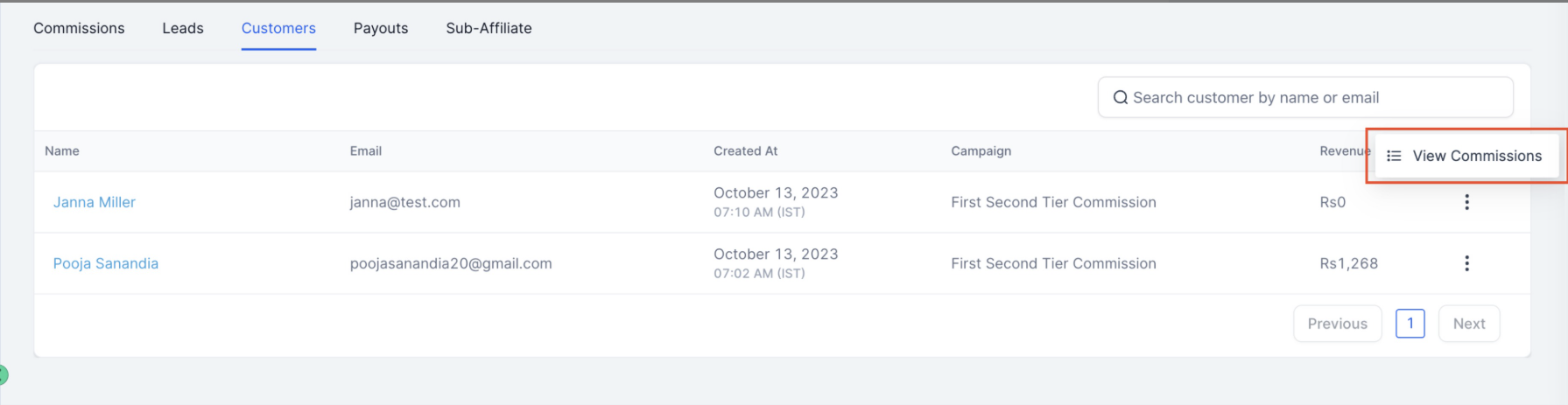
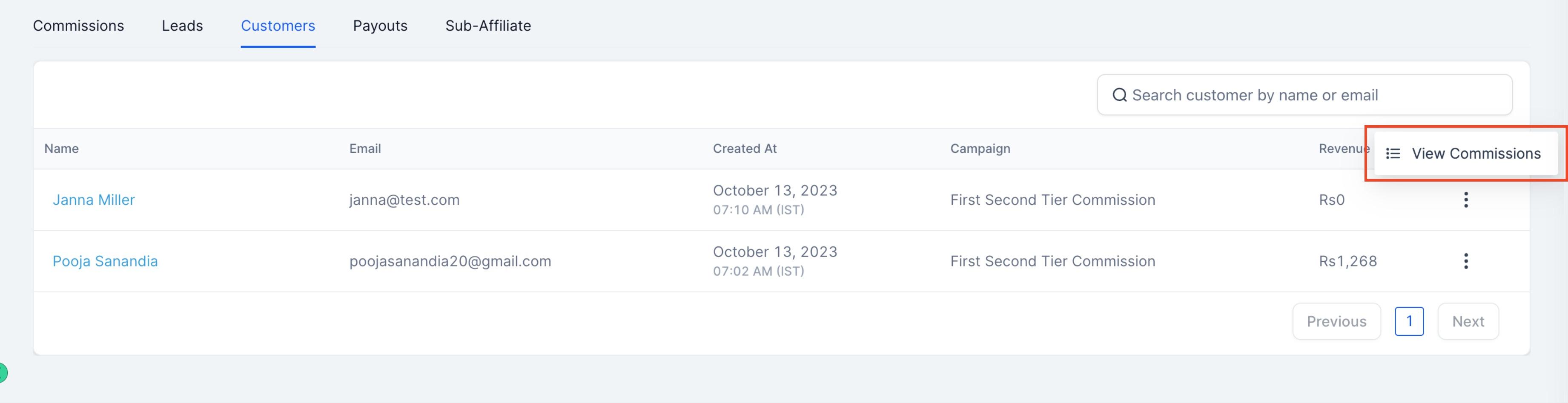
Once a lead converts, they show up here as a customer. You can see the full list of customers this affiliate has referred, along with each customer's commission history, so you can trace exactly how much revenue and commission a single referral has generated over time.
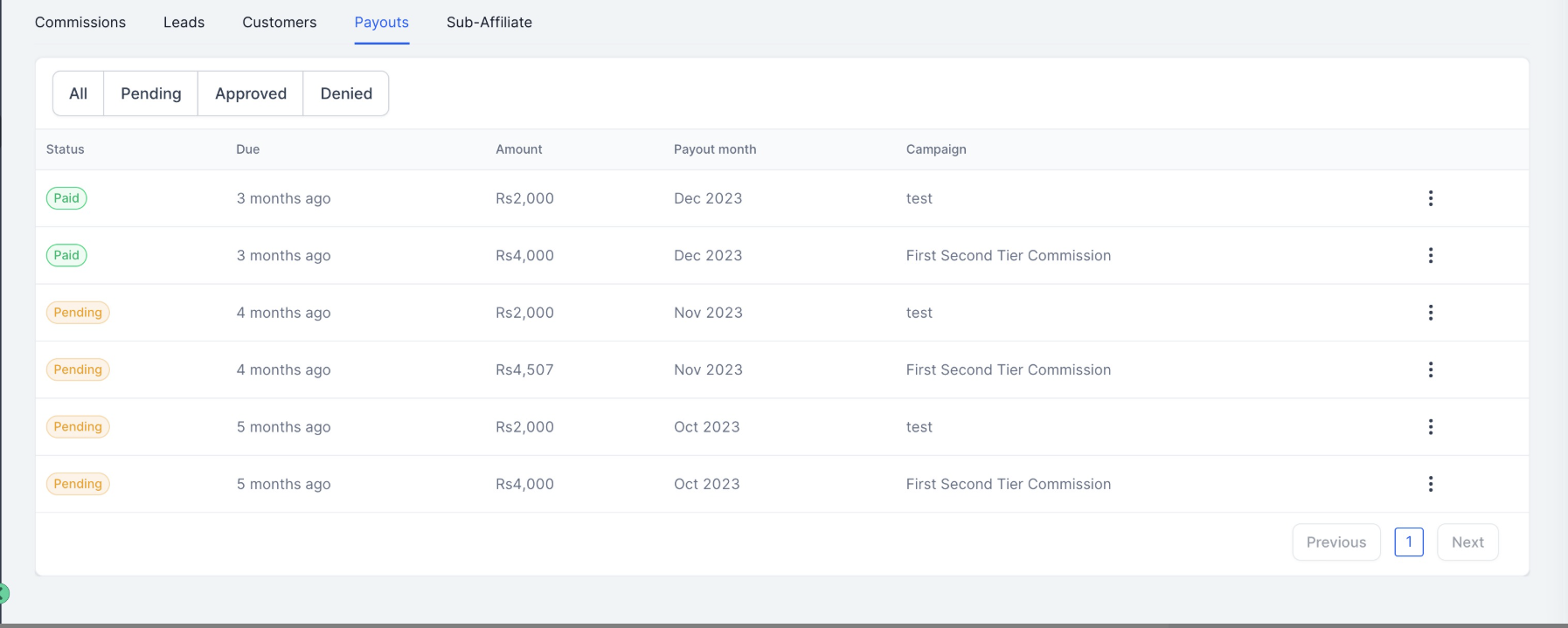
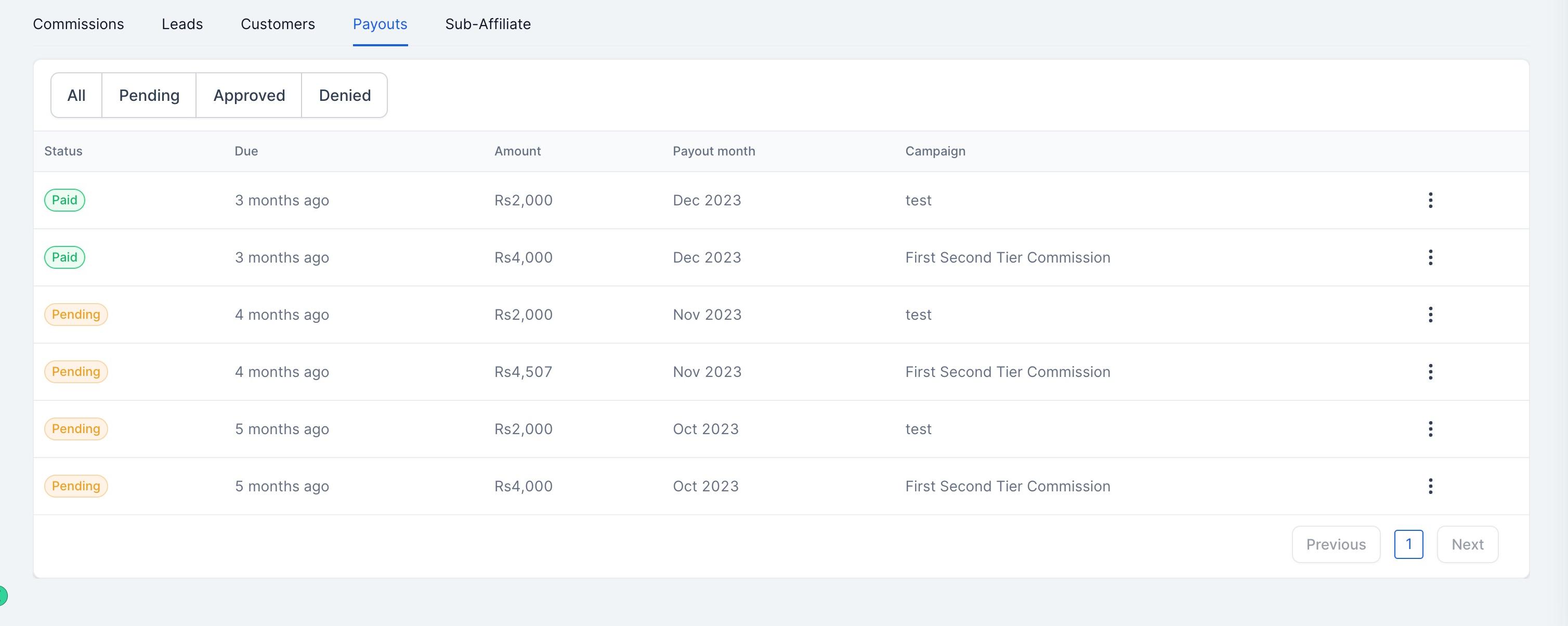
This section tracks every payout made to the affiliate, with filters by payout status (pending, completed, and so on) so you can quickly confirm what's been paid and what's still outstanding. It's a useful reconciliation tool when you're closing the books on a commission cycle.
If your program supports multi-tier referrals, this section lists every sub-affiliate connected to the affiliate you're viewing, giving you a clear picture of their referral network and who they've brought into the program underneath them.
Automating what happens when an affiliate hits a milestone, such as sending a notification when a new lead comes in or triggering a payout reminder, is handled through Workflows rather than the profile page itself. If you want to build that kind of automation around your affiliate program, set it up in Workflows using affiliate-related triggers and actions.
Where do I find an affiliate's profile page? Go to Affiliate Manager, open Affiliates, and click the name of the affiliate you want to review. That opens their individual profile page.
What's the difference between the affiliate list and the profile page? The list gives you a birds-eye view of all your affiliates at once. The profile page drills into one affiliate's full history: their details, stats, campaigns, links, commissions, leads, customers, payouts, and sub-affiliates.
Can I log in as an affiliate to see what they see? Yes. Use the magic link in the Affiliate Details section to jump directly into that affiliate's portal without needing their password.
How do I manually credit an affiliate for a referral that wasn't tracked automatically? Use the Leads tab to manually add a lead, or the Commissions tab to manually add a commission, depending on where in the process the referral needs to be credited.
Can I add an affiliate to a new campaign from their profile? Yes. Use the Direct Campaign Assignment section on their profile page to assign them to any active campaign without leaving the page.
What does "parent affiliate" mean? It identifies the affiliate who originally recruited this person into your program. It only appears if your affiliate structure includes multiple tiers.
Can I customize an affiliate's referral link? Yes. In the Active Referral Links section, you can customize the referral ID for a specific campaign, which is useful for making links easier to recognize or track.
Where do I see how much a specific affiliate has been paid? Check the Payouts section on their profile, where you can filter by status to see what's pending versus completed.
How do I see which patients or customers a specific affiliate referred? Open the Customers tab on their profile page. It lists every customer they referred along with the commission history tied to each one.
Can I set up automated notifications based on affiliate activity? Not from the profile page directly. Affiliate-related triggers and actions for automations like this live in Workflows.
