If you already have patients in your Contacts list who you'd like to invite into your referral program, you don't need to re-enter their information anywhere. Affiliate Manager lets you pull contacts straight from your existing Contacts and add them as affiliates, which is the fastest way to get a patient referral program off the ground using patients you already have a relationship with.
Many practices launch their referral program with their best patients: the ones who already send friends and family your way informally. Since those patients are already saved as contacts in your Aesthetix CRM account, importing them as affiliates saves you from creating duplicate records and keeps their contact history, tags, and communication preferences intact.
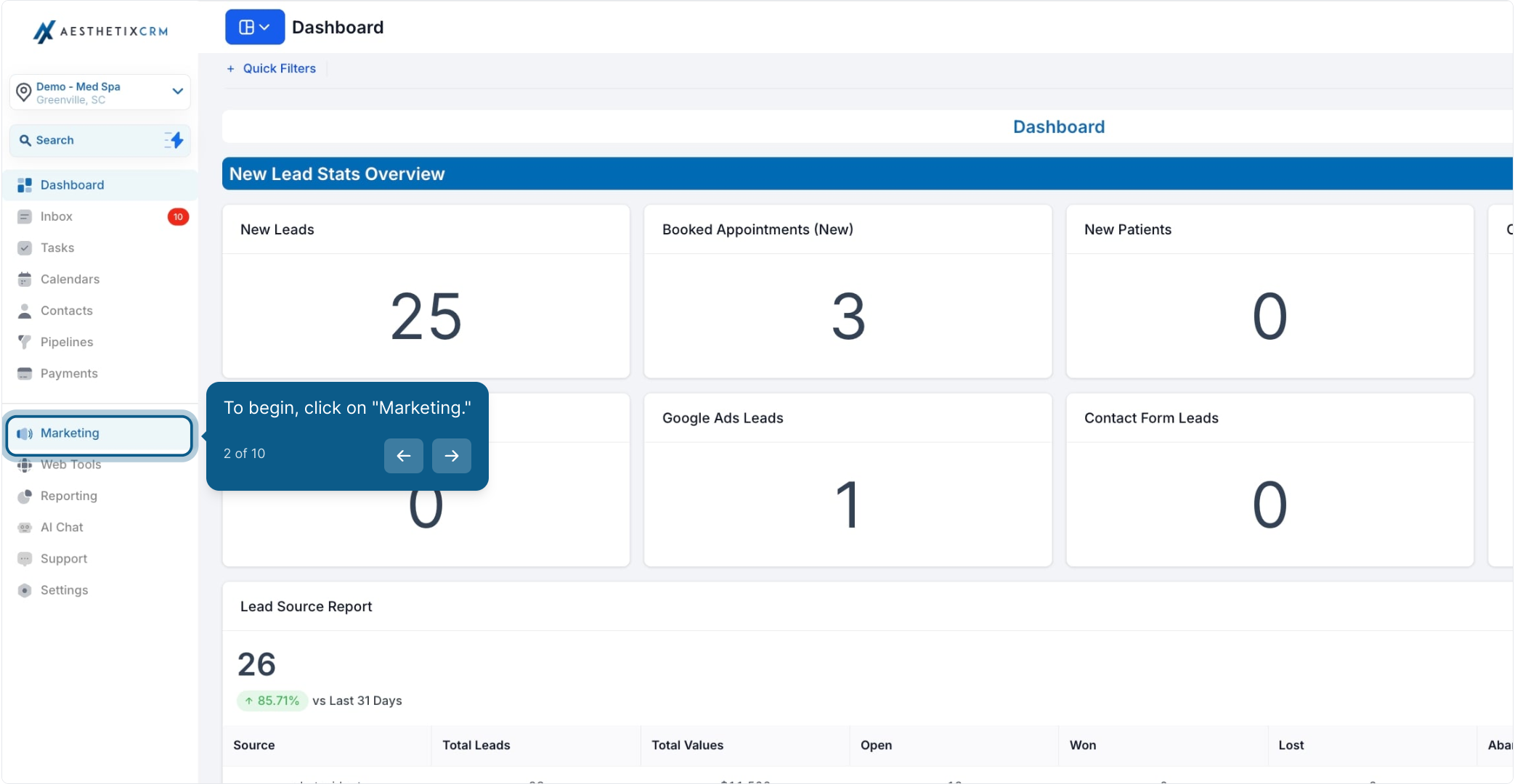
From the left menu, click Marketing.
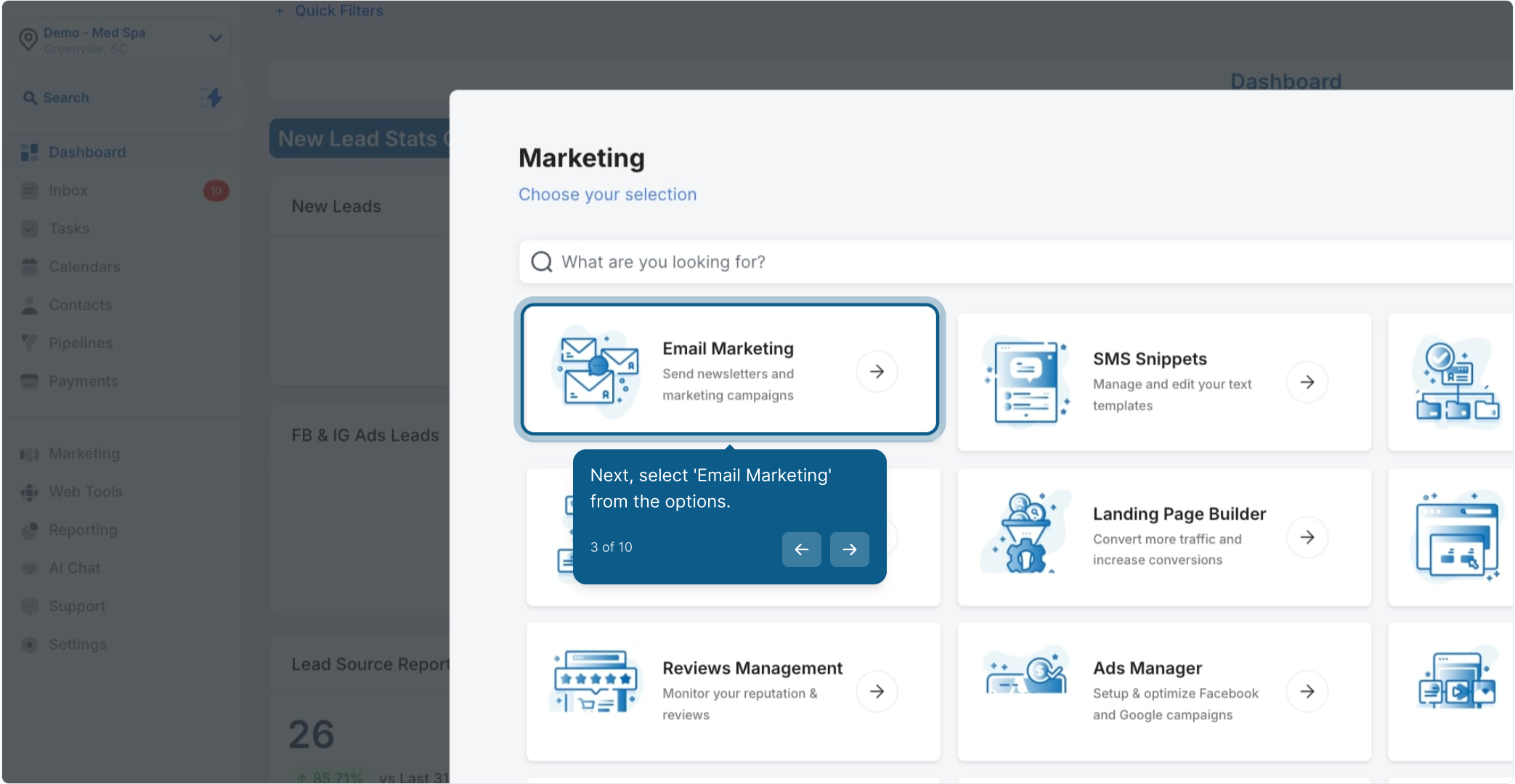
Select Email Marketing from the Marketing options.
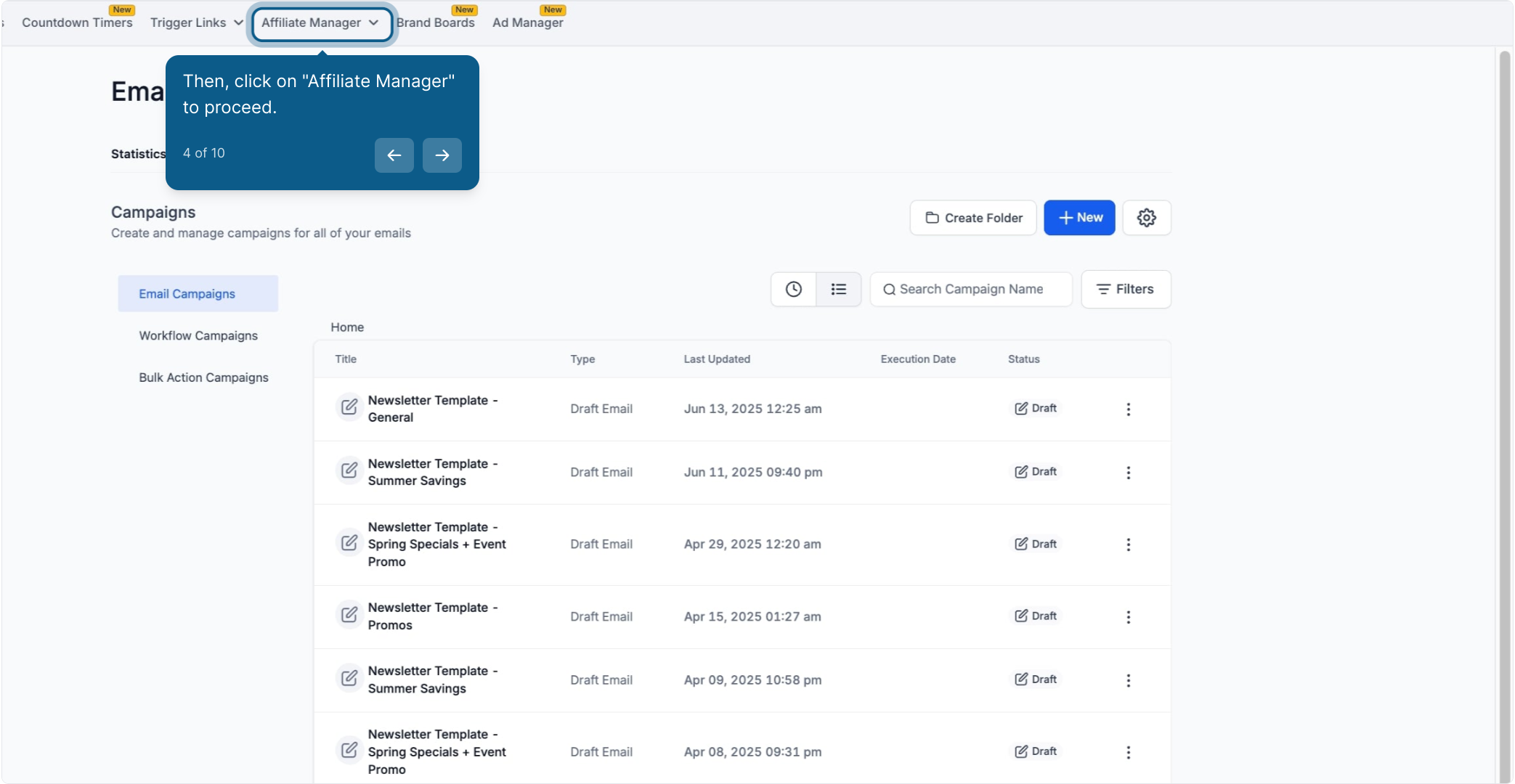
Click Affiliate Manager to open the affiliate program tools.
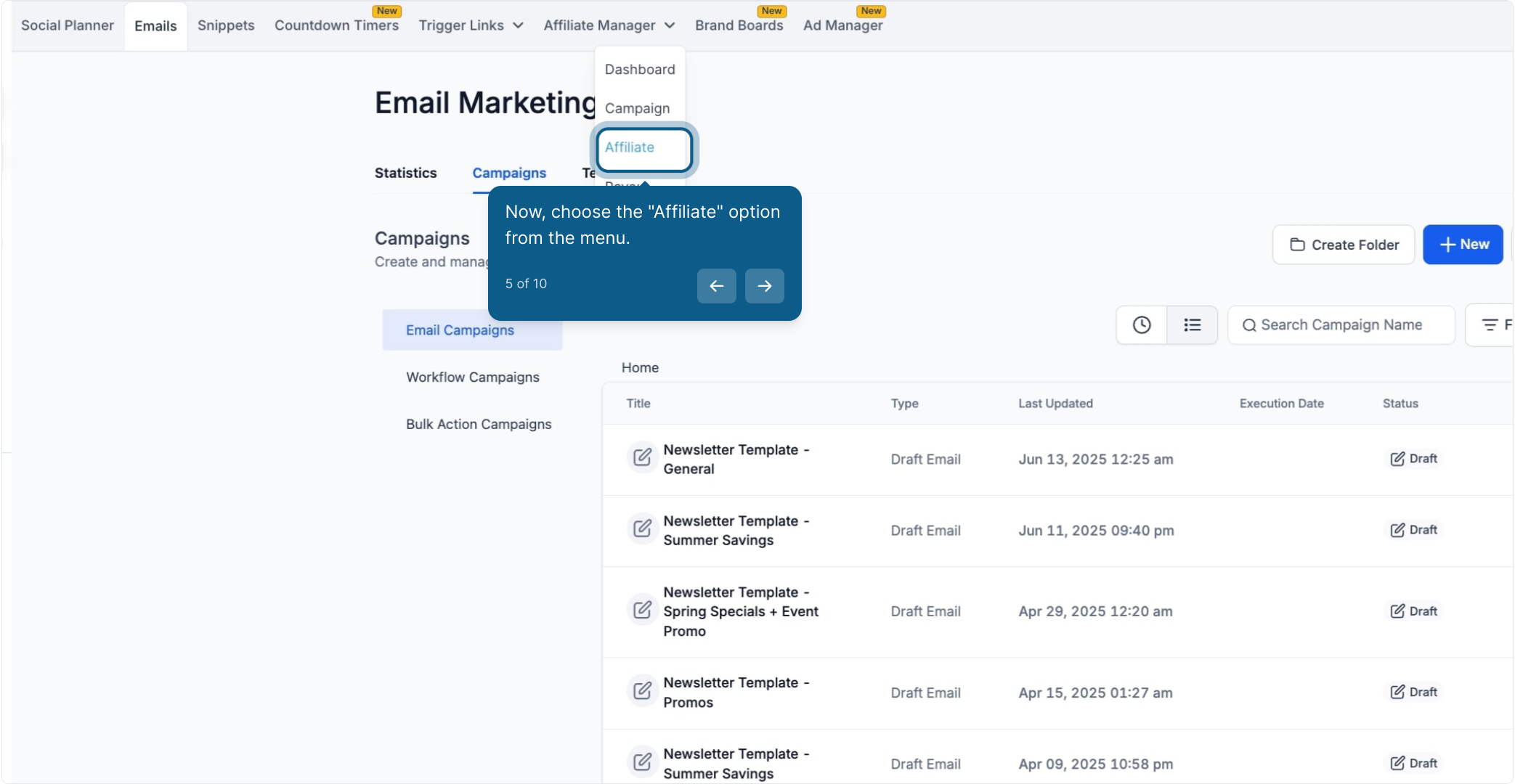
Choose the Affiliate option from the menu.
Click Add to include a new affiliate.
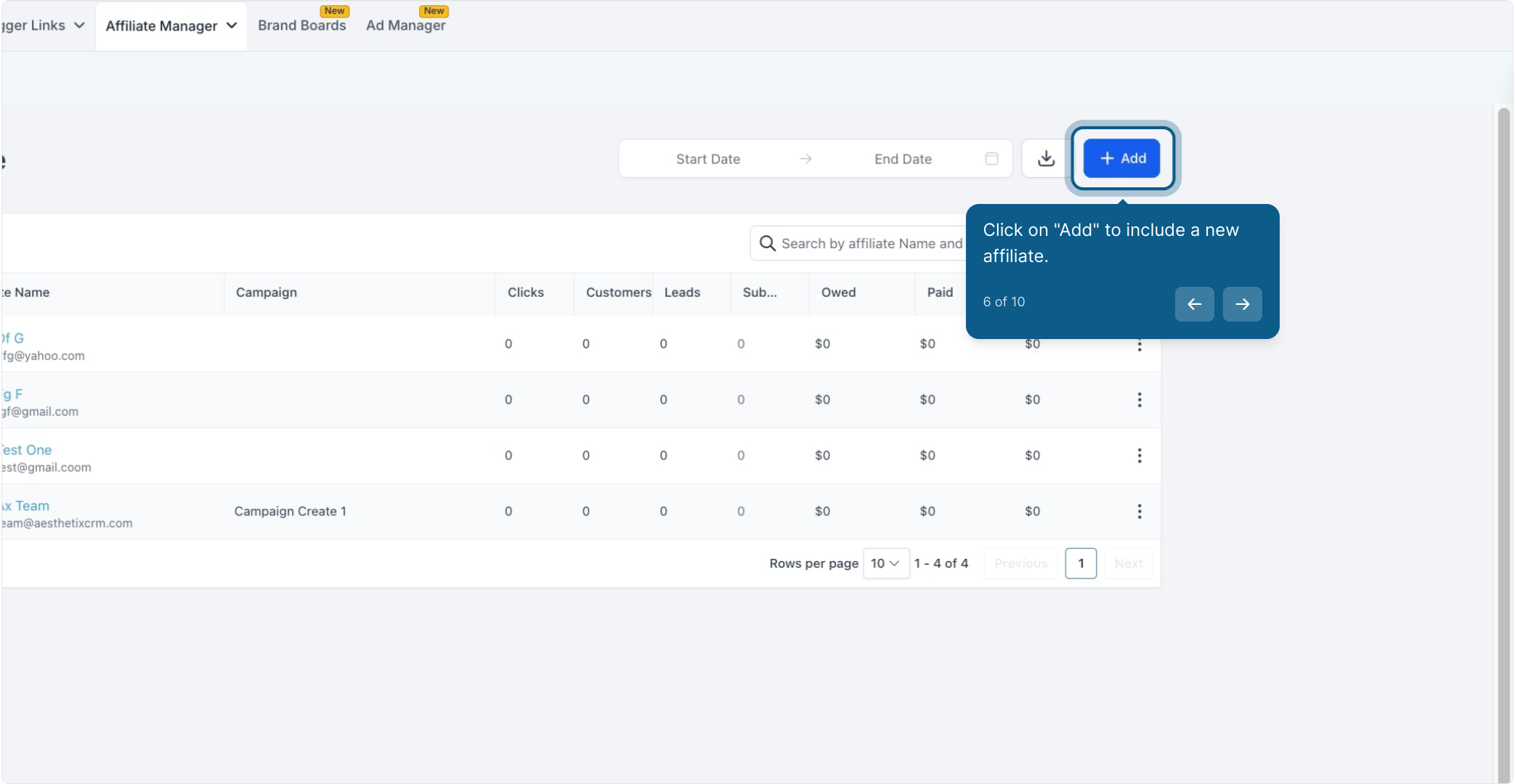
Select Import from Contacts.
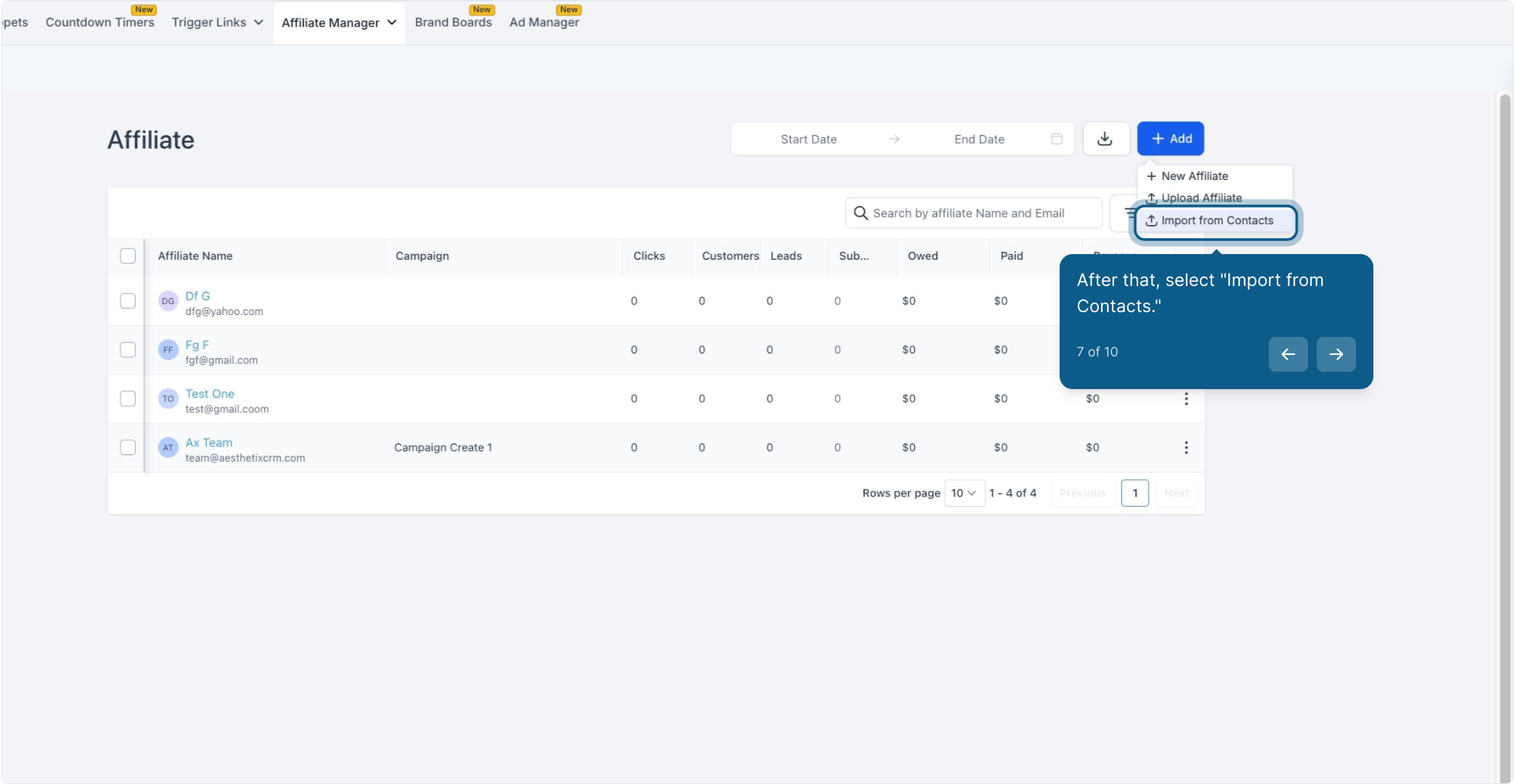
Check the box next to each contact you want to bring in as an affiliate. You can select more than one contact at a time if you're onboarding several patients into the program at once.
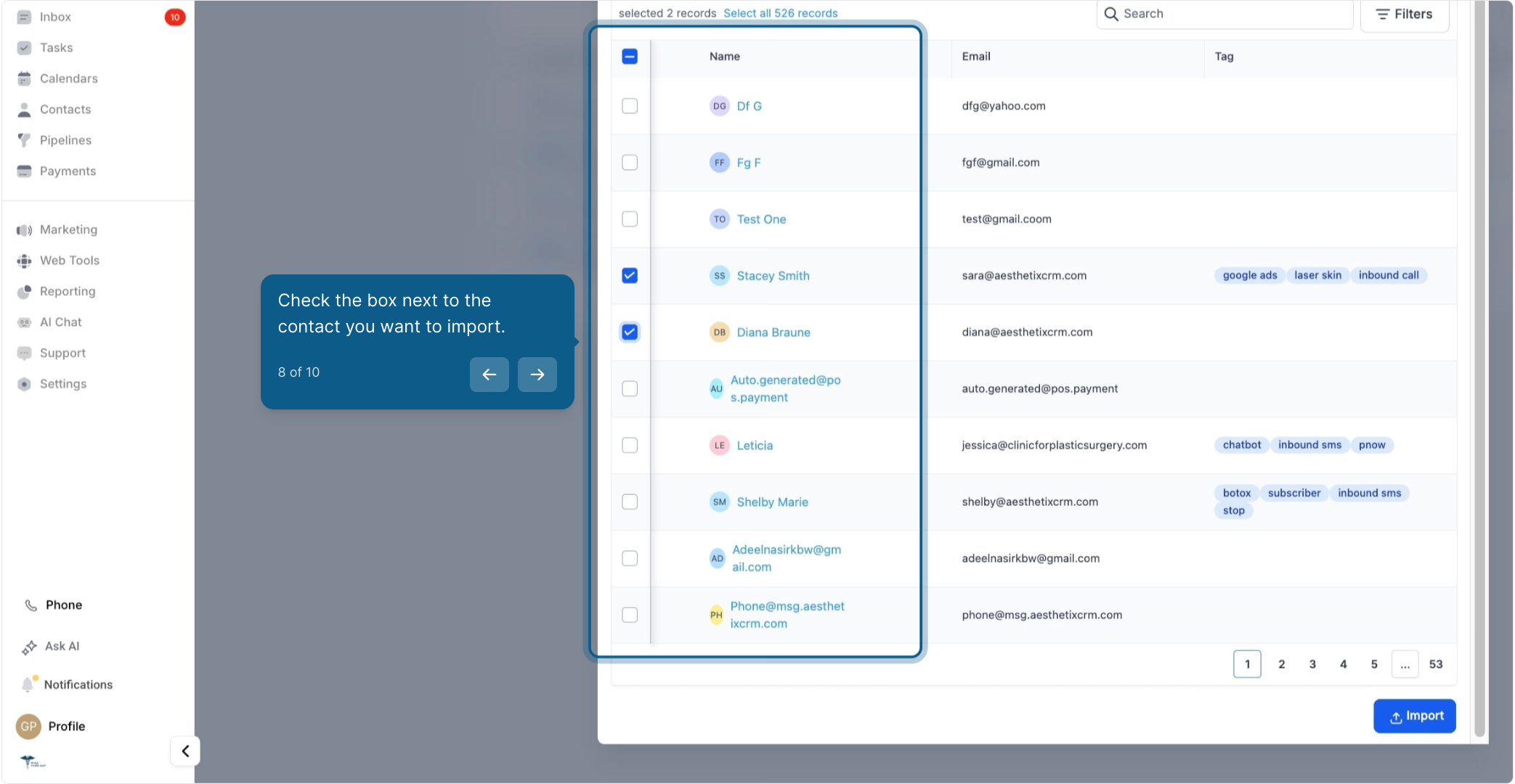
Click Import to complete the process.
That's it. The contacts you selected now appear on your affiliate list.
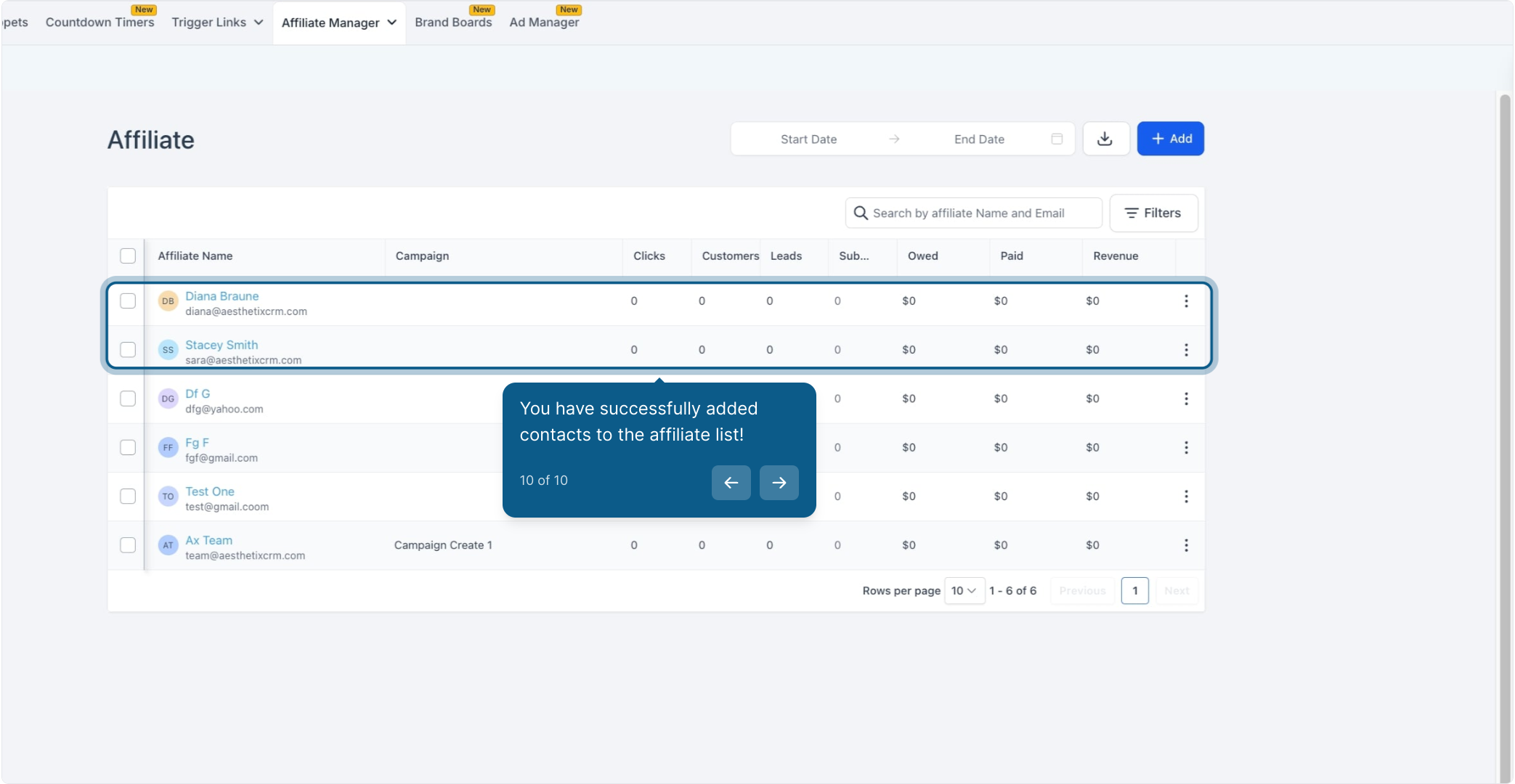
Once a contact is imported as an affiliate, they show up alongside any affiliates you've added manually or who signed up through an affiliate registration form. From there you can assign them to a campaign, set their commission structure, and share their unique referral link, the same way you would for any other affiliate. Their existing contact record, including tags, notes, and appointment history, is unaffected by the import.
Since this workflow pulls from your Contacts list, it's worth keeping your patient contact records clean and up to date beforehand. Head over to Contacts to review or tidy up a patient's information before importing them, especially their name and email address, since those are what display on their affiliate profile.
Can I import more than one contact at a time? Yes. On the "Import from Contacts" screen, you can check the box next to multiple contacts and import them all as affiliates in a single action.
Does importing a contact as an affiliate remove them from my Contacts list? No. The contact record stays exactly where it is. Importing simply adds an affiliate profile linked to that existing contact, it doesn't move or duplicate anything.
What information carries over when I import a contact as an affiliate? The contact's name and email address carry over to build their affiliate profile. Their broader contact history, tags, and notes remain in their contact record and aren't altered by the import.
Can I import a contact who doesn't have an email address on file? An email address is needed to fully set up an affiliate profile, since that's how referral links and payout notifications are typically communicated. Add an email address to the contact's record before importing if one isn't already there.
What if I accidentally import the wrong contact? You can remove an affiliate from the Affiliate list after the import if needed. Removing them as an affiliate doesn't affect their underlying contact record.
Do imported affiliates need to sign up separately? No. Once imported, they're already active as affiliates and don't need to complete a separate signup or registration form. You can still assign them a campaign and share their referral link directly.
Can I use this to enroll patients who've already referred friends informally? Yes, this is one of the most common uses. If you know certain patients regularly send referrals your way, importing them lets you formalize that relationship with tracked links and commissions instead of losing visibility into those referrals.
Where do I manage what an imported affiliate earns? Commission and payout settings are managed from the affiliate's profile in Affiliate Manager after the import, the same as for any other affiliate on your list.
Is there a limit to how many contacts I can import as affiliates? There's no fixed cap noted for the import itself, but as with any bulk action, importing a very large batch at once may take a moment to process. If you're enrolling a large group, importing in smaller batches can help you confirm each batch completed successfully.
What's the difference between this and adding an affiliate manually? Adding manually means entering a new affiliate's name and email yourself, which creates a new record from scratch. Importing from Contacts instead pulls the name and email from a contact you've already saved, which is faster and keeps everything tied to their existing history in your account.
