Multi-tier commissions let your practice reward an affiliate not just for the patients or sales they refer directly, but also for the activity of the sub-affiliates that affiliate recruits into their own network. You configure multi-tier commissions from an affiliate campaign in Marketing > Email Marketing > Affiliate Manager.
In a multi-tier commission structure, an affiliate earns a commission on their own referrals plus a smaller commission on the referrals made by the affiliates they recruited, and so on down the chain. Aesthetix CRM supports up to 7 tiers, so you can build a commission structure as simple or as layered as your referral program needs.
Each tier can carry its own commission rate. Typically the top tier (the affiliate who made the direct referral) earns the largest share, and each level above them in the recruiting chain earns a smaller percentage as the payout passes up the chain.
Say your campaign is set up with these rates:
1st Tier: 20%
2nd Tier: 10%
3rd Tier: 5%
4th Tier: 3%
5th Tier: 2%
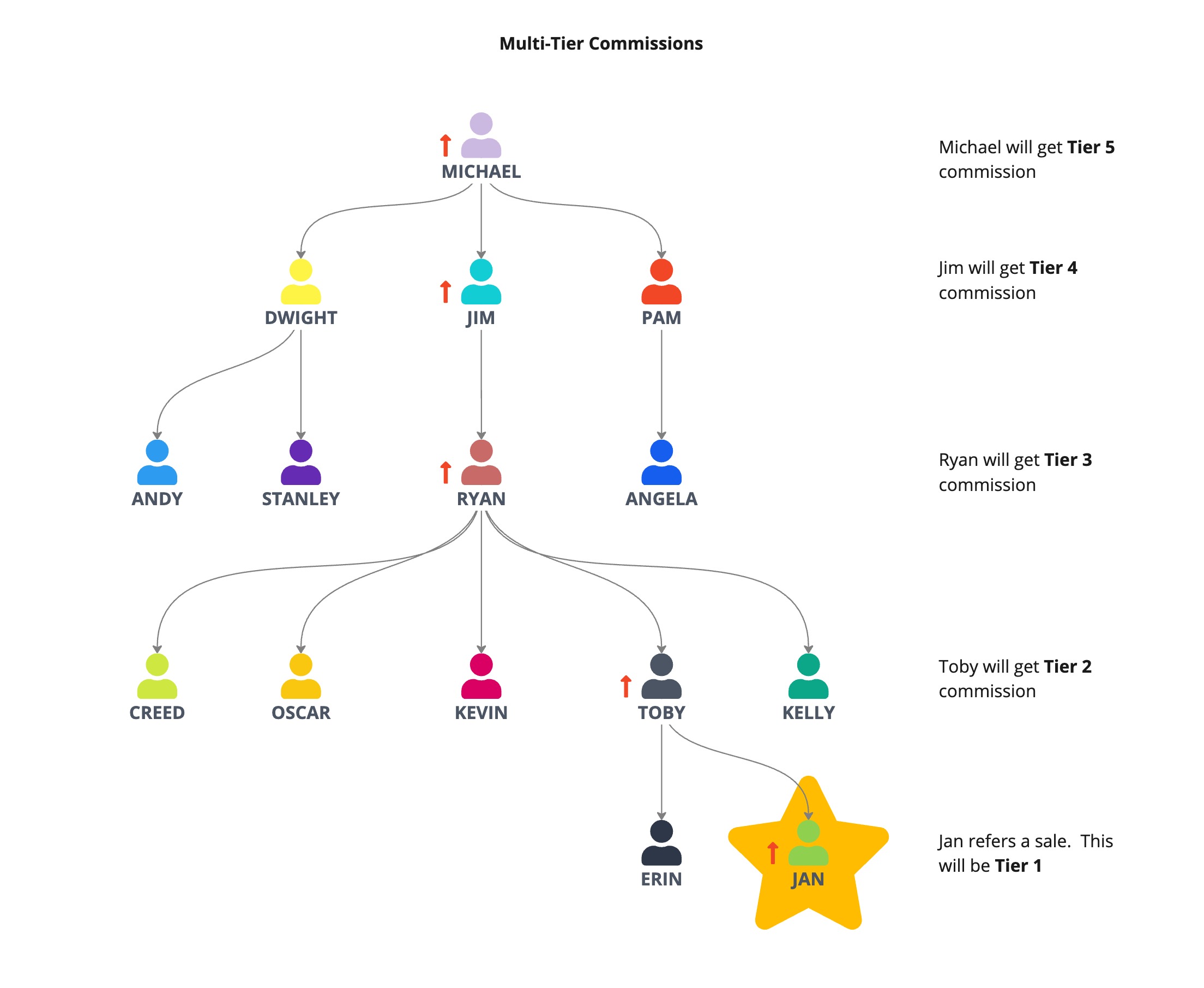
If Jan (an affiliate) refers a $100 sale, and Jan was recruited into the program by Toby, who was recruited by Ryan, who was recruited by Jim, who was recruited by Michael, the payout looks like this:
Jan (1st tier, made the direct referral) earns $20.
Toby (Jan's recruiter, 2nd tier) earns $10.
Ryan (Toby's recruiter, 3rd tier) earns $5.
Jim (Ryan's recruiter, 4th tier) earns $3.
Michael (Jim's recruiter, 5th tier) earns $2.
Total paid to affiliates: $40 ($20 + $10 + $5 + $3 + $2)
As your referral network grows, affiliates higher up the chain keep benefiting from the activity of the sub-affiliates they brought in, which gives everyone a reason to keep recruiting.
Using the same rate structure, if Stanley refers a $100 sale and Stanley was recruited by Dwight, who was recruited by Michael, only 3 tiers are populated:
Stanley (1st tier) earns $20.
Dwight (Stanley's recruiter, 2nd tier) earns $10.
Michael (Dwight's recruiter, 3rd tier) earns $5.
Total paid to affiliates: $30 ($20 + $10 + $5)
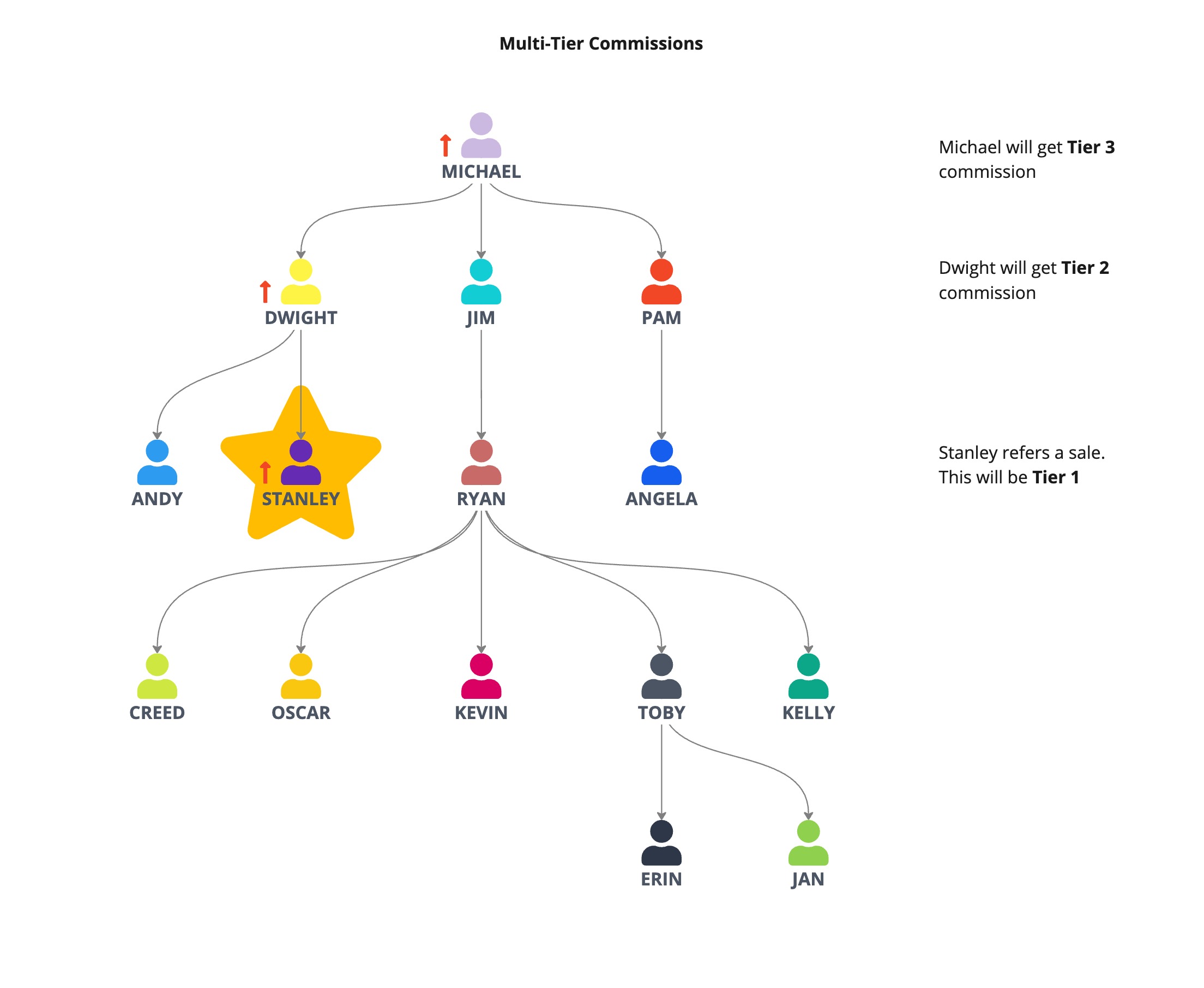
Tiers with no affiliate in that position simply don't pay out. You're never required to have a full 7-affiliate chain for the commissions to work correctly.
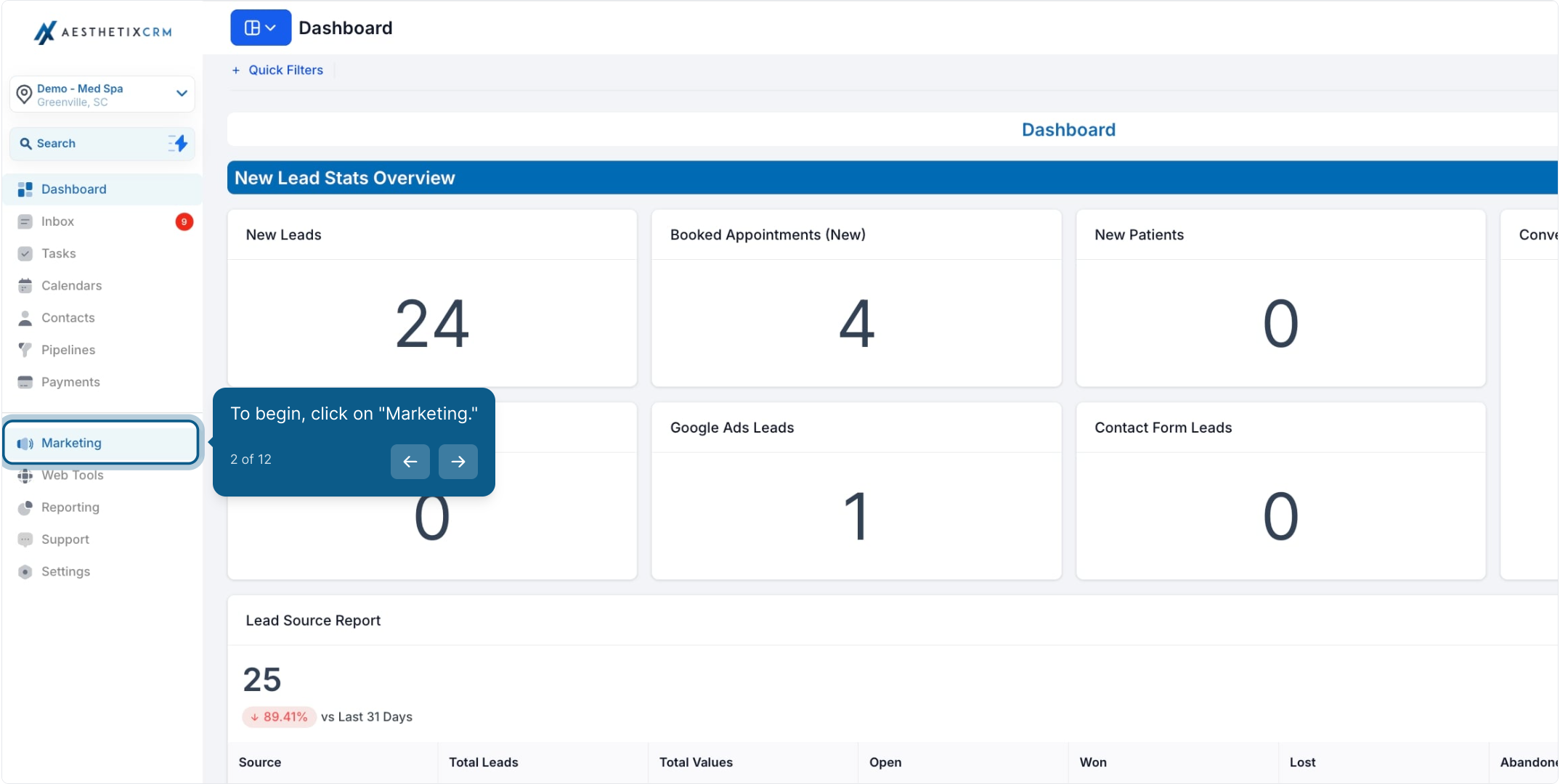
From the main menu, click Marketing.
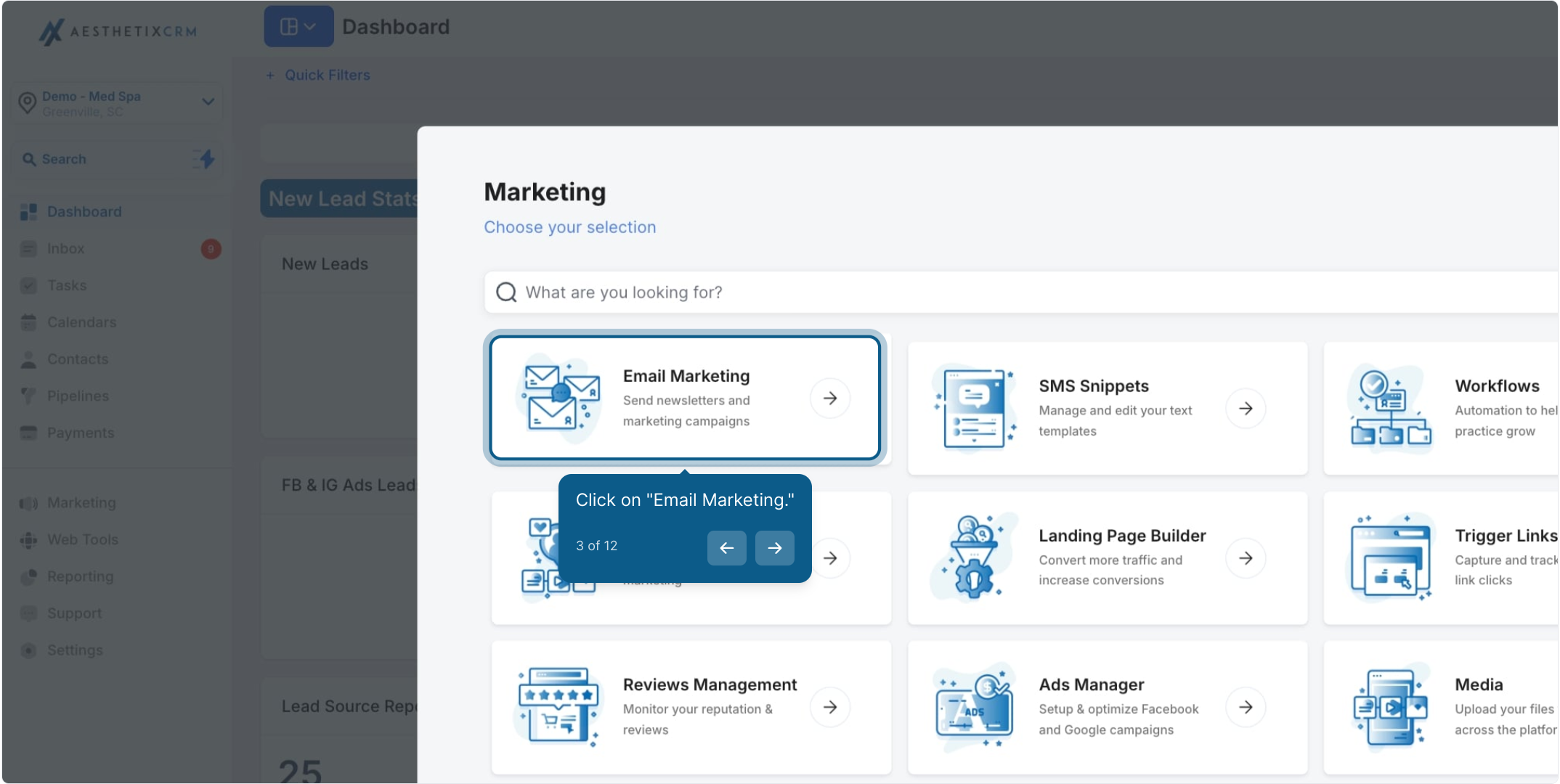
Click Email Marketing.
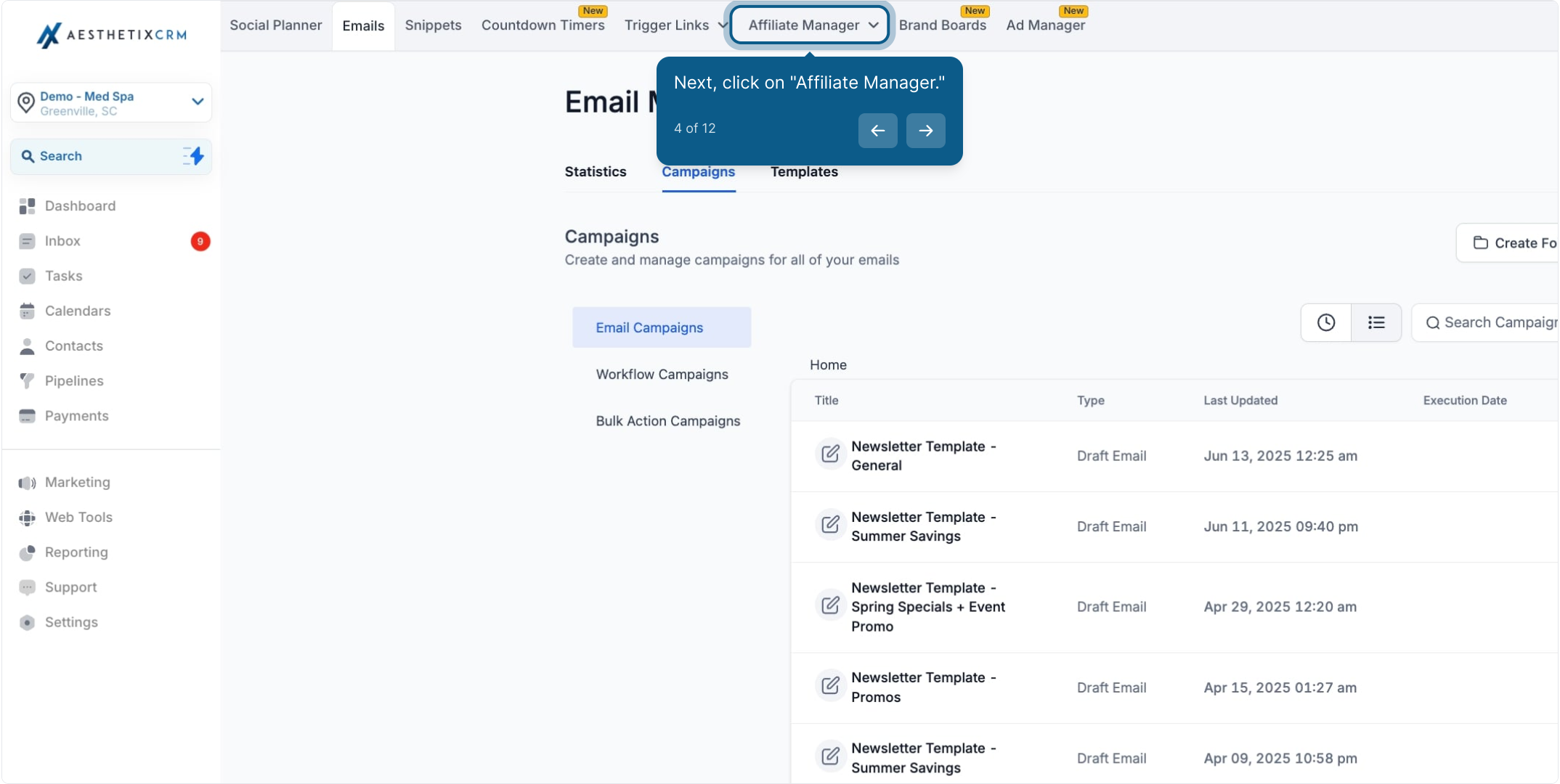
Click Affiliate Manager.
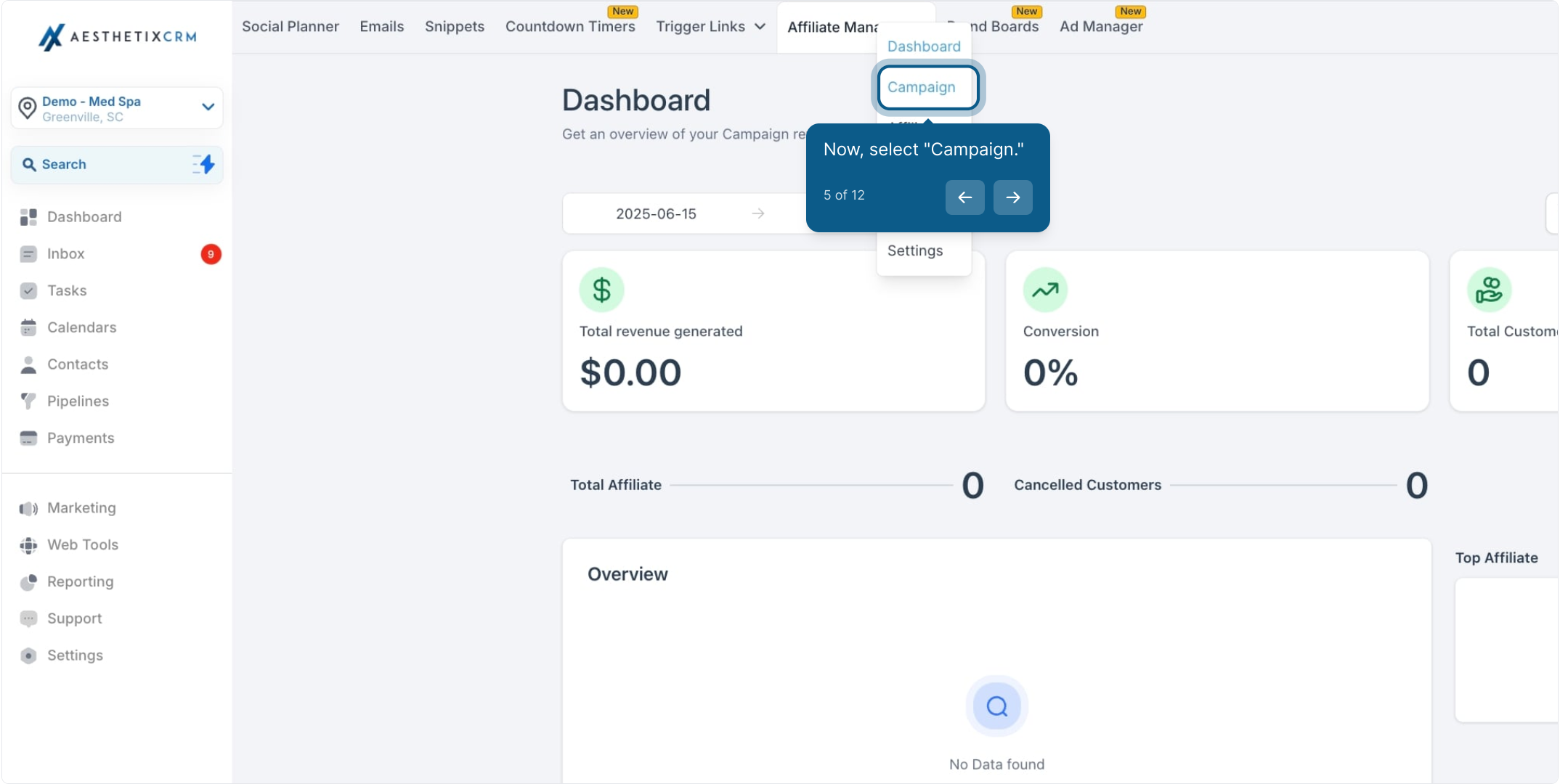
Select Campaign.
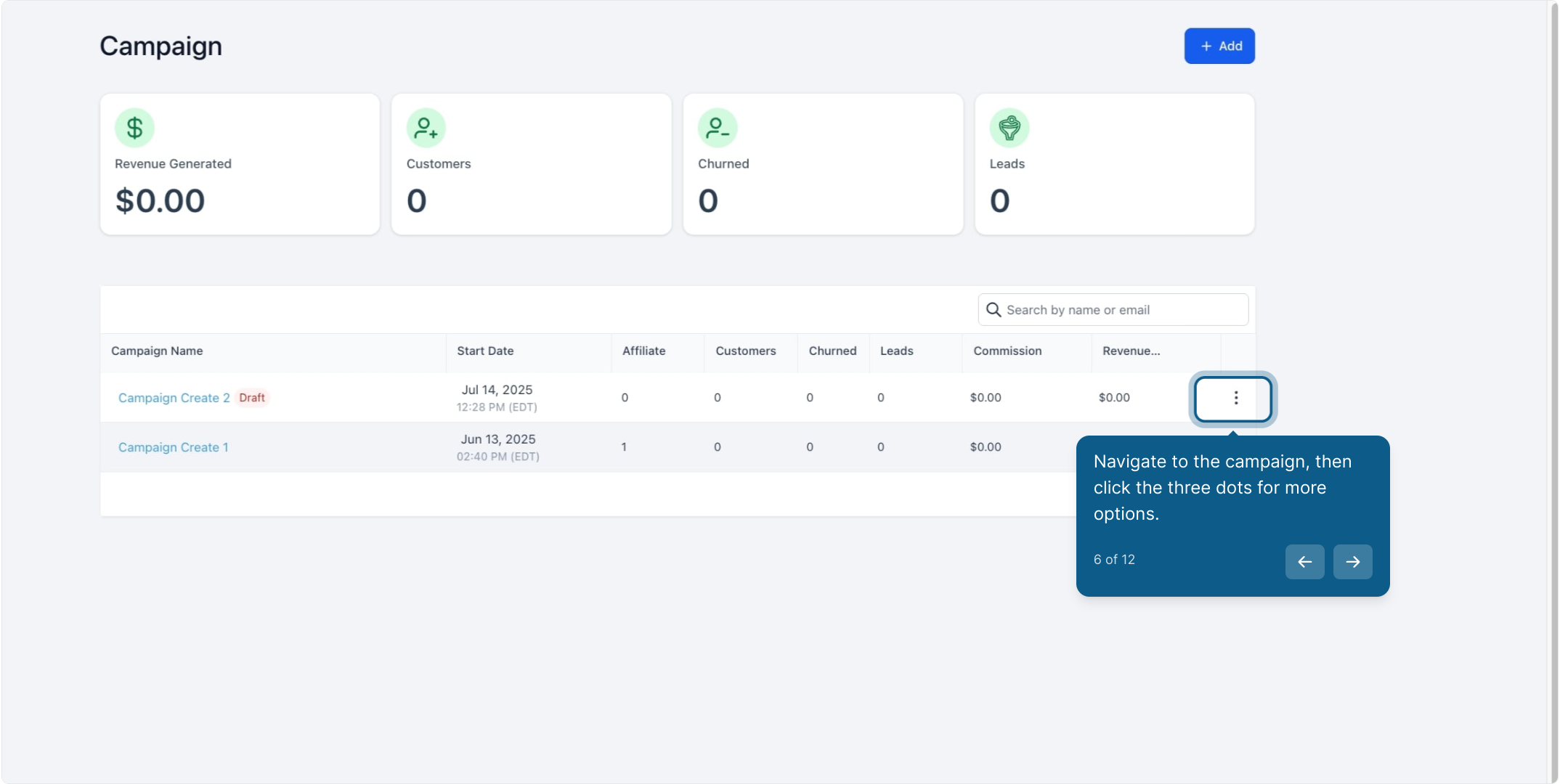
Find the campaign you want to update, then click the three dots next to it for more options.
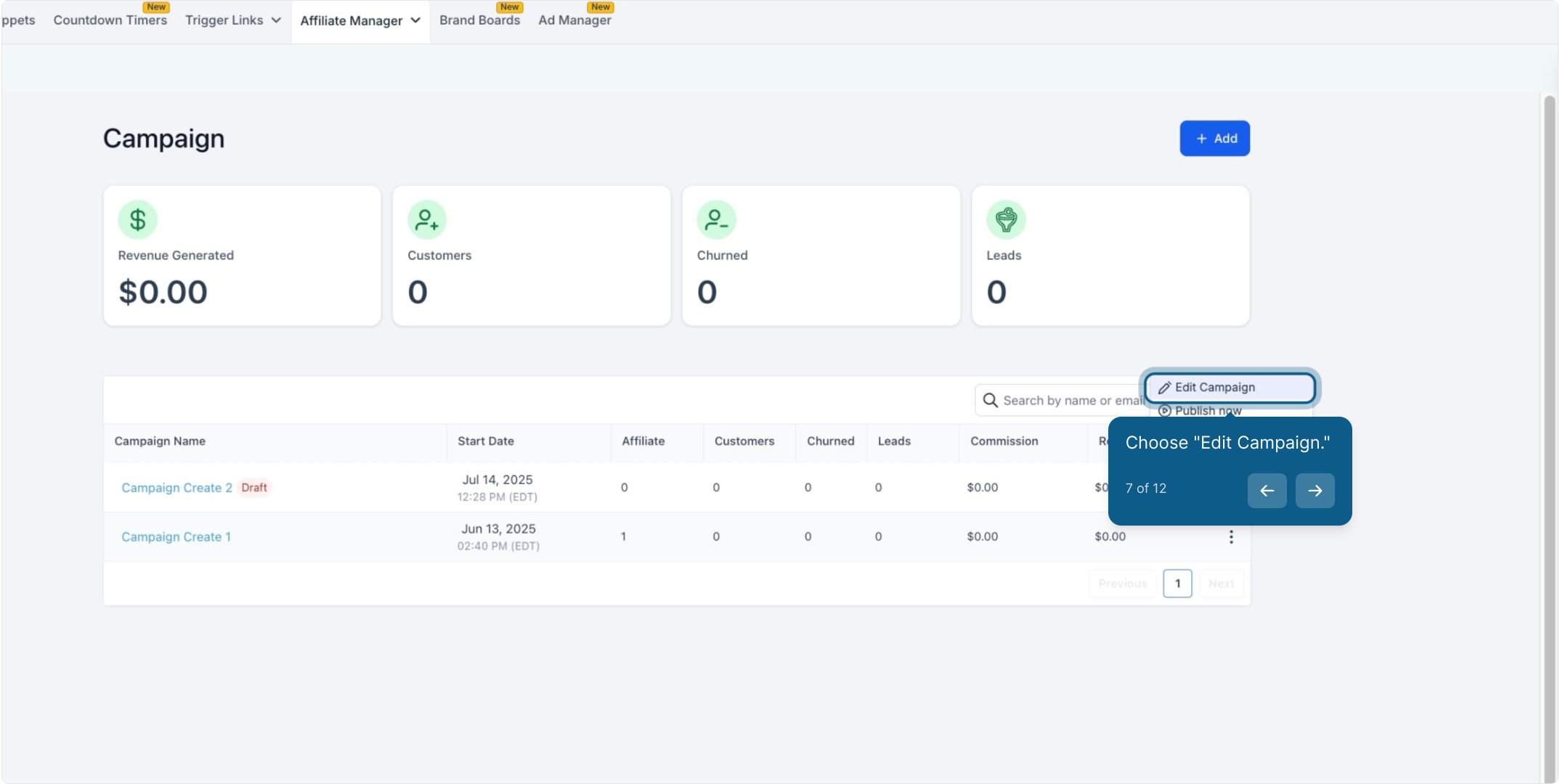
Choose Edit Campaign.
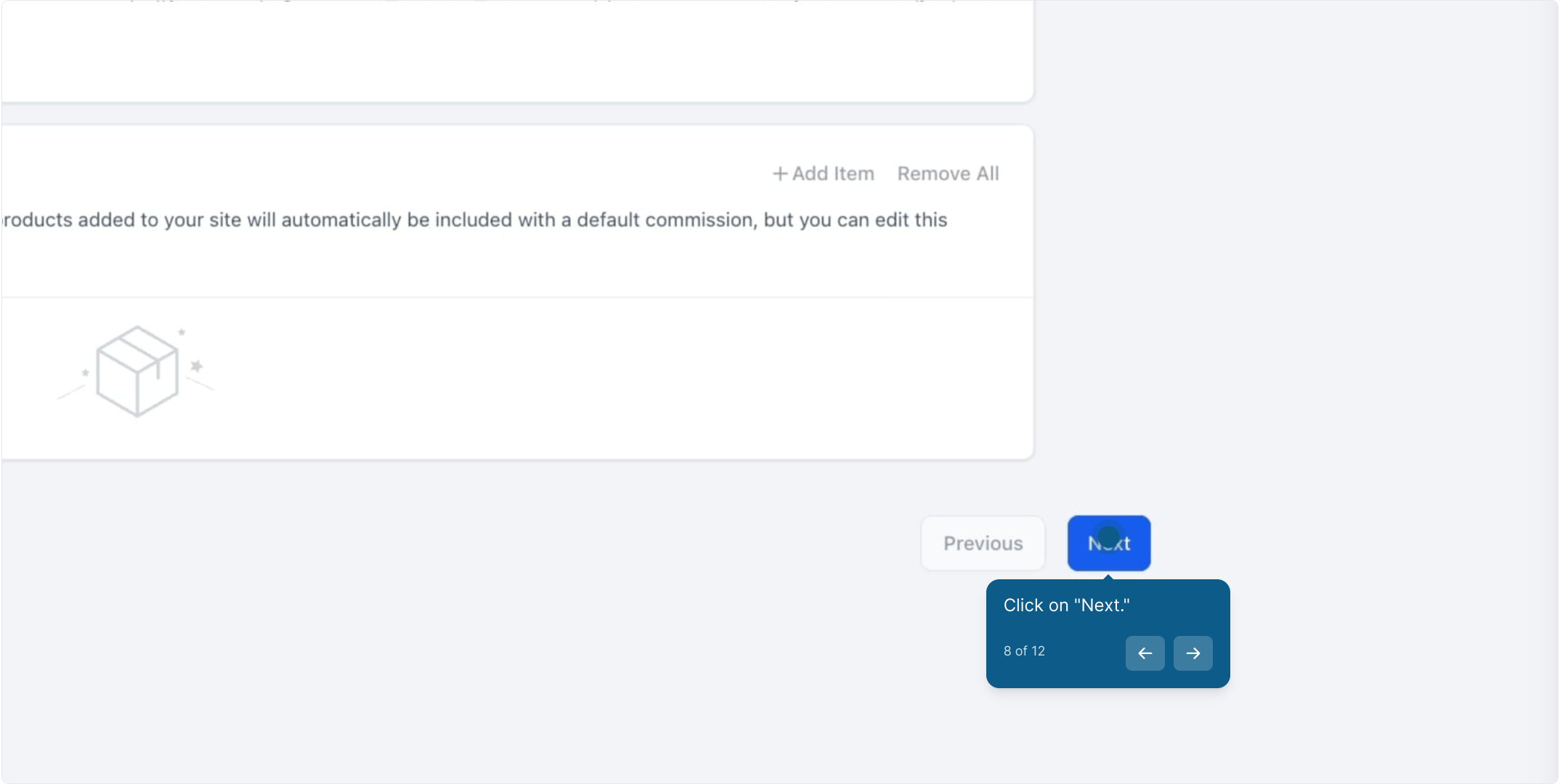
Click Next to move to the commissions step.
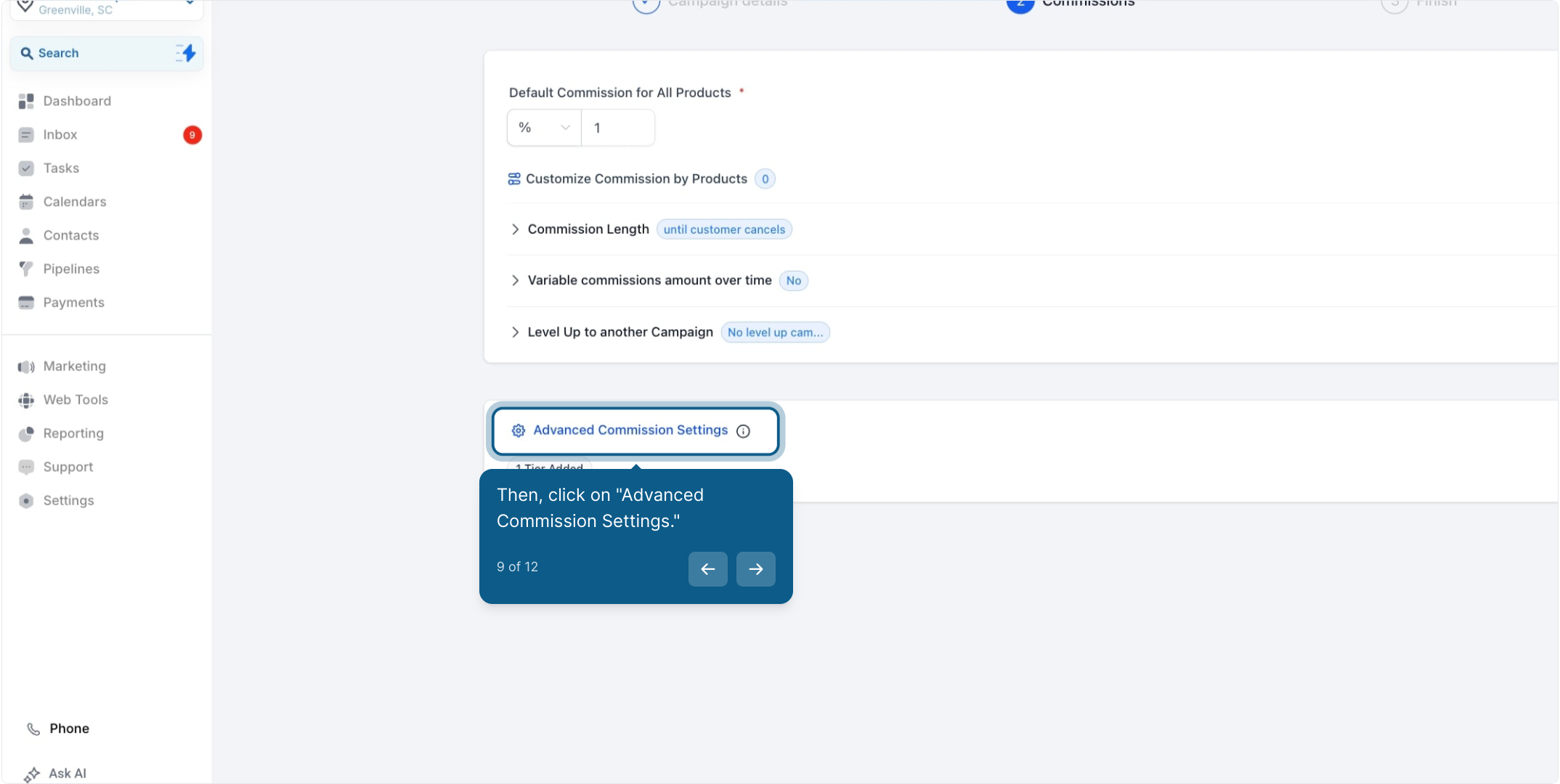
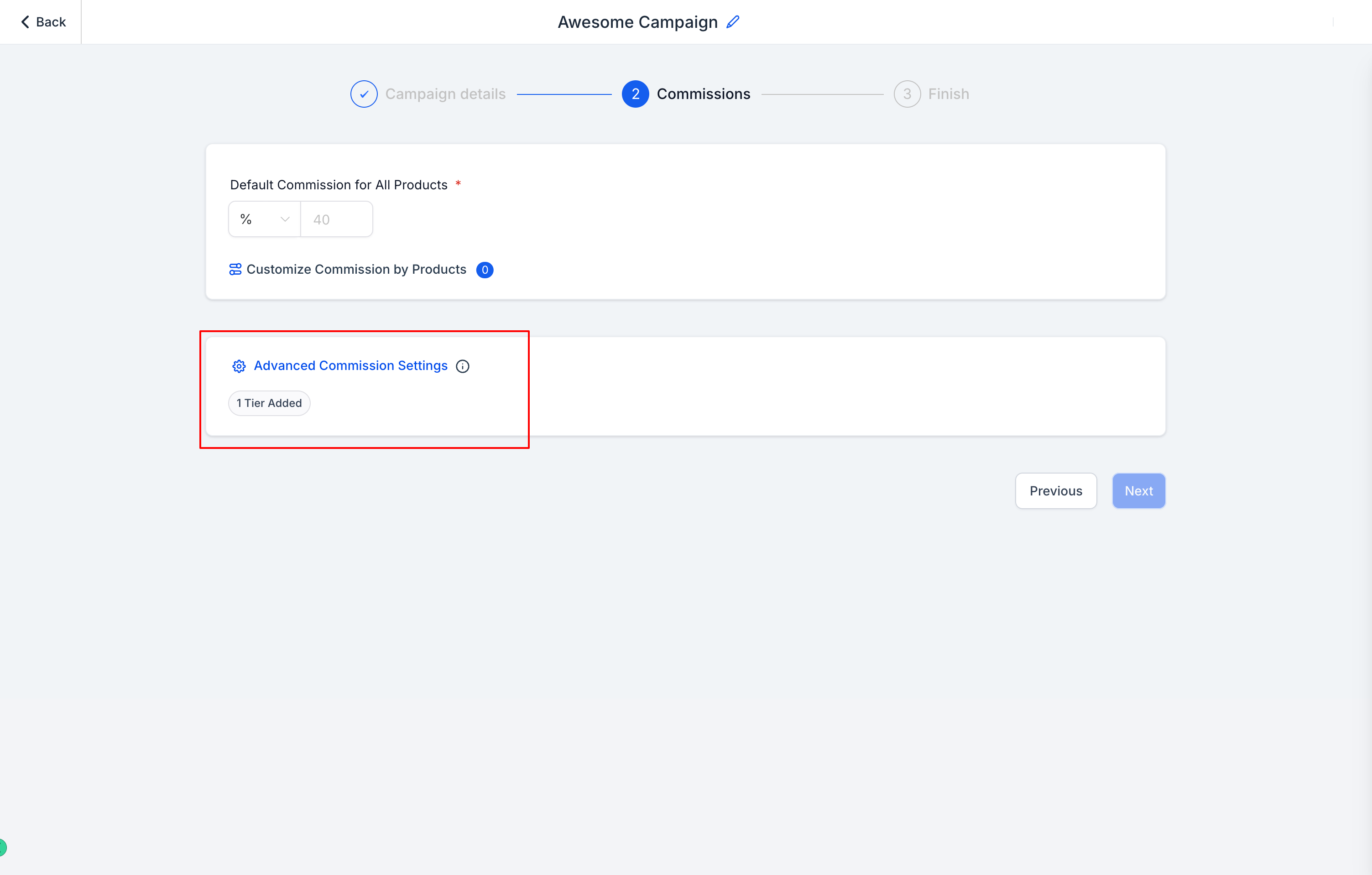
Click Advanced Commission Settings.
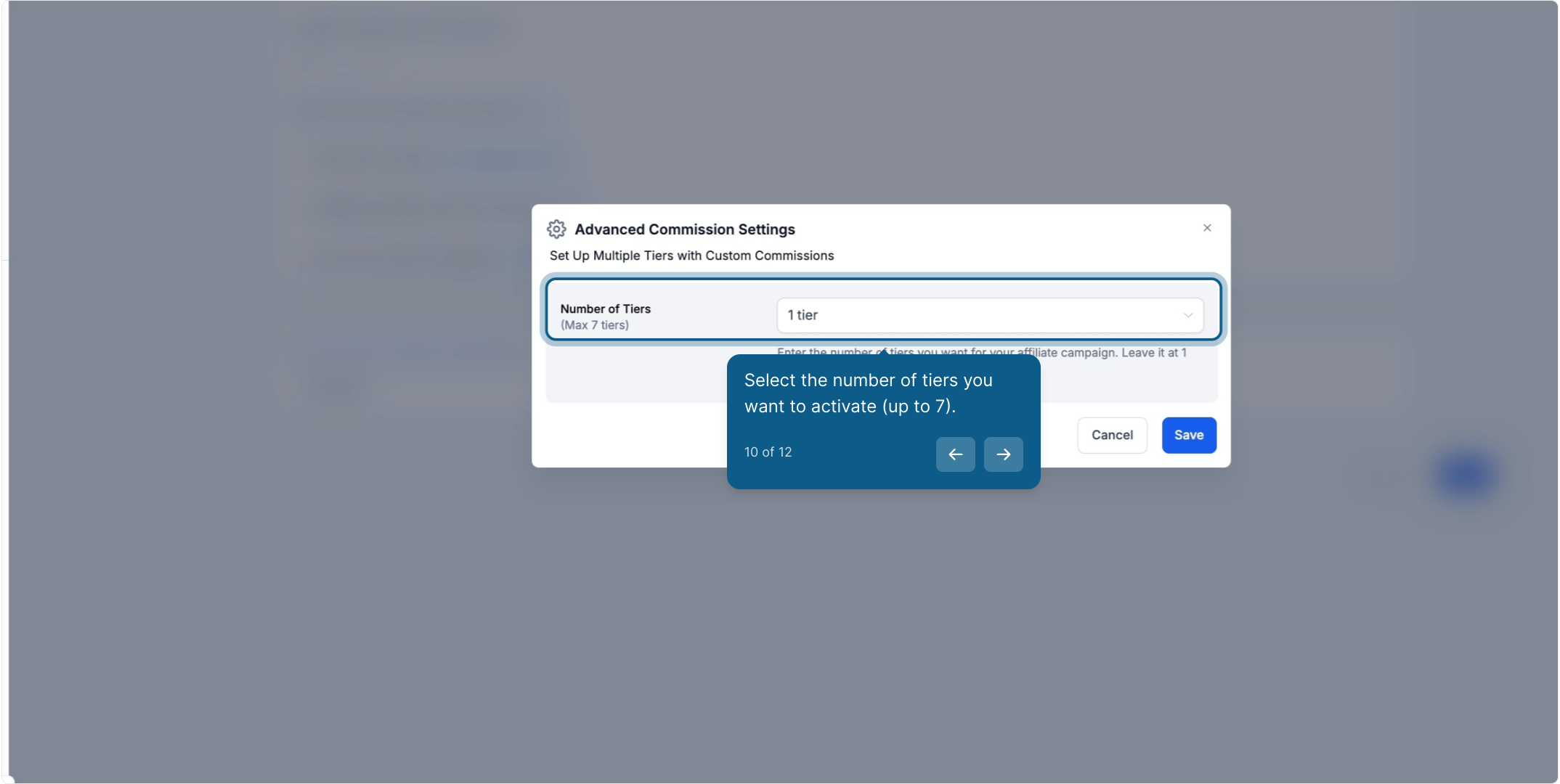
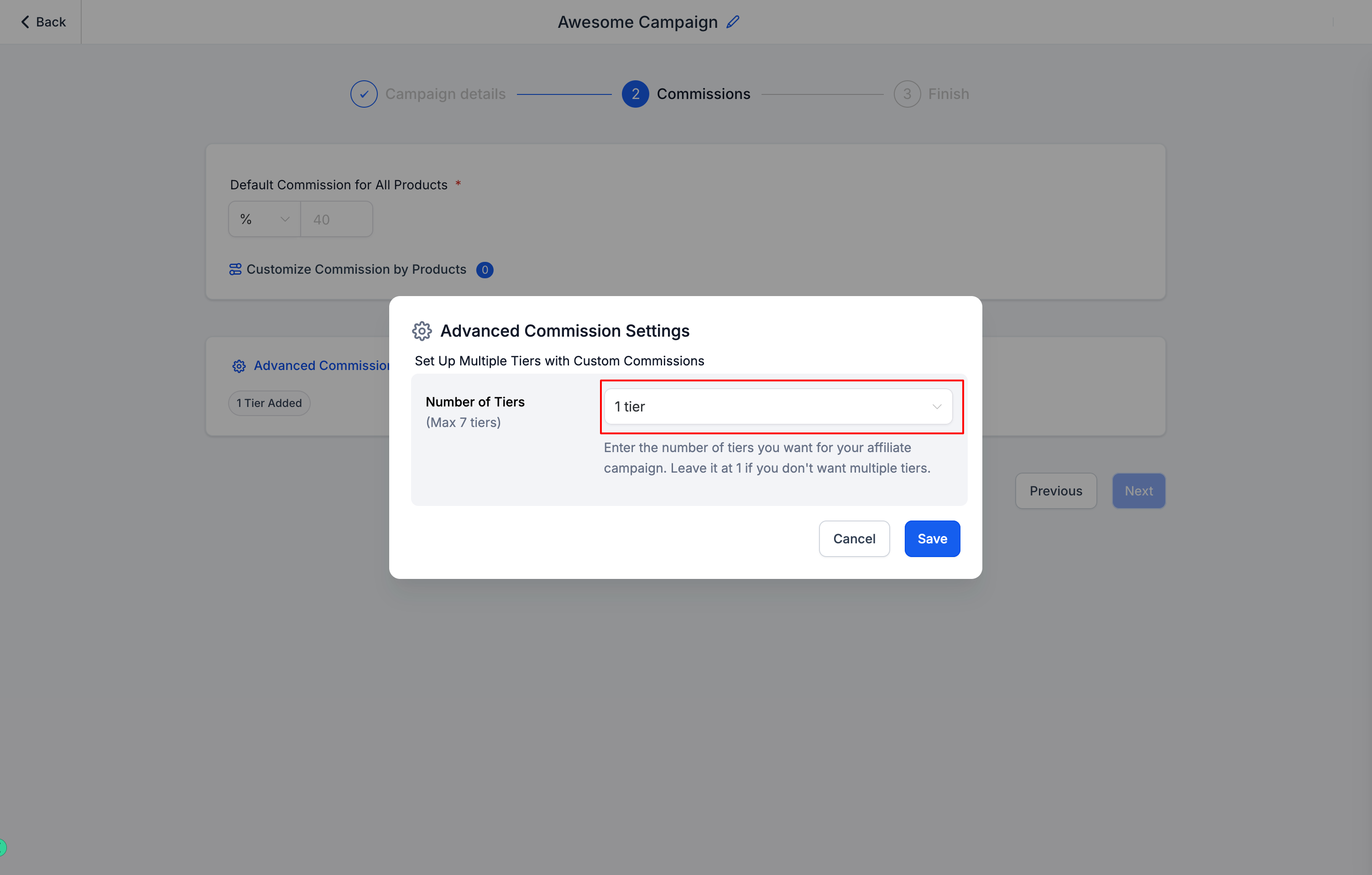
Turn on Multi-Tier Commissions, then select the number of tiers you want to activate, up to 7.
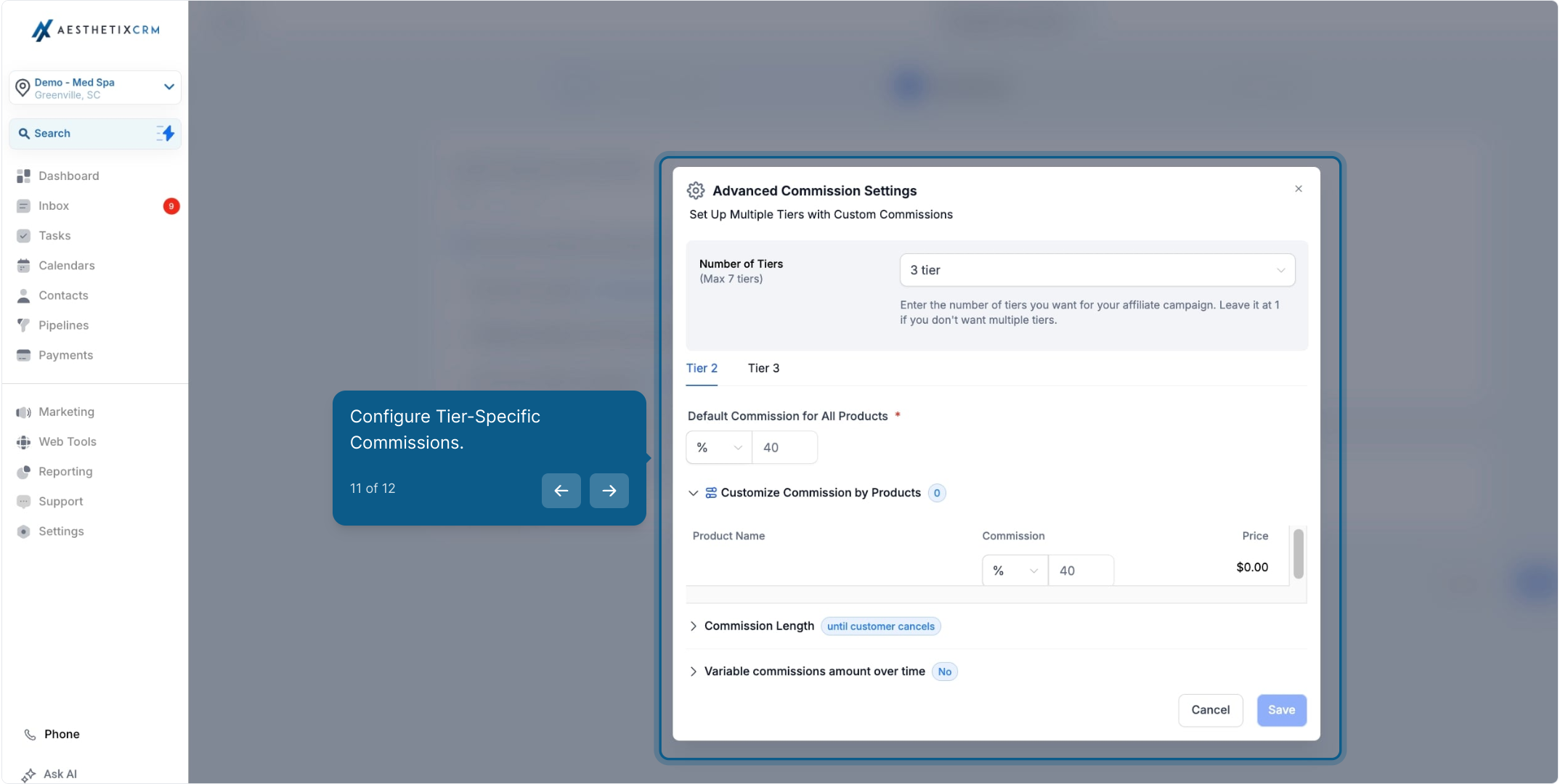
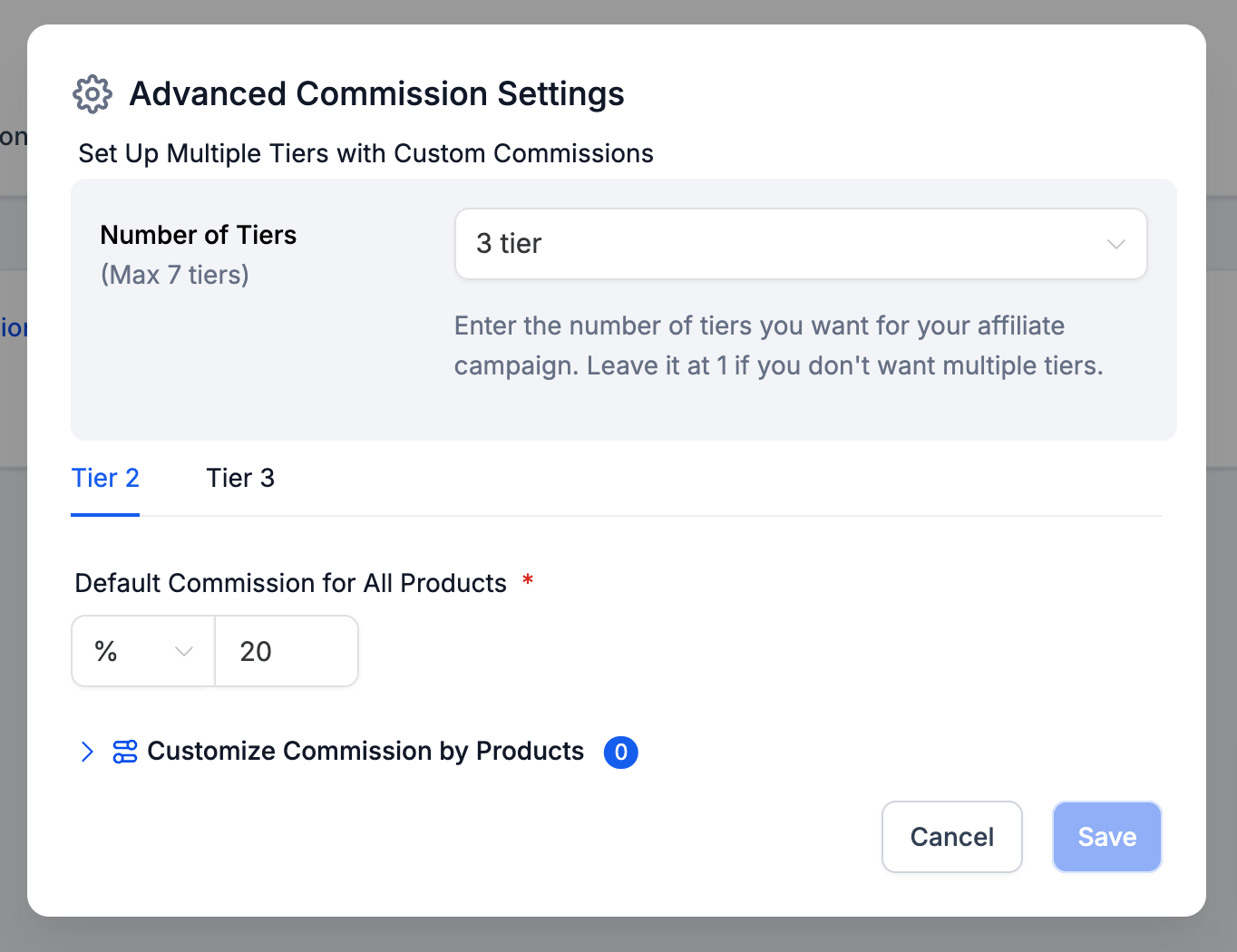
Configure the commission rate for each tier. You can set a flat default rate across all products in the campaign, or set different rates for specific products, which is useful if you want to push affiliates harder on a particular treatment package or retail line.
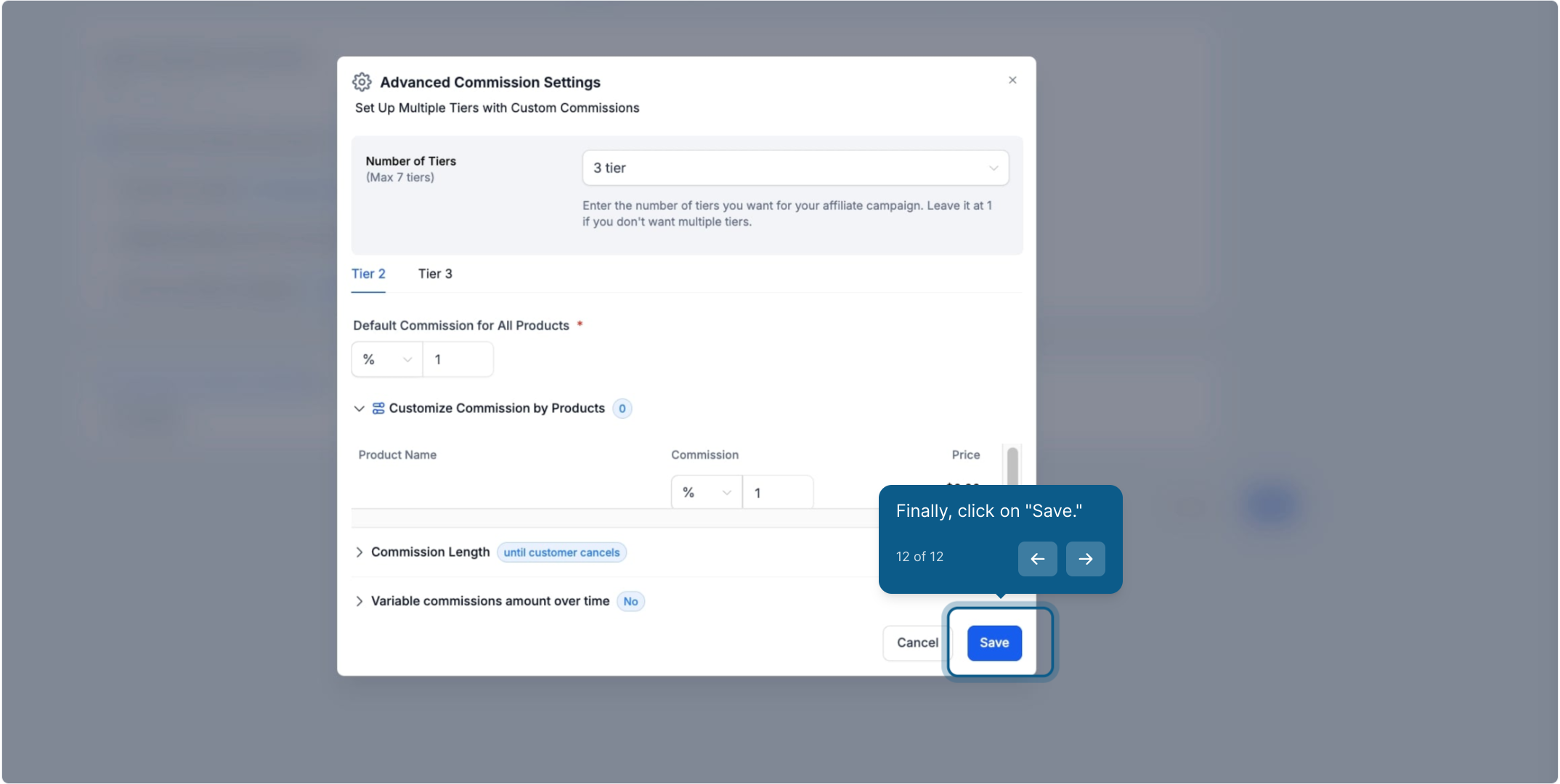
Review the rest of the campaign settings, including whether new customers should be auto-enrolled as sub-affiliates, then click Save.
Once you publish the campaign, Aesthetix CRM tracks the full referral chain automatically and calculates each affiliate's payout across every tier whenever a qualifying sale comes in. Auto-enrollment and other campaign-level automations can also be triggered through Workflows if you want additional actions to fire when a sub-affiliate joins.
For more on how affiliates recruit others into their chain and how those relationships are managed day to day, see the guide on setting up and managing sub-affiliates in Affiliate Manager.
How many commission tiers can I set up? Up to 7 tiers per campaign. You choose how many to activate when you enable Multi-Tier Commissions, and you don't have to use all 7.
Do I have to use the same commission rate for every tier? No. Each tier gets its own rate, and you can set a single default rate for the whole campaign or different rates for specific products or services.
What happens if an affiliate's chain is shorter than the number of tiers I set up? Only the tiers that actually have an affiliate in that position pay out. A 3-affiliate chain on a 5-tier campaign simply pays tiers 1 through 3.
Can I change the number of tiers or the rates after the campaign is published? Yes, edit the campaign and return to Advanced Commission Settings to adjust tiers and rates. Changes apply to sales tracked going forward.
Does enabling multi-tier commissions cost the affiliate anything? No. The commission percentages you set are paid out of the sale amount by your practice; sub-affiliates don't pay into the program to participate.
How does someone become a sub-affiliate under another affiliate? Sub-affiliates are added to a recruiter's chain either manually or through auto-enrollment, which you can turn on in the campaign settings so new customers or referrals automatically join as sub-affiliates.
Can multi-tier commissions apply to both product sales and appointment bookings? Yes, as long as the sale or booking is tracked through the affiliate's referral link or code within the campaign, the commission chain calculates the same way regardless of what was purchased.
Where can I see how much each affiliate in a chain earned? Affiliate and campaign performance, including payouts by tier, is available from the Affiliate Manager reporting for that campaign.
