
When a contact or company record will not save the way you expect, it is usually because Aesthetix CRM is protecting the uniqueness of key data like email addresses and company associations. This guide covers the two most common record issues and how to fix them.
"This action is not allowed" when saving a second email
If the system blocks you from saving or adding an email address to a patient's record and says the action is not allowed, it means another contact record already uses that same email address. Email addresses must be unique across your contacts.
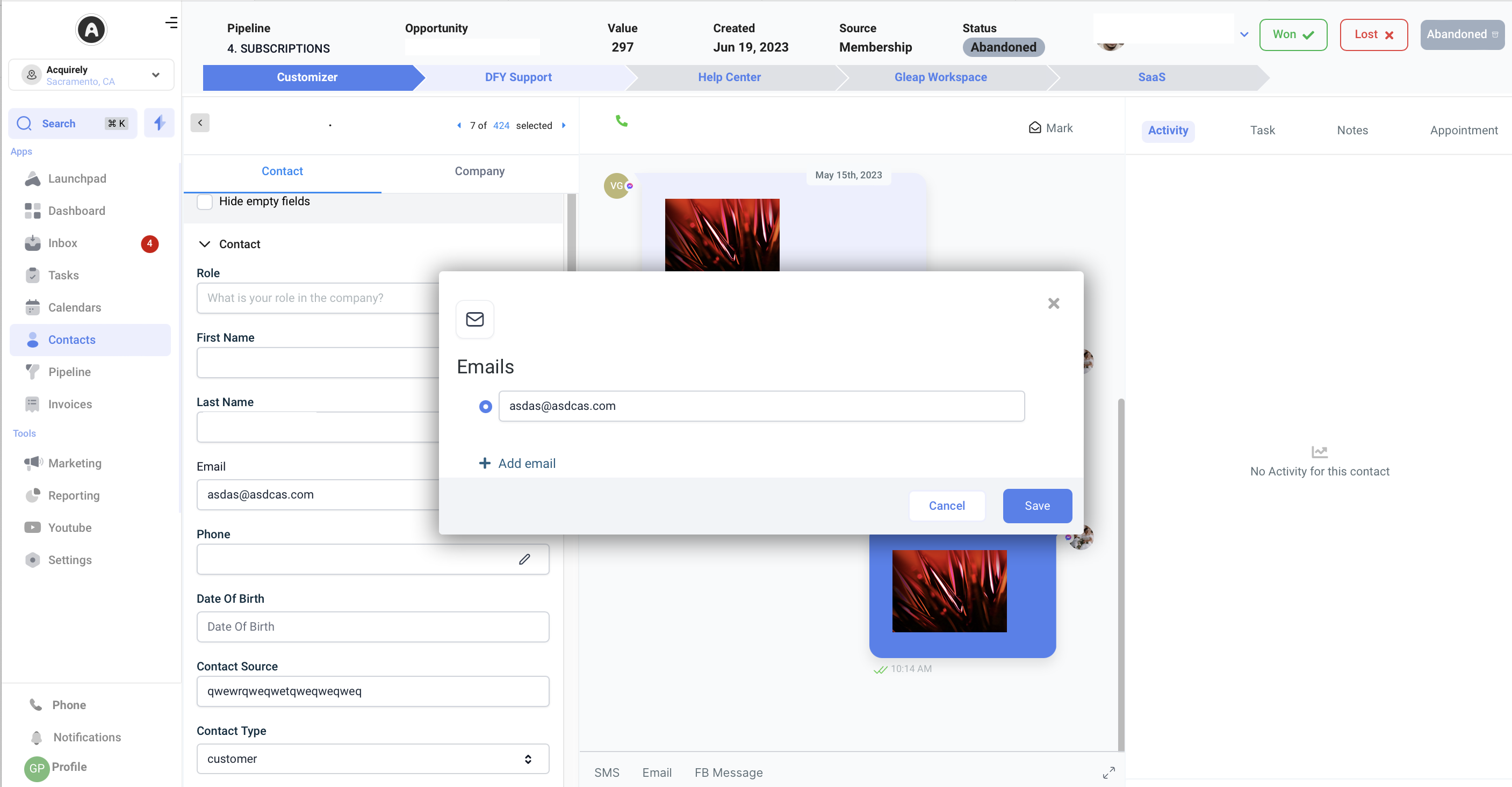
If the two records belong to the same person, merge them into a single unified record. Merging combines the duplicate entries so the shared email lives on one contact.
Company name will not update
If a company name will not update, it is because the contact is already linked to an existing company. A new company cannot be created and associated while the contact is still tied to another one.
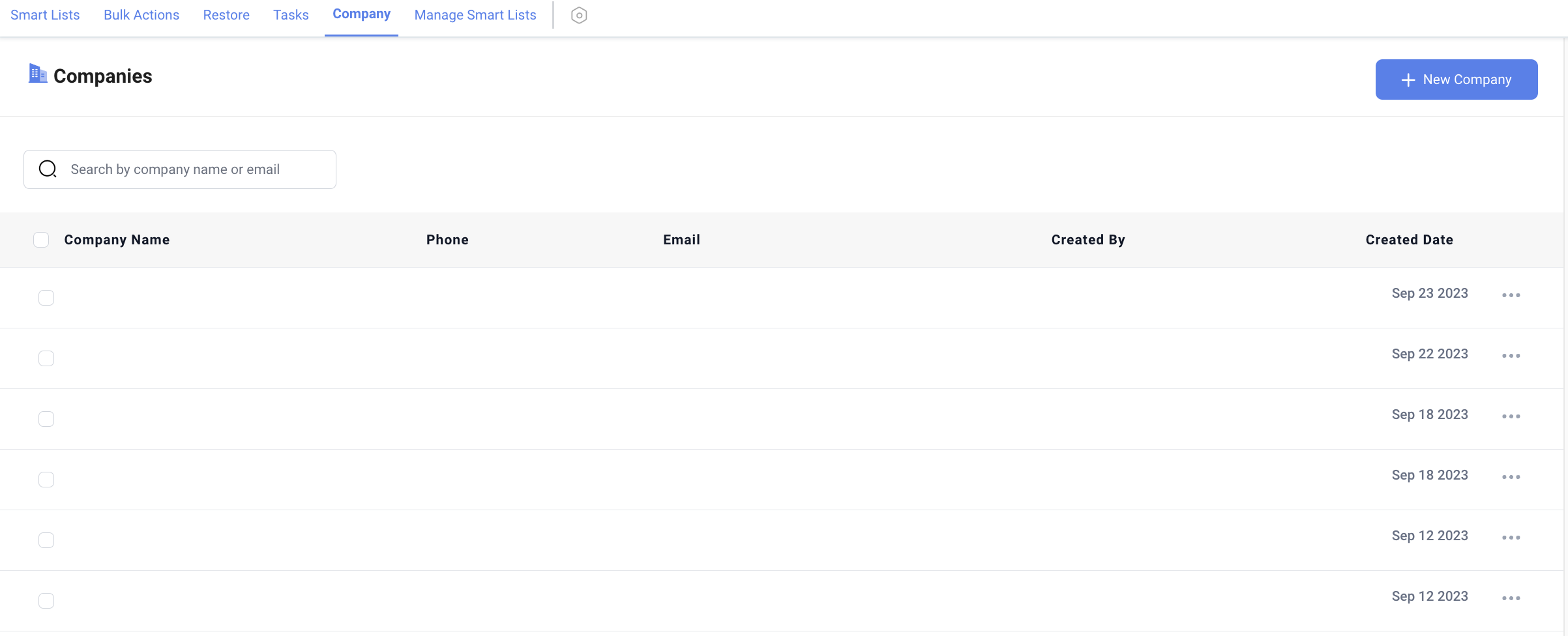
To change the association, first disassociate the contact from their current company by visiting that company's page, then create or link the new company.
Frequently Asked Questions
Why can't I add a second email to a contact? It says the action is not allowed. Another contact record already uses that email address, and emails must be unique. If both records are the same person, merge them into one unified record so the email lives on a single contact.
Why won't the company name update on my contact? The contact is already linked to an existing company, so a new company cannot be created and associated. Disassociate the contact from their current company on that company's page, then add the new one.