
Connecting your Google Business Profile (formerly Google My Business) to Aesthetix CRM lets you manage your listing and reply to messages from patients who find you on Google. This guide answers the most common questions about locations, connection errors, and the messages you receive.
Adding multiple locations
Each Aesthetix CRM account supports one Google Business Profile location. If your practice has more than one location, create a separate Aesthetix CRM account for each additional Google Business Profile location. Support for multiple locations in a single account is planned for the future.
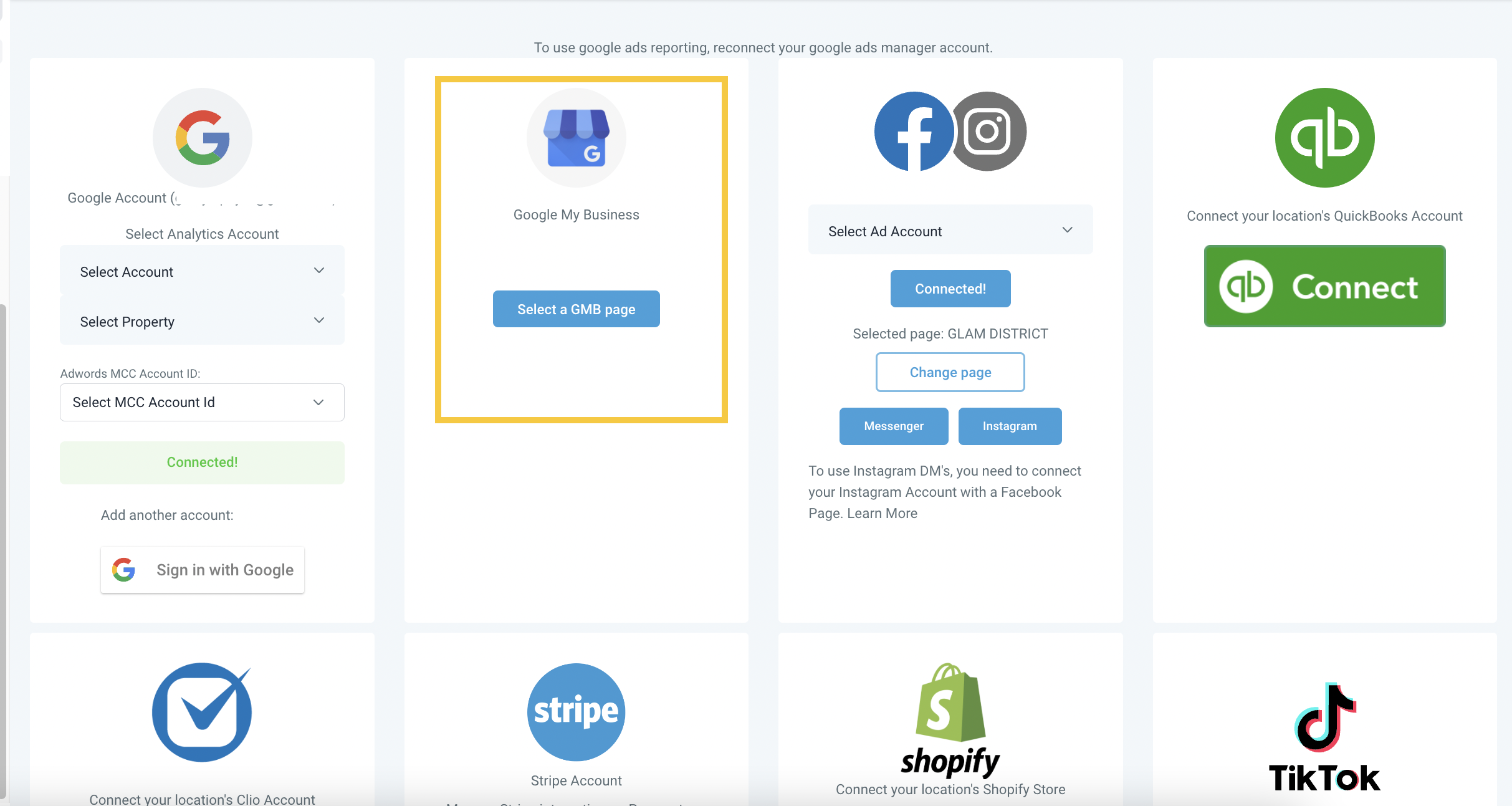
Fixing connection errors
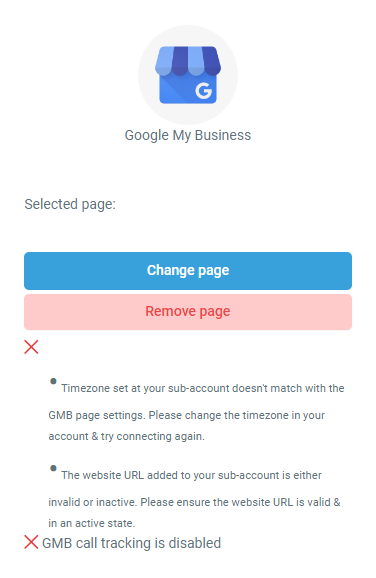
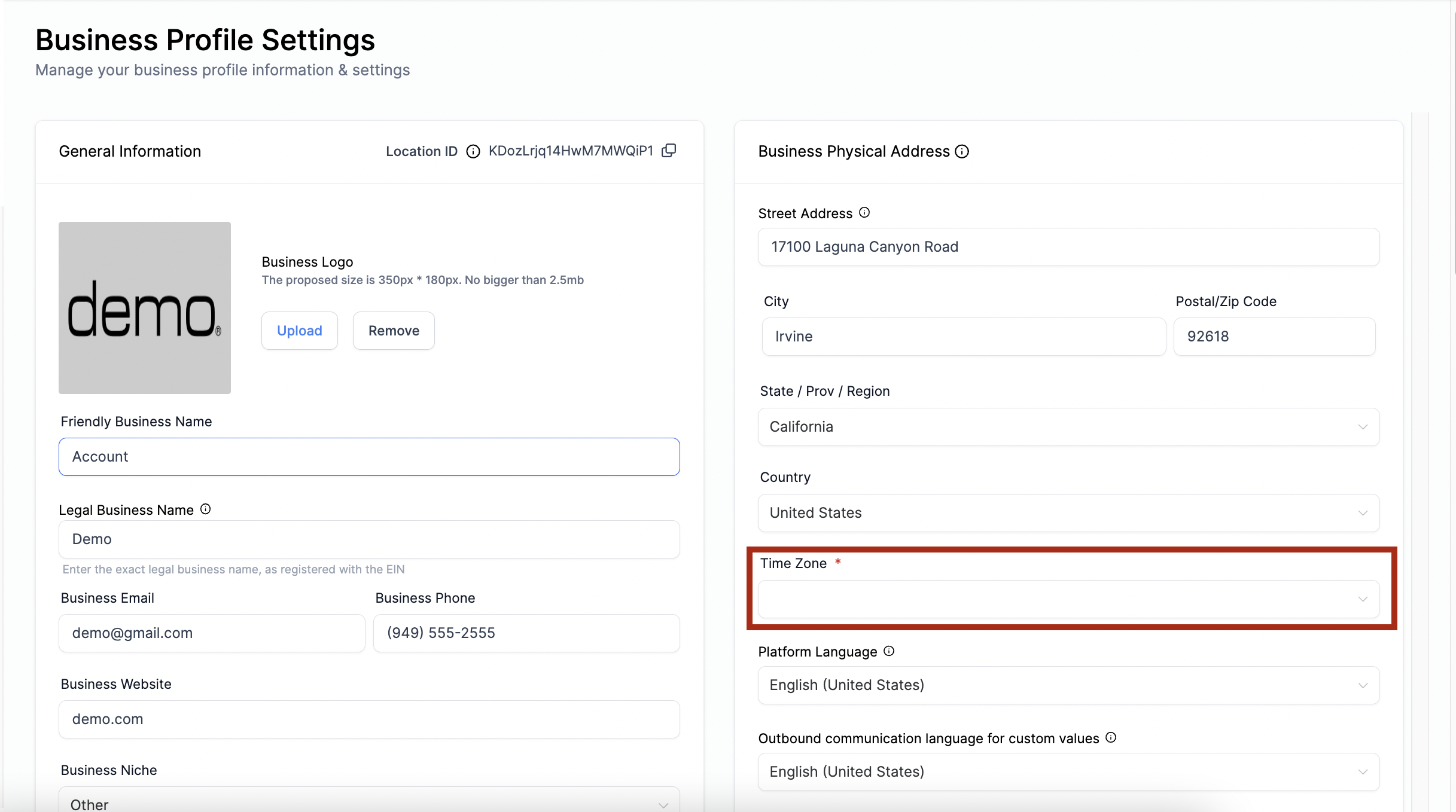
If Google Business Profile will not connect and you see errors during setup, the usual cause is a timezone mismatch. Correct the timezone set in your Aesthetix CRM account, then reconnect the integration.
For more integration setup help, see the Integrations collection.
Understanding "GMB Message" notifications
If you receive a message labeled "GMB Message," it means someone found your practice through your Google Business Profile and reached out directly. These messages are a direct link between potential patients and your practice, connecting online discovery with real-world engagement. A GMB Message usually signals genuine interest in your services, so it is a valuable chance to answer questions, offer help, and build a stronger connection with a prospective patient.
Frequently Asked Questions
Can I add multiple Google Business Profile locations to one account? No. Each Aesthetix CRM account supports one Google Business Profile location. For additional locations, create a separate Aesthetix CRM account for each. Multi-location support in a single account is planned for the future.
Why is Google Business Profile showing errors and not connecting? This is typically caused by an incorrect timezone. Correct the timezone in your Aesthetix CRM account and reconnect the integration.
What does a "GMB Message" notification mean? It means someone found your practice through your Google Business Profile and sent you a message. It is an opportunity to engage a potential patient who is interested in your services.