
If you have connected your Gmail or Outlook mailbox to Aesthetix CRM and still do not see your emails in the inbox, this is expected behavior. Your Aesthetix CRM inbox is built around conversations that start from the CRM, not a full copy of your external mailbox.
How the inbox displays email
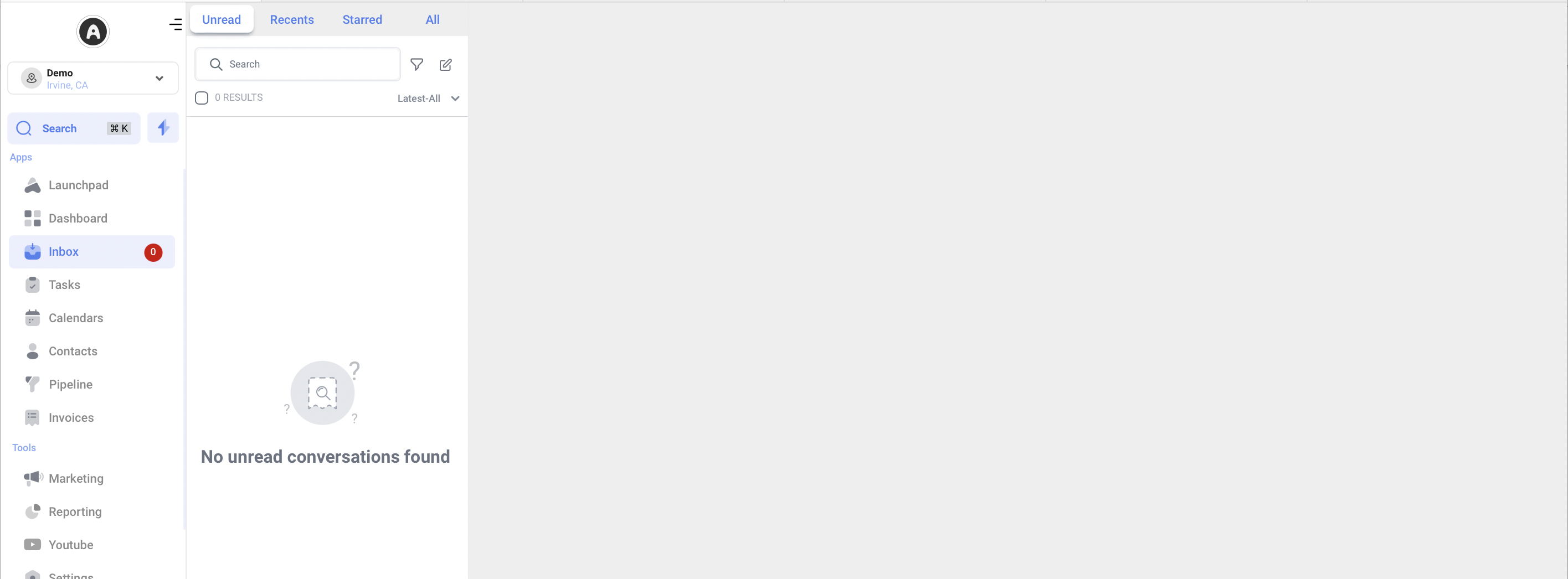
The inbox is organized to show outbound emails that originate from Aesthetix CRM. Incoming emails appear only when a patient or contact replies to a message you sent from the CRM. This keeps the inbox focused on conversations you started and the responses to them, so you see a clean, complete thread for each patient rather than your entire mailbox.
How to see replies in your inbox
To view replies for a contact, start the conversation from Aesthetix CRM by sending them an email first. Once the recipient replies, their response appears in your inbox and continues the thread. This applies whether your connected mailbox is Gmail or Outlook, since both sync the same way.
For details on connecting and troubleshooting a mailbox, see the Email Marketing collection.
Frequently Asked Questions
I synced my Outlook (or Gmail) successfully, so why don't I see all my emails in the CRM? The inbox is not a mirror of your full mailbox. It shows outbound emails sent from Aesthetix CRM plus any replies to those emails. Messages that were never sent from the CRM will not appear in the inbox.
How do I get a patient's reply to show up in my inbox? Send that patient an email from Aesthetix CRM first. When they reply, their response lands in your inbox and builds the conversation thread.
Does this work differently for Gmail versus Outlook? No. Both Gmail and Outlook behave the same way once synced. In both cases the inbox displays CRM-initiated emails and the replies to them.