
Getting started with Aesthetix CRM combines a personal onboarding call with on-demand training in the Aesthetix Academy. This guide shows you how to set up your call and how to access the Academy.
Setting up your onboarding call
Start by watching the onboarding videos. They walk you through the platform and how to get set up. At the end of the videos you will find a calendar where you can schedule a call with our team.
That call is your chance to ask questions, work through any concerns, and get personalized guidance so your onboarding goes smoothly. Book your call to make the most of your setup.
Accessing the Aesthetix Academy
The Aesthetix Academy uses a separate login from your Aesthetix CRM account.
Register for the Academy. If you do not yet have an Aesthetix Academy login, you can register here.
Go to the Academy login page at https://learn.aesthetixcrm.com/login.
Log in with the email and password you created specifically for the Aesthetix Academy.
Start learning. Once logged in, you can work through all available courses, lessons, and resources at your own pace.
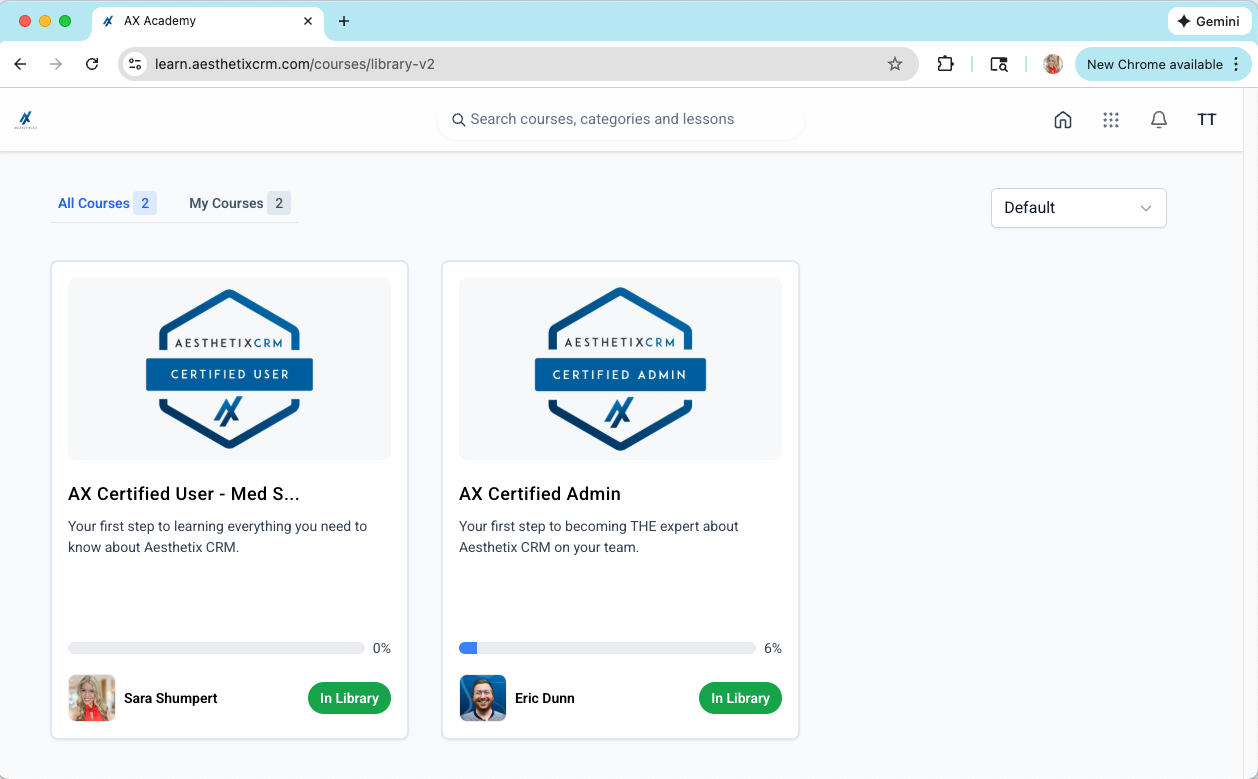
All active Aesthetix CRM customers get access to the Aesthetix Academy.
Frequently Asked Questions
How do I set up my onboarding call? Watch the onboarding videos first. At the end you will find a booking calendar where you can schedule a call with our team for personalized setup help.
Does the Aesthetix Academy use my CRM login? No. The Academy has a separate login. Create Academy credentials when you register, then use that email and password at learn.aesthetixcrm.com/login.
How do I register for the Academy? If you do not have an Academy login yet, register through the form at link.aesthetixcrm.com, then log in at learn.aesthetixcrm.com/login.
Who gets access to the Academy? All active Aesthetix CRM customers receive access to the Aesthetix Academy.
I cannot log in or I am not sure I am registered. What do I do? Reach out to our support team and we will confirm your registration and help you get access.