Payment link branding lets you match your checkout pages to your practice's identity. By applying your brand board or choosing custom colors, every payment a patient makes looks and feels like your business, which builds trust and reinforces a professional, cohesive experience.
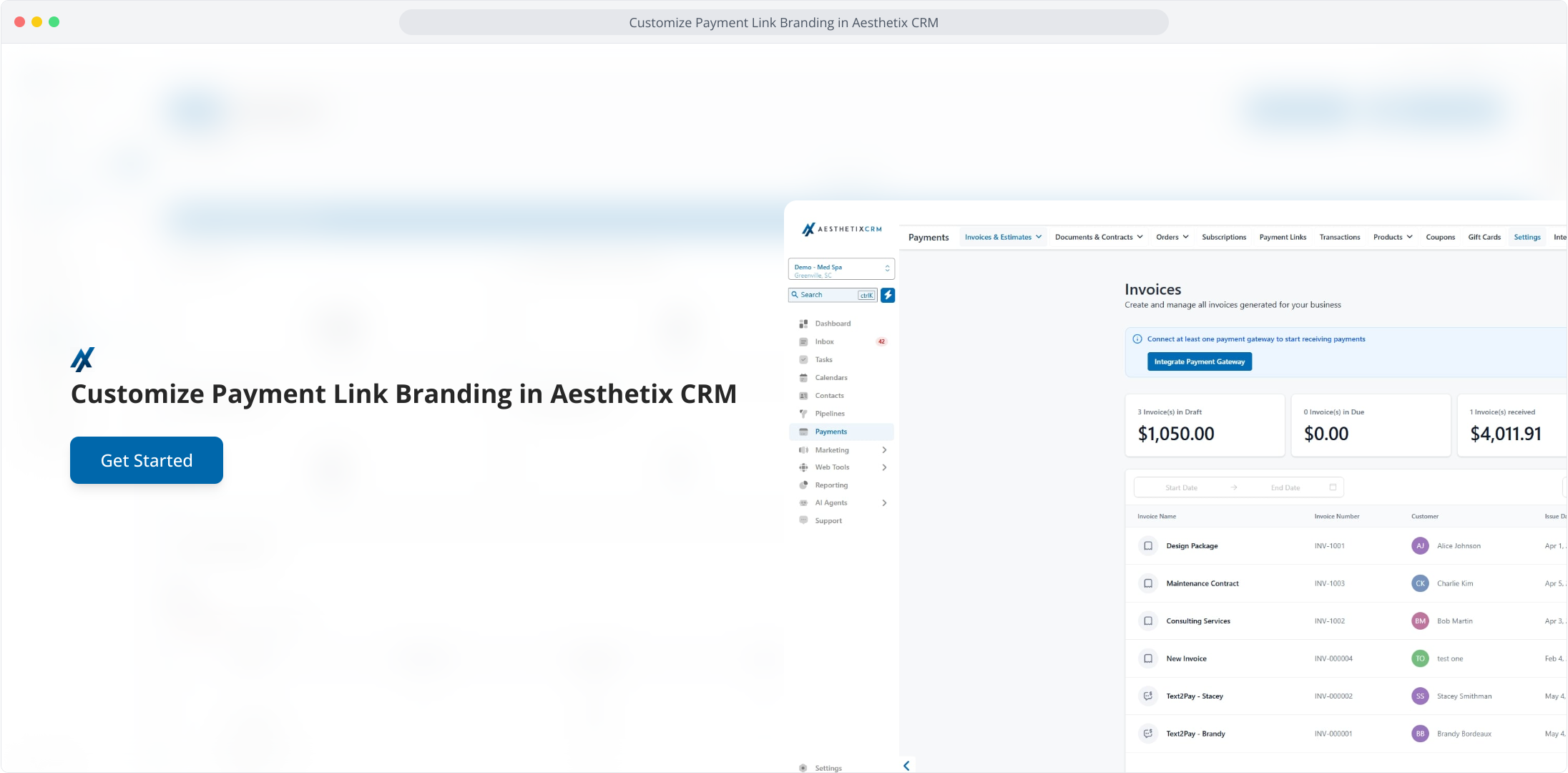
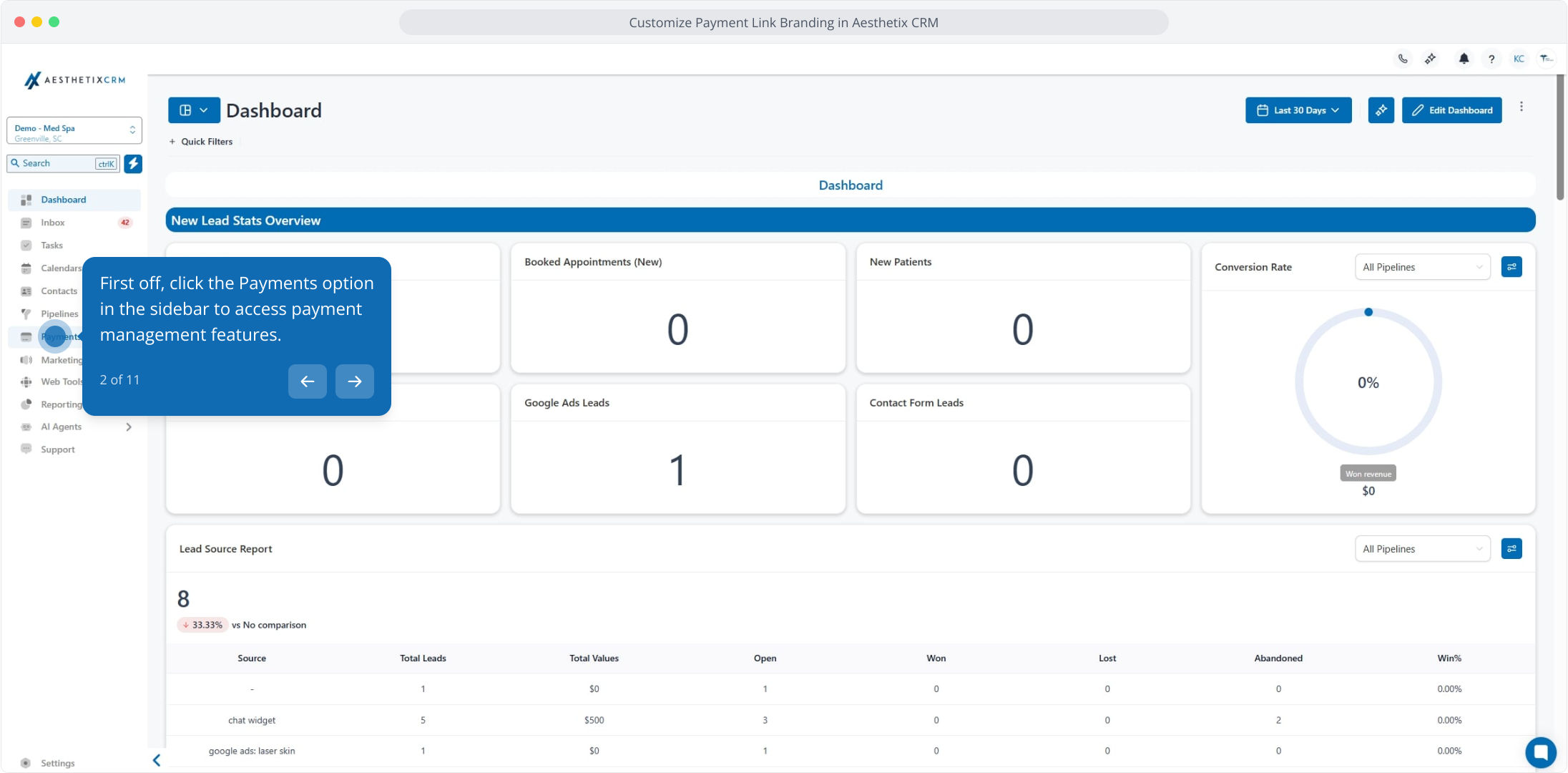
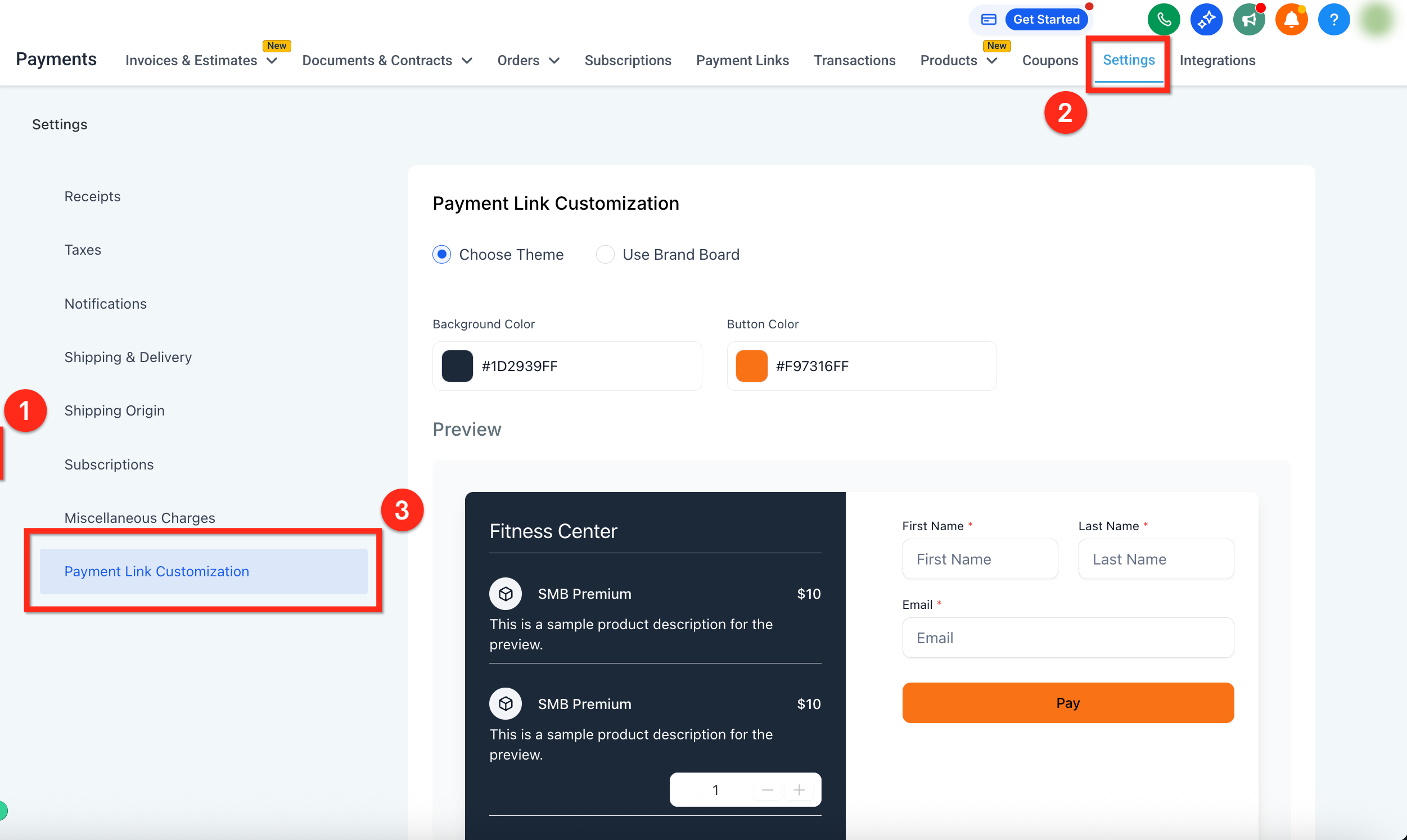
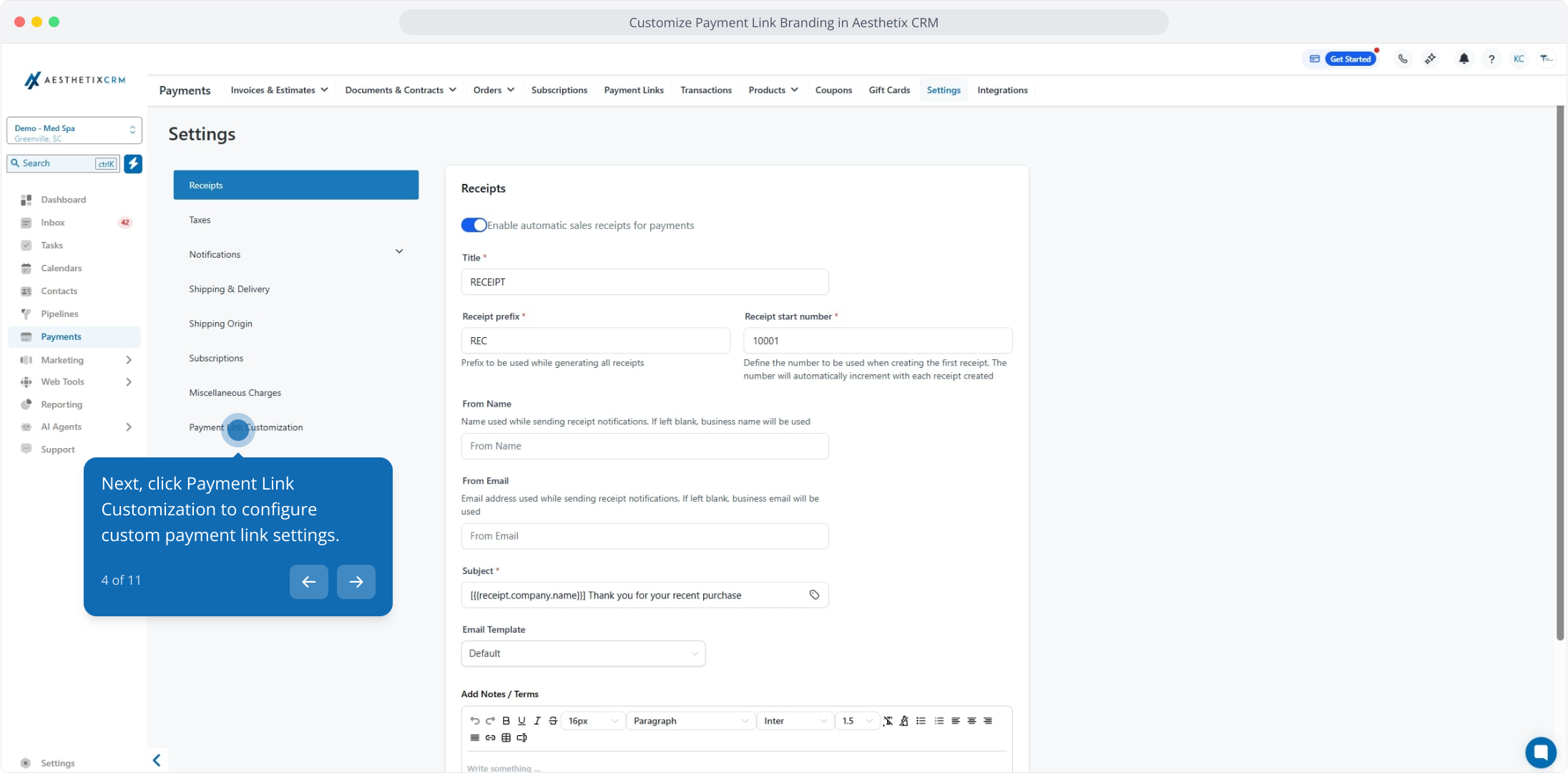
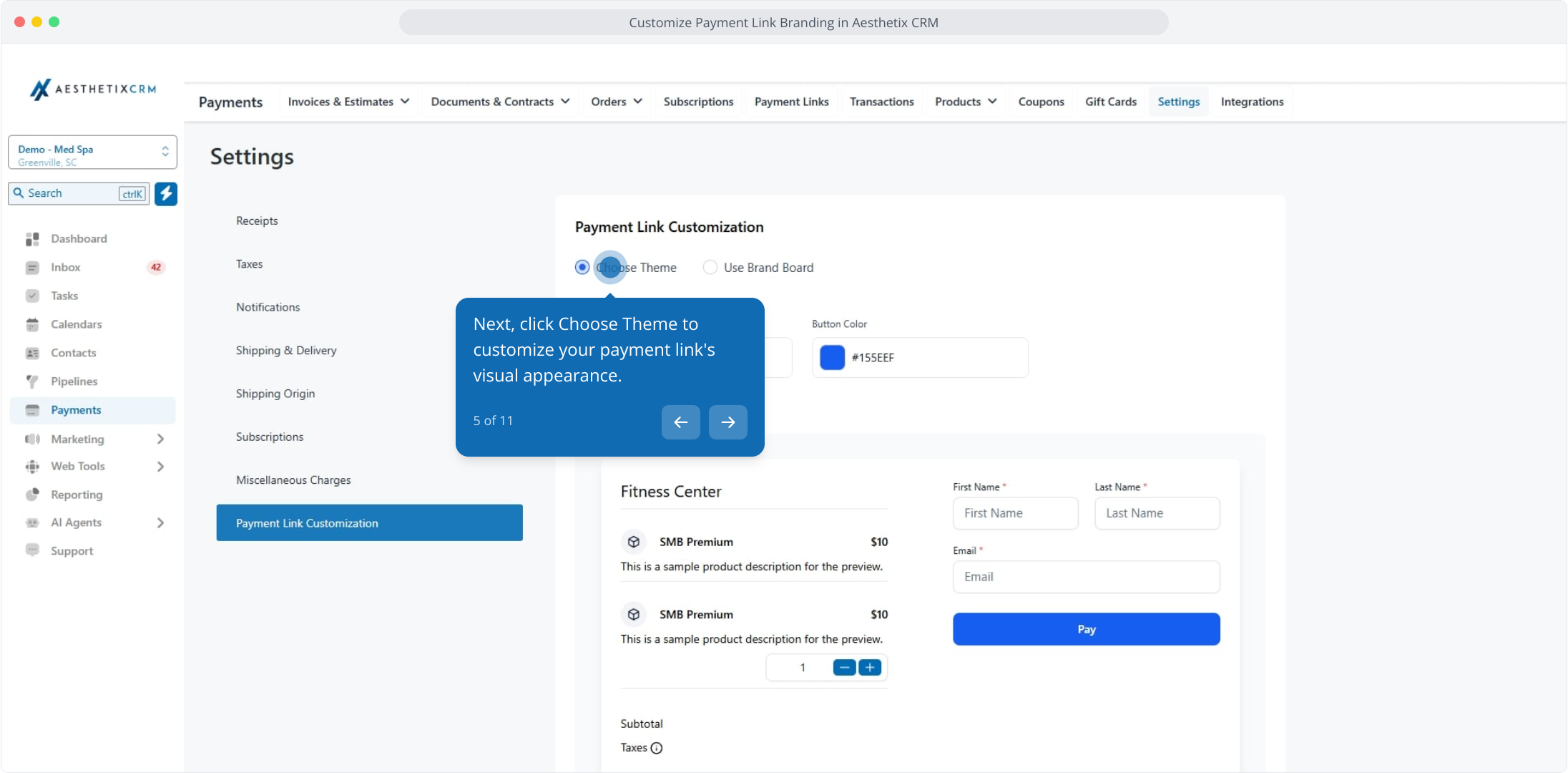
In the Payments section, open Settings, then click Payment Link Customization to configure how your links look.
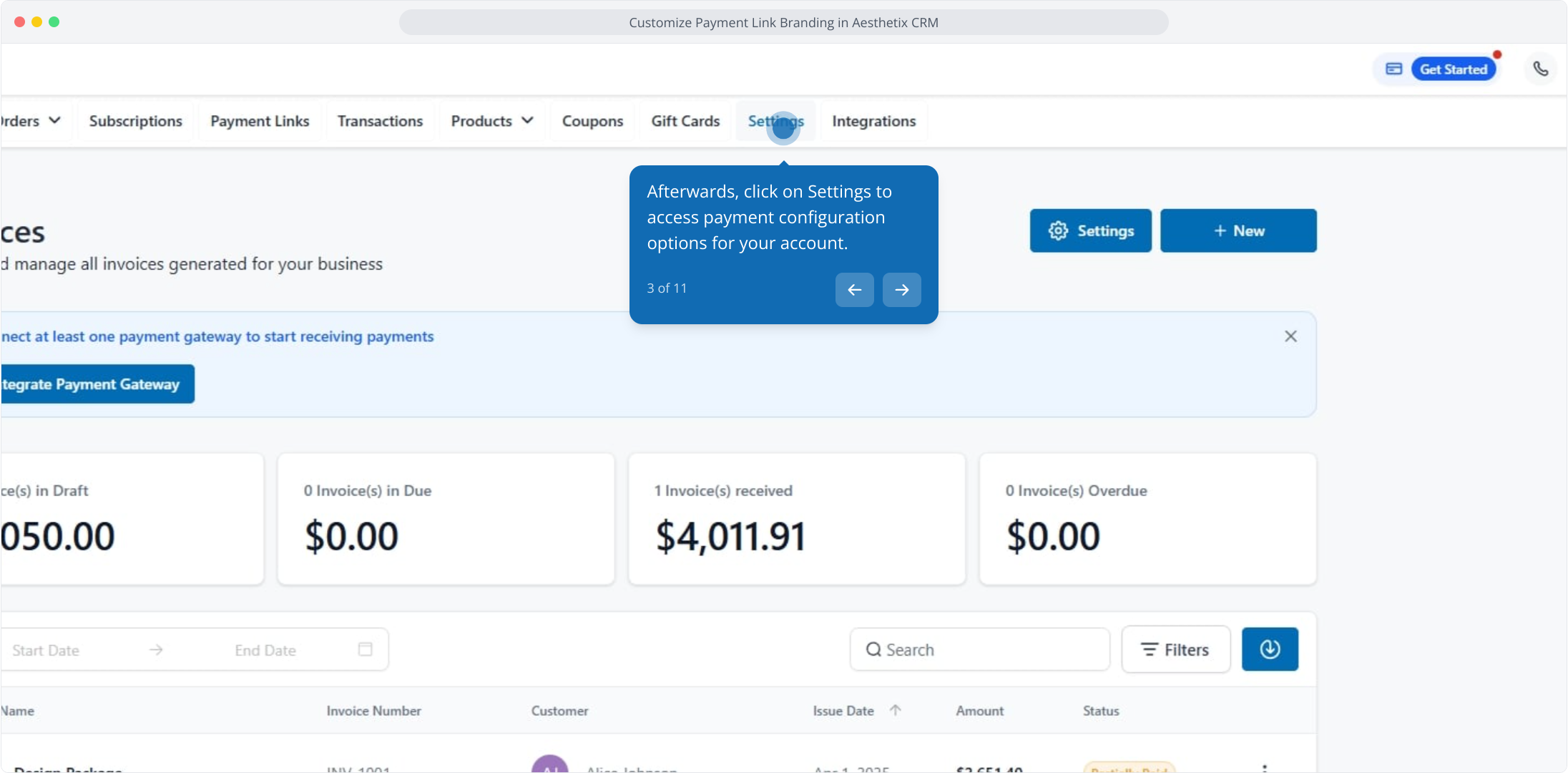
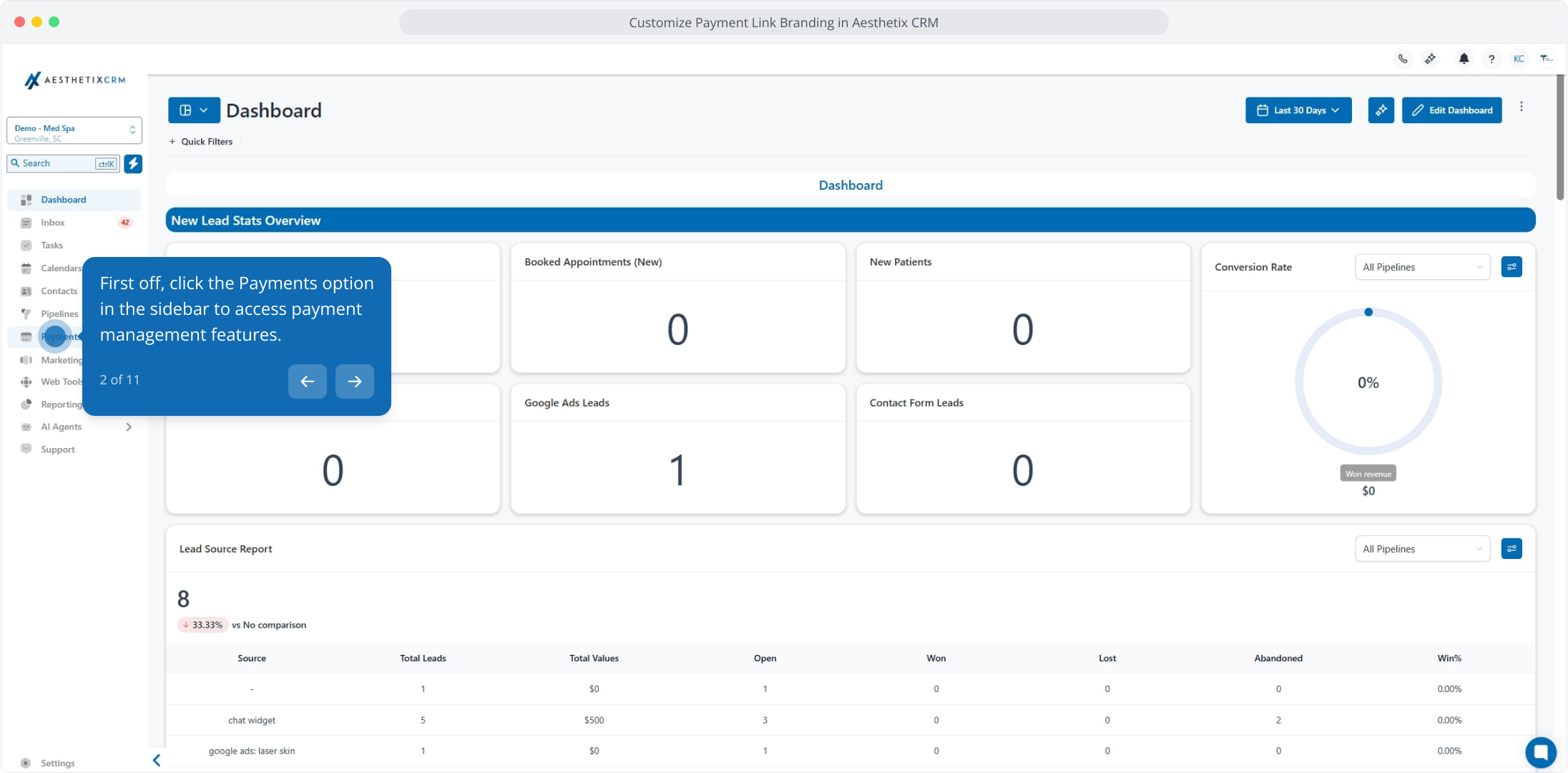
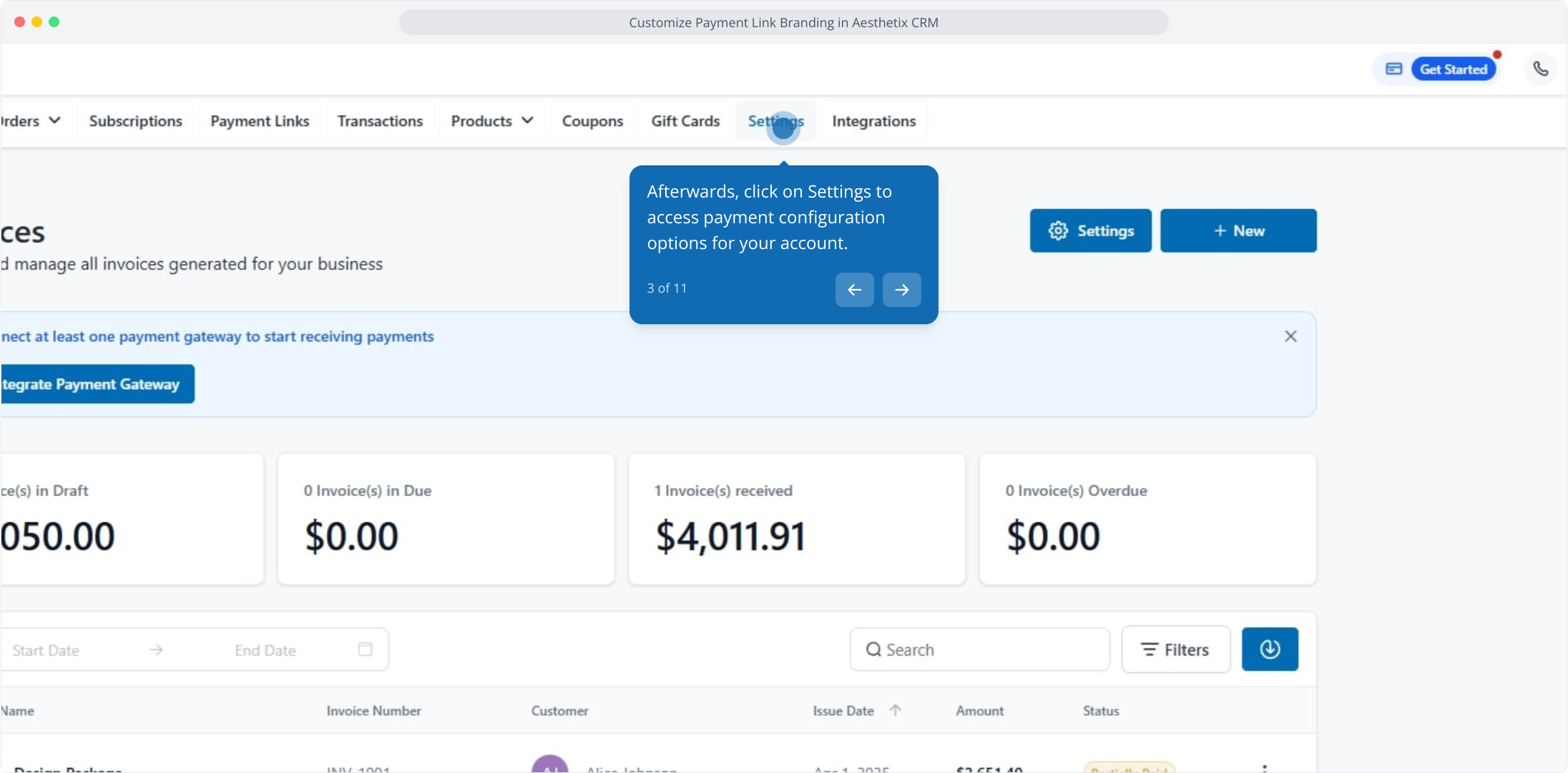
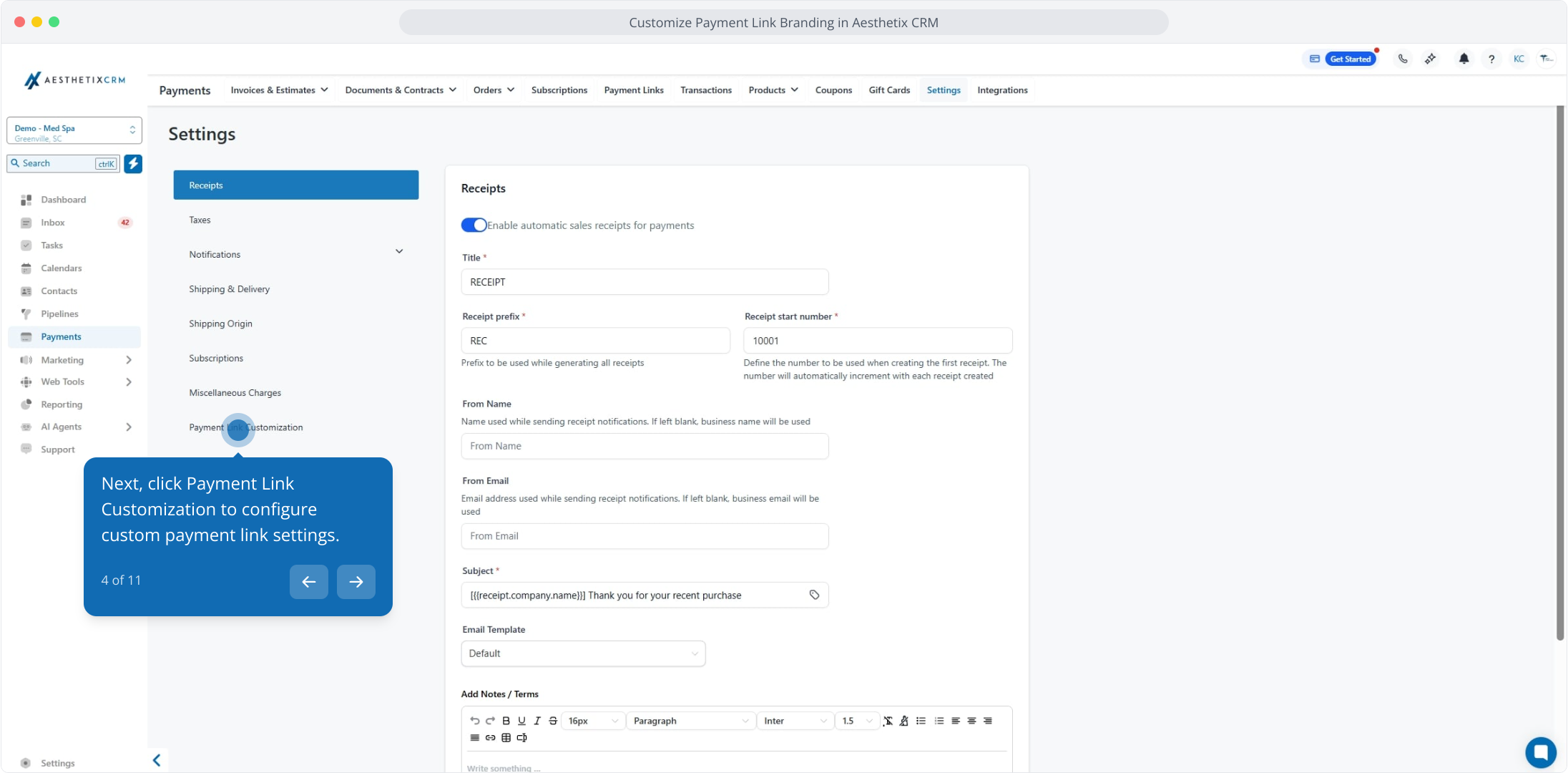
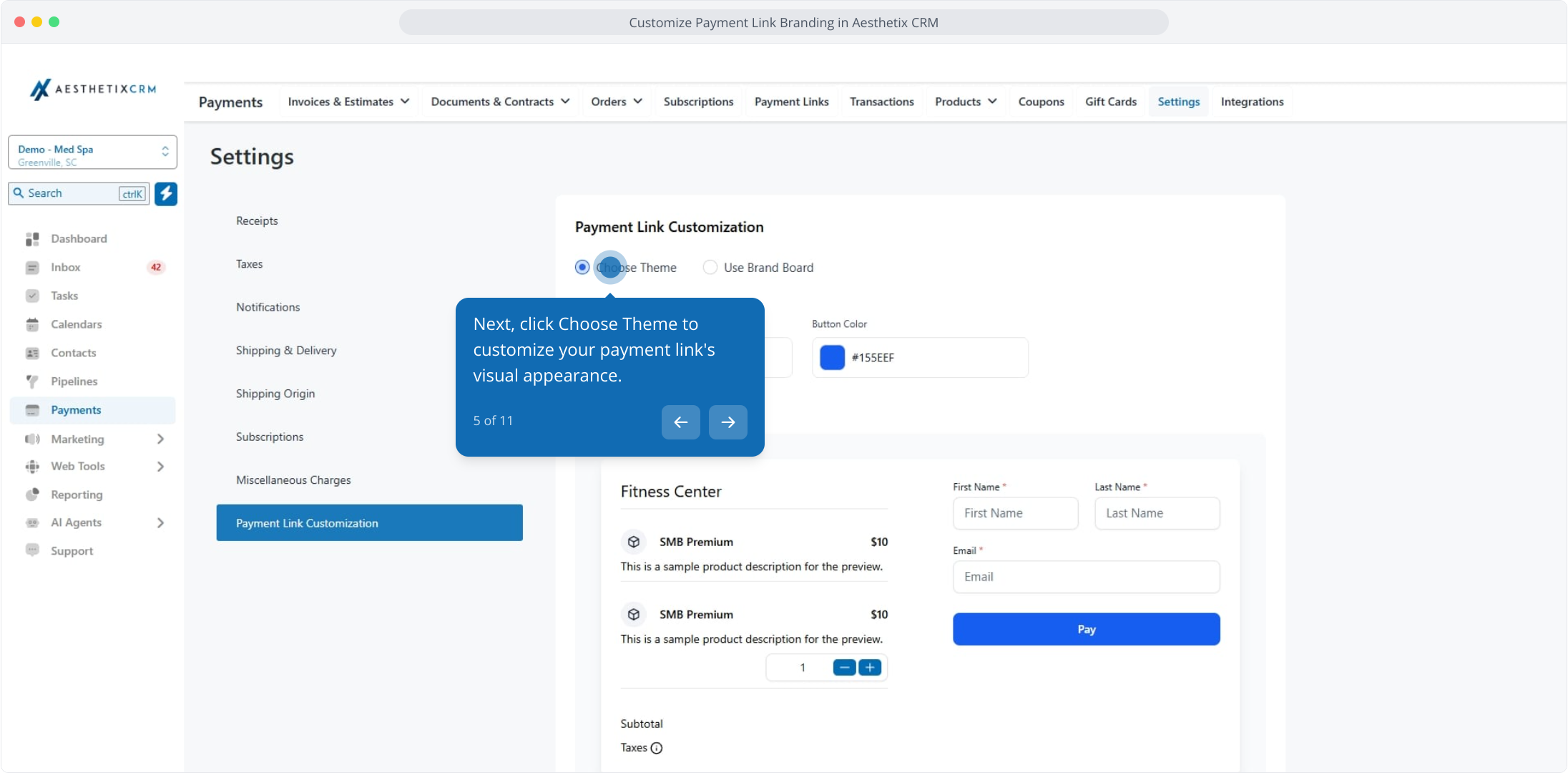
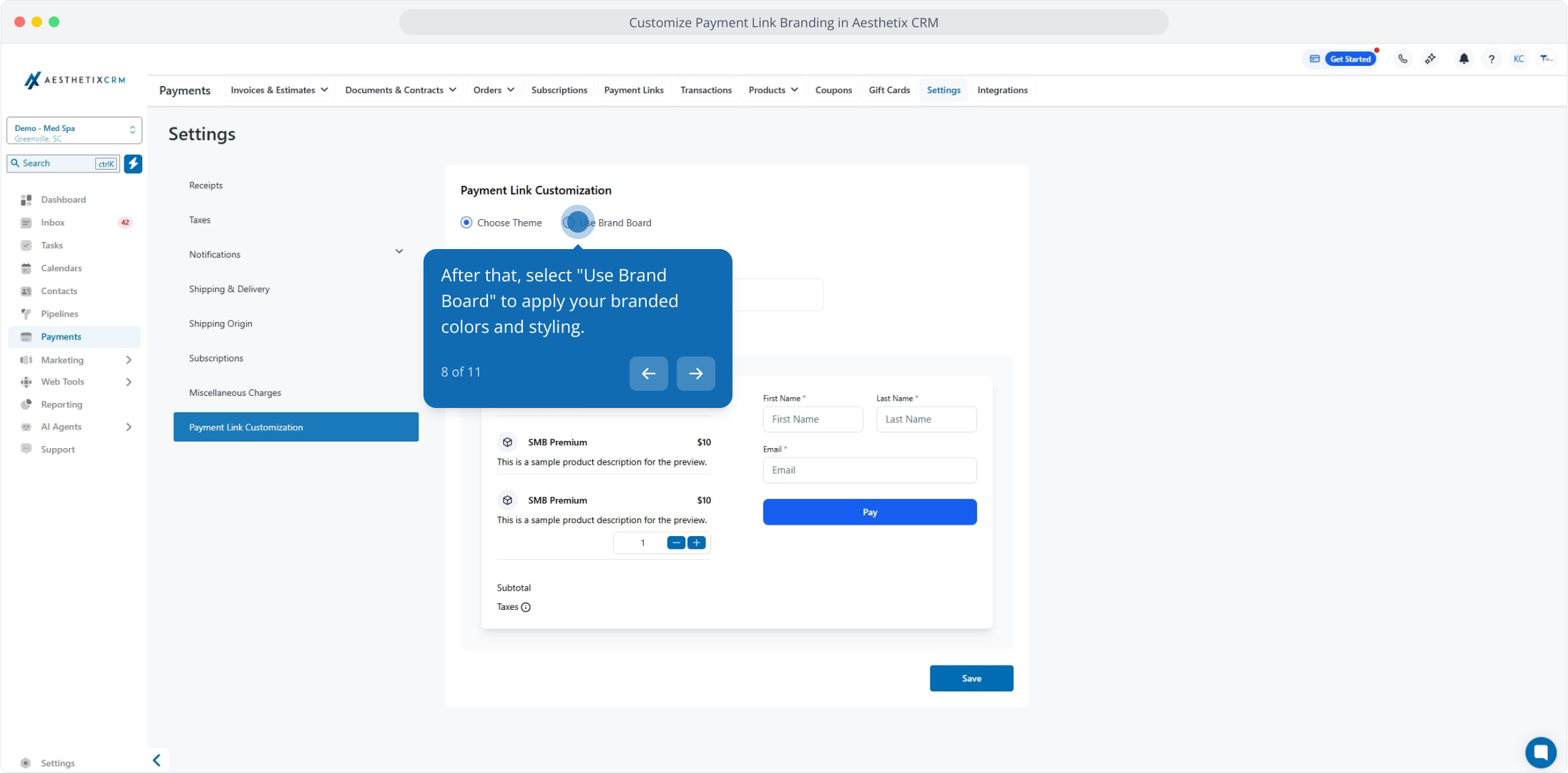
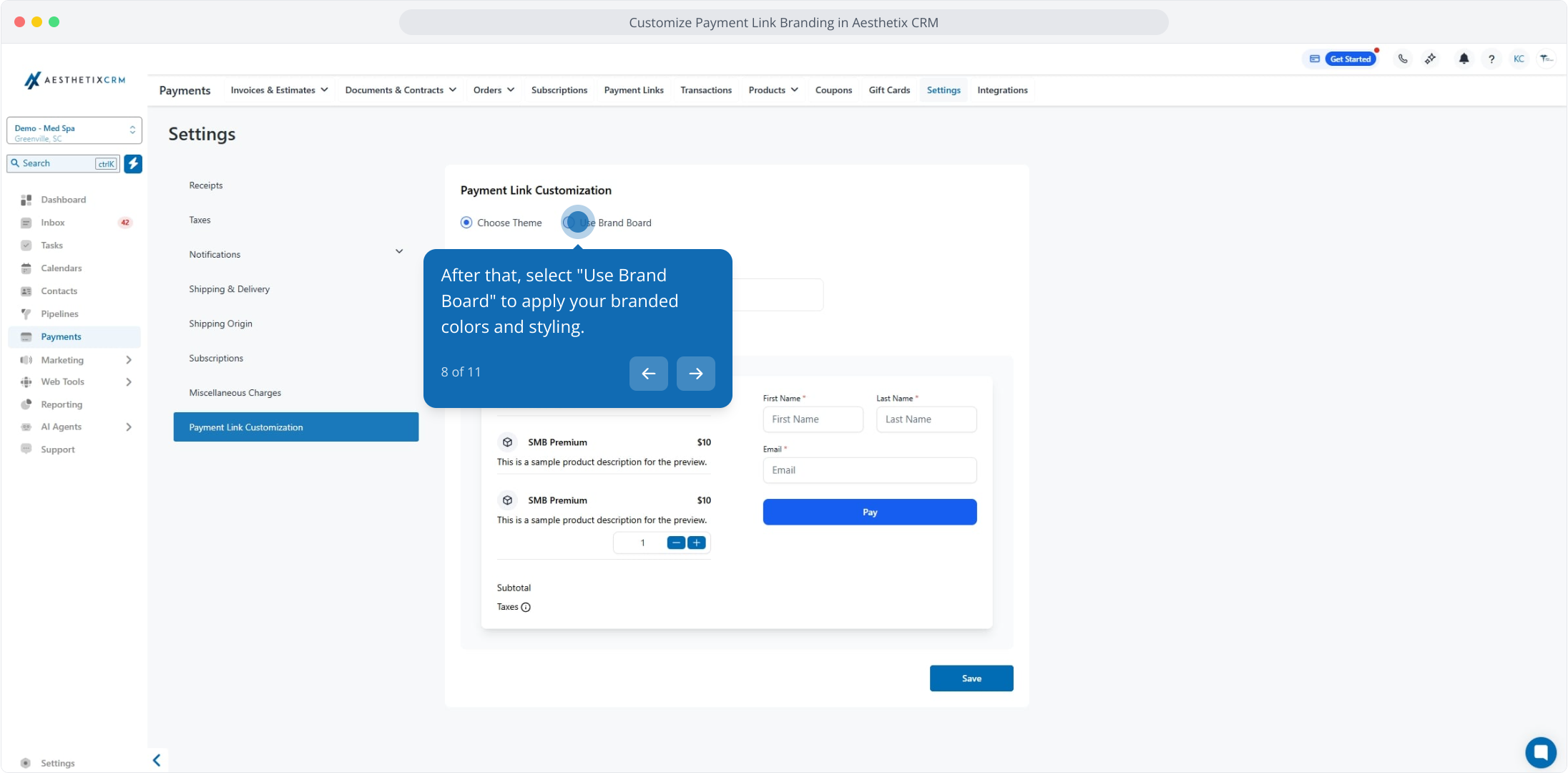
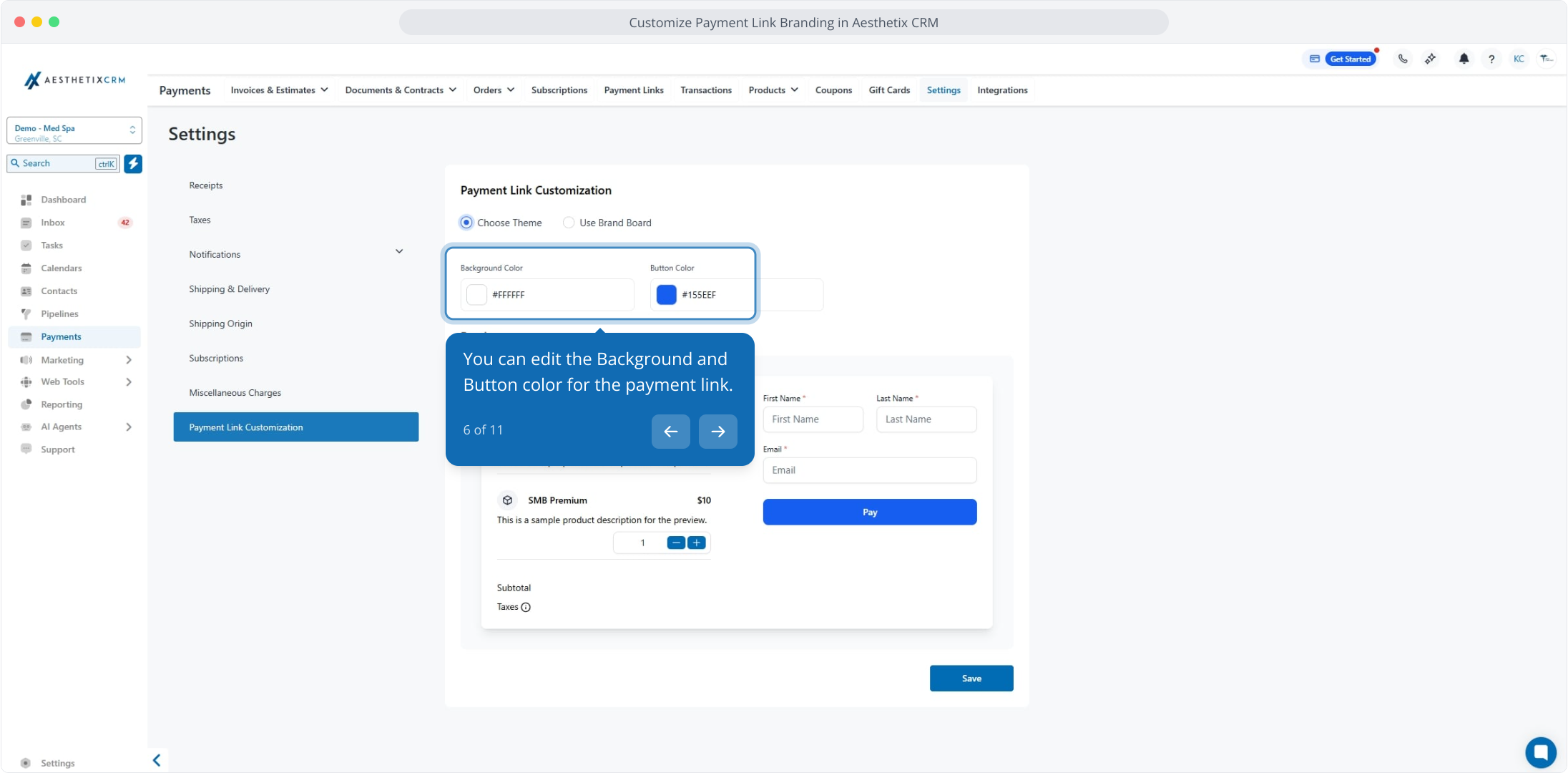
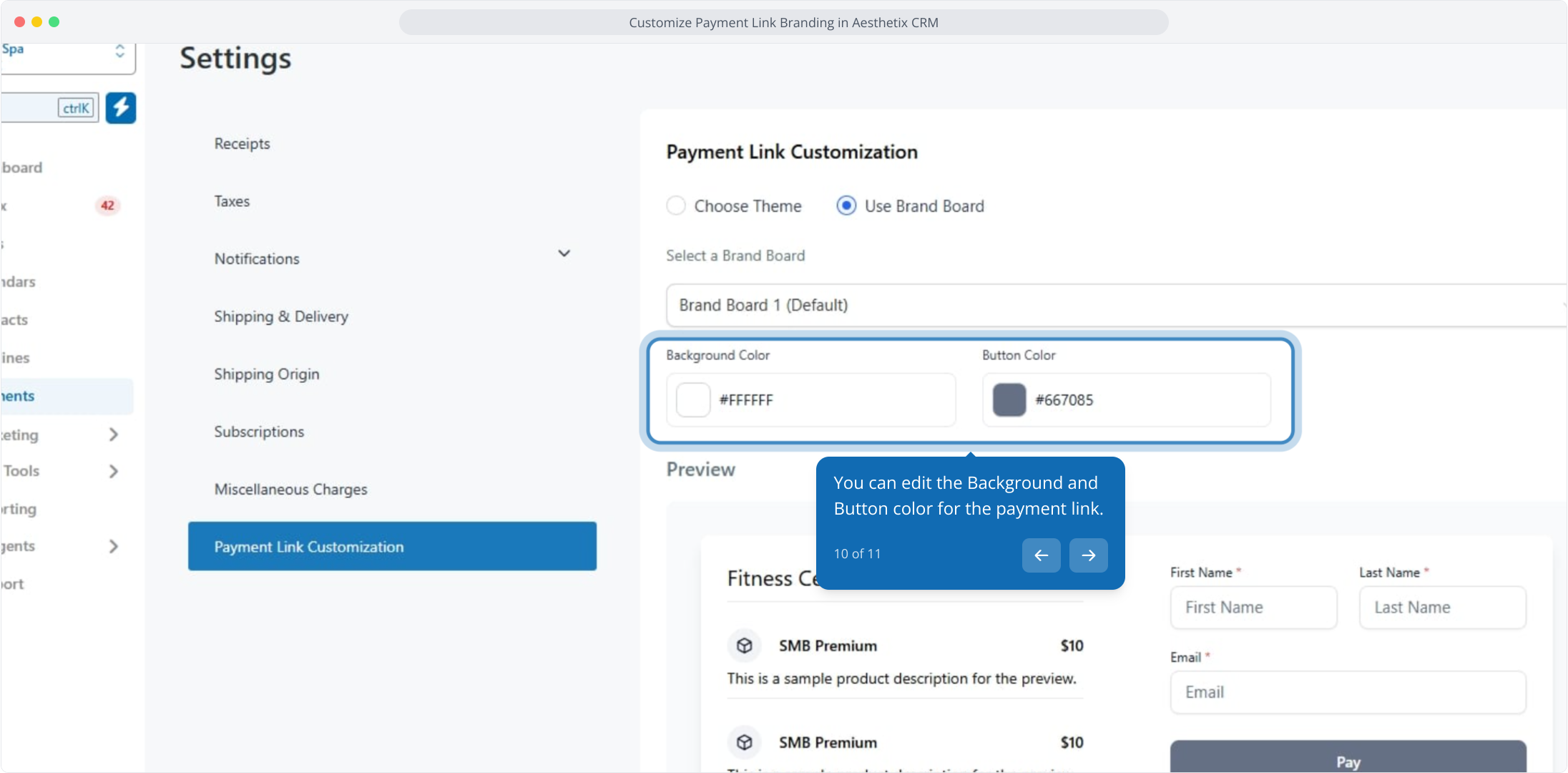
Choose between Use Brand Board and Choose Theme. Use Brand Board applies your saved brand colors and styling automatically. Choose Theme lets you set colors manually.
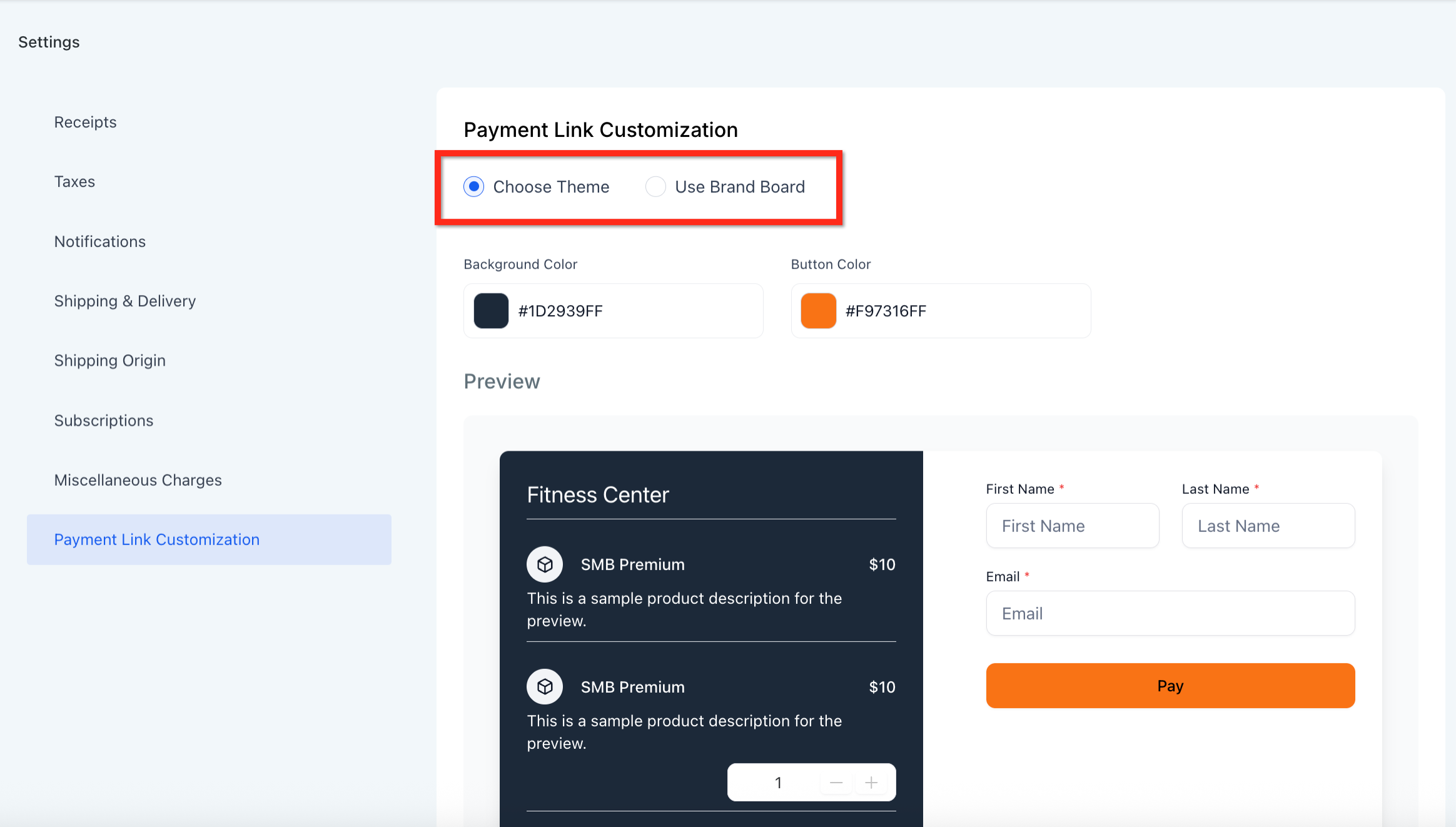
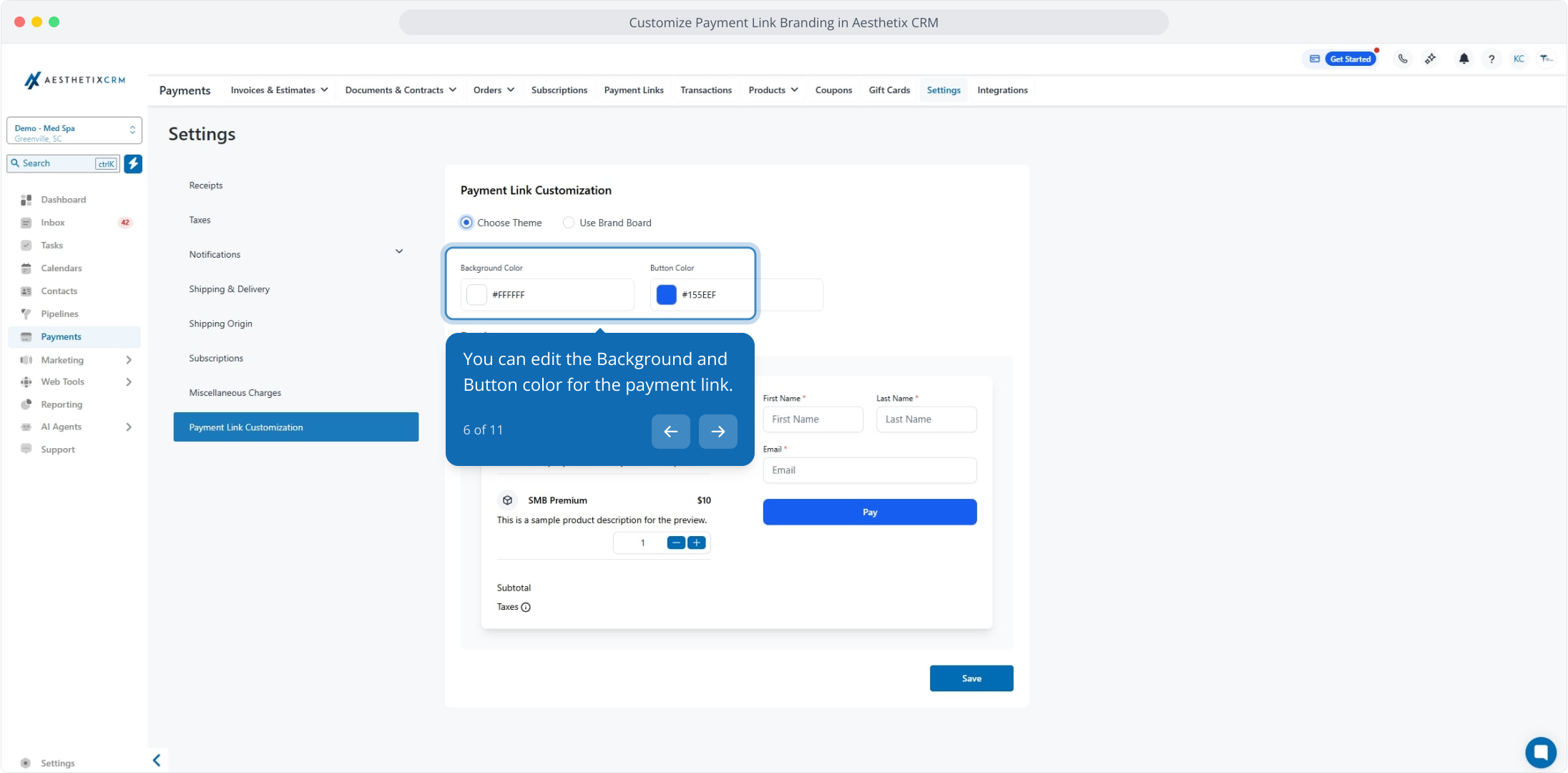
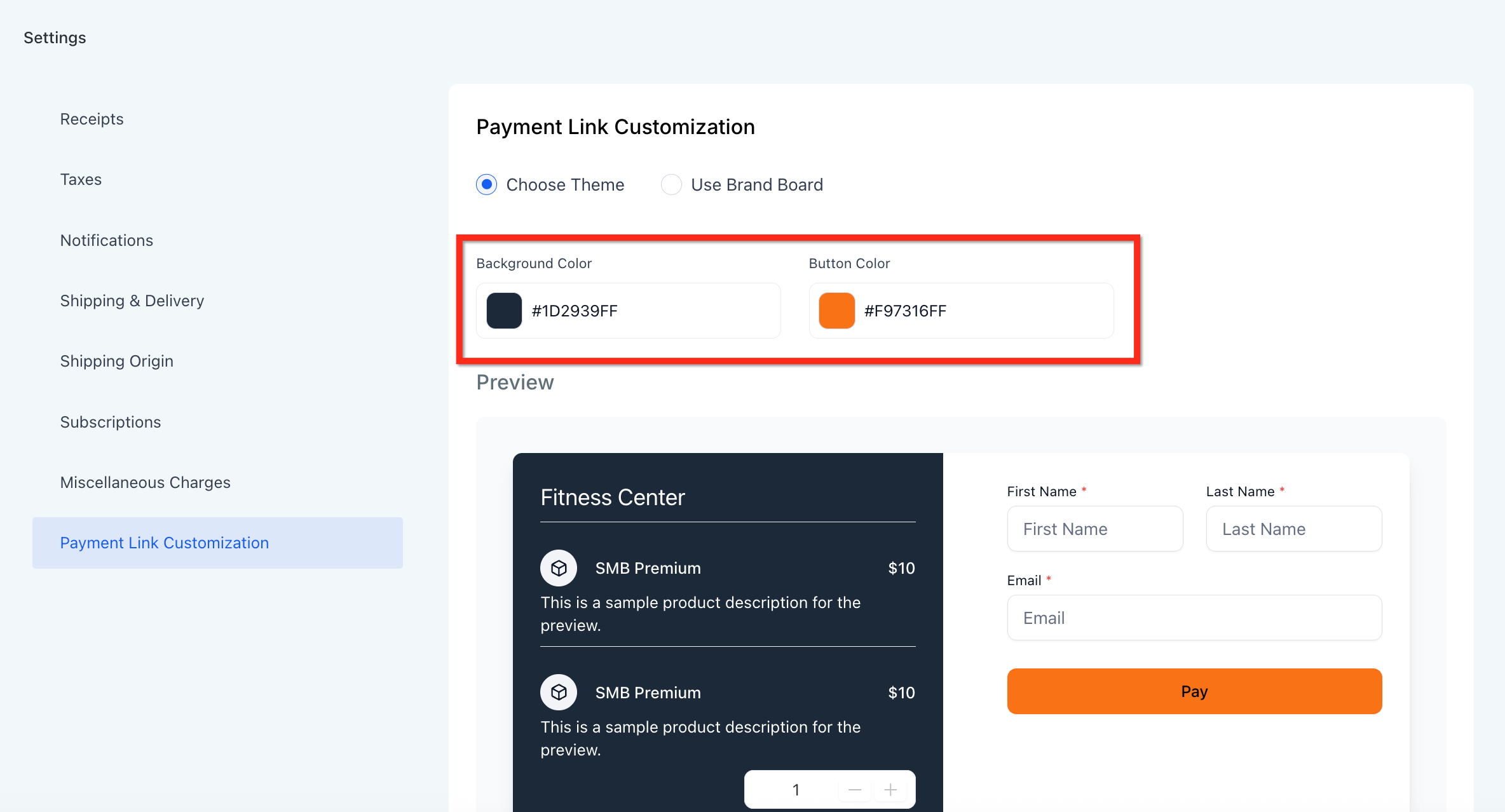
If you are using a custom theme, edit the background and button colors for your payment links.
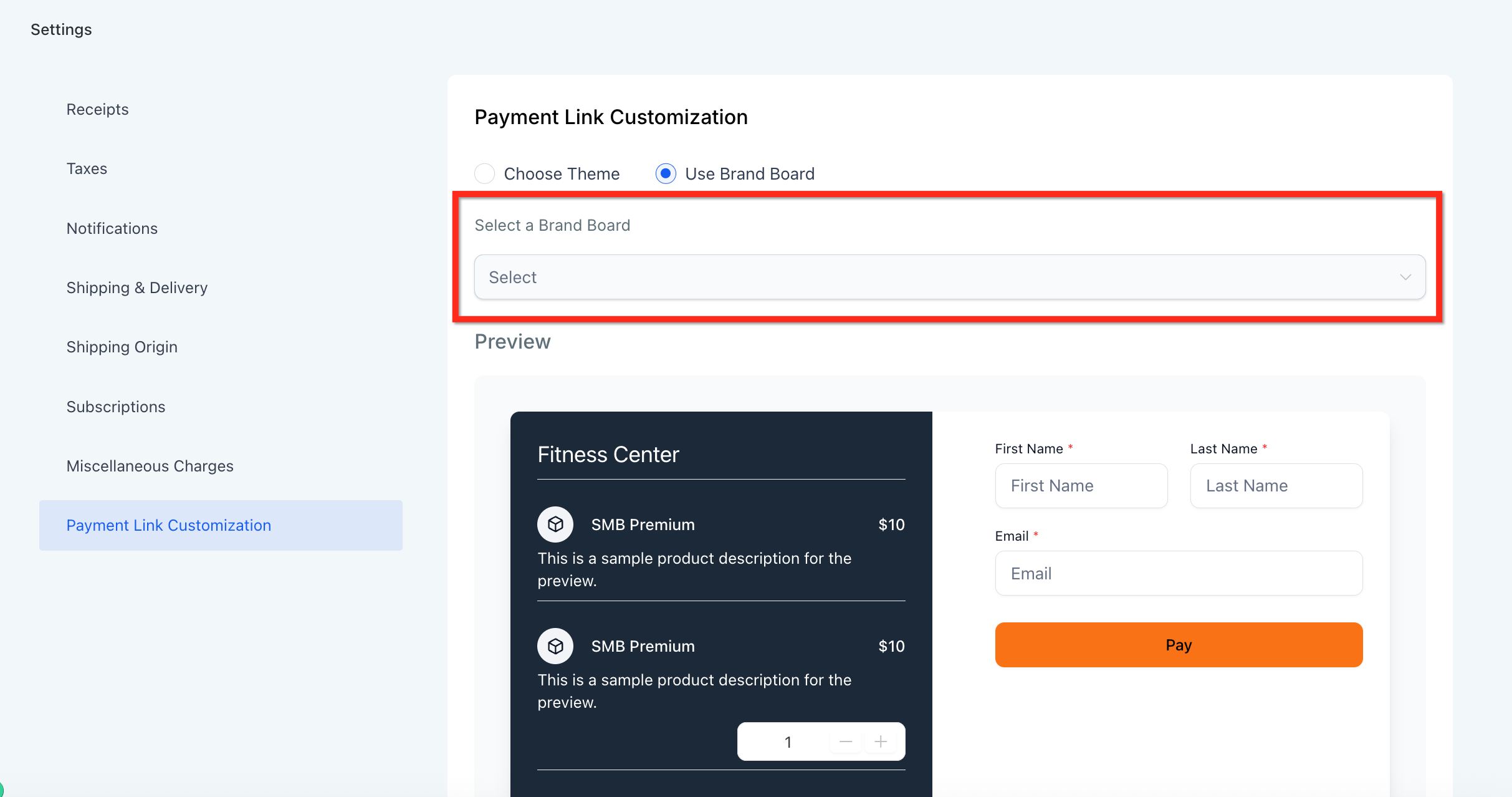
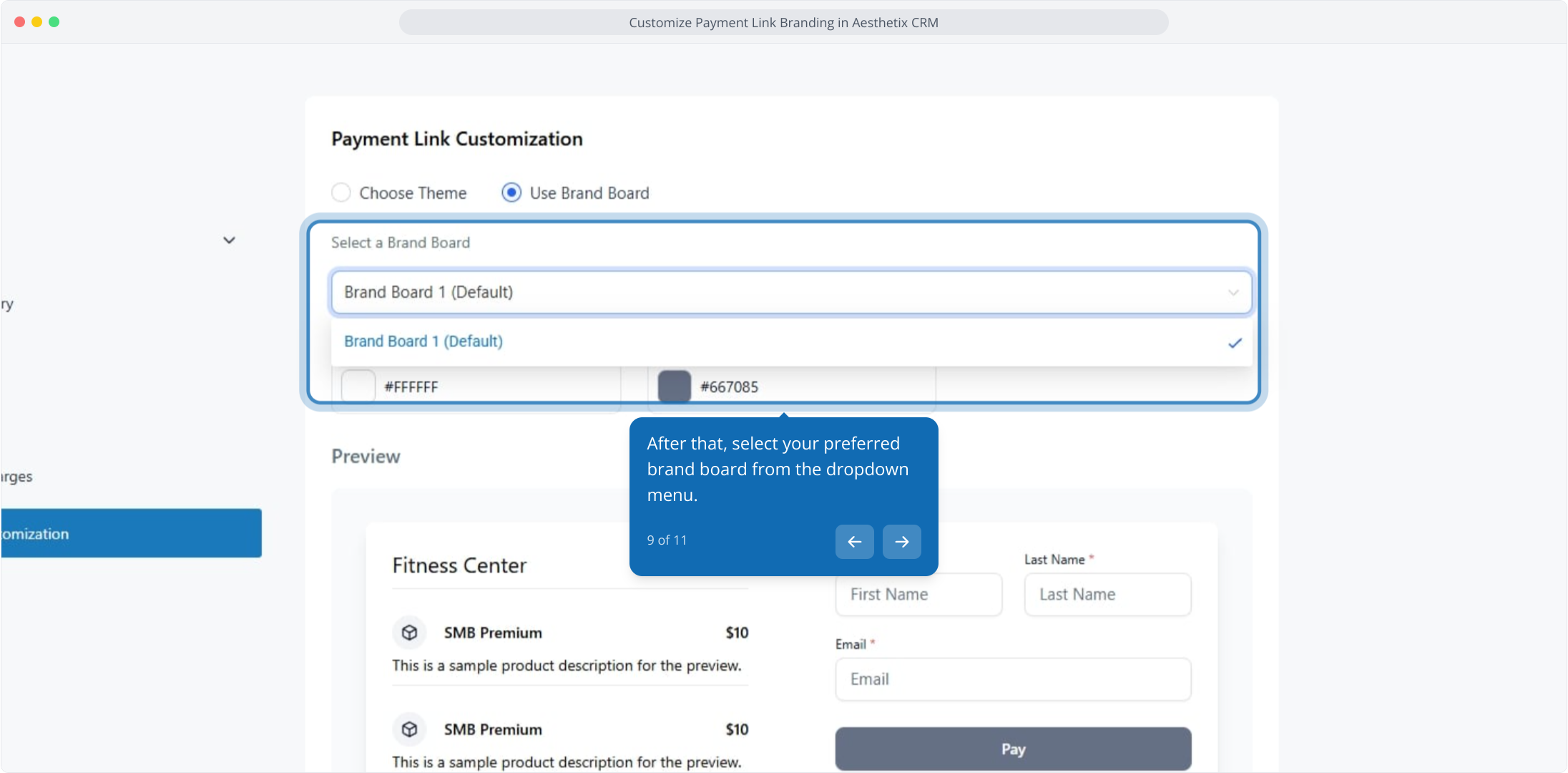
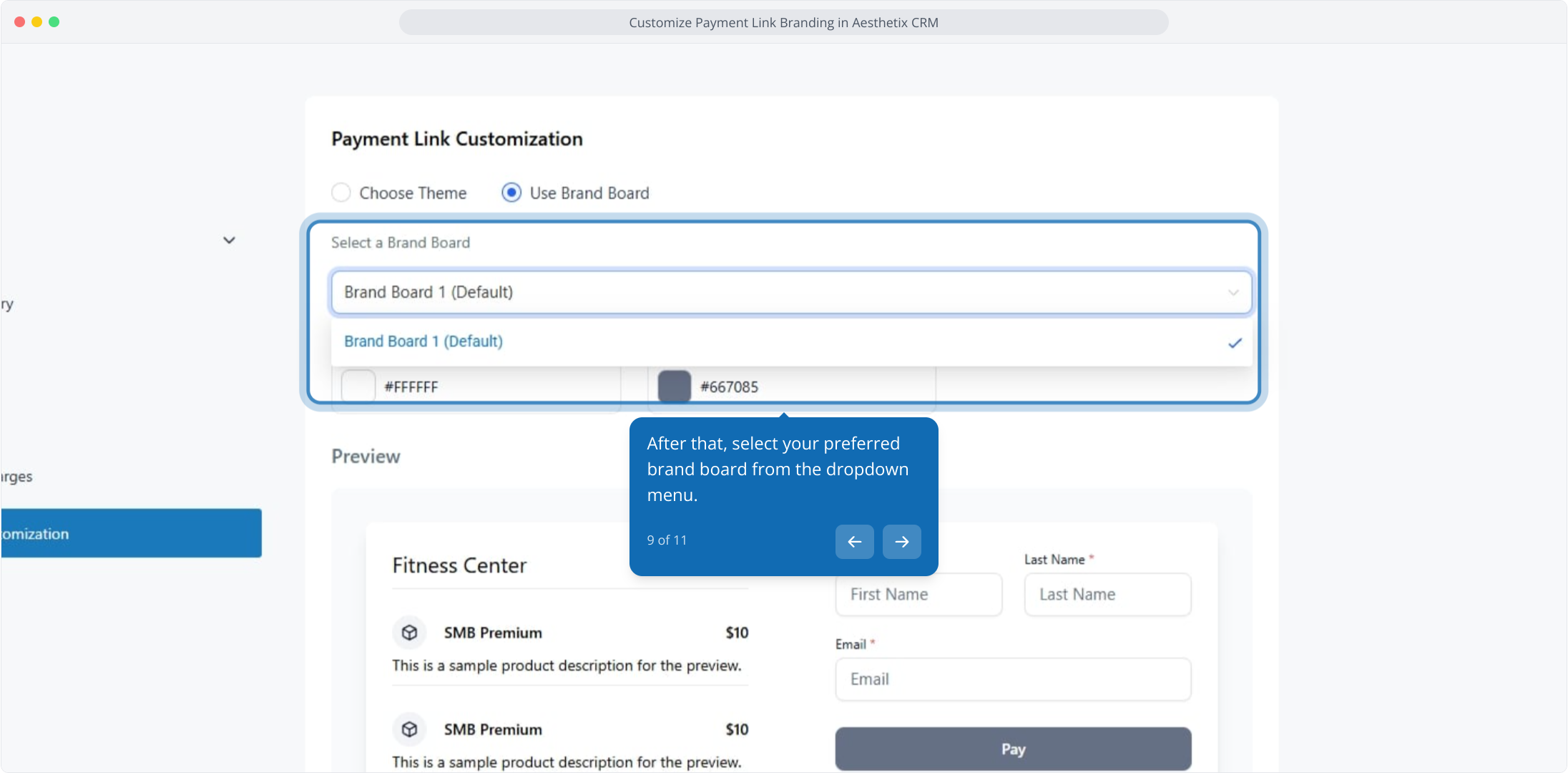
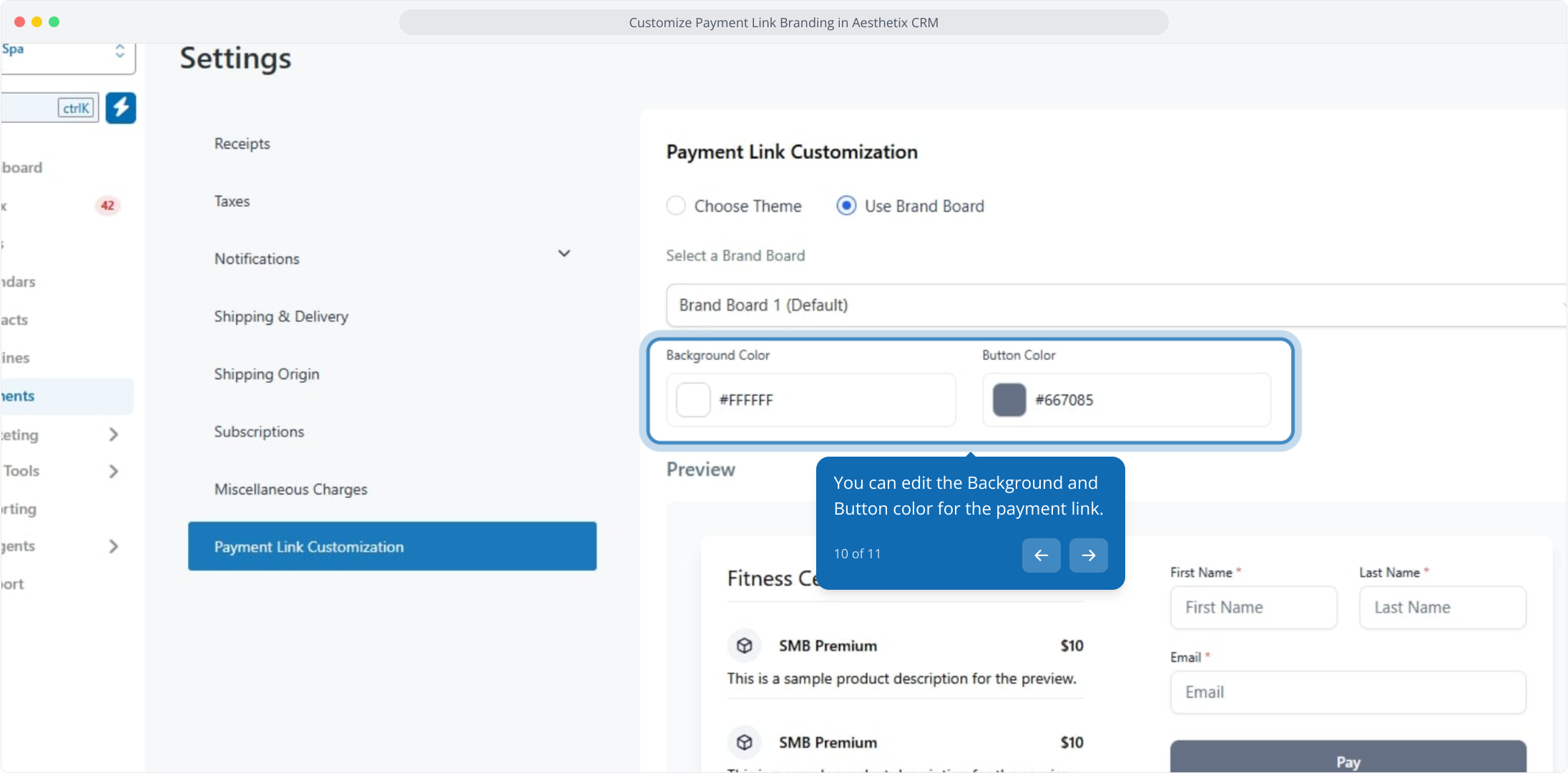
If you are using a brand board, select the one you want from the Select a Brand Board dropdown. Any updates you later make to that brand board are reflected across your links automatically, so you do not have to customize each link by hand.
You can still fine-tune the background and button colors after selecting a brand board.
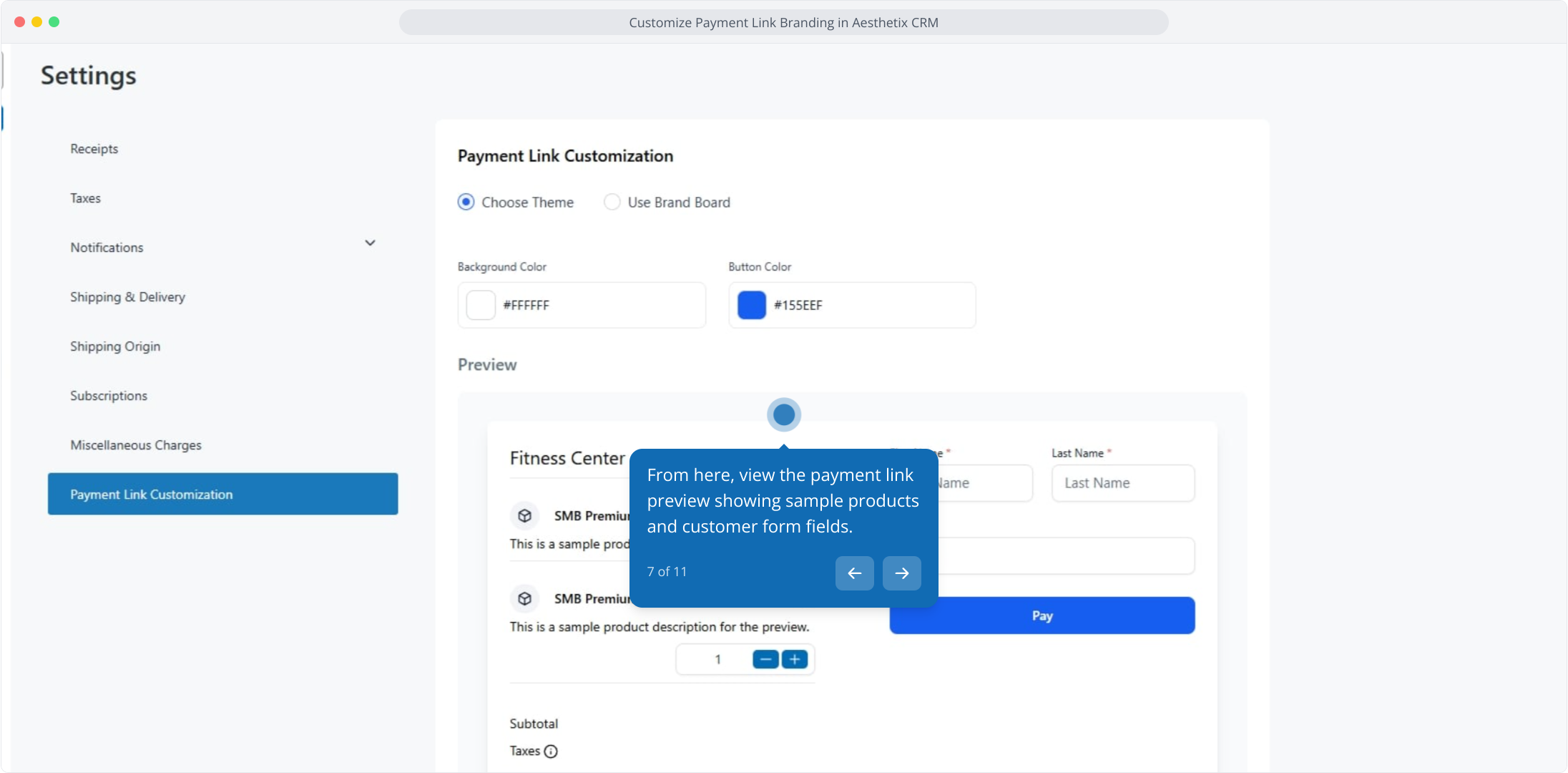
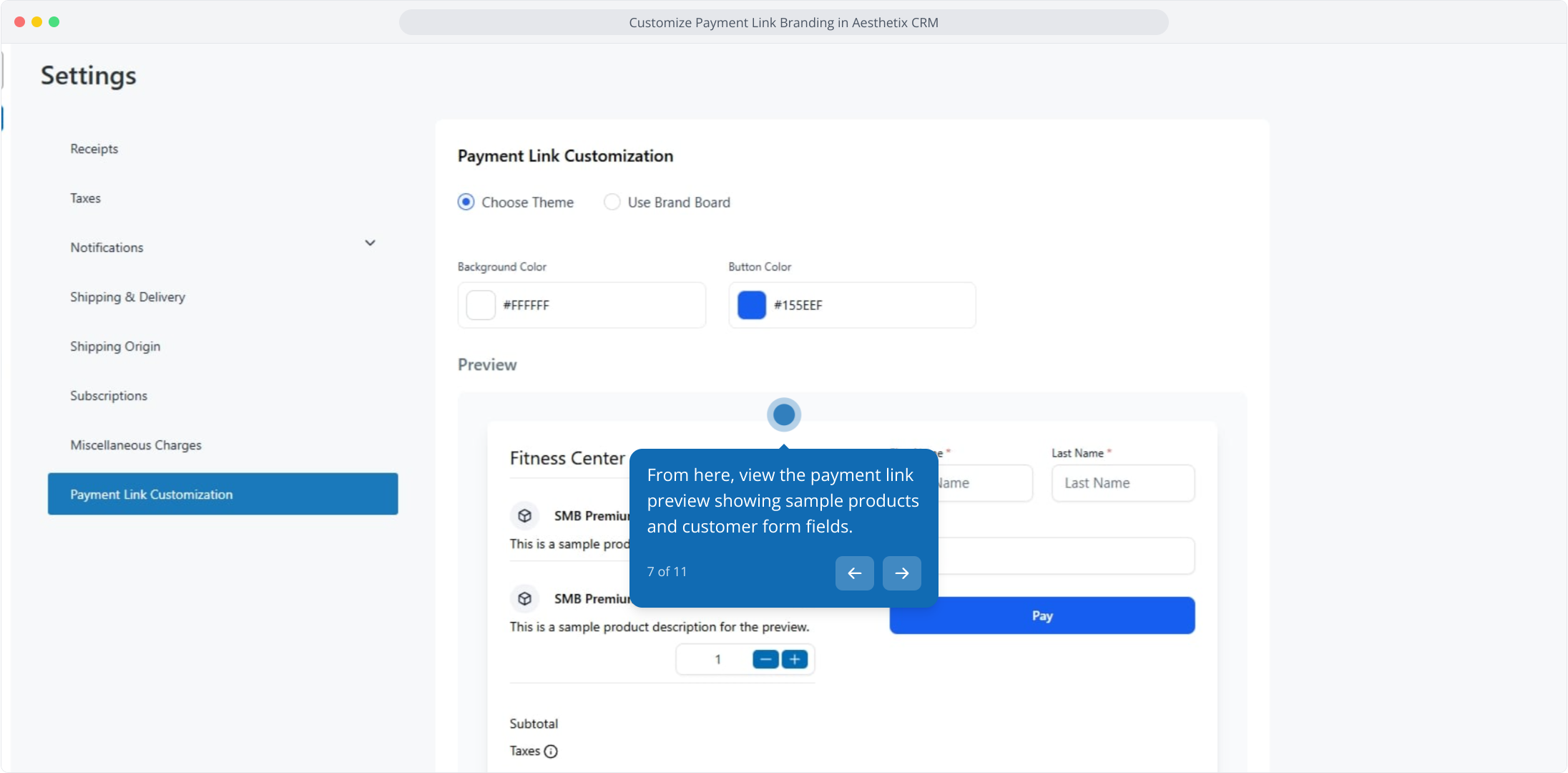
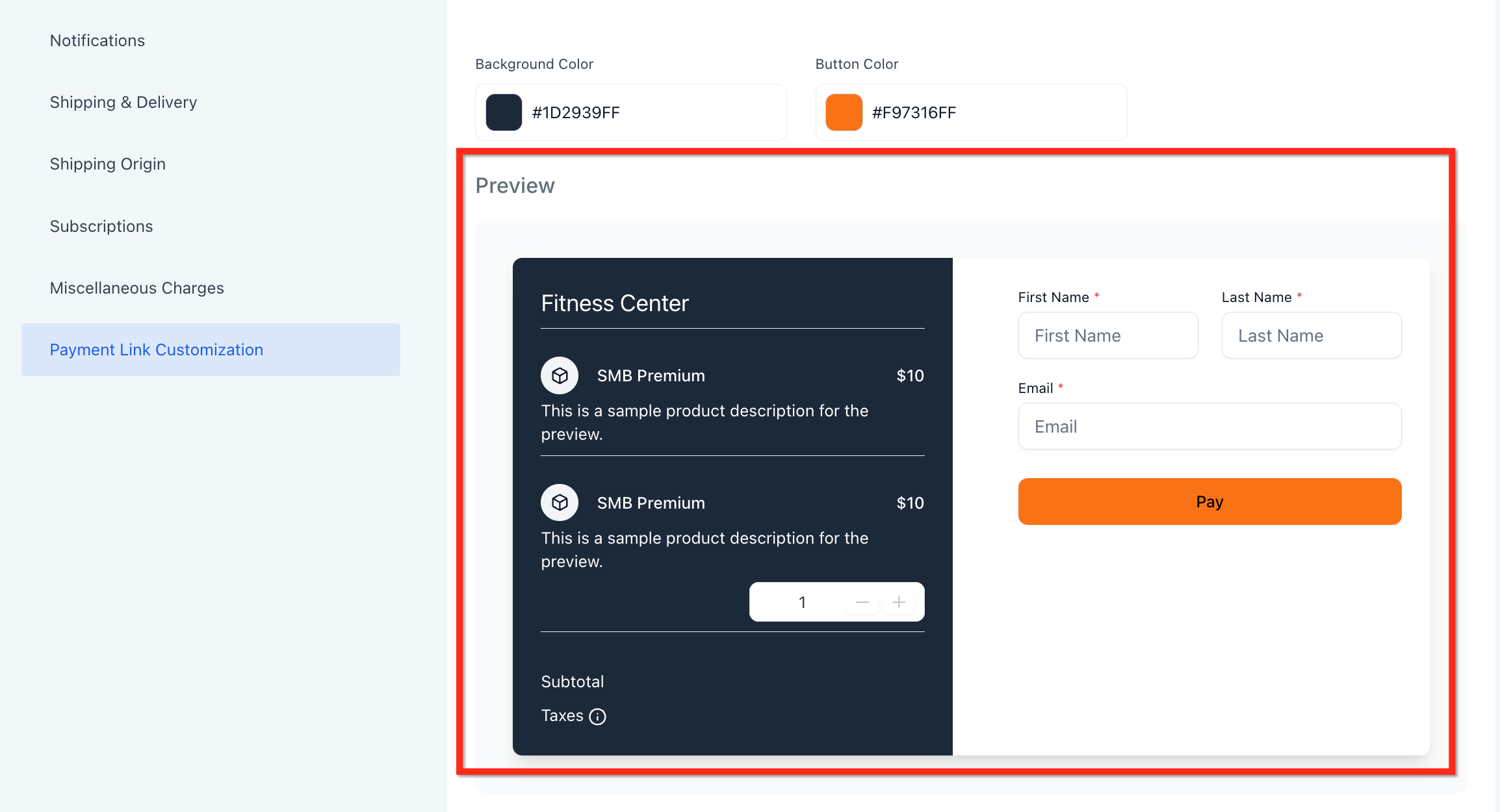
Check the live preview panel, which shows sample products and customer form fields with your updated colors applied. The preview updates instantly as you make changes, and the theme is mobile responsive, so it adapts across devices.
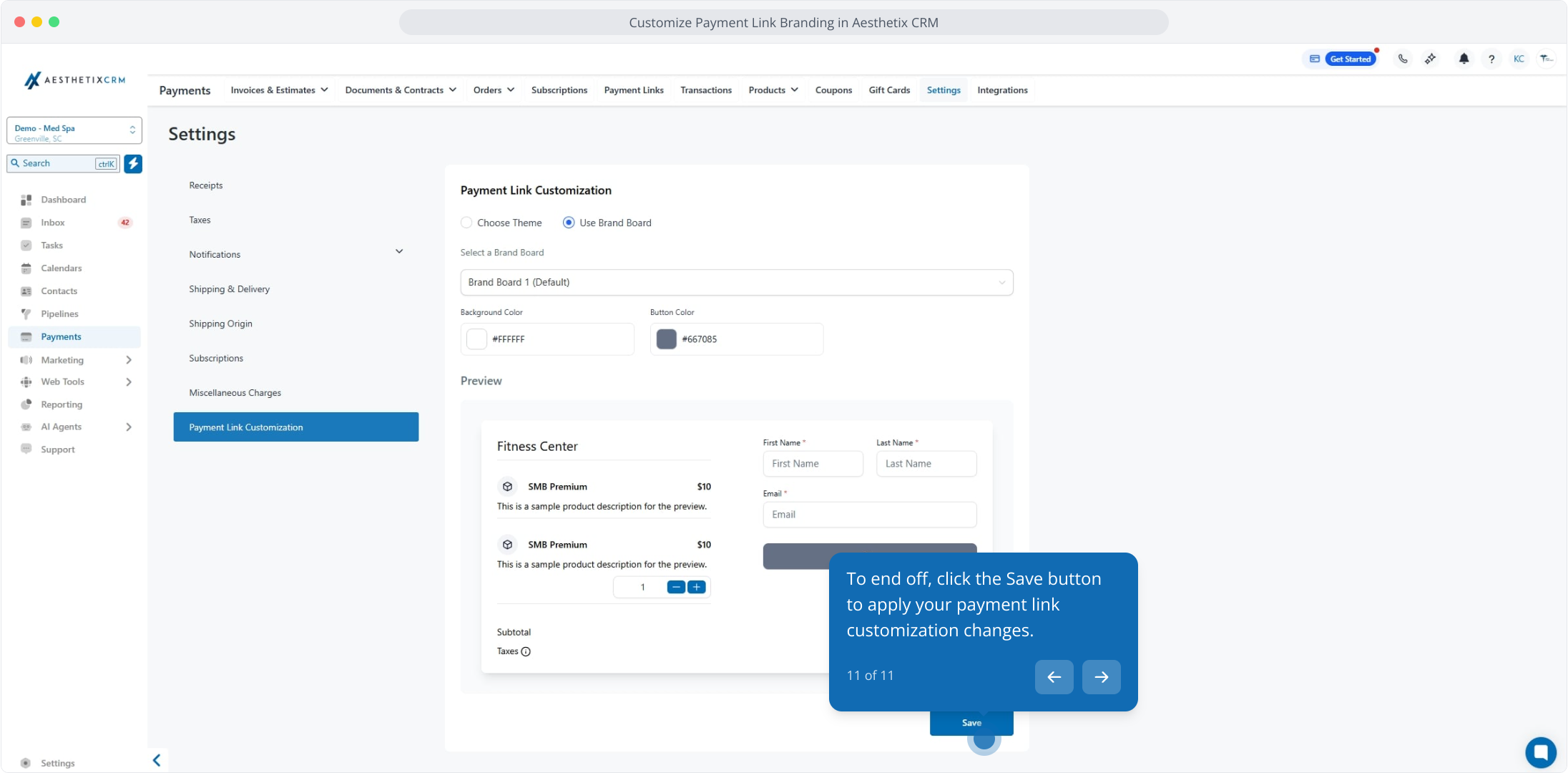
Click Save to apply your changes. Open a payment link afterward to confirm the correct branding is showing.
Interactive walkthrough
If you do not have a brand board yet, you can create one and reuse it across your payment links and other branded surfaces. See the Brand Boards guide to set one up.
Will my existing payment links automatically update with my new branding? Yes. Once saved, the selected theme applies globally to all current and future links.
Can I use different themes for different payment links? No. Theming is applied globally across all payment links in your account.
What if I don't have a brand board set up? You can still use the custom theme option to set background and button colors manually. You can create a brand board at any time and switch to it later.
Will my branding show on mobile devices? Yes. All styling options are responsive and display correctly across devices.
Does customizing payment links affect payment processing or security? No. Branding changes are purely visual and do not impact how payments are processed or your compliance.
Where do I find these settings? In the Payments section, open Settings, then Payment Link Customization.
