When you already have a chat widget configured the way you like it, you do not need to rebuild everything from scratch. Cloning creates an exact copy of an existing widget, carrying over its settings and styling so you can spin up a new one in seconds. This is ideal when you want a matching widget for a different landing page, campaign, or treatment offering while keeping your practice's branding consistent.
Follow these steps to duplicate a chat widget and reuse its configuration.
From the left navigation, click Web Tools.
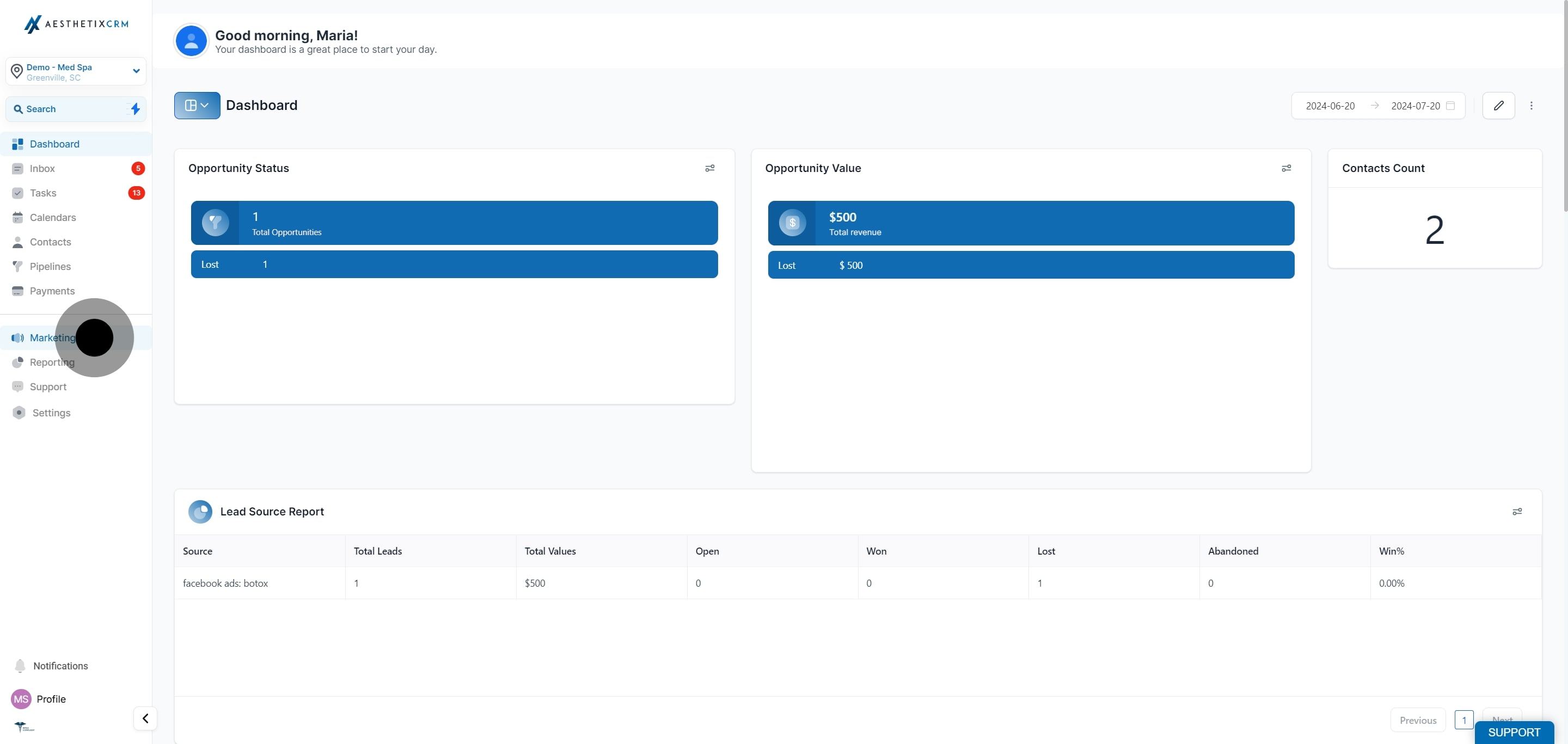
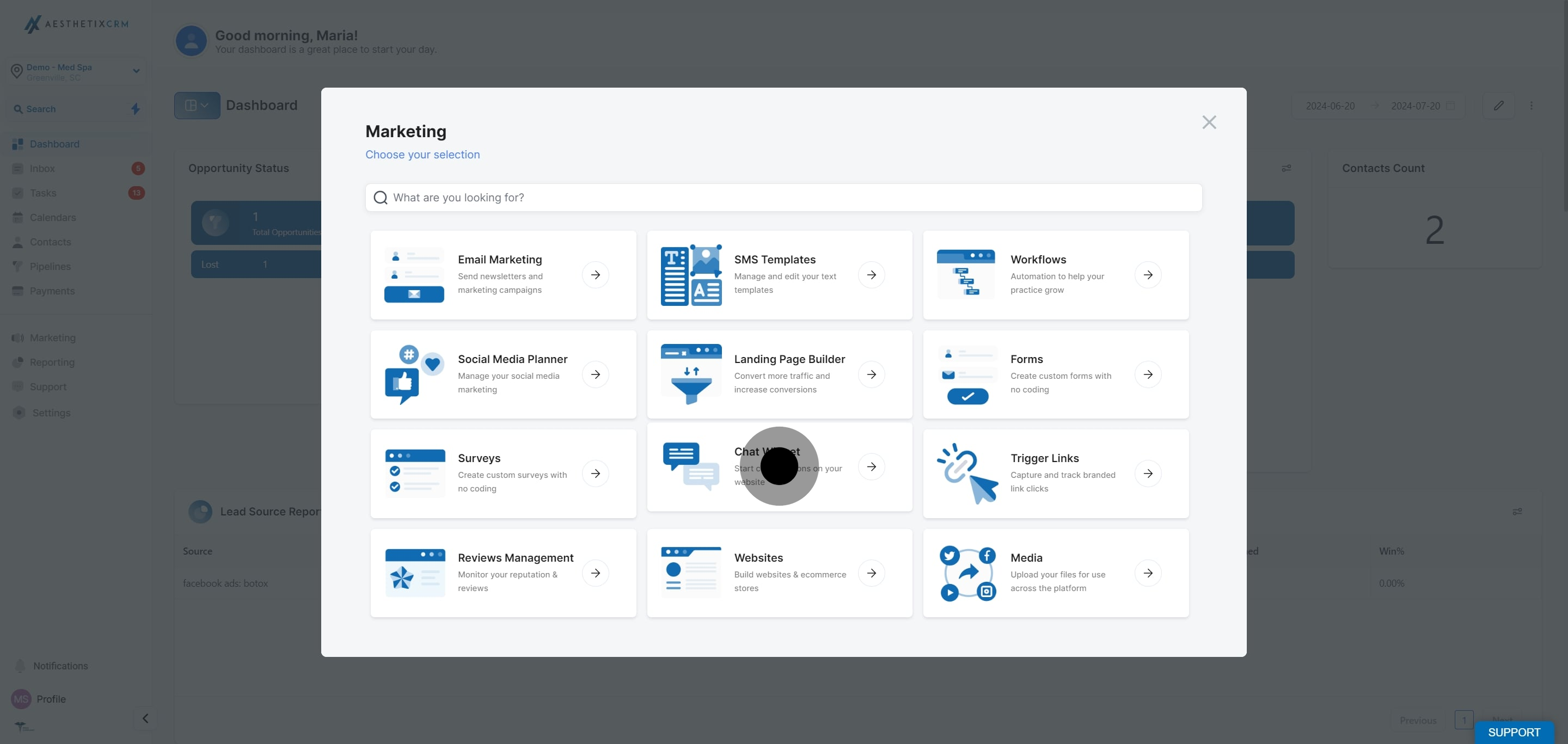
Click Chat Widget to view your existing widgets.
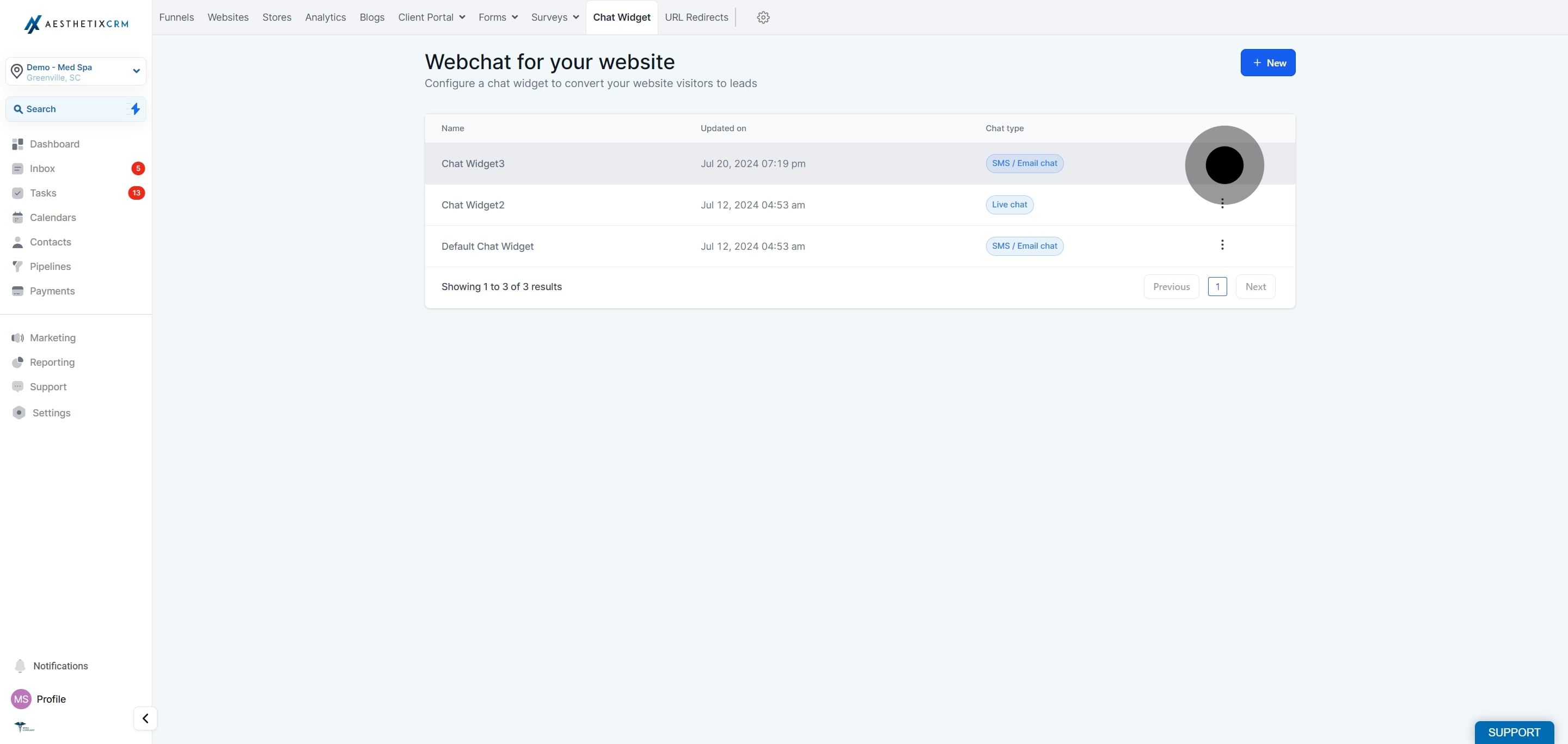
Find the chat widget you want to duplicate, then click the three dots next to it.
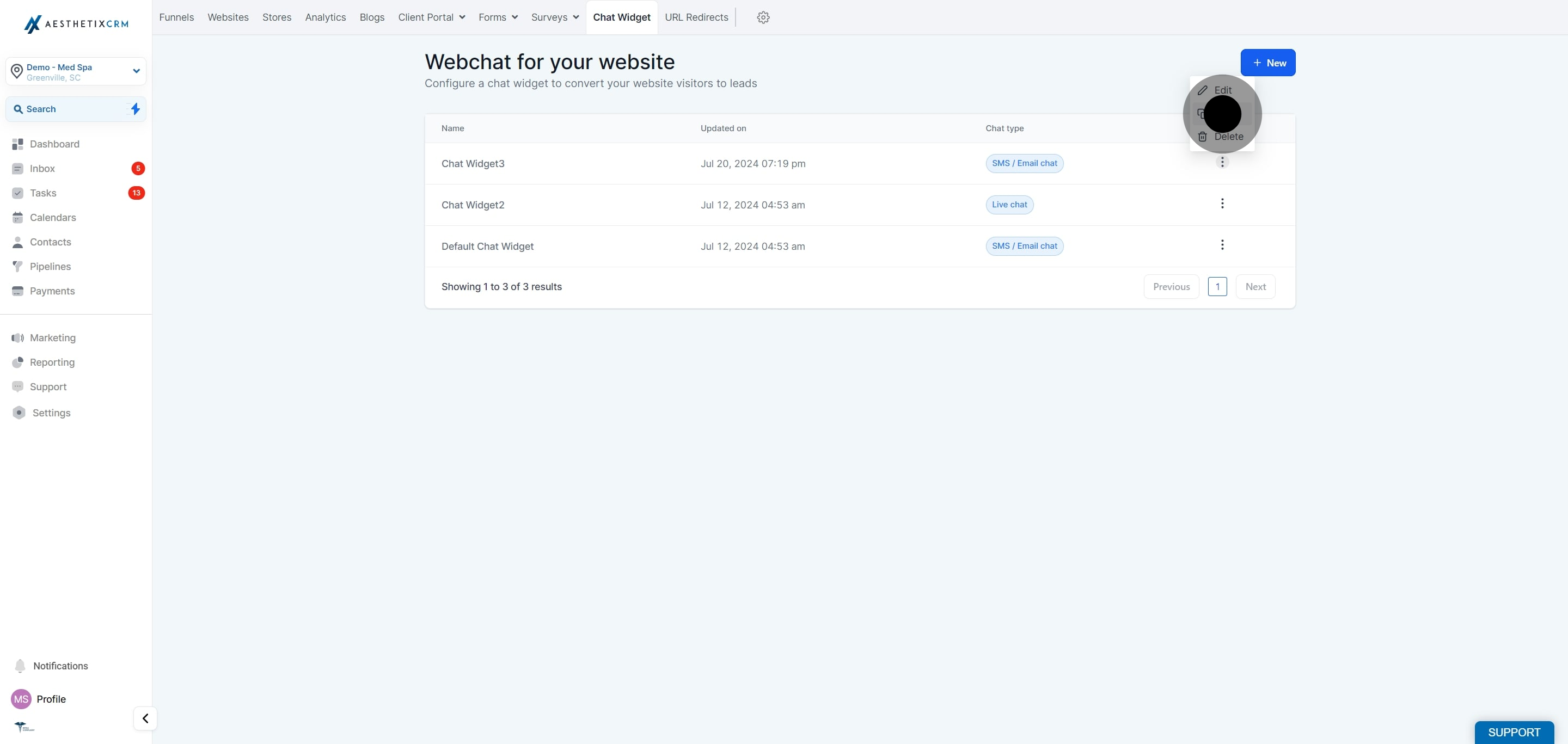
Click Clone from the menu.
Change the name of the chat widget so you can easily tell it apart from the original.
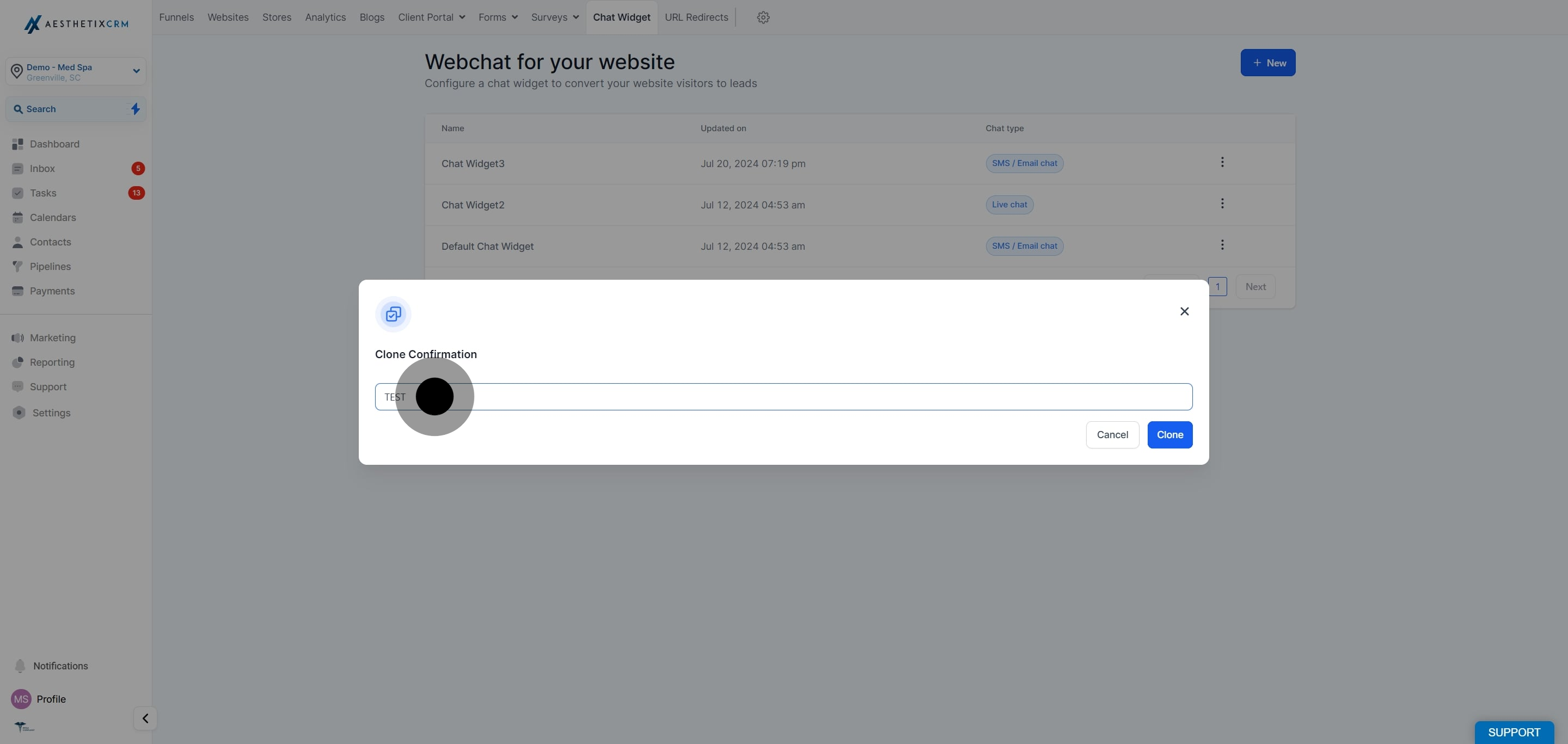
Lastly, click Clone to create the duplicate.
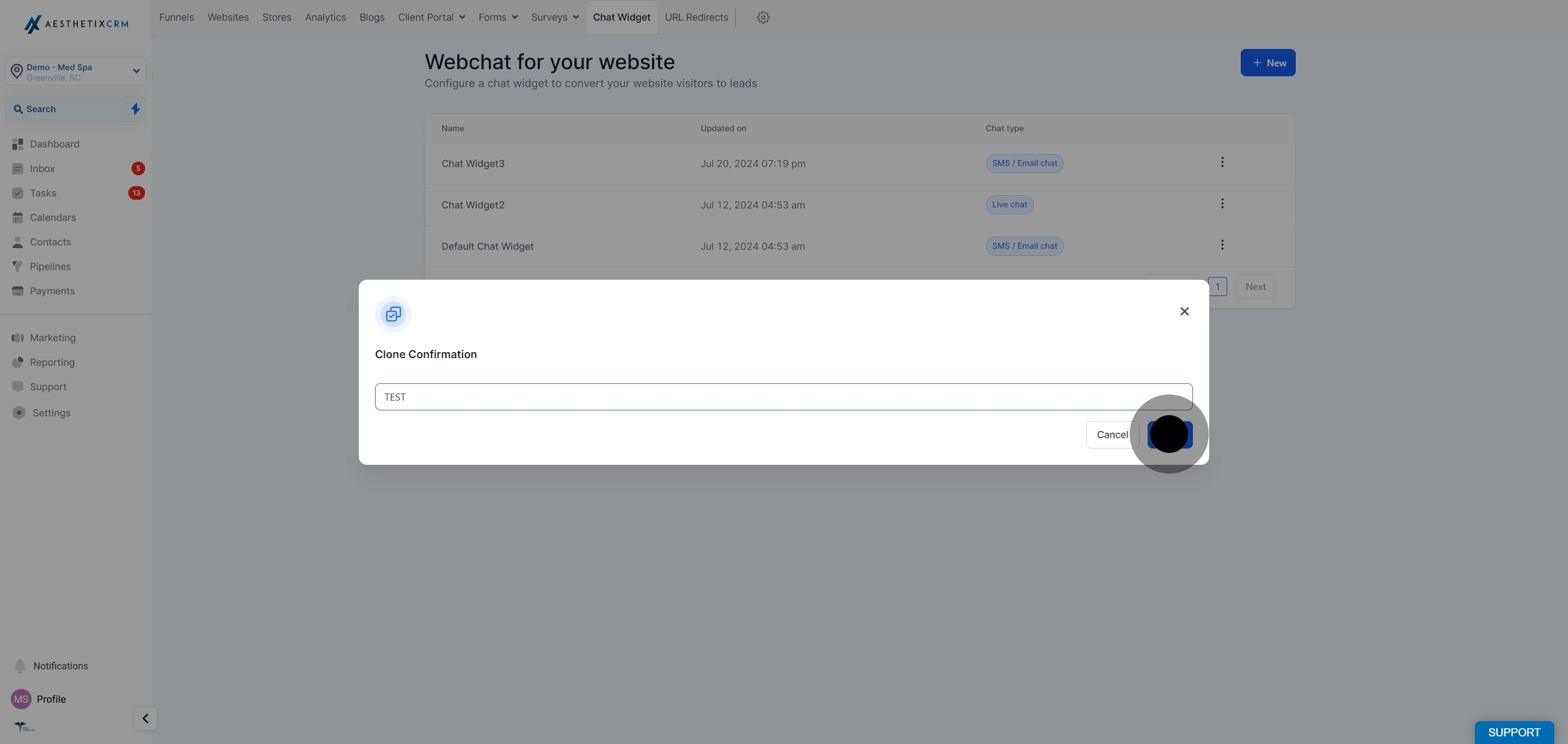
Note: The cloned widget copies the original's configuration and styling, but it is a separate widget with its own embed code. Update its settings independently, and re-embed it wherever you want it to appear.
What gets copied when I clone a chat widget? Cloning duplicates the original widget's configuration and styling, giving you a ready-made starting point that you can adjust as needed.
Does cloning change my original widget? No. The clone is a completely separate widget. Any edits you make to the copy do not affect the original, and vice versa.
Why should I rename the cloned widget? Giving the clone a distinct name makes it easy to identify in your list of widgets, so you never confuse it with the original when editing or embedding.
Do I need to re-embed the cloned widget on my website? Yes. Each widget has its own embed code. After cloning, copy the new widget's code and add it to the page where you want it to appear.
Can I clone a widget more than once? Yes. You can clone any existing widget as many times as you need, which is helpful when creating several similar widgets for different pages or campaigns.
Where do I find my chat widgets? Go to Web Tools and click Chat Widget to see all of your widgets in one place.
