
If you have a review widget you no longer need, you can remove it in just a few clicks. This guide walks you through deleting a widget from Reviews Management so your account stays clean and only shows the widgets you actively use.
Interactive walkthrough
Deleting a Review Widget
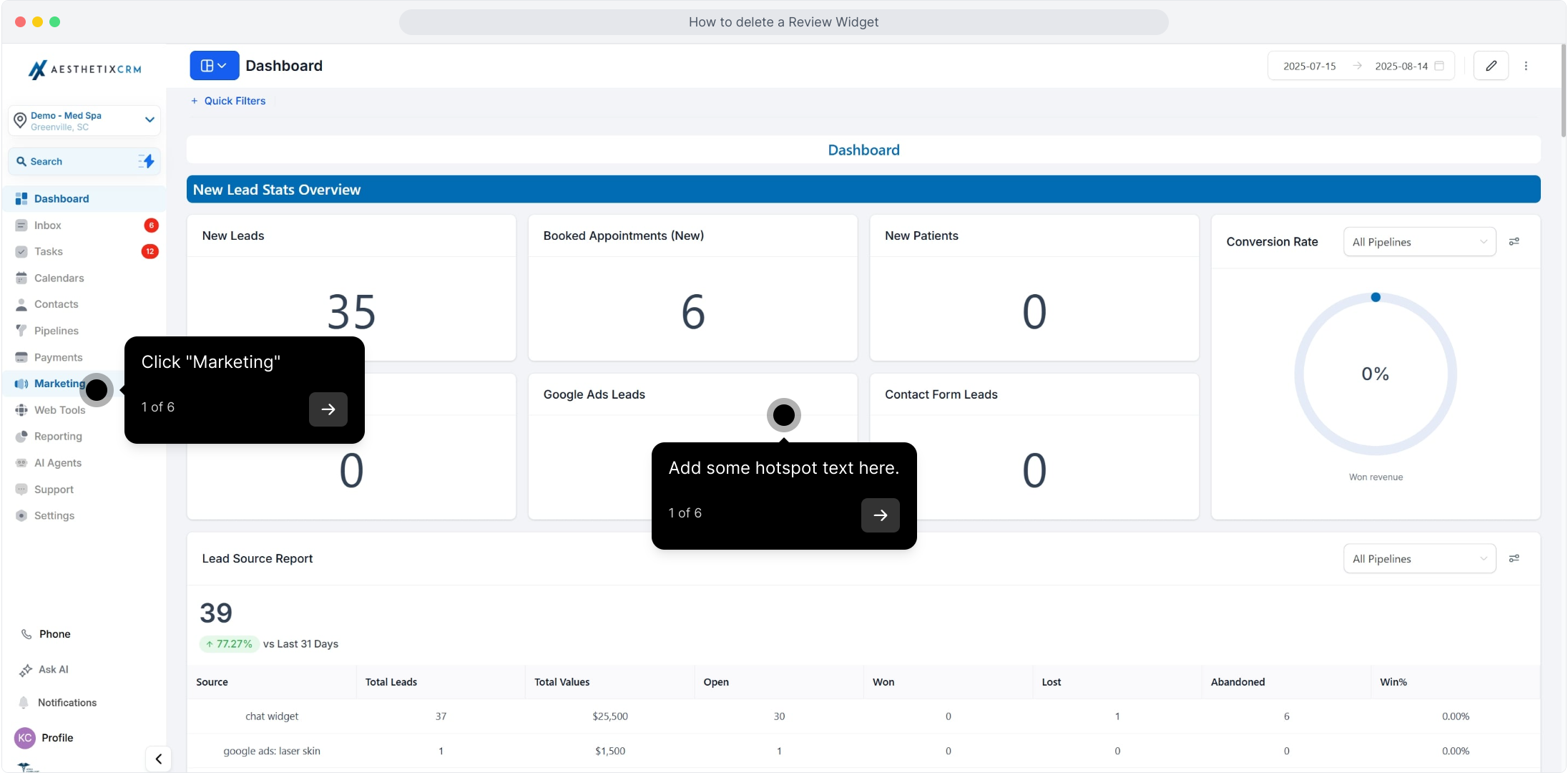
1. Click "Marketing"
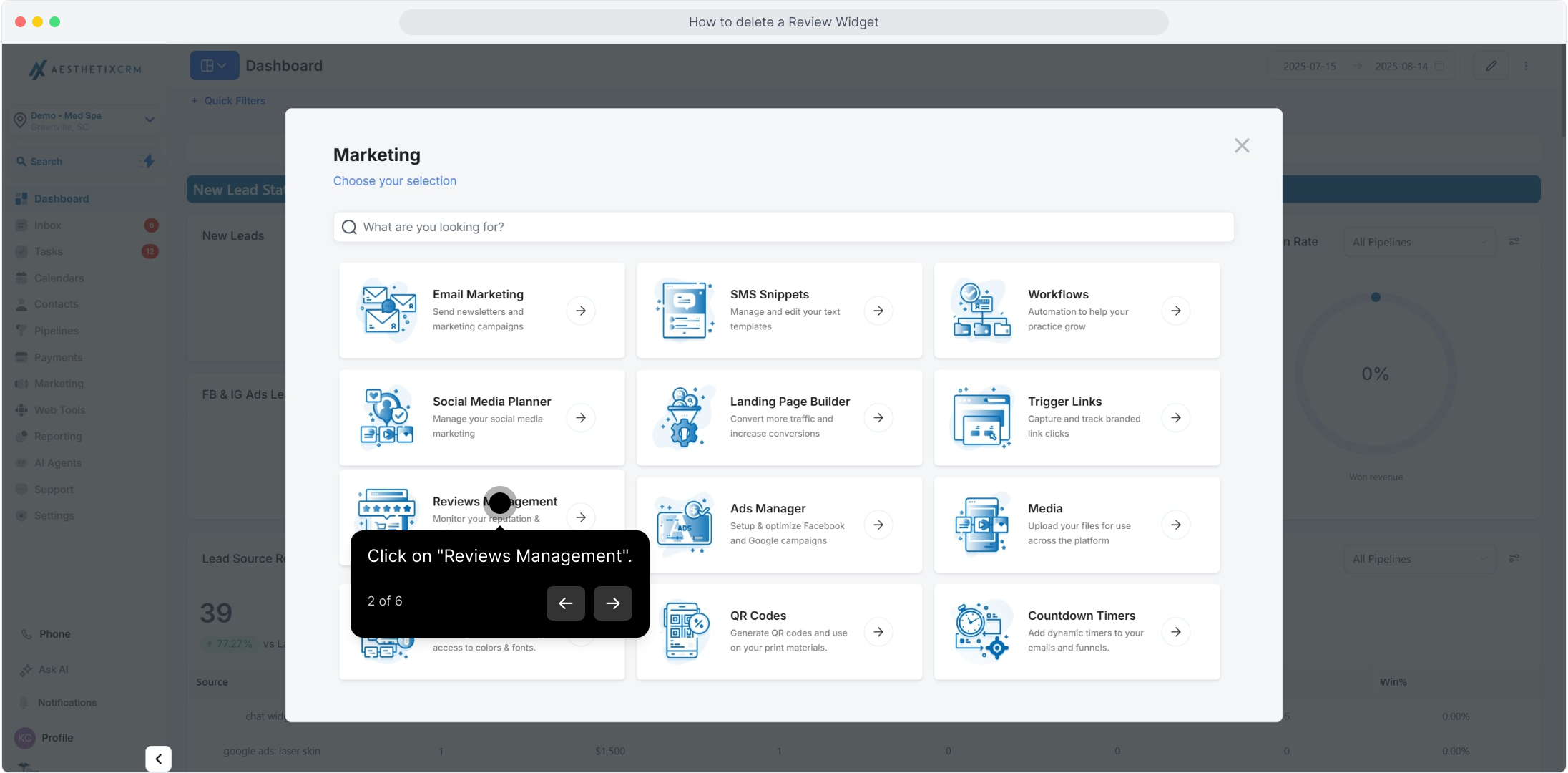
2. Click on "Reviews Management"
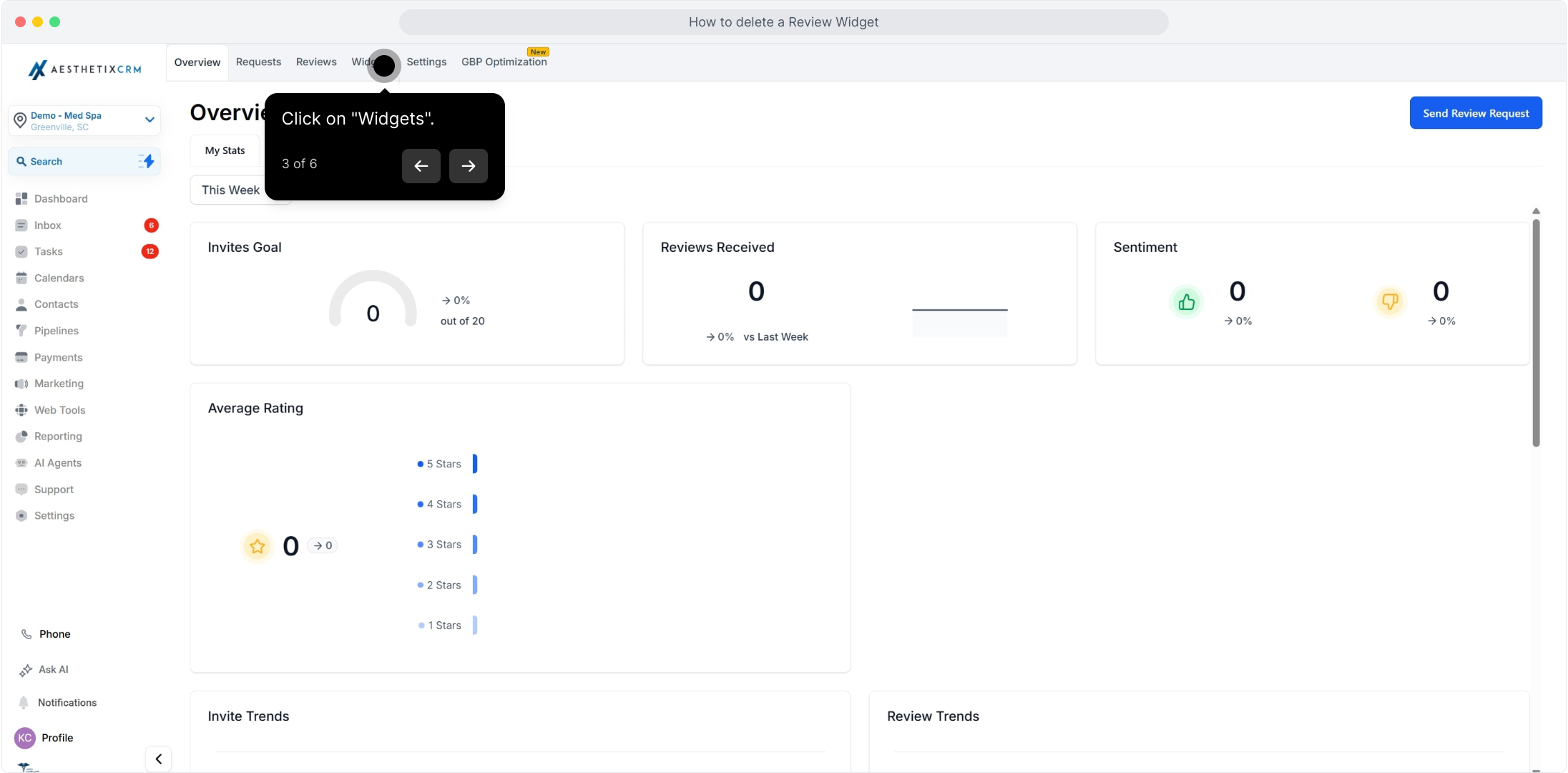
3. Click on "Widgets"
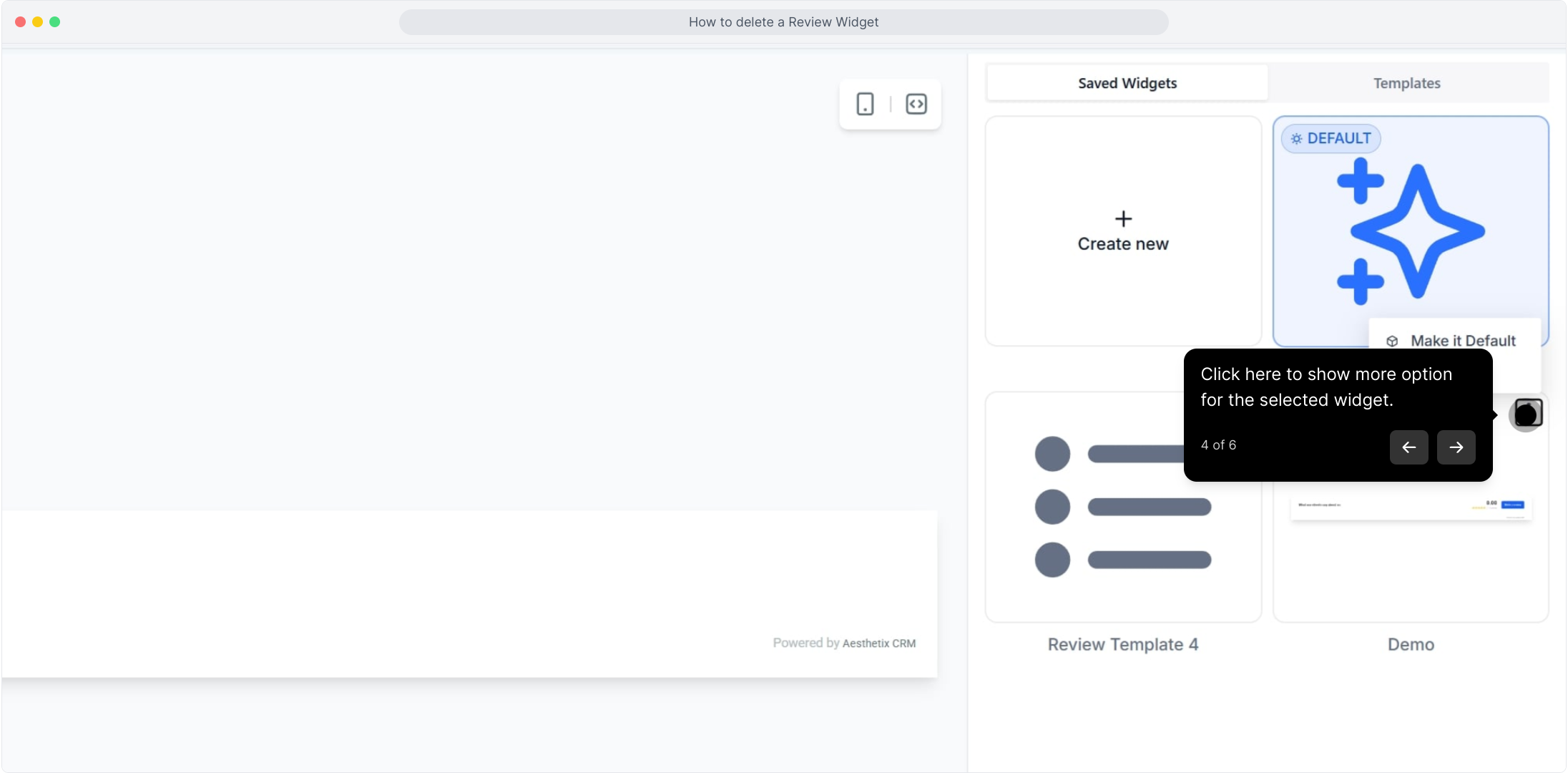
4. Click here to show more options for the selected widget
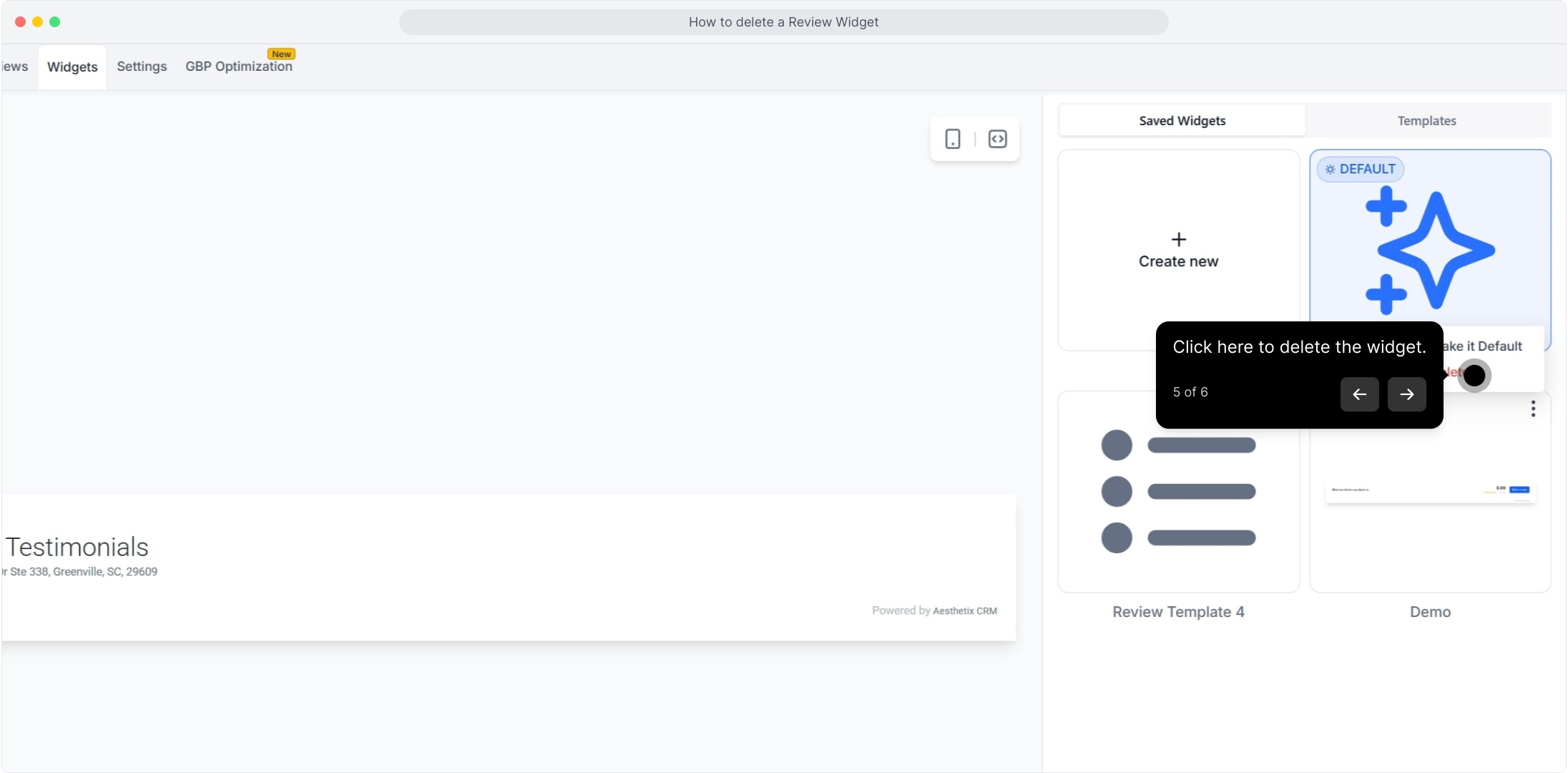
5. Click here to delete the widget
6. Click on "Delete"
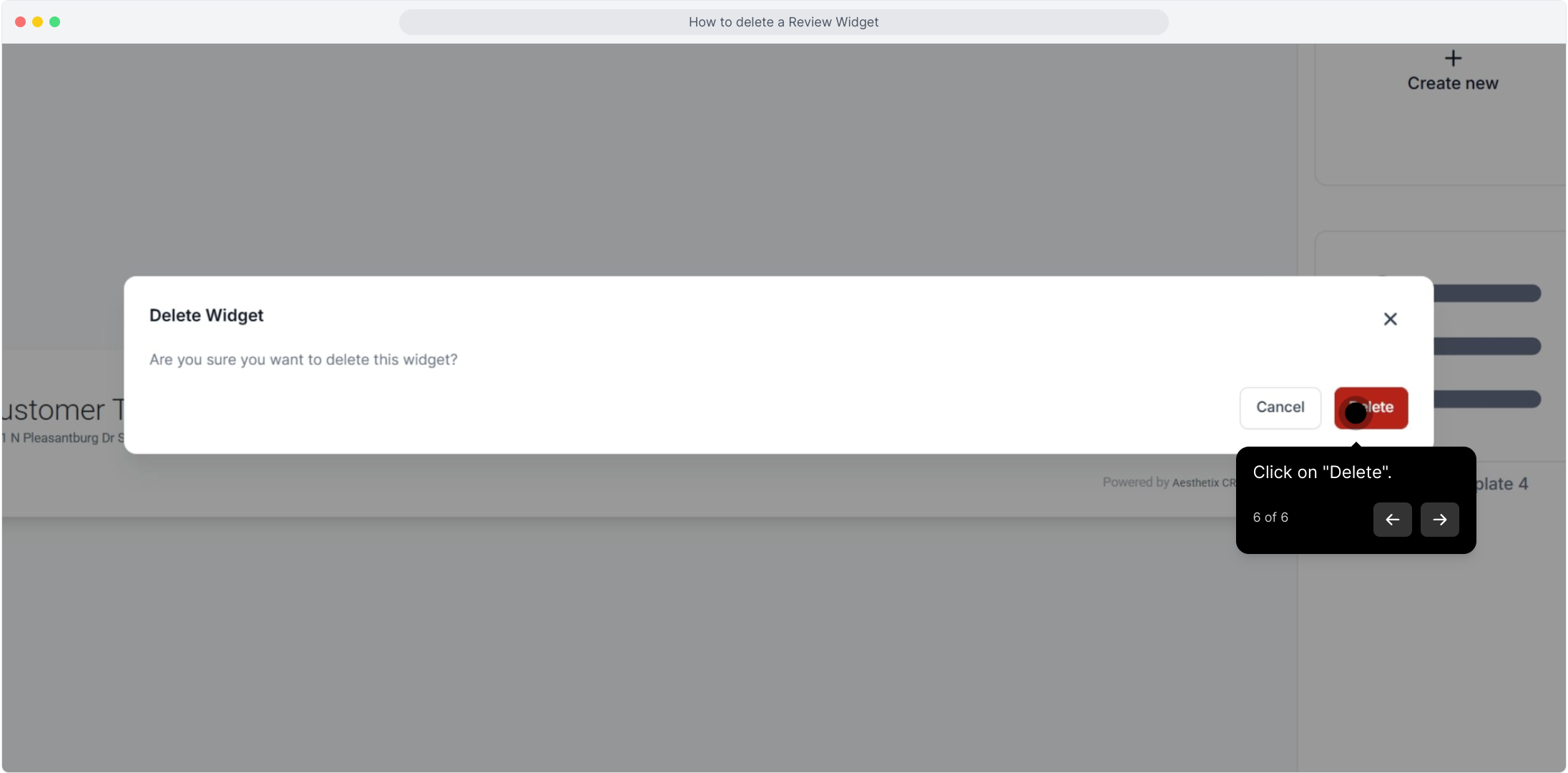
Note: Deleting a review widget is permanent. If the widget is embedded on your website, be sure to remove or replace its embed code so visitors don't see a broken element.