
Showcasing patient reviews on your website is one of the easiest ways to build trust with prospective med spa and plastic surgery clients. Instead of designing a review widget from scratch, you can start from a prebuilt template in Aesthetix CRM and customize it to match your brand in just a few minutes.
This guide walks you through selecting a template and fine-tuning its structure, appearance, and behavior before saving it for use on your site.
Selecting a Template
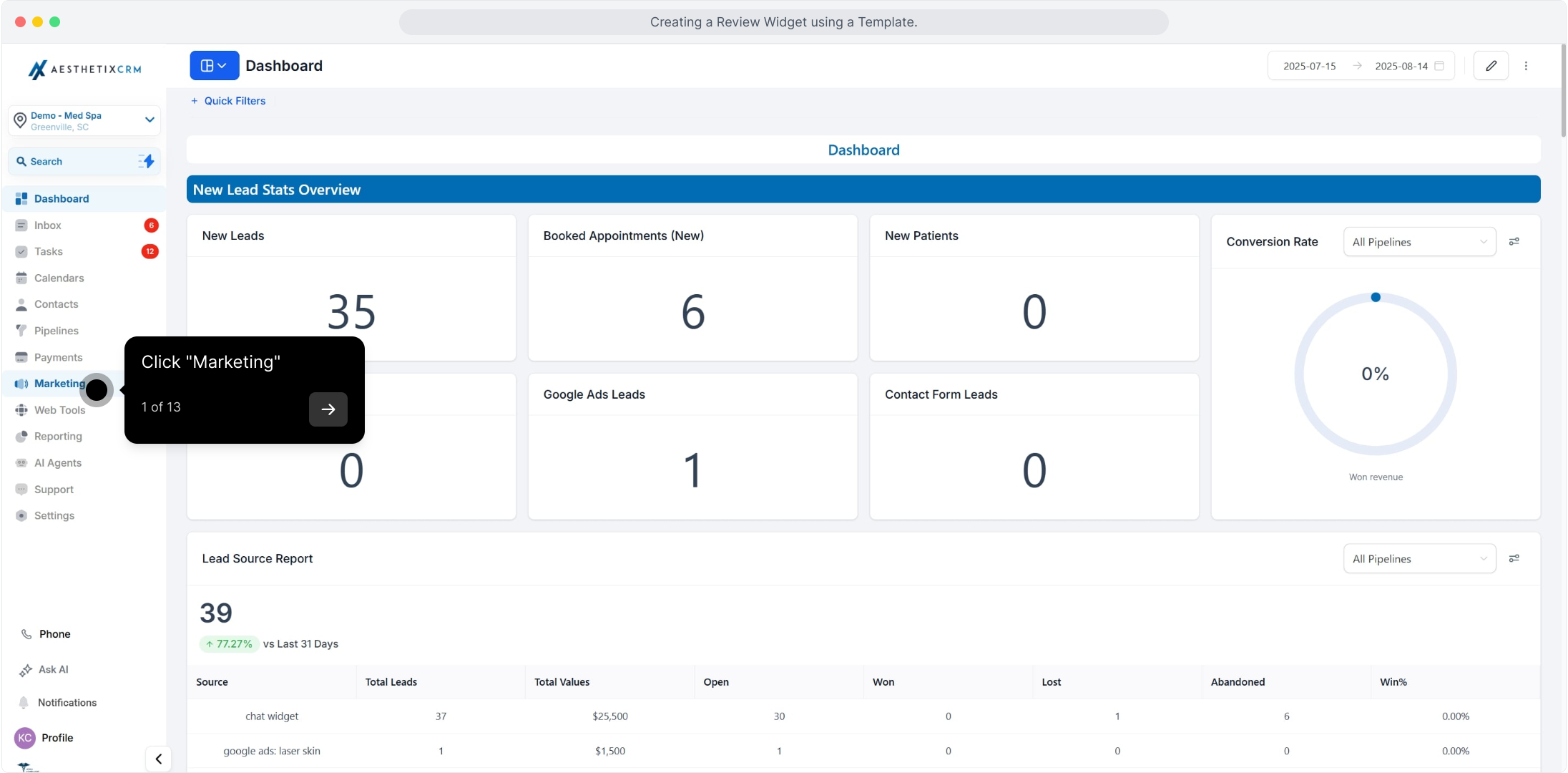
1. Click "Marketing"
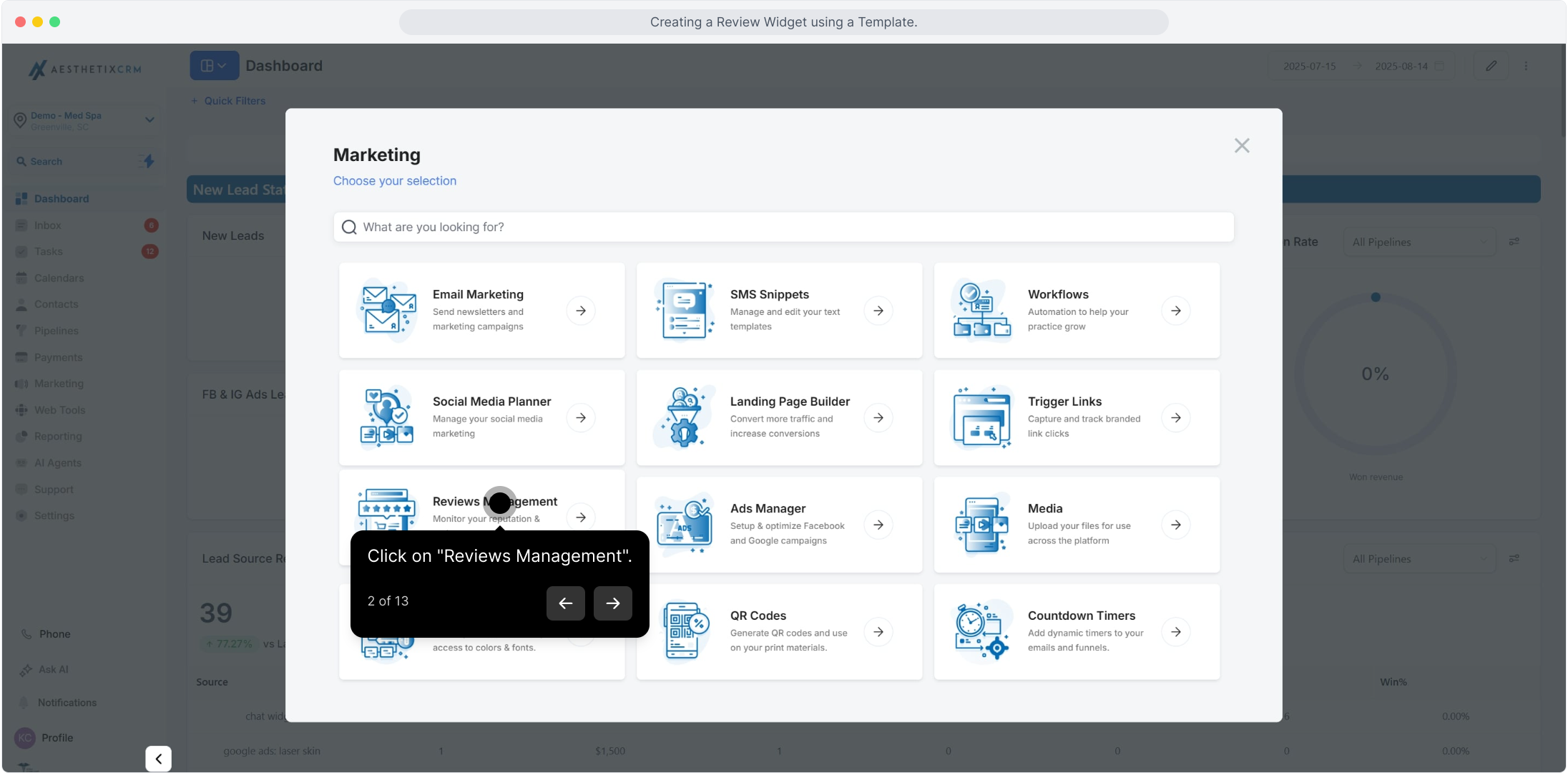
2. Click on "Reviews Management"
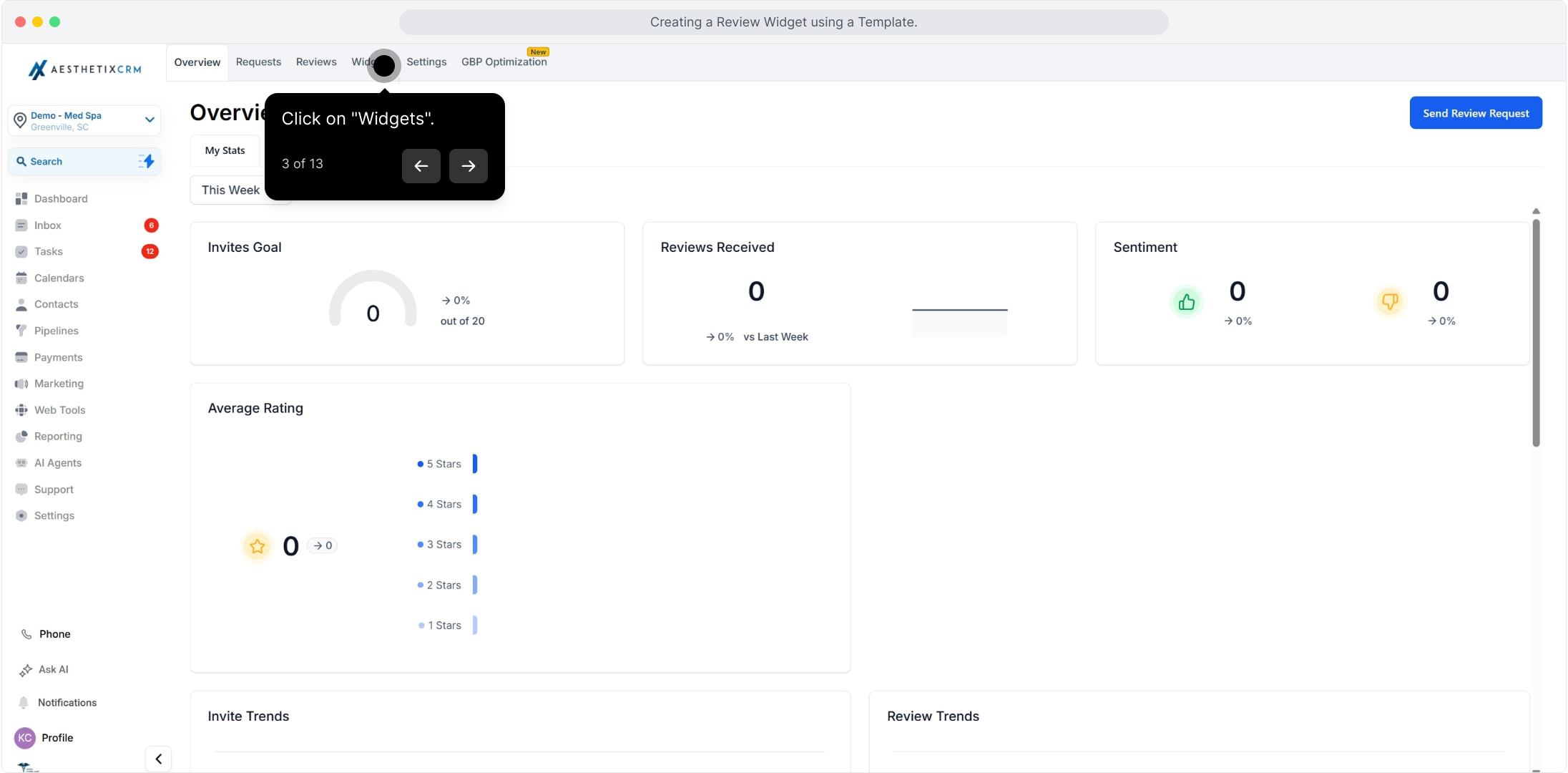
3. Click on "Widgets"
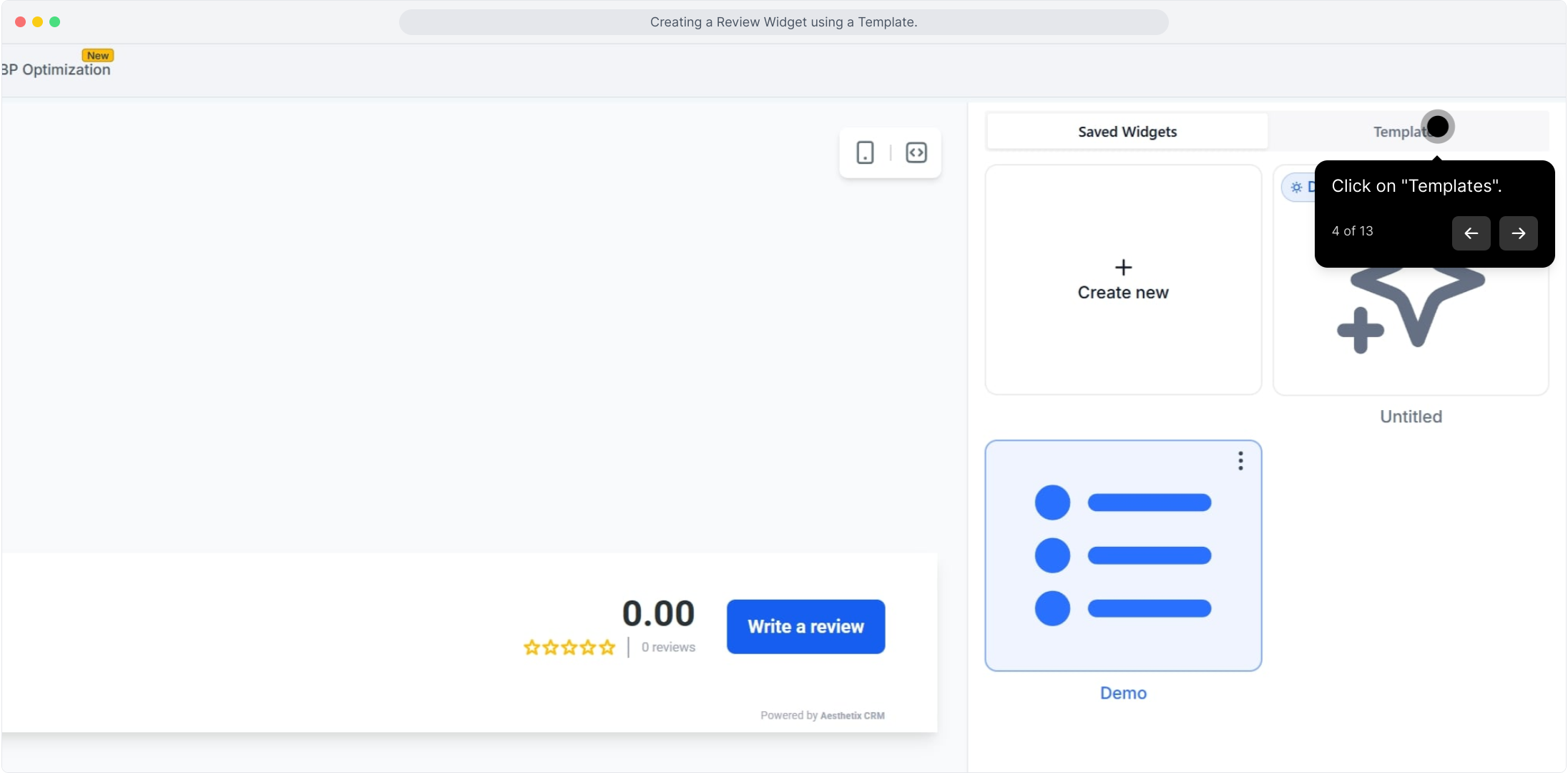
4. Click on "Templates"
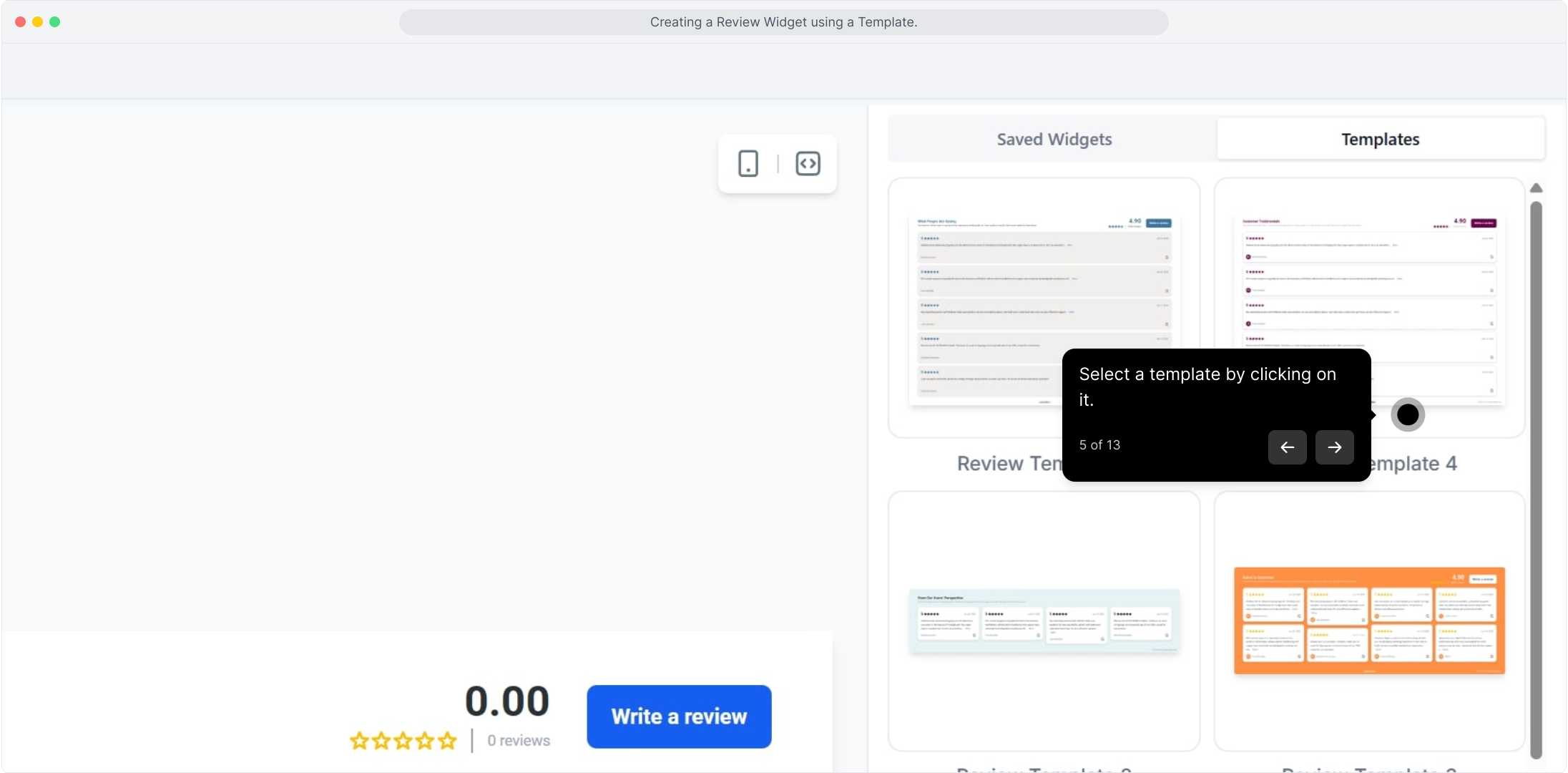
5. Select a template by clicking on it
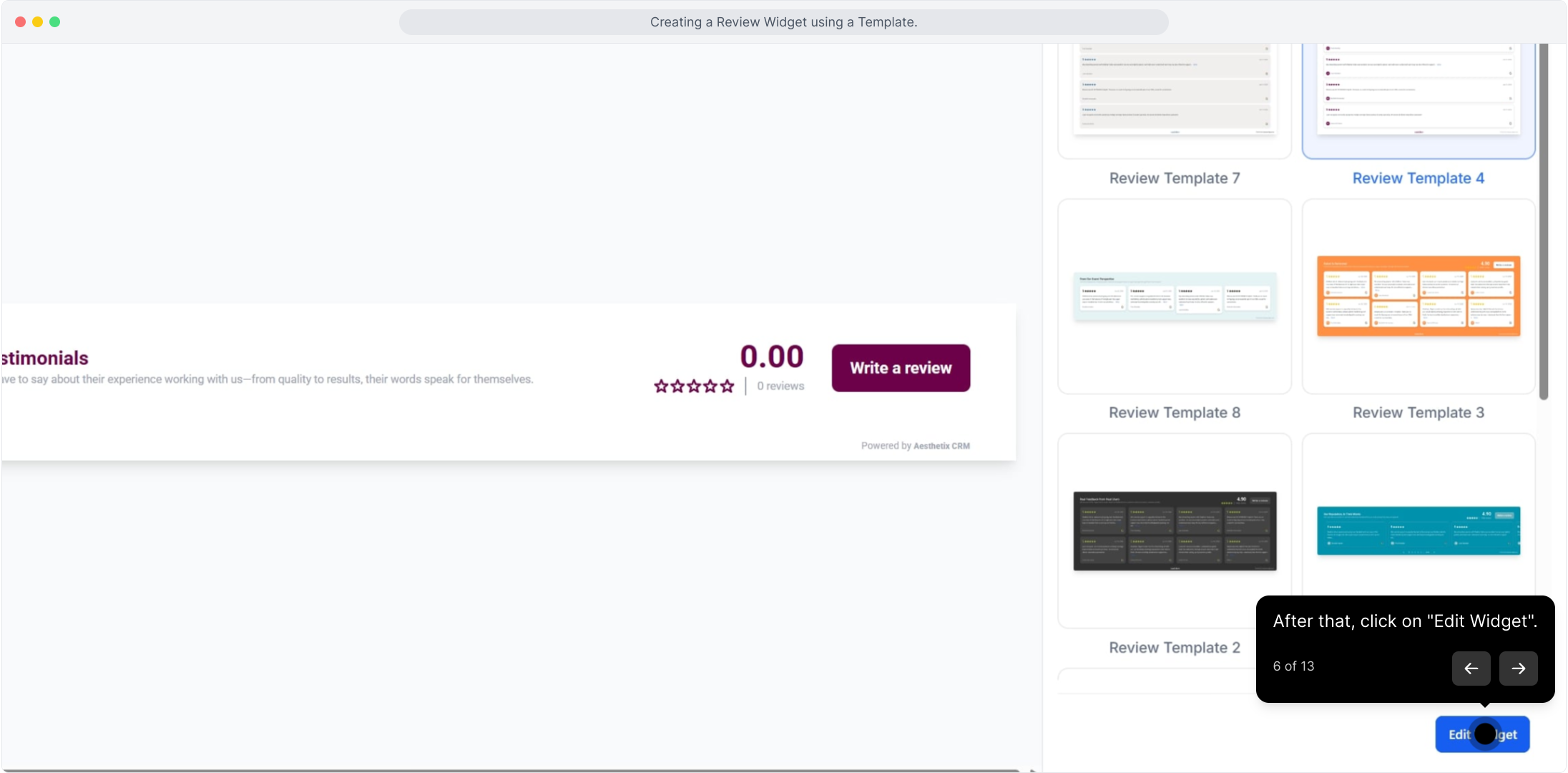
6. Click on "Edit Widget"
Customizing the Widget
Once you're in the editor, you can tailor the template's layout, text, colors, and behavior to fit your practice.
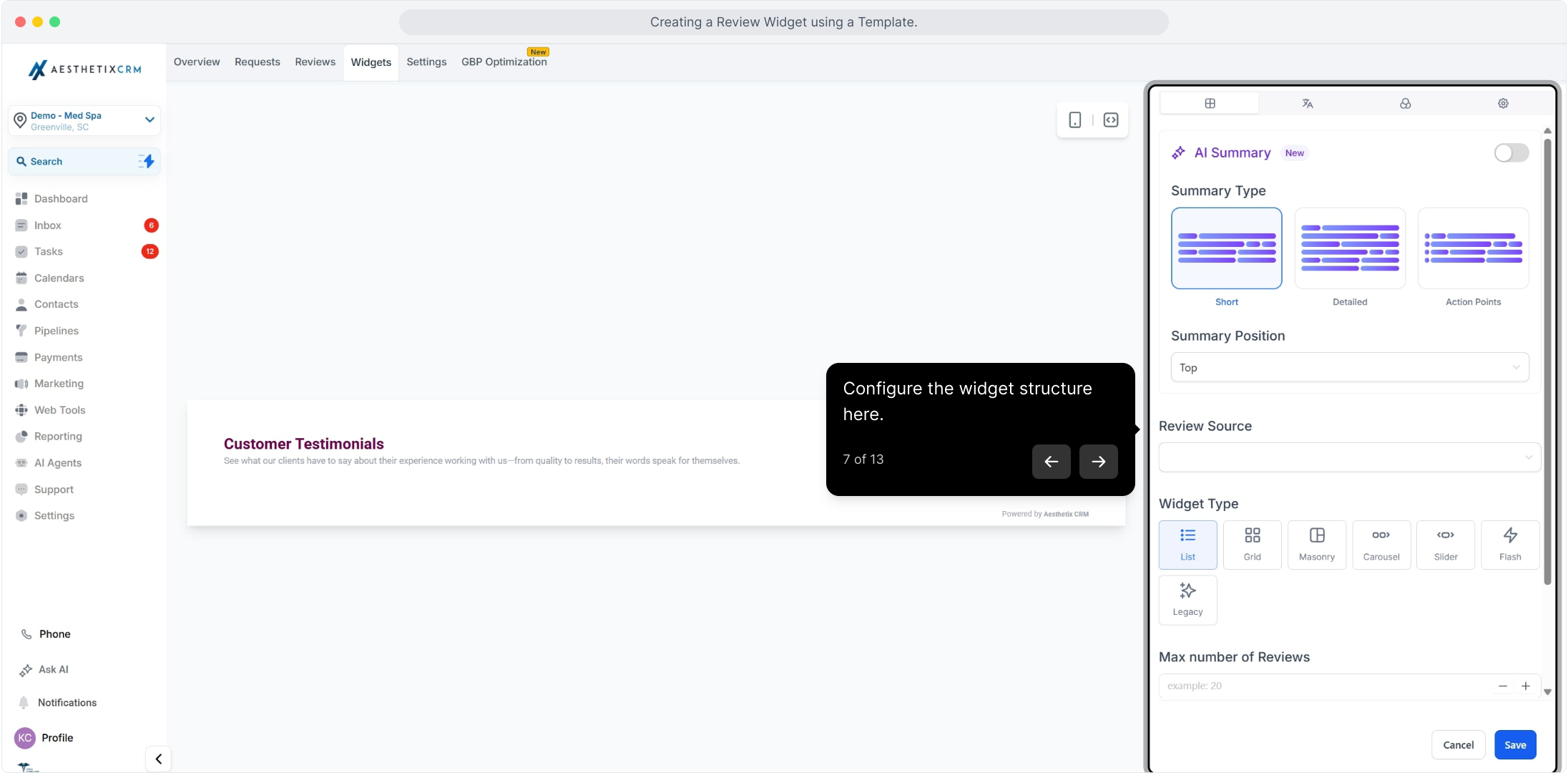
7. Configure the widget structure here
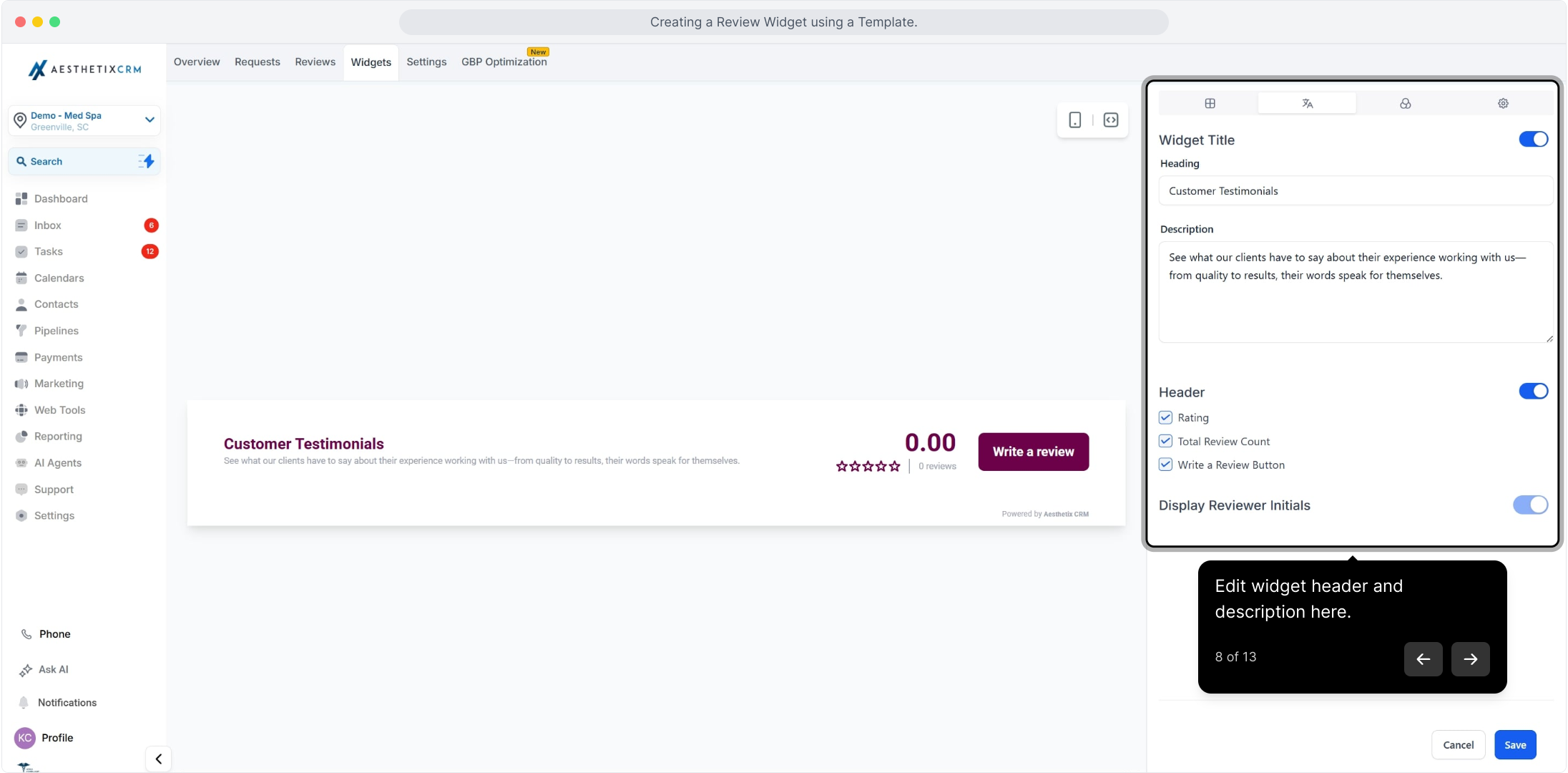
8. Edit the widget header and description here
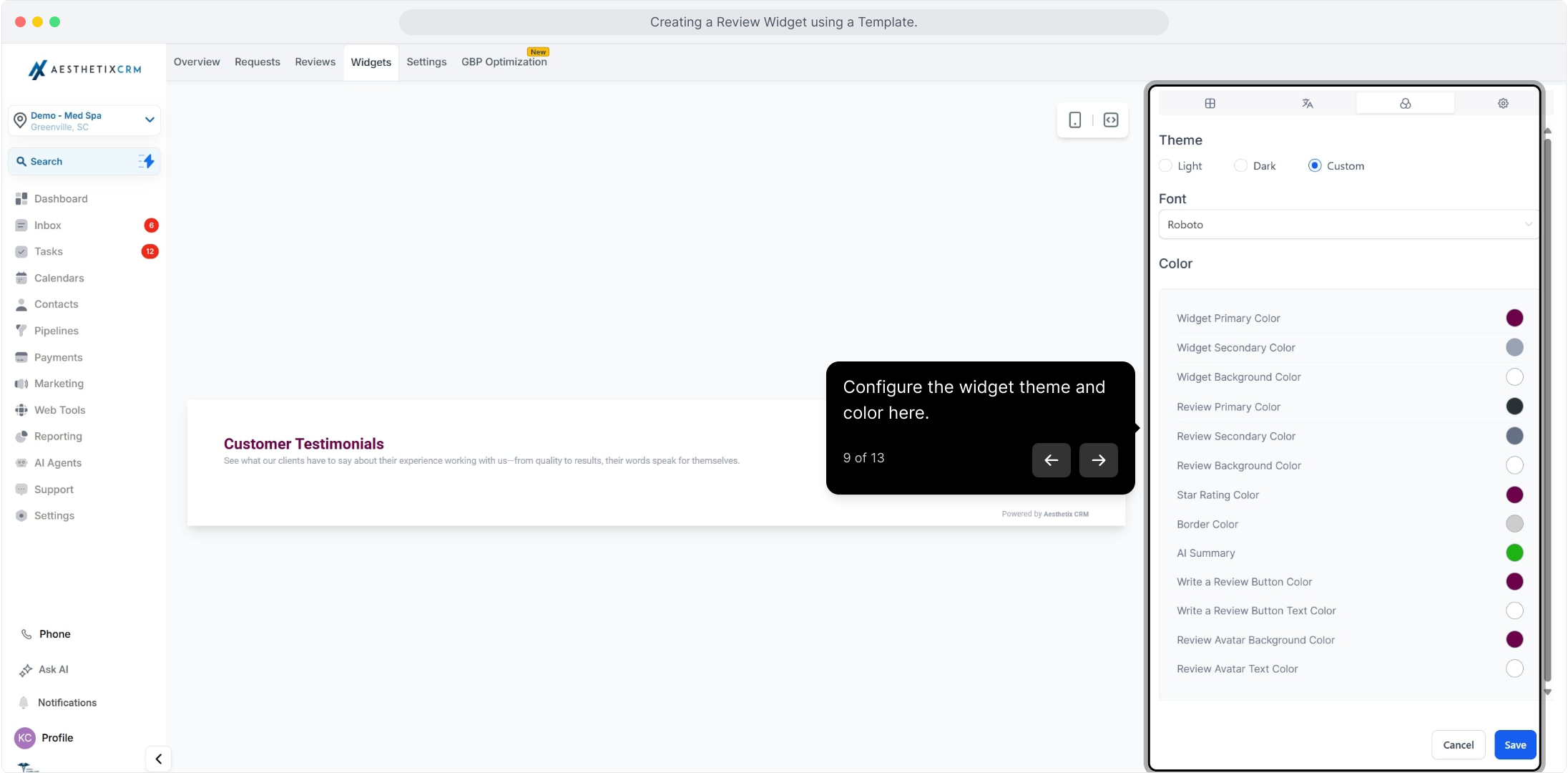
9. Configure the widget theme and color here
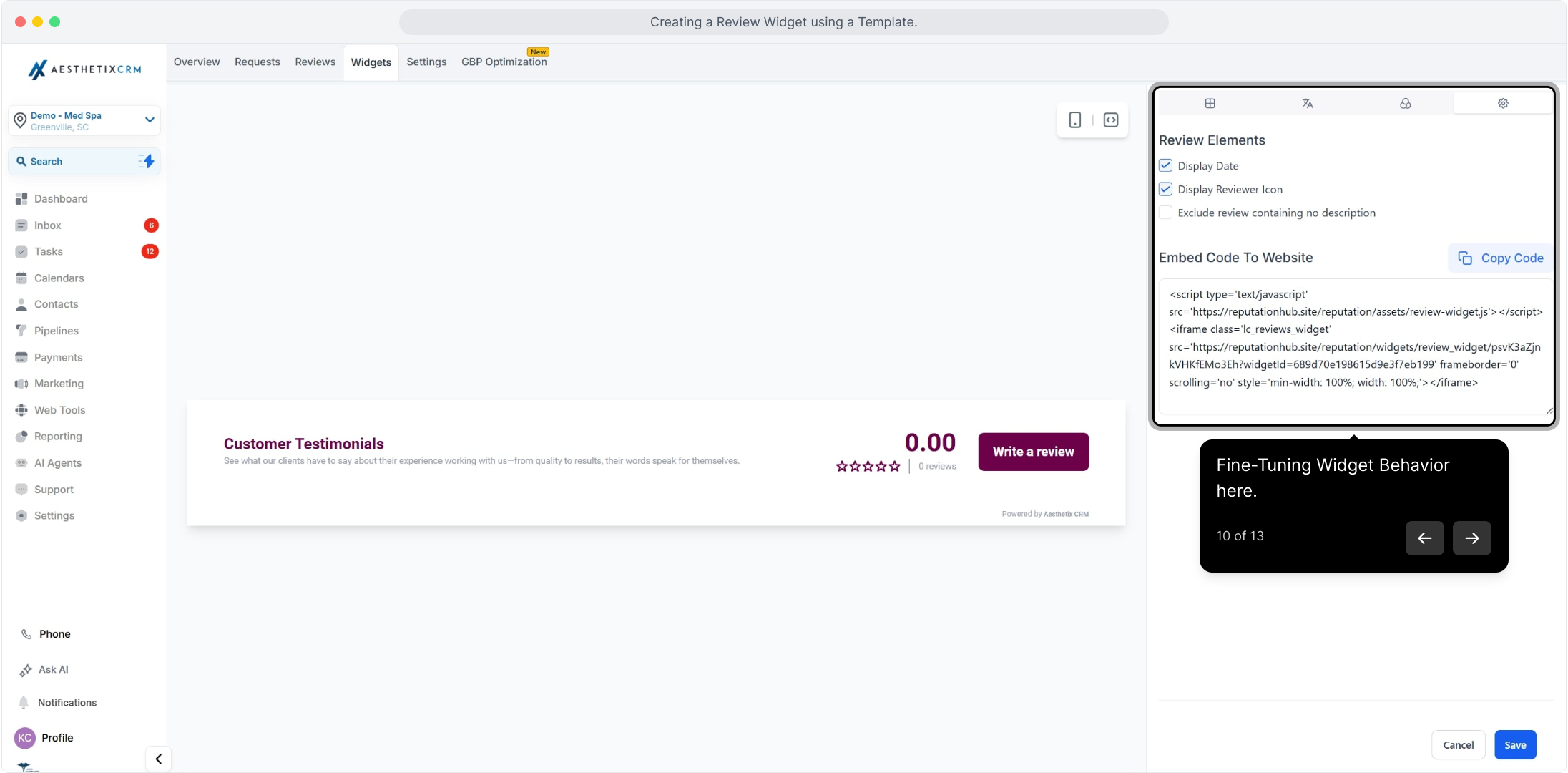
10. Fine-tune widget behavior here
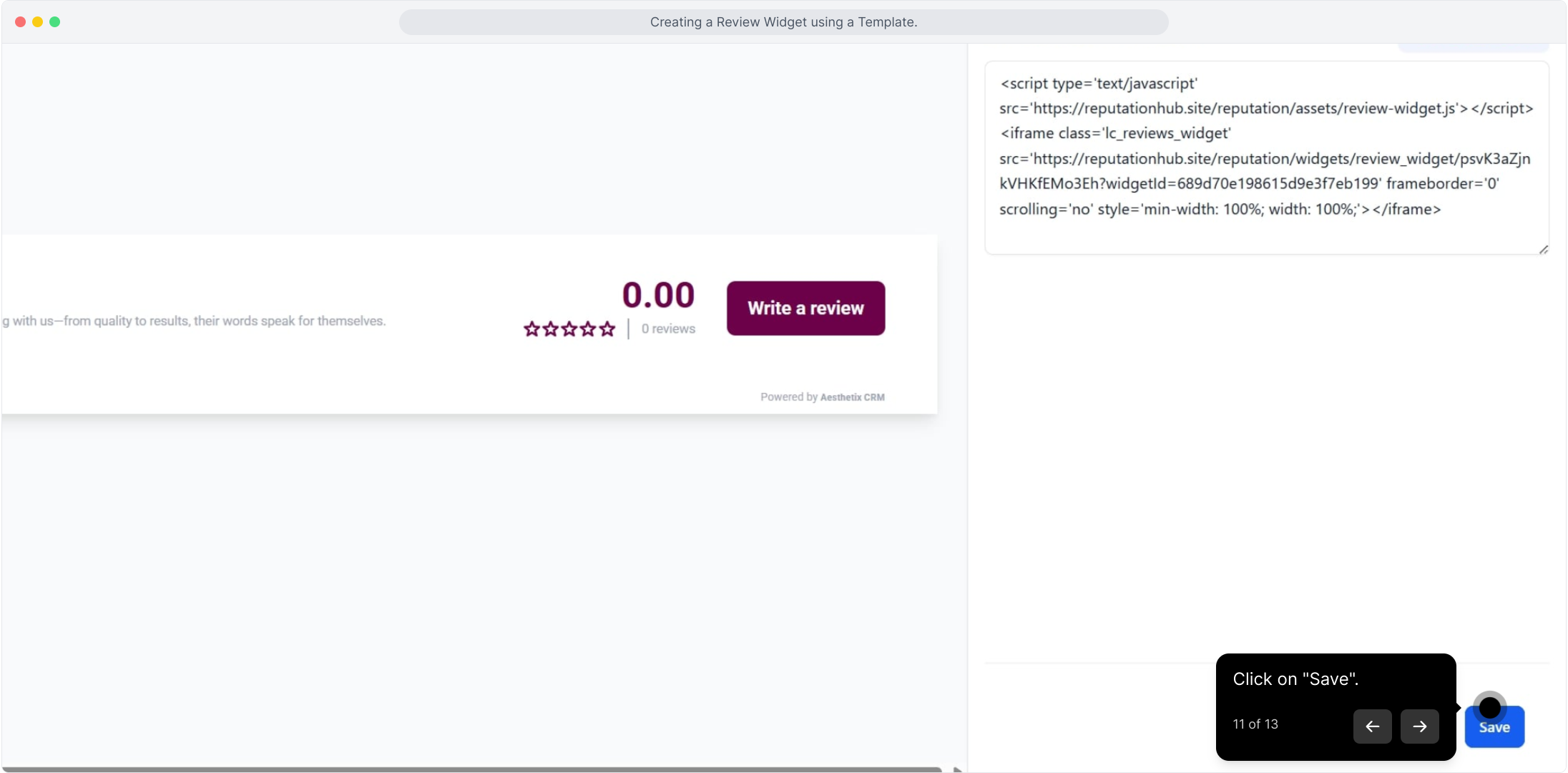
11. Click on "Save"
Naming and Saving Your Widget
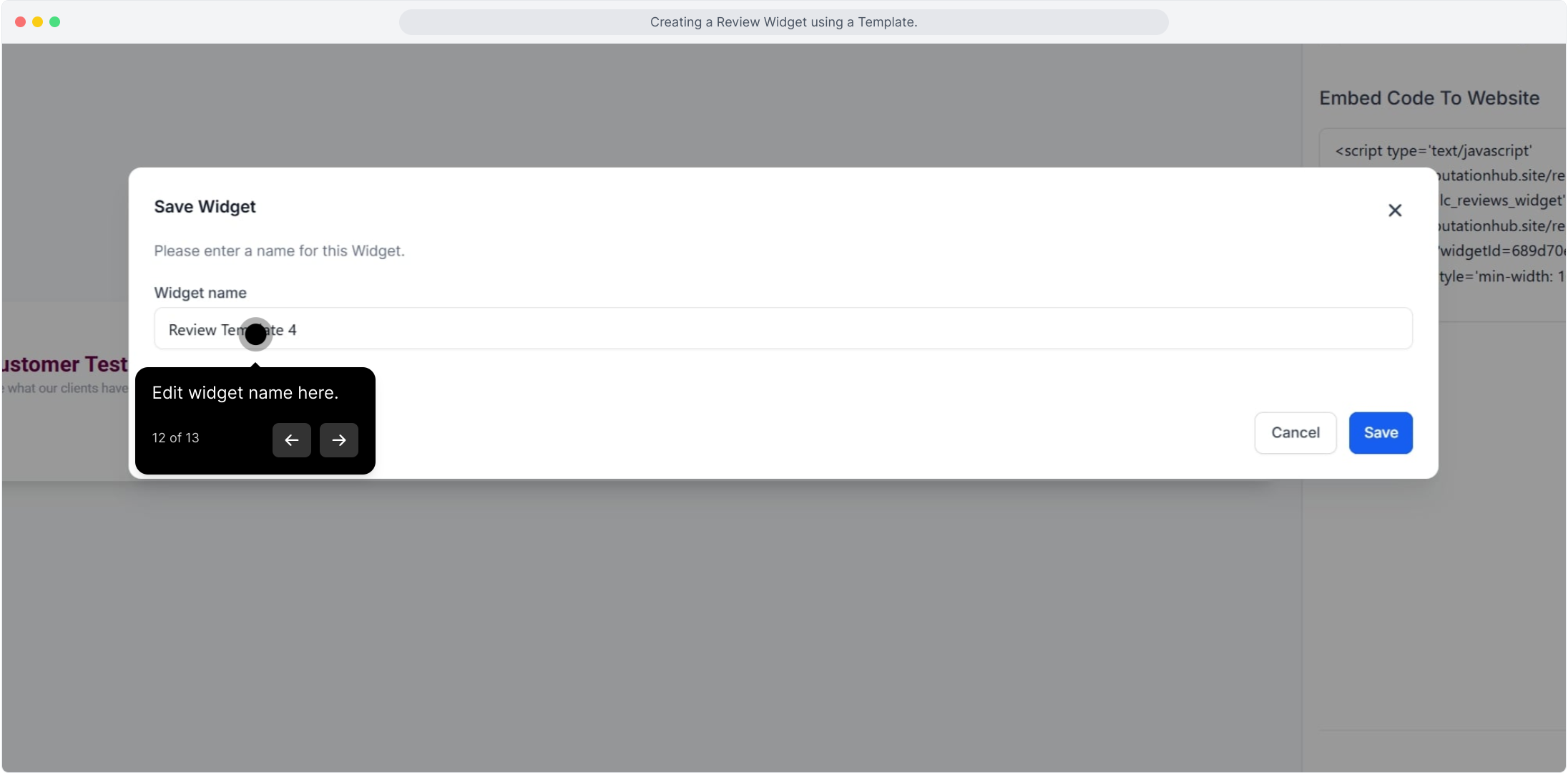
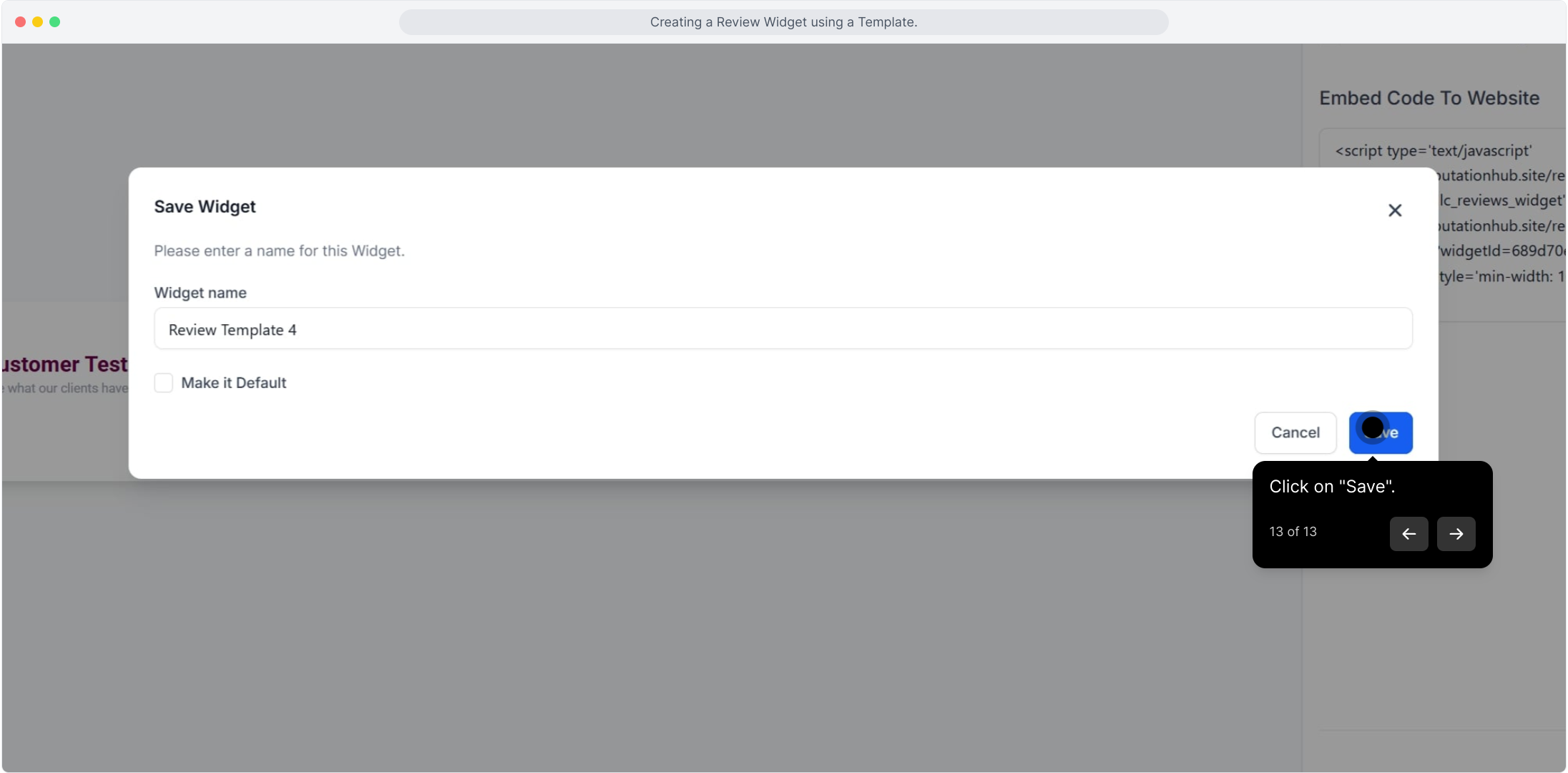
12. Edit the widget name here
13. Click on "Save"
Note: Starting from a template is the fastest way to launch a review widget. Once saved, your widget is ready to embed on your website so new visitors can see real feedback from your patients.