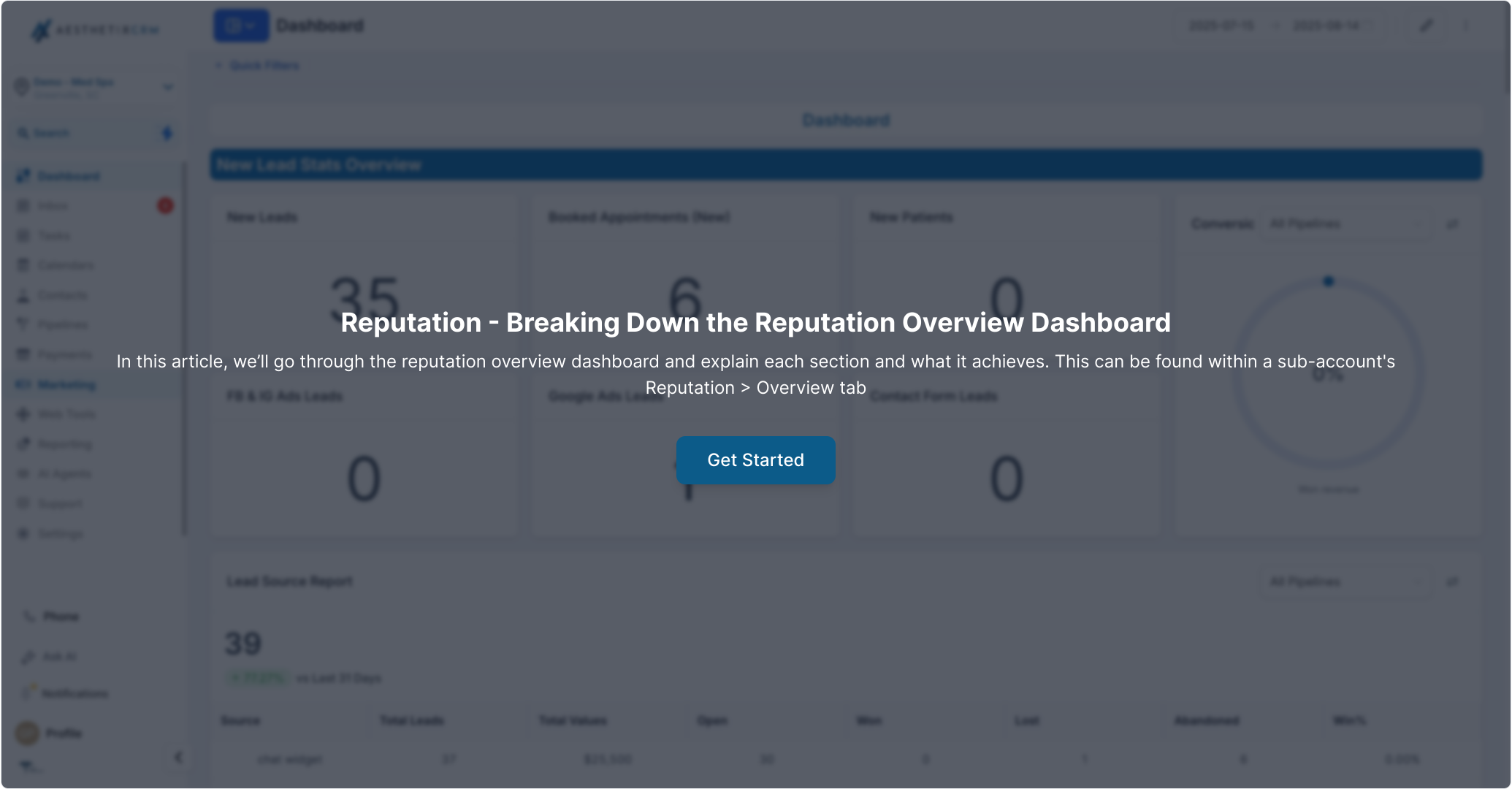
Your reputation is one of the most powerful marketing assets your practice has. The Reputation Overview dashboard gives you a single place to see how your med spa or plastic surgery practice is performing across Google and Facebook, including your average rating, how many reviews you're bringing in, sentiment, and the trends behind it all.
This article walks through each section of the dashboard so you know exactly what you're looking at and how to use it.
Finding the Reputation Overview Dashboard
You'll find the Reputation Overview dashboard under Reviews Management in your account.
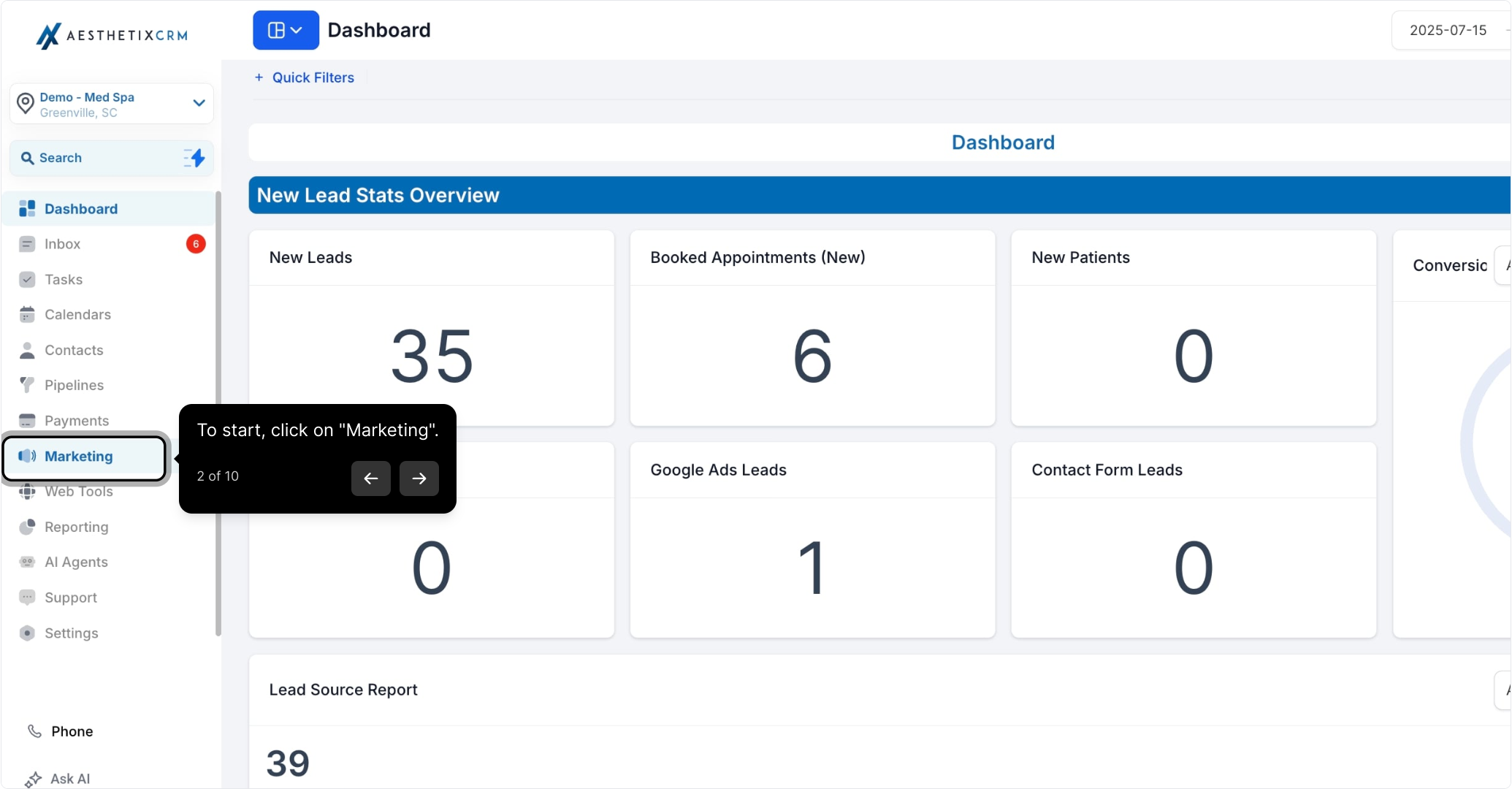
To start, click on Marketing.
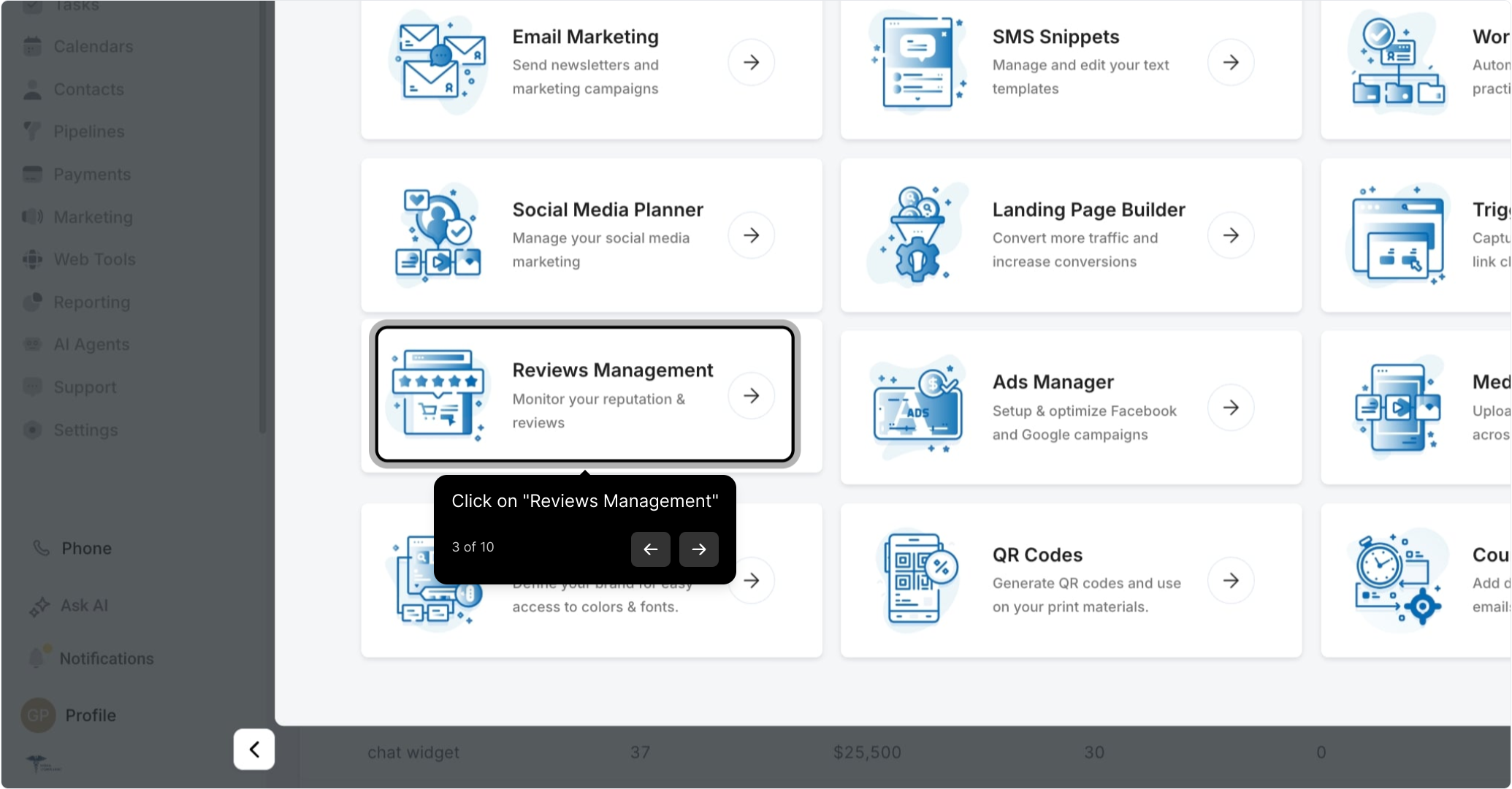
Then click on Reviews Management.
Note: You can filter any section to a specific time period by clicking the three dots within that section.
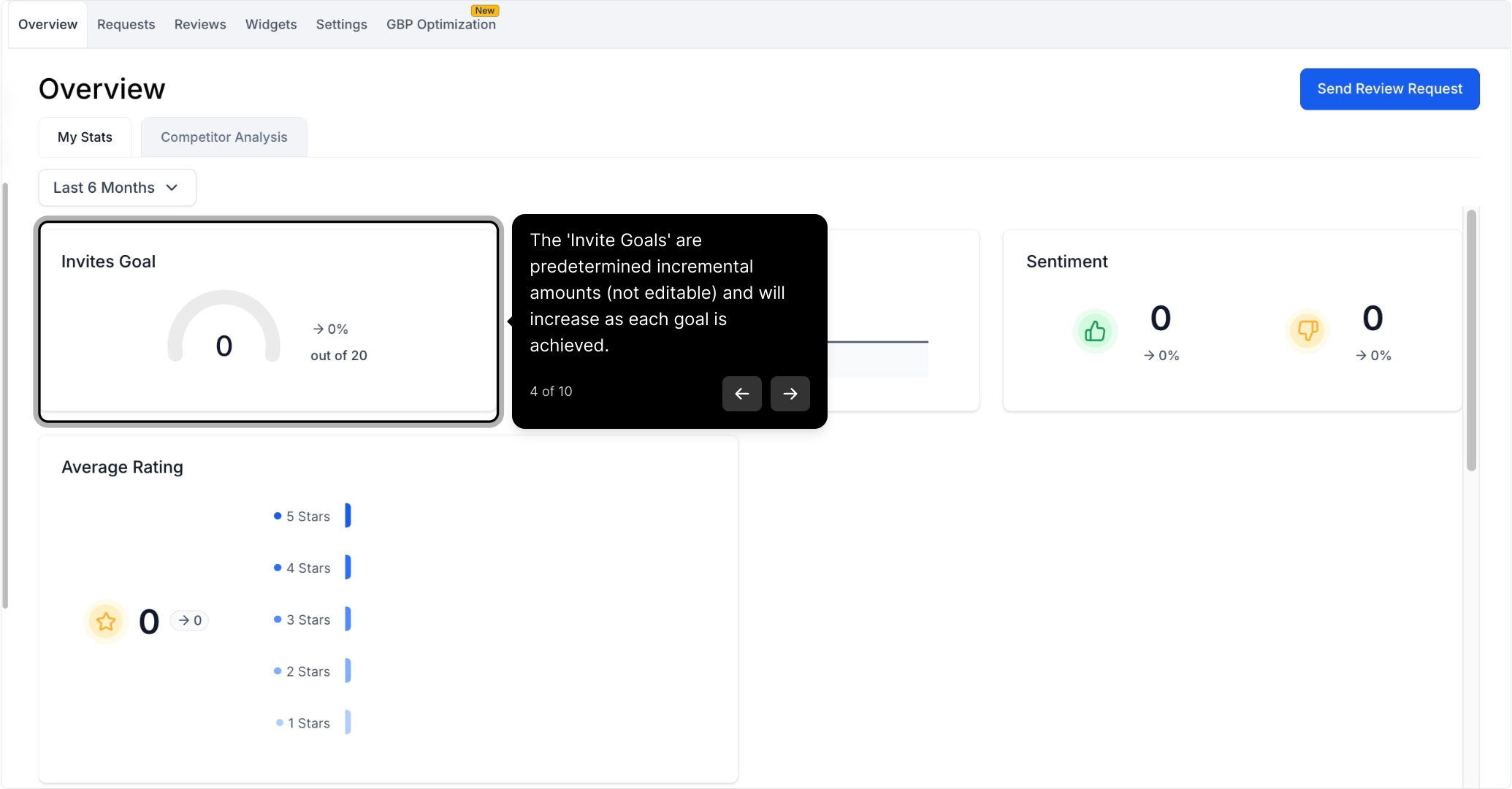
Invite Goals
The Invite Goals are predetermined incremental amounts (not editable) and will increase as each goal is achieved. As your practice sends more review requests and hits each milestone, the next goal is set automatically.
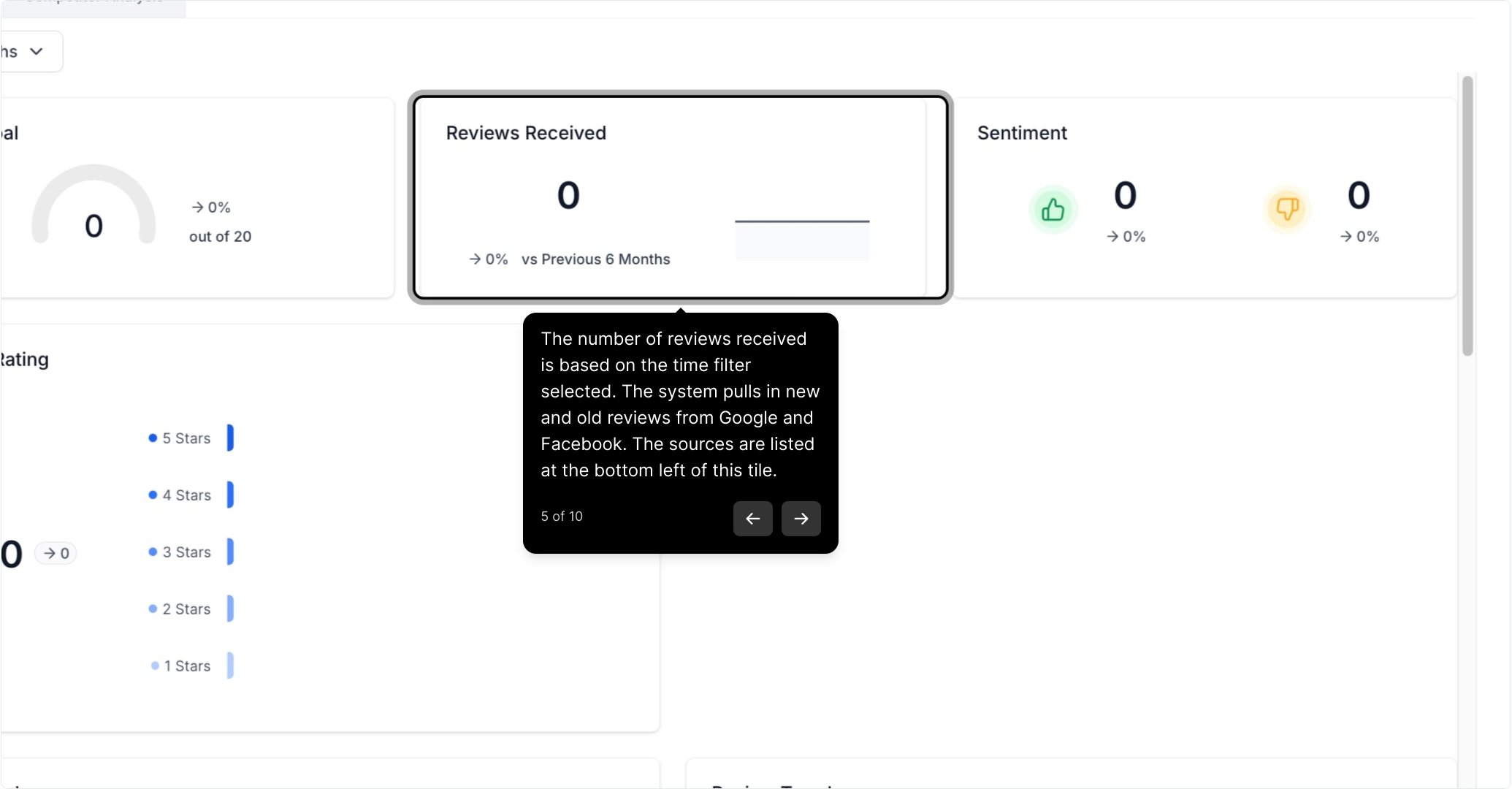
Reviews Received
The number of reviews received is based on the time filter you've selected. The system pulls in both new and old reviews from Google and Facebook. The sources are listed at the bottom left of this tile.
Note: In order to retrieve reviews from Google or Facebook, make sure you've integrated each channel within Settings > Integrations.
Avg Rating
This is the total amount of stars given divided by the total number of reviews within the selected time filter, giving you your average star rating at a glance.
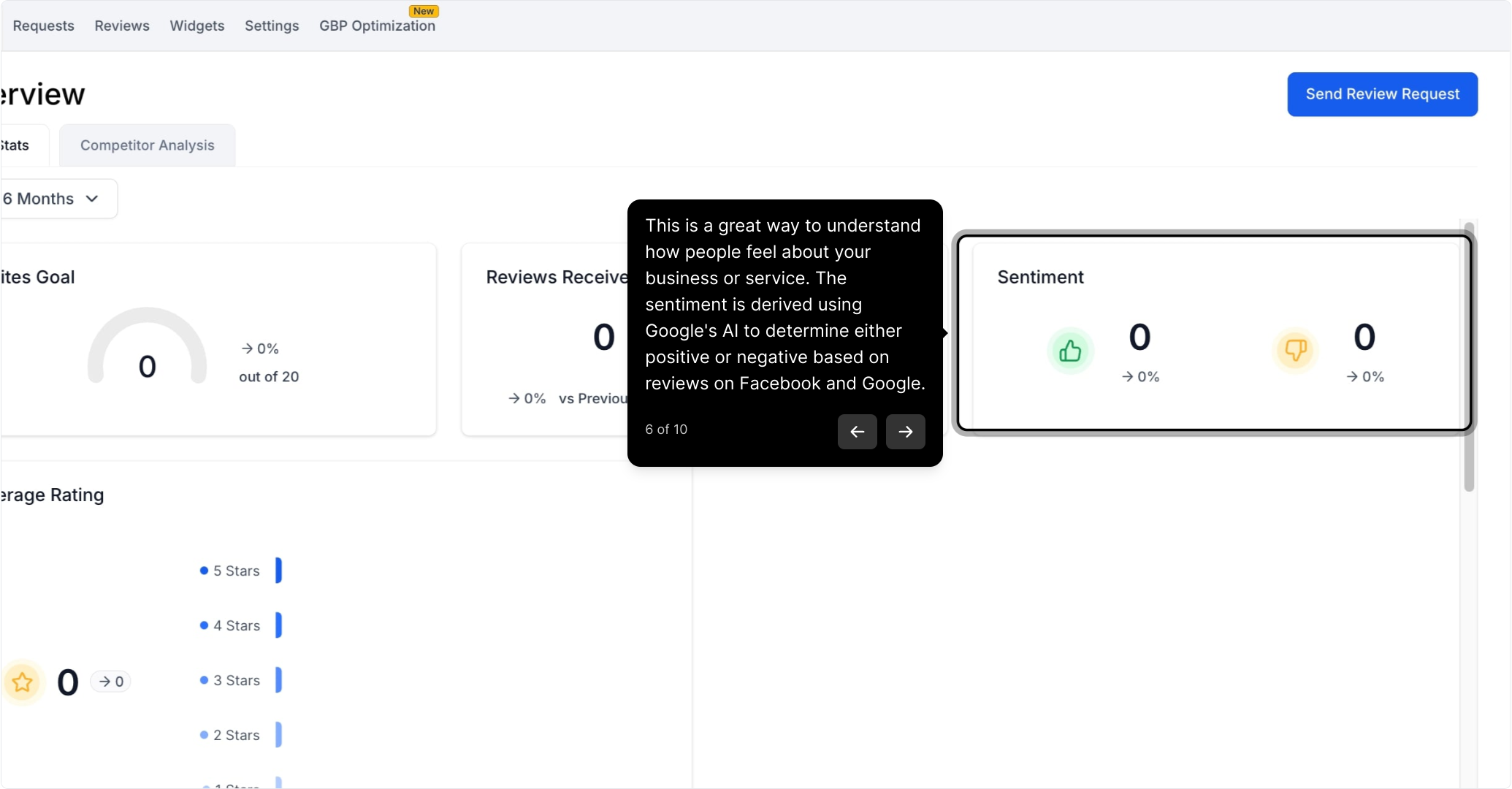
Sentiment
Sentiment is a great way to understand how patients feel about your practice or services. It's derived using AI to determine whether each review on Facebook and Google is positive or negative, so you can gauge the overall tone of your feedback quickly.
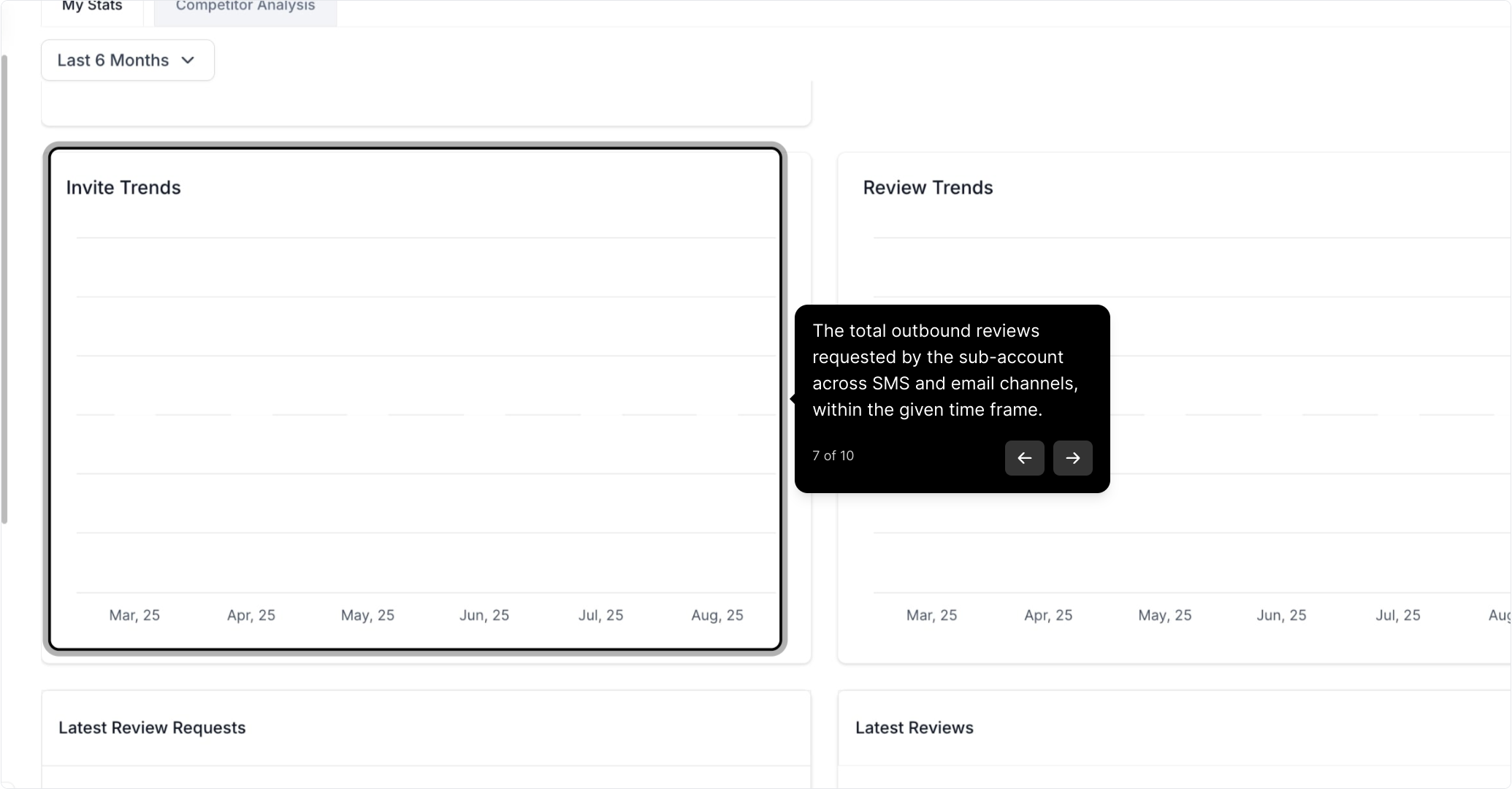
Invite Trends
This shows the total outbound review requests your practice has sent across SMS and email channels within the given time frame.
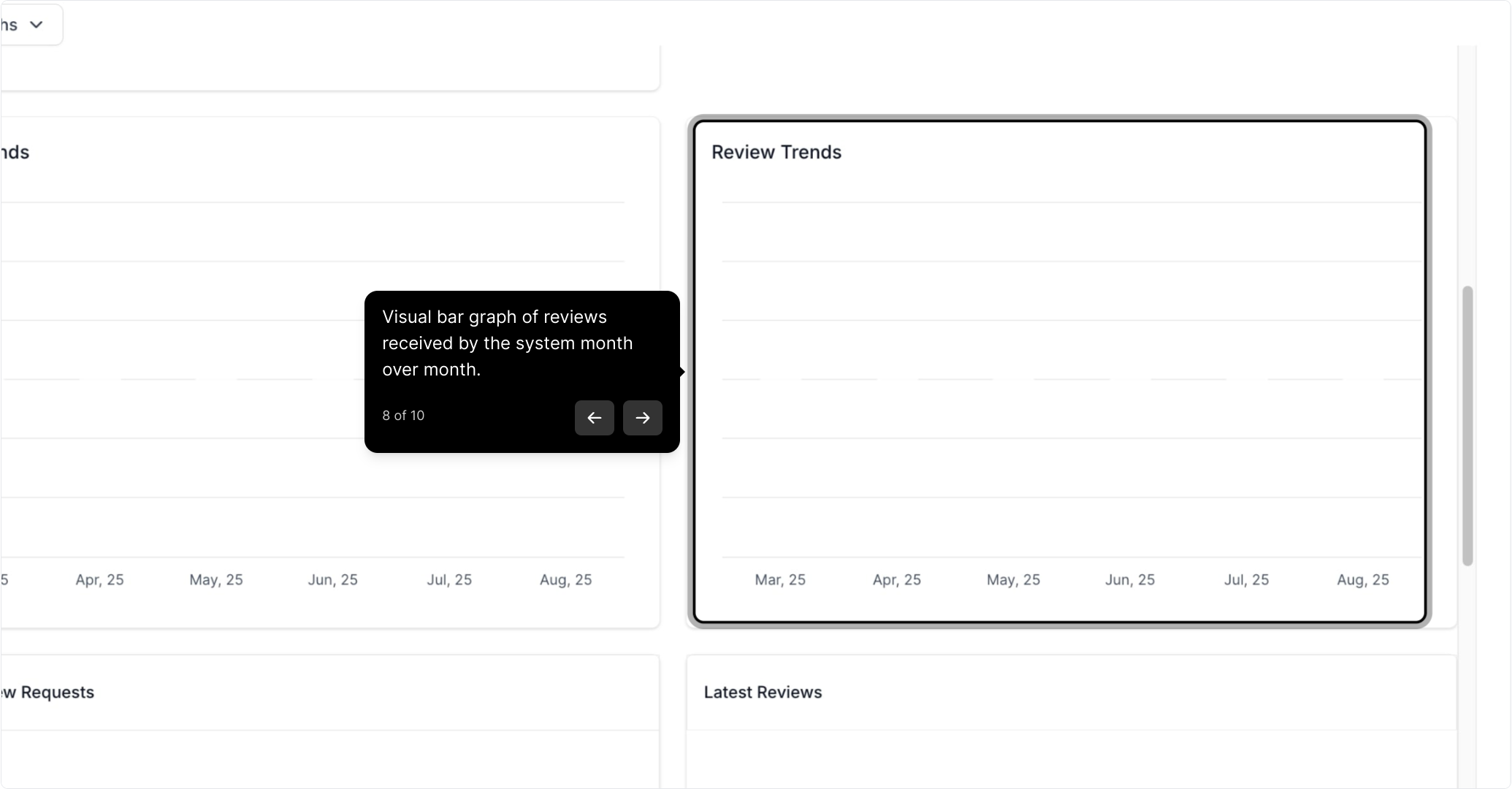
Review Trends
A visual bar graph of the reviews received by the system month over month, so you can see how your review volume is growing over time.
Latest Review Requests
This section shows who each invite was sent to, which channel was used (SMS or email), and the date it was sent.
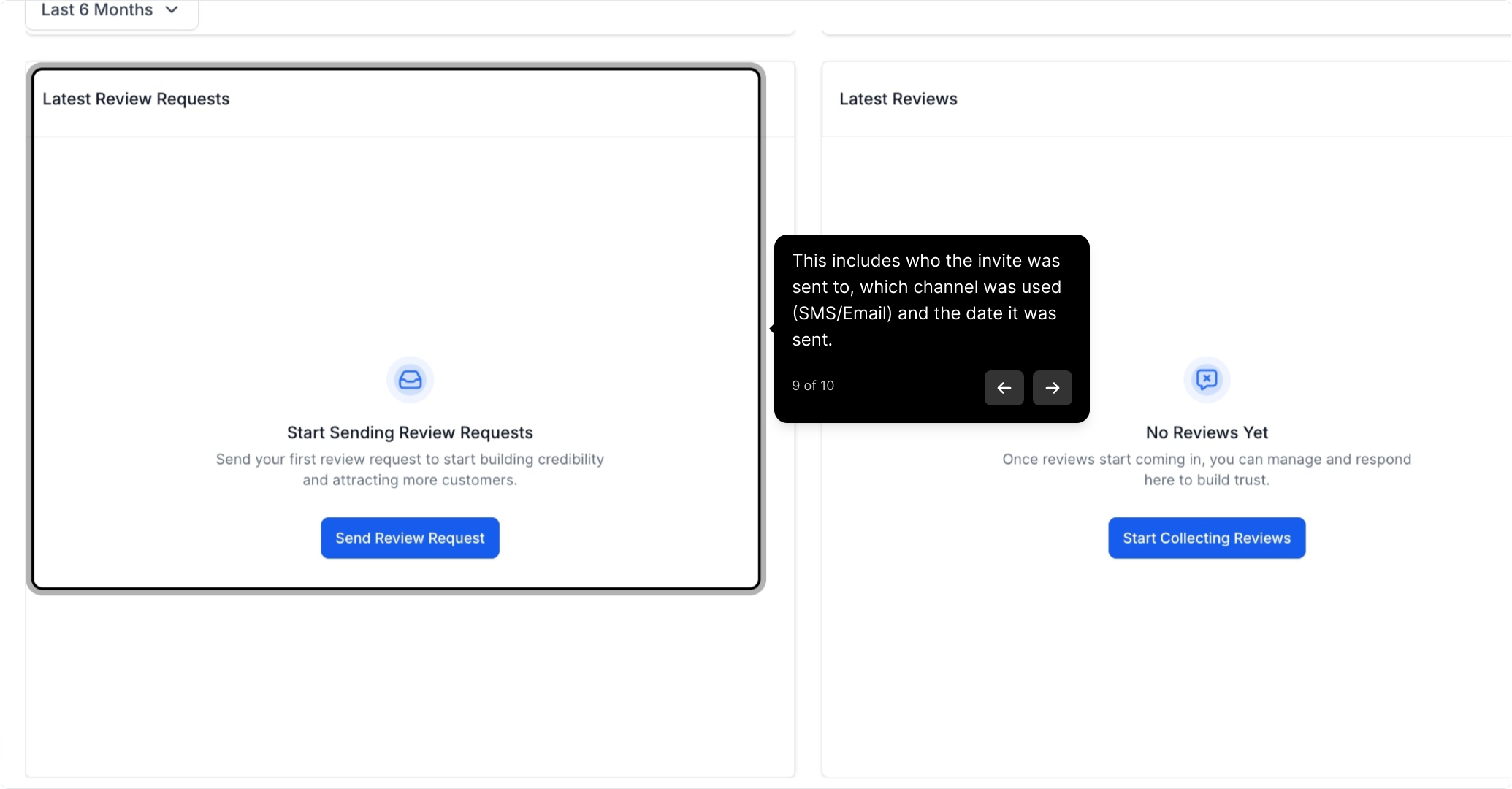
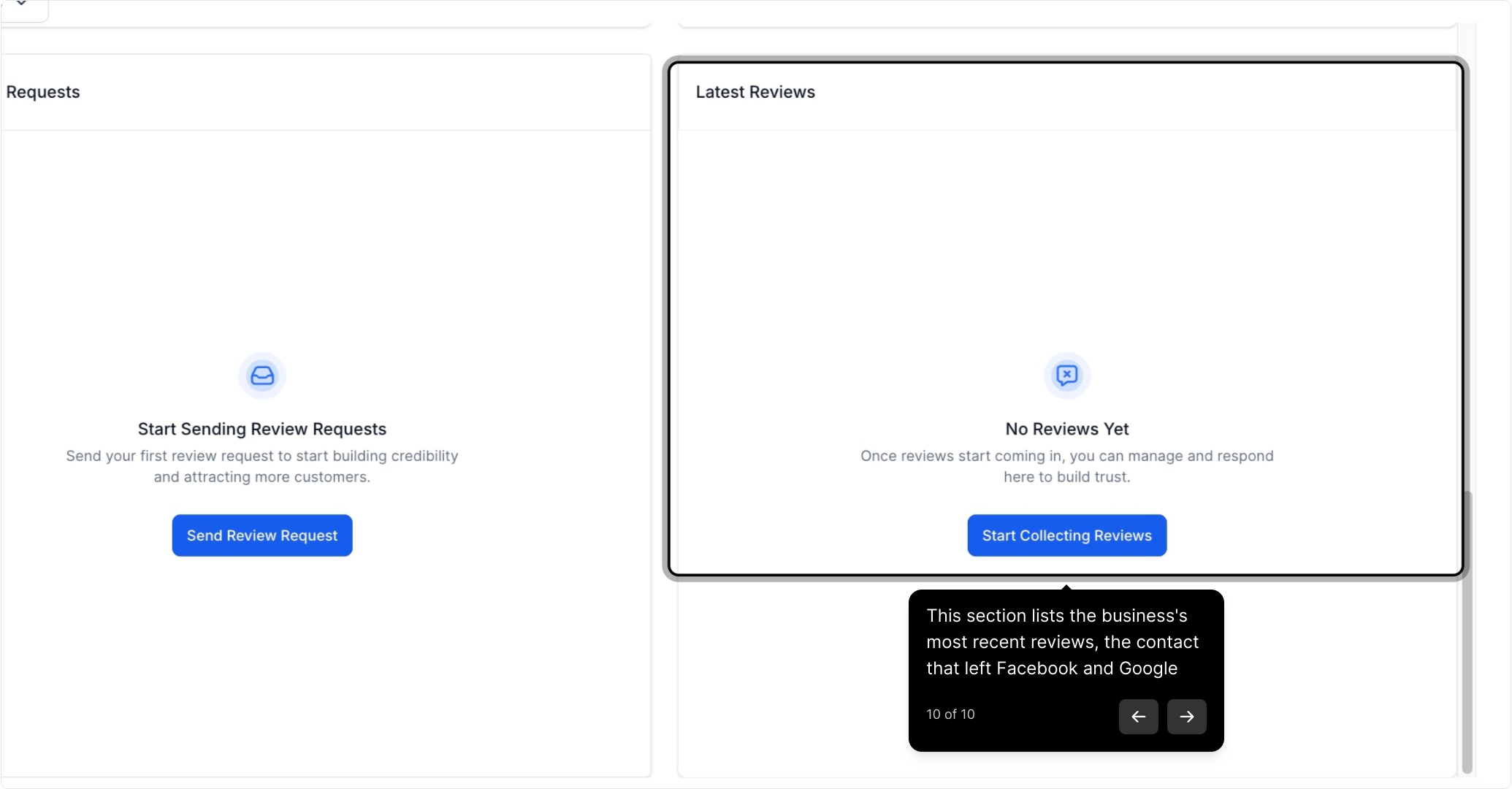
Latest Reviews
This section lists your practice's most recent reviews along with the contact who left each one, pulled from Facebook and Google.