The Conversational AI public API gives developers programmatic control over AI agents, actions, and conversation generations. Use secure tokens and granular scopes to automate agent setup, integrate with external apps, and export conversation data for analytics and reporting. This guide explains what the API is, its benefits, the authentication options (PIT and JWT), the endpoint families, and step-by-step setup.
Note on PHI: Don't enter protected health information (PHI) into the Conversational AI API. AI features aren't approved for processing PHI — use them for productivity, communication, scheduling, and engagement, not to store or process medical records. See the HIPAA Compliance guide for details.
The Conversational AI API exposes the same core capabilities available in the Conversational AI interface (creating and managing agents, attaching actions, and pulling AI response details) so your team can automate configuration and connect Conversational AI to your own systems. Using this API, you can provision agents at scale, script action updates, and retrieve message-level generation data for reporting and audits.
This API is ideal for developers and technical teams who need to scale Conversational AI management beyond the Aesthetix CRM interface.
Using the API, you can:
Create and manage Conversational AI agents
Configure and update AI actions programmatically
Retrieve AI conversation generation data
Automate large-scale AI setup across accounts
Integrate Conversational AI with external applications
Build custom reporting and analytics workflows
Understanding the practical benefits helps you decide when to use the API versus the interface. These points highlight the outcomes teams typically automate: faster provisioning, consistent configuration at scale, and reliable access to detailed conversation data.
Faster onboarding: Automate agent creation and action attachment for new locations or clients in minutes.
Scalable configuration: Apply consistent agent settings and actions across many accounts via scripts or CI/CD jobs.
Deeper analytics: Retrieve generations (AI response details) to power dashboards, QA workflows, and reporting exports.
Flexible integration: Orchestrate Aesthetix CRM with your internal tools — trigger workflows, track outcomes, and log events externally.
Least-privilege security: Use read-only or write scopes to limit access precisely to what your integration needs.
Choosing the right auth method ensures reliable, secure access. Personal Integration Tokens (PIT) are quick to generate and scope, while JSON Web Tokens (JWT) support OAuth-based app flows. Both can be used for Conversational AI API access.
Open Settings → Private Integrations in your Aesthetix CRM account (location).
Give it basic info (name and description), then select the Conversational AI scopes.
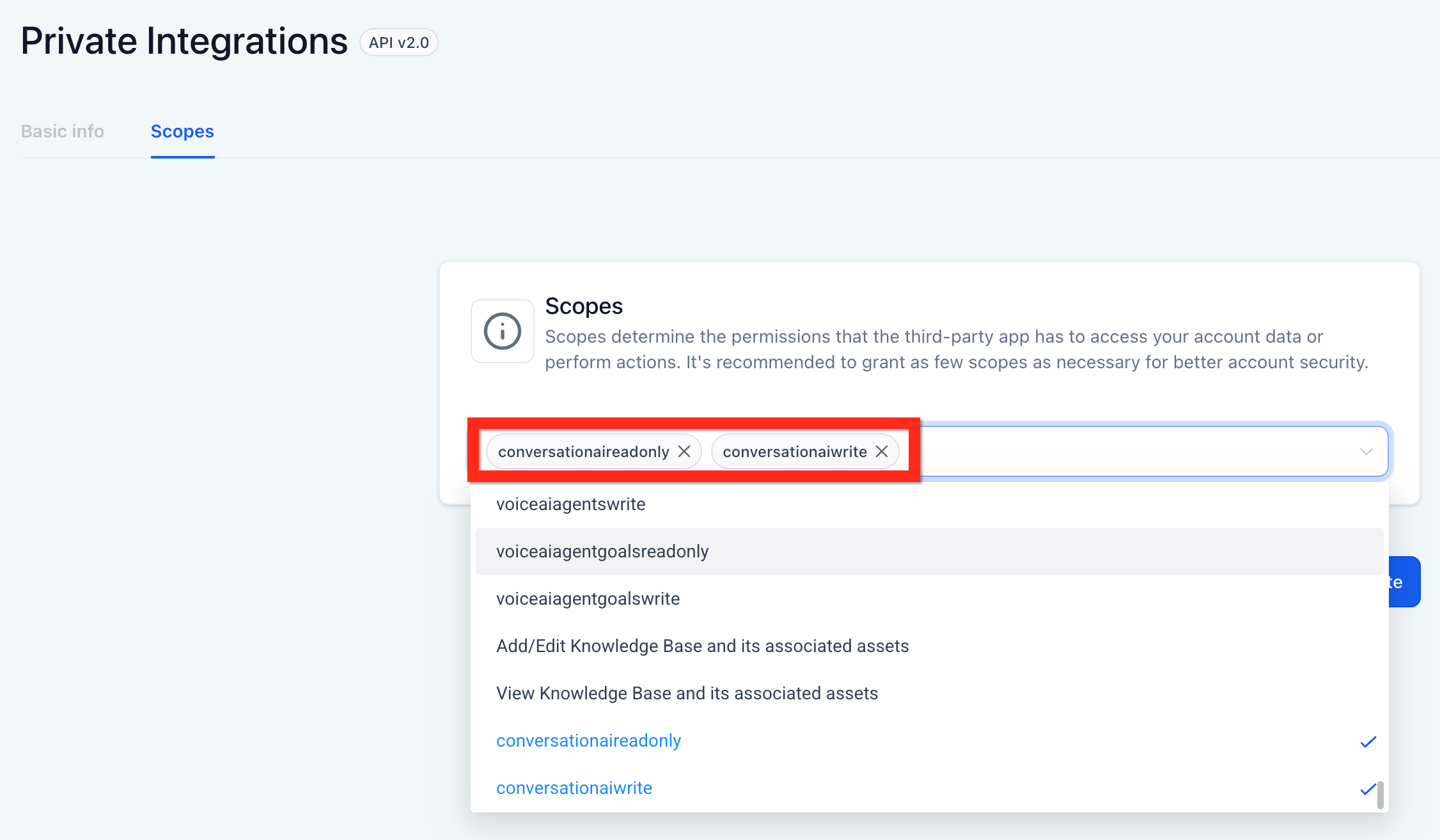
Create the token and make a copy of it.
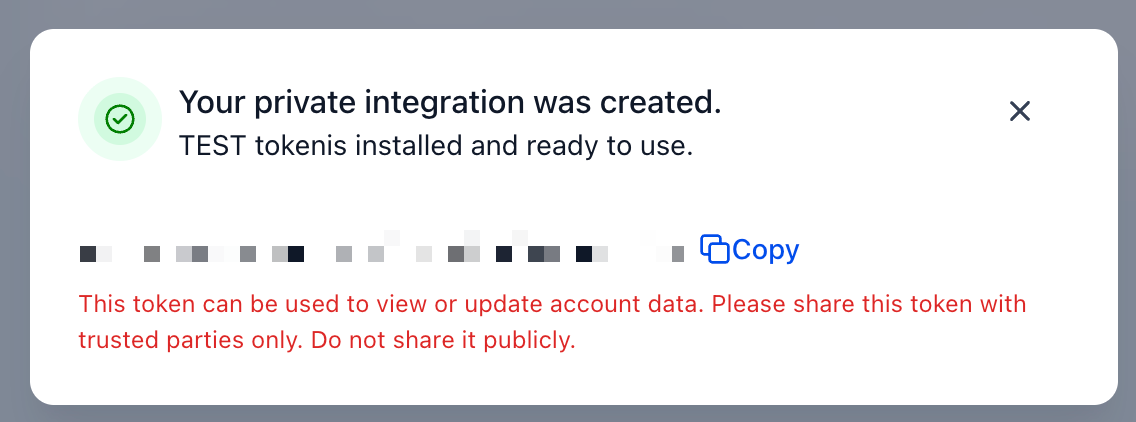
Maintain and use the token appropriately.
The API is organized into three endpoint families: Actions, Agents, and Generations.
Attach Action To Agent
List Actions For An Agent
Get Action By ID
Update Action
Remove Action From Agent
Update Followup Settings
Create An Agent
Search Agents
Update Agent
Get Agent
Delete Agent
Get Generation Details
Do I need an account-level or agency token for Conversational AI?
Use an account-level (location) token so calls act within the correct location context.
Can I manage Conversational AI agents through the API?
Yes. The API allows you to create, update, retrieve, and manage Conversational AI agents programmatically.
Can I use both PIT and JWT?
Yes. You can authenticate with either method. Choose PIT for simple server-to-server integrations; use JWT for OAuth app flows.
Where do I find the agentId?
Create or search agents via the Agents API, then use the returned id field in subsequent calls.
How do I review AI responses programmatically?
Use the Generations endpoint to retrieve message-level response details and store them in your analytics or reporting system.
Why am I receiving a 403 error?
This is typically caused by missing scopes, incorrect permissions, or attempting to access resources outside the authorized account.
