Aesthetix CRM lets you display outside content directly on your dashboard with the Embed widget. This is handy for pulling a scheduling report, a Google Data Studio or Looker view, a shared Google Sheet, a calendar, or a social post into view so your team can check it without leaving the CRM. This is different from embedding forms, calendars, or booking widgets on your practice's funnel and website pages, which is covered in the Funnels & Websites collection. Not every platform allows its content to be embedded elsewhere, so some sources may not display even when the setup is correct.
Interactive walkthrough
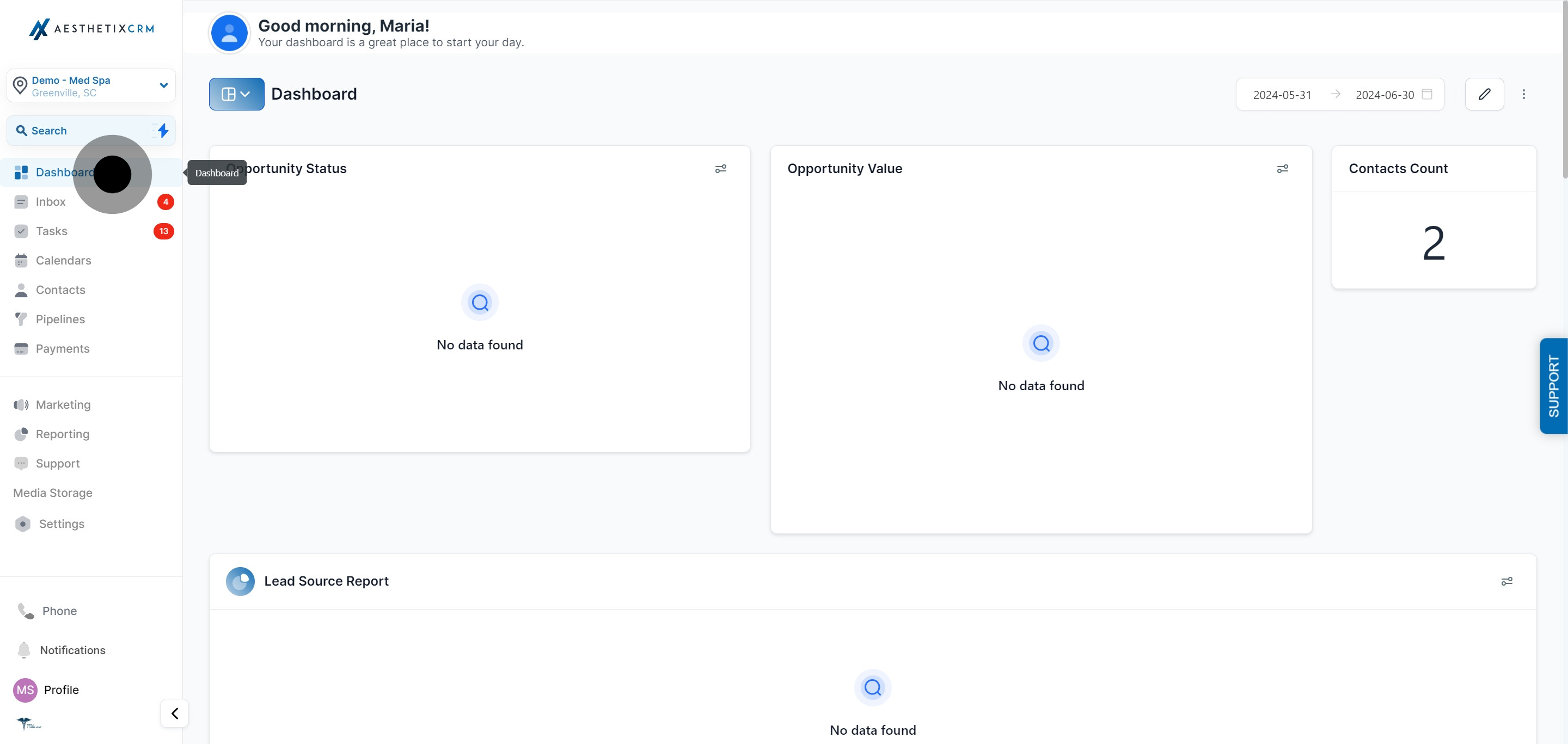
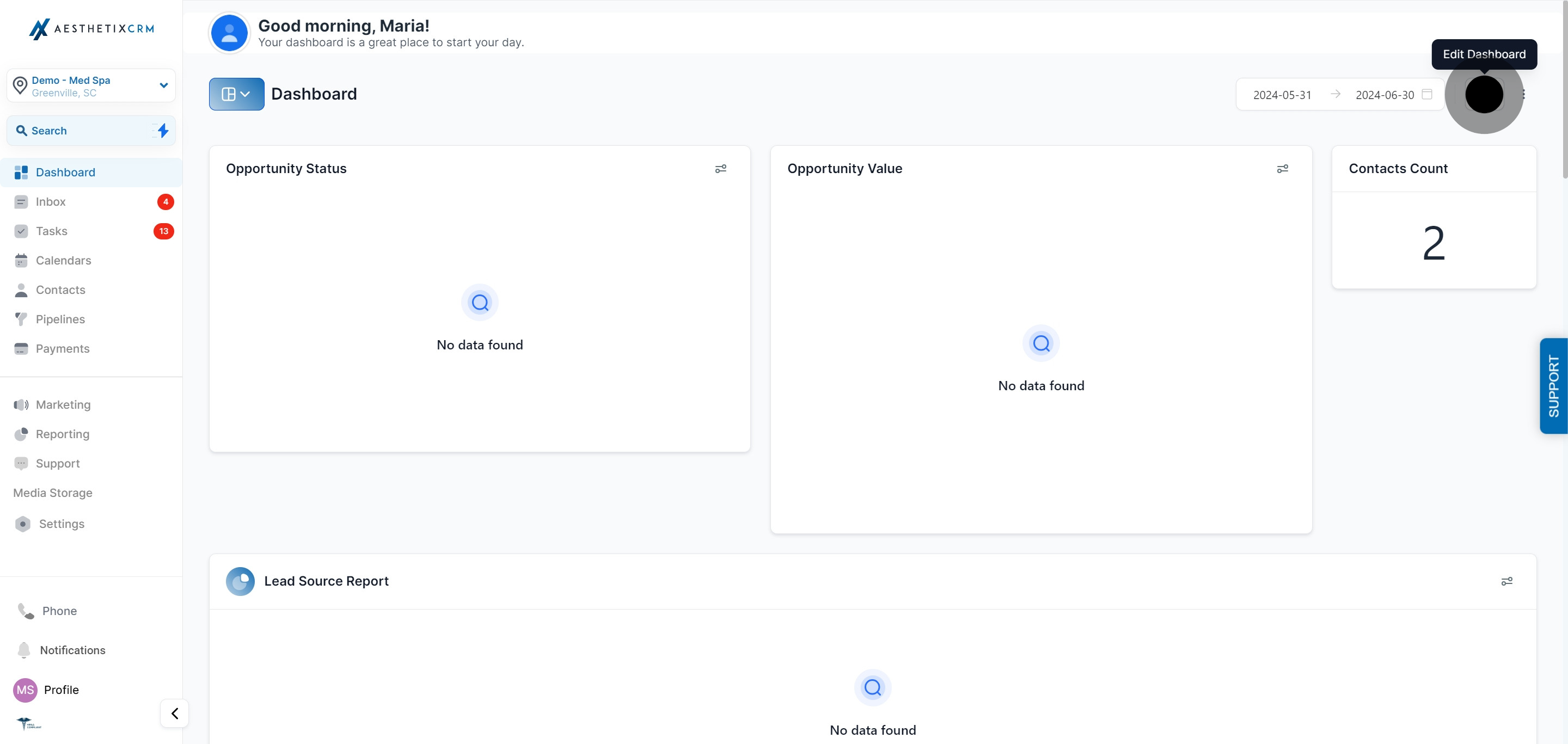
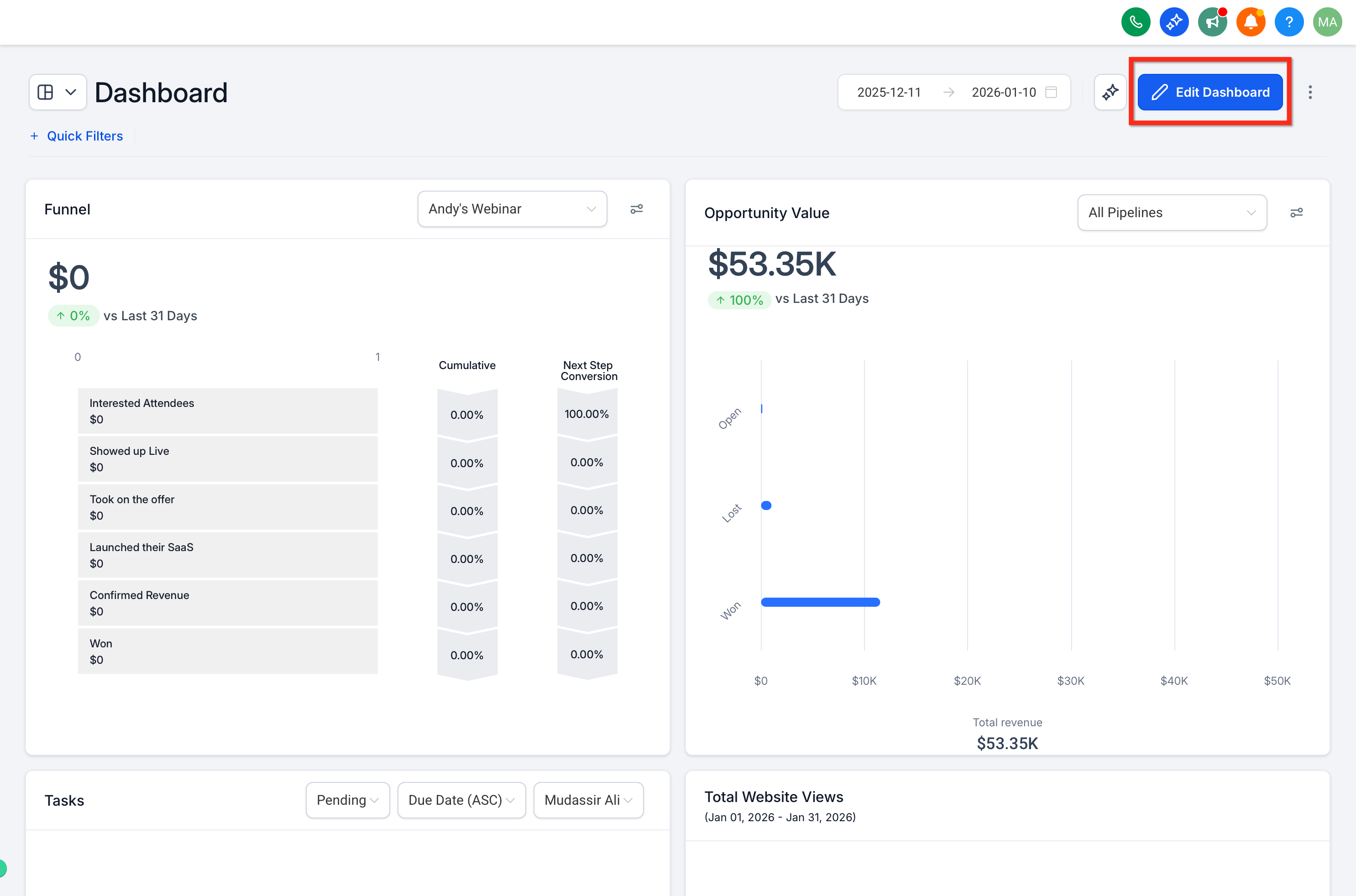
Go to Dashboard, then click Edit Dashboard.
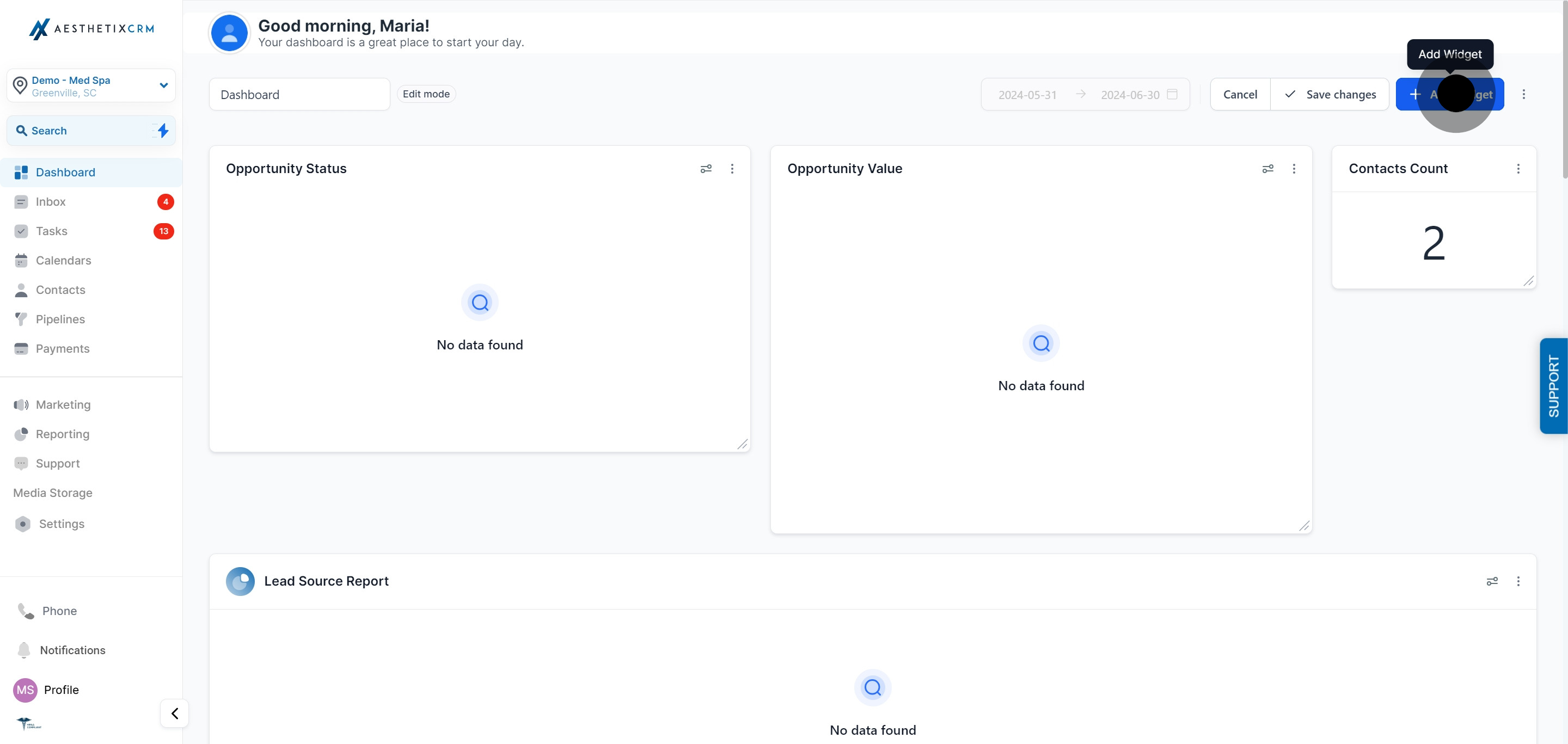
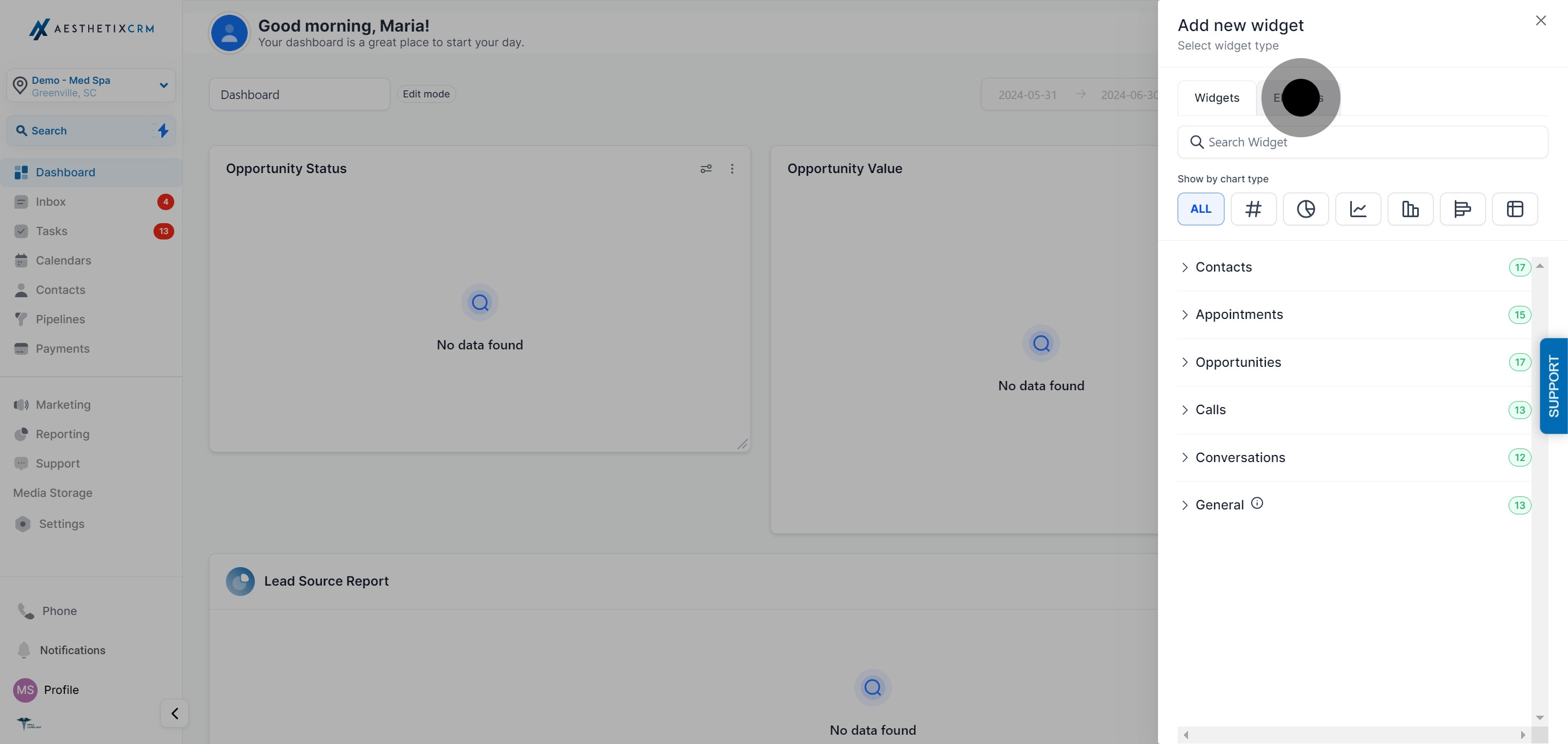
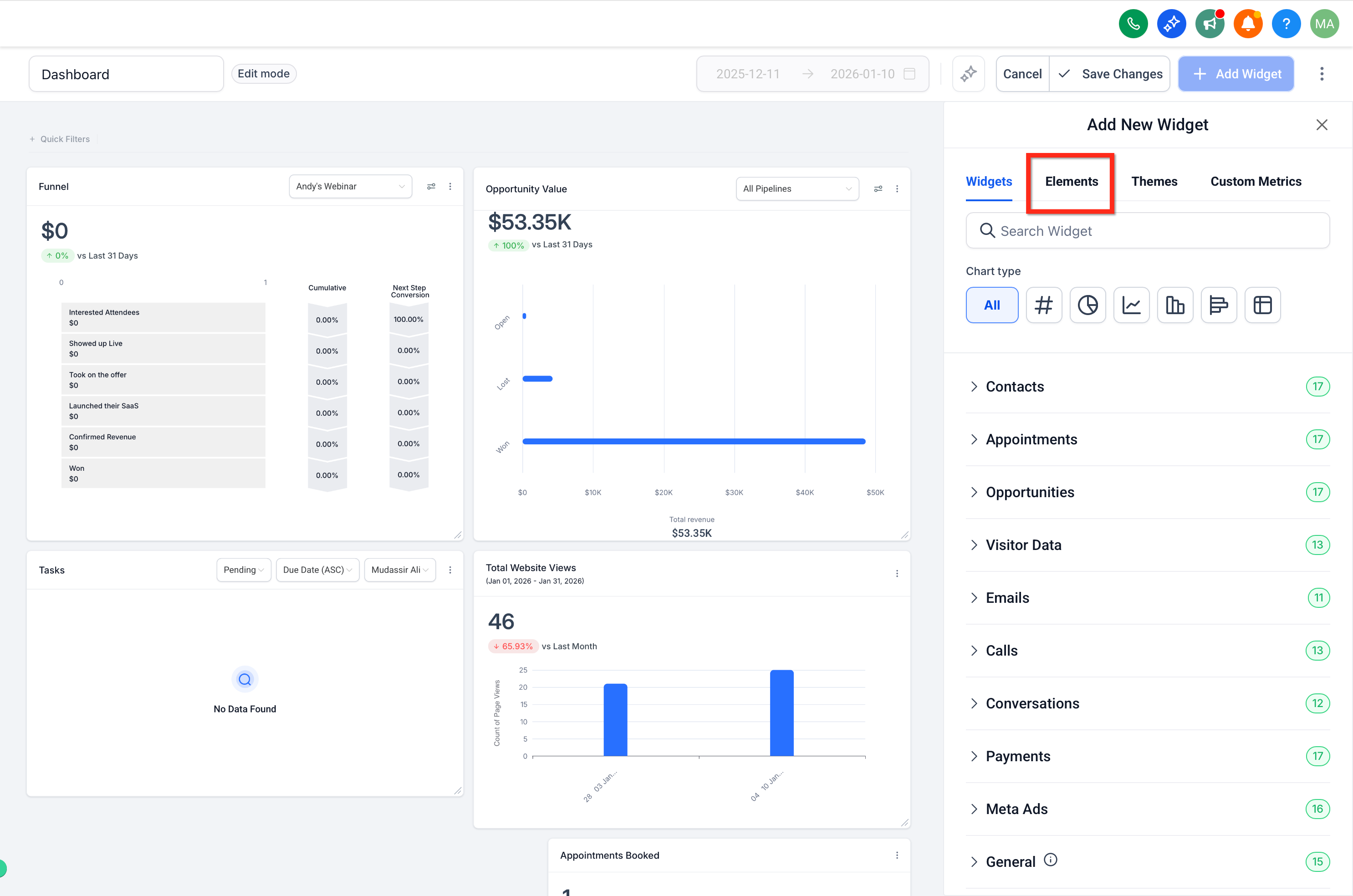
Click Add Widget, then switch to the Elements tab.
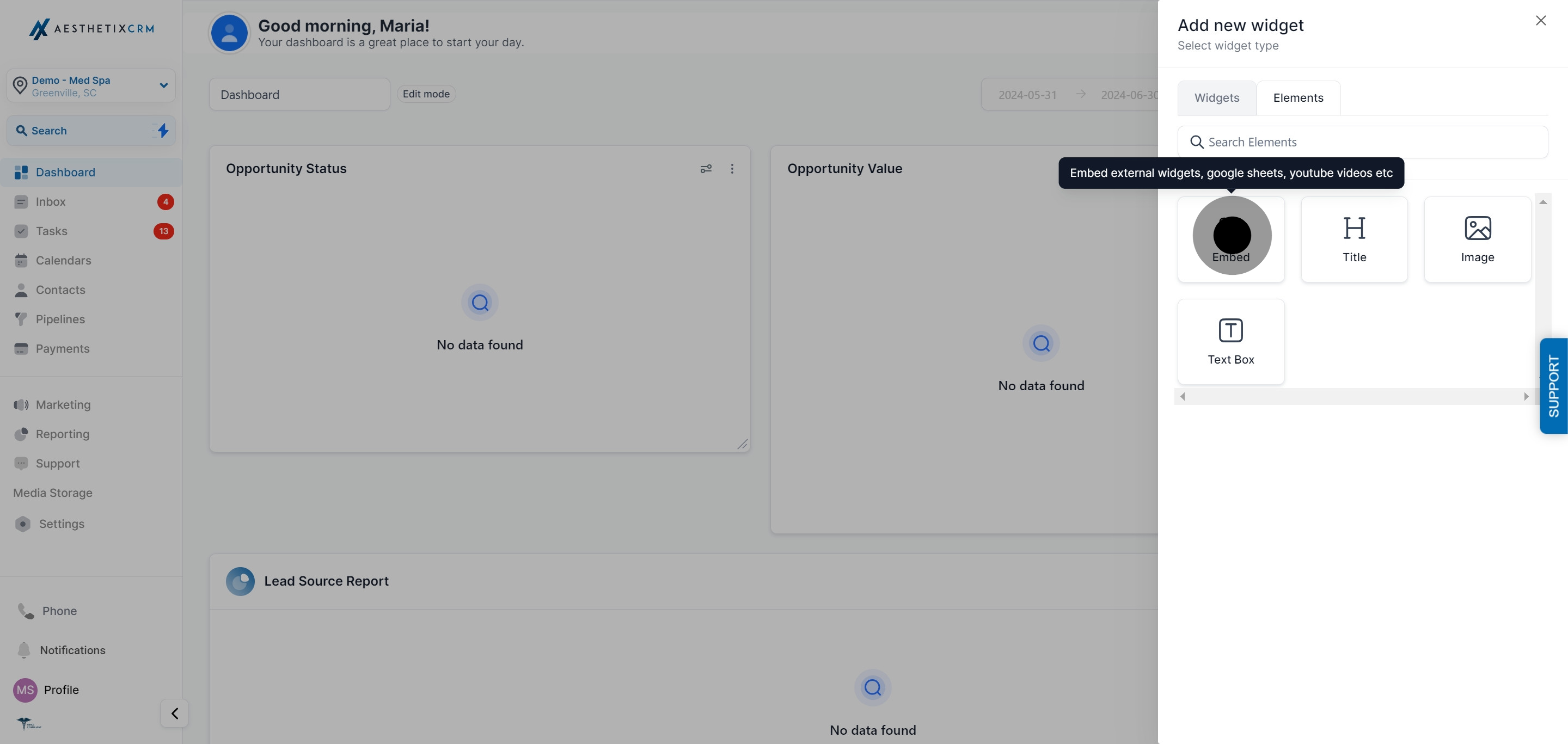
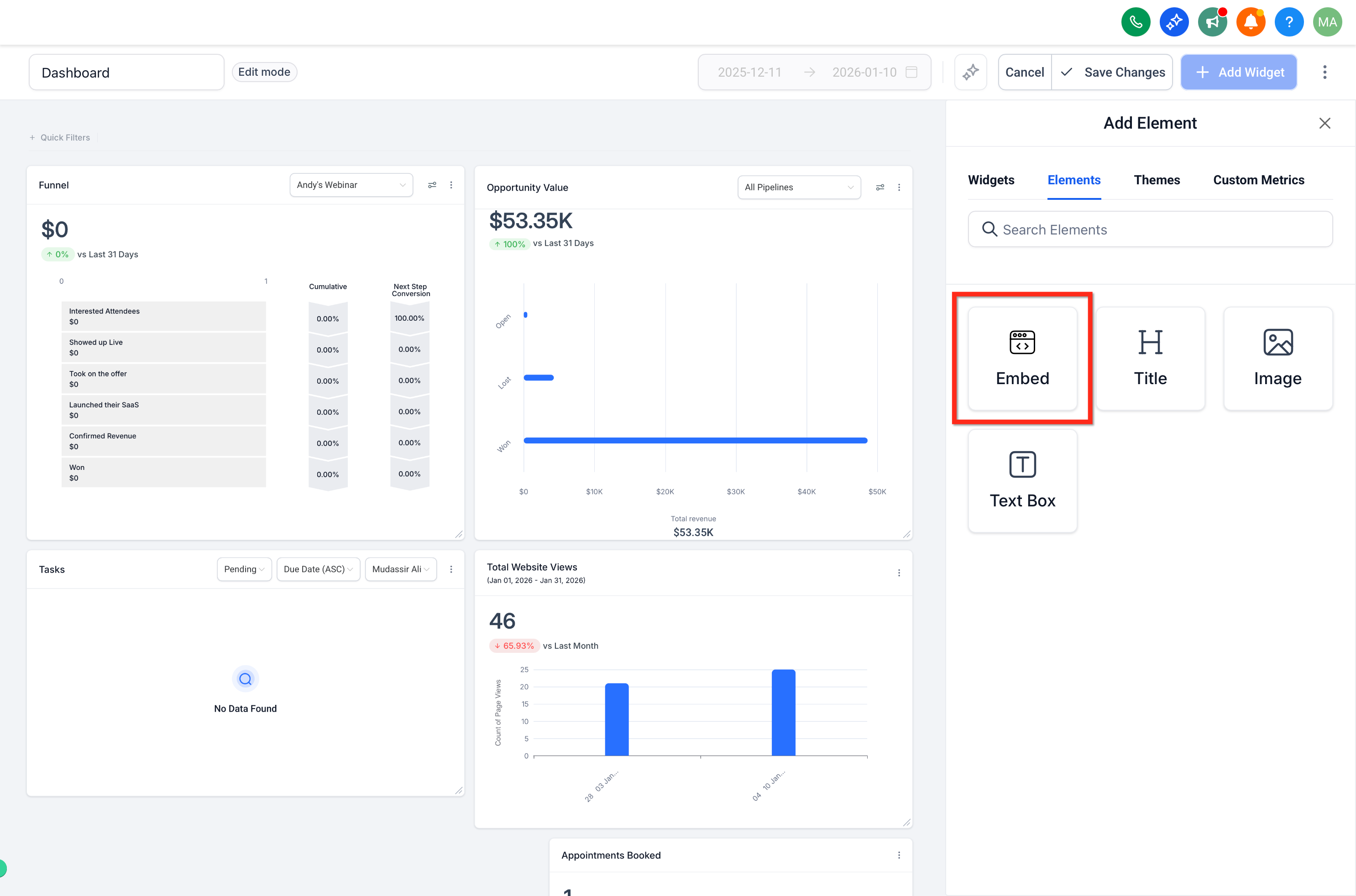
Click the Embed element to add it to your dashboard.
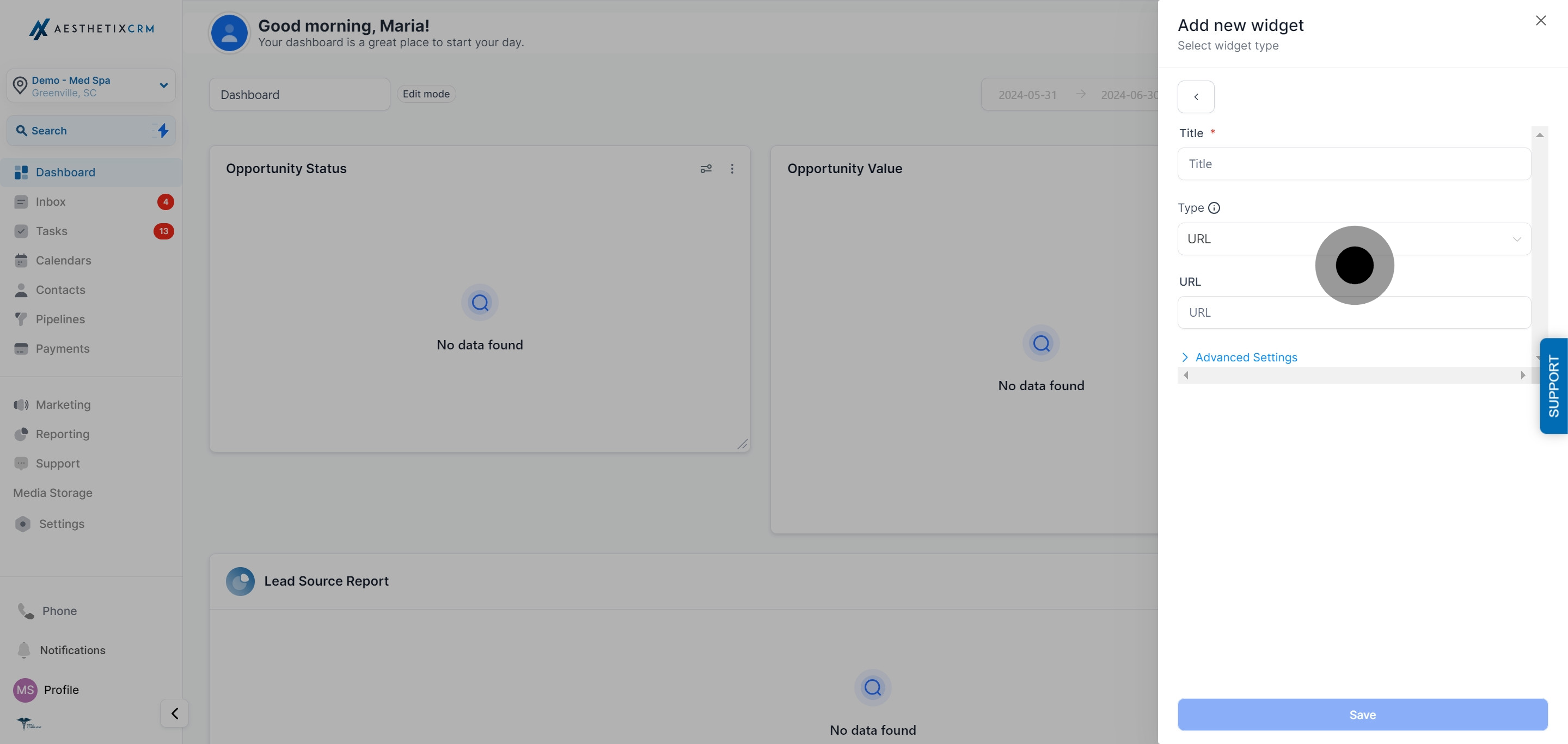
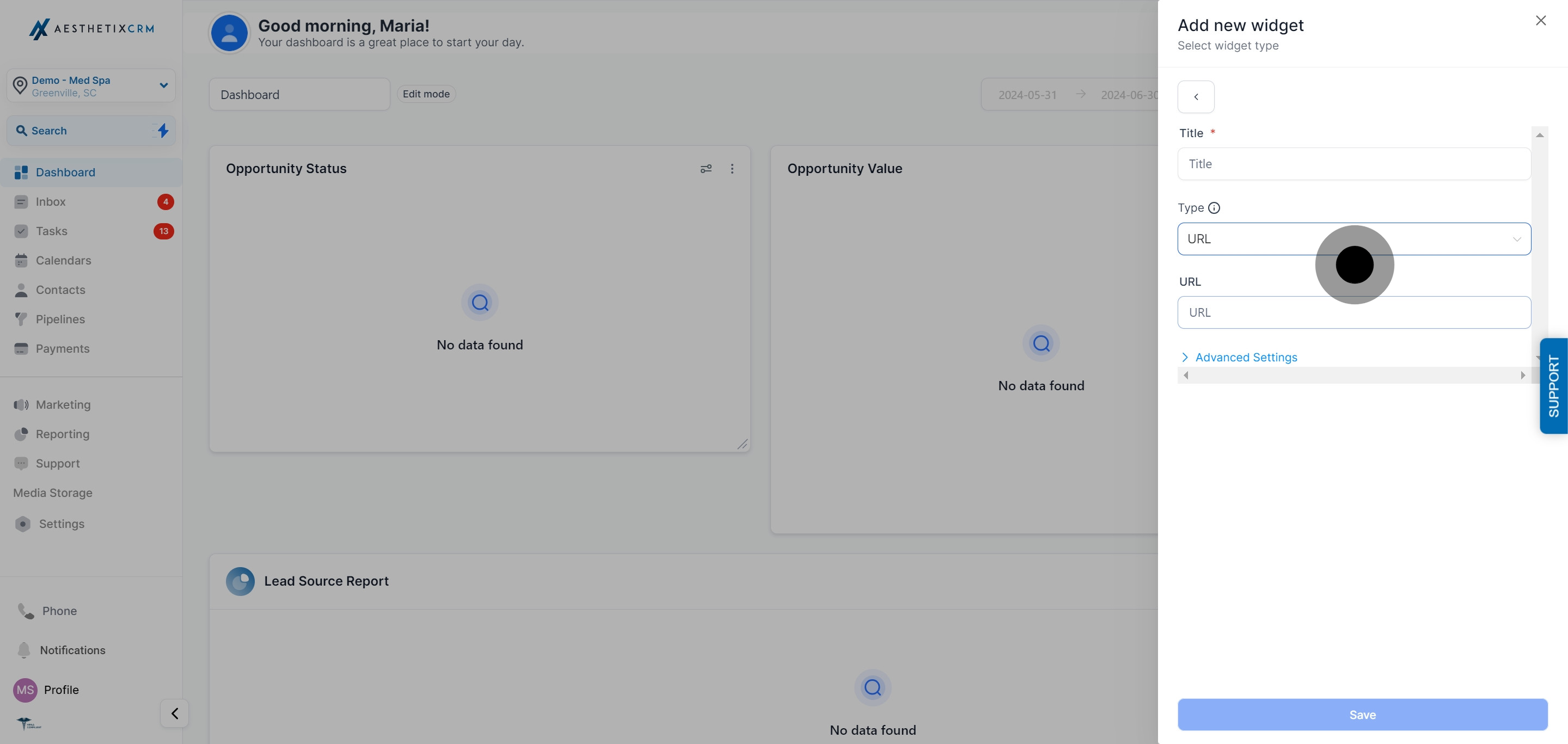
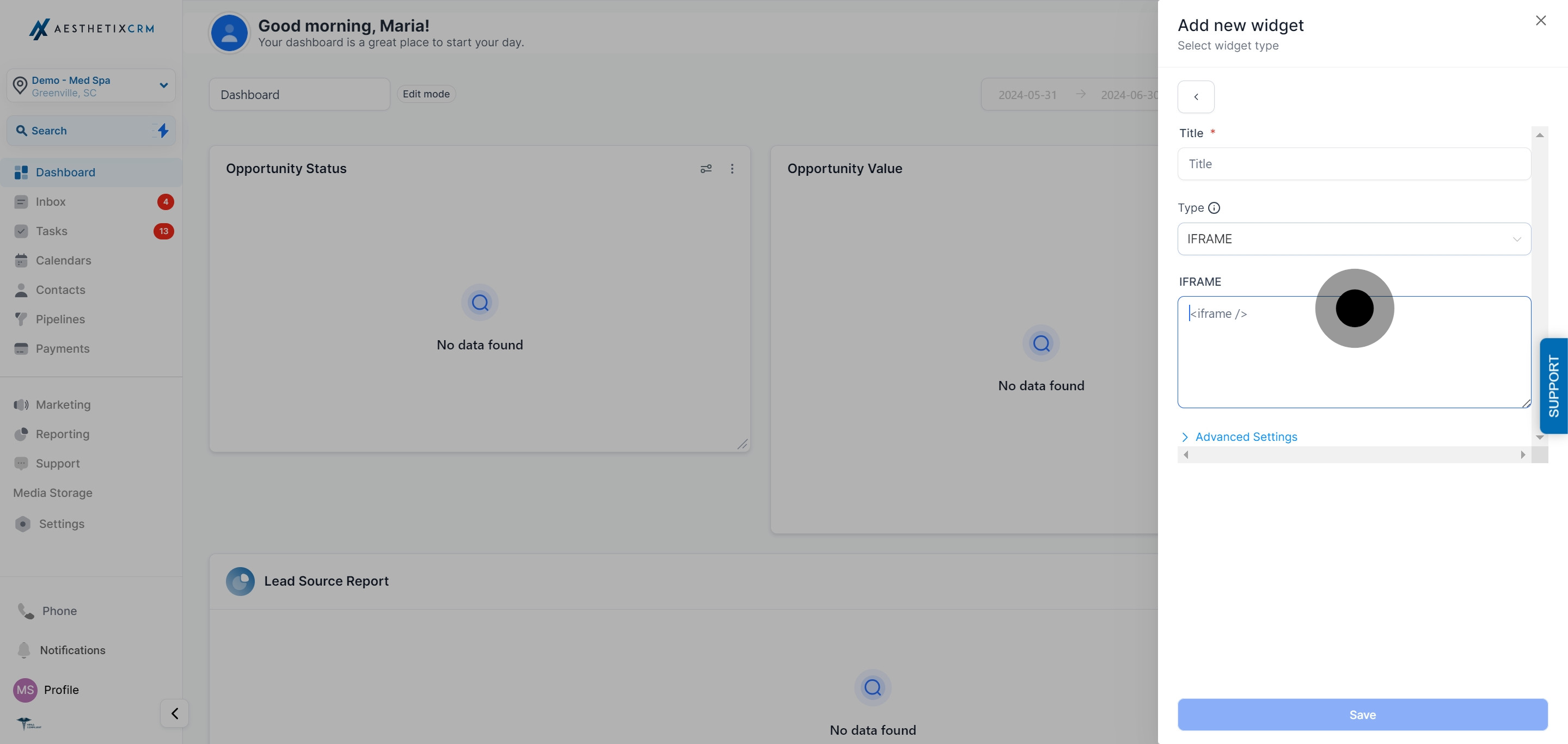
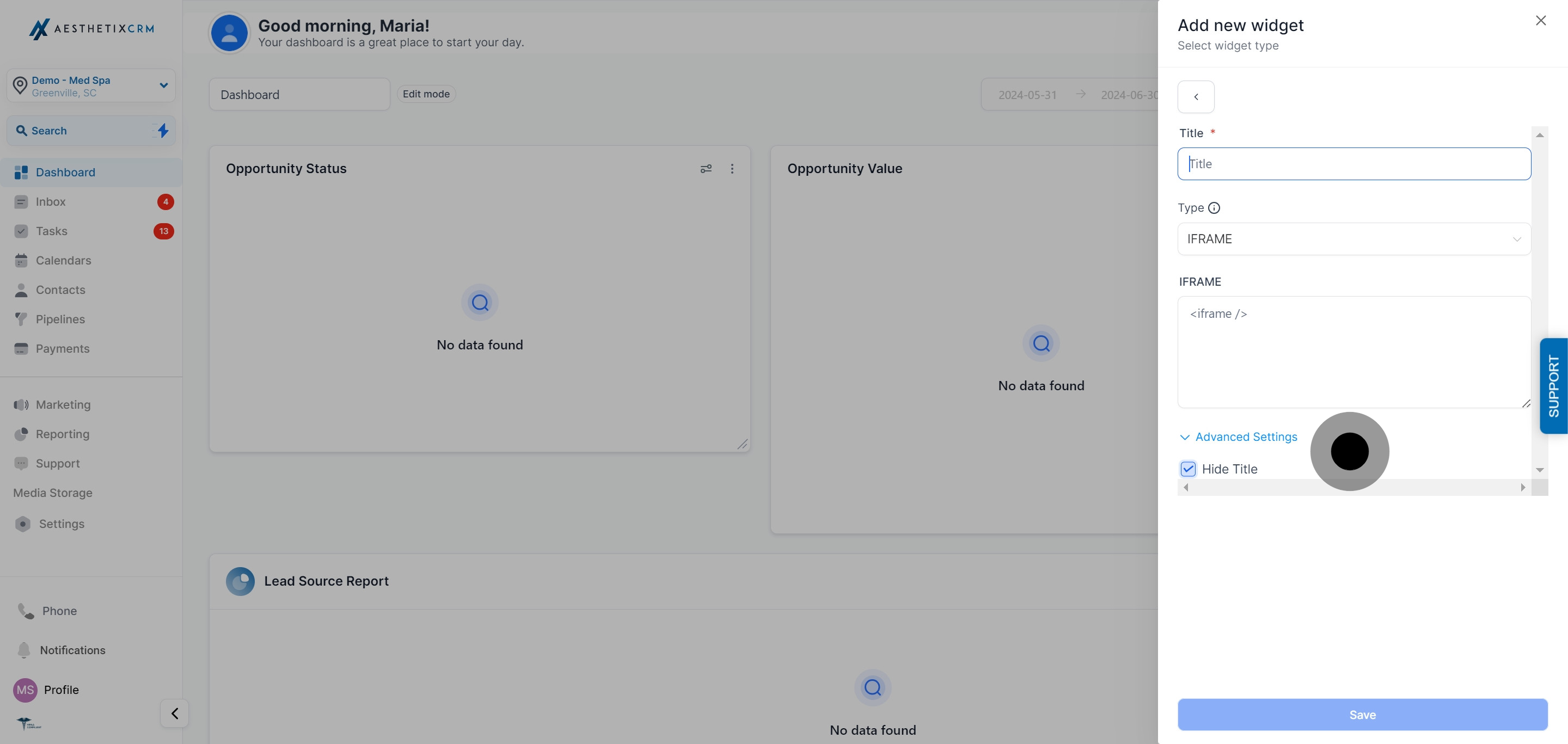
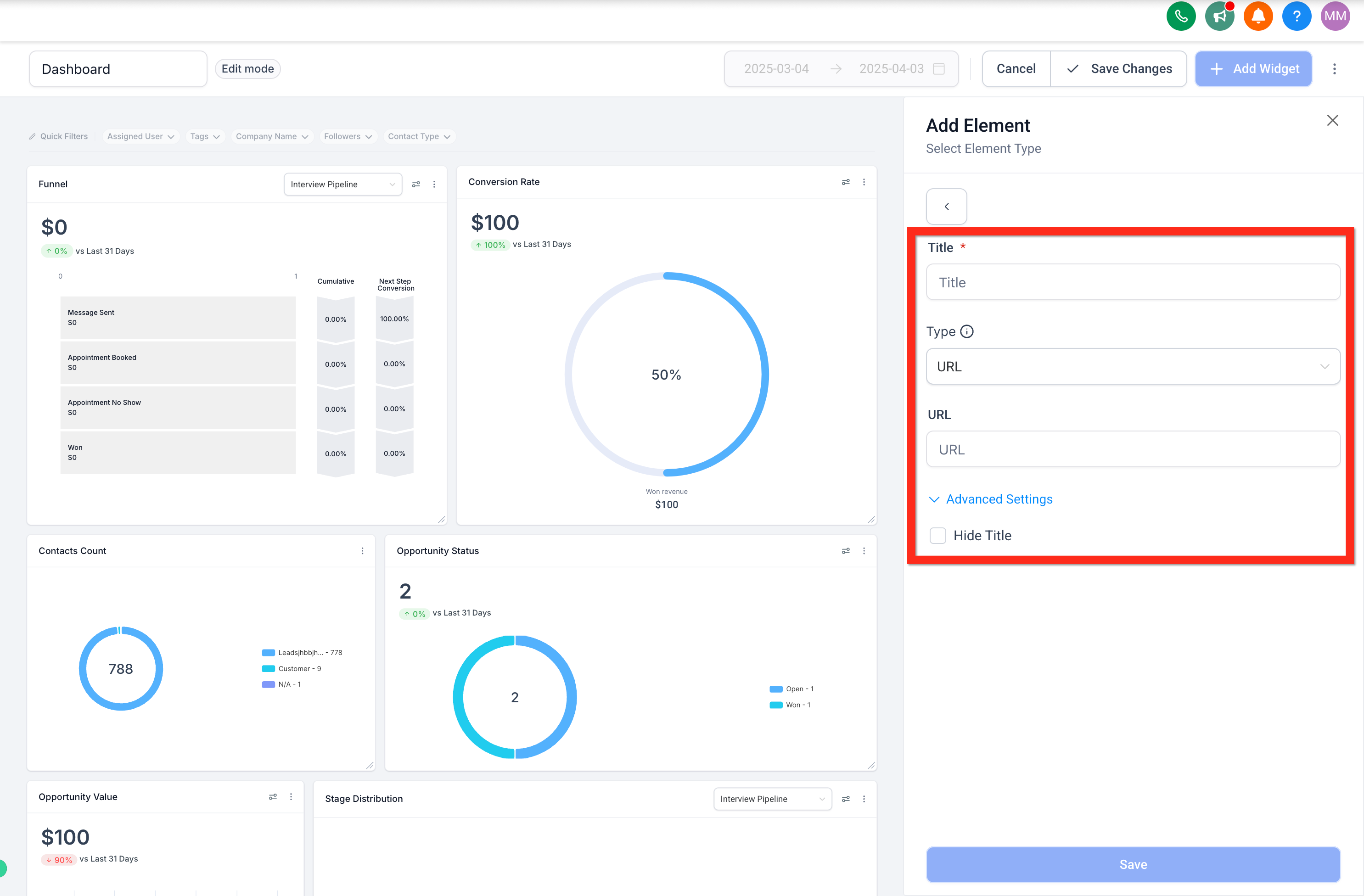
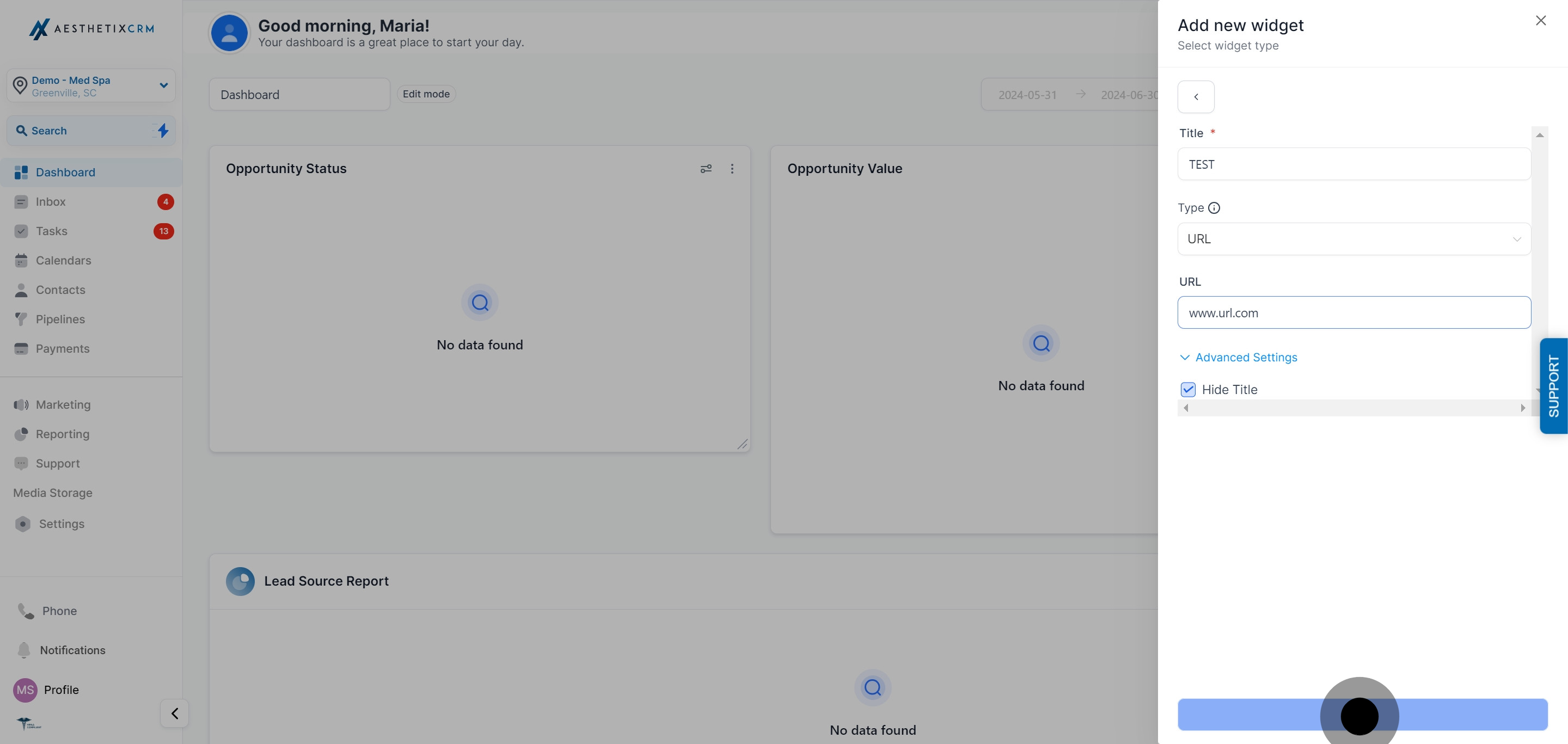
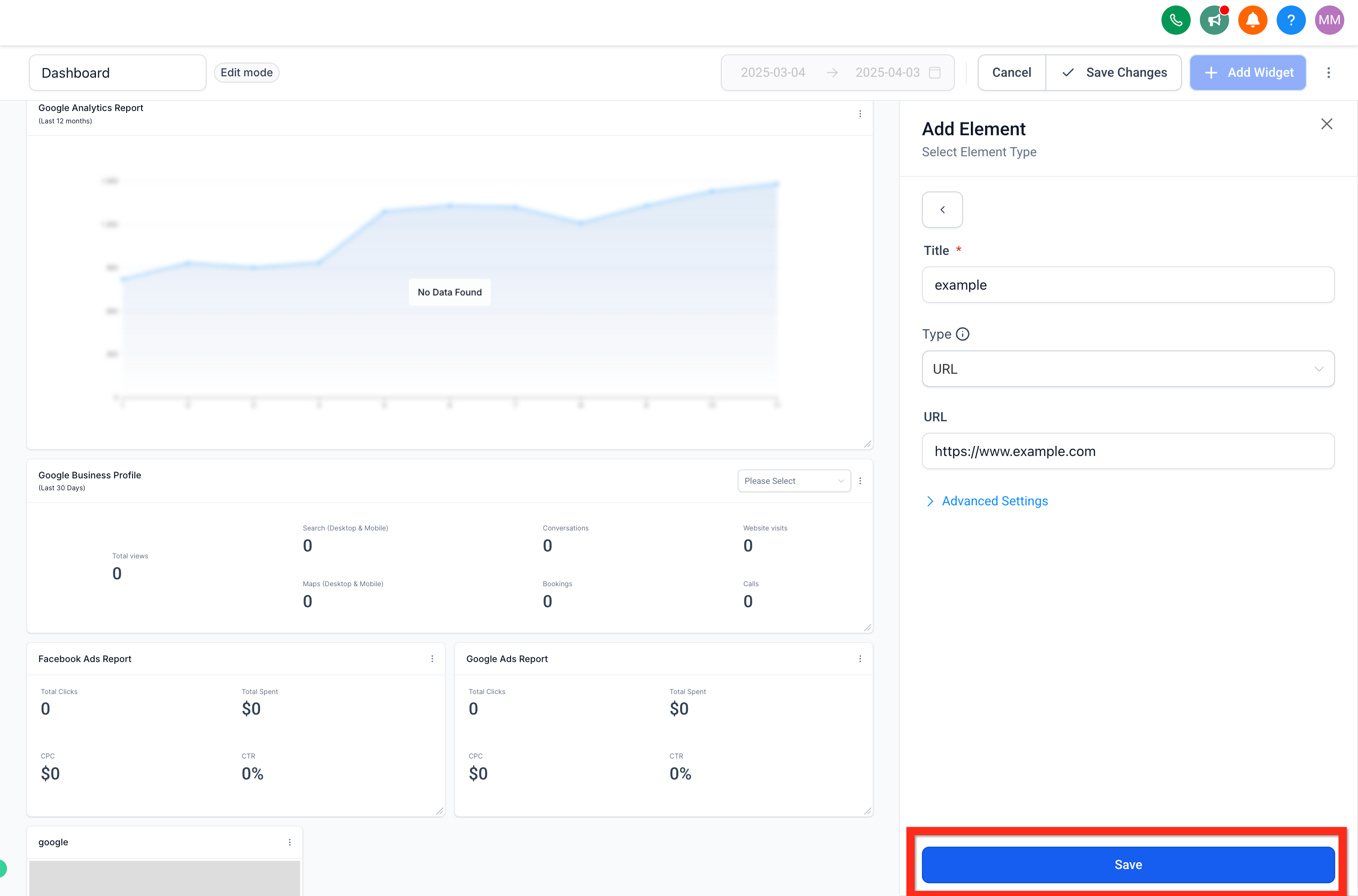
Enter a title for the widget, then choose the embed type:
URL: enter a fully qualified URL with no extra content, for example https://www.instagram.com/p/C04TE0DsEkW/embed/.
IFRAME: if your source gives you an iframe snippet instead of a plain URL, choose IFRAME and paste the full snippet into the text box.
Optionally, turn on Hide Title in the advanced settings if you don't want the widget's title displayed on the dashboard.
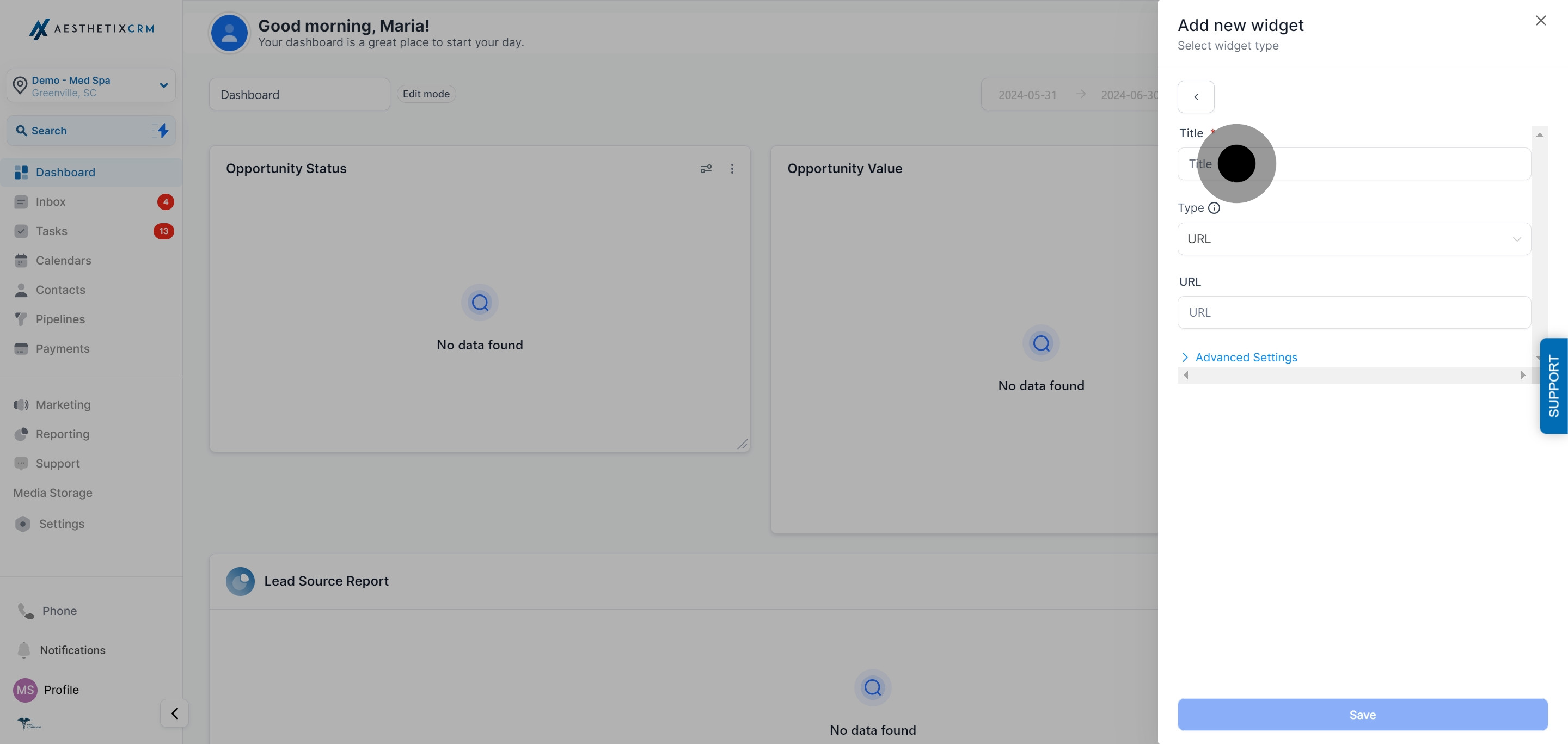
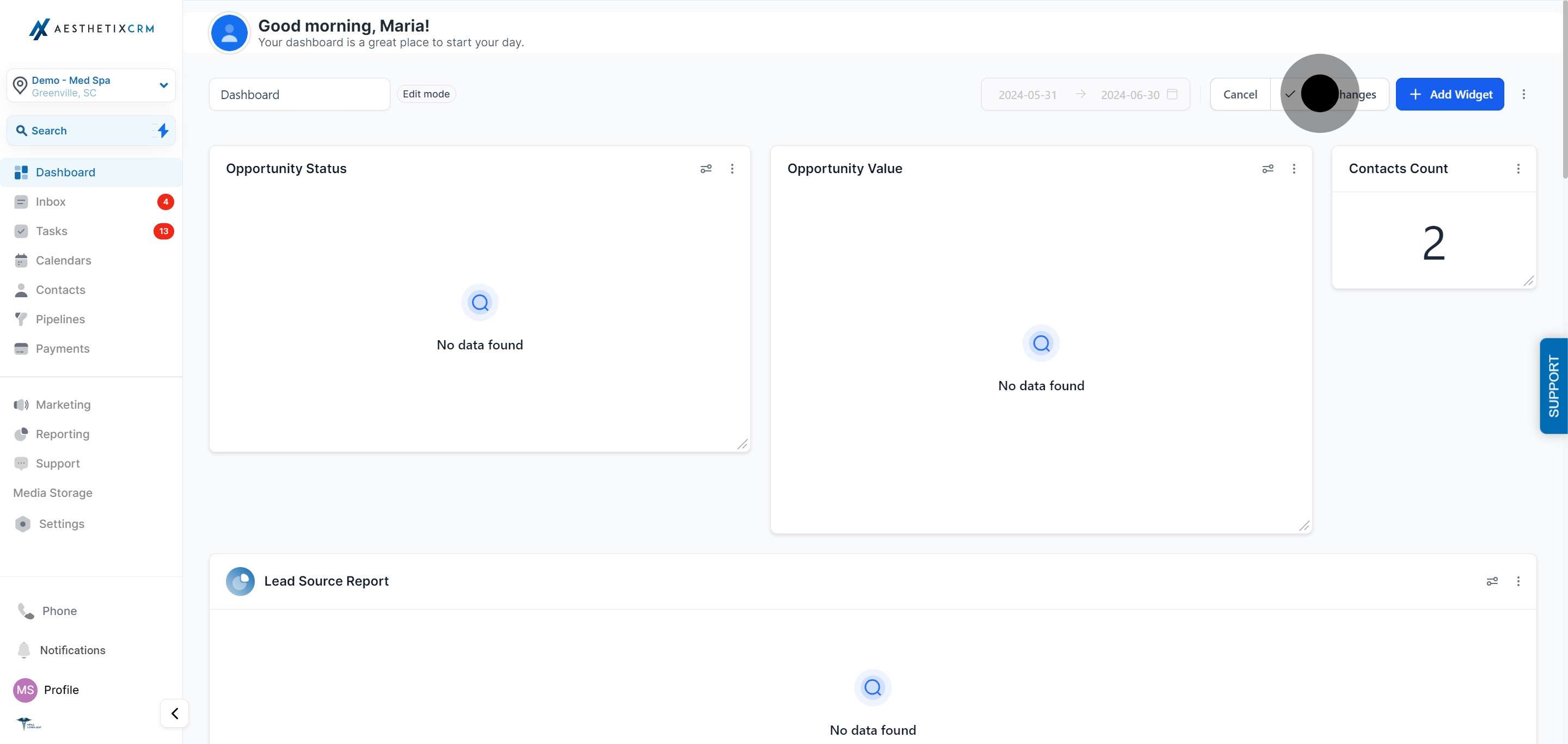
Click Save on the widget, then click Save Changes to apply it to the dashboard.
If the report or tool you embed displays patient names or other identifying details, treat access to that dashboard the same way you would any screen showing PHI: limit who on your team can view it and avoid leaving it open on an unattended screen.
Several common platforms follow a predictable pattern for their embed URLs:
Content | How to build the embed URL |
|---|---|
YouTube video | Take the video ID from the URL (the part after |
TikTok video | Take the video ID from the URL (the part after |
Instagram post | Copy the post's share link, for example |
You can also embed reporting tools like Google Data Studio, a shared Google Sheet, a Looker dashboard, a slideshow, or a calendar, as long as that platform allows embedding. If a platform blocks embedding of its content, the widget will fail to load no matter how the URL is formatted.
For a more advanced setup, you can inject dynamic account or user properties into an embedded URL so the same widget shows different data depending on who's viewing it, or automatically scopes the embedded content to your account. This is optional and most practices won't need it for a simple report or video embed.
You can use the placeholder {{location.id}} inside a URL to automatically insert your account's unique identifier. For example, a reporting tool URL like:
https://yourreportingtool.com/dashboard?account={{location.id}}
will resolve to a link scoped to your specific account when the widget loads. Add the URL with the placeholder in the Embed element's URL or IFRAME field the same way you would any other embed.
You can also pass properties about the logged-in team member into the URL. Replace userpropertyhere in {{user.userpropertyhere}} with any of the following:
companyId
email
phone
role
type
firstName
lastName
name
fullName
For example, https://yourreportingtool.com/?user={{user.firstName}} passes the current team member's first name into the destination URL. This is most useful when embedding a third-party tool that supports personalizing its own view based on a URL parameter.
What is the Embed widget used for on a dashboard? It lets you display outside content, such as a report, spreadsheet, calendar, video, or social post, directly on your Aesthetix CRM dashboard instead of switching to another tab.
What's the difference between the URL and IFRAME embed types? URL is for a plain, fully qualified link to the content you want to show. IFRAME is for when the source gives you a full iframe code snippet instead of a plain link. Use whichever format your content source provides.
Why isn't my embedded content showing up? Some platforms block their content from being embedded on outside pages. If the widget stays blank after a correct URL or iframe snippet is entered, the source is likely blocking embeds and there's no workaround on the dashboard side.
Can I hide the widget's title? Yes. In the embed element's advanced settings, turn on Hide Title if you'd rather the widget display without a heading.
What kinds of content can I embed besides reports? Videos (YouTube, TikTok, Loom), social posts (Instagram), slideshows, calendars, Google Docs and Sheets, and any other web content whose source platform permits embedding.
Do I need to use the dynamic property placeholders?
No, they're optional. Most embeds work fine with a plain static URL. Use {{location.id}} or the {{user.*}} placeholders only if the tool you're embedding is built to accept and use those values.
Which user properties can I pass into an embed URL?
companyId, email, phone, role, type, firstName, lastName, name, and fullName, using the format {{user.propertyname}}.
Is it safe to embed a report that shows patient information? Use good judgment: if the embedded content could display patient names or other identifying details, restrict who has access to that dashboard and don't leave it visible on a shared or unattended screen.
