Your Dashboard section can hold several boards, one for front desk KPIs, one for marketing attribution, one for provider production, and so on. Two settings make it easy to work with a growing list: a default dashboard that opens automatically for your whole team, and pinned favorites that keep your most-used boards at the top of the list for you personally.
Interactive walkthrough
The default dashboard is the first board your team sees when they open the Dashboard section. Set it to whichever board carries your practice's most critical, at-a-glance metrics (leads, booked consults, revenue, and so on) so everyone lands on the same information without hunting for it.
Navigate to the dashboard you want to make the default. This is usually your main dashboard with your practice's top-line metrics.
Click the three-dot menu in the top right corner of the dashboard.
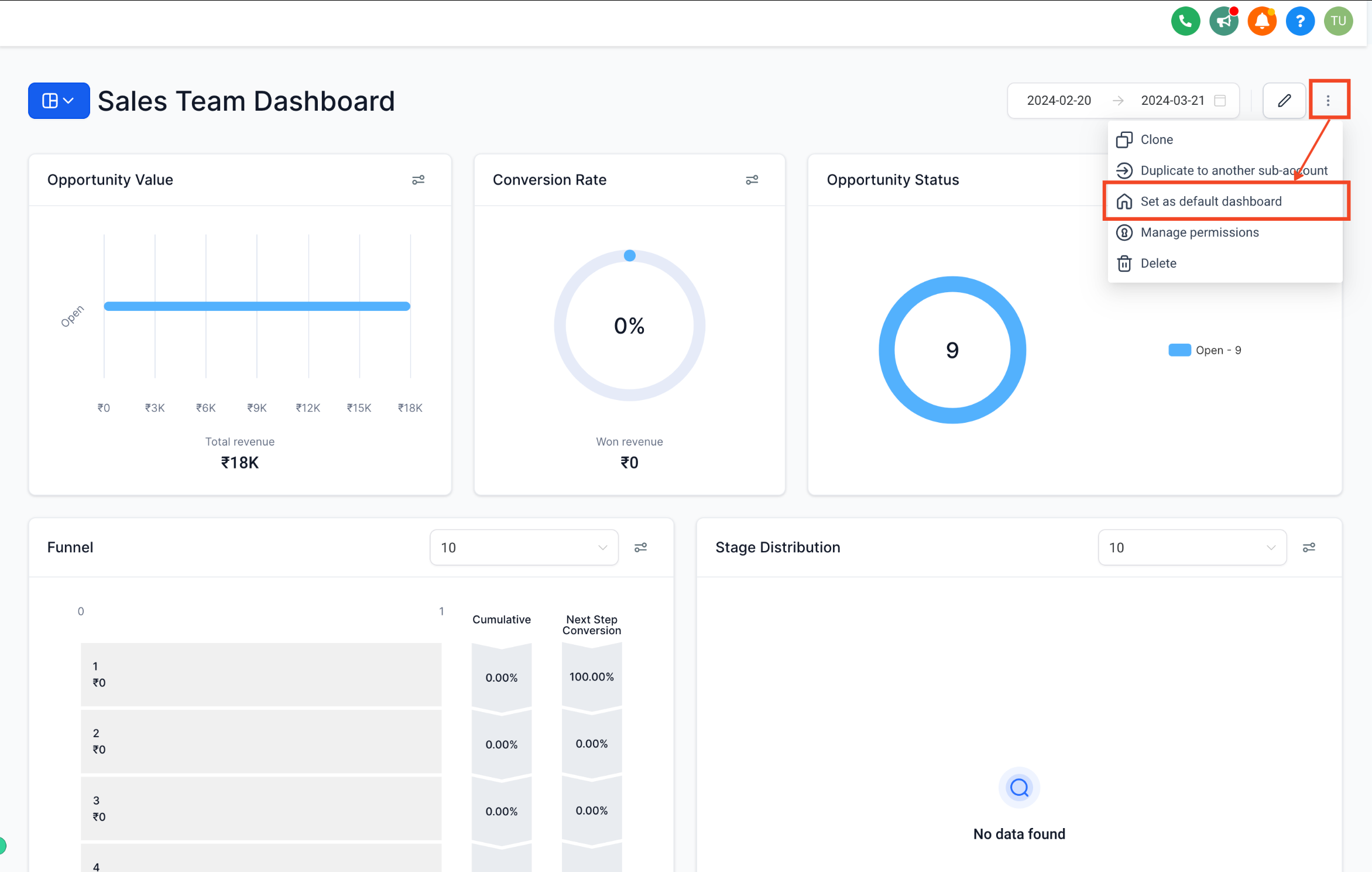
Select Set as Default Dashboard.
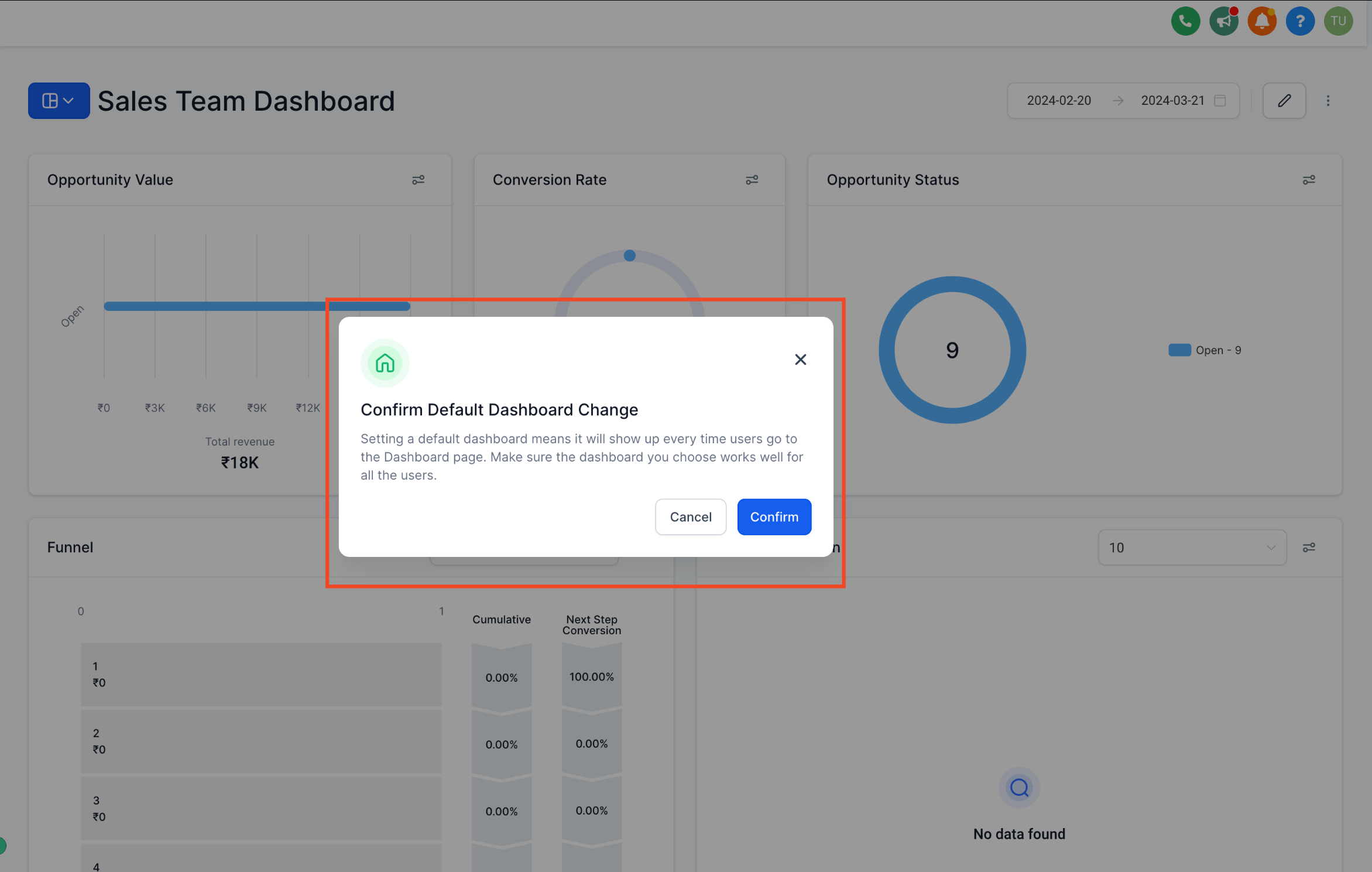
Confirm the change when prompted.
Who can set it: Only users with Account Admin access, or another role granted full access to a dashboard, can set that dashboard as the default. Everyone else needs at least view permission on a dashboard for it to be eligible as the default.
It can't be deleted while active: Once a dashboard is set as the default, it can't be deleted until you assign a different dashboard as the new default.
Default vs. pinned: A default dashboard is the shared landing page for your whole team. Pinned dashboards (below) are personal shortcuts that each user sets for themselves, and don't affect what anyone else sees when they first open the Dashboard section.
Pinning marks a dashboard as a favorite so it always sits at the top of your dashboard list, even as you add more boards over time. This is a personal setting, so pinning a dashboard only changes your own view, not your teammates'.
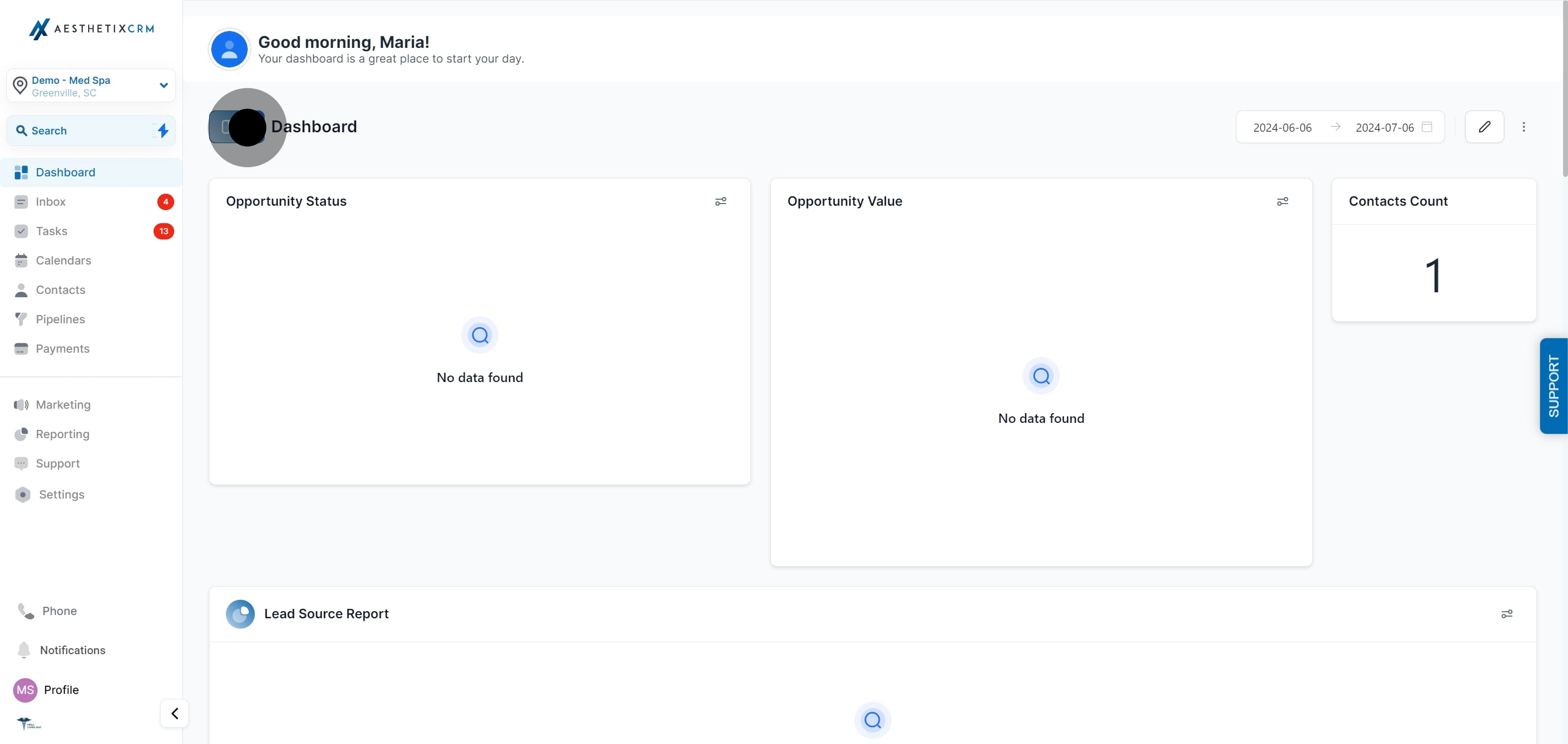
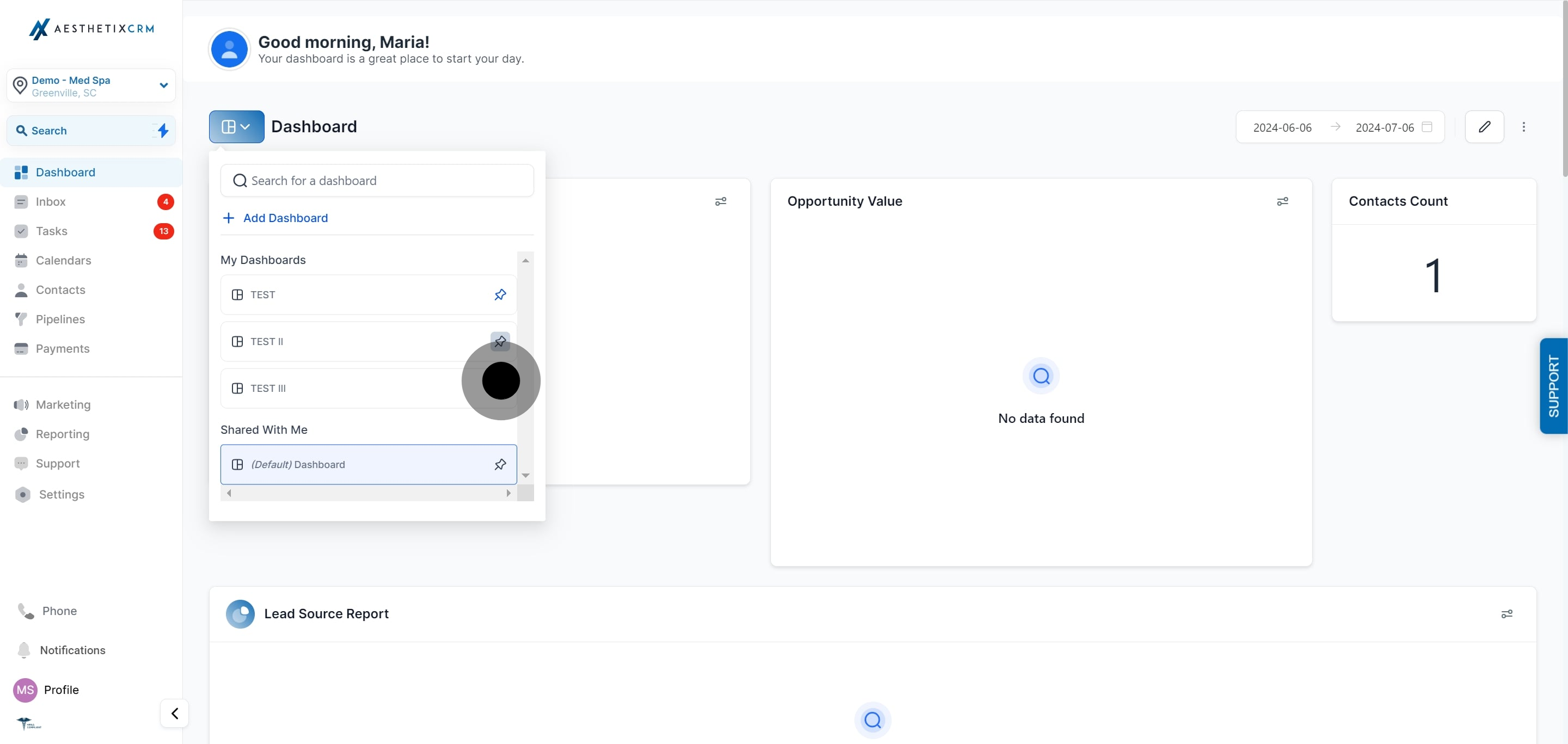
From the Dashboard section, click the dashboard selector to open the full list of dashboards.
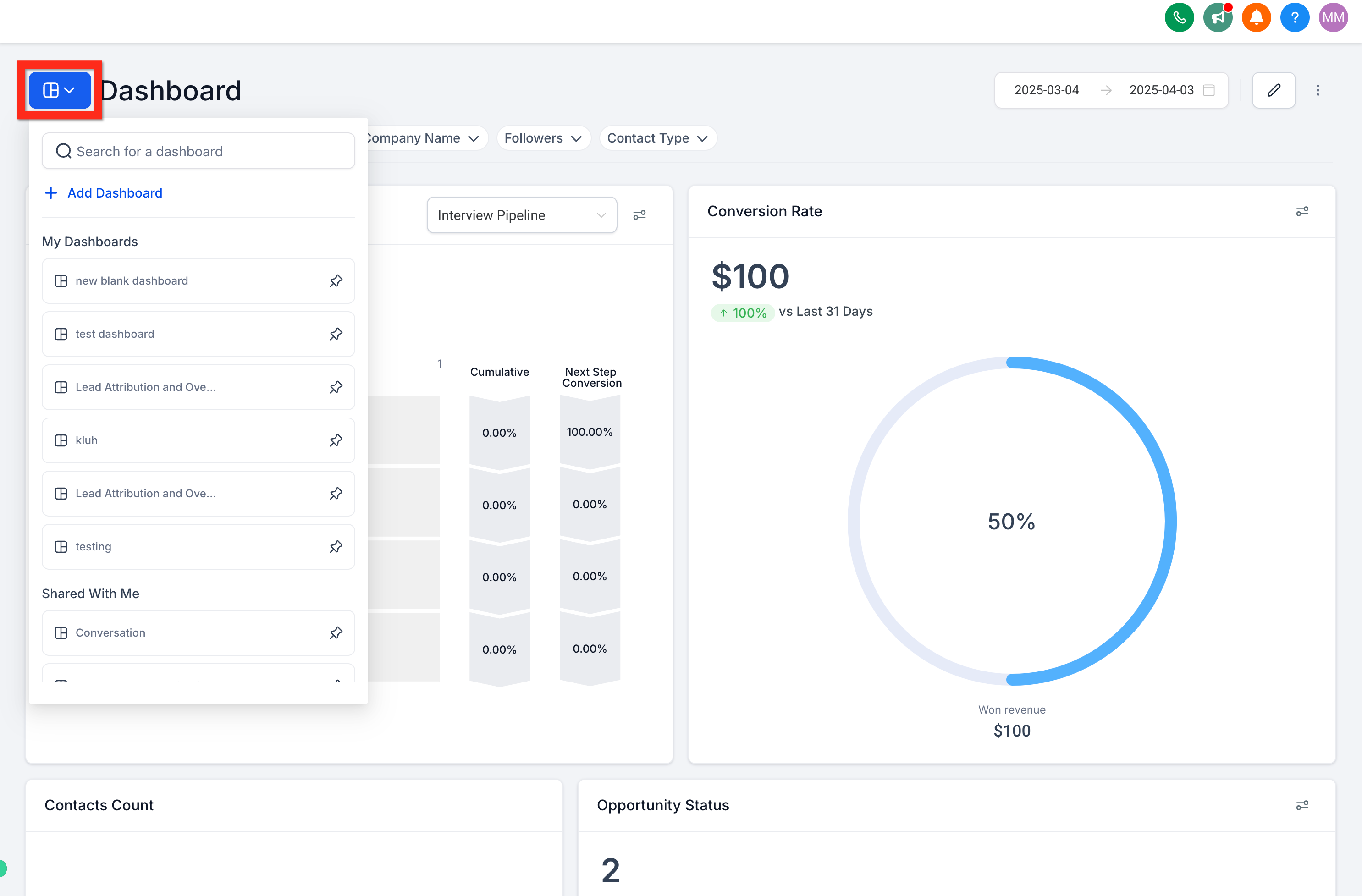
2. Search or scroll through the list until you find the dashboard you want to pin.
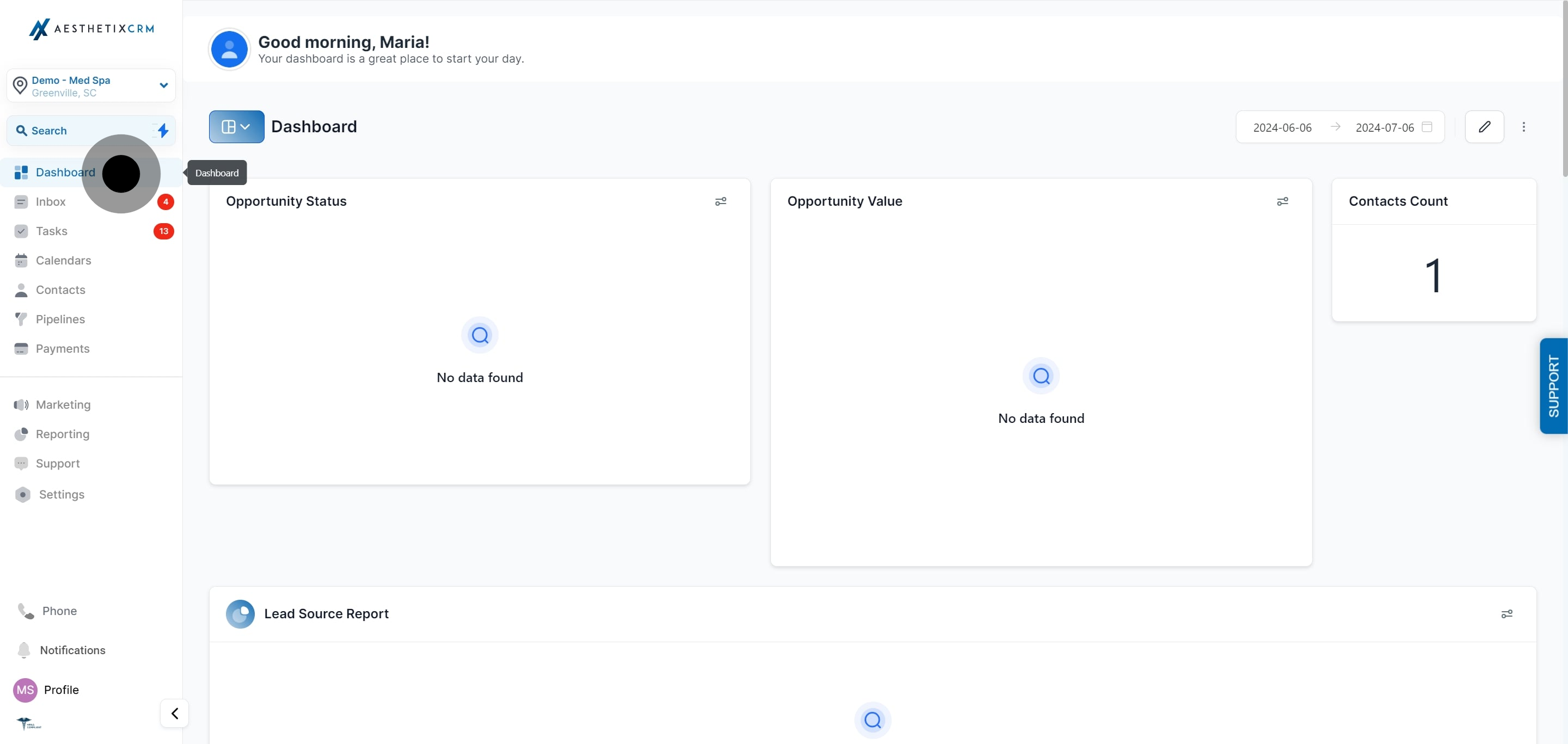
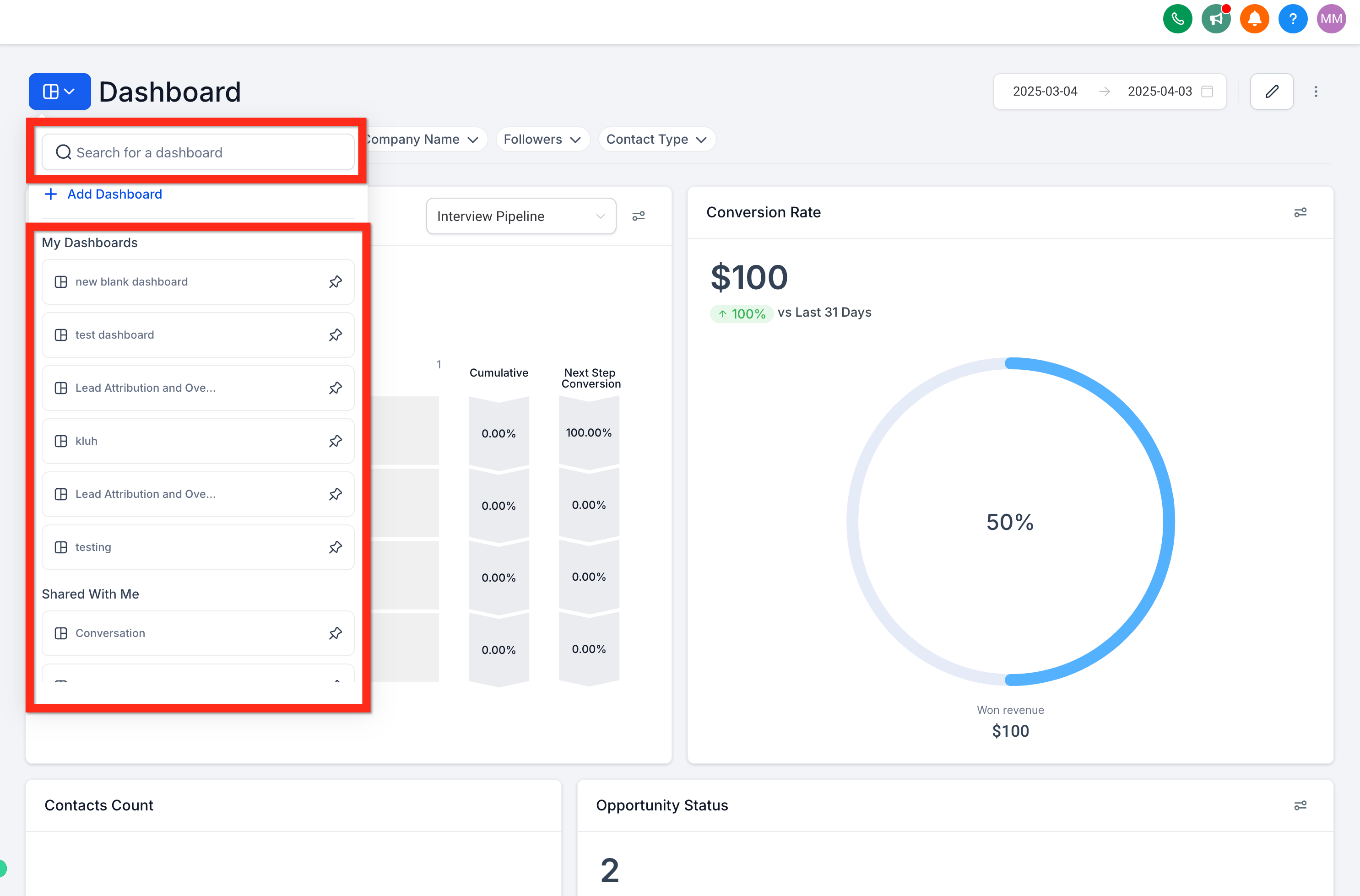
Click the pushpin icon next to the dashboard's name. The pin turns blue and the dashboard moves to the top of the list. You can pin more than one dashboard, and they'll stay grouped at the top in the order you pinned them.
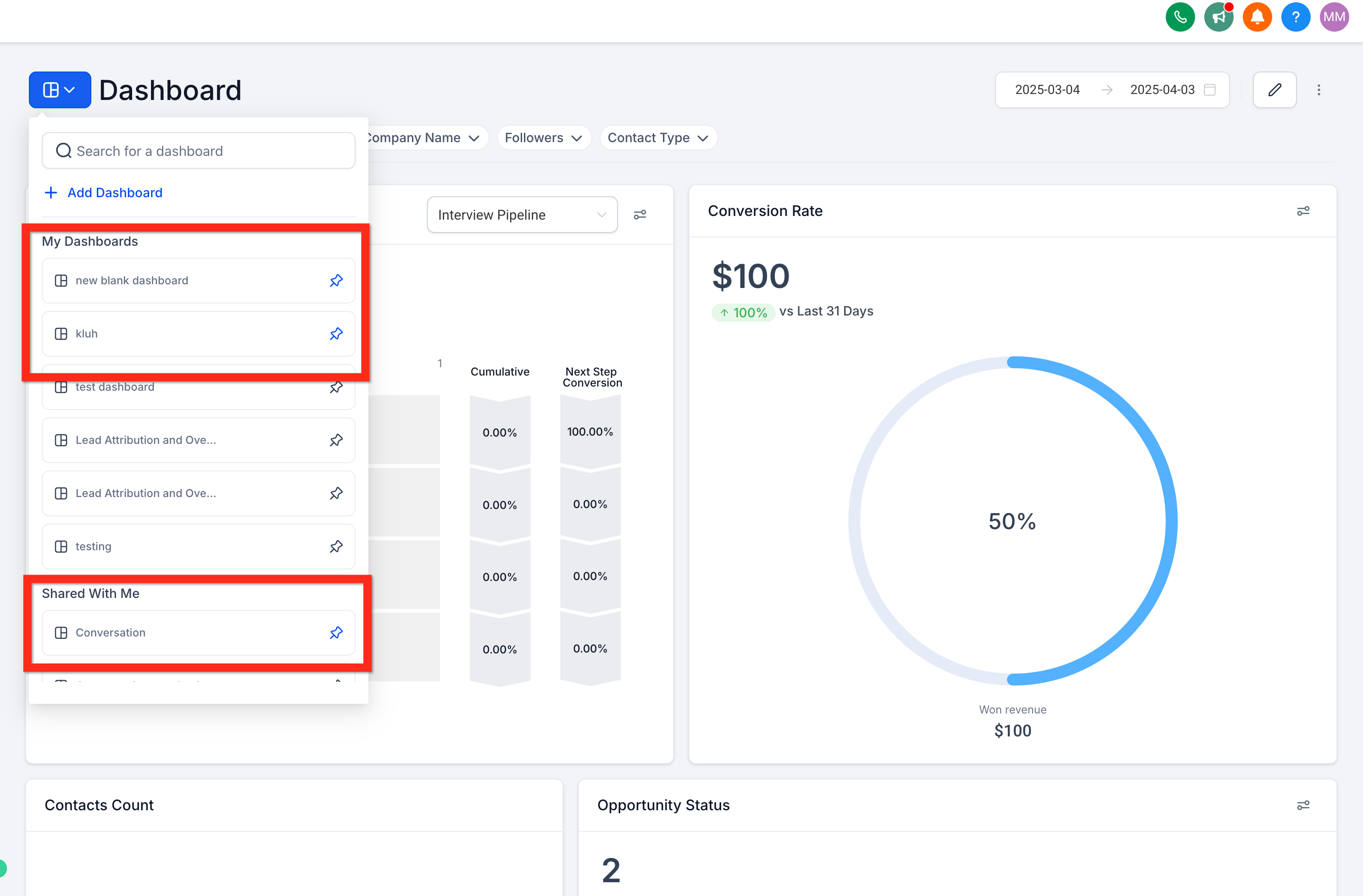
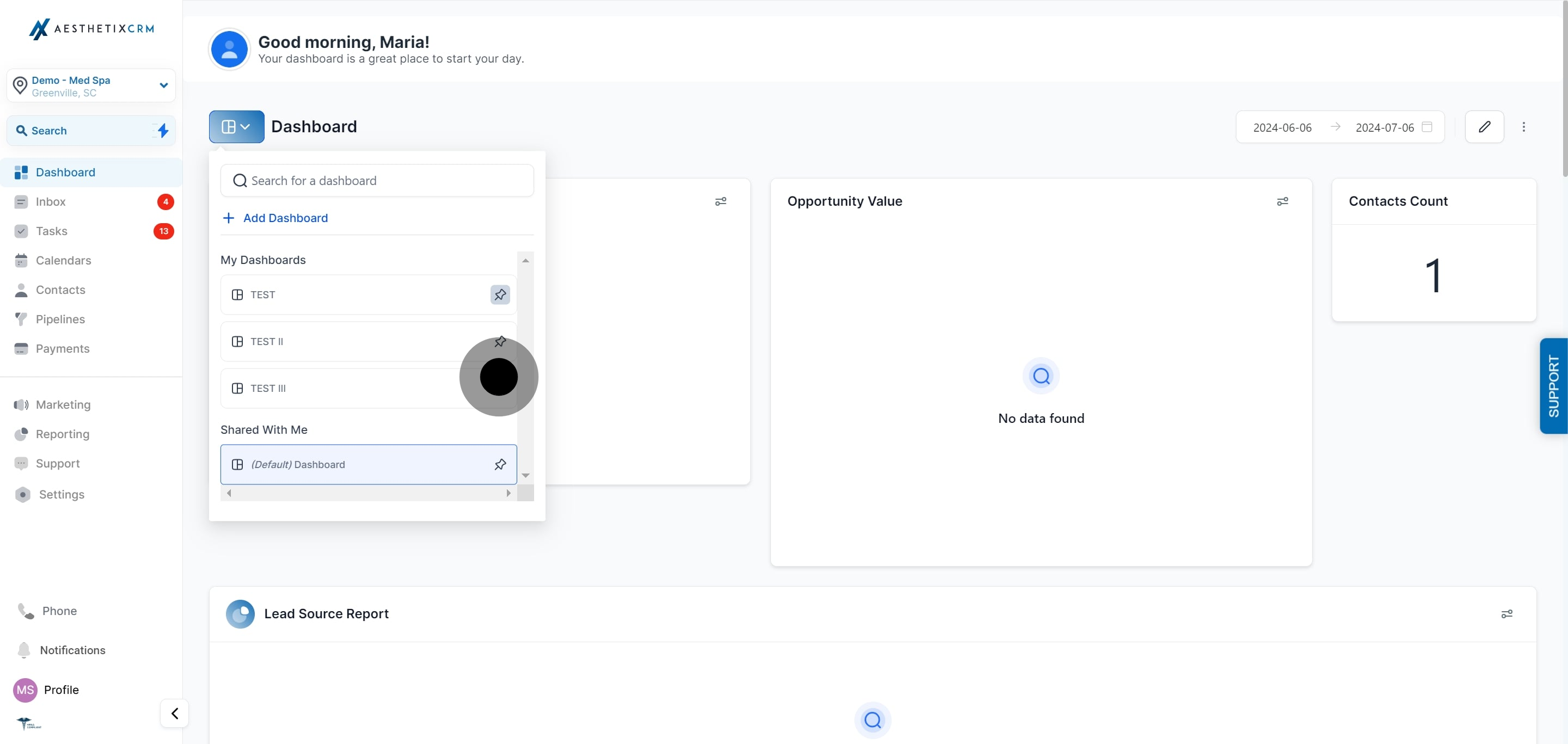
To unpin a dashboard, click the same pushpin icon again. It turns grey and the dashboard returns to its normal position in the list.
Can I have more than one default dashboard? No. A location can only have one default dashboard at a time. Setting a new default automatically replaces the previous one.
Who sees the default dashboard? Every team member with at least view access to that dashboard sees it as their landing page when they open the Dashboard section, unless they've set their own pinned favorites, which take visual priority in the dashboard list but don't change what loads first.
Why can't I set a dashboard as default? You need Account Admin access, or a role with full (not just view) access to that specific dashboard, to set it as the default. If the option is missing, ask your admin to check your dashboard permissions.
Why can't I delete my current default dashboard? A dashboard that's currently set as the default can't be deleted. Set a different dashboard as the default first, then you'll be able to delete the old one if needed.
Is pinning a dashboard the same as setting a default? No. Pinning is a personal preference that only affects your own view of the dashboard list. Setting a default changes the landing page for everyone on your team who has access to that dashboard.
Can I pin more than one dashboard? Yes. Pin as many dashboards as you like. They'll all stay at the top of your list, making it quick to jump between the boards you check most often.
Will pinning or setting a default affect the widgets or data on a dashboard? No. Both settings only change how a dashboard is accessed and displayed in your list. They don't alter the widgets, date ranges, or data configured on the dashboard itself.
I heard my default dashboard changed on its own. Is that expected? This was a known issue tied to a past release and has since been patched. Your dashboards and widgets themselves were never affected, only which one opened by default. If you ever notice your default dashboard has changed unexpectedly, simply set it back using the steps above.
Does a new team member automatically see my pinned dashboards? No. Pinned favorites are tied to your individual login. Each team member sets their own pins, while the default dashboard is the one setting that's shared across the whole team.
Where do I go to create a new dashboard to pin or set as default? New dashboards are created and configured from the Dashboard section itself. Once a dashboard exists, it becomes available to pin or set as default using the steps in this article.
