Your Aesthetix CRM store can sell more than one-time purchases. You can offer recurring products, such as a monthly membership plan or an auto-replenish skincare subscription, and have your patients billed automatically on a set schedule. This guide covers how to turn on subscription selling in your store's checkout and how it appears to patients. Creating the recurring product itself, along with its pricing, billing cycle, and any coupons, is handled in the Products sub of Payments, so this guide focuses on getting that product live and looking right on your storefront.
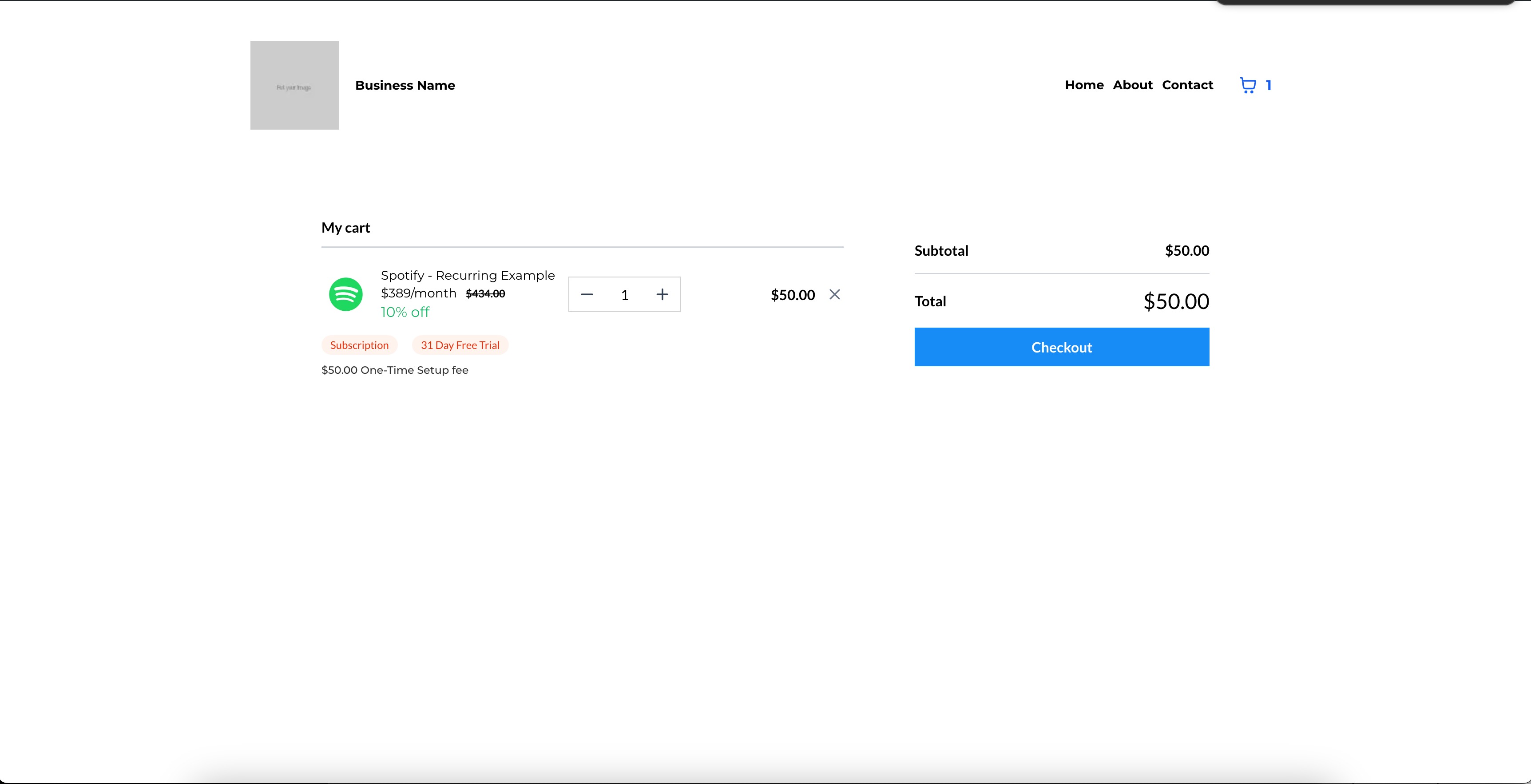
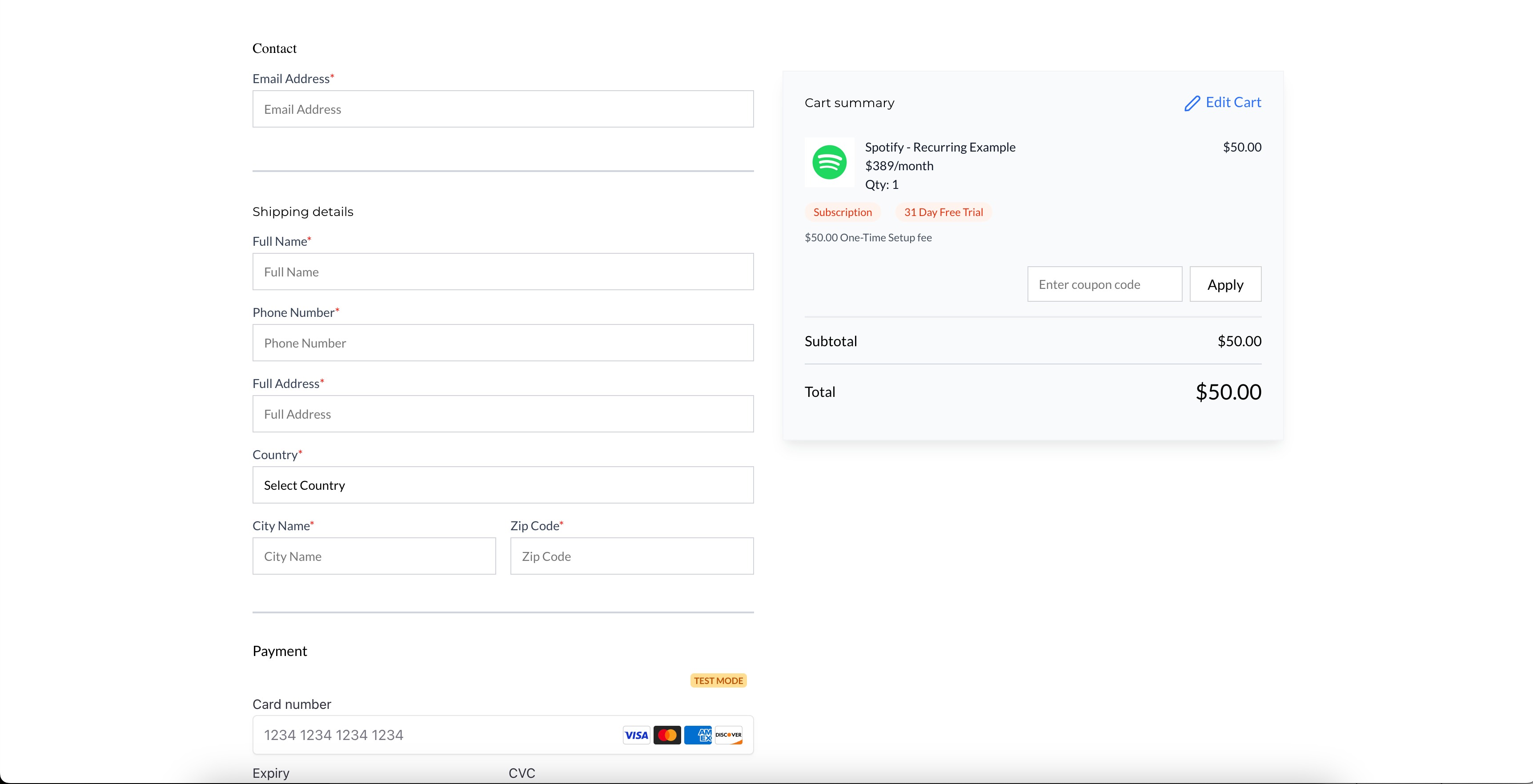
Once a product has a recurring price attached to it (set up under Payments > Products), your store automatically recognizes it as a subscription item. Patients who purchase it are billed on the cycle you configured, and the product displays with a "Subscription" pill in your store so patients know upfront that it's a recurring purchase, not a one-time buy.
Common med-spa uses for this include:
Monthly membership plans (for example, a recurring facial or injectable maintenance package)
Auto-replenish skincare or supplement orders
Recurring add-on services billed alongside a treatment plan
In your account, open the "Payments" section from the left menu.
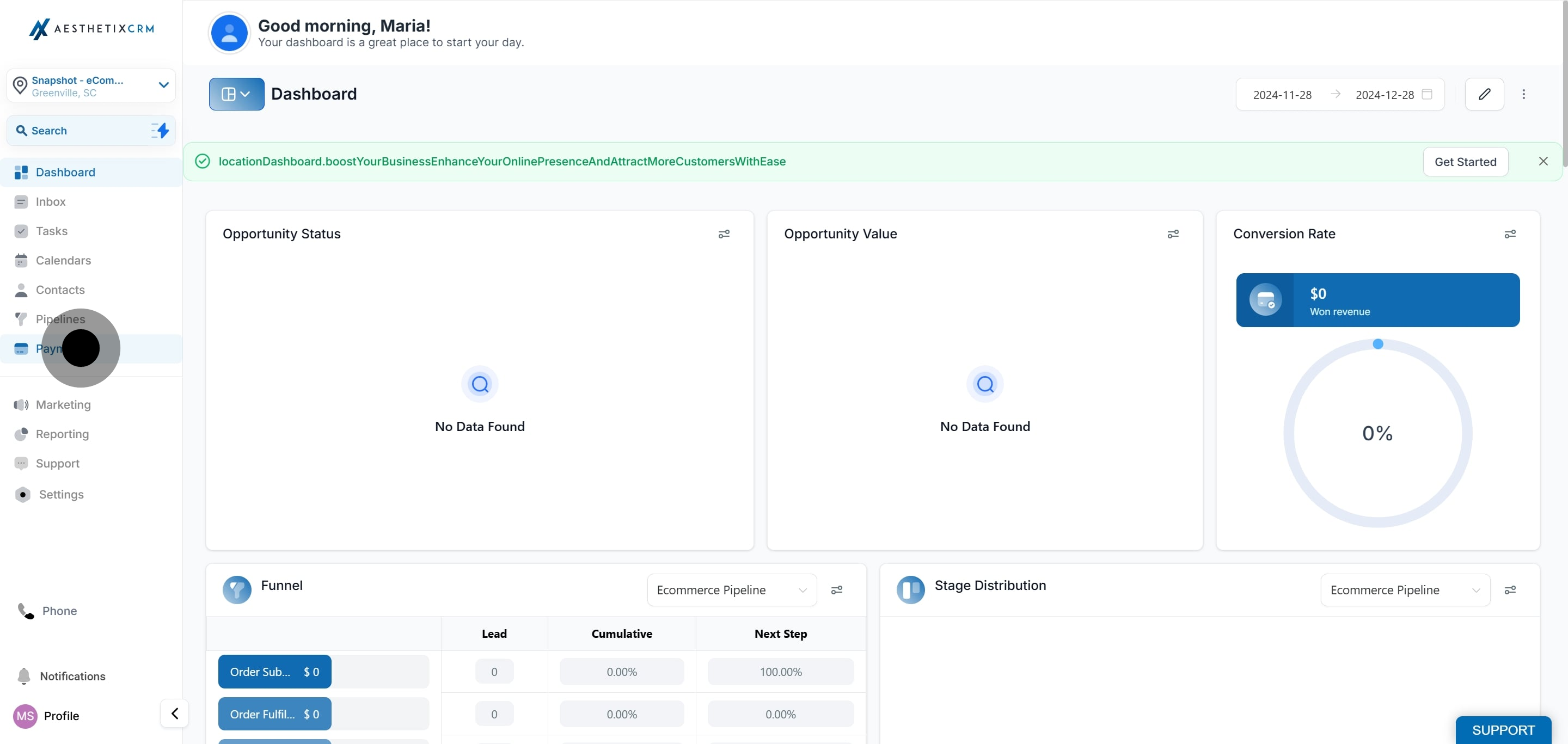
Click on "Products" to manage your product listings.
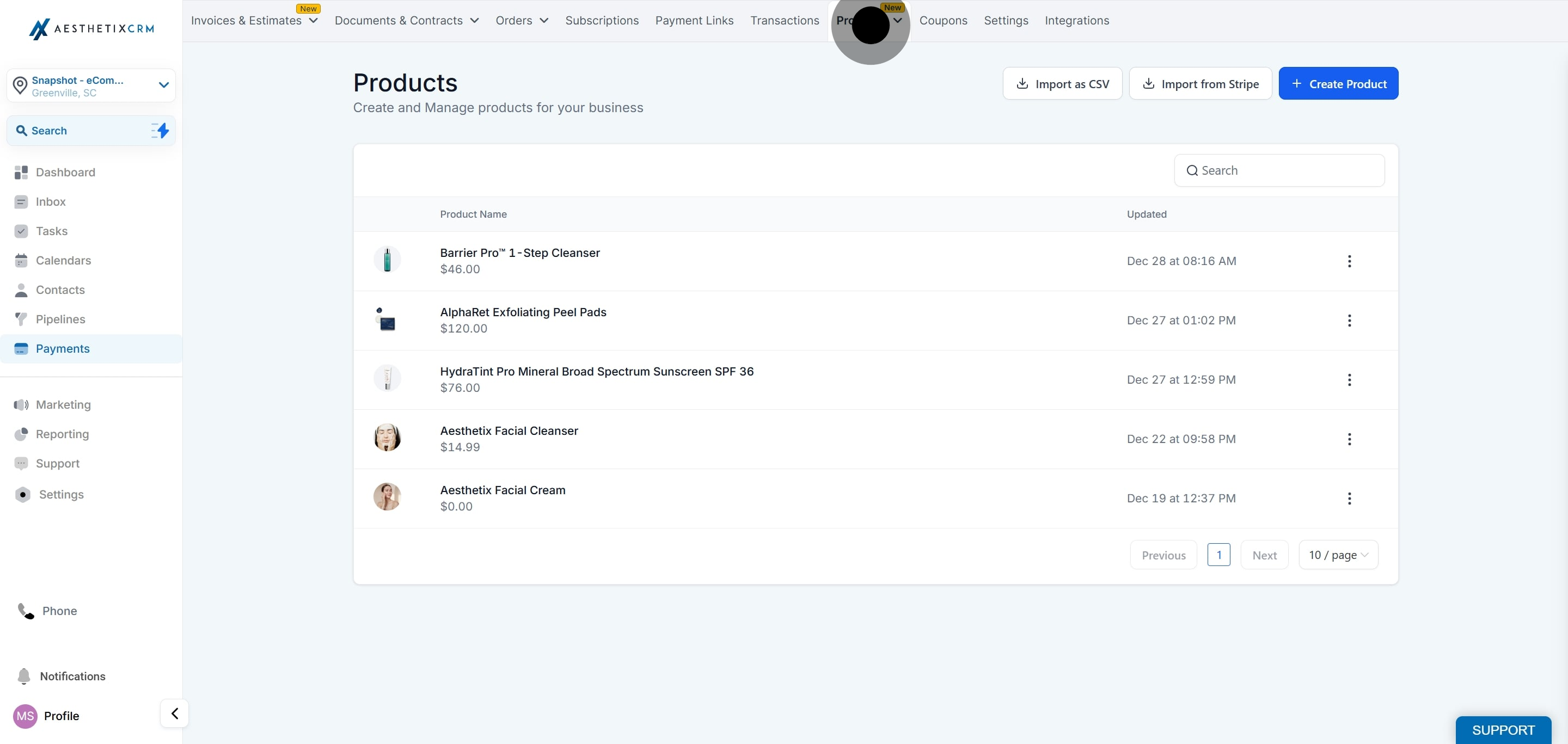
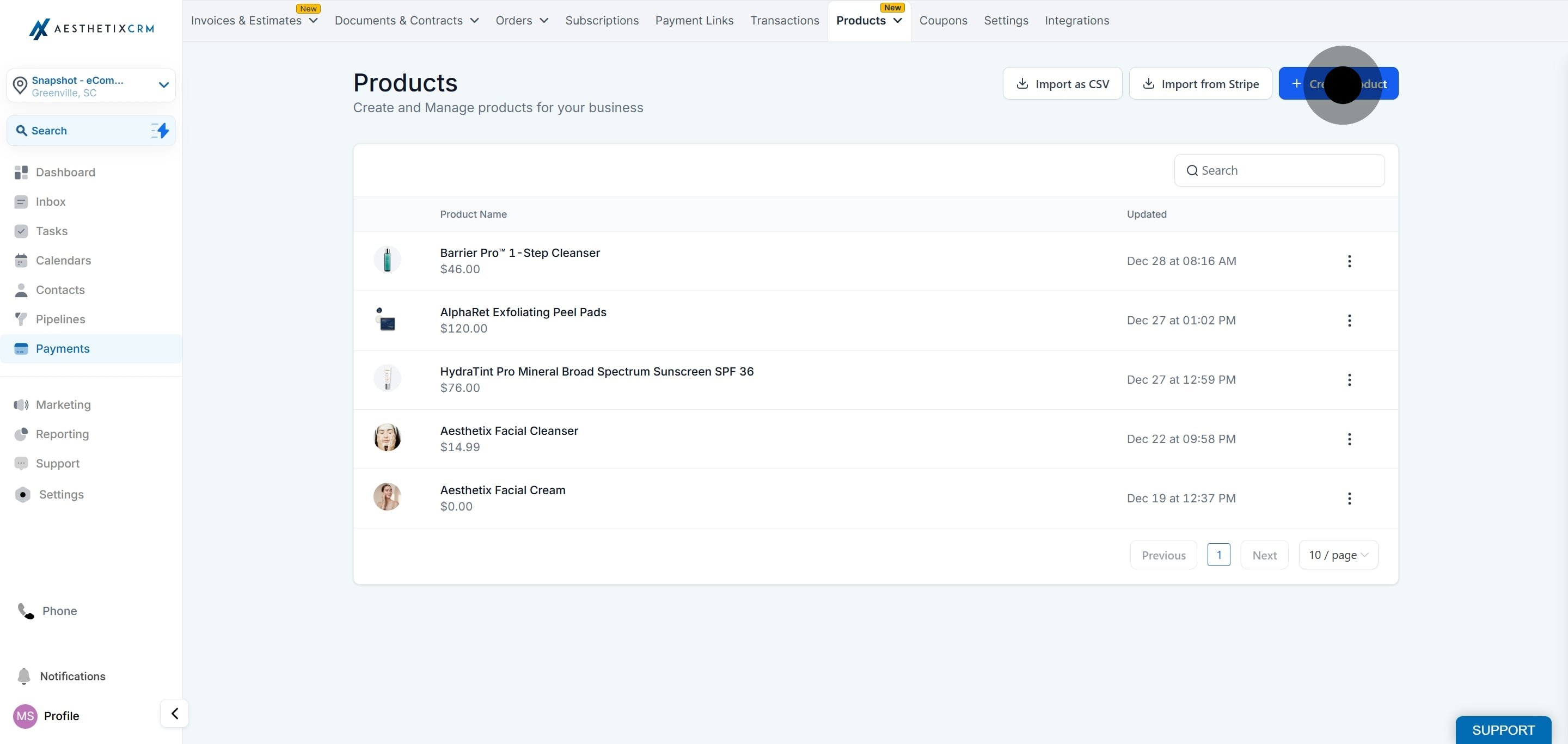
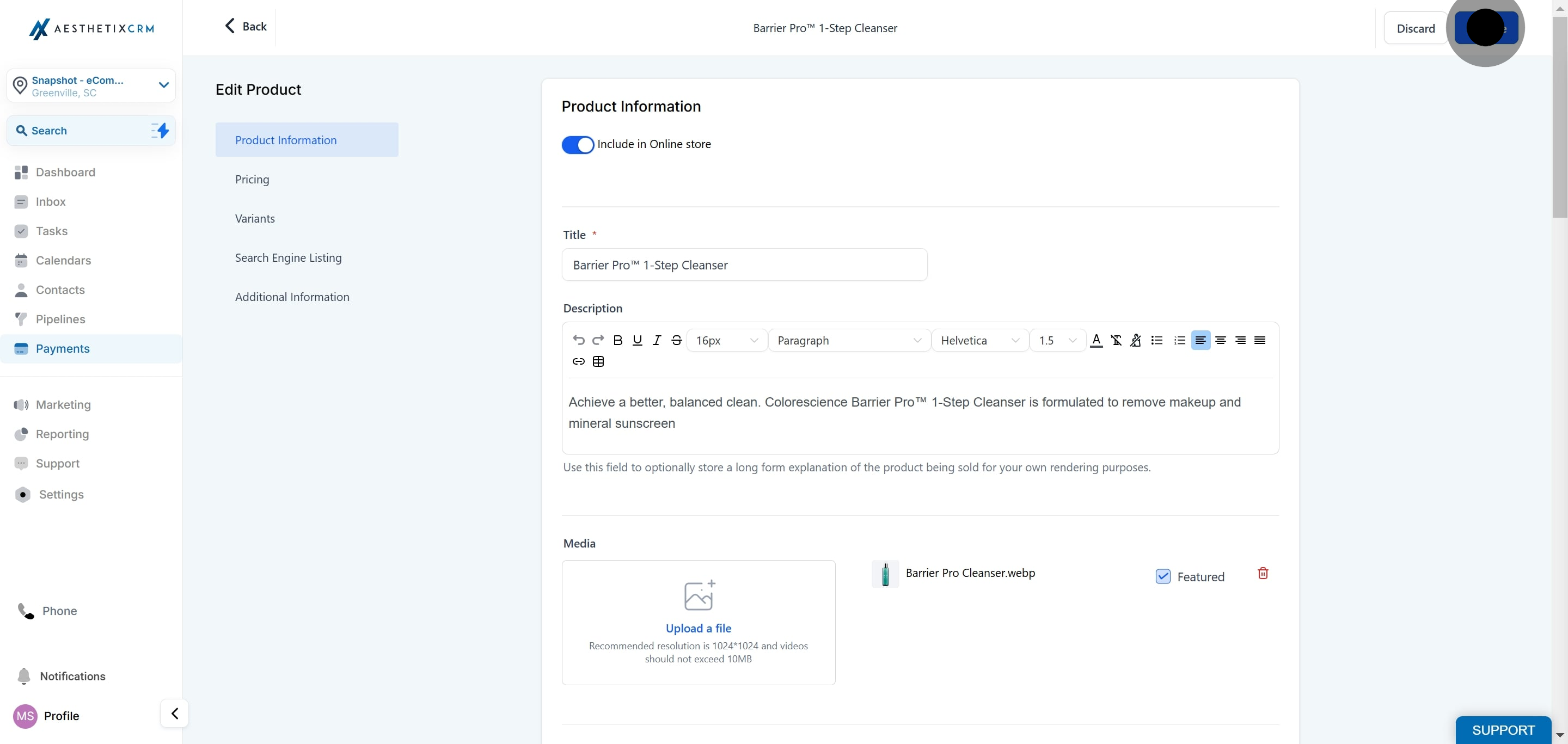
Open an existing product or create a new one, then attach a recurring price to it. For the full walkthrough on setting up pricing, billing cycles, taxes, and coupons for a recurring product, see the Products sub under Payments.
Enable the "Include in Online Store" toggle on the product so it becomes available for purchase on your storefront.
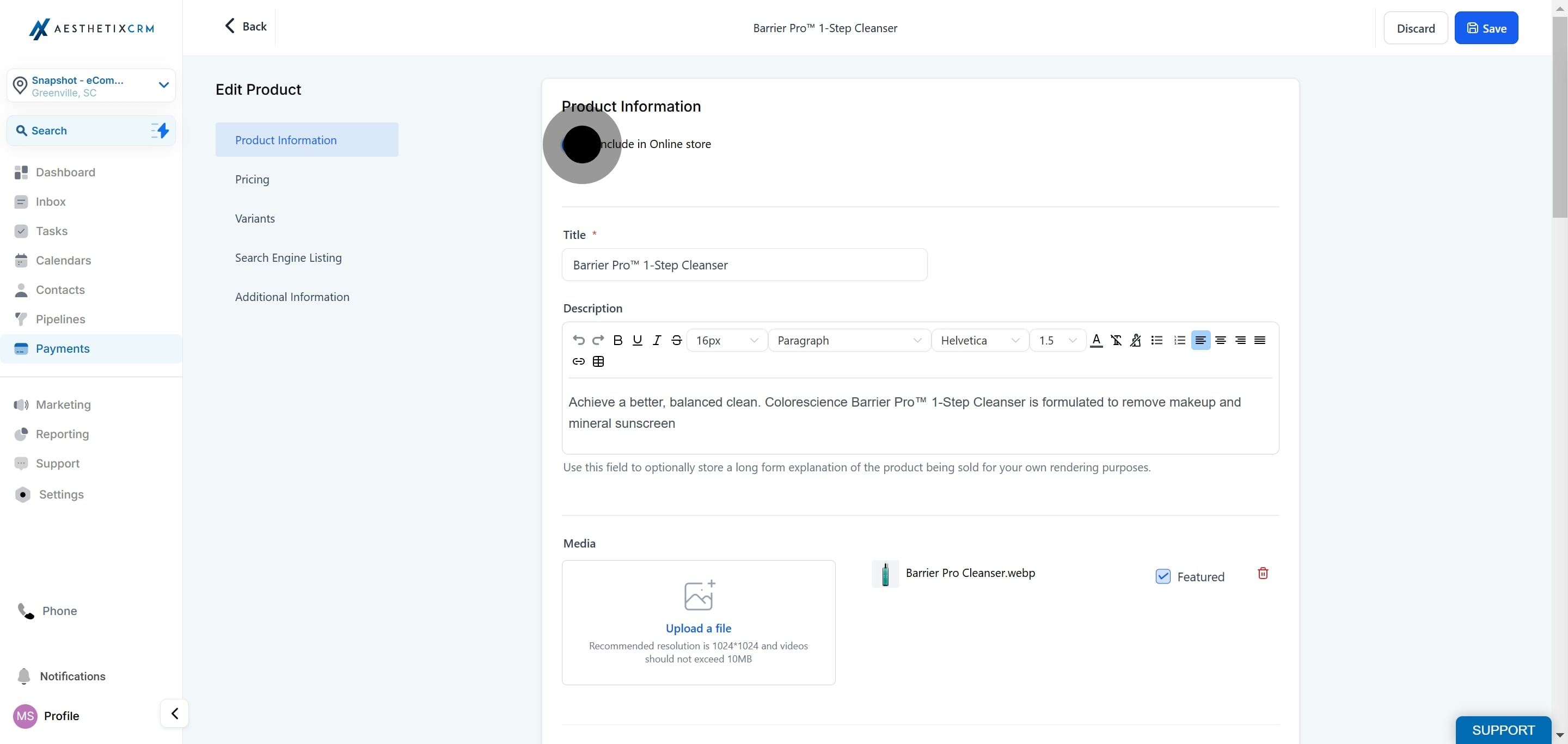
Once that's done, click "Save."
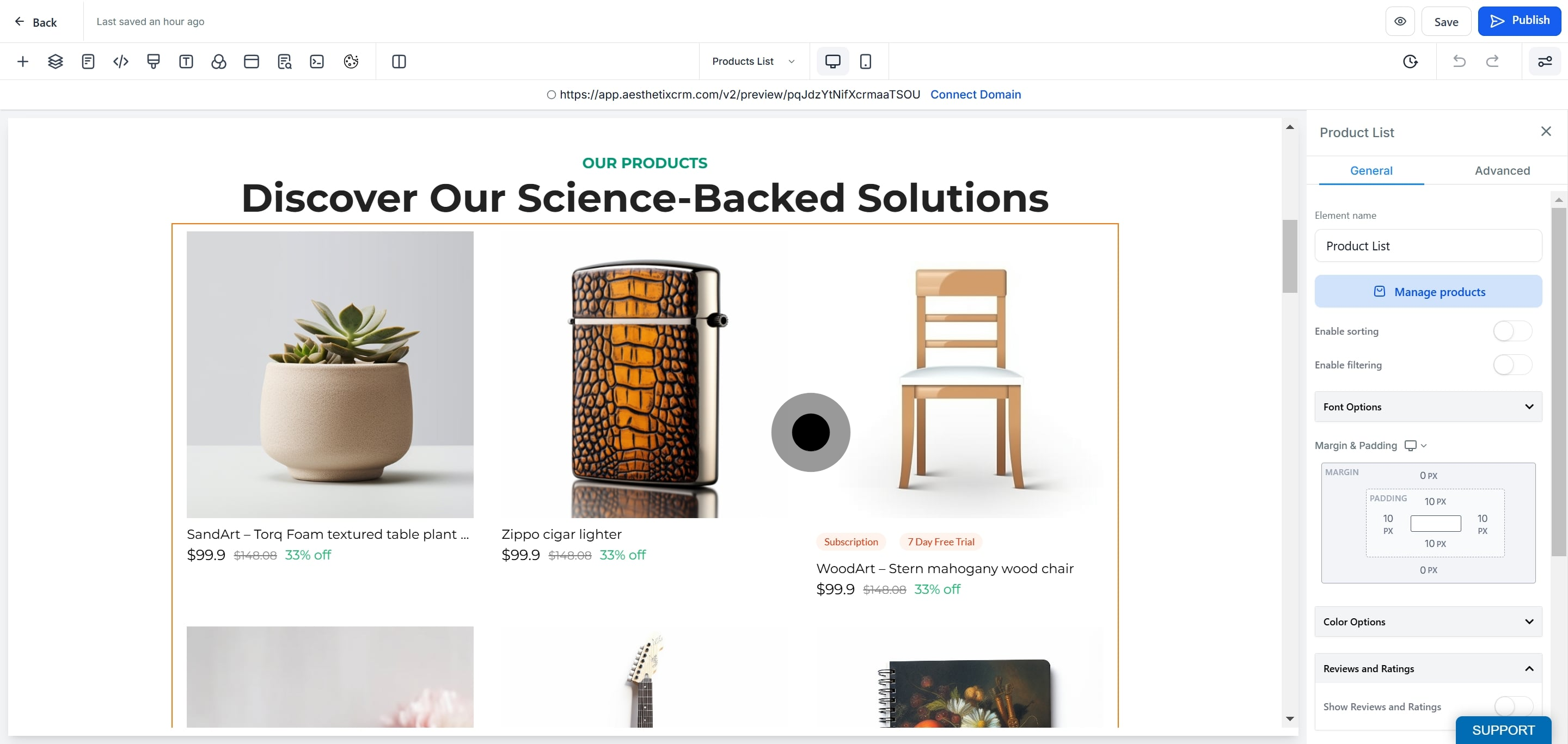
Navigate to your store's page builder to adjust how the store layout displays recurring products.
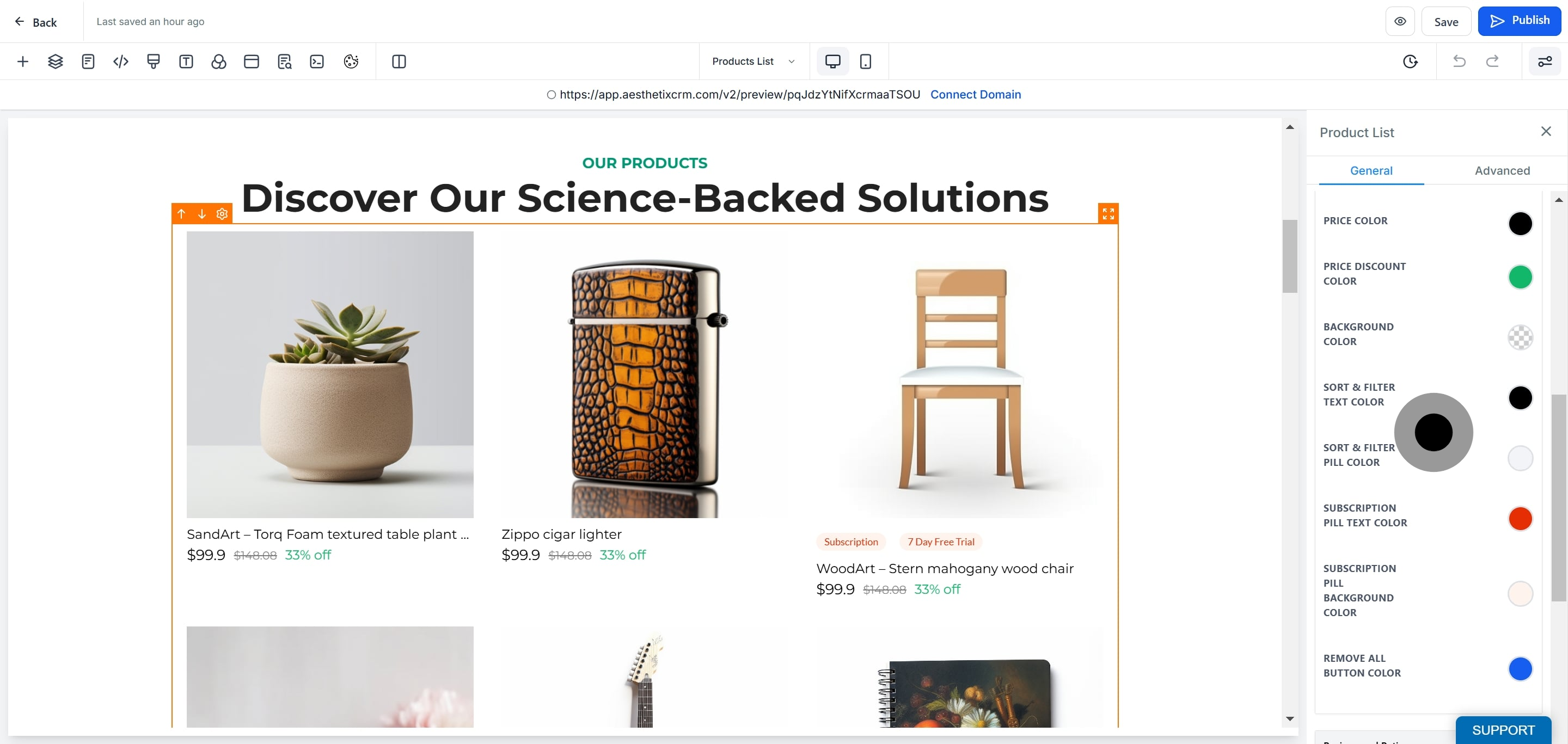
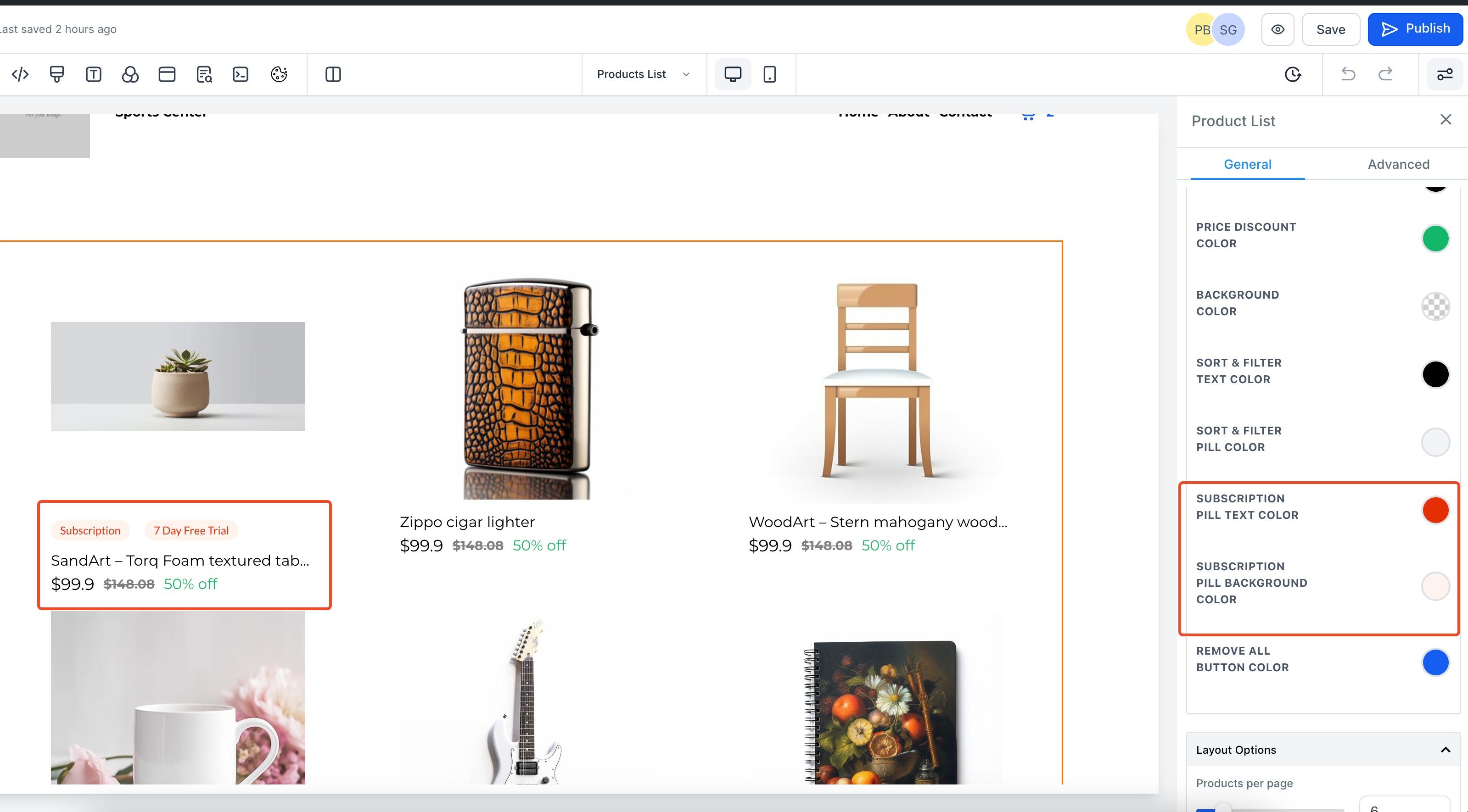
Customize the pill color and pill text color so the "Subscription" label matches your practice's branding.
Save and publish your changes. Your recurring products are now supported on your store.
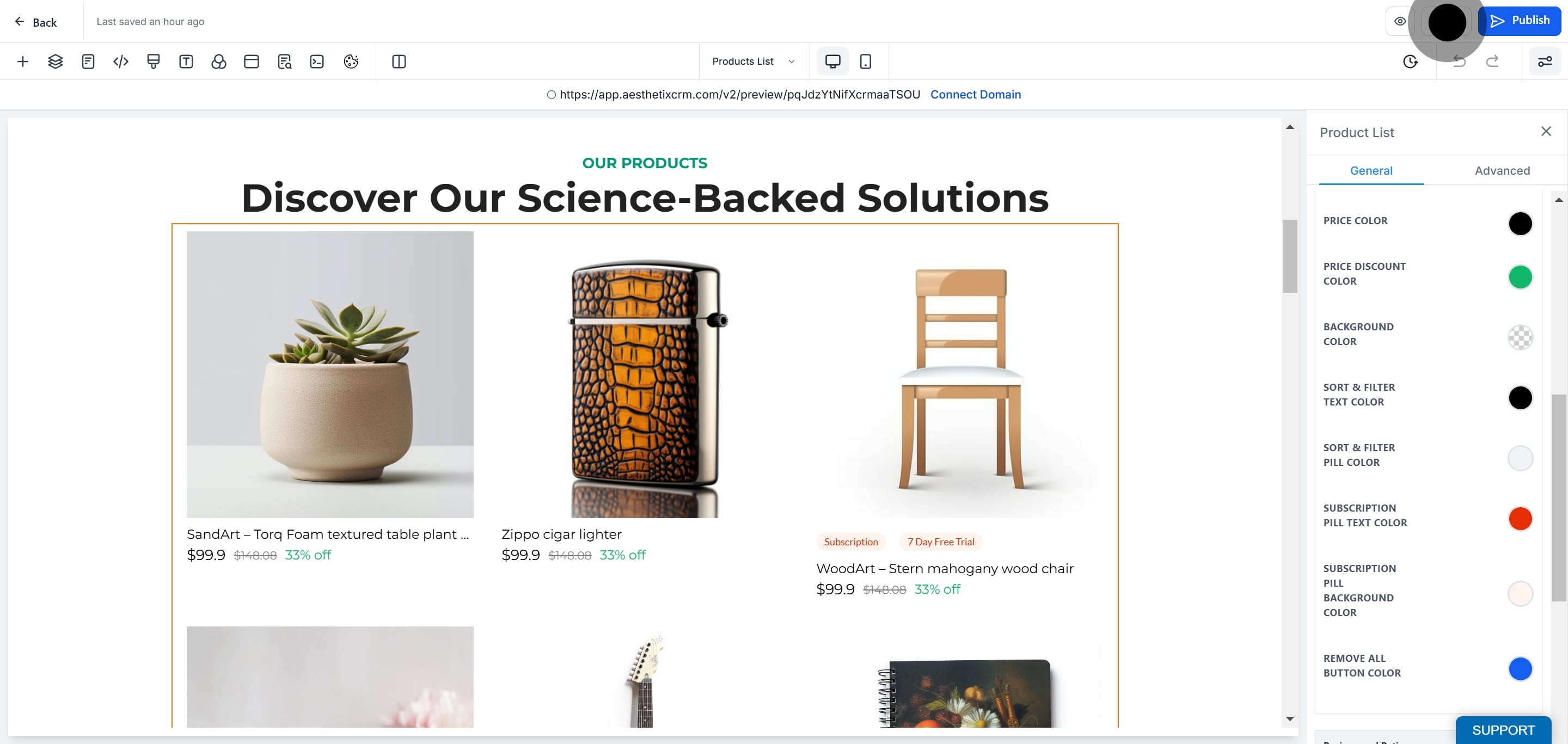
Save and publish all of your store pages, whether or not you customized the pill colors. This step is required for the subscription styling to render correctly. If you skip it, your live store can look different from what you see in the builder.
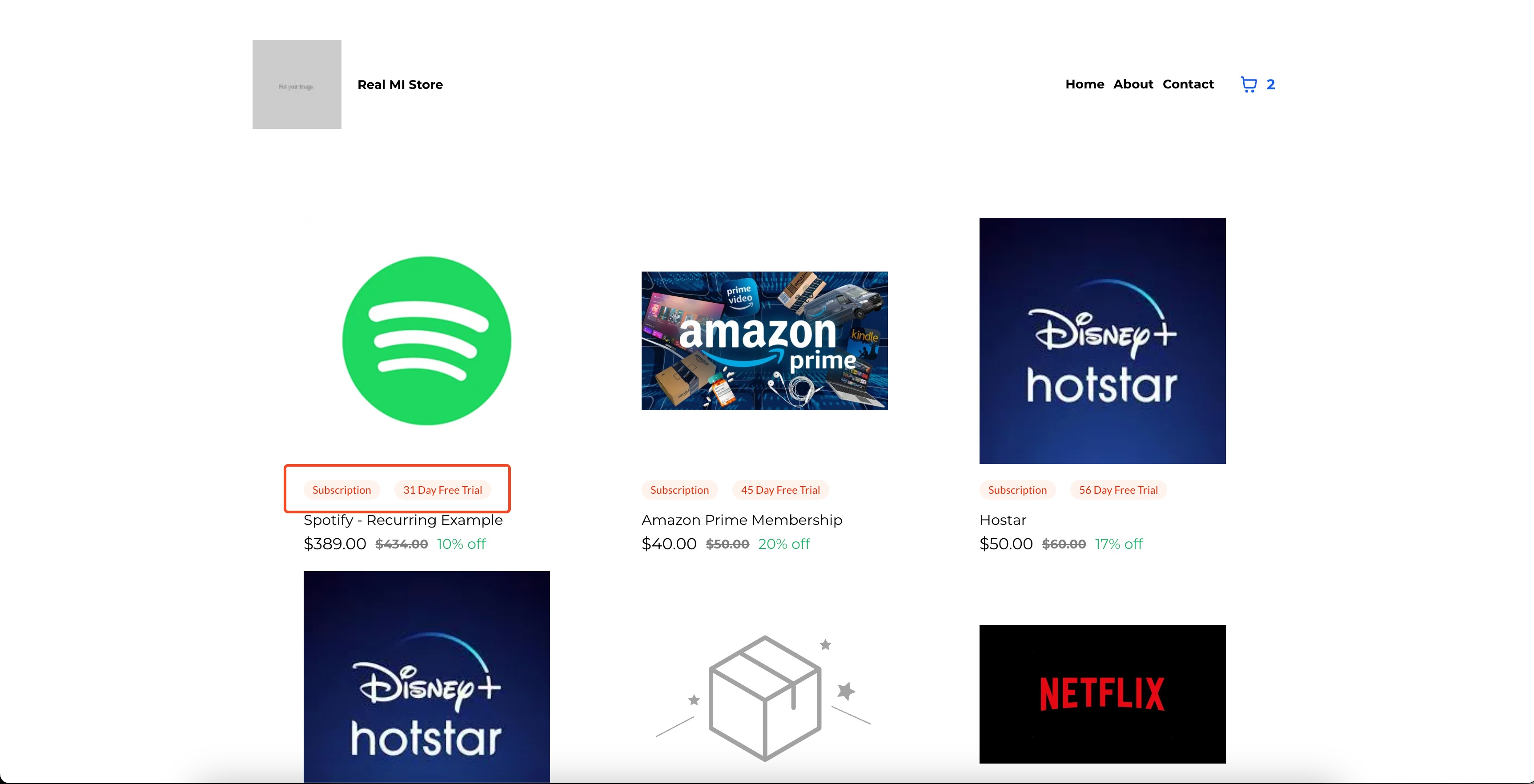
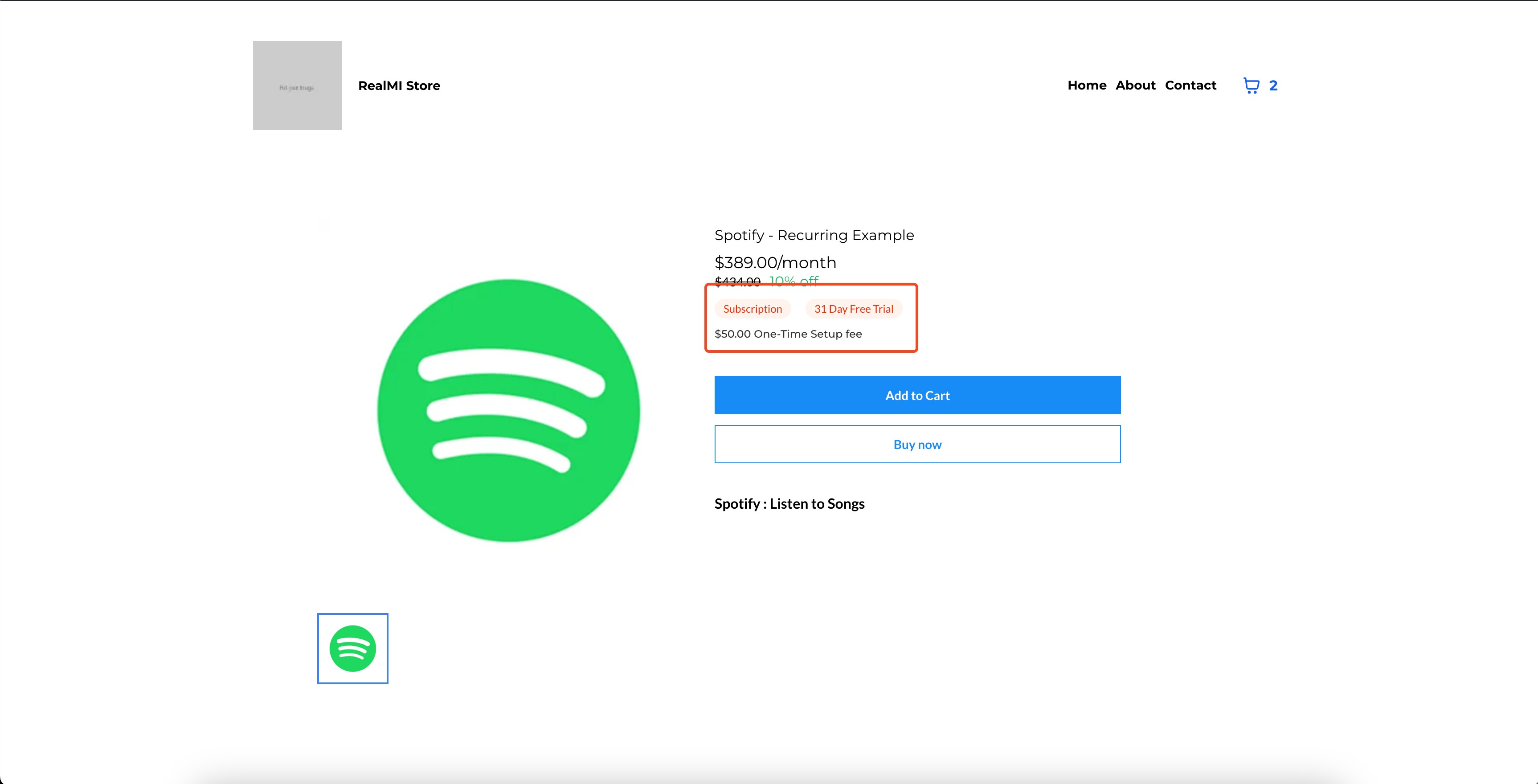
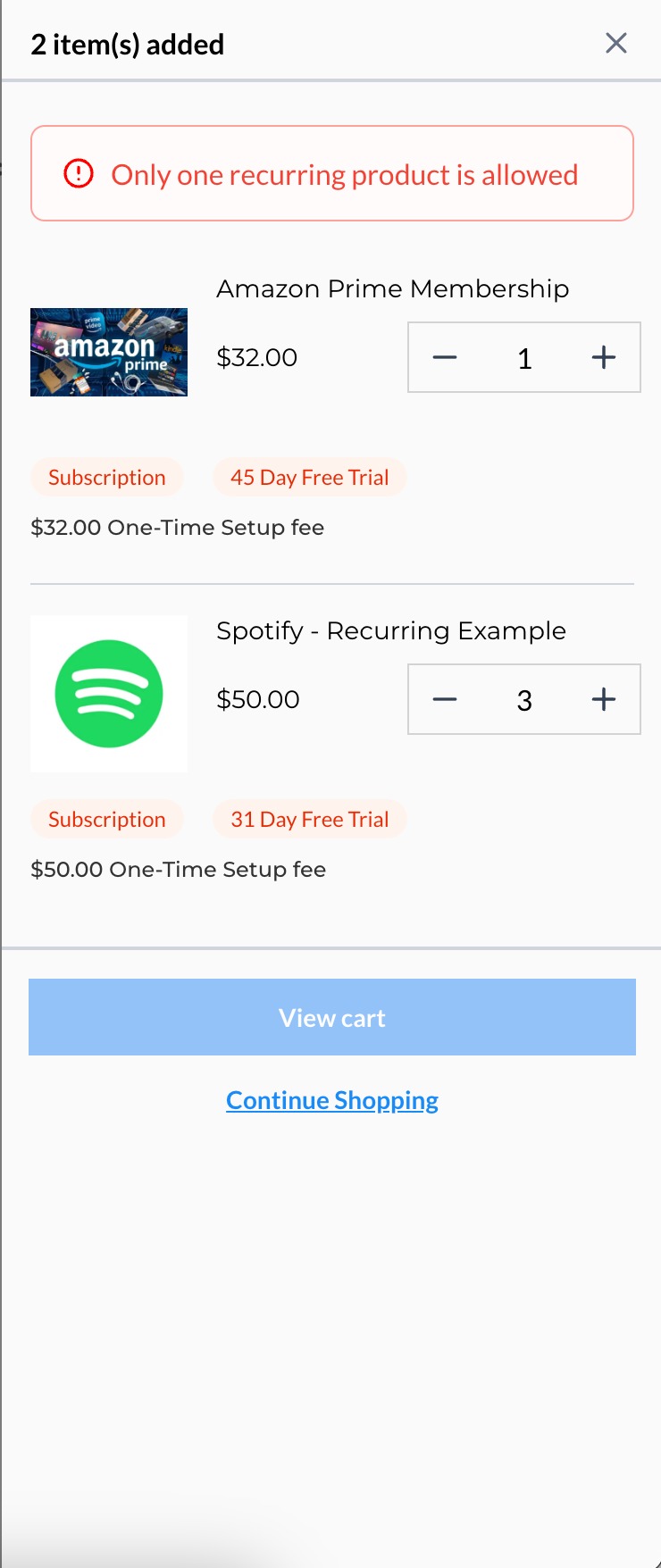
Once published, the "Subscription" pill appears both in the page builder preview and on the live store, so patients can immediately tell a product bills on a recurring schedule before they check out.
Builder preview:
Patient-facing preview:
Use AX Pay for recurring billing. AX Pay, Aesthetix CRM's built-in payment provider, offers better rates than Stripe and is a strong fit for subscription and membership billing since it's built directly into your store's checkout. See the AX Pay help article to get set up.
Do I need a special product type to sell a subscription? No. Any product in Payments > Products can become a subscription by attaching a recurring price to it instead of (or alongside) a one-time price.
Where do I set the billing cycle and price for a subscription? That's configured on the product itself under Payments > Products. This guide only covers getting the product live and correctly displayed in your store.
Can I offer coupons on subscription products? Yes, coupons are set up in the Products sub of Payments, the same place you manage pricing for recurring items.
Why isn't my recurring product showing the "Subscription" pill on my live site? Most often this means you customized the pill colors in the builder but didn't save and publish all store pages afterward. Publish every page, even ones you didn't touch, to sync the styling.
Can I sell both one-time and subscription products in the same store? Yes. One-time and recurring products can be listed side by side in the same store, and each will display its own labeling at checkout.
What happens if a patient's subscription payment fails? Failed payment handling follows your store's standard payment processing rules. Reviewing failed or retried subscription charges is done from your payment provider's transaction records.
Can patients manage or cancel their own subscription? Subscription management options depend on your store and payment provider setup. For patient-initiated changes, check with your payment provider (including AX Pay) on what self-service controls are available.
Is a membership the same thing as a subscription product? For store purposes, yes: a "membership" is simply a recurring product billed on a cycle you define, whether that's a monthly maintenance package or an ongoing skincare replenishment order.
Do I need to use the page builder to sell subscriptions? You need to visit the page builder at least once to confirm your store layout supports the subscription pill styling and to publish your pages, even if you don't change any colors.
Can I connect Shopify or WooCommerce instead of using the native store for subscriptions? Shopify and WooCommerce connections are managed under Integrations and have their own subscription handling through those platforms. This guide covers the native Aesthetix CRM store only.
