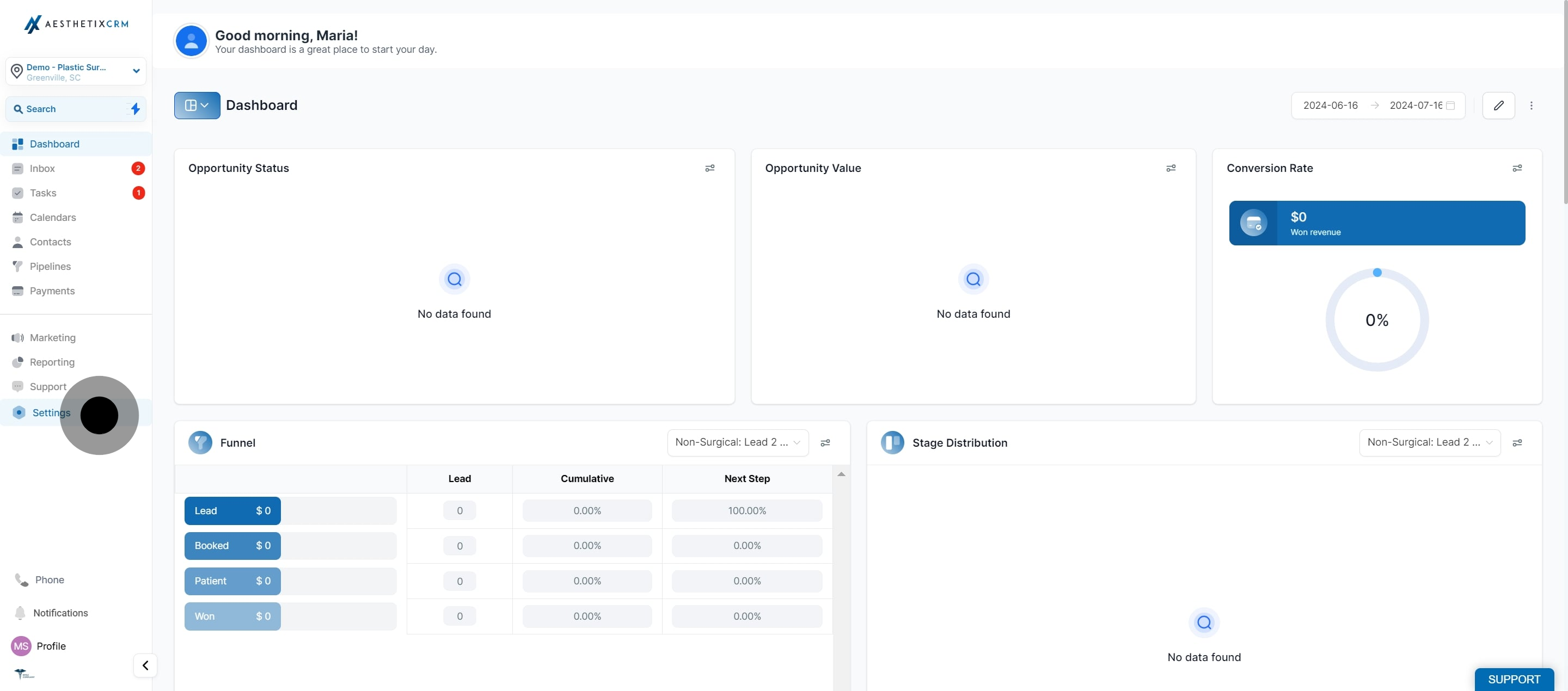
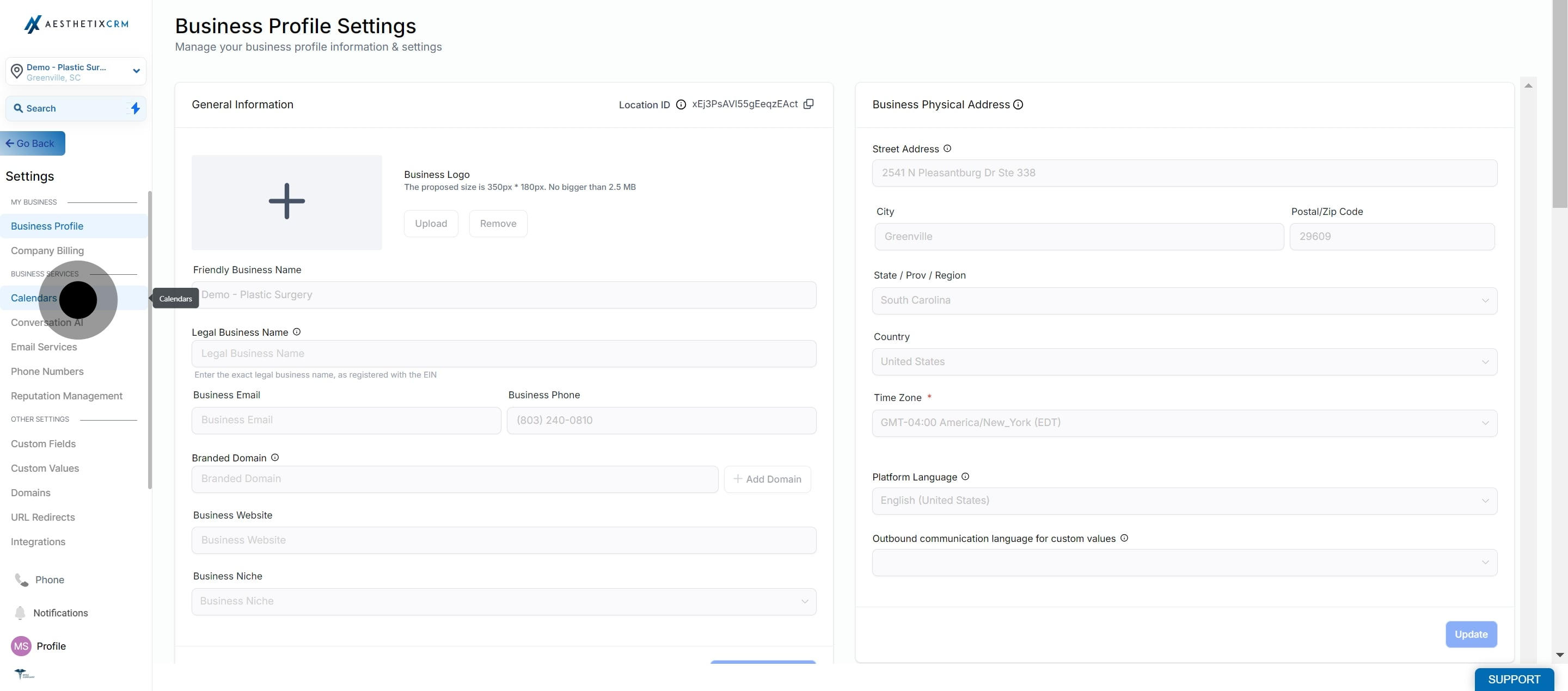
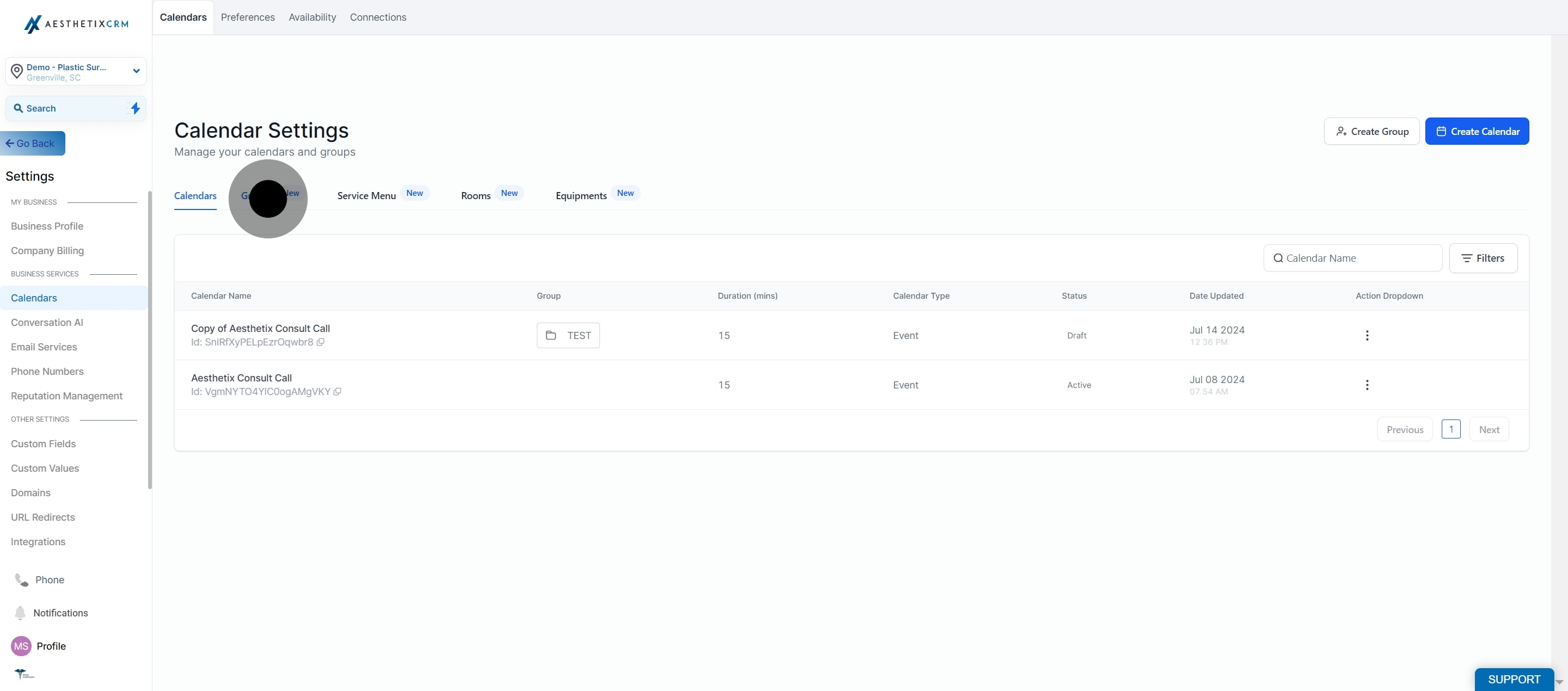
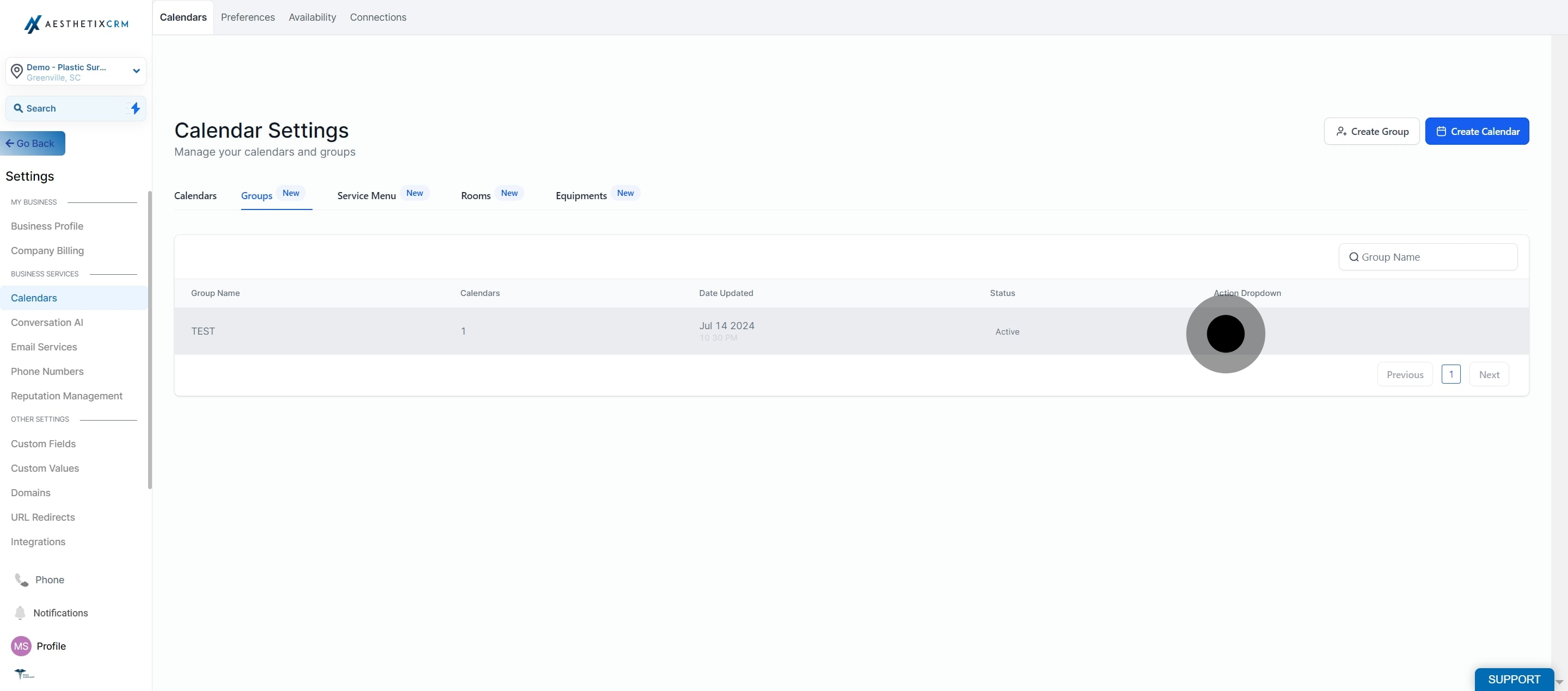
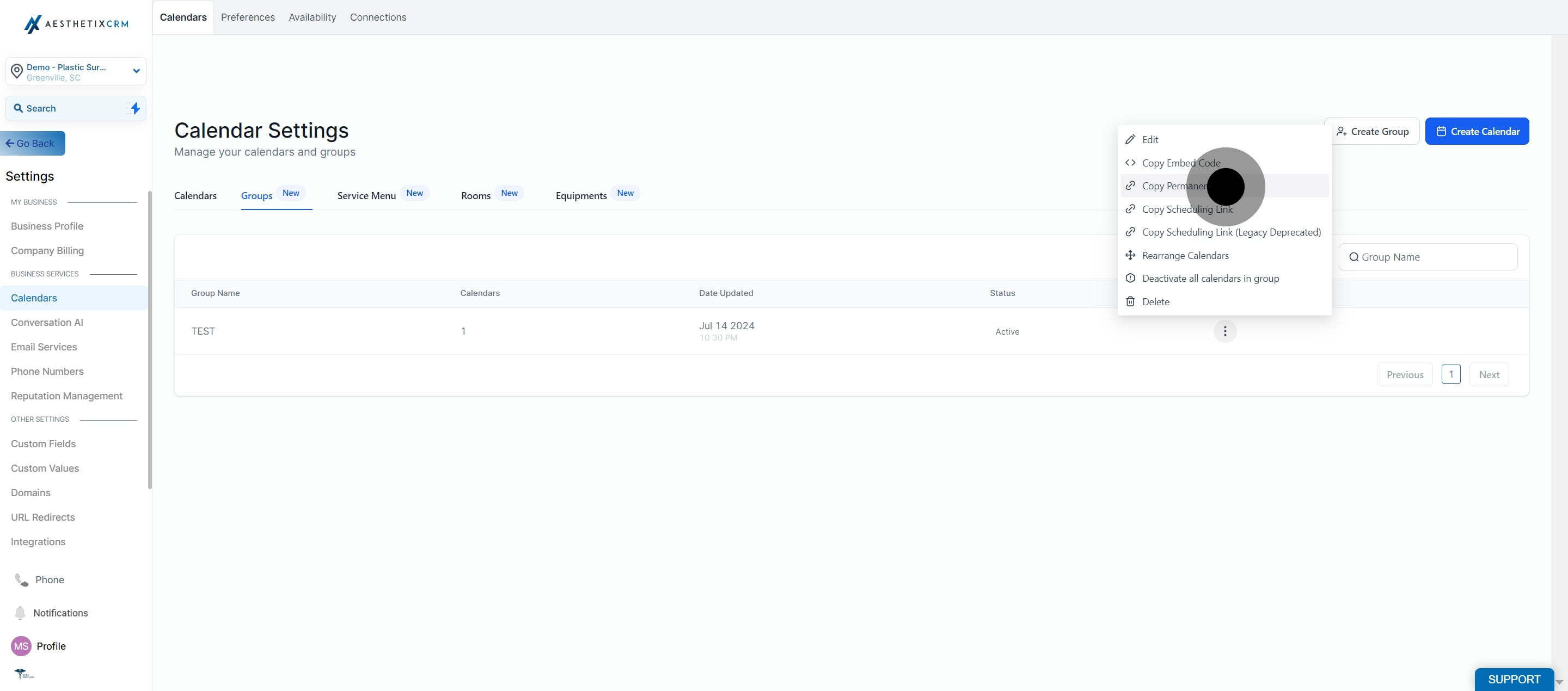
A Group Calendar in Aesthetix CRM pools several providers or services (like your injectors, estheticians, or treatment rooms) behind one shared booking page. Once a group is set up, you can share it with patients three ways: paste an embed code on a webpage or funnel, hand out a permanent booking link, or reference its unique Calendar ID inside workflows and integrations. All of this lives under Settings > Calendars > Groups.
Use the embed code when you want a Group Calendar's booking widget to appear directly on a page, such as a funnel step, your website, or a landing page.
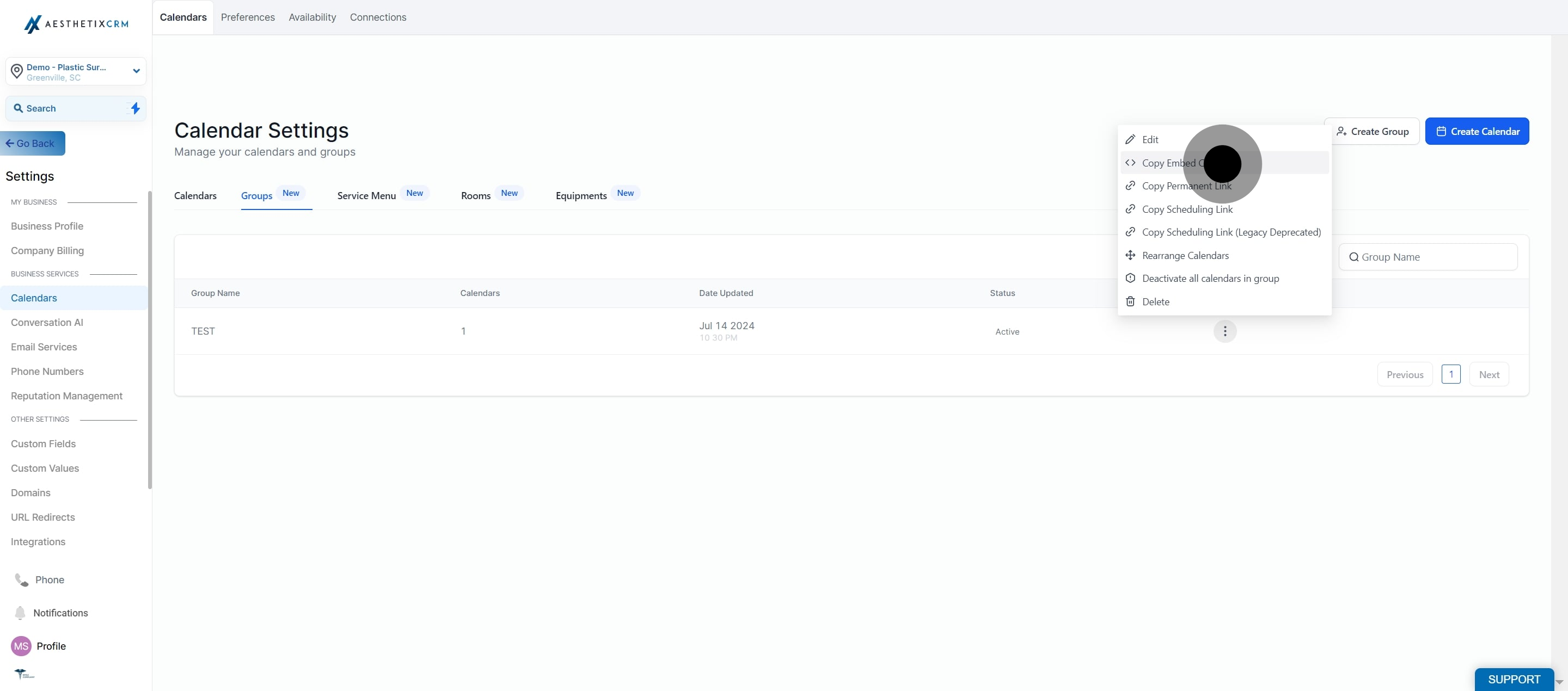
Paste the copied code into any funnel or website page builder element that accepts custom HTML. If you want to collect patient intake details before the visit, pair the embedded calendar with an intake form so the booking and history collection happen in the same step.
Use the permanent link when you want a standalone booking page URL, for example in an email, text message, social bio link, or QR code, rather than embedding the widget on a page you control.
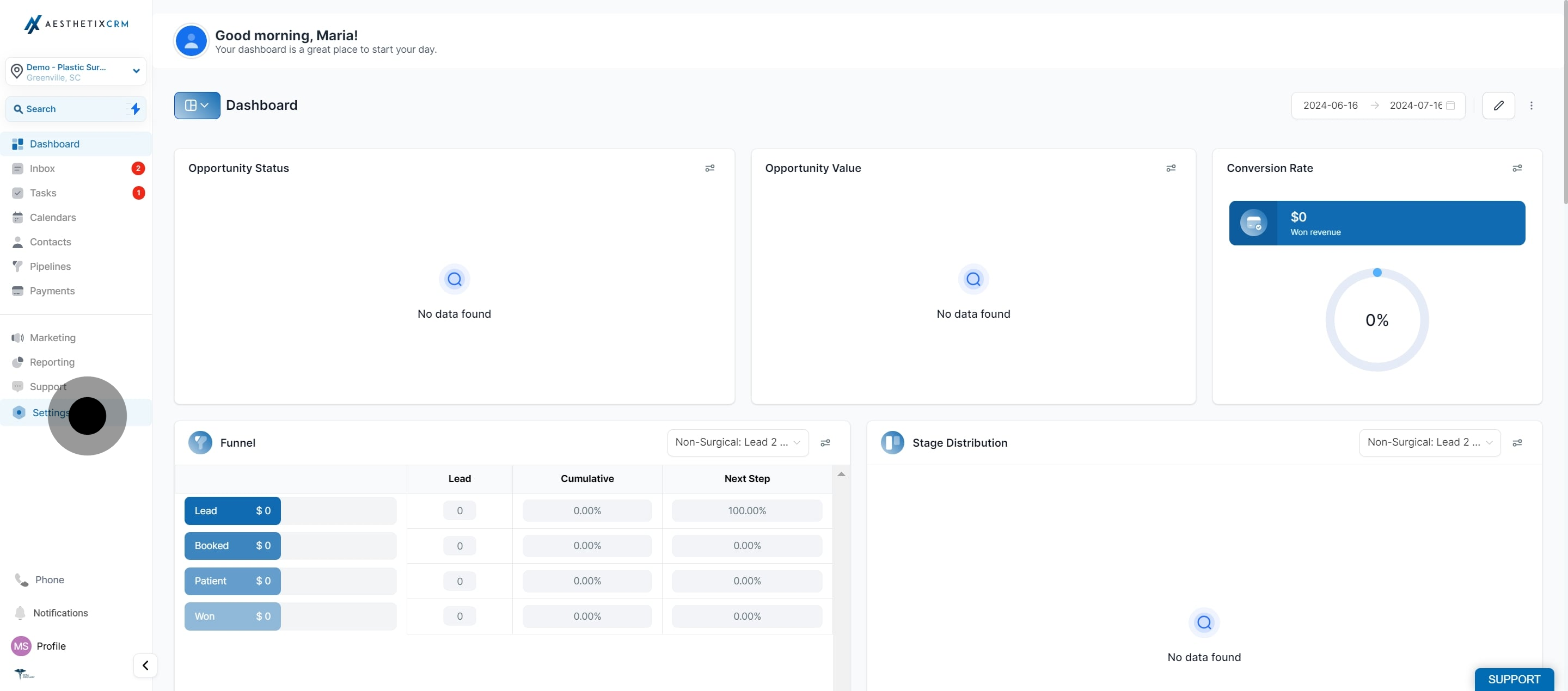
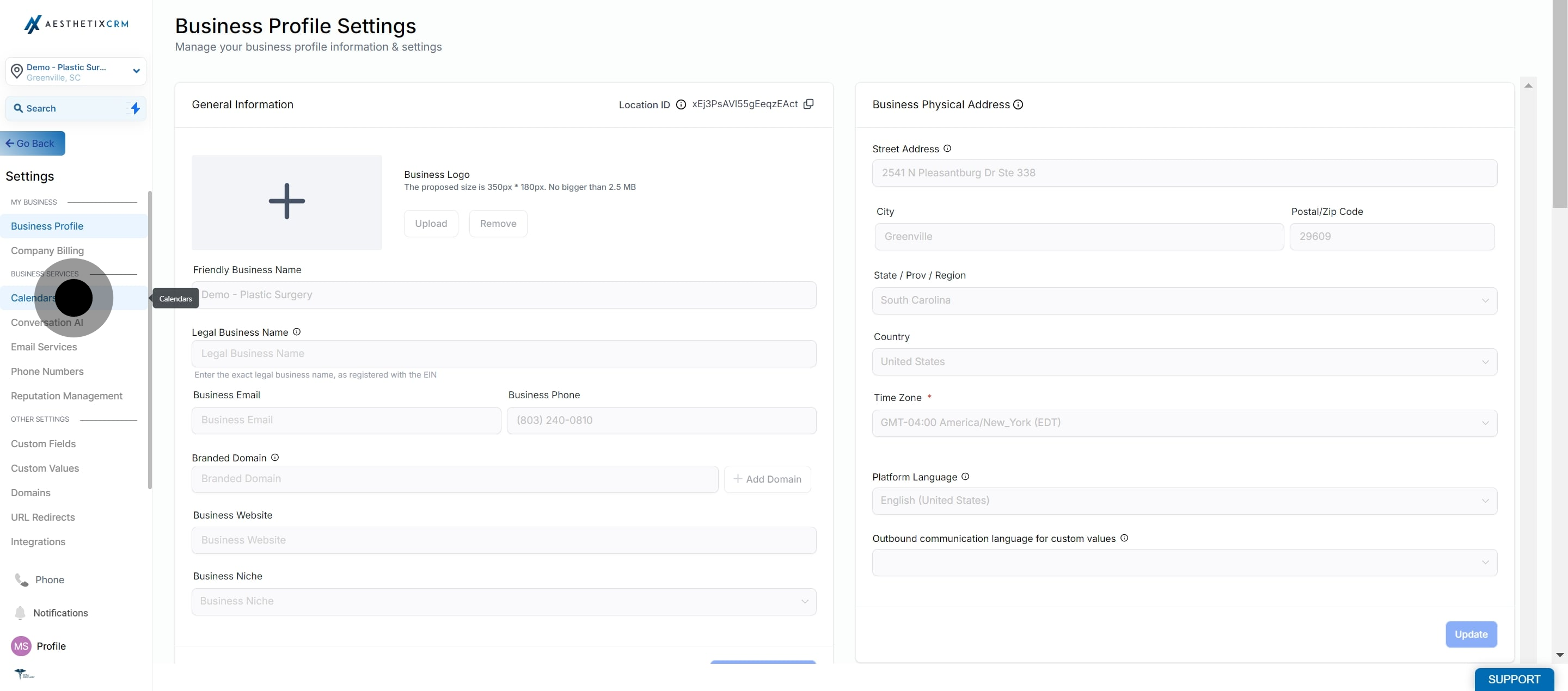
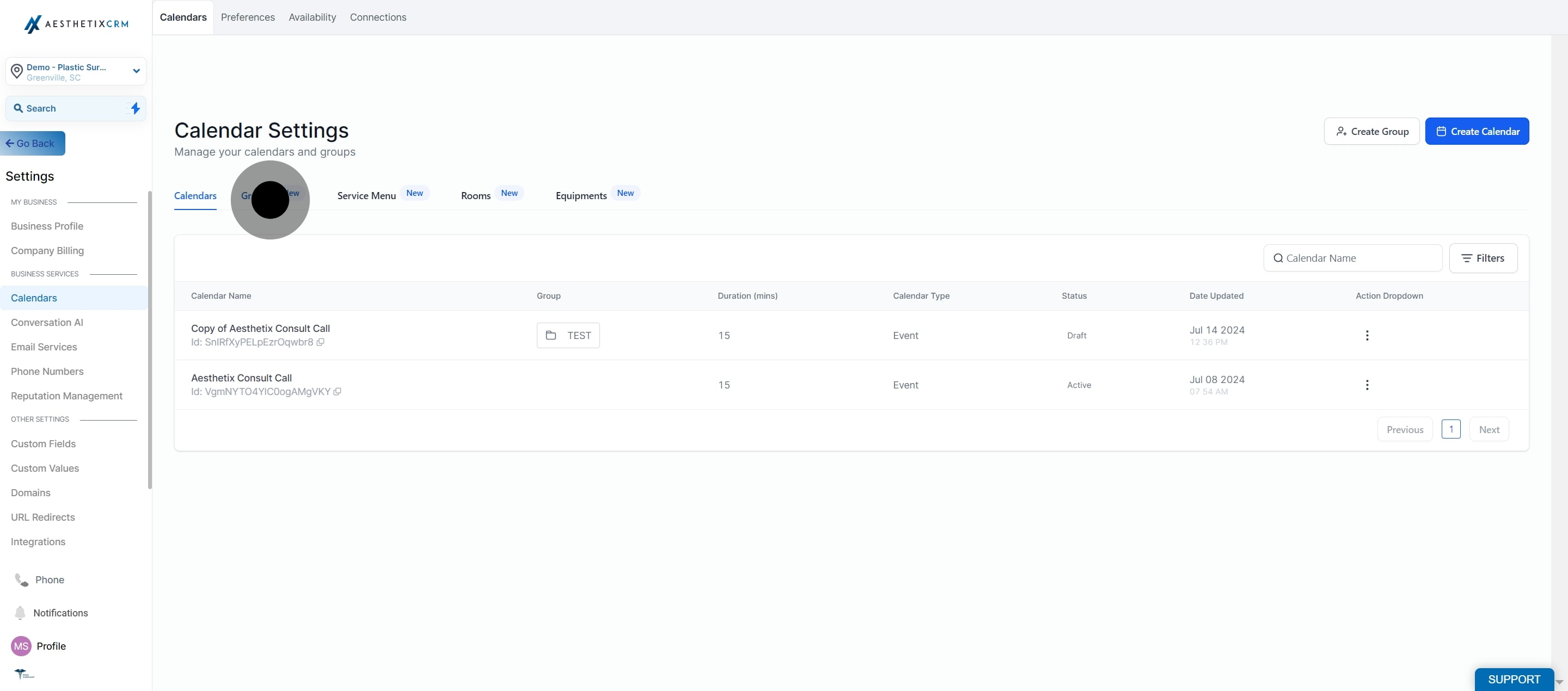
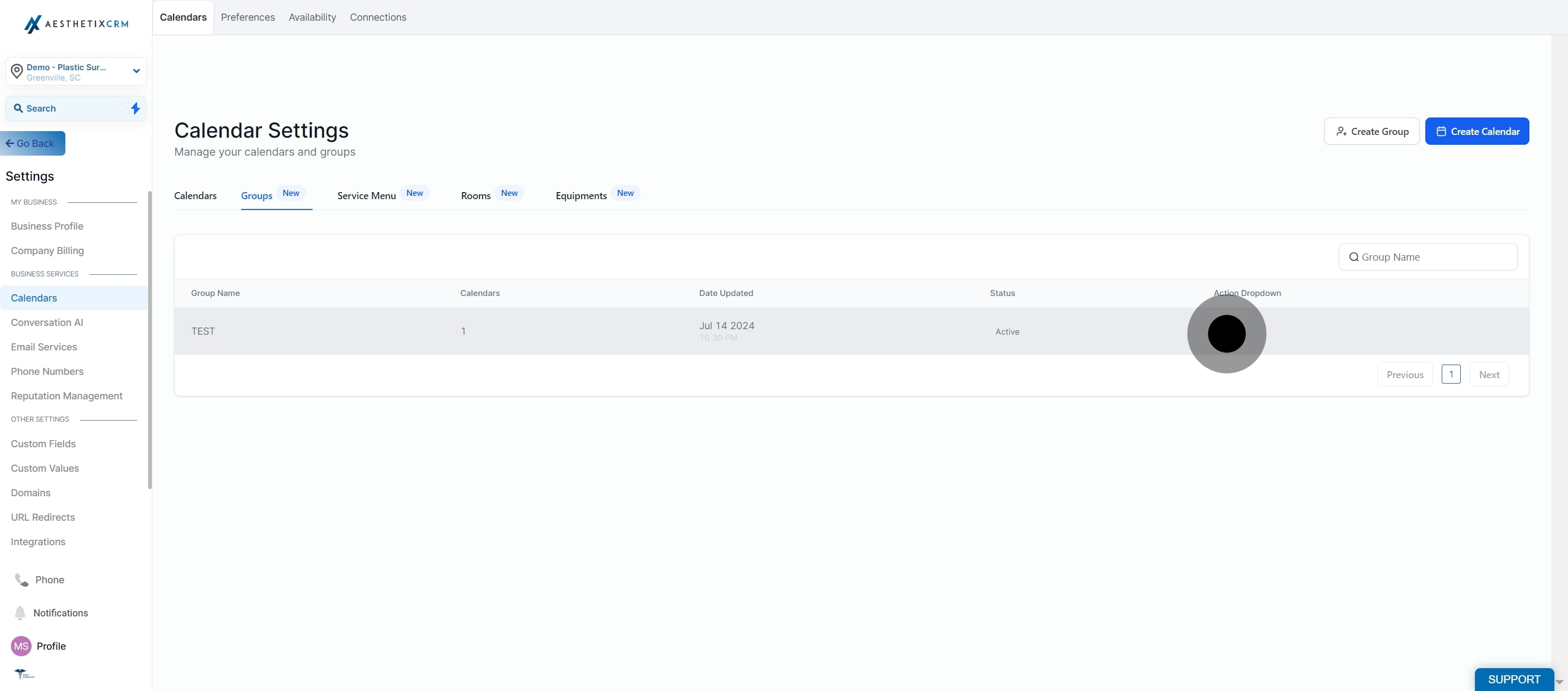
Every Group Calendar has a unique Calendar ID behind the scenes. You won't need it for everyday scheduling, but it becomes important when you're setting up workflow triggers tied to a specific group, sending booking data through a webhook or API call, or connecting the calendar to an outside automation tool. Because the ID is tied to the calendar itself rather than the display name, it stays the same even if you rename the group later, and it stays consistent for every team member who has access.
Keep in mind a Group Calendar ID is not the same as the ID of any individual calendar inside that group. If an integration or API field simply asks for a "Calendar ID," confirm whether it wants the group's ID or one of the individual calendars' IDs before entering a value, since using the wrong one can send bookings to the wrong place.
You can pull the ID from either of the links you already copy above:
From the Permanent Link: open Scheduling Link in the group's three-dot menu, then select and copy the last slug of the URL, which is the Calendar ID.
From the Embed Code: open Embed Code in the group's three-dot menu, then select and copy the portion of the ID that comes before the underscore.
Tip: The Permanent Link method is generally the easier of the two, since the ID is simply the last value in the URL. Reach for the Embed Code method only if you don't have the Permanent Link on hand.
A few practical notes on Calendar IDs:
The same ID can be reused across as many workflows and integrations as you like, as long as they all point to the same Group Calendar.
If you delete the group, its ID stops working immediately, and any workflow or integration still referencing it will fail.
If you're pulling data through the API, the Calendar ID lets you filter bookings and appointments down to that one group.
Most workflow filters let you pick a Calendar Group by name directly, so you generally don't need to copy and paste the ID just to filter a workflow by that group. Reserve the manual copy for API calls, webhooks, or a third-party integration field that specifically asks for the Calendar ID.
For calendars that need to book patients automatically without a staff member touching the schedule, connect the group to Aesthetix CRM's AI Employee. Automated AI booking only works with native calendars like these Group Calendars, not with EMR-synced calendars. To sync a Group Calendar's availability with an outside calendar such as Google, Outlook, iCloud, or Zoom, set that up from the Connections sub-section rather than here.
What's the difference between the embed code and the permanent link? The embed code drops the booking widget directly into a page you control, like a funnel or website. The permanent link is a standalone URL you can share anywhere a link works, such as email, text, or social media.
Do I need to reshare the embed code or link if I add a provider to the group? No. Both the embed code and the permanent link point to the live group, so adding or removing providers, services, or availability updates automatically without a new copy.
Will the Calendar ID change if I rename the group? No. The Calendar ID is tied to the calendar itself, not its display name, so renaming a group never breaks existing workflows or integrations.
What happens to the Calendar ID if I delete the group? It becomes invalid immediately. Any workflow, webhook, or integration still referencing that ID will stop working, so update or remove those references first.
Can I use the same Calendar ID in more than one workflow? Yes. As long as each workflow is connected to that same Group Calendar, you can reuse the ID as many times as you need.
Can I use the same Group Calendar ID across different third-party integrations? The ID always points to the same Group Calendar, but not every integration field labeled "Calendar ID" is set up to accept it. Confirm that the specific integration you're configuring is asking for a Group Calendar ID before entering it.
Where would I actually need the Calendar ID? Mainly for advanced setups: triggering workflows off a specific group's bookings, sending booking data through a webhook or API call, connecting to an outside automation tool, or troubleshooting with support.
Is the Group Calendar ID the same as an individual calendar's ID? No. The Group Calendar ID identifies the group as a whole, while each calendar inside the group has its own separate ID. Confirm which one an integration or API field is asking for before you paste a value in.
Do I need the Calendar ID just to filter a workflow by this group? Usually not. Standard workflow filters let you select a Calendar Group by name directly. You only need to manually copy the ID for API calls, webhooks, or a third-party integration field that specifically requests it.
Can I embed a Group Calendar on a page outside Aesthetix CRM? Yes. The embed code is standard HTML, so it can go on any page or platform that accepts custom code, not just funnels and websites built in Aesthetix CRM.
Does the permanent link work for patients who don't have an account? Yes. The permanent link opens a public booking page, so any patient can view availability and book without logging in.
