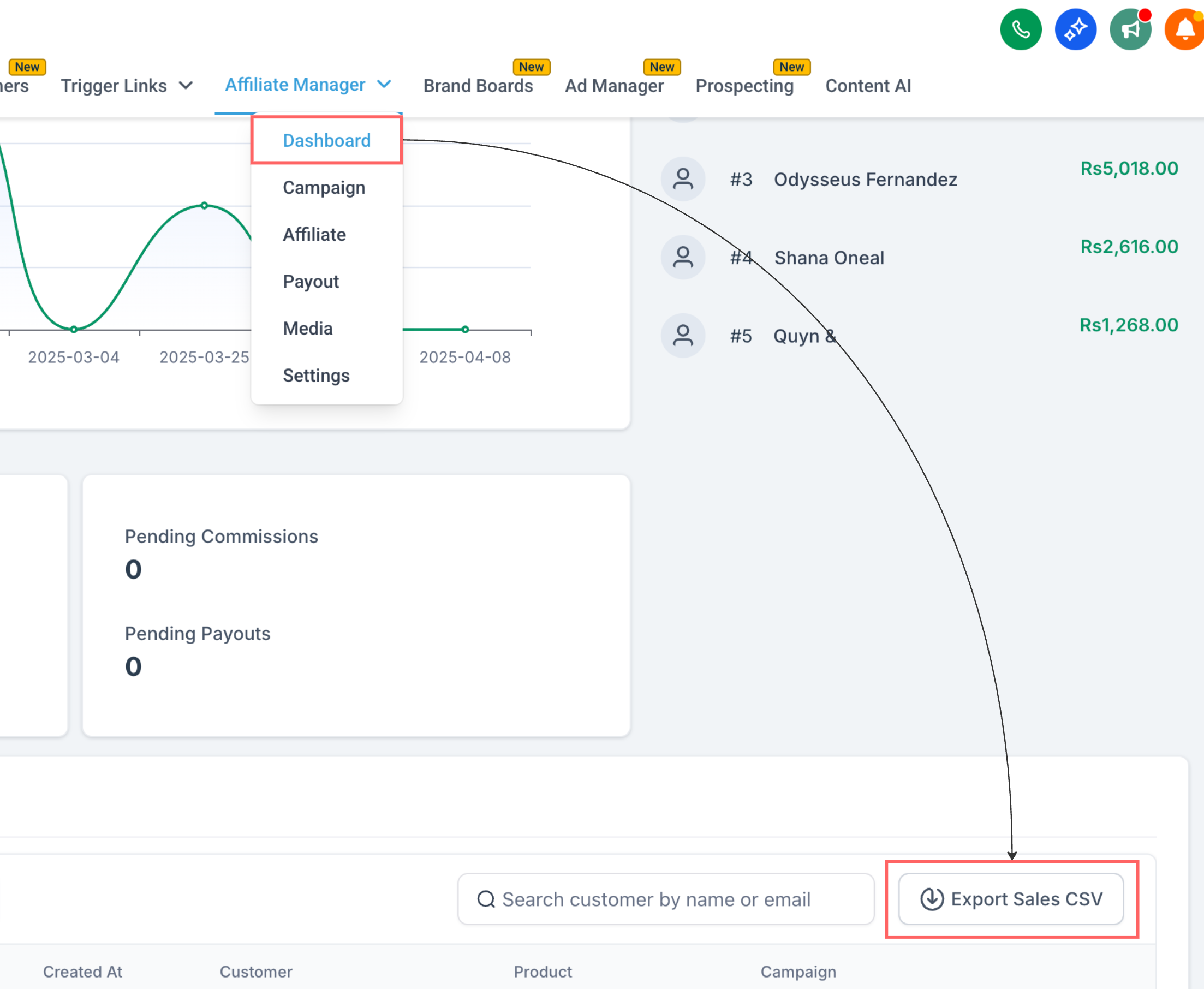
The Affiliate Manager Dashboard is the home screen for your practice's referral program. It gives you one place to see how your campaigns are performing, who your top affiliates are, and what payouts still need your attention. Open Affiliate Manager and you'll land on the Dashboard tab first.
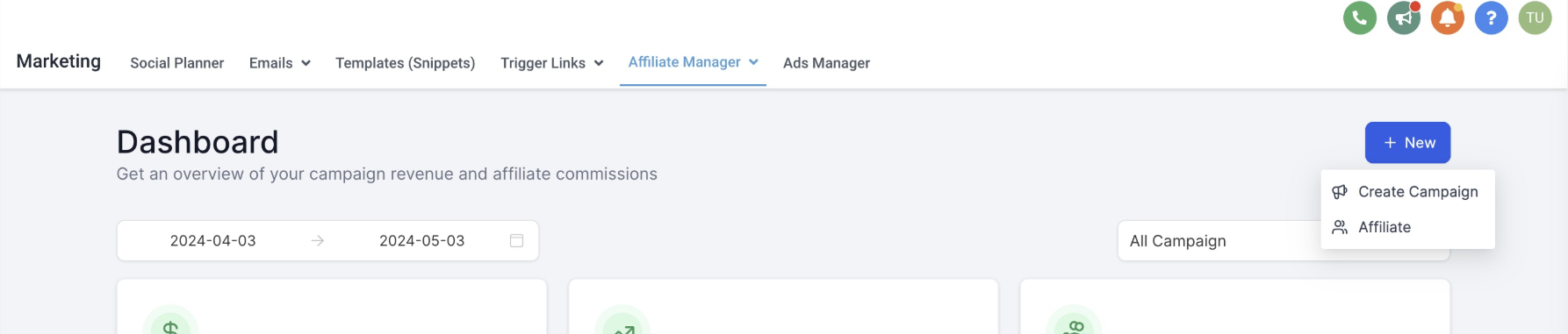
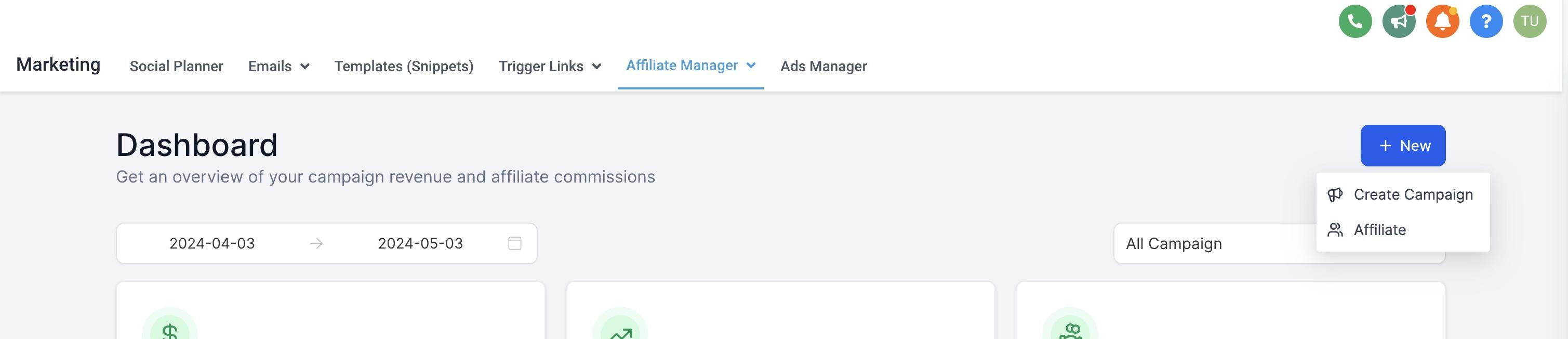
At the top of the dashboard, the New button lets you jump straight into creating a new campaign or adding a new affiliate without leaving the page.
Use the campaign selector to control what the dashboard shows. Choose All Campaigns for a full overview across every referral program you're running, or select a specific campaign, for example, a promotion for a new injectable line or a seasonal package, to drill into that campaign's numbers alone.
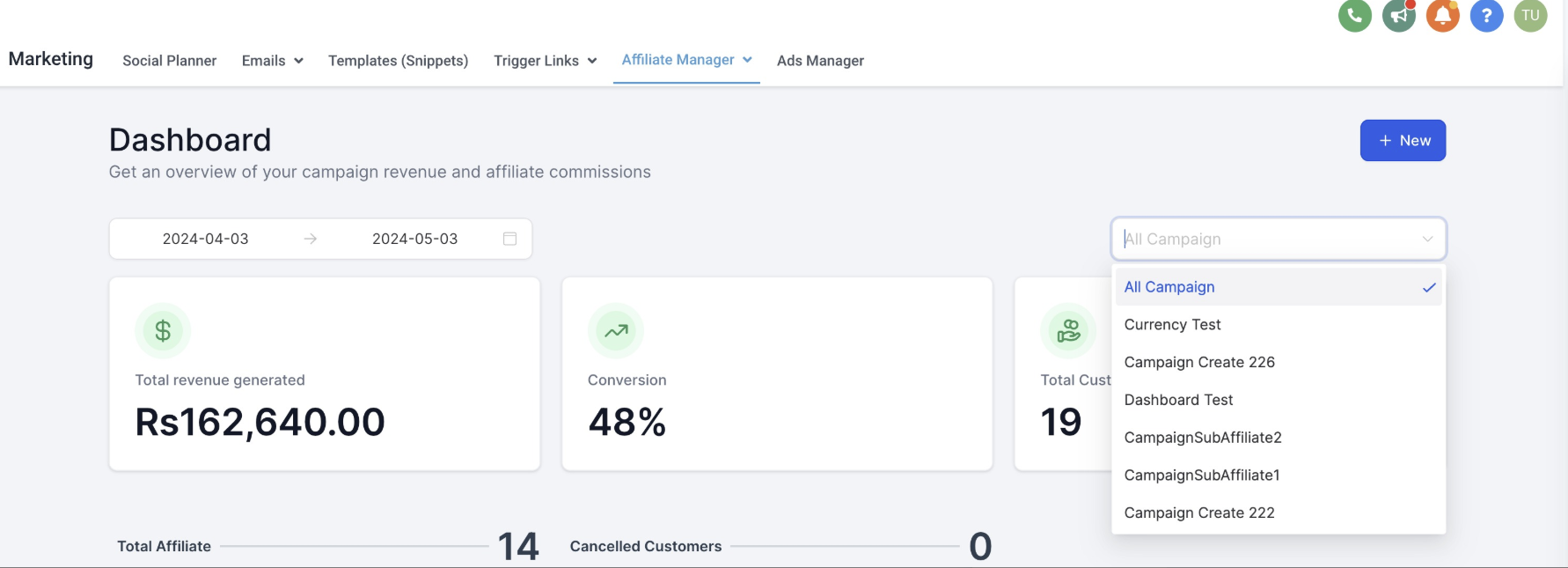
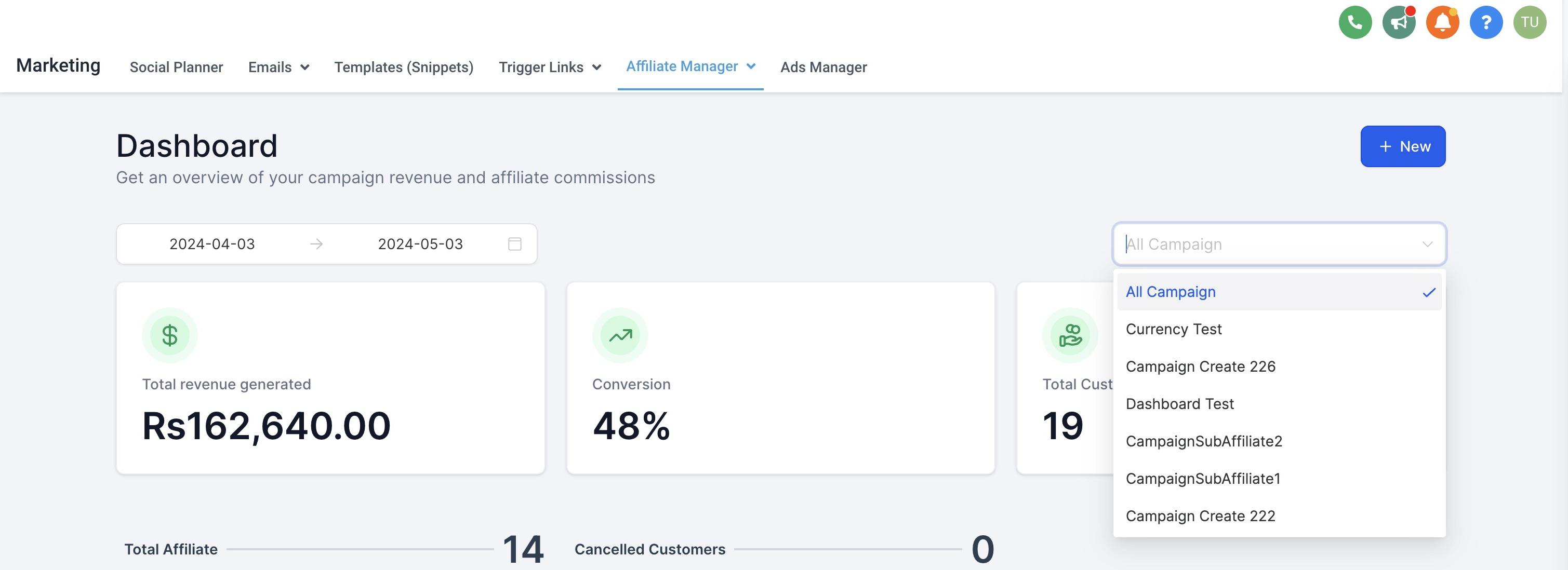
The metrics row gives you a quick pulse check on performance:
Total Revenue: Sales generated through affiliate-tracked links, for the selected campaign(s).
Total Customers: How many new patients or customers came in through those links.
Conversion Percentage: How efficiently affiliate traffic is turning into paying customers.


Get paid faster, keep more of it: The revenue shown here reflects sales processed through your funnel, website, or store checkout. If that checkout runs on AX Pay, Aesthetix CRM's built-in payment processor, you keep more of every affiliate-driven sale thanks to rates better than Stripe. See the AX Pay help article for setup details.
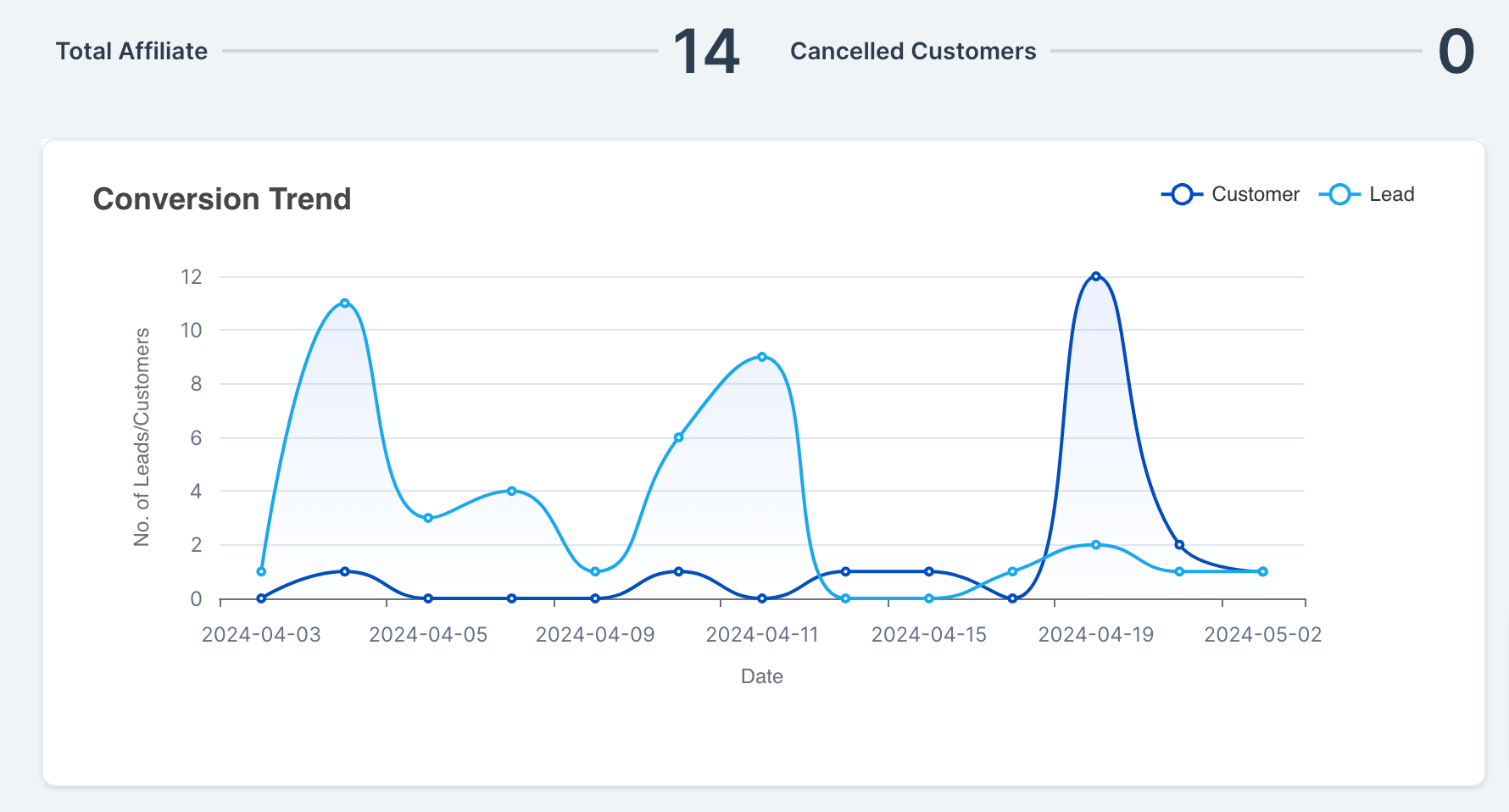
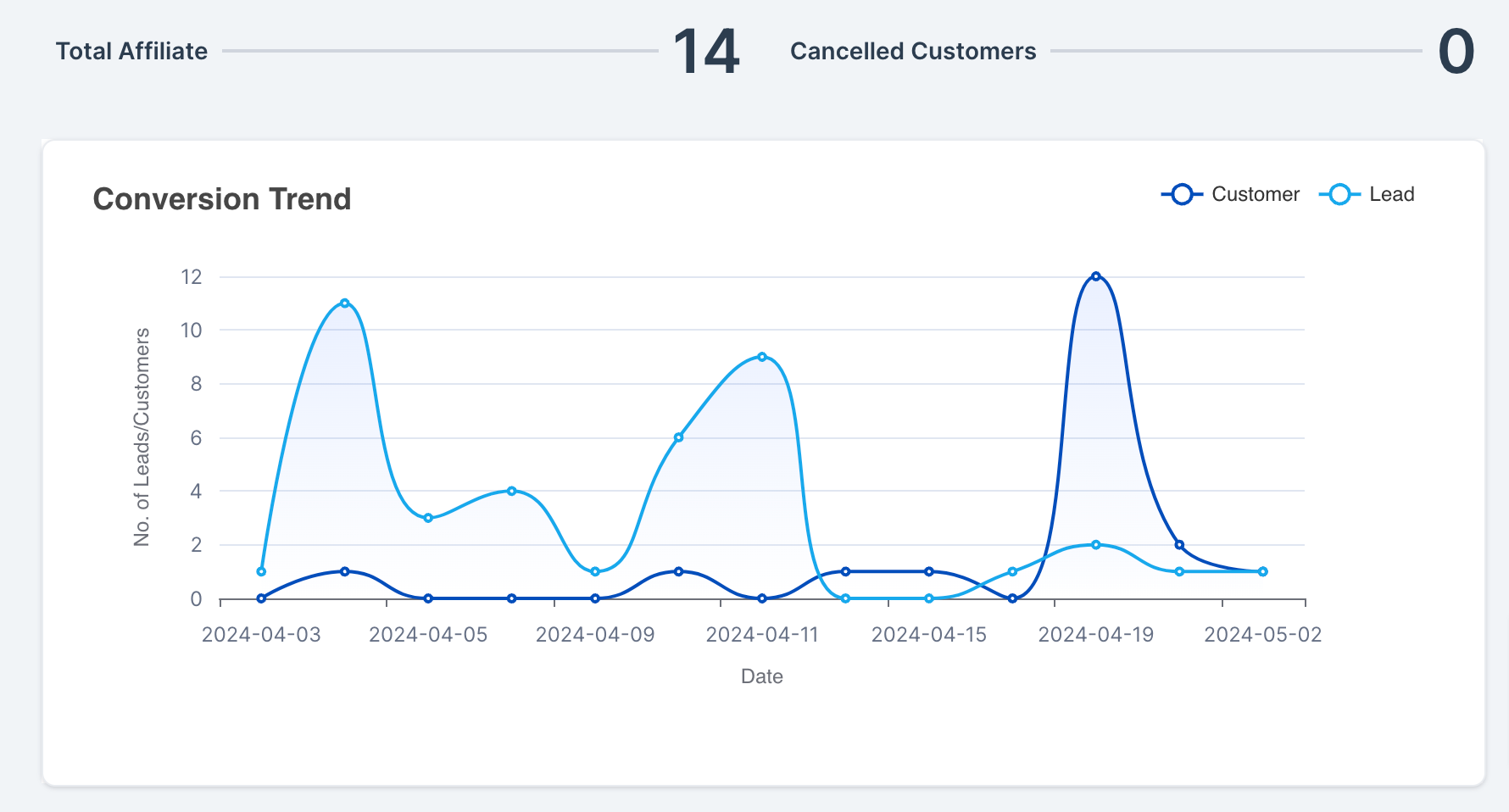
The Conversion Trend line graph plots leads and customers over time so you can see whether a campaign's momentum is building or fading, and whether a recent promotion or affiliate push moved the needle.
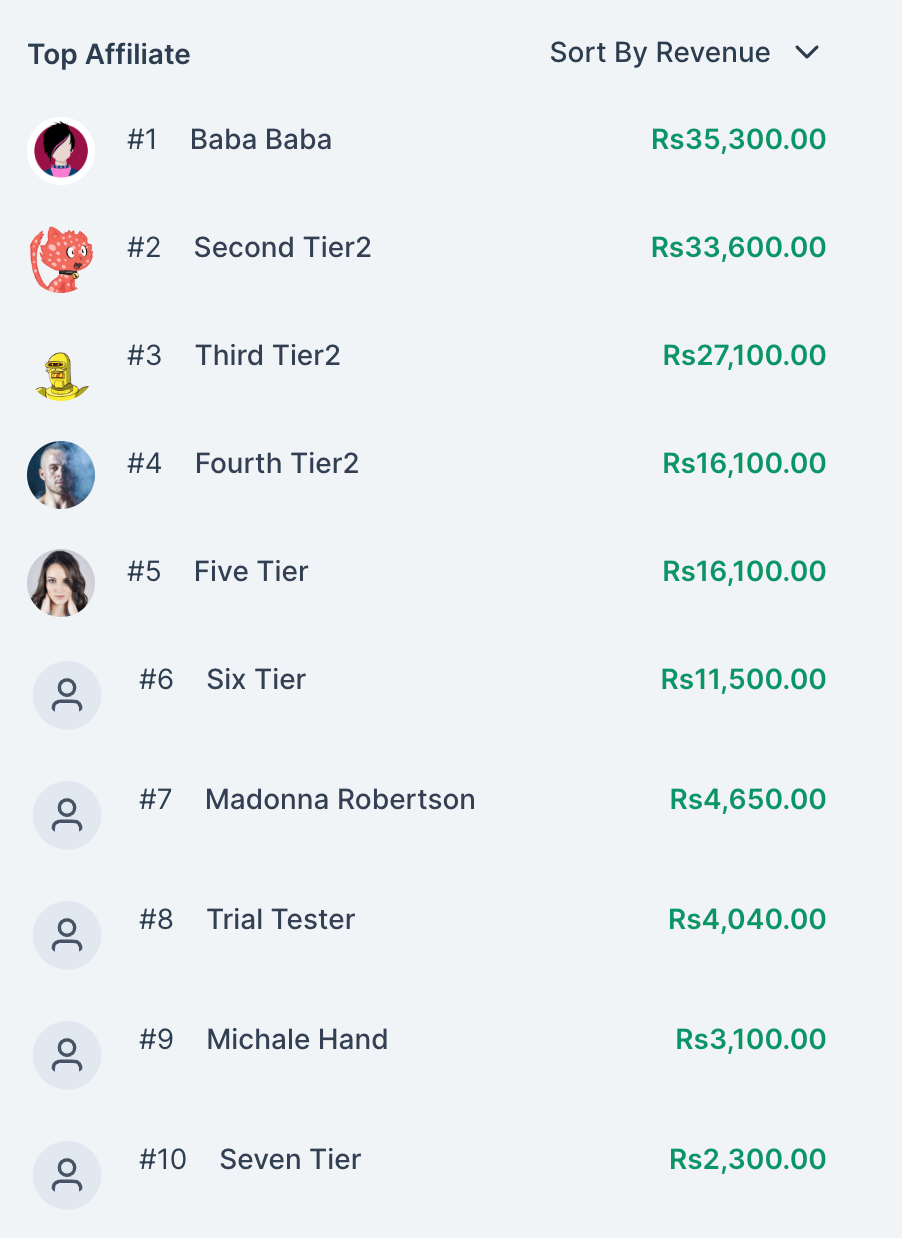
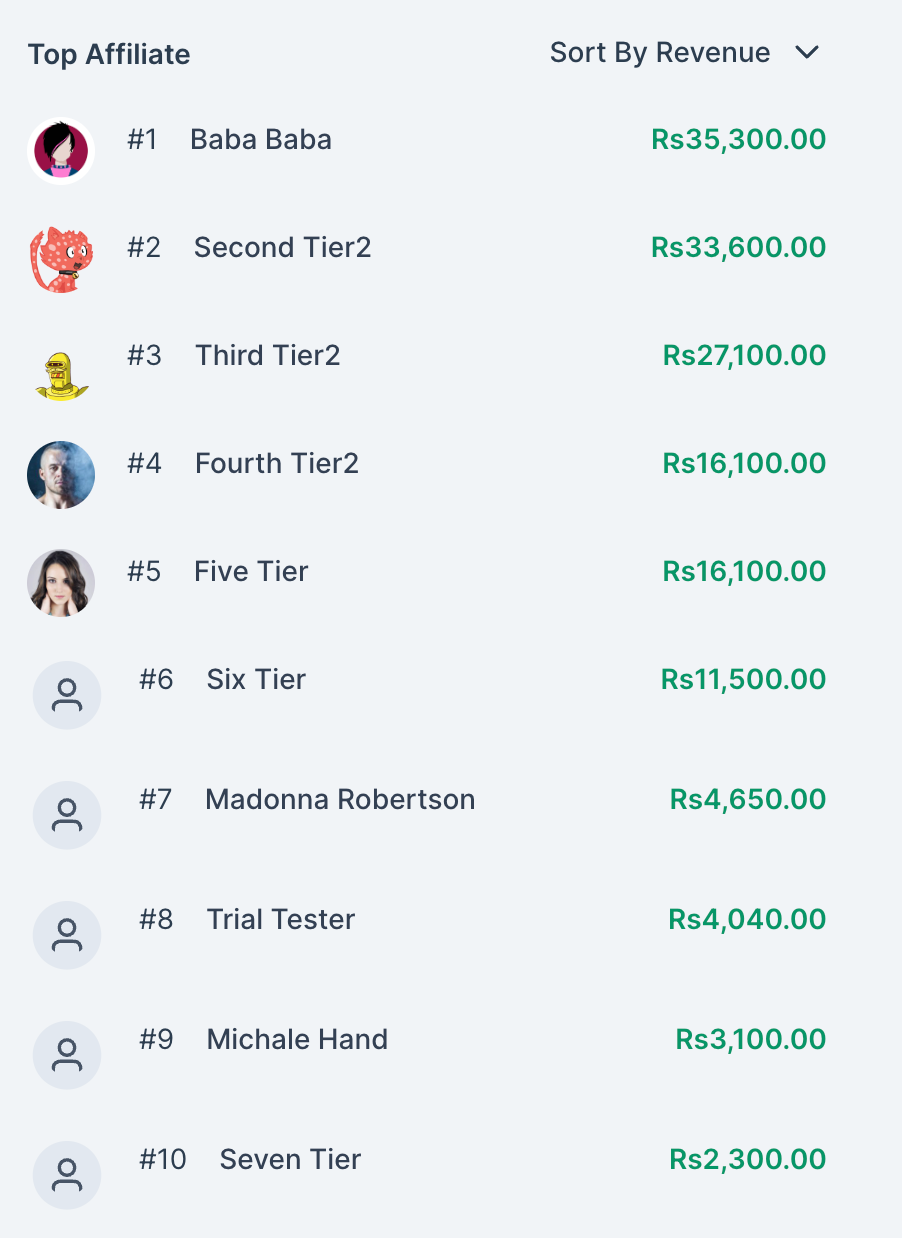
The leaderboard ranks your top 10 affiliates so you can spot and reward your strongest referral partners. You can sort it by:
Revenue
Commissions earned
Leads generated
Customers referred
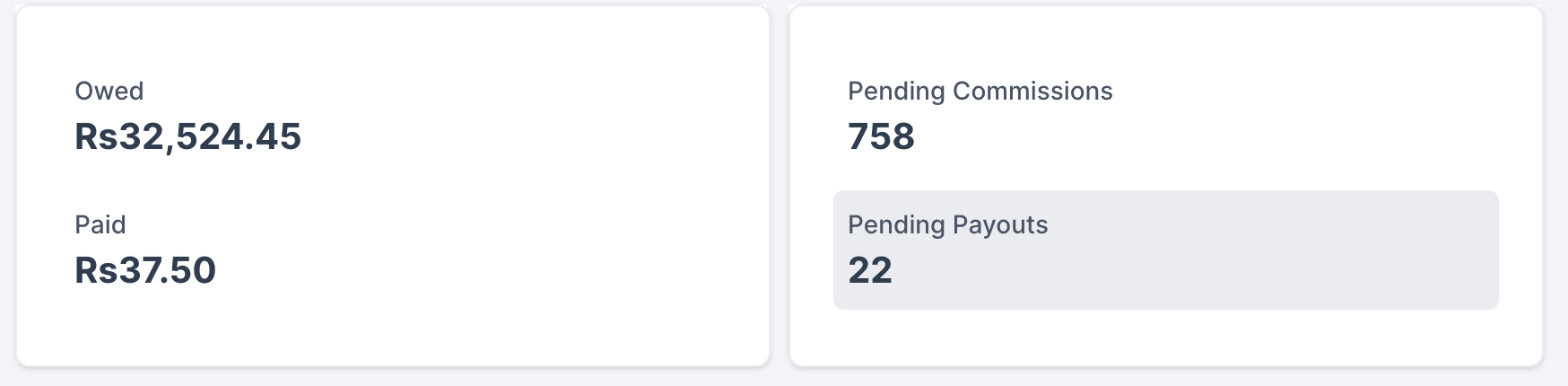
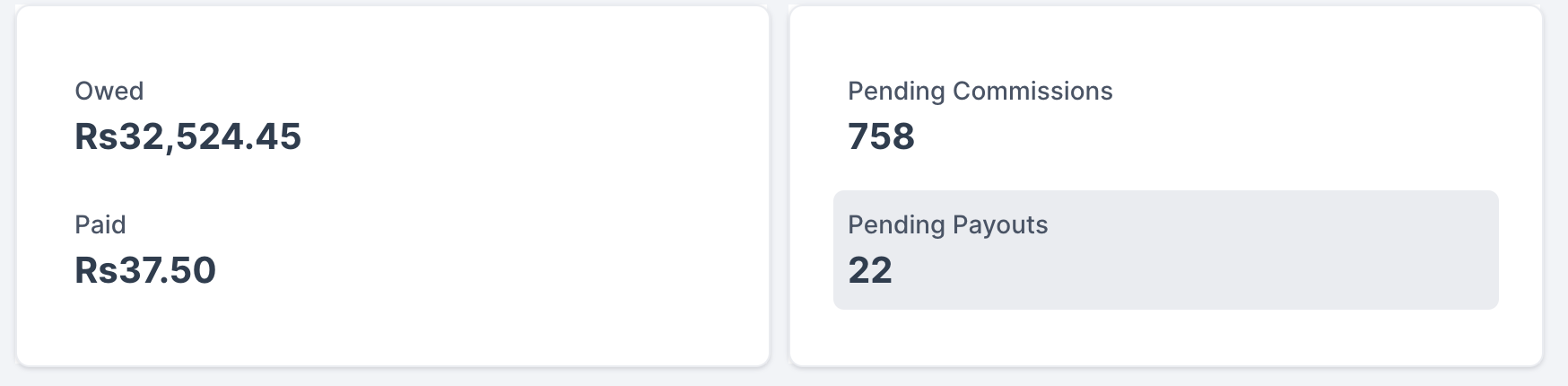
The Pending Actions panel keeps outstanding payouts and commissions in front of you so nothing slips through the cracks. Click Pending Payouts to jump directly to the payouts page, where you can review and process what's owed to your affiliates.
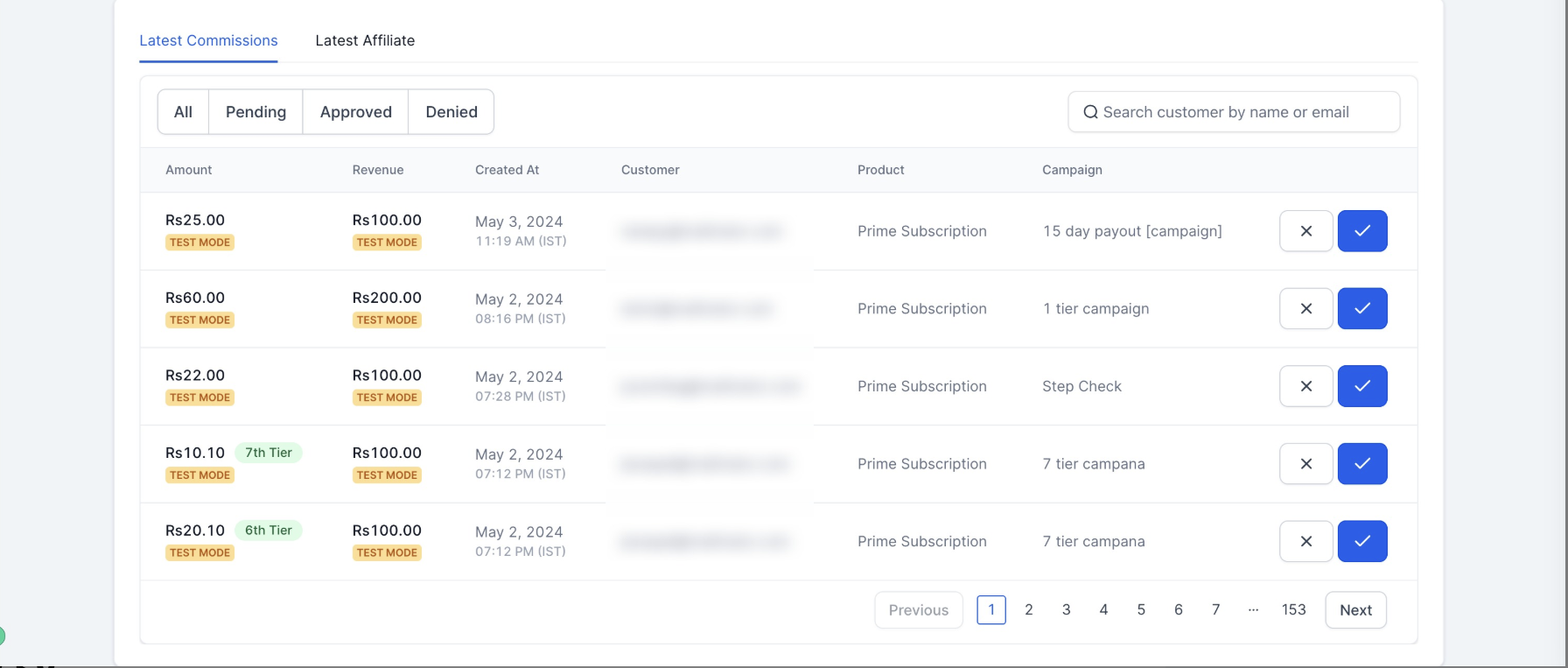
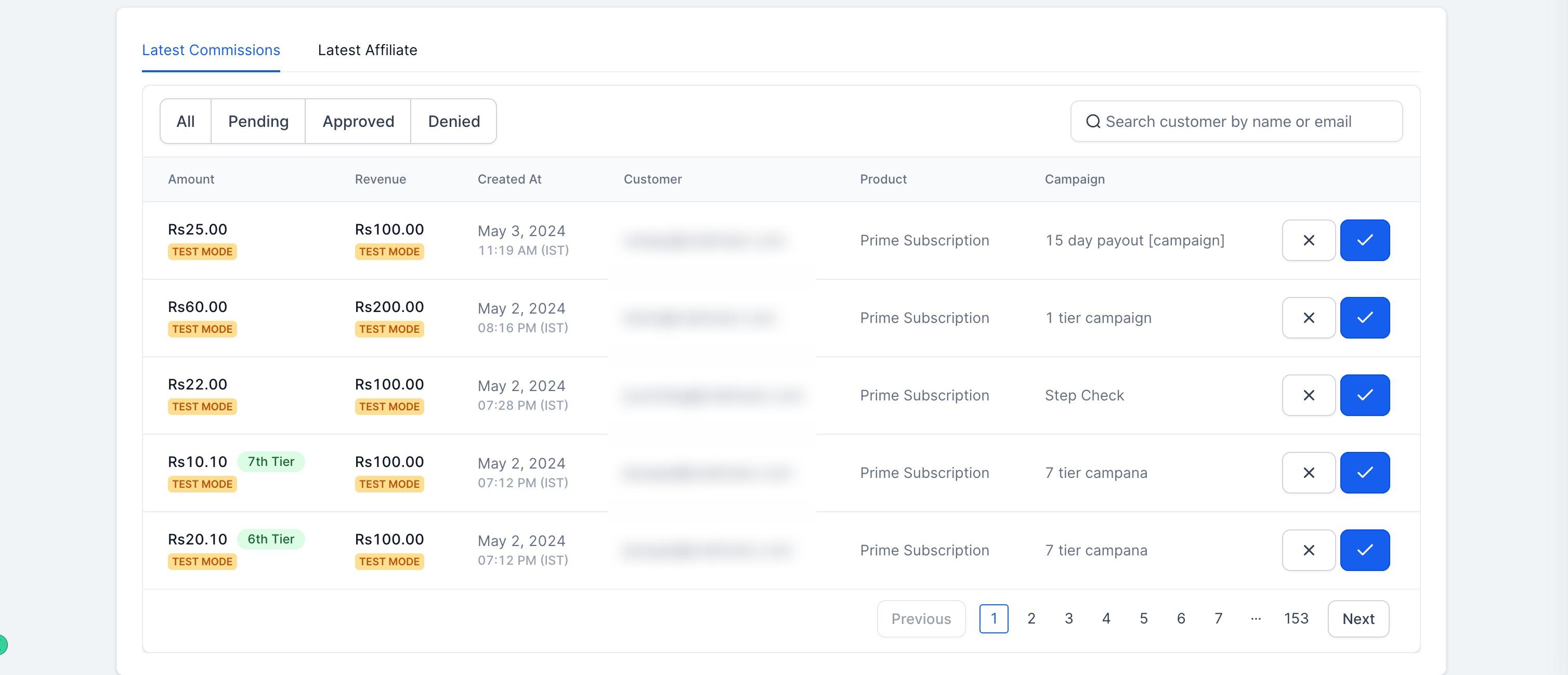
This feed shows the most recent affiliate signups and newly earned commissions. You can approve or deny pending commissions right from this panel, so you don't need to leave the dashboard to keep your program current.
You can download your affiliate sales data directly from the dashboard as a CSV file for a clean, exportable record of affiliate activity and performance. The export includes:
Campaign Name
Affiliate ID
Affiliate Name
Affiliate Email
Customer Email
Customer Name
Transaction Date
Revenue
Commission
Currency
Status
The dashboard is a reporting and monitoring view, not a configuration screen. To build a new campaign or edit commission structures, use the Campaign builder. To add, review, or manage individual affiliates and sub-affiliates, use the Affiliates area. Automations that fire when an affiliate is added, a referral converts, or a commission is earned live in Workflows, not on this dashboard.
Where do I find the Affiliate Manager Dashboard? Open Affiliate Manager. The Dashboard is the first tab you land on, showing an overview of every active campaign unless you narrow it down with the campaign picker.
Can I see data for just one campaign instead of everything at once? Yes. Use the campaign picker at the top of the dashboard to switch between "All Campaigns" and a specific campaign.
What does the Conversion Percentage metric actually measure? It shows how efficiently the customers or leads who click an affiliate link go on to become paying customers, giving you a quick read on how well a campaign converts traffic into revenue.
How many affiliates show up on the leaderboard? The leaderboard shows your top 10 affiliates, and you can sort it by revenue, commissions, leads, or customers to see rankings from different angles.
How do I get to pending payouts from the dashboard? Click Pending Payouts inside the Pending Actions panel. It takes you straight to the payouts page so you can review and process what's owed.
Can I approve or deny commissions from the dashboard itself? Yes. The Latest Updates panel lets you approve or deny recently earned commissions without navigating elsewhere.
What's included in the sales CSV export? Campaign name, affiliate ID, affiliate name, affiliate email, customer email, customer name, transaction date, revenue, commission, currency, and status, giving you a complete exportable record of affiliate activity.
Does the dashboard let me create campaigns or add affiliates? You can start either action from the Quick CTAs button at the top of the dashboard, but the actual setup happens in the Campaign builder or the Affiliates area, not on the dashboard itself.
Where do I set up the payment processor behind the revenue I see here? On the checkout for the funnel, website, or store tied to your campaign. Connecting AX Pay as that processor gets you better rates than Stripe on the affiliate-driven sales reflected in your Core Metrics.
Where do commission-related automations live, like notifying a team member when a payout is due? In Workflows. The dashboard shows you what's pending, but the actual automation triggers and actions for affiliate events are built and managed in Workflows.
