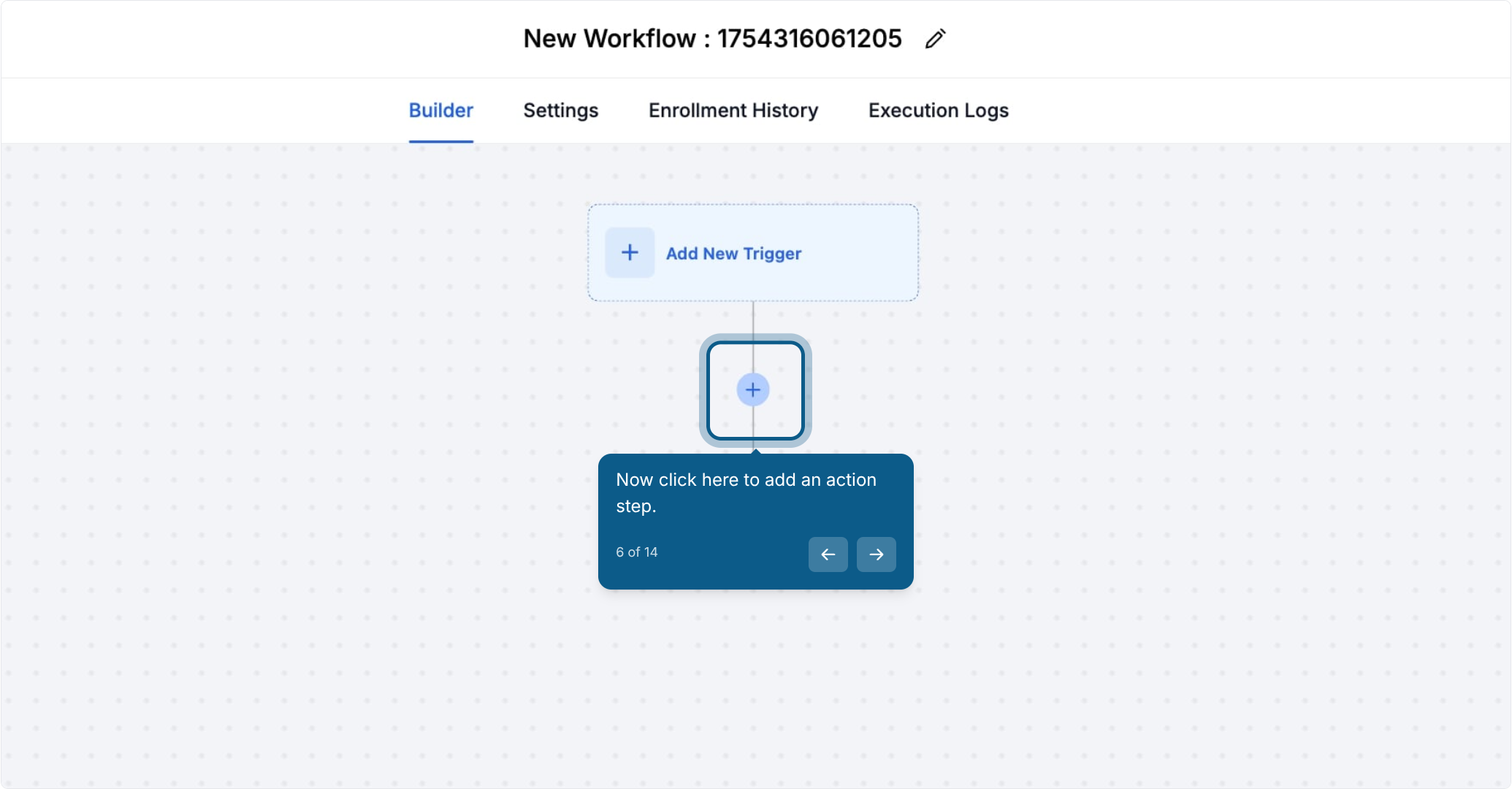
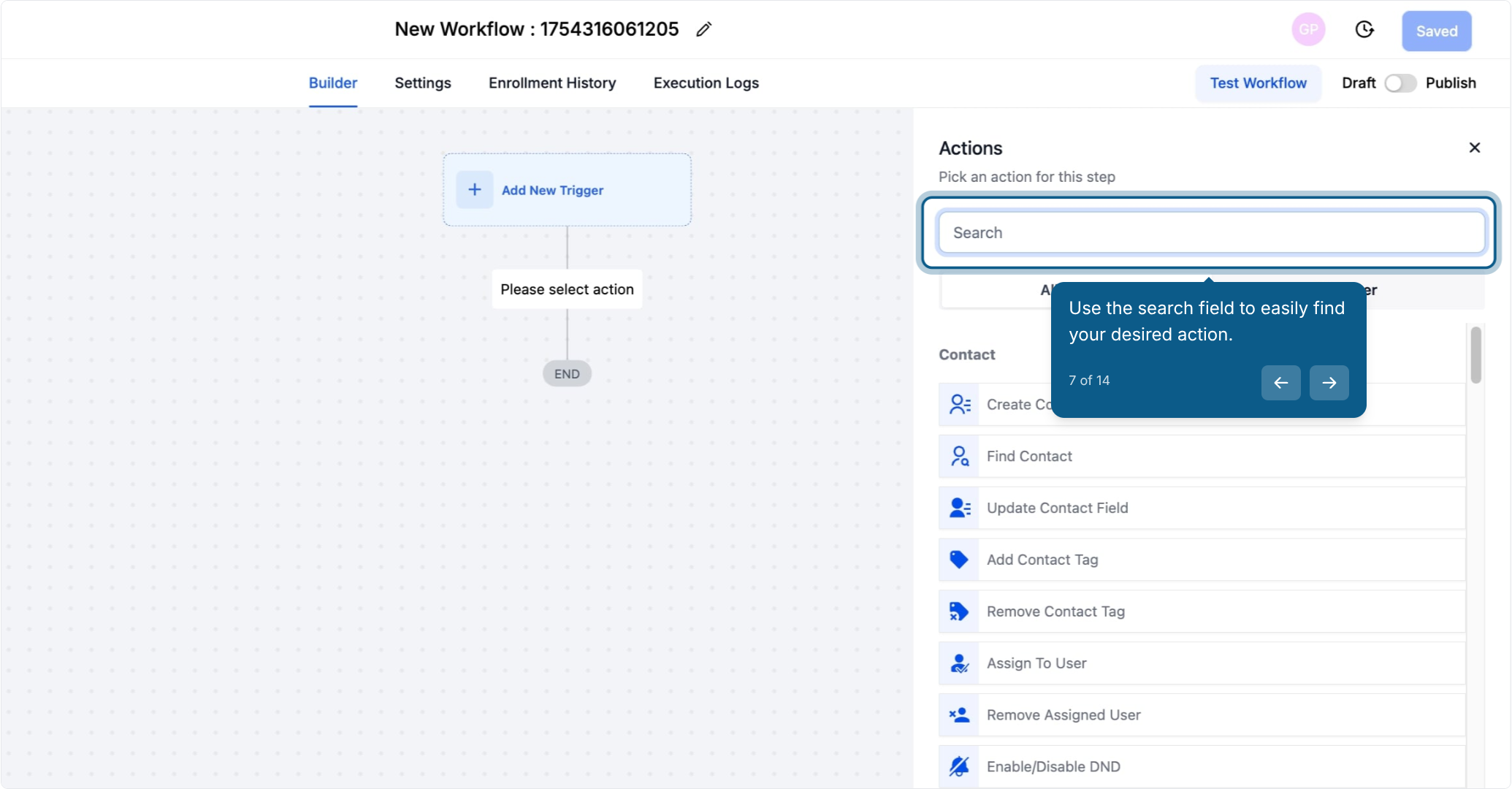
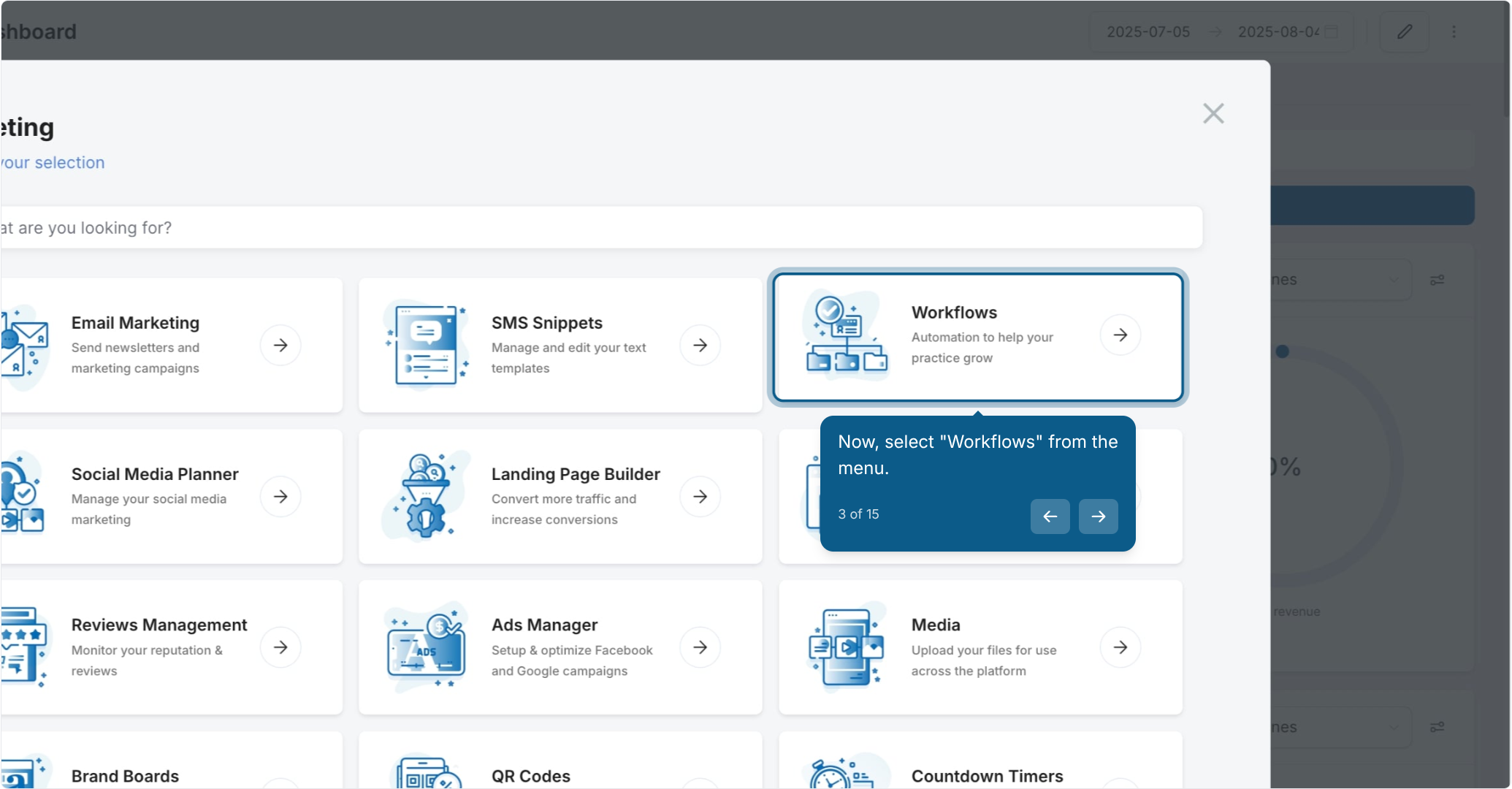
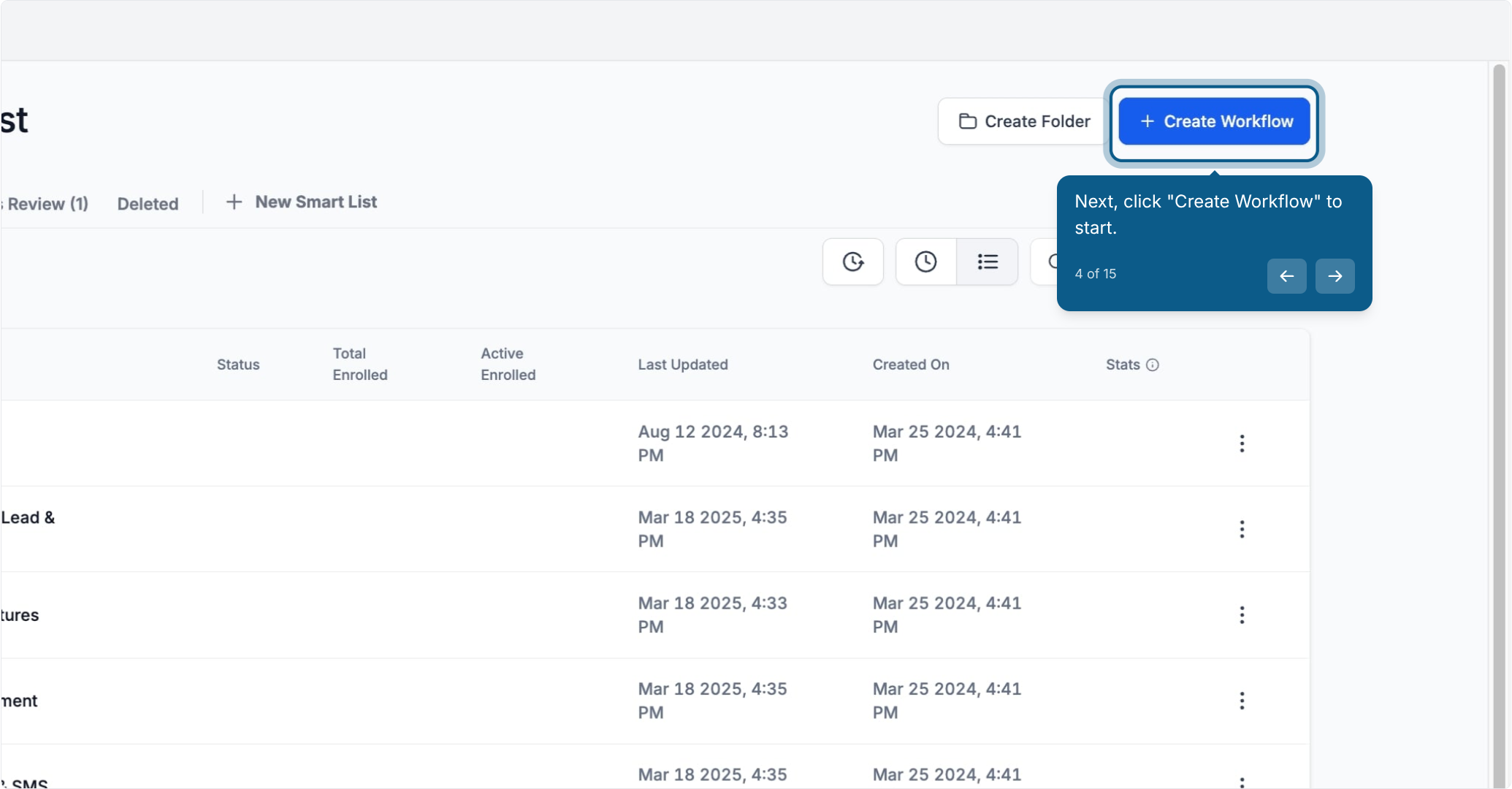
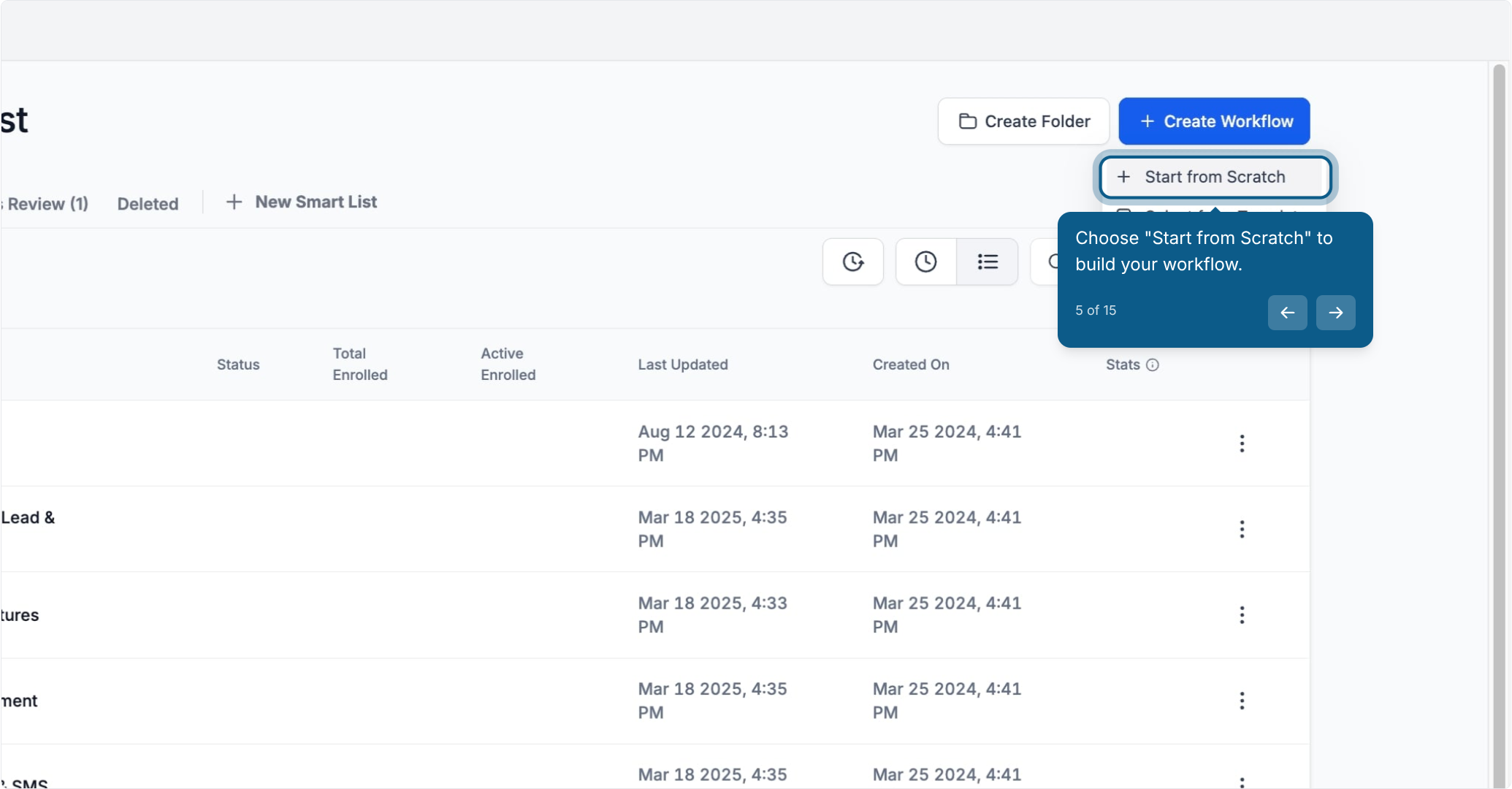
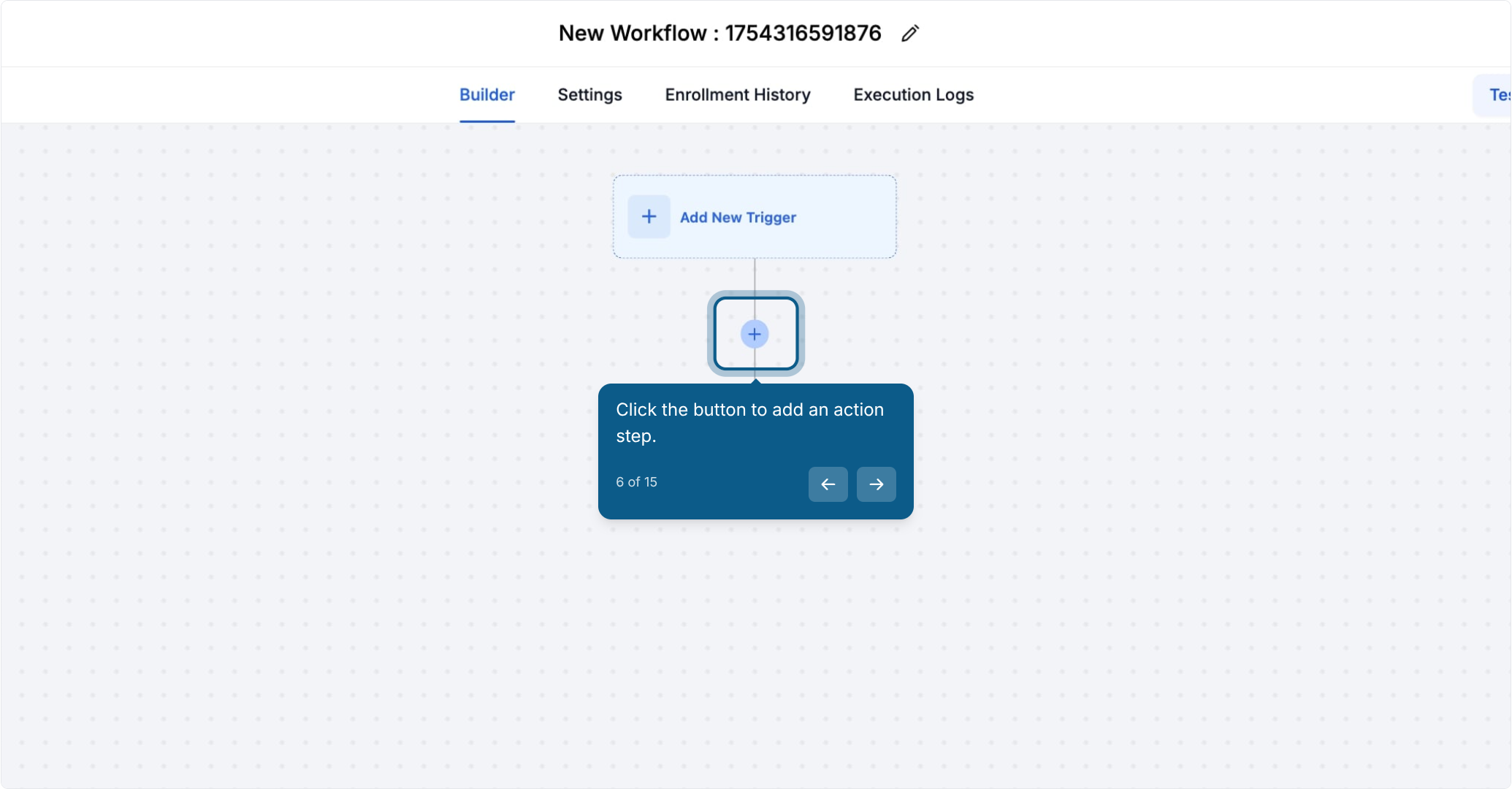
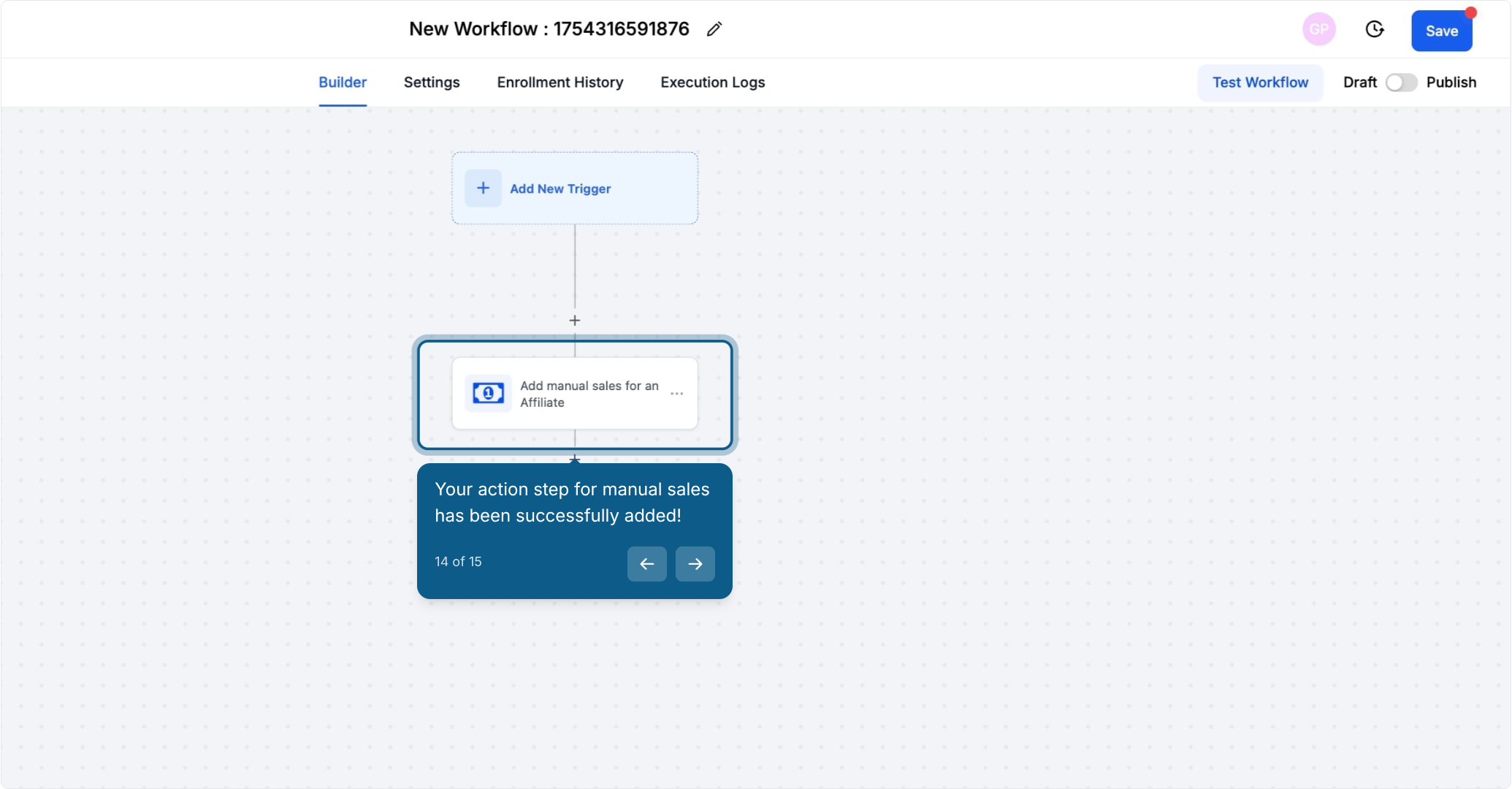
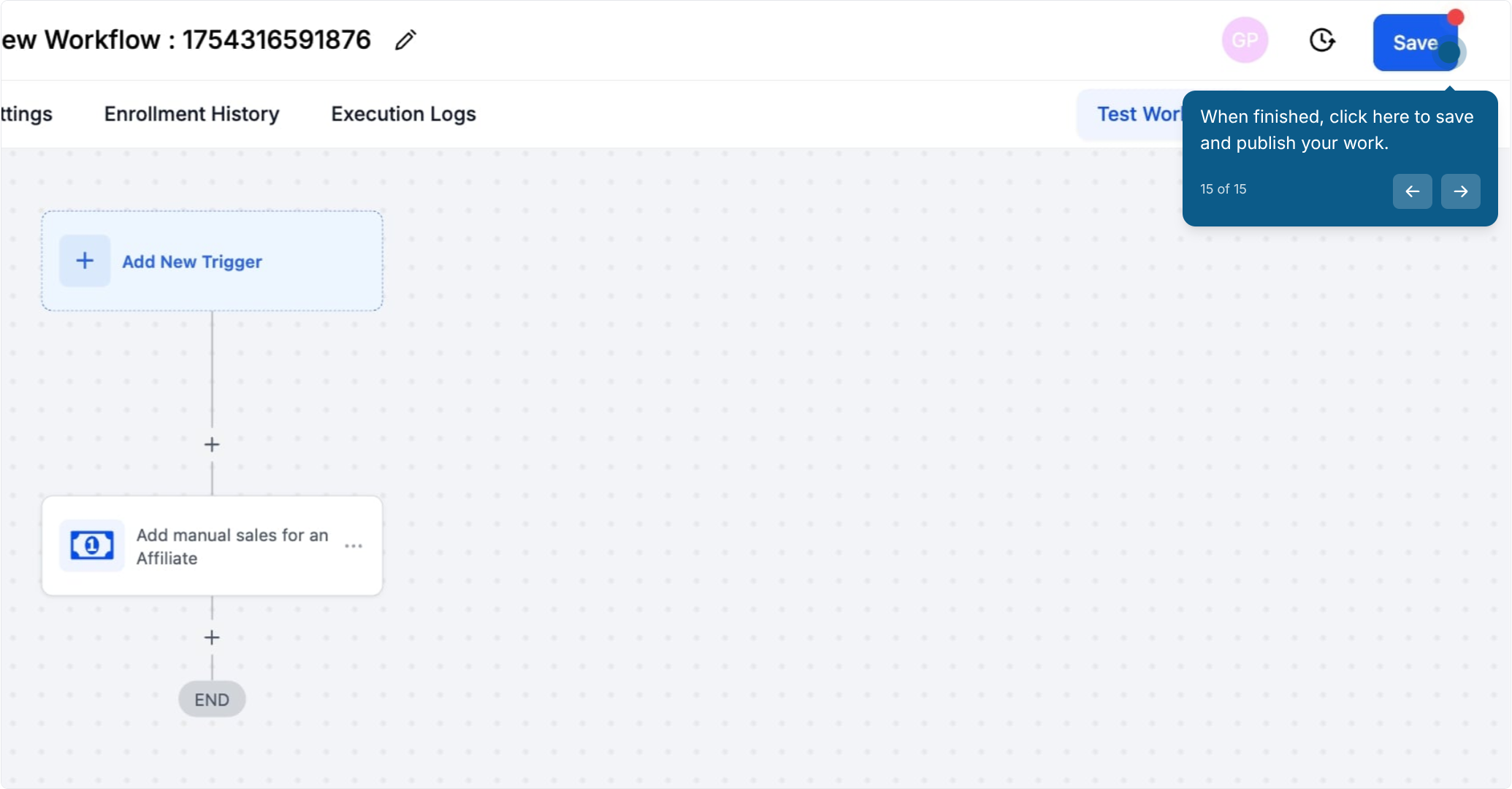
The Add Manual Sales For An Affiliate workflow action lets you assign a sale to a specific referral partner (affiliate) inside a chosen affiliate campaign, even when that sale did not happen through an online checkout your account tracks automatically. Once the action runs, Aesthetix CRM calculates the commission using that campaign's default commission settings and assigns it to the affiliate. You'll find this action inside a workflow, in Marketing > Workflows, when you add a new action step.


This action is useful for any med spa or aesthetics practice that runs a referral or affiliate partner program and needs to keep commissions accurate even when a patient's visit or purchase happens outside the CRM's automatic tracking.
There are two modes for crediting a manual sale to an affiliate:
With Attribution Tracking: Aesthetix CRM automatically matches the sale to the correct affiliate using attribution data already stored on the contact (for example, the affiliate link the patient originally clicked). You don't have to manually pick the affiliate.
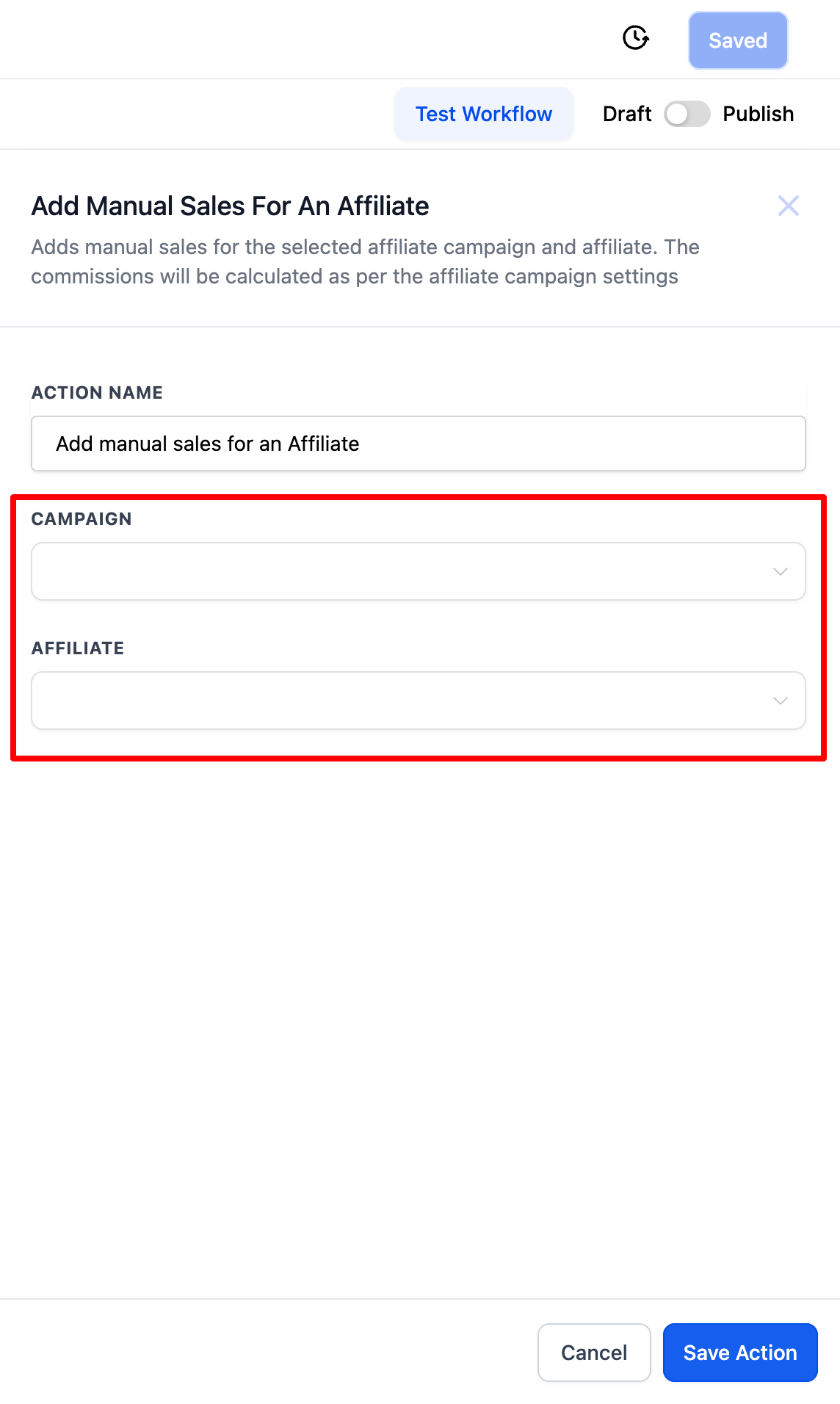
Without Attribution Tracking: You manually choose both the affiliate campaign and the specific affiliate to credit. Use this when there's no attribution data to rely on, such as a walk-in patient who mentions a referral partner by name at the front desk.
Both modes live inside the same action. The workflow trigger you pair it with (a form submission, a tag, a pipeline stage change, and so on) is set up separately in your workflow; trigger and other action options are documented in the Workflows collection.
Automate recurring commissions: Assign commissions on a regular schedule for recurring services or memberships that patients pay for outside the system, such as an in-office autopay or a package renewal handled at the front desk.
Track offline sales: Credit an affiliate for a sale made over the phone, in person at check-in, or through any channel that isn't automatically tracked by Aesthetix CRM, so referral partners are always paid what they're owed.
Reward affiliate engagement: Add a manual "sale" to recognize a referral partner for non-monetary contributions, like attending a training session, referring high-quality leads, or helping promote a campaign.
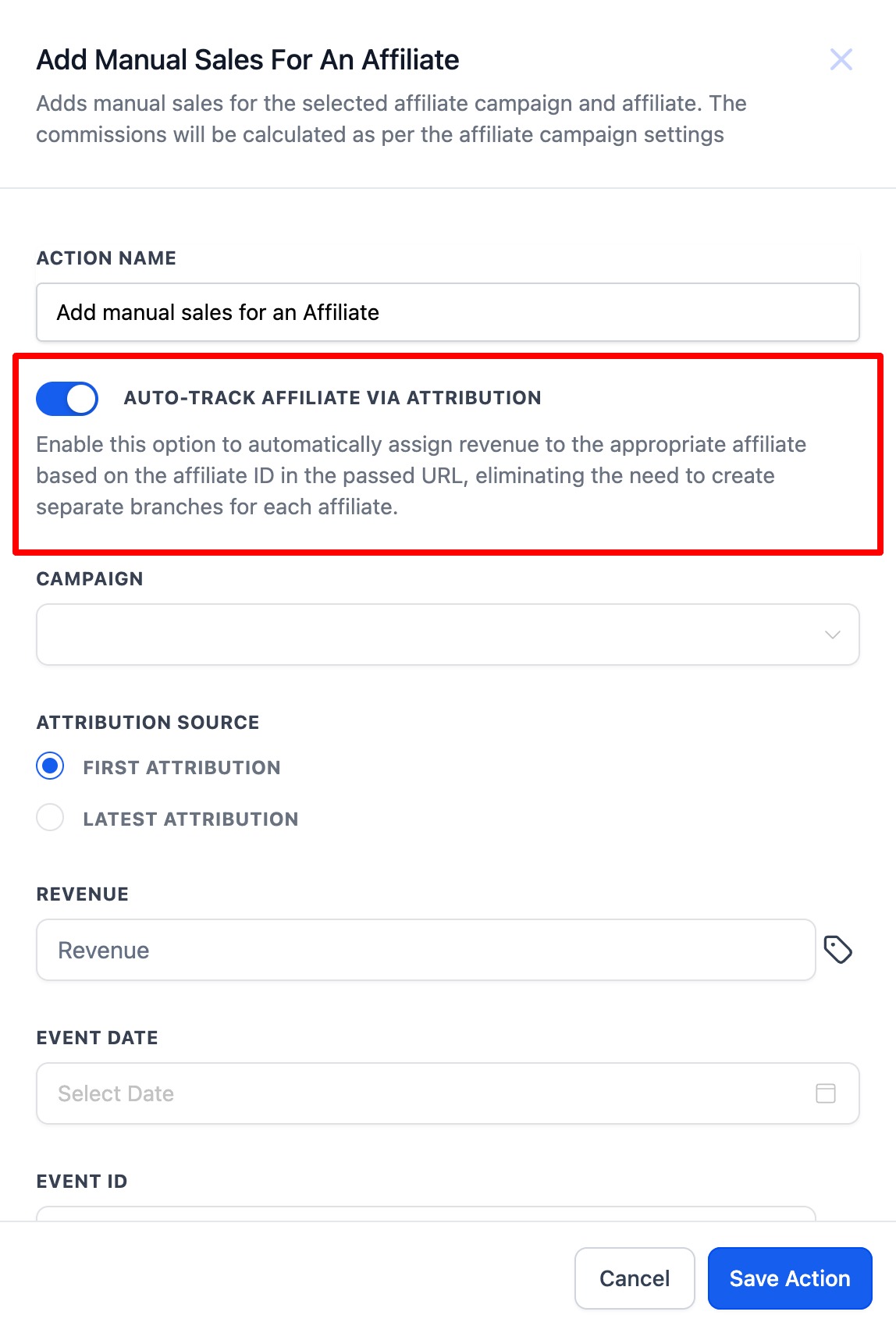
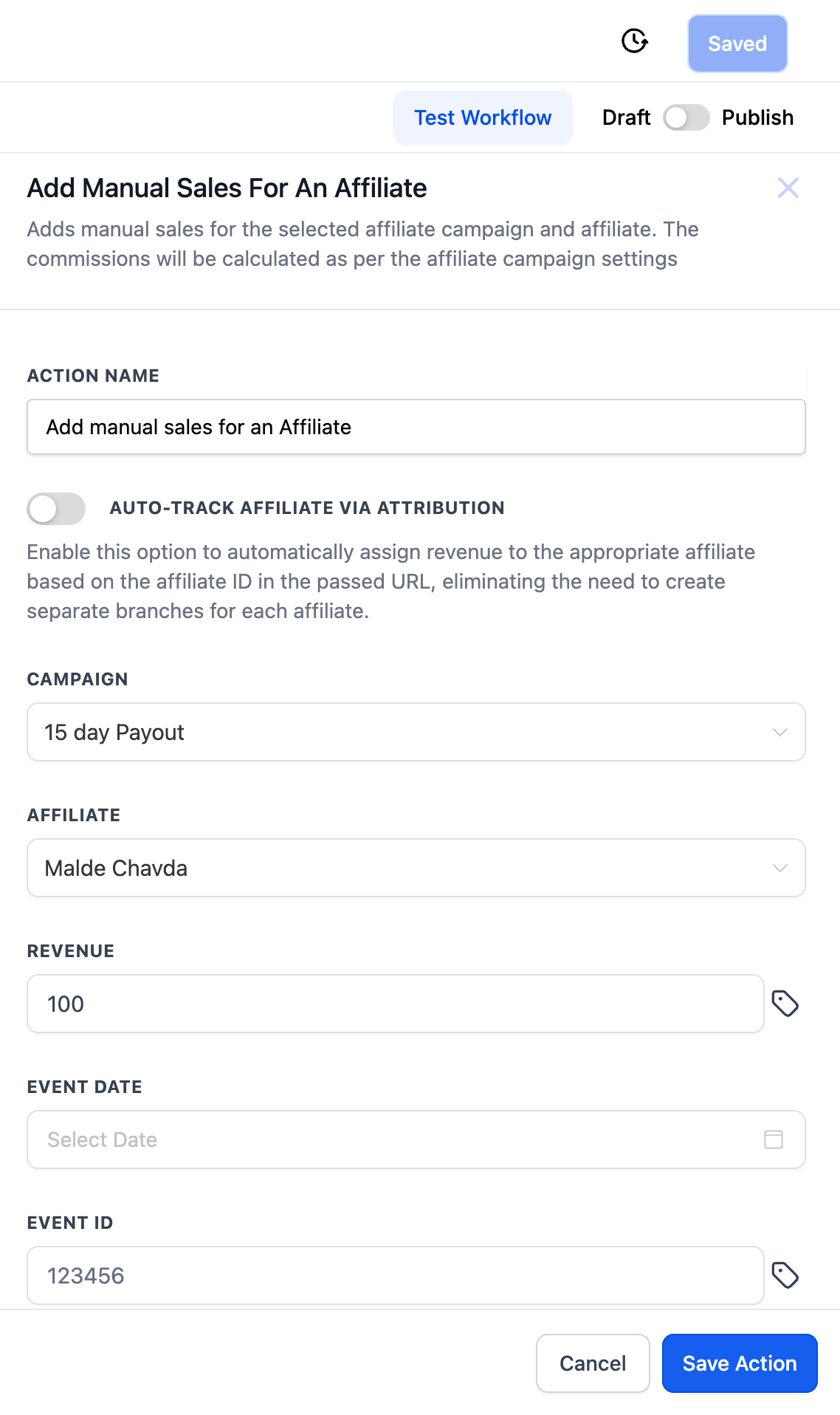
Use this option when the patient's contact record already has attribution data (for example, they clicked a link that included the affiliate's tracking ID).
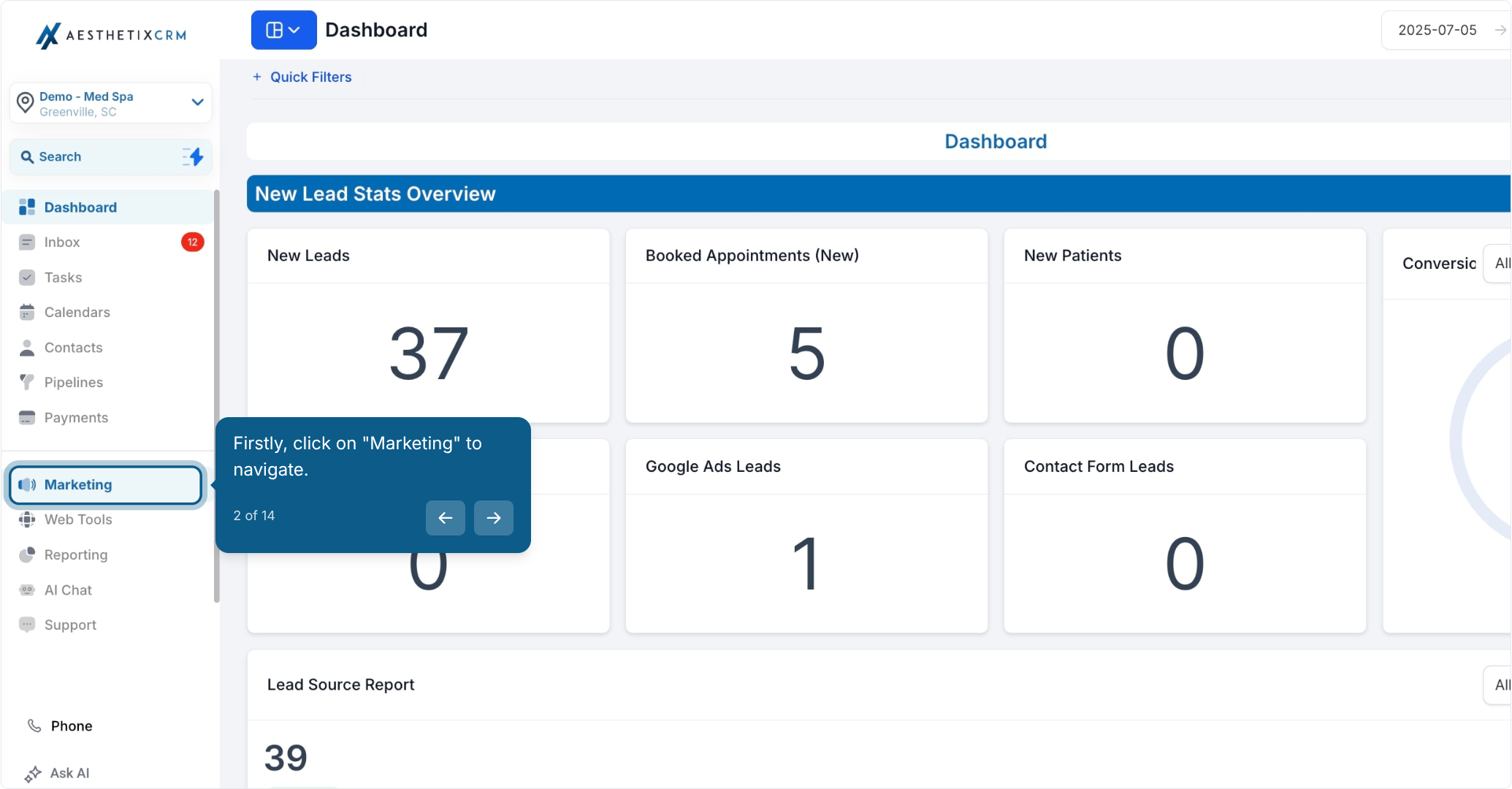
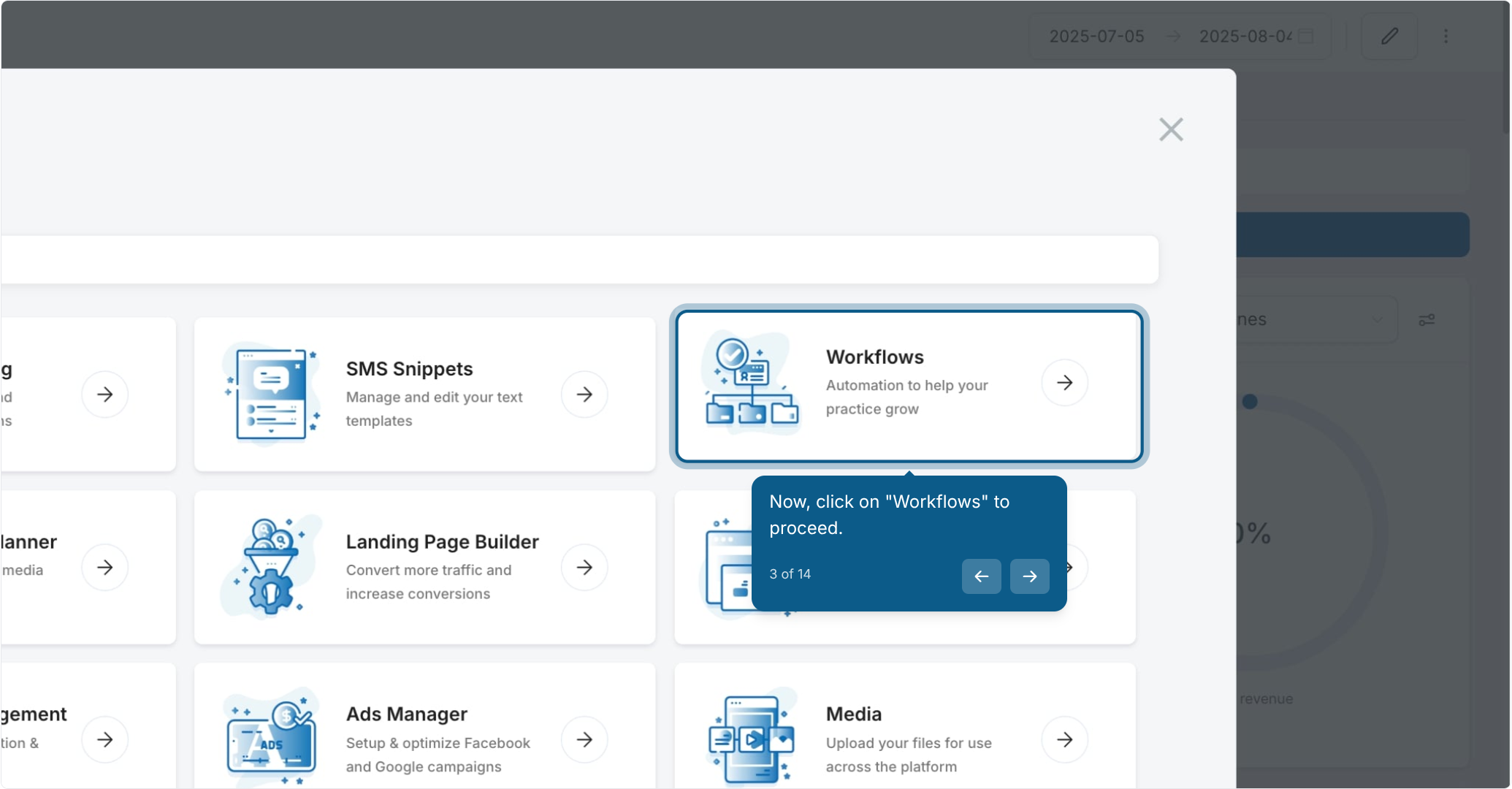
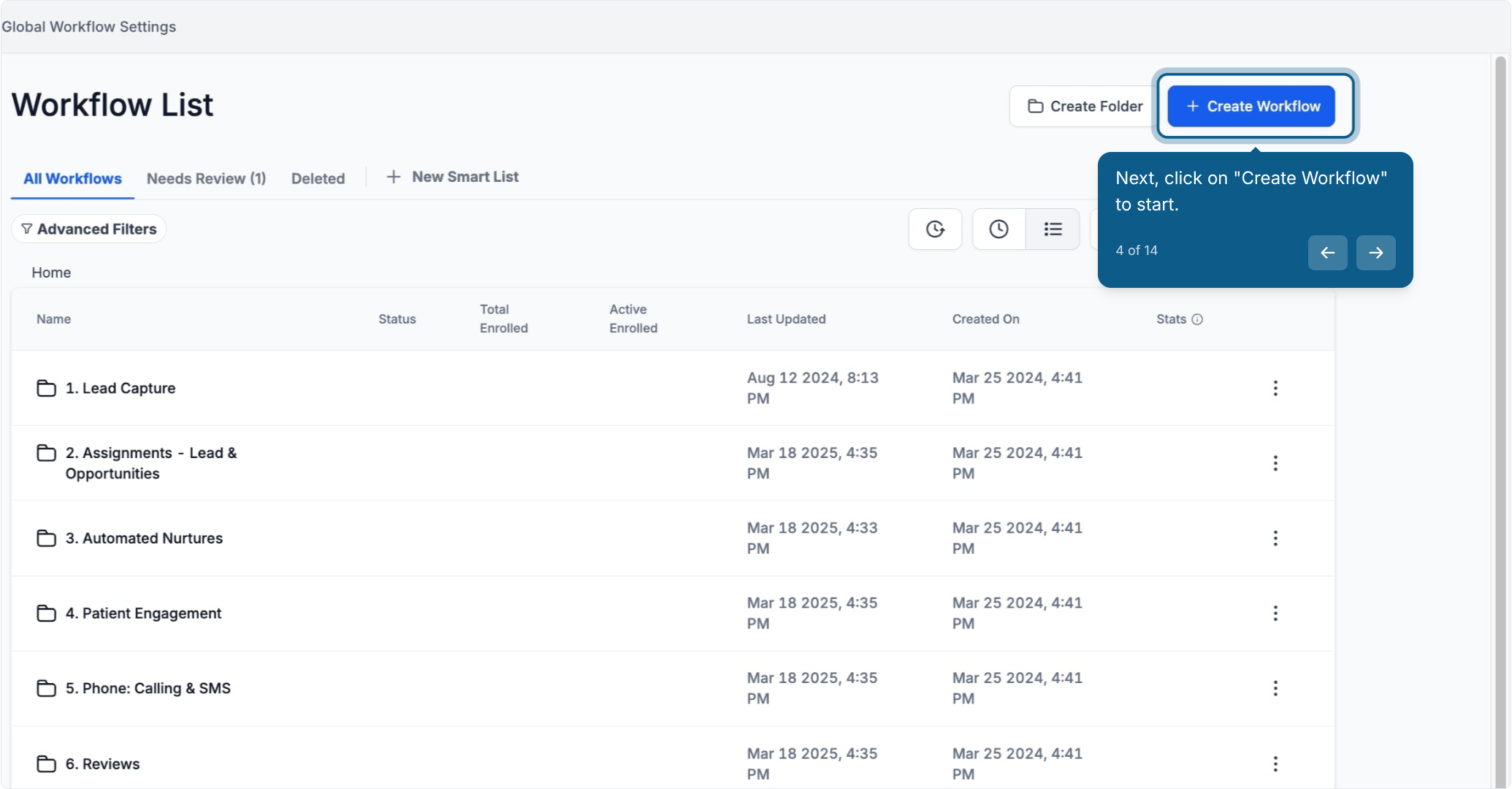
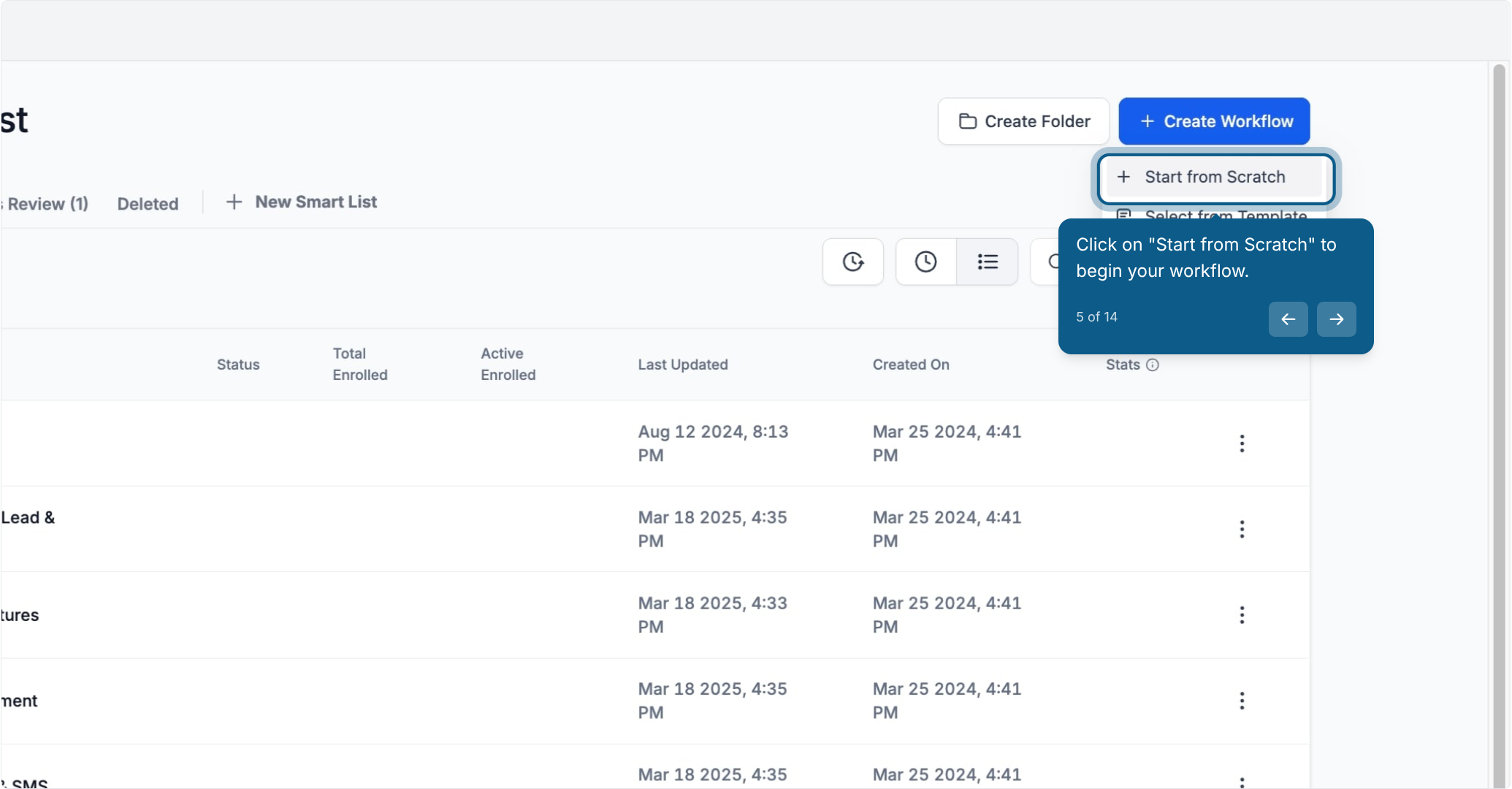
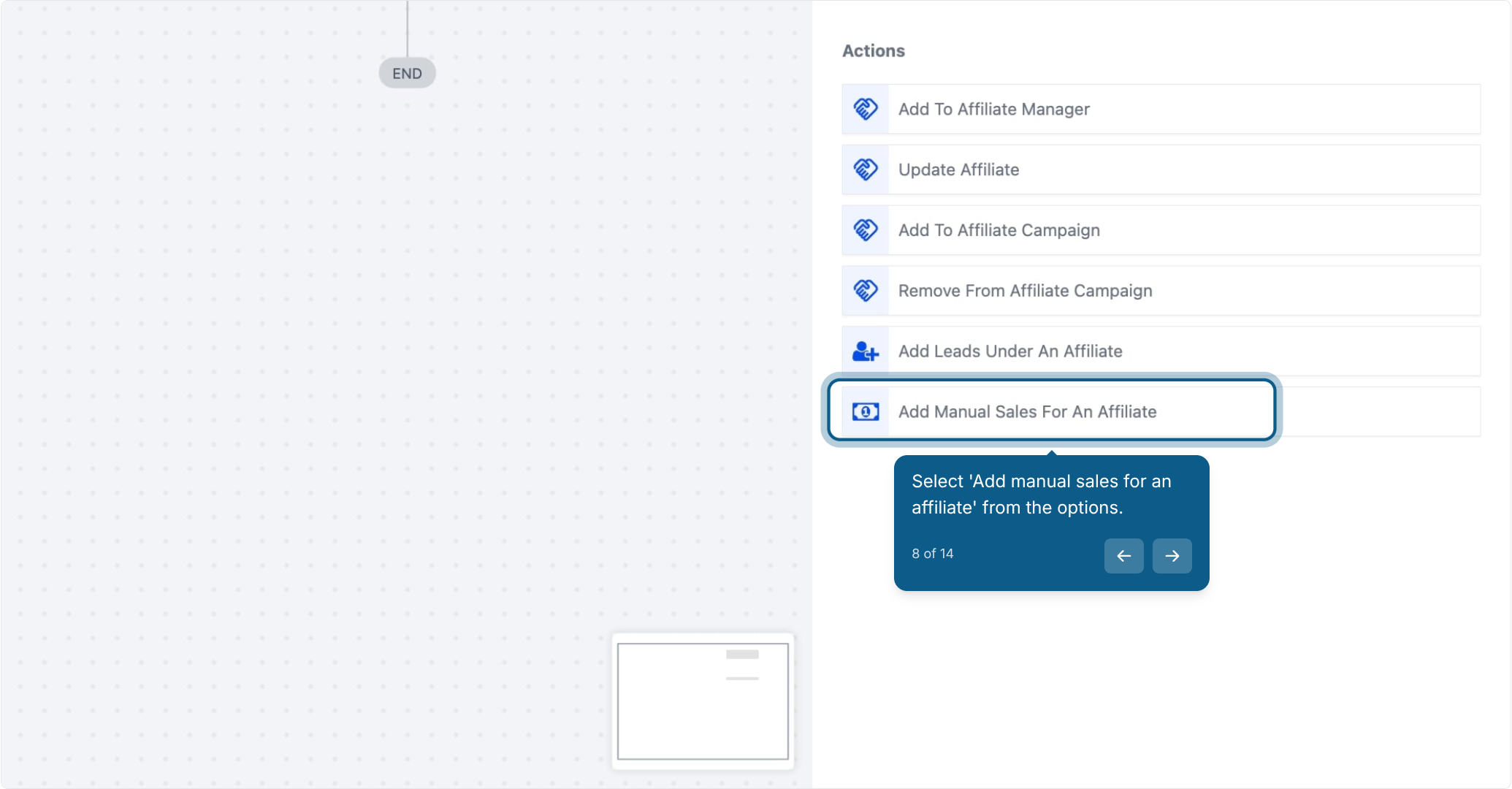
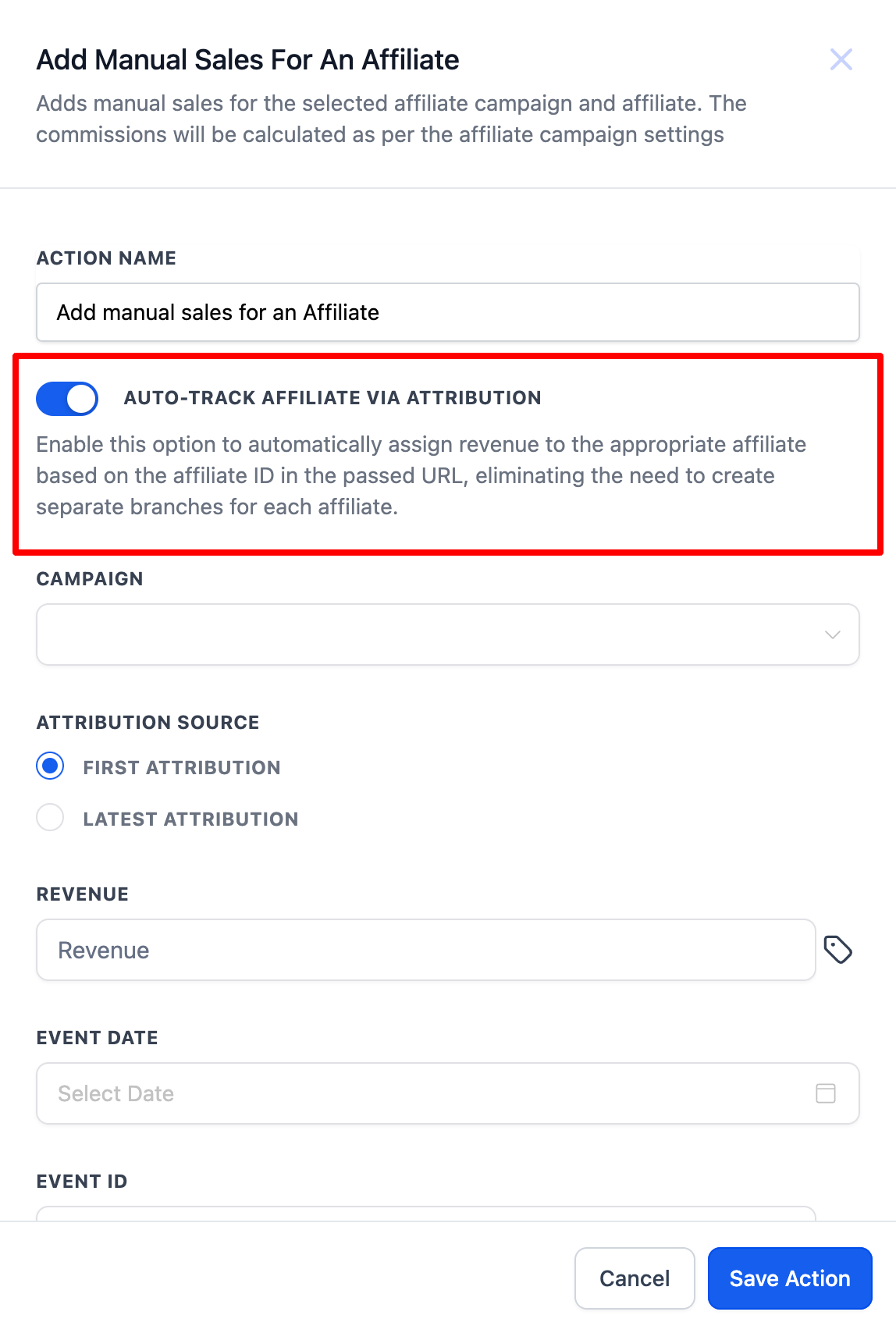
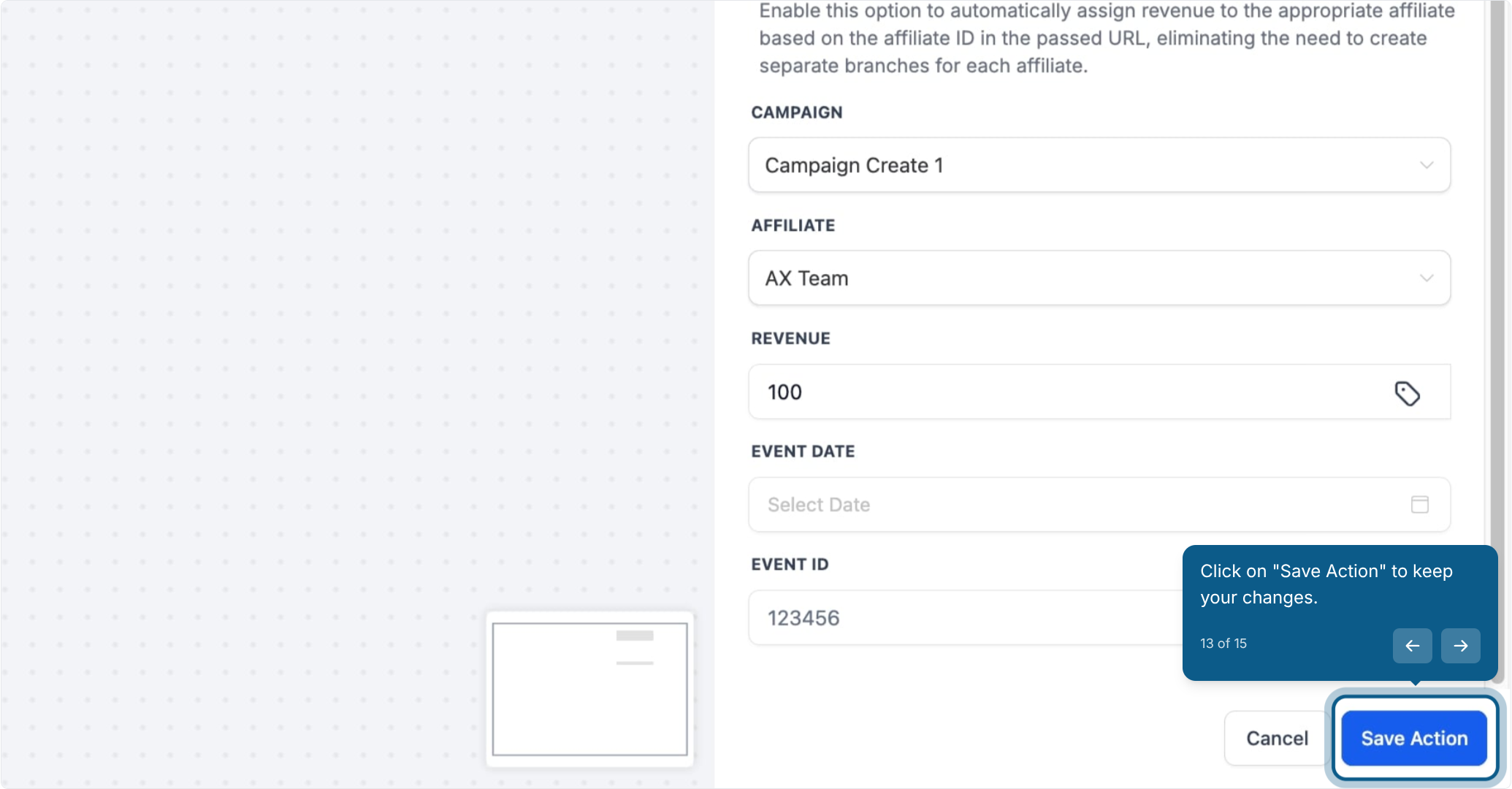
Turning this on tells Aesthetix CRM to automatically assign the sale to the correct affiliate based on the attribution data already stored on the contact, so you don't need to build a separate workflow branch for every affiliate.
Attribution type | What it records |
|---|---|
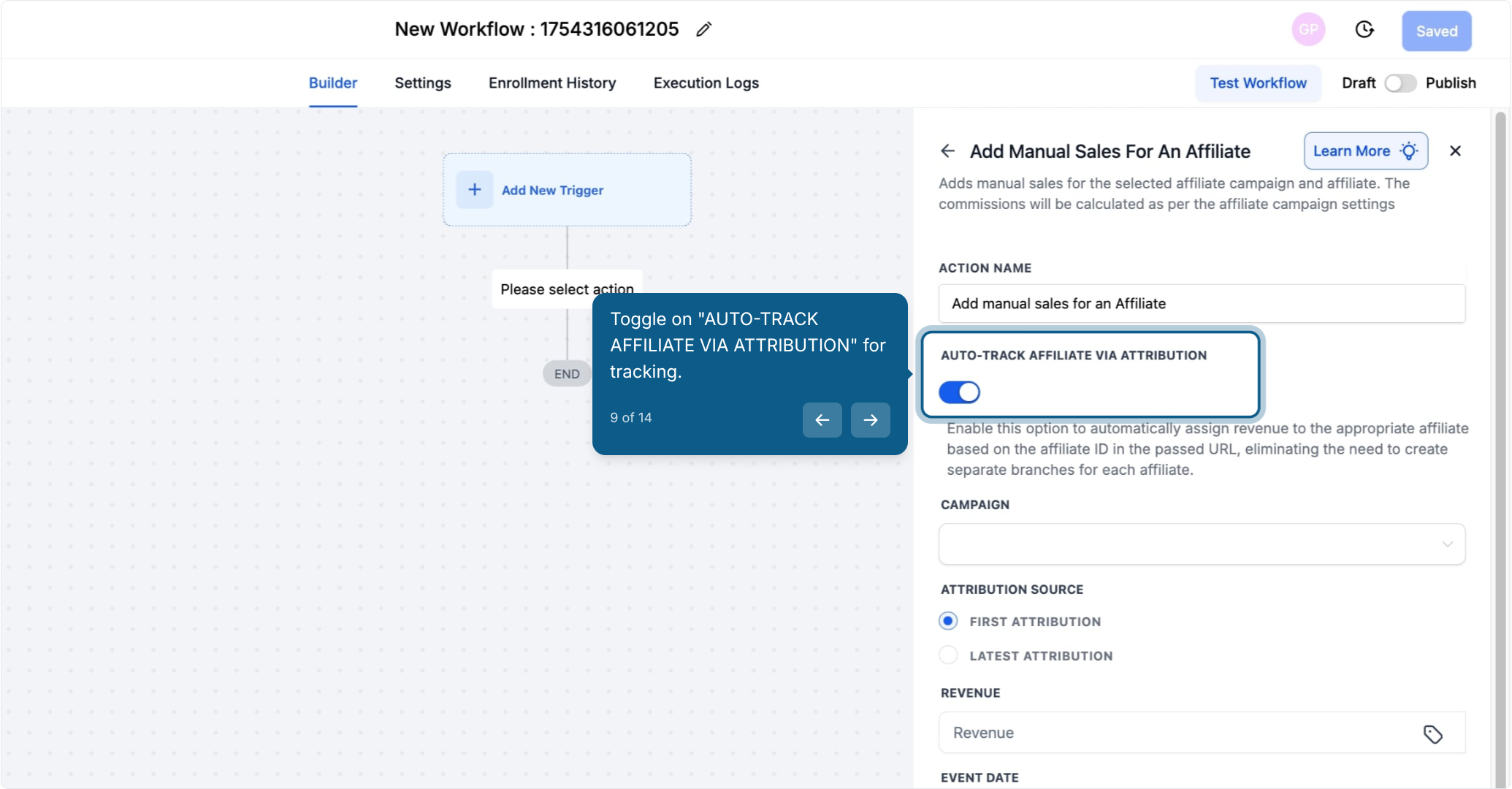
First Attribution | The very first interaction a contact ever had with your account, such as filling out an intake form for the first time. This stays fixed and does not change with later activity. |
Latest Attribution | The most recent interaction, such as booking a consult or completing a purchase. This updates every time the contact interacts again. |
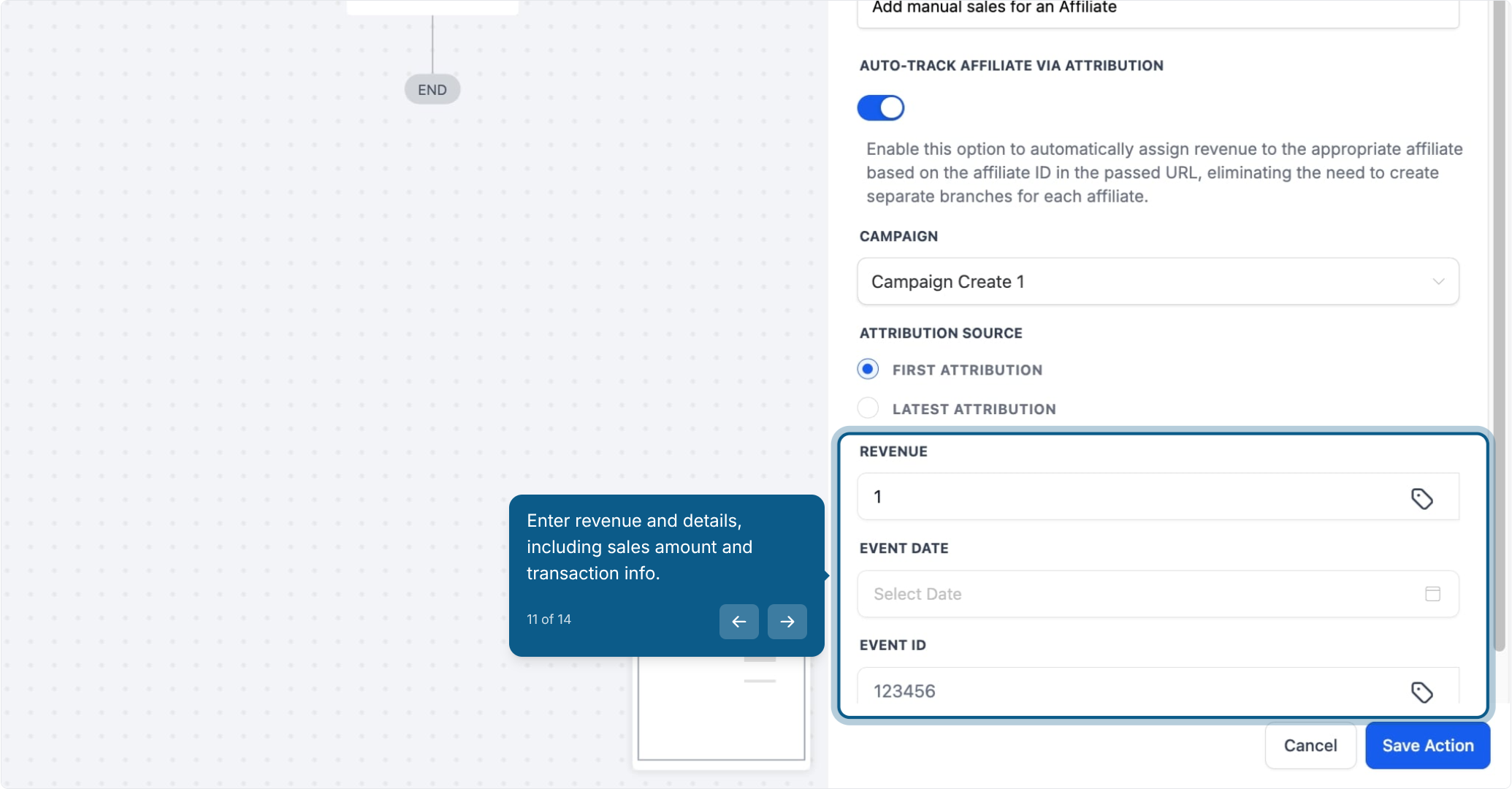
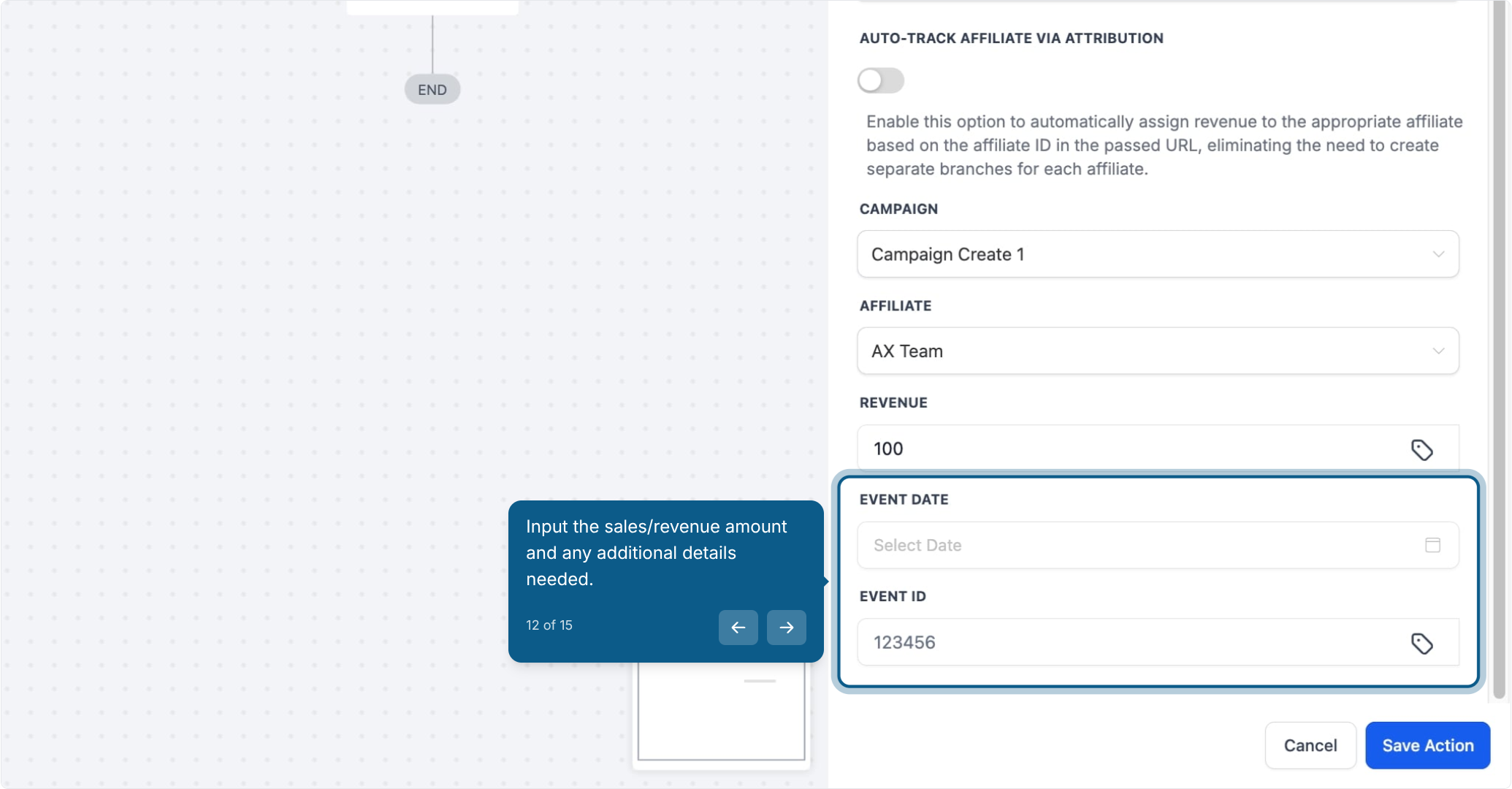
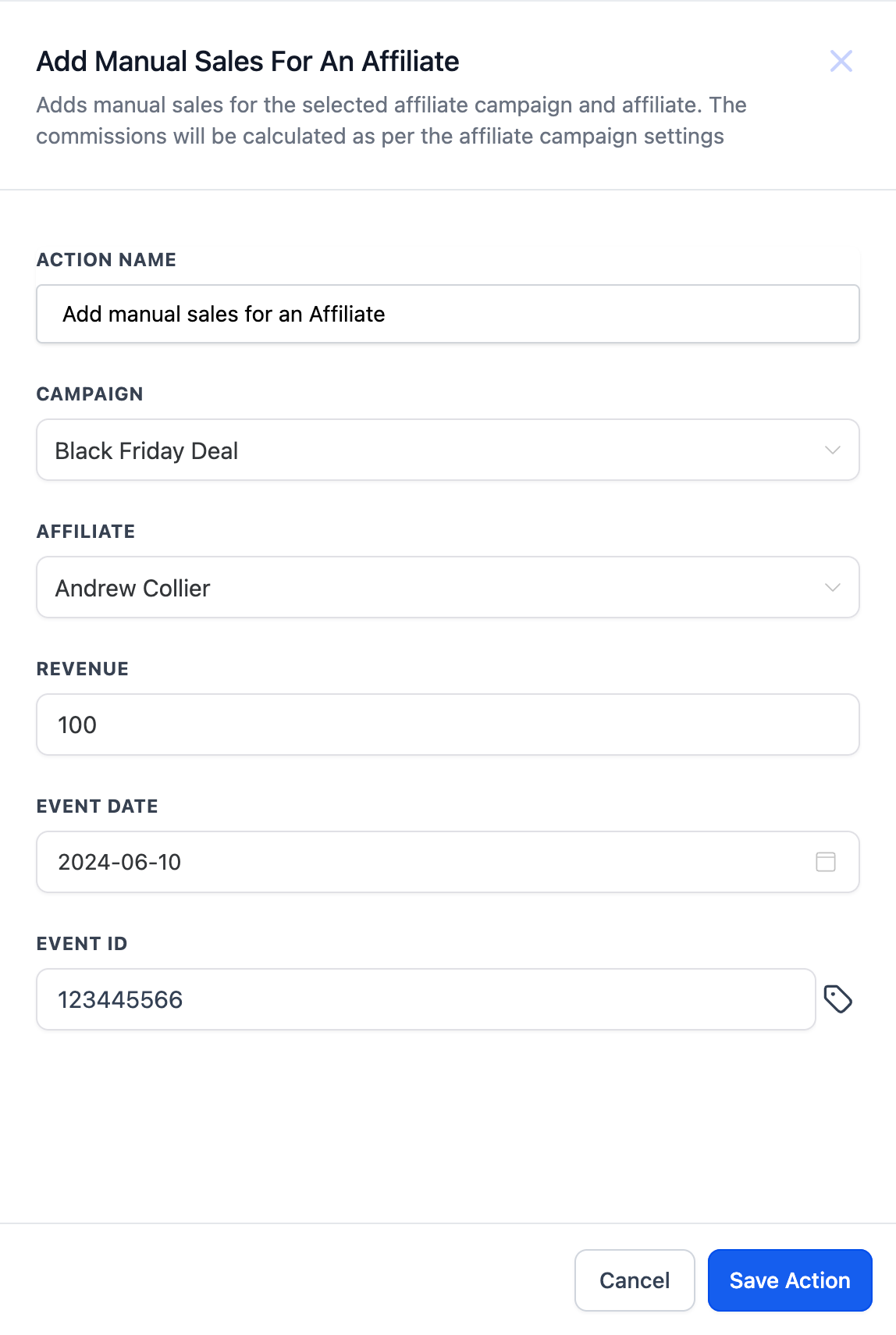
Enter the sales/revenue amount for the transaction. You can also optionally add the Event Date (when the sale actually happened) and an Event ID (a reference number or transaction ID) to keep your records tied to the original sale.
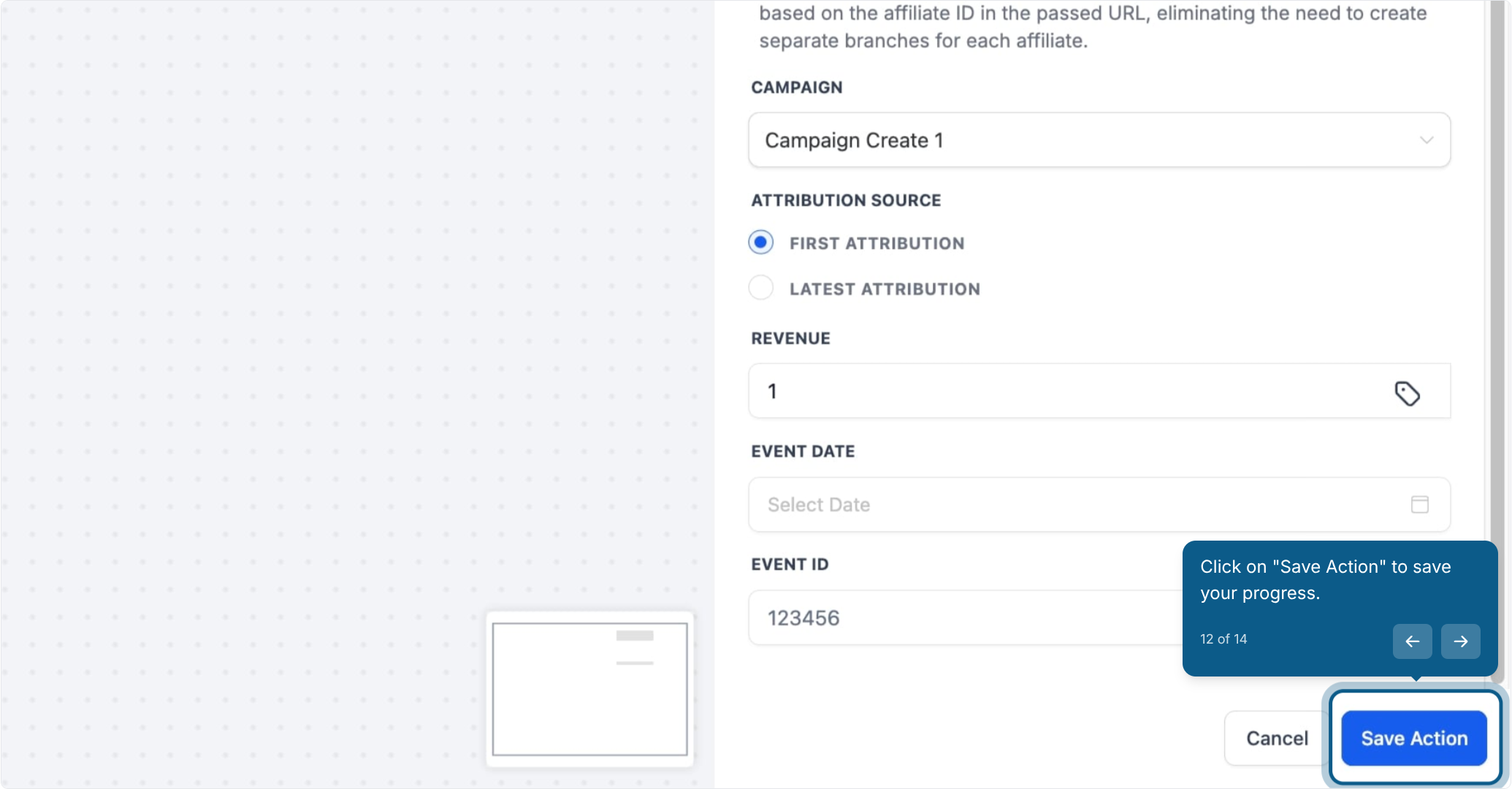
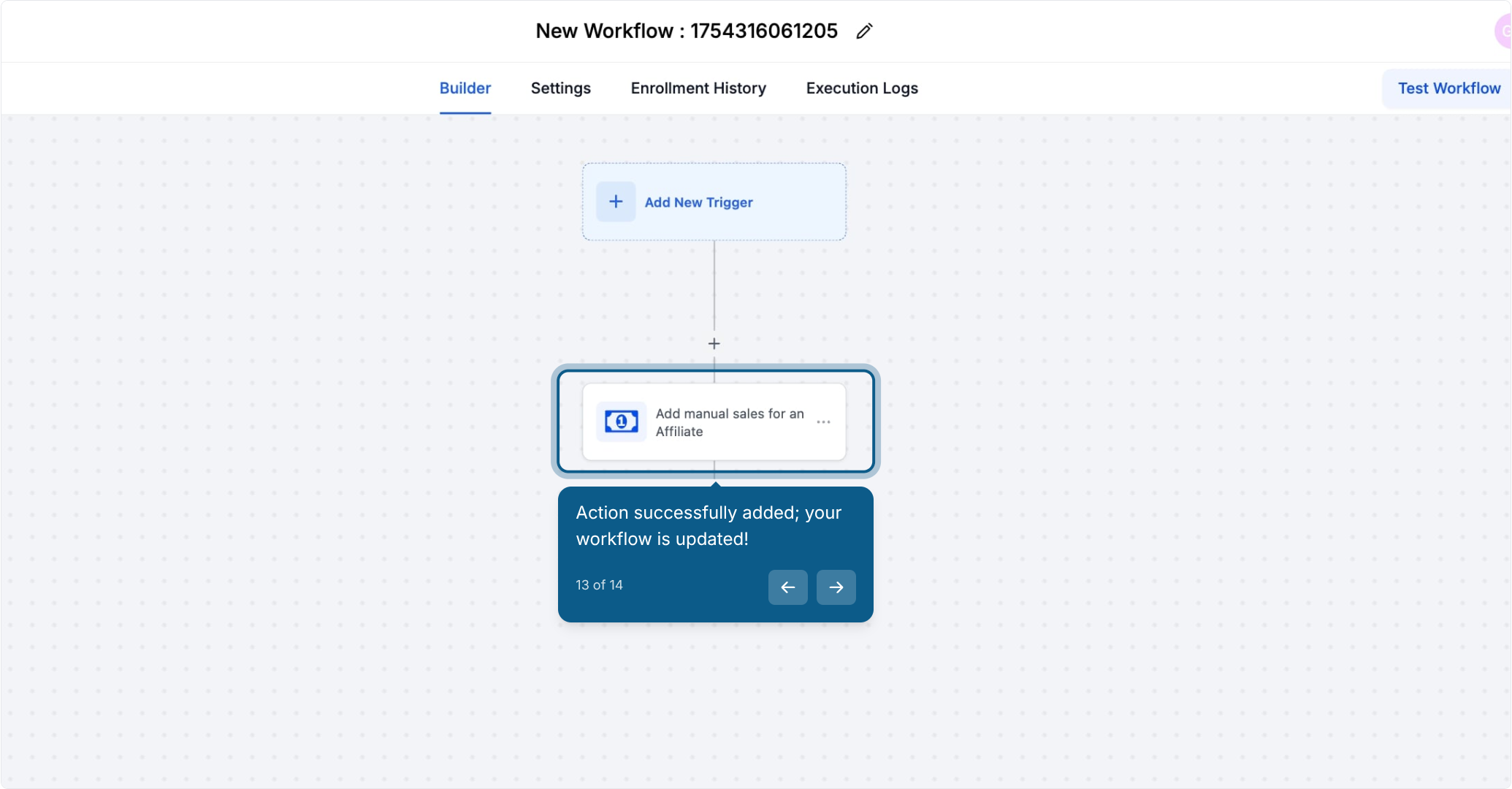
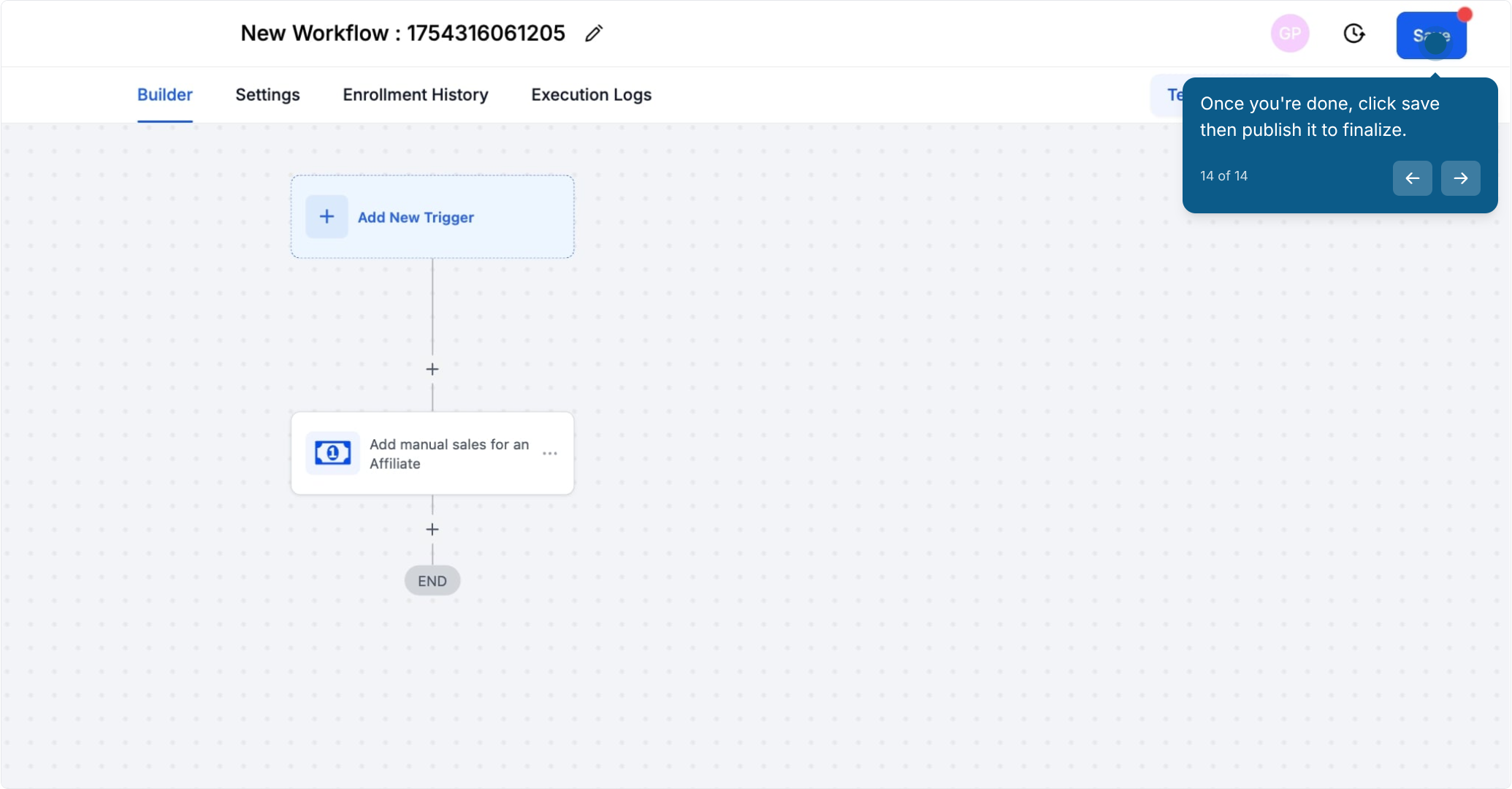
Use this option when you already know exactly which affiliate should be credited and there's no attribution data to fall back on, such as a patient who called the office directly and mentioned a referral partner.
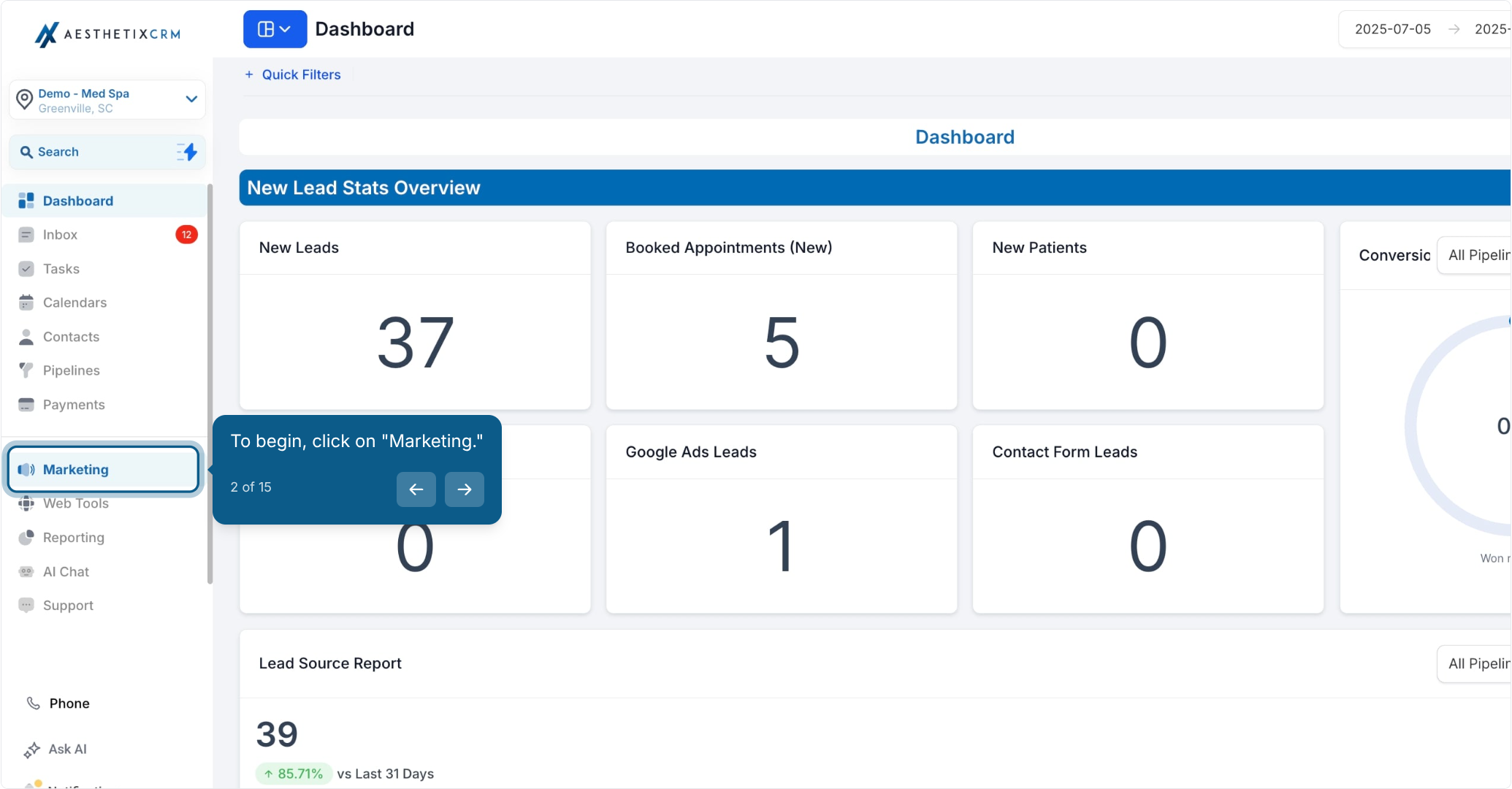
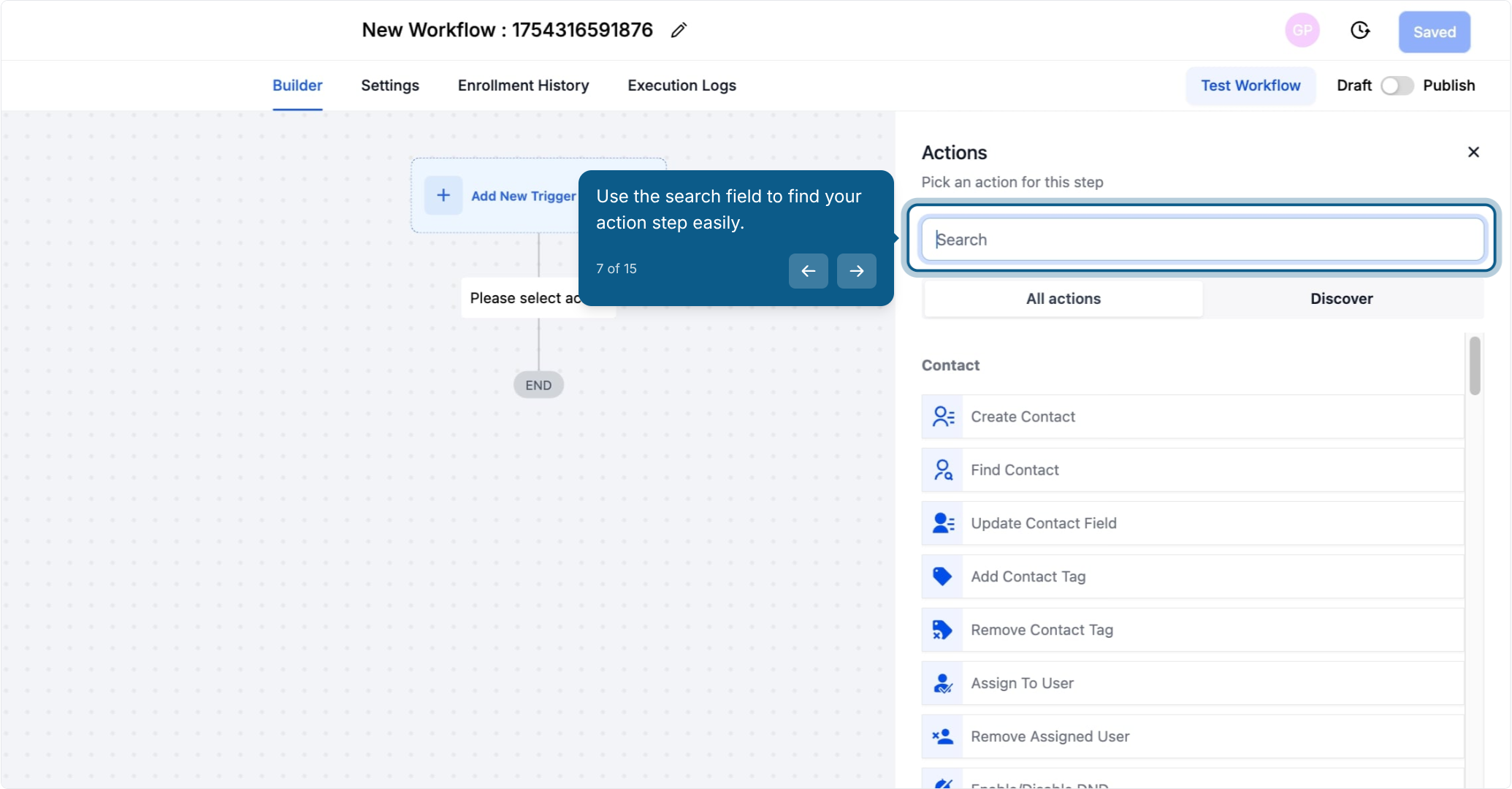
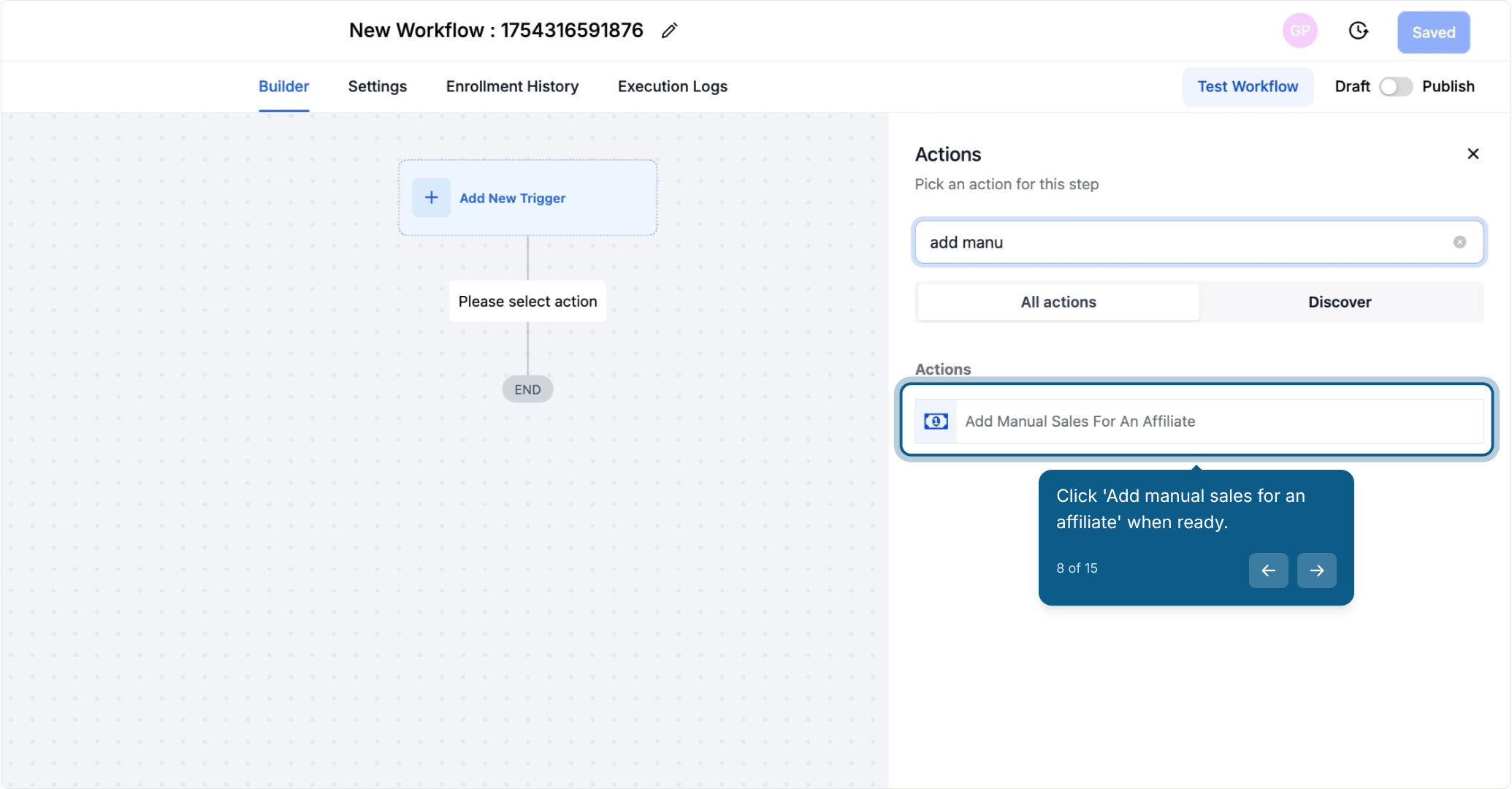

Leave the attribution toggle off for this option.
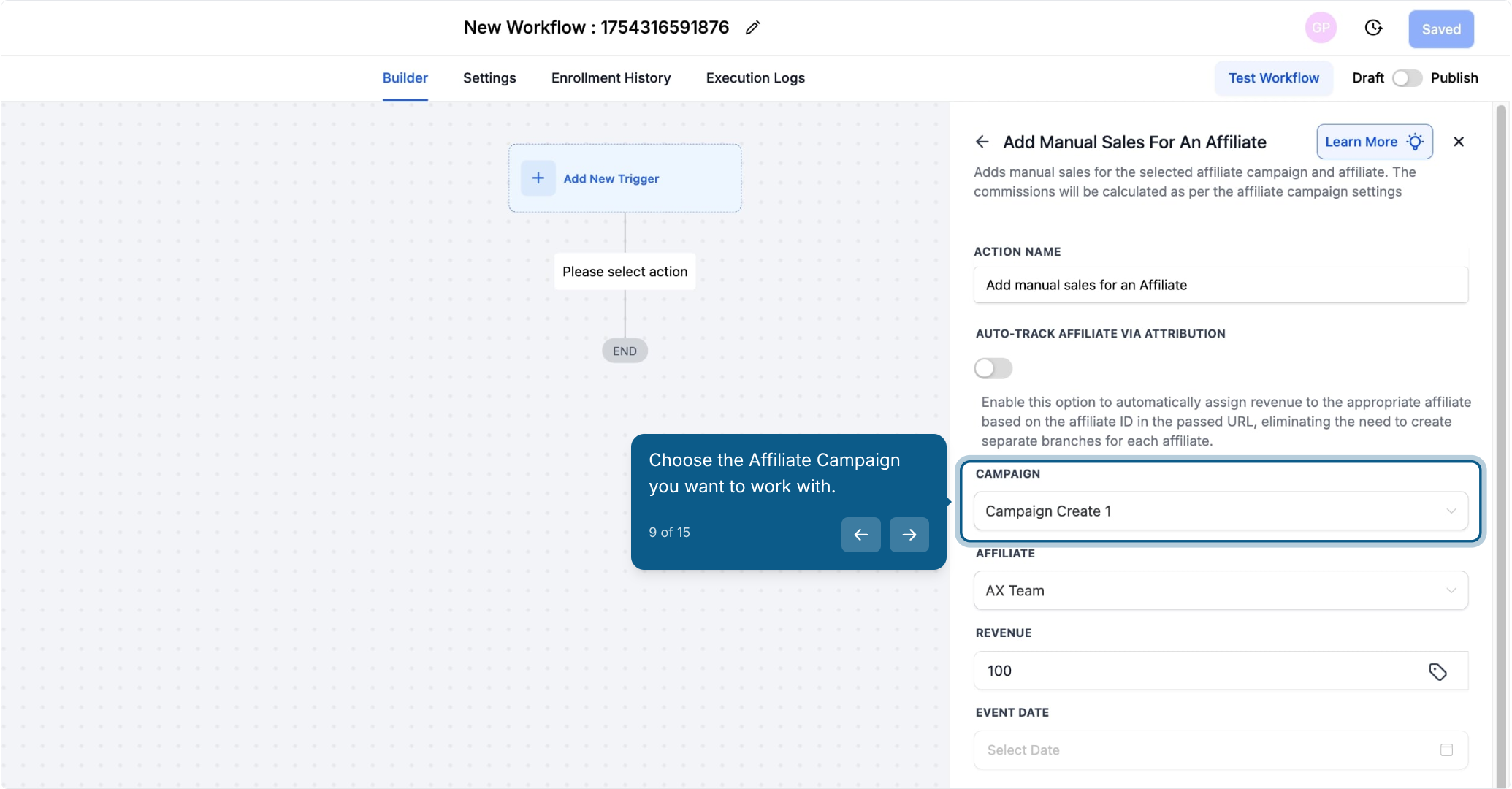
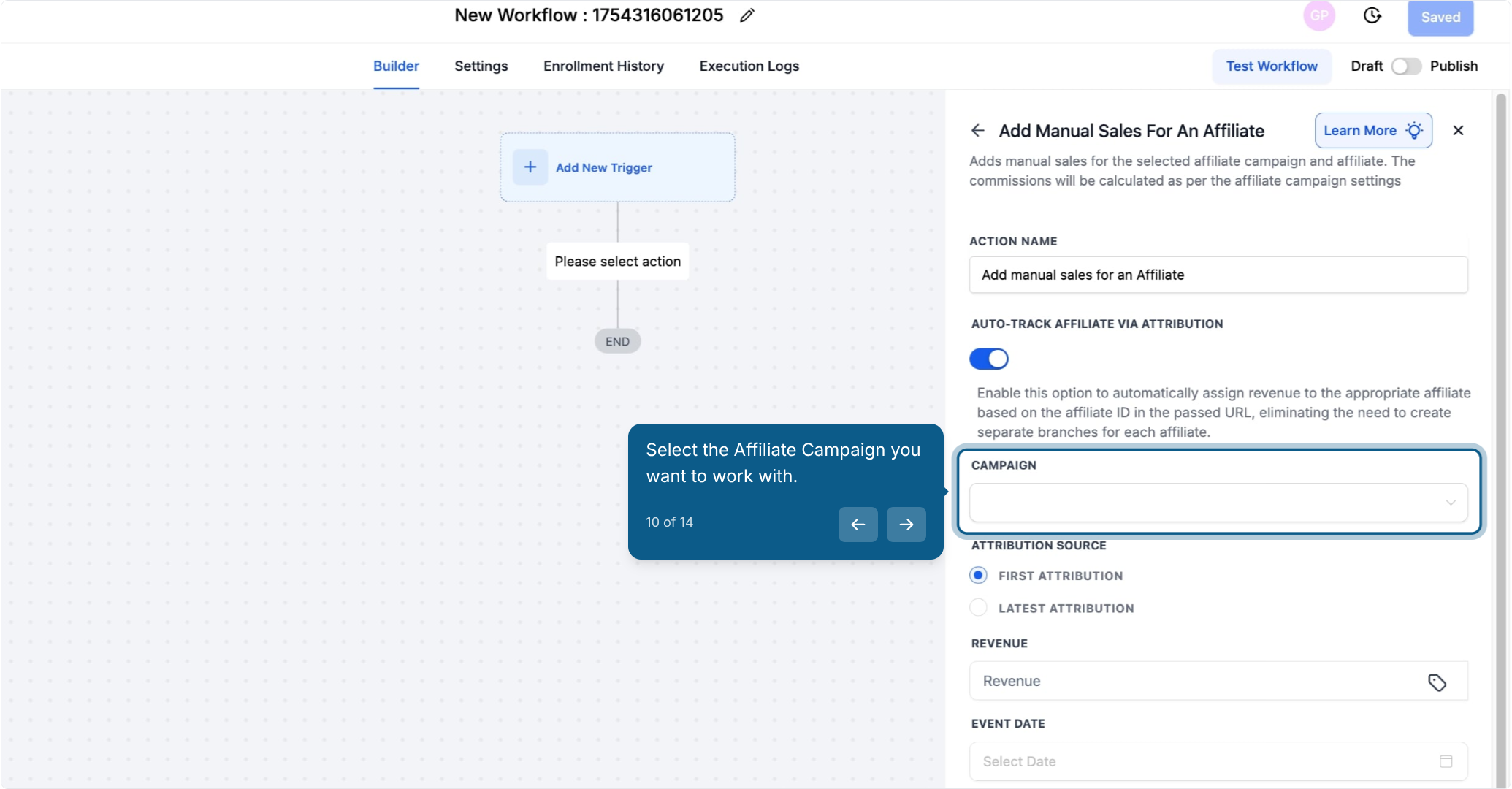
Once you select a campaign, the Affiliate dropdown only shows affiliates who are already added to that campaign.
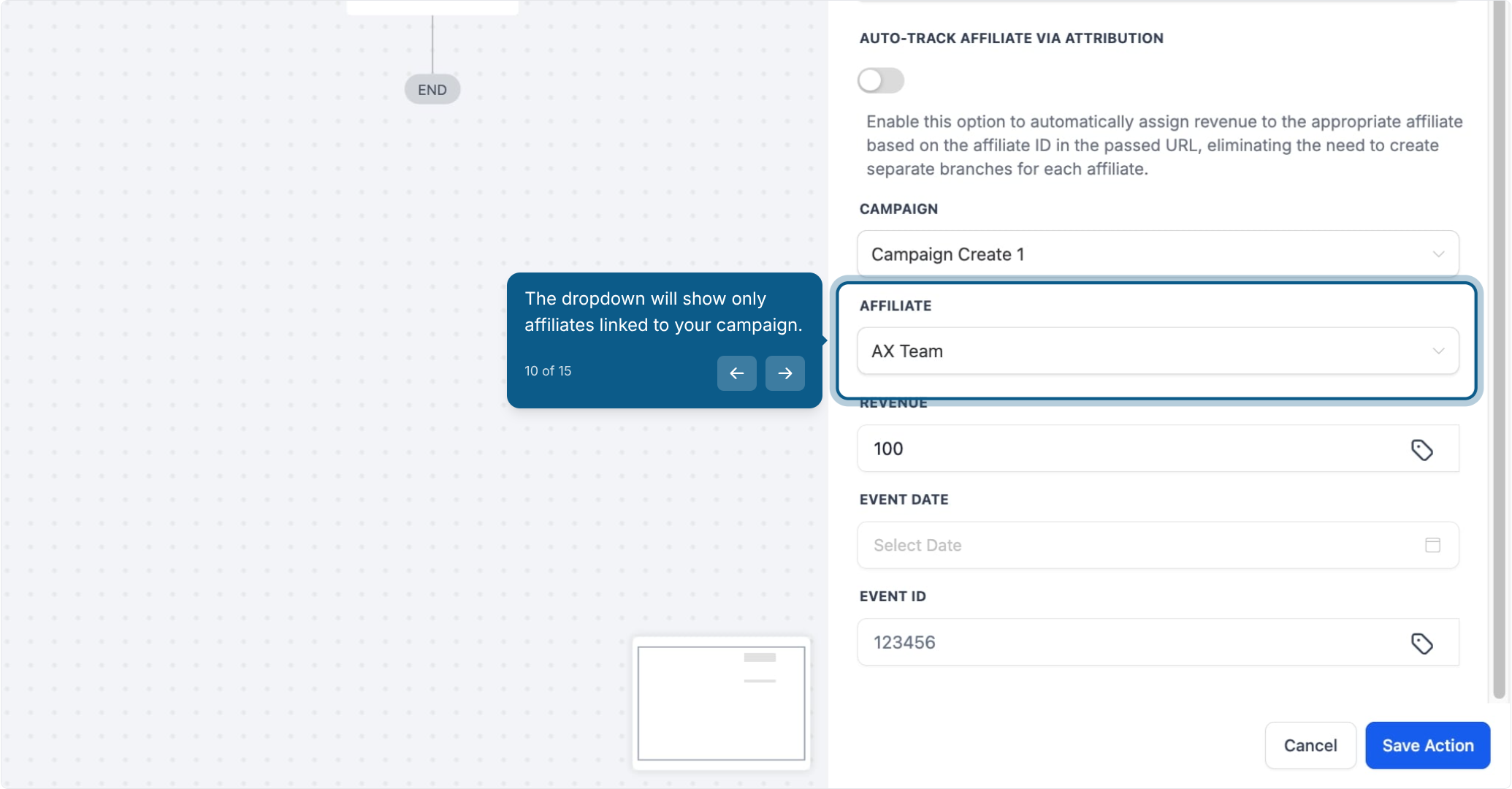
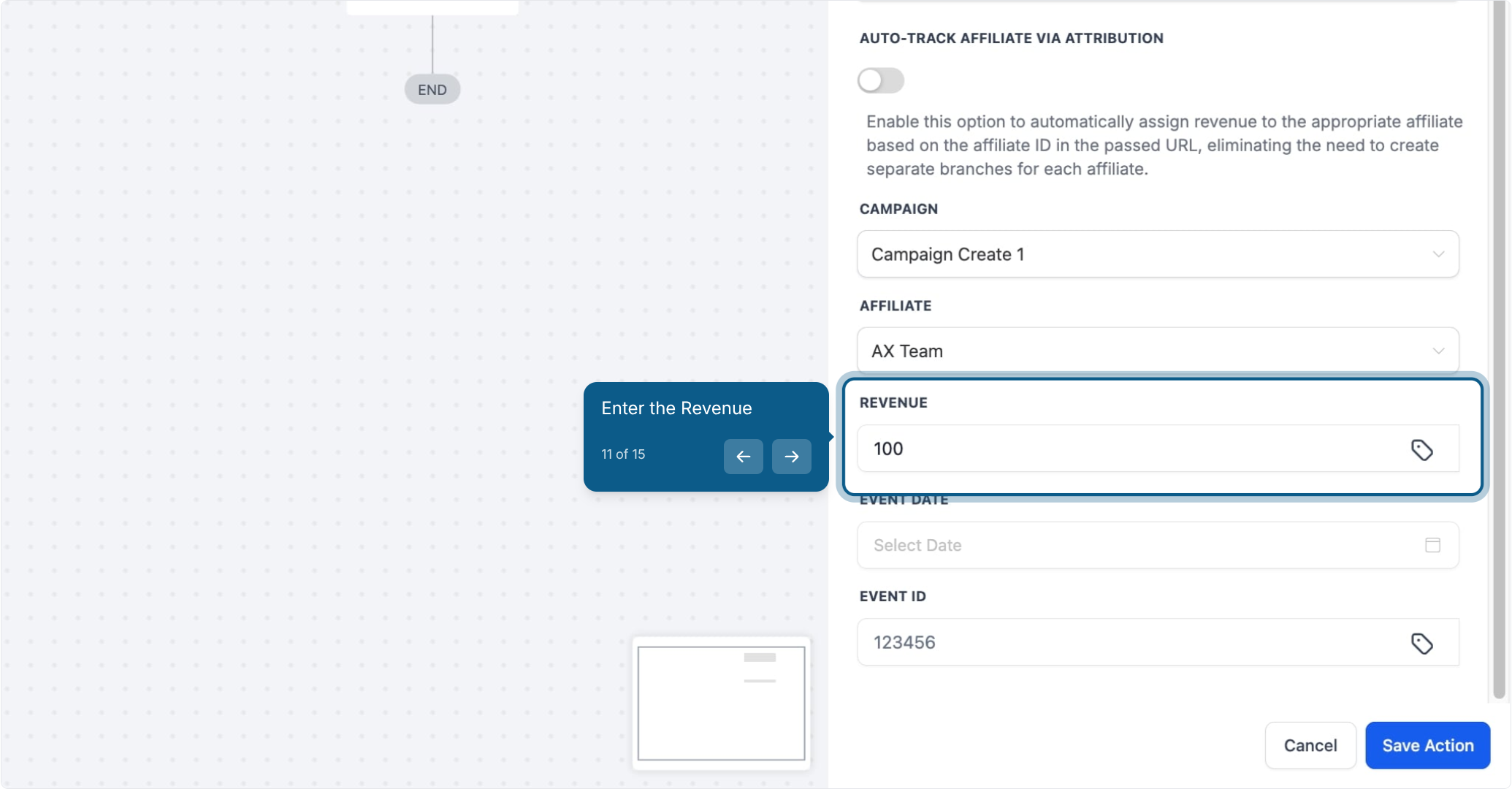
You can optionally add an Event Date and an Event ID (reference or transaction ID) alongside the revenue amount.
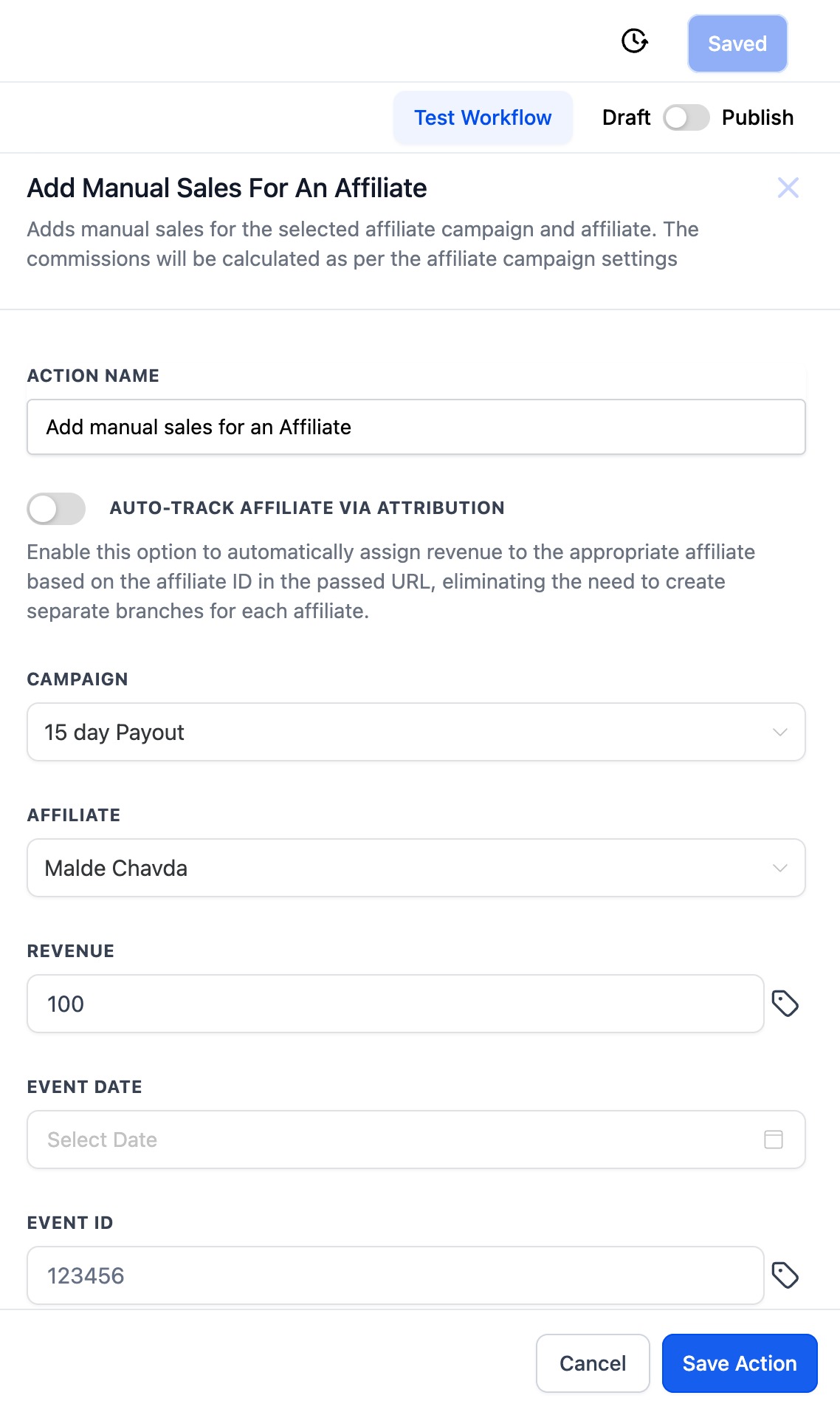
Note: This action only records a manual sale for an affiliate. It does not process payment or move money on its own, it simply logs the sale and calculates the commission based on the affiliate campaign's default commission settings.
Trigger: Form Submitted, using an intake or booking form your referral partner has shared with prospective patients. That form should be linked to the affiliate campaign.
Action: Add Manual Sales For An Affiliate, with "AUTO-TRACK AFFILIATE VIA ATTRIBUTION" toggled on.
Outcome: When a prospective patient fills out the form using a valid affiliate link, Aesthetix CRM automatically matches the lead to the right referral partner and calculates their commission, all without you having to build a separate workflow branch for each affiliate.
What's the real difference between using attribution tracking and not using it? With attribution tracking on, Aesthetix CRM picks the affiliate automatically based on data already stored on the contact. Without it, you manually choose both the campaign and the affiliate yourself. Use attribution when the patient came through a trackable link; use the manual option when you already know who to credit, like a phone or walk-in referral.
Does this action process the actual payment from the patient? No. This action only records that a sale happened and calculates the commission owed to the affiliate. It does not charge the patient or move any money. It's meant for sales that were already completed offline, such as an in-office payment or a phone order.
What is First Attribution versus Latest Attribution? First Attribution is the very first interaction a contact ever had with your account, and it never changes. Latest Attribution is the most recent interaction and updates every time the contact engages again. Choose whichever best reflects how you want to credit that affiliate for that particular sale.
Can I use this action for a sale that already happened through an online booking or checkout the CRM tracked automatically? This action is meant for sales the system didn't already capture, like offline, phone, or in-person transactions. If a sale was already tracked automatically through a linked order, you generally don't need to add it manually.
What details can I enter besides the sale amount? You can optionally add an Event Date (the date the sale actually happened) and an Event ID (a reference or transaction ID), which is useful for matching the entry back to your own records later.
How does Aesthetix CRM calculate the commission? The commission is calculated using the default commission settings configured on the affiliate campaign you select. This action doesn't let you override that rate per sale, it applies whatever the campaign is already set up to pay.
Can I use this to reward an affiliate for something other than a sale, like attending training? Yes. Some practices use this action to log a "sale" as a way of rewarding a referral partner for non-monetary contributions, such as attending a training session or consistently sending high-quality referrals.
Where do I set up the workflow trigger that runs this action? Triggers (like a form submission, tag added, or pipeline stage change) are configured separately in your workflow. This article covers the action itself; trigger options are documented in the Workflows collection.
Will the affiliate be able to see this manual sale in their own reporting? Once the action runs and the commission is calculated, it's tied to the affiliate the same way any other tracked sale would be, so it reflects in their commission totals under that campaign.
