
Affiliate Campaigns, found under Affiliate Manager, let your practice run patient and partner referral programs with trackable links and payouts. This article answers the most common questions practices ask once a campaign is set up.
Frequently Asked Questions
Can an affiliate be part of multiple campaigns? Yes. An affiliate can join as many campaigns as you like, and each campaign generates its own unique referral link for that affiliate. Just be careful when you assign products to a campaign, since linking the same product to more than one campaign at once will affect the accuracy described below.
Can I link the same product to more than one campaign? It's best not to. Linking the same product across multiple campaigns makes it harder for Aesthetix CRM to attribute a referral to the correct campaign, which skews your reporting numbers. Assign each product to a single active campaign at a time.
What do the green and red status colors on a campaign mean? Green means the campaign is Live and is actively generating trackable referral links. Red means the campaign is Paused, so its links won't track referrals until you resolve what's keeping it from publishing.
Why is my affiliate campaign stuck paused and won't publish? A campaign is created in a paused state if:
No payment provider is connected to your account
No affiliates have been added to the campaign yet
Connect a payment provider and add at least one affiliate to the campaign, and it will switch over to Live.
AX Pay tip: Before connecting a payment provider for your affiliate campaigns, consider AX Pay, Aesthetix CRM's built-in payment processor. It offers better rates than Stripe and keeps affiliate-driven sales and payouts running through the same system as the rest of your practice's payments. See the AX Pay help article for setup details.
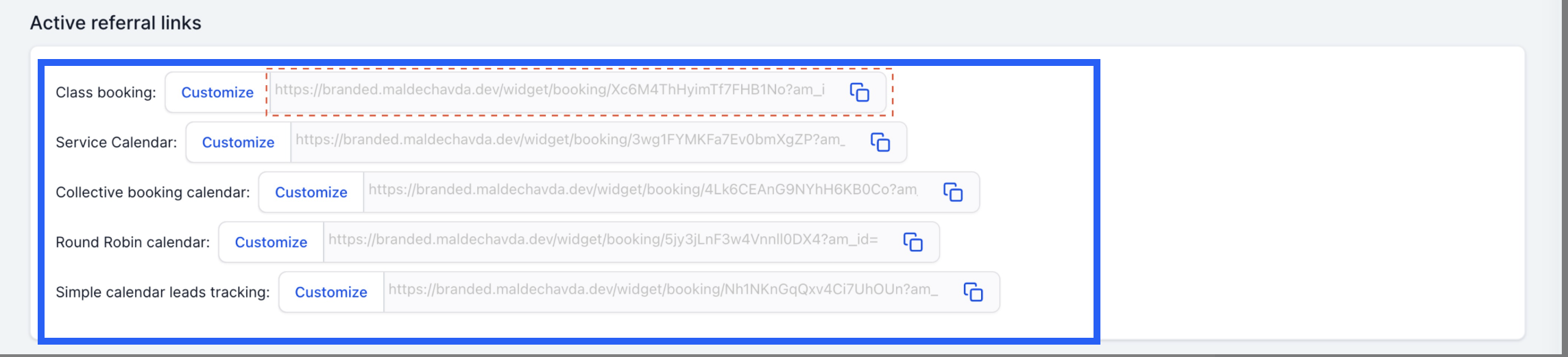
Where can I find the referral link for each affiliate's campaigns? Each affiliate gets a unique referral link for every campaign they're part of, so you can track their referrals accurately. To view an affiliate's links:
Go to the Affiliate section.
Click the affiliate's name.
Scroll down to the Active Referral Links tab.
You'll see a list of every campaign that affiliate belongs to, along with the referral link URL for each one.
How do I change the domain used in affiliate referral links? If your account doesn't have a branded domain added, affiliate campaign URLs use your account's default domain. Here's the default domain in use before a branded domain is added:
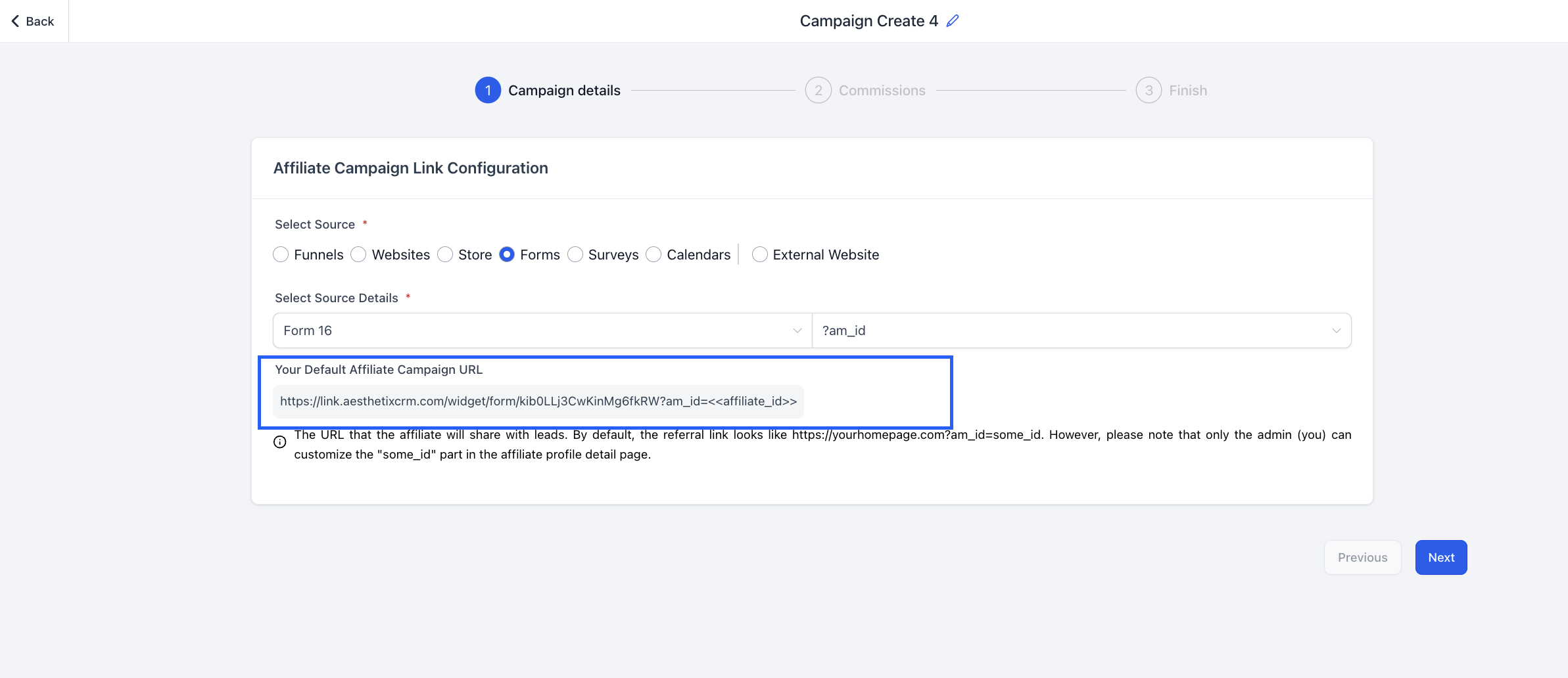
To use your own domain instead, go to Settings > Business Profile > Branded Domain and add it there.
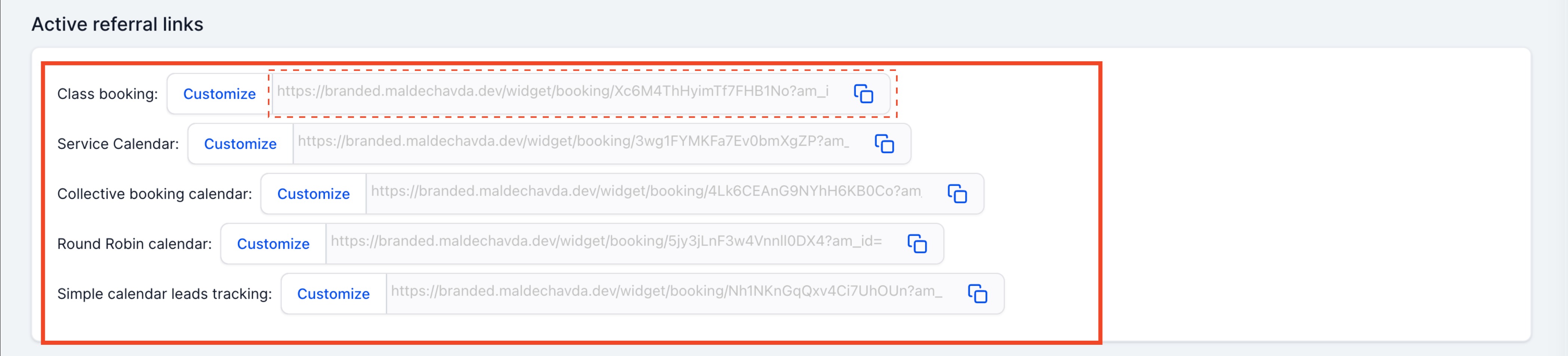
Once you've added a branded domain, every affiliate campaign URL automatically updates to use it going forward.
Can affiliate activity trigger automations, like a welcome email or a payout notification? Yes, but that setup happens outside of the Affiliate Campaigns screen. Affiliate signups, referrals, and sales are available as triggers and actions in Workflows, where you can build out automations for onboarding new affiliates, notifying your team of a referral, or confirming a payout.