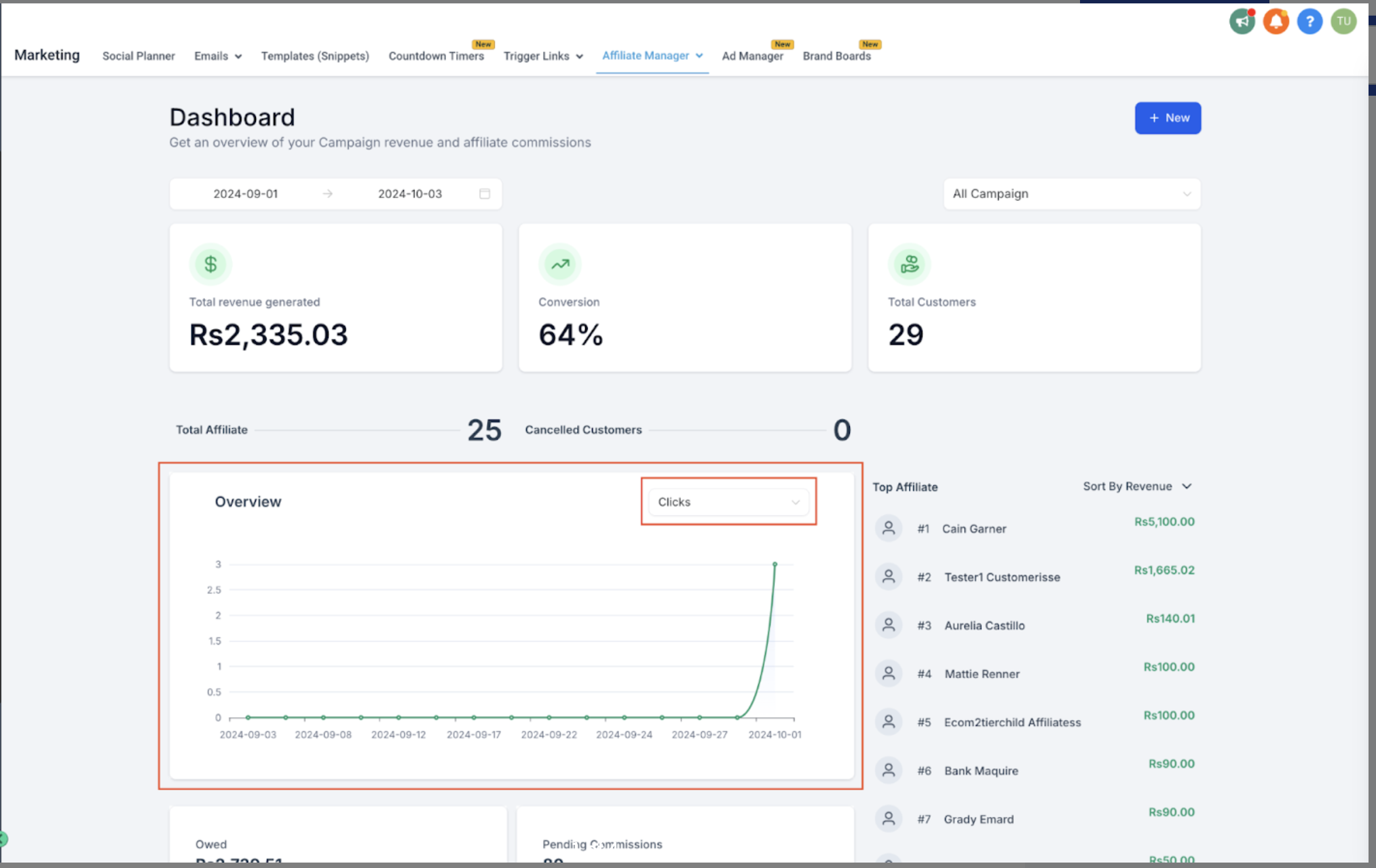
Every affiliate in your referral program gets a unique link to share with prospective patients. Aesthetix CRM automatically tracks clicks on that link so you and your affiliate can see how well a promotion is performing, long before it turns into a booked consult or a sale. Click activity lives inside the Affiliate Manager, under Marketing.
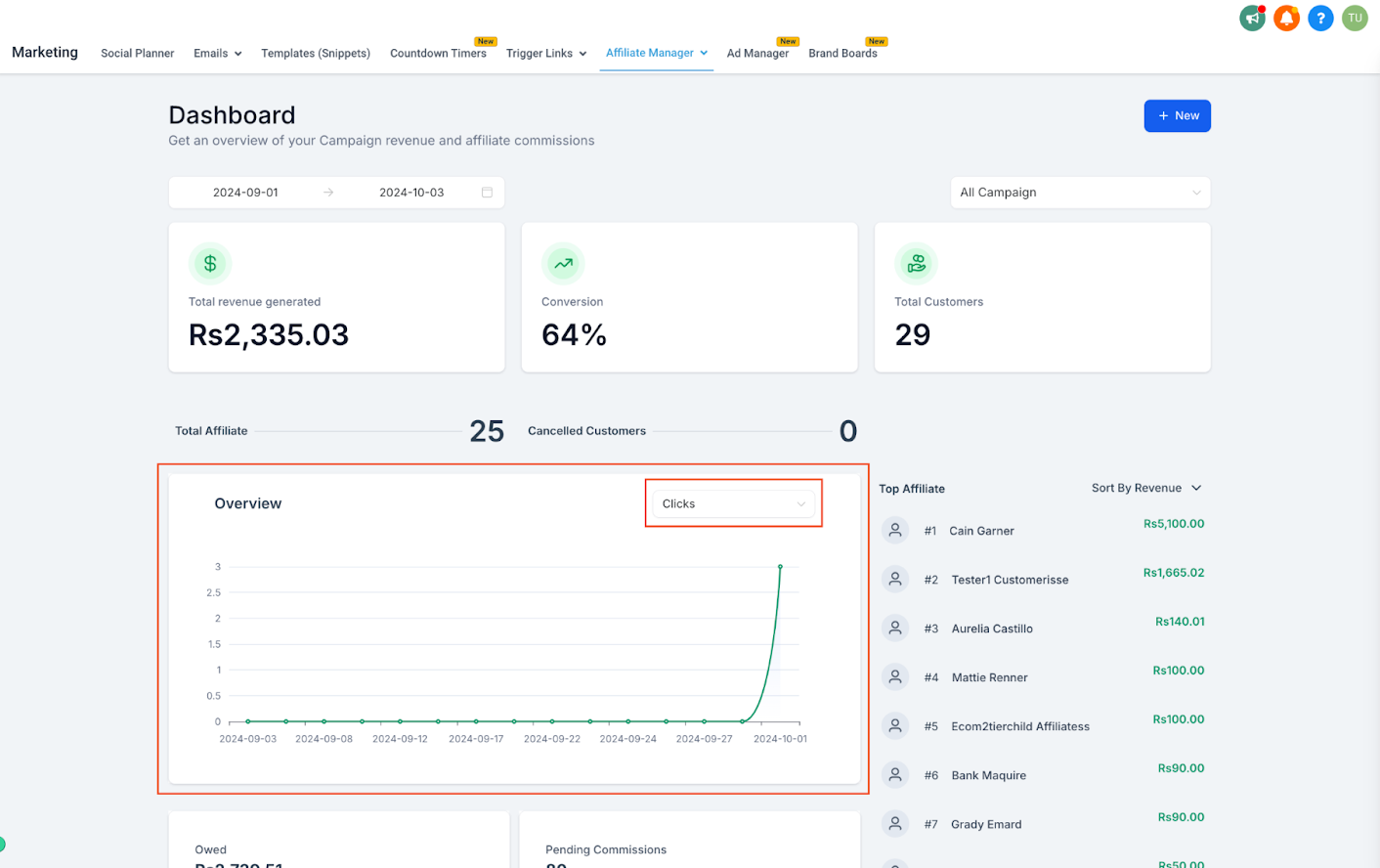
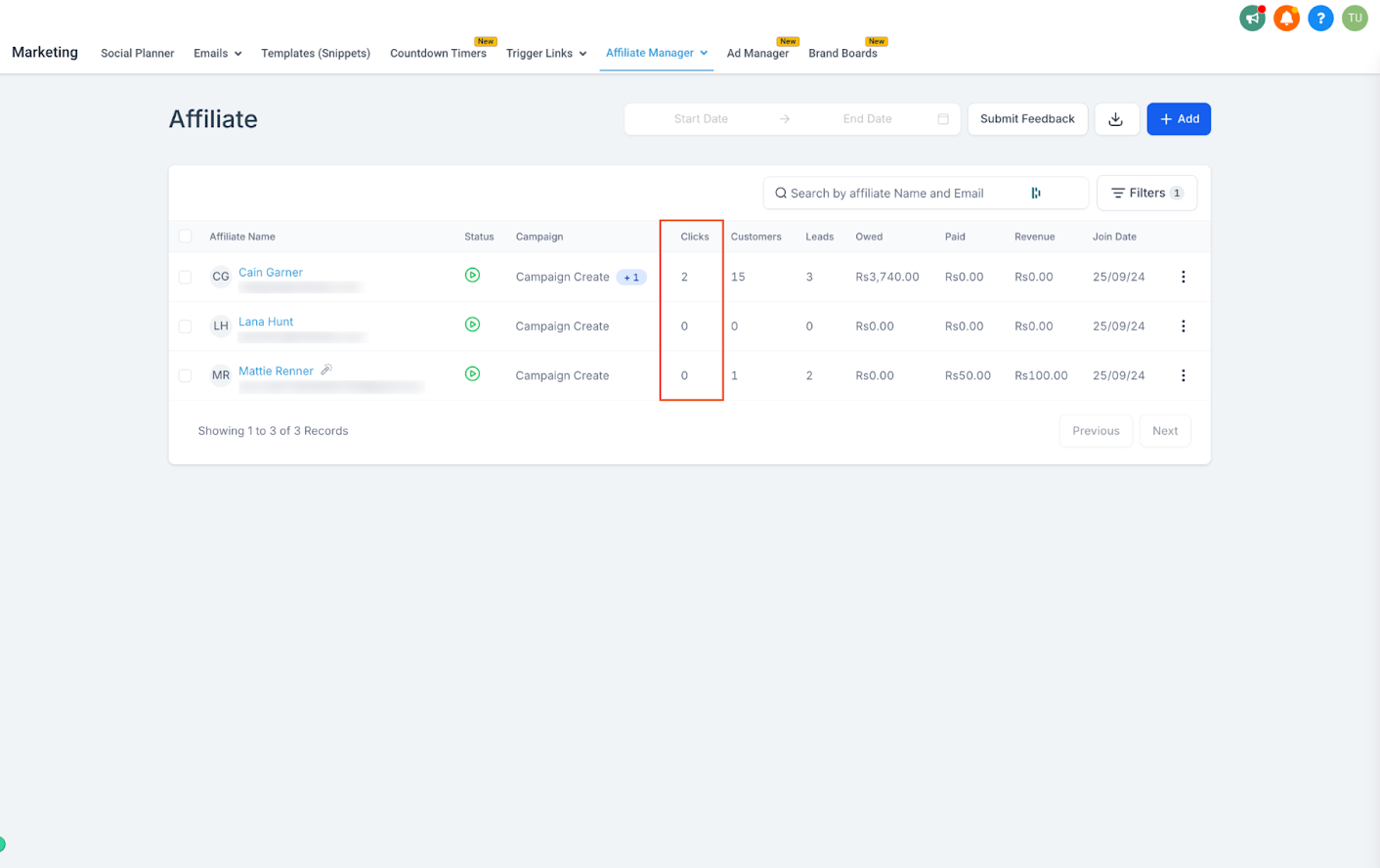
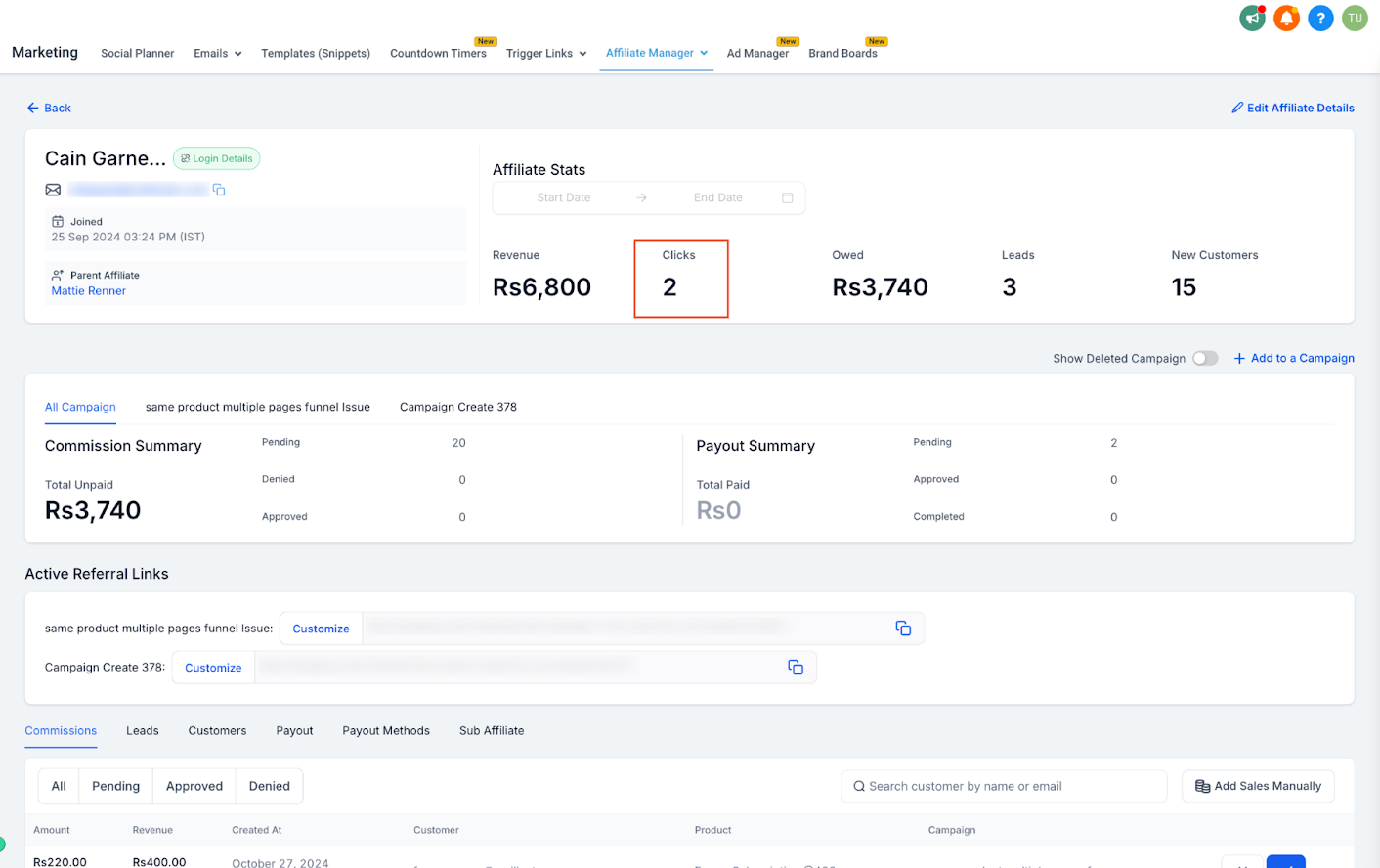
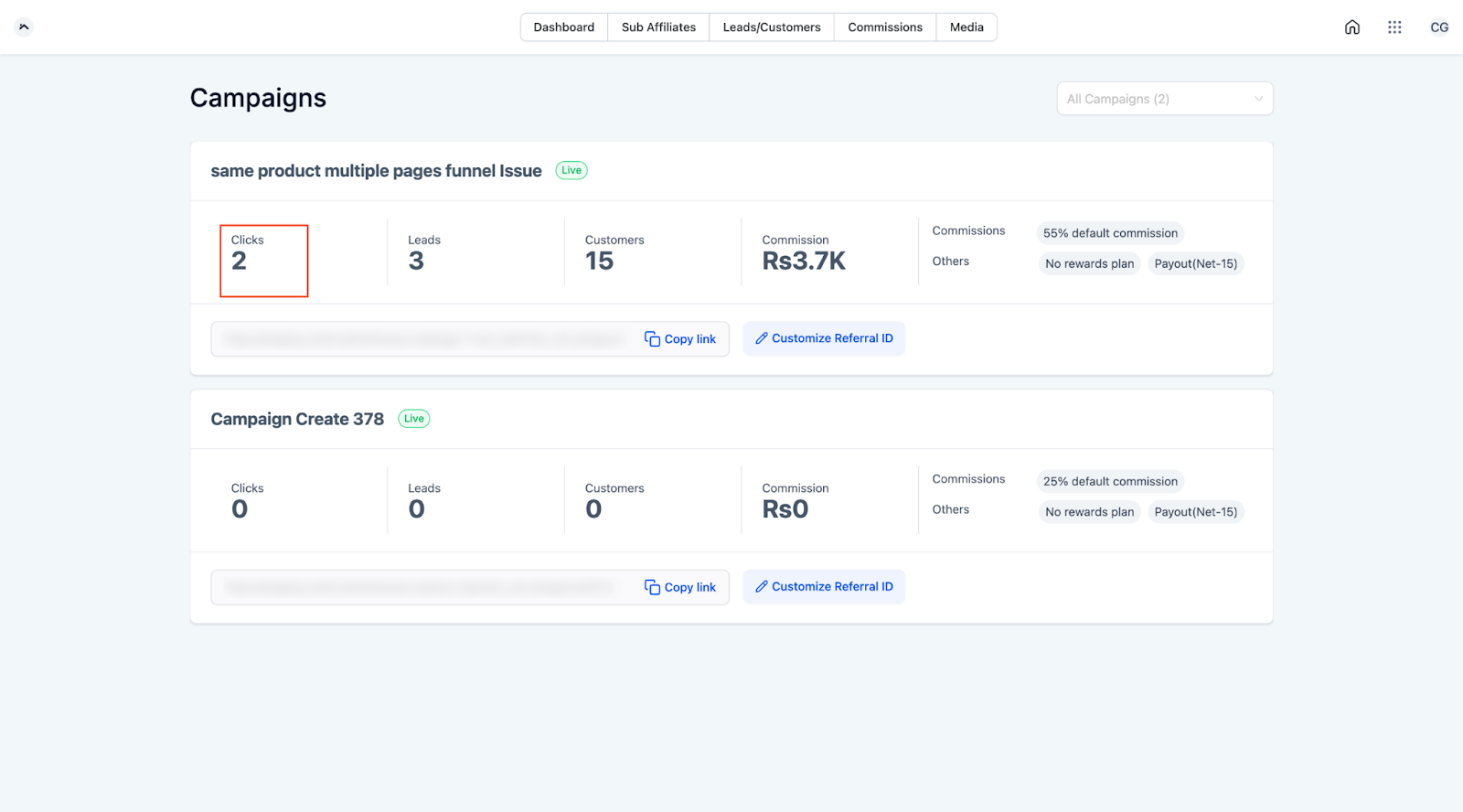
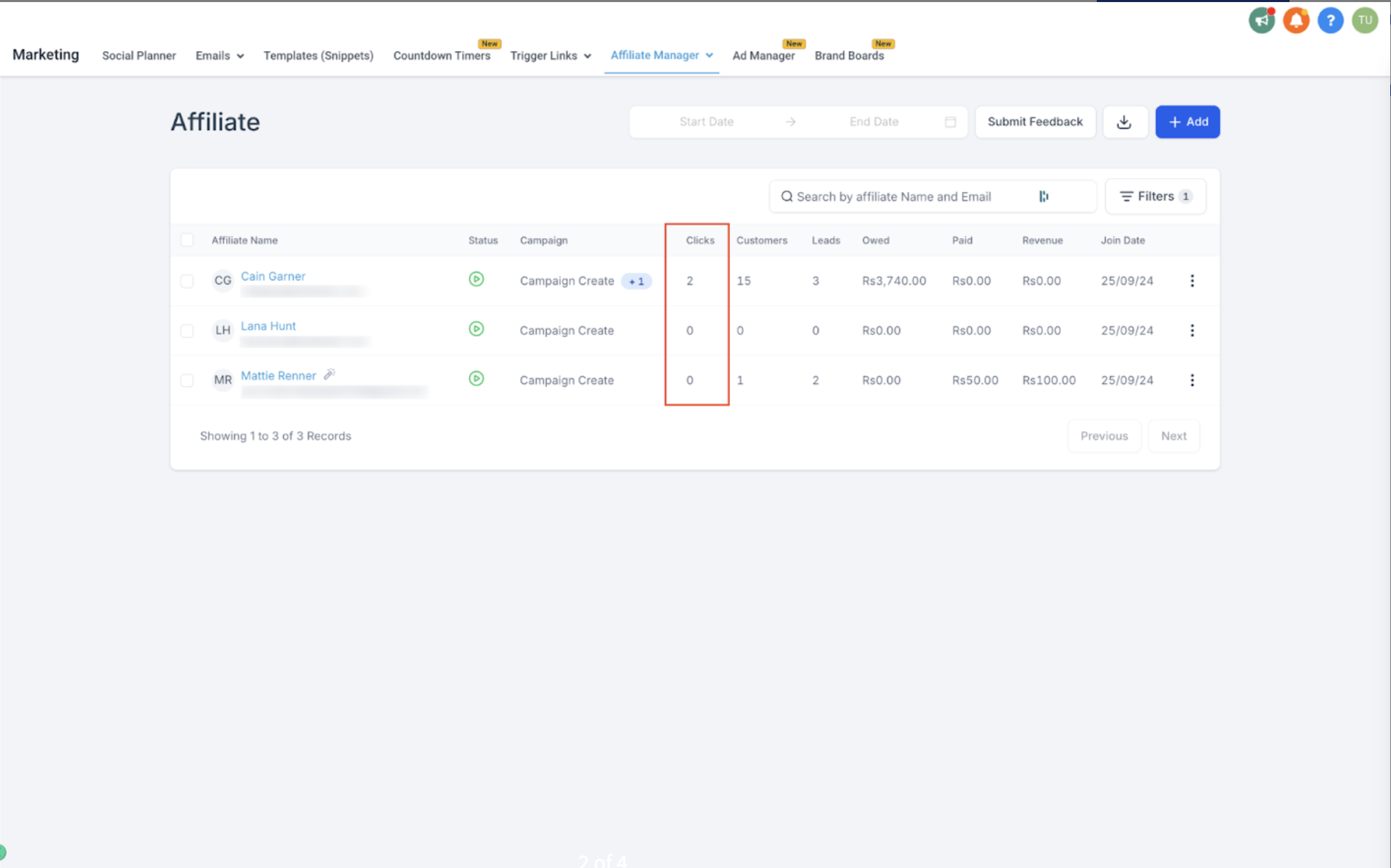
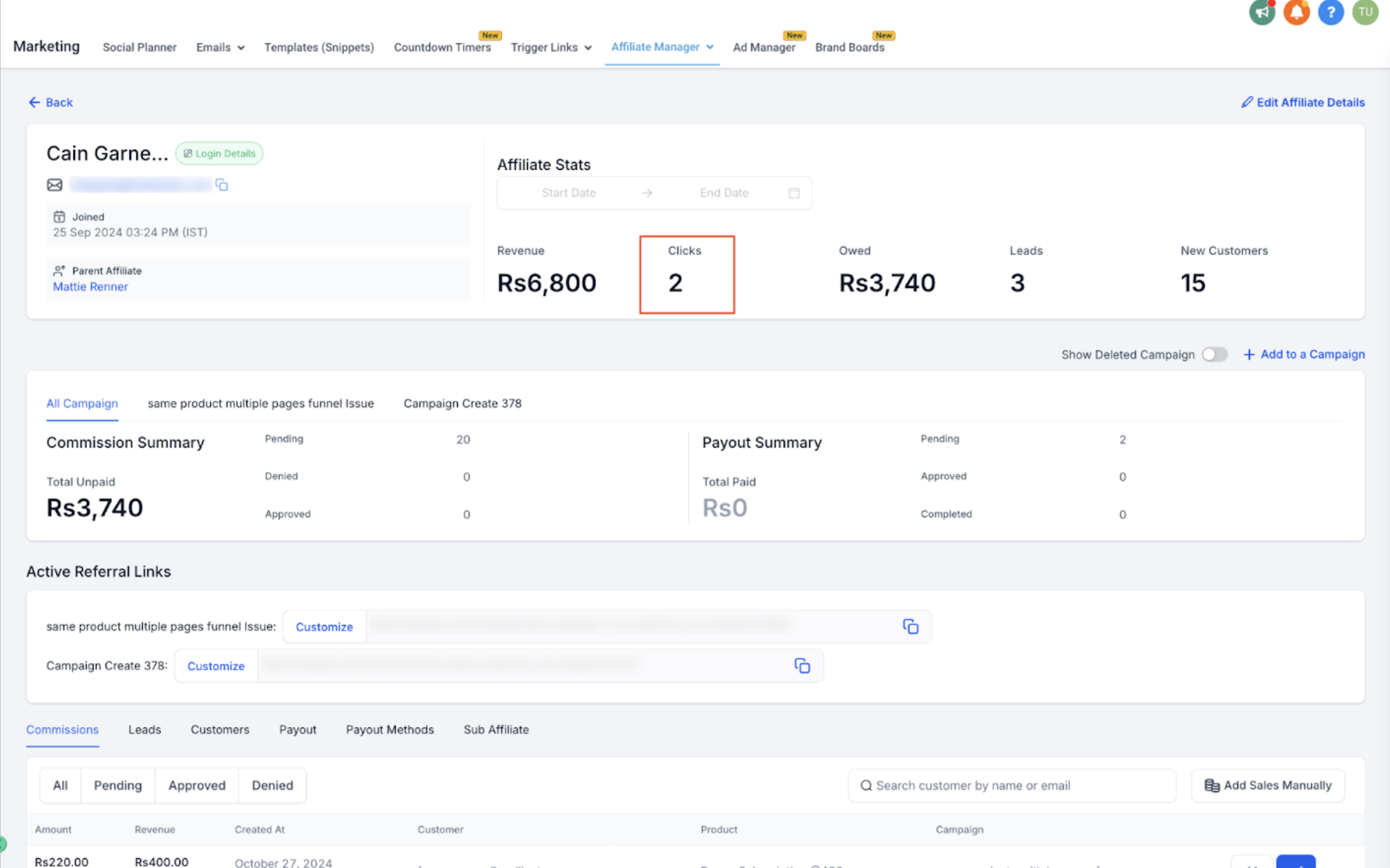
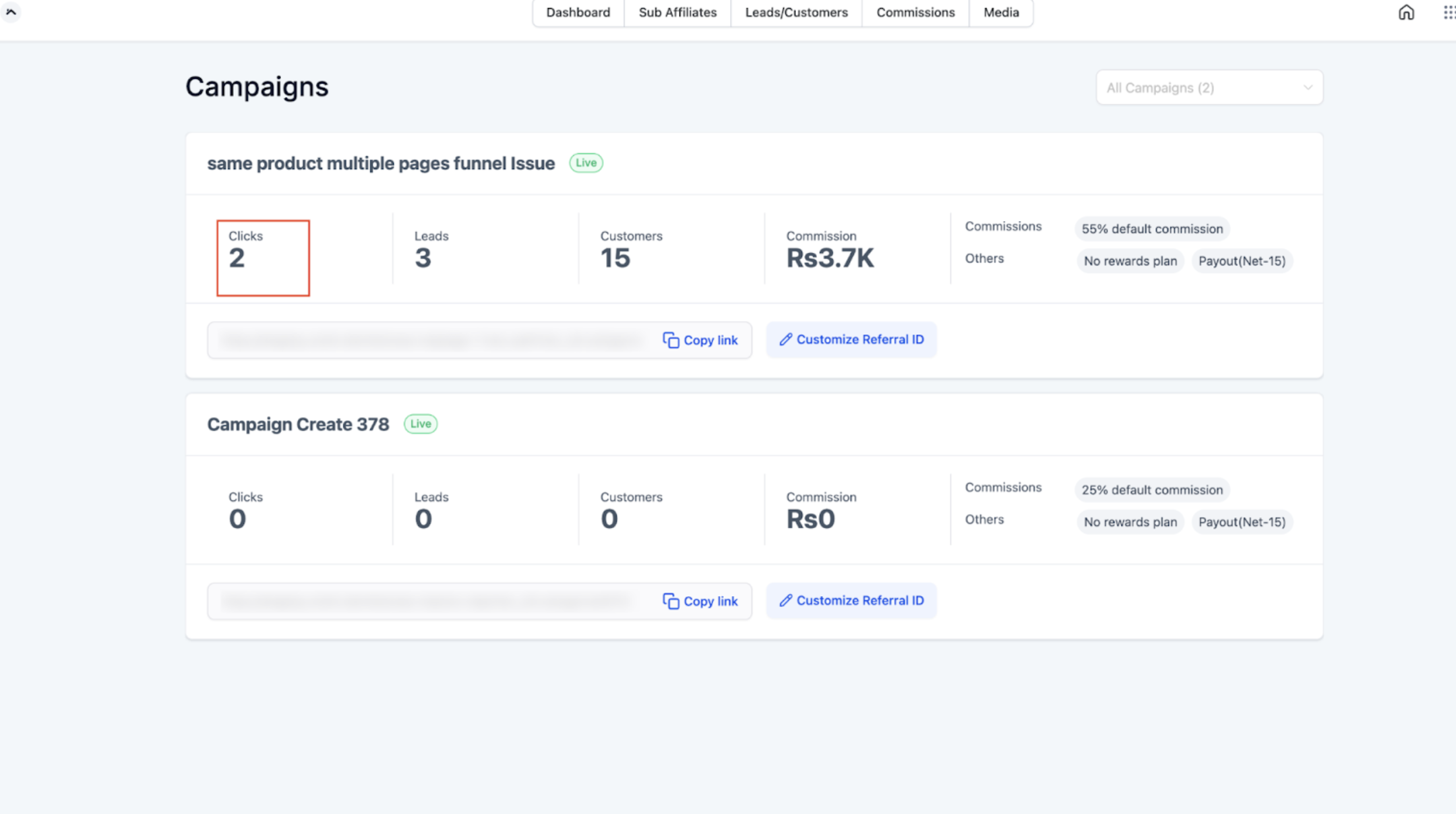
Click counts are visible in real time in four places:
Affiliate Manager Dashboard, for a practice-wide view of click activity across all affiliates and campaigns
Affiliate List, so you can compare click volume affiliate by affiliate at a glance
Affiliate Profile Page, for a single affiliate's full click history
Affiliate Portal, where each affiliate logs in and monitors their own link performance
Because affiliates can see their own numbers in the Affiliate Portal, they don't need to ask you how their promotions are doing. They can check clicks themselves and adjust how and where they're sharing their link.
Aesthetix CRM only tracks unique link clicks. If the same person clicks an affiliate's link multiple times, it's counted once, not once per click. This keeps click totals honest and prevents one enthusiastic visitor (or an accidental double-click) from inflating an affiliate's numbers.
When someone clicks a referral link, Aesthetix CRM drops a tracking cookie in their browser. That cookie is what connects a later lead or sale back to the affiliate who sent them, even if the visitor doesn't fill out a form or book an appointment on that first visit.
A few things to know about how this works in practice:
The cookie only fires if the visitor lands through the affiliate's unique link. Sharing a plain link to your website or booking page won't be tracked to any affiliate.
Your practice controls how long that cookie stays active in each campaign's commission settings (for example, a 30 day tracking window). If a prospective patient clicks an affiliate's link and later books a consult or makes a purchase within that window, the affiliate is still credited even if they didn't convert on the first visit.
Once the tracking window expires, a new click (or a direct visit with no referral link) is needed to attribute the visitor to an affiliate again.
Clicks and attribution both rely on cookies being present in the visitor's browser. A visitor who blocks cookies, uses private/incognito browsing, or clears their cookies before converting may not be attributed correctly.
For the full breakdown of how a click becomes a tracked lead in your CRM, see the guide on tracking leads from an affiliate campaign. Commission percentages, flat fees, and cookie length settings for a campaign are covered in the campaign commission settings guide, not here.
Click counts give you an early signal on how a campaign is performing before any leads or sales come in. If an affiliate is generating clicks but no leads, that usually points to a mismatch between their audience and your offer, or a problem on the landing page they're sending traffic to, rather than a tracking issue. For affiliates, seeing their own click totals in the Affiliate Portal helps them figure out which posts, emails, or channels are actually driving traffic so they can do more of what works.
Do I need to turn click tracking on? No. Click tracking is automatic for every affiliate link created inside the Affiliate Manager. There's no separate setting to enable.
Can I see clicks for one specific affiliate? Yes. Open that affiliate's profile page for their full click history, or check the Affiliate List to compare click totals across all your affiliates at once.
Do affiliates see their own click data? Yes. Affiliates can log into their Affiliate Portal and see how many people have clicked their unique link, along with their leads and commissions.
Why does my click count seem lower than expected? Only unique link clicks are counted. If the same visitor clicks the link several times, it only adds one click to the total, not several.
Does a click guarantee the affiliate gets credit for the sale? Not by itself. A click starts the tracking cookie, but attribution only completes once that same visitor becomes a lead or makes a purchase within the campaign's tracking window.
What happens if a prospective patient clears their cookies or uses private browsing? Attribution depends on the tracking cookie staying in their browser. If it's cleared or blocked, the CRM can't reliably connect that visitor back to the affiliate who referred them.
How long does a click stay "active" for attribution purposes? That's controlled by the cookie length set on the campaign's commission settings. A longer window gives affiliates credit for slower decision makers; a shorter window keeps attribution tighter to the original click.
Can I export click data for reporting? Click totals are visible on the Affiliate Manager Dashboard, Affiliate List, and each Affiliate Profile Page. For exporting affiliate sales and commission activity, see the guide on exporting your affiliate sales list.
Does click tracking work the same for every campaign a practice runs? Yes. Click tracking applies to every referral link generated through the Affiliate Manager, regardless of which campaign or product it's tied to.
Is there a limit to how many clicks an affiliate link can track? No. There's no cap on the number of clicks tracked for a single affiliate link.
