Affiliate campaigns let you track prospective patients that come in through a referring partner, brand ambassador, or affiliate, so you always know which lead source (and which affiliate) to credit. Campaigns live in Aesthetix CRM under Marketing > Email Marketing > Affiliate Manager > Campaign.
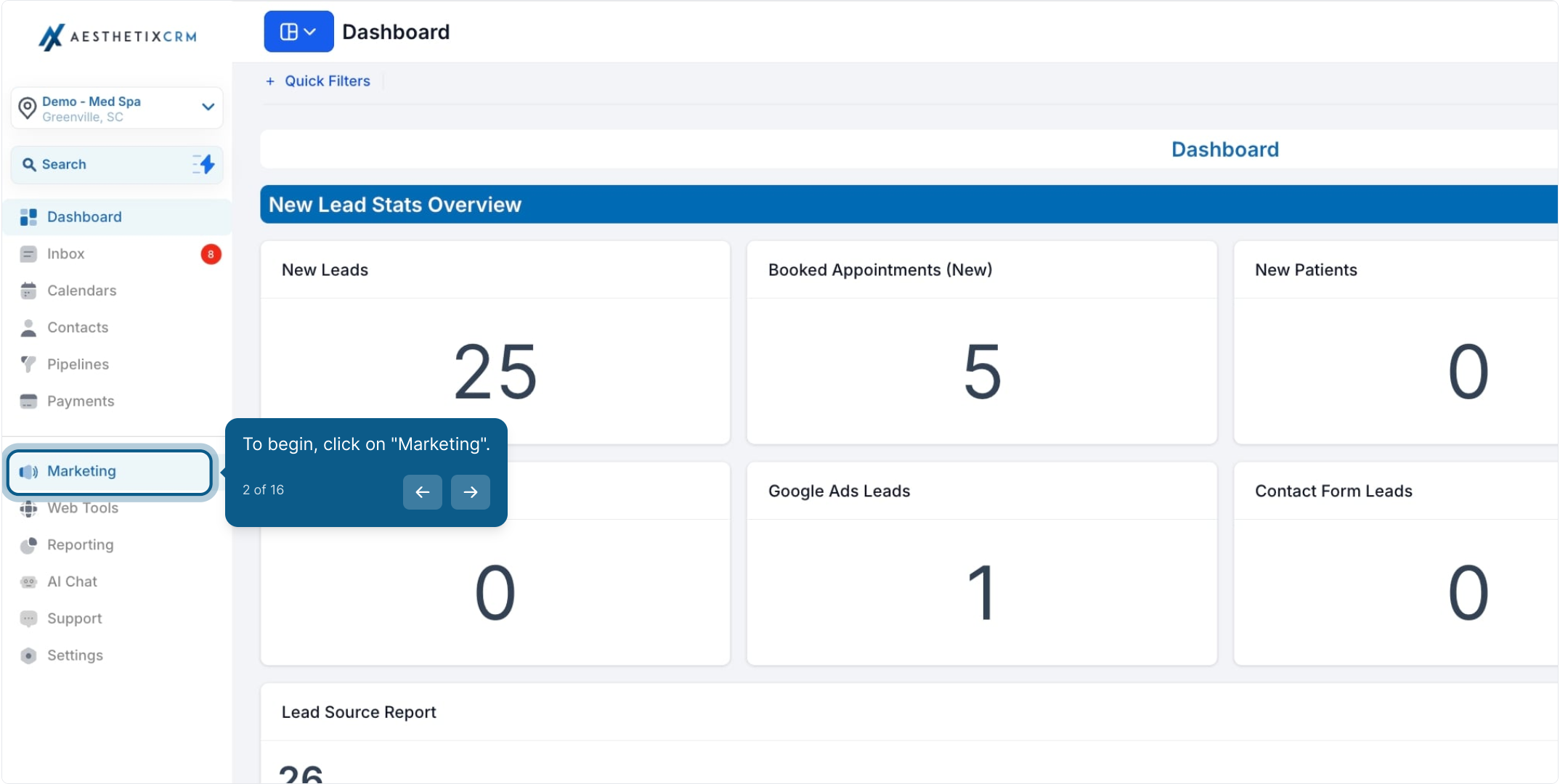
From the left navigation, click Marketing.
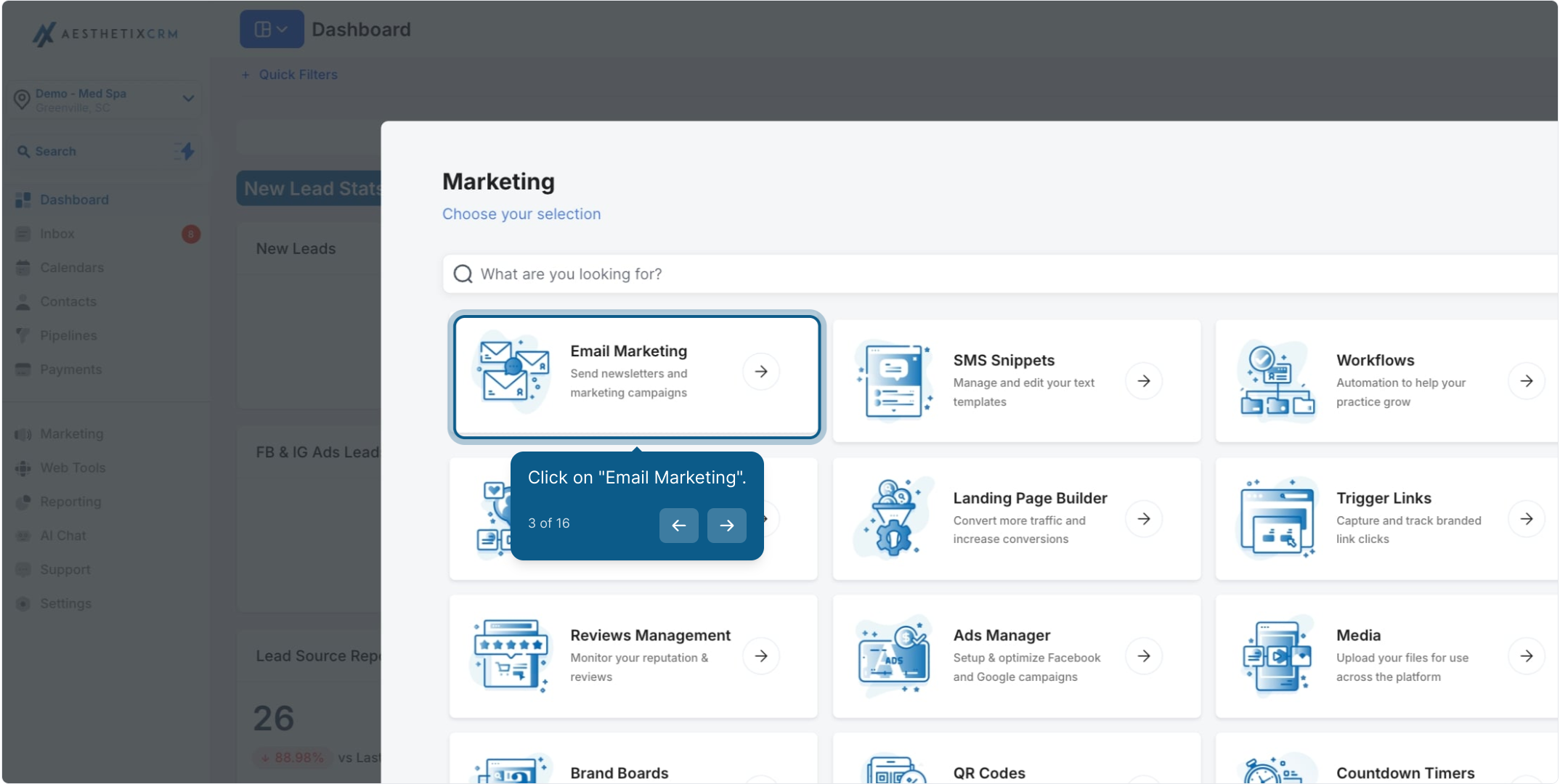
Click Email Marketing.
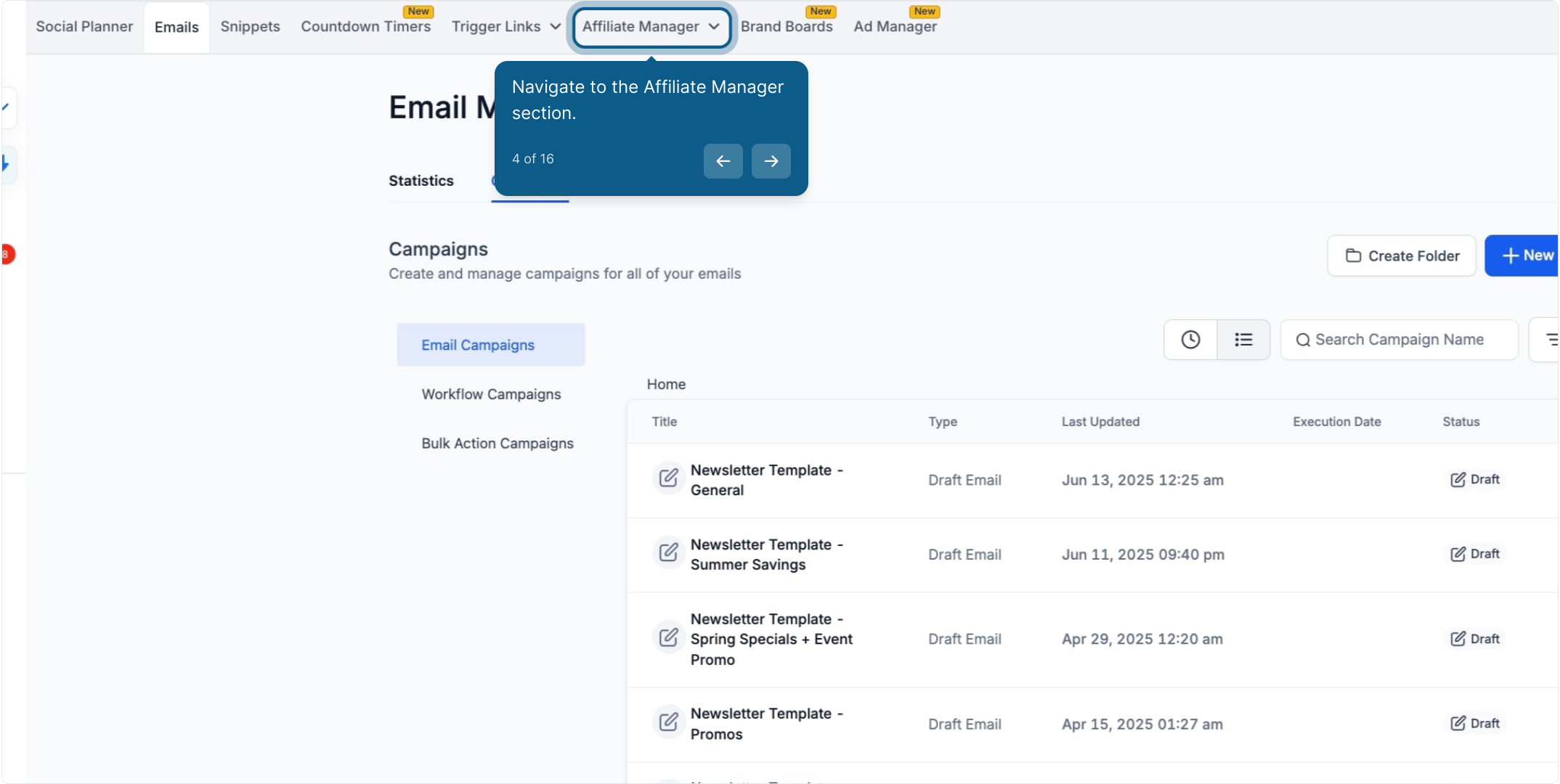
Open the Affiliate Manager section.
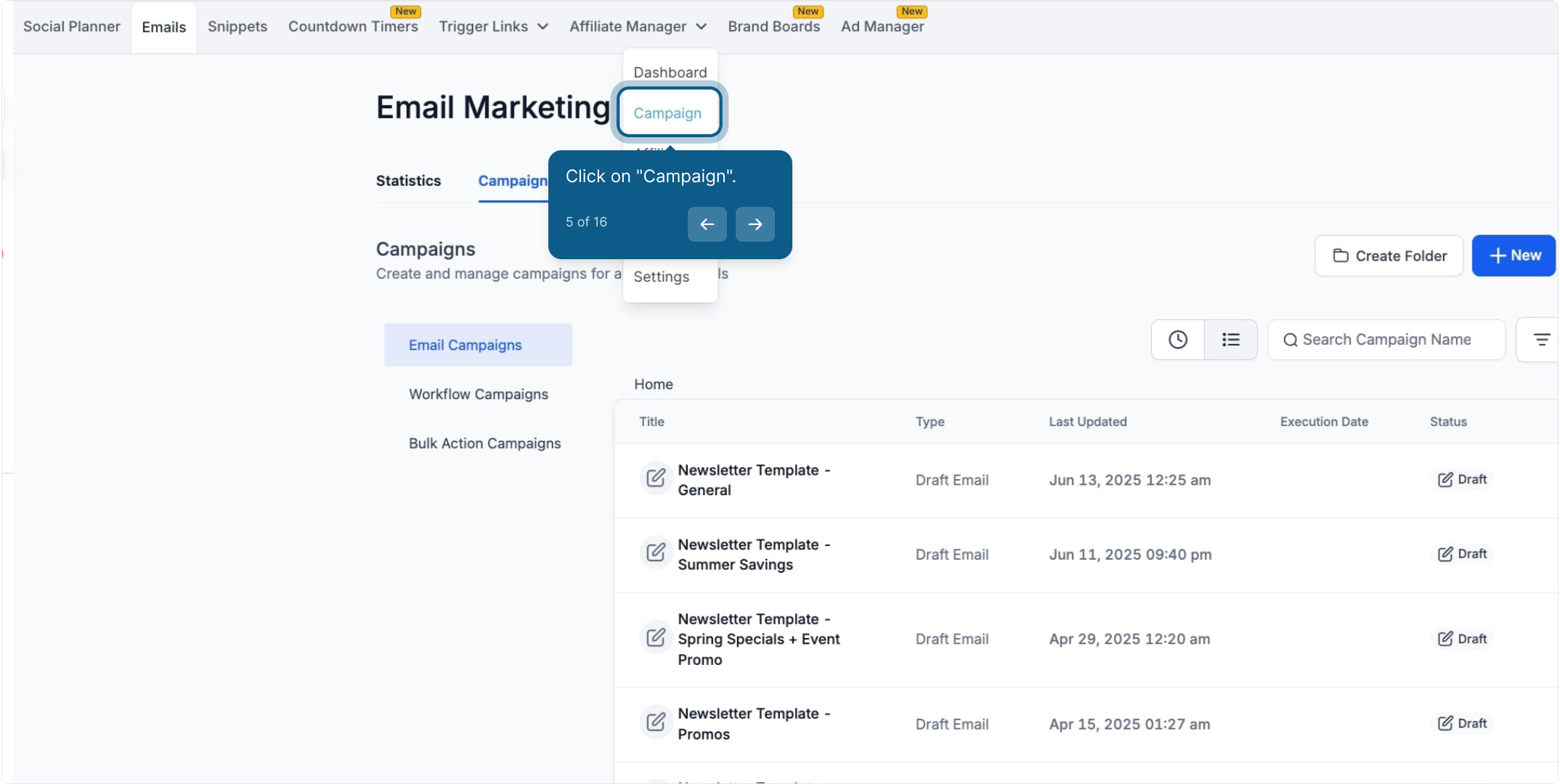
Click Campaign.
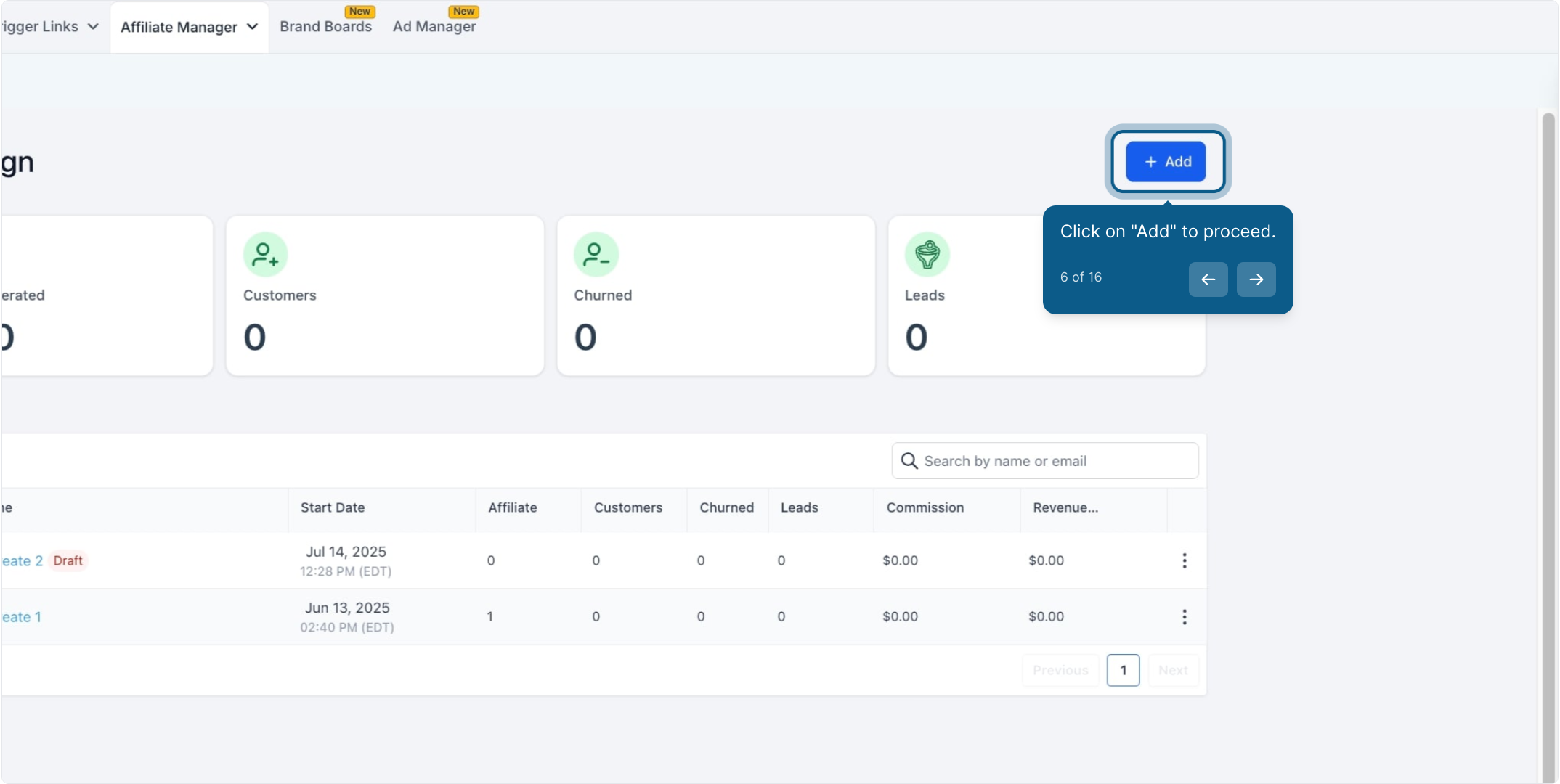
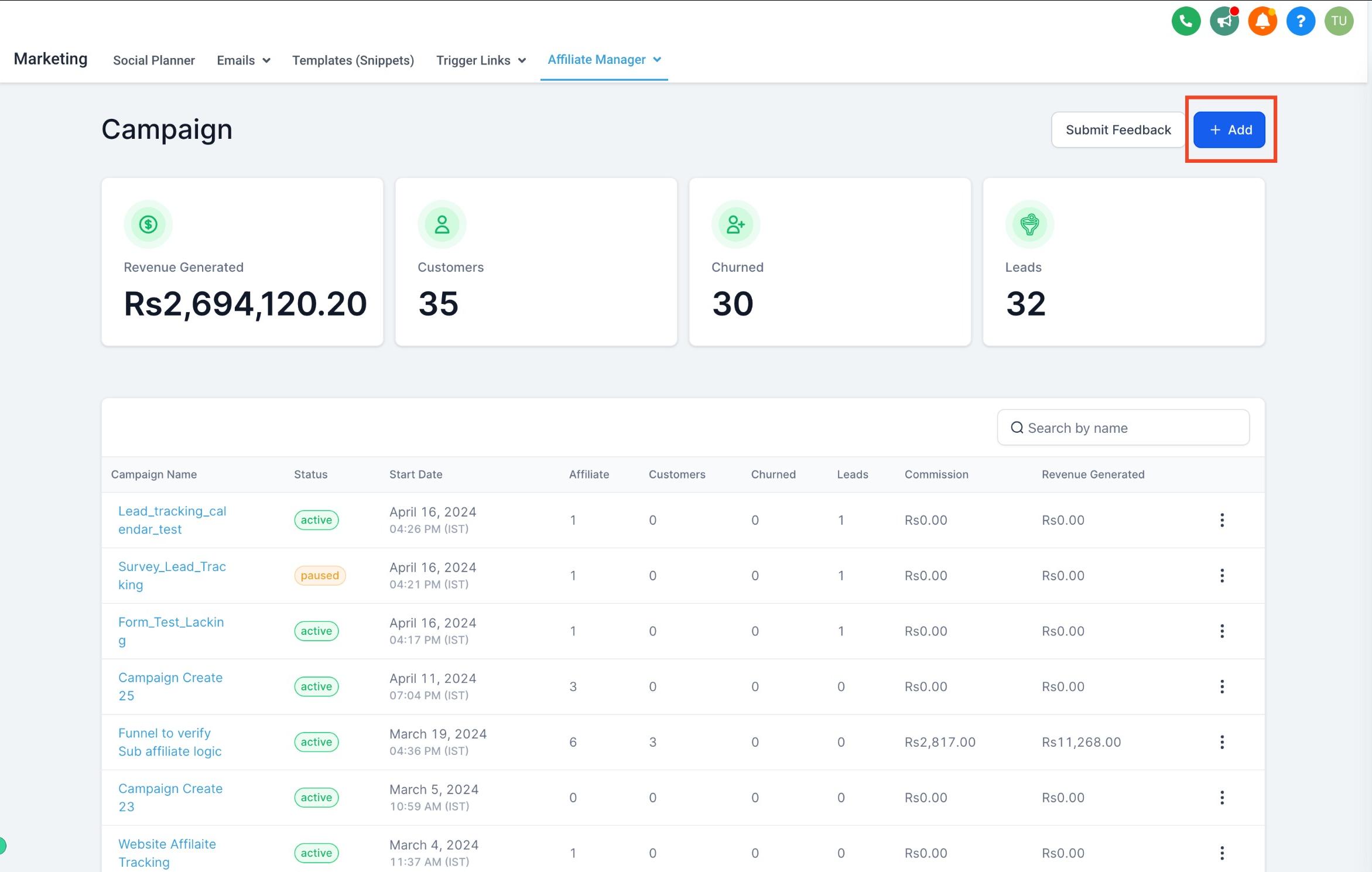
On the Campaign page, click Add to create a new campaign for lead tracking.
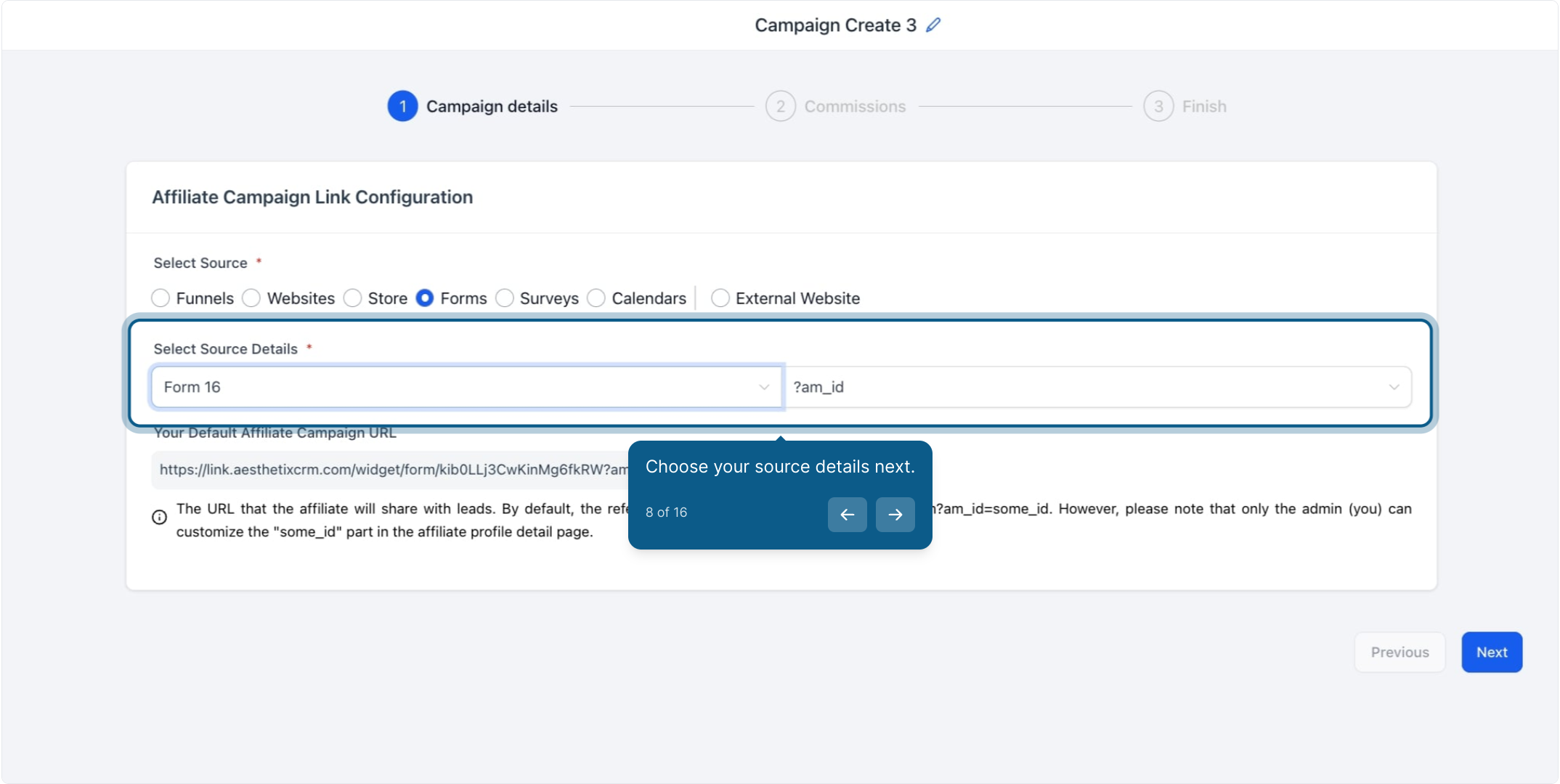
Select a source type for the campaign: Forms, Surveys, or Calendars. These are the only sources Aesthetix CRM can attribute leads to, since it tracks activity generated through your affiliate's link.
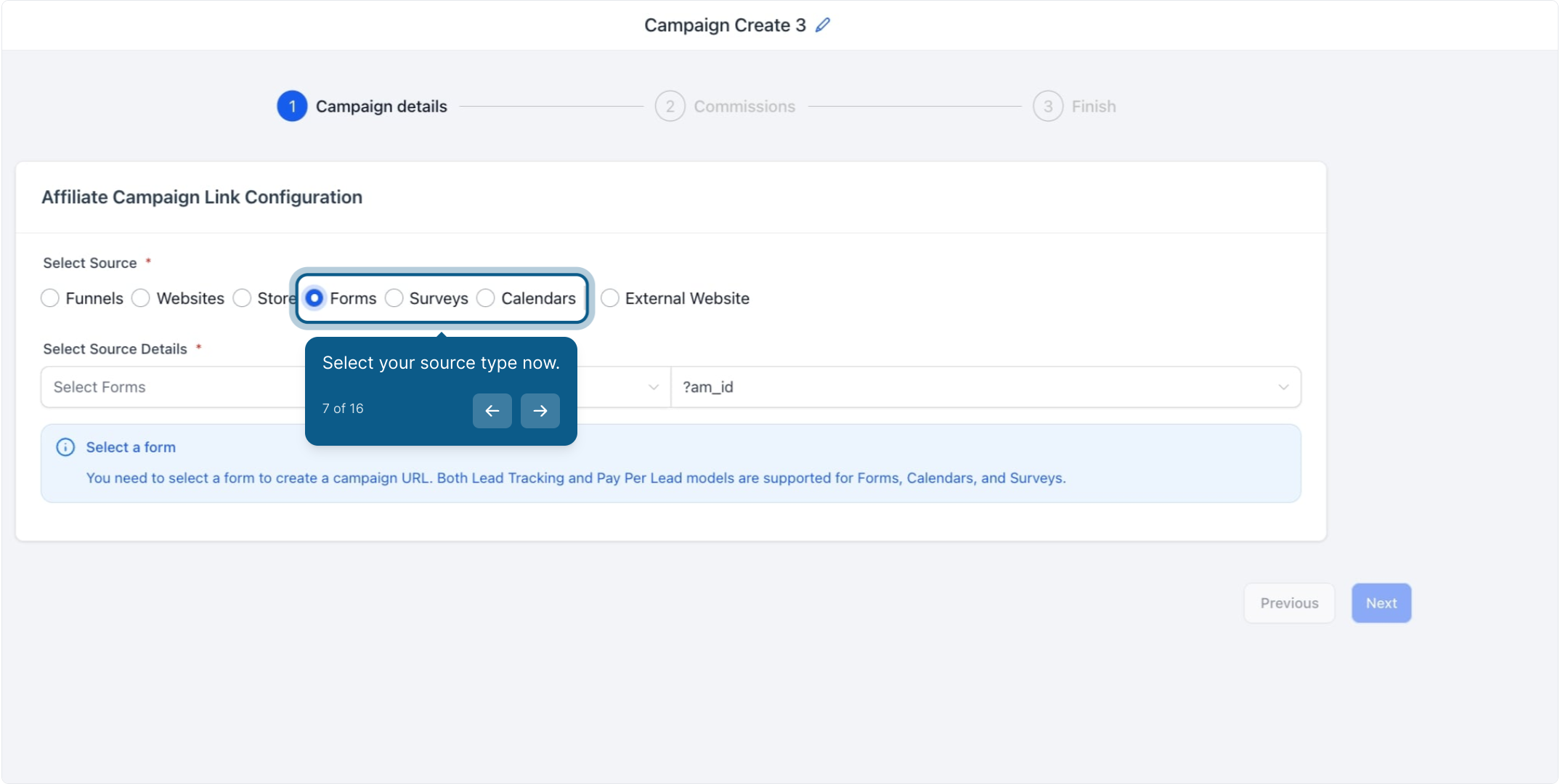
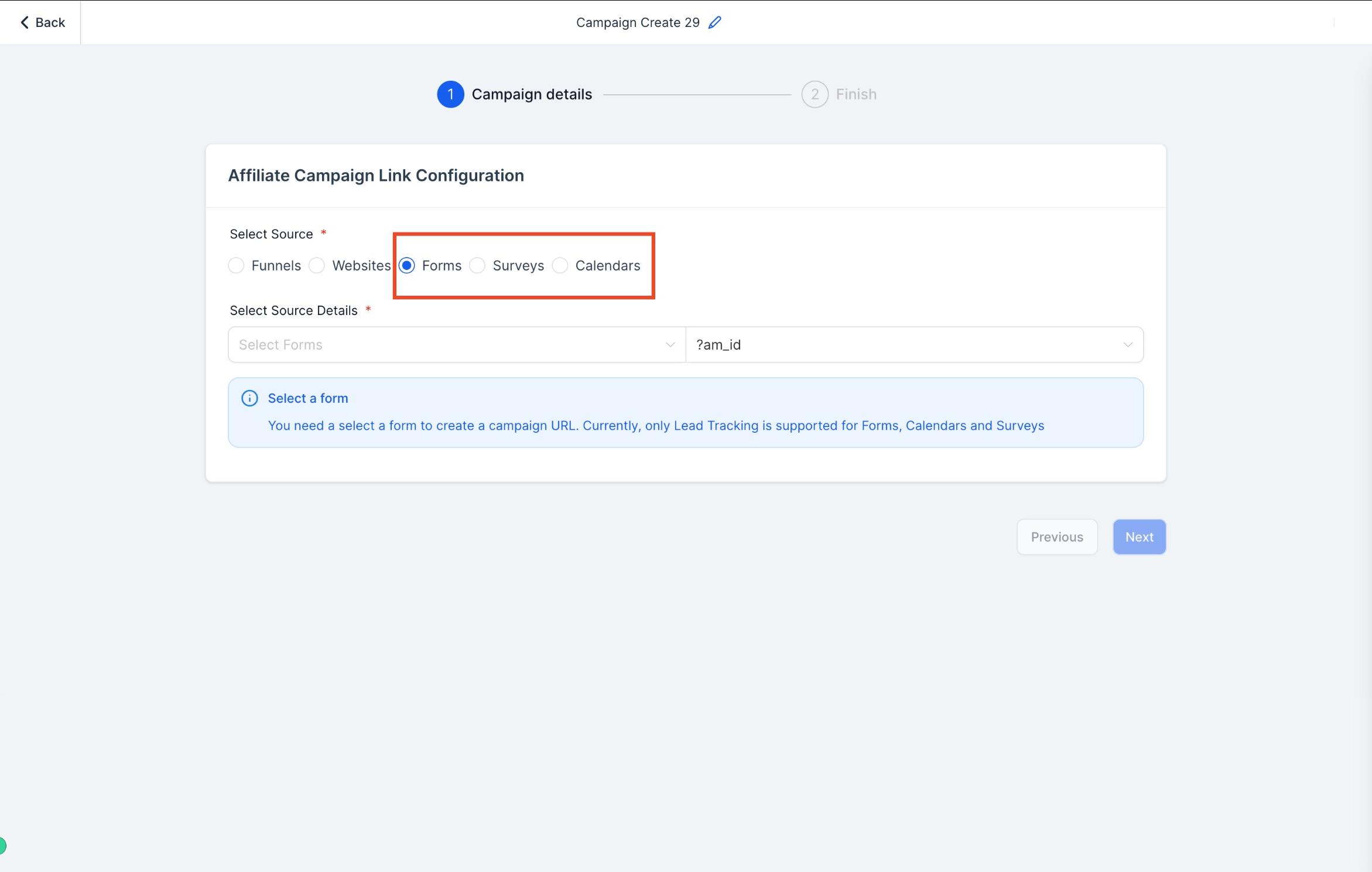
Use the dropdown to choose the exact form, survey, or calendar you want this campaign to track.
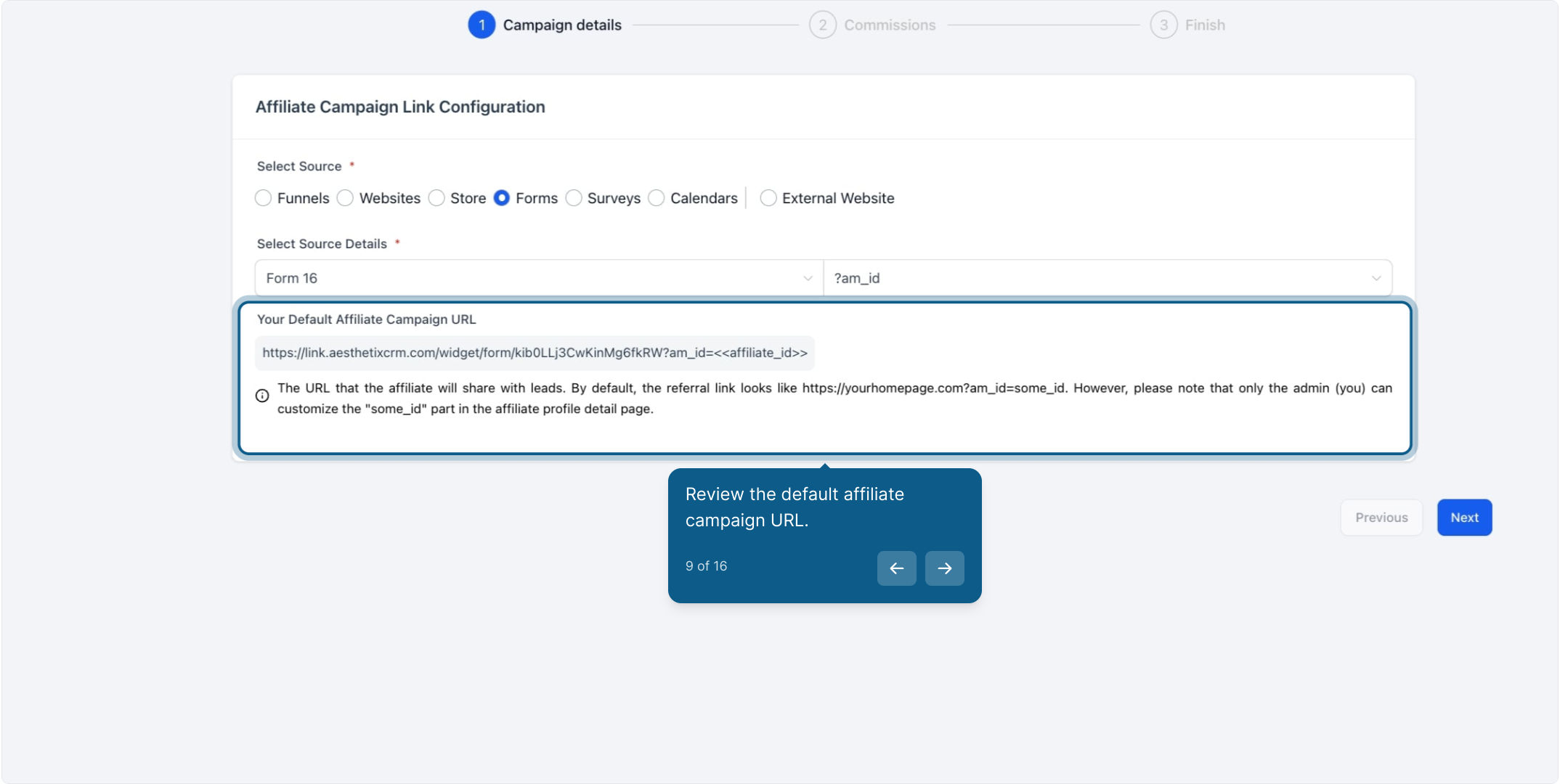
Review the default affiliate campaign URL that Aesthetix CRM generates for the campaign. This is the link your affiliate shares with prospective patients.
If no branded domain is added to your account, the affiliate campaign URL defaults to the system domain. You can add your own branded domain under Settings > Business Profile > Branded Domain. Once it's added, all affiliate campaign URLs update automatically to use it.
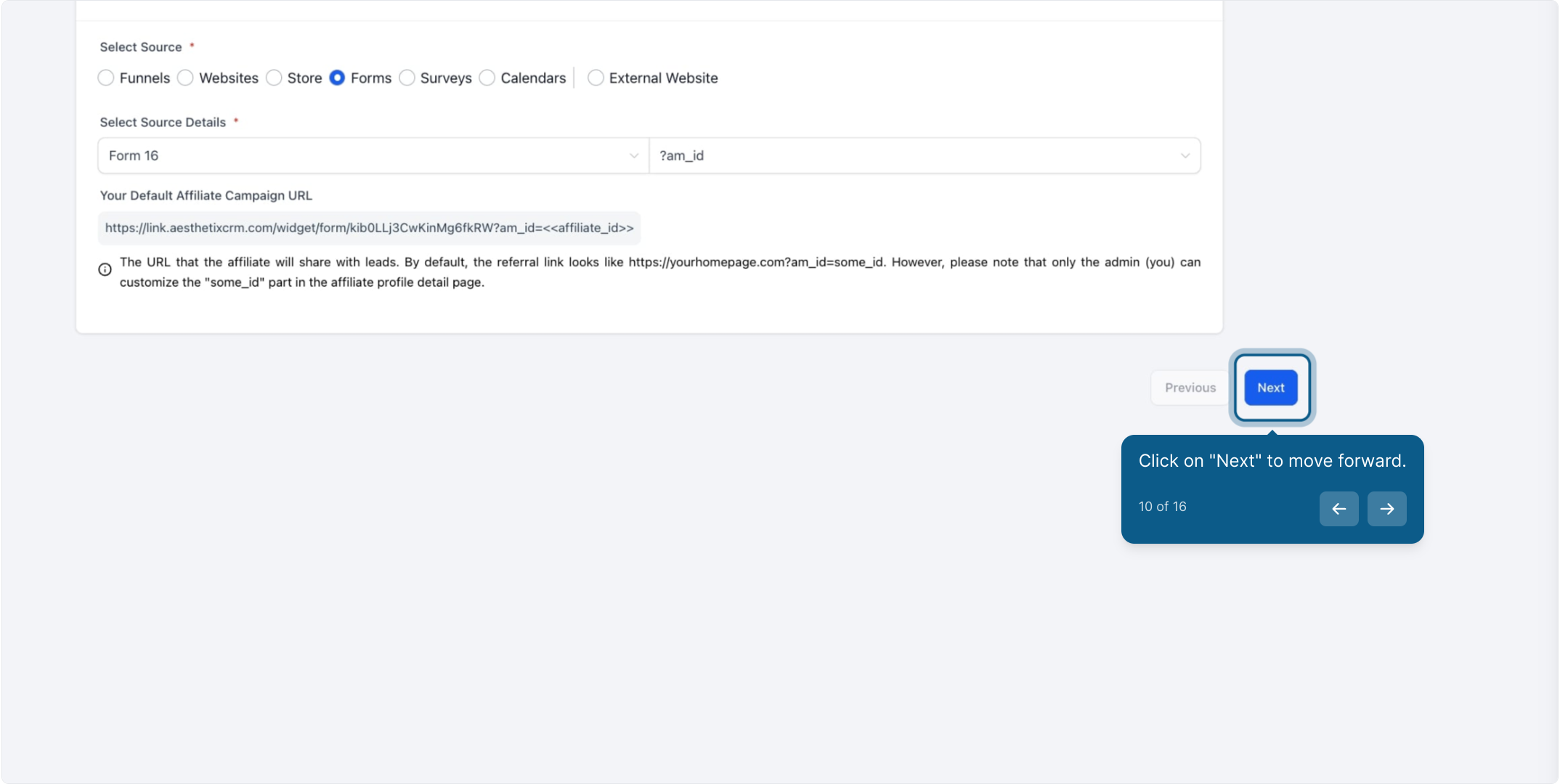
Click Next.
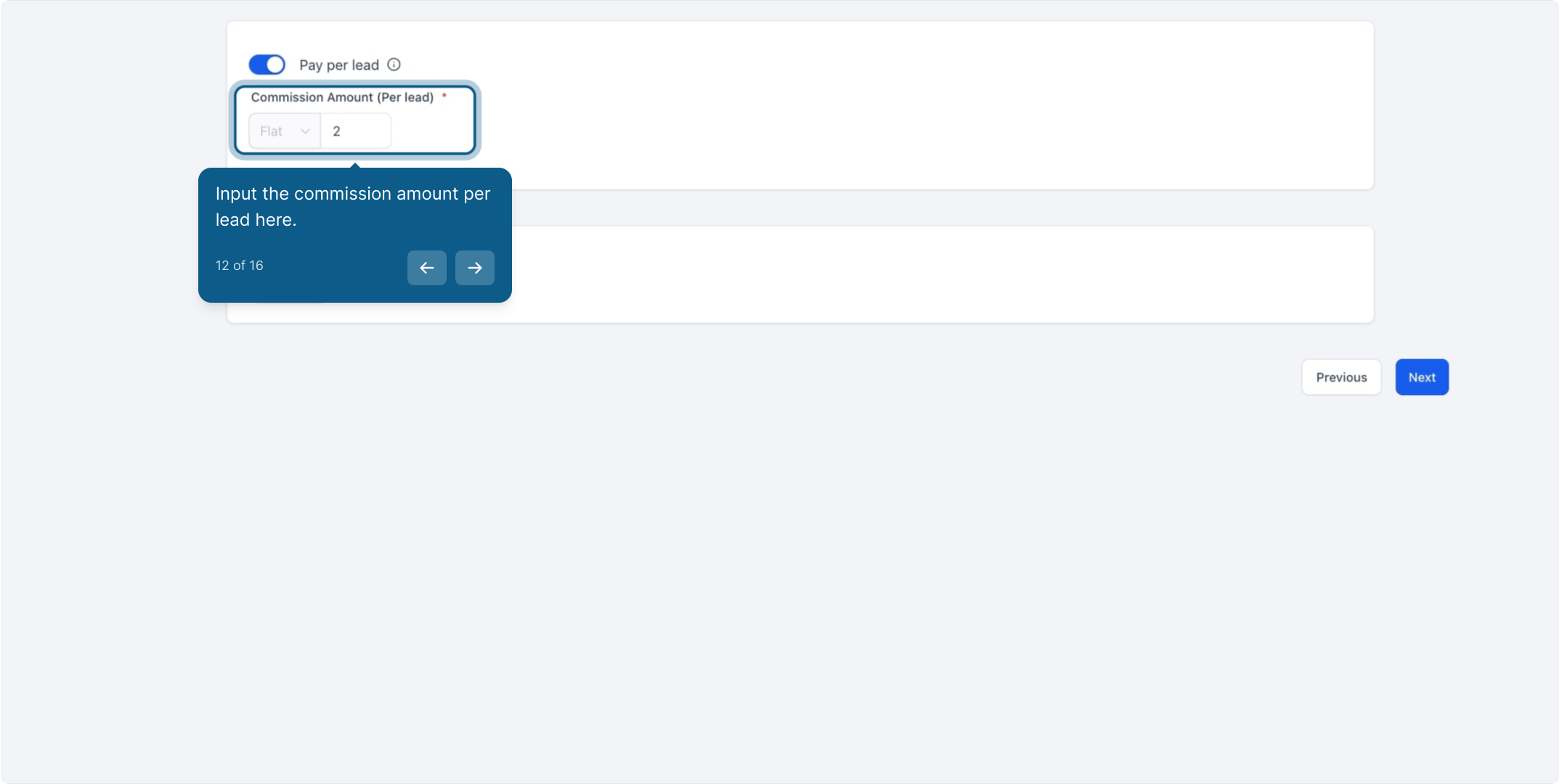
If you want to reward the affiliate for every lead they generate, enable Pay Per Lead in the Commissions tab.
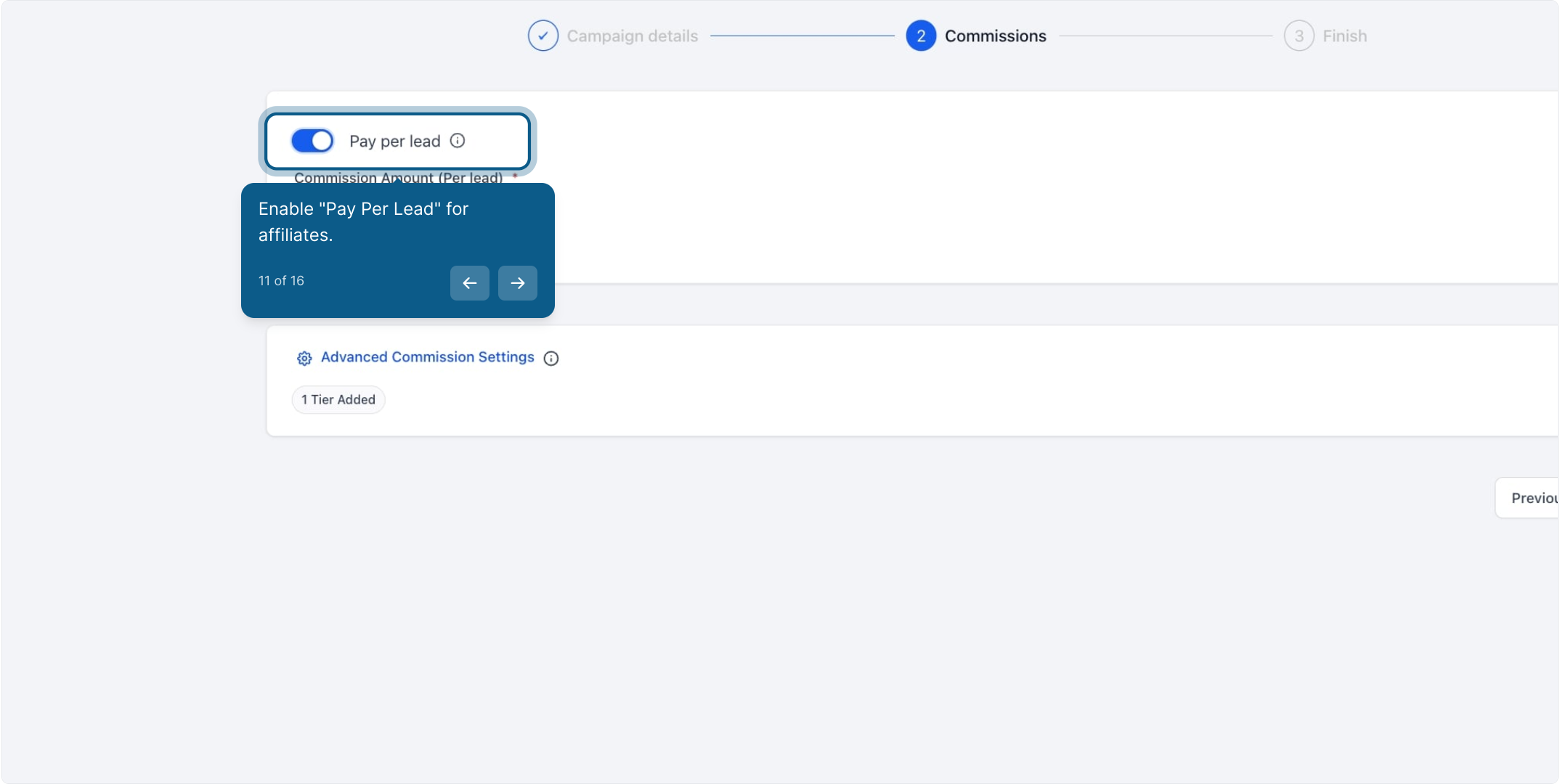
Enter the commission amount you'll pay per lead.
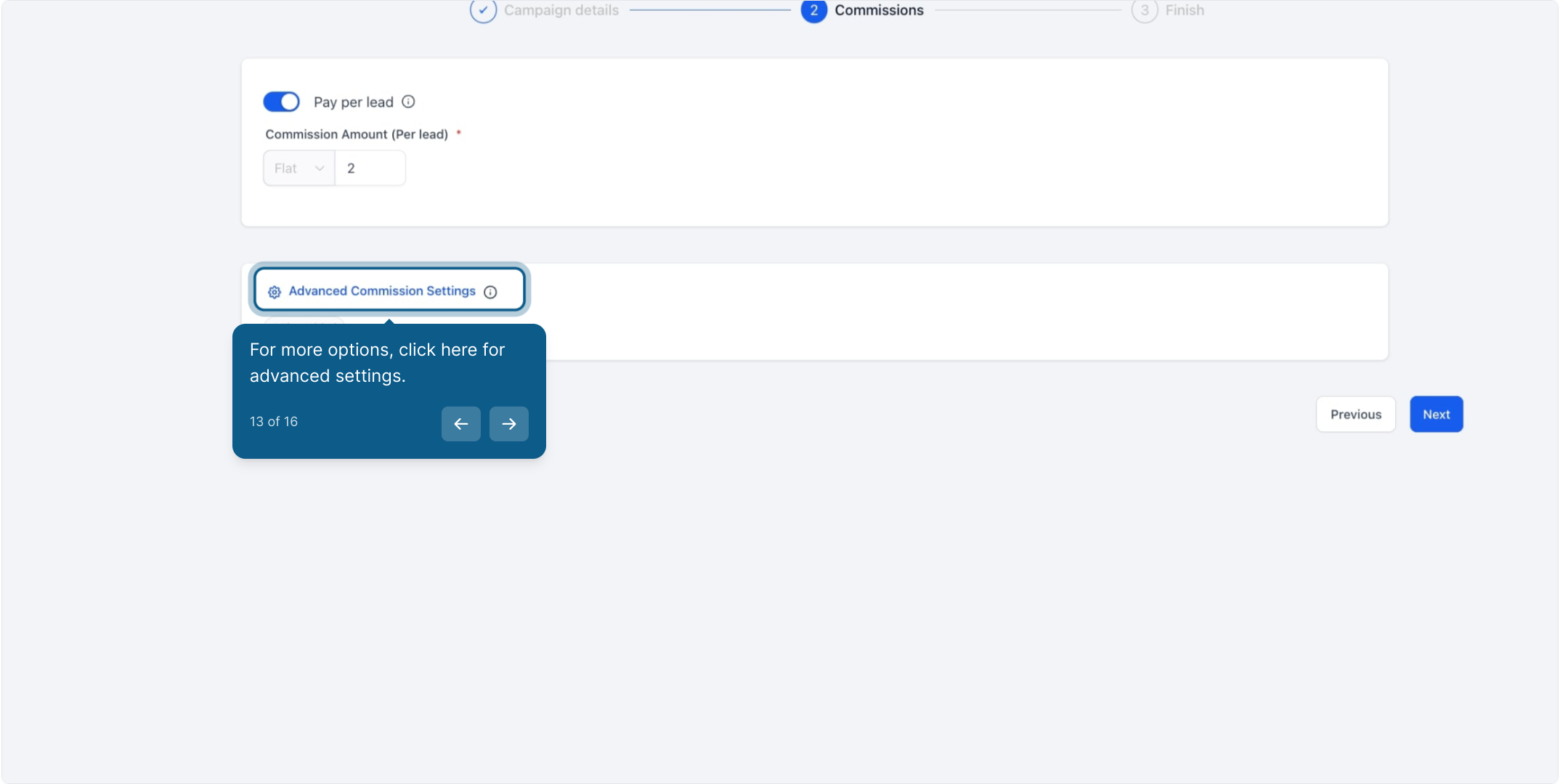
Open Advanced Settings if you need finer control over the commission rules.
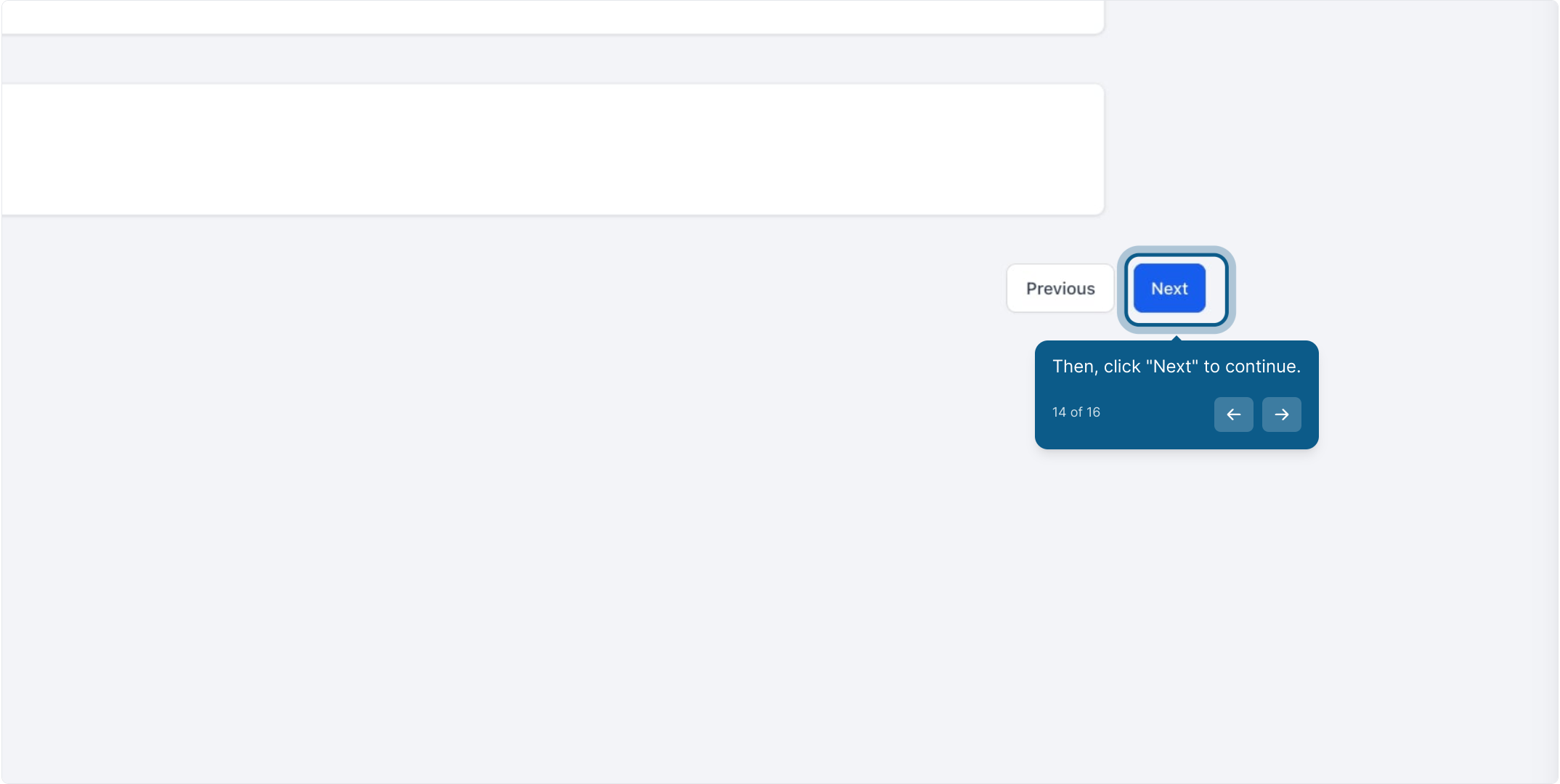
Click Next to continue.
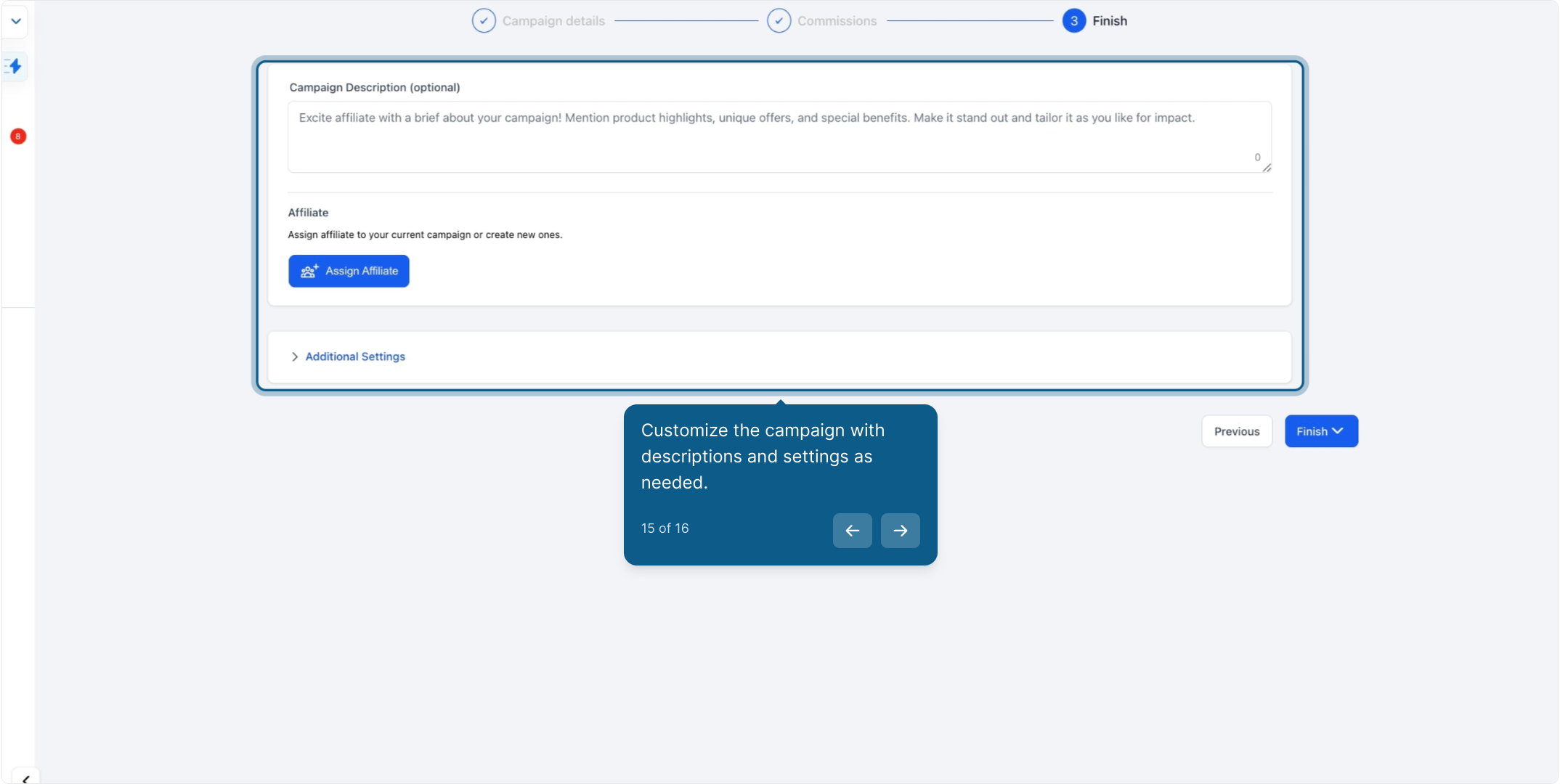
Add a campaign description, assign affiliates to the campaign, and adjust any remaining settings.
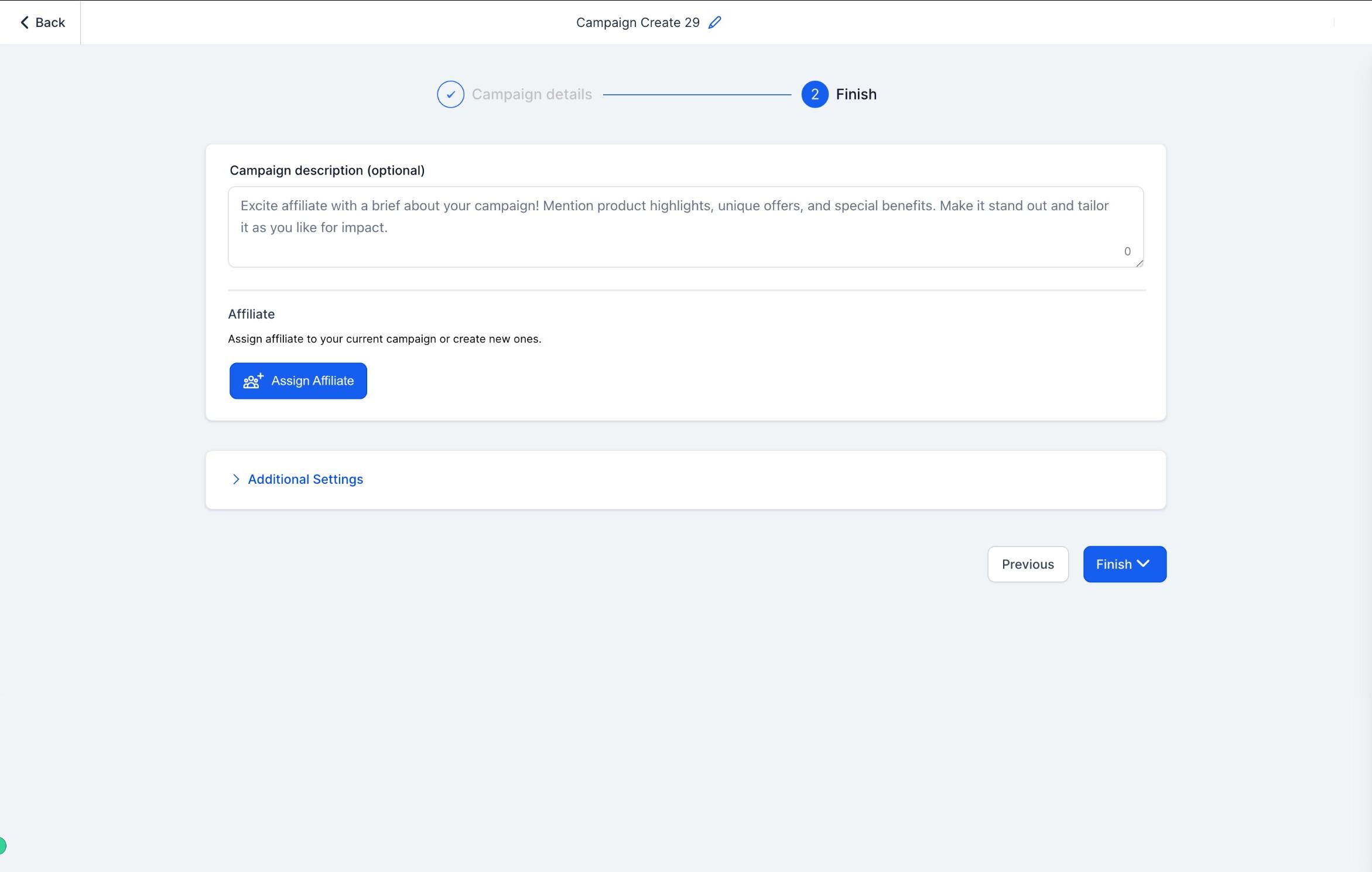
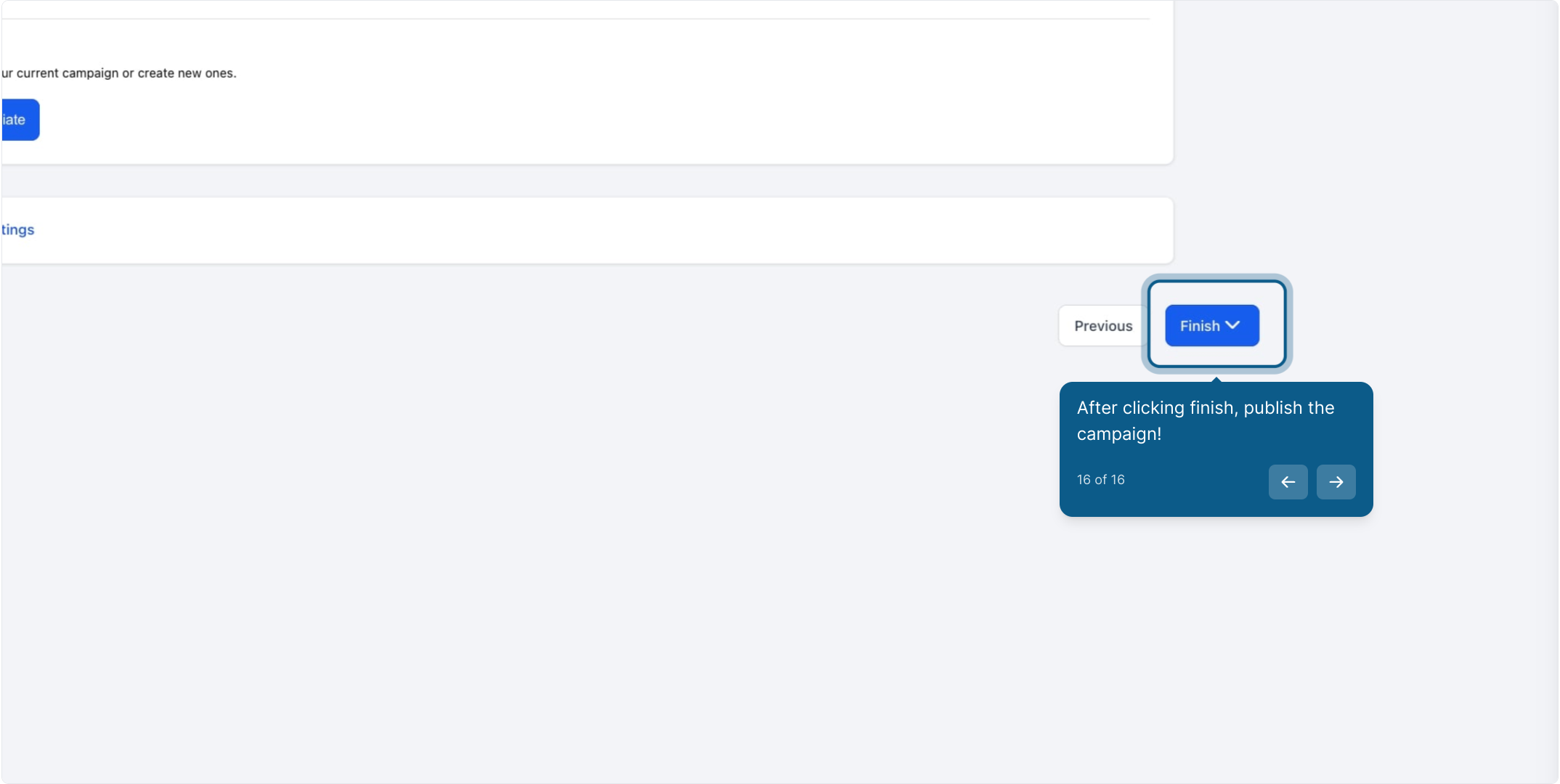
Review everything, then click Publish to make the campaign live.
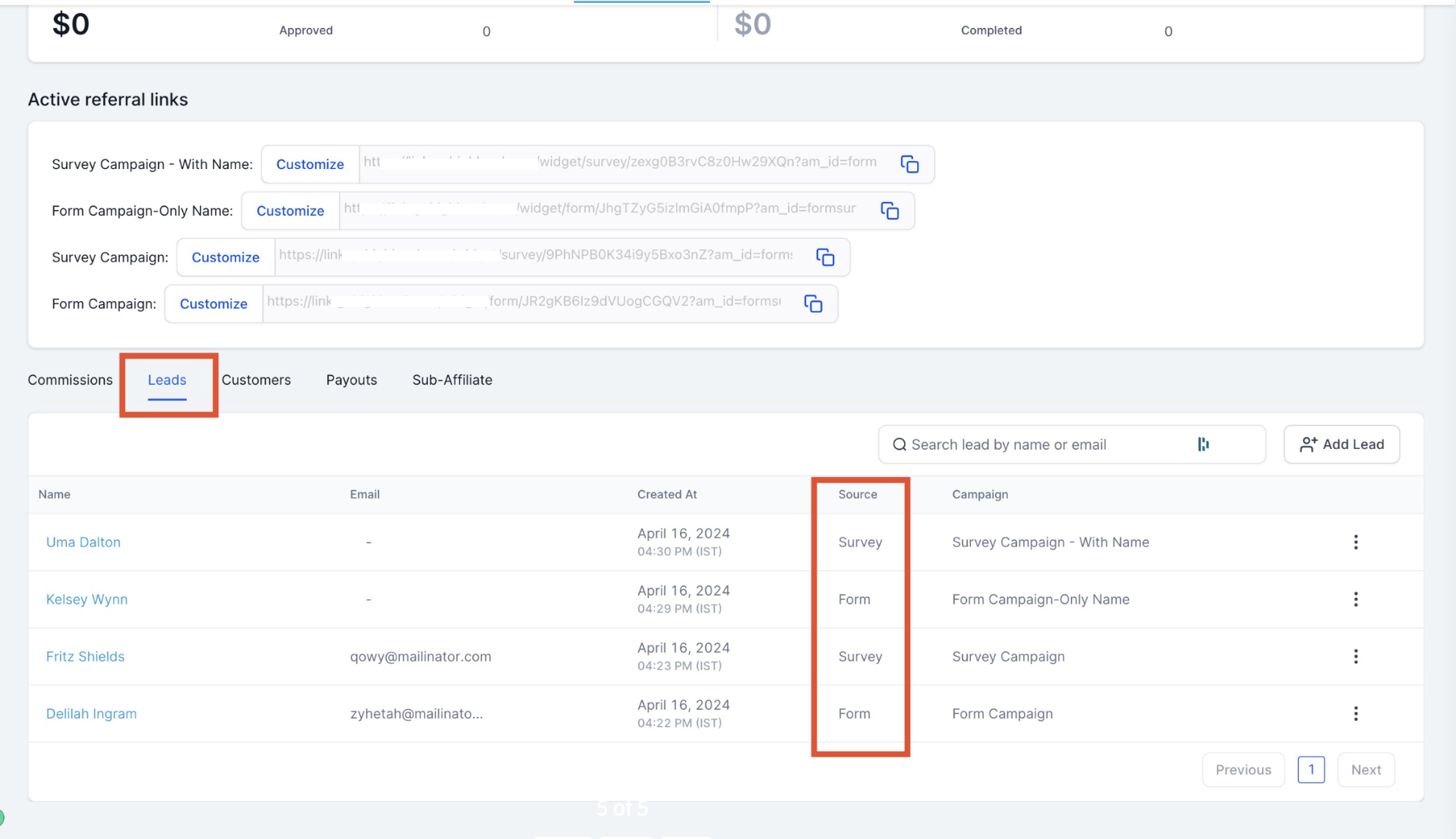
Once a campaign is published, every lead that comes through the tracked form, survey, or calendar is automatically logged under that affiliate's profile page. Open the affiliate's profile and go to the Leads tab to see everyone they've referred. The Source field on each lead tells you exactly which form, survey, or calendar it came from, so you can confirm attribution at a glance.
Every tracked lead also creates or updates a regular contact record in Contacts, the same as any other lead source, so your front desk and provider team see referred prospective patients alongside everyone else. If you use automation to route new leads to a specific team member or add them to a nurture sequence, set that up in Workflows using the contact's source or the affiliate tag as the trigger condition, rather than managing assignment inside the Affiliate Manager itself.
Custom embeds and iframes aren't supported. Lead tracking only works when the form, survey, or calendar is added as a native component inside a funnel or website page built in Aesthetix CRM. If you embed one of these sources on an outside site with a raw iframe, leads generated there won't be attributed to the affiliate campaign.
Branded domain affects the URL affiliates share. If you want affiliate campaign links to show your practice's branded domain instead of the default system domain, add it under Settings > Business Profile > Branded Domain before sharing links widely. Existing campaign URLs update automatically once the domain is connected.
What counts as a "lead" for affiliate tracking purposes? Any prospective patient who submits a tracked form, completes a tracked survey, or books through a tracked calendar using the affiliate's campaign link. Aesthetix CRM logs it as a lead on that affiliate's profile the moment it happens.
Can I track leads from a landing page I built outside Aesthetix CRM? No. The form, survey, or calendar has to be added as a component inside a funnel or website page built in Aesthetix CRM. Custom embeds or iframes on external sites aren't supported for attribution.
Do I have to pay affiliates per lead? No, Pay Per Lead is optional. You can run a campaign purely for tracking and attribution, and set up commissions later, or skip commissions entirely if your program rewards affiliates a different way.
What if I haven't set up a branded domain yet? Your affiliate campaign URLs will use the default system domain until you add one. Once you add a branded domain under Settings > Business Profile > Branded Domain, every existing and future affiliate campaign URL updates automatically.
Can one campaign track more than one source at a time? Each campaign is tied to a single source type (Forms, Surveys, or Calendars) and a specific item within that type. If you want to track leads from multiple forms or calendars, create a separate campaign for each one.
Where do I see all the leads a specific affiliate has referred? Open that affiliate's profile page and go to the Leads tab. Every lead they've generated across their campaigns appears there, with the Source field showing which form, survey, or calendar it came from.
Does a tracked lead also become a regular contact? Yes. Tracked leads create or update a contact record in Contacts just like any other lead source, so your team can work them the same way as leads from any other channel.
Can I automatically assign referred leads to a team member? Yes, but that's handled in Workflows, not in the Affiliate Manager. Build a workflow that triggers on the lead's source or an affiliate tag and routes it to the right team member or nurture sequence.
What happens if I edit a campaign's source after it's published? Changing the source can affect attribution going forward, since Aesthetix CRM tracks activity against whatever source is currently configured on the campaign. Leads already logged keep their original source record.
Can I pause or unpublish a campaign without losing past lead data? Yes. Unpublishing stops new leads from being tracked through that campaign's link, but leads already attributed to the affiliate remain on their profile.
