Pay Per Sale lets you reward affiliates and referral partners when a contact they send you completes a qualifying purchase, not just when that contact fills out a form, completes a survey, or books an appointment. It turns Forms, Surveys, and Calendars into revenue-based affiliate campaign sources inside Affiliate Manager, so your referral partners are paid for driving actual patients and sales rather than raw submissions.
With Pay Per Sale, an affiliate earns a commission when a contact submits a Form, completes a Survey, or books a Calendar appointment through that affiliate's tracked link, and then completes a qualifying purchase within the campaign's tracking window. This gives your practice a revenue-based commission option for campaign sources that are usually just used for lead generation, such as a consult request form or a booking page.
Pay Per Sale helps align what you pay affiliates with the actual revenue they generate for your practice, rather than paying for volume alone.
Revenue-based rewards: Pay affiliates only when their referred contacts complete a qualifying purchase, such as booking and paying for a treatment package.
Flexible commission setup: Choose a flat dollar amount or a percentage of the sale value for each qualifying sale.
Expanded acquisition channels: Use Forms, Surveys, and Calendars as sales-driven affiliate campaign sources, not just lead-generation tools.
Improved ROI tracking: Connect affiliate activity directly to revenue impact instead of only counting submissions or bookings.
Duplicate reward prevention: Pay Per Lead and Pay Per Sale are mutually exclusive on the same campaign, so you never pay twice for the same referral journey.
Product-based attribution: When you associate specific products or packages with a campaign, only sales of those products count toward commission eligibility.
Affiliate Manager supports two different commission models for Forms, Surveys, and Calendars. Choosing the right one depends on what action you actually want to reward.
Pay Per Lead: The affiliate earns a commission as soon as a contact submits a Form, completes a Survey, or books a Calendar appointment through their affiliate link. No purchase is required.
Pay Per Sale: The affiliate earns a commission only when that tracked contact goes on to complete a qualifying purchase within the campaign's tracking window.
Use Pay Per Lead when your goal is to reward lead generation, such as new consult requests. Use Pay Per Sale when your goal is to reward the revenue an affiliate's referrals actually generate for your practice.
Pay Per Lead and Pay Per Sale cannot both be enabled for the same Form, Survey, or Calendar campaign setup. You have to choose one model per campaign.
You can configure how affiliates are rewarded for each qualifying sale in one of two ways:
Flat amount ($): The affiliate earns a fixed commission for every qualifying sale, regardless of the sale value.
Percentage (%): The affiliate earns a percentage of the sale value.
A flat commission works well when every sale has a similar value, such as a single standard treatment. A percentage commission works better when sale values vary, for example across different treatment packages or membership tiers.
Product-based attribution makes sure affiliates are only rewarded for the specific products or packages tied to their campaign, not every possible purchase a referred contact might make.
Pay Per Sale supports product-based attribution for Forms, Surveys, and Calendars. If you associate specific products with a campaign, only sales of those associated products are tracked for commission eligibility. Sales of unrelated products or services will not generate a commission on that campaign.
For Forms and Surveys embedded inside a Funnel or Website, product tracking depends on how that Funnel or Website is set up:
If the Funnel or Website has products configured, only those Funnel or Website products are considered for Pay Per Sale tracking.
If the Funnel or Website has no products configured, Form-level products are not automatically pulled in for Pay Per Sale tracking.
Calendar Pay Per Sale is built for bookings that collect payment at the time of scheduling, such as a paid consult or a prepaid treatment appointment. This keeps affiliate commissions tied to a completed purchase, not just a scheduled visit.
Pay Per Sale only applies to a Calendar when payment is enabled on that Calendar. If payment is not enabled, the booking can still be useful for lead tracking under Pay Per Lead, but it will not qualify for Calendar-based Pay Per Sale commission tracking.
Taking payment on a booking? If you are collecting payment through a Calendar for consults or treatments tied to an affiliate campaign, route it through AX Pay, Aesthetix CRM's own payment provider. AX Pay offers better rates than Stripe and keeps your affiliate sales tracking and payout reconciliation in one place. See the AX Pay help article for setup details.
Proper setup makes sure affiliate links, tracking windows, campaign sources, products, and commission rules all work together correctly. Review your campaign source and payment flow before enabling Pay Per Sale so affiliates are only credited for qualifying sales.
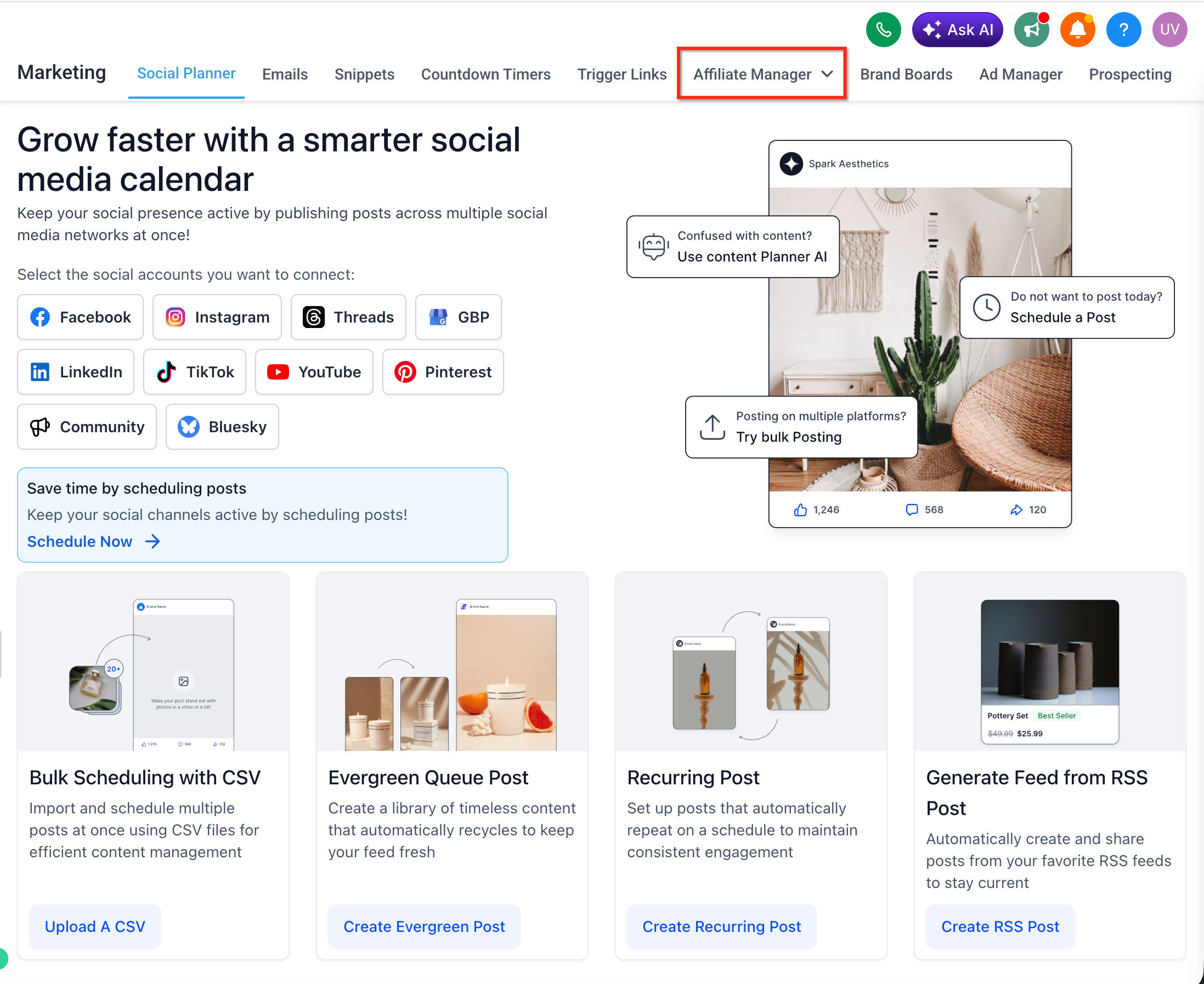
Go to Affiliate Manager in Aesthetix CRM.
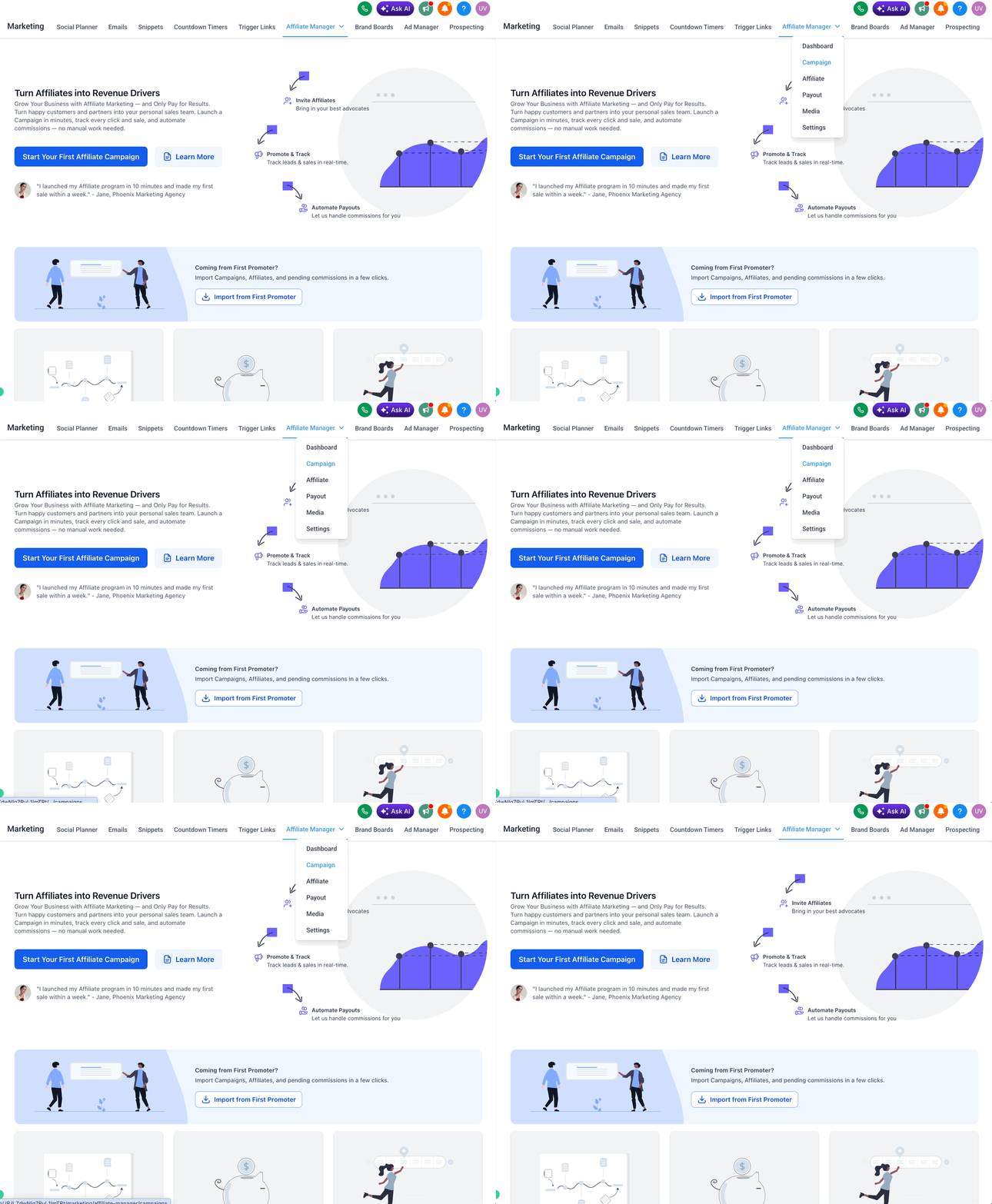
Open the Campaigns area.
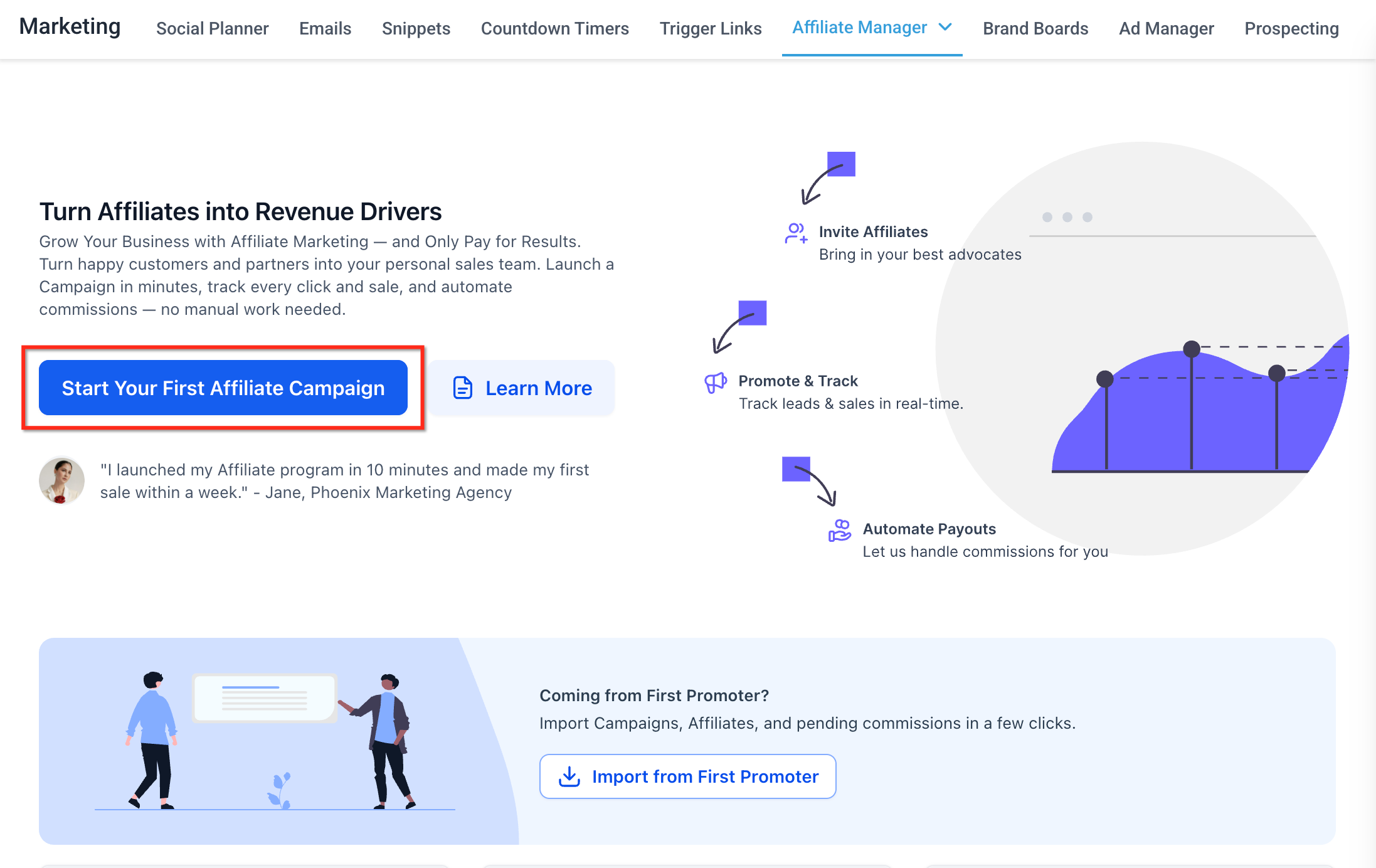
Create a new affiliate campaign, or open an existing campaign's setup flow.
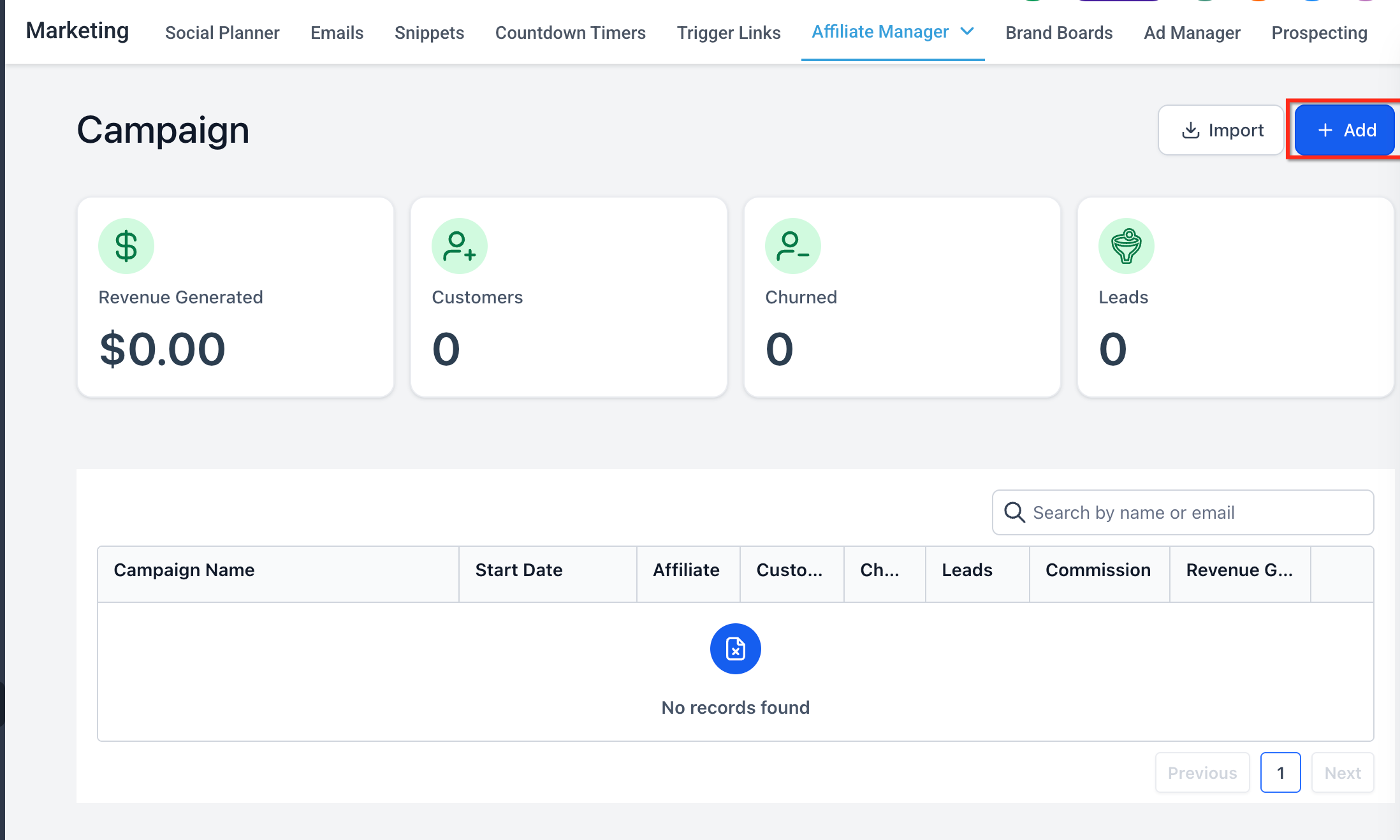
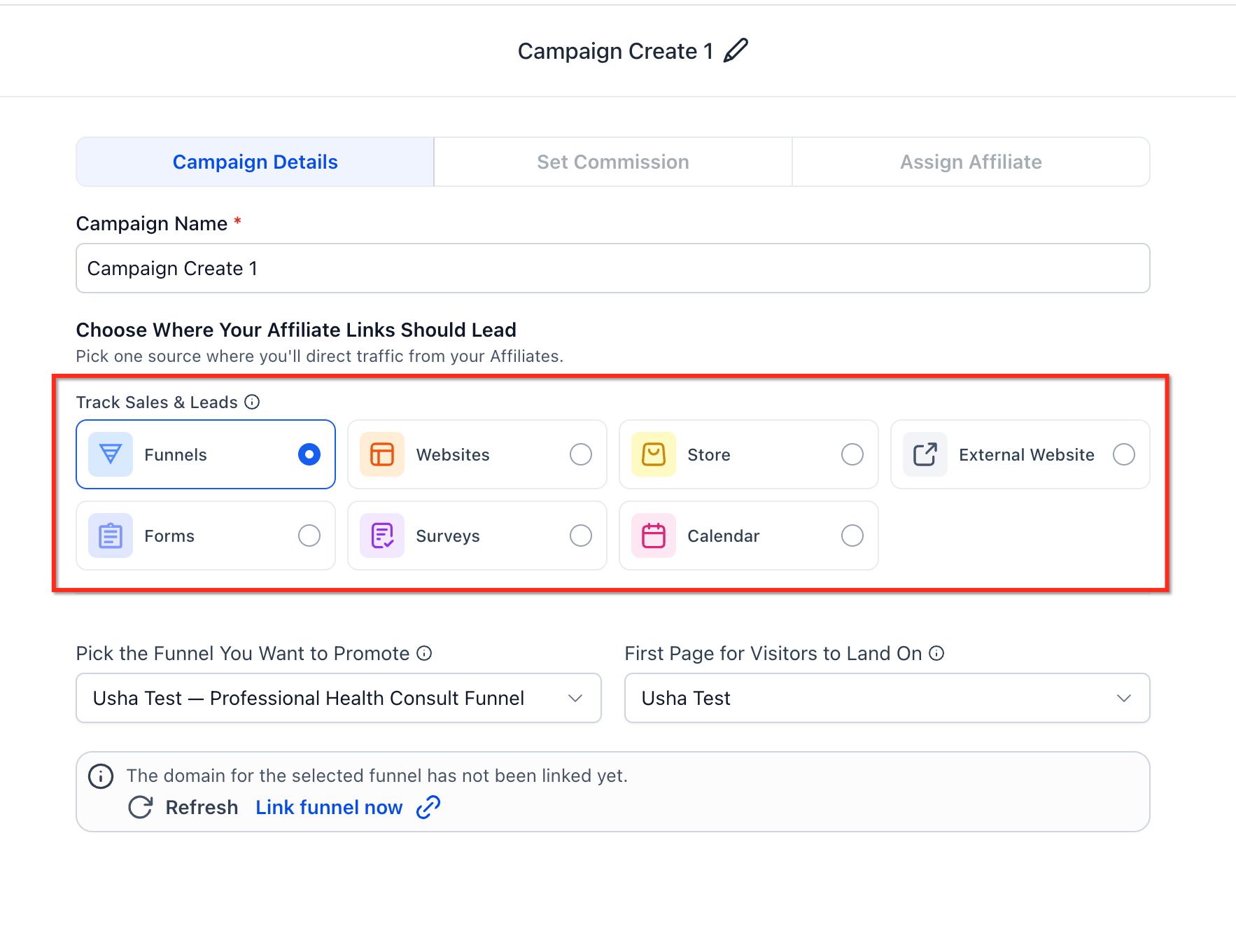
Choose the campaign source: Forms, Surveys, or Calendars.
Select the specific Form, Survey, or Calendar that your affiliates will promote.
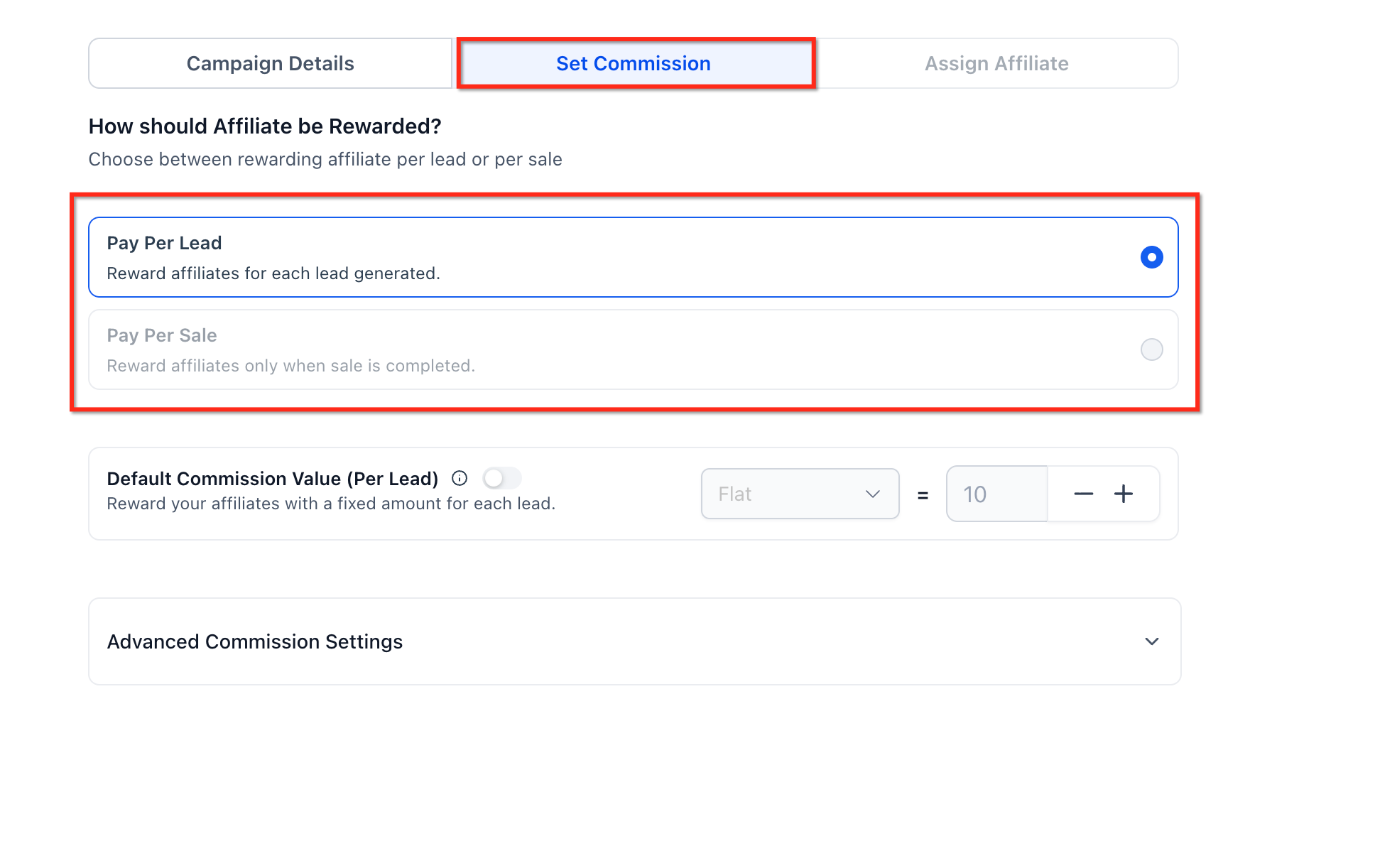
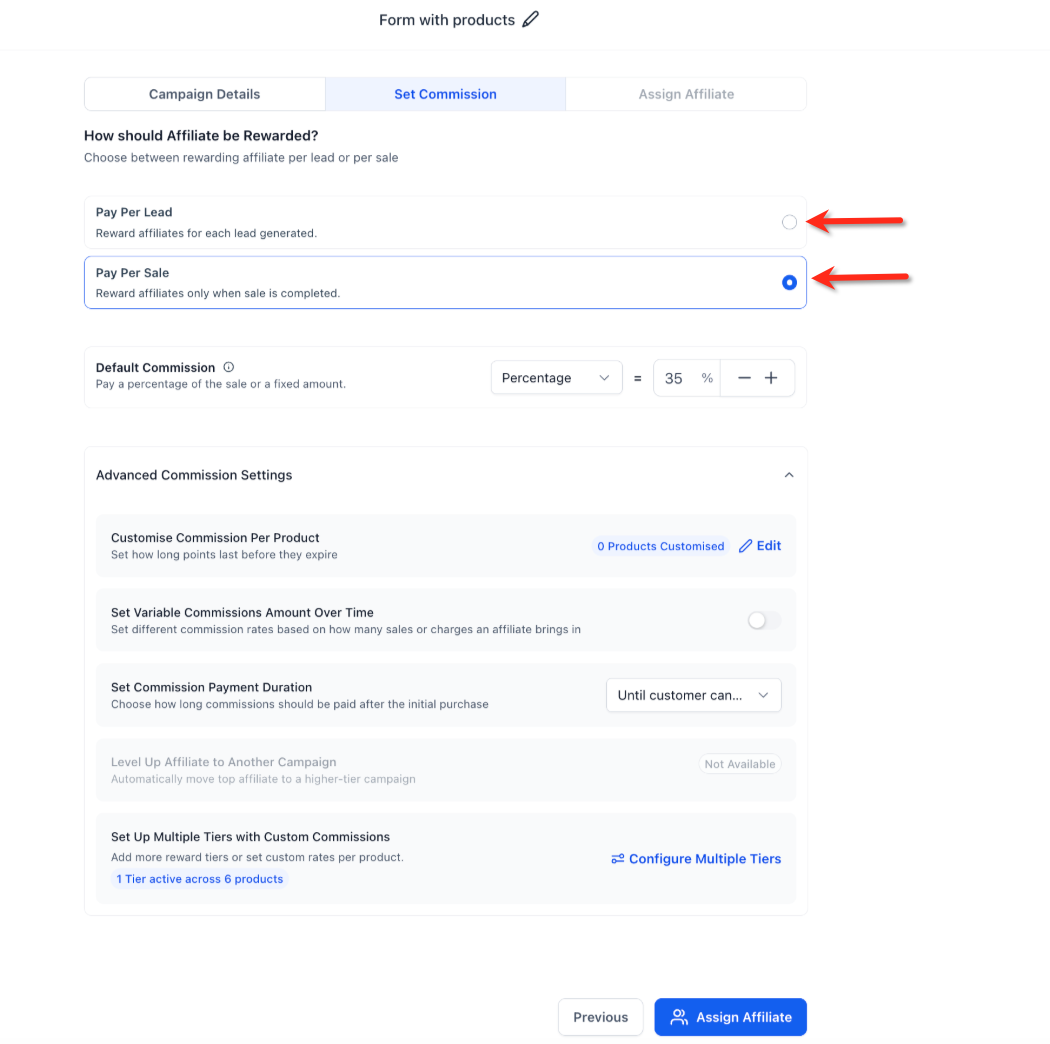
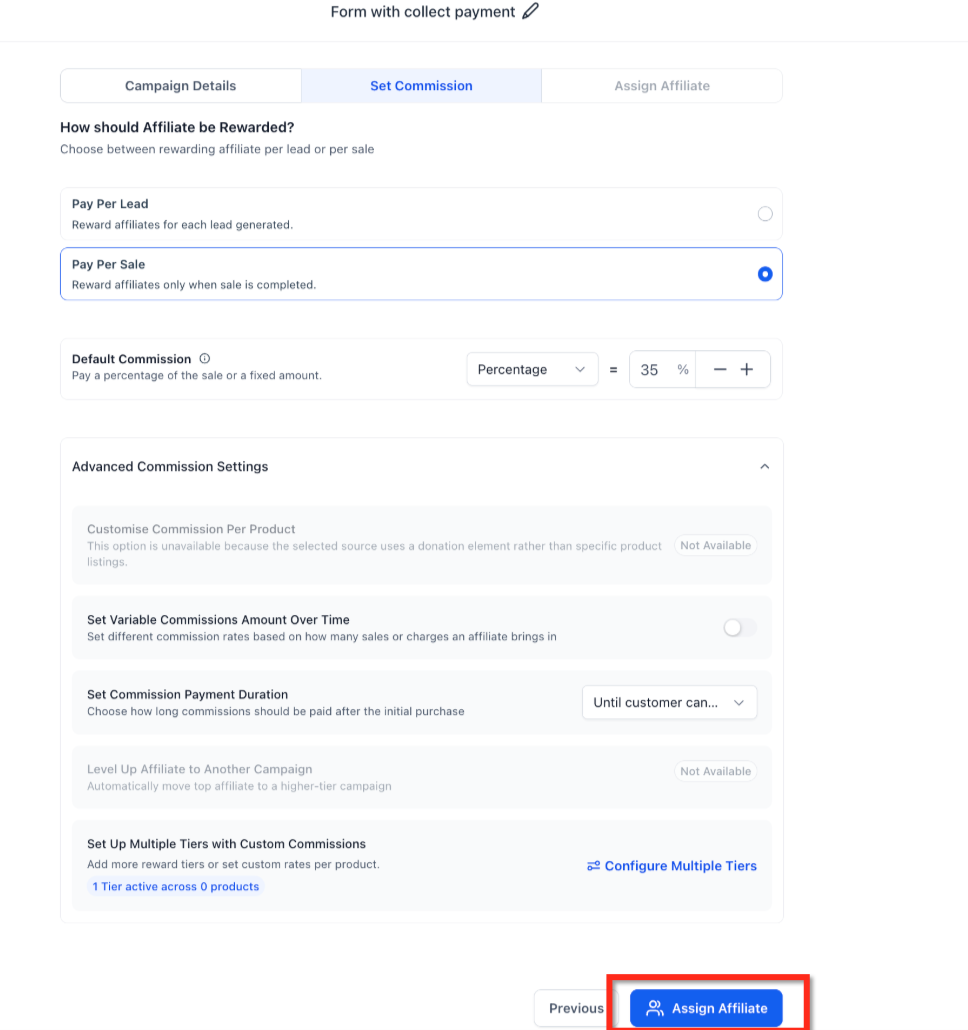
In the commission setup, choose Pay Per Sale.
Select the Pay Per Sale commission type: a flat amount ($) or a percentage (%) of the sale value.
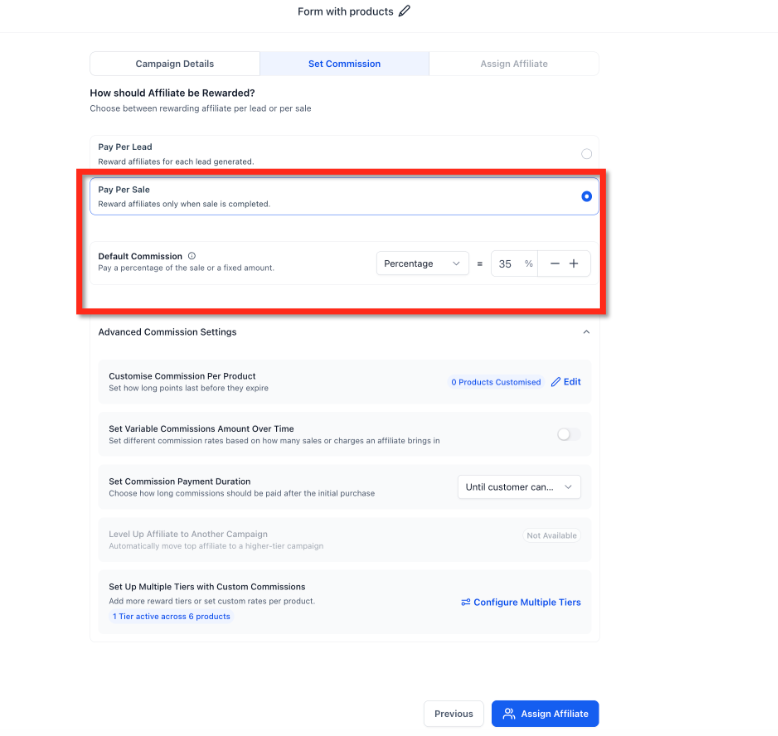
Configure the commission value.
Associate specific products with the campaign if product-based tracking should apply.
Review the tracking window settings for the campaign.
Confirm that Pay Per Lead is not also enabled on the same campaign setup.
For Calendar campaigns, confirm that payment is enabled on the Calendar.
Save or publish the campaign.
Assign affiliates to the campaign and share their tracked affiliate links.
Affiliate workflow triggers and actions, such as automatically notifying an affiliate when they earn a commission, are managed in Workflows rather than inside the campaign setup itself.
Can I enable Pay Per Lead and Pay Per Sale together? No. Pay Per Lead and Pay Per Sale are mutually exclusive for a Form, Survey, or Calendar campaign setup. This prevents an affiliate from receiving duplicate rewards for the same tracked journey.
When does an affiliate earn a Pay Per Sale commission? An affiliate earns a commission when a contact submits a Form, completes a Survey, or books a Calendar appointment through their affiliate link, and then completes a qualifying purchase within the tracking window.
Can I use a flat commission instead of a percentage? Yes. Pay Per Sale commissions can be configured as either a flat dollar amount or a percentage of the sale value, whichever fits your pricing structure better.
Does Pay Per Sale work for Calendar bookings that don't collect payment? No. For Calendars, Pay Per Sale only applies when payment is enabled on that Calendar. Unpaid bookings can still be tracked under Pay Per Lead instead.
What happens when a Form or Survey is embedded inside a Funnel or Website? If the Funnel or Website has products configured, only those Funnel or Website products are considered for Pay Per Sale tracking, even if the Form itself has its own product settings.
Are Form-level products automatically used when a Form is embedded in a Funnel or Website with no products? No. If the Funnel or Website has no products configured, Form-level products are not automatically surfaced for Pay Per Sale tracking.
Can Pay Per Sale help reduce low-quality affiliate leads? Yes. Because affiliates are only rewarded when a qualifying sale occurs, Pay Per Sale can help align affiliate incentives with actual revenue instead of just submission or booking volume.
Should I use Pay Per Lead or Pay Per Sale for my campaign? Use Pay Per Lead when you want to reward every submission or booking. Use Pay Per Sale when you want to reward affiliates only after a contact they referred completes a qualifying purchase.
Can product-based attribution limit which sales count toward a commission? Yes. When you associate specific products with a campaign, only sales of those products are tracked for commission eligibility, which keeps affiliates focused on promoting the offers you actually want them to sell.
