Affiliate Manager supports two commission models: pay-per-sale, where a partner earns a percentage of a completed purchase, and pay-per-lead, where a partner earns a fixed commission every time someone they referred submits a form, completes a survey, or books a calendar appointment. Pay-per-lead is a strong fit for a med spa referral program, since it lets you reward partners (former patients, local businesses, influencers) for sending you booked consults, even before those consults convert into a treatment sale.
This guide walks through building a Pay-Per-Lead campaign in Affiliate Manager, from campaign creation through commission tracking.
Pay-Per-Lead only works when the form, survey, or calendar you're tracking is embedded as a component inside a funnel or website page built in Aesthetix CRM. Custom code embeds and third-party iframes are not supported for lead tracking, because the platform can't attribute the submission back to the referring affiliate. If you haven't built the intake form or booking page yet, do that first in Funnels/Websites, then come back to set up the campaign.
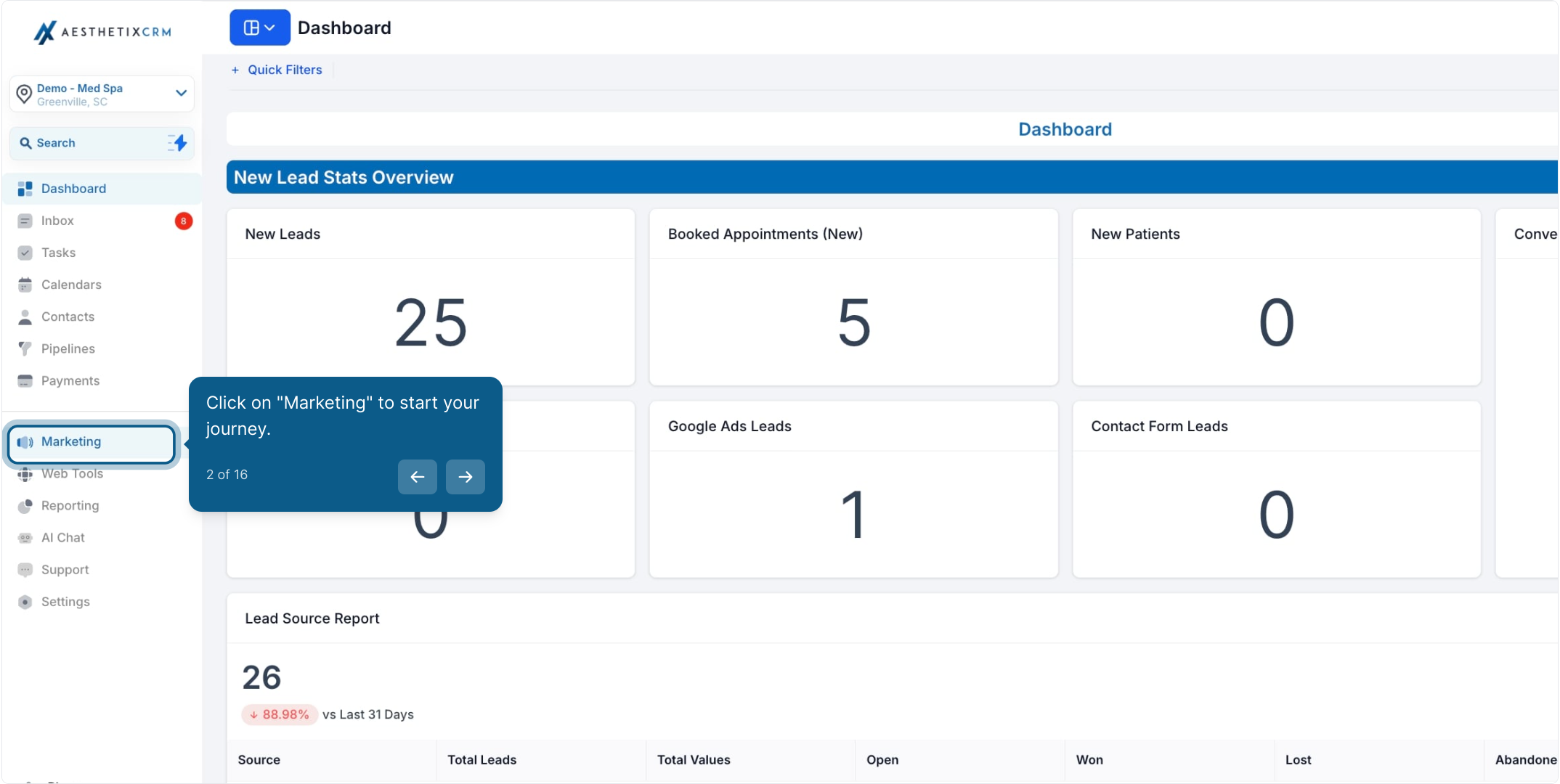
From the left navigation, click Marketing.
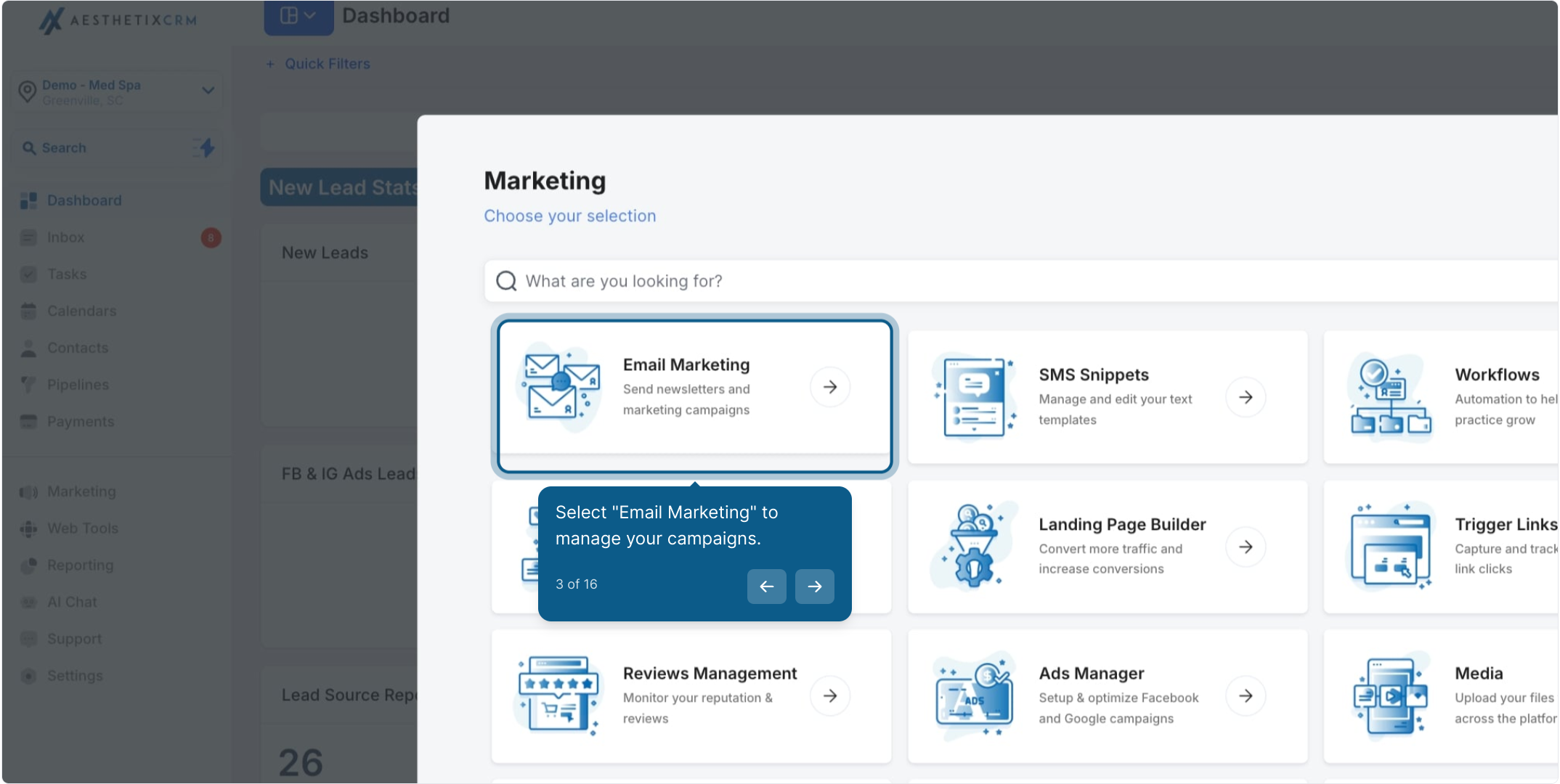
Select Email Marketing to get into the Marketing workspace.
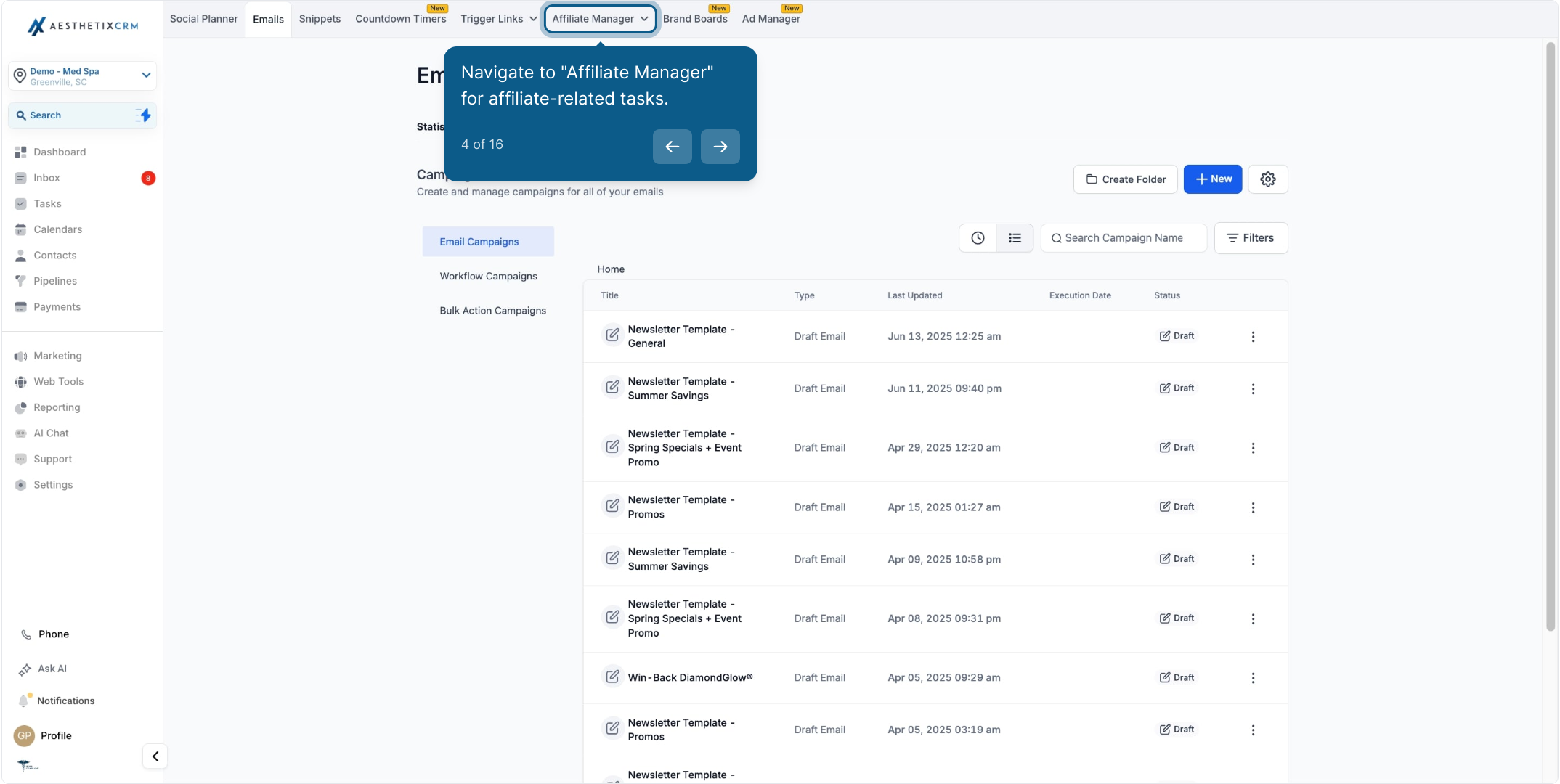
Click Affiliate Manager in the sub-navigation.
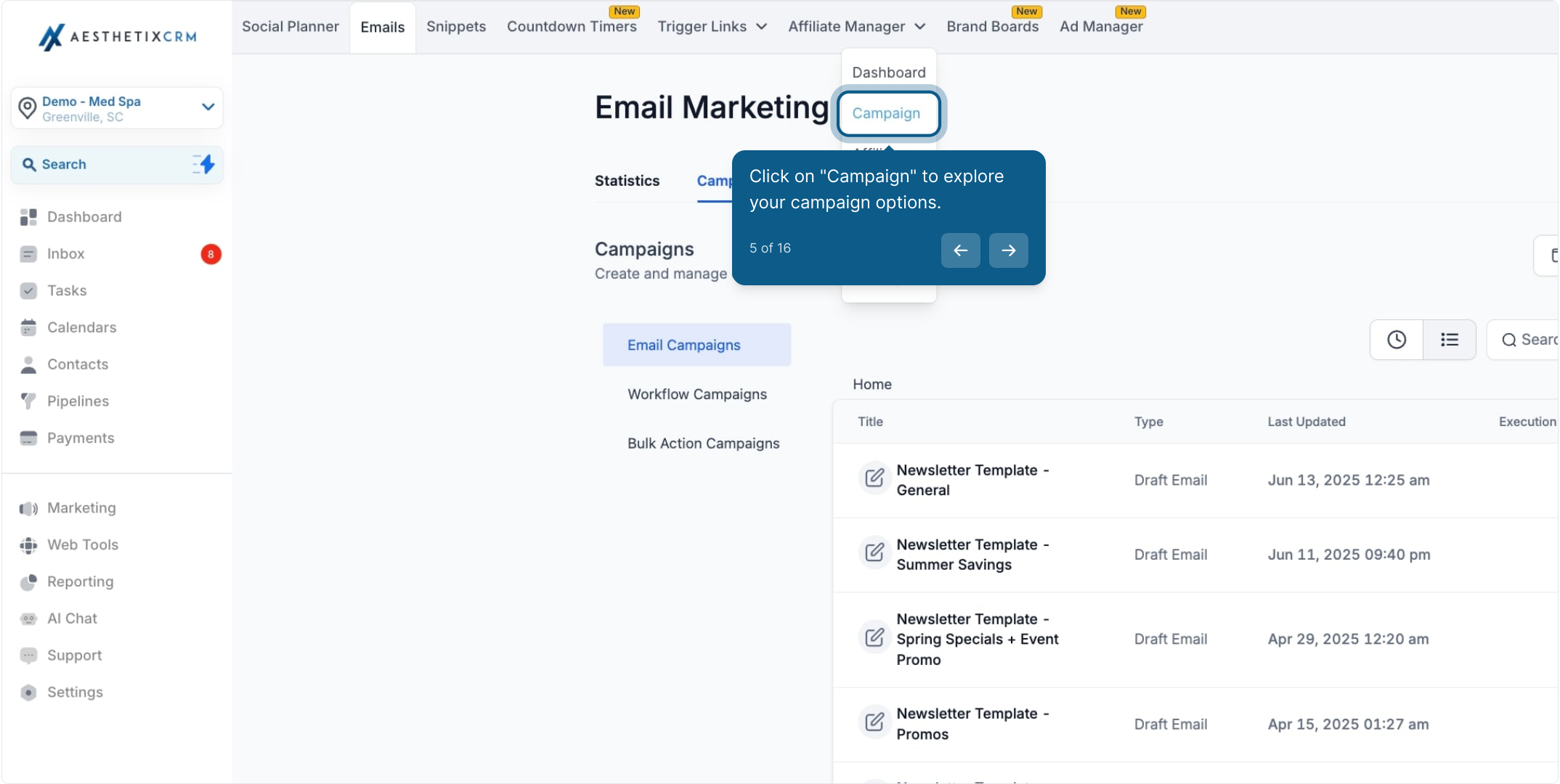
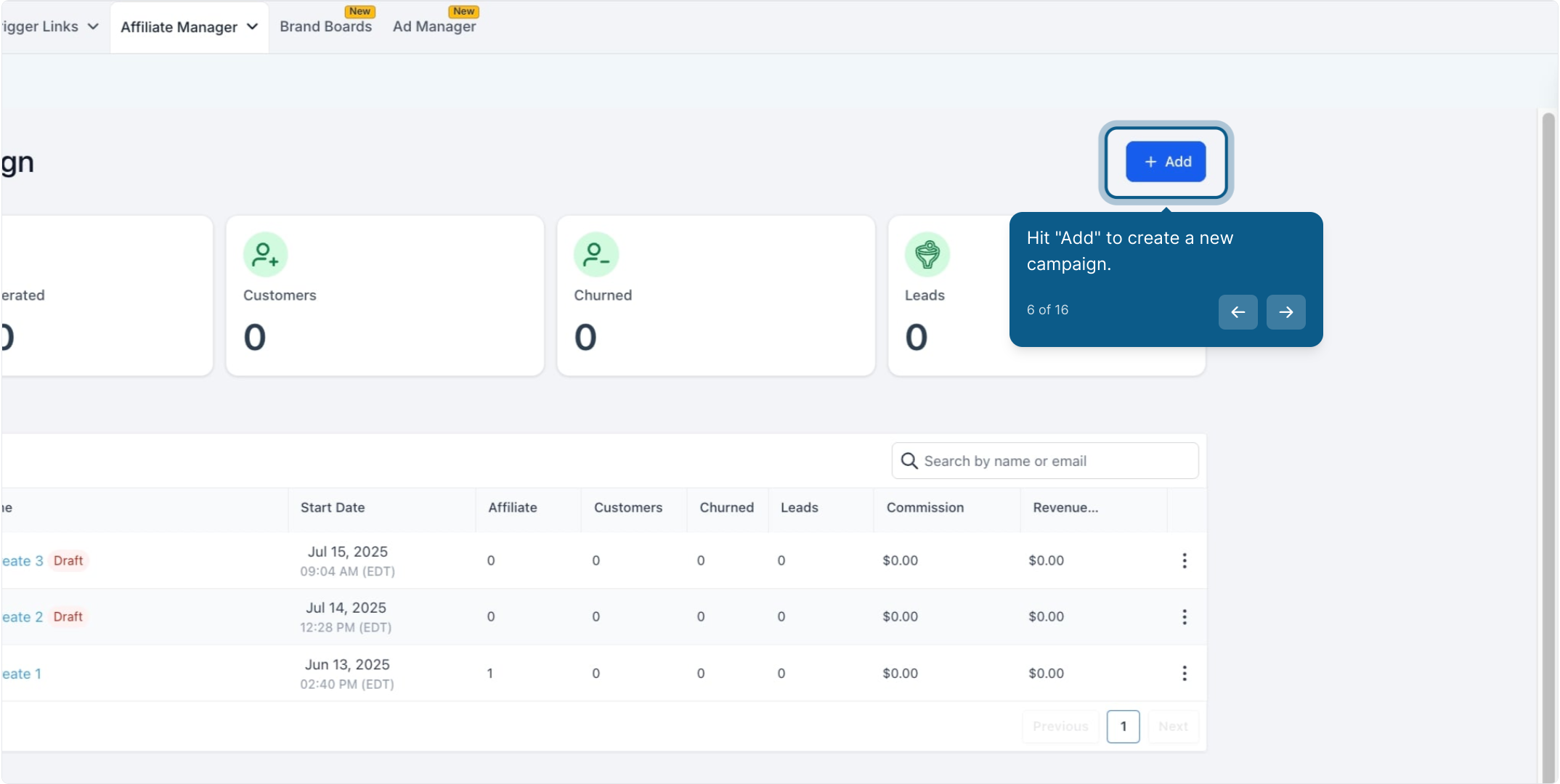
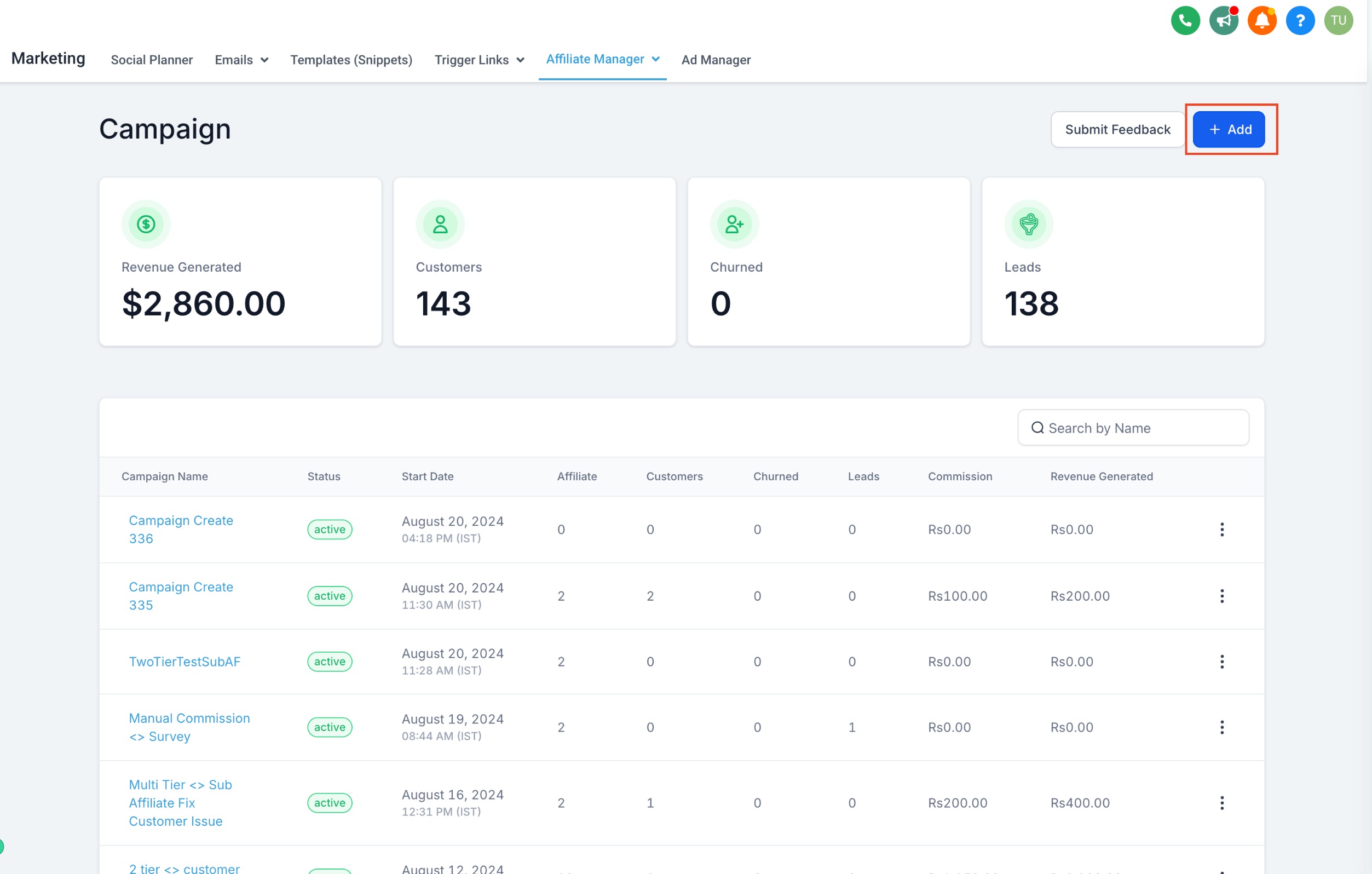
Click Campaign, then click Add to start a new campaign.
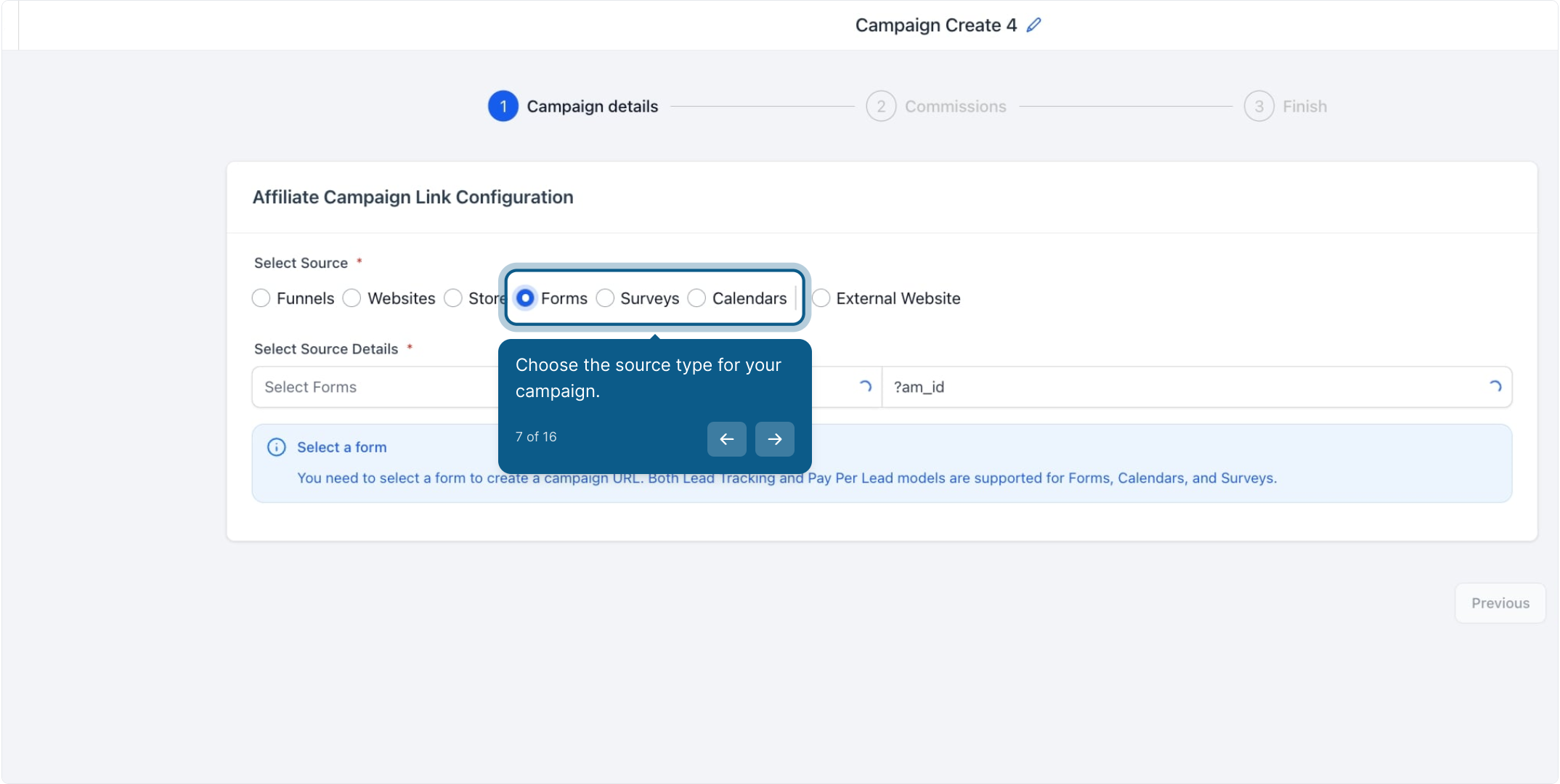
Select which type of source will generate leads for this campaign:
Forms
Surveys
Calendars
Pay-Per-Lead can be enabled for any of these three source types, so pick whichever your practice uses to capture the referral, whether that's a "Request a Consult" form, an intake survey, or a direct booking calendar.
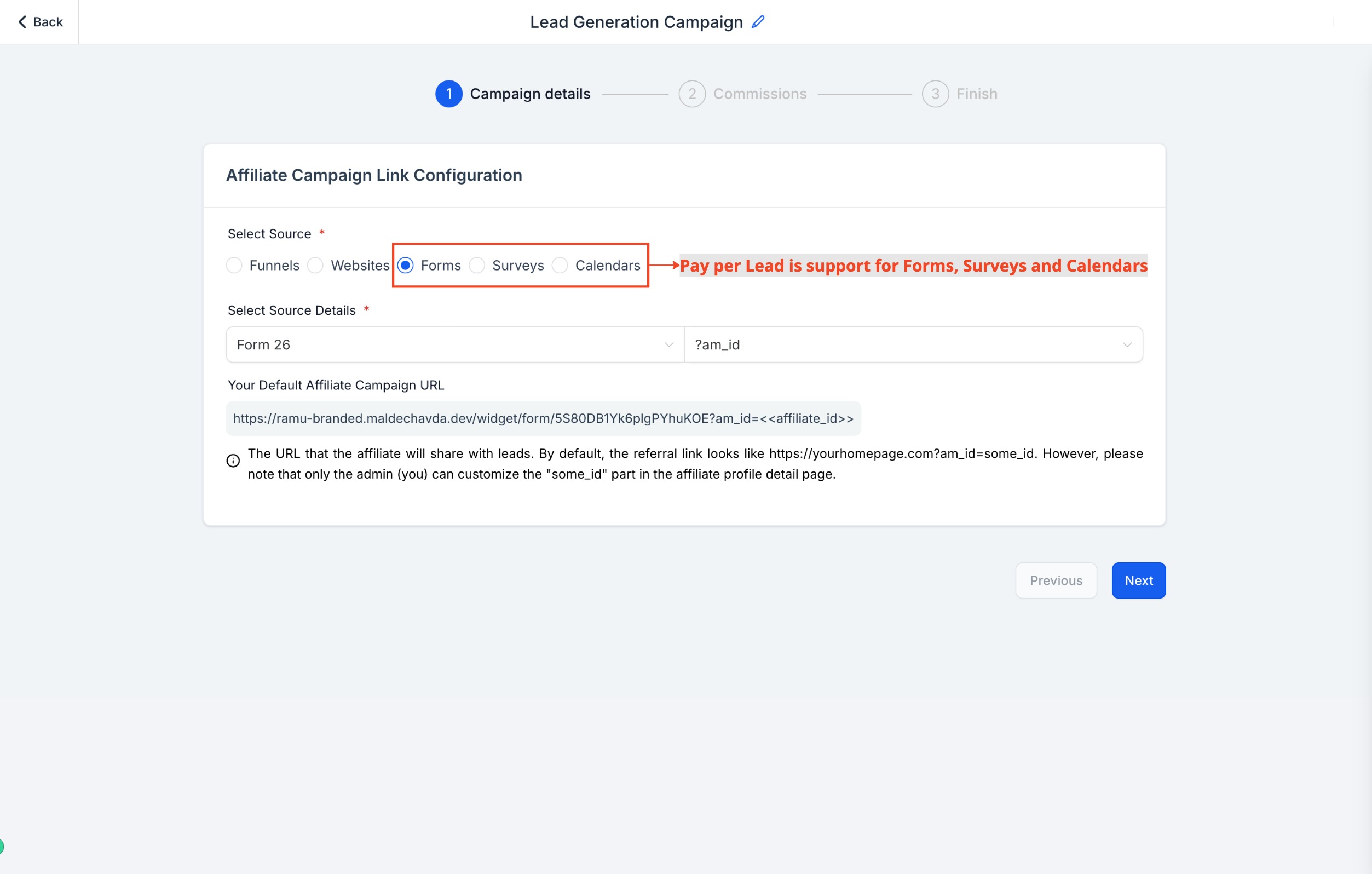
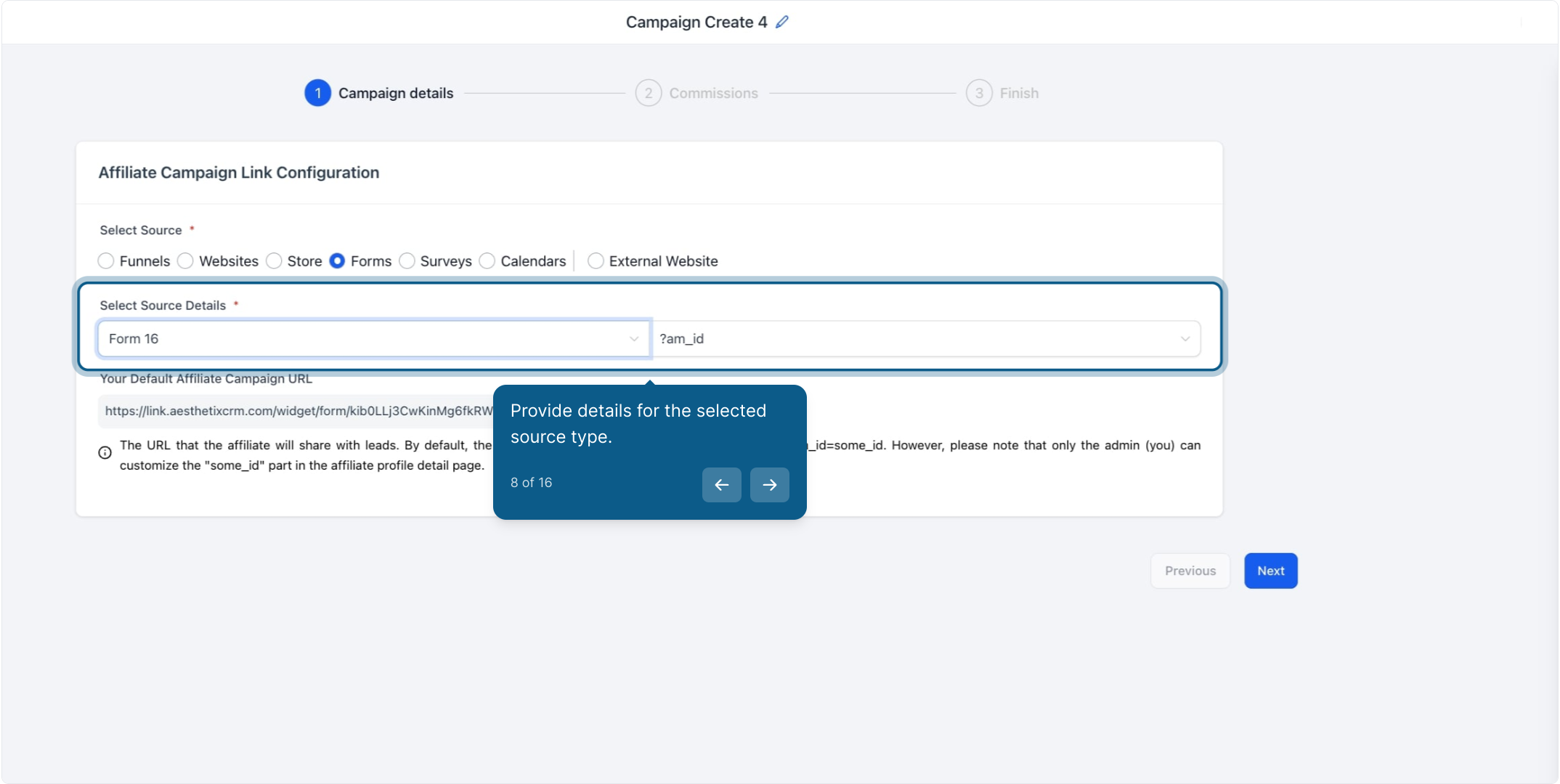
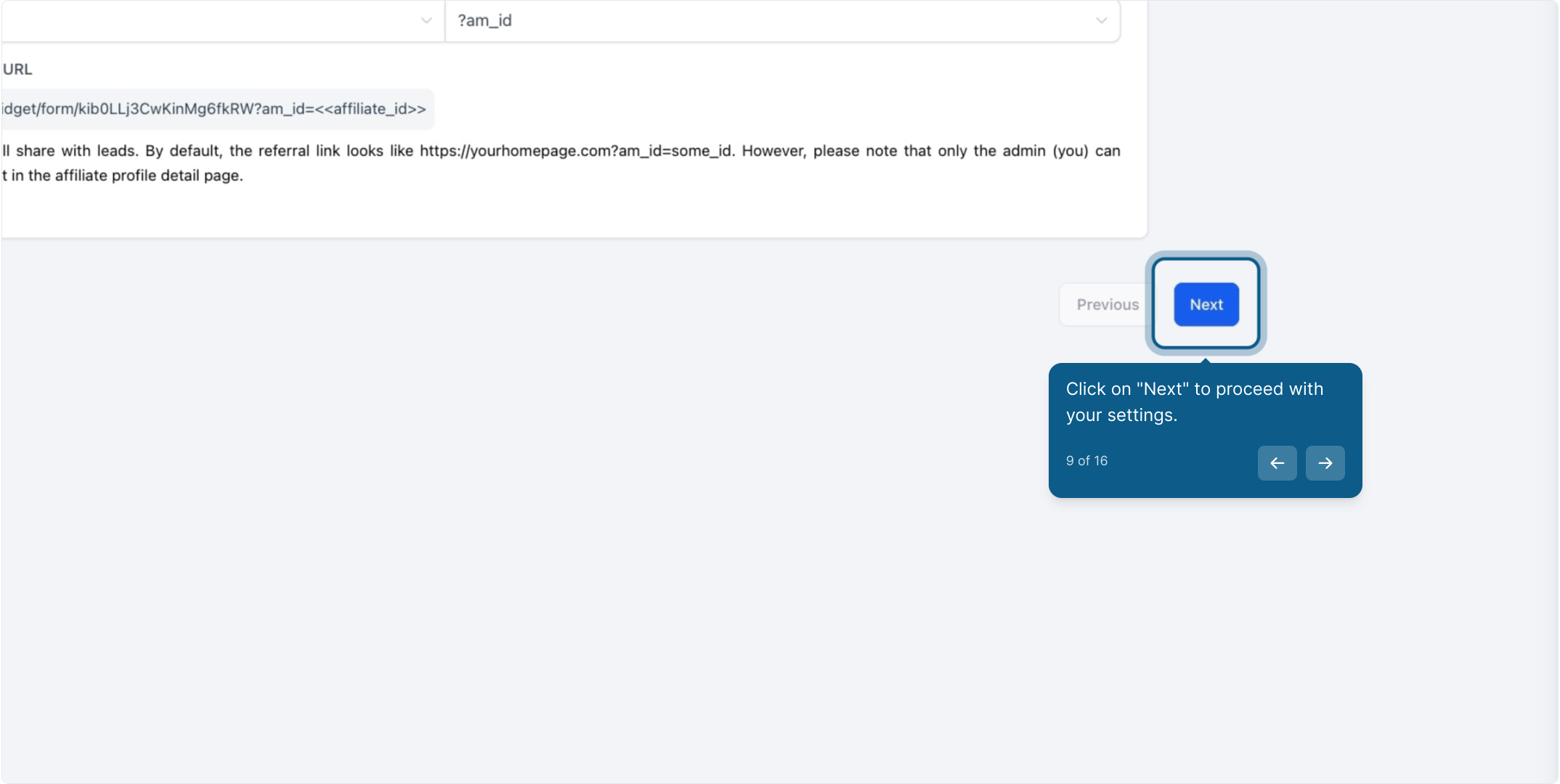
Once you've chosen the source type, provide the specific form, survey, or calendar this campaign should track, then click Next.
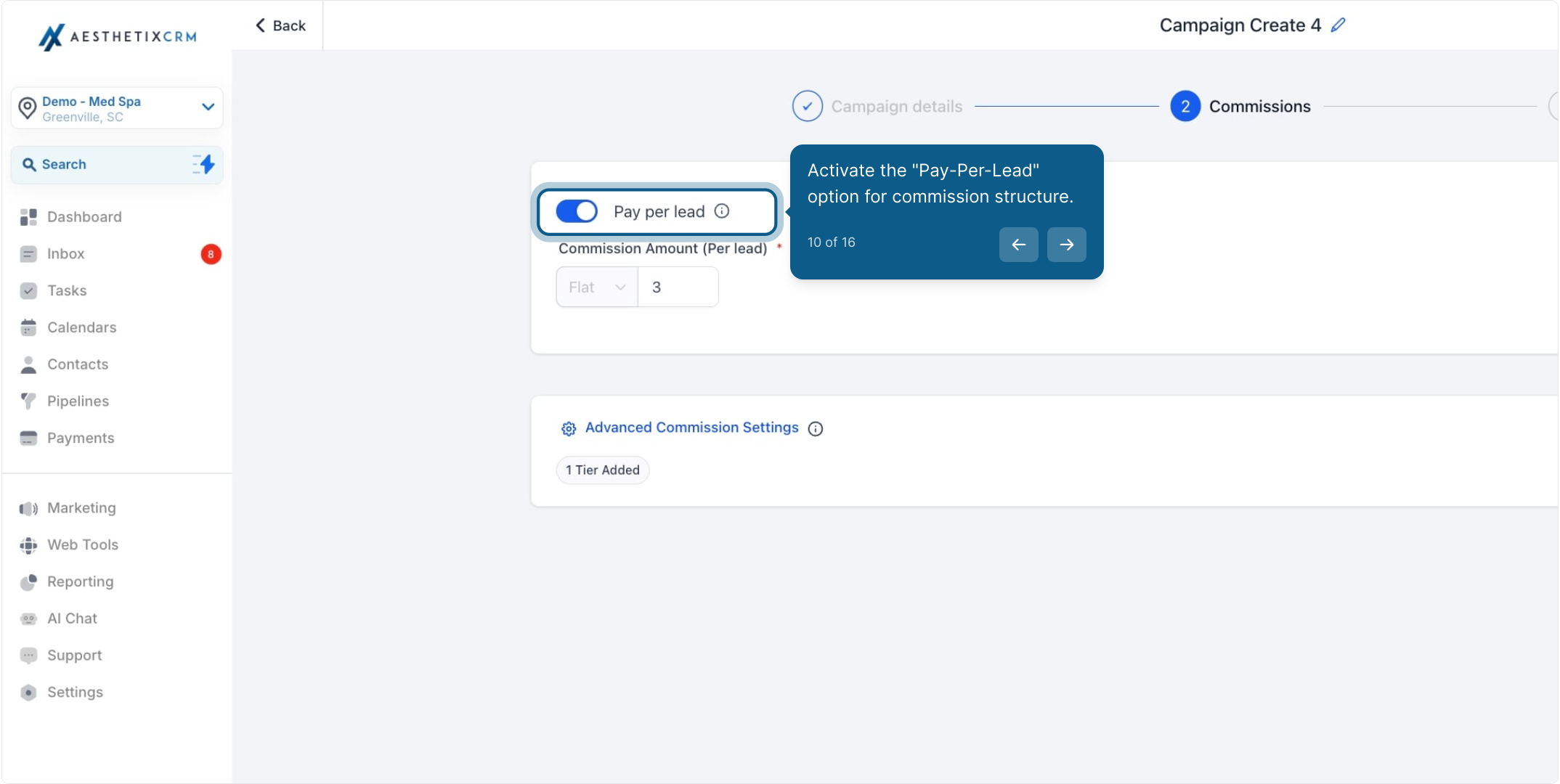
In the Commissions tab, toggle on Pay-Per-Lead to activate this commission structure for the campaign.
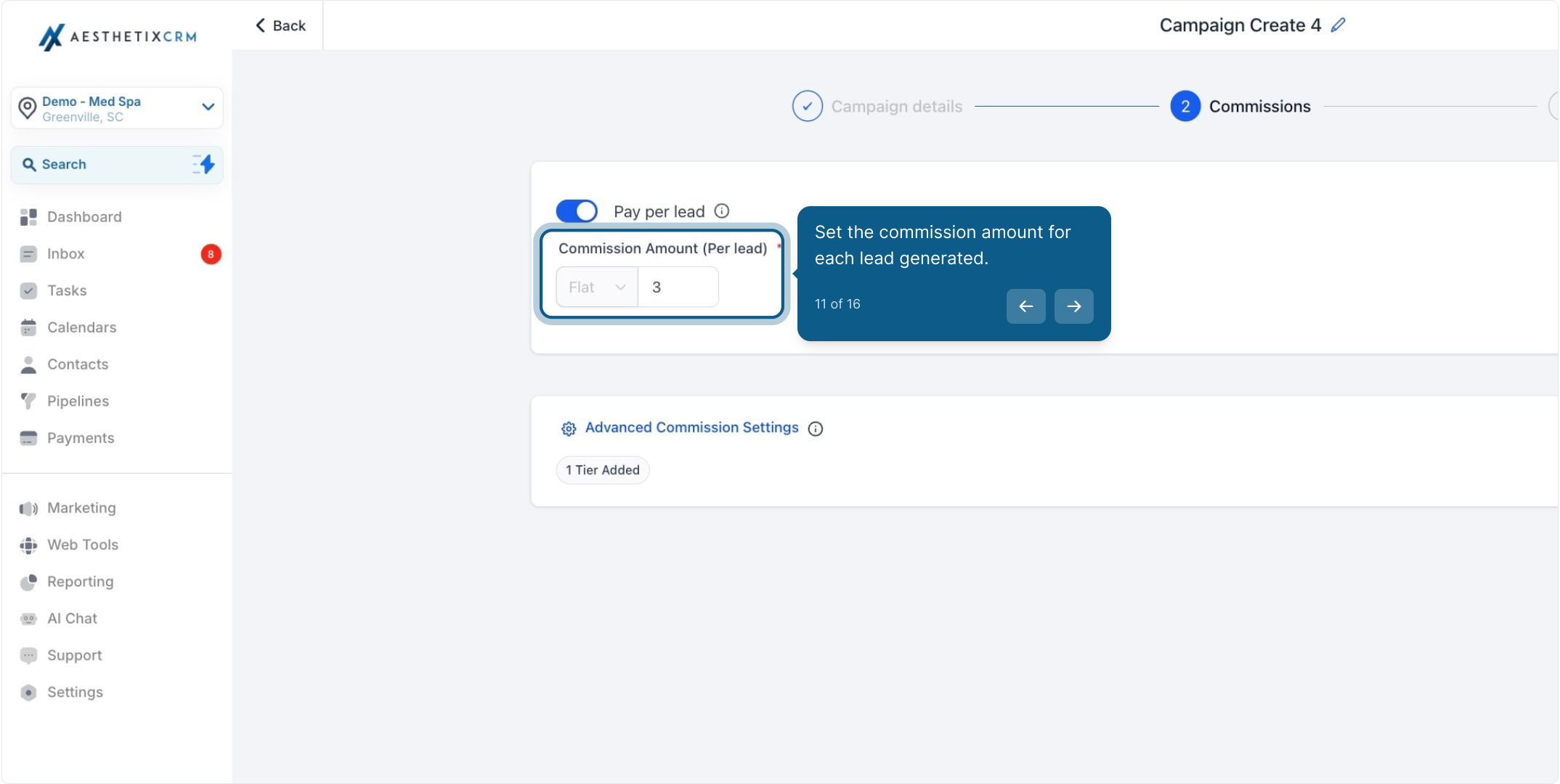
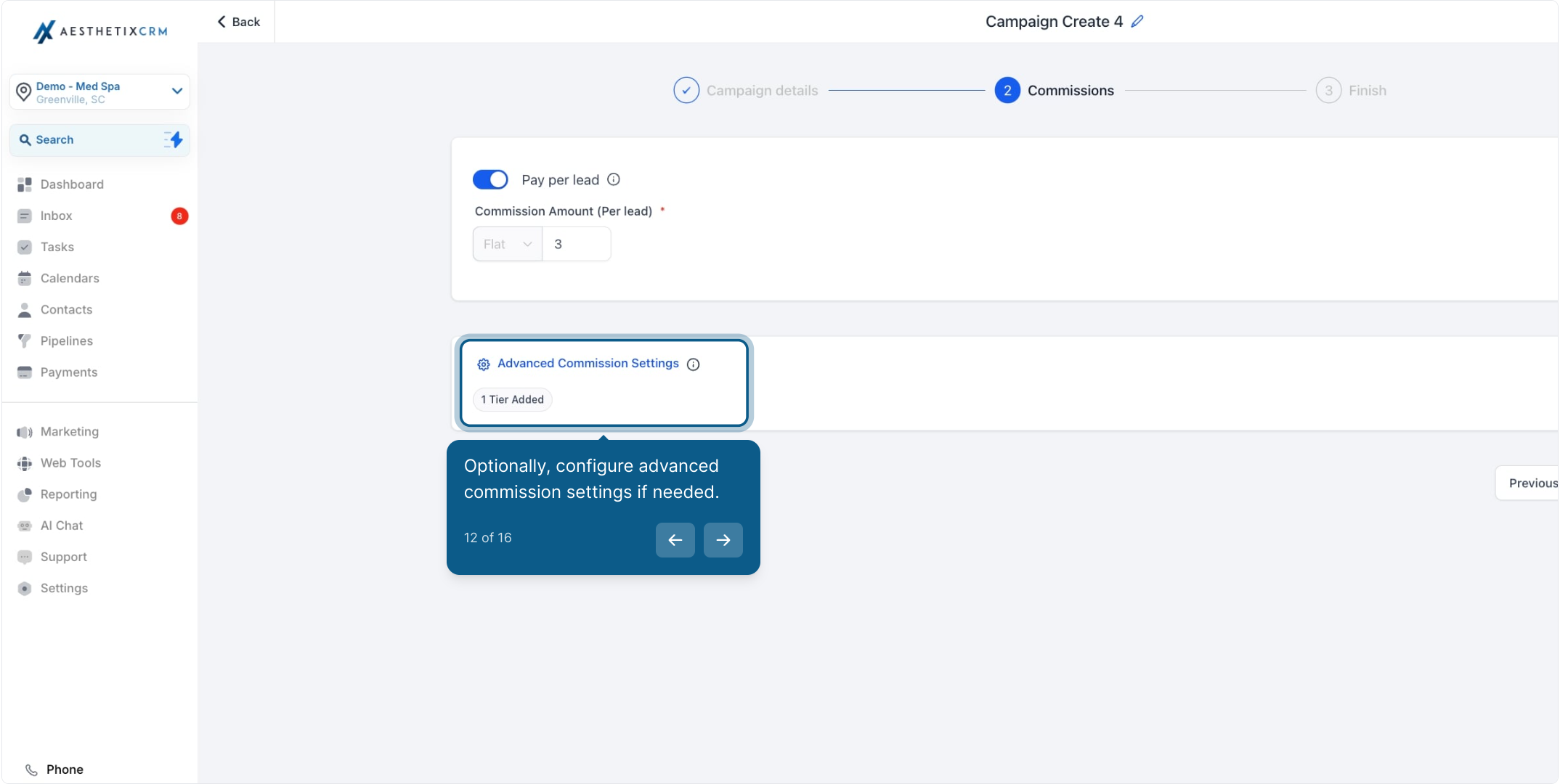
Enter the flat commission amount an affiliate earns each time someone they referred submits the tracked form, survey, or calendar booking. This is a fixed dollar amount per lead, not a percentage, so decide it based on what a booked consult is worth to your practice.
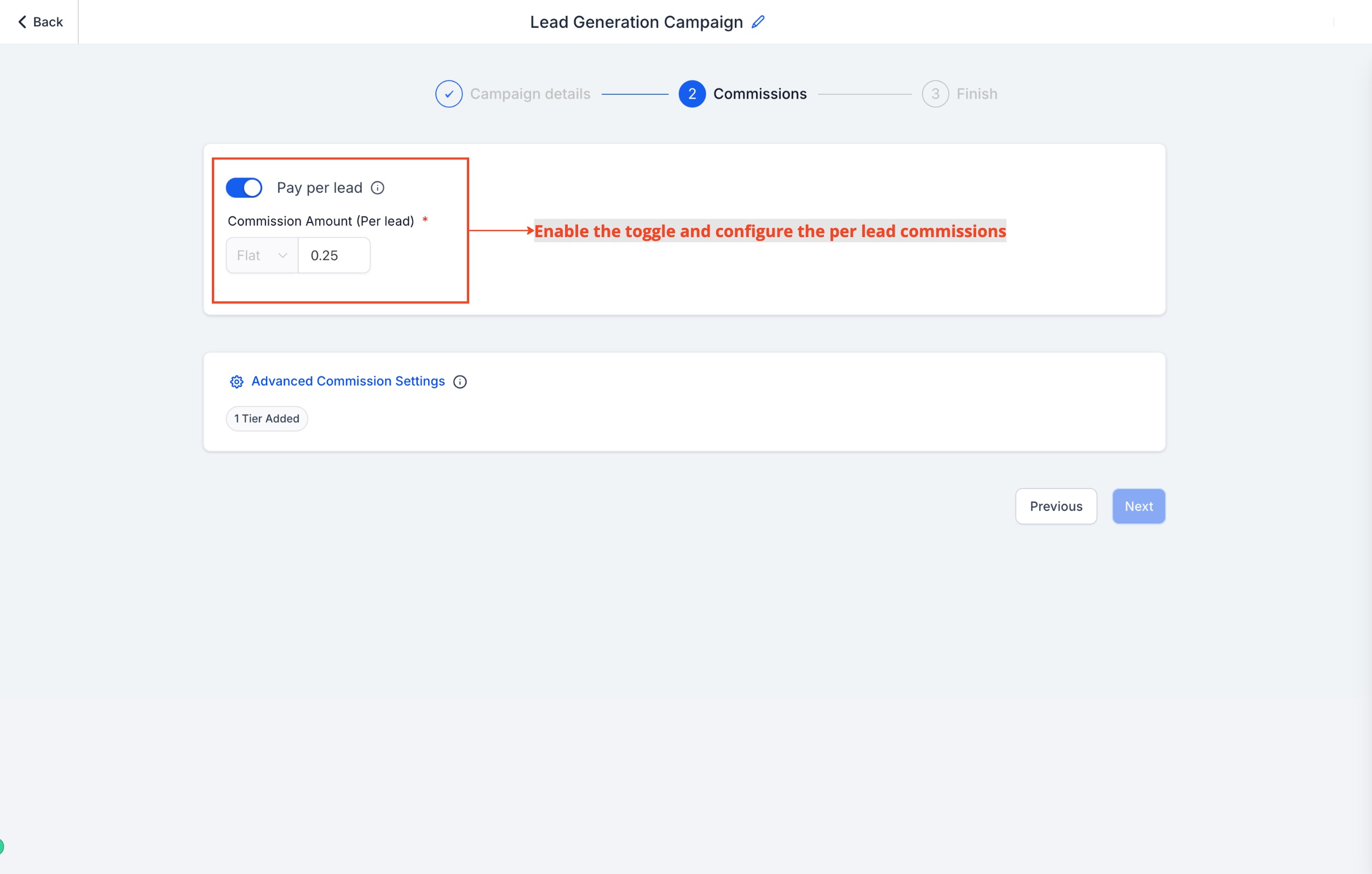
If you want to reward more than one level of referral, set up multiple commission tiers under advanced settings. This lets you pay both an affiliate and their sub-affiliates at different rates for the same lead, which is useful if you're running a multi-level patient referral program (for example, a former patient who refers a colleague who then also refers patients).
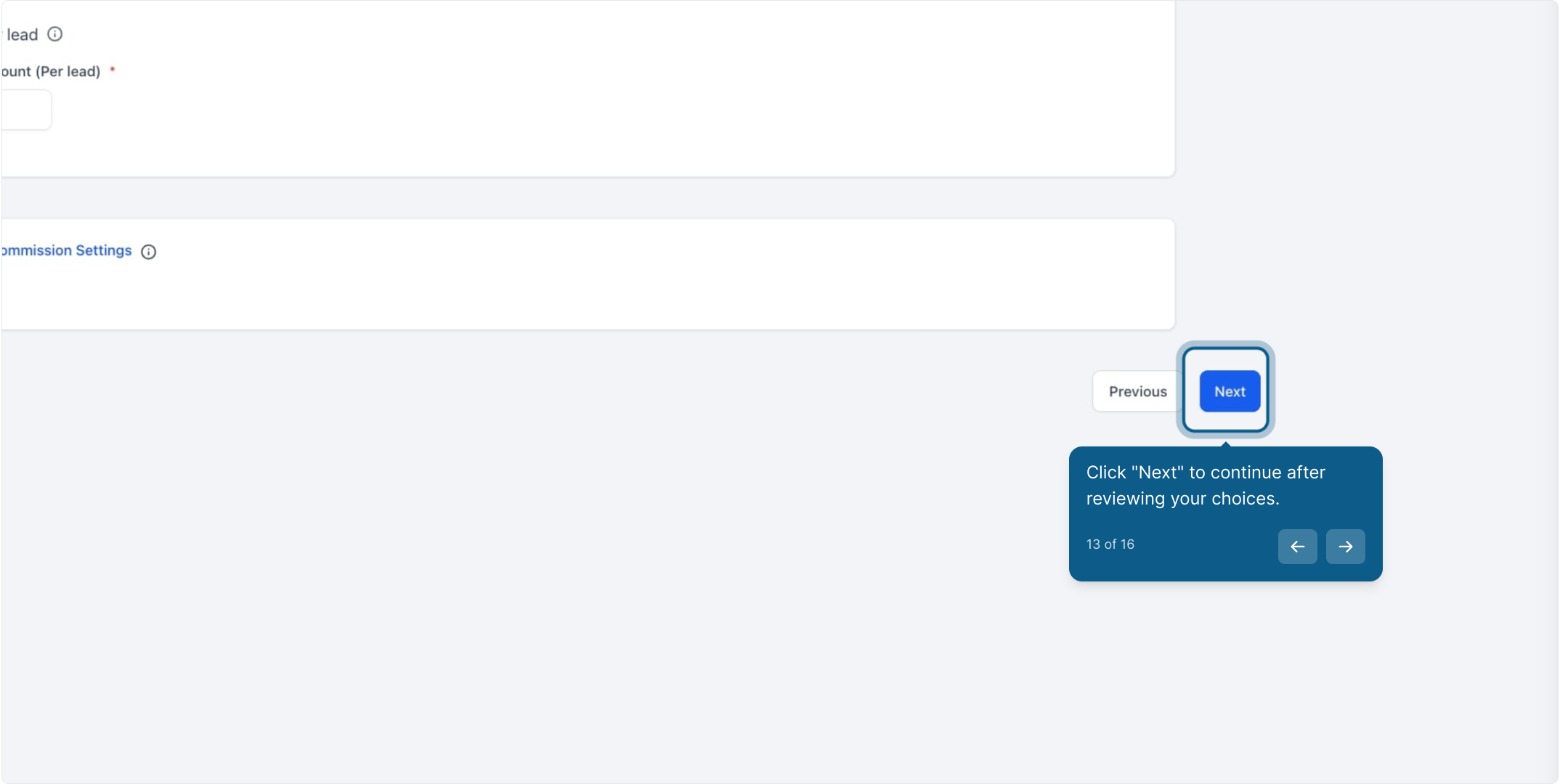
Review your settings and click Next to continue.
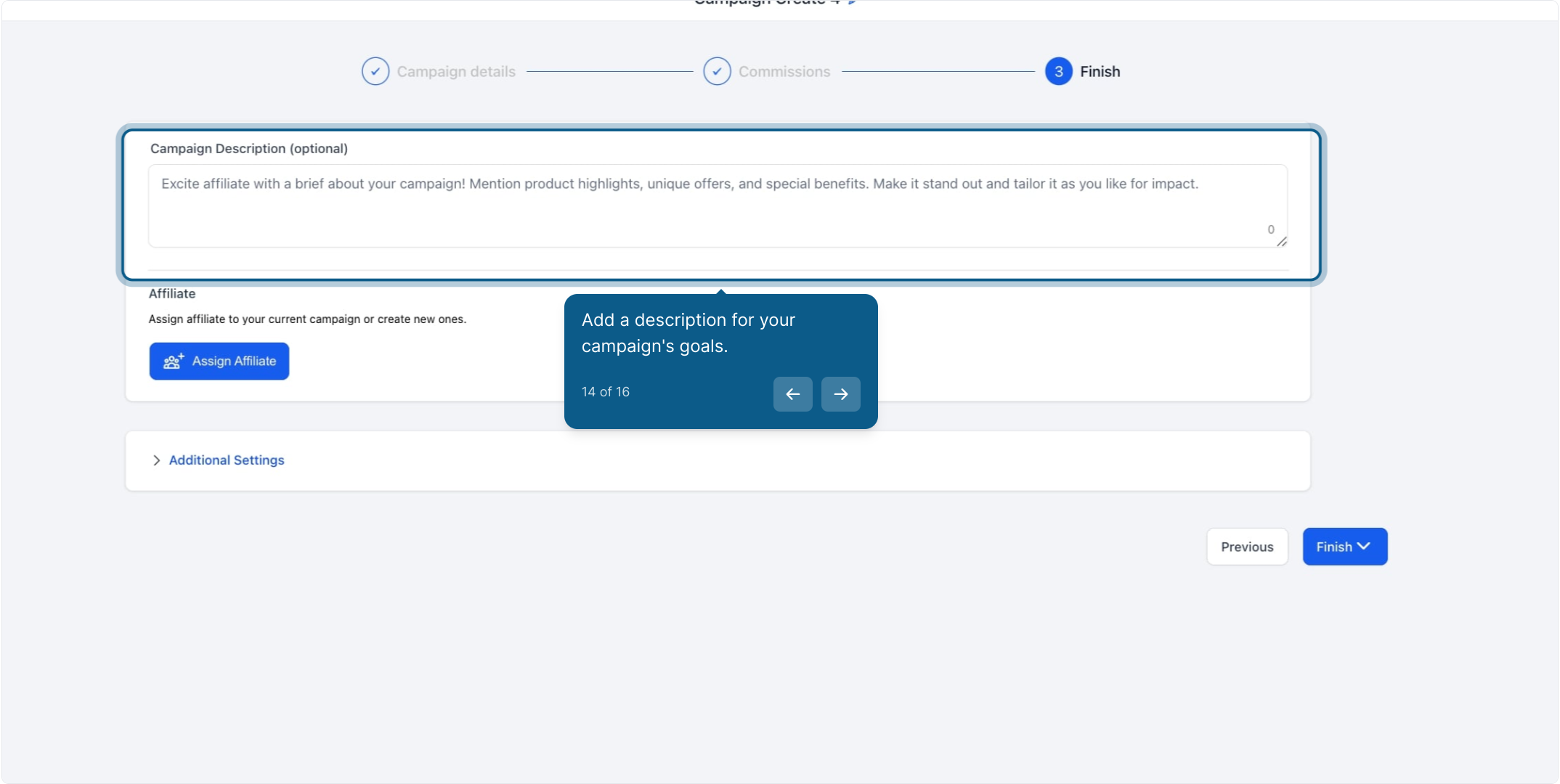
Write a short description explaining the campaign's goal to your affiliates (for example, "Refer a friend for a free skin consult and earn $25 per booked appointment"). Then assign the specific affiliates who should be able to participate in this campaign.
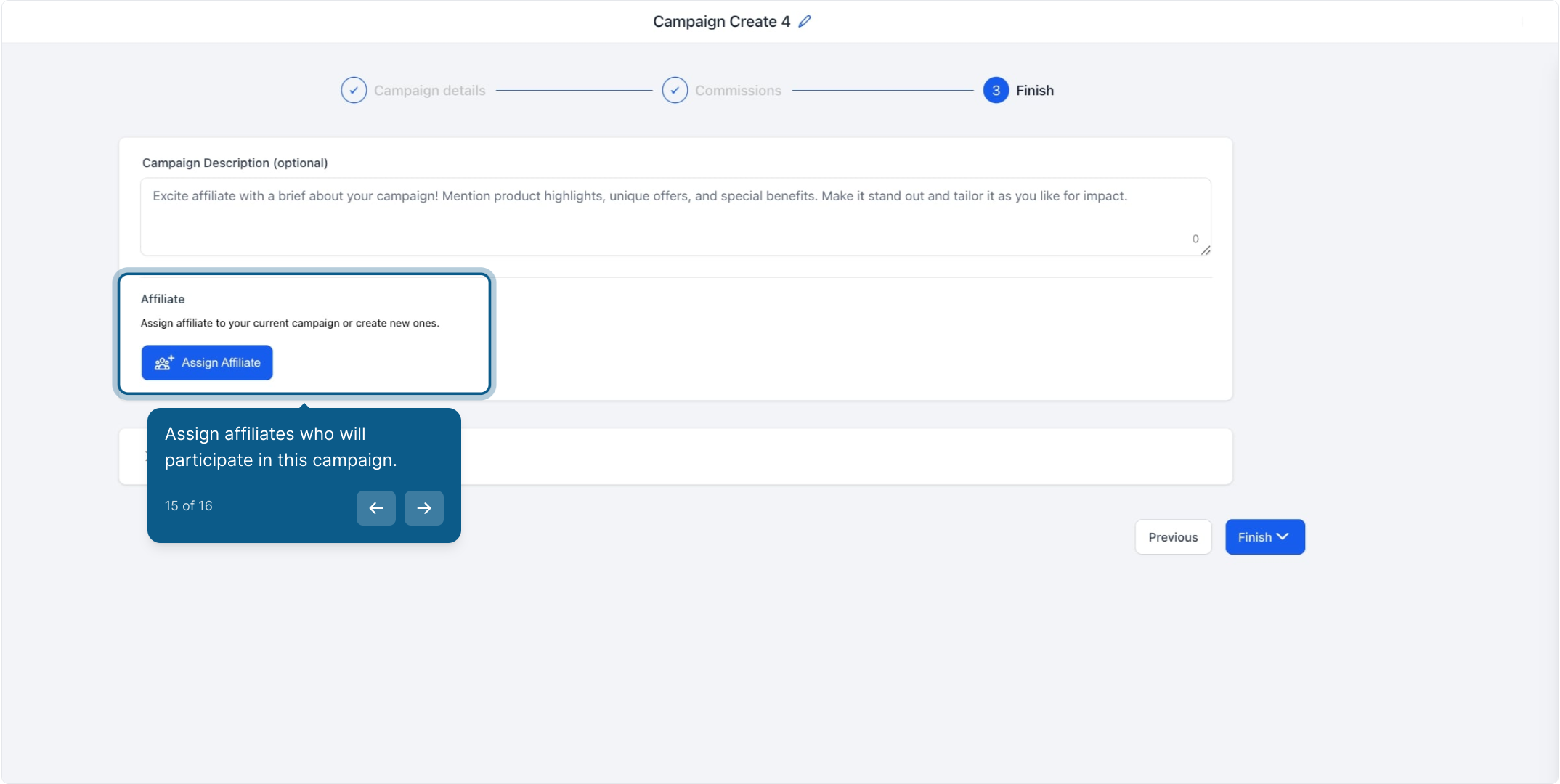
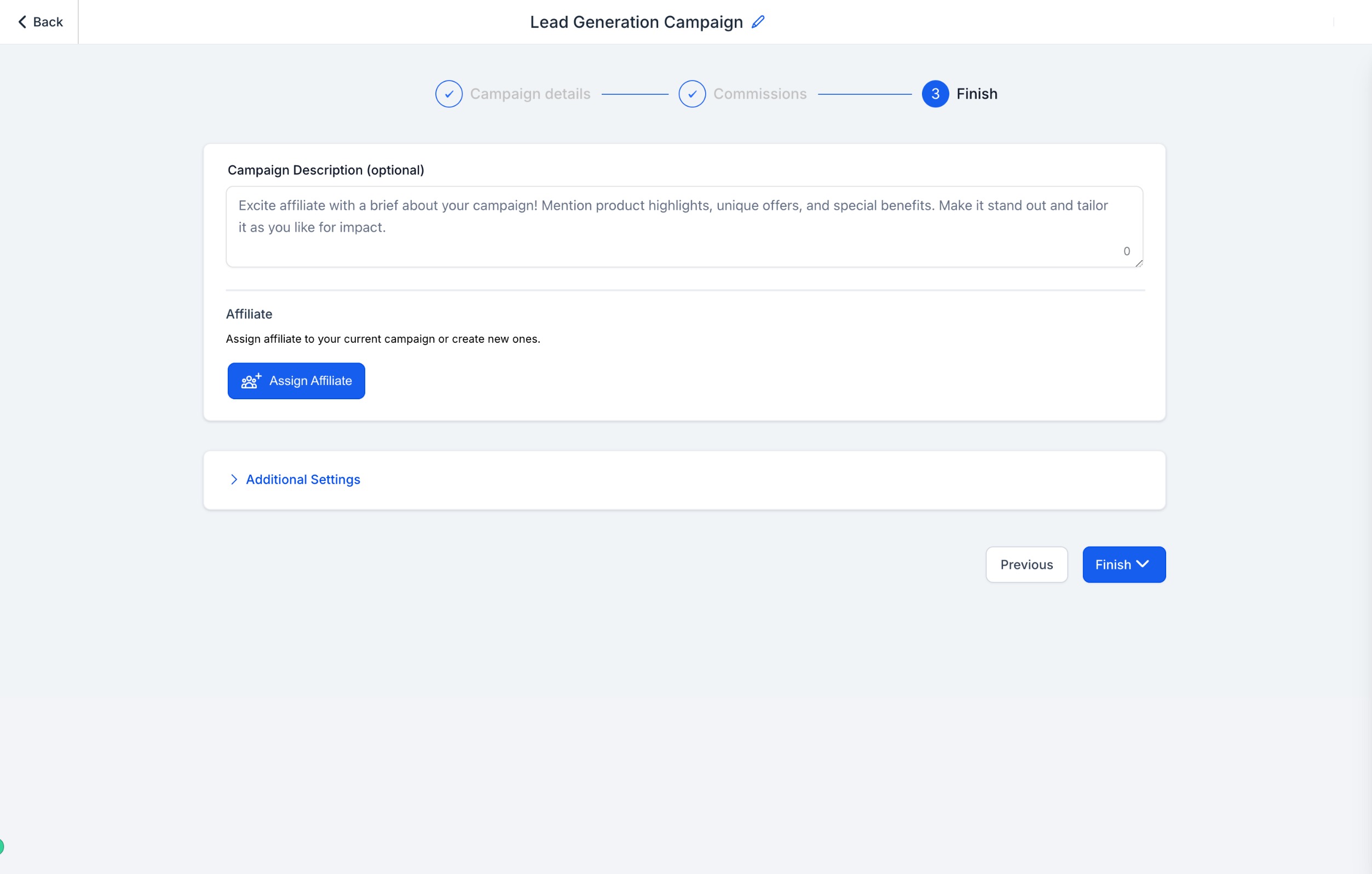
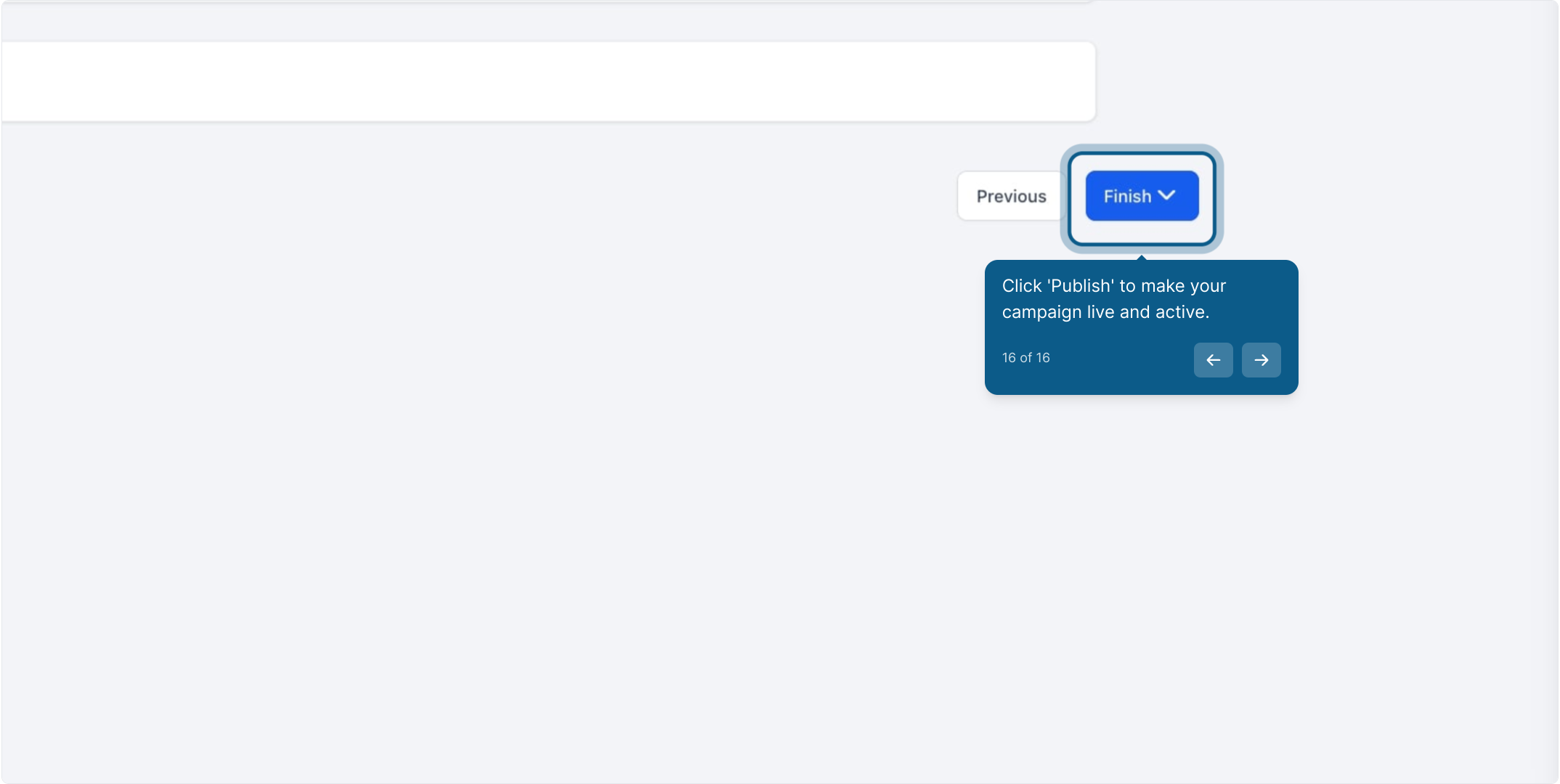
Double-check all settings, including the source type, commission amount, tier structure, and assigned affiliates. When everything looks right, click Publish to make the campaign live.
Once a campaign is live:
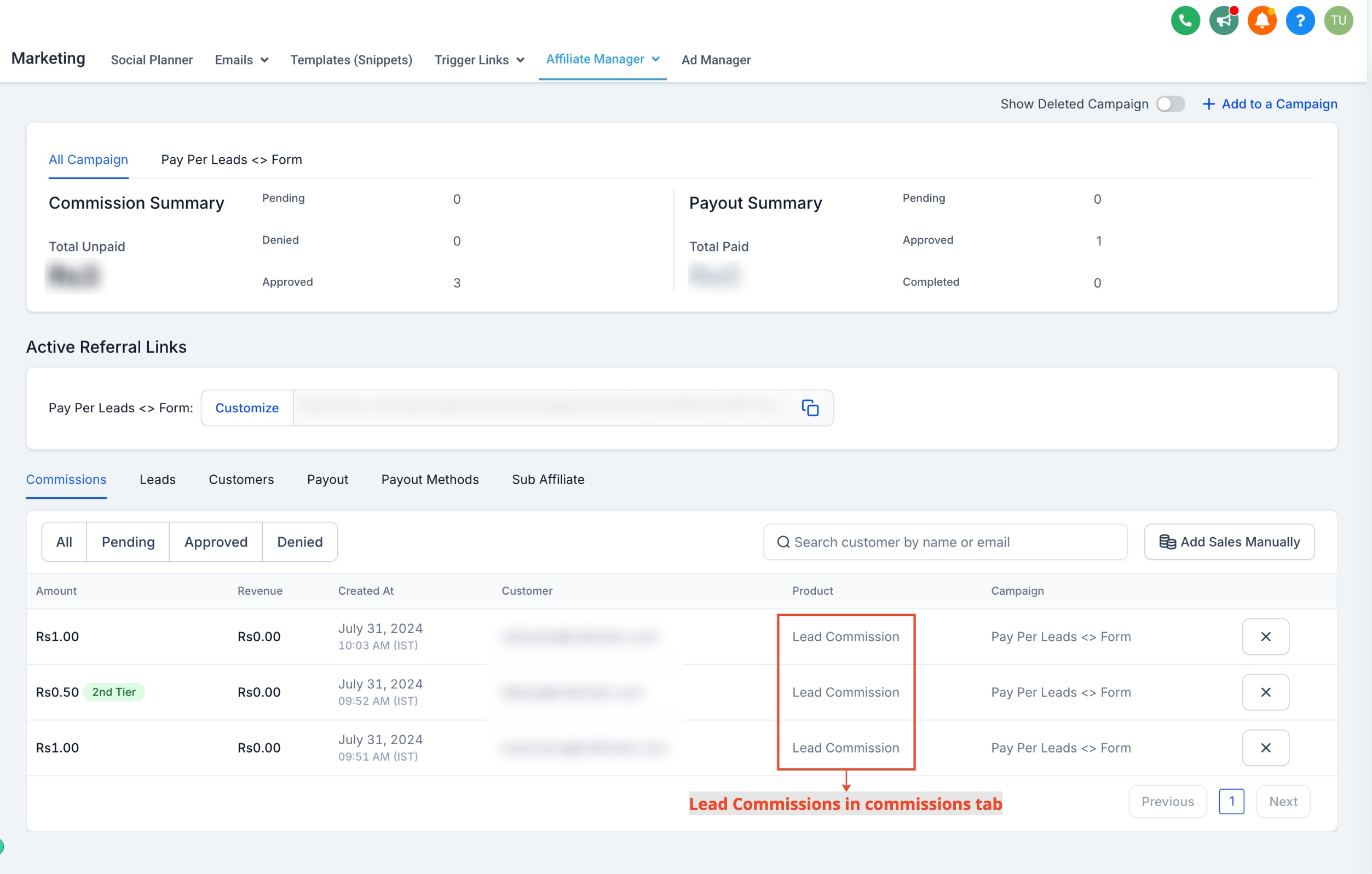
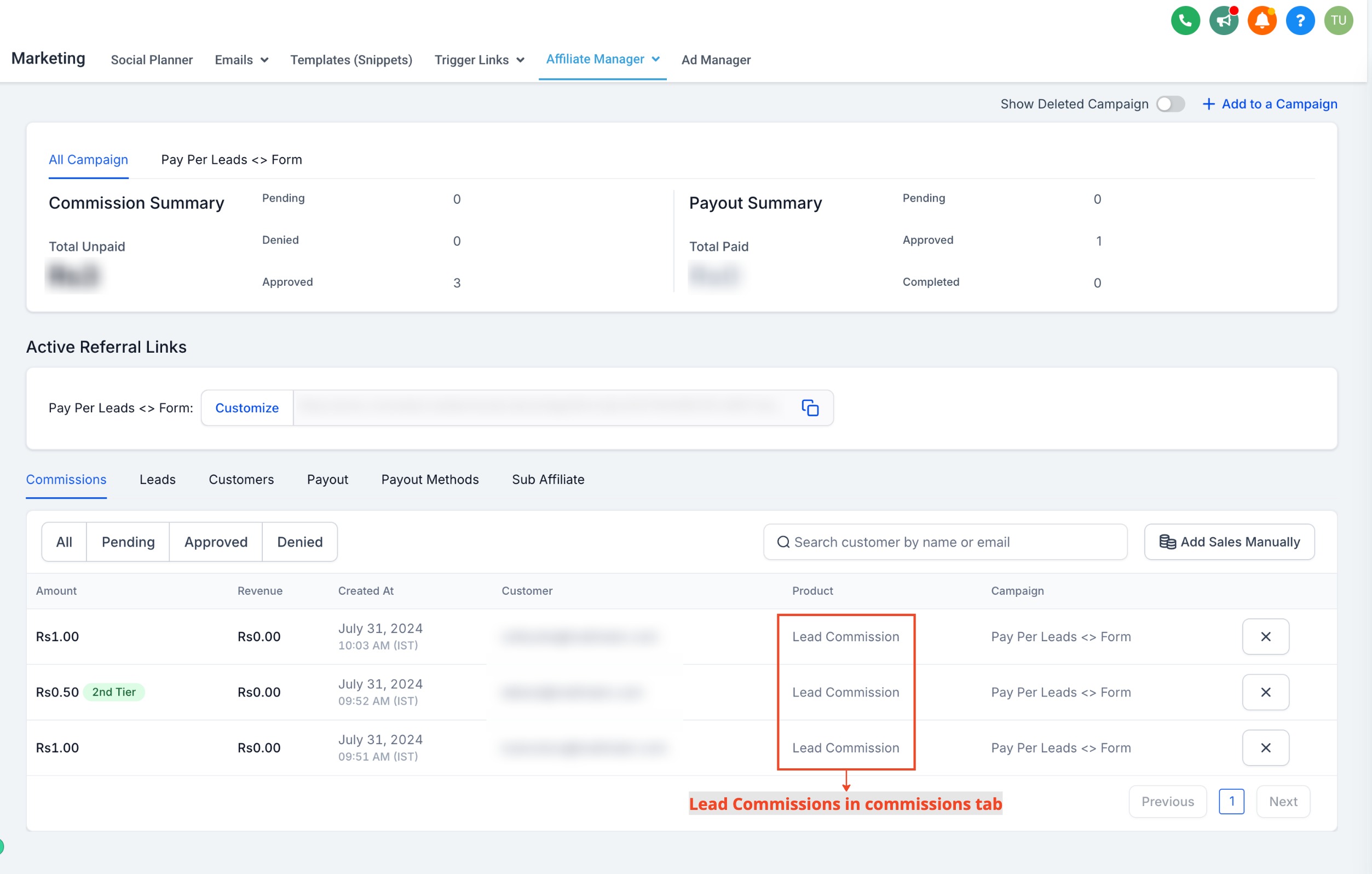
Monitor leads: Track leads and their associated commissions directly from the affiliate's profile page.
View commissions: The Commissions tab shows Lead Commission in the Product column, so you can see at a glance which commissions came from lead generation versus a completed sale.
Please note: Forms, surveys, and calendars must be added as components within a funnel or website page for lead tracking to work correctly. Custom code embeds and iframes are not supported.
Creating the campaign itself is only part of the setup. For onboarding affiliates, generating their referral links, and reviewing the full campaign builder, see the Affiliate Campaigns guides in this collection. The automated triggers and actions that fire when a lead or sale happens (like notifying an affiliate, tagging a contact, or starting a nurture) are built in Workflows, not inside Affiliate Manager itself, so set those up separately once your campaign is live.
If your intake form or booking calendar collects any health-related information from the patient, treat that data the same way you would any other patient submission: only route it into workflows and staff views that need it, and avoid sharing PHI back to an affiliate in commission reports or notifications.
What's the difference between Pay-Per-Lead and Pay-Per-Sale? Pay-Per-Sale pays affiliates a percentage of a completed purchase. Pay-Per-Lead pays a fixed commission for each qualifying lead, such as a form submission, survey completion, or calendar booking, regardless of whether that lead ever converts into a sale.
Can I run Pay-Per-Lead and Pay-Per-Sale on the same campaign? Each campaign is tied to a single commission model at a time. If you want to pay for both leads and later sales from the same referral source, set up separate tracking for each stage of the funnel.
Which source types support Pay-Per-Lead? Forms, surveys, and calendars. Any of the three can be selected as the lead source when you build the campaign.
Why isn't a lead showing up in my affiliate's Commissions tab? The most common cause is that the form, survey, or calendar was embedded using a custom code snippet or third-party iframe instead of being added as a native component inside a funnel or website page. Lead tracking only works with native components.
Can I pay affiliates differently for sub-affiliates they bring in? Yes. Advanced commission settings let you configure multiple tiers, so you can set one rate for a direct affiliate's leads and a different rate for leads generated by that affiliate's sub-affiliates.
How do I decide what to pay per lead? Base it on the value of a booked consult to your practice. Factor in your typical consult-to-treatment conversion rate and average treatment value so the per-lead payout stays profitable even for leads that don't convert.
Do I need to build the form or calendar before setting up the campaign? Yes. Have the form, survey, or calendar already built and embedded in a funnel or website page before you create the campaign, since you'll select it as the source during setup.
Where do I manage what happens after a lead comes in, like notifying the affiliate? Automated notifications and follow-up actions are configured in Workflows using affiliate-related triggers, not inside the campaign builder itself.
Can I limit which affiliates see a Pay-Per-Lead campaign? Yes. When you assign affiliates during campaign setup, only the affiliates you assign will have that campaign, and its referral links, available to them.
Is Pay-Per-Lead a good fit for a small med spa referral program? Yes. Because it rewards affiliates for generating a booked consult rather than a completed sale, it works well for practices that want to encourage referrals of new patients without waiting on a full treatment sale to issue a commission.
