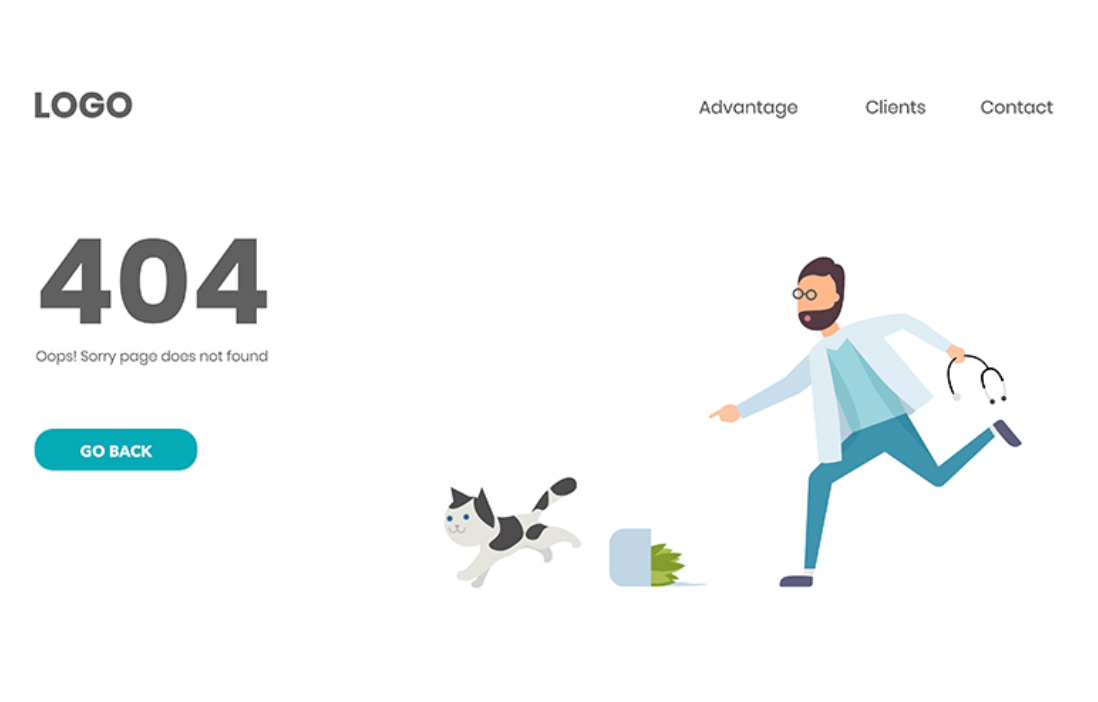
When a visitor lands on a page that no longer exists, the default "Page Not Found" message is a dead end that can send them away from your site. A custom 404 error page turns that moment into a helpful one. Instead of a generic error, you can show a branded page that explains what happened and points visitors toward your homepage, treatment pages, or a way to book a consultation. This guide explains what a custom 404 page is, when it helps, and how to set one for your domain in Aesthetix CRM.
A custom 404 error page replaces the standard error screen with a page you design. You control the look, so it can carry your practice's logo, colors, fonts, and tone. Beyond appearance, an effective 404 page explains the error in a friendly way and offers a next step, such as links to your homepage, popular treatment pages, or a contact page. That keeps visitors engaged and exploring rather than leaving.
404 errors occur when someone tries to reach a page that is not on your server. Common causes include:
Broken or dead links: Old links on your site, or links from other sites, that point to pages that no longer exist. For example, a blog post that was deleted or moved.
URL changes without a redirect: If you change a page's URL without setting up a redirect, anyone using the old link hits a 404. This is common after updating service or pricing page URLs.
Typing errors: A visitor mistypes a URL in the address bar.
Deleted pages: Any page you remove will show a 404 to visitors who try to reach it.
In each case, a custom page can reassure the visitor and offer links to get them back on track, for example: "The page you are looking for has moved, but you can explore our treatments or book a consultation below."
Better user experience: Clear, friendly messaging reduces frustration.
Brand consistency: Your look and tone stay intact even on an error page.
Lower bounce rate: Helpful links encourage visitors to keep browsing instead of leaving.
Engagement opportunity: A well-designed page can invite visitors to book or explore.
SEO support: While 404s do not directly hurt SEO, guiding visitors back to active pages protects the engagement signals that indirectly support it.
First, build the page you want to use as your 404 page. Go to Sites, then Funnels or Websites, and open a site using the domain the 404 page is for. Create and customize a new page with helpful elements such as:
A short message explaining the error
A button to return to the homepage
Links to key pages, like your treatments or contact page
An optional search bar
Note: Aim to have a unique 404 page for each domain.
Navigate to Settings, then Domains. Find the domain you want to edit and open its settings using the edit (pencil) icon, or click Manage next to the domain, then the three-dots icon and Edit.
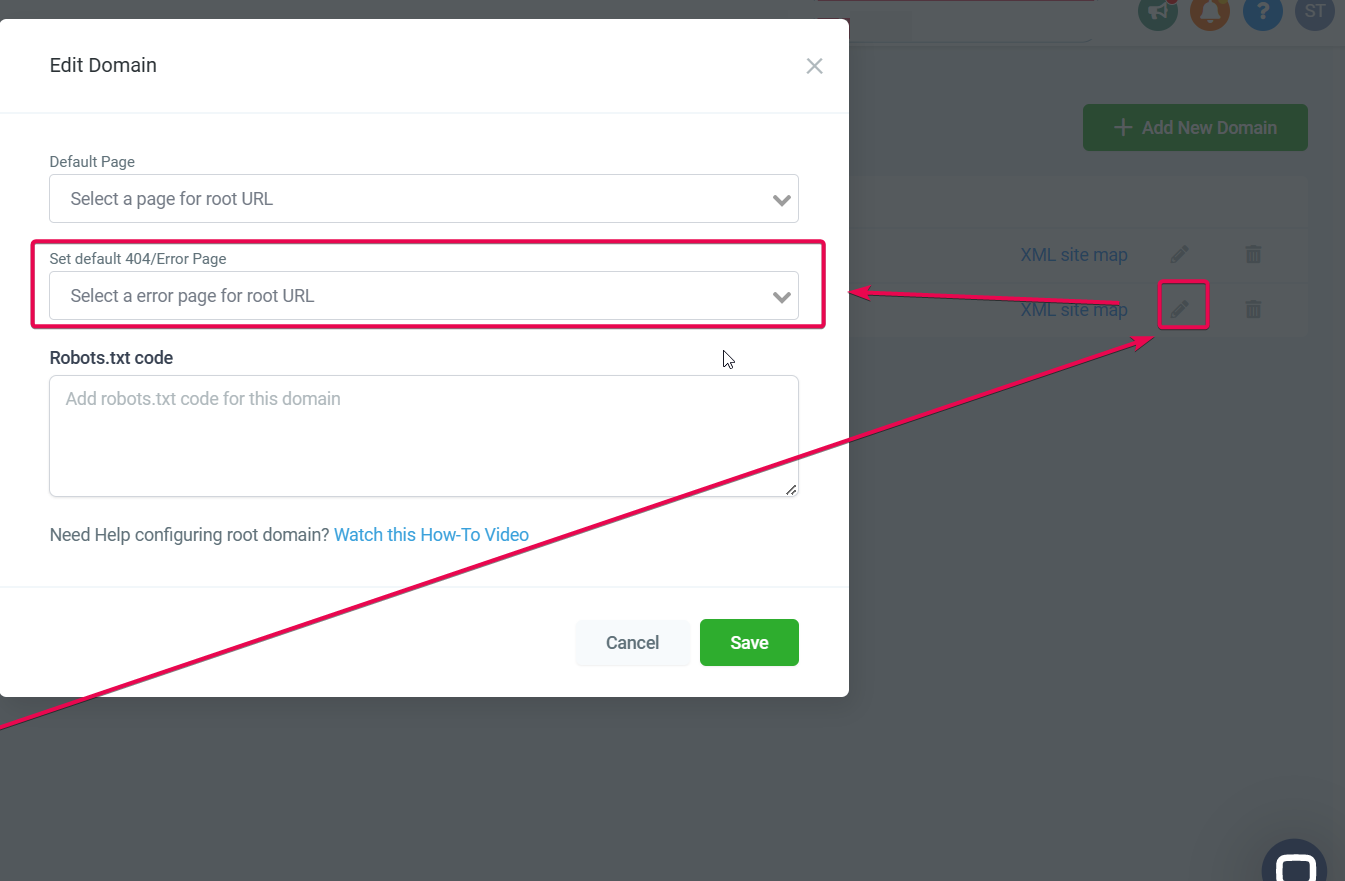
Locate the Set default 404/Error Page dropdown, select the page you created, and click Save.
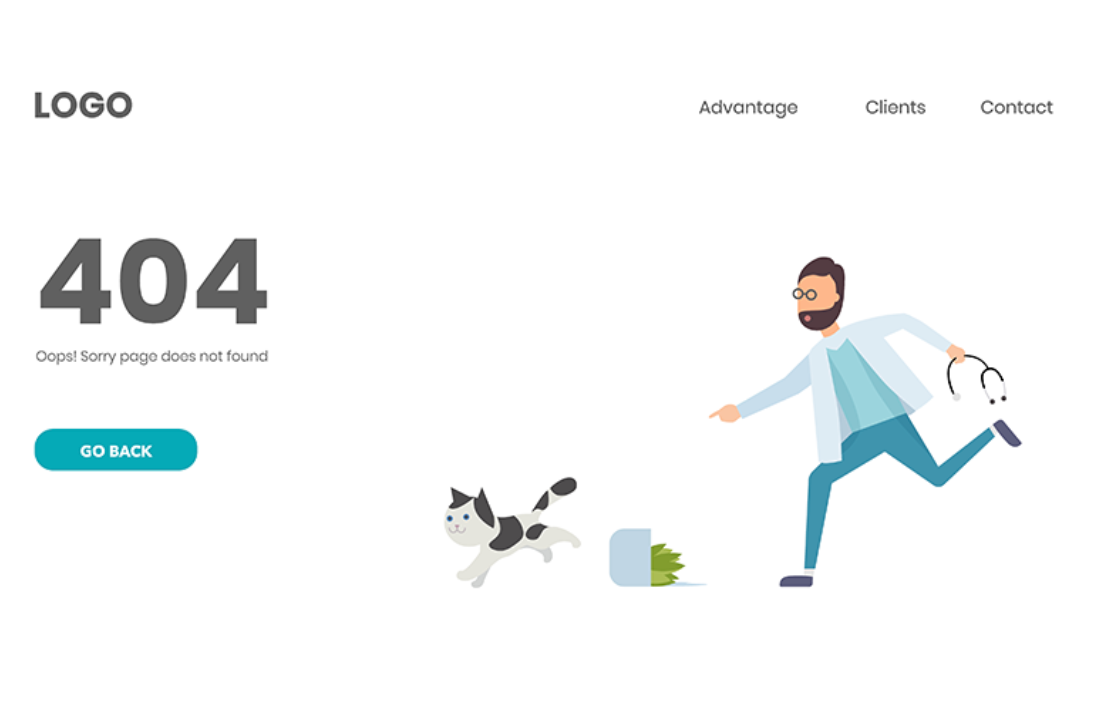
Once assigned, any visitor who hits a 404 on that domain is automatically taken to your custom page.
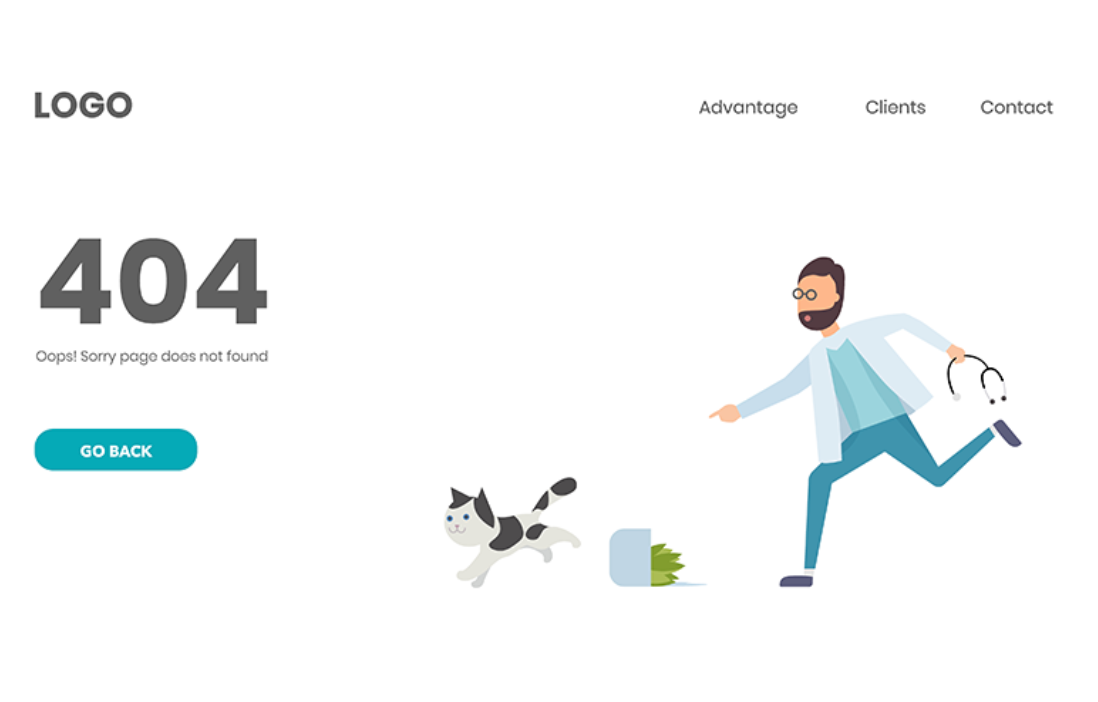
Keep the message simple and friendly.
Include a clear call to action, such as Go Back or Visit Homepage.
Add navigation links to your most important pages.
Avoid clutter that could confuse the visitor.
Match your branding so the page feels like part of your site.
Can I track visits to my 404 page? Yes. Tools like Google Analytics let you see how often visitors reach the page and what they do afterward.
Can I have more than one 404 page? You can assign a different 404 page per domain or subdomain. In most cases, one consistent page is best, though distinct sections of a site, such as a blog and a store, can justify separate pages.
Does a custom 404 page affect my SEO? Not directly. It improves user experience, which is an indirect factor in SEO, and it keeps visitors on active pages, protecting your overall engagement.
I set up a custom 404 page, but visitors still see the default one. Why? This usually means the page was not properly assigned or saved in domain settings. Recheck the assignment, and contact support if it persists.
Can I add images or video to my 404 page? Yes. You can use any element you would on a normal page. Keep the design clean and focused on helping visitors navigate.
How often should I update my 404 page? There is no fixed rule. Review it periodically and update it whenever you rebrand or add major sections to your site so its links stay relevant.
