
By default, an Aesthetix CRM survey can spread its questions across several slides, with an Add New Slide control that lets you break a long questionnaire into steps. If you would rather present a single question per screen and remove the multi-slide layout, you can switch the survey to One Question at a Time. This is a clean, focused format for intake and health-history questionnaires where you want patients to concentrate on one question before moving to the next.
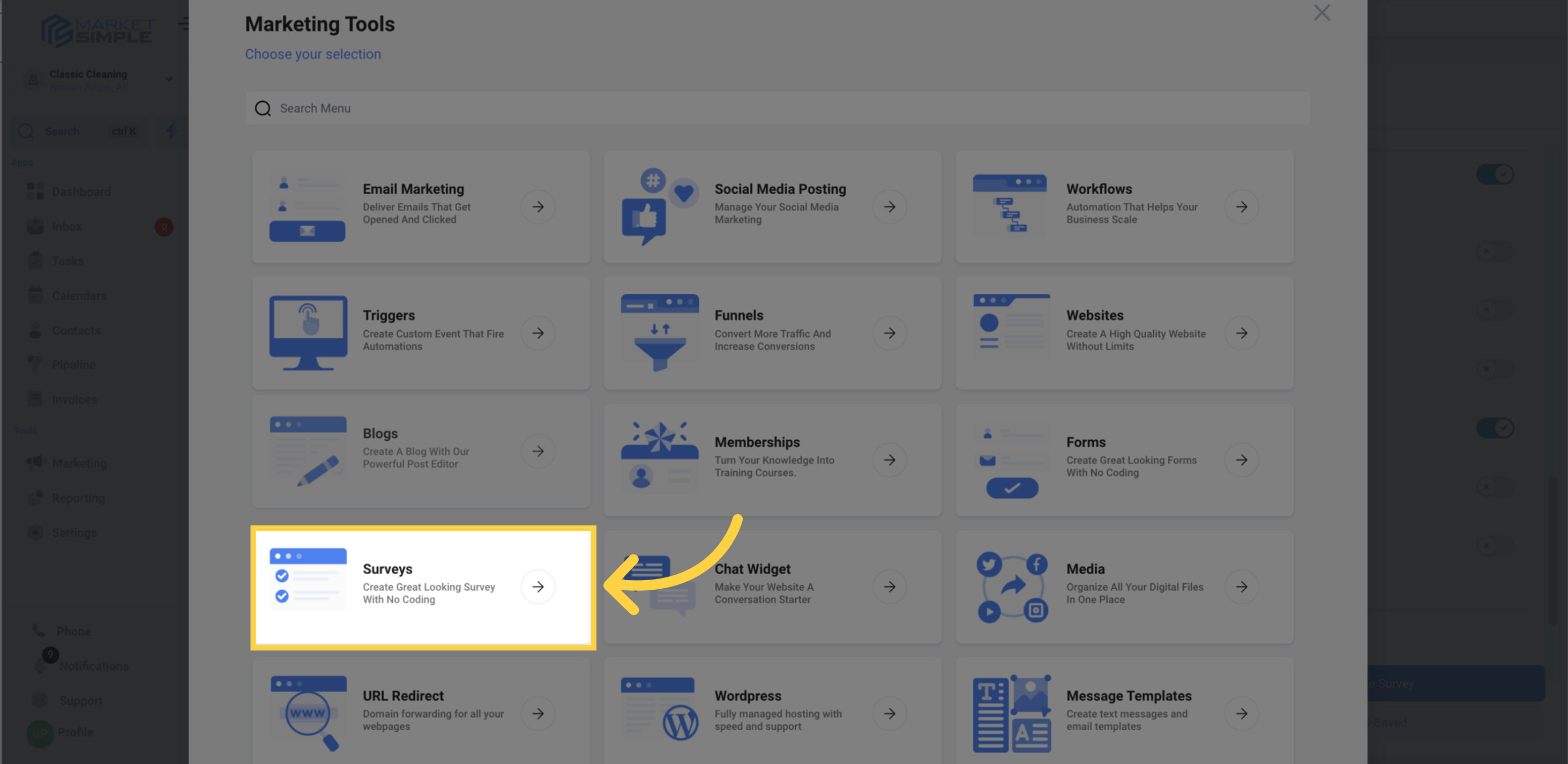
Surveys live under Web Tools in your Aesthetix CRM account, in the same area as Forms.
Turning On One Question at a Time
Navigate to your surveys from the main menu.
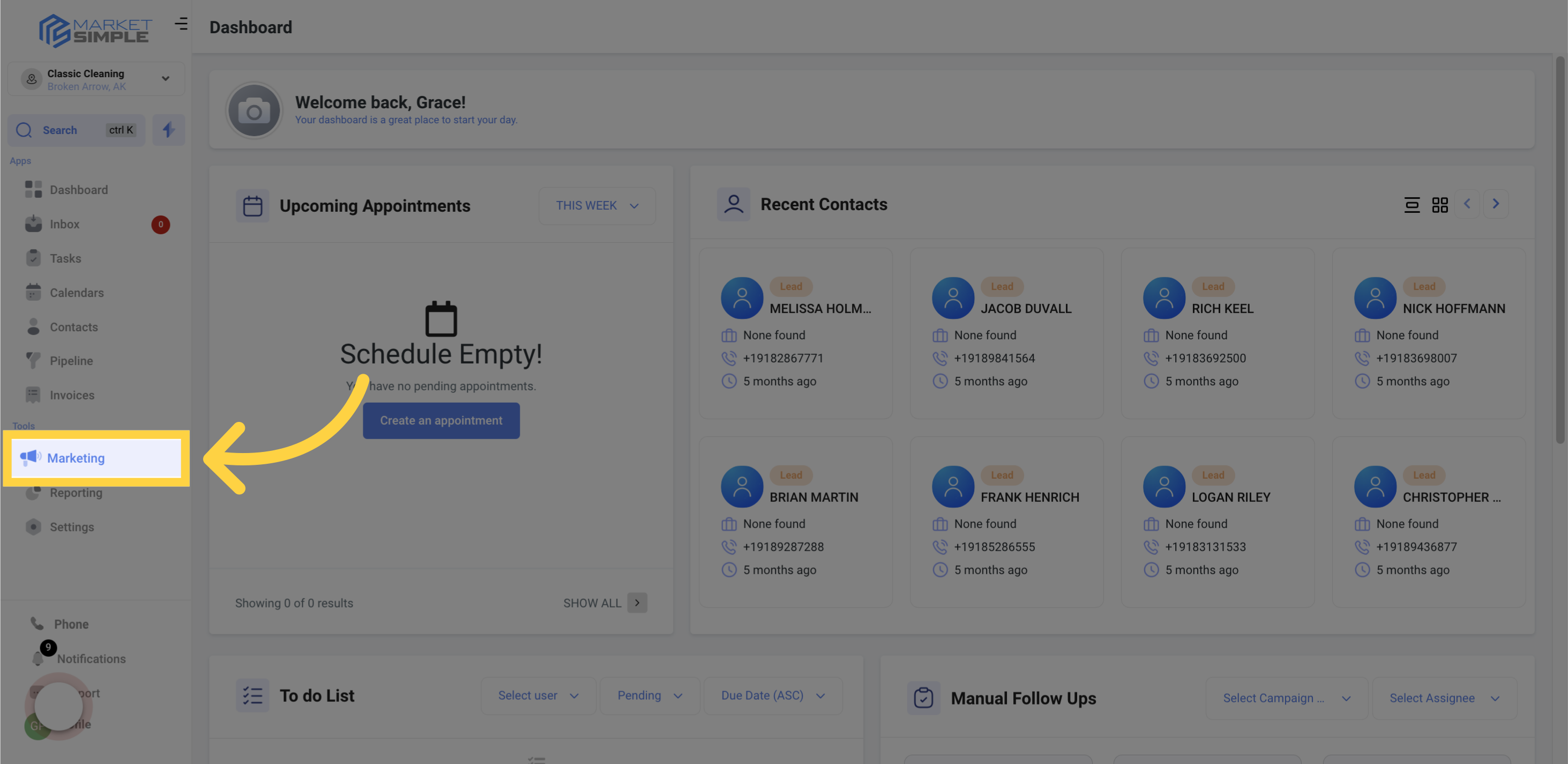
Select Surveys.
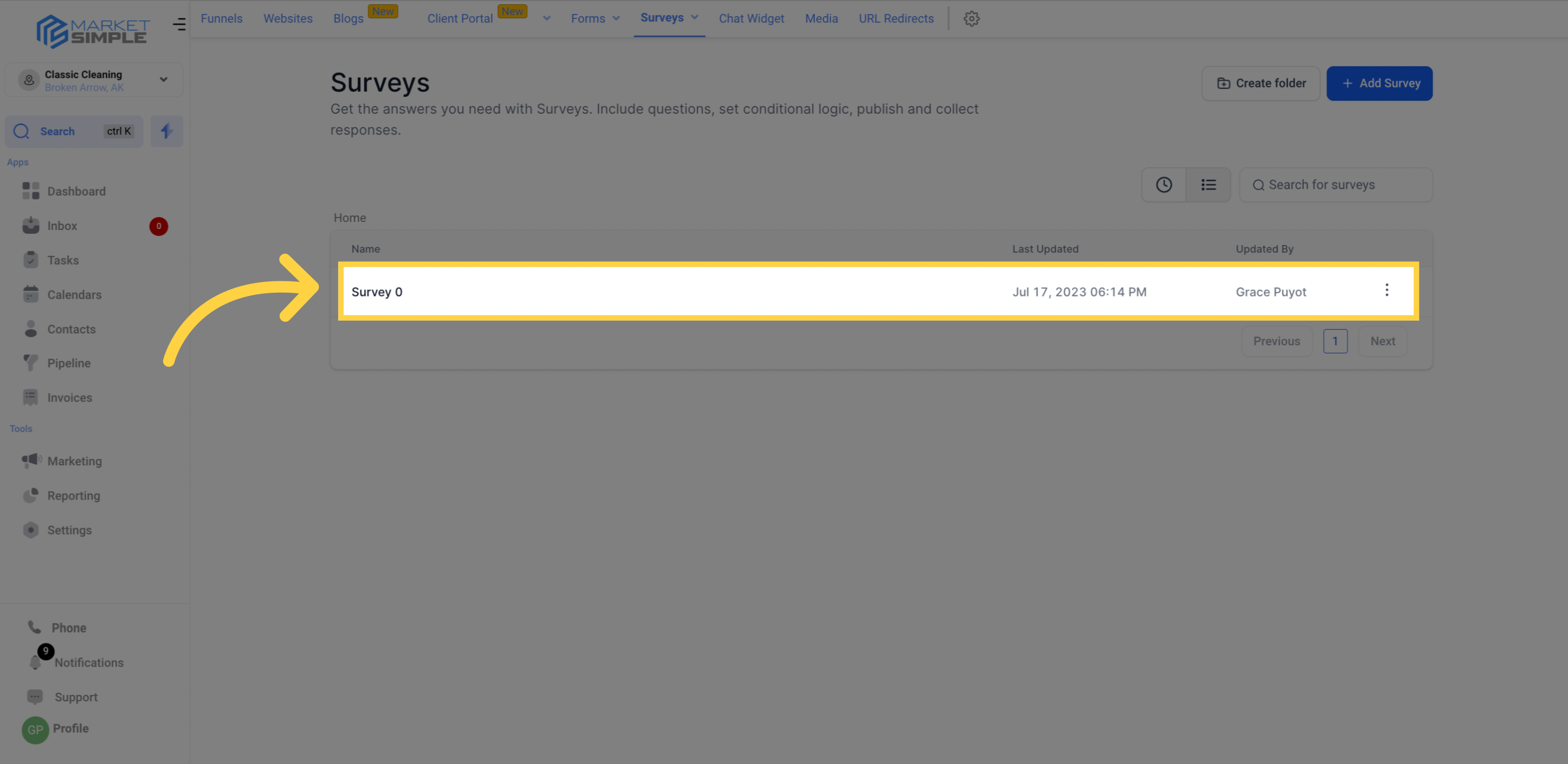
Open the survey form you want to change.
Click Options.
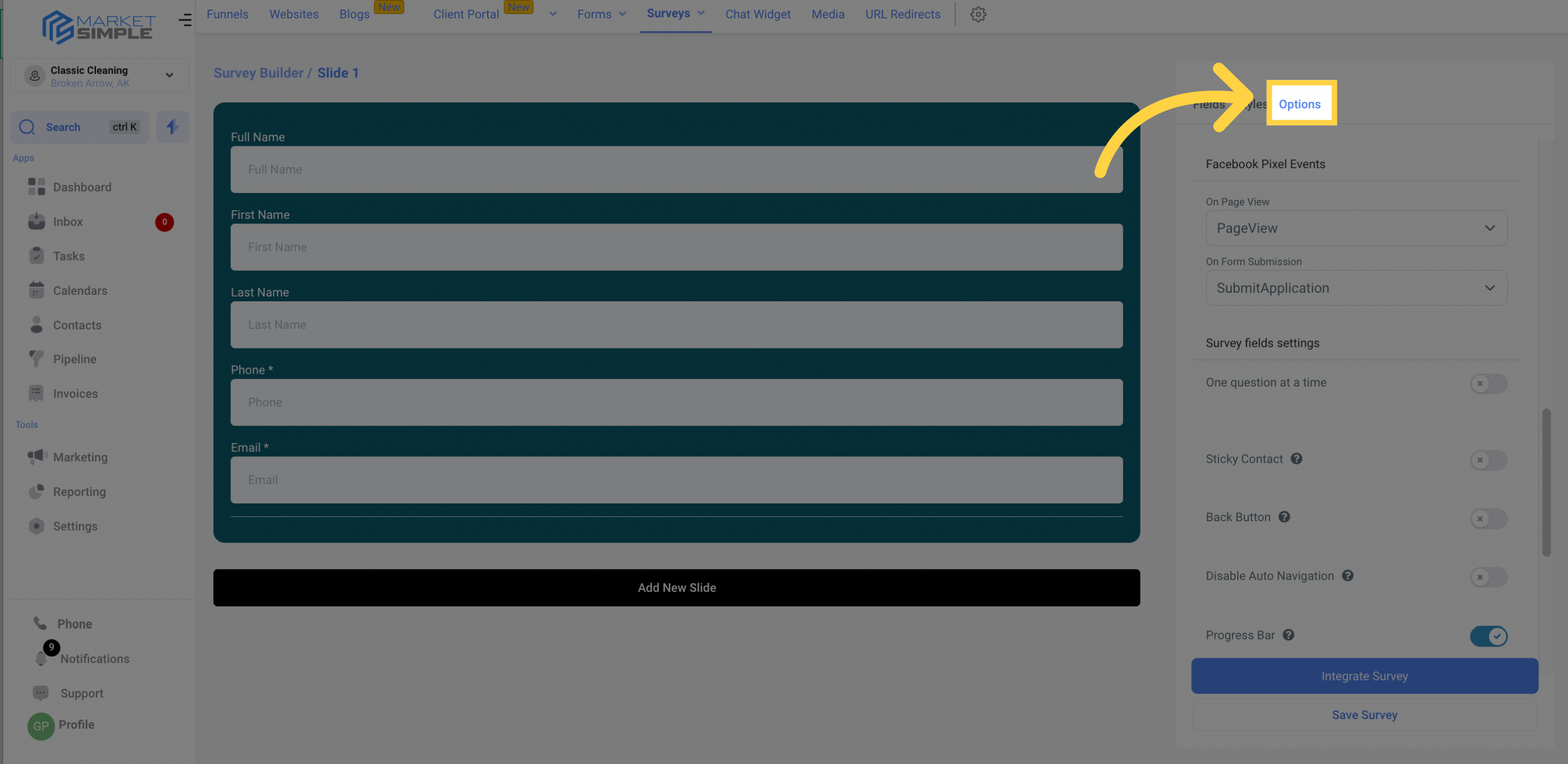
Navigate to Survey Fields Settings.
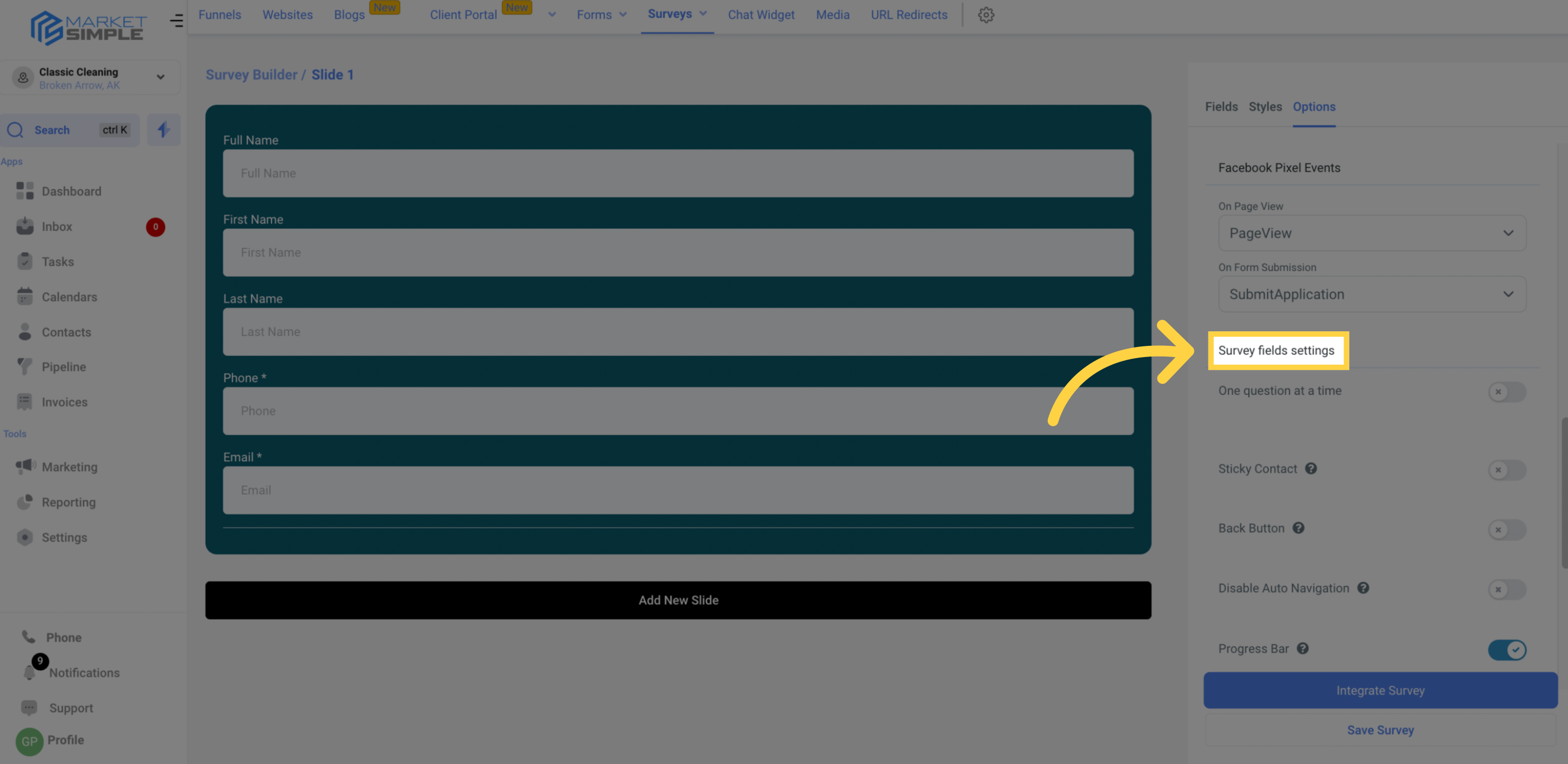
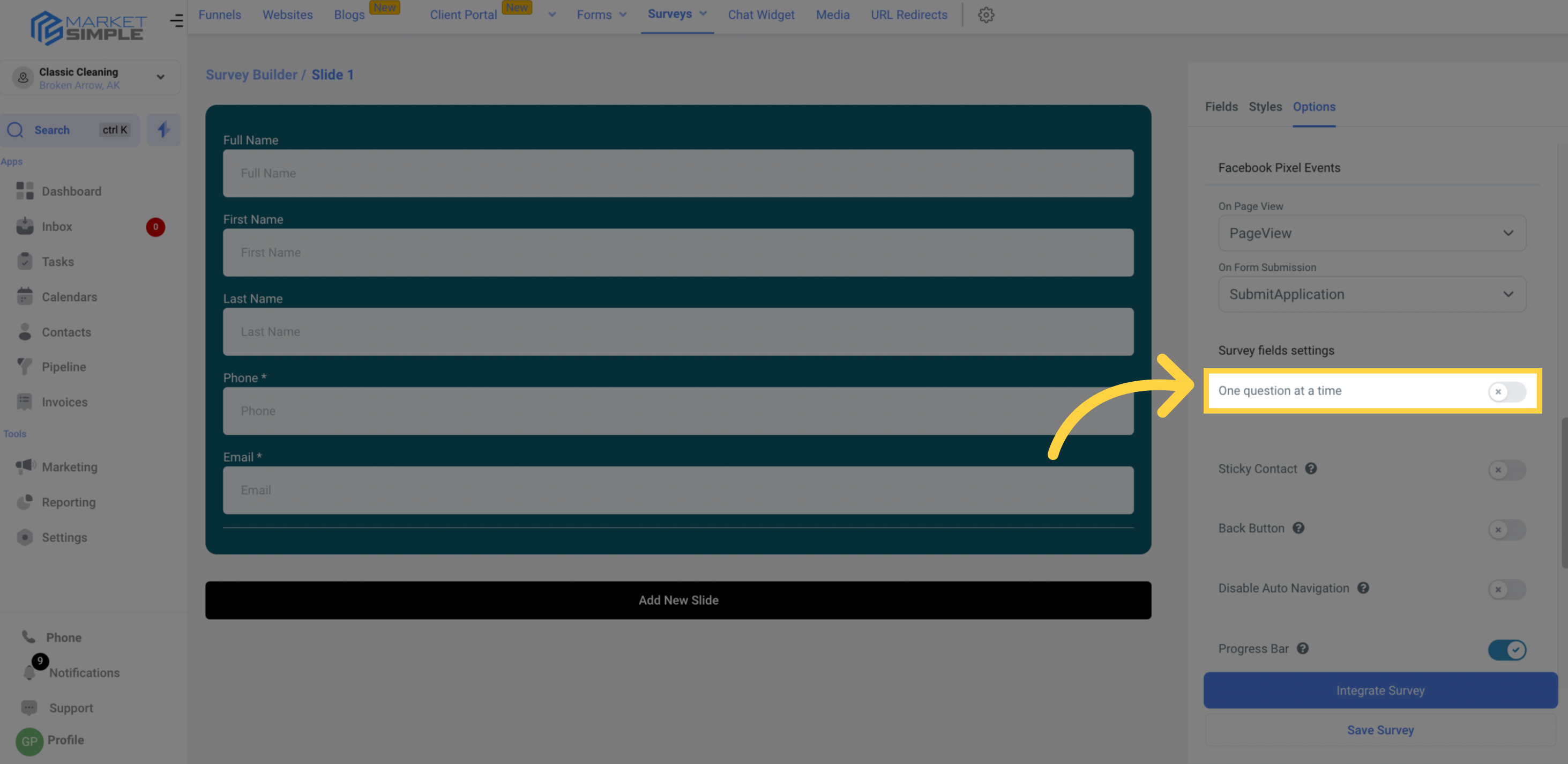
Toggle One Question at a Time on. This removes the Add New Slide control and presents each question on its own screen instead of grouping them onto multi-question slides.
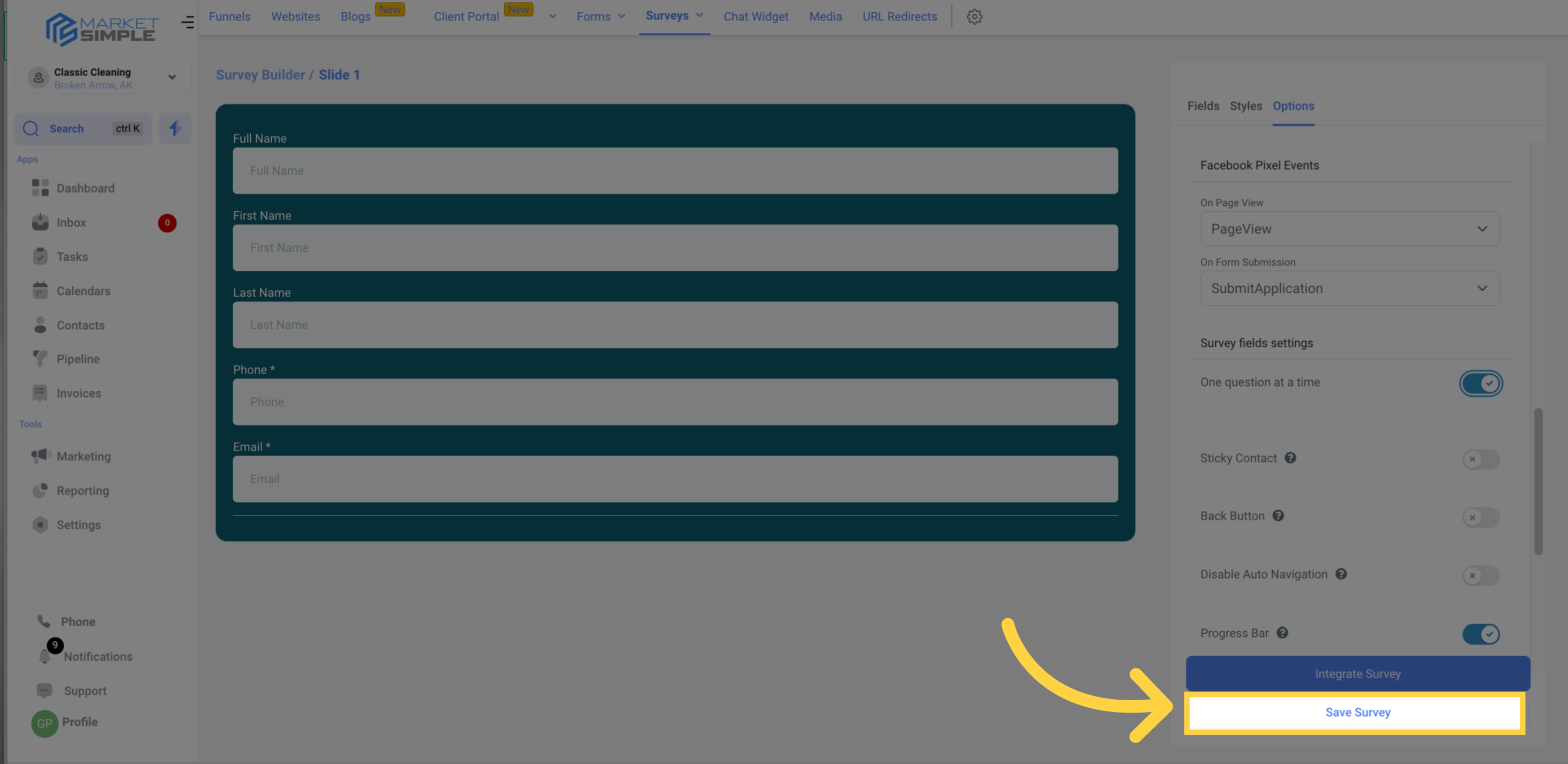
Click Save Survey to keep your changes.
What Changes When You Enable It
Each question appears on its own screen, both for patients and in the builder preview.
The Add New Slide control is removed, since the survey no longer uses manually grouped multi-question slides.
Your questions themselves are not removed or modified. Only the display format changes.
If your survey uses conditional logic, switching this setting can affect how that logic runs. Review any warning the builder shows before saving.
Frequently Asked Questions
What does One Question at a Time do? It presents your survey one question per screen instead of grouping several questions onto multi-question slides. This creates a focused experience that works well for intake and health-history questionnaires.
Where is the setting? Open the survey, click Options, then go to Survey Fields Settings and toggle One Question at a Time on.
Does turning this on delete any of my questions? No. It only changes how the survey is displayed. All of your questions stay exactly as you built them.
Why did the Add New Slide button disappear? When One Question at a Time is on, the survey no longer uses manually grouped slides, so the Add New Slide control is removed. Turn the setting off to bring multi-question slides back.
Will this affect my conditional logic? It can change how your logic behaves. The builder shows a warning before applying the change, so review it before you save.
Do I need to save after toggling the setting? Yes. Click Save Survey so your change takes effect.