Surveys let your practice collect structured information from patients and prospective patients across multiple slides, one step at a time. Use them to build new-patient intake questionnaires, pre-consultation health histories, treatment-interest quizzes for your lead funnels, and post-treatment satisfaction surveys. This article gives you a bird's-eye view of the survey builder so you know where everything lives before you start building.
Surveys live under Web Tools in your Aesthetix CRM account, in the same area as Forms. If your survey behavior mirrors a form you have already built, the two tools work very similarly.
Note: You may not be able to access every component described here. What you can see and edit depends on the user permissions assigned to your account.
Navigate to your surveys from the main menu.
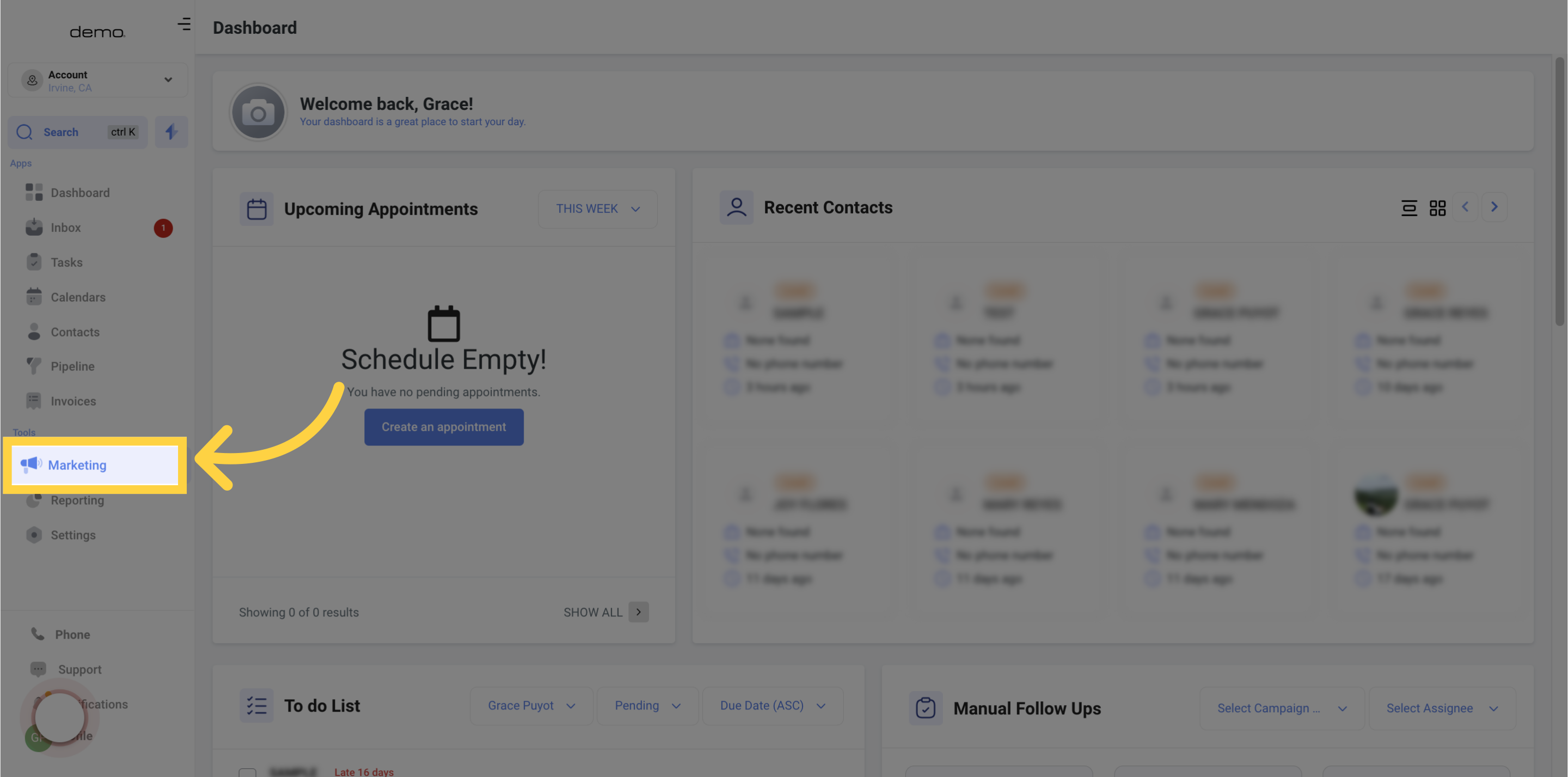
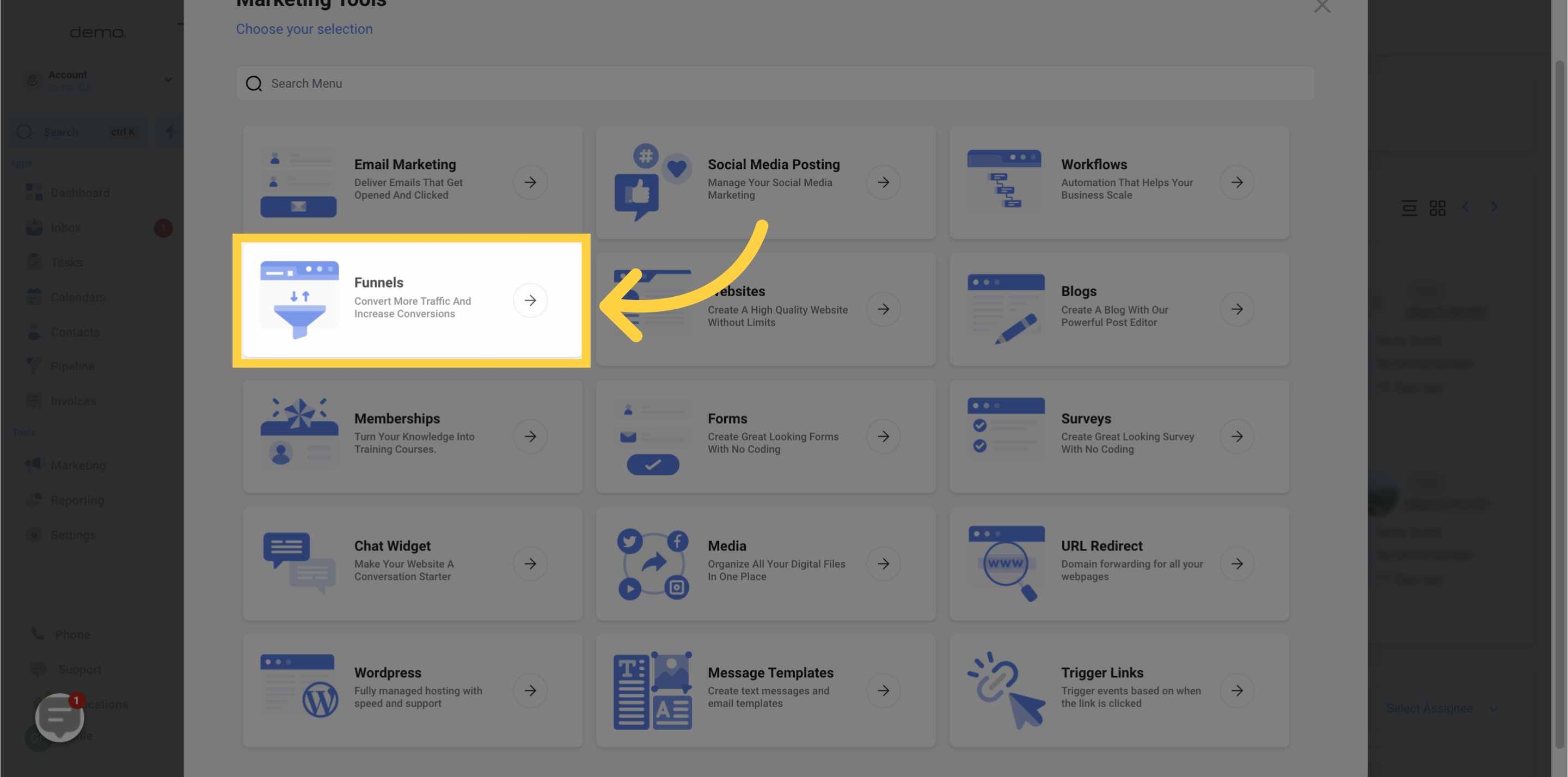
Select Surveys.
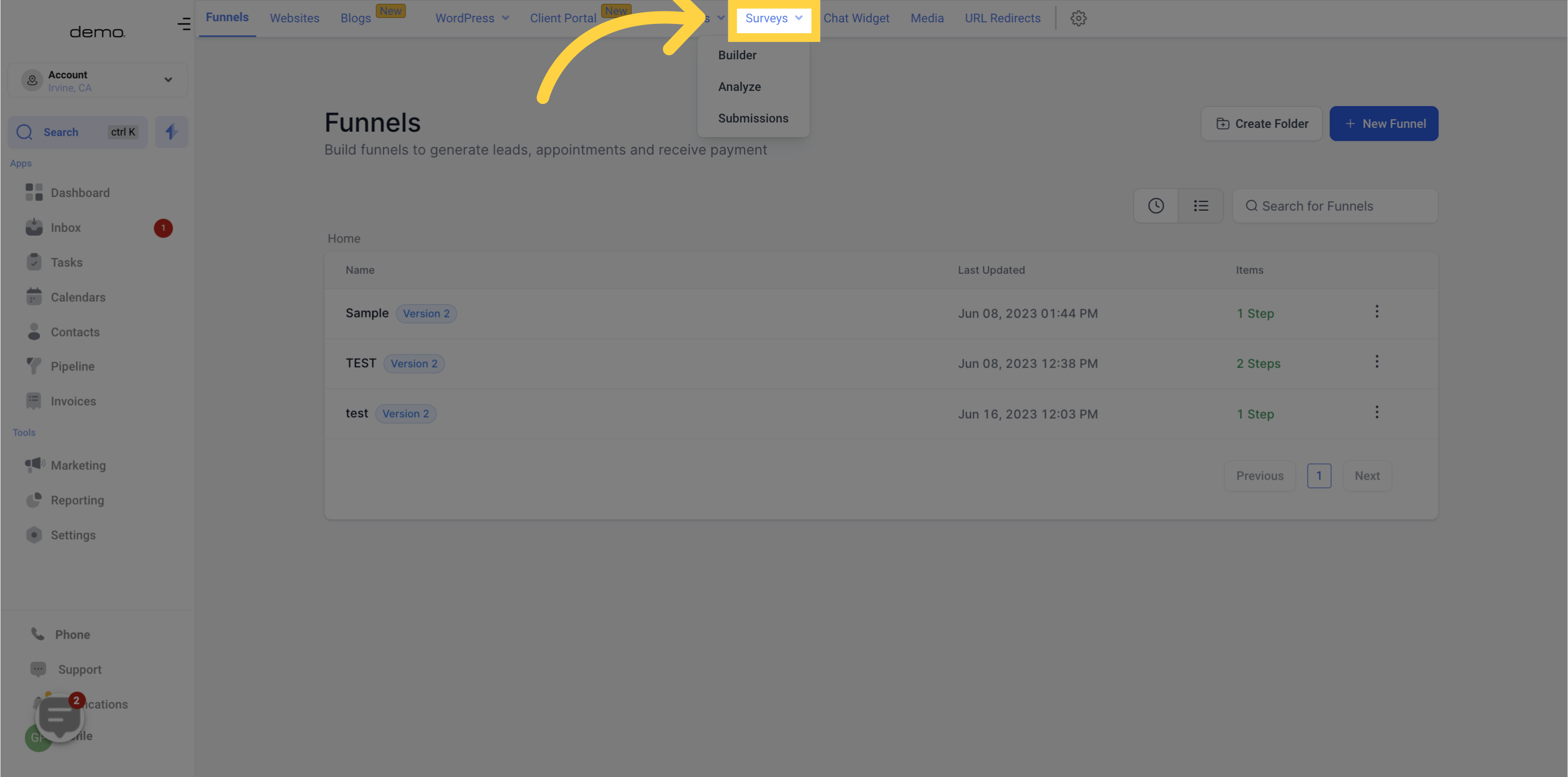
Open the Builder tab.
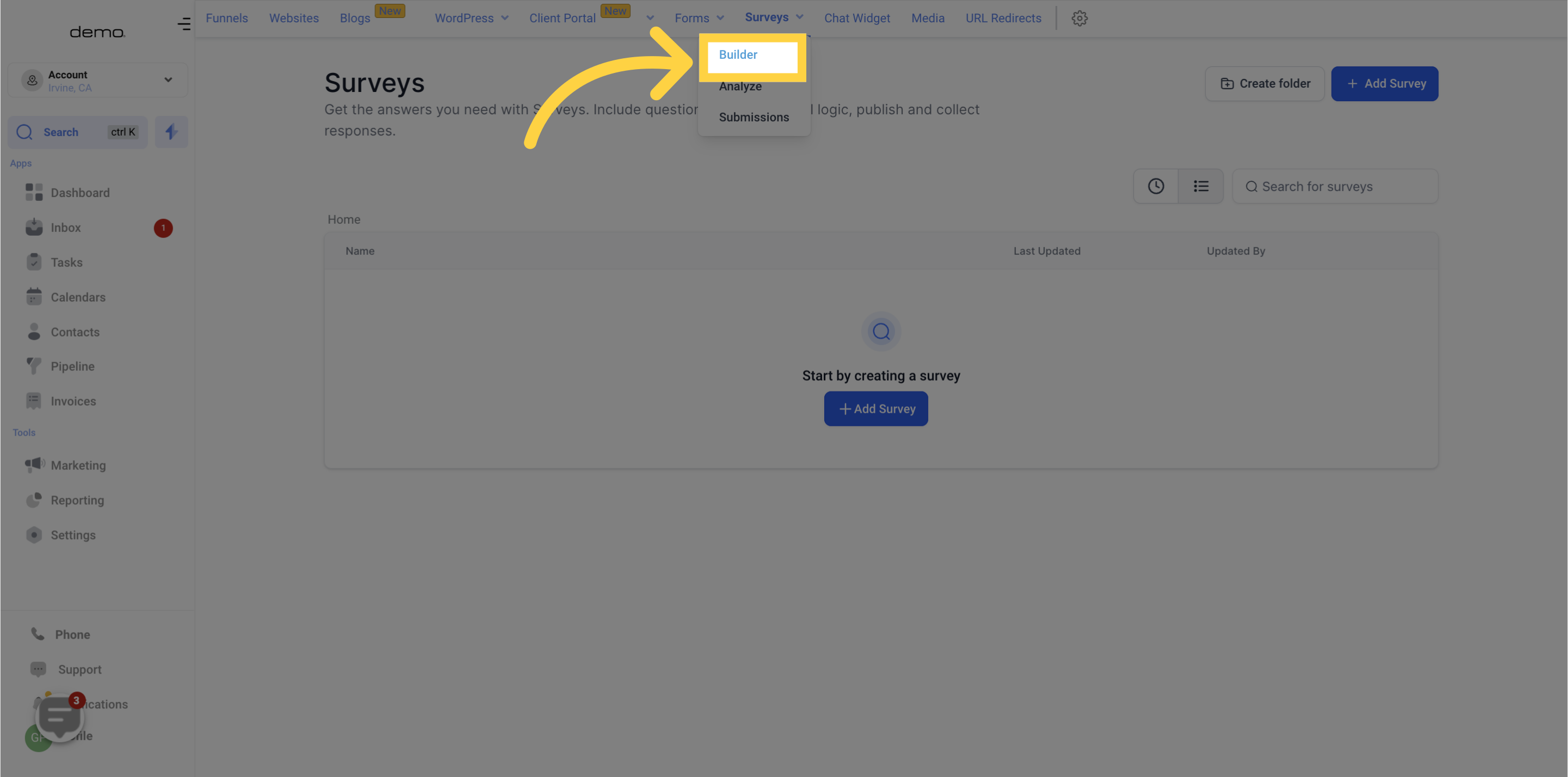
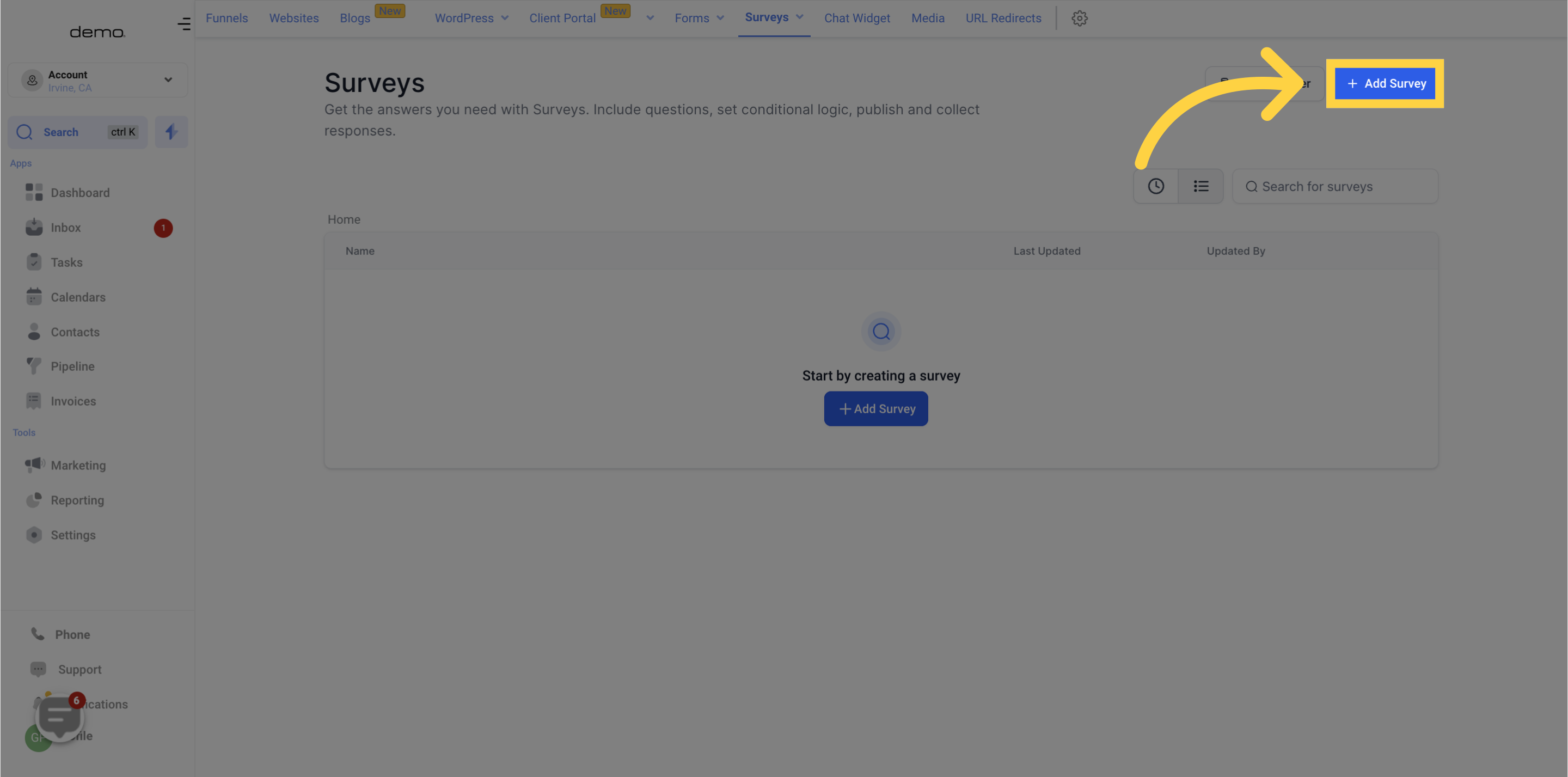
Click Add Survey to start a new survey.
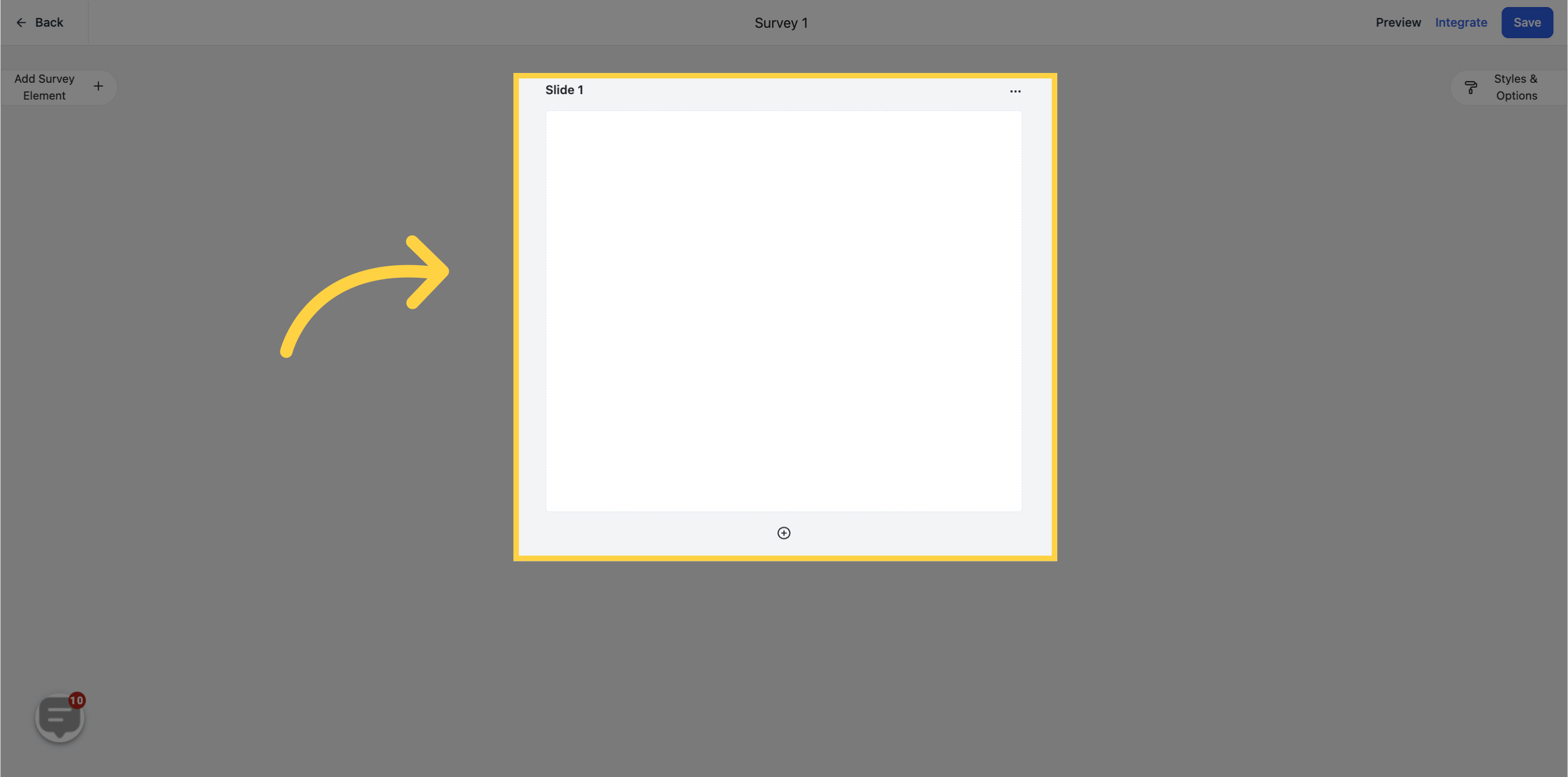
Once your survey opens, the center of the screen is your survey slide. This is where you drag and drop fields to build each step of your questionnaire, whether that is a health-history question, a treatment-interest checkbox, or a satisfaction rating.
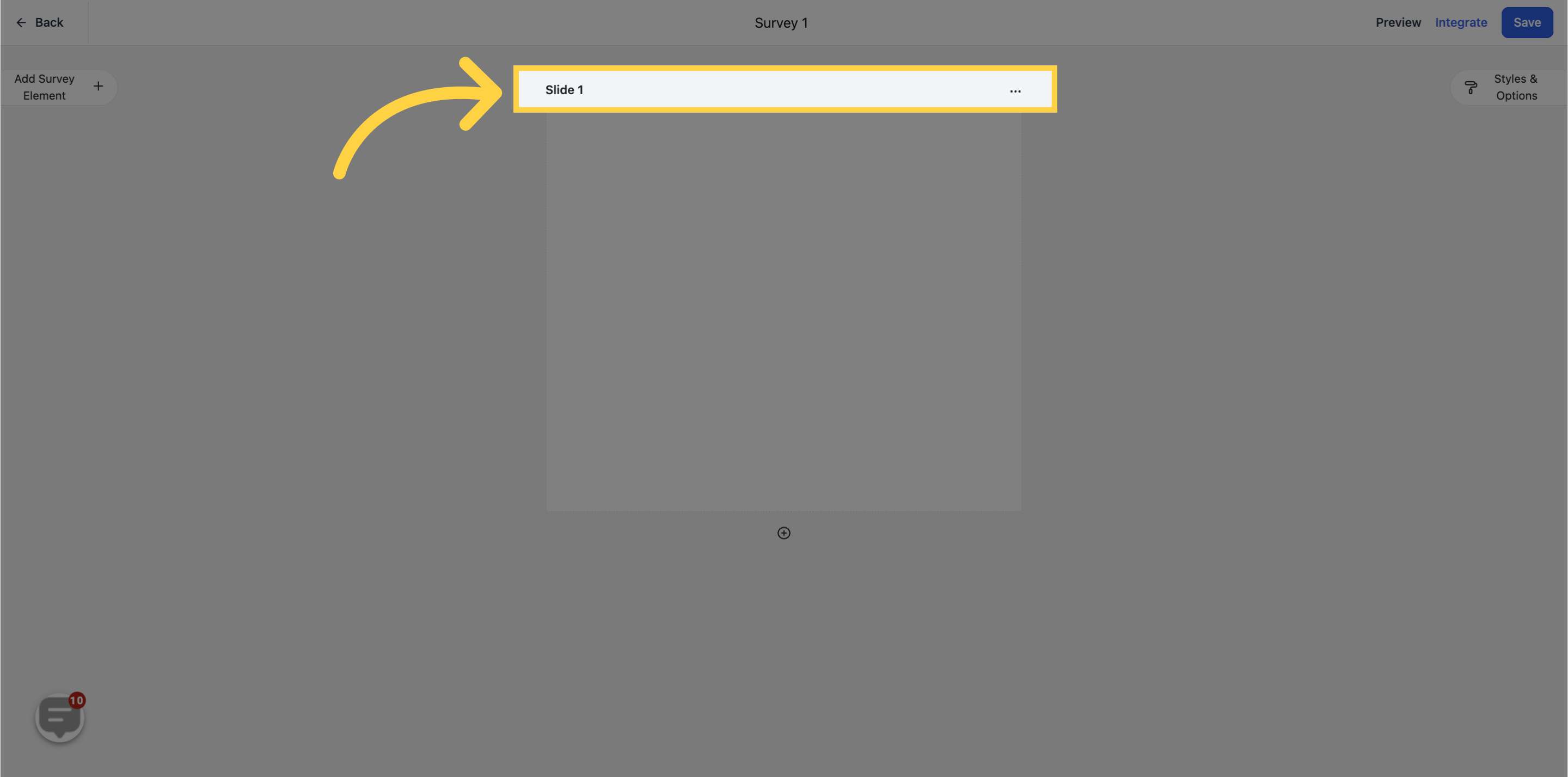
Each slide has a name. By default, slides are numbered in ascending order starting from 1, so you can always see which step a patient is on.
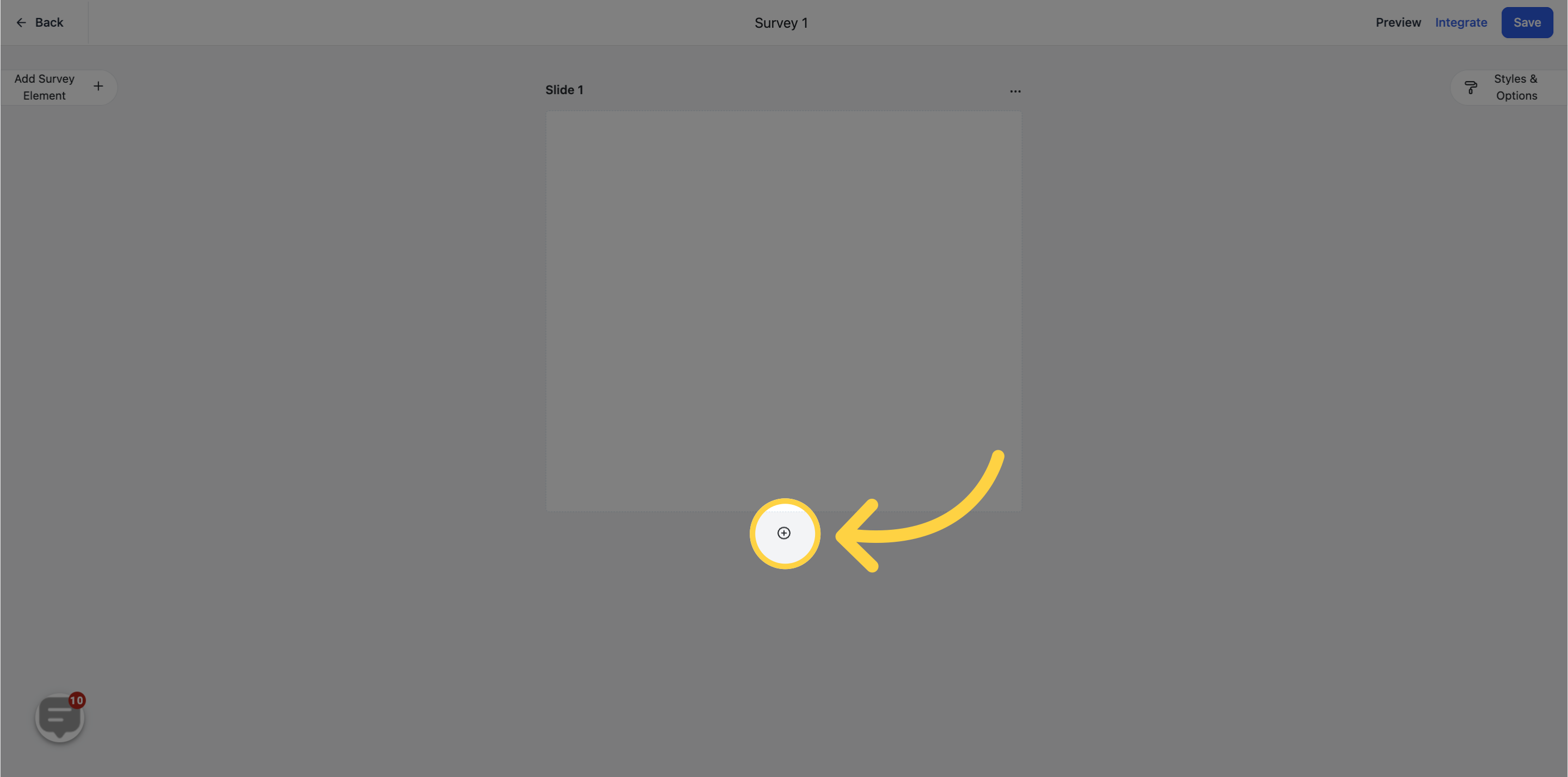
To break a longer questionnaire into more digestible steps, click Add New Slide to add another survey slide.
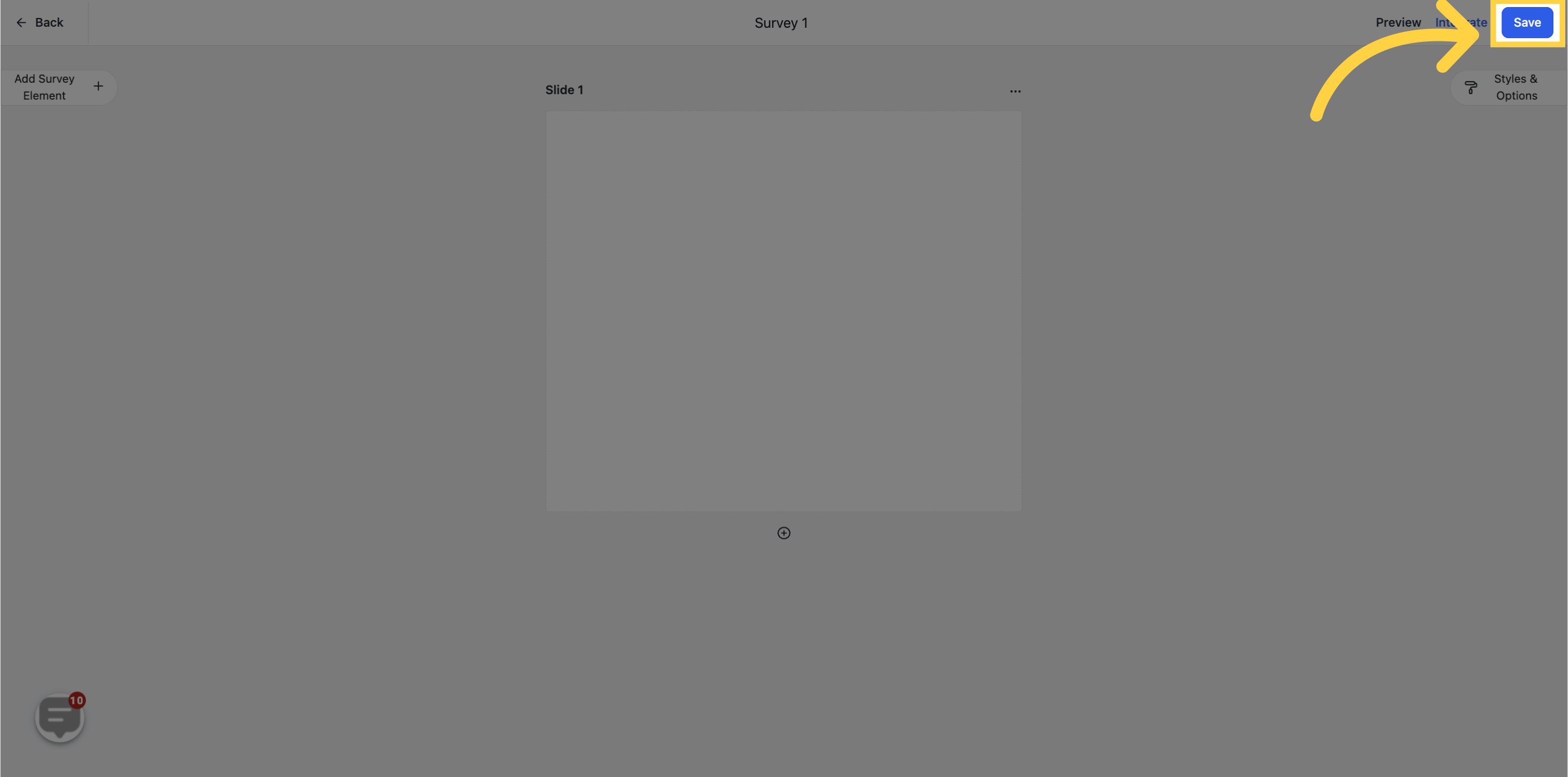
When you are finished, click Save to keep your changes.
Intake and health-history surveys often collect protected health information such as medical conditions, medications, and treatment concerns. Only share survey links through channels your patients have consented to, and make sure the staff who can view survey submissions have the appropriate access. Manage who can build and read surveys through user permissions.
What can I use surveys for in my practice? Surveys are ideal for multi-step data collection: new-patient intake, pre-consultation health histories, treatment-interest quizzes on your lead funnels, and post-treatment satisfaction surveys.
Where do I find surveys in Aesthetix CRM? Surveys are located under Web Tools, in the same area as Forms.
What is the difference between a survey and a form? Surveys are built to present questions across multiple slides, often one question at a time, which suits longer questionnaires. Forms are typically shorter and shown on a single screen. The two tools share many of the same fields and settings.
Why can't I see all of the survey options? Access to survey components depends on the user permissions assigned to your account. If something is missing, ask your CRM administrator to review your role.
How are survey slides ordered? By default, slides are numbered in ascending order starting from 1, and patients move through them in that sequence unless you set up conditional logic to change the flow.
Can I collect patient health information in a survey? Yes. Because that information may be protected health information, only distribute surveys through consented channels and restrict who can view submissions using user permissions.
Do I have to save manually? Yes. Click Save after making changes so your survey is preserved.
