Carousel ads let you showcase multiple images or videos in a single ad. Users swipe through the cards, and each card can have its own image or video, headline, description, and link. For a practice, this is a great way to tell a story across several cards, highlight a range of treatments, or walk through before-and-after results for a single service. This guide explains what carousel ads are, why they can outperform single-image ads, and how to build one in Ad Manager.
A carousel ad is an ad format that displays multiple images or videos in one ad unit. Each card can feature its own image, video, headline, description, and link, and users swipe through them. Carousels are an effective way to tell a story, highlight different services, or show several features of a single treatment, and they engage users more actively than a static ad.
Improved engagement: More interactive content keeps viewers engaged with your ad.
Increased click-through rates: Because users see more options at once, carousels often earn higher click-through rates than single-image ads.
Mobile-friendly: The swipeable format suits mobile users, who make up a large share of Facebook's audience.
Cost-effective: Showcasing several offers in one ad can lower your overall cost per click compared with running several separate ads.
In the campaign creation process, when you define the ad content in the first step, the media section offers two media types: Single and Carousel.
Navigate to your campaign in Ad Manager.
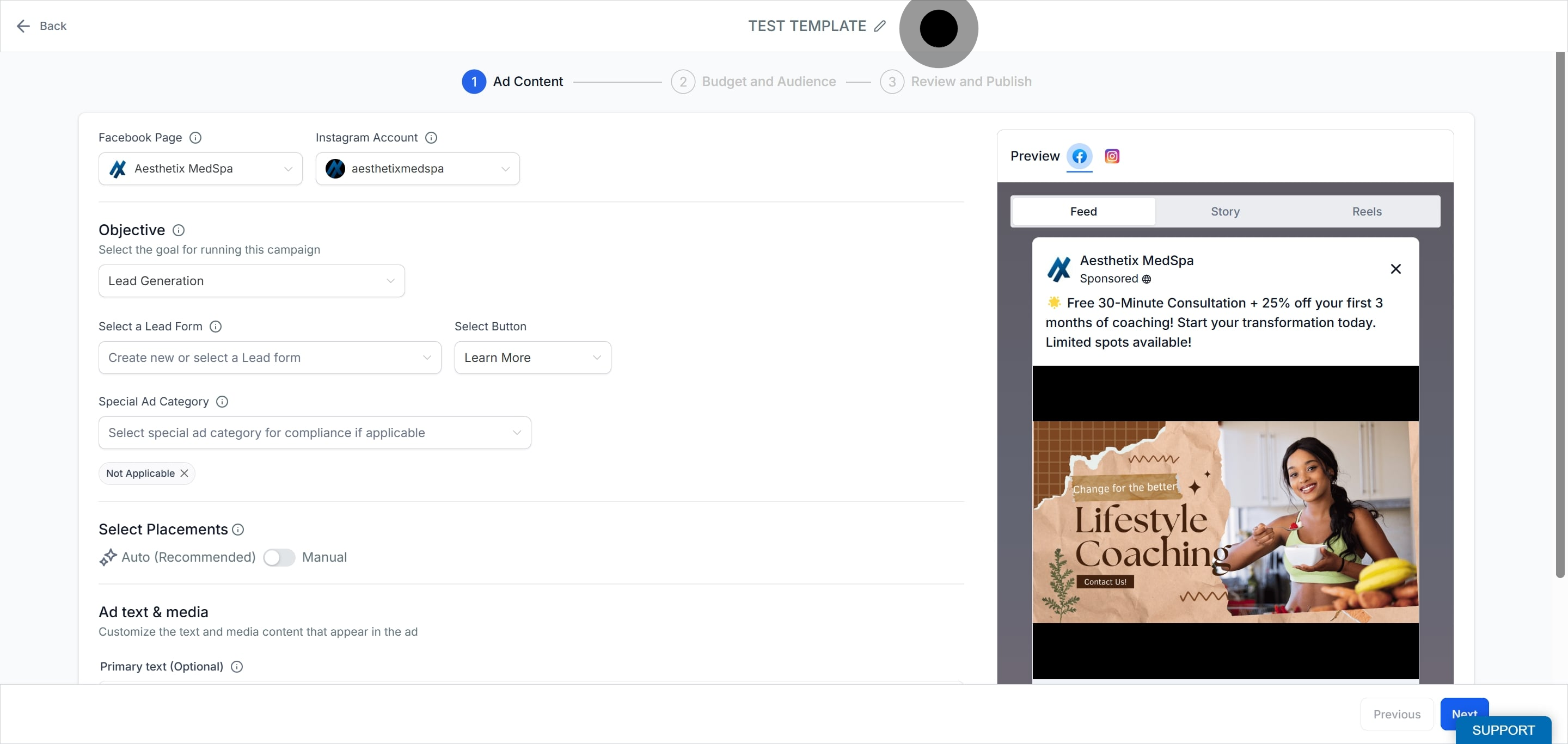
Choose the Carousel option for the media type.
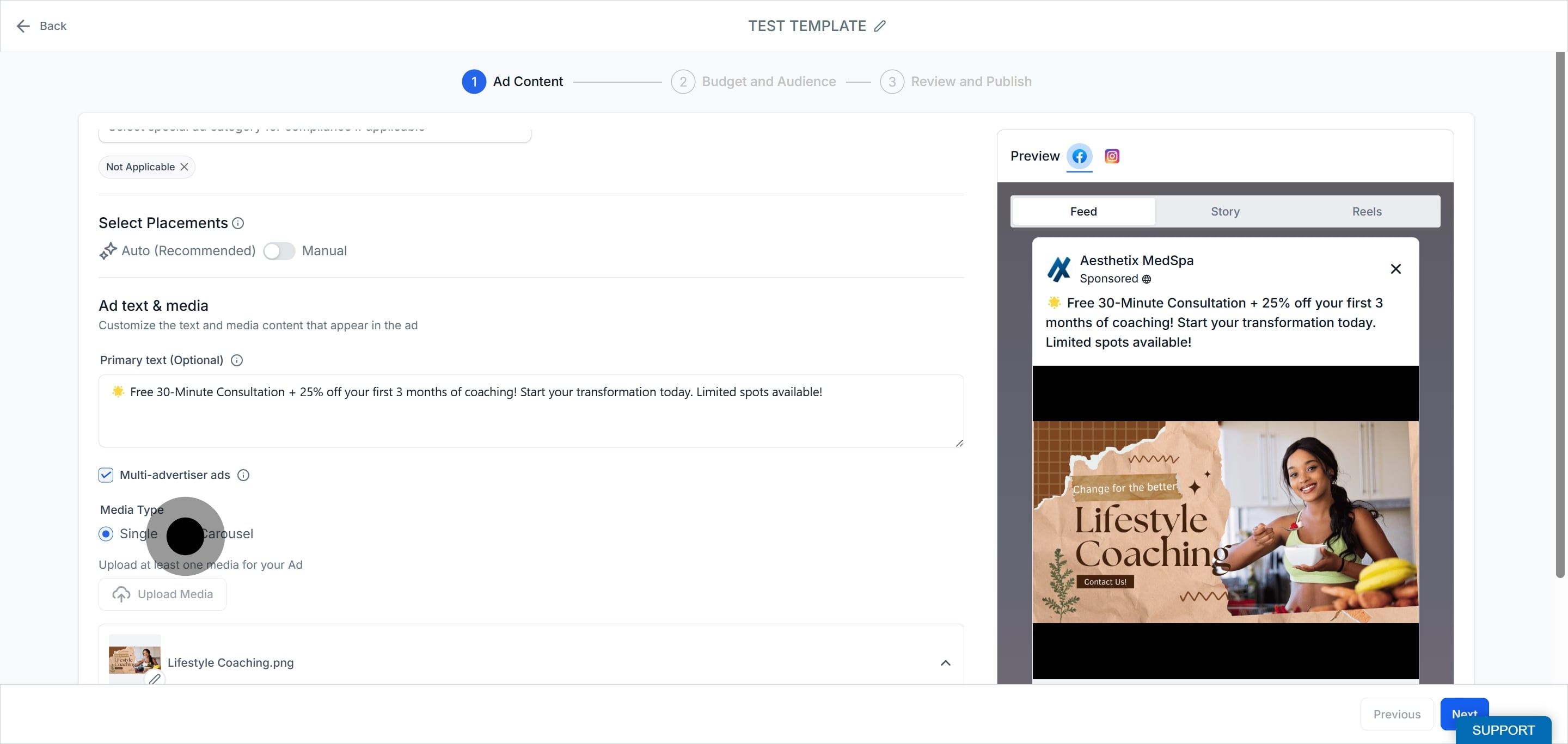
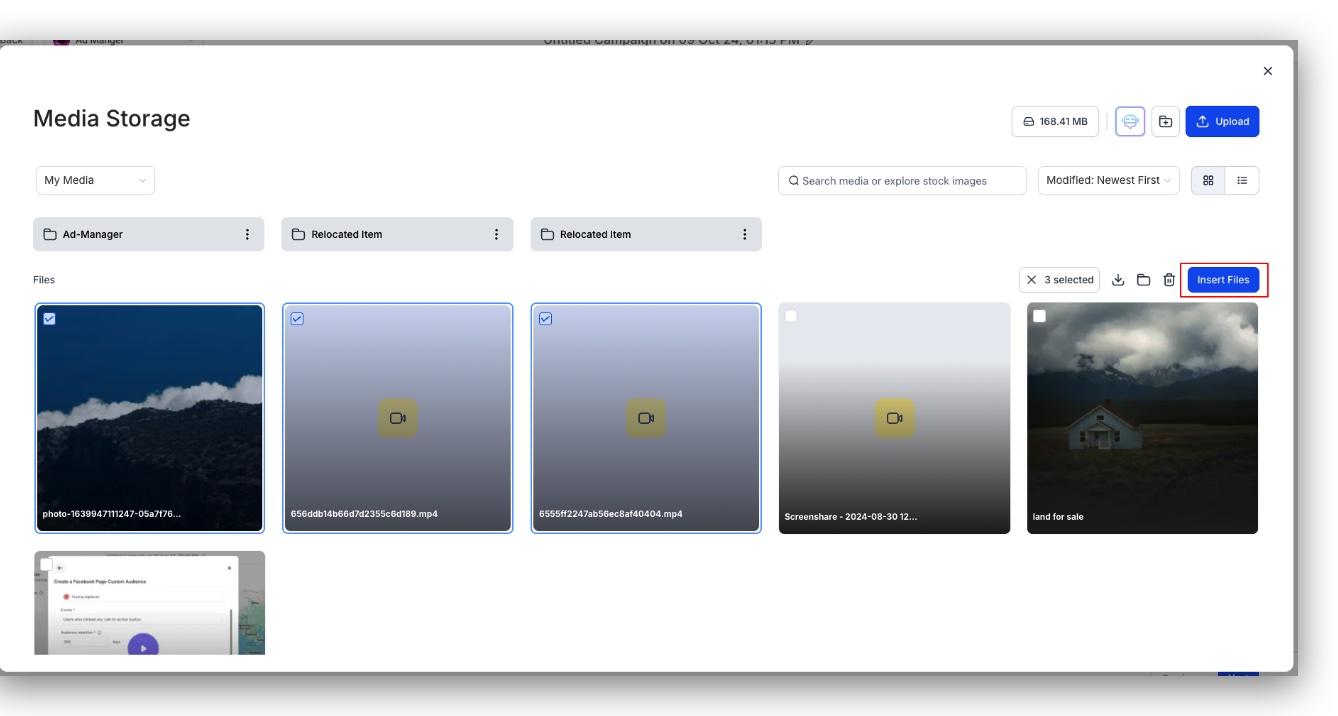
Click Upload media to open the Media Library. You can add multiple images or videos, up to a limit of 10 per campaign.
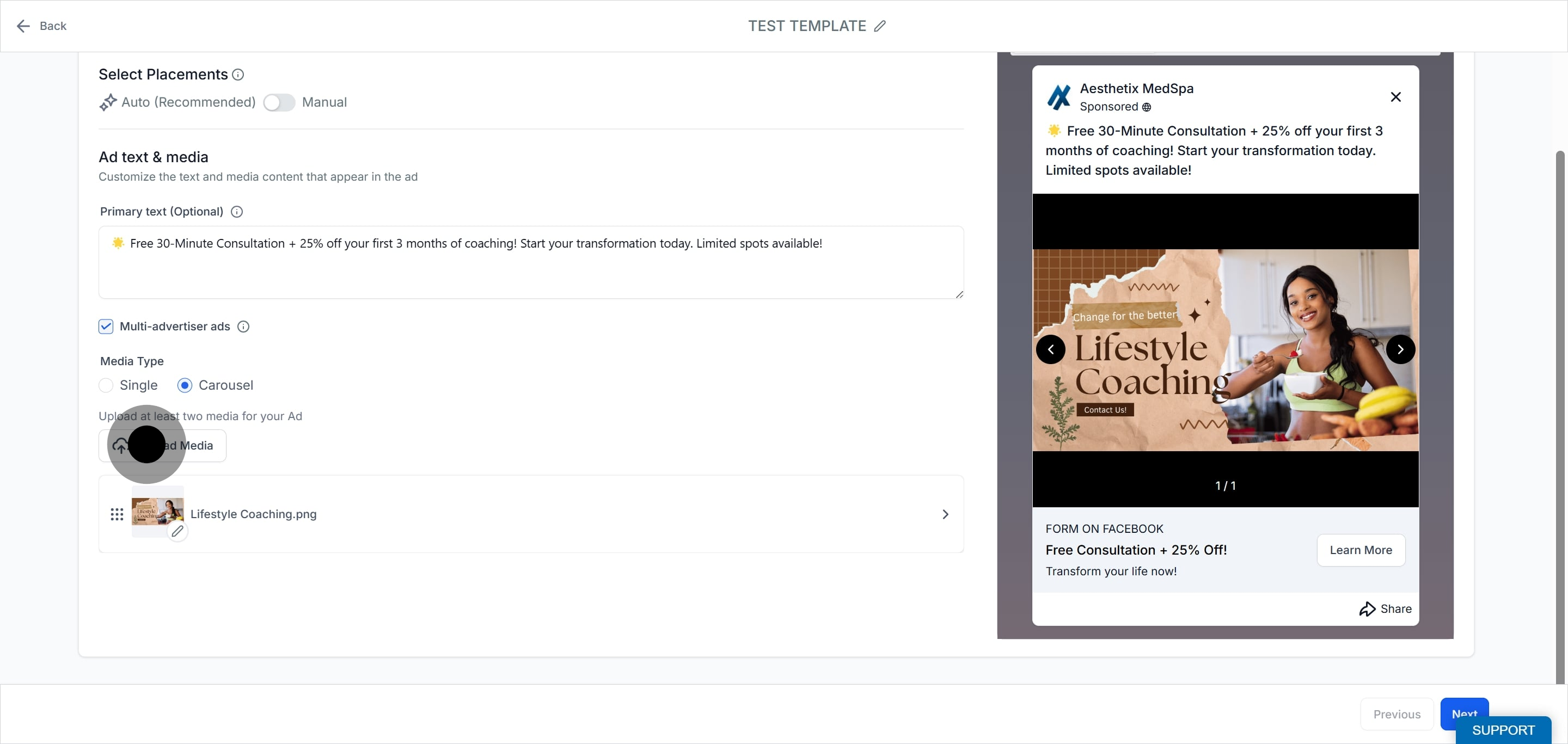
Click the three dots to see more options.
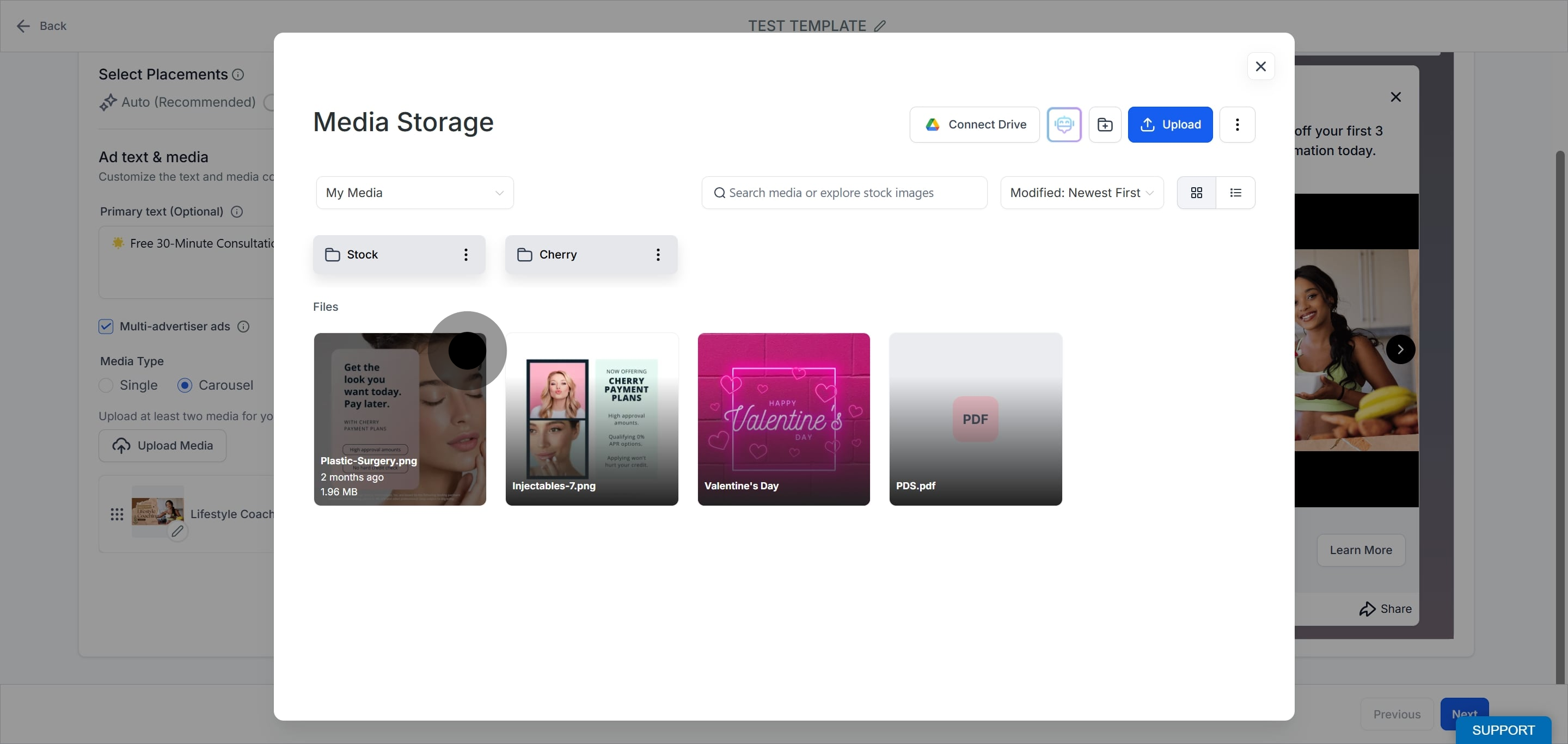
Click Select from the menu.
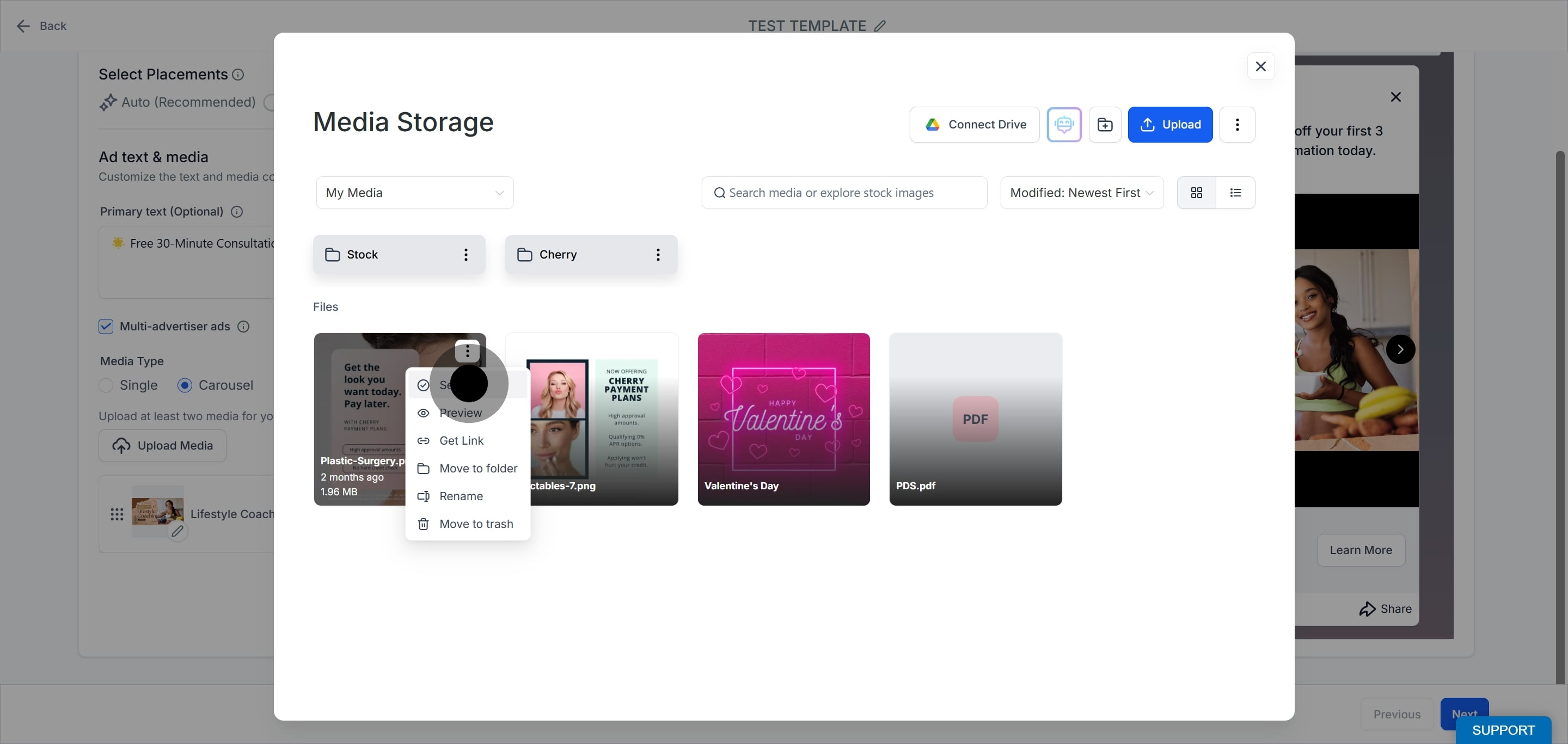
Check the box next to each item you want to include. You can multi-select images, videos, or both.
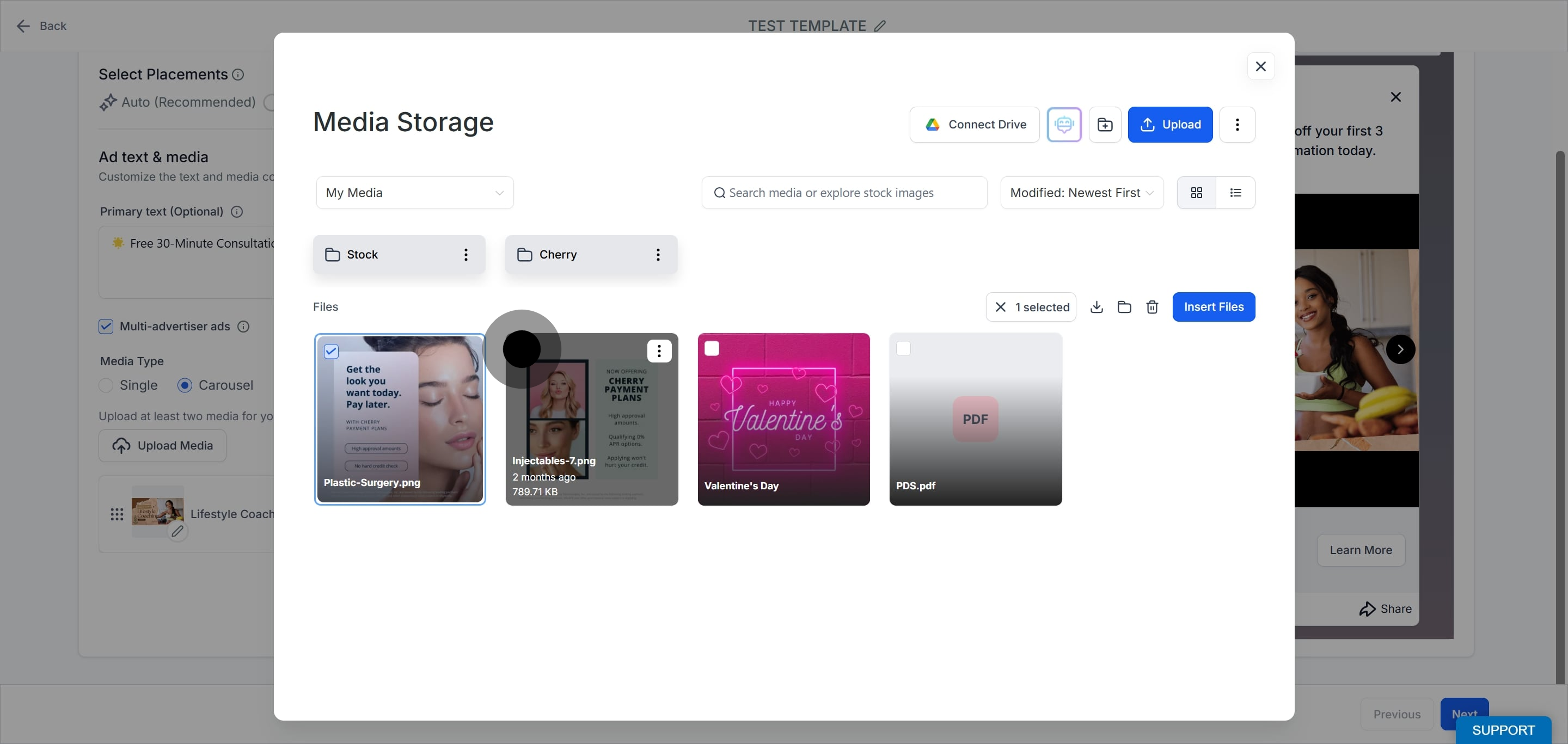
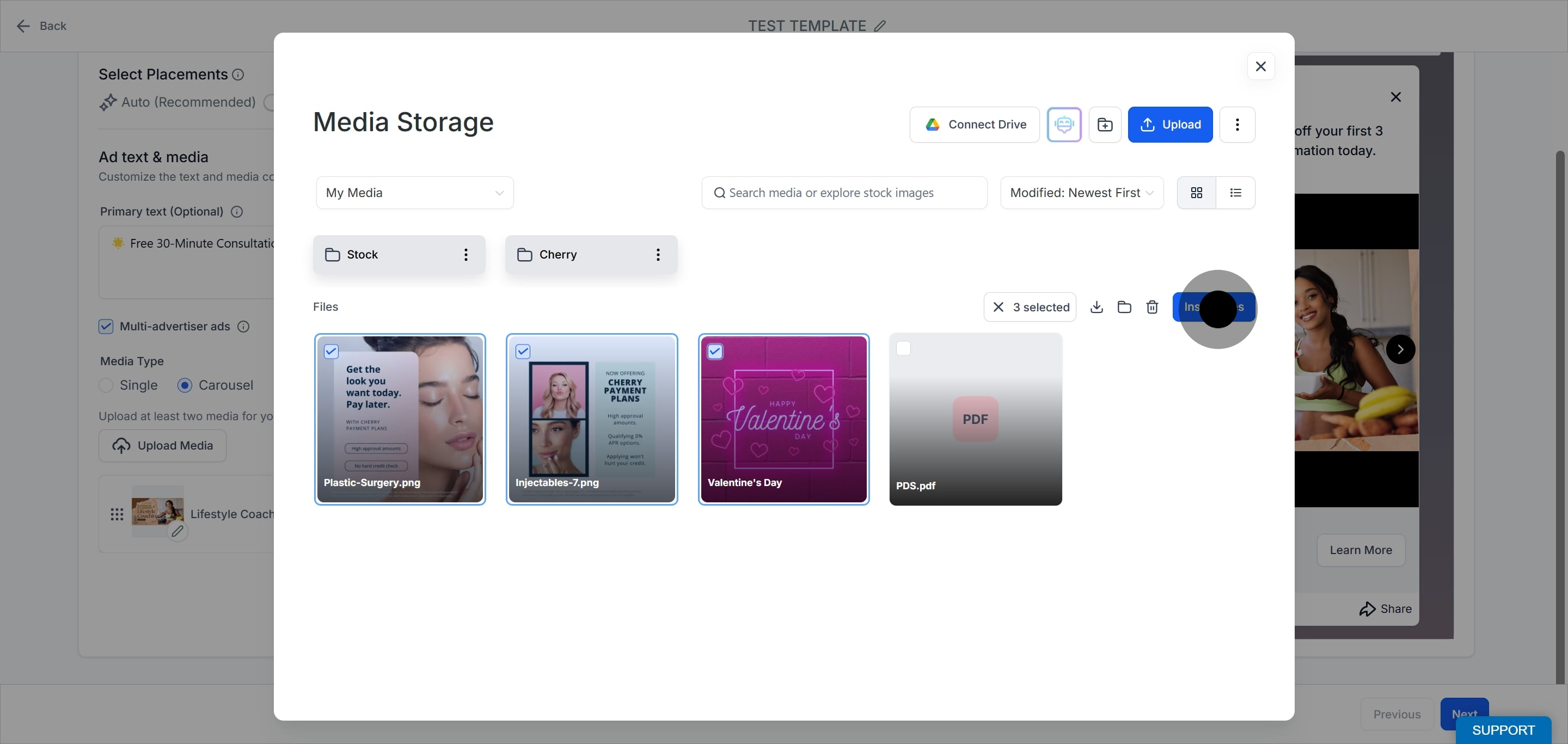
Click Insert Files to add your chosen media to the campaign.
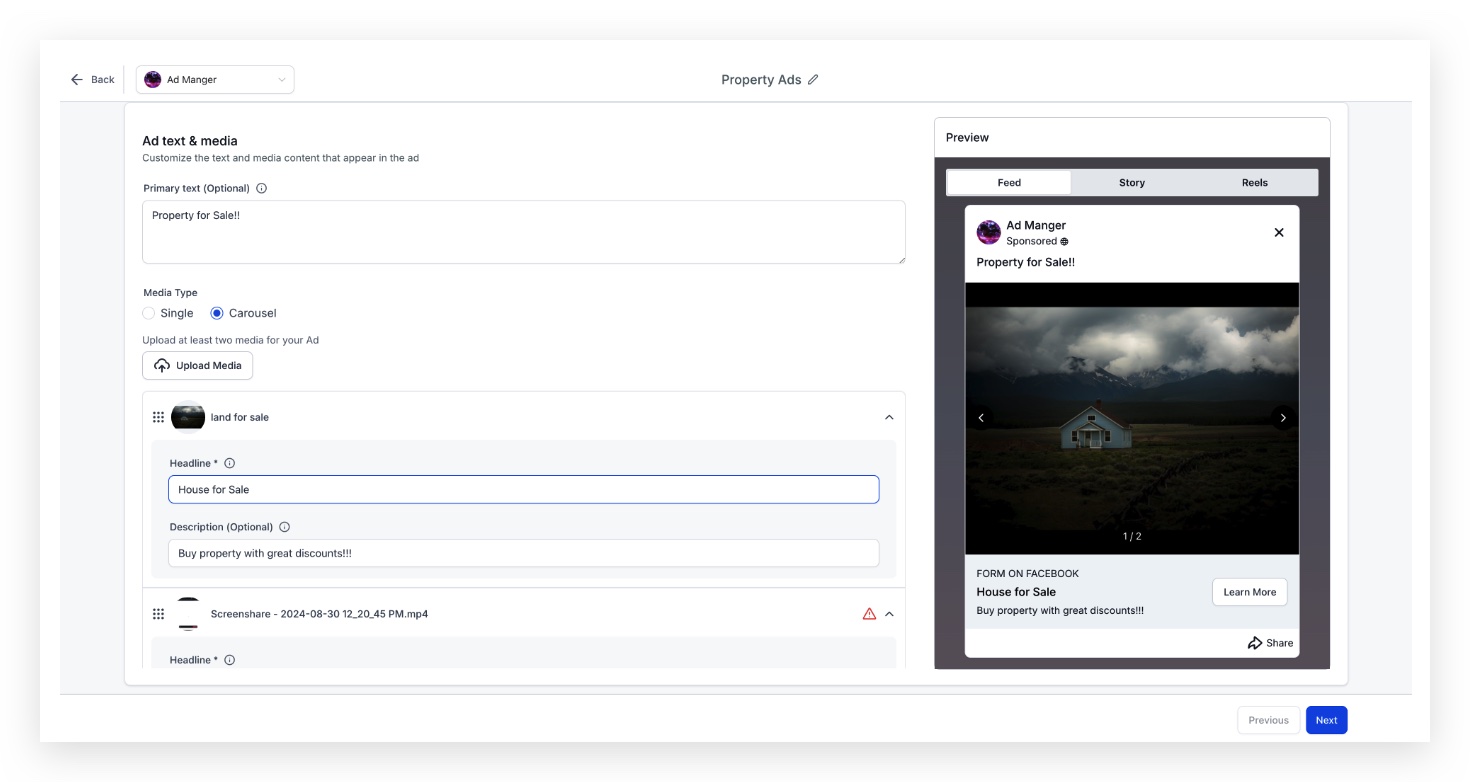
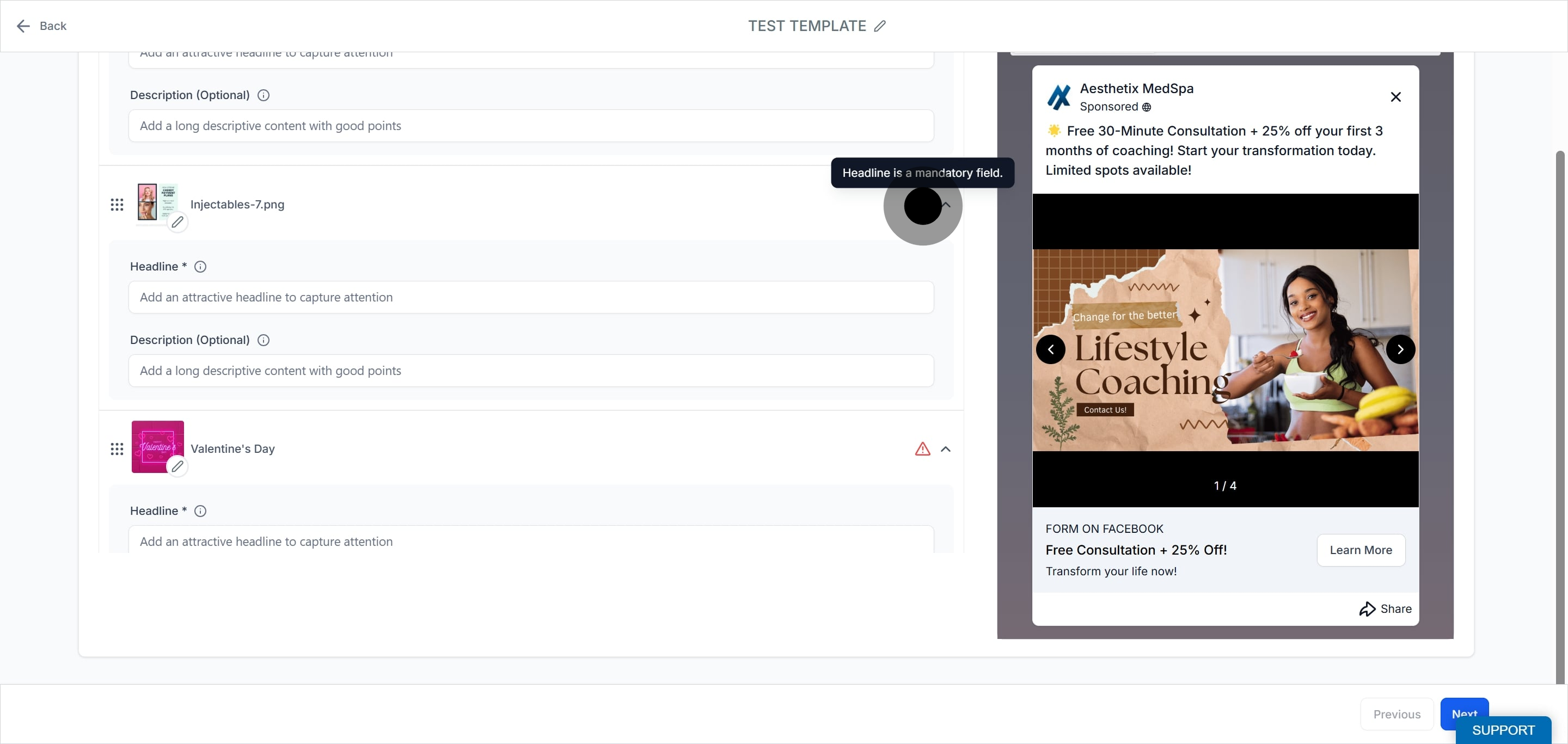
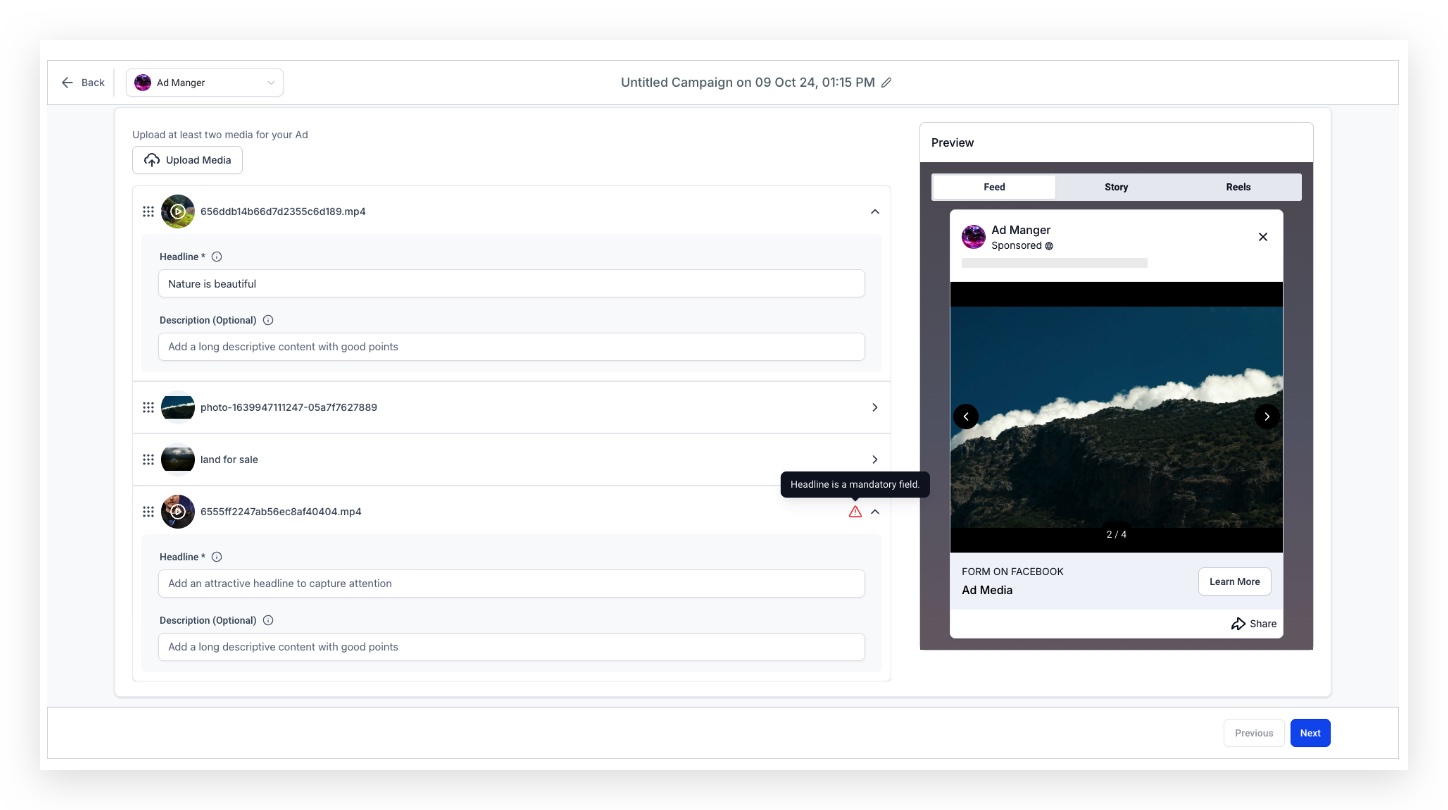
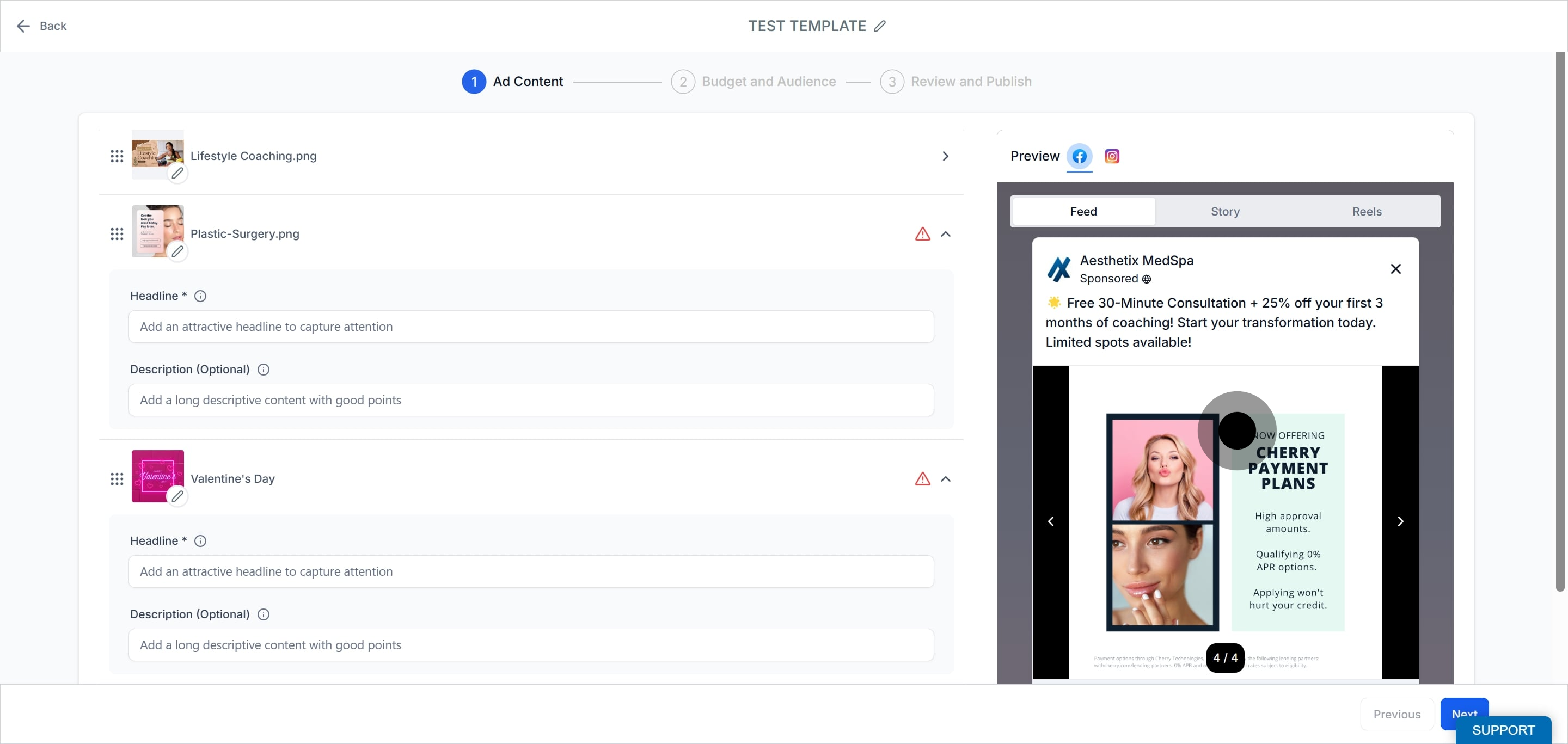
Add a headline for each media item. The headline is required.
Add a headline and a description for each media item. Each card has its own headline and description.
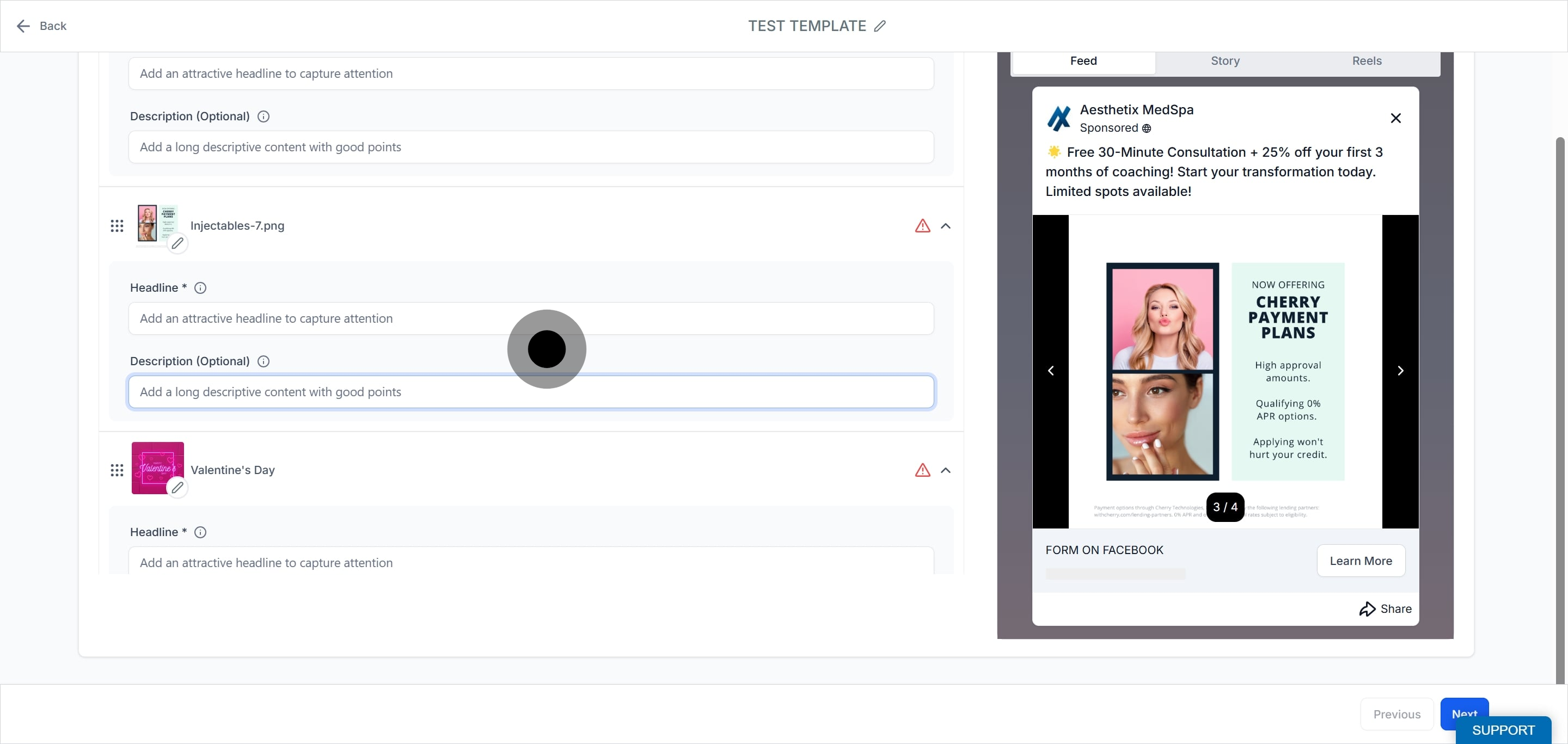
Rearrange your media by dragging the items into the order you want them shown in the ad.
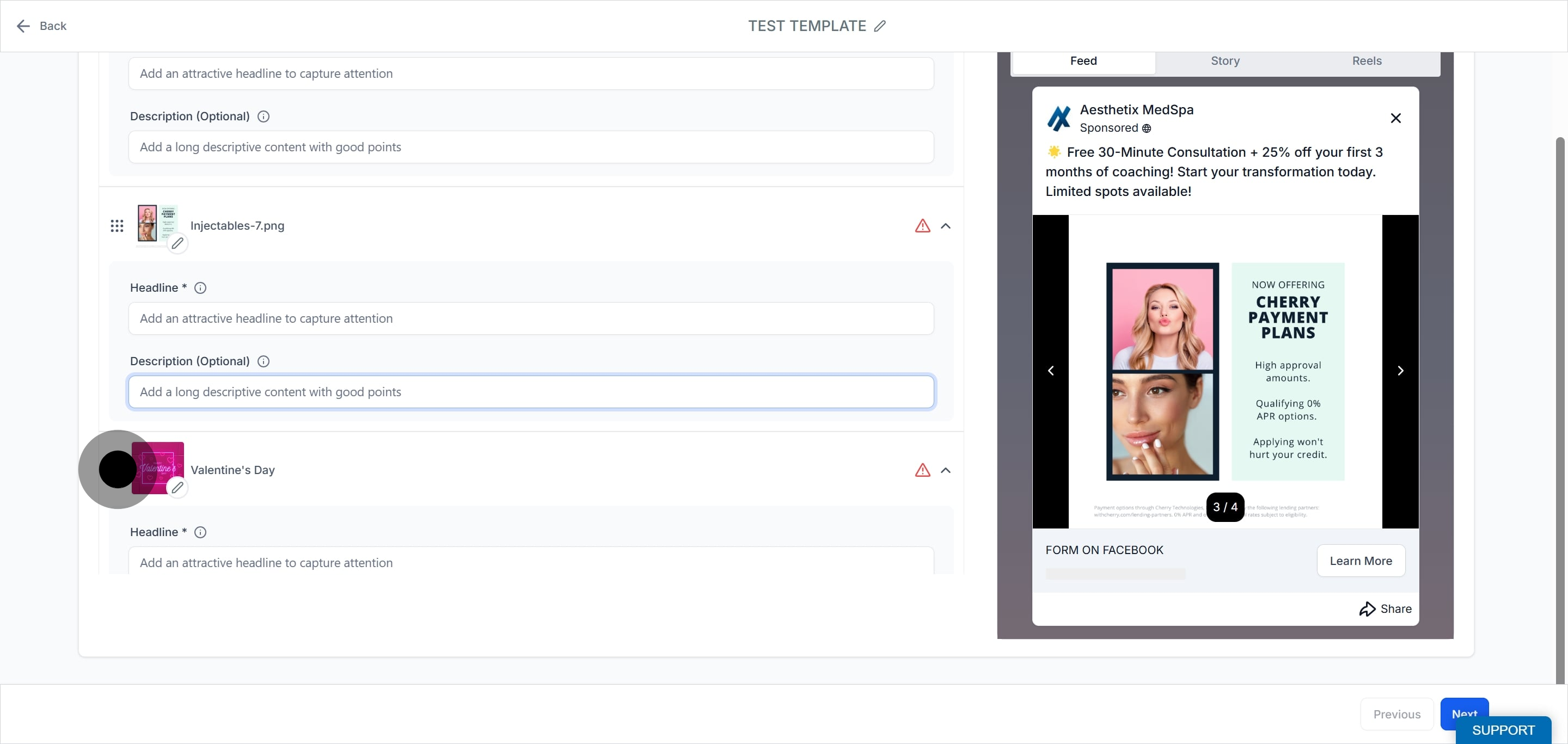
Click a video thumbnail to select the preferred frame to display for that card.
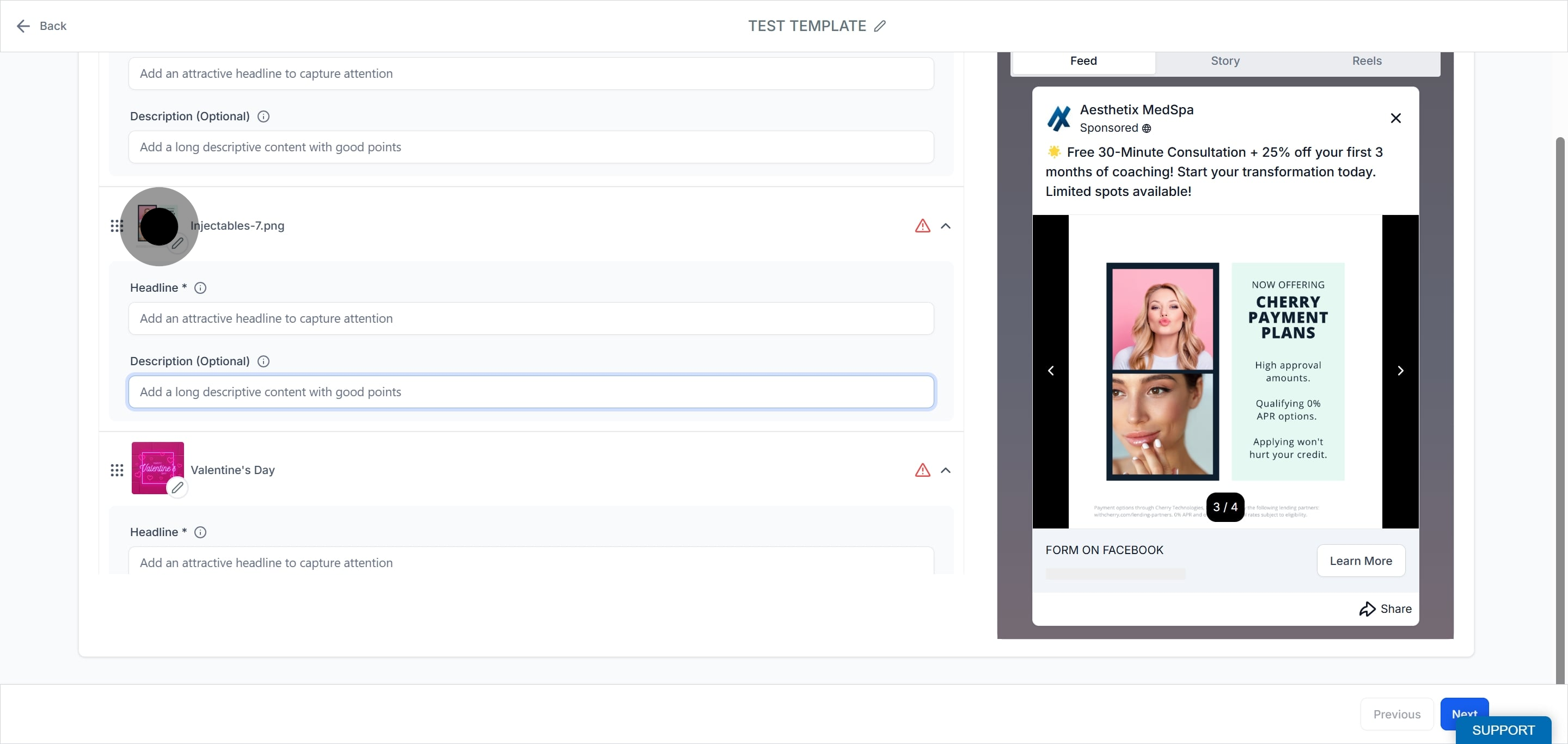
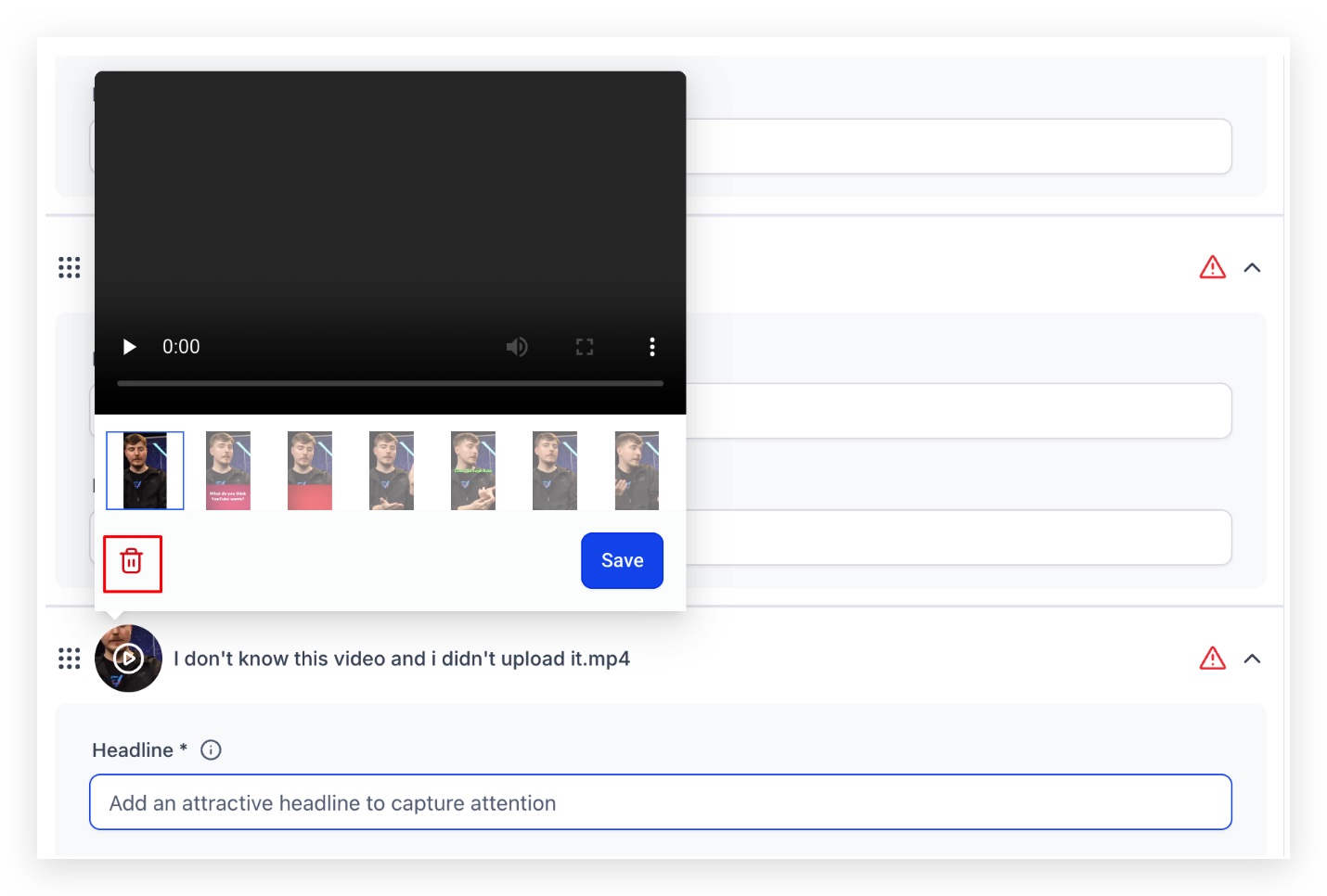
Remove any image or video by clicking it and selecting the delete (trash) option.
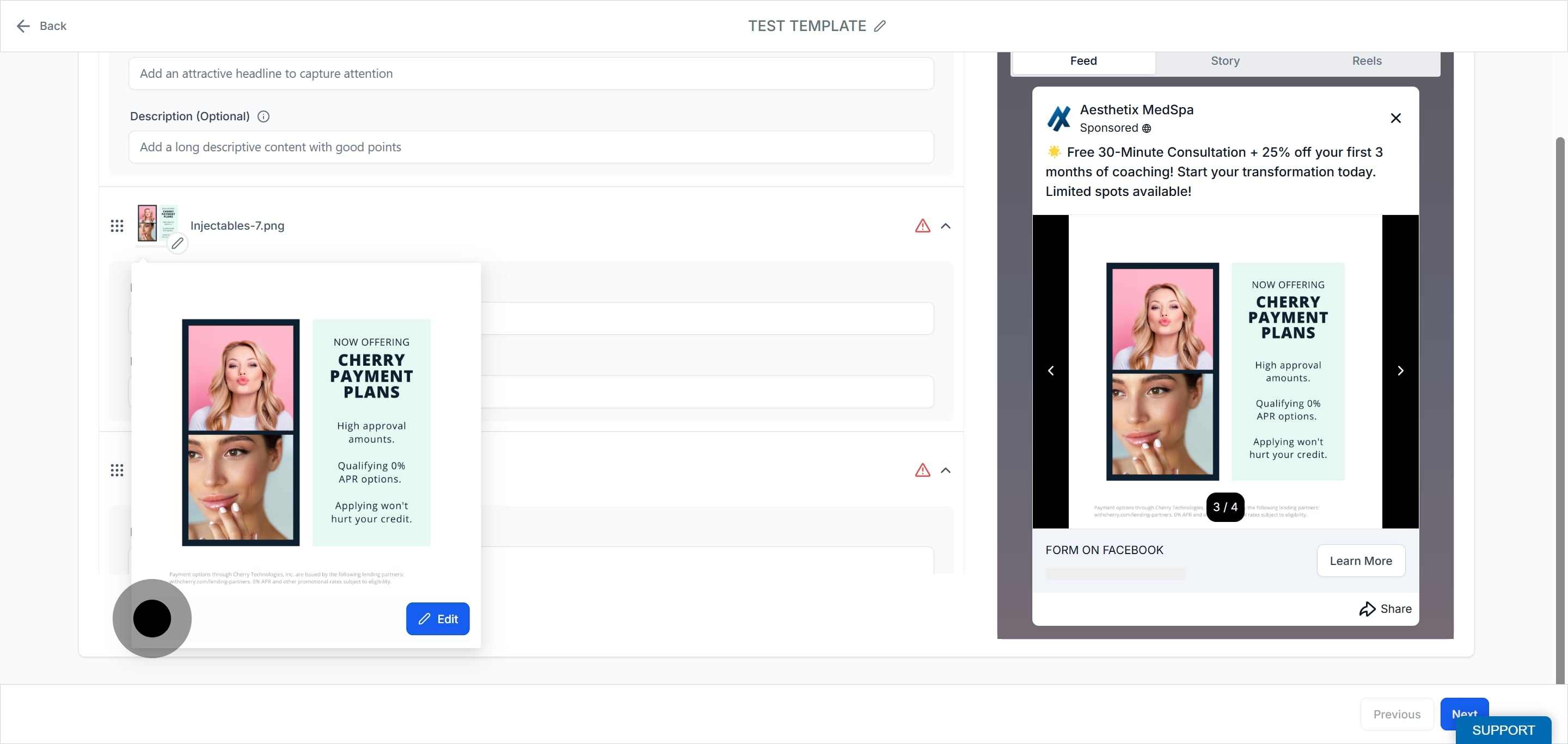
Edit any image or video to better fit your ad.
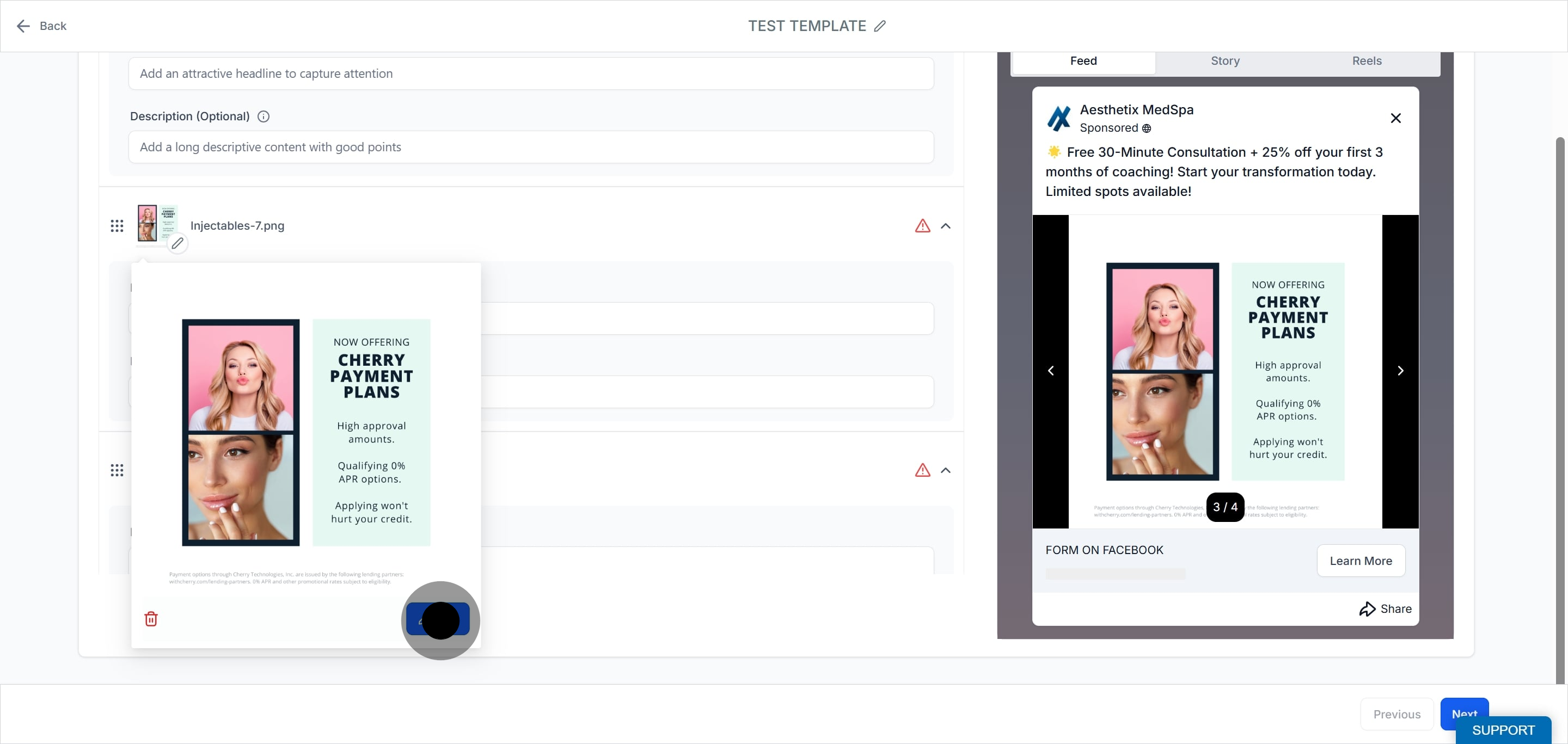
Use the Story tab to preview your campaign's media and see how the ad will appear.
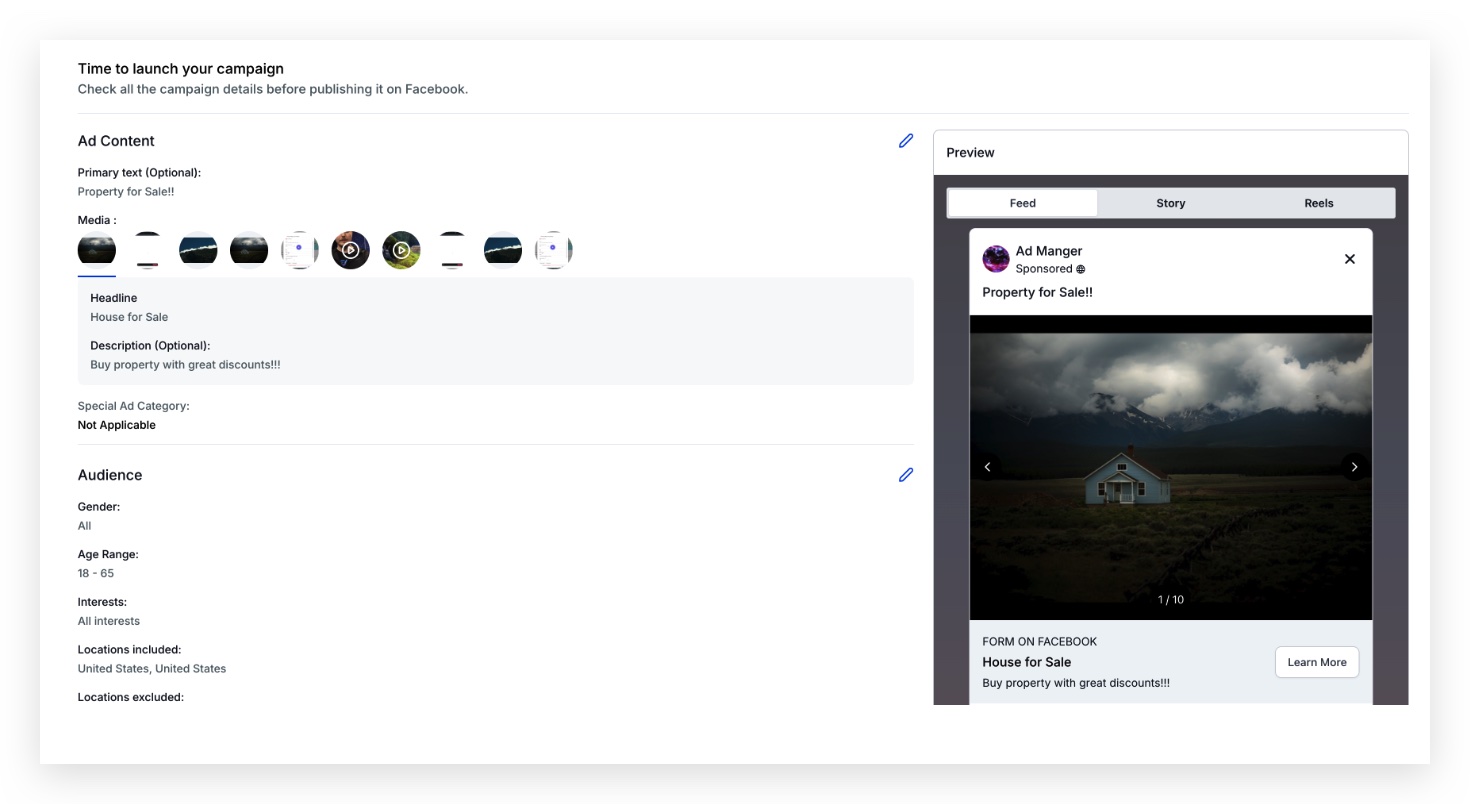
Under the Review and Publish section, all the images and videos used for the campaign are shown in the ad content media section so you can confirm everything before launching.
Note: A campaign cannot be published with errors. If any uploaded media is missing a headline, the campaign will have errors and cannot be published.
Can I edit my carousel ad after it has been published? Yes. You can update the images, text, and links within the ad through Ad Manager even after it has been published.
Is there a limit to how many times I can change the images in a carousel ad? There is no specific limit. However, frequent changes may affect the ad's performance metrics and its learning phase, so change images sparingly once a campaign is performing.
How do carousel ads perform compared with single-image ads? Performance varies by audience and content, but carousel ads often see higher engagement than single-image ads because of their interactive format. Test both to see what works best for your goals.
How many images or videos can a carousel hold? Up to 10 media items per campaign. You can mix images and videos.
Does every card need a headline? Yes. A headline is required for each media item. A description is added per card as well, and missing headlines will cause publishing errors.
Can I reorder the cards? Yes. Drag the media items into the order you want them displayed in the ad.
Can I choose which frame shows for a video card? Yes. Click the video thumbnail and select the frame you want displayed as that card's preview.
Can I run a carousel ad on Instagram as well as Facebook? Yes. The carousel format is available for Meta campaigns, so it can appear across Facebook and Instagram placements depending on your campaign settings.
