Campaign budgets for Facebook ad campaigns are defined in the second step of the campaign setup flow. After you enter the amount you want to spend and launch the campaign, that amount is charged to the card added to your connected Meta ad account. This guide explains the two budget types, daily and lifetime, and how to set and edit each one.
Choose a budget that fits your practice's goals. Consider your ideal patient, the services you are promoting, and what you want the campaign to achieve. A med spa running a Botox promotion, for example, might start with a modest daily budget to test the offer before scaling up.
Note: The currency of your connected Meta ad account and the time zone of your account are automatically applied to the budget definition.
You set the budget in step two of the campaign builder by selecting either a daily or a lifetime budget and entering an amount.
Once you choose a budget and launch your campaign, it renews automatically each month. To end an ad campaign, pause or delete it.
Note: The best thing you can give a campaign is time. Let a campaign run for a few months so Ad Manager can learn about your ads, audience, and conversions. The more data it has, the better it can optimize and deliver results.
A daily budget is the average amount you want to spend per day on the campaign. On any given day Facebook may spend a little more or a little less than the amount you set, balancing out across a weekly billing cycle. The campaign start date and time is the moment you publish it, which is when the campaign is sent to Facebook for review.
Example: If you set a daily budget of $1,000, Facebook might spend $1,100 on one day and less than $1,000 on other days within the weekly billing cycle. Your spend will not exceed $7,000 in a week.
Go to New Campaign.
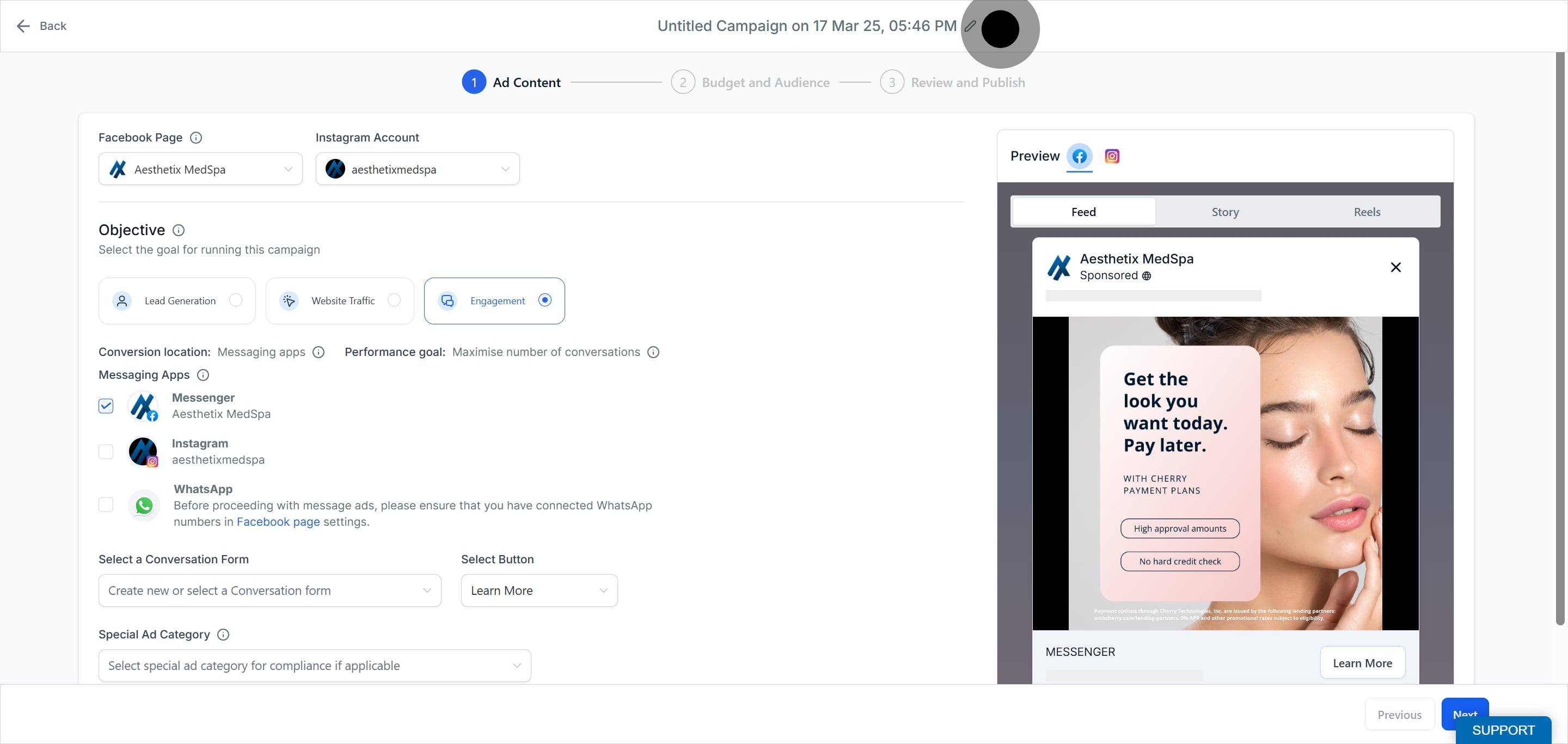
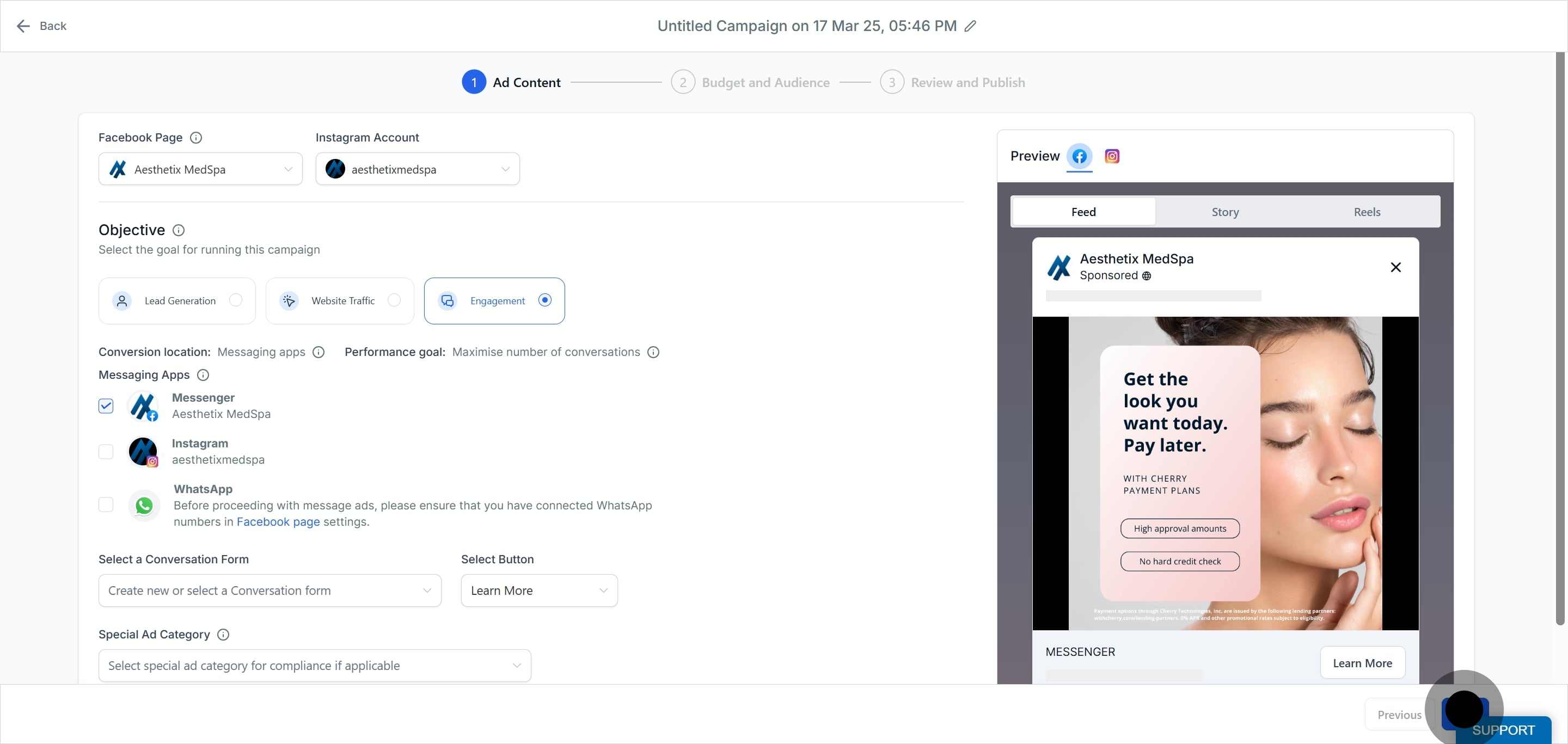
Click Next to reach the Budget and Audience step (step 2) of the campaign flow.
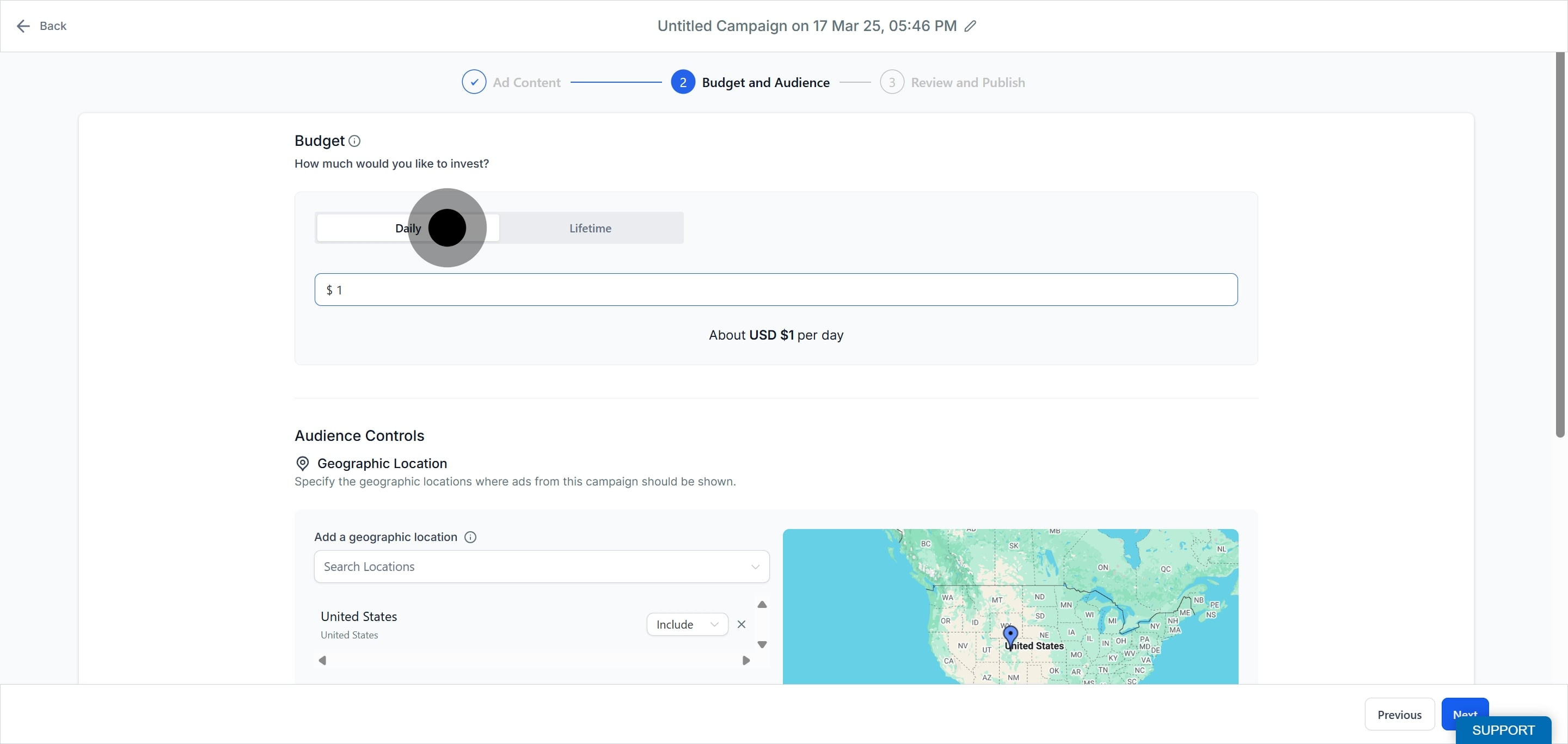
In the Budget section, make sure the Daily toggle is selected.
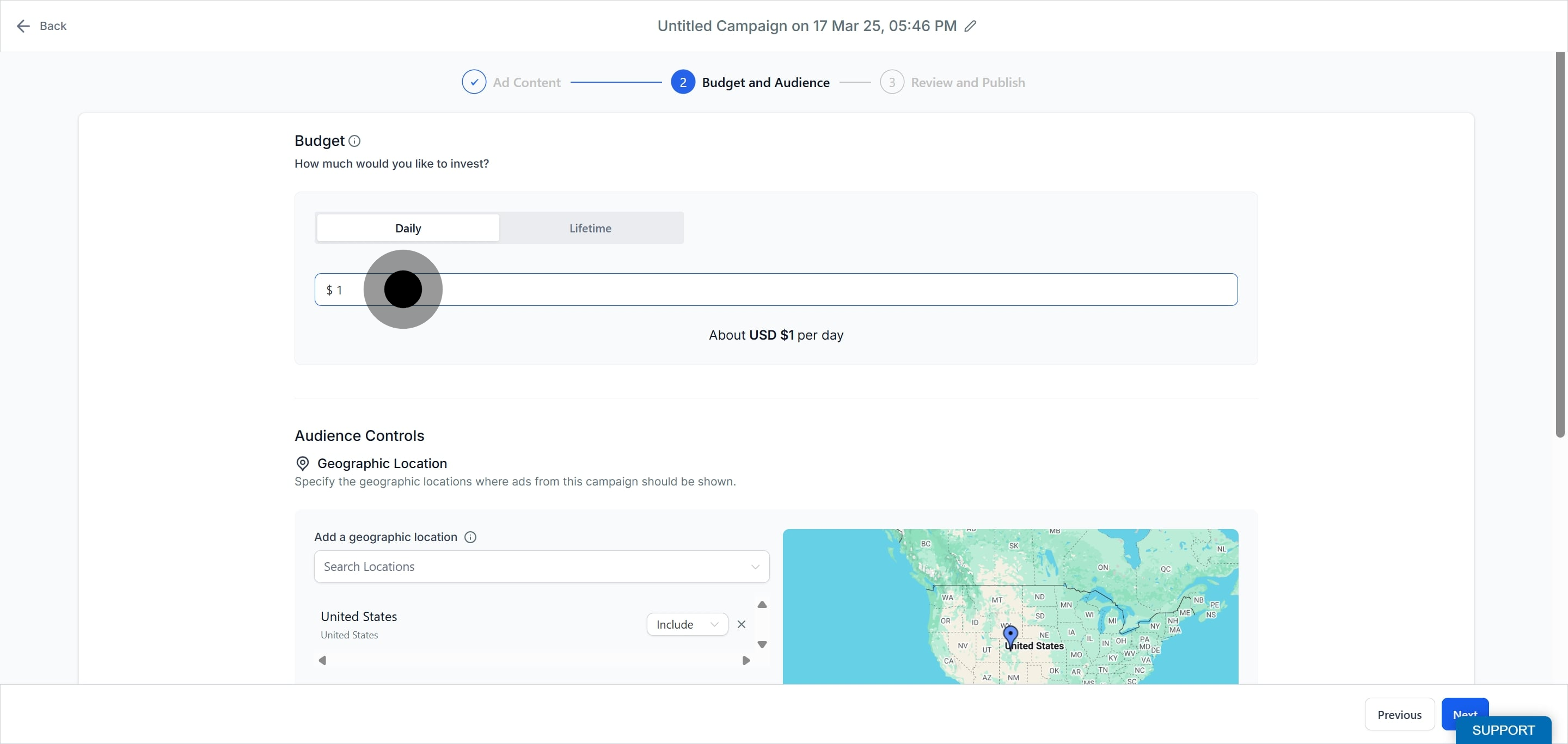
Enter the amount you want to set as your daily ad budget, then add the rest of your campaign details.
Click Next at the bottom to review your ad and budget.
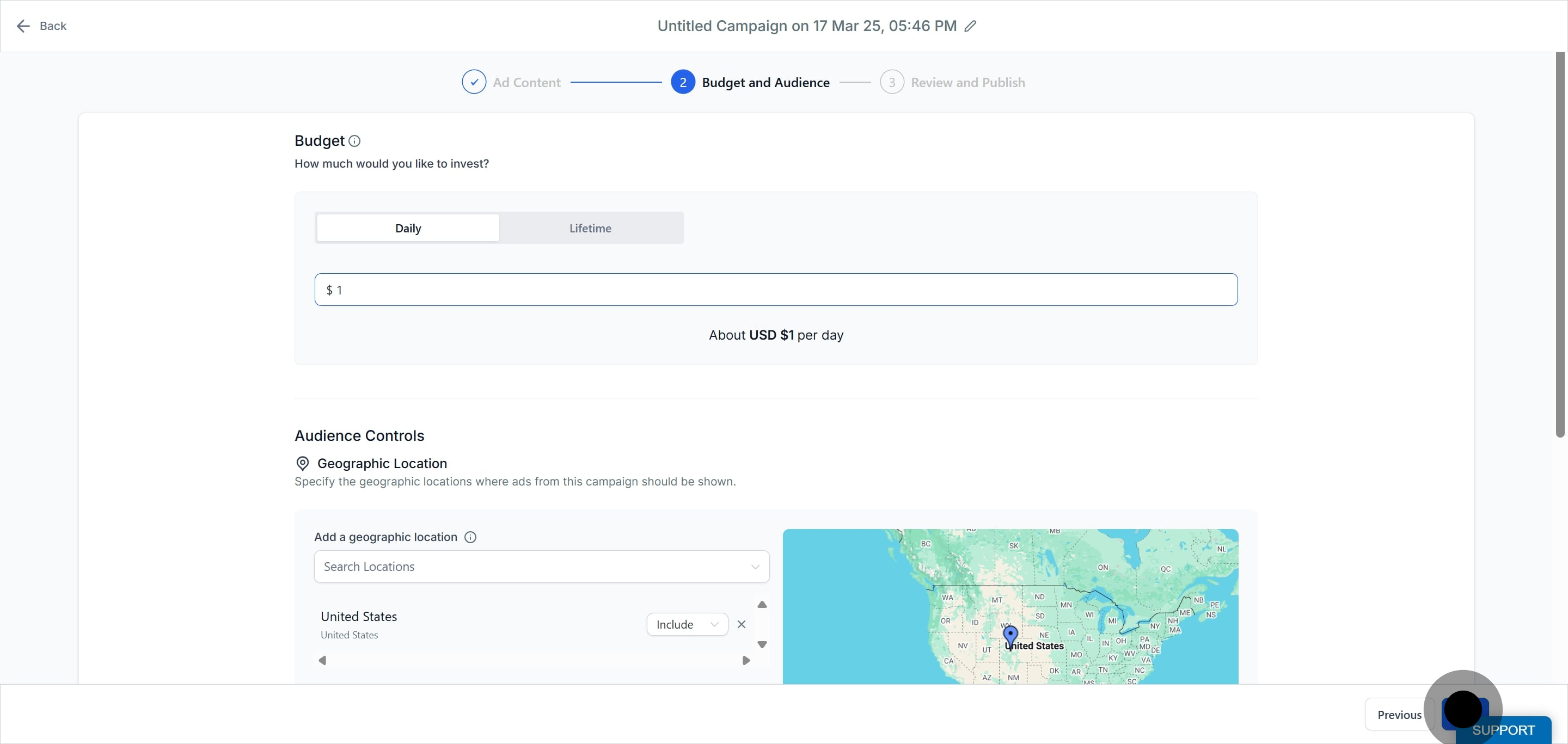
Please note for daily budgets:
The daily budget amount can be edited when the campaign is in a Paused, Failed, or Draft state. Once it is Published or In Review, the amount cannot be changed.
You cannot toggle between Daily and Lifetime (or the reverse) when a campaign is in a Paused, Published, or In Review state.
A lifetime budget is the total amount you are willing to spend over the entire run of a campaign. It is useful when you do not want to exceed a set overall spend and works best when you have flexibility in how much is spent each day.
Go to New Campaign and continue to the Budget and Audience step (step 2).
In the Budget section, select the Lifetime toggle.
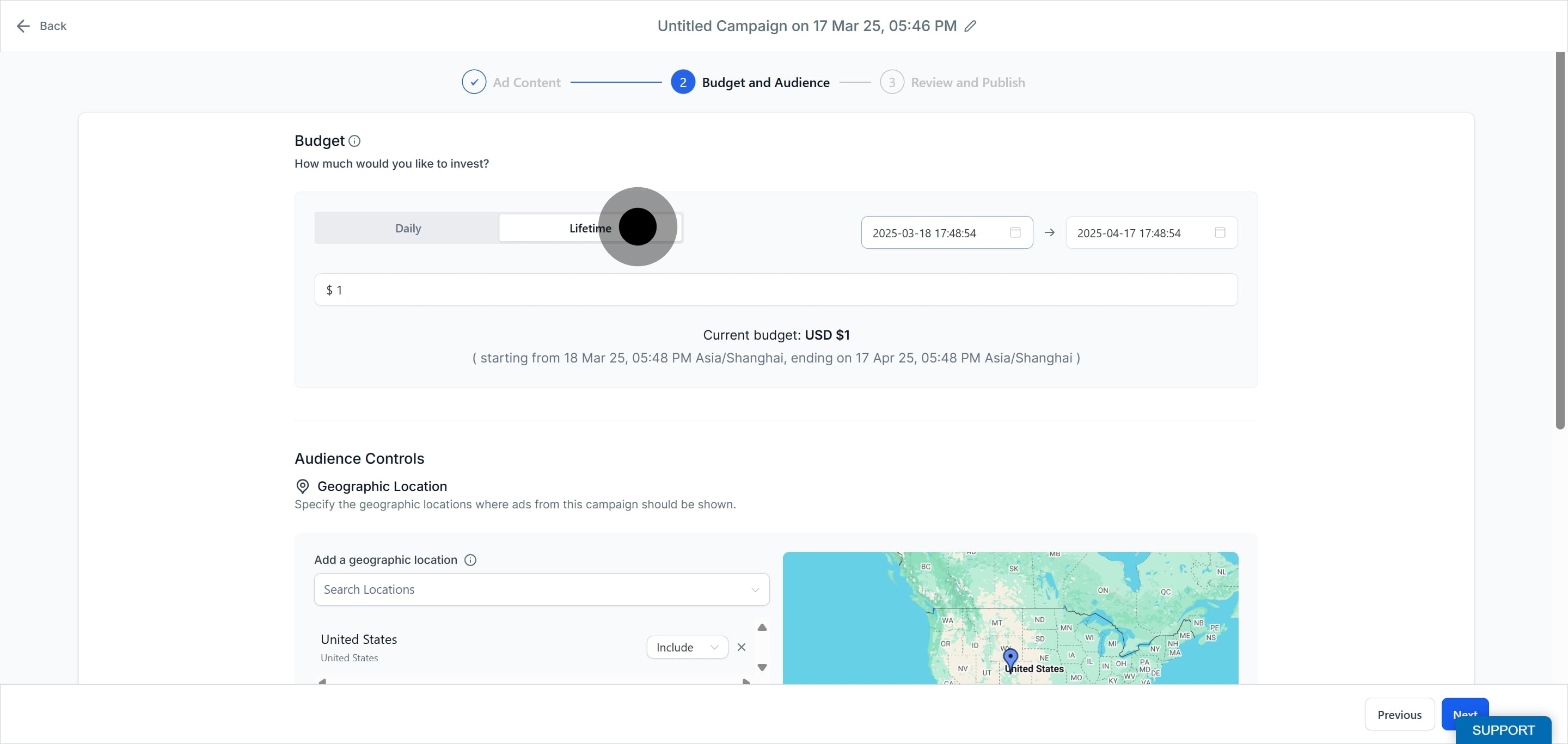
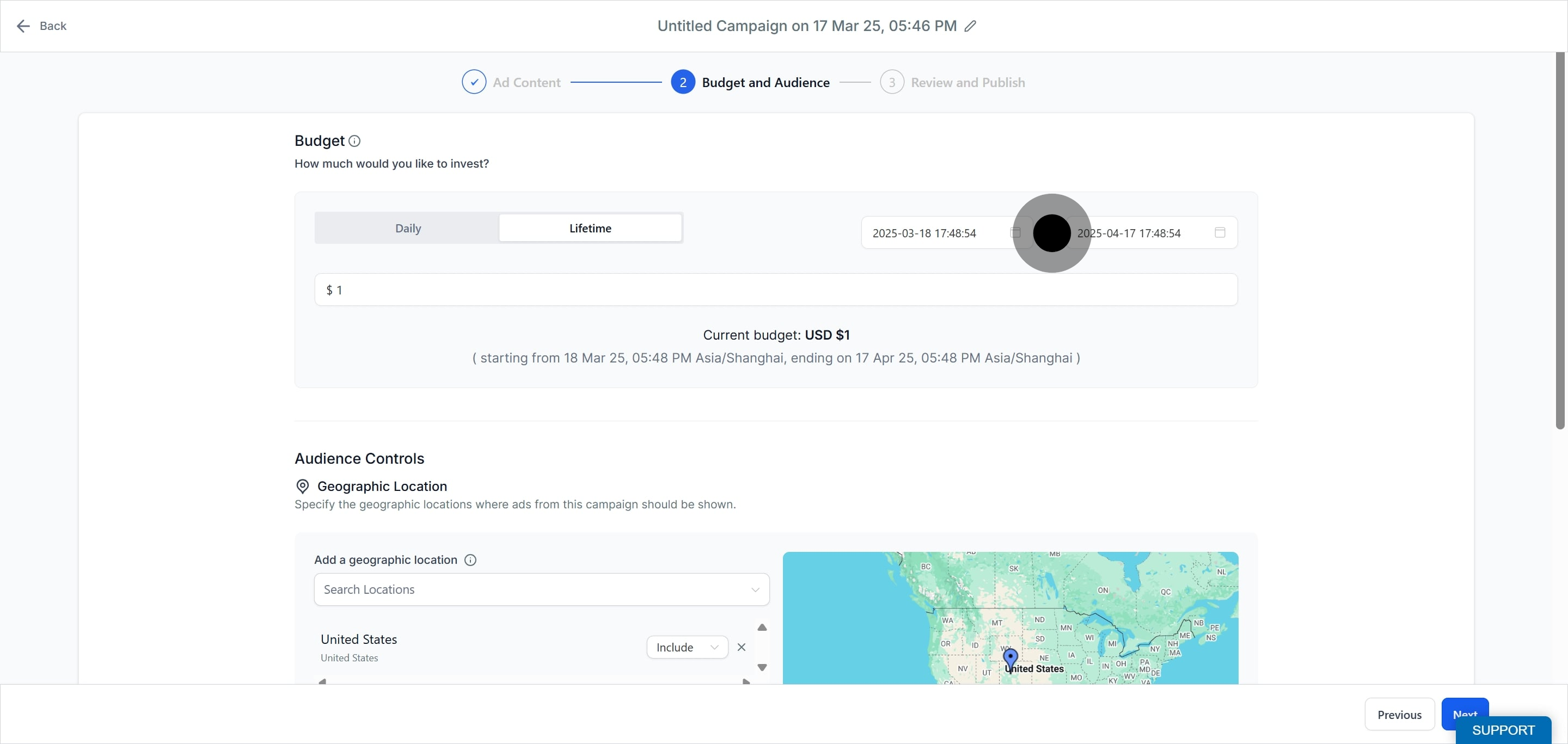
Use the date and time picker to select the start and end date of the campaign. The amount you set is spread across this period. The start and end date-time are shown in your account's local time zone.
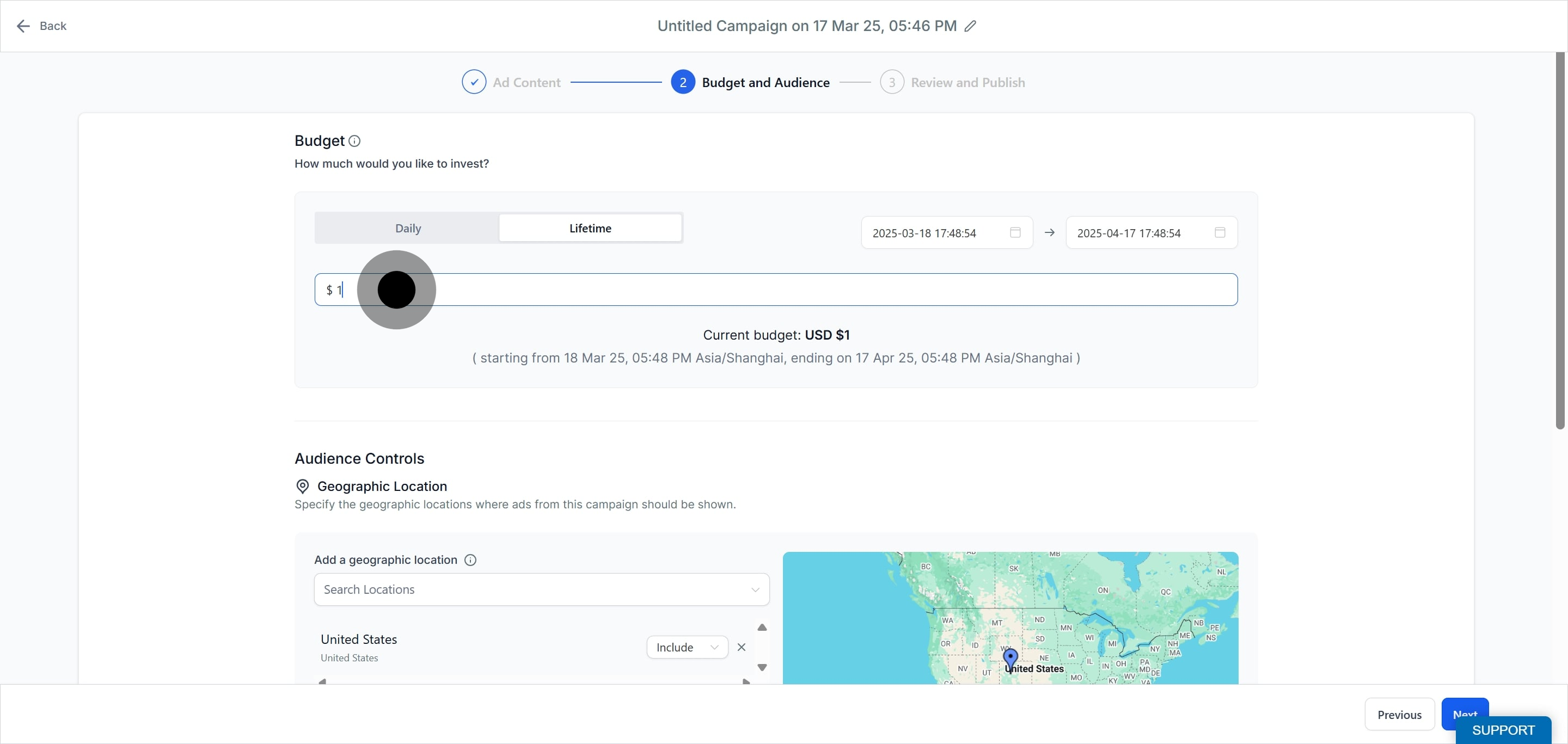
Enter the total amount for your lifetime ad budget, then add the rest of your campaign details.
Click Next to finalize and review your campaign details.
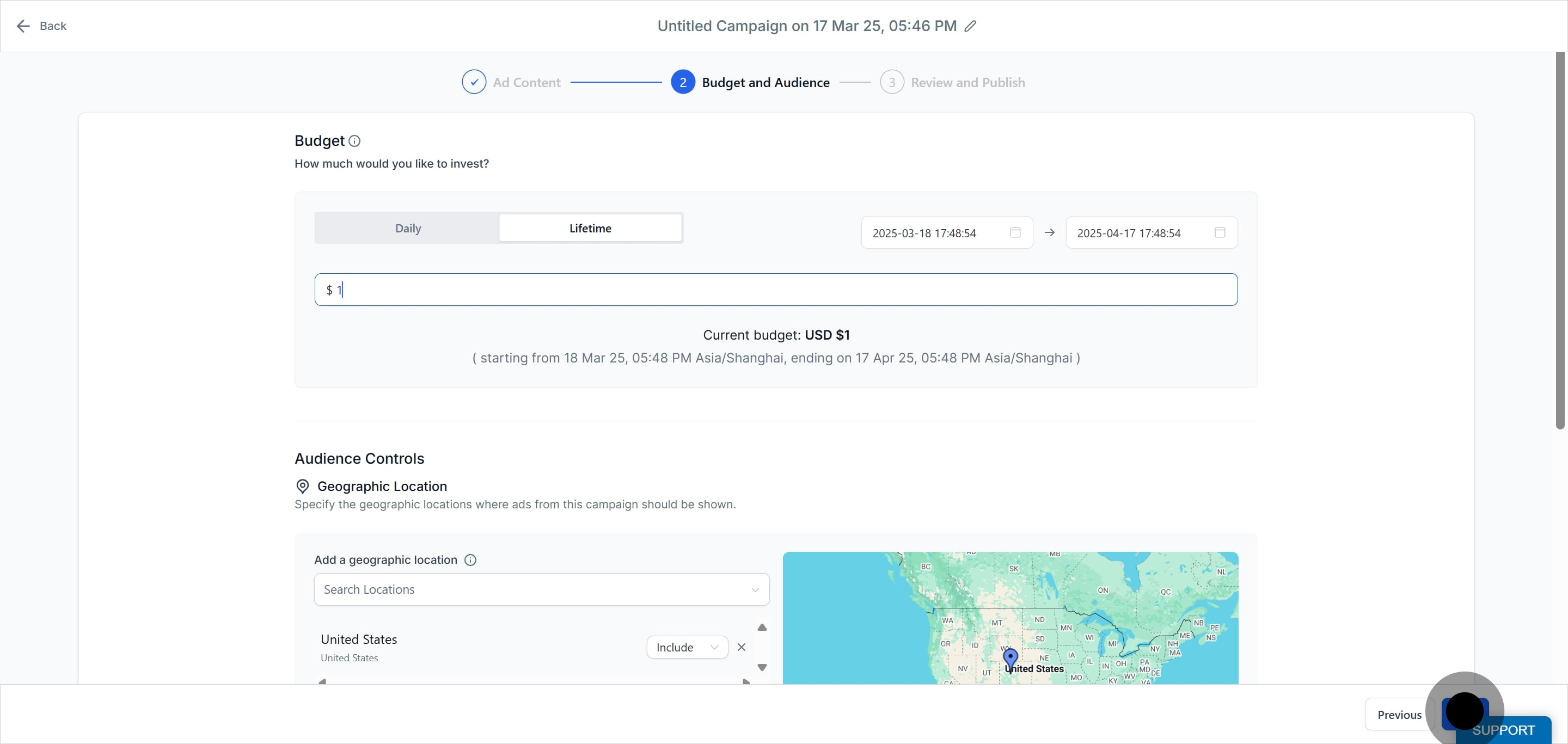
Please note for lifetime budgets:
The lifetime budget amount can be edited when the campaign is in a Paused, Failed, or Draft state. Once it is Published or In Review, the amount cannot be changed.
You cannot toggle between Daily and Lifetime (or the reverse) when a campaign is in a Paused, Published, or In Review state.
The start and end date-time cannot be edited for Published and In Review campaigns. Campaigns in a Draft or Failed state can have their start and end date-time changed.
For a Paused campaign, the end date-time can be edited but the start date-time cannot.
What is the difference between a daily and a lifetime budget? A daily budget is the average amount spent per day. A lifetime budget is the total amount spread across the full run of the campaign between its start and end dates.
Where is my campaign spend charged? Spend is charged to the card added to your connected Meta ad account, in the currency of that ad account.
Can I change the budget after I publish a campaign? No. Once a campaign is Published or In Review, the budget amount cannot be changed. You can edit the budget only while the campaign is Paused, Failed, or in Draft.
Can I switch a campaign from daily to lifetime after launch? No. You cannot toggle between Daily and Lifetime while a campaign is Paused, Published, or In Review.
Will my daily budget ever be exceeded? On any single day Facebook may spend a bit more or less than your daily amount, but total weekly spend will not exceed seven times your daily budget.
Can I change the start and end dates of a lifetime campaign? Only in certain states. Draft and Failed campaigns can have both dates changed. A Paused campaign can have its end date changed but not its start date. Published and In Review campaigns cannot have either date changed.
Does the campaign renew or end on its own? A campaign renews automatically each month until you pause or delete it. Give a campaign a few months so Ad Manager can gather enough data to optimize your results.
How should my practice decide on a budget? Base it on your goals, your ideal patient, and the services you are promoting. Many practices start with a smaller daily budget to test an offer, then increase it once they see which ads and audiences perform best.
