
If your practice has connected more than one Facebook Page to Ad Manager, you can mark one of them as the default. The default Page is the one preselected in the campaign builder when you create a new ad campaign. You can always change the Page during campaign creation, so setting a default simply saves a step for the Page you use most often.
How the default Page works
During onboarding, the first Facebook Page you connect to Ad Manager is automatically set as the default.
There can be only one default Page among all your connected Pages.
If you delete a connected Page that is currently the default, the next Page automatically becomes the default.
During campaign creation you can still select any connected Page you want the ad published on. The default only decides which Page is preselected in the builder.
How to set a connected Facebook Page as default
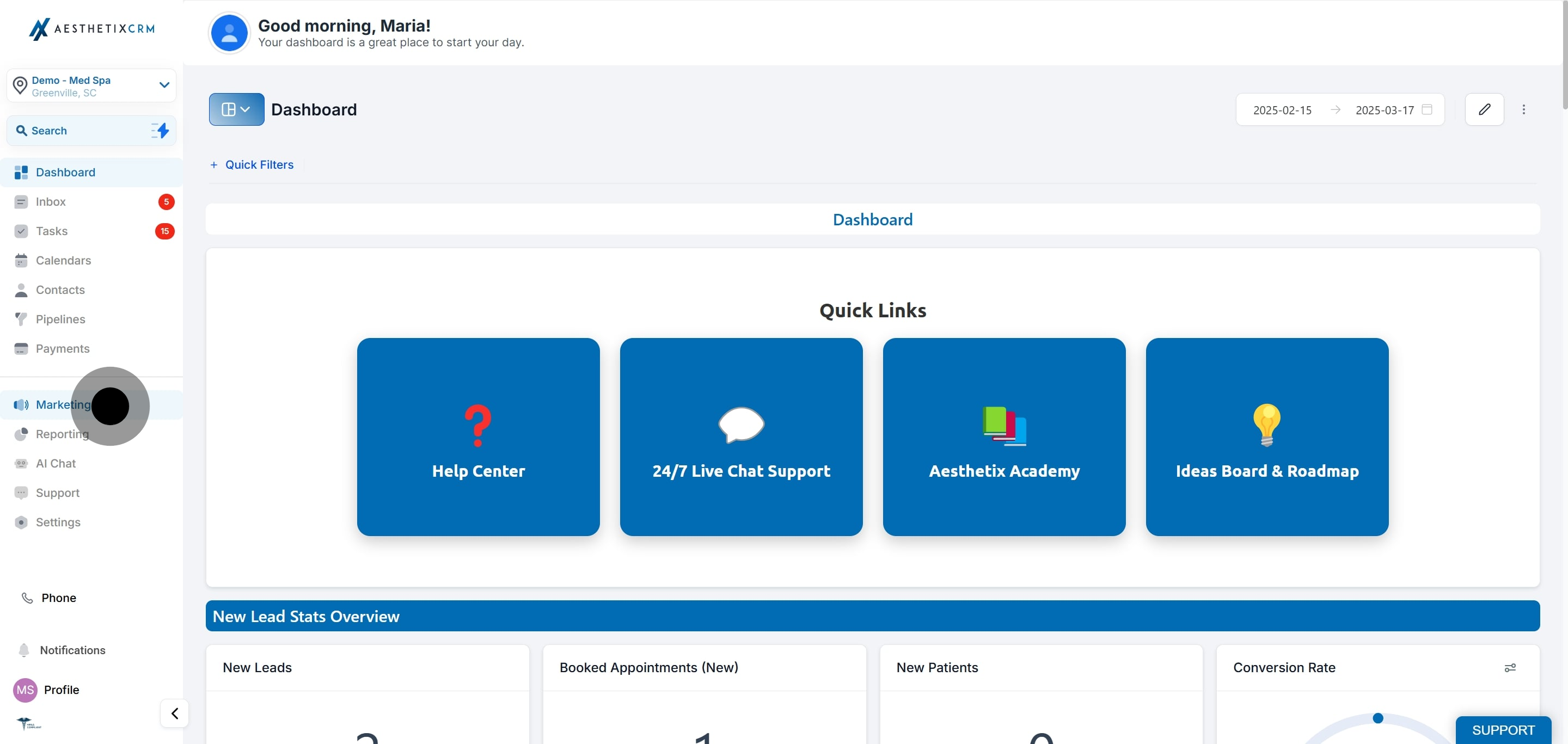
From the main menu, select Marketing.
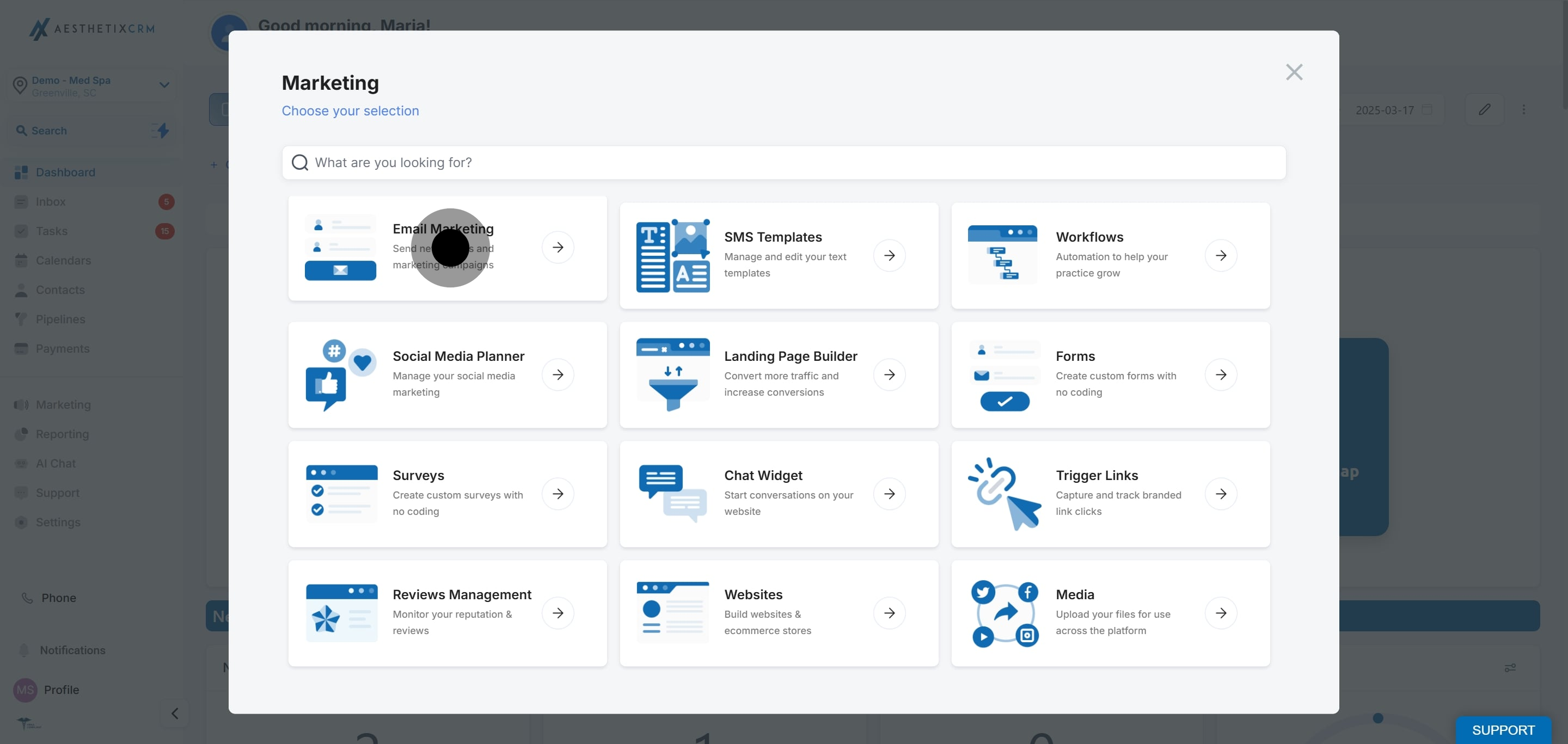
Open the Email Marketing area.
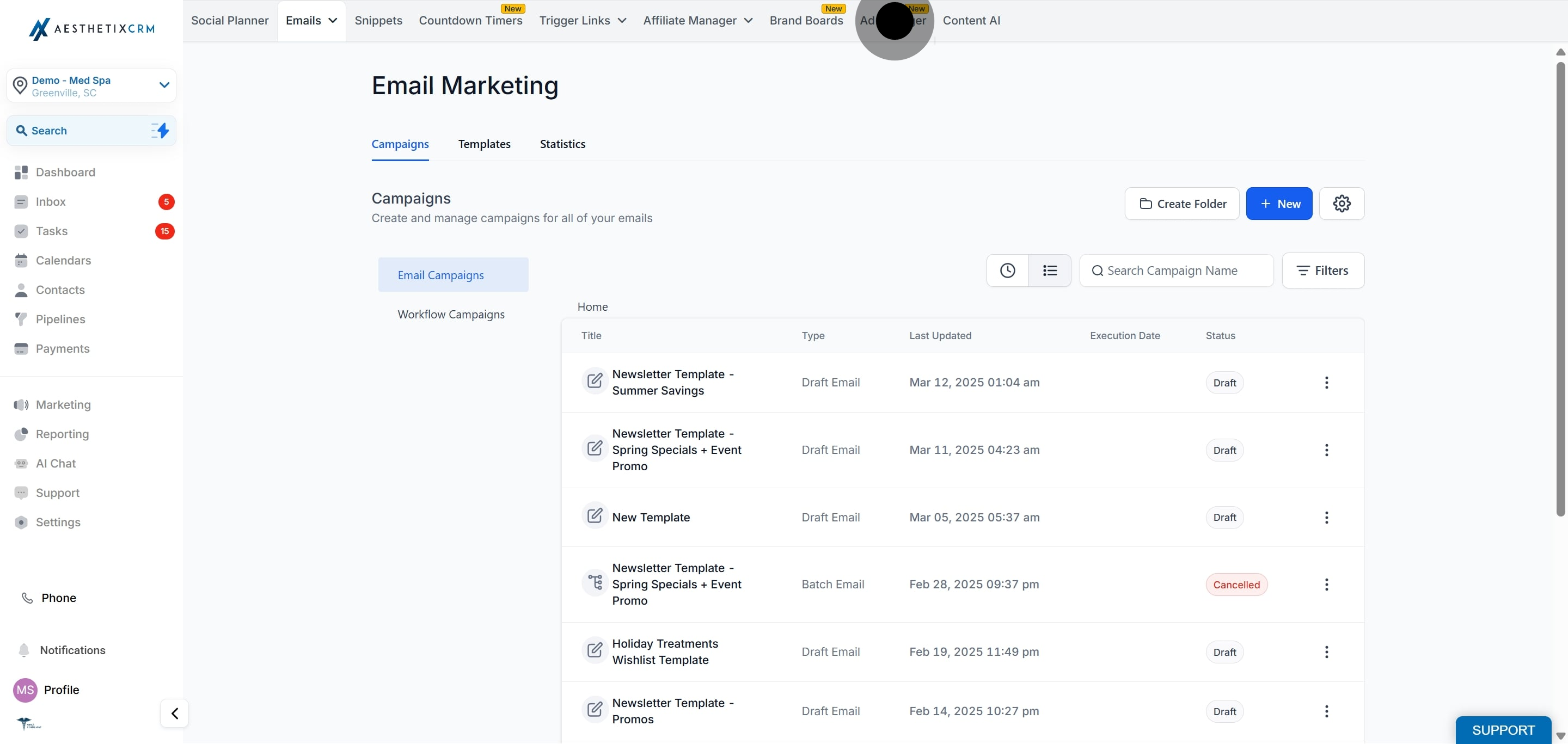
Click the Ad Manager tab.
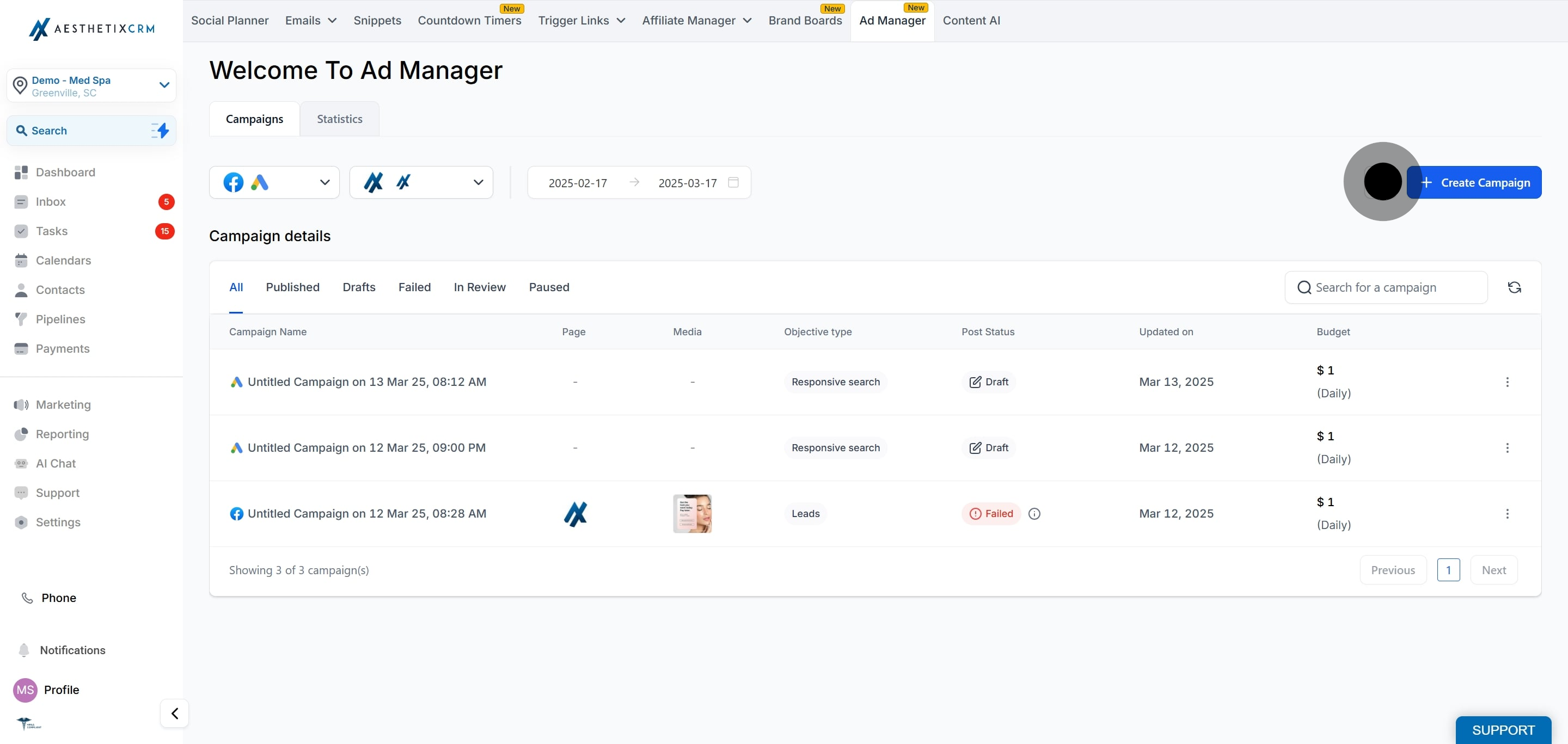
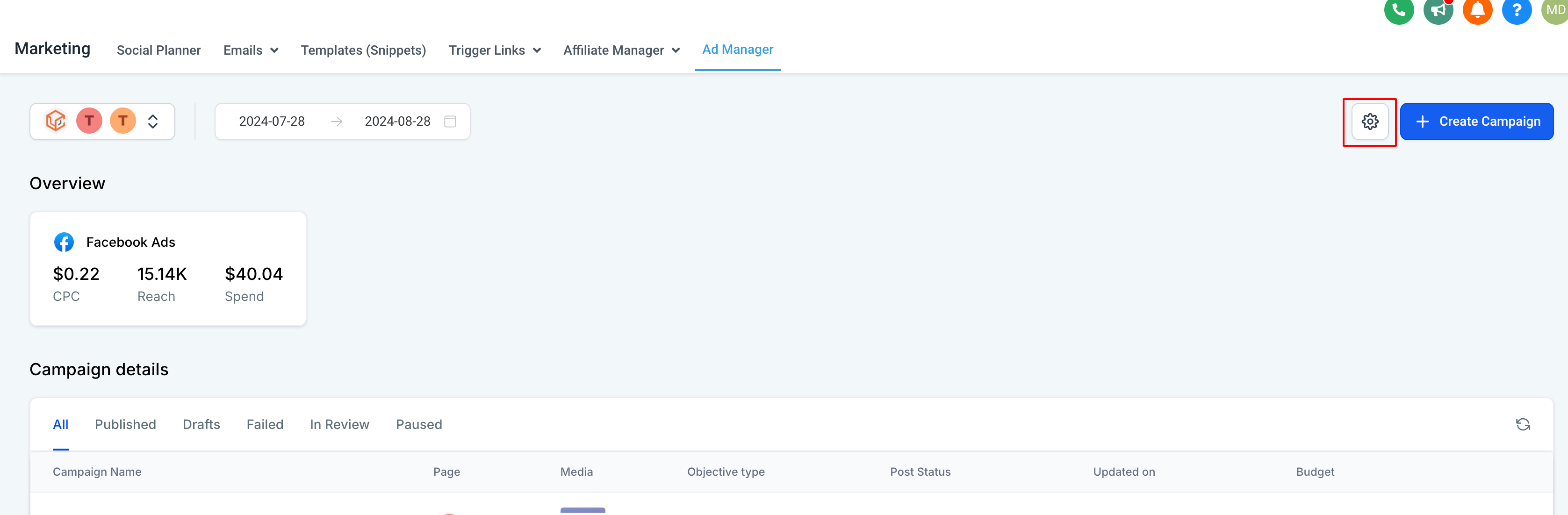
Open Settings in Ad Manager using the gear icon at the top right of the Ad Manager home page.
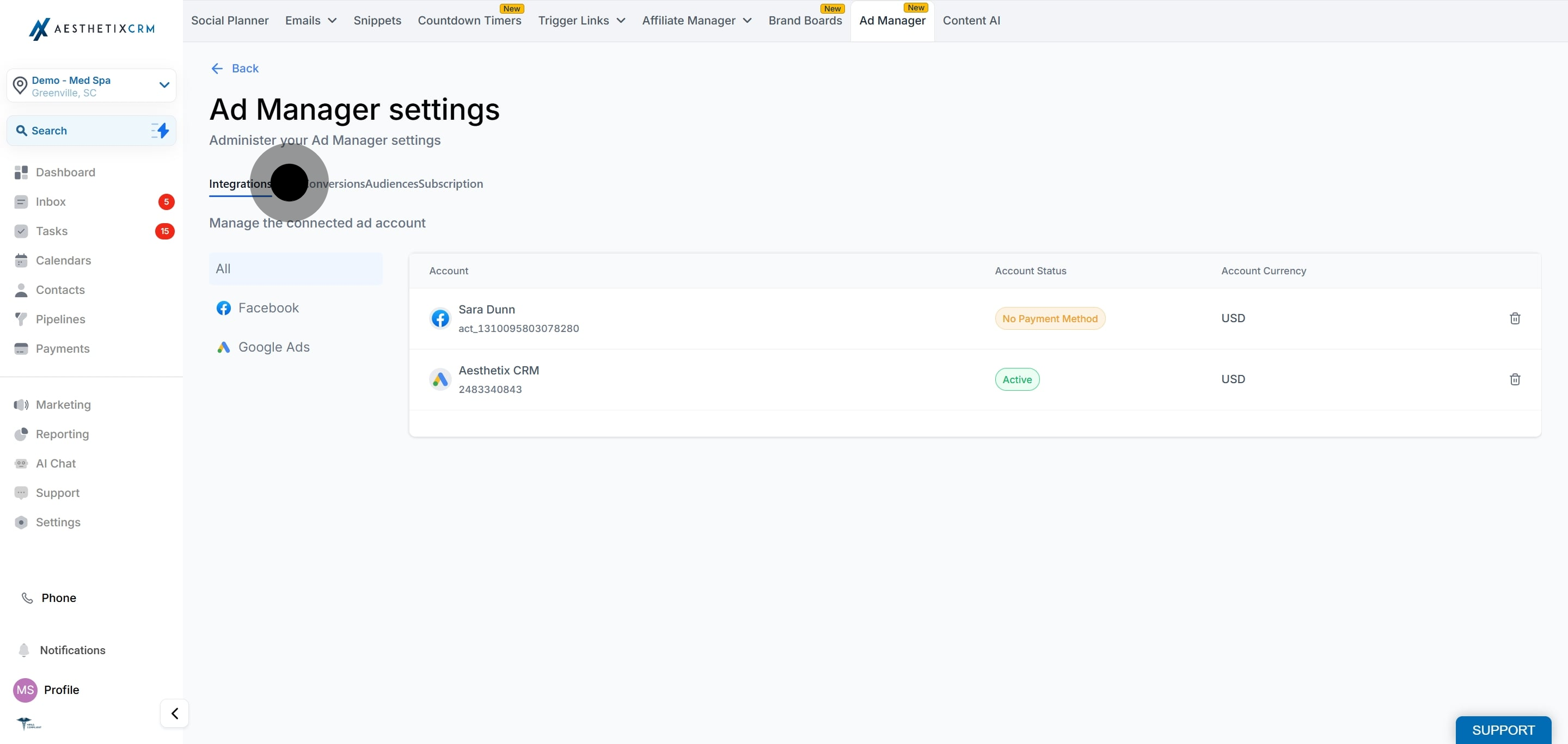
Go to the Pages section, where all Facebook Pages connected to Ad Manager are listed.
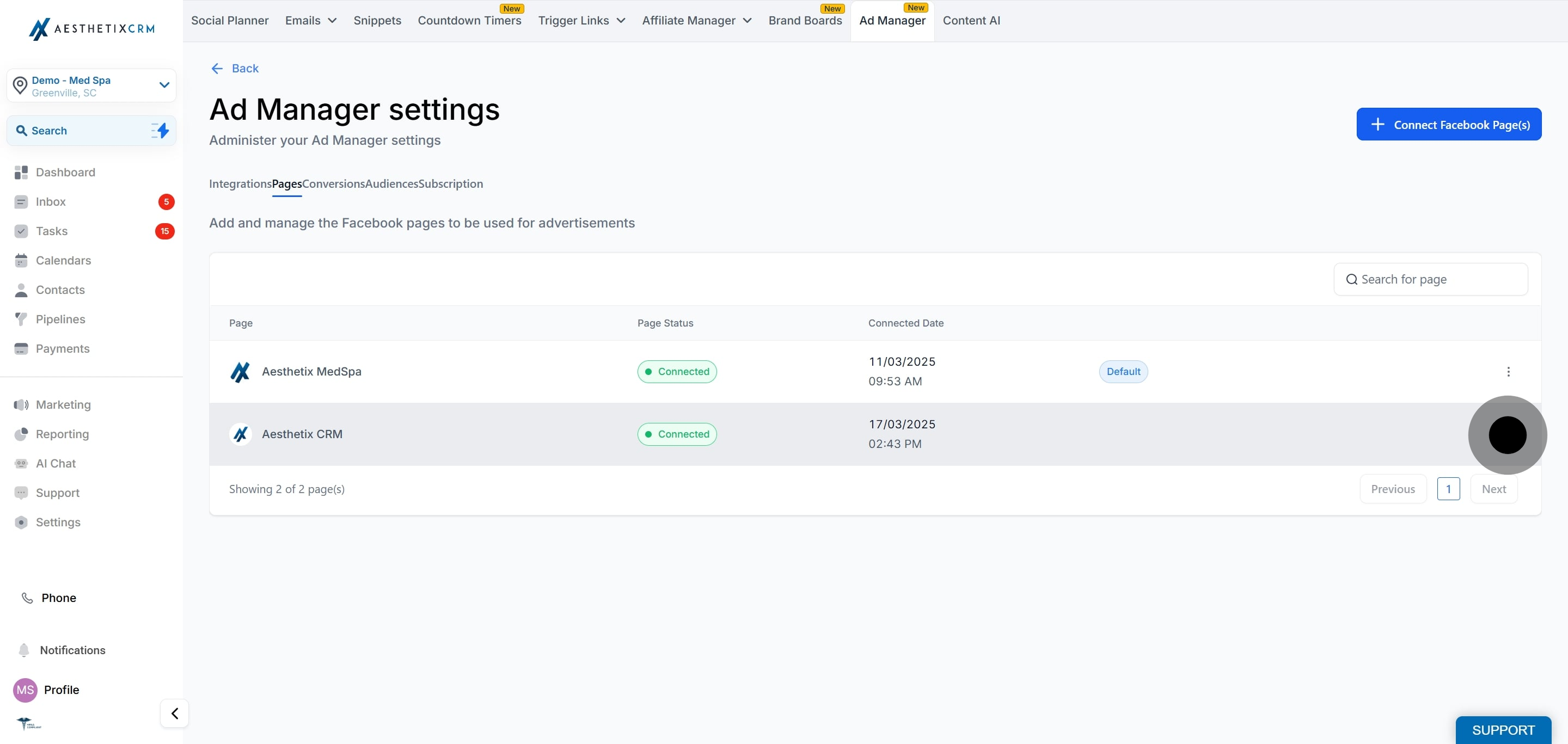
Find the Page you want and click the three dots (the ellipsis) at the right edge of that Page's row.
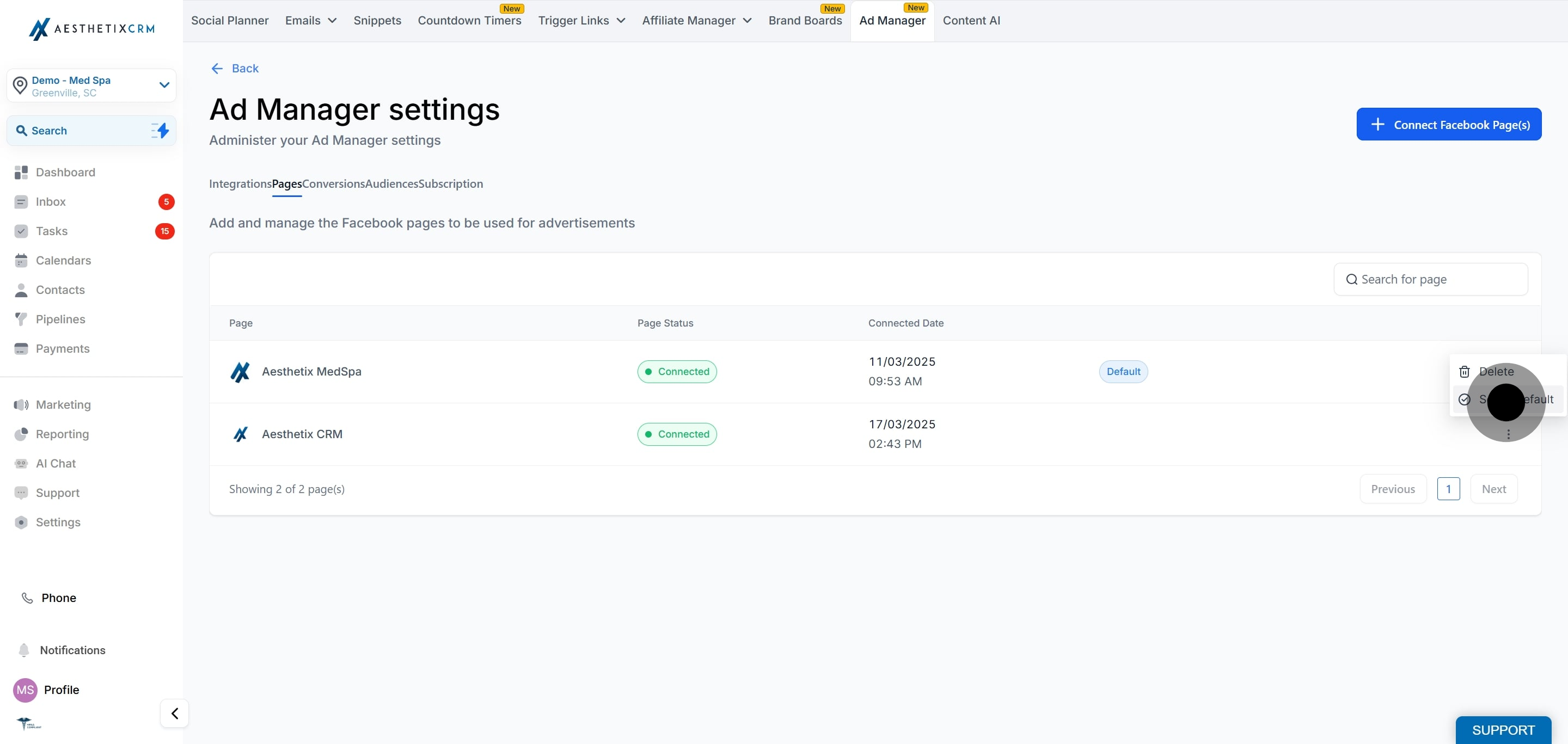
Click Set as default to finish. That Page becomes the default, and the previously selected default Page is no longer the default choice for new campaigns.
Frequently Asked Questions
What does setting a default Facebook Page actually do? It decides which connected Page is preselected in the campaign builder when you start a new campaign. It does not lock you in, since you can switch Pages while creating the campaign.
Can I have more than one default Page? No. Only one Page can be the default at a time. Setting a new default automatically removes the default status from the previous Page.
How is the first default Page chosen? During onboarding, the first Facebook Page you connect to Ad Manager is automatically set as the default.
What happens to the default if I delete that Page? If you delete the Page that is currently set as default, the next connected Page automatically becomes the default.
Where do I find the Pages settings? Open Ad Manager, click the gear or settings icon at the top right of the Ad Manager home page, then go to the Pages tab.
Can I still publish to a different Page for a single campaign? Yes. During campaign creation you can select any connected Page, regardless of which one is set as the default.