Cloning a campaign creates an exact copy of an existing campaign, so you can quickly replicate its structure, settings, and creative instead of building from scratch. For a med spa, this is a fast way to spin up a new version of a proven ad, whether you are scaling a winning Botox promotion, testing a new audience, or relaunching a seasonal offer.
Save time and effort
Quick duplication: Cloning copies all the settings, targeting, and creative, so you avoid setting up a new campaign from scratch.
Faster testing: When you A/B test different audiences, locations, or creatives, cloning lets you set up variations quickly without manually rebuilding each element.
Consistency in settings and structure
Uniformity: Your cloned campaign keeps the same structure, budget allocation, and optimization settings as the original, which matters when you scale or want a repeatable setup.
Maintain proven success: If a campaign is performing well, cloning preserves the settings that worked, increasing your chances of repeating that success.
Easier scaling
Scaling up: Duplicate a successful campaign and make small tweaks to expand reach, for example targeting a new city, increasing the budget, or adjusting the audience.
Multiple variants: Clone a campaign to create separate versions for different audiences, placements, or devices while keeping the original structure intact.
Simplified multi-location campaigns
Adapt for new markets: If your practice runs ads across multiple locations or regions, cloning lets you quickly adjust location, language, and currency for each one.
Localize: Clone a campaign and tweak the copy or creative to suit a local audience while keeping the structure consistent.
Efficiency for seasonal or recurring campaigns
Replicate promotions: For recurring events and holidays, cloning lets you reuse the same creative and structure with minimal changes.
Repeat routine campaigns: If you regularly run similar campaigns, such as a monthly special, cloning gets them set up faster.
Easier management and tracking
Compare performance: Clone a campaign, make a small change, and compare how each version performs to learn what works best.
Maintain structure: Cloning keeps the campaign hierarchy consistent, making it easier to manage multiple ad sets and ads.
Scaling successful campaigns: Expand a campaign that is performing well without redoing everything.
Testing different audiences: Clone the campaign to target different segments and compare performance.
Replicating across regions or platforms: Clone and modify a campaign to adapt it to new locations or networks.
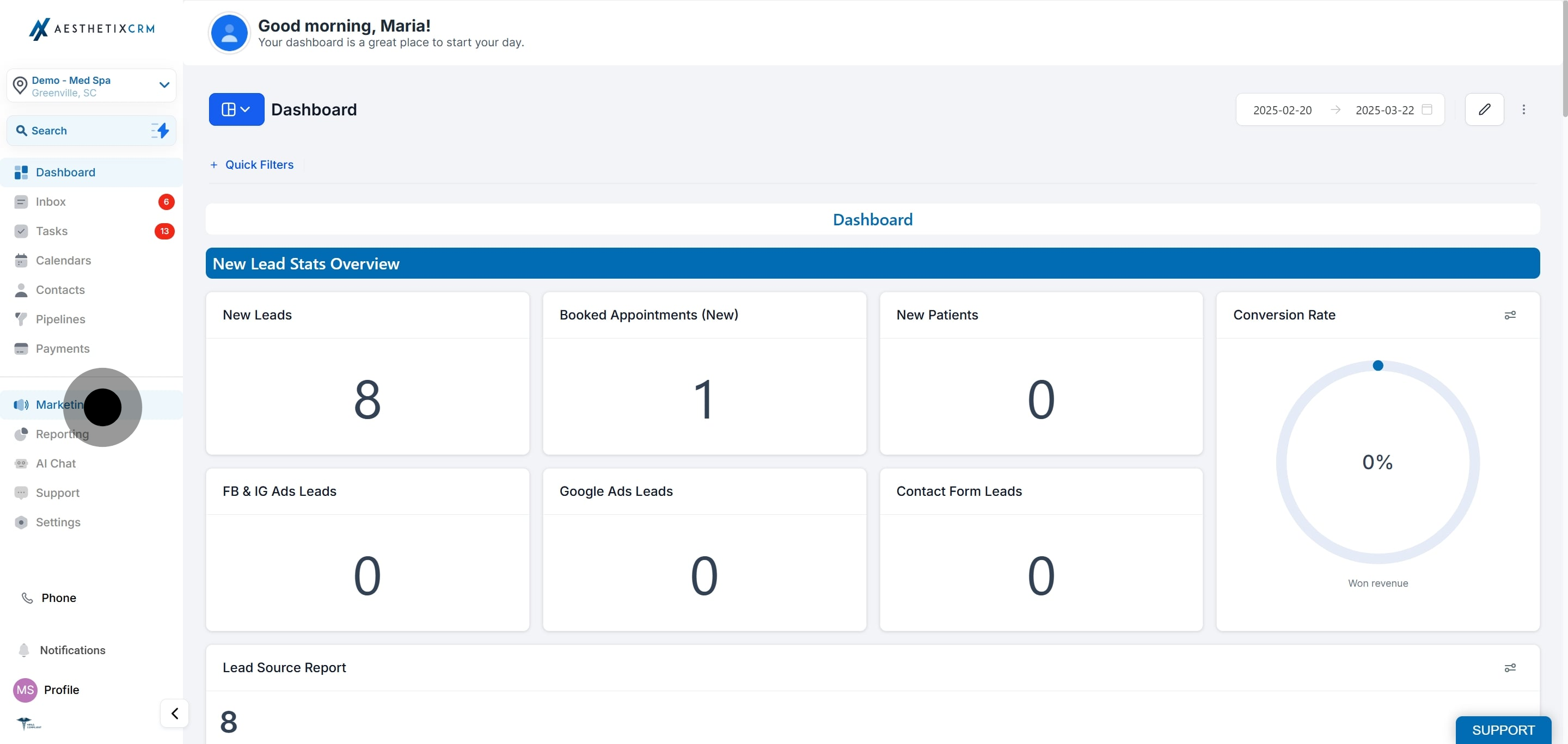
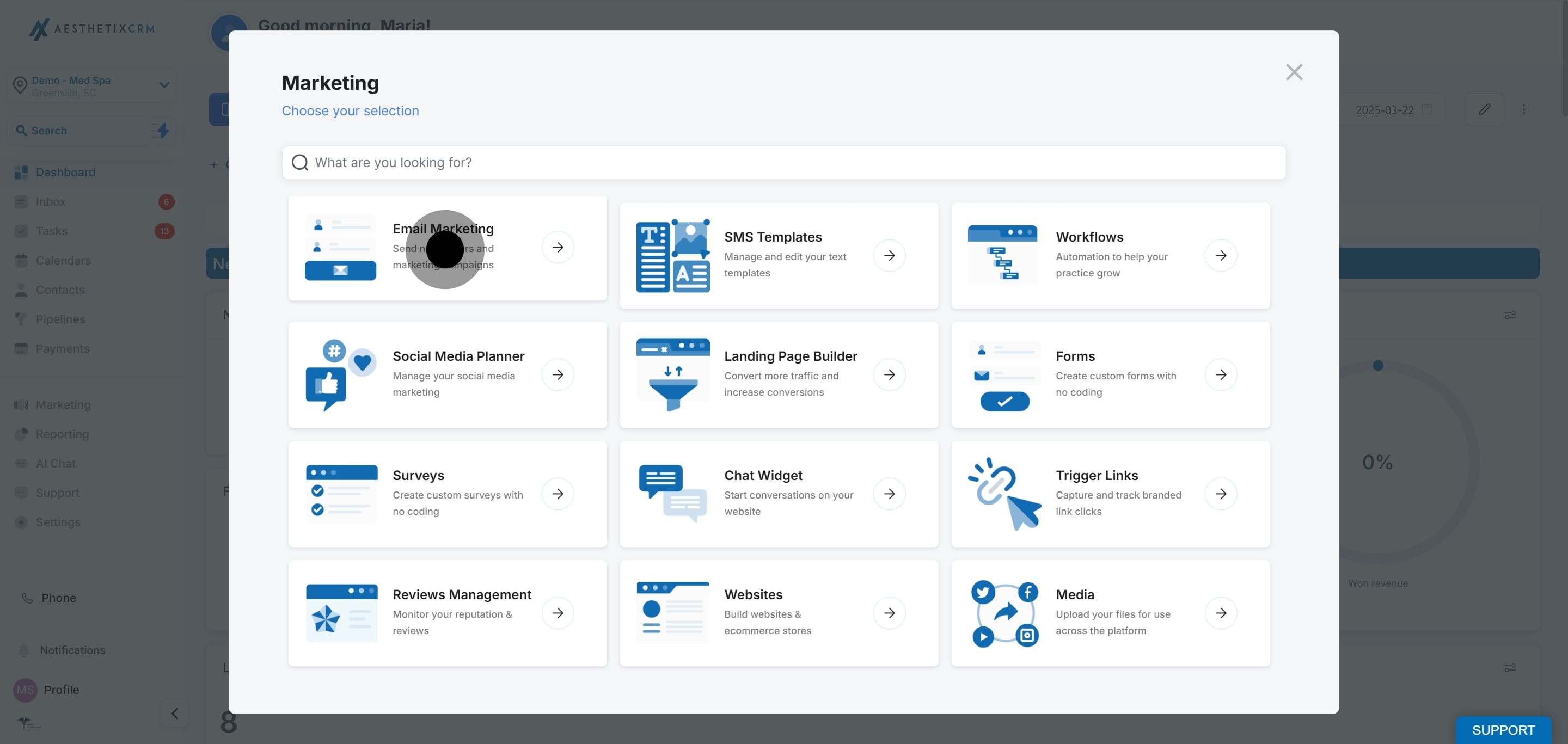
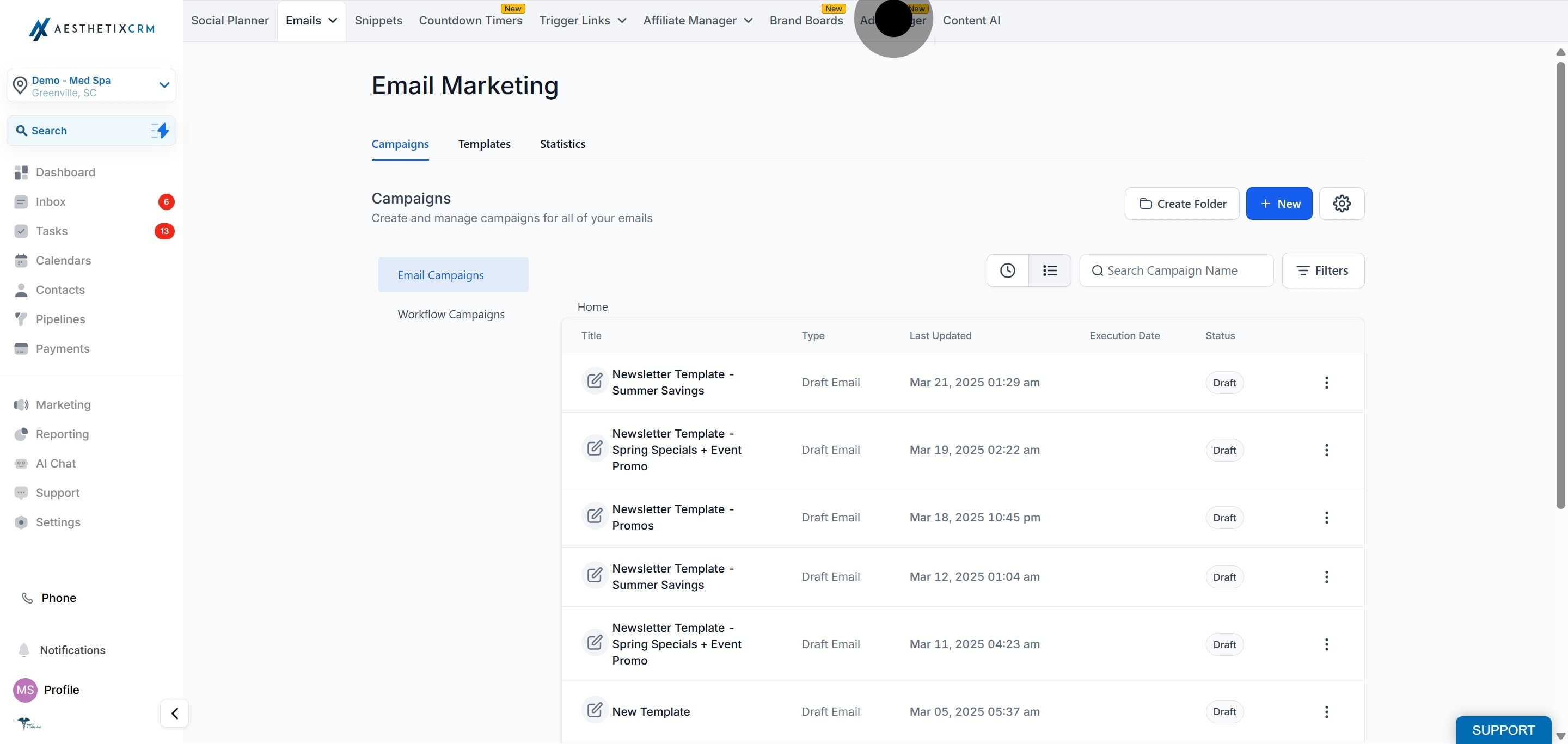
Open Ad Manager, find the campaign you want to copy, and clone it from its ellipsis menu.
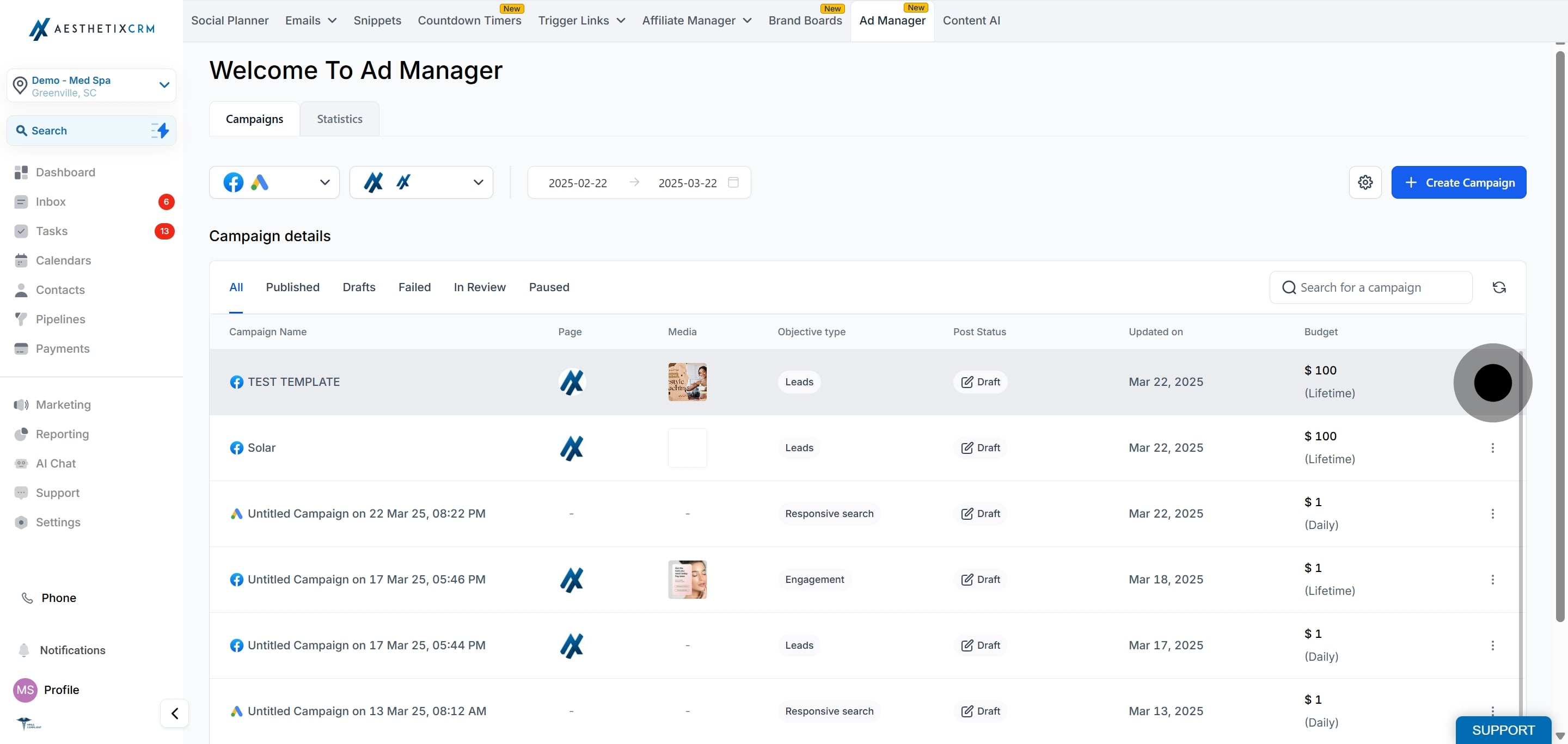
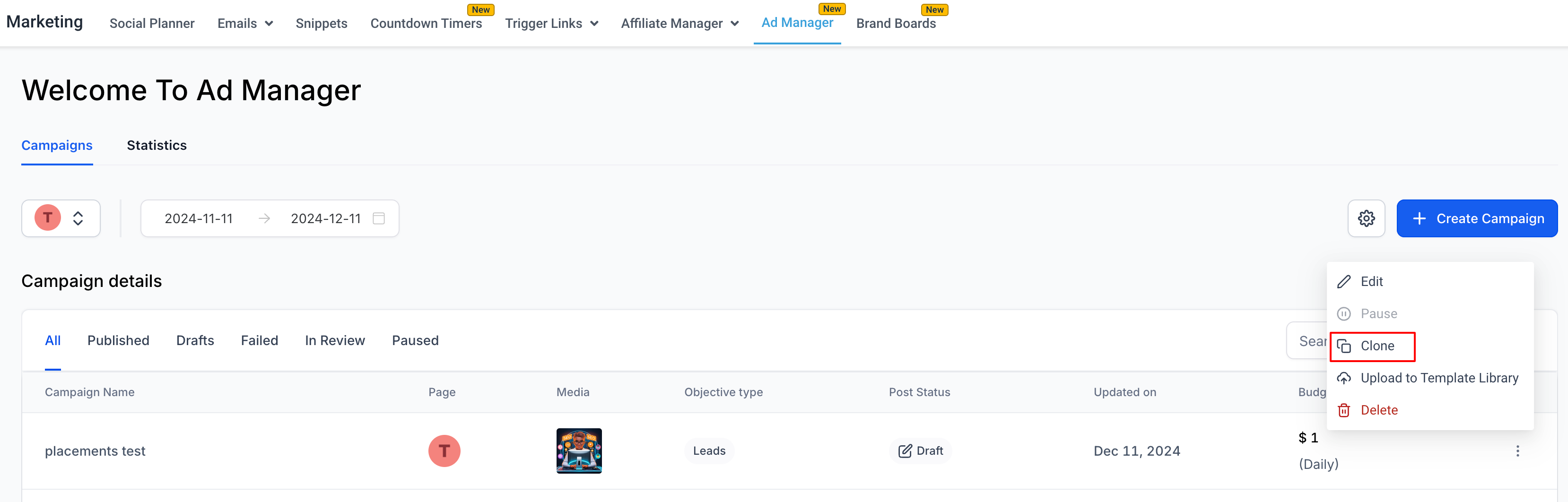
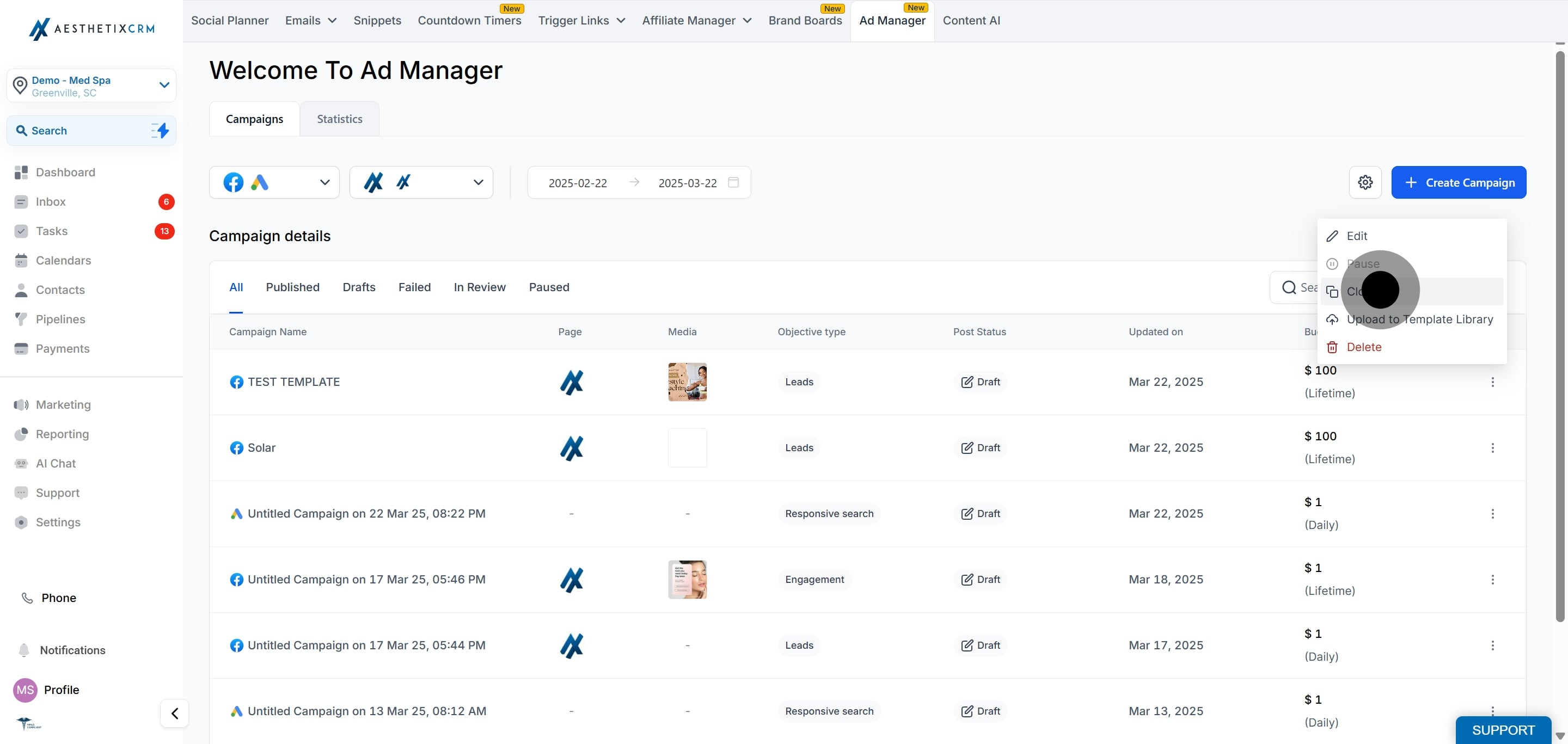
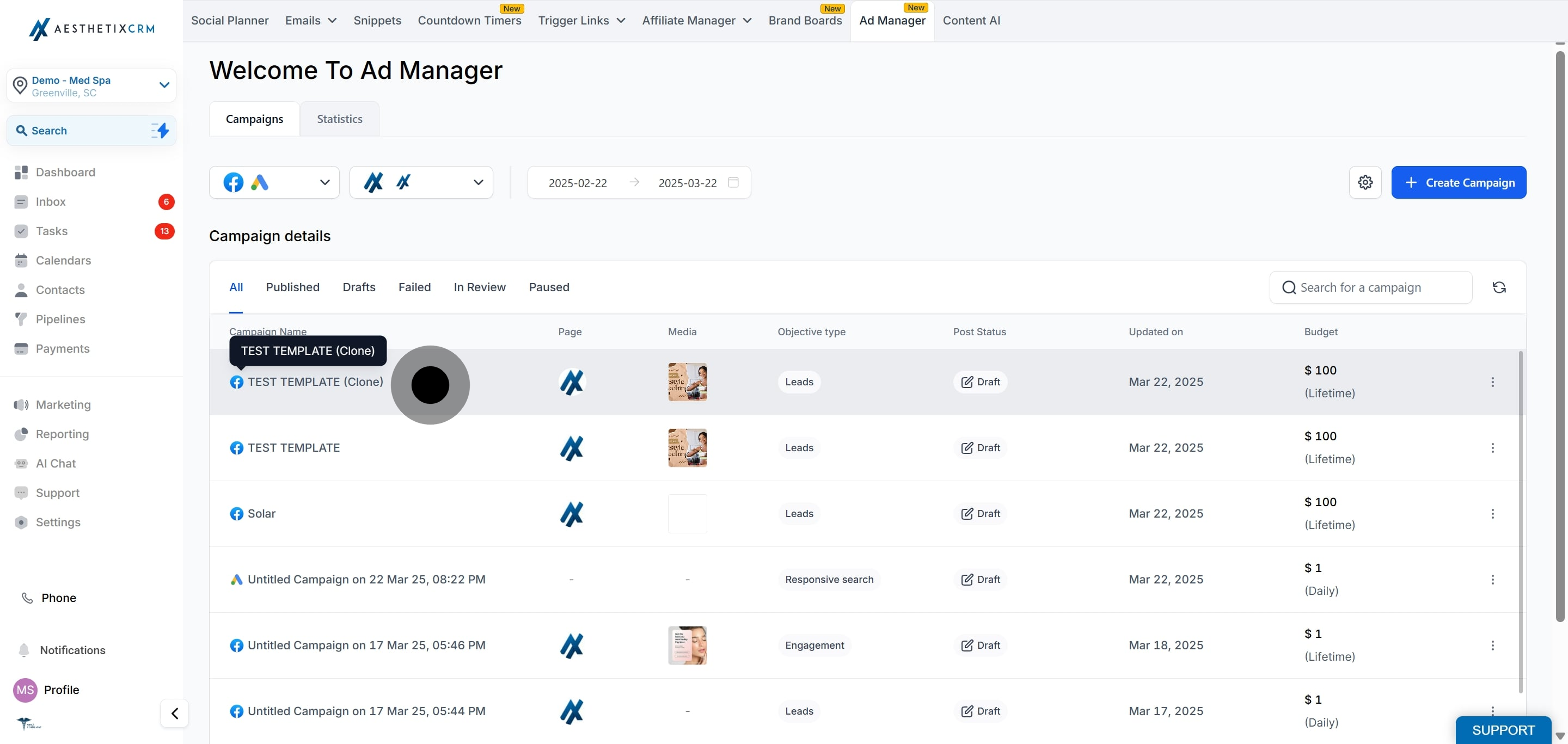
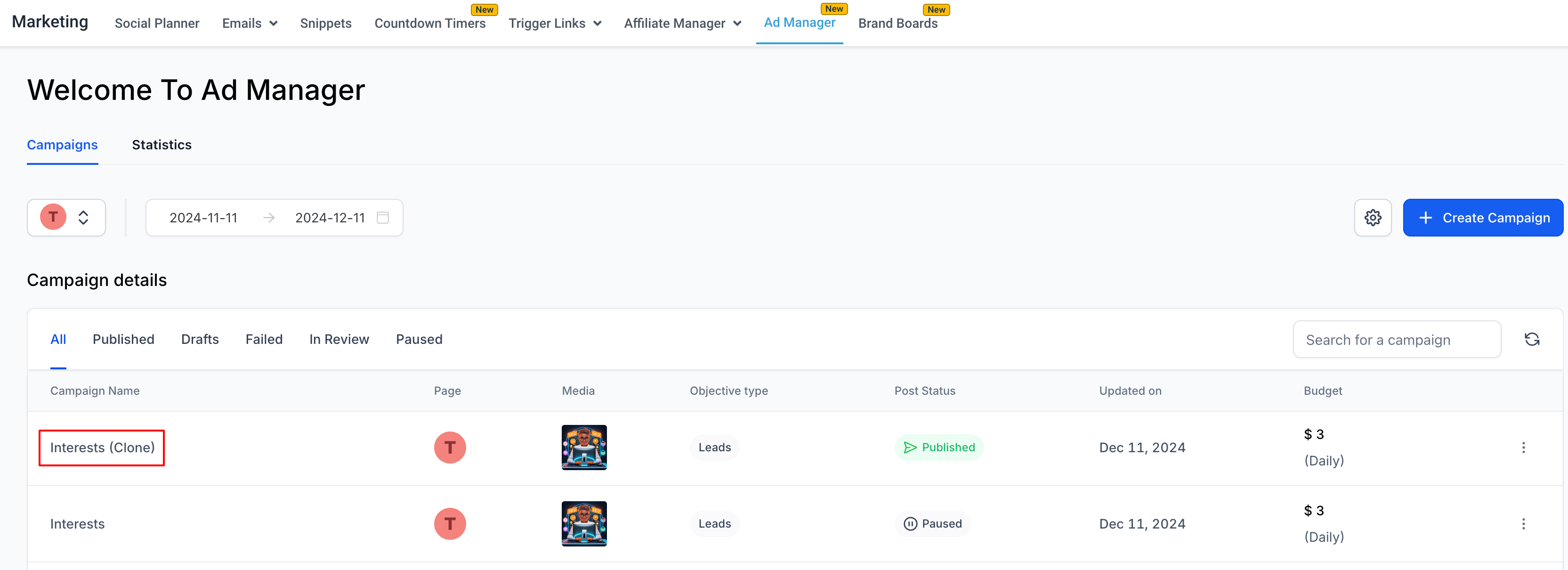
An exact replica is created at the top of the list with the campaign name suffixed with "(clone)". Open it to adjust any details, such as budget, audience, or creative, before publishing.
What exactly gets copied when I clone a campaign?
Cloning creates an exact copy of the campaign, including its structure, settings, targeting, budget allocation, and creative.
Where does the cloned campaign appear?
It appears at the top of your campaign list with "(clone)" added to the campaign name.
Does cloning publish the new campaign automatically?
No. The clone is created so you can review and adjust it. Publish it when you are ready.
Can I change the audience or budget on a clone?
Yes. Open the clone and edit any details, such as audience, budget, locations, or creative, before publishing.
Is cloning a good way to A/B test?
Yes. Clone a campaign, change one element such as the audience or creative, and compare the two versions to see which performs better.
Can I use cloning for a different location or season?
Yes. Cloning is well suited to adapting a proven campaign for a new location, a new audience, or a recurring seasonal promotion with minimal rework.
