Tap to Pay turns a compatible phone into a contactless payment reader, so your front desk can collect payments in person without any extra hardware. Patients tap a card or mobile wallet, and the payment is processed through your connected provider. Aesthetix CRM supports Tap to Pay through both Stripe and Square, and this guide covers both.
Tip: Aesthetix CRM offers AX Pay, our own payment processing with rates better than Stripe. Before you set up an outside processor for in-person payments, we recommend reviewing AX Pay. See AX Pay Overview and Setup Guide.
Seamless transactions: Payments complete in seconds with a wide range of contactless methods. No swiping, no PINs, no signatures.
Speed and convenience: Patients simply tap a compatible card or smartphone on the device running the mobile app.
Enhanced security: Advanced encryption keeps your practice's and your patients' financial information protected during every transaction.
Wide compatibility: Supports contactless credit and debit cards, Apple Pay, Google Pay, and other mobile wallet apps, so patients can use their preferred method.
No extra hardware: Your phone acts as the payment reader, which is ideal for the front desk, treatment rooms, and pop-up or event settings.
Android devices
NFC-capable Android devices
Android 8 or later
iPhone devices
iPhone XS or newer
iOS 16 or later (iOS 16.4 or later for Tap to Pay on Square)
Available in the United States
Tap to Pay does not work on beta versions of iOS. For the best experience, keep your device on the latest stable operating system.
Outside the United States, Tap to Pay is in beta in most countries. You may need to join the Aesthetix mobile app beta program to access it.
Before you begin, make sure your Stripe account is connected in the Aesthetix web app. If you see a "Stripe not connected" message in the mobile app, connect Stripe first:
Go to Payments and then Integrations.
Click Connect with Stripe.
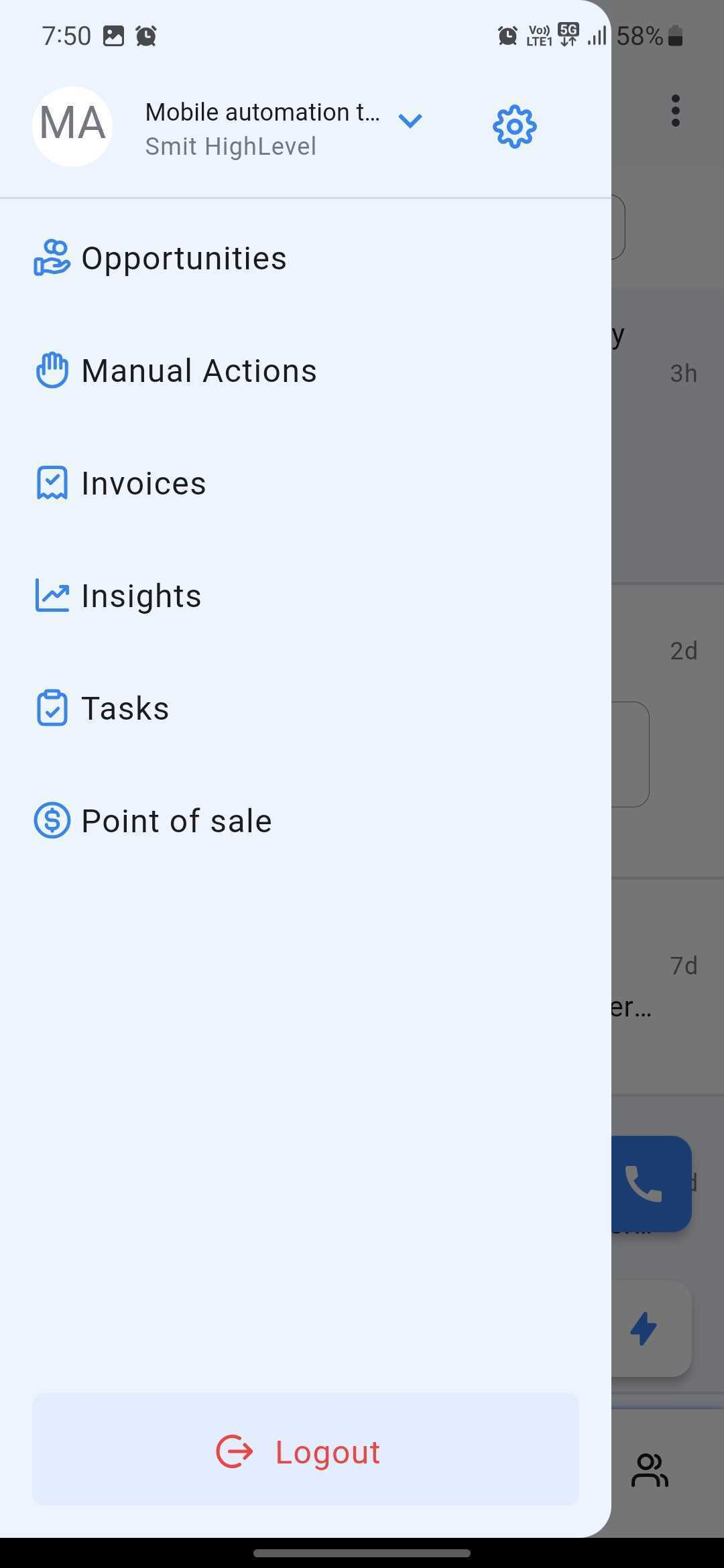
Open the Aesthetix mobile app and select Point of Sale (POS).
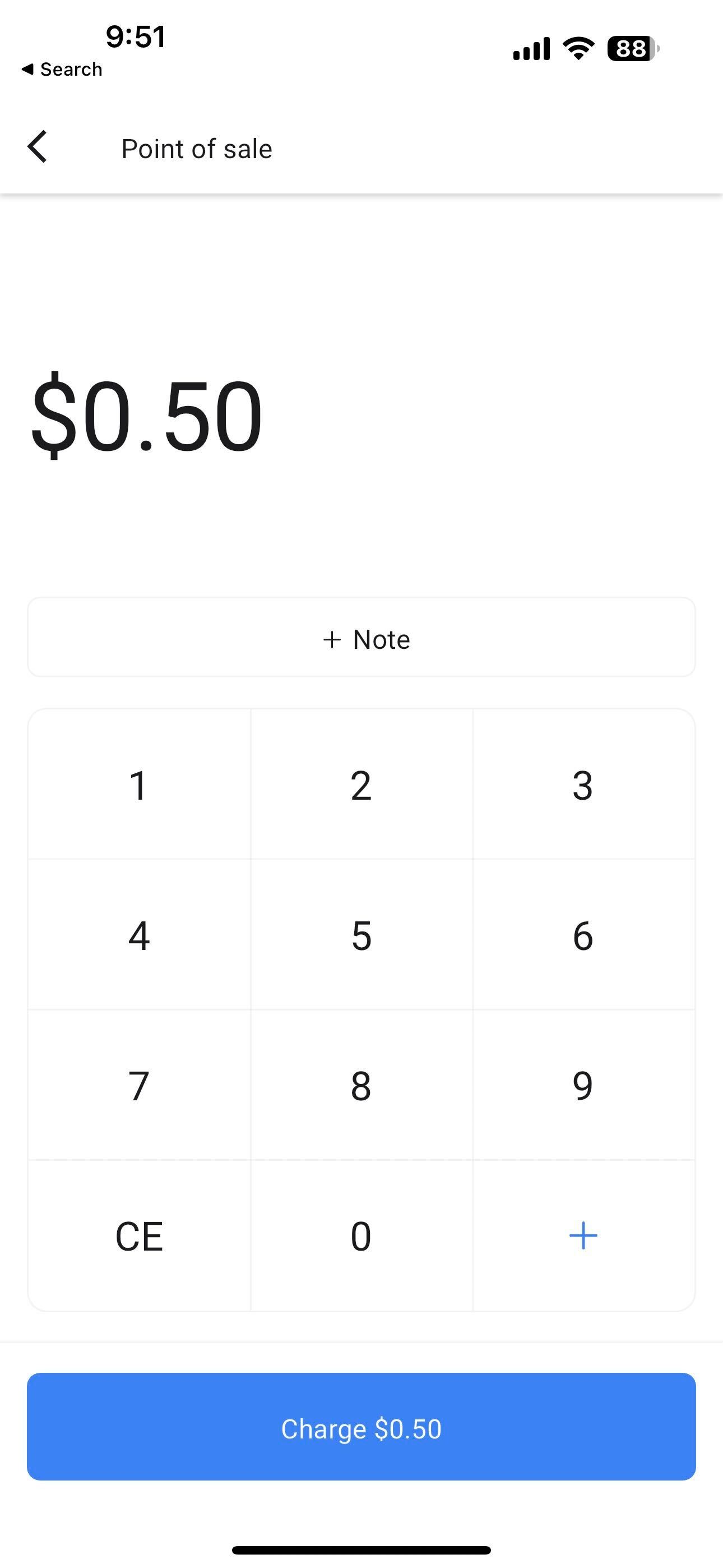
Enter the payment amount for the transaction. You can add details about the sale by selecting + Note.
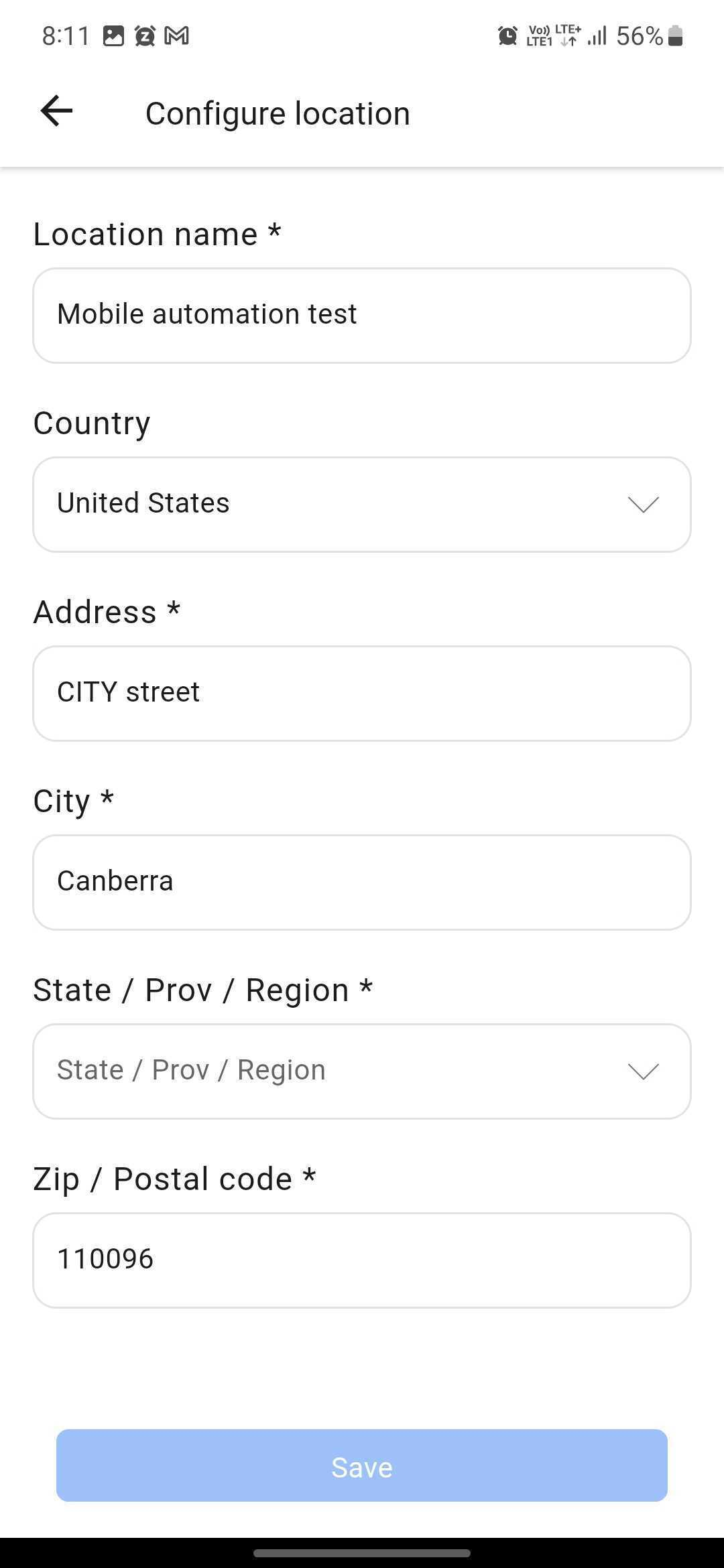
Make sure the correct location is selected in the mobile app, since Tap to Pay currently works only in supported regions. Current availability is the United States.
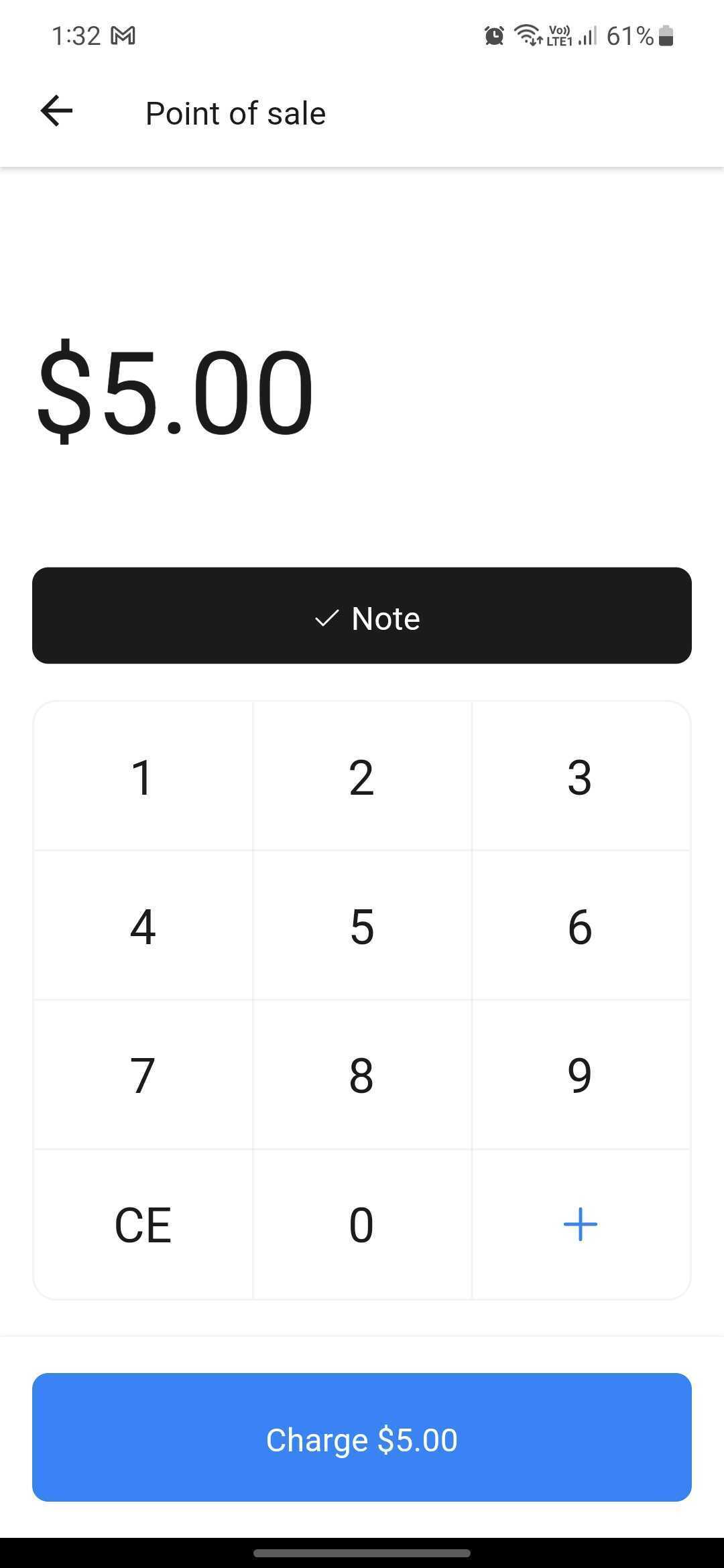
After entering the amount and any notes, tap Charge (Amount).
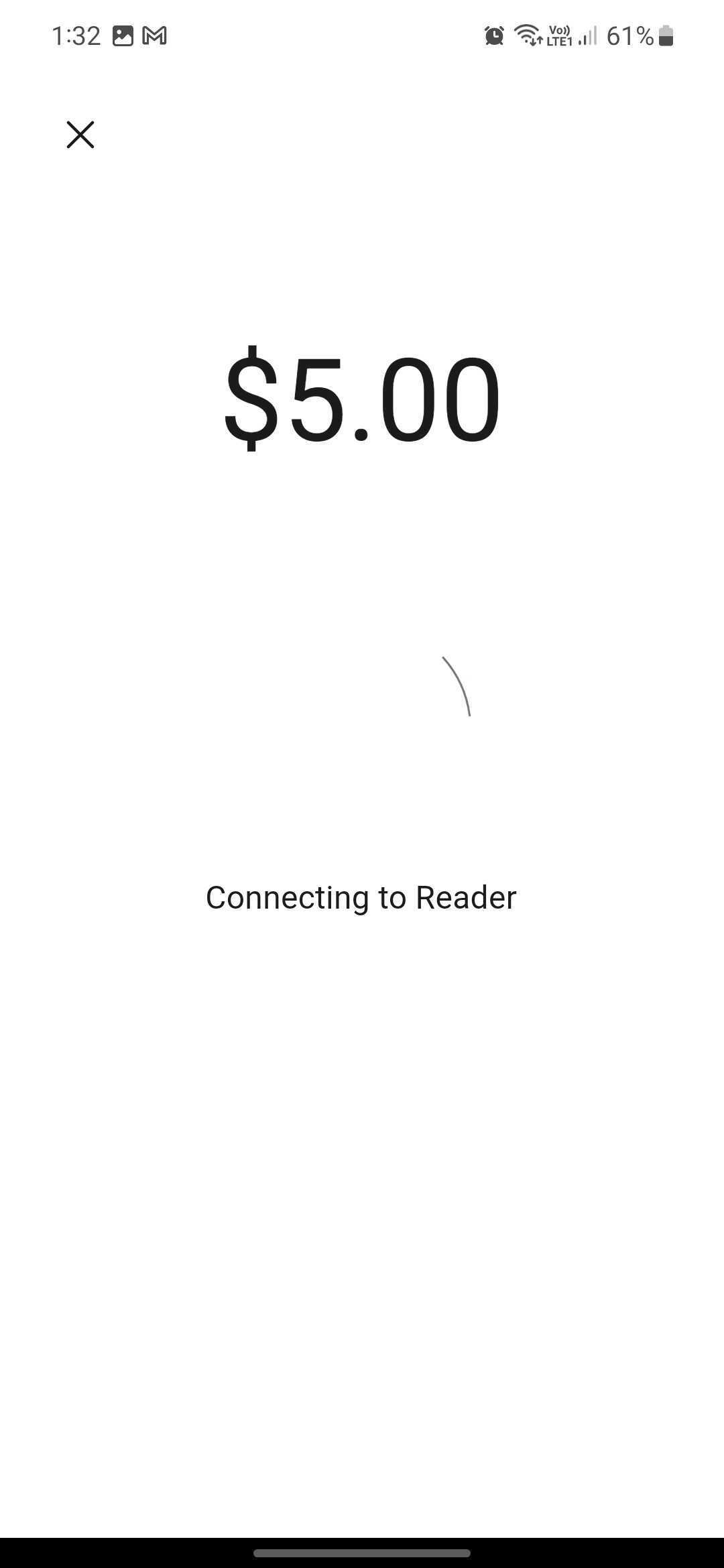
Wait for the app to initialize the payment reader.
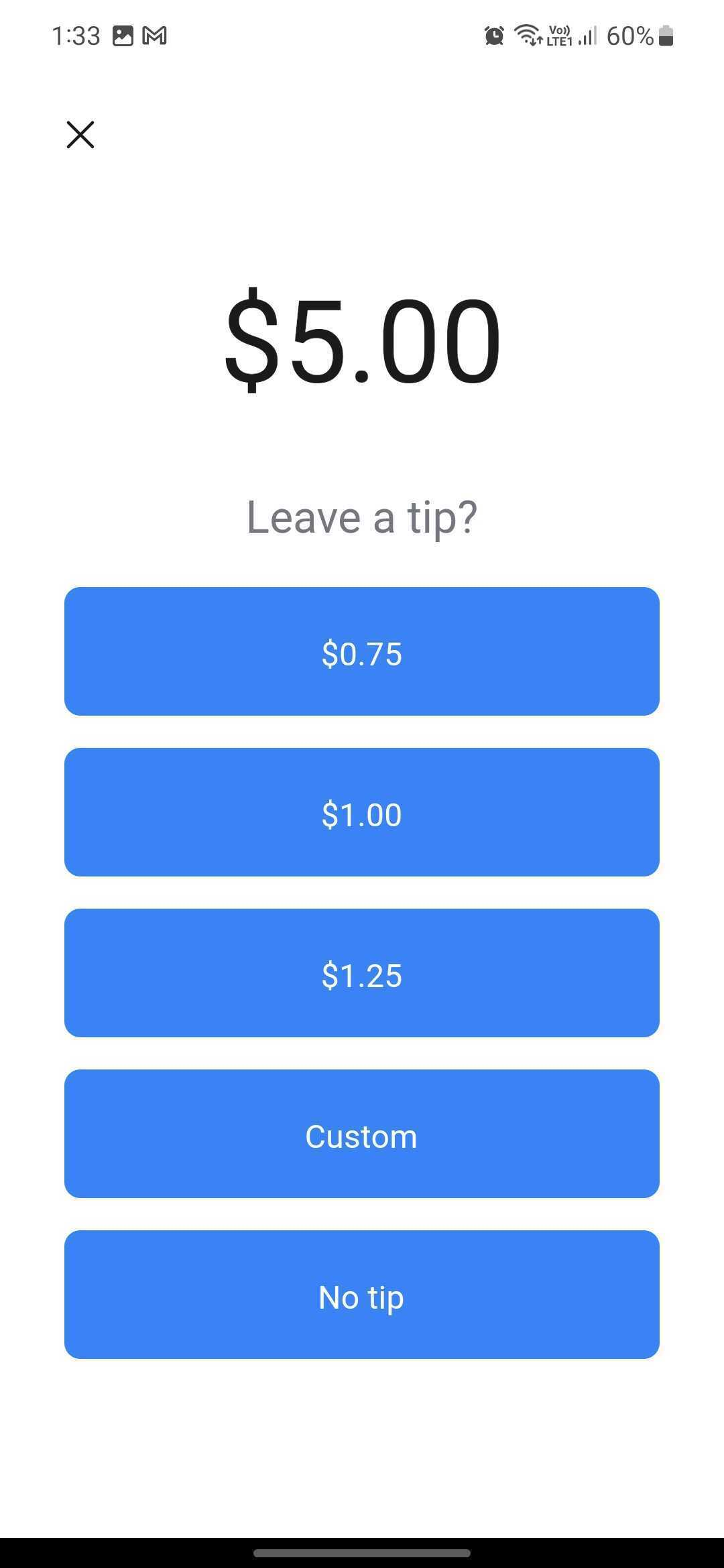
Patients can add a tip before completing the payment. Options include predefined tip amounts, a custom tip amount, or no tip.
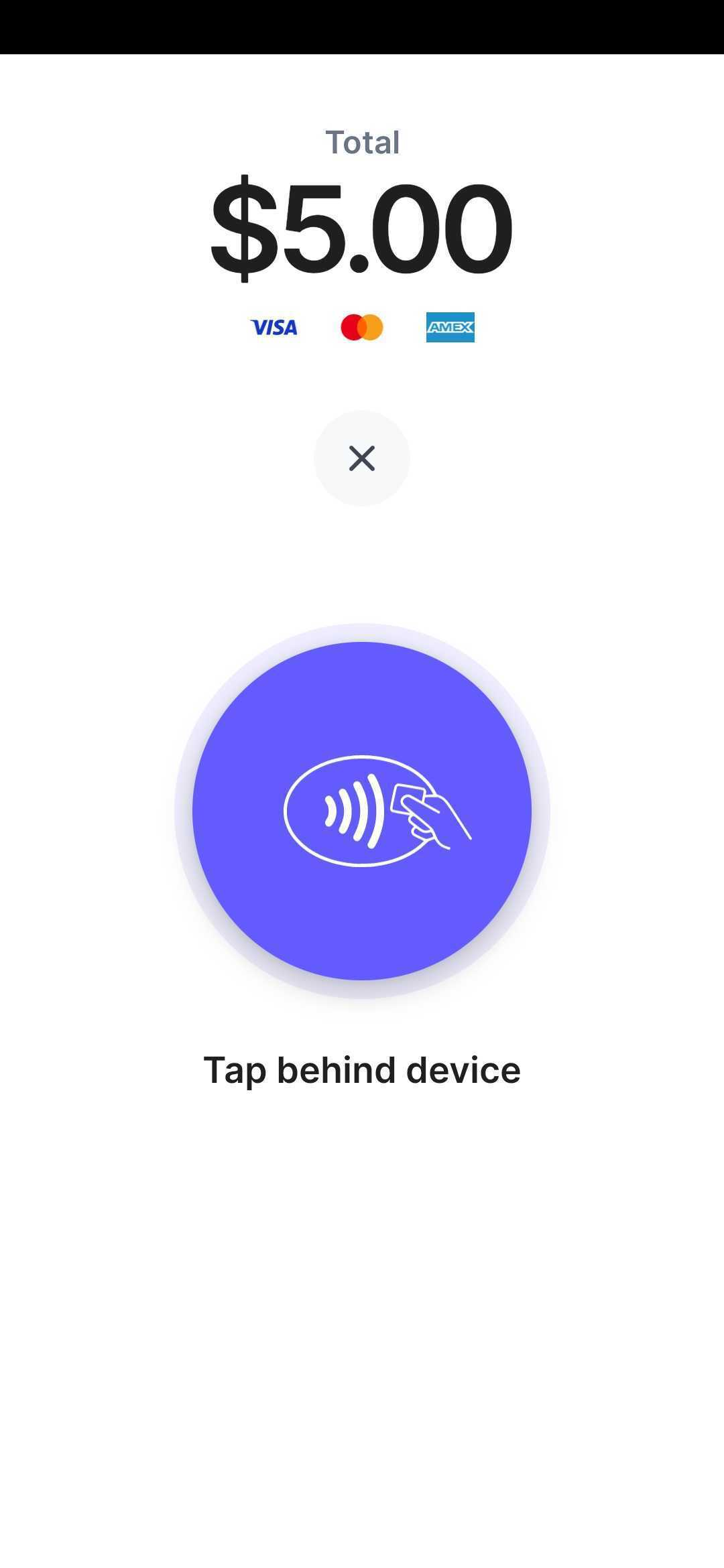
Ask the patient to tap their contactless payment method to the device. Supported methods include credit or debit cards, Apple Pay, Google Pay, and other NFC-enabled wallets. The app securely collects the payment through your Stripe account.
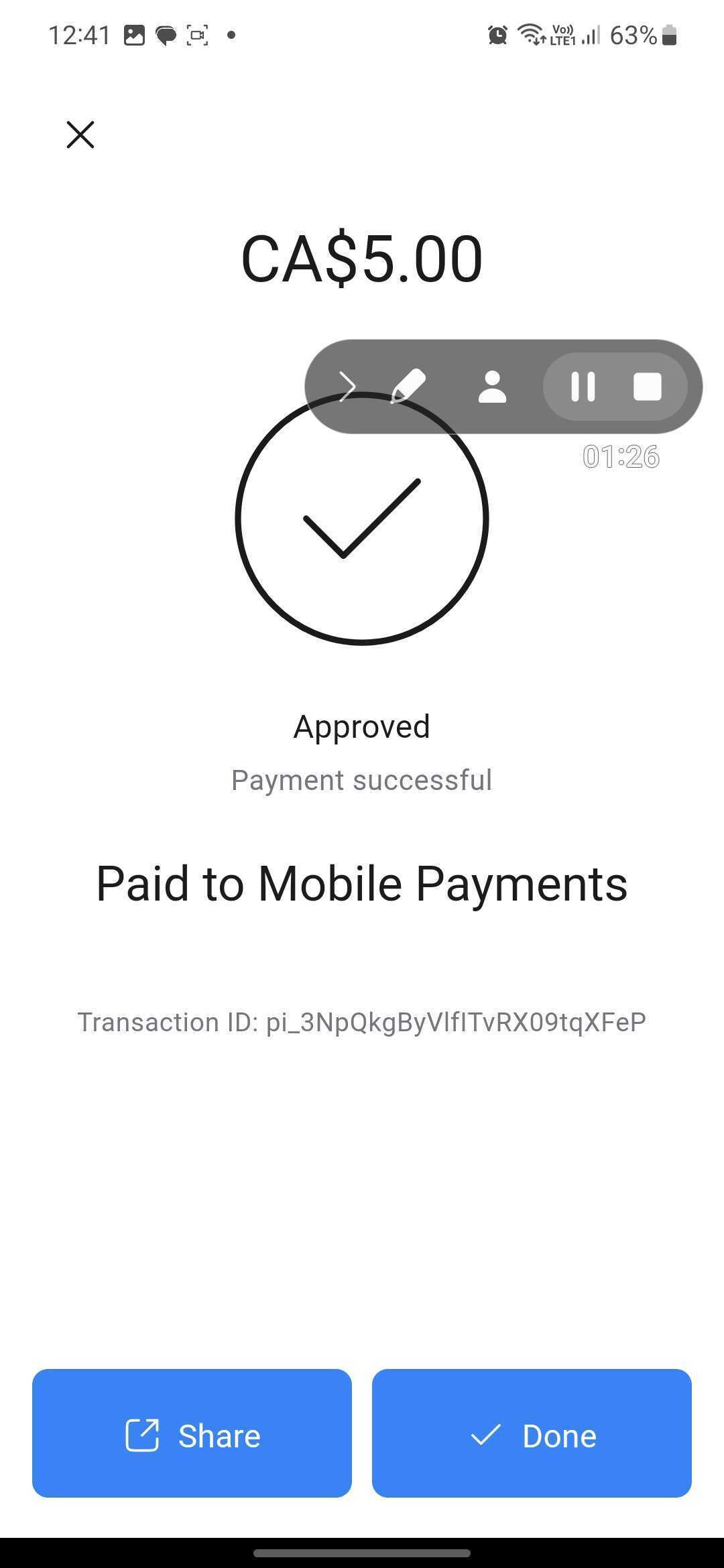
Once the payment processes successfully, you will see Approved, Payment Successful, along with your business name and a transaction ID.
Tap to Pay on Square lets your practice accept in-person contactless payments directly through the Aesthetix mobile app on supported iPhones. It uses Square's payment platform and requires no hardware beyond the iPhone itself. It works alongside your other Square options, including Cards on File, Manual Card Entry, and Square Readers.
Tap to Pay on Square is currently available for:
iPhone XS or newer
iOS 16.4 or later
Aesthetix mobile app version 3.98 or higher
Whitelabeled mobile apps updated to version 3.98 or higher (requires a request through Support)
This feature is currently iOS-only. Android is not supported for Tap to Pay on Square at this time.
An active Square account with payment processing enabled
An active Square Location connected in Aesthetix CRM
A supported iPhone
The Aesthetix mobile app updated to version 3.98 or higher
Whitelabel mobile apps updated to version 3.98 or higher (request the update through Support)
If your Square account was connected before mobile Tap to Pay support was enabled, reconnect it under Payments and then Integrations to restore compatibility
Go to Payments and then Integrations in your Aesthetix web platform.
Connect your Square account.
Select an active Square Location in Live Mode.
Open the updated Aesthetix mobile app (version 3.98 or higher).
Navigate to the account used to connect Square.
Go to POS.
Tap Start a Sale.
Add items using the keypad or product catalog.
Link a contact if desired.
Apply taxes or discounts if needed.
Tap Review Sale to confirm the customer, items, subtotal, discounts, and total before choosing a payment method.
Tap Payment Instruments.
Select Square Payments.
Choose Tap to Pay on iPhone.
Ask the patient to tap their card or mobile wallet on your iPhone.
If Tap to Pay is not available, choose Manual card entry instead.
Once the payment succeeds, the app displays a confirmation screen and you can send or provide receipt options.
Do I need extra hardware to use Tap to Pay?
No. Your phone acts as the payment acceptance device, so no card reader is required.
Is Tap to Pay available on Android?
Tap to Pay through Stripe works on NFC-capable Android devices running Android 8 or later. Tap to Pay on Square is currently iPhone-only (iPhone XS or newer on iOS 16.4 or later).
Does Tap to Pay support Apple Pay and Google Pay?
Yes. Both methods support Apple Pay, Google Pay, and contactless credit and debit cards.
Which regions support Tap to Pay?
Tap to Pay is available in the United States. In most other countries it is in beta, and you may need to join the Aesthetix mobile app beta program.
Can I use Tap to Pay on multiple accounts?
Yes, but each account must have its own Square integration and connected location.
Can I still use other Square payment methods?
Yes. Tap to Pay on Square works alongside Cards on File, Manual Card Entry, and Square Readers.
Does Tap to Pay on Square add extra fees?
Aesthetix CRM does not charge additional fees. Transactions follow Square's standard processing fee structure.
How do I request the whitelabel mobile app update for Tap to Pay on Square?
Submit a request through Aesthetix Support to update your whitelabel mobile app to version 3.98 or higher.
Why isn't Tap to Pay working after a recent iOS update?
Tap to Pay does not work on beta versions of iOS. Make sure your device is running the latest stable operating system.
