You can download a PDF copy of any invoice or receipt in Aesthetix CRM, whether you need it for your records, to attach to an email, or to hand to a patient. PDFs are generated automatically when you download an invoice from the interface and when a receipt is sent through an automated workflow after a successful payment.
If you need a PDF copy of an invoice, follow these steps:
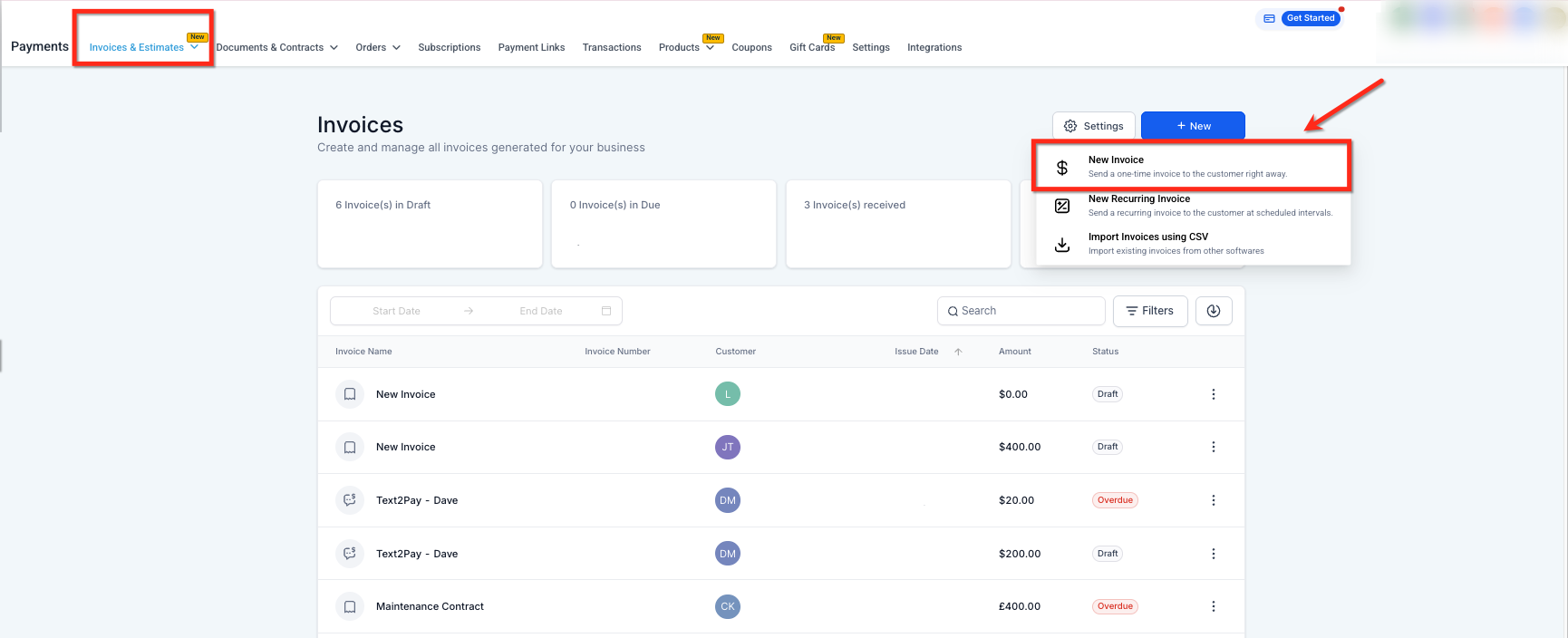
Go to the Payments section and click Invoices.
Locate the specific invoice you want to download and open it.
Click Download.
Select Invoice.
Click Preview to open the invoice.
Click Download PDF in the bottom right corner to save the file to your device.
The invoice will download to your device, ready to save, print, or attach to a message.
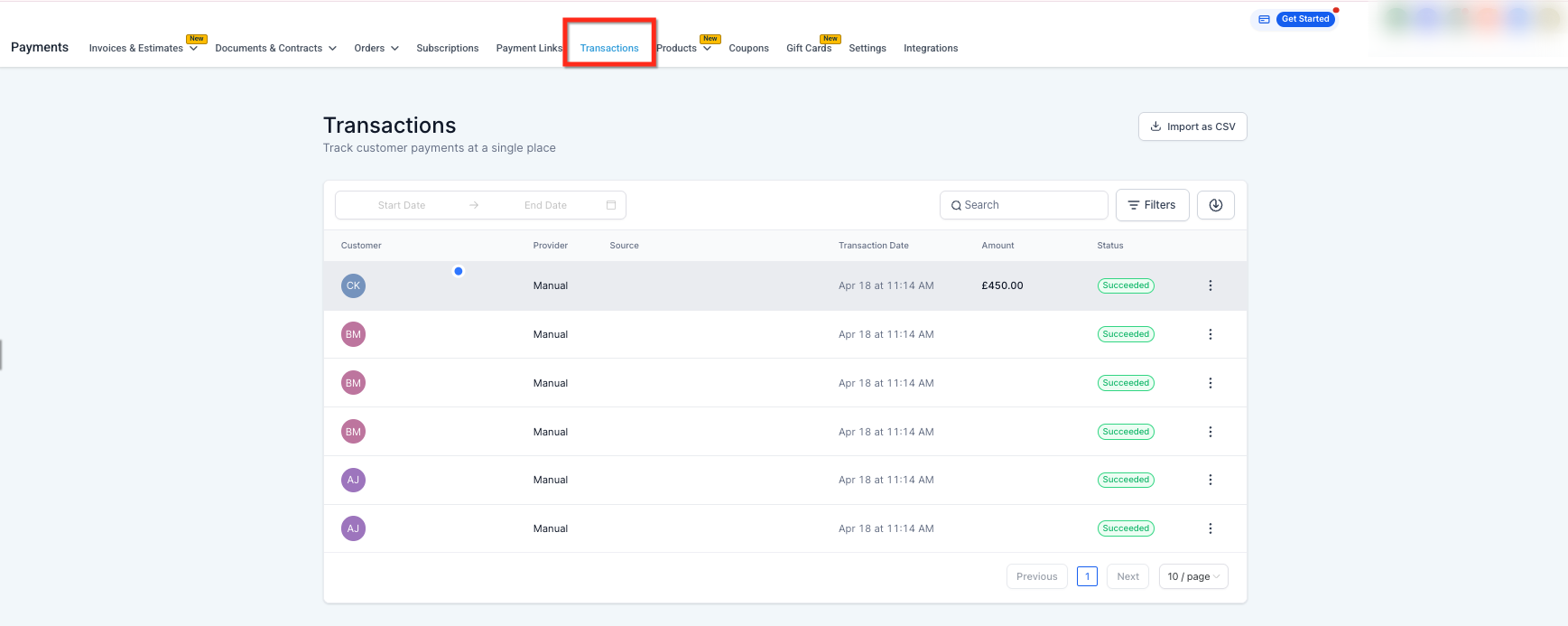
Receipt PDFs are generated automatically after a successful payment. They can be delivered to patients through automated workflows, and you can also open and download them from the related transaction in the Payments → Transactions area. You can view invoices and download receipts from the mobile app as well.
The PDF generation pipeline is the system that produces downloadable and email-ready PDF documents for invoices and receipts. It supports:
Downloading invoices from the billing interface
Generating receipts during payment flows
Sending invoices or receipts through automated workflows
The engine has been re-engineered for speed and reliability, and the improvements are already active for everyone. No setup or configuration is required.
Key improvements include:
Approximately 80% faster average PDF generation time
75% reduction in high-load (P95) latency
Elimination of timeout failures during PDF creation
Faster, more dependable delivery of invoices and receipts
Fewer PDF-related support issues
These gains apply to both manual downloads and automated delivery, and are most noticeable during high-volume activity or automation-heavy usage.
Metric | Before | After | Improvement |
|---|---|---|---|
Average Generation Time | ~14.8 seconds | 2.97 seconds | 80% faster |
P95 Latency | ~19.5 seconds | 4.8 seconds | 75% faster |
Timeout Failures | ~1% | 0% | 100% reliability |
How do I get a PDF copy of an invoice? Open the invoice from the Payments section, click Download, select Invoice, click Preview, then click Download PDF in the bottom right corner. The file saves to your device.
Do I need to enable or configure anything to use the improved PDF engine? No. The improvements are already active and apply automatically to all invoice and receipt downloads and workflows.
What if a PDF fails to generate or is delayed? Timeout-related issues have been eliminated. If a failure occurs, it is likely caused by an unrelated factor and should be reviewed by support.
Are my existing workflows automatically upgraded? Yes. Any workflow that generates or sends invoice or receipt PDFs uses the updated engine automatically, with no changes needed.
Can I see the performance improvement myself? Yes. Downloading an invoice or triggering a receipt email through a workflow should feel noticeably faster.
Does this upgrade affect other document types? No. The improvements apply specifically to invoice and receipt PDFs.
Can I download receipts from the mobile app? Yes. You can view invoices and download receipts directly from the mobile app.
