
Sometimes a task is no longer needed. A consult was canceled, a follow-up was created by mistake, or a duplicate slipped into your list. Deleting a task in Aesthetix CRM permanently removes it from your Tasks list so your team stays focused on the follow-ups that actually matter. If you only need to close out finished work, mark the task complete instead, since deleting a task cannot be undone from the list.
How to Delete a Task
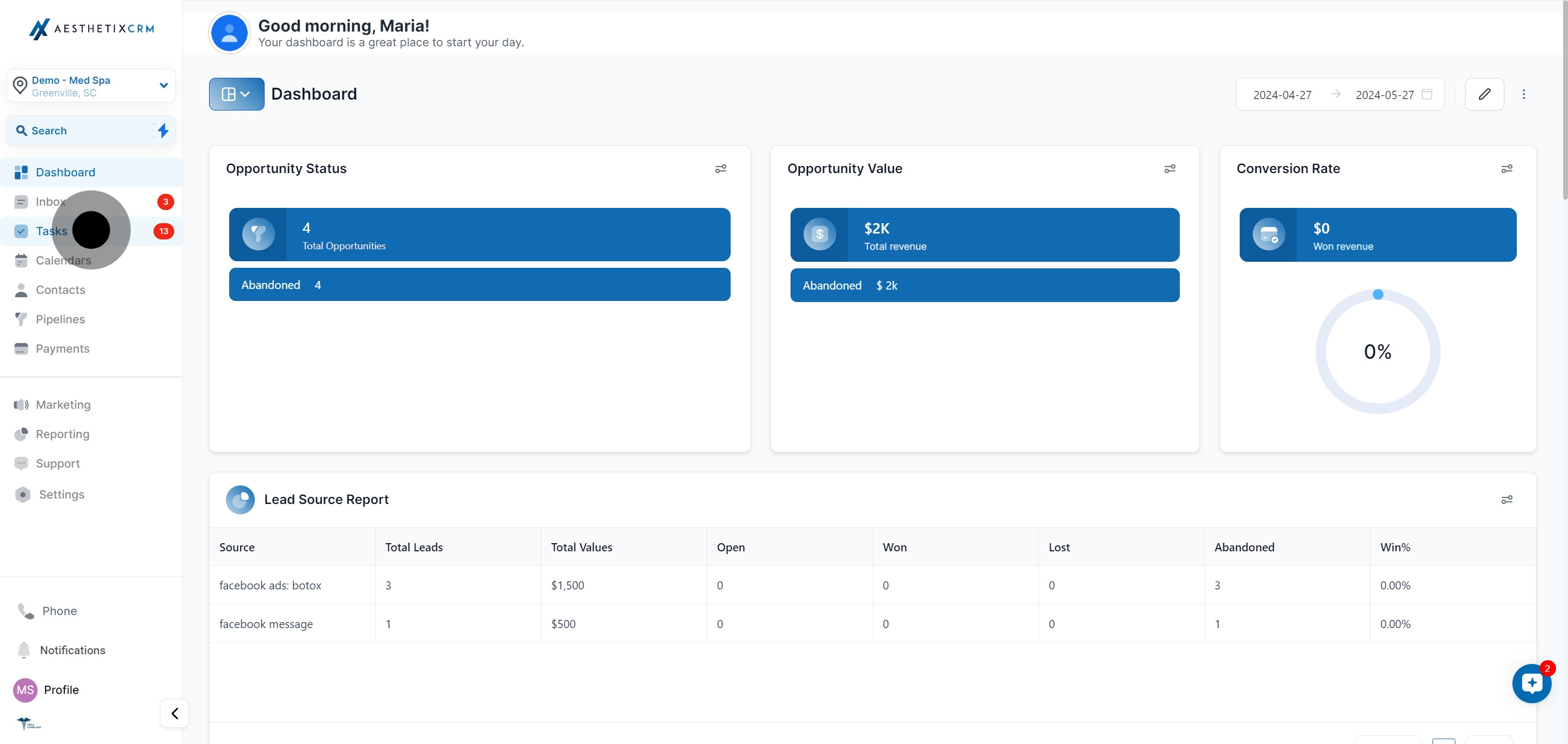
Open the Tasks list
Click Tasks to open your task list.
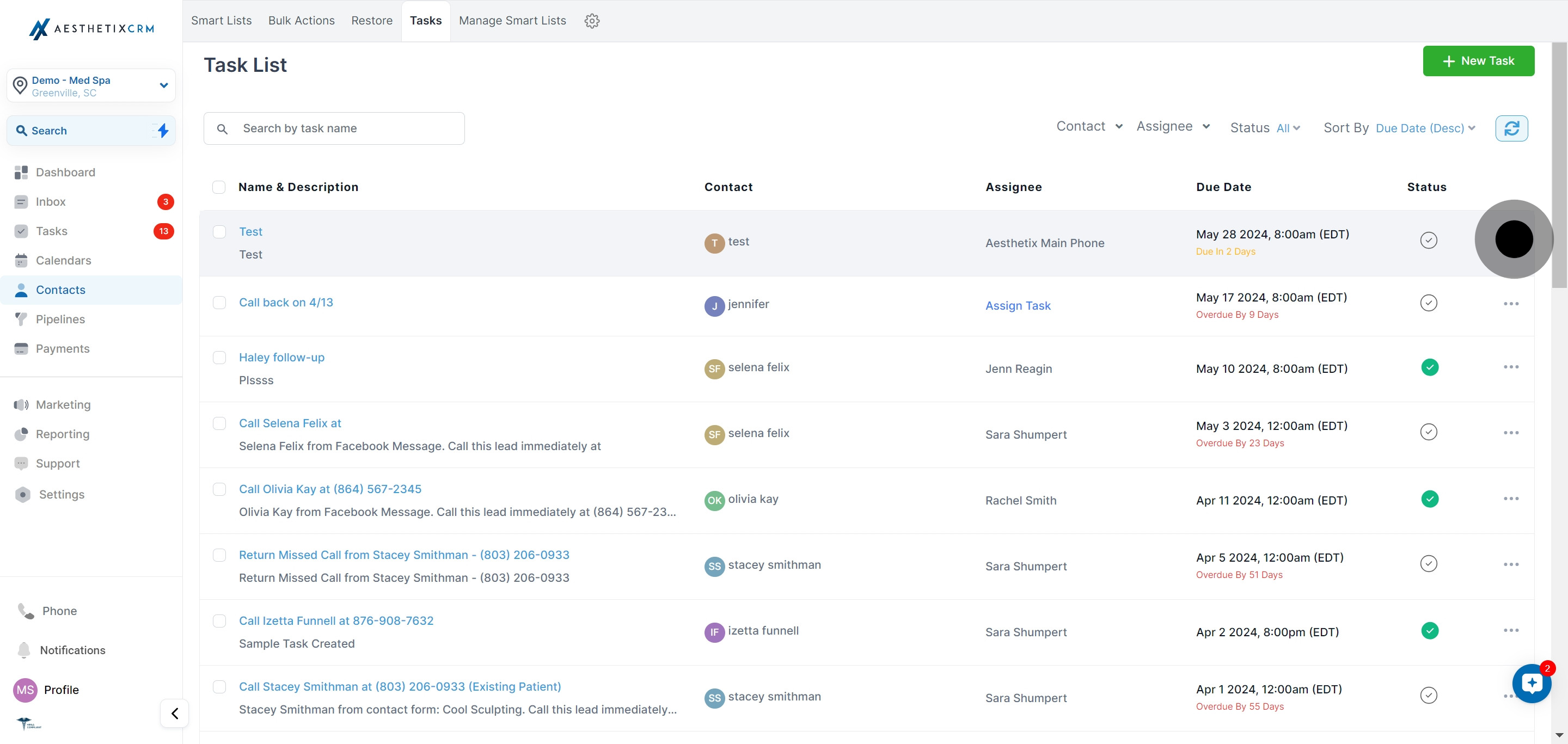
Open the task menu
Click the three dots next to the task you want to delete.
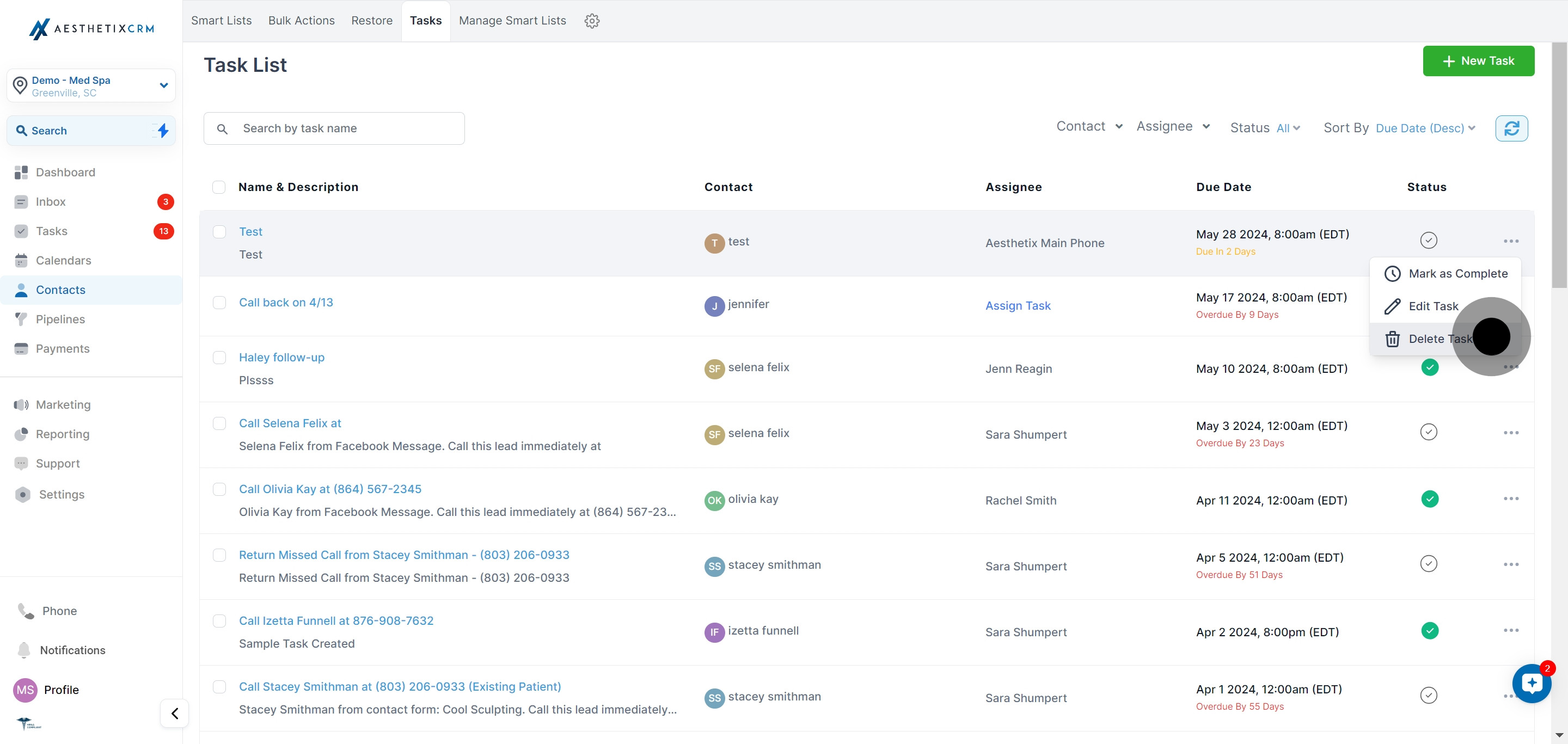
Select Delete Task
Choose Delete Task from the menu.
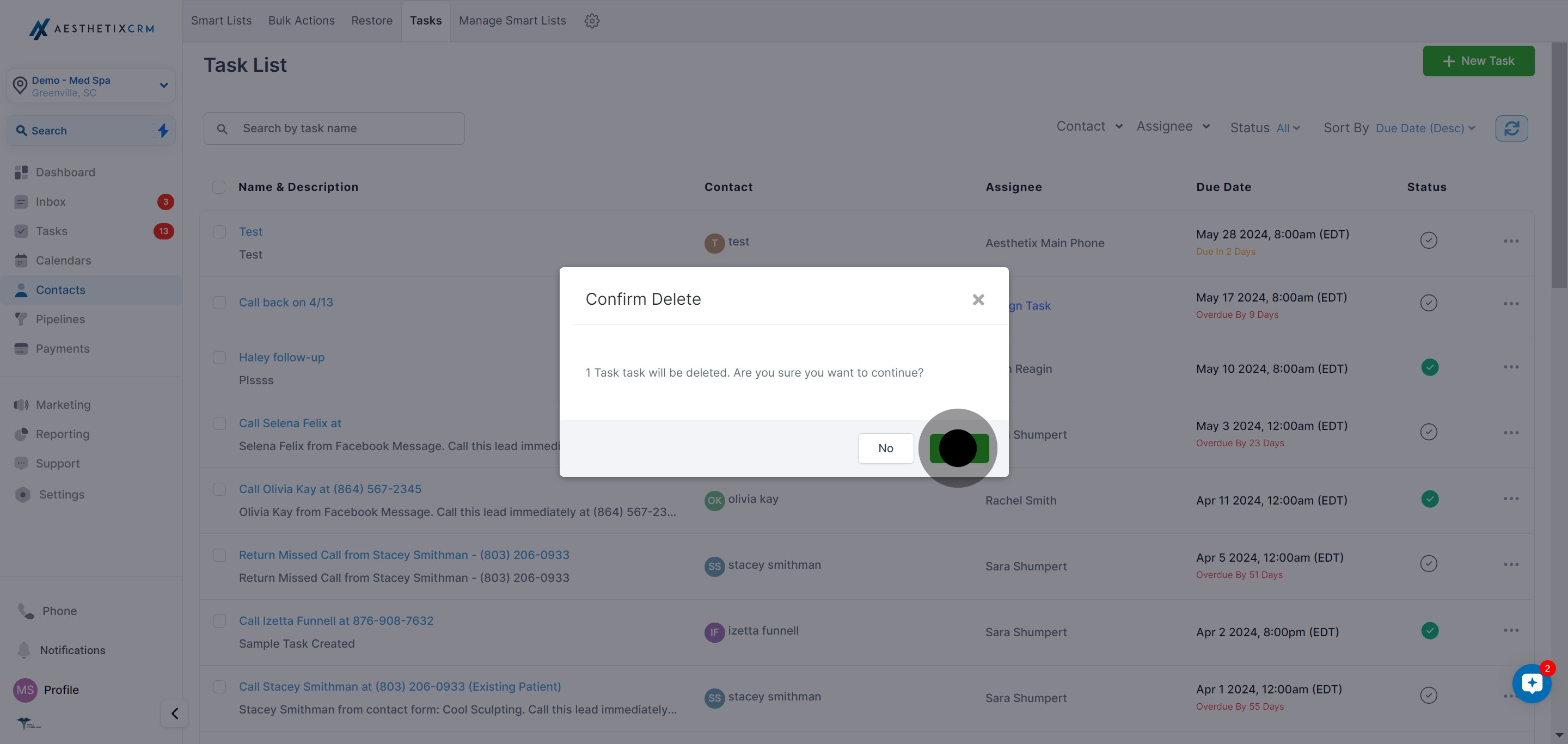
Confirm the deletion
Confirm by clicking Yes. The task is removed from your list.
Frequently Asked Questions
Can I recover a task after I delete it?
Deleting a task removes it from your active list, so treat deletion as permanent. If you are not sure you want to remove it, mark the task complete instead so it is cleared from your open work but still on record.
What is the difference between deleting and completing a task?
Completing a task keeps it attached to its record and viewable when you filter for completed items, which preserves a history of the follow-up. Deleting a task removes it entirely. Use delete for mistakes and duplicates, and complete for finished work.
Can I delete a task from a patient's record?
Yes. Tasks attach to contacts, so you can open the Tasks panel on a patient's record and delete a task there using the three-dot menu, in addition to deleting from the main Tasks list.
What happens if I delete a recurring task?
You can choose to delete all upcoming tasks in the series or delete just a single occurrence. If a deleted recurring task is later restored, the occurrences from the deleted period are not recreated.
Will deleting a task affect the patient's other records?
No. Deleting a task only removes that task. The patient's contact record, notes, and other tasks remain untouched.
Why am I asked to confirm before the task is deleted?
The confirmation step prevents accidental deletions. Because the action is permanent, Aesthetix CRM asks you to click Yes before removing the task.