Every task in Aesthetix CRM has a status that tells your team whether it is still open or already handled. Marking a task complete clears it from your active list and confirms the follow-up is done, while setting a task back to pending brings it back into play when it turns out more work is needed. This guide covers both, so your task list always reflects what is actually outstanding at your practice.
Mark a task complete once the follow-up is finished, for example after you have confirmed a patient's pre-op forms or completed a post-treatment check-in call.
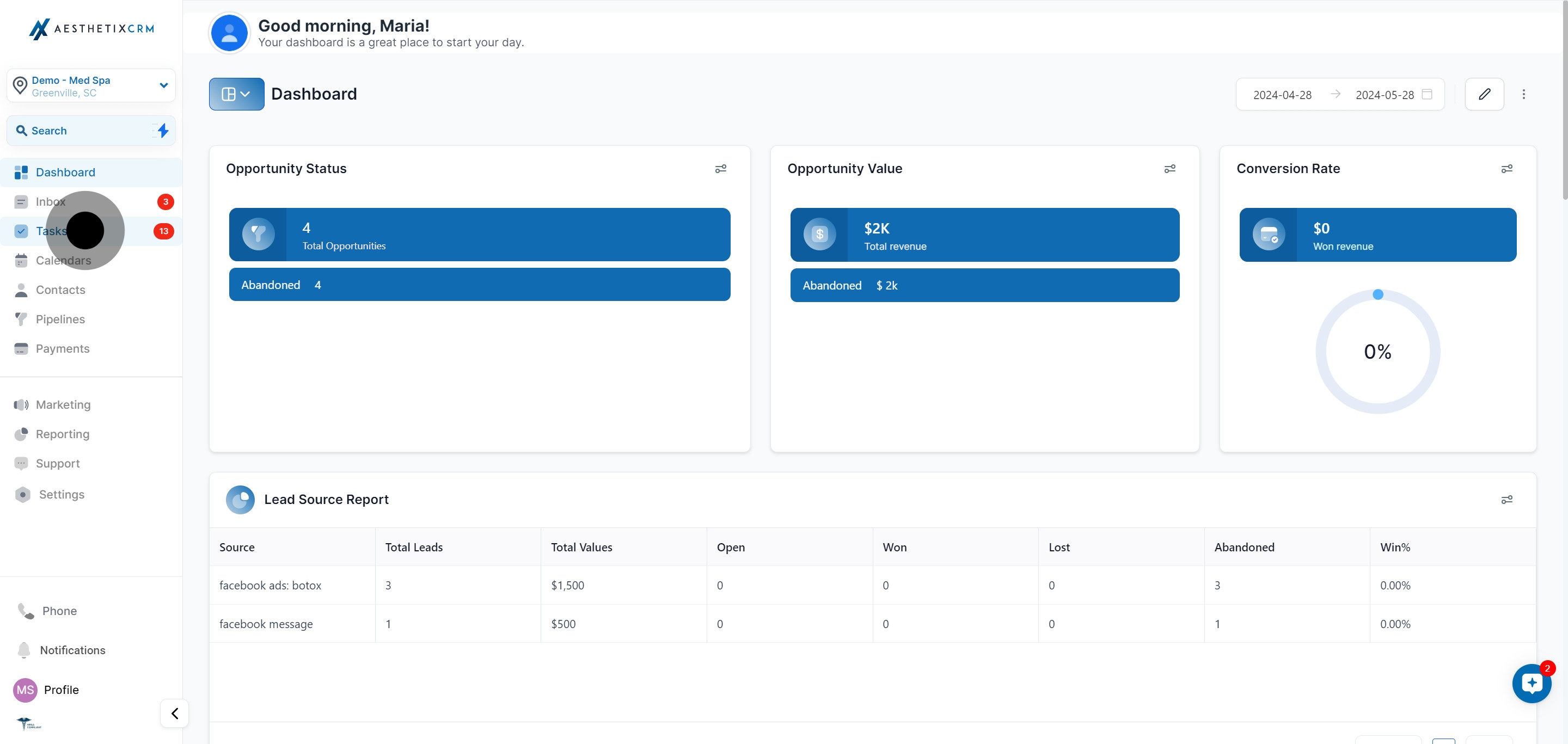
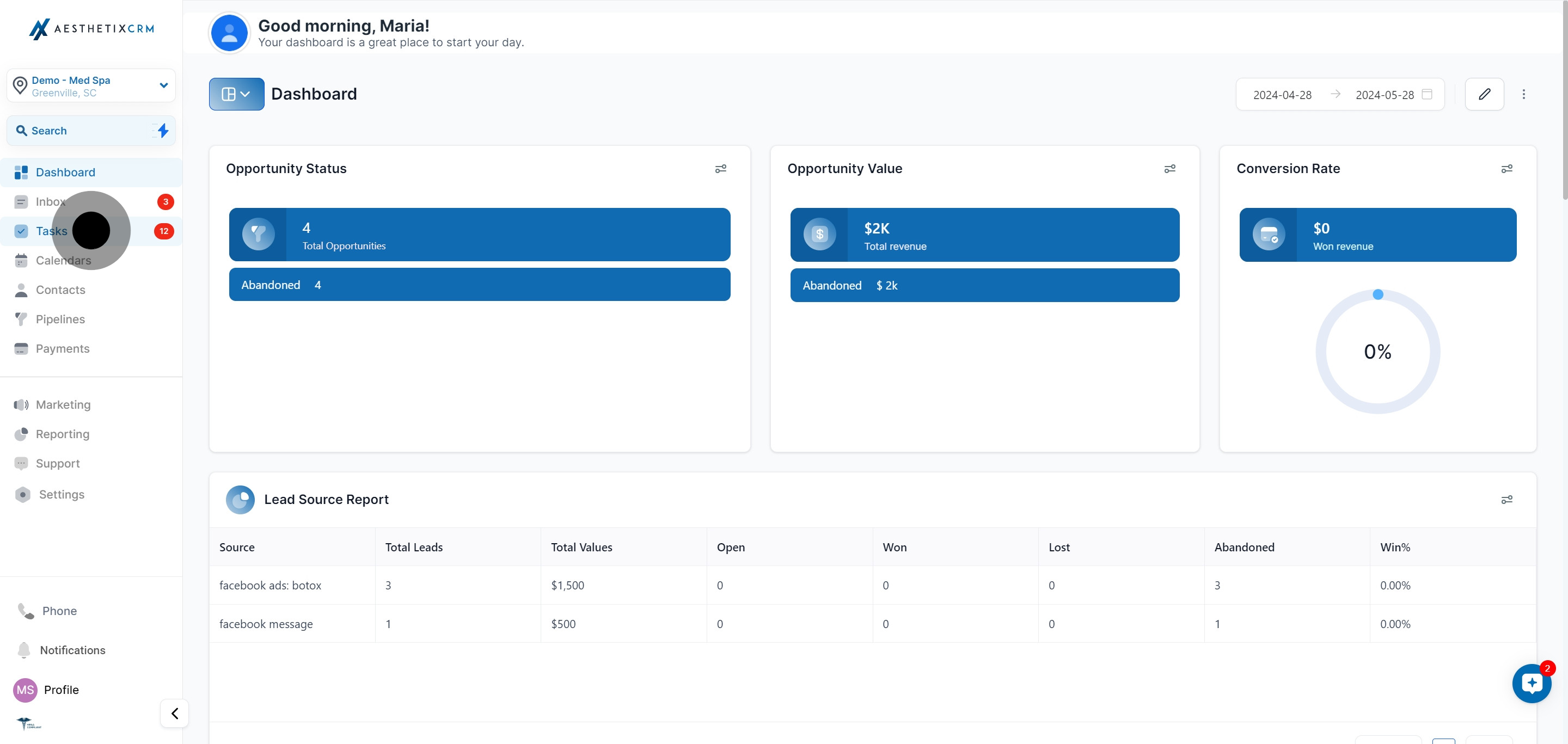
Click Tasks to open your task list.
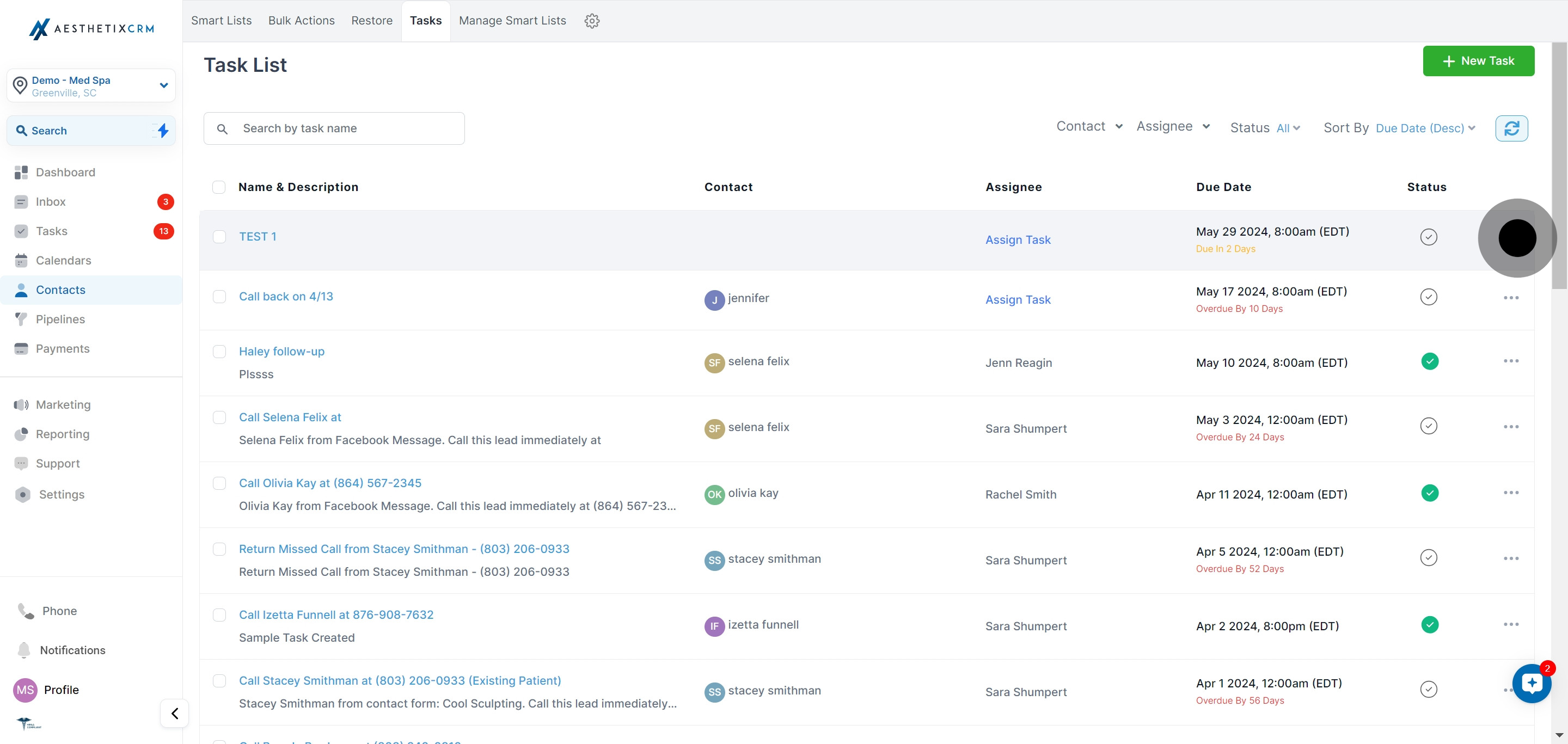
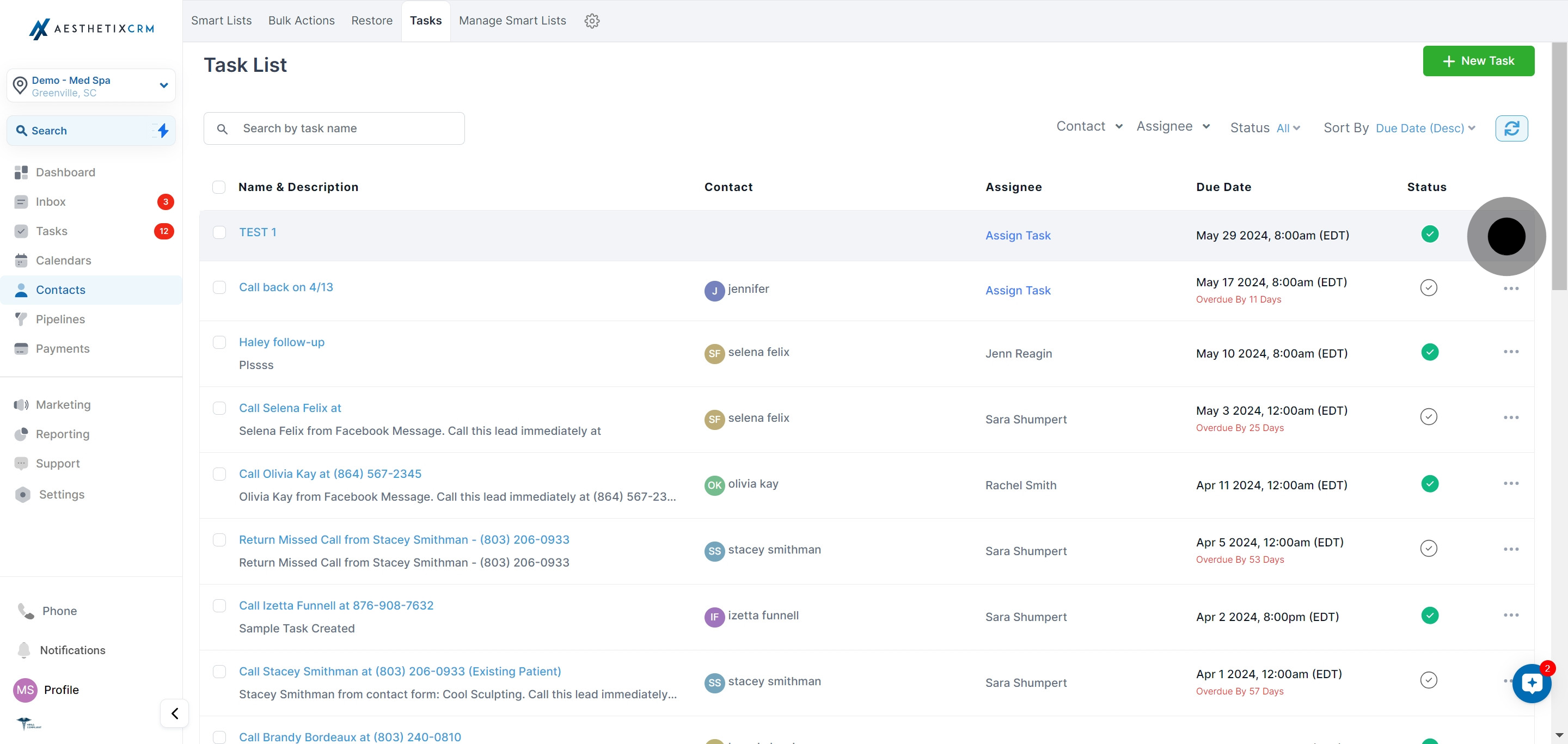
Locate the task you want to mark as complete and click the three dots next to it.
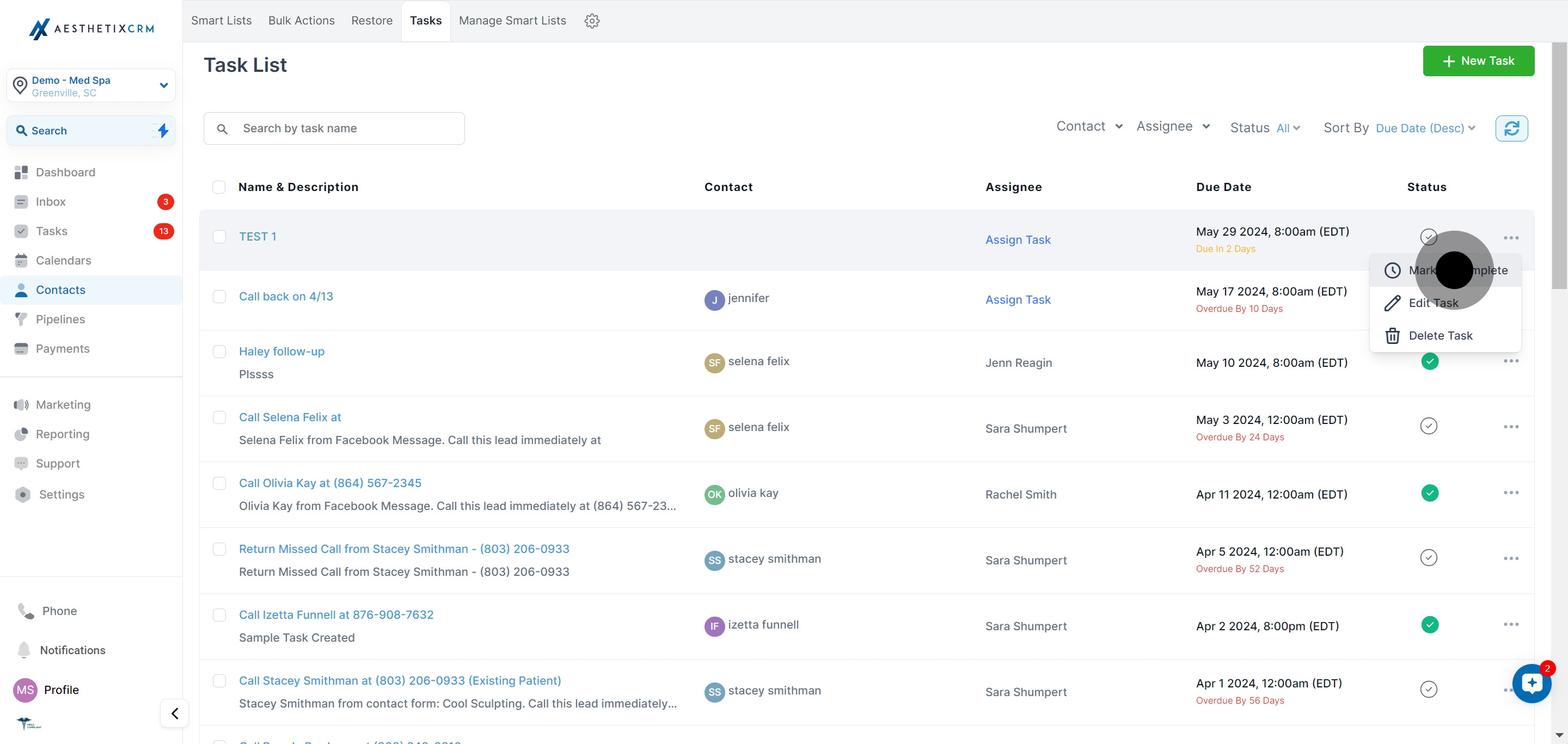
Choose Mark as Complete from the dropdown menu.
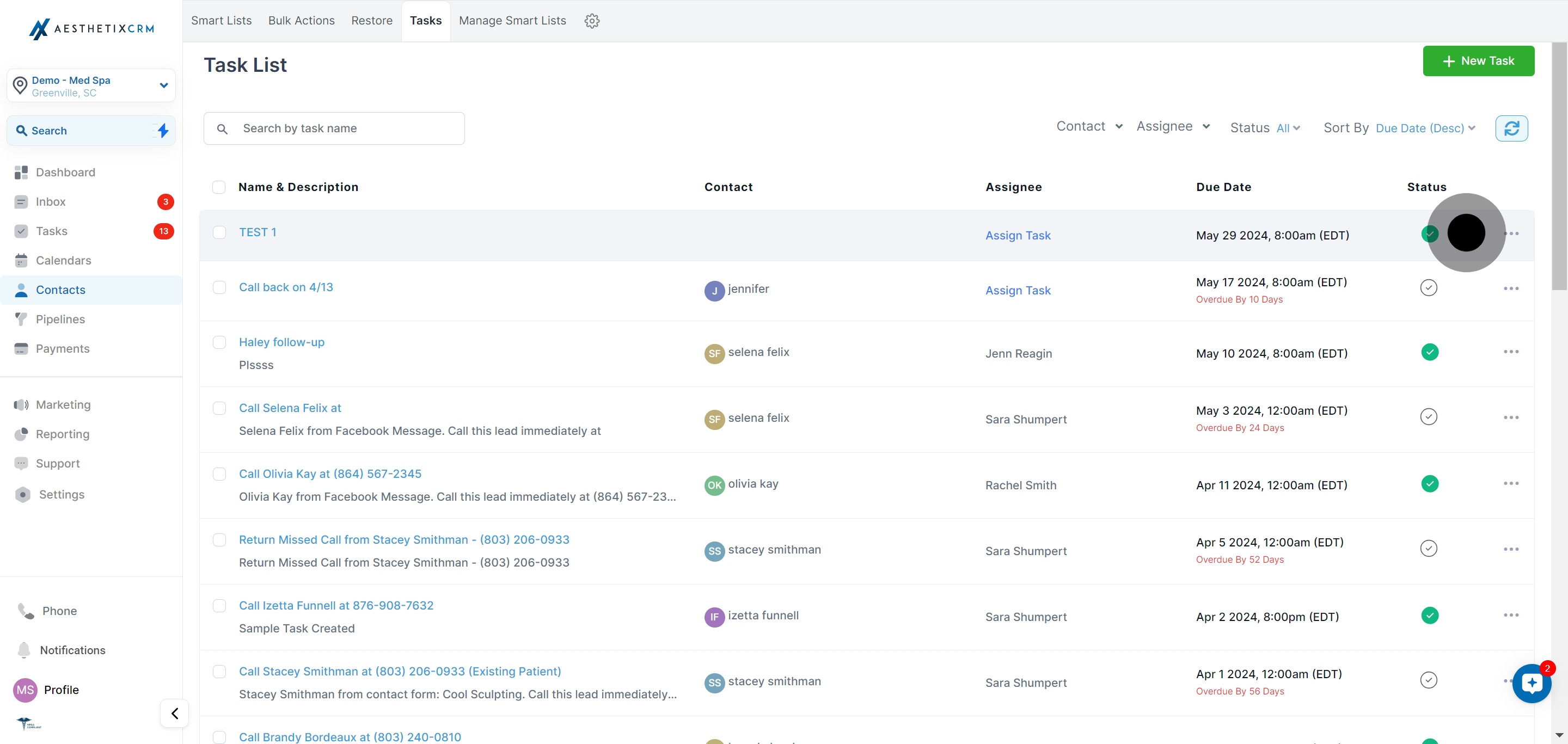
The task now shows a green checkmark, confirming it has been marked as complete.
Setting a task back to pending is useful when a task was completed too early, when a patient responds and the follow-up reopens, or when a step still needs attention.
Click Tasks to open your task list.
Locate the task you want to mark as pending and click the three dots next to it.
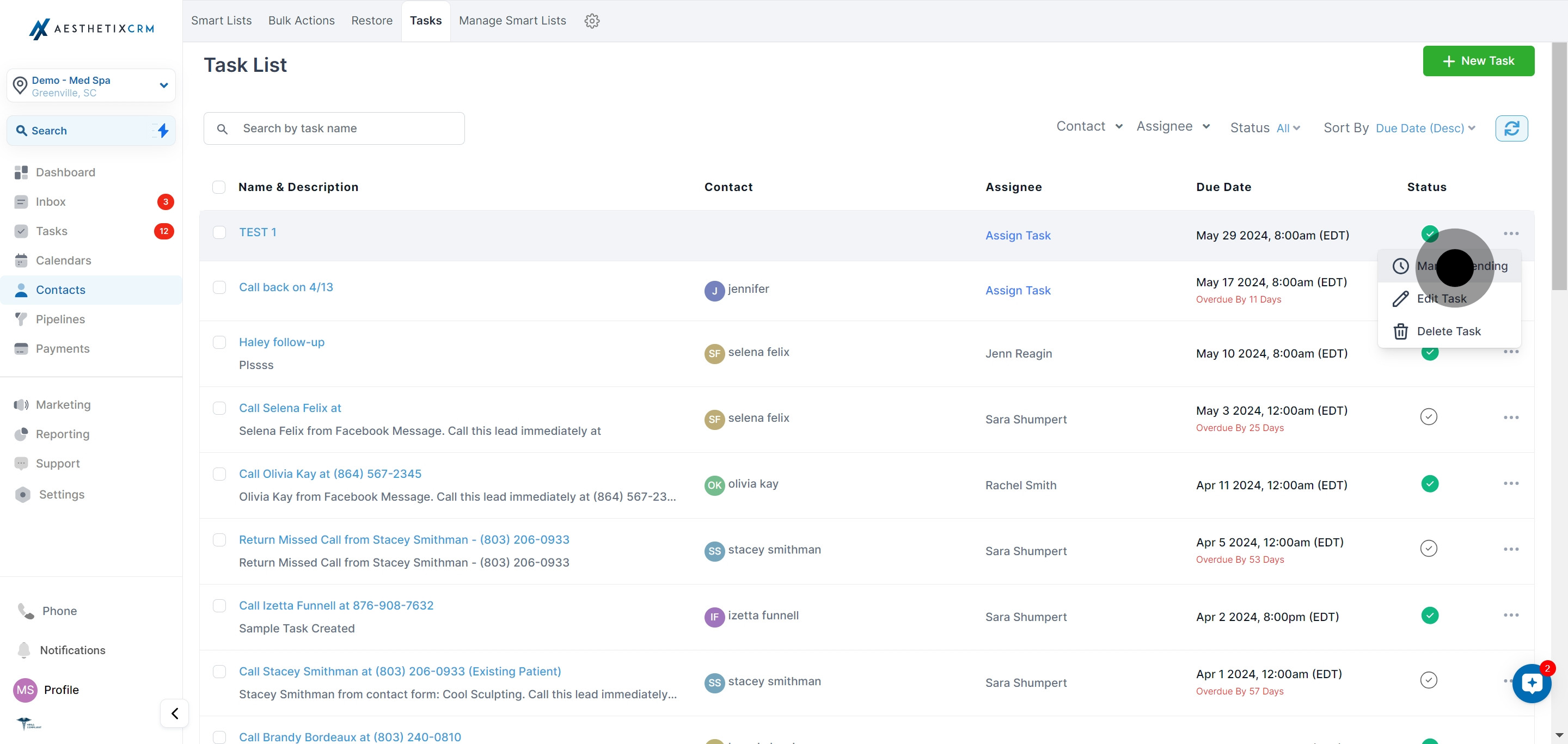
Choose Mark as Pending from the dropdown menu. The task returns to your active list so it is not overlooked.
What is the difference between a complete and a pending task?
A complete task is one that has been finished and cleared from your active work, shown with a green checkmark. A pending task is still open and awaiting action. Toggling between the two keeps your list accurate.
Can I reopen a task after marking it complete?
Yes. Open the three-dot menu on the completed task and choose Mark as Pending. The task returns to active status so your team knows there is still work to do.
Where do completed tasks go?
Completed tasks stay attached to their record and remain visible when you filter the task list to show completed items. They are simply removed from your open work so your active list stays focused.
Can I change a task's status from a patient's record?
Yes. Tasks attach to contacts, so you can open the Tasks panel on a patient's record and change the status there as well as from the main Tasks list.
Why can I not see a task I marked complete?
Your task list filter is likely set to show open or pending tasks only. Adjust the status filter to include completed tasks and it will reappear.
Does marking a task complete notify anyone?
Marking a task complete updates its status on the shared task list so anyone tracking that work sees it is done. It does not send a message to the patient.
Can I mark a recurring task complete?
Yes. Completing one occurrence of a recurring task clears that instance. The next occurrence is created automatically at its scheduled time, based on the recurrence you set.
