The Social Planner in Aesthetix CRM supports two of LinkedIn's most engaging post formats: PDF carousel (document) posts and native polls. Both are strong tools for a practice that wants to establish authority on LinkedIn, whether you are sharing a multi-page treatment guide, a case-study walkthrough, or a quick question to spark engagement with referral partners and prospective patients.
You can upload PDFs and post them as a swipeable photo carousel on LinkedIn. You can also import a PDF and convert each page into separate images for posting on LinkedIn and other platforms. The LinkedIn PDF carousel has become one of the most popular formats for sharing information, giving you a clean way to showcase expertise page by page.

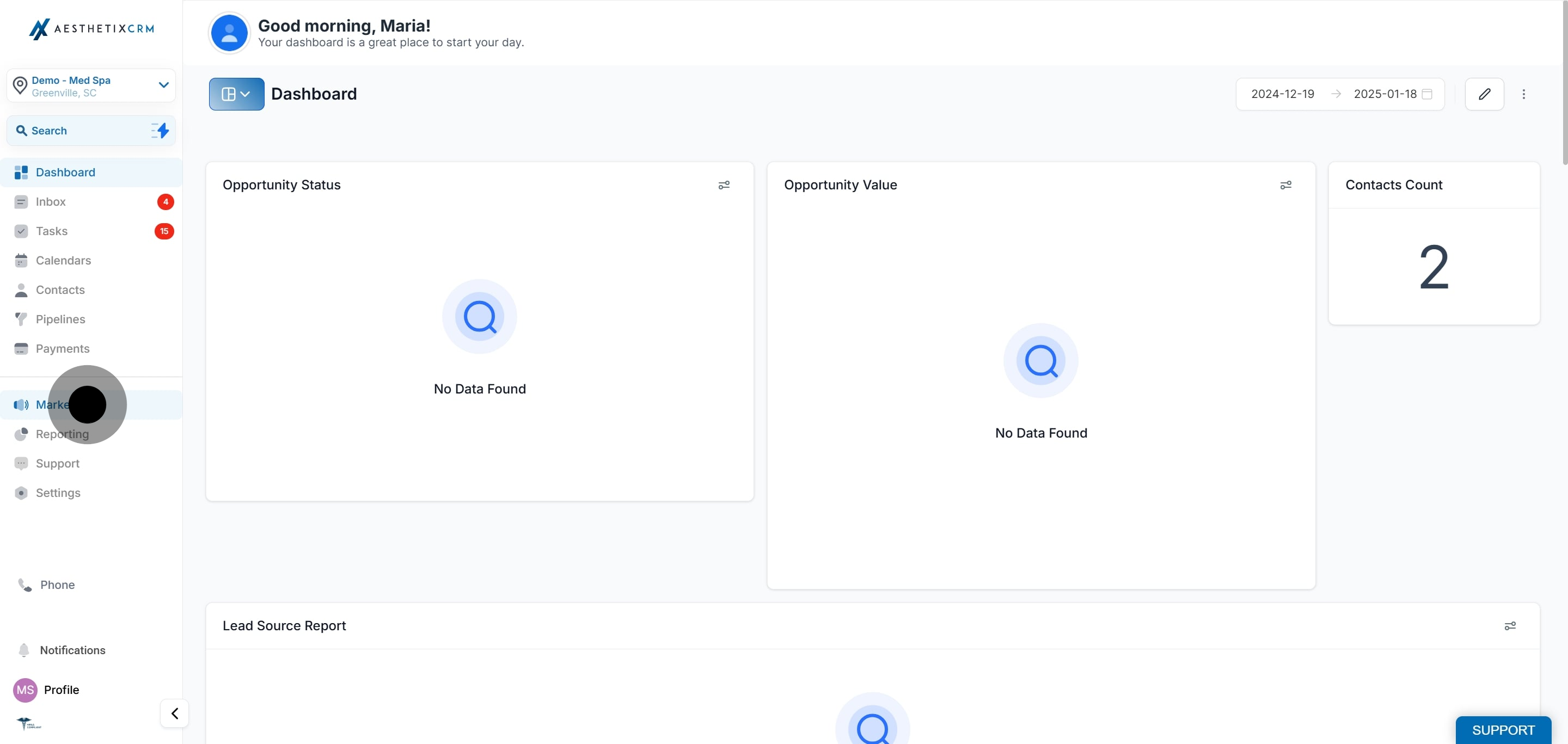
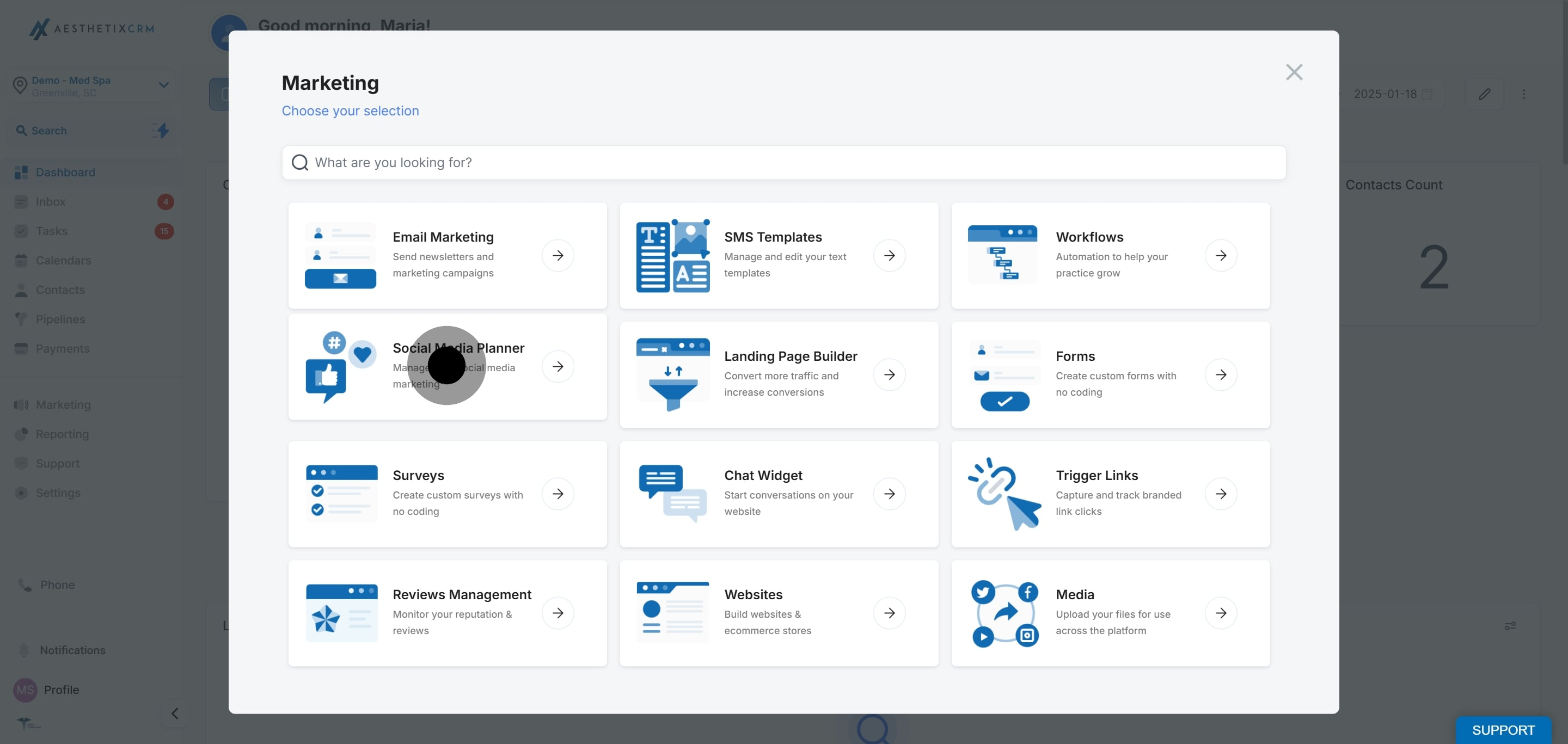
Navigate to Marketing > Social Planner.
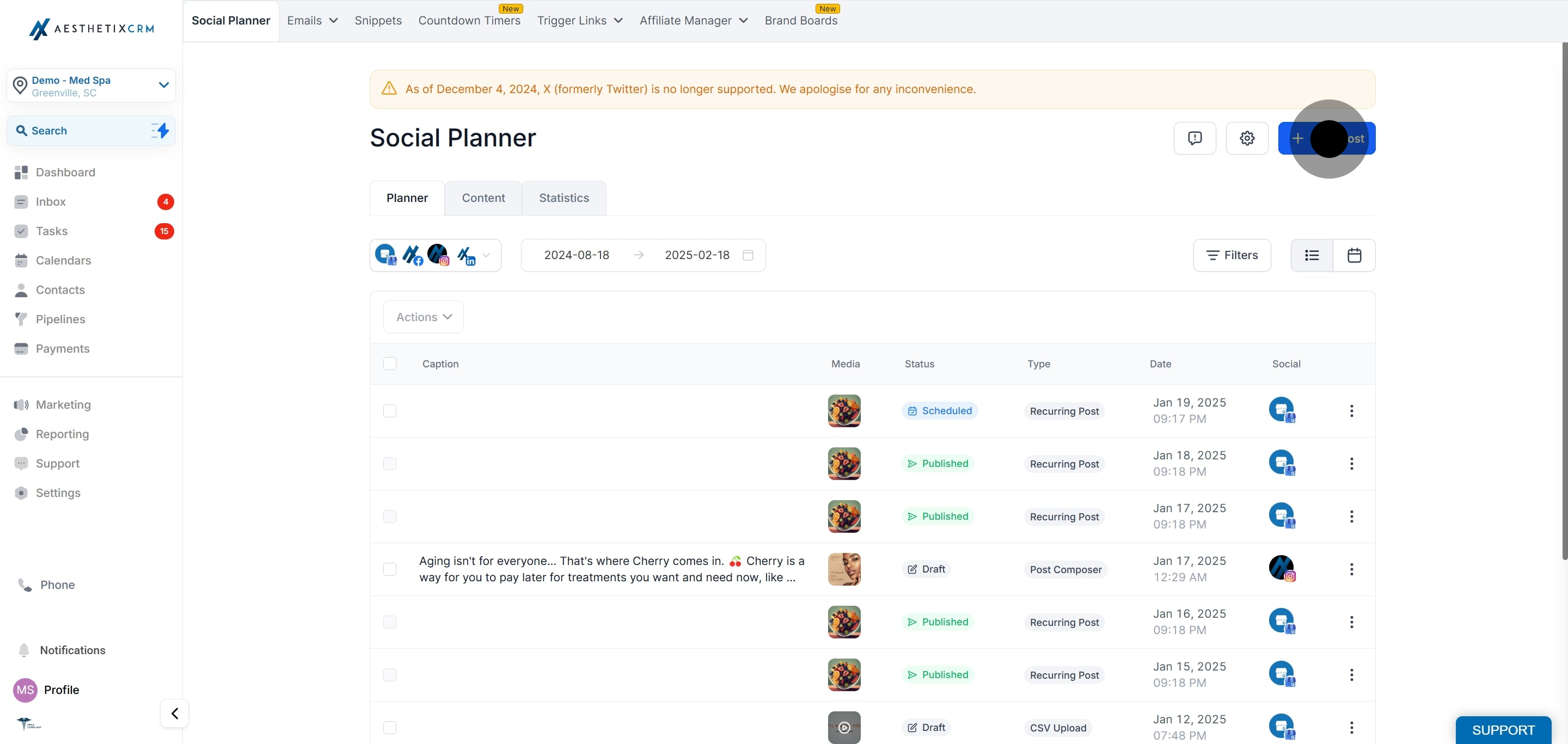
Connect your LinkedIn account (either a page or a profile).
Click New Post and use the composer to start a new LinkedIn carousel or document post.
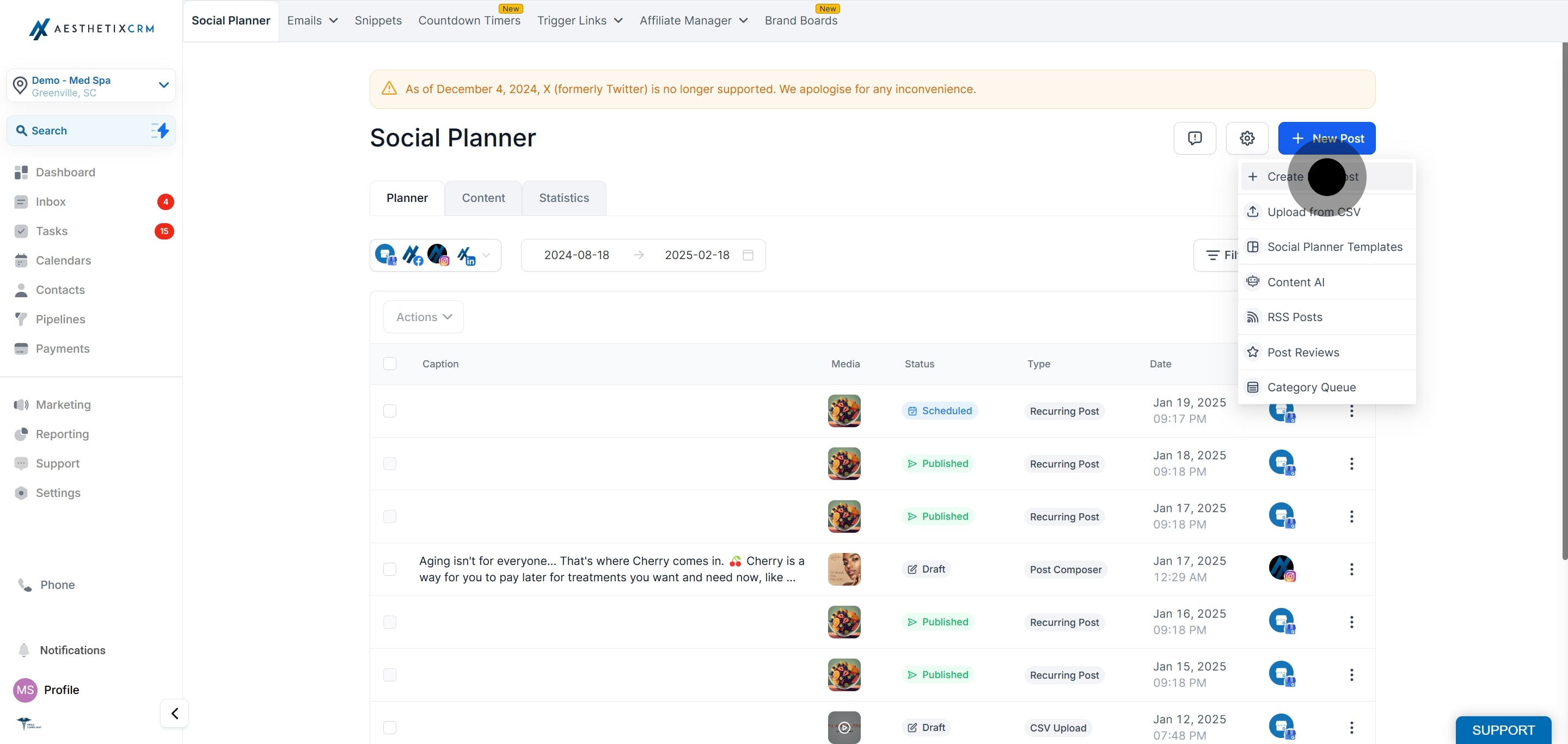
Select the LinkedIn account(s) from the dropdown and add your post content.
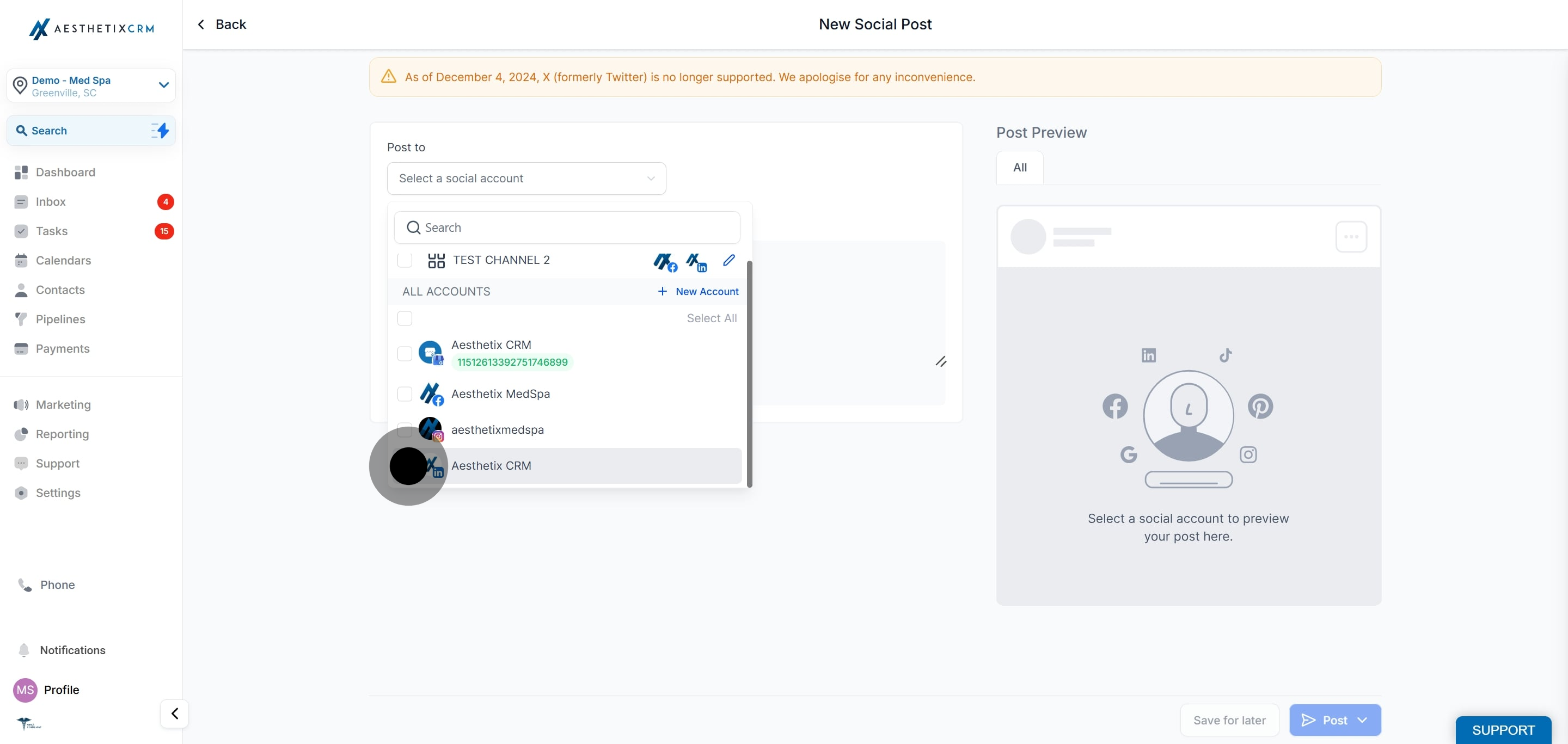
Click the file upload icon (located between the image and video upload icons).
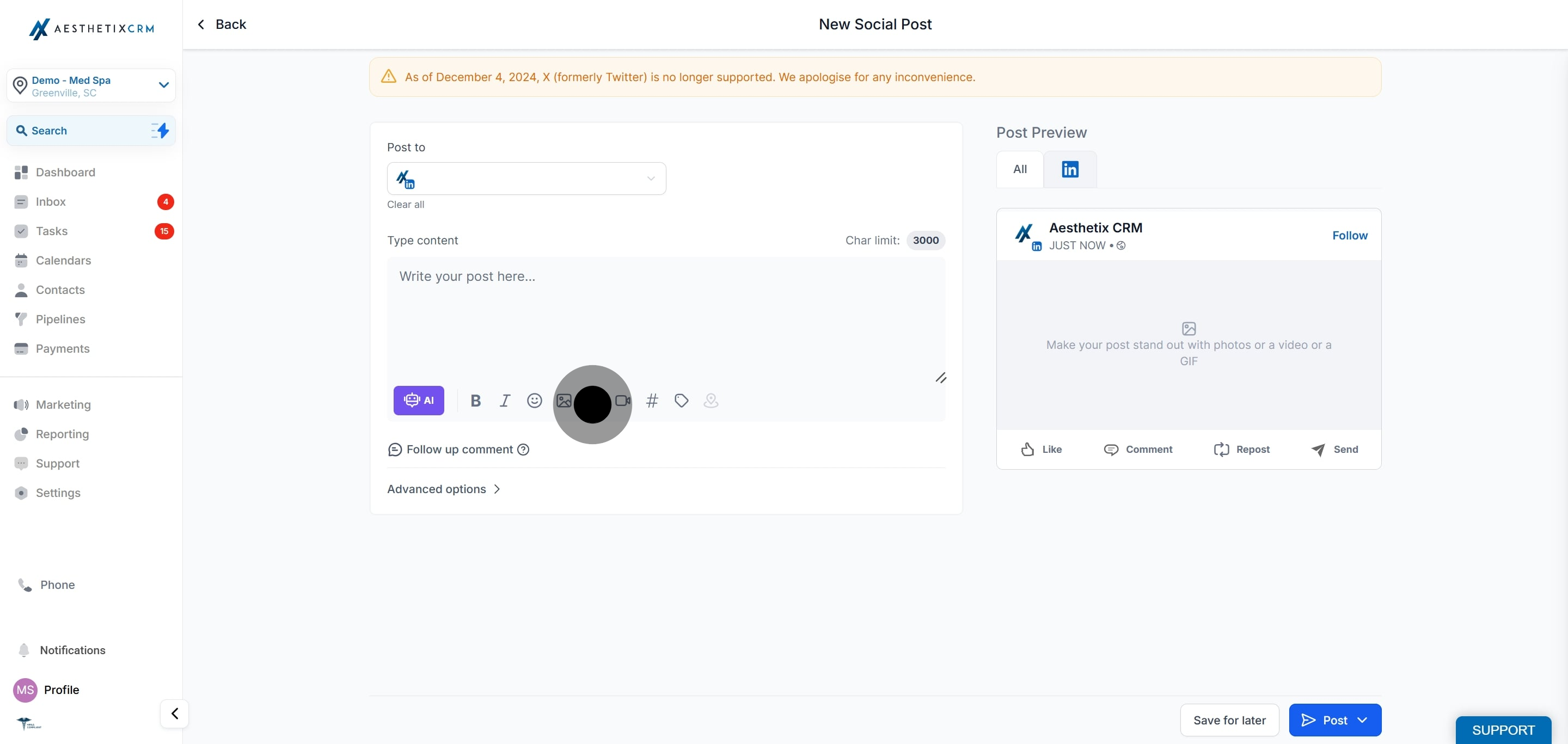
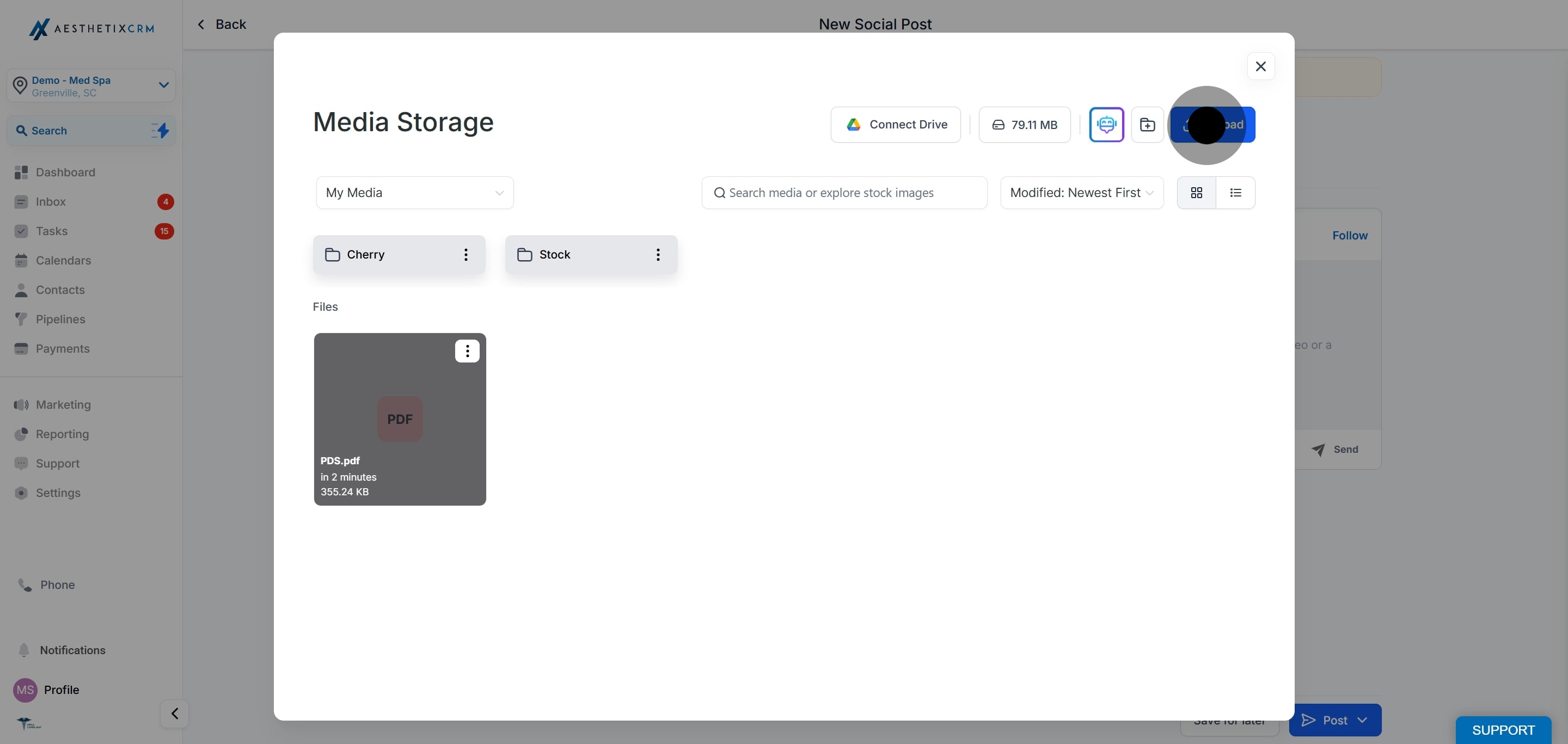
Upload one or more PDFs for the LinkedIn carousel, or import photos to post as a PDF on LinkedIn.
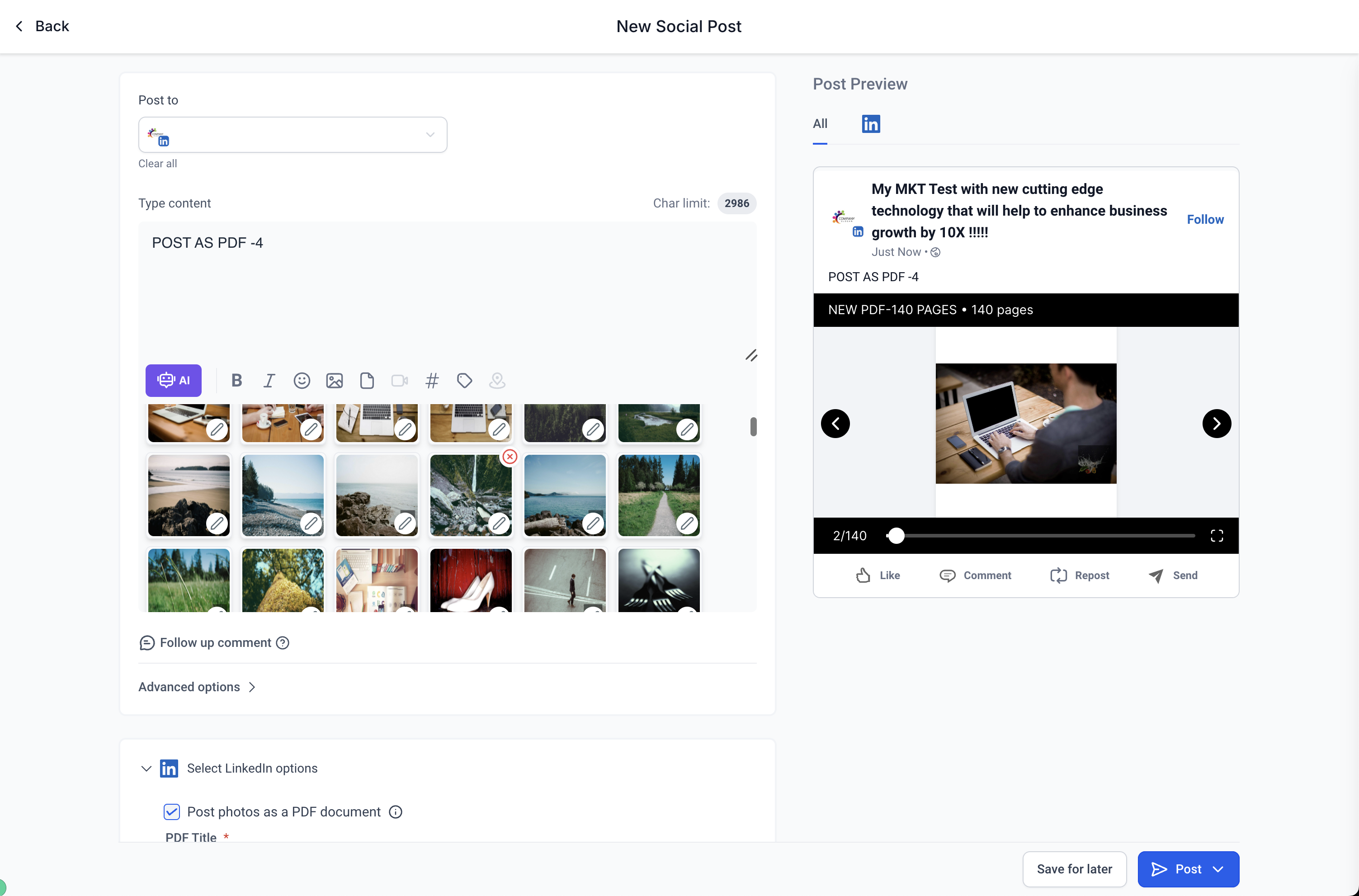
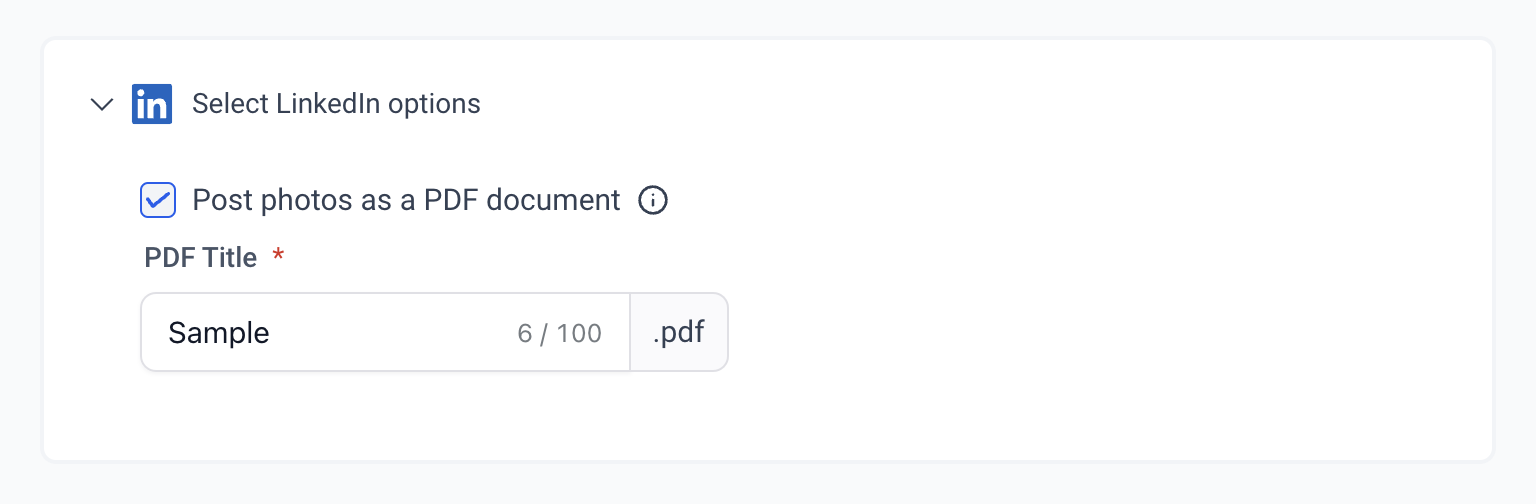
Change the name of the PDF and add a watermark as needed.
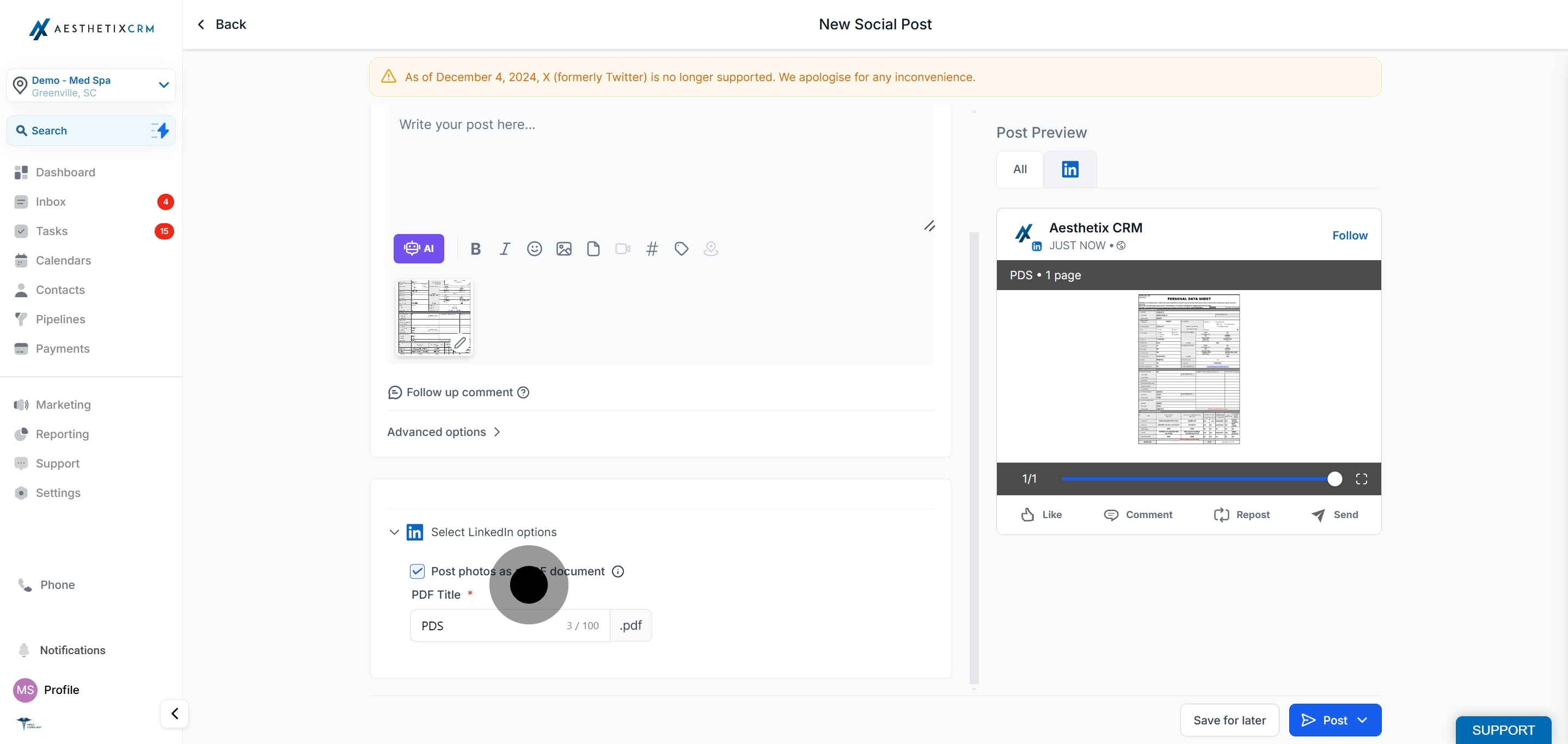
LinkedIn allows up to 300 pages and a 100 MB limit per document.
PDFs are converted into images when imported into the Social Planner. If Instagram is also selected, the images are automatically cropped to fit Instagram's aspect ratio.
You can delete media by clicking the X that appears when you hover over the media preview.
When you choose the post as a PDF option, all the images are converted into a PDF and posted to LinkedIn.
You can create and publish native LinkedIn polls directly from the Social Planner. Polls are a quick way to gather input, learn what treatments your audience is interested in, and boost engagement.
Create native LinkedIn polls from the composer.
Add a question (up to 140 characters).
Add 2 to 4 answer options (up to 30 characters each).
Choose a poll duration of 1, 3, 7, or 14 days.
Preview your poll before publishing.
LinkedIn polls can be used with instant publishing, scheduled posts, recurring posts, the Category Queue, CSV bulk upload, and drafts.
Polls cannot be combined with images, videos, PDFs, or other media in the same LinkedIn post.
When you create content for multiple platforms, media can still be added to the non-LinkedIn variants of the post.
If media is attached to the LinkedIn post, the poll will not be published.
Go to Marketing → Social Planner.
Create a new post and select a LinkedIn account.
Click Add Poll.
Enter your question and answer options, then select a poll duration.
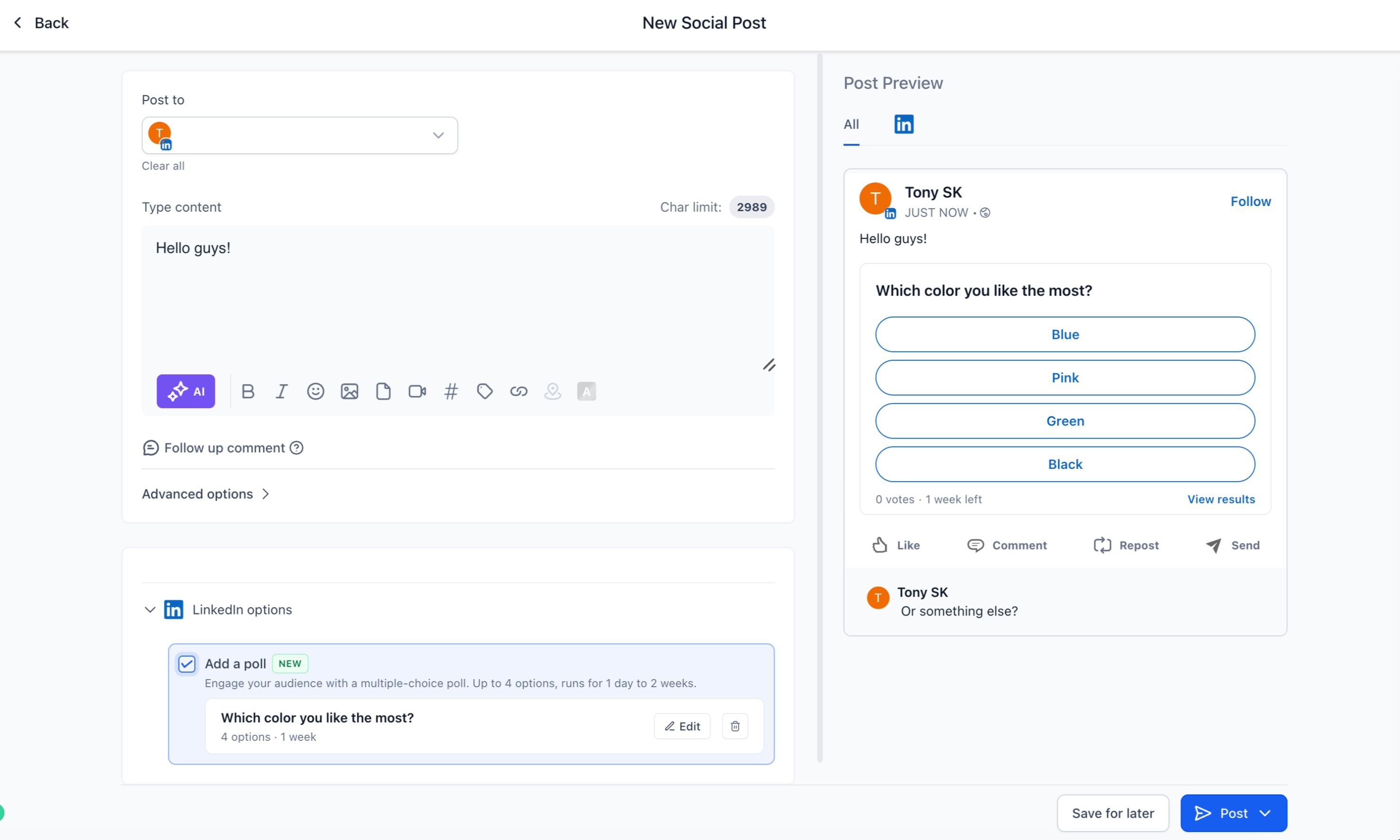
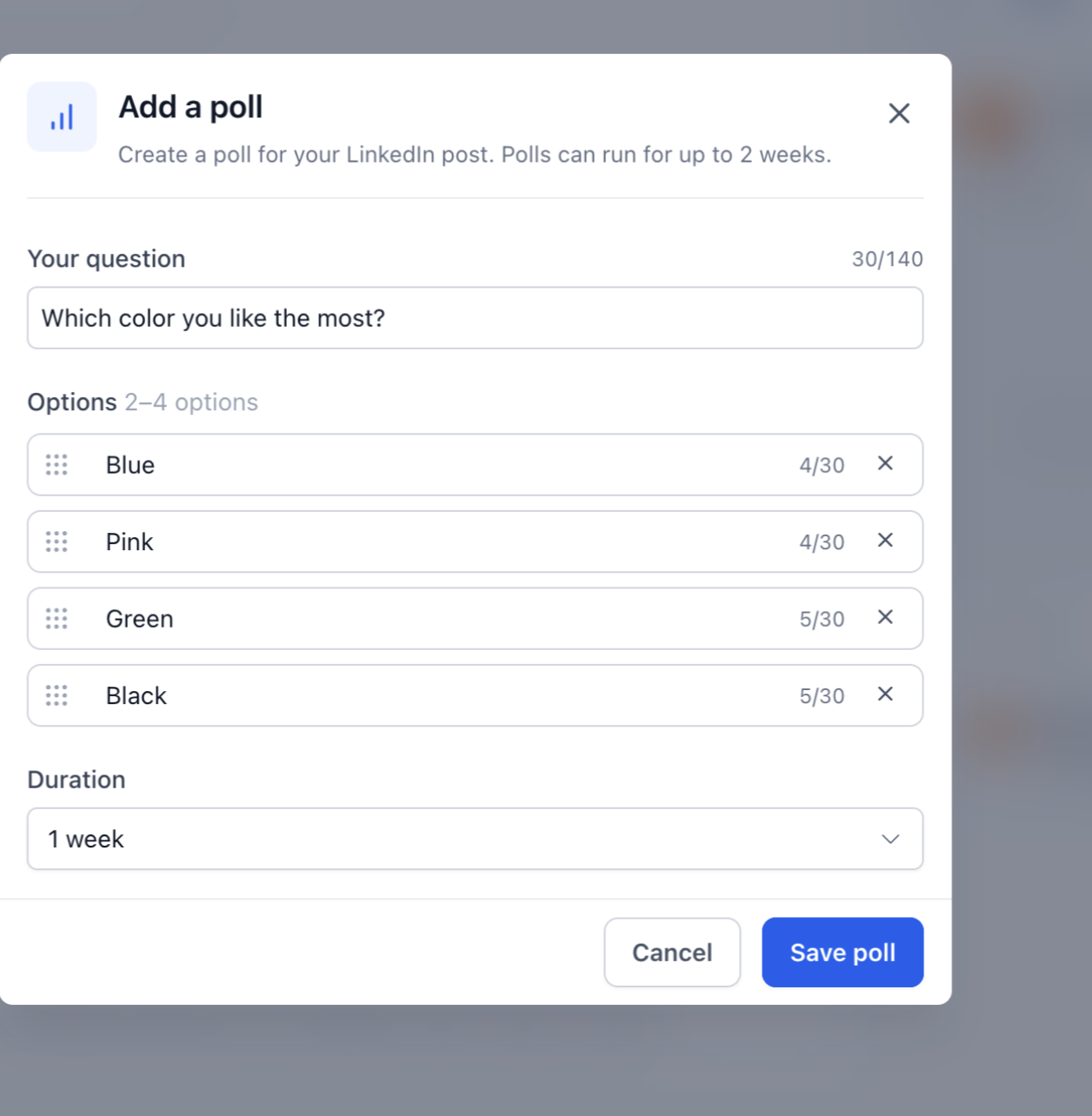
Publish, schedule, or add the post to a queue.
How many pages can a LinkedIn carousel PDF have? LinkedIn allows up to 300 pages, with a 100 MB limit per document.
Can I turn a set of images into a LinkedIn carousel? Yes. Import your photos and choose the post-as-a-PDF option, and the Social Planner converts the images into a single PDF that posts to LinkedIn as a document carousel.
Can I add a watermark to my carousel? Yes. When you upload the PDF you can rename it and add a watermark as needed before posting.
What happens to my PDF if I post to Instagram at the same time? The PDF is converted into images, and for Instagram those images are automatically cropped to meet Instagram's aspect ratio requirements.
How long is the question and how many answer options can a poll have? The poll question can be up to 140 characters, and you can add 2 to 4 answer options of up to 30 characters each.
How long can a LinkedIn poll run? You can set the duration to 1, 3, 7, or 14 days.
Why won't my poll publish? A LinkedIn poll cannot include media. If an image, video, or PDF is attached to the LinkedIn post, the poll will not publish. Remove the media from the LinkedIn variant, and you can still keep media on the variants for your other platforms.
Can I schedule a poll or add it to a queue? Yes. Polls work with instant publishing, scheduled posts, recurring posts, the Category Queue, CSV bulk upload, and drafts.
