Facebook Stories are short, full-screen posts that disappear after 24 hours, which makes them ideal for time-sensitive content like a same-day opening, a flash promotion, or a quick behind-the-scenes look at your practice. With the Social Planner in Aesthetix CRM, you can create and schedule Facebook Stories alongside your Feed posts and Reels, all from one place.
Connect your Facebook Page or Pages in the Social Planner.
Prepare the image or video you want to use. A Facebook Story uses a single image or video.
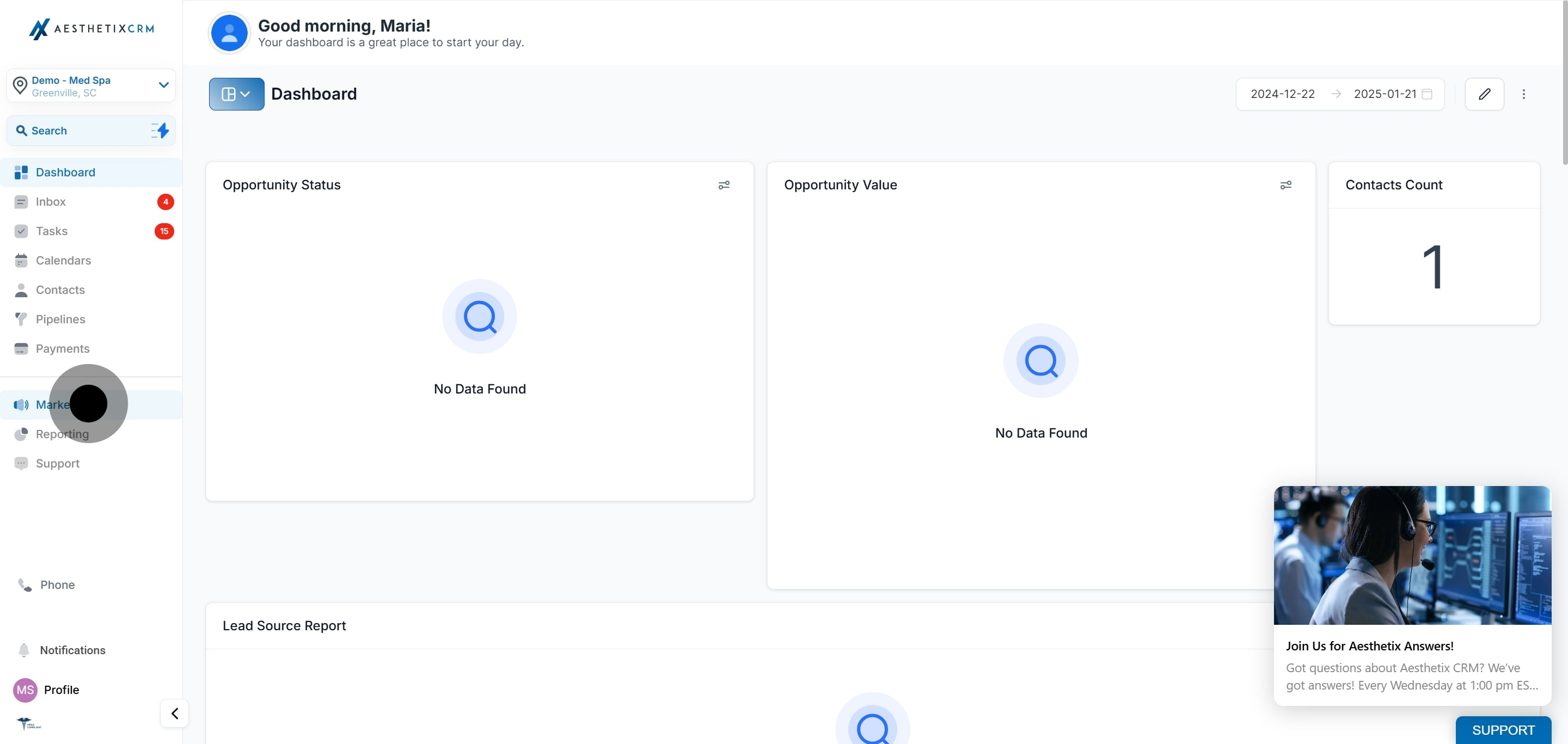
Click Marketing.
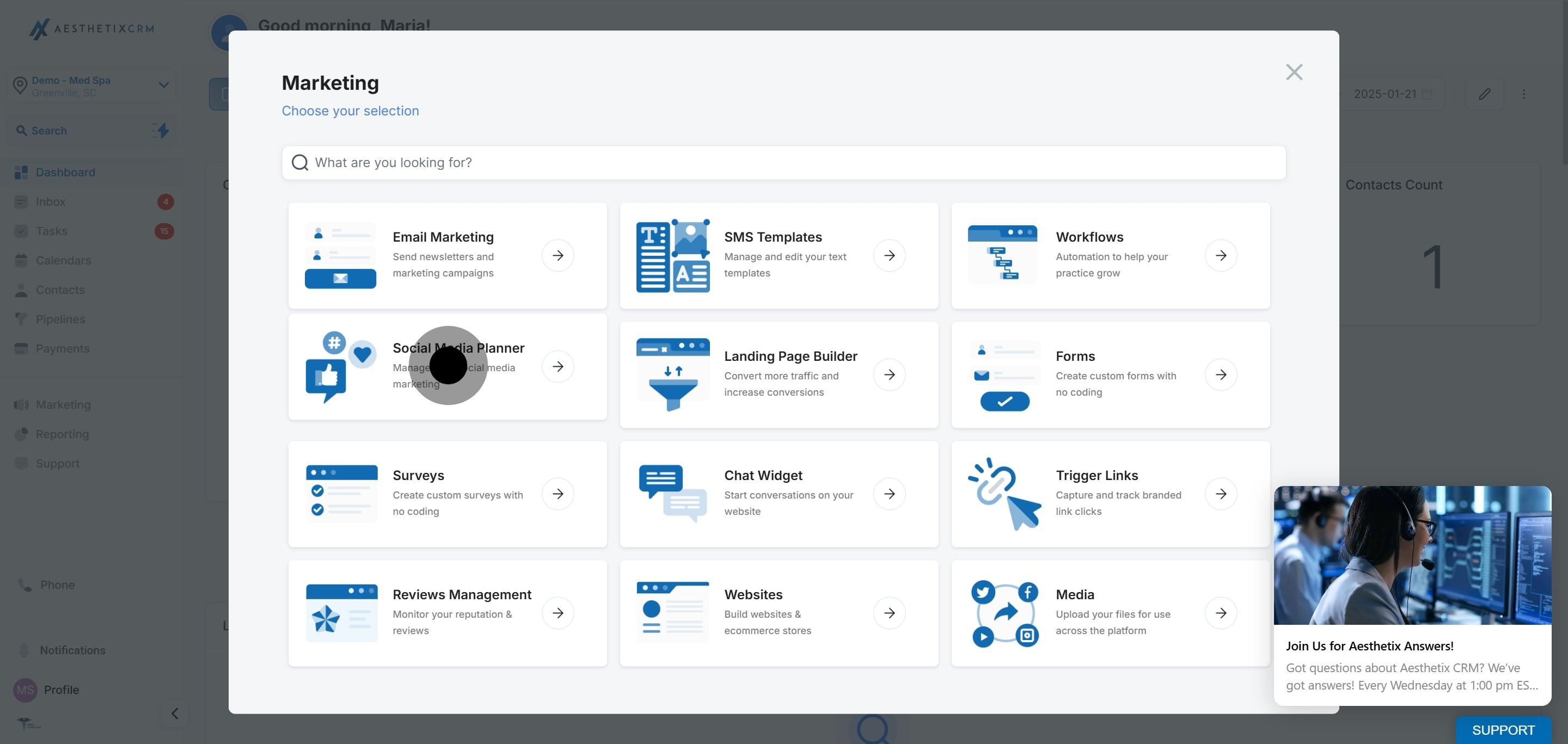
Click Social Planner.
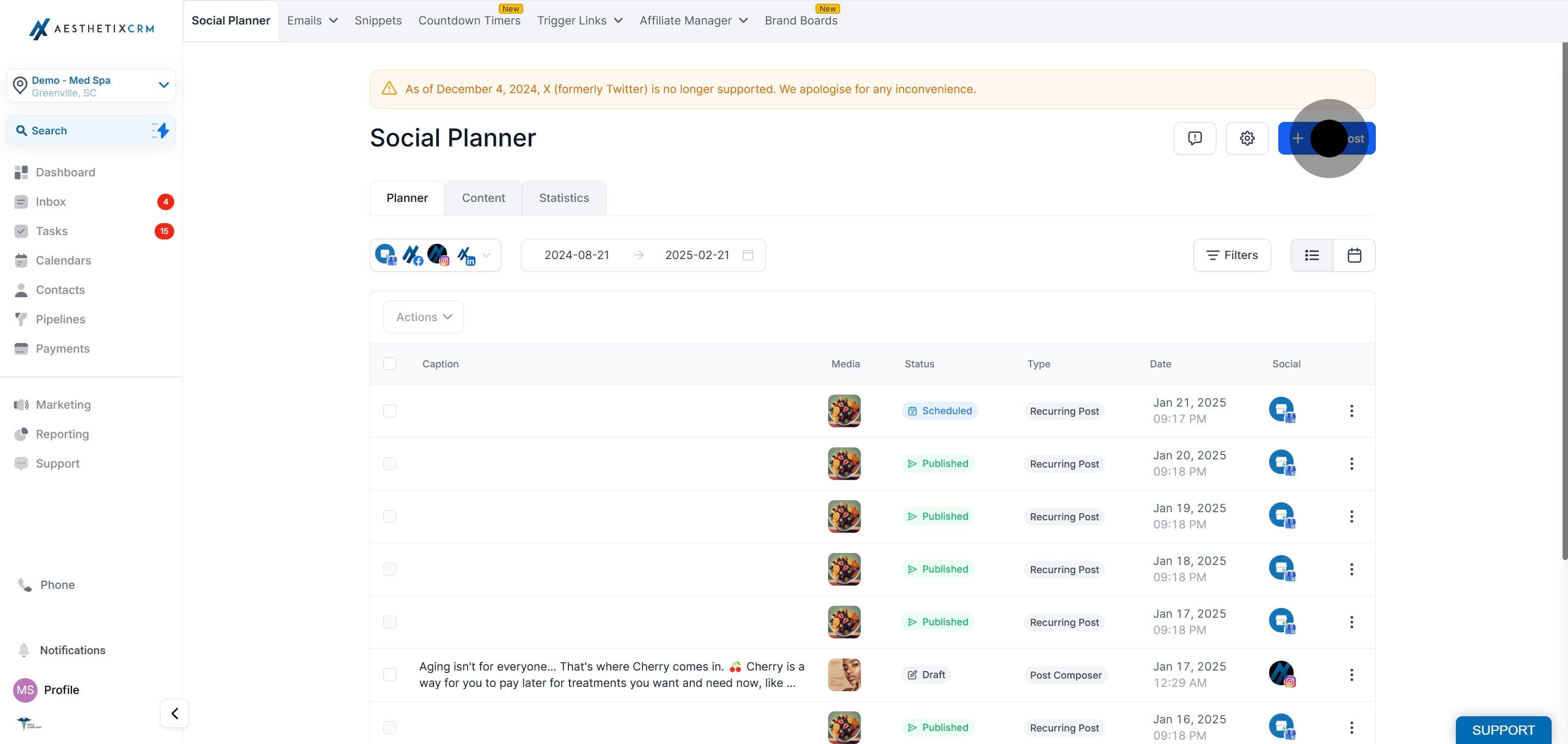
Click New Post.
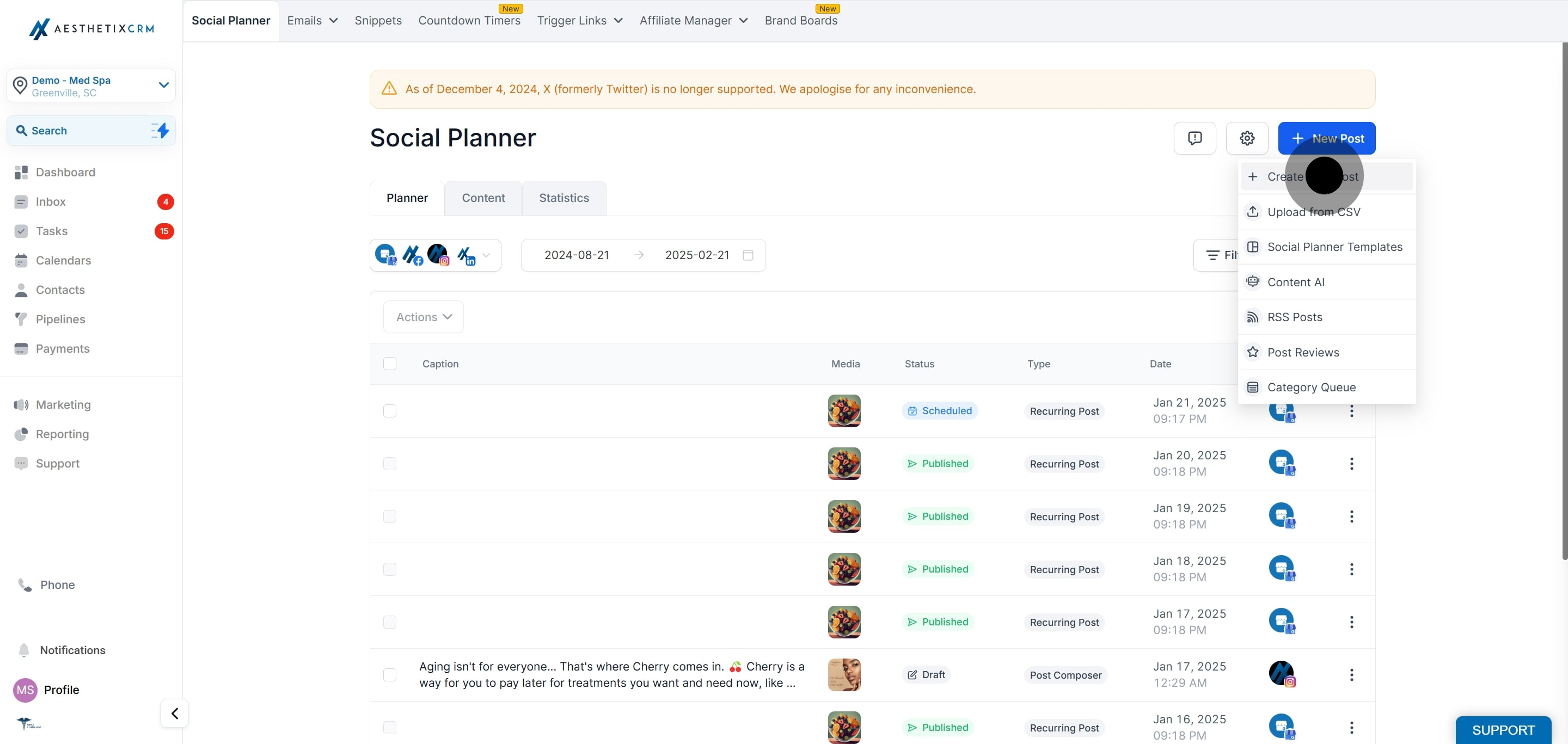
Click Create New Post.
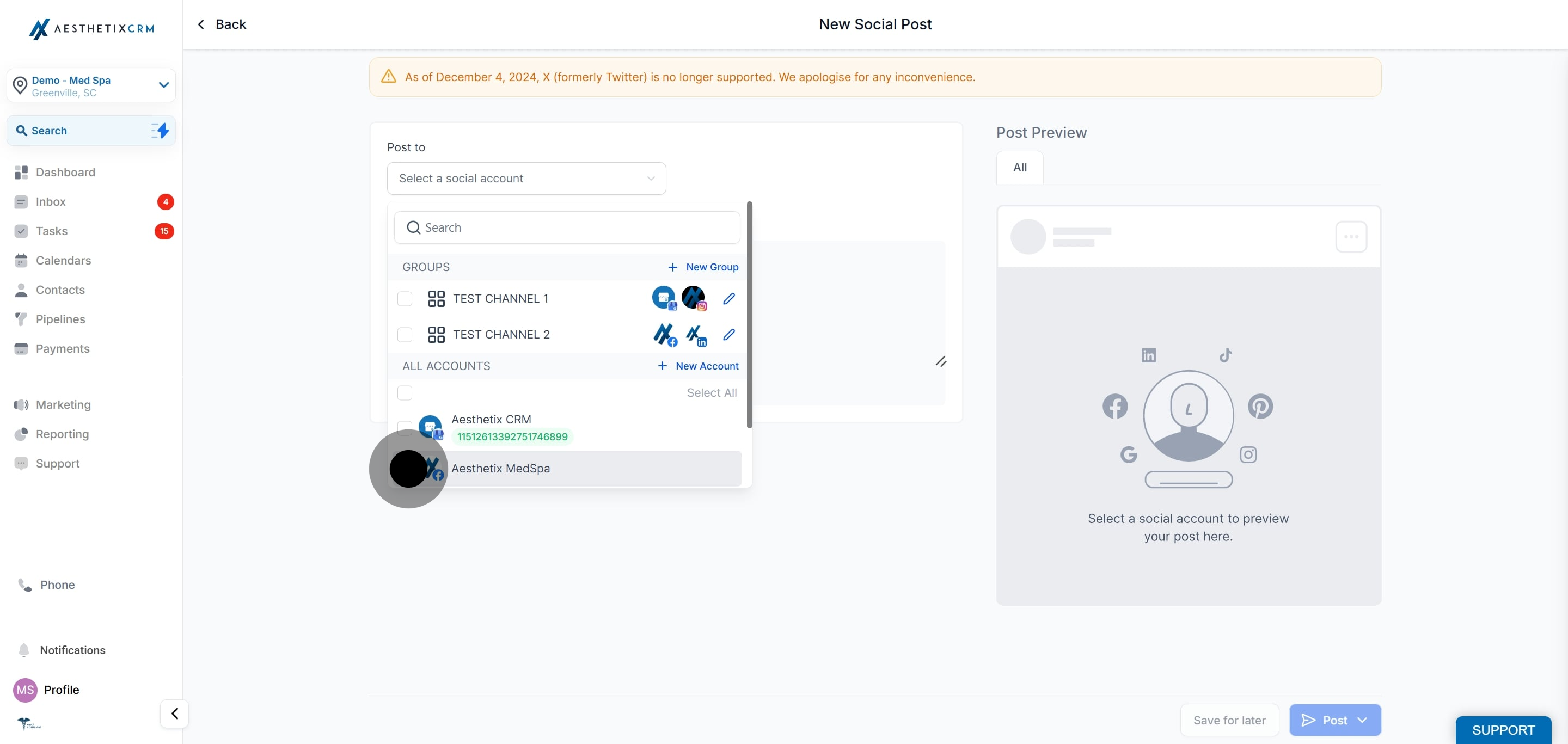
Select your Facebook Page or Pages from the dropdown.
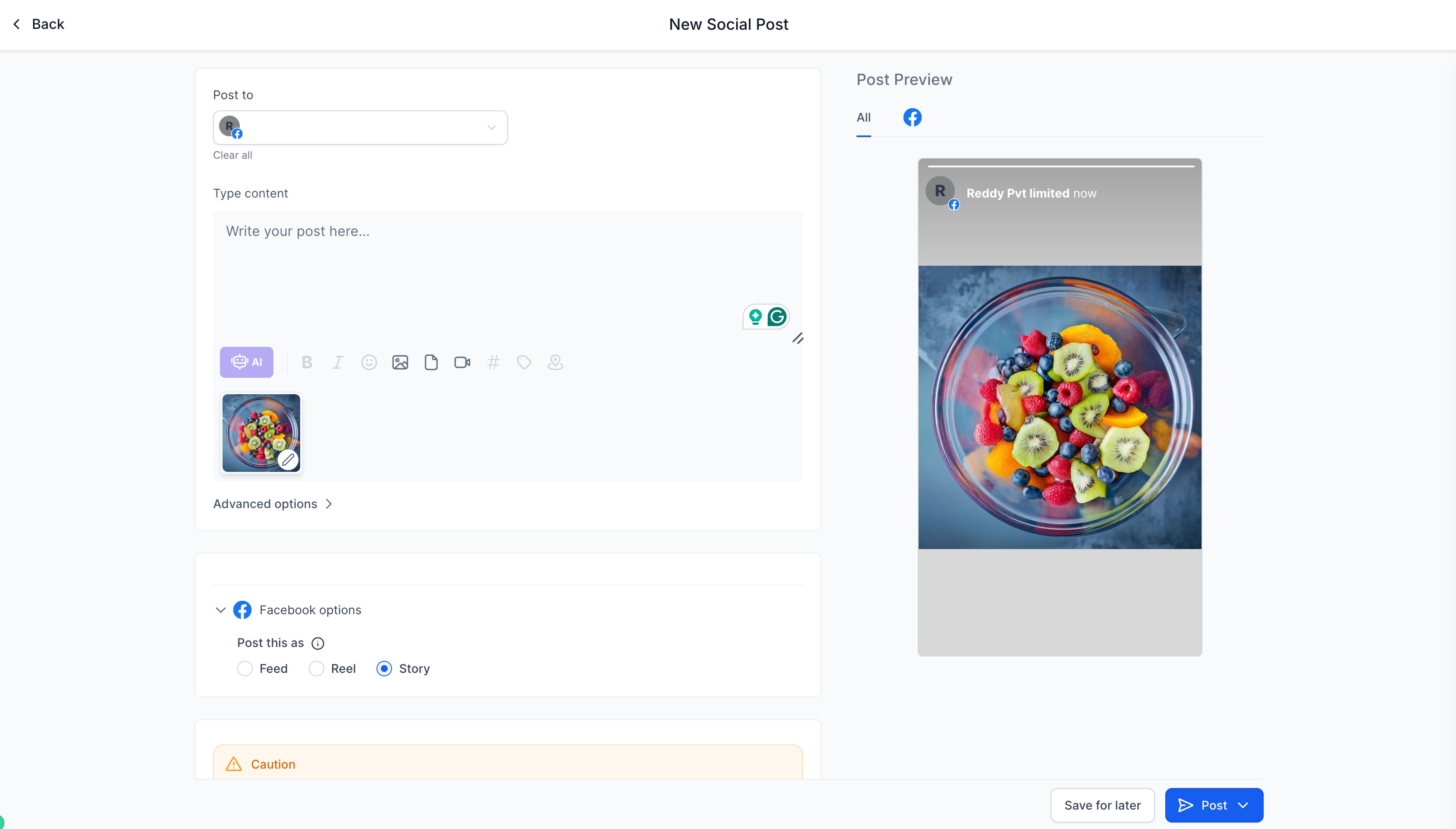
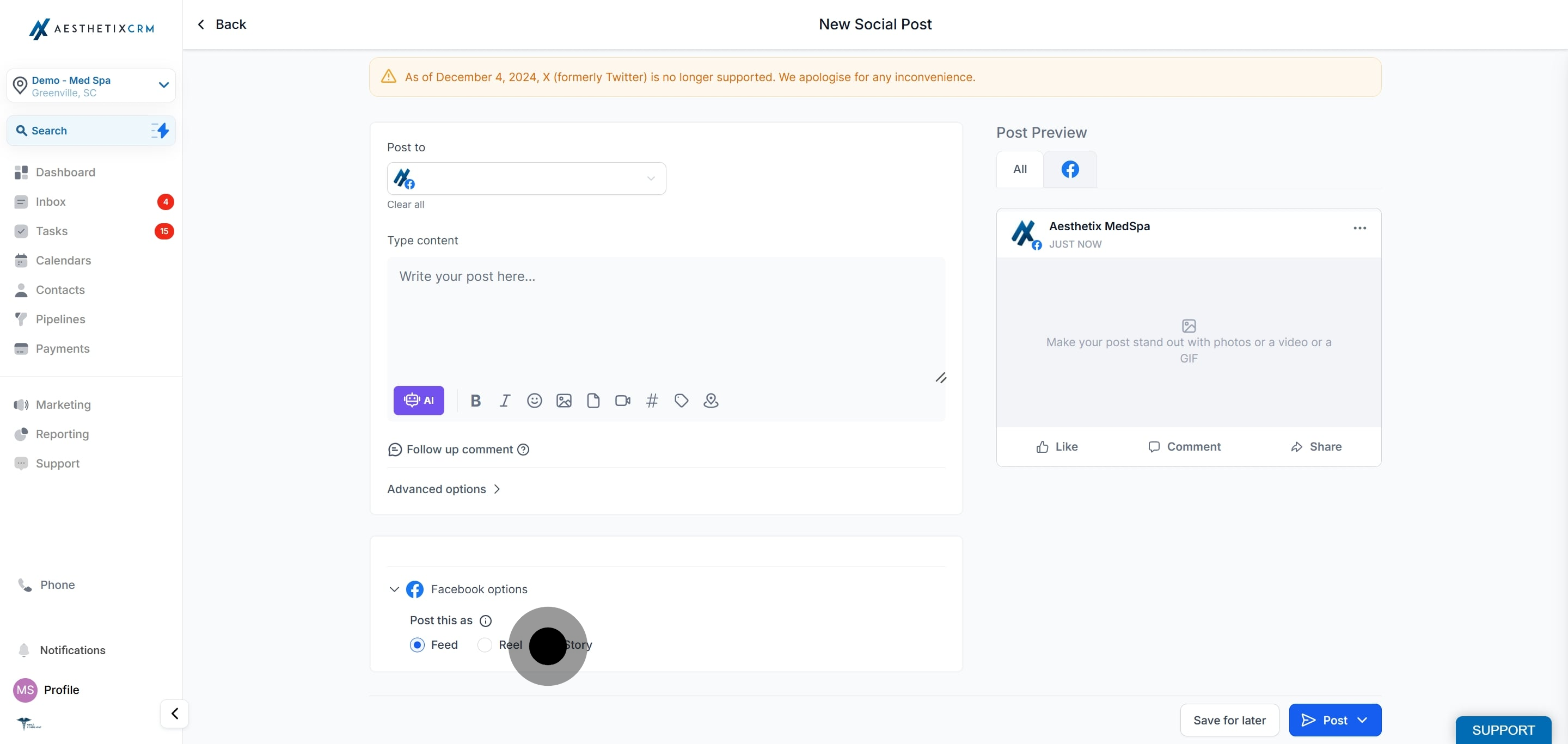
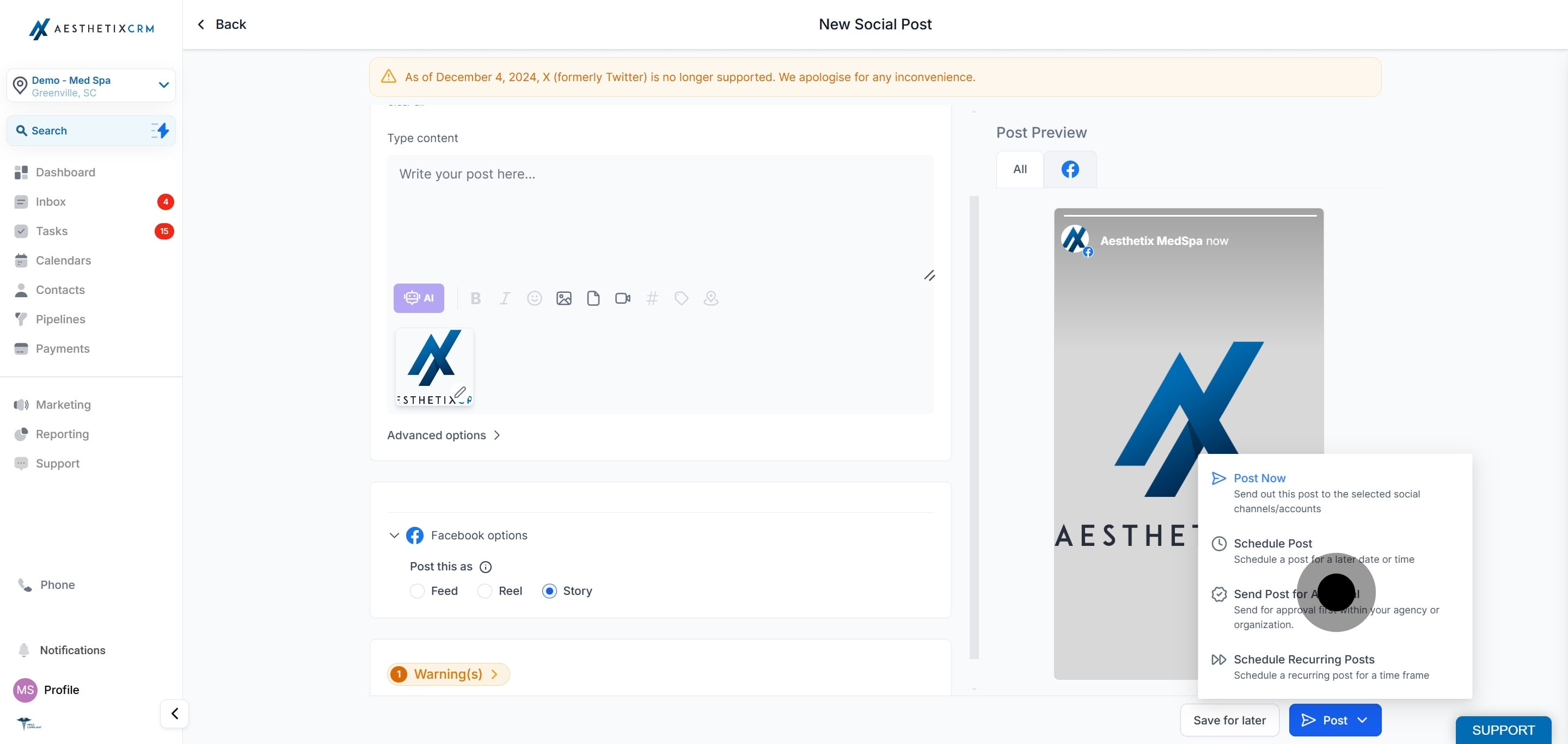
Click Story as the content type.
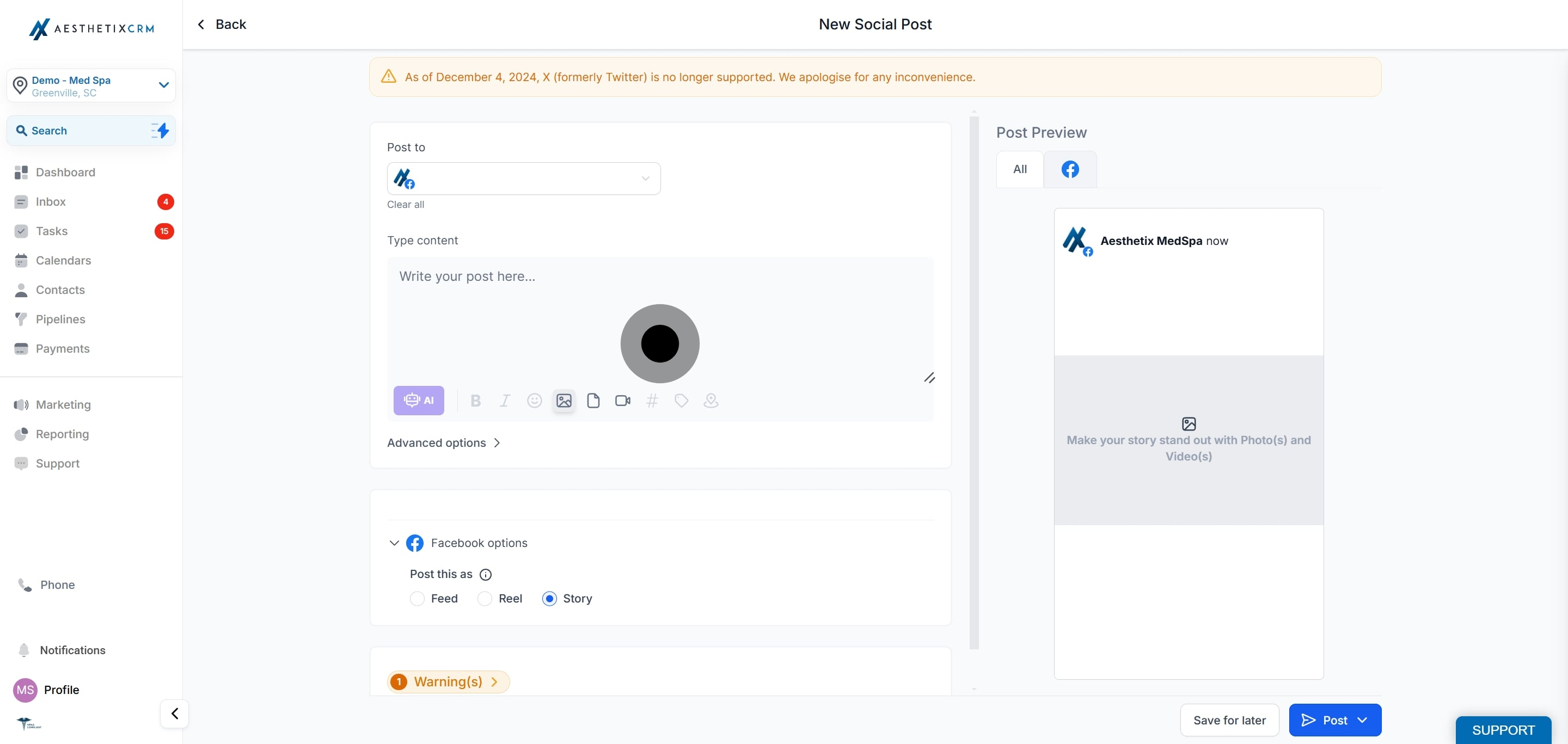
Add your content with one image or video.
Schedule the Facebook Story, or publish it now, from the Social Planner.
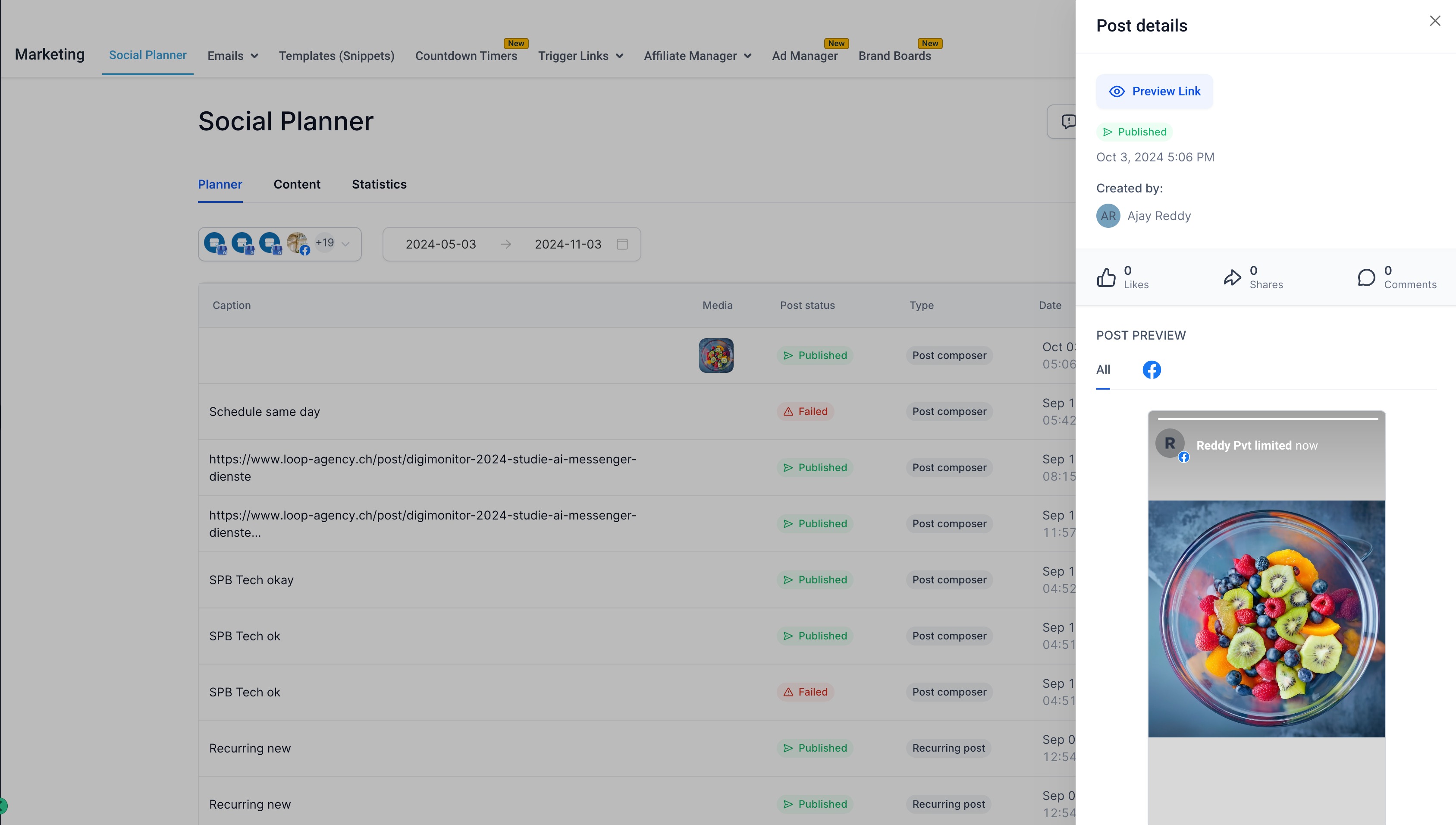
If your Story includes patient before and after photos, confirm you have written consent to use those images publicly before you publish. Once a Story is live on Facebook it is outside Aesthetix CRM and cannot be recalled through the planner.
A Facebook Story uses one image or one video.
Image: JPEG, PNG, or GIF, with a maximum file size of 4 MB.
Video: any format, up to 1 GB, between 3 and 90 seconds long, with a minimum dimension of 540 x 960 px.
Facebook Stories do not support a thumbnail or OG meta tag.
How many images or videos can a Facebook Story include? One. Each Facebook Story uses a single image or a single video.
What image formats and size are allowed? JPEG, PNG, or GIF, with a maximum file size of 4 MB.
What are the video requirements? Any format up to 1 GB, between 3 and 90 seconds long, with a minimum dimension of 540 x 960 px.
Can I schedule a Facebook Story in advance? Yes. After adding your media, choose a date and time in the Social Planner, or publish immediately.
Do Facebook Stories support a custom thumbnail? No. Facebook Stories do not support a thumbnail or OG meta tag.
How long does a Facebook Story stay live? Facebook Stories disappear after 24 hours, which makes them well suited to time-sensitive promotions and announcements.
Do I need a Facebook Page connected first? Yes. Connect your Facebook Page in the Social Planner before creating a Story so there is a destination to publish to.
