Pinterest is a natural fit for aesthetic practices: patients search it for treatment inspiration, before and after ideas, and seasonal skincare tips. With the Social Planner in Aesthetix CRM, you can create and publish Pinterest pins without switching between the CRM and Pinterest. After connecting a Pinterest business account, you upload one image or video, add the pin title and description, include a destination link, and choose the board or boards where the pin should appear.
Each pin requires one image or one video, and at least one board must be selected before the pin can be posted, scheduled, saved, or sent for approval. You can also publish the same pin to up to 25 boards at once. Each selected board creates its own published pin, so you can share the same content across multiple destinations without recreating the post.
Multi-board publishing: publish the same pin to multiple selected boards from one composer.
Centralized scheduling: create, schedule, save, or publish pins directly from the Social Planner.
Board flexibility: select existing boards or create a new board while building the pin.
Post preview: review how the pin will appear before publishing or scheduling.
Media support: publish image or video pins as long as the media meets Pinterest requirements.
Every pin needs either one image or one video.
Image
Maximum file size: 10 MB.
Supported formats: PNG and JPG.
Video
Maximum file size: 1 GB.
Supported formats: MOV, MP4, and WEBP.
Duration: minimum 4 seconds, maximum 5 minutes.
Recommended aspect ratio: 9:16 (full-bleed), 1:2, 2:3, 3:4, 4:5, or 1:1.
Video encoding: H.264 or H.265.
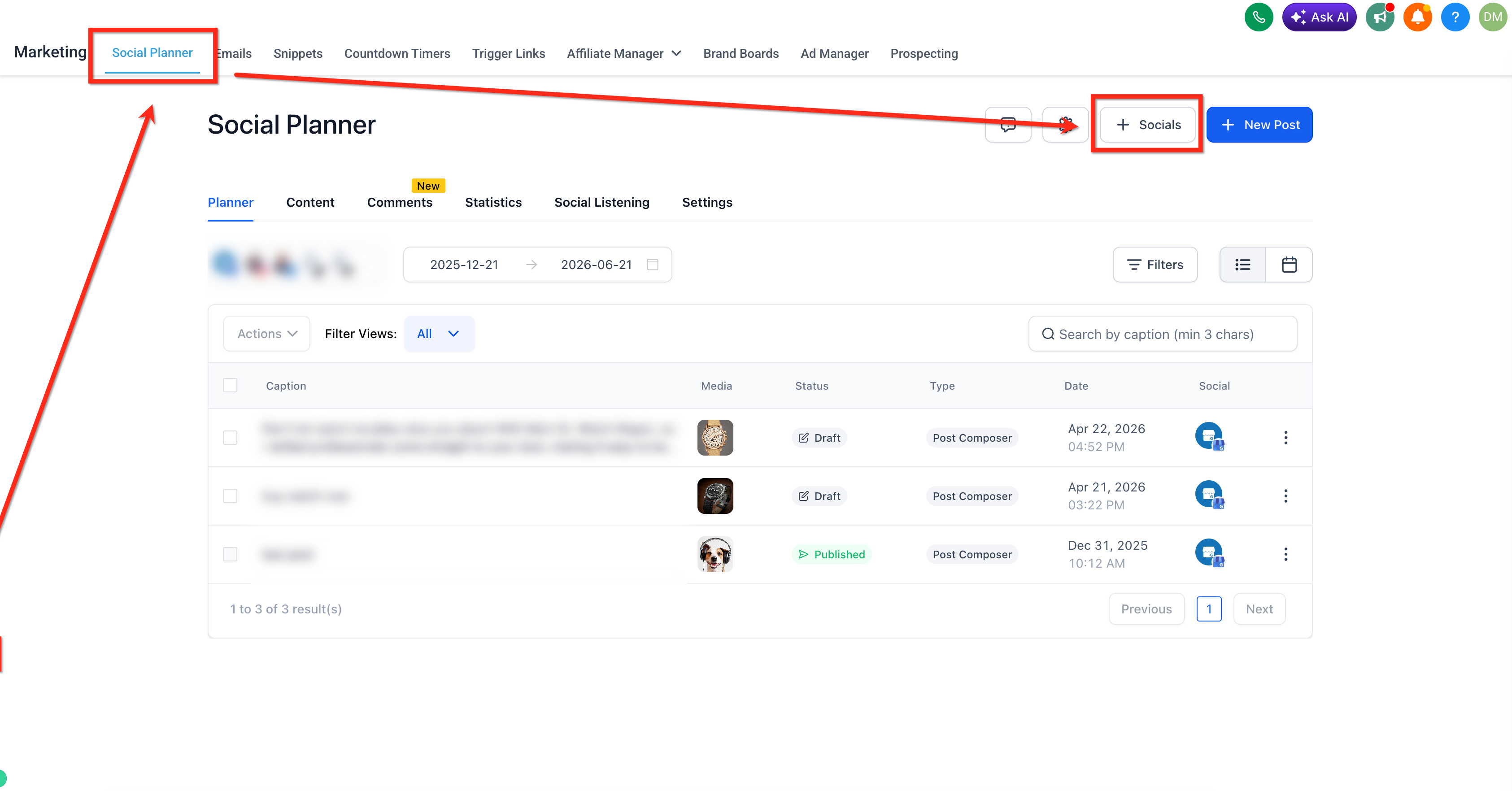
Navigate to Marketing → Social Planner → + Socials.
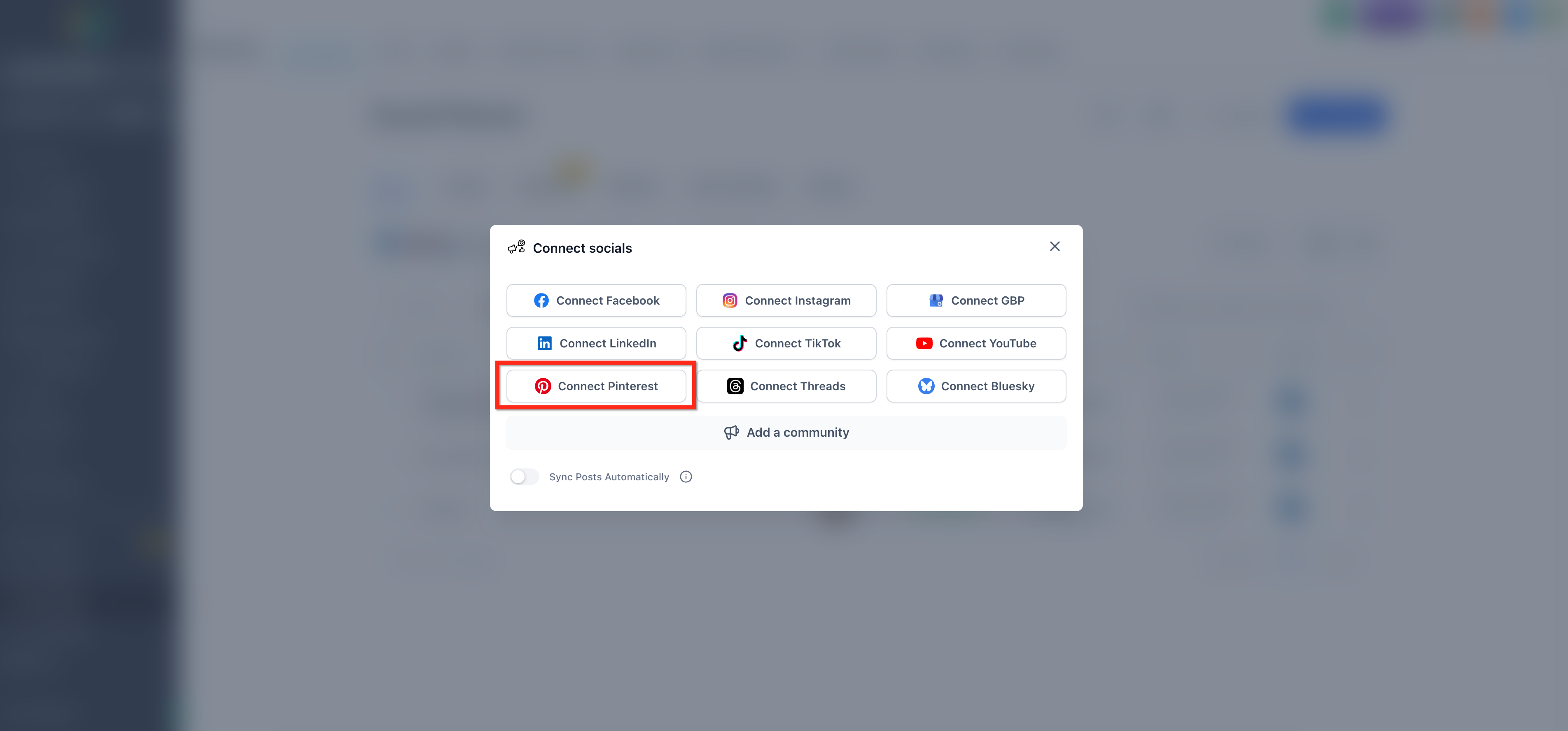
Click Connect Pinterest.
Log into your Pinterest account. Make sure you are an admin of the account.
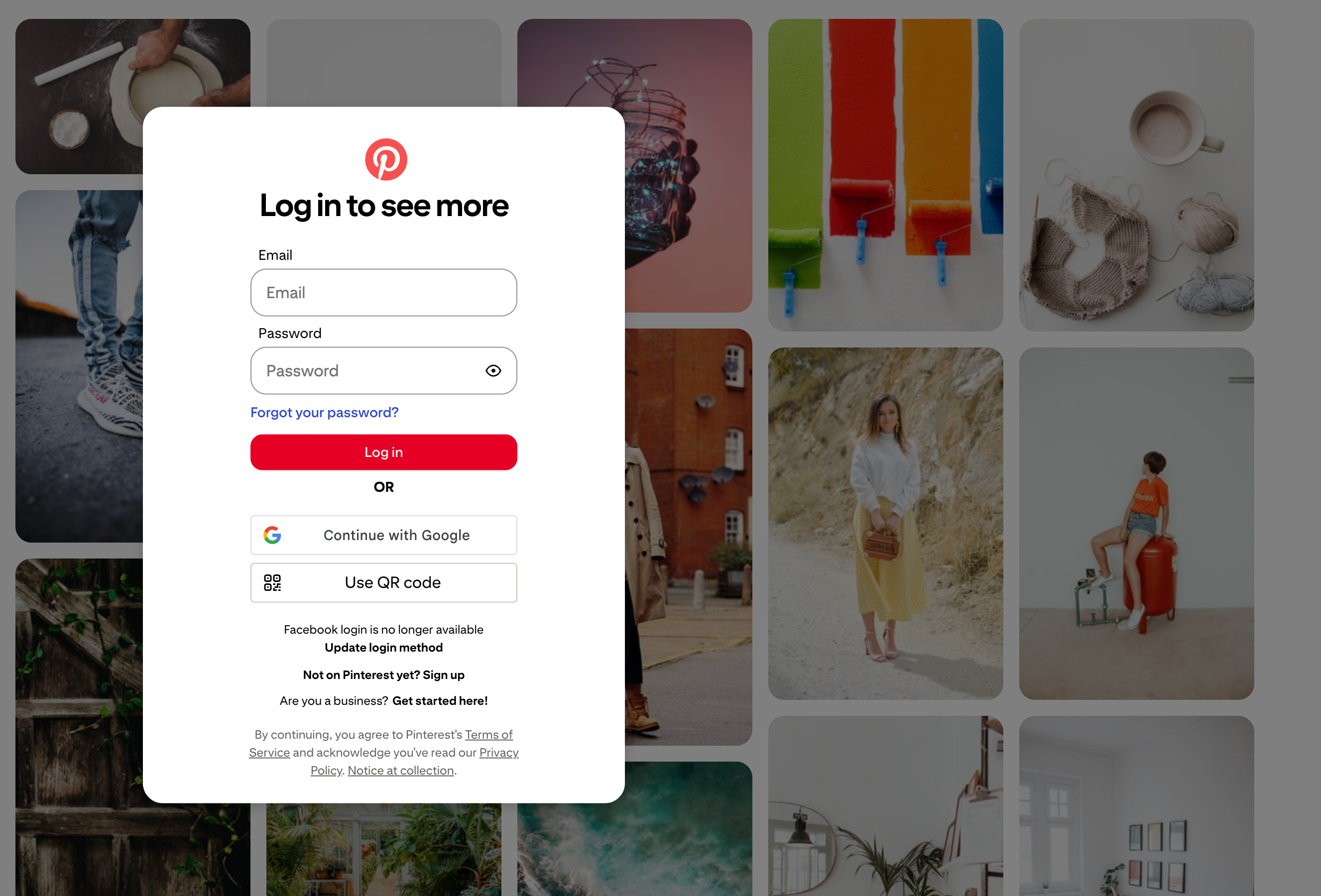
The connection is powered by our underlying provider, so you may see a screen that mentions LeadConnector during sign-in. That screen is expected and safe to approve.
From the Social Planner, click + New Post.
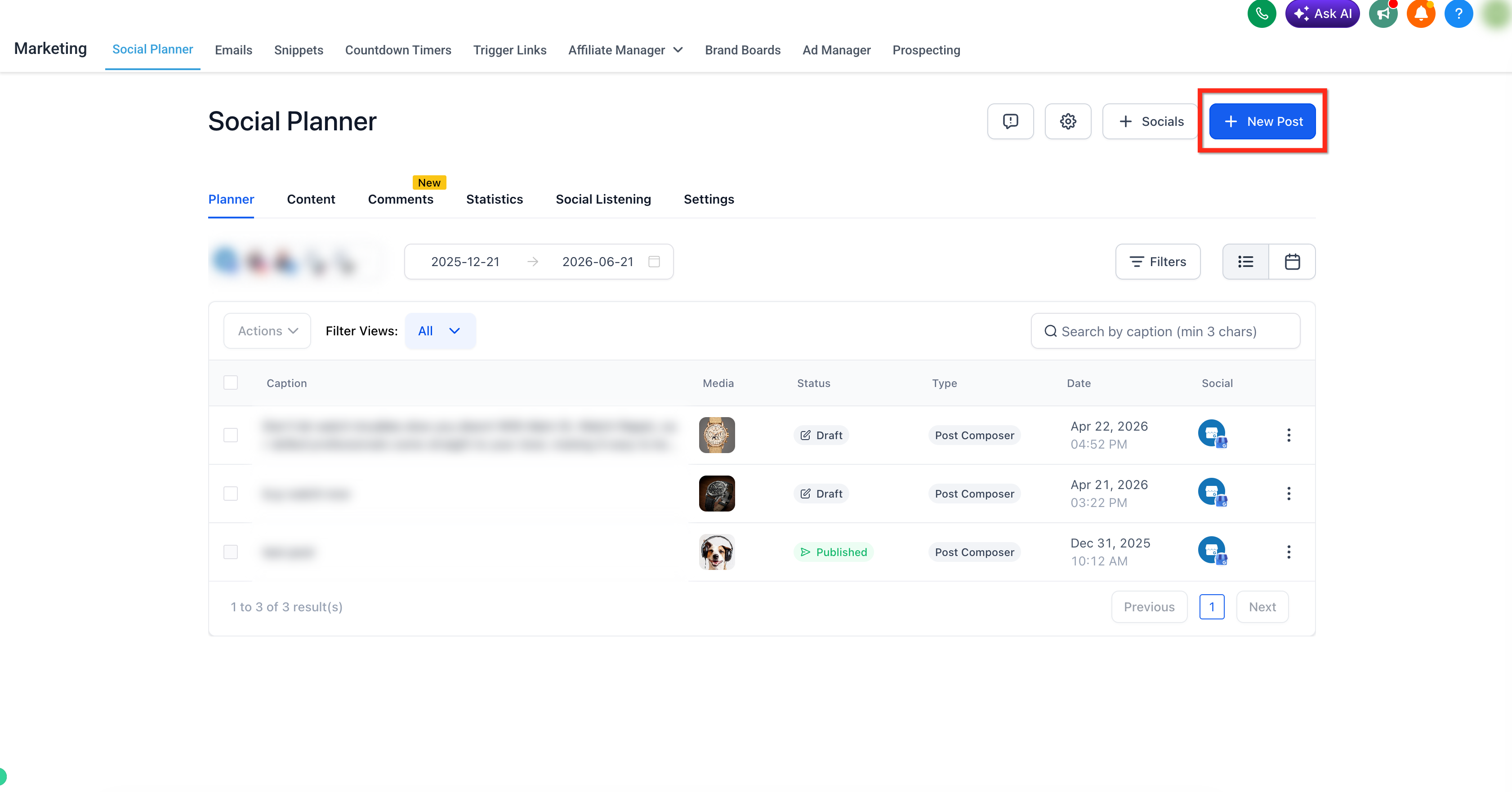
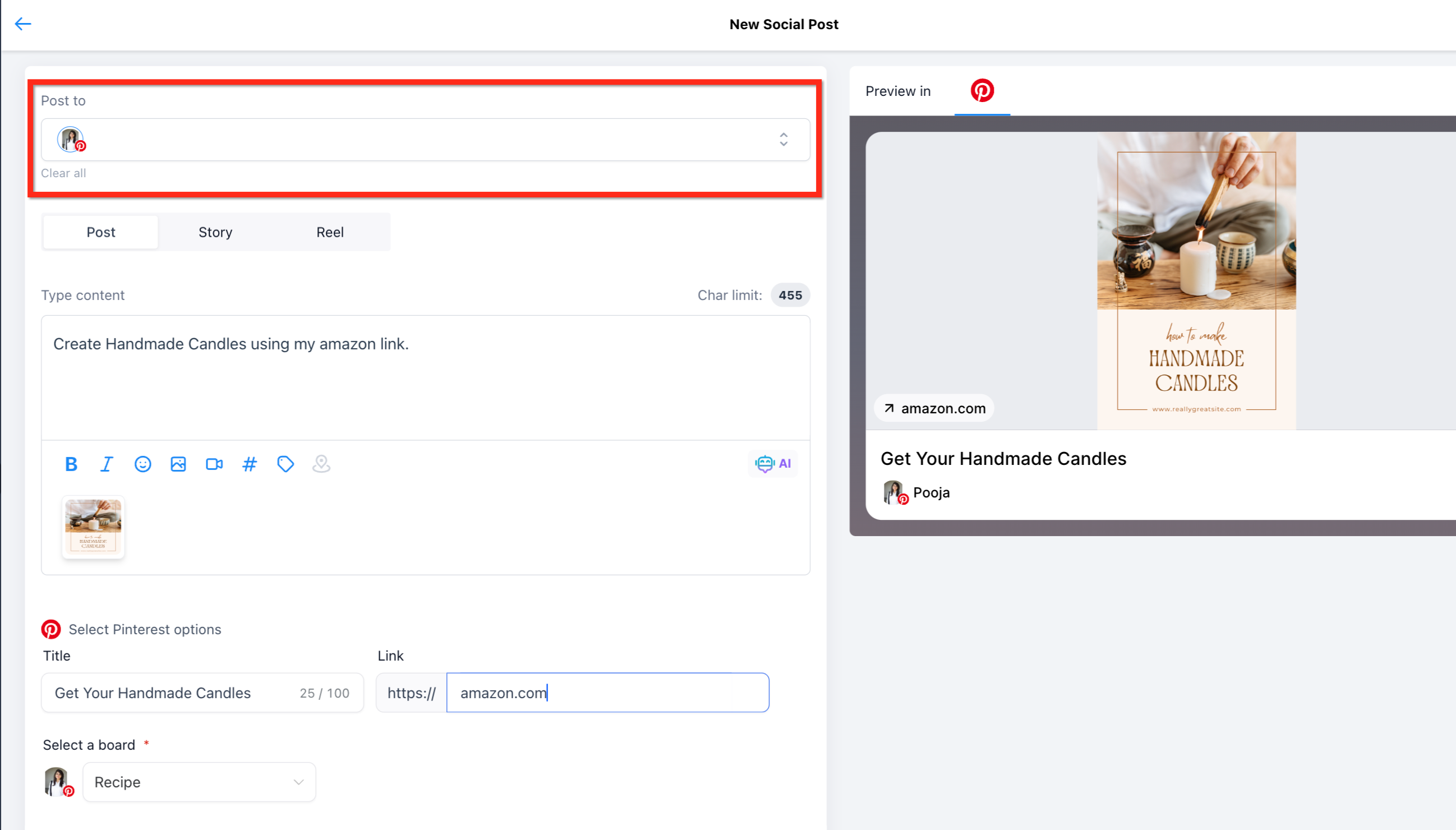
In the Post to field, select your Pinterest account.
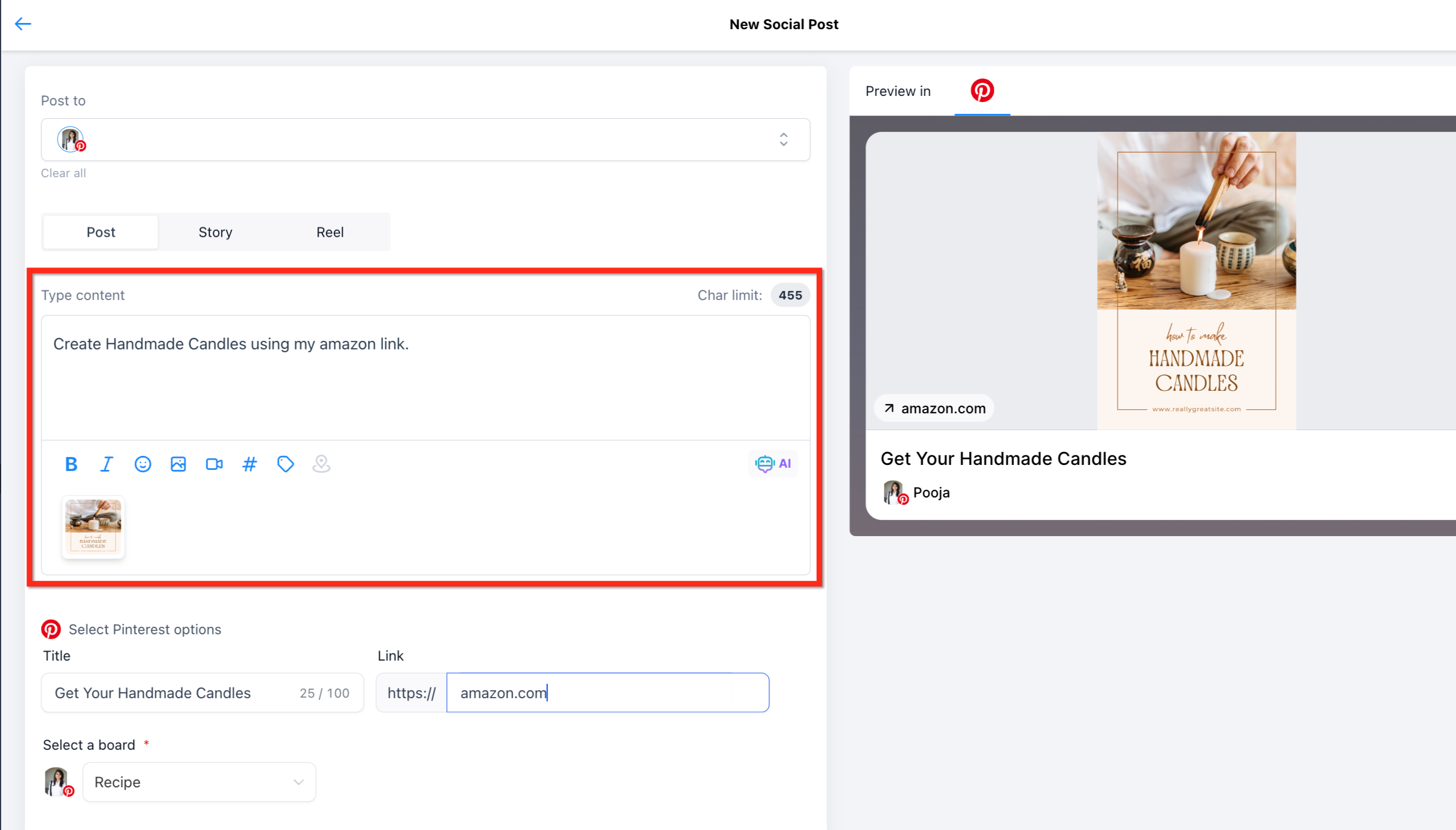
Add your post content or description and upload a supported image or video. For a med spa, this might be a treatment result graphic, a skincare tip, or a seasonal special.
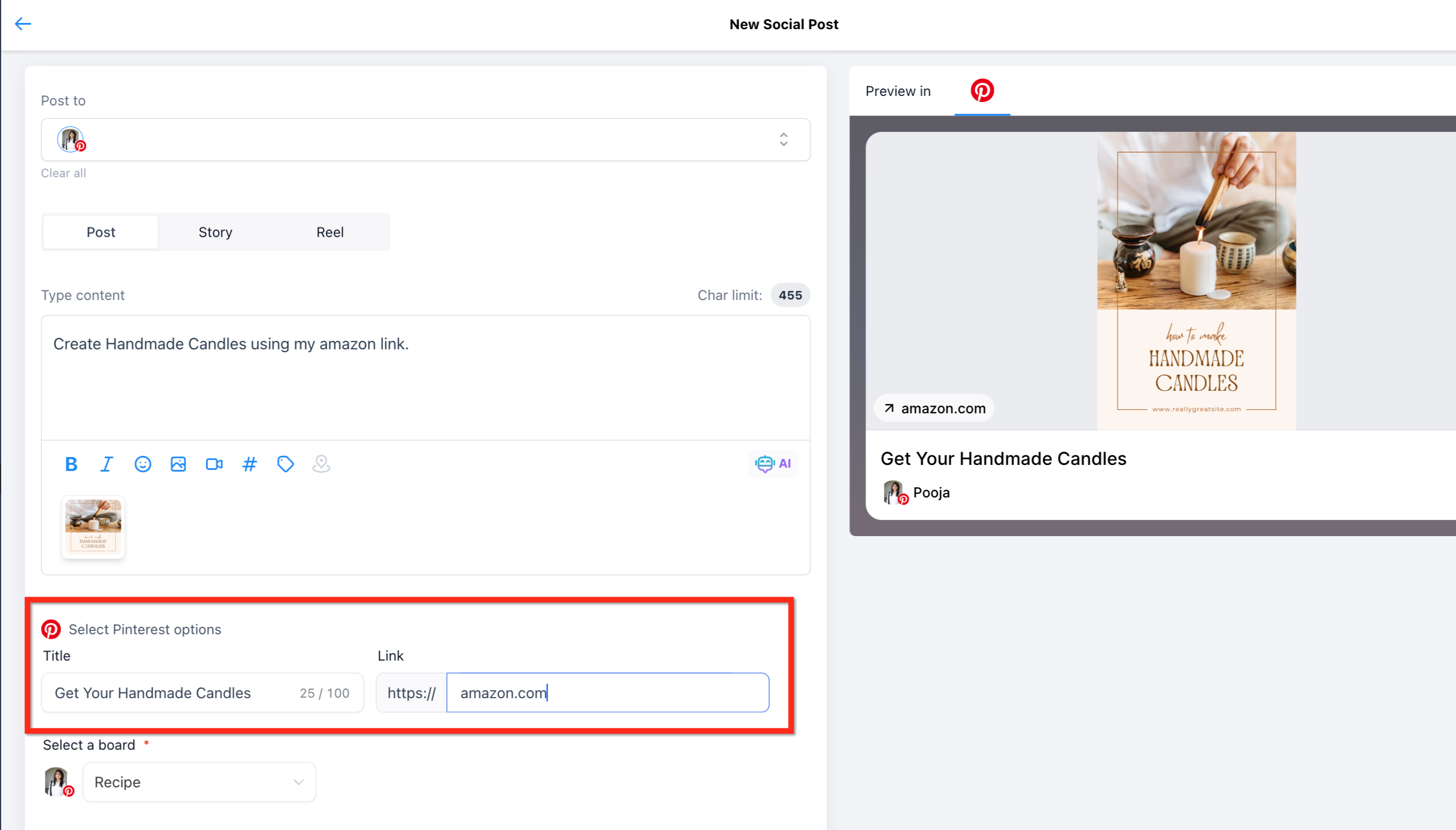
Add a title and a destination link, for example a link to the treatment page on your website.
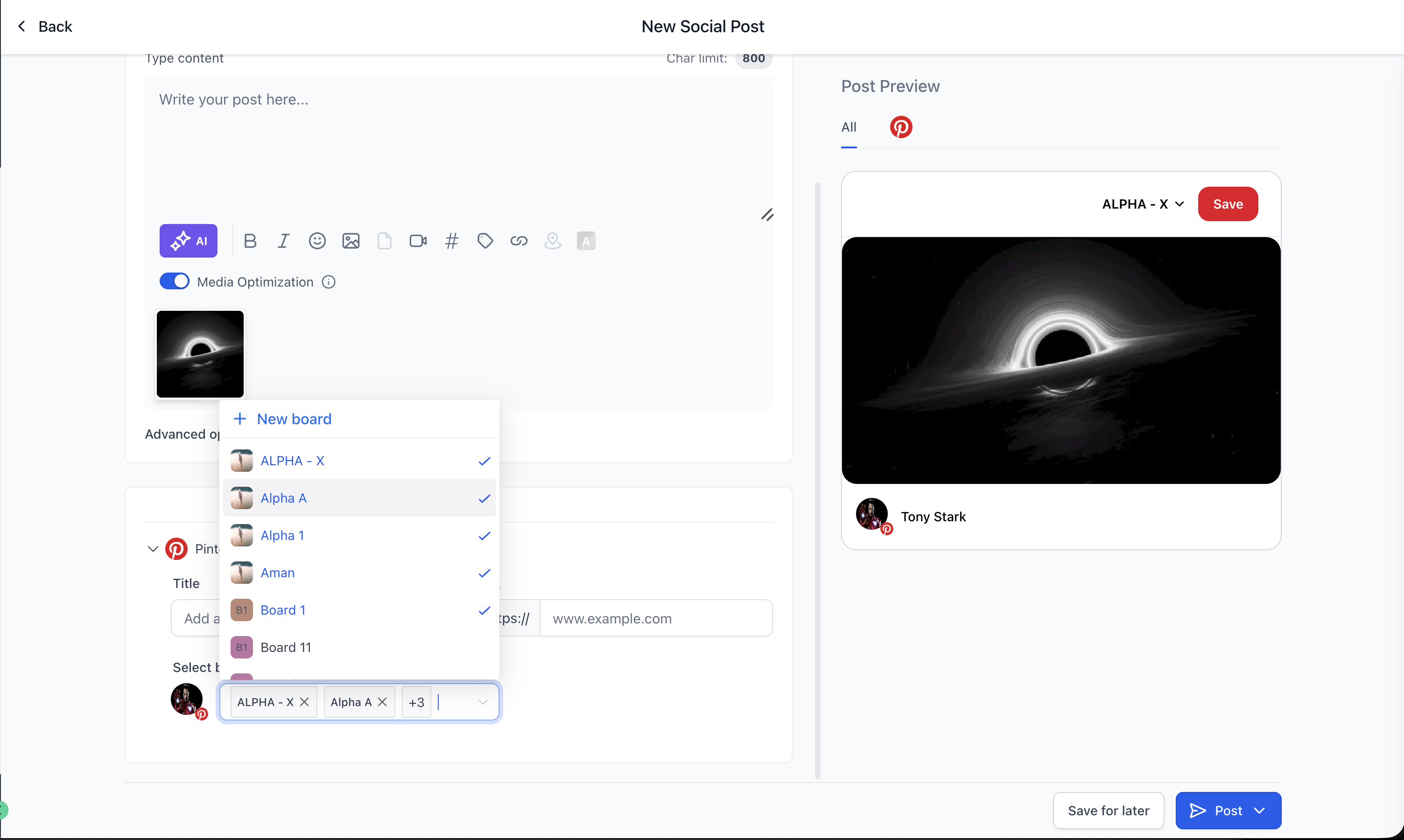
Select one or more Pinterest boards. Up to 25 boards are supported, and each selected board generates its own published pin. Private boards show a Lock icon. If you do not have any boards yet, use the Add board option in the board dropdown to create one.
Choose how you want to publish:
Save for later
Post now
Schedule post
Recurring post
Send for approval
If your pins include patient before and after photos, confirm you have written consent to use those images publicly before you post. Once a pin is live on Pinterest it is outside Aesthetix CRM and cannot be recalled through the planner.
Can I publish one pin to multiple boards? Yes. You can publish a single pin to up to 25 boards per Pinterest account from one composer. Each selected board creates its own published pin automatically, so you do not have to duplicate the post manually.
Does each selected board create a separate pin? Yes. Each board produces a separate published pin, which keeps tracking and analytics separated by board.
What happens if publishing fails for one board? A failure on one board does not block the others. Each board is handled independently.
Why do I need to select a board? Pinterest requires every pin to be saved to a board. The board you choose determines where the pin appears on Pinterest.
Can I create a new board while creating a pin? Yes. Use the Add board option in the board dropdown to create a board during post creation.
Why is my board not appearing? Confirm that the correct Pinterest business account is connected, that you have admin access, and that the board exists in that account. If the account was recently updated, reconnecting or refreshing the social account may help.
What happens if my media does not meet Pinterest requirements? The pin may fail to publish or need adjusting before it can be scheduled. Check the file type, file size, duration, and aspect ratio before posting.
Do I need a Pinterest business account? Yes. Publishing pins from the Social Planner requires a connected Pinterest business account with admin access.
