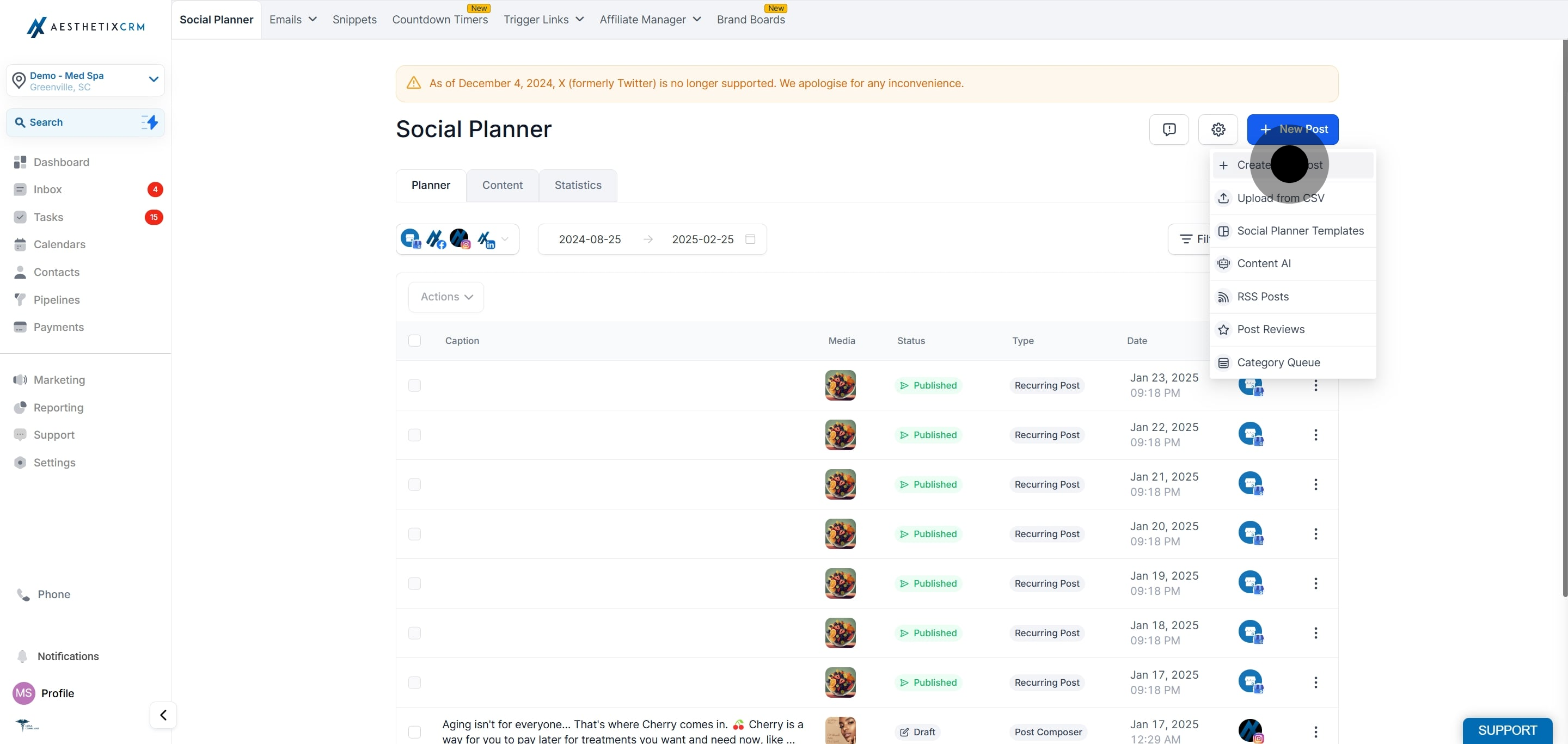
Content AI is an AI-powered writing assistant built into the Aesthetix CRM Social Planner. It helps your practice draft social post copy faster and with less effort, letting you set a specific tone and keywords and generate several variations to choose from. You can use it two ways: generate a full post from a topic you provide, or improve copy you have already written (fix grammar, adjust length, or simplify the wording).
Content AI can also adapt to the social platform and content type you are creating for, and if your practice has a saved Brand Voice, it can apply that voice to help keep generated copy consistent with your brand identity across every post.
Each staff member who will use Content AI needs the permission enabled on their user profile. To turn it on, go to Settings > My Staff, edit the user, open User Permissions, and enable Content AI.

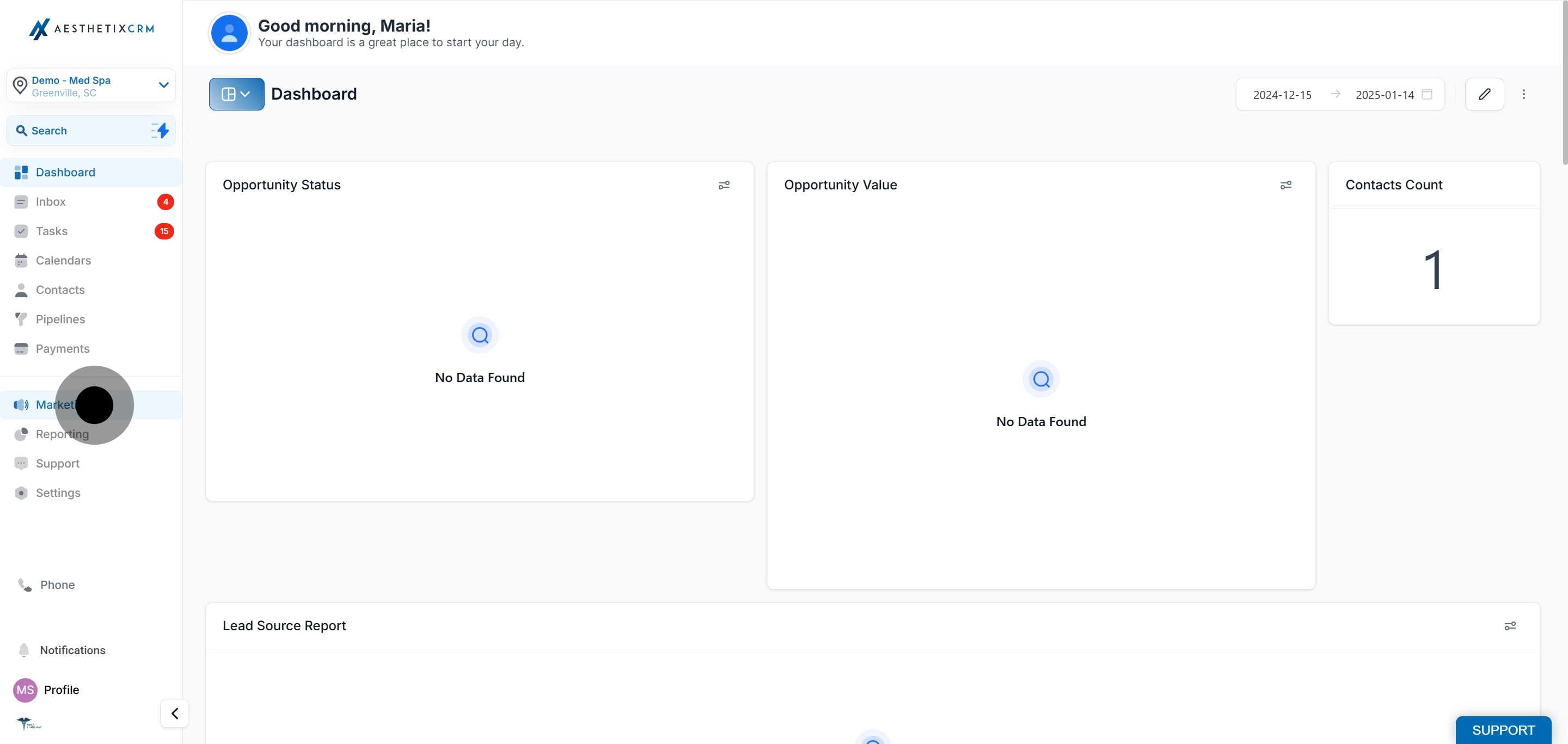
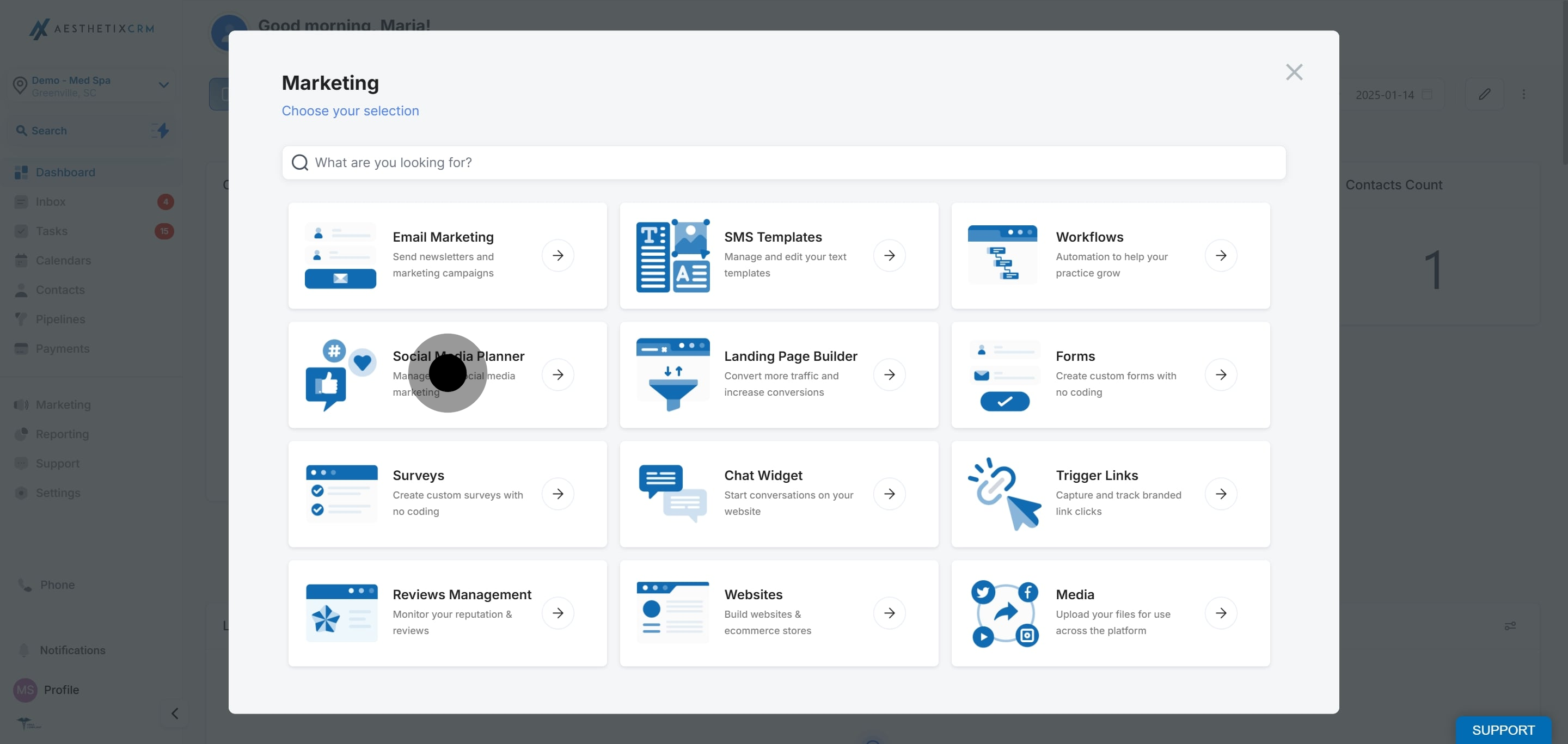
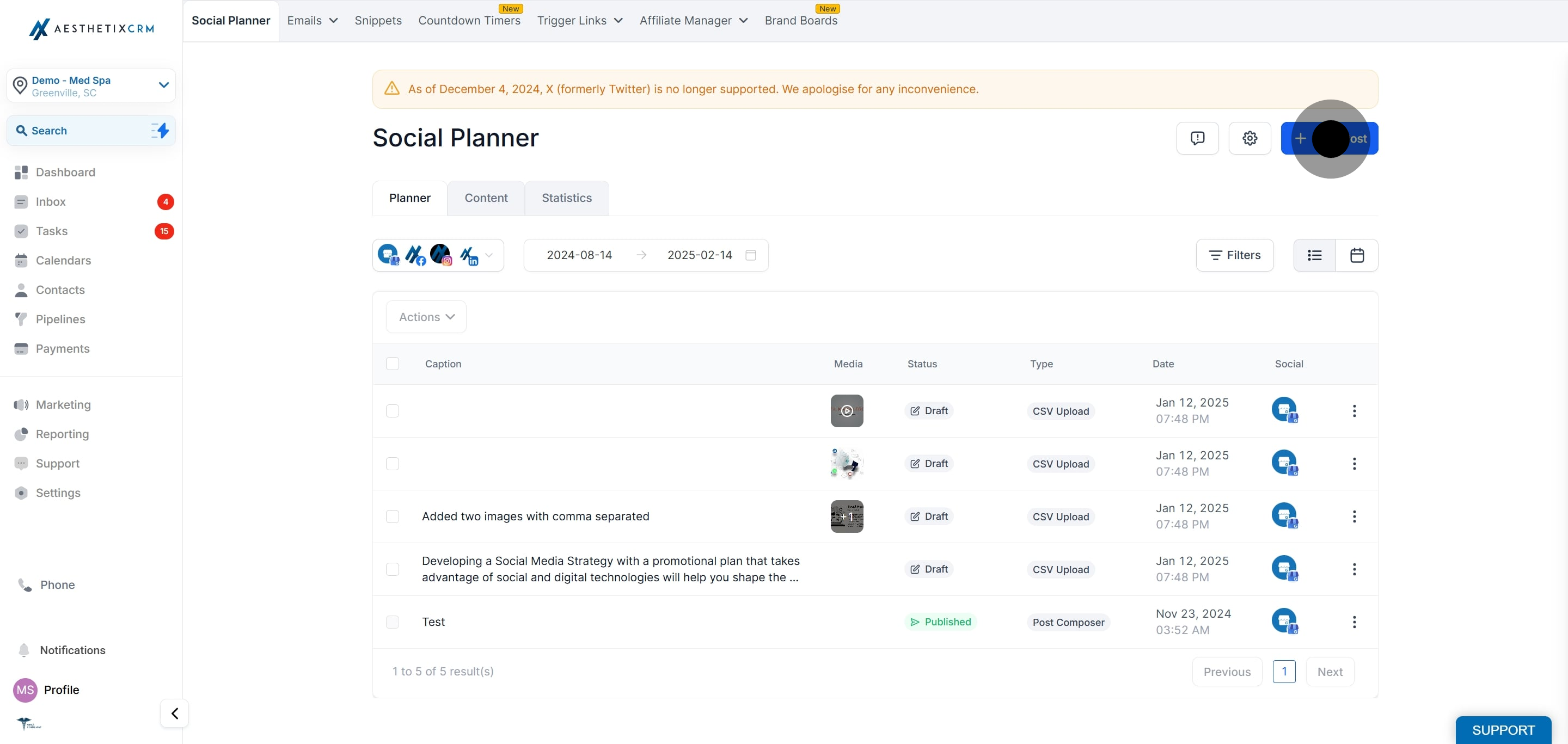
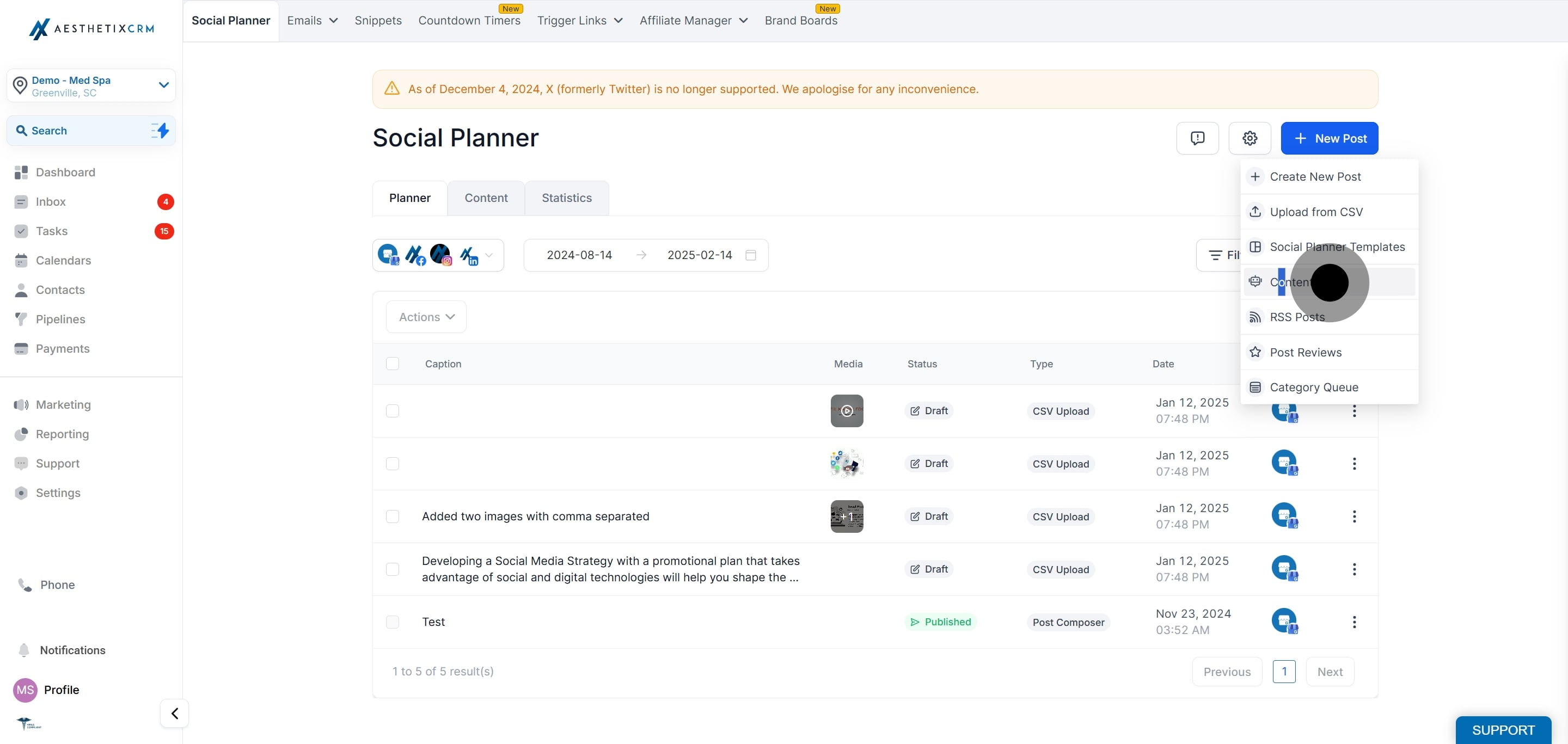
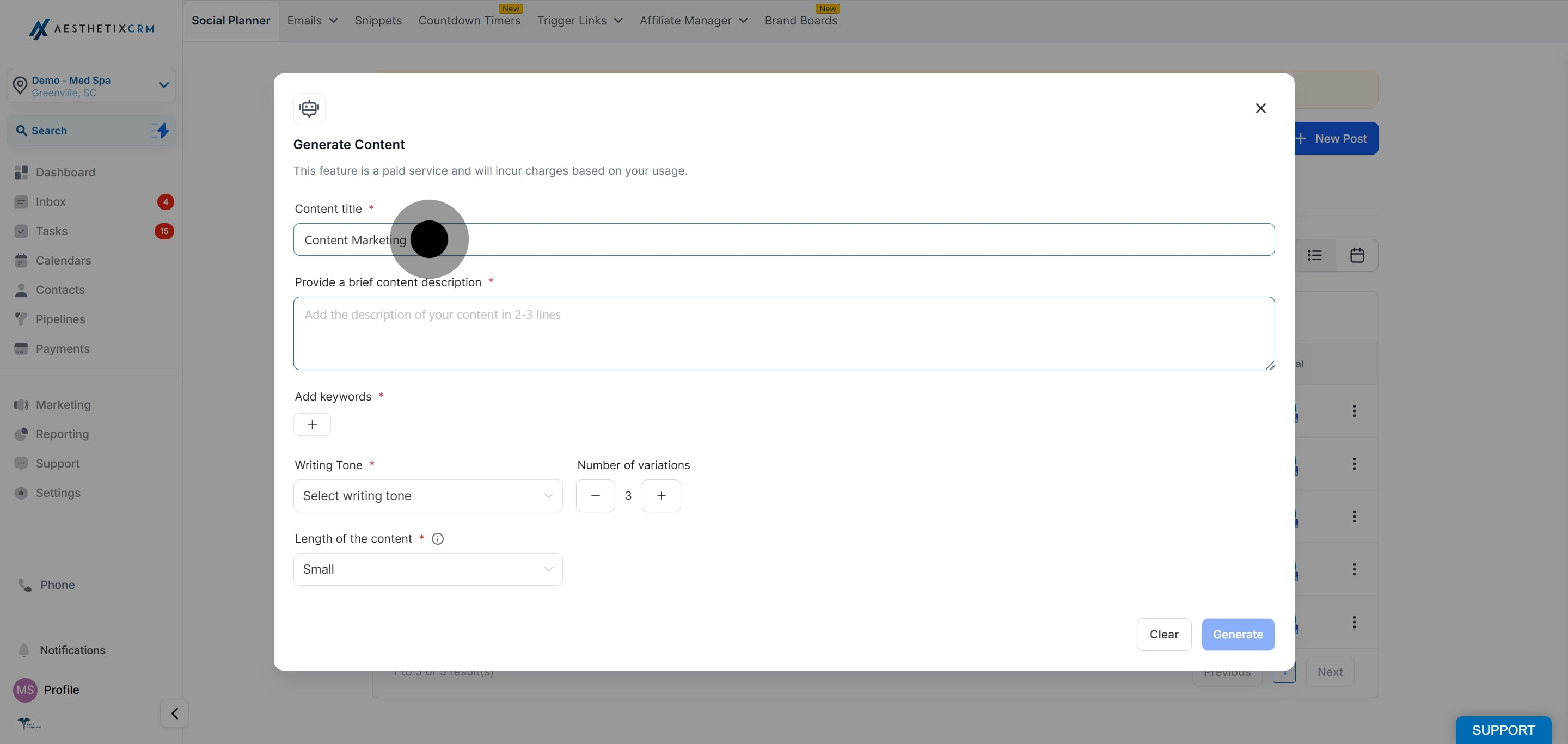
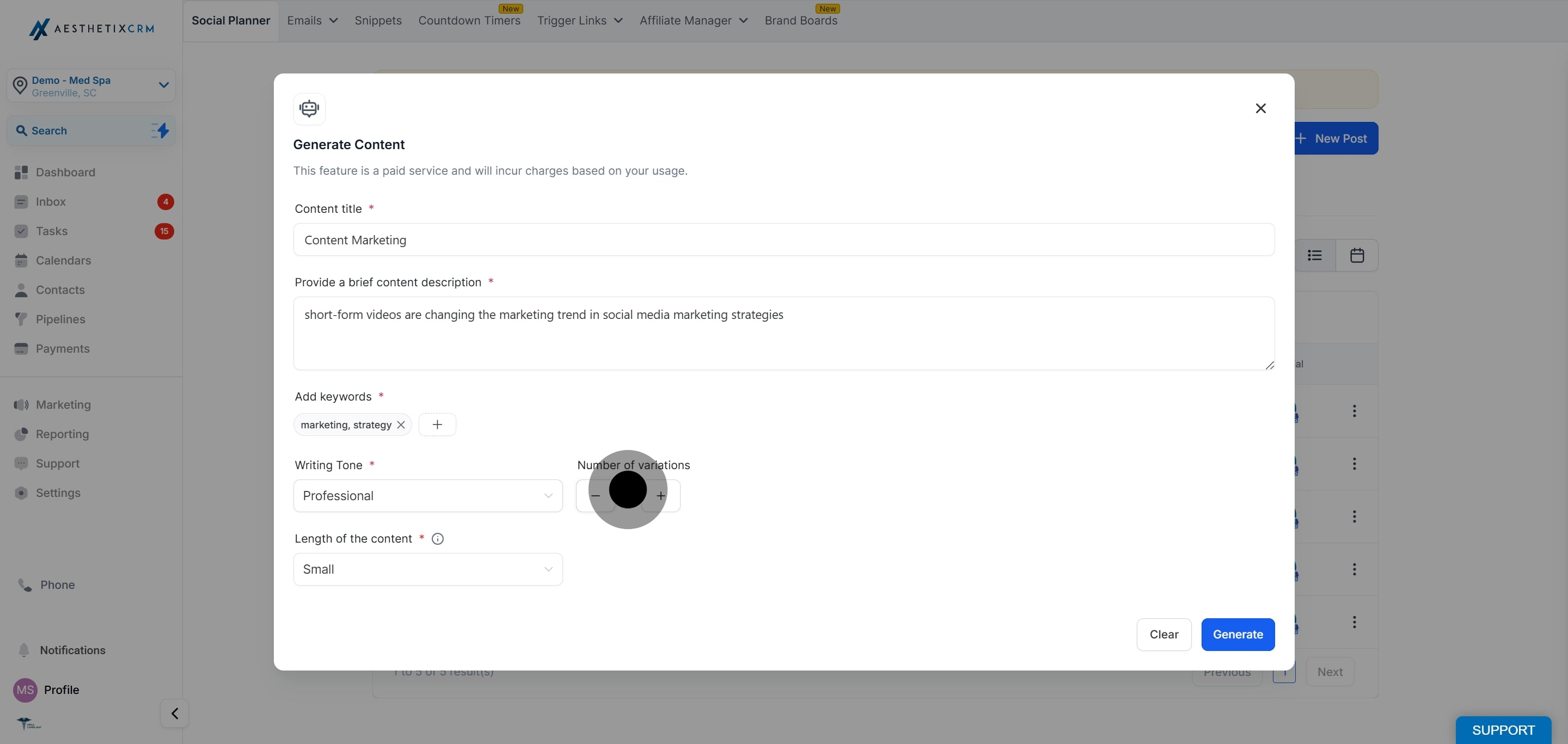
Enter the topic or category of the content you want. For a med spa, this might be something like "Summer Botox Special" or "Skincare Tips."
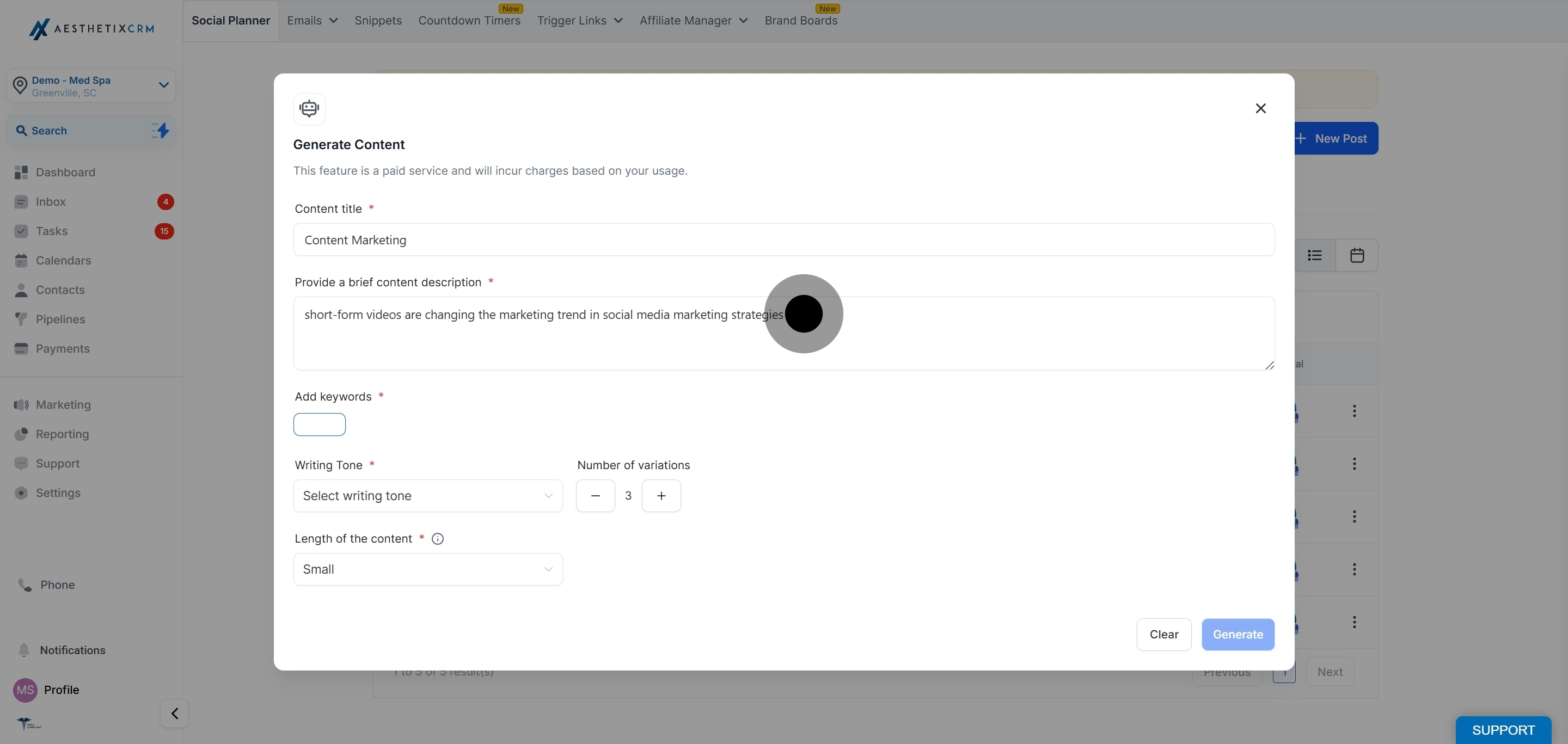
Describe what the post should say, for example, "A limited-time offer on lip filler with 20 percent off for new patients booking in July."
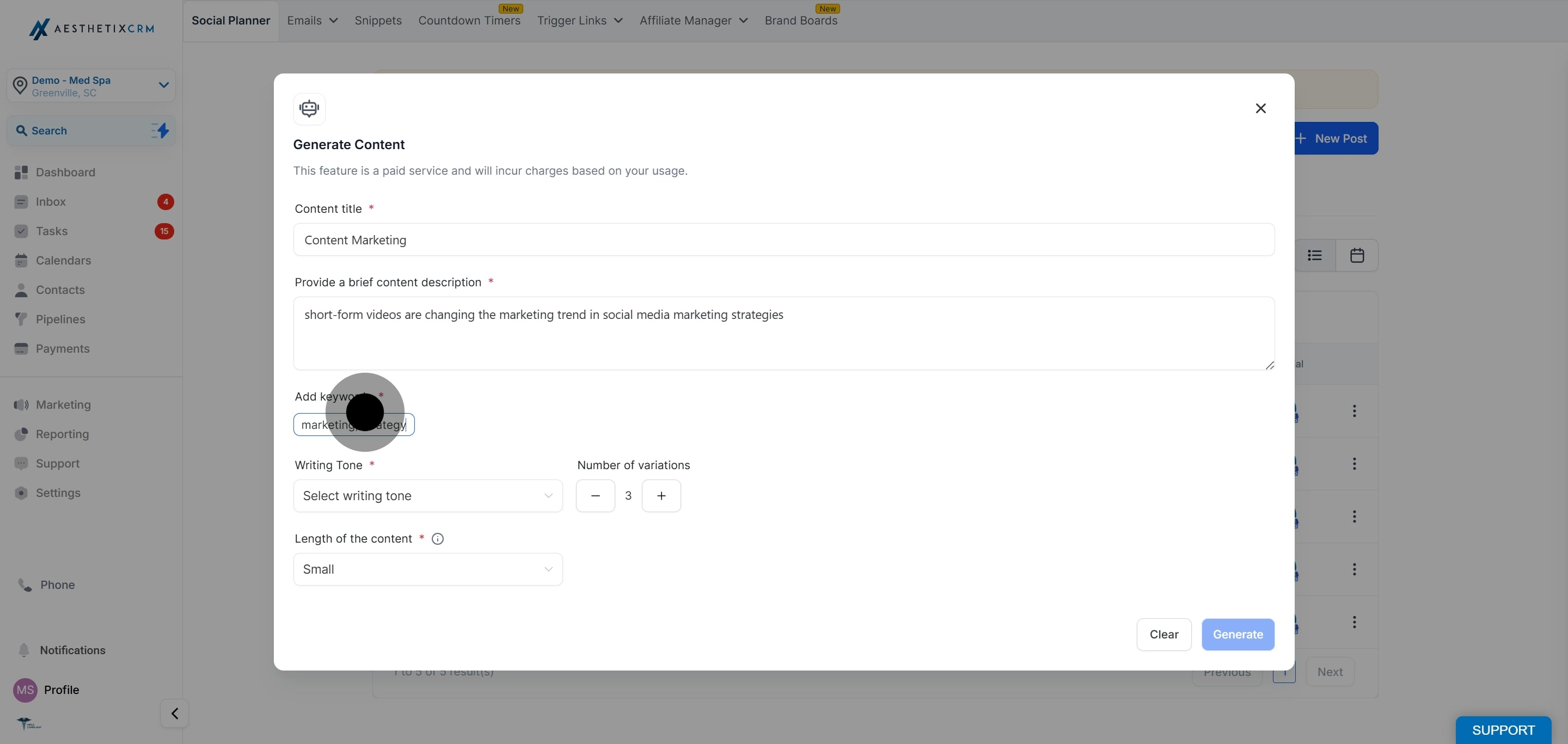
Type a keyword and press Enter to add it, then repeat. For example, "lip filler, med spa, summer special, new patient."
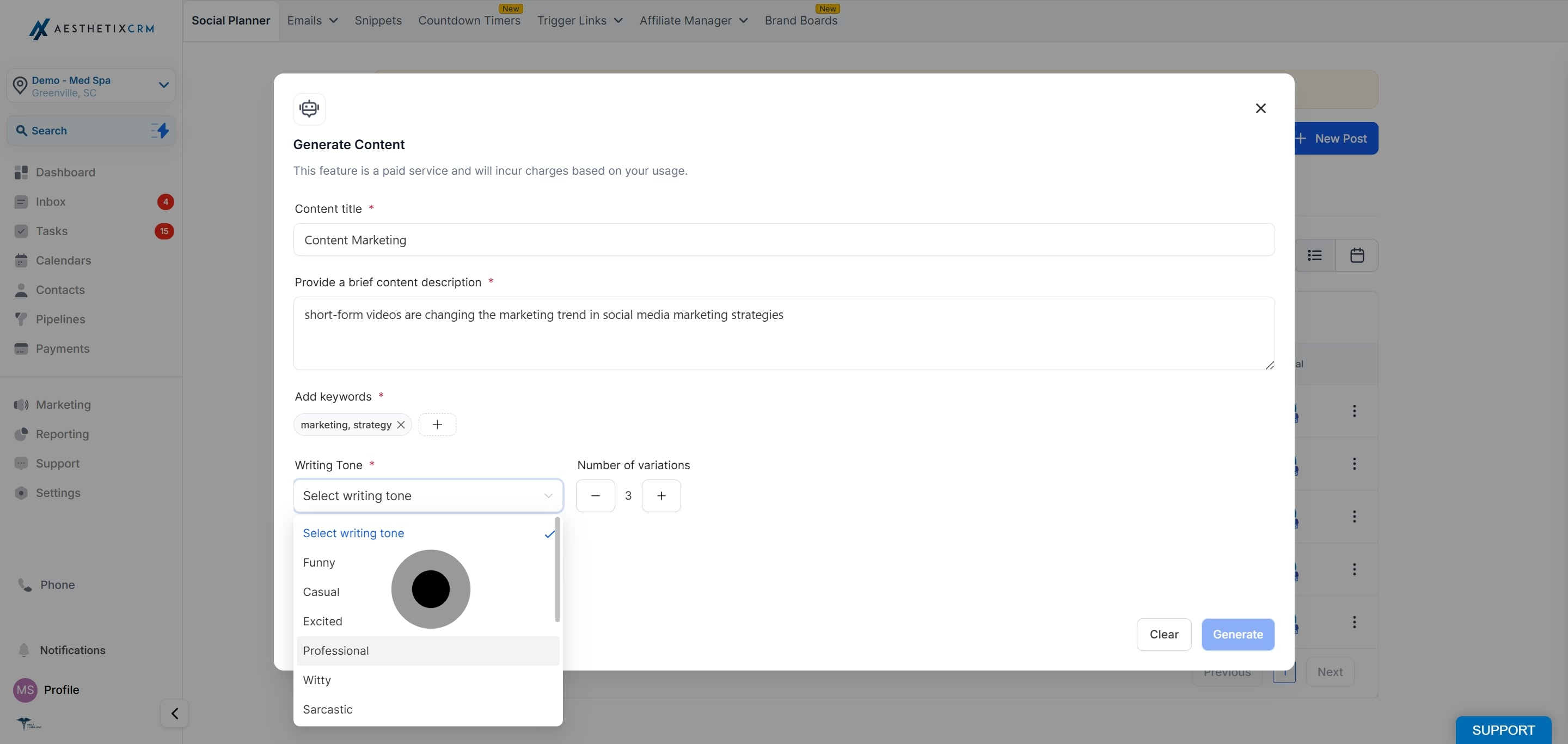
Choose the tone that fits your practice from the available options (for example, Professional or Friendly).
Choose how many versions you want generated, from 1 to 5.
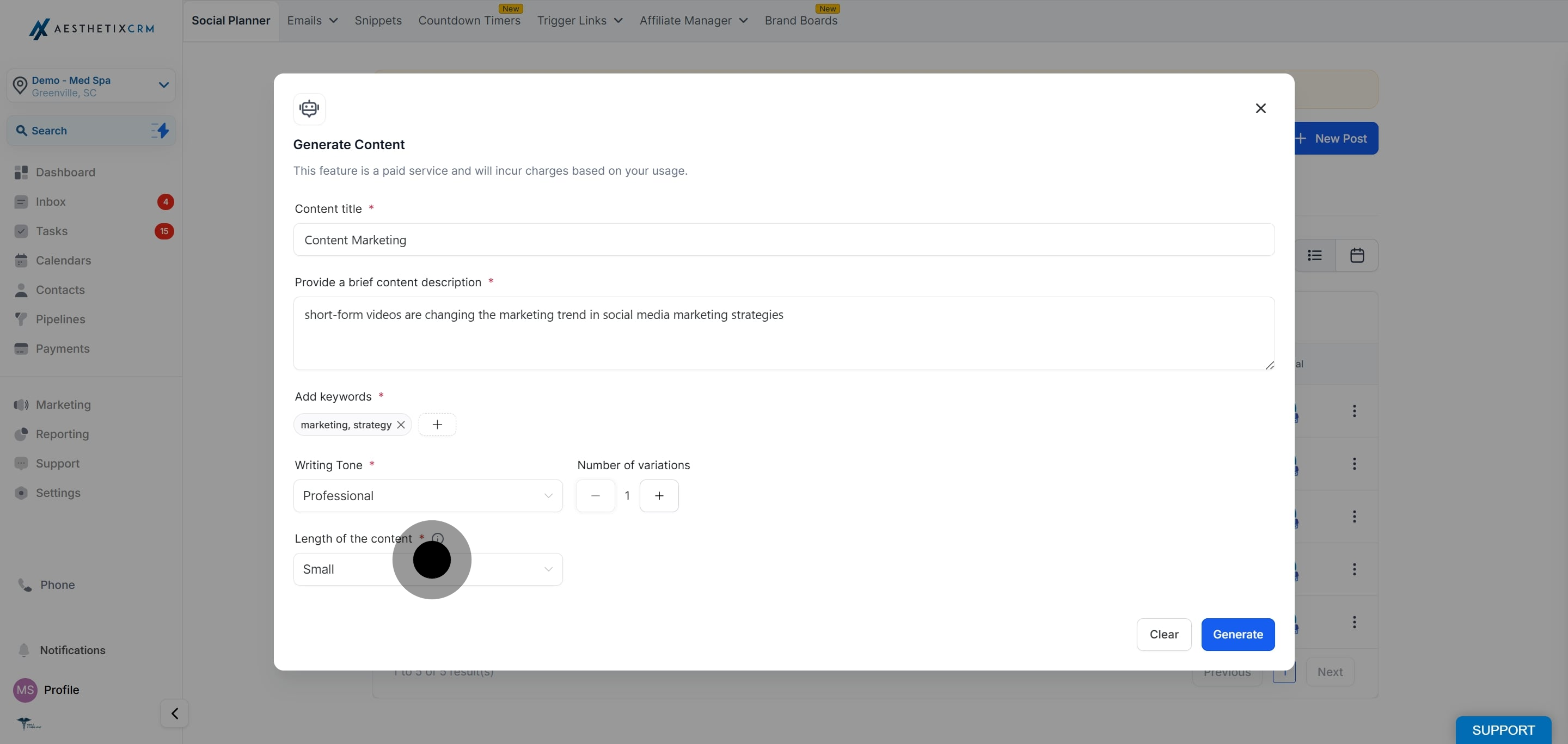
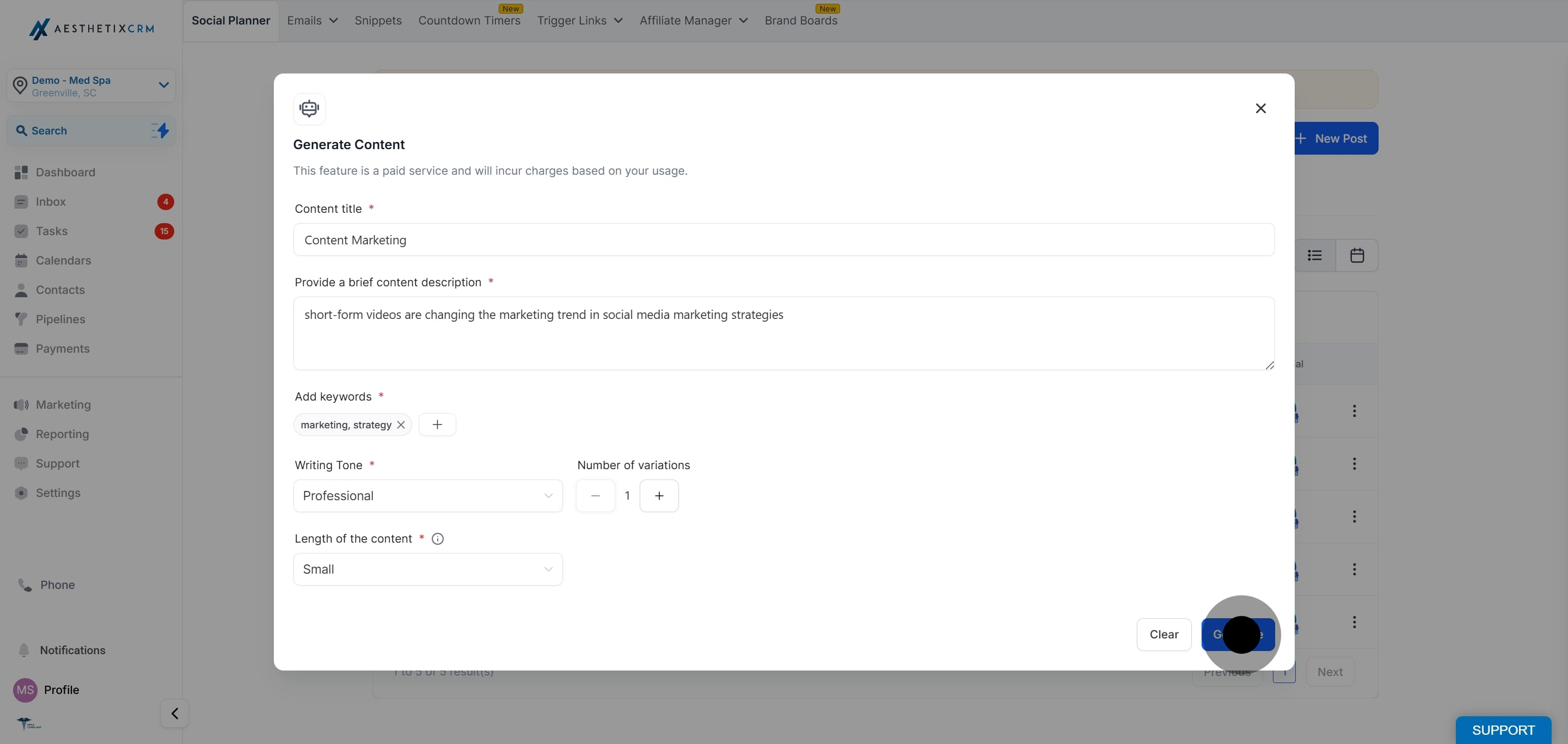
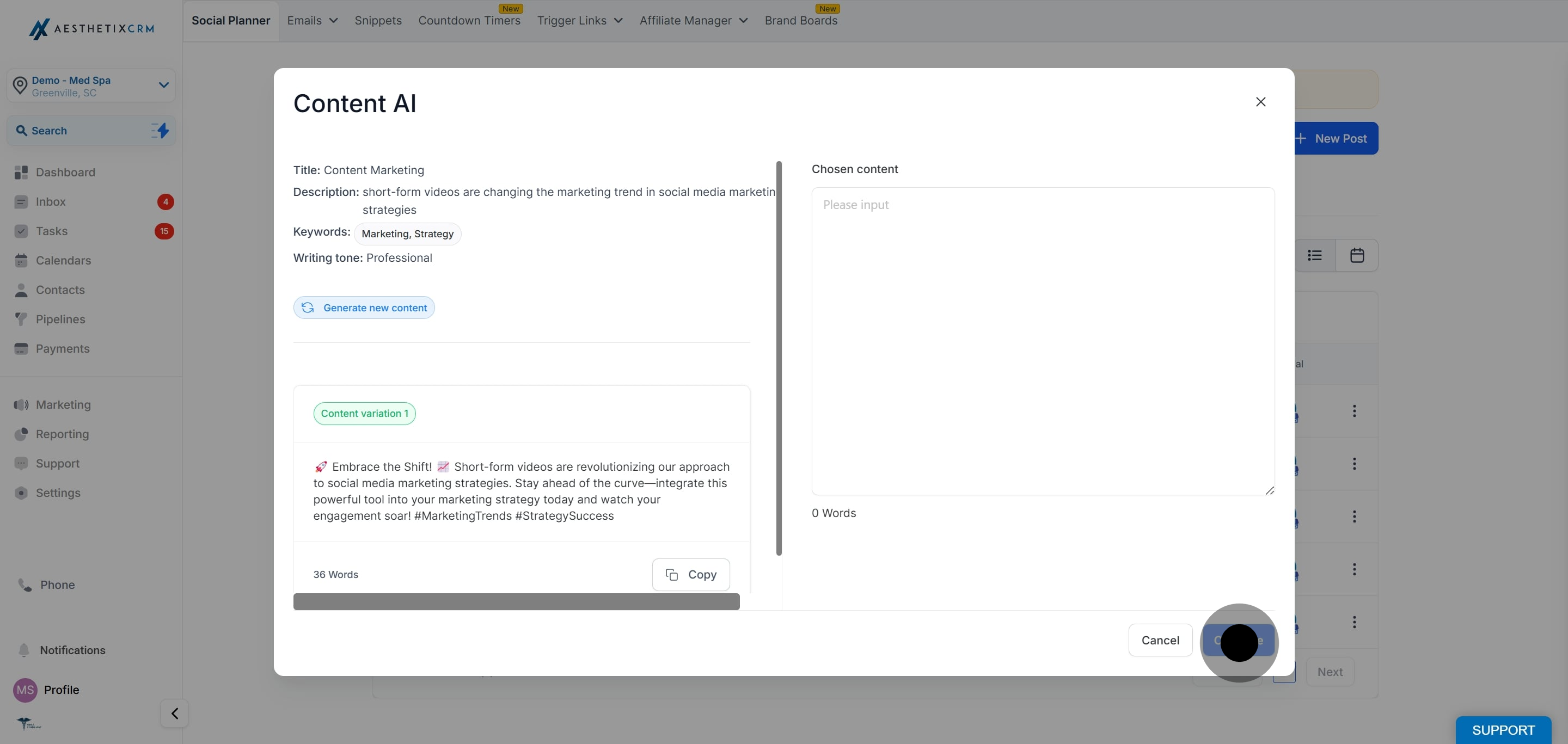
Content AI returns the number of variations you requested. Copy the one you like best and it will appear on the right side of the editor space.
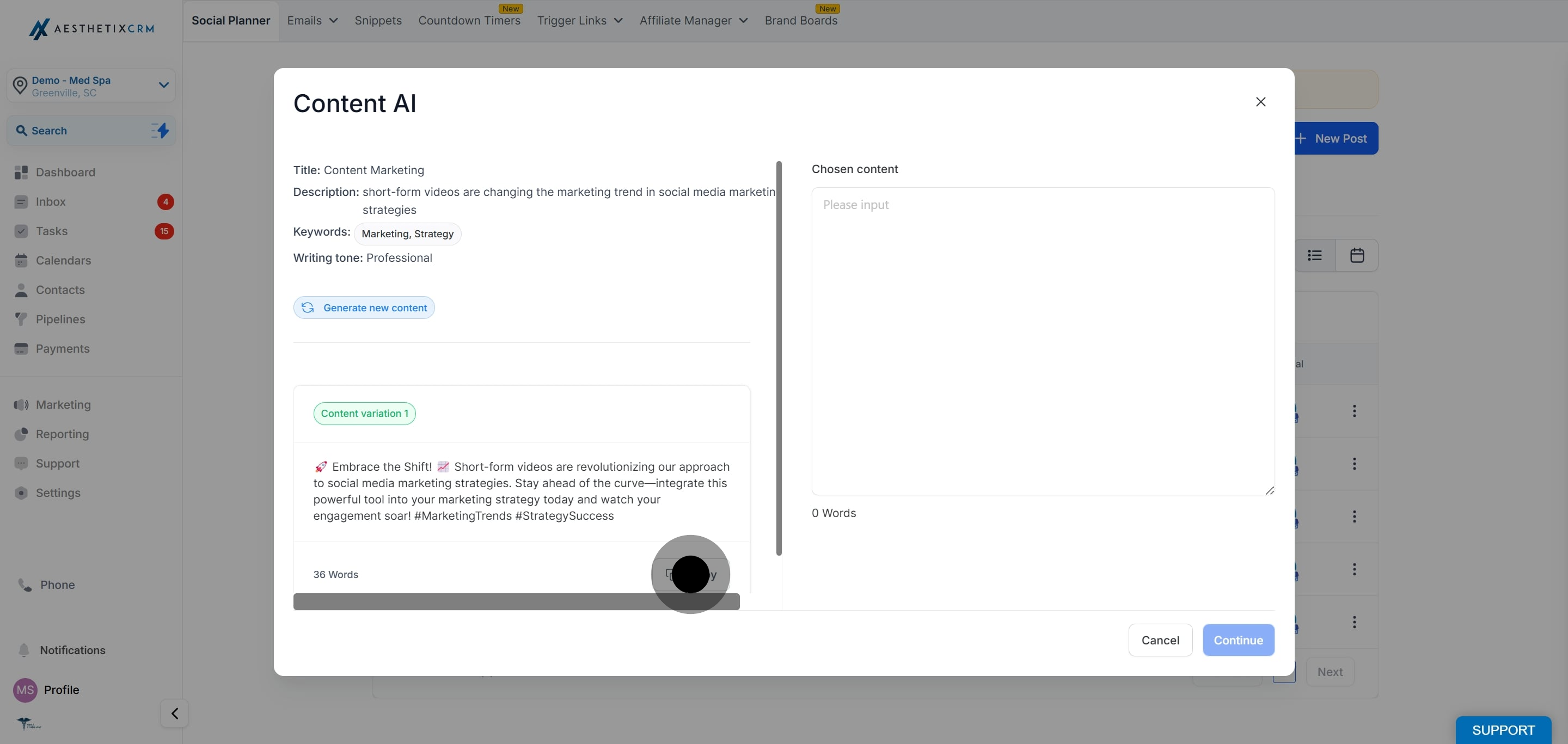
When the post reads the way you want, click Continue to bring the copy into your post.
If you have already written a caption, or you want to refine text that Content AI generated, you can use the inline AI tools right inside the post composer.
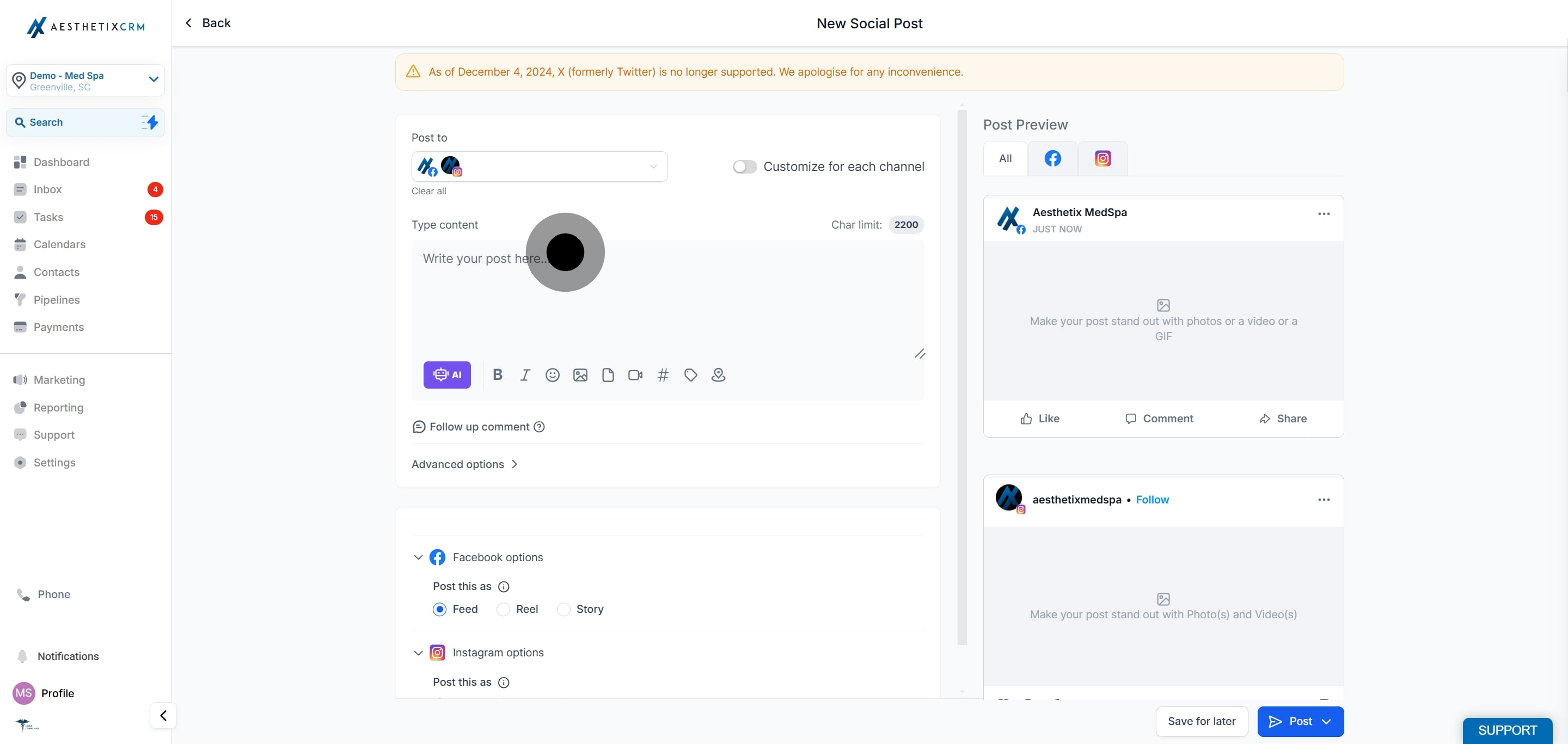
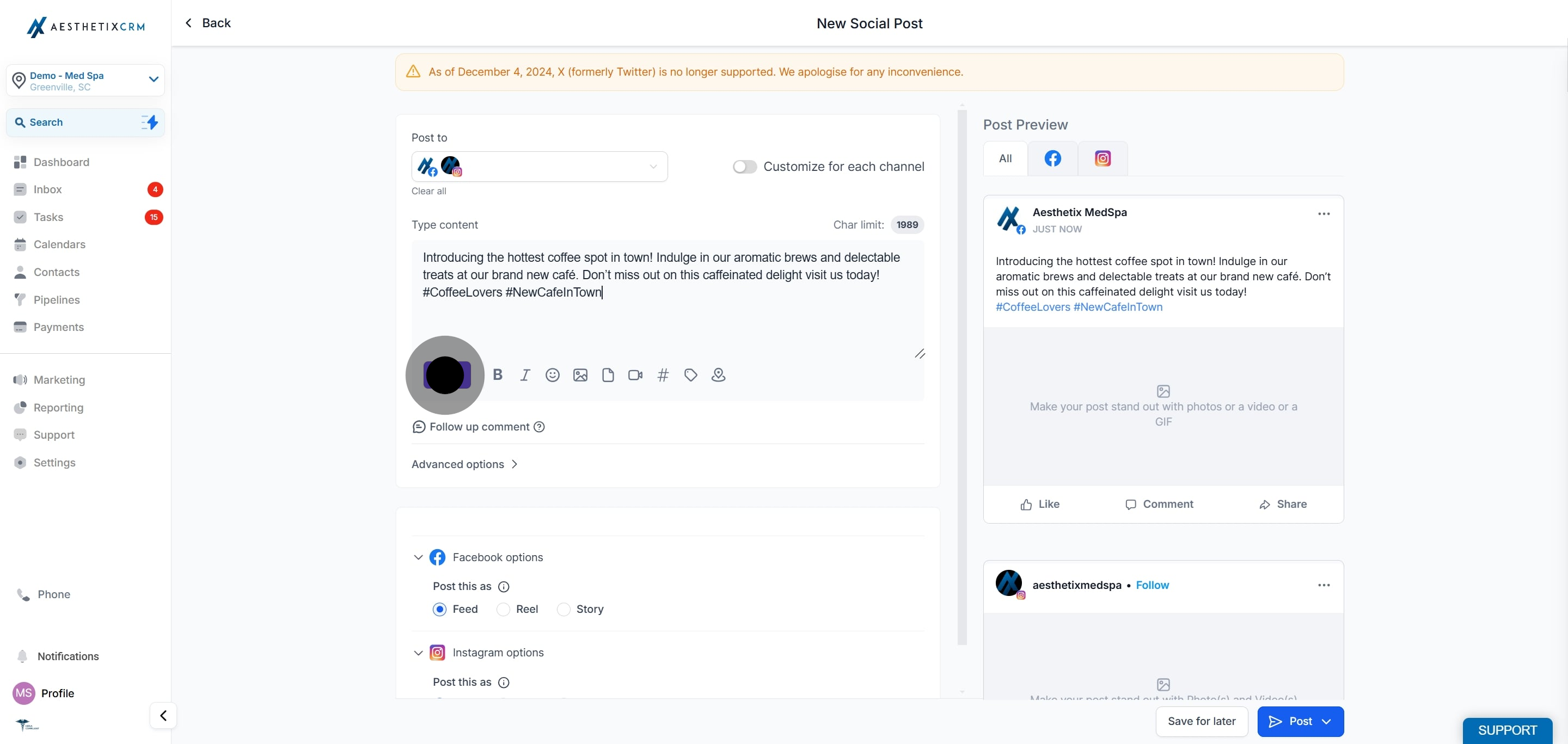
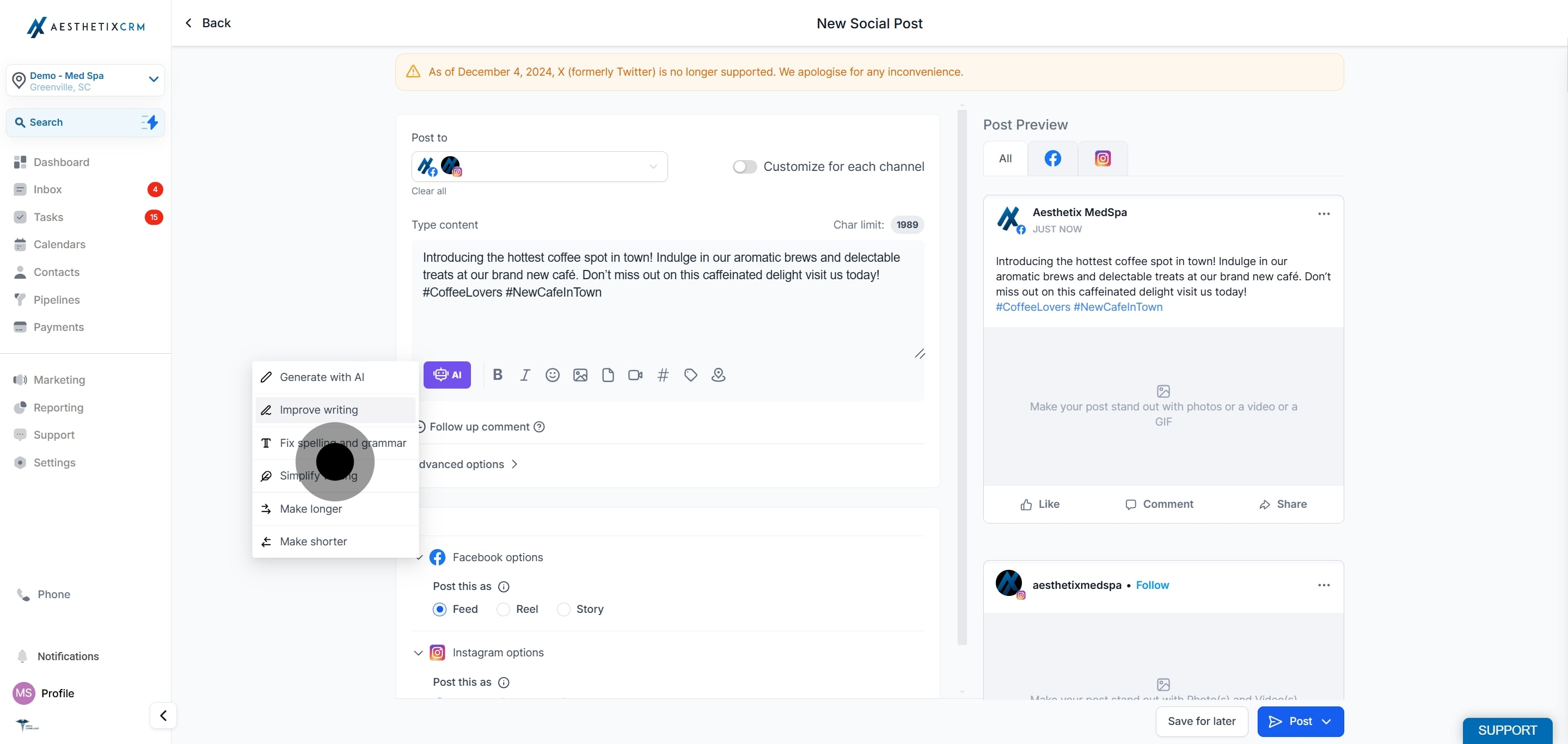
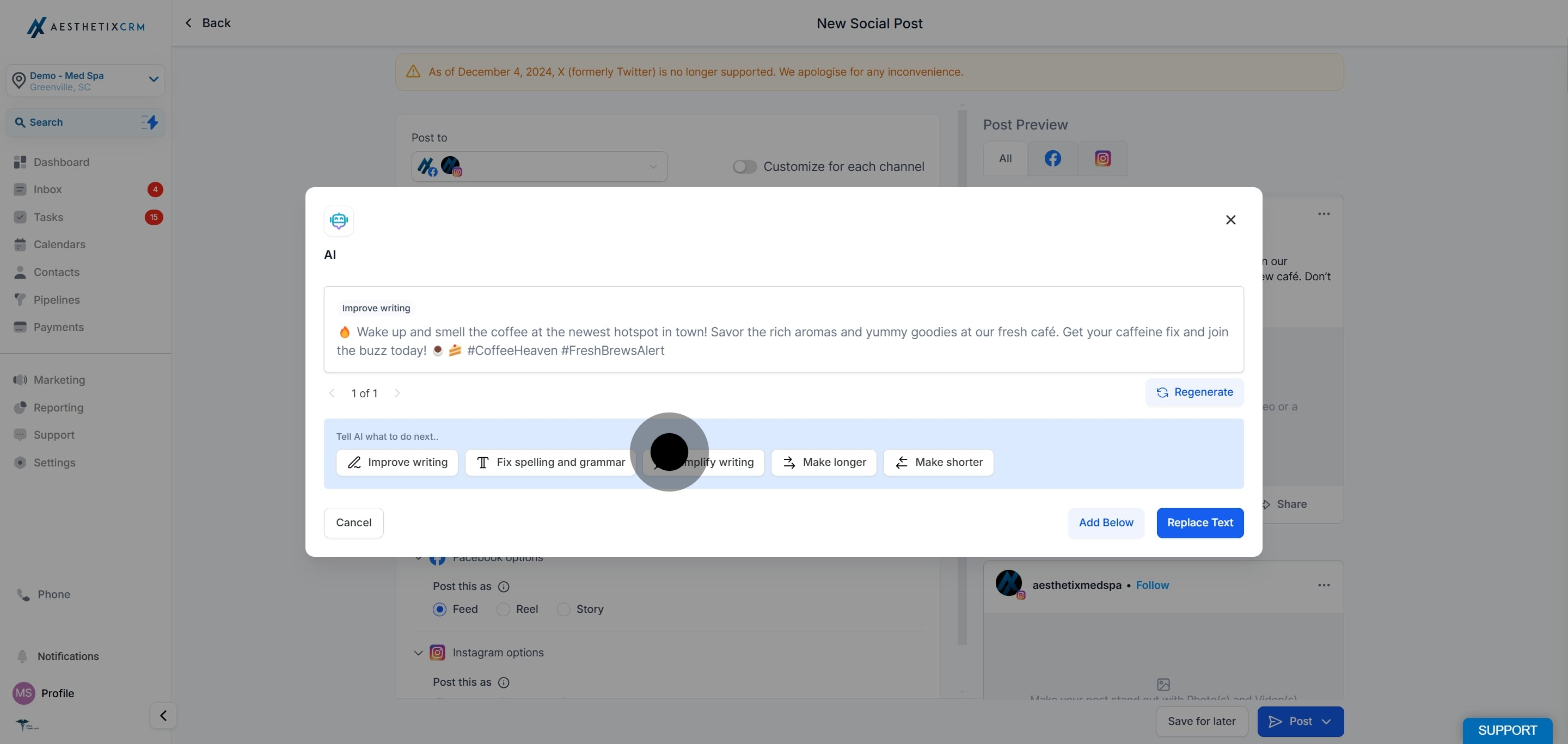
To create new text, select "Edit with AI." If you already have text in the post, choose one of the following actions to refine it:
Improve Writing
Fix Spelling and Grammar
Make Longer
Make Shorter
Simplify Writing
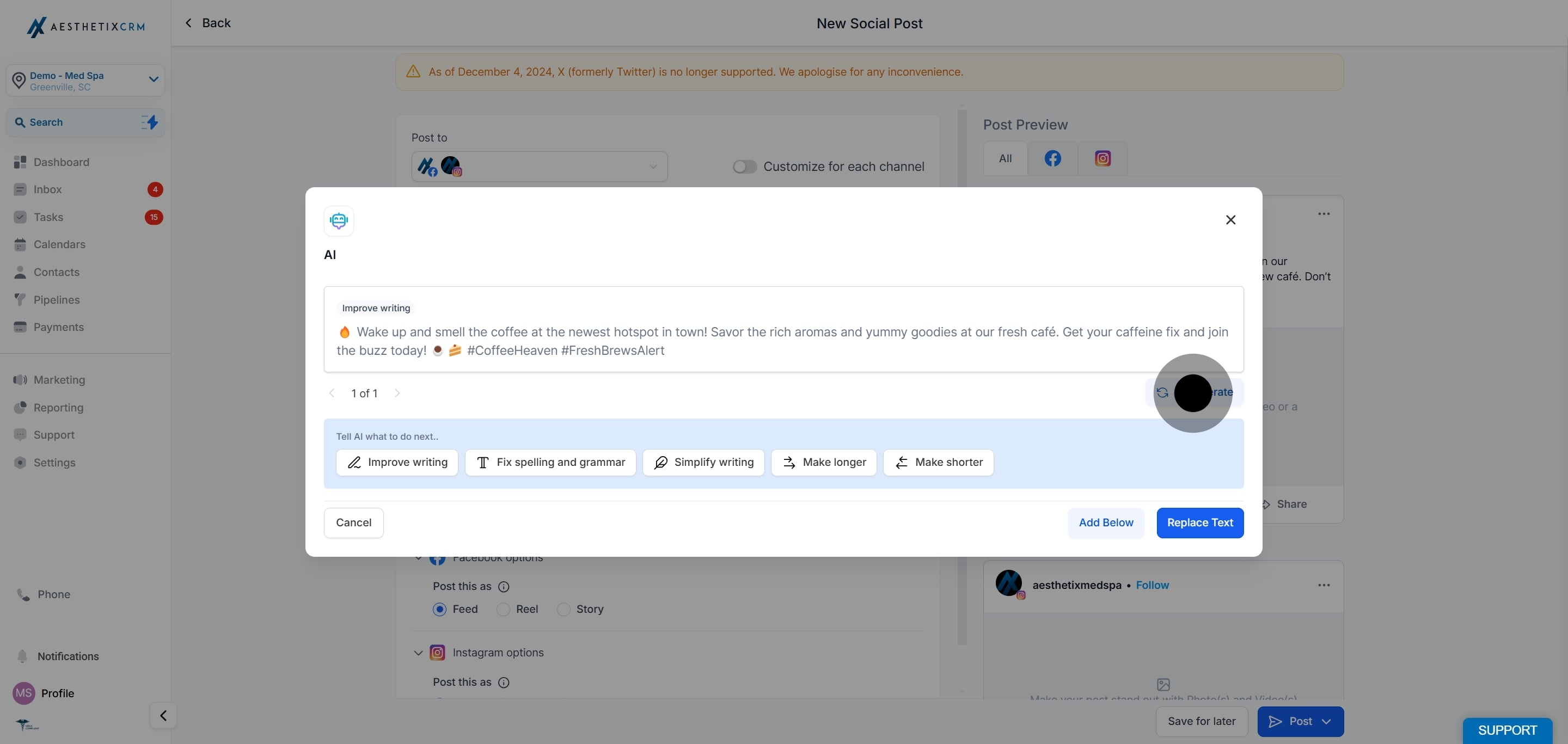
If the result is not quite right, click Regenerate to get a new version.
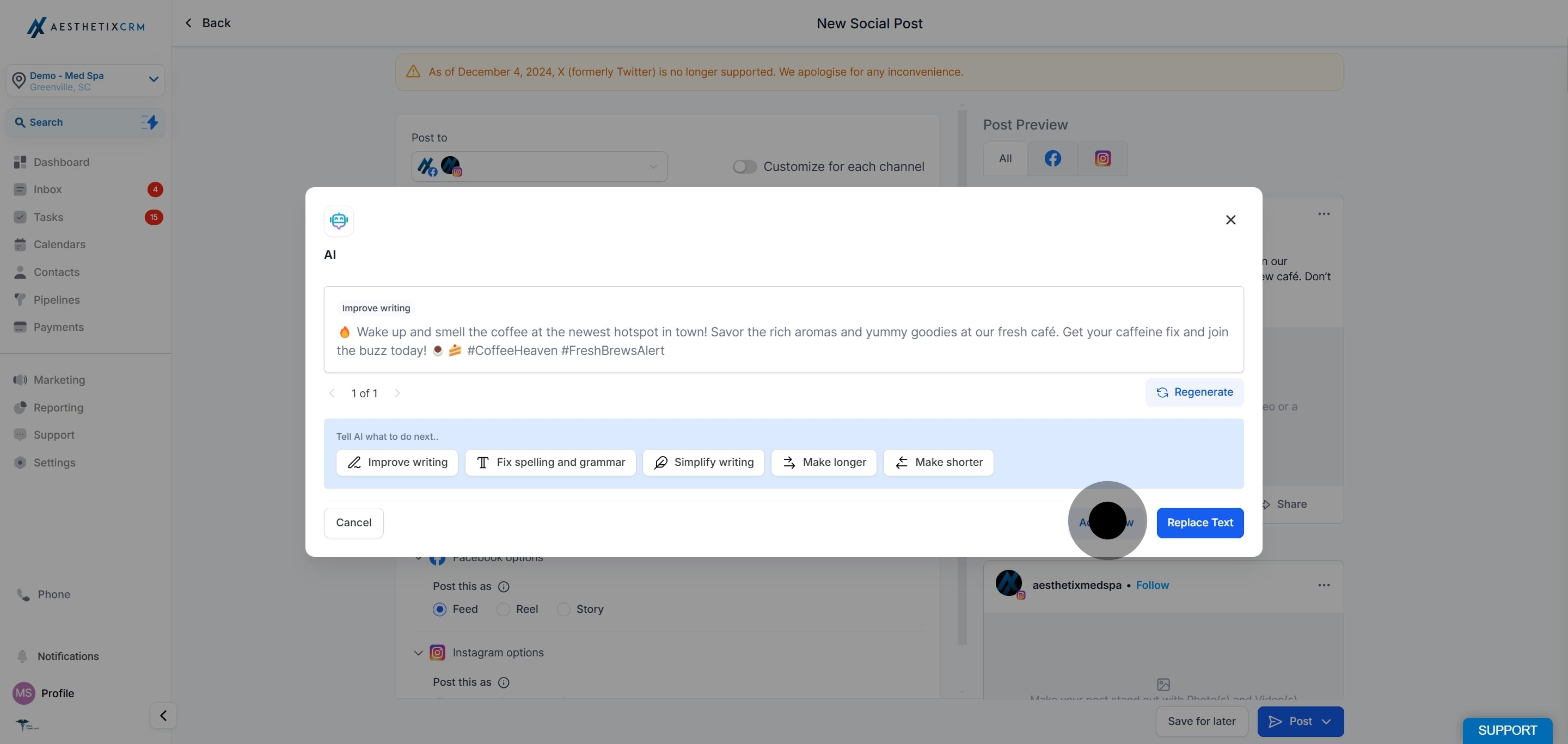
When you are satisfied with the text, click Add Below to insert it into your post.
Be specific in your description. The clearer you are about the treatment, offer, and audience, the closer the draft will be to publishable.
Match the tone to the platform. A friendly, conversational tone often works well on Instagram and Facebook, while a more professional tone suits Google Business Profile and LinkedIn.
Always review before publishing. Content AI drafts are a starting point. Read every post to confirm the claims, pricing, and offer details are accurate for your practice, and edit anything that does not sound like your brand.
Avoid patient-identifying details. When writing posts, do not include a patient's name, photo, or treatment history unless you have documented written consent on file. Keep captions focused on the service or offer rather than an individual patient.
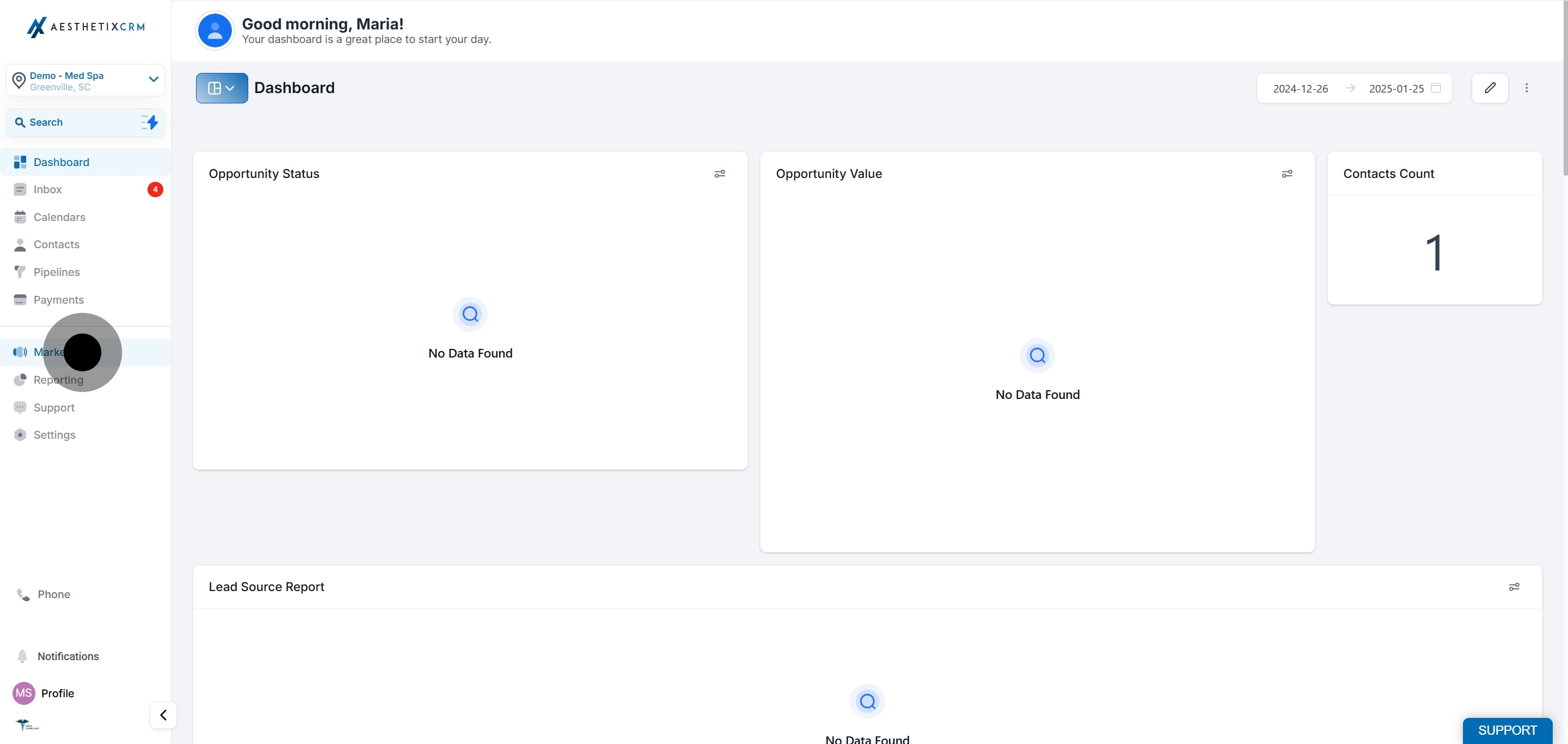
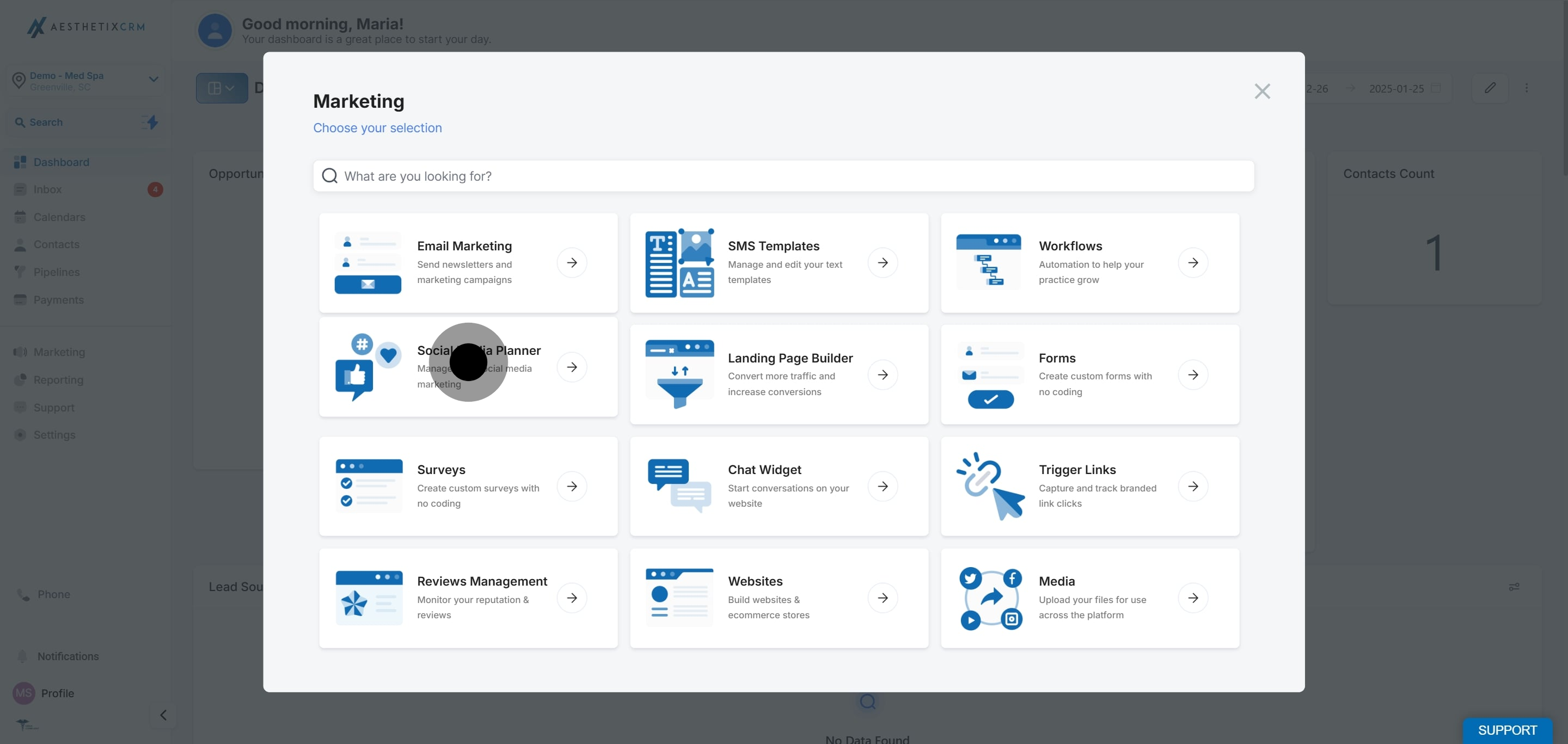
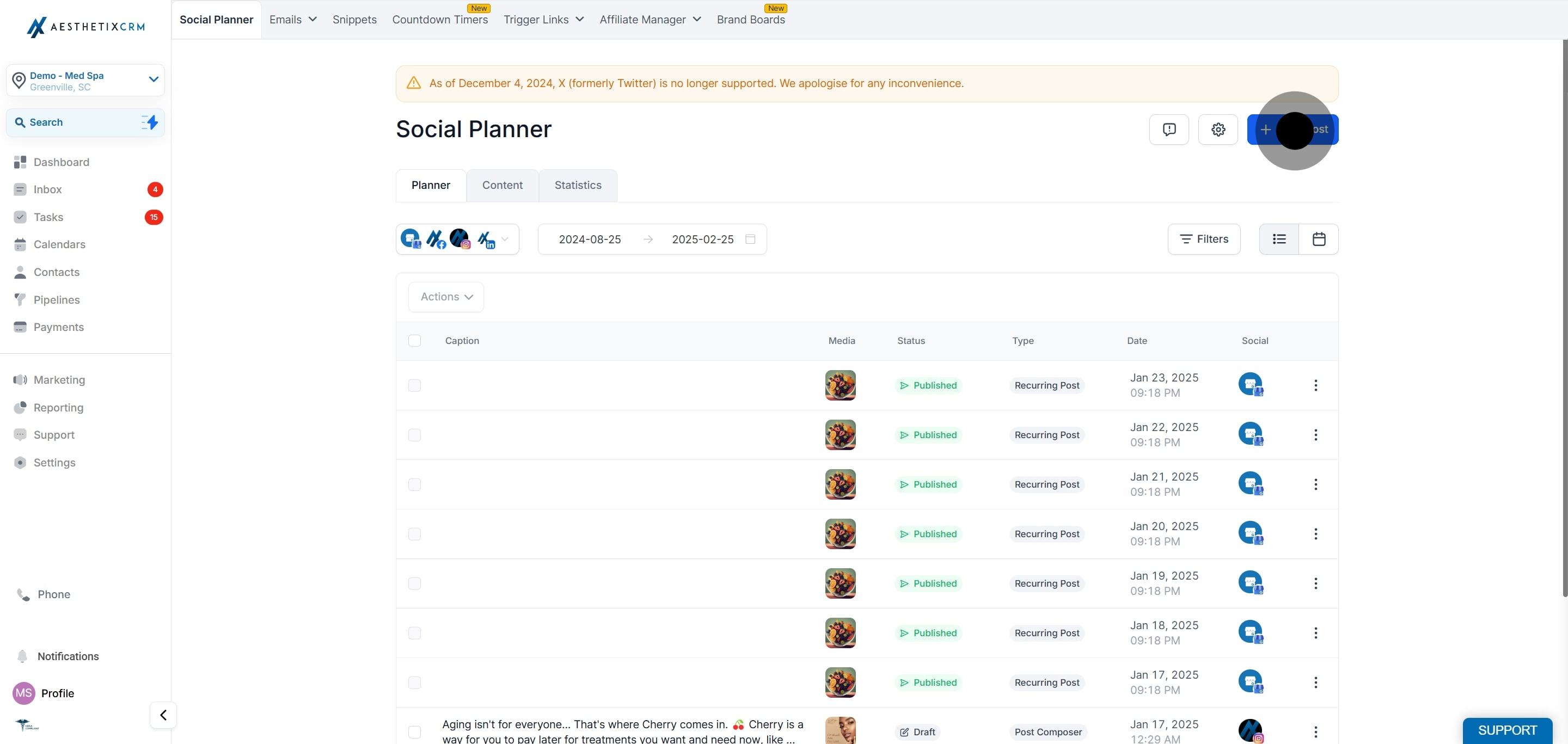
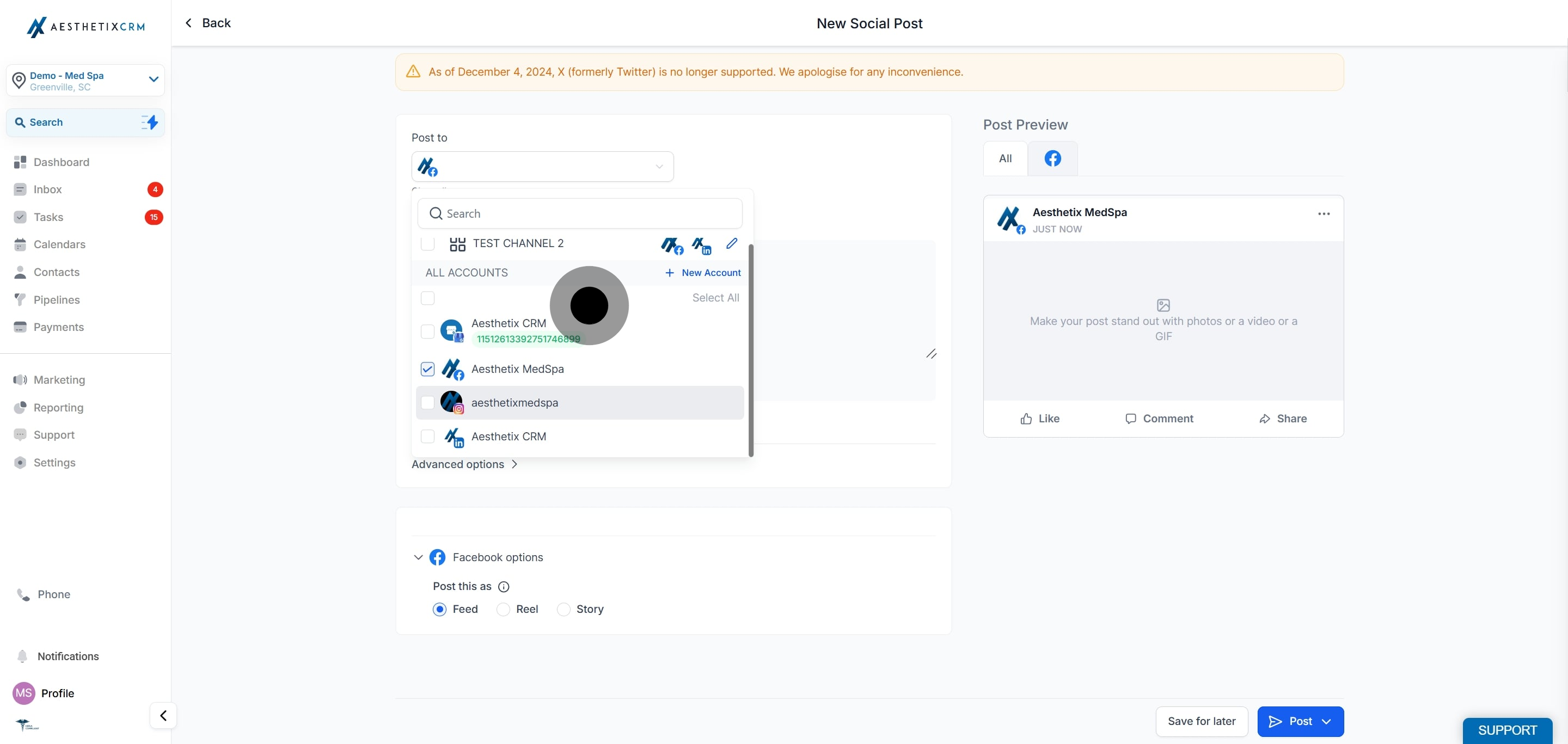
Where do I find Content AI in Aesthetix CRM? It is inside the Social Planner. Go to Marketing > Social Media Planner, start a new post, and open Content AI or the inline AI option in the post composer.
Do I need to enable anything before my team can use it? Yes. Each user needs the Content AI permission turned on under Settings > My Staff > (edit user) > User Permissions.
What is the difference between "Content AI" and the "Edit with AI" option? Content AI generates a full post from a topic, description, keywords, tone, and length. The inline AI option refines text you already have, with actions like Improve Writing, Fix Spelling and Grammar, Make Longer, Make Shorter, and Simplify Writing.
How many post variations can I generate at once? You can request between 1 and 5 variations, then copy the one you want into the editor.
Can I set the tone of the writing? Yes. You choose a writing tone (for example, Professional or Friendly) before generating, and you can regenerate if the result does not match your brand voice.
Can I control how long the post is? Yes. You select a content length before generating. You can also use Make Longer or Make Shorter afterward to fine-tune it.
If I do not like a generated version, can I try again? Yes. Use Regenerate to produce a new version, or adjust your description, keywords, or tone and generate again.
Should I post AI-generated copy without reviewing it? No. Always review and edit before scheduling. Confirm that pricing, offers, and any treatment claims are accurate for your practice, and remove anything that could identify a patient without consent.
Does Content AI ask different questions depending on the platform or content type?
Yes. Content AI can adapt what it asks for based on the social platform and content type you select, so the information you provide matches the post you are creating.
Can Content AI use my saved Brand Voice?
Yes. If your practice has a Brand Voice saved, Content AI can apply it when generating copy to help keep your tone and identity consistent across posts.
