Location tagging lets you attach a place, such as your practice address or a nearby landmark, to your Facebook and Instagram posts. Tagging a location improves visibility with local audiences, boosts engagement (followers, likes, and comments), supports local SEO, and helps drive traffic to your med spa. For a practice that serves a specific area, tagging your city or clinic location helps prospective patients nearby discover your content.
Location tagging is available for Facebook and Instagram posts. The first time you use it, the platform may prompt you to re-authenticate the connection to grant the extra permission needed for location tagging. This is expected and safe.
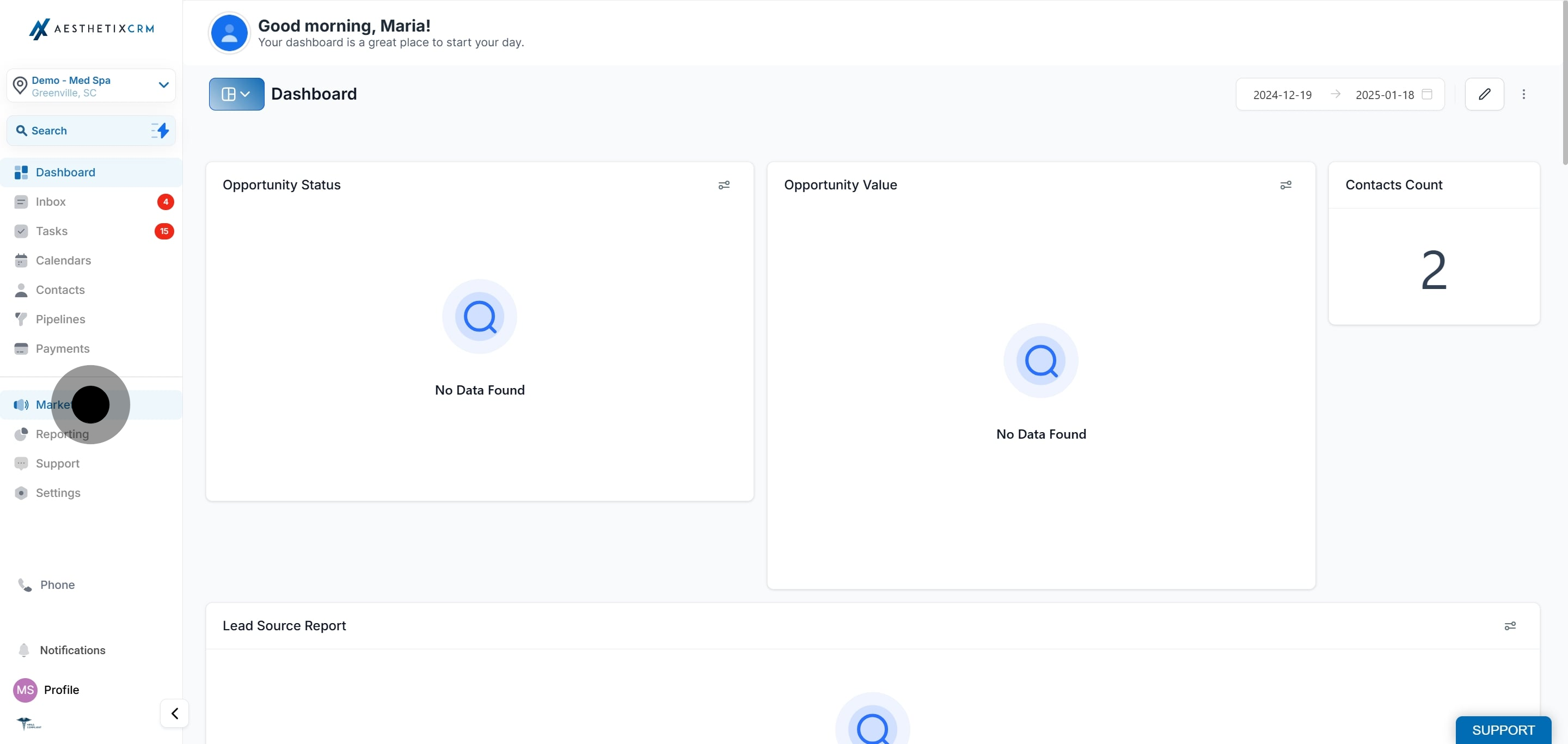
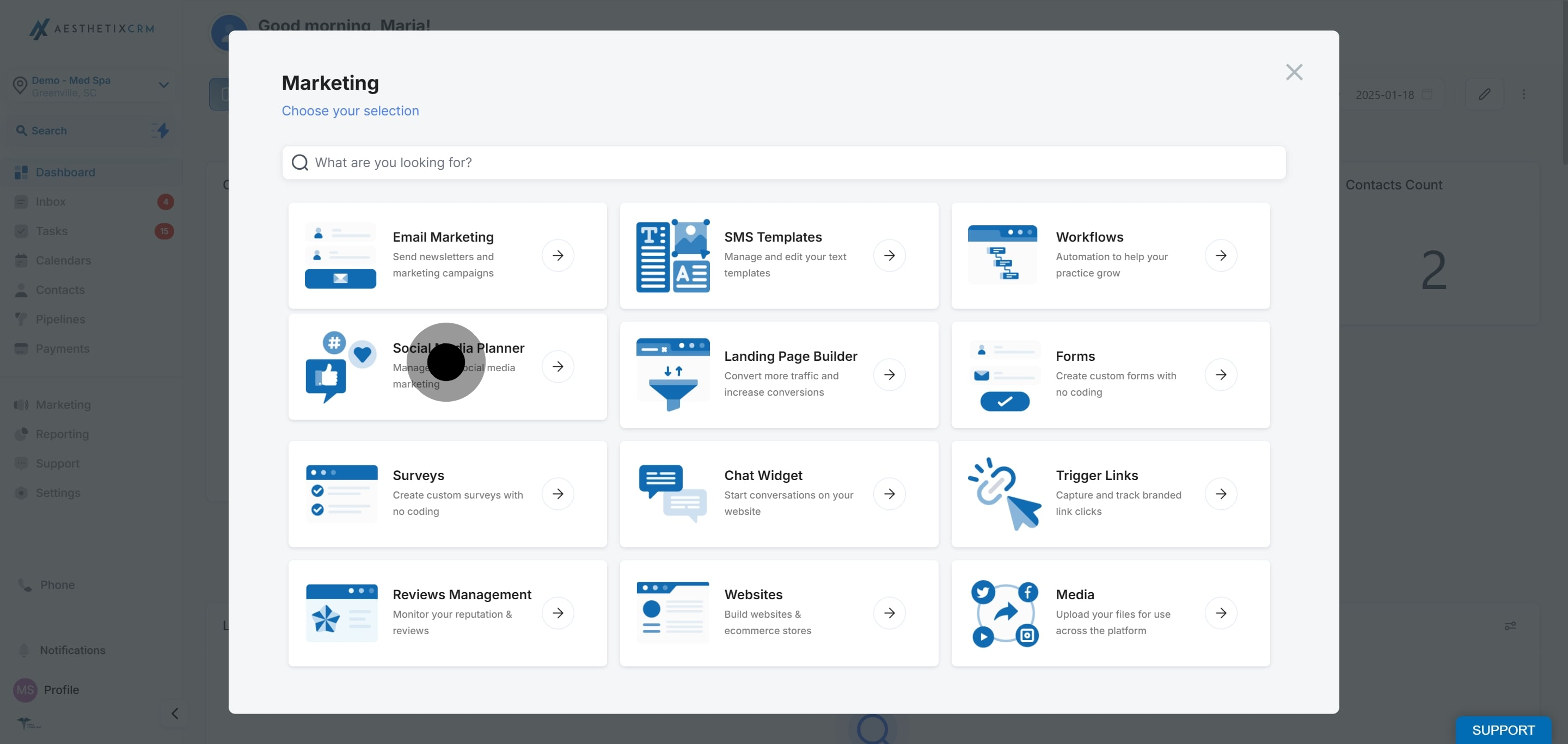
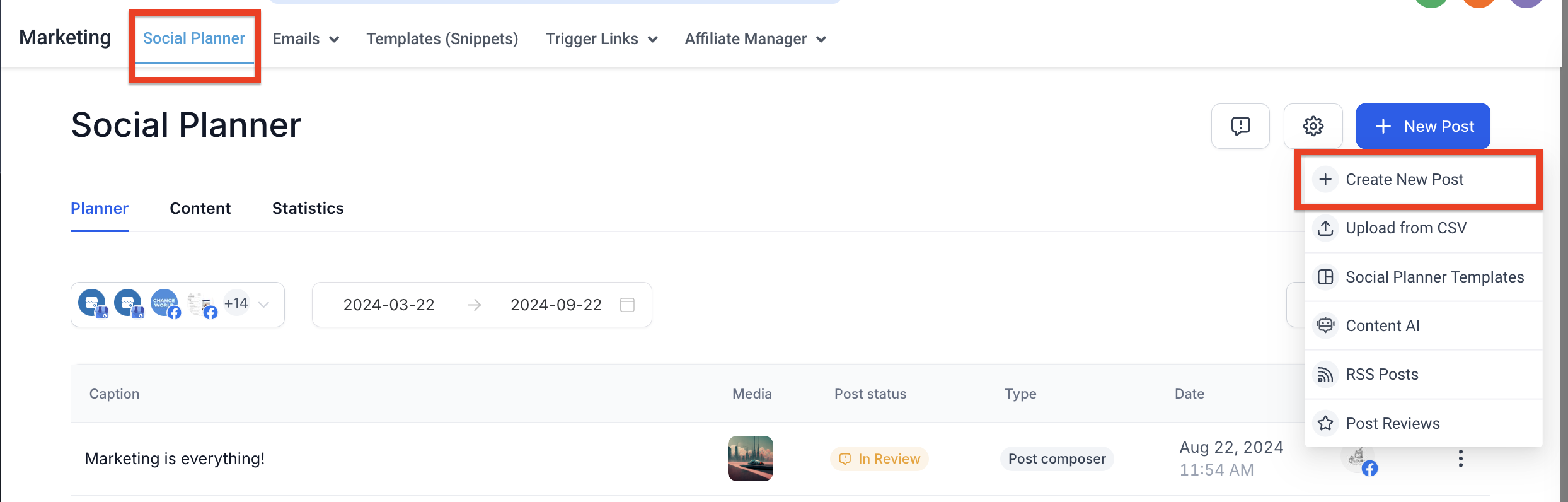
Go to Marketing, then click Social Media Planner.
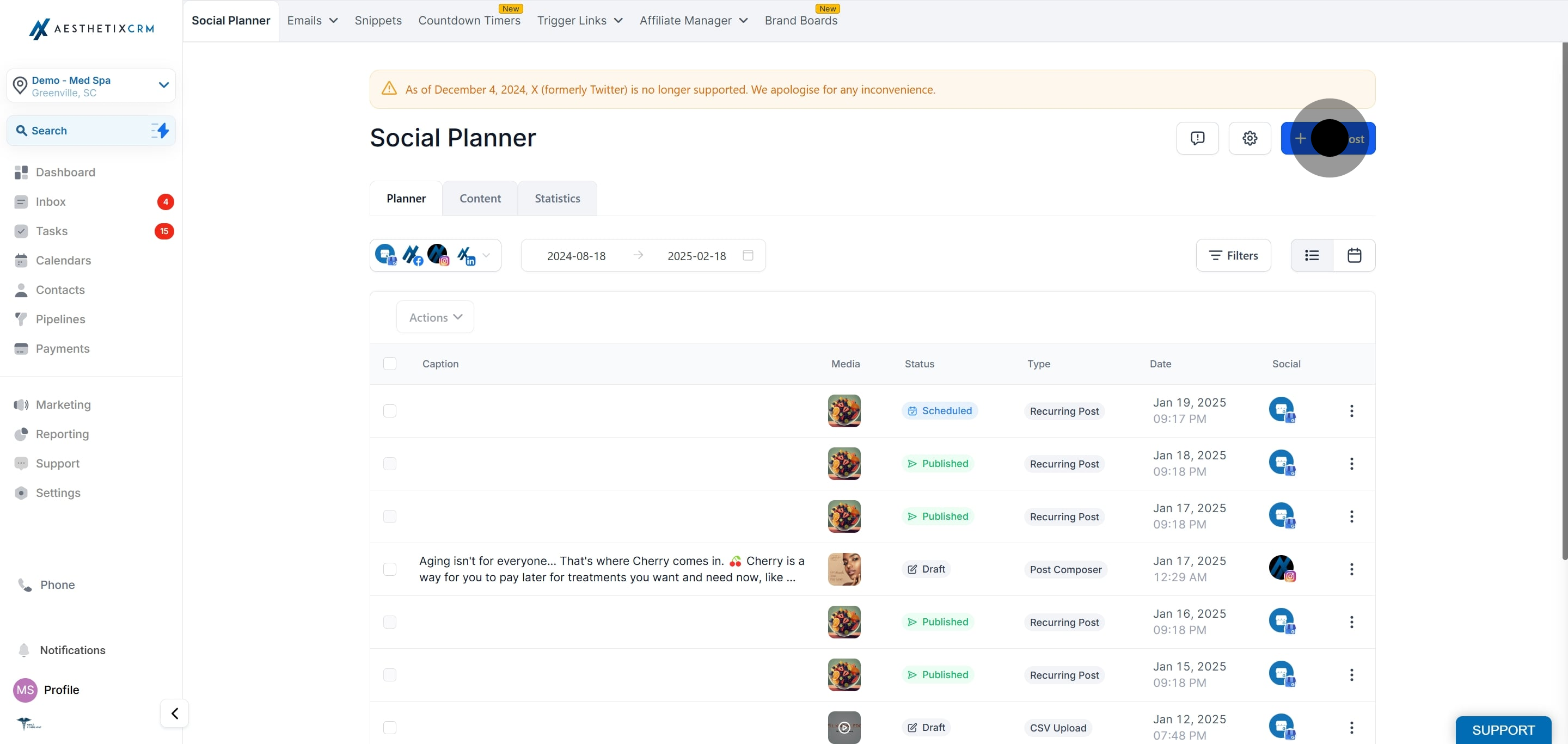
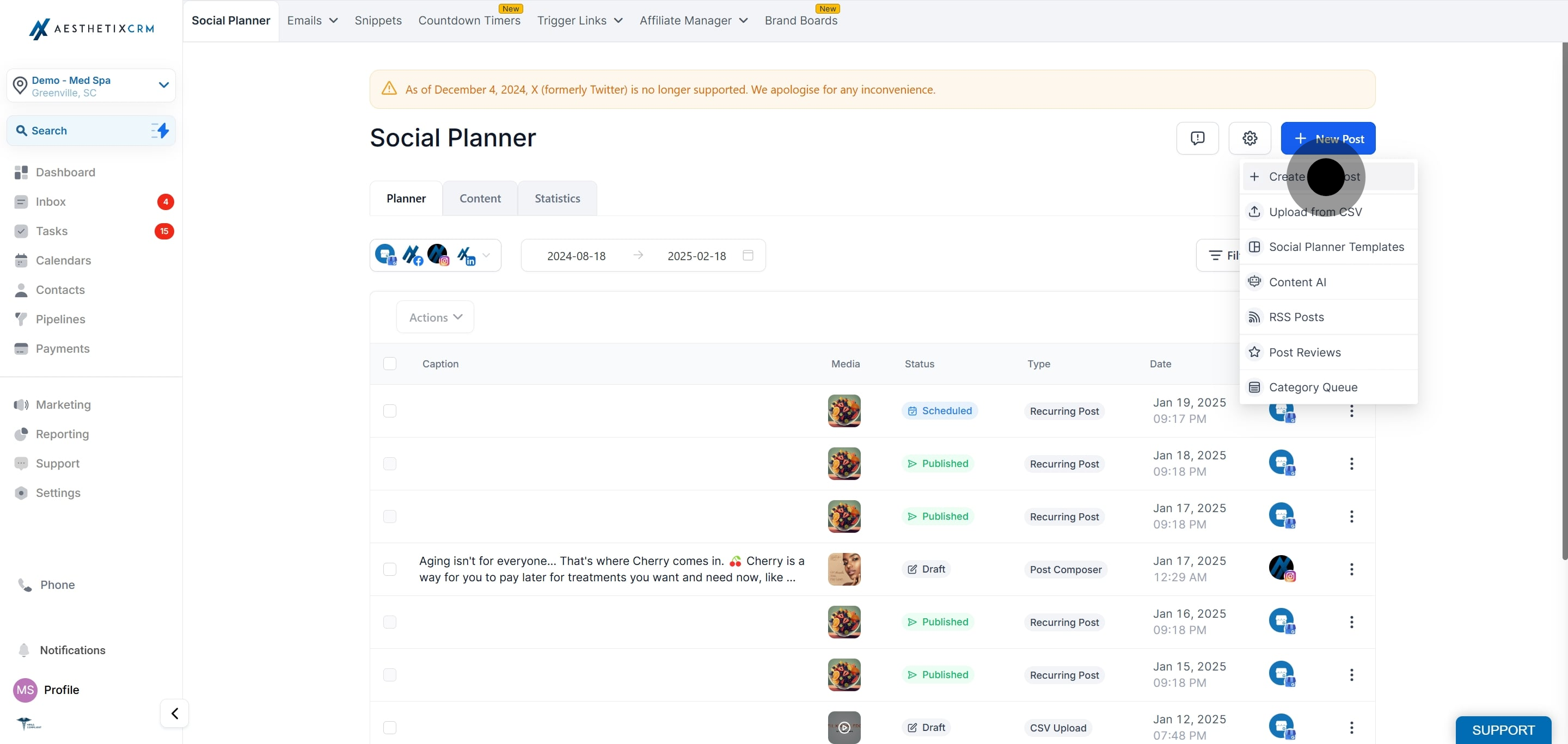
Click New Post, then Create New Post.
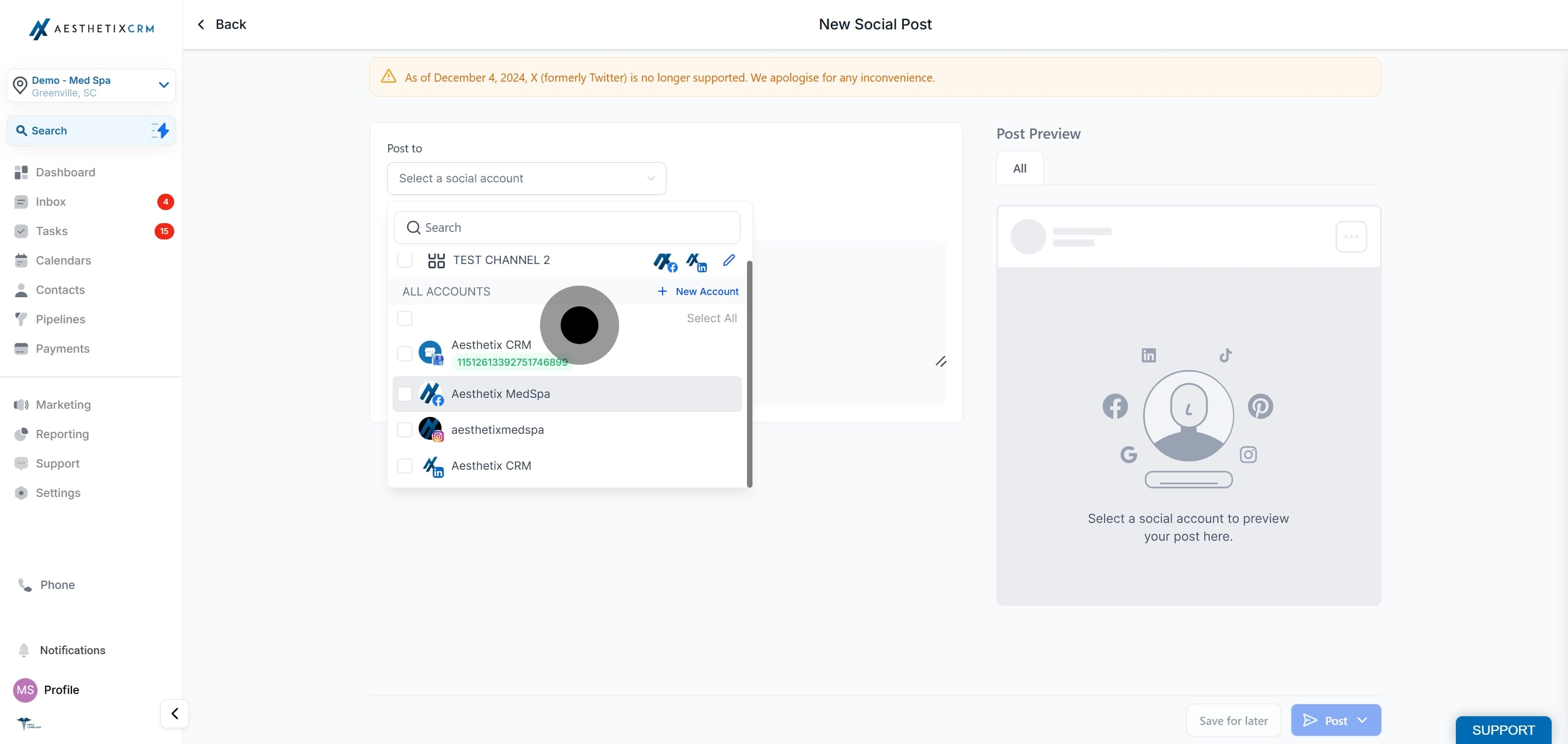
Select the Facebook or Instagram accounts where you want to post the content.
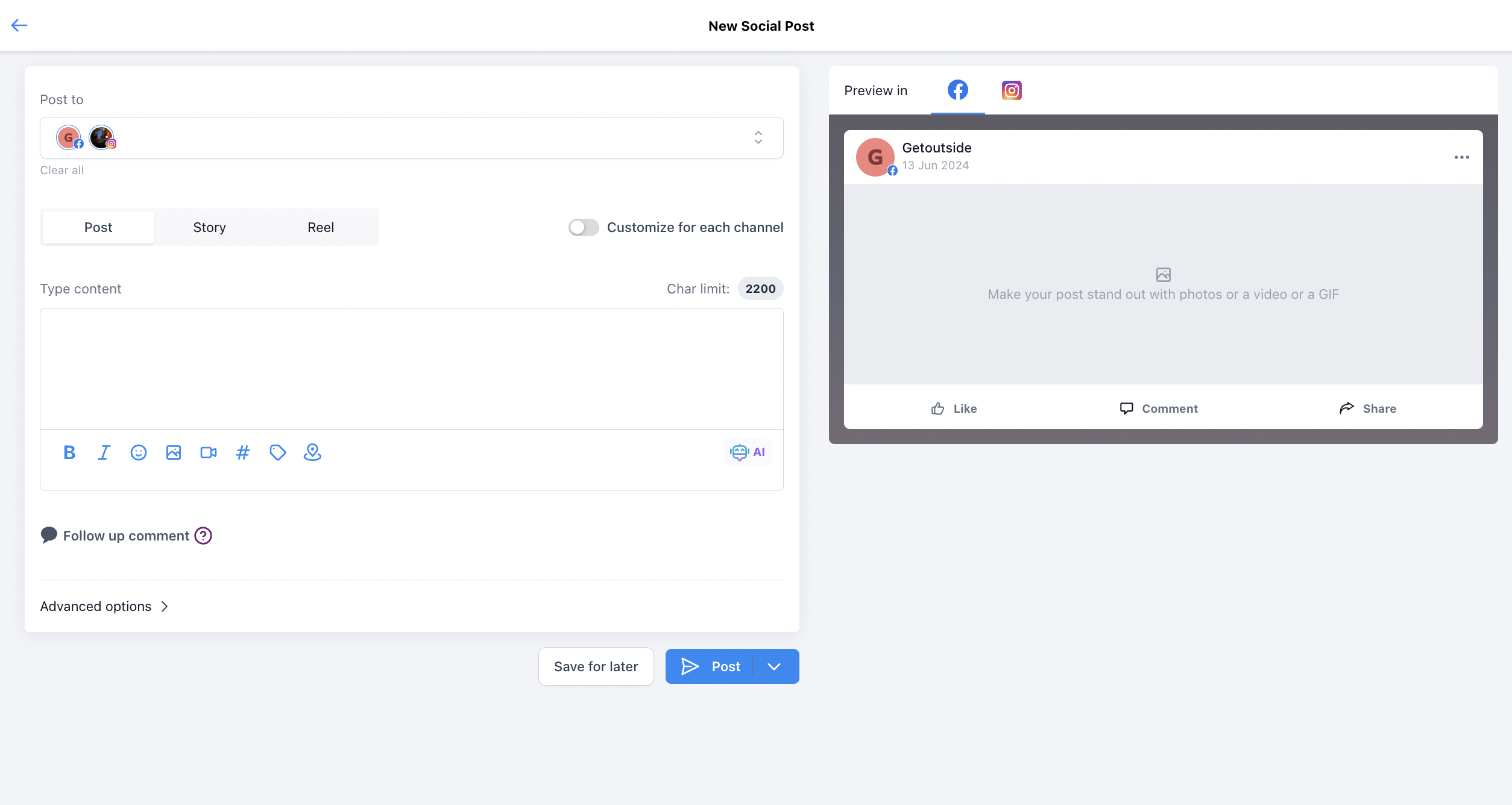
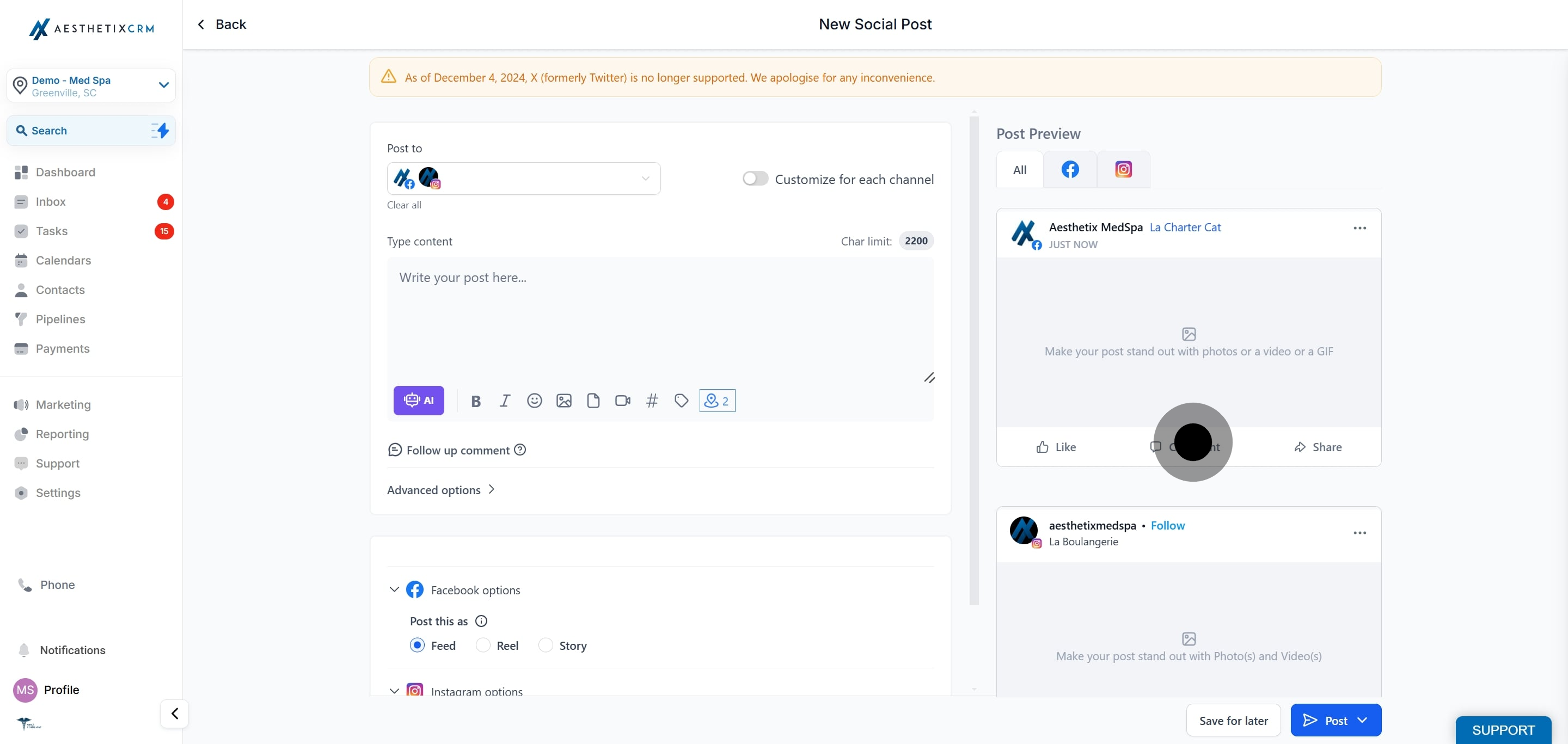
Add your content and other post settings. You will see the location tagging option, which lets you add places or locations. This is available for Facebook and Instagram posts.
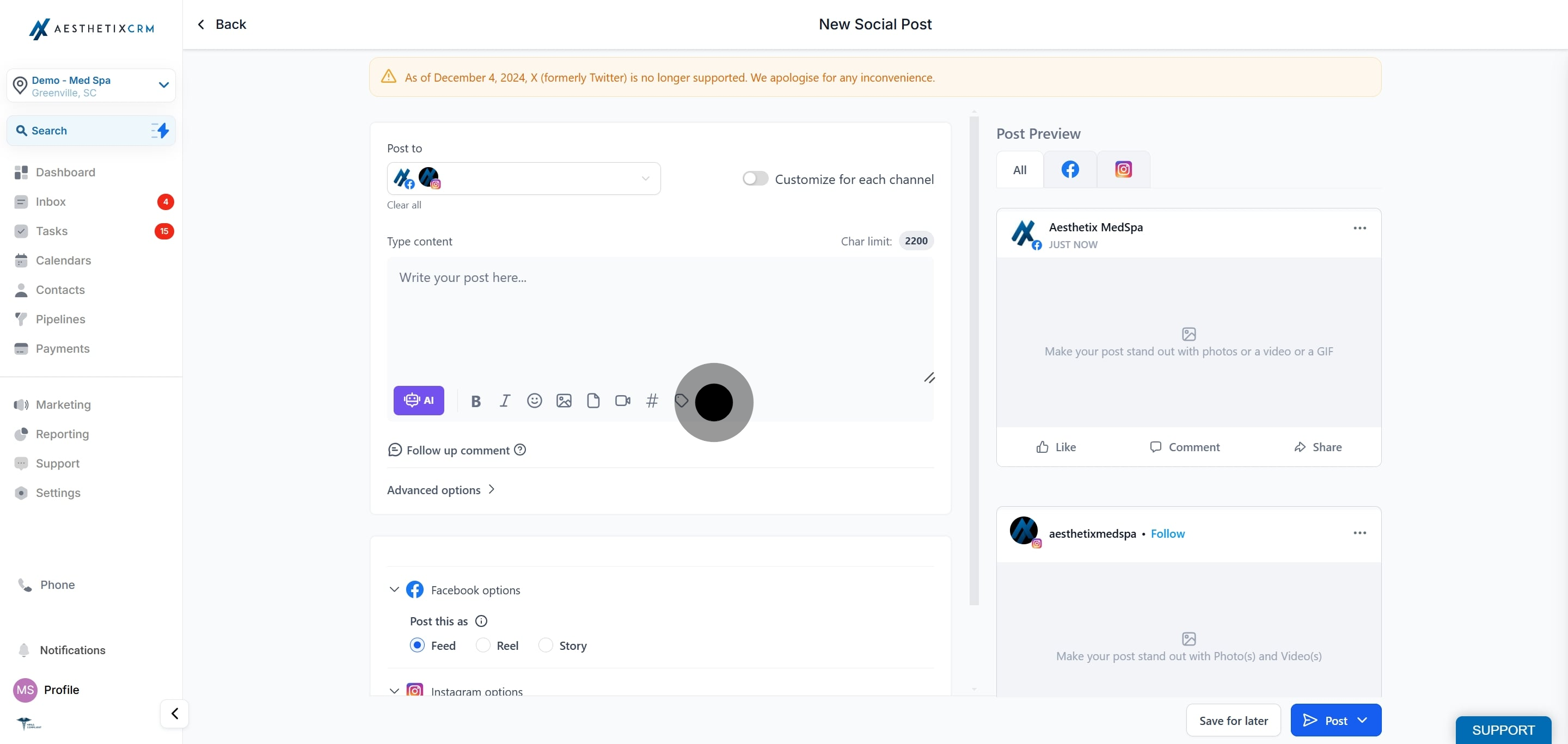
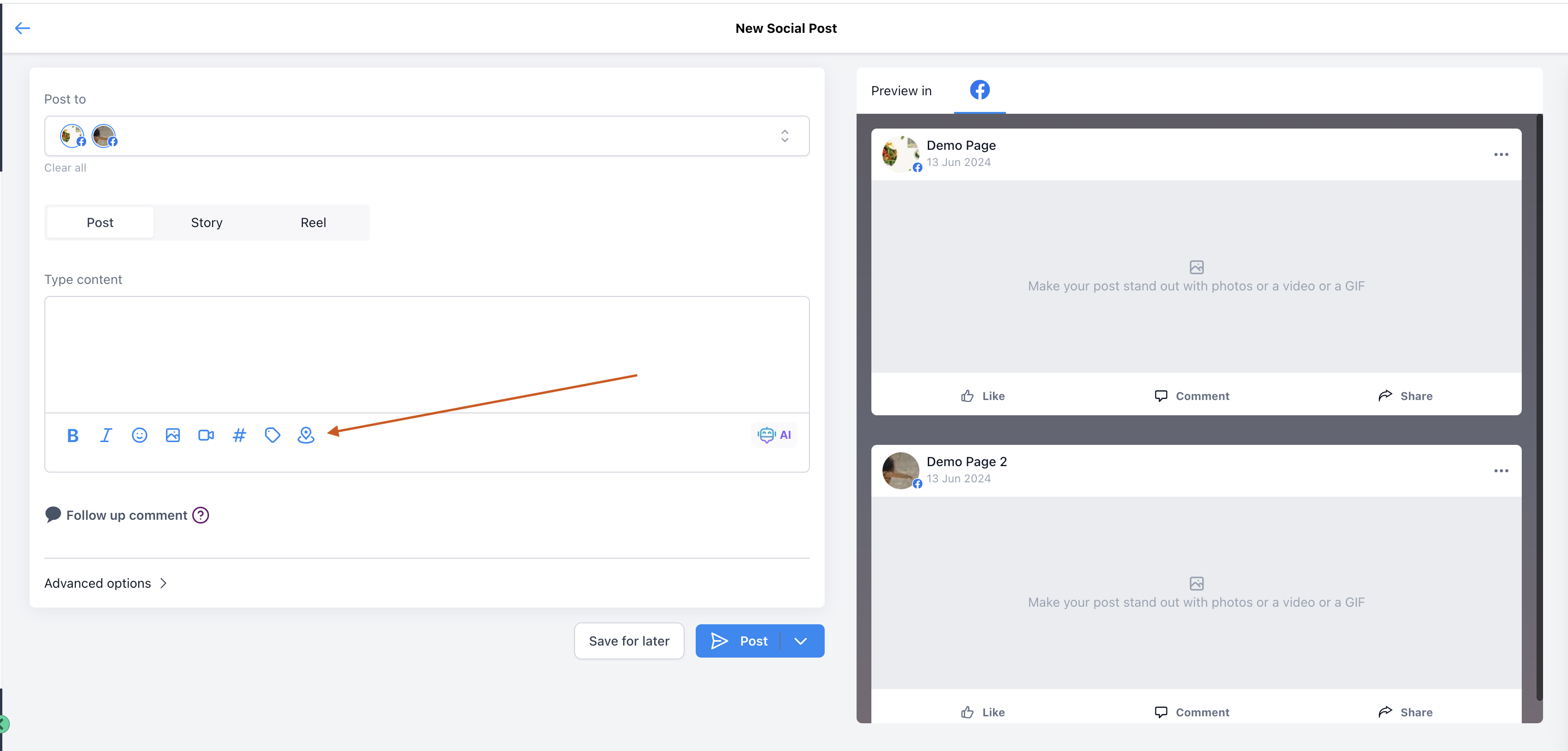
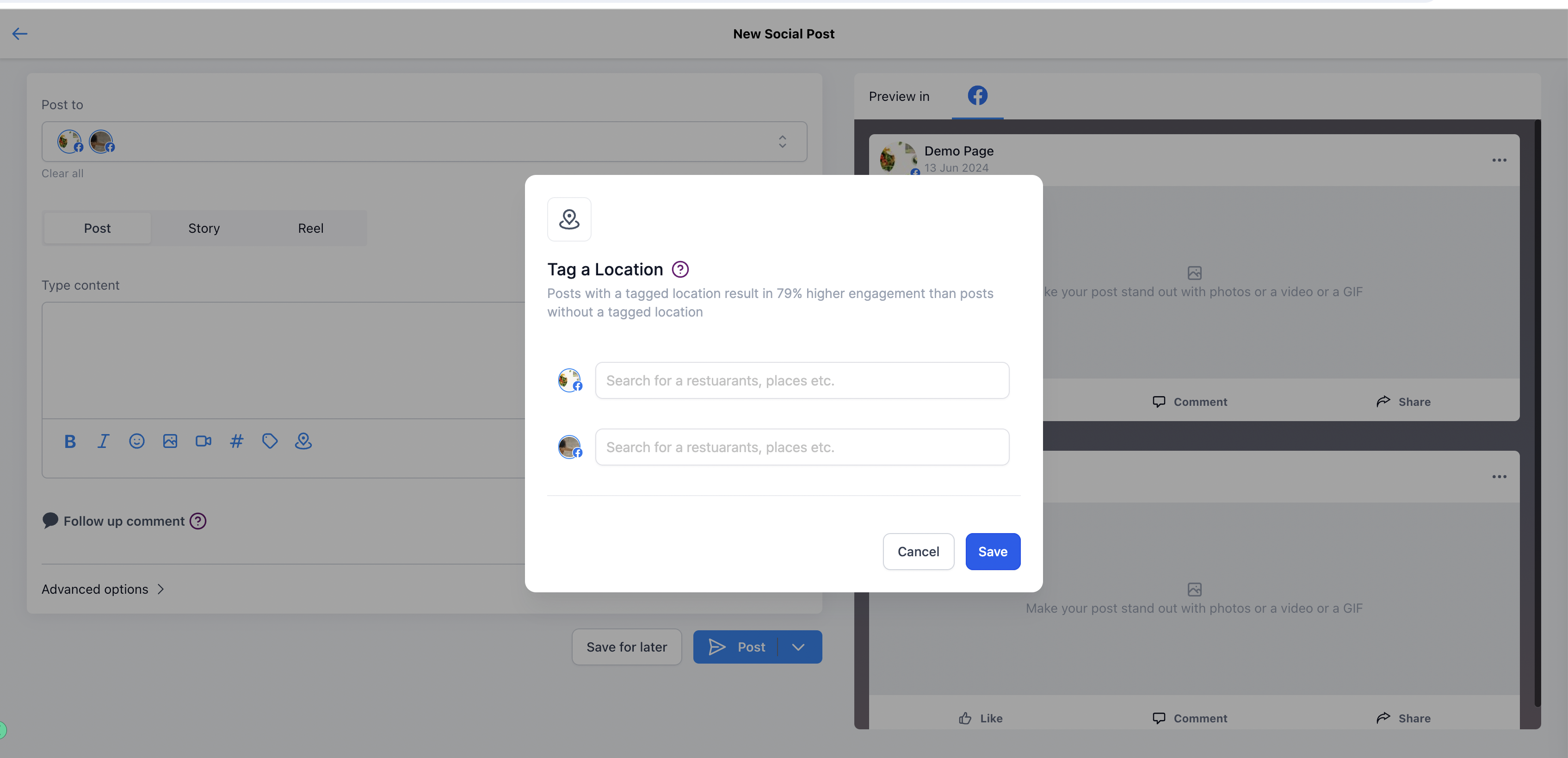
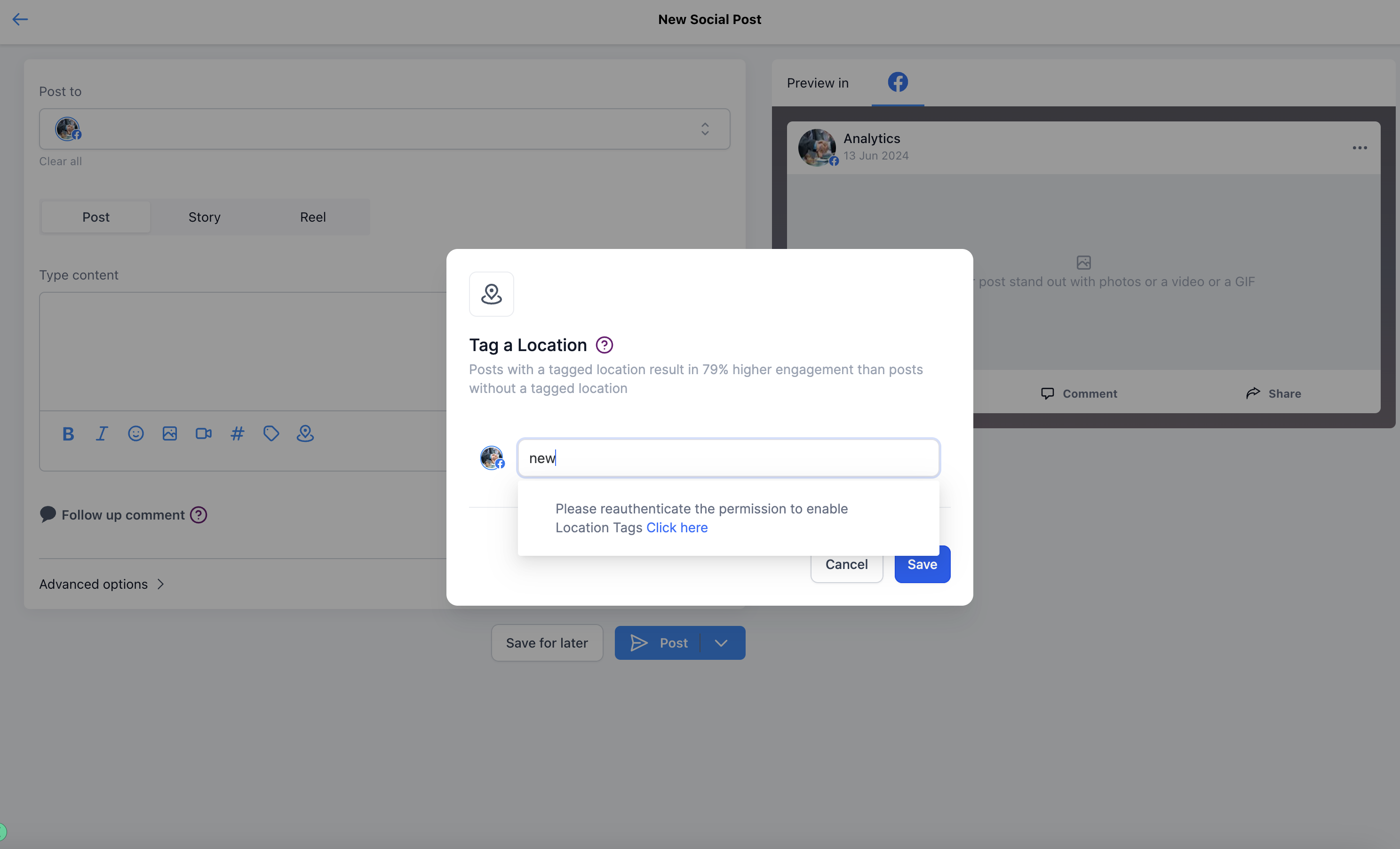
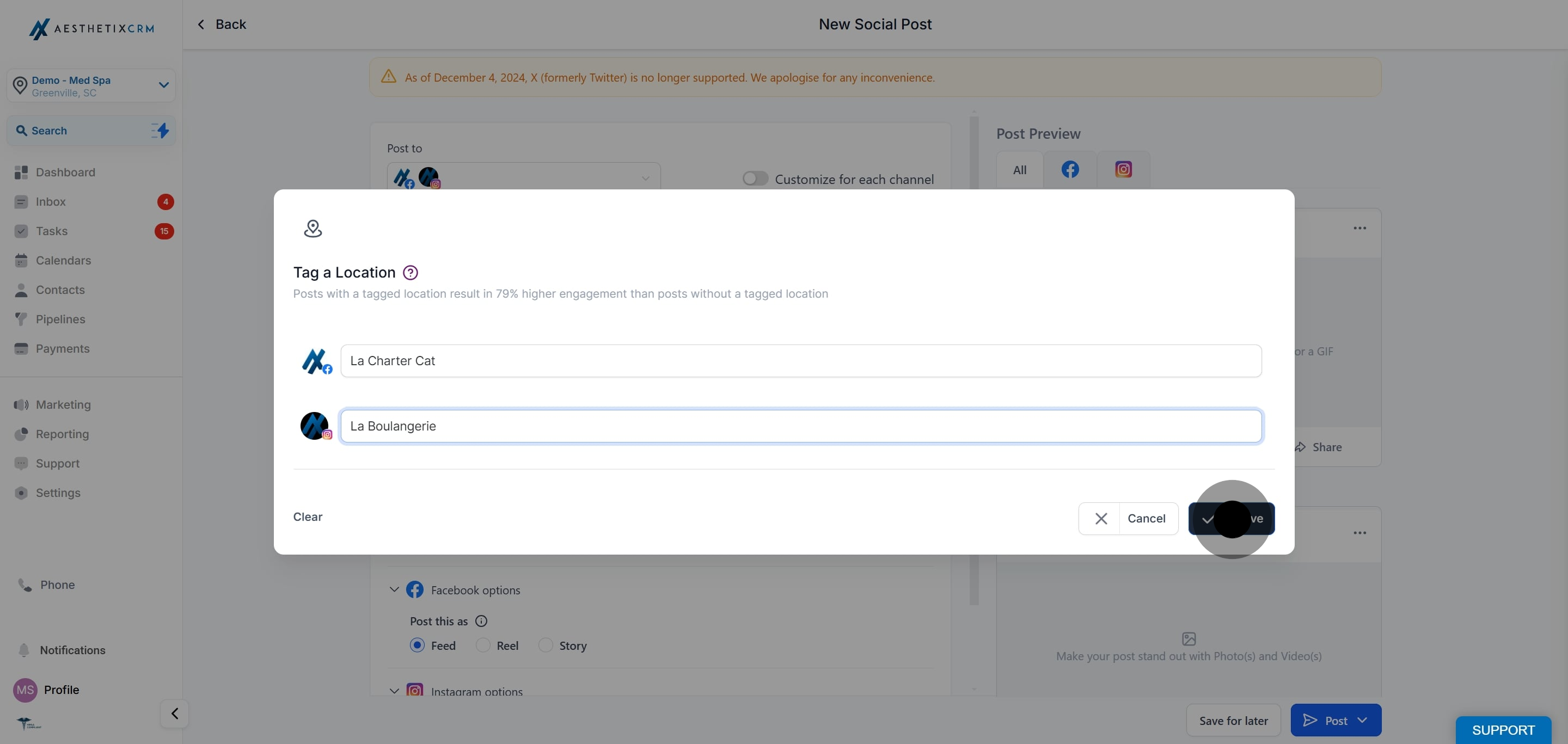
Search for and select the location you want to tag. If prompted, re-authenticate the connection to grant the additional permission required for location tagging.
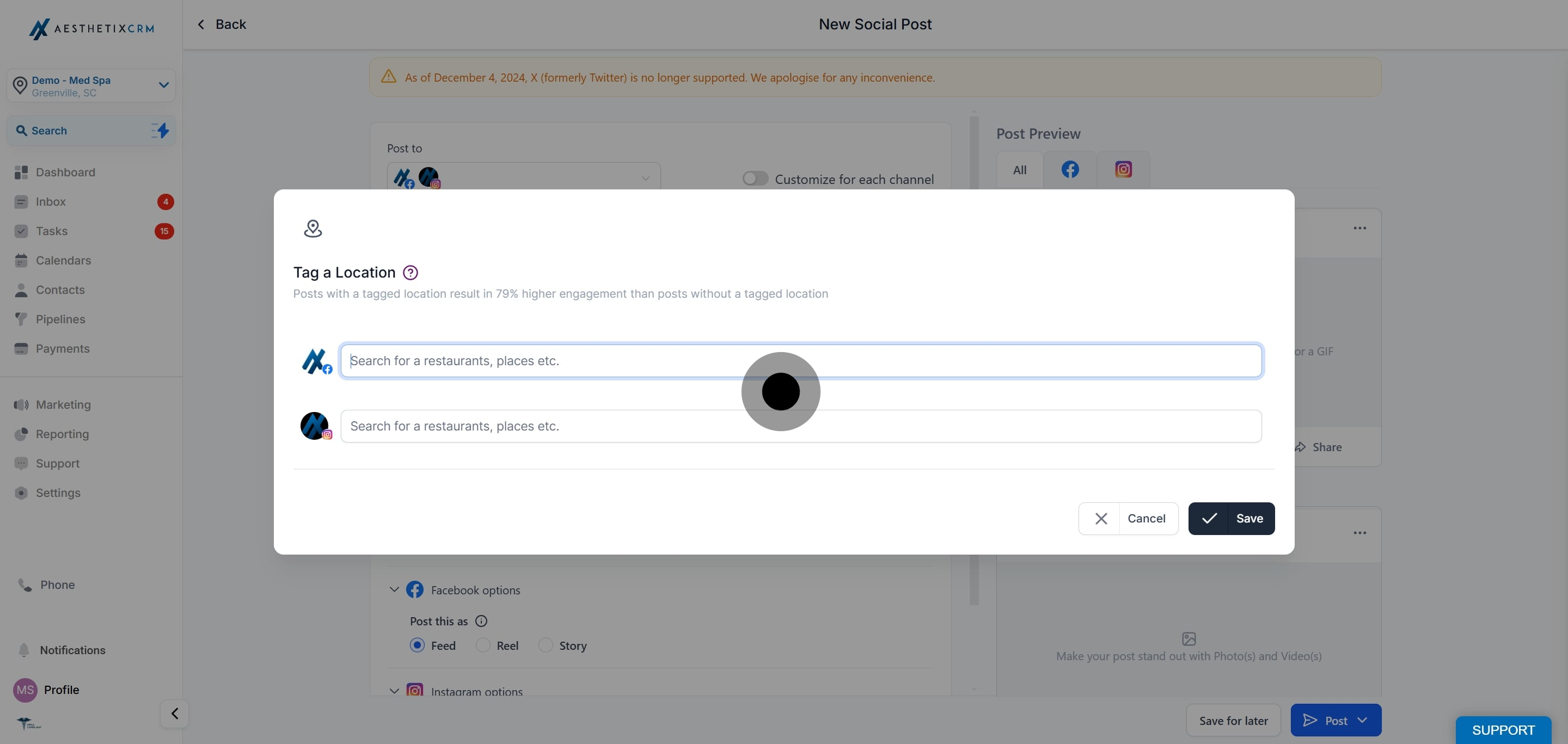
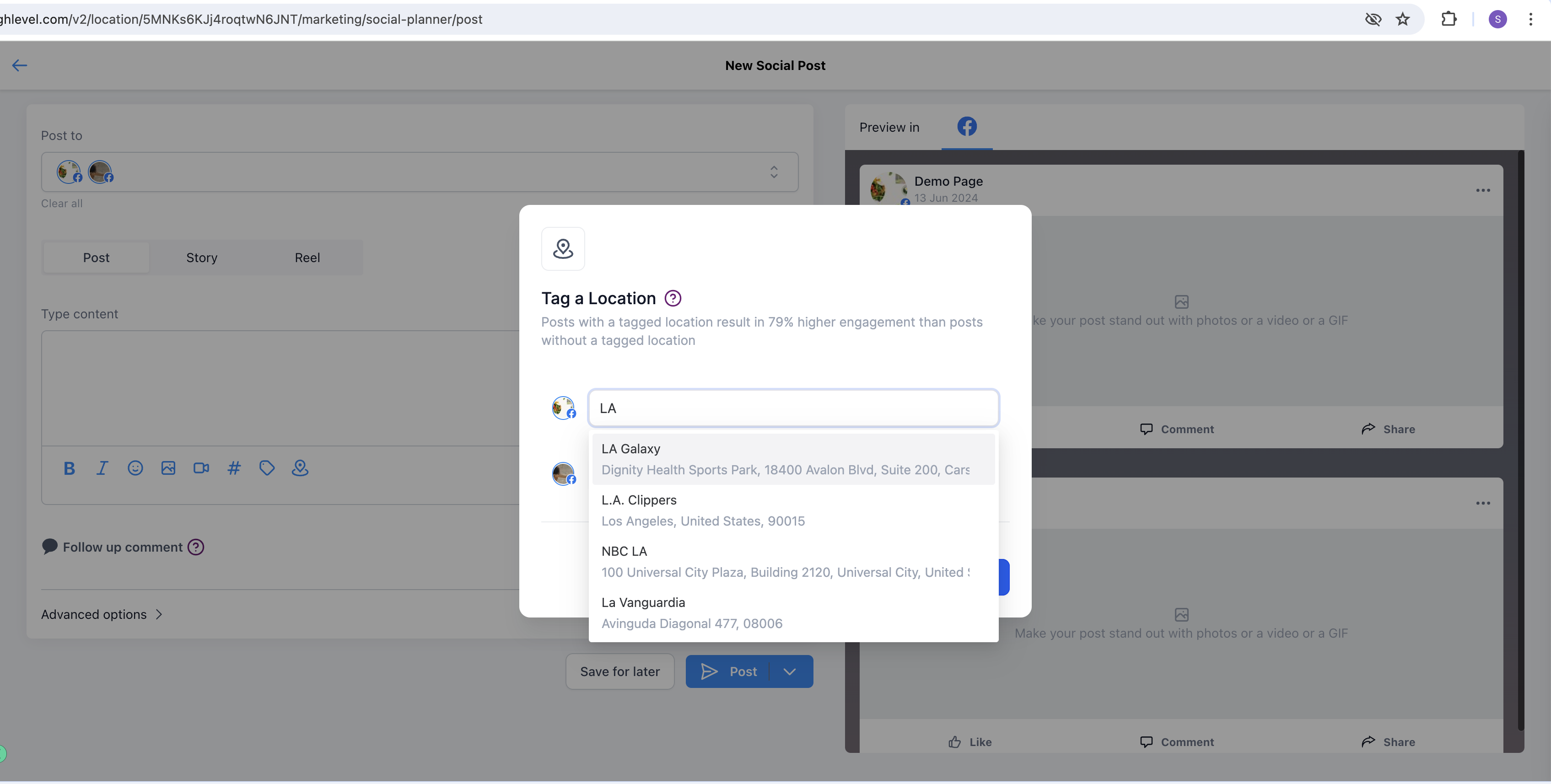
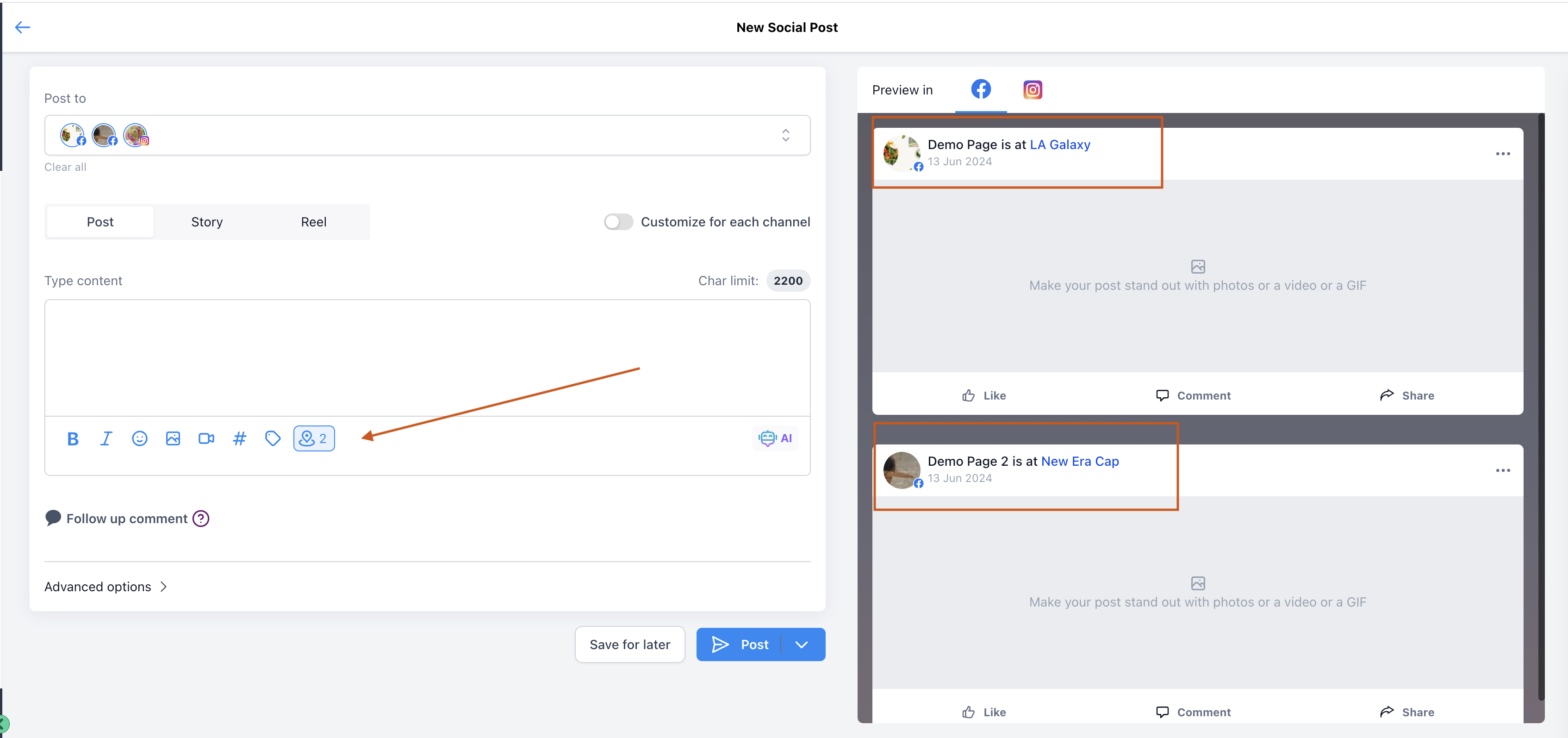
Click Save to apply the tagged location to your post.
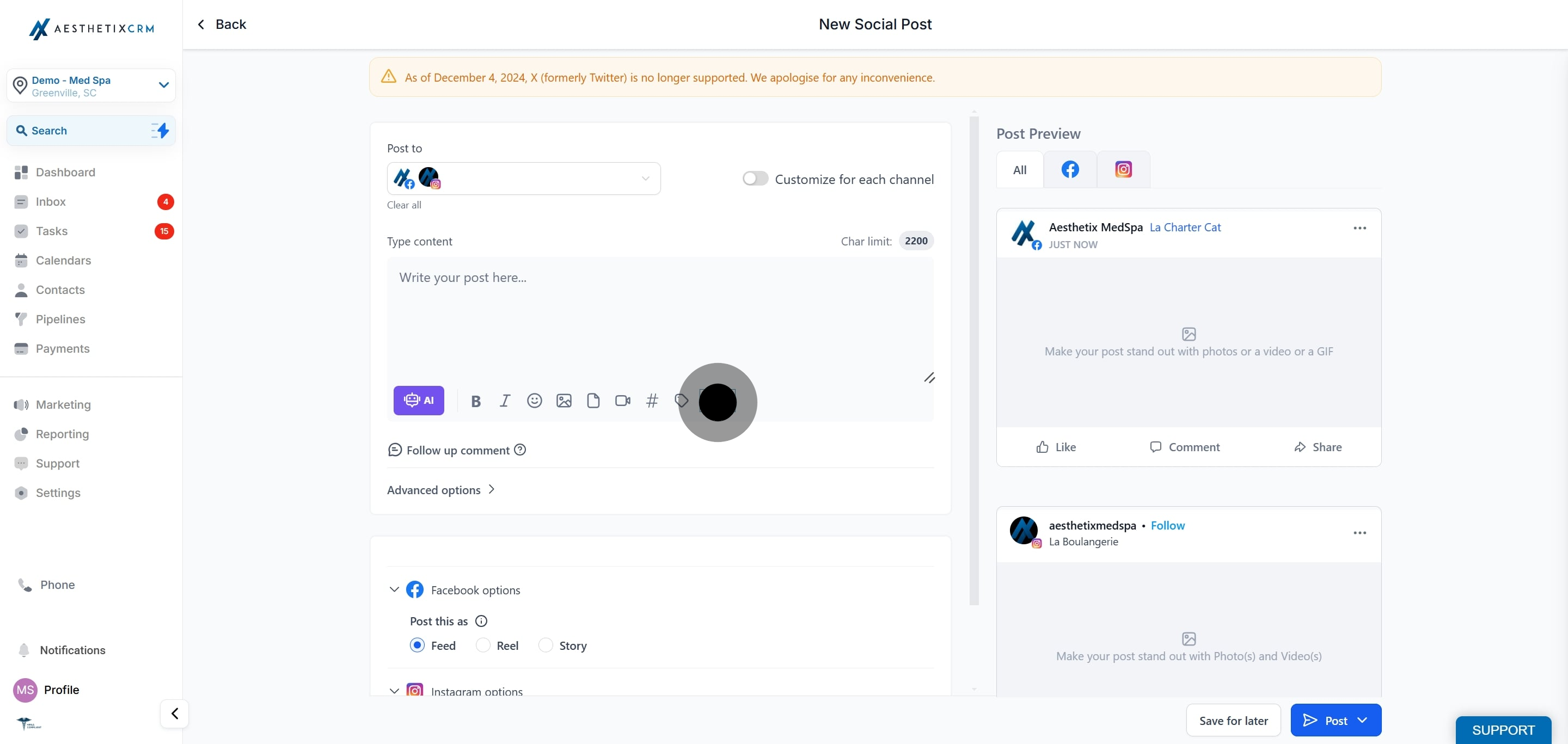

Open the post preview to confirm the tagged location appears as expected before you schedule or publish.
Which platforms support location tagging? Location tagging is available for Facebook and Instagram posts.
Why am I asked to re-authenticate my account? Location tagging requires an additional permission from the platform. The first time you use it, you may be prompted to re-authenticate so the connection can access location data. This is expected and safe.
Can I tag more than one location on a post? You can add locations as supported by the platform, and the preview will show the tagged location or locations before you publish.
Does location tagging help my local visibility? Yes. Tagging a location can improve local reach, engagement, and local SEO, helping nearby prospective patients discover your content.
Where do I confirm the location was added? Open the post preview. The tagged location is shown on the preview so you can verify it before scheduling or publishing.
Can I add a location to a bulk CSV or Review post? Location tagging is added in the standard post composer. Use it while creating or editing the individual post.
