The Social Planner lets you add @mentions to your posts, so your practice can tag partner clinics, product brands, referring providers, local businesses, or influencers directly in a caption. Mentions improve engagement, help you cross-promote with other accounts, and increase the searchability of your content on platforms that support them.
@mentions work as clickable tags on Facebook and LinkedIn (company pages only). On Instagram, TikTok, and Google Business Profile, the mention is included as plain text rather than a live tag. When you type @, the planner searches for public profiles or pages you can tag by name, follower count, and platform.
Keep these points in mind so your tags behave as expected:
Mentions are only available in the standard post composer. They do not work with CSV bulk uploads, Review posts, or RSS posts.
When a tag is recognized, it appears highlighted in blue in the preview. This confirms the system matched the profile successfully.
Auto-suggestions are not available for Instagram. You will need to type the @username manually, and the person or page you are tagging must have their settings enabled to allow mentions.
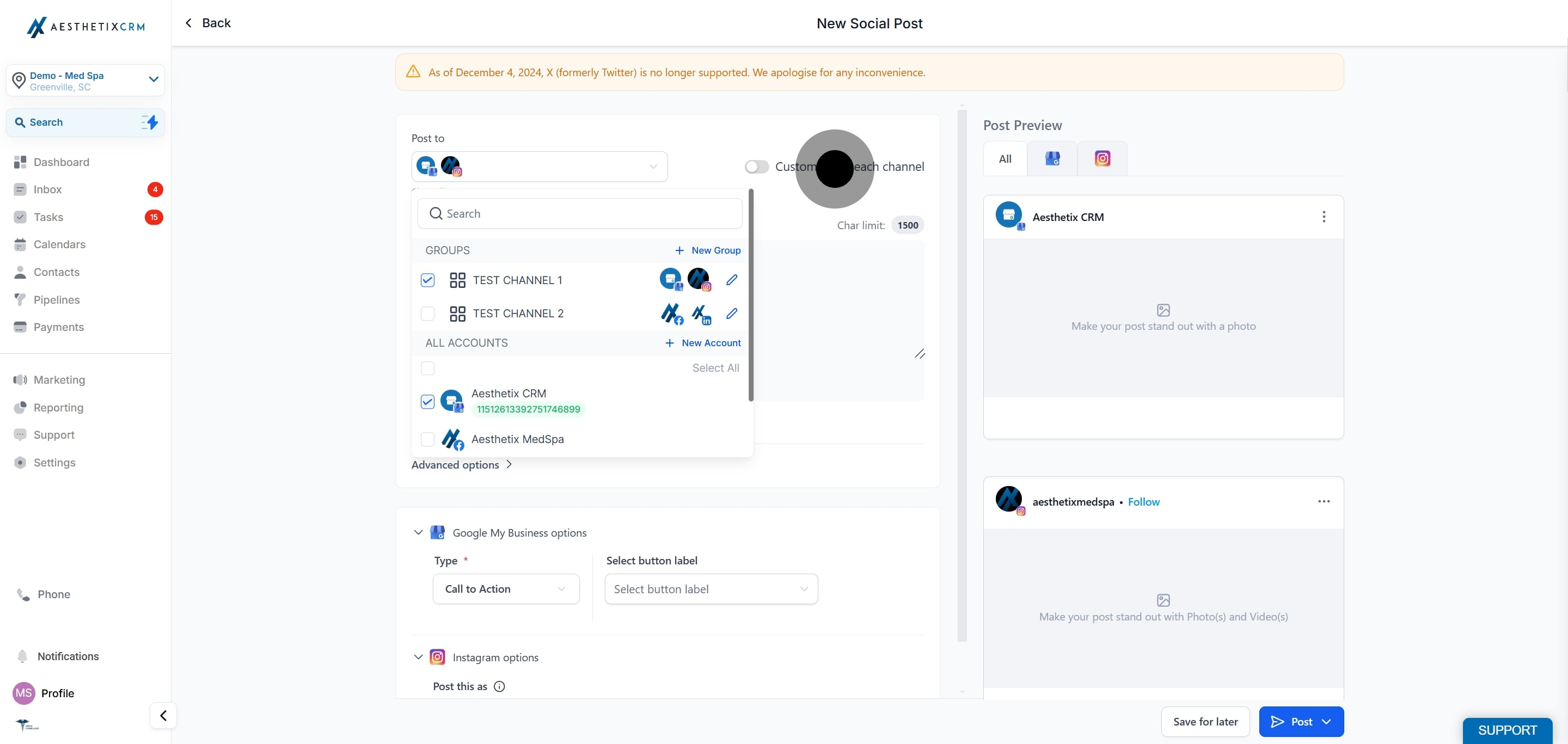
If more than one social channel is selected, you will be prompted to customize the post for each channel so you can search and add the correct profile per platform.
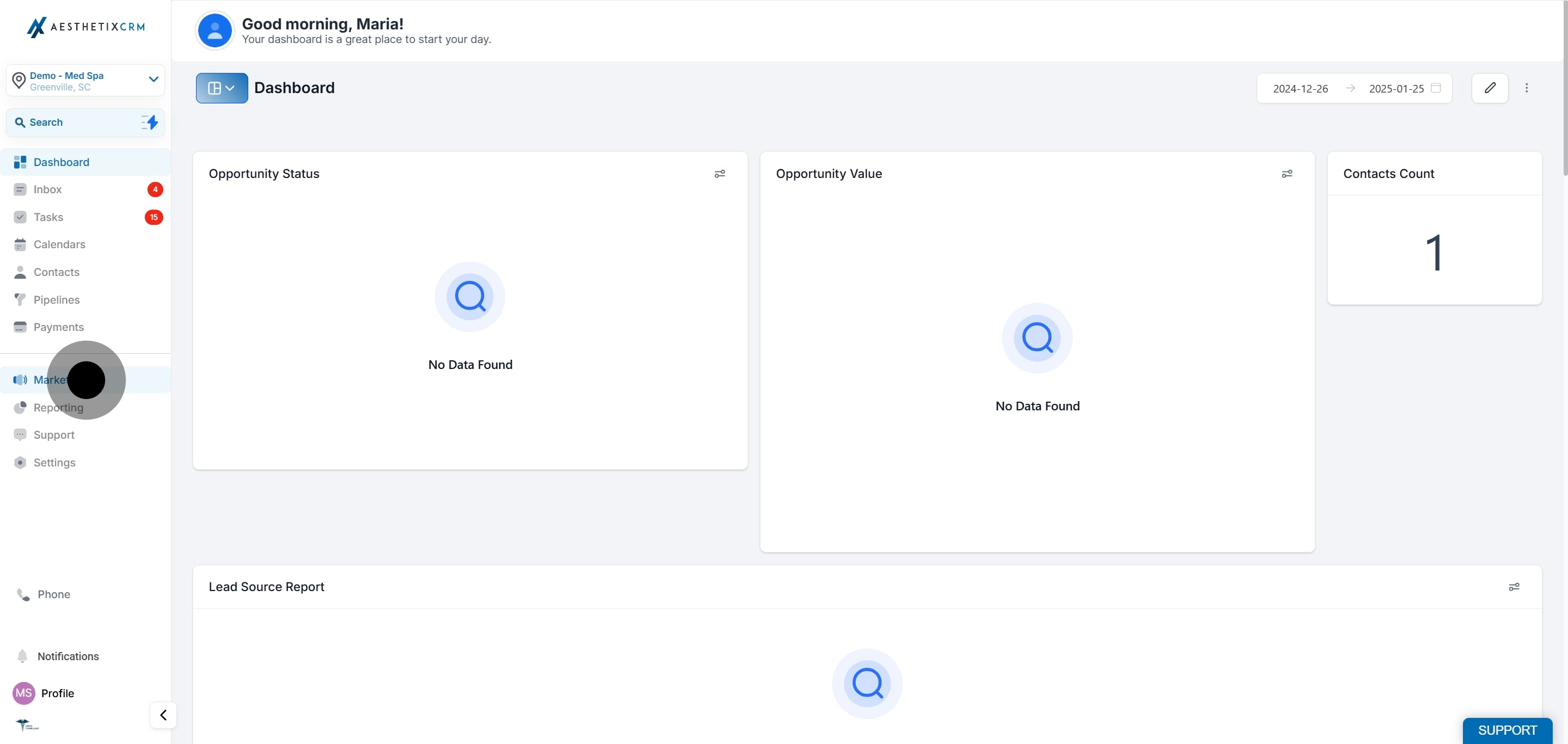
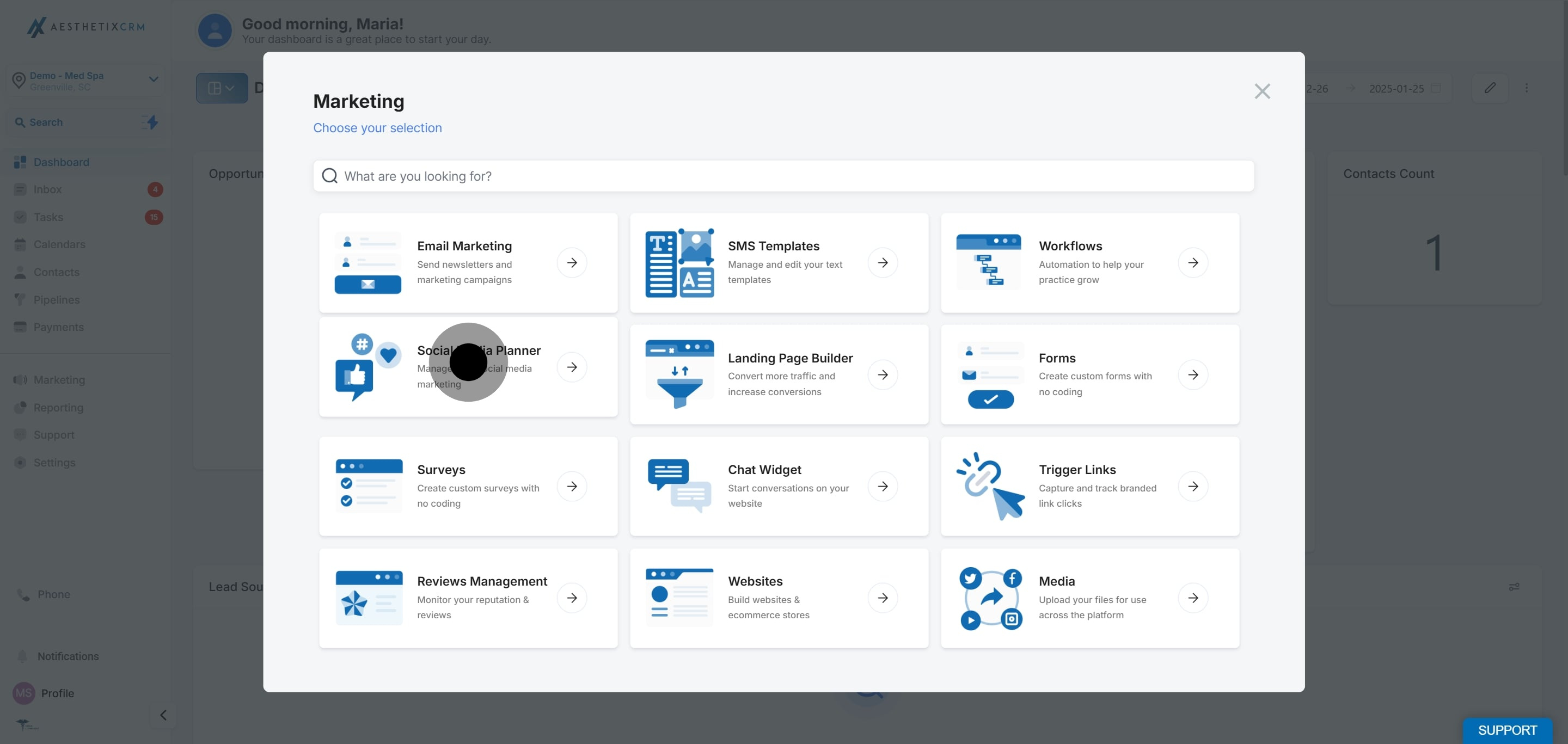
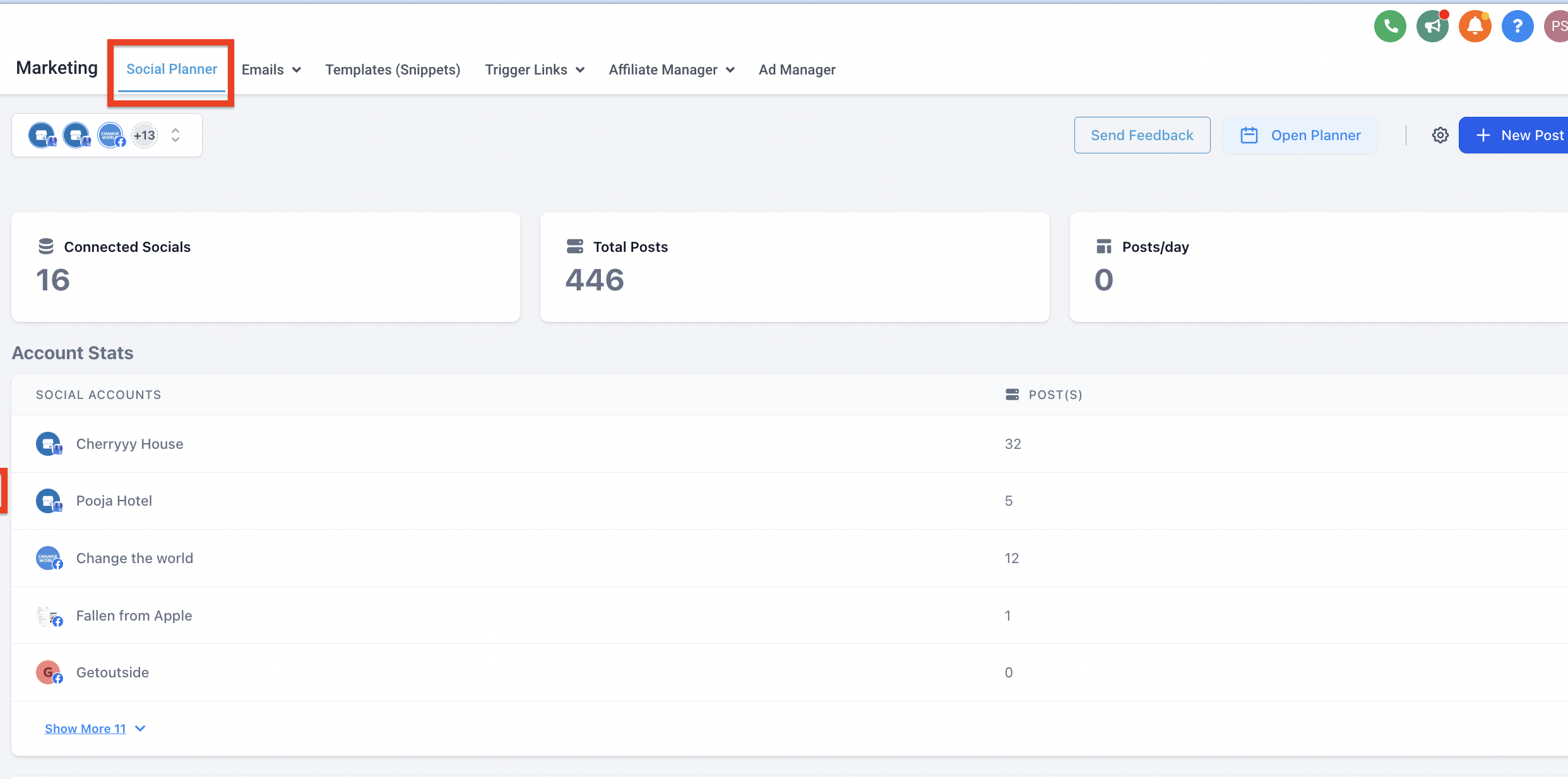
Go to Marketing, then click Social Media Planner.
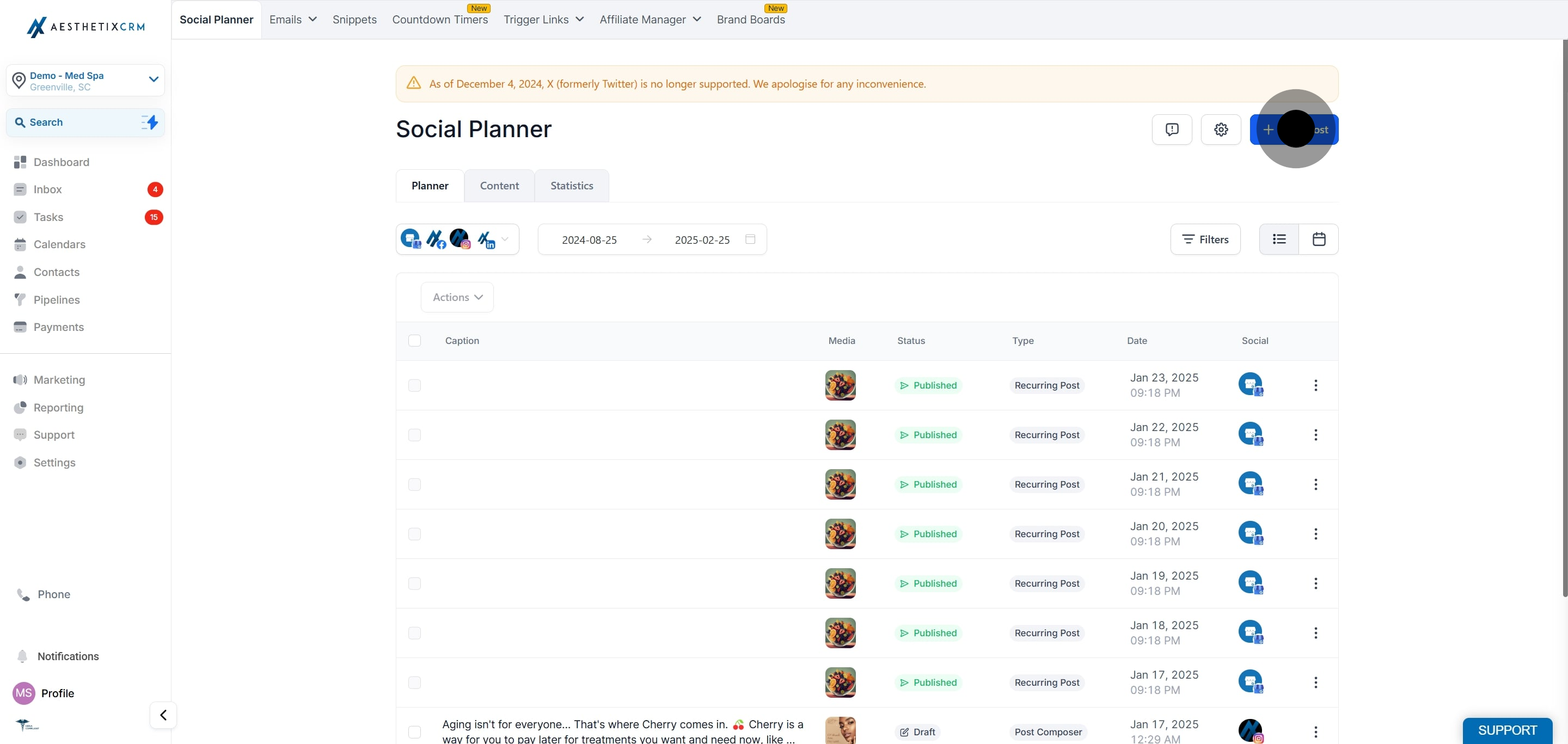
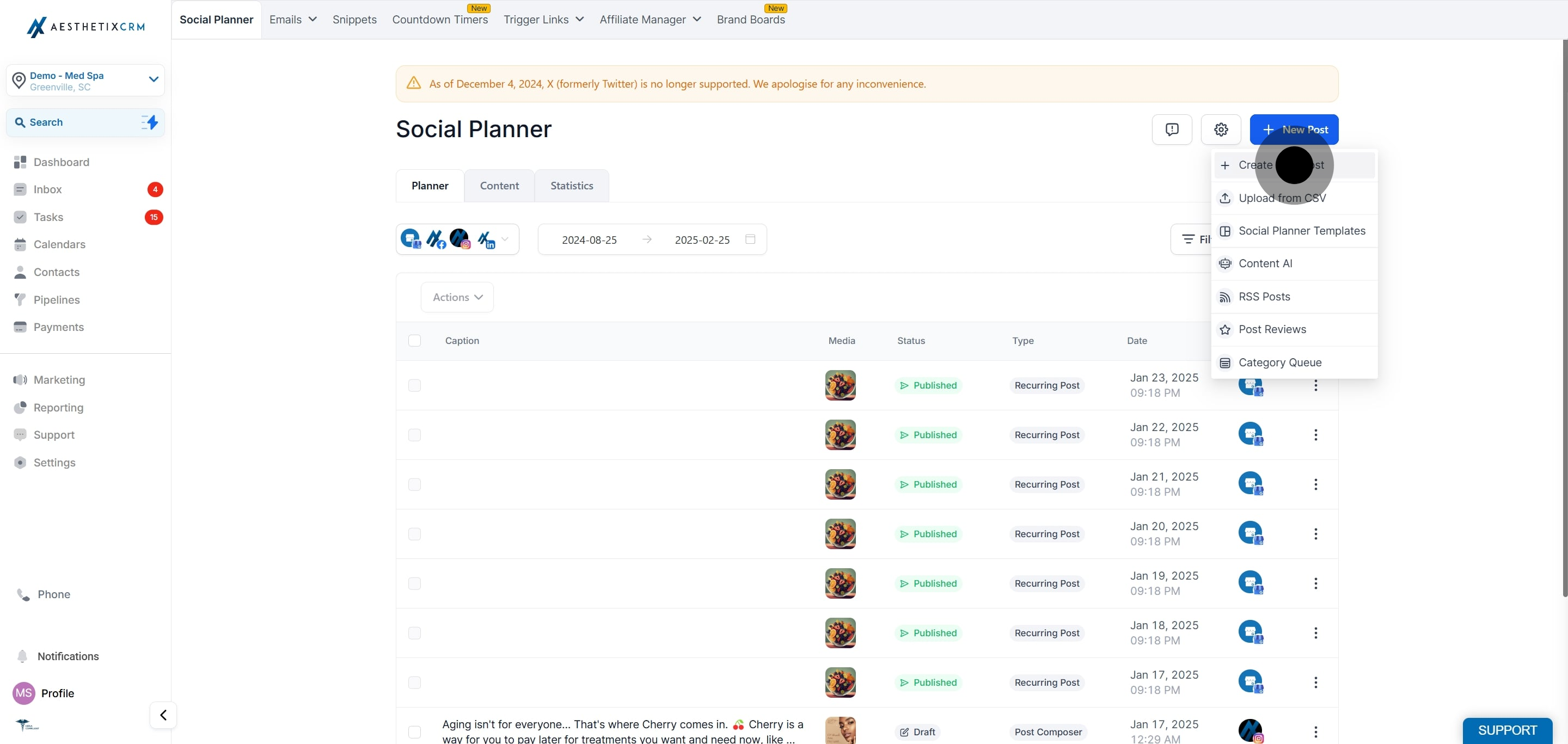
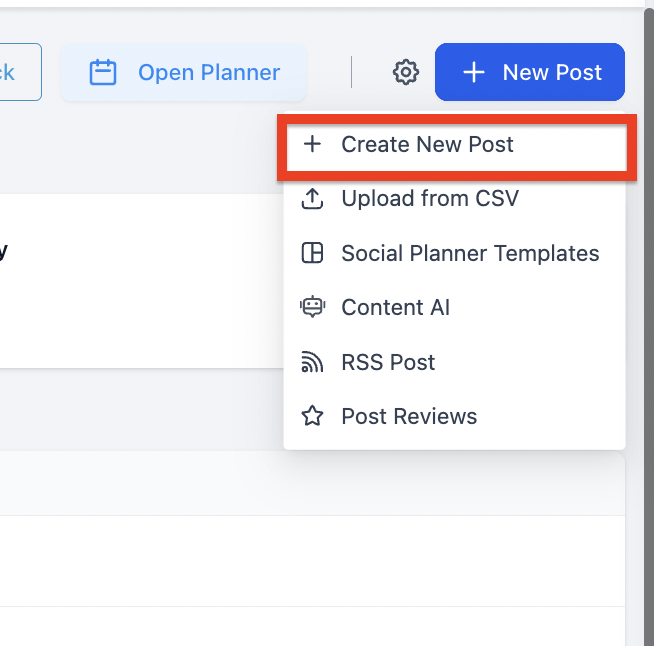
Click New Post, then select Create New Post.
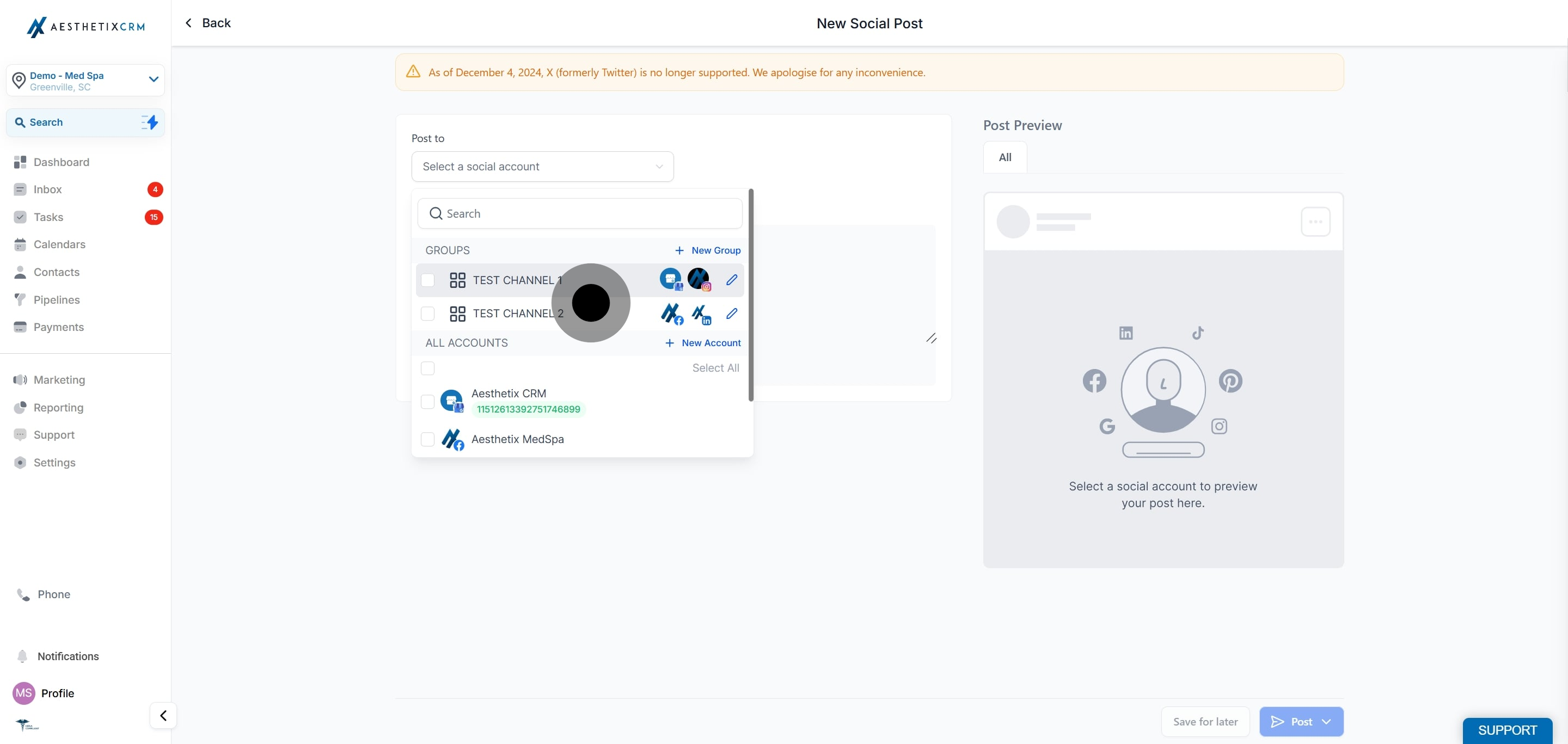
Select the social account or accounts you want to post to. If you choose more than one channel, enable the option to customize the post for each channel.
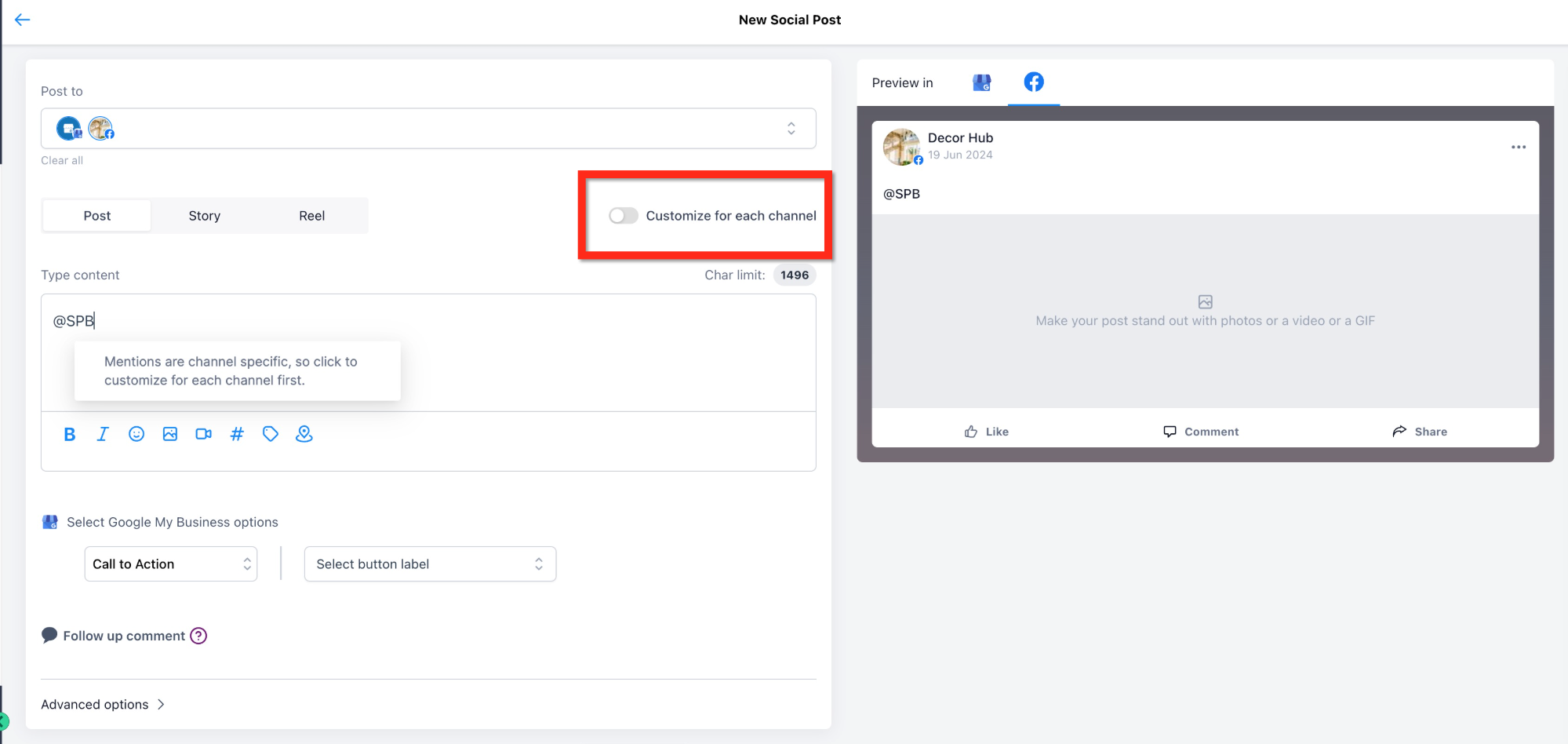
Write your caption for each social channel. To mention a profile, type @ followed by the username of the profile you want to tag. After the first few letters, matching options appear so you can pick the correct account by username, follower count, and profile. Once selected, the tag shows highlighted in blue in the preview.
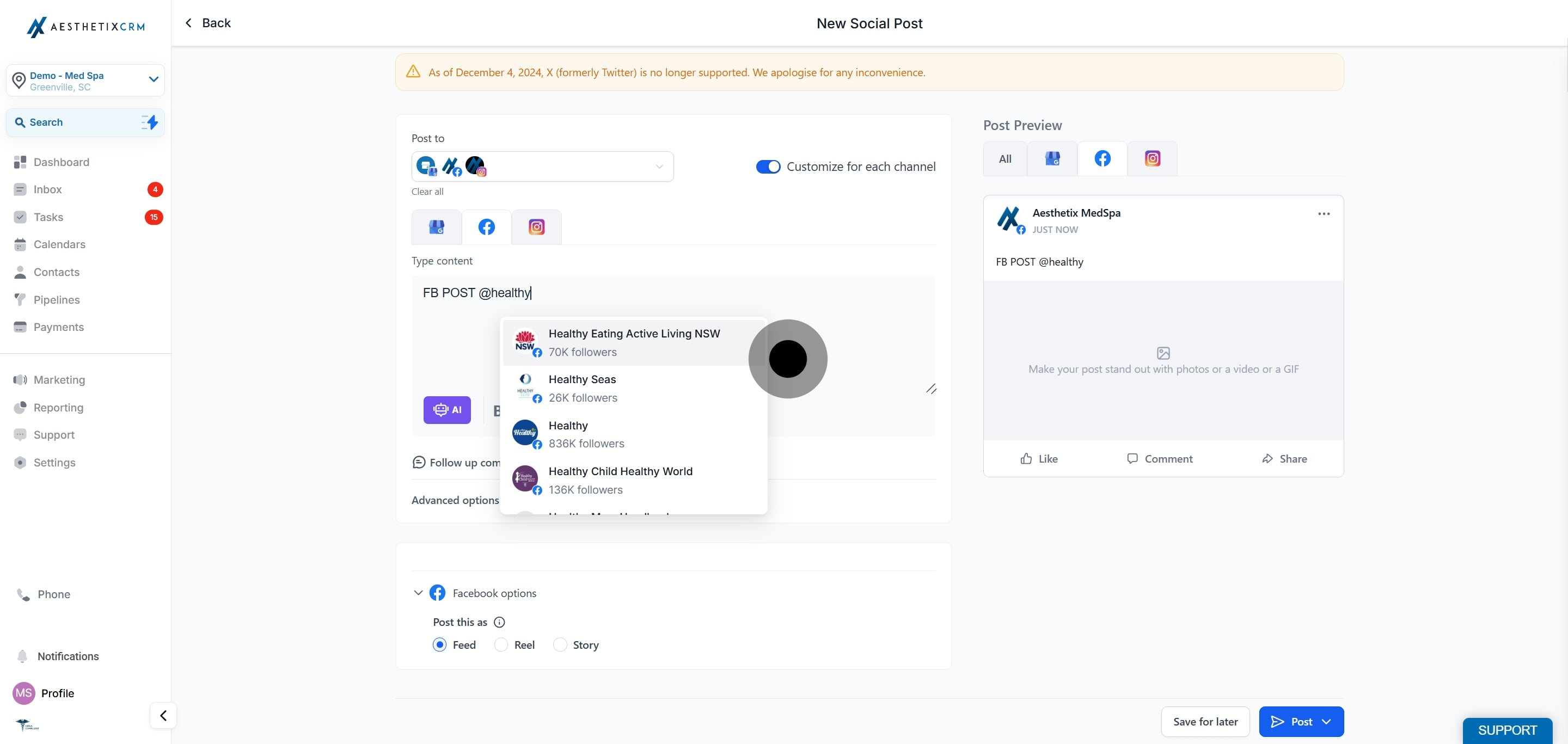
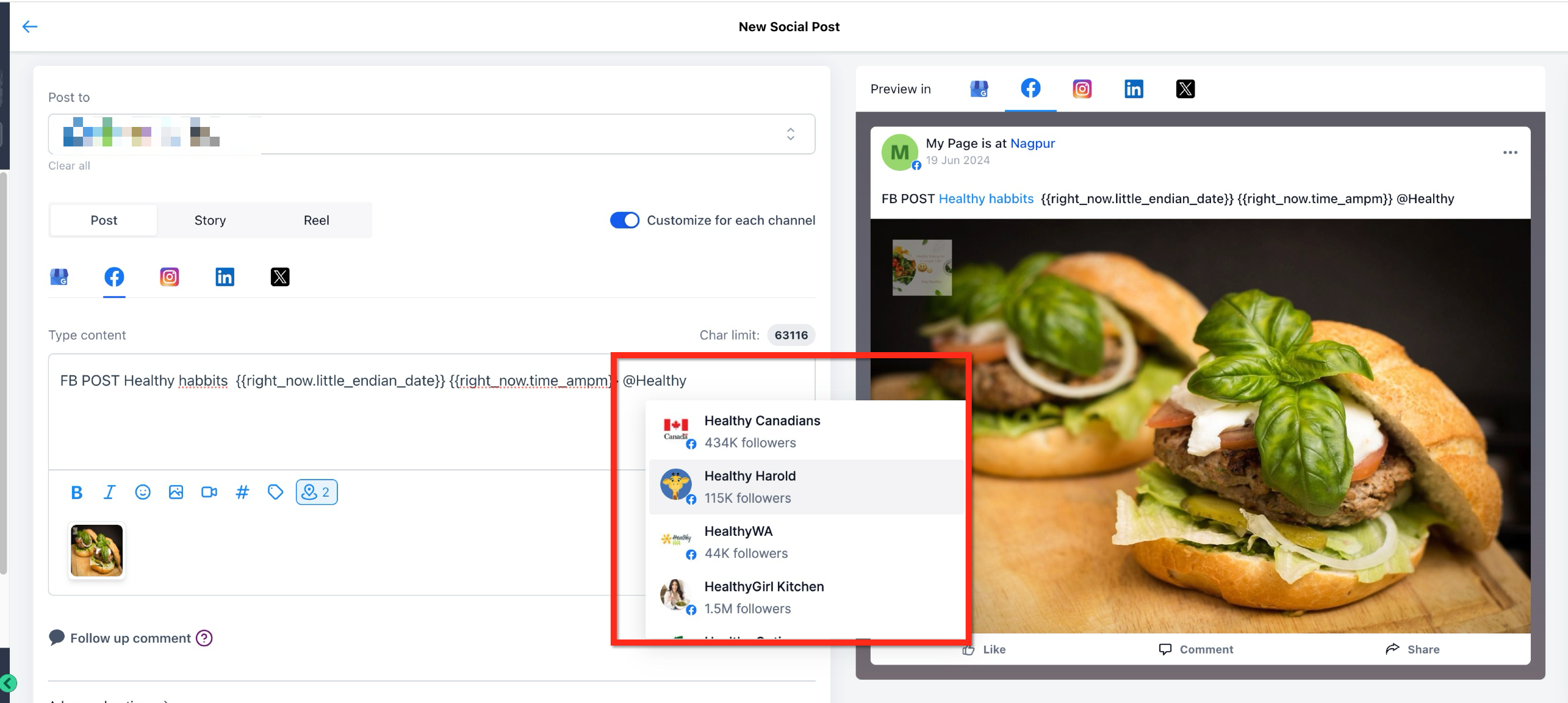
Which platforms support clickable @mentions? Facebook and LinkedIn company pages support live, clickable tags. Instagram, TikTok, and Google Business Profile include the mention as plain text only.
Why don't I see auto-suggestions when tagging on Instagram? Instagram does not support auto-suggestions in the planner. Type the @username manually, and make sure the account you are tagging allows mentions in its settings.
How do I know a tag was recognized? A successfully matched tag appears highlighted in blue in the post preview. If it stays plain text on a platform that supports tagging, the profile was not matched.
Can I use mentions in bulk CSV, Review, or RSS posts? No. Mentions are only available in the standard post composer. They are not supported for CSV uploads, Review posts, or RSS posts.
Can I tag a different profile on each platform? Yes. When you select more than one social channel, enable customization per channel so you can search for and tag the correct profile on each platform.
Can I tag a private account? Mentions search public profiles and pages. Private or restricted accounts may not appear, and some platforms require the tagged account to allow mentions.
Should I tag patients in a post? Avoid tagging patients or including anything that identifies them as a patient. Doing so can expose protected health information. Only tag partner businesses, brands, or public accounts that have agreed to be tagged.
