Hashtags help categorize your content and make it easier for prospective patients to discover your posts. Instead of retyping the same hashtags every time, Social Planner lets you save a set as a group. Once saved, you can apply the entire group to any new post with a single click, which keeps your tagging consistent across treatment promos, before-and-after posts, and campaigns.
A hashtag is a word or phrase preceded by the # symbol (for example, #medspa). Group hashtags let you bundle several hashtags under a name and reuse them. When you create a post, you choose a saved group and Social Planner appends all of its hashtags at once. You can save up to 30 hashtags in a post.
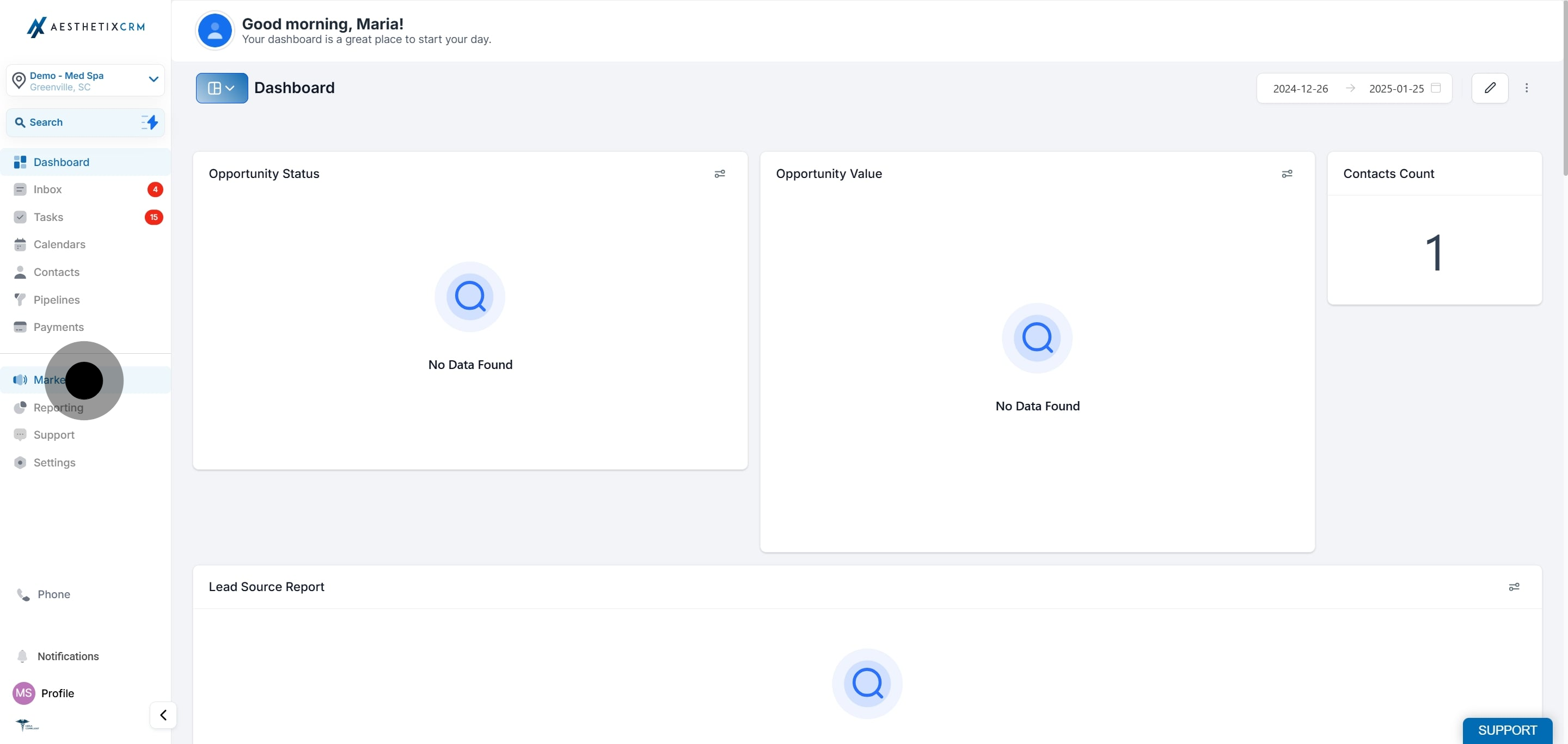
Click Marketing.
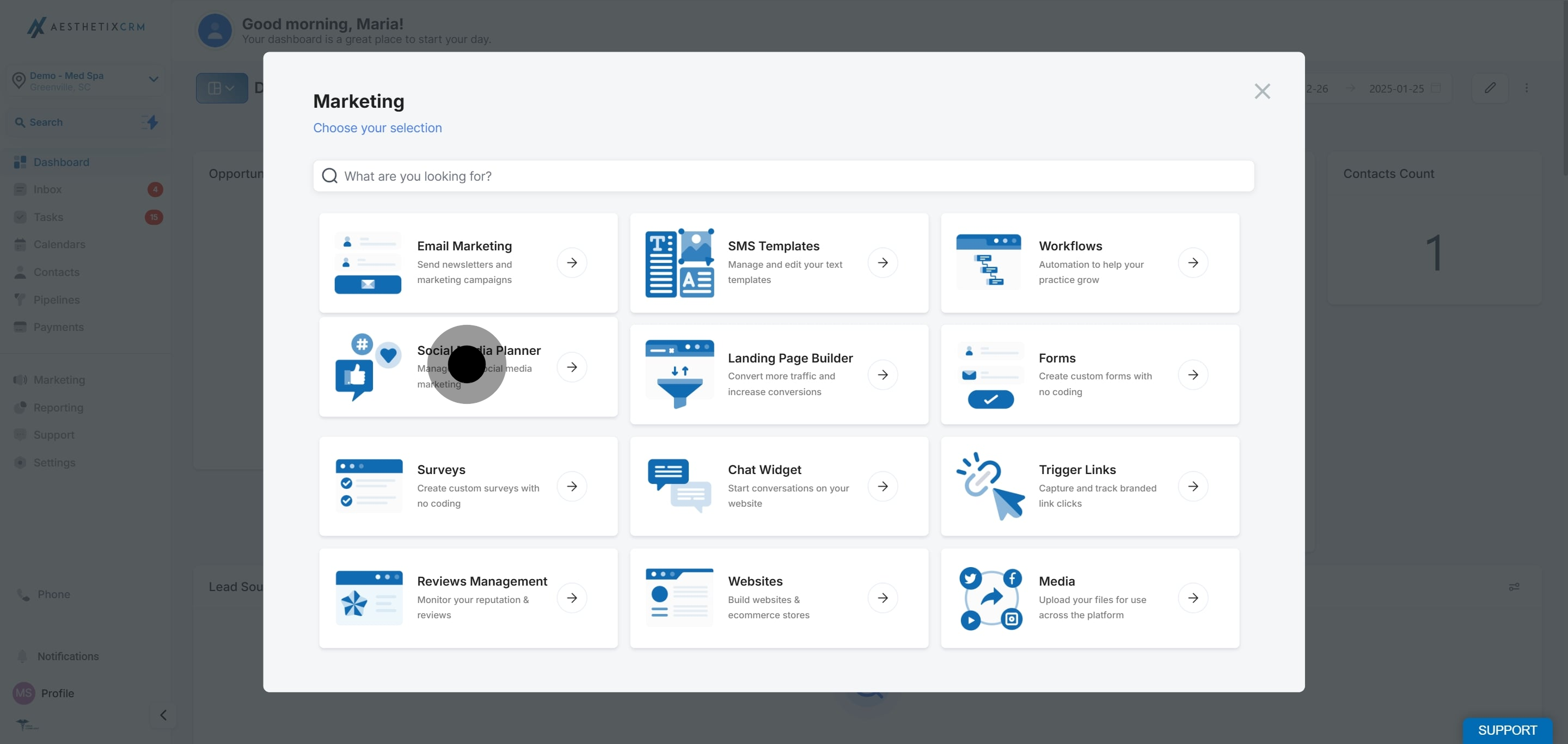
Click Social Planner.
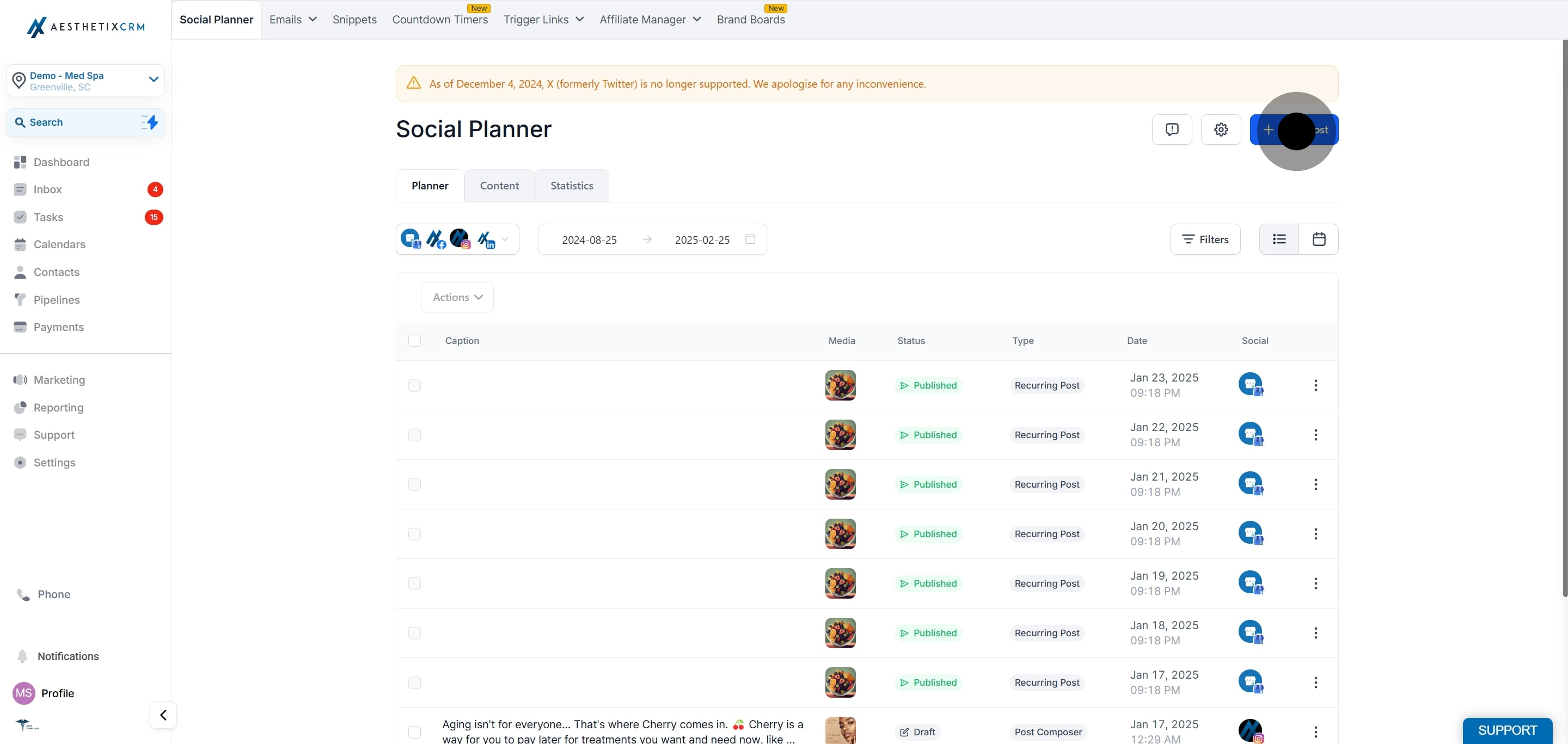
Click New Post.
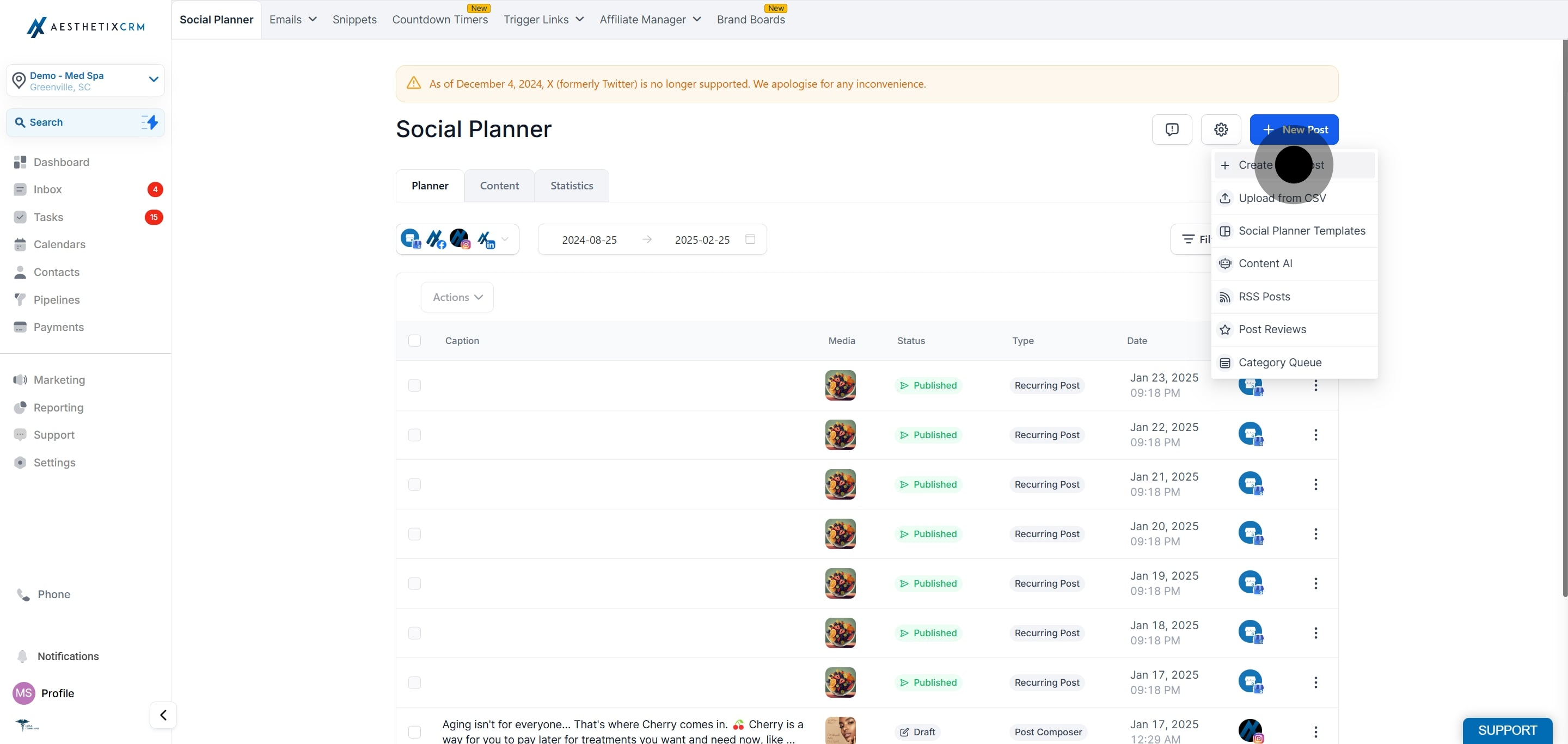
Click Create New Post.
Choose the social accounts you want to post to.
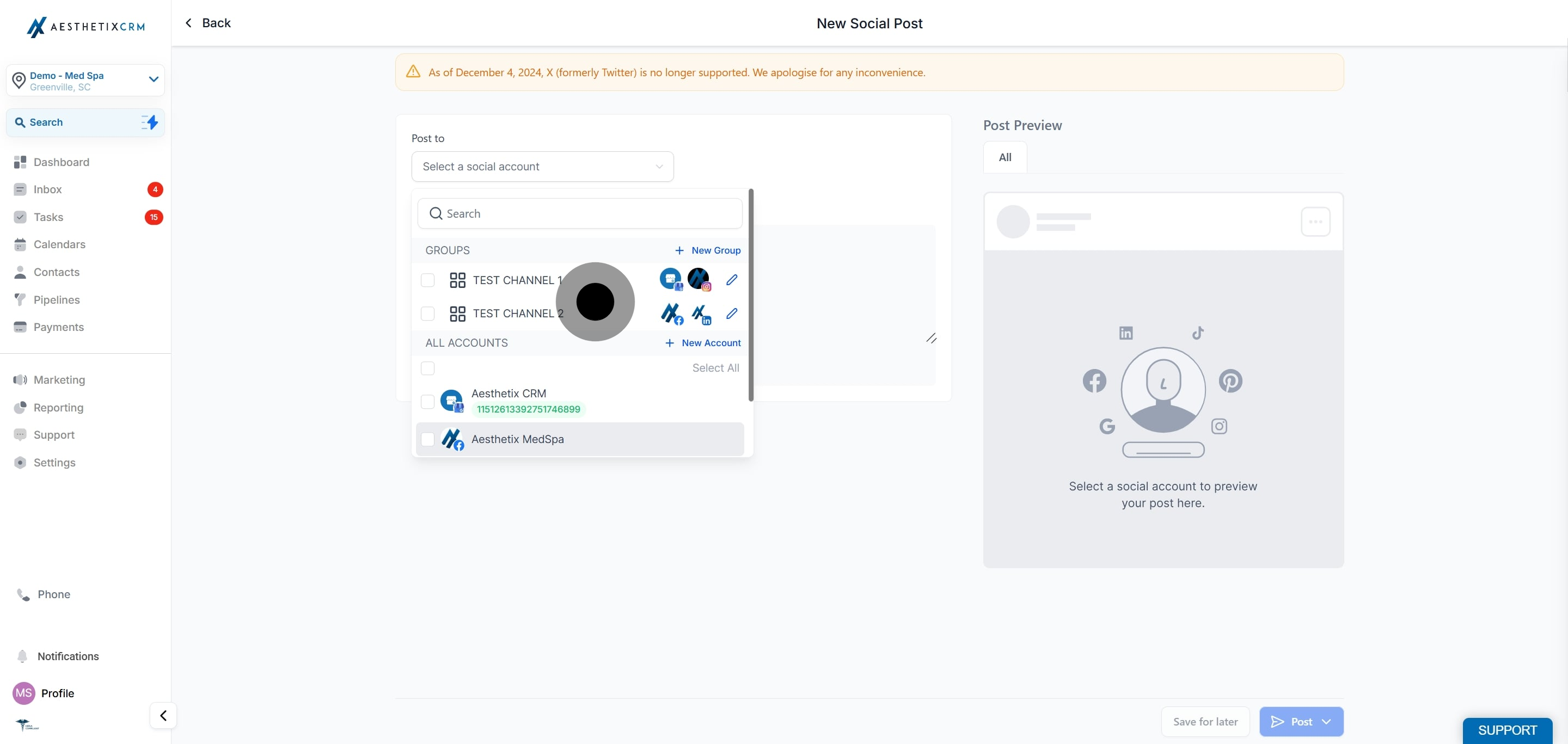
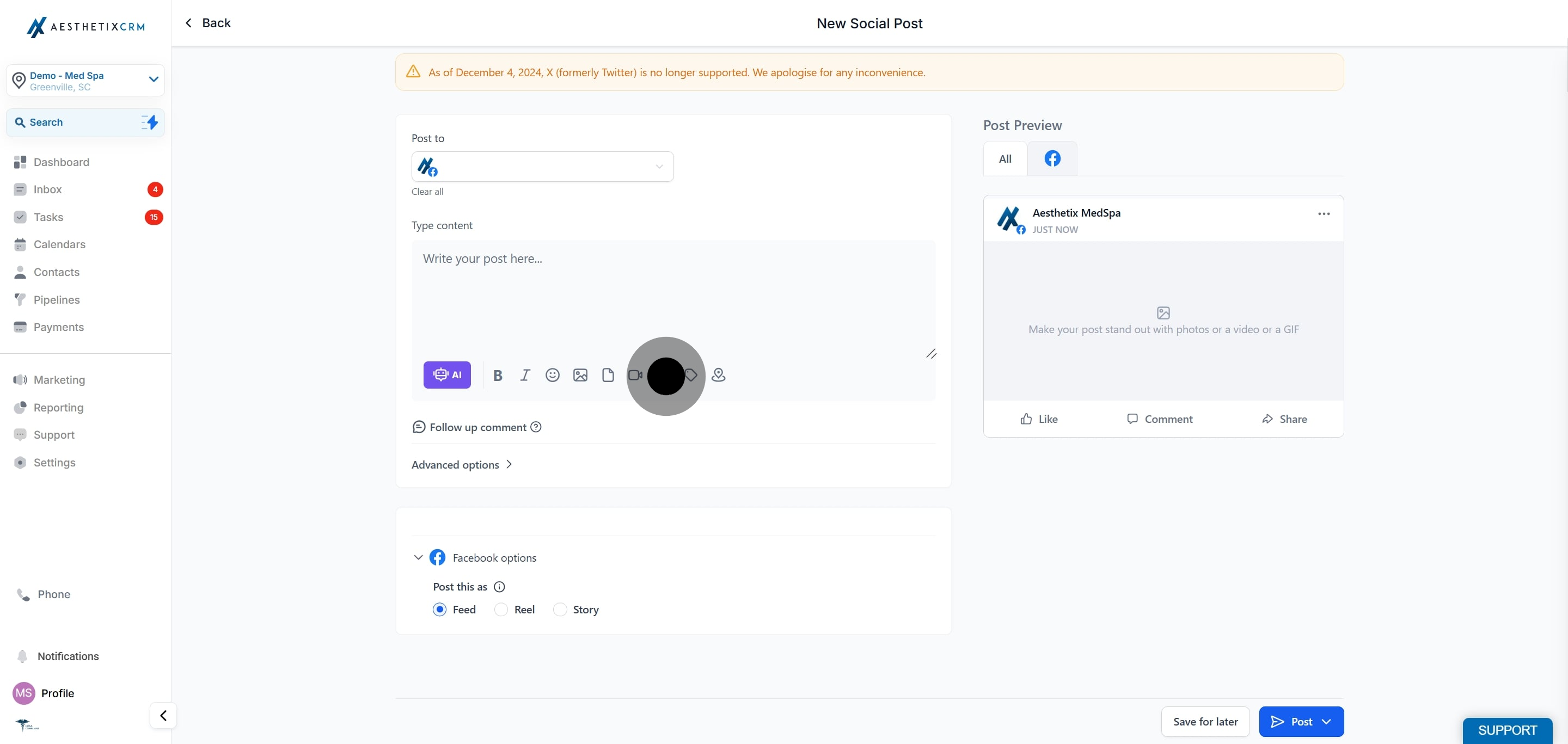
In the post composer, click the hashtag icon (#) to add hashtags.
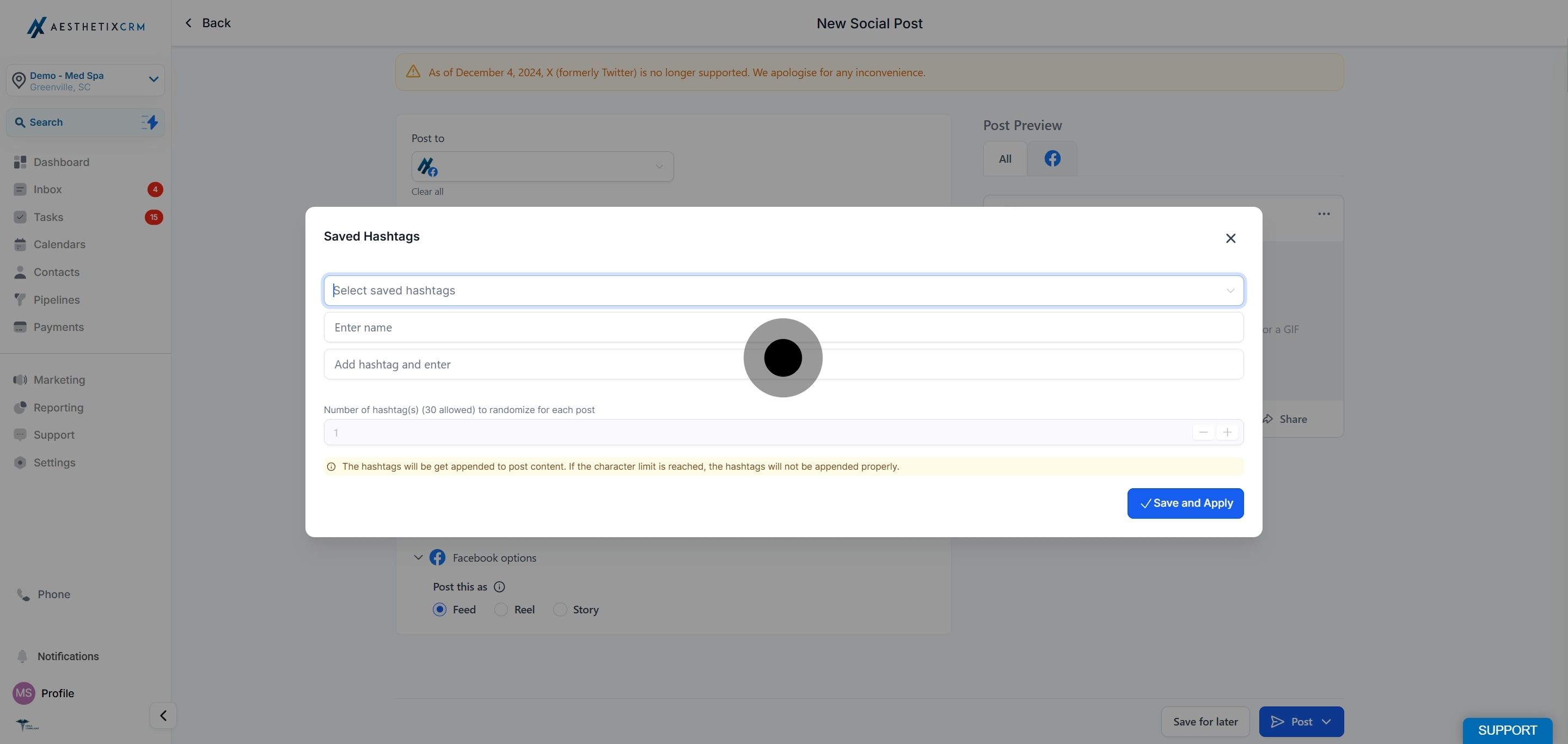
A pop-up appears where you enter the details for the new group. Add a Name for the set and the hashtags you want to include. You can add several hashtags to the set. The maximum is 30 hashtags per post.
Click Save and Apply to save the group and add its hashtags to the current post.
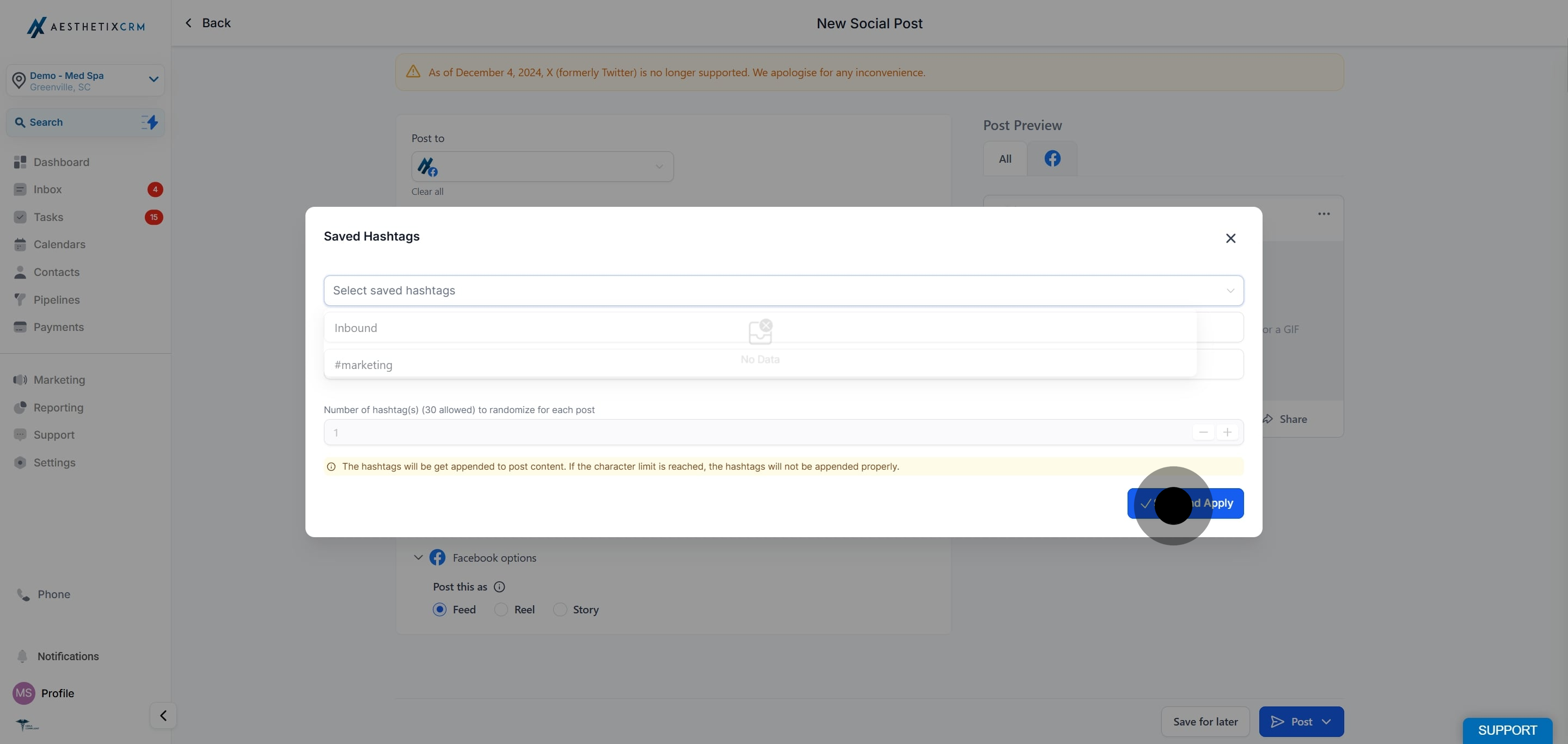
Whenever you create a new social post, you can choose a saved hashtag group to append to that post. This lets you reuse the same set across many posts without retyping the hashtags each time.
What is a group hashtag?
It is a saved set of hashtags stored under a name. You apply the whole set to a post at once instead of typing each hashtag individually.
How many hashtags can I include?
You can include up to 30 hashtags in a post.
How do I save a group hashtag?
In the post composer, click the # icon, enter a name and your hashtags in the pop-up, then click Save and Apply.
Can I use a saved group on future posts?
Yes. Every time you create a new post, you can select a saved group and Social Planner appends all of its hashtags automatically.
Where do I create a group hashtag?
Inside the post composer at Marketing > Social Planner > New Post > Create New Post, using the # icon.
Can I create more than one group?
Yes. You can save multiple named sets and choose the one that fits each post, such as a set for injectable specials and another for skincare tips.
