Every social network has its own character limits, media formats, and audience expectations. The Customize for Each Post feature in Social Planner lets you write and format content separately for each platform, all from a single post composer. You can craft a longer caption for Facebook, a tighter one for Google Business Profile, and platform-specific media, without creating multiple posts.
This feature lets you select multiple social accounts and then tailor the content to fit each one:
Multi-platform in one place: Select several platforms (Facebook, Instagram, LinkedIn, Google Business Profile, and more) and customize each from one screen.
Content tailored per network: Write a short caption for one platform and an extended post for another within the same composer.
Simple toggle: A single toggle switches between customized content per channel and one standardized message across all selected platforms.
AI assistance: You can use the built-in AI content tools to generate or resize copy for the platform you are working on.
Schedule or post now: Customized posts can be published immediately or scheduled for later.
For a med spa, this is useful when the same promotion needs a polished, longer description on Facebook, a hashtag-rich caption on Instagram, and a concise call-to-action on your Google Business Profile.
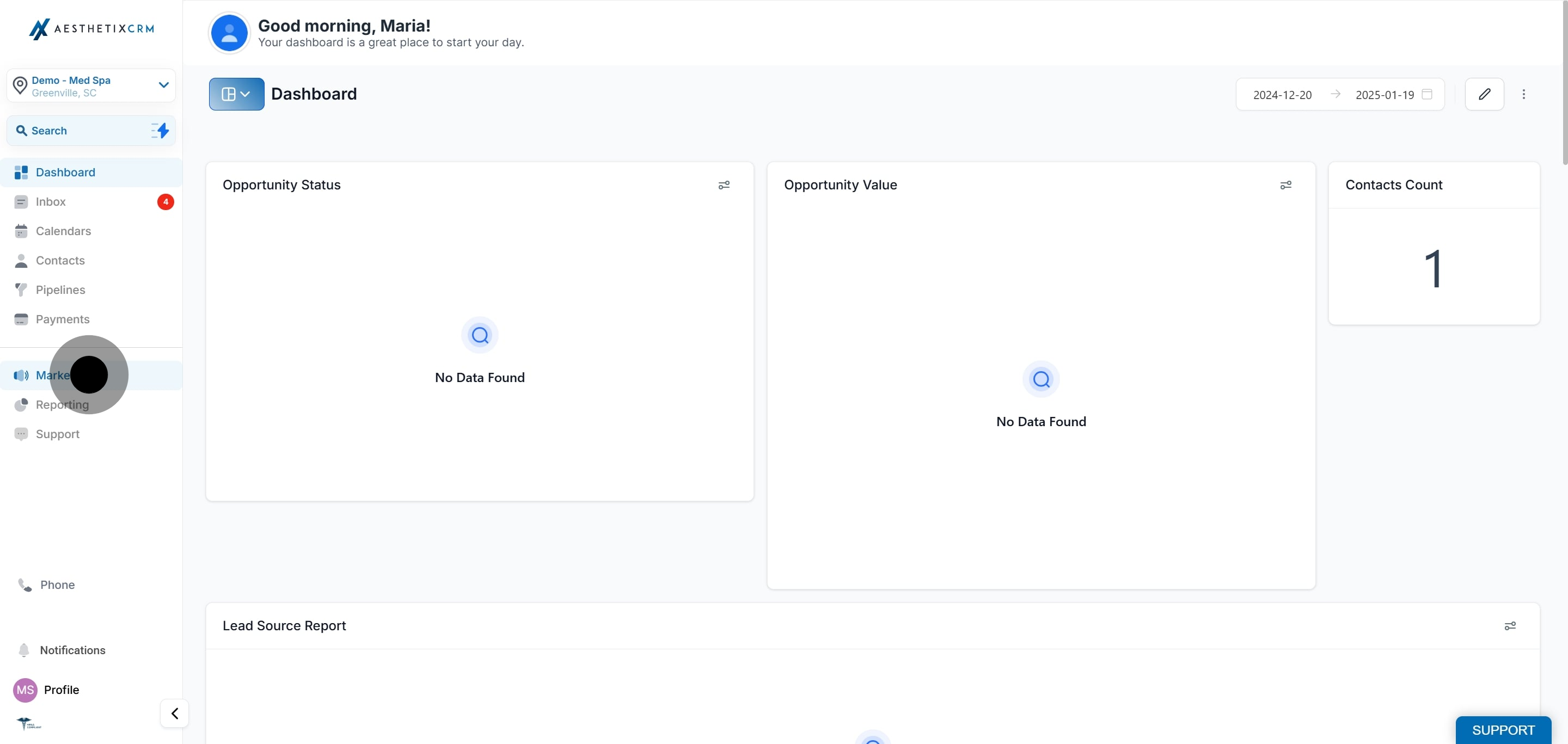
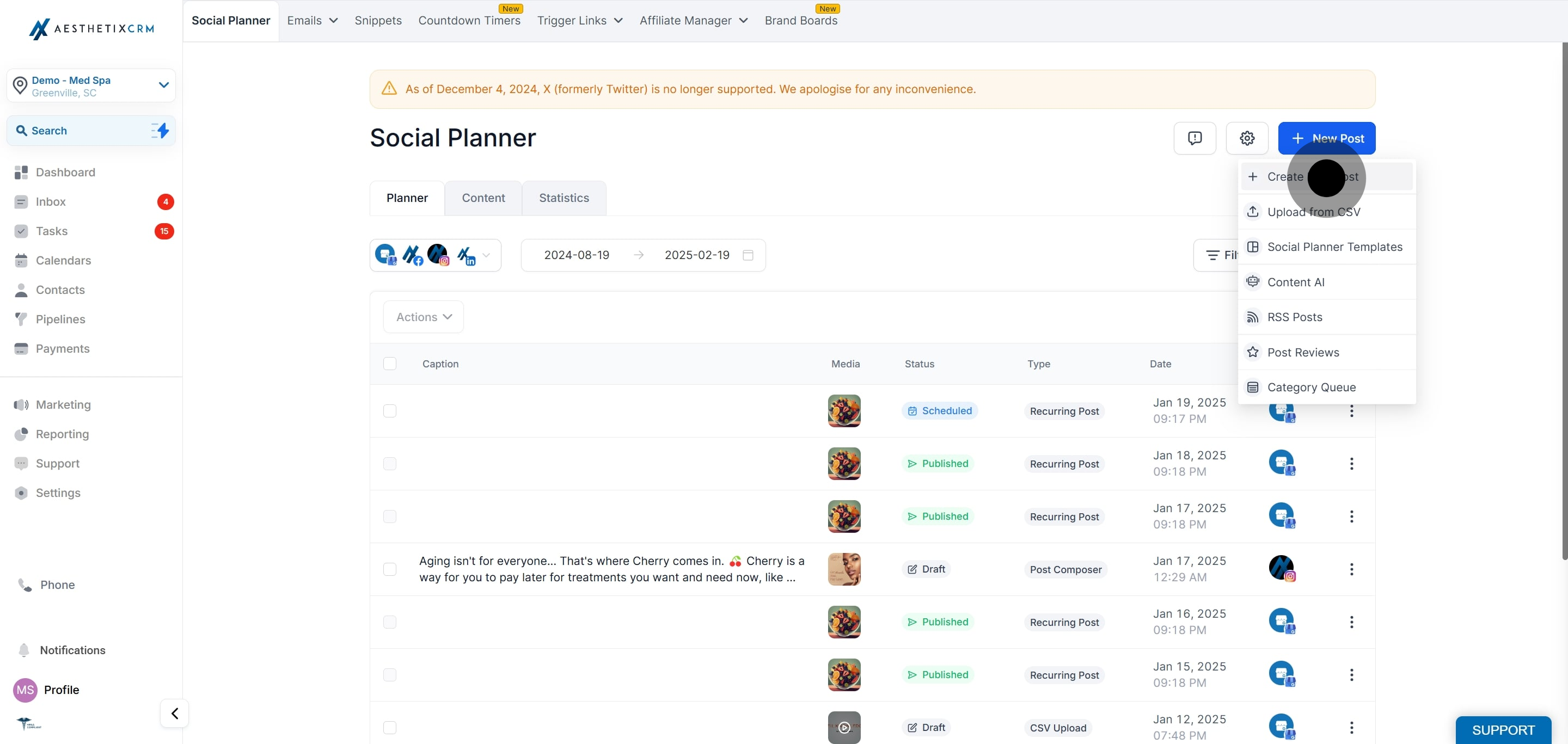
Select the Marketing tab from the sidebar.
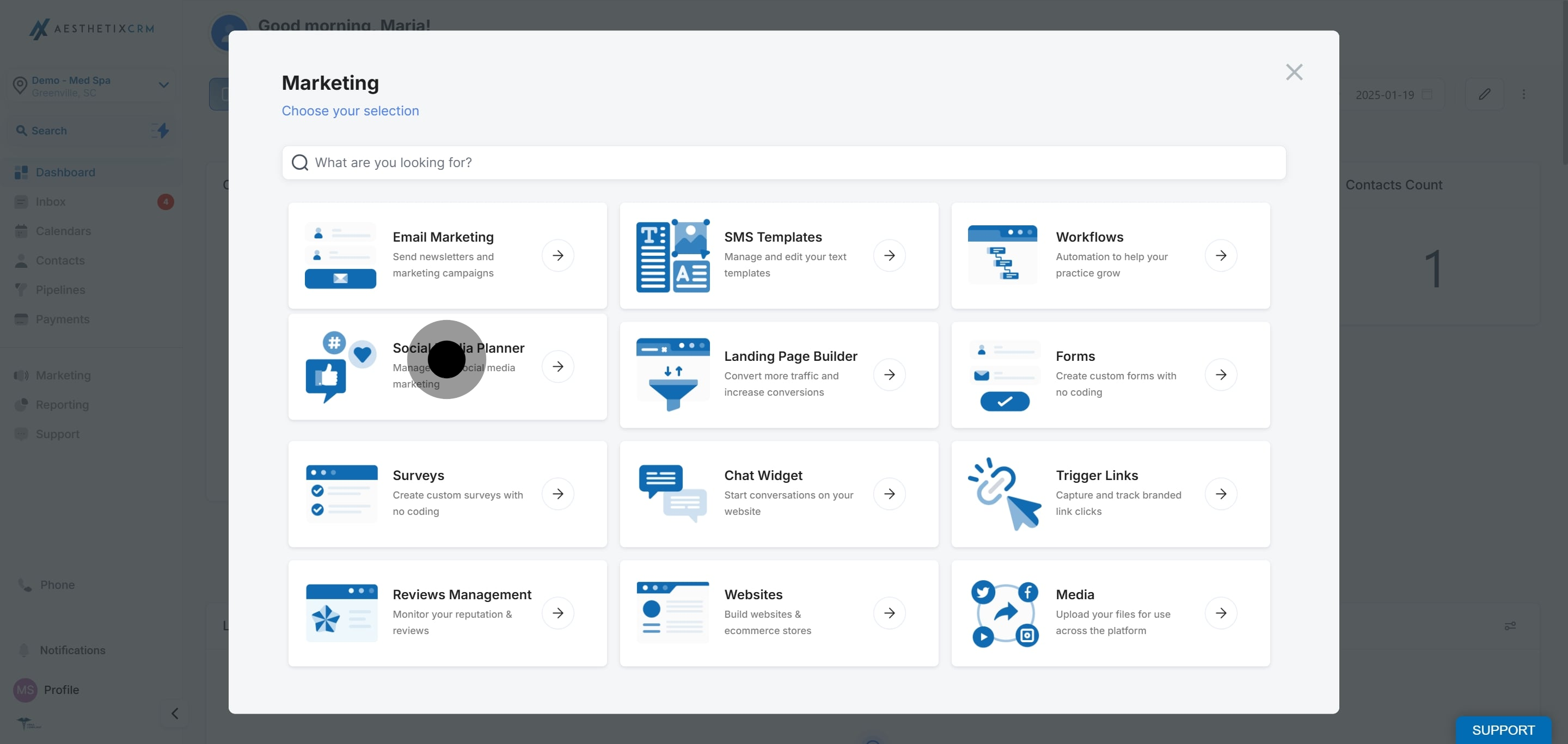
Click Social Planner.
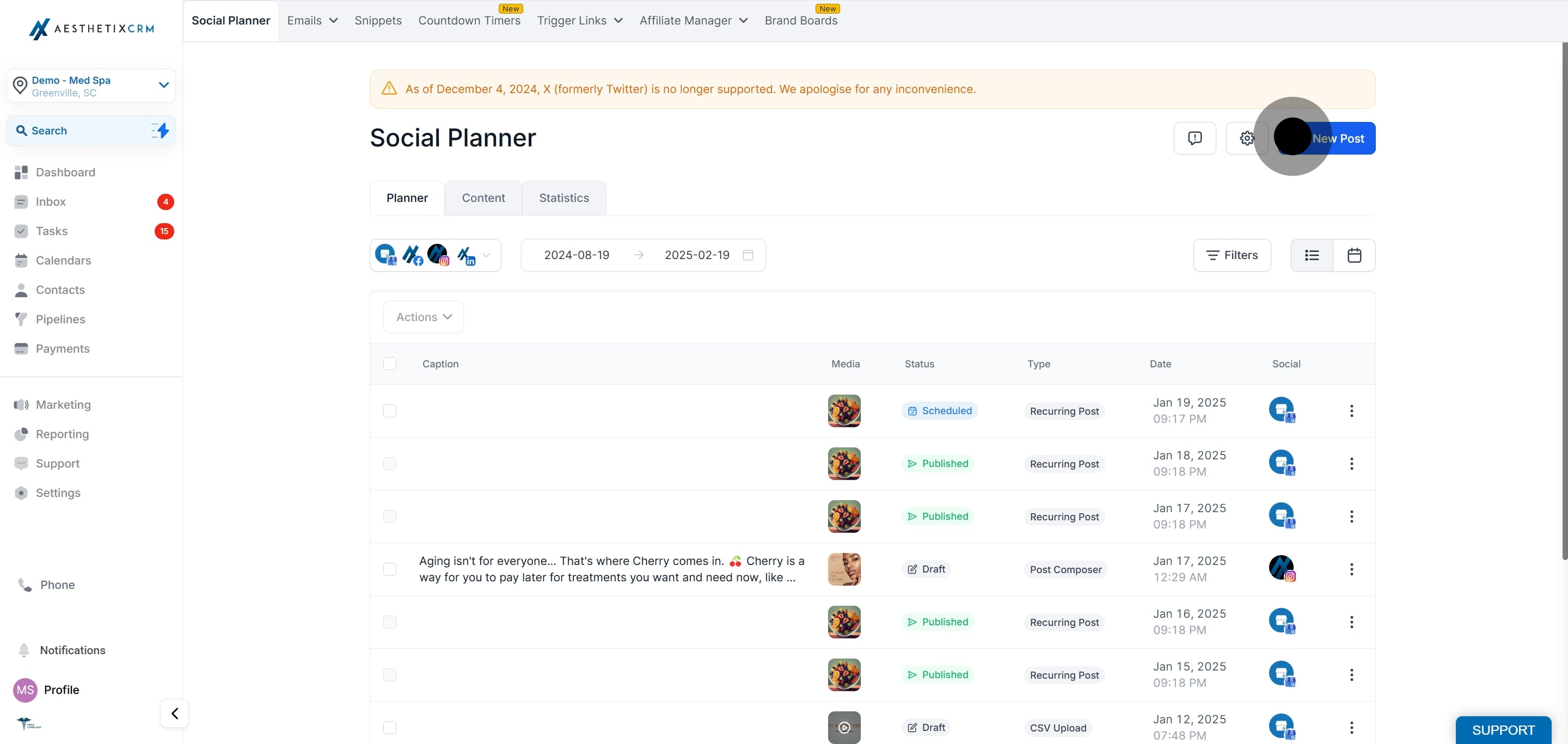
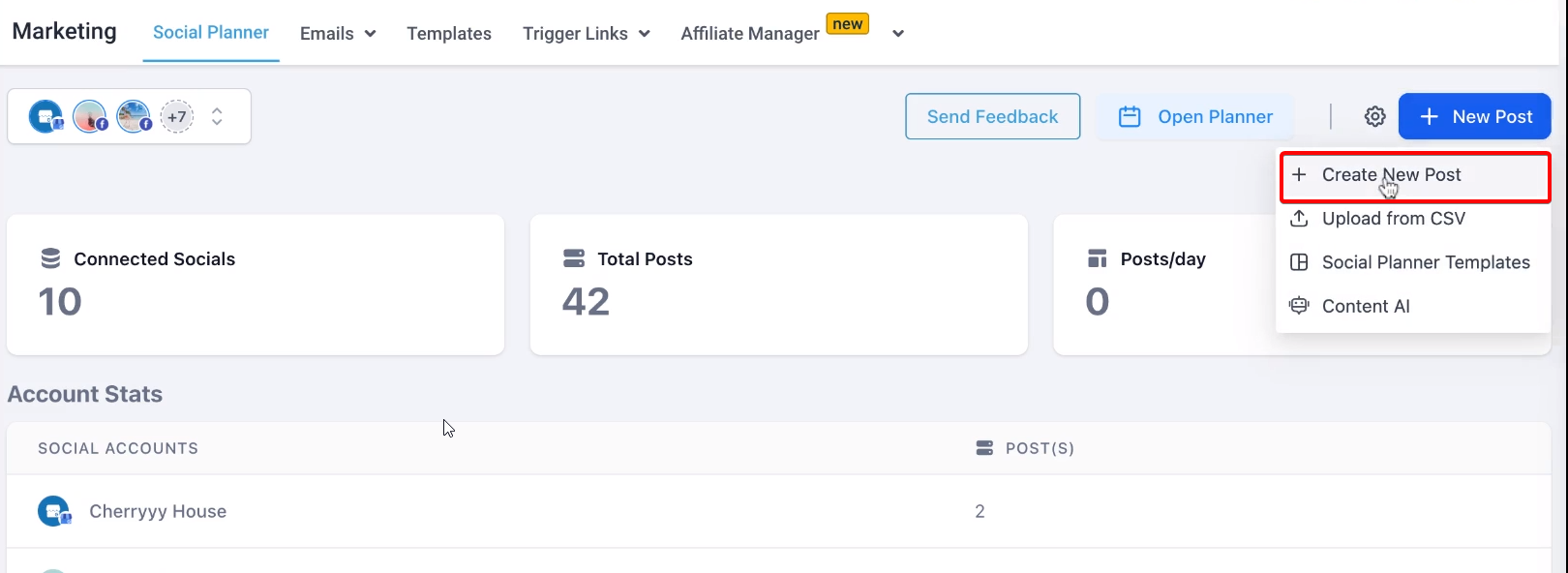
Click New Post.
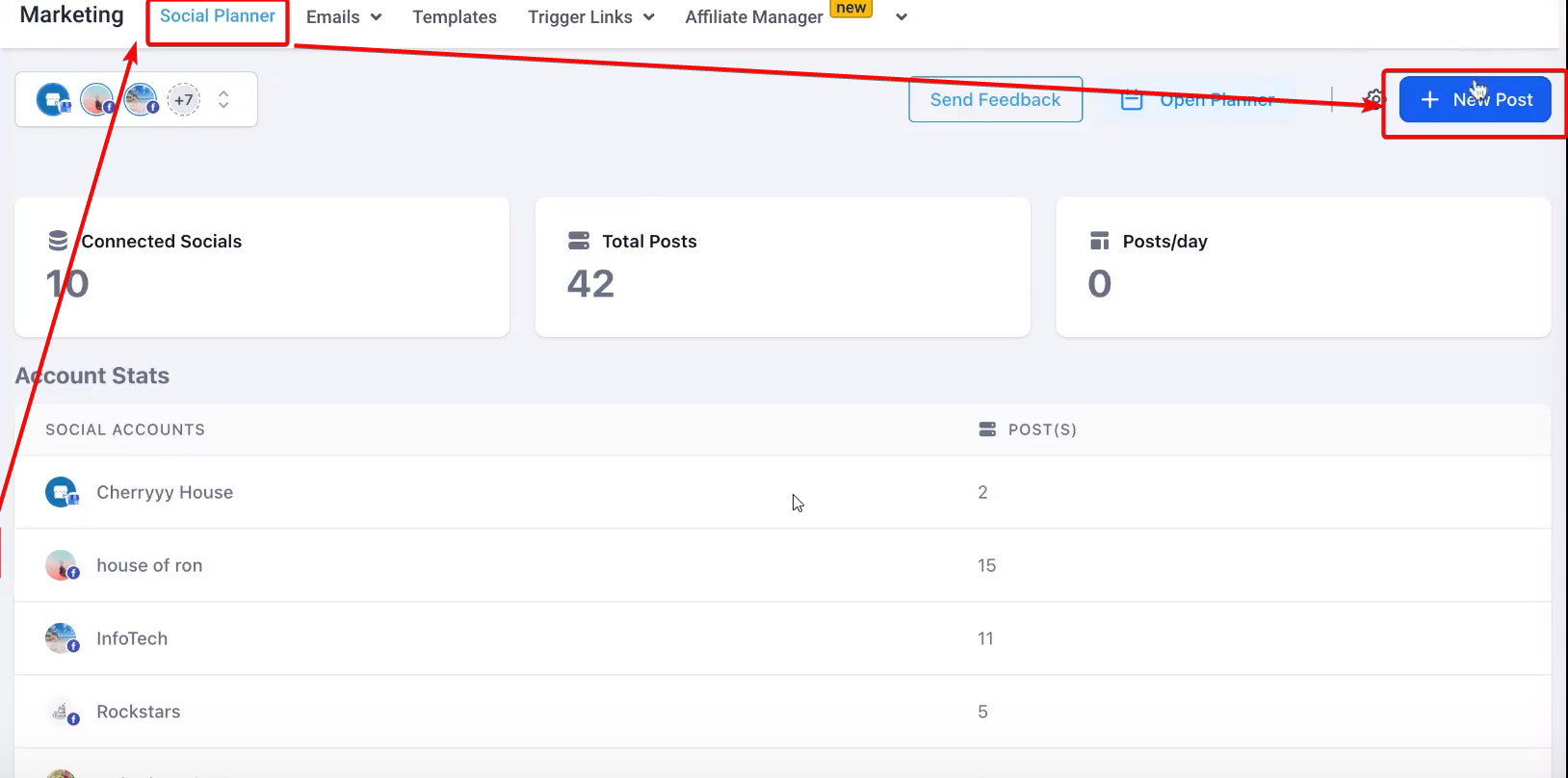
Click Create New Post.
To make the customization option appear, you need to select more than one social account in the Post to section, such as Facebook, Instagram, LinkedIn, and Google Business Profile.
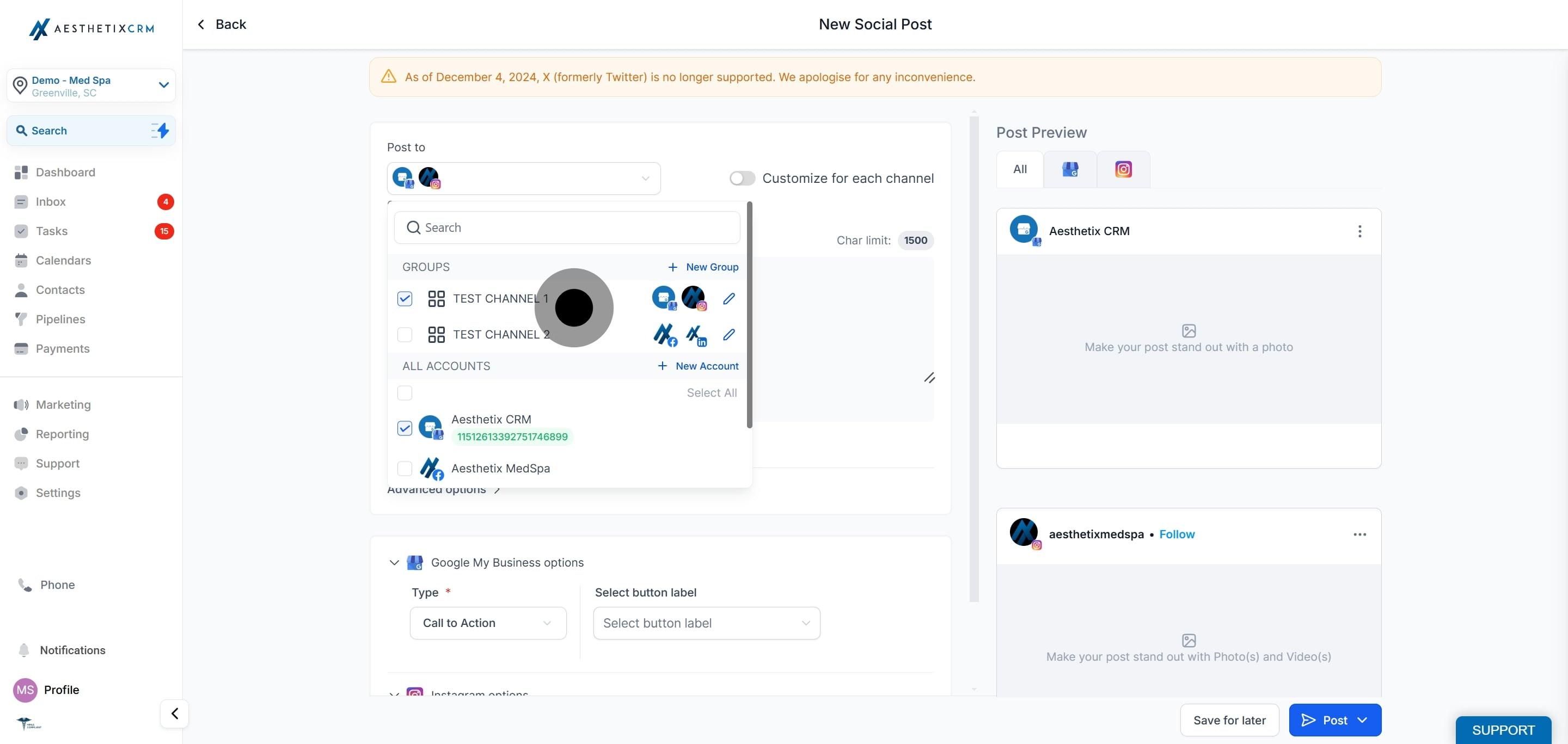
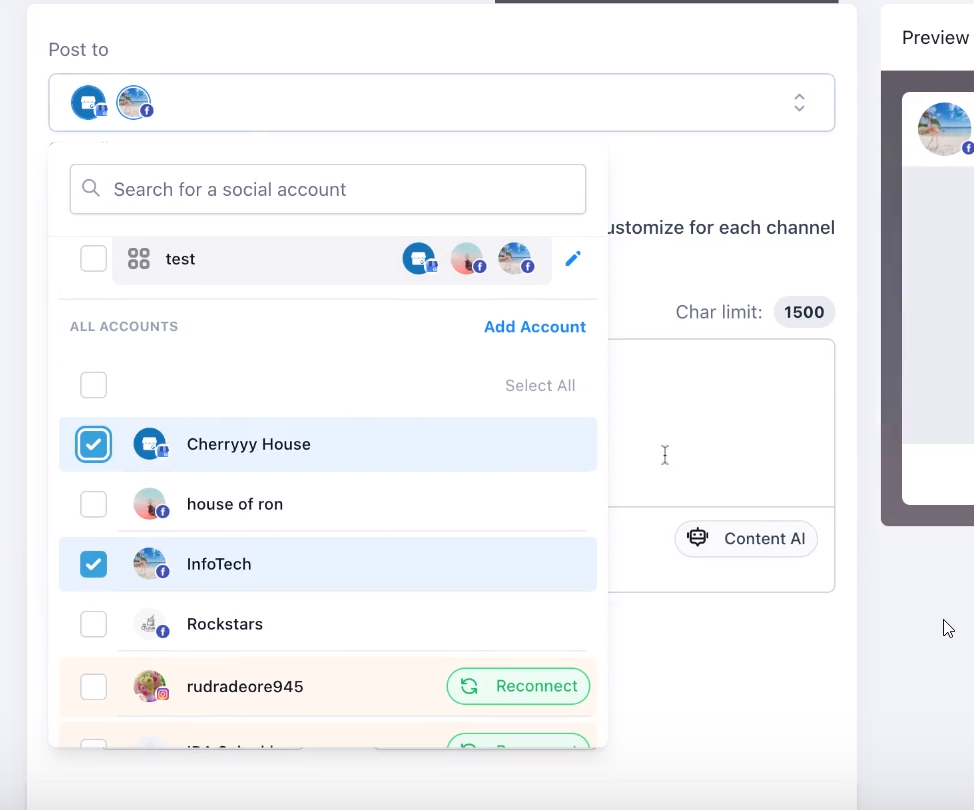
Once you have selected the channels you want, you will see an option to toggle on customization for each channel.
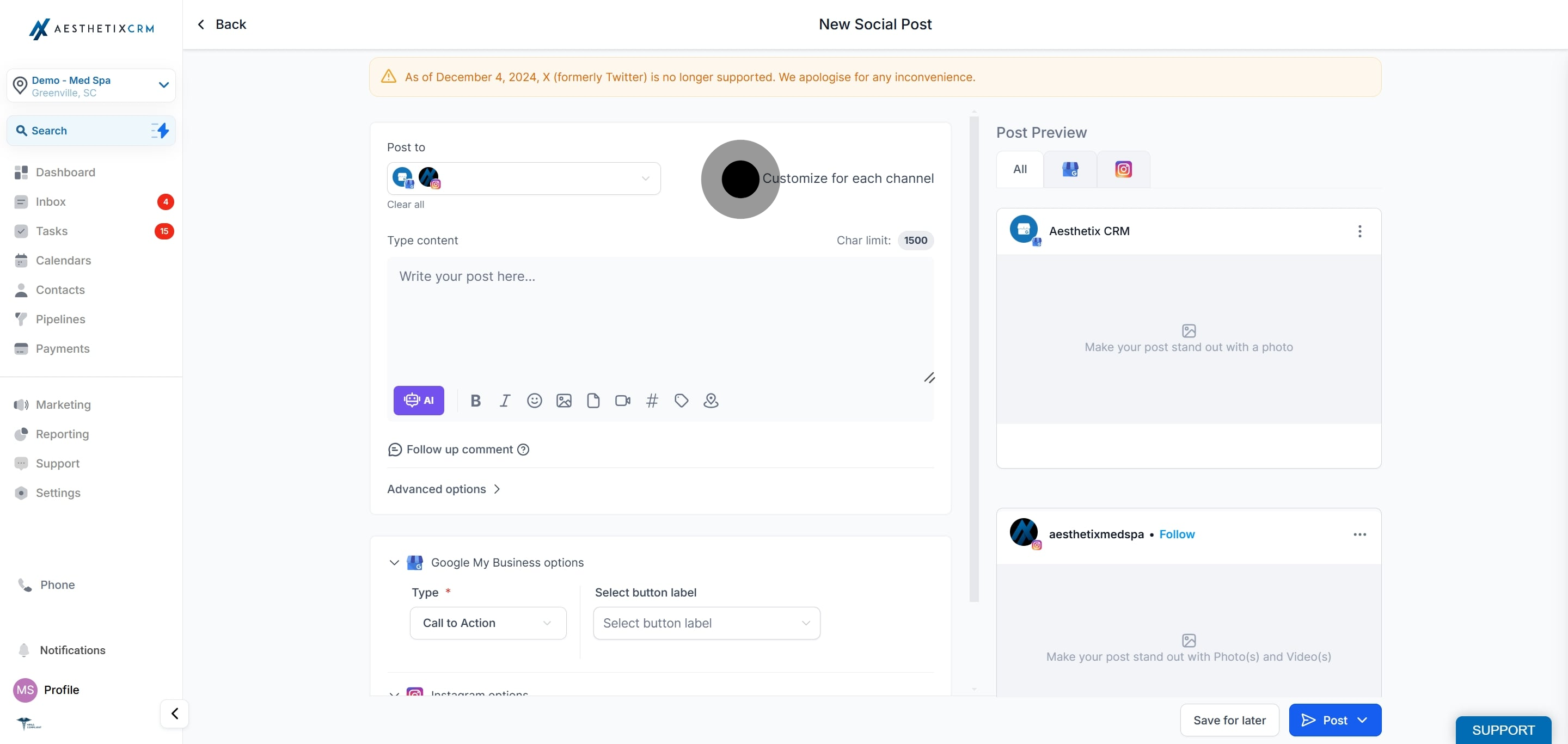
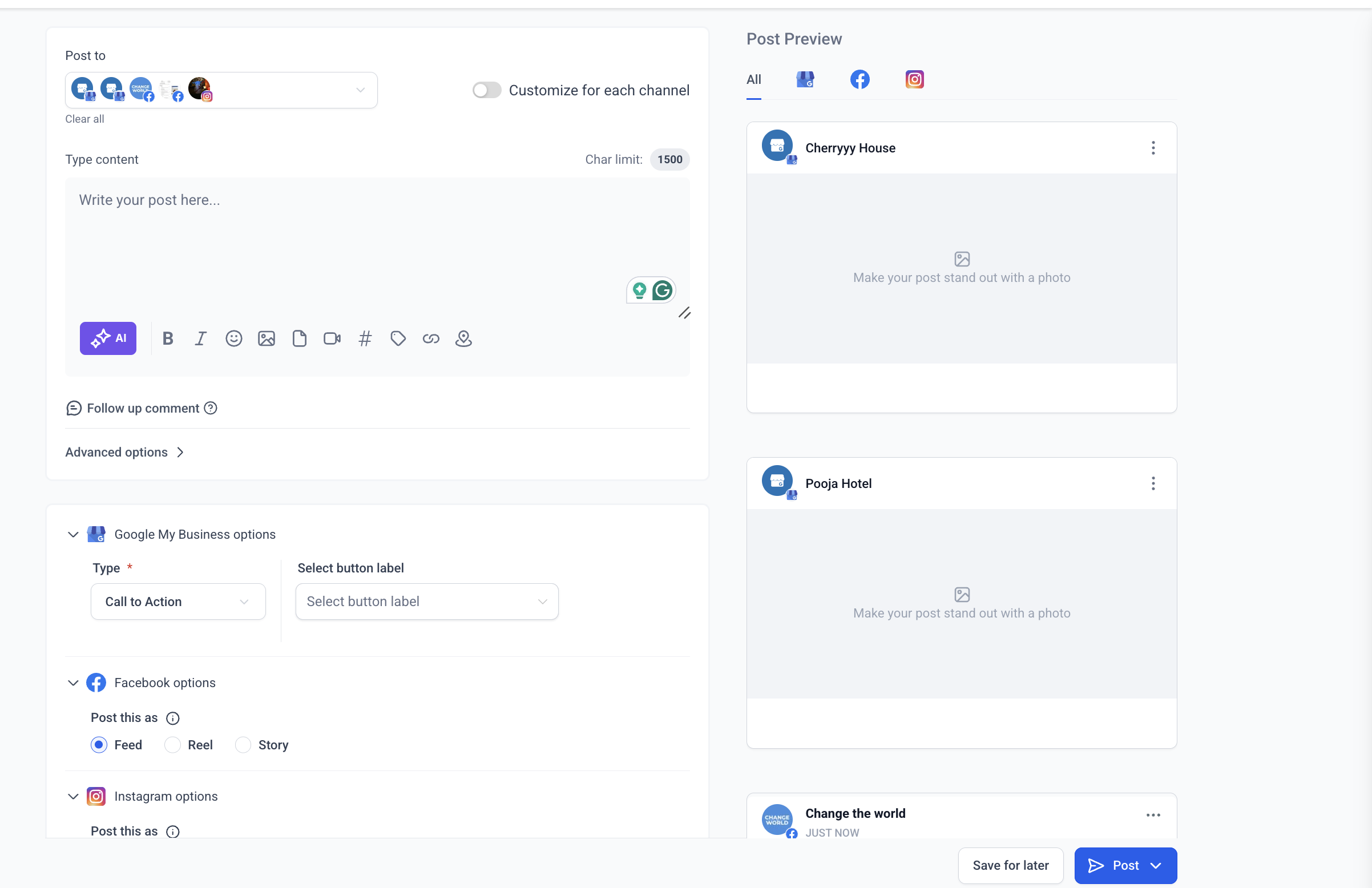
By toggling this on, you can create unique content for each platform, taking into account its individual character limits and media formats.
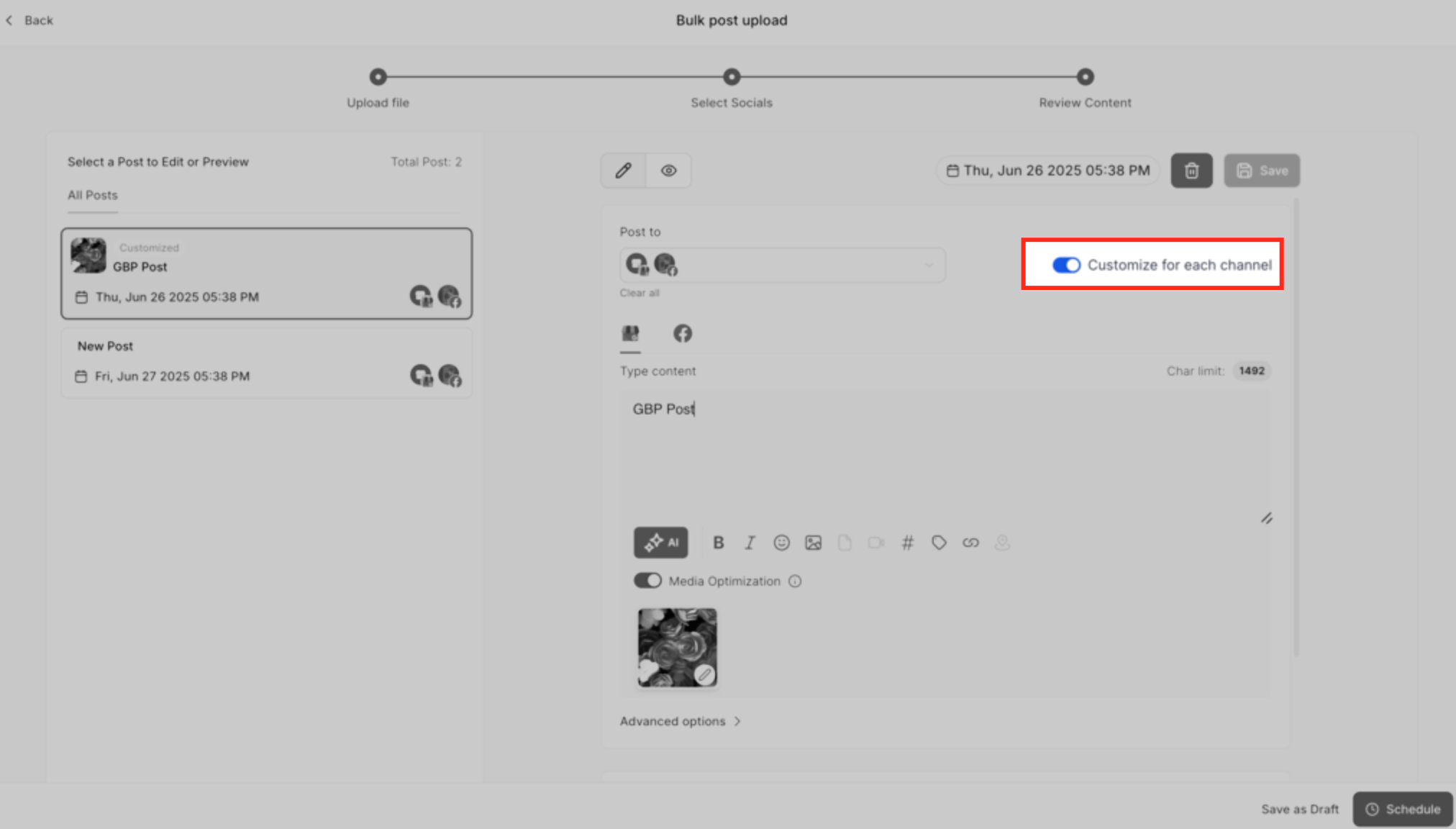
Write your caption for each channel separately, staying within the character limit for each platform. You can view and edit the content for different channels independently, so each post fits the platform's limits and audience.
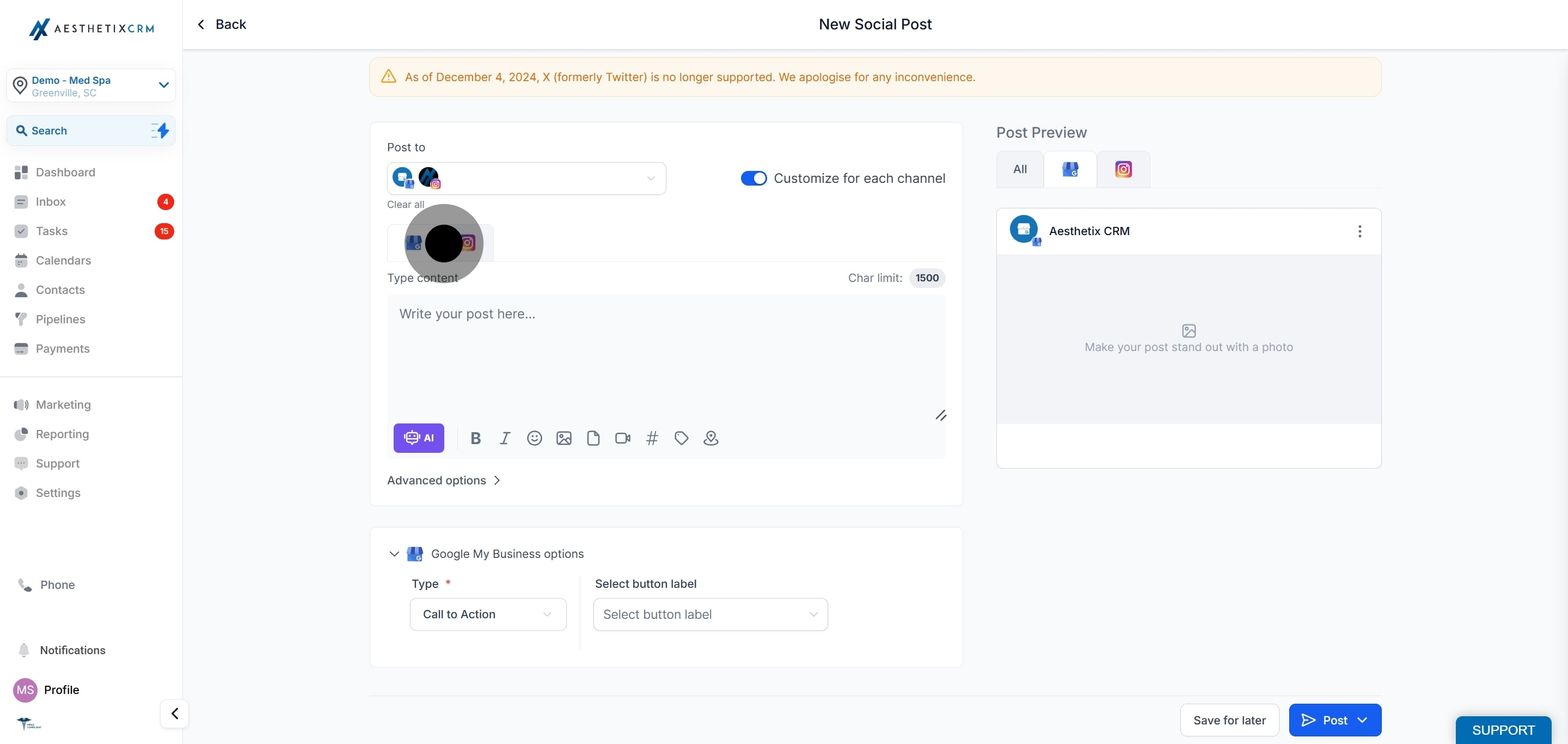
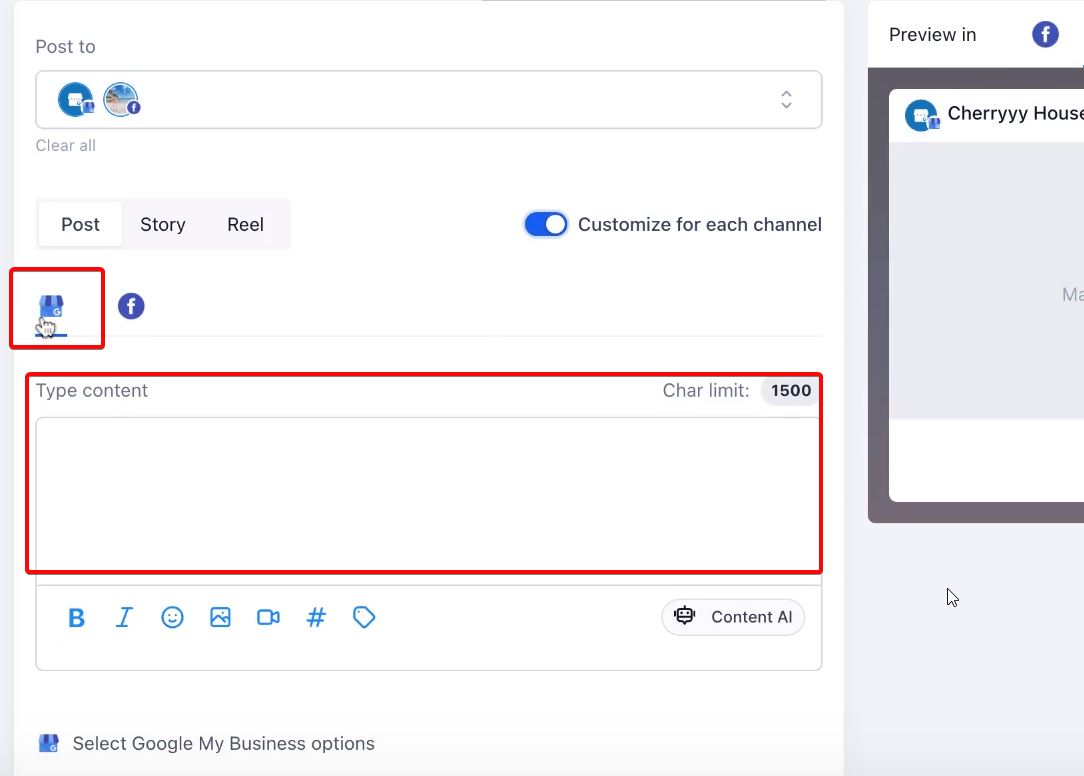
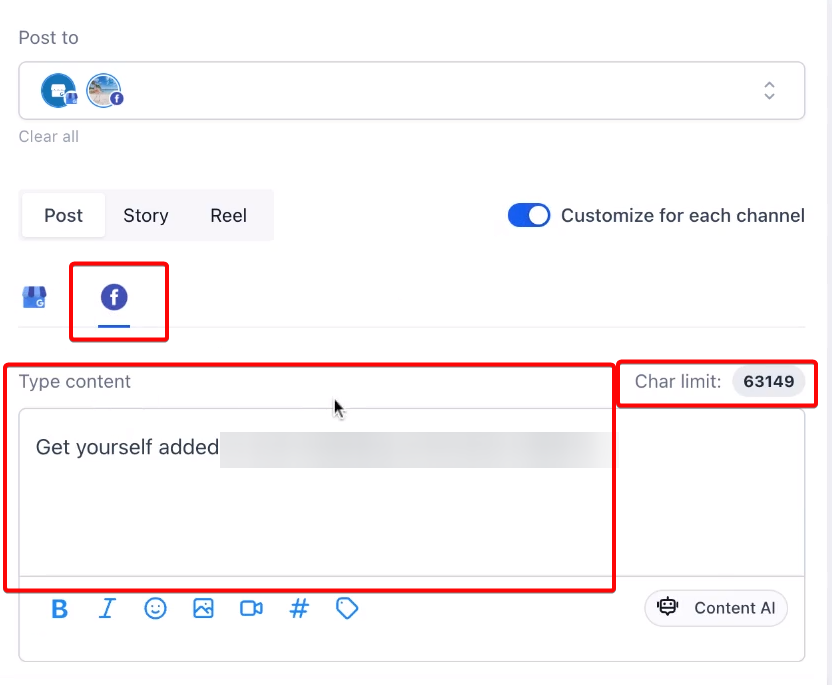
Use these limits as a guide when tailoring content for each channel:
Platform | Character limit |
|---|---|
Facebook pages and groups | 5,000 |
Instagram profiles | 2,200 |
LinkedIn pages and profiles | 3,000 |
Google Business Profile | 1,500 |
You can add images, video, or other media for each social account to enhance the post where it makes sense.
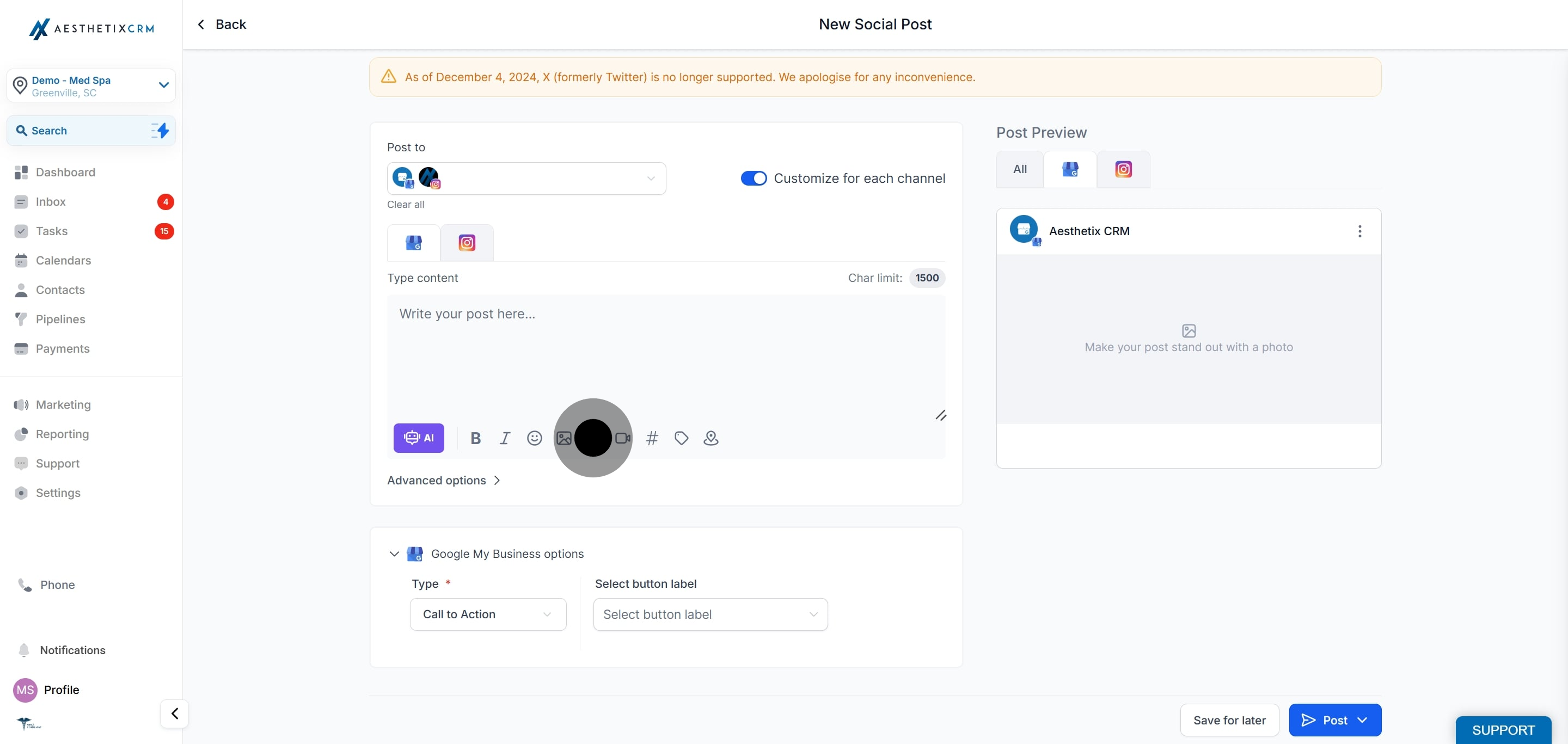
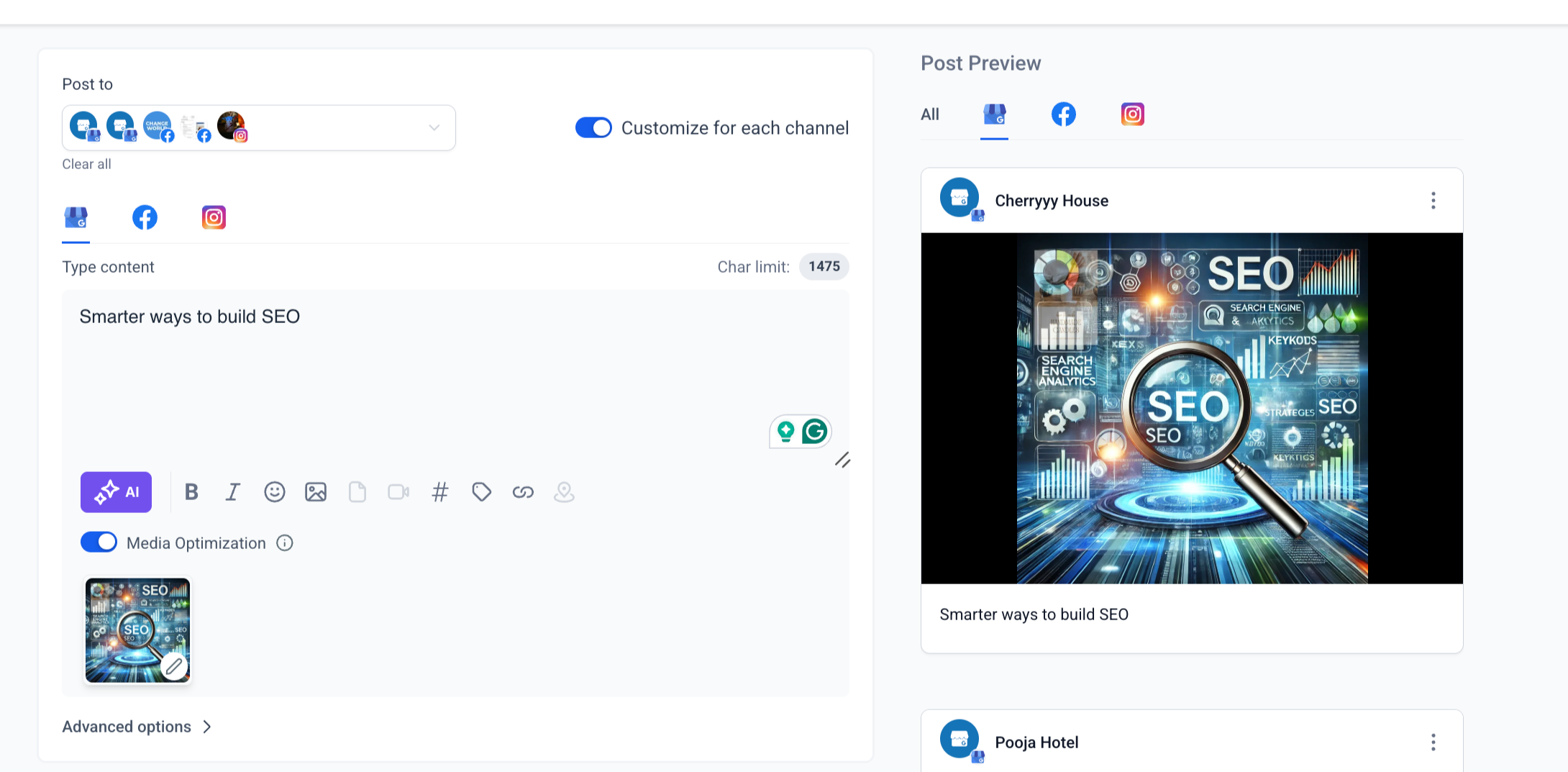
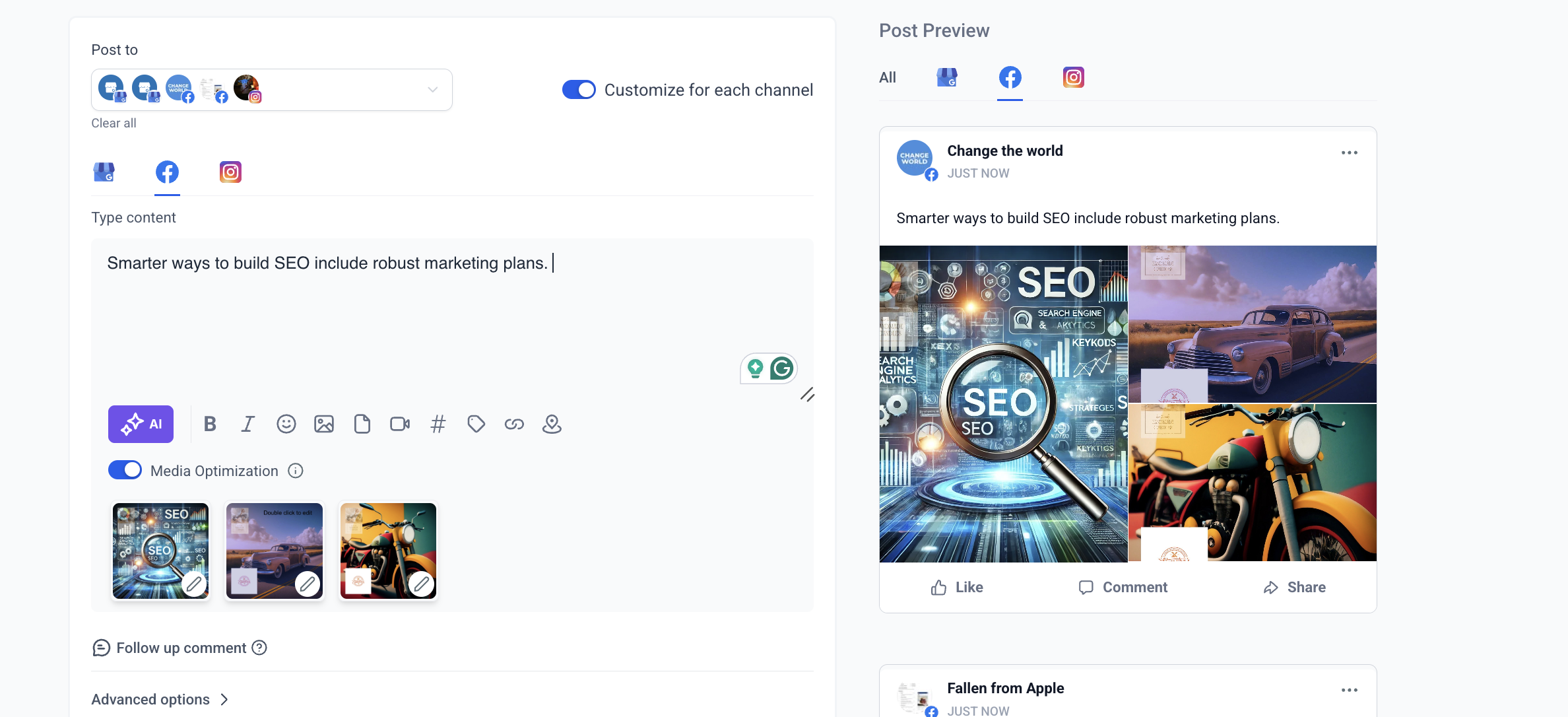
Keep these media notes in mind:
If media is still uploading, switching social accounts can discard the in-progress upload.
If media is still uploading, switching the Customize for Each Post toggle can remove the in-progress upload.
If a video thumbnail is processing, switching the social account or the toggle can interrupt thumbnail processing. You may need to reapply the thumbnail.
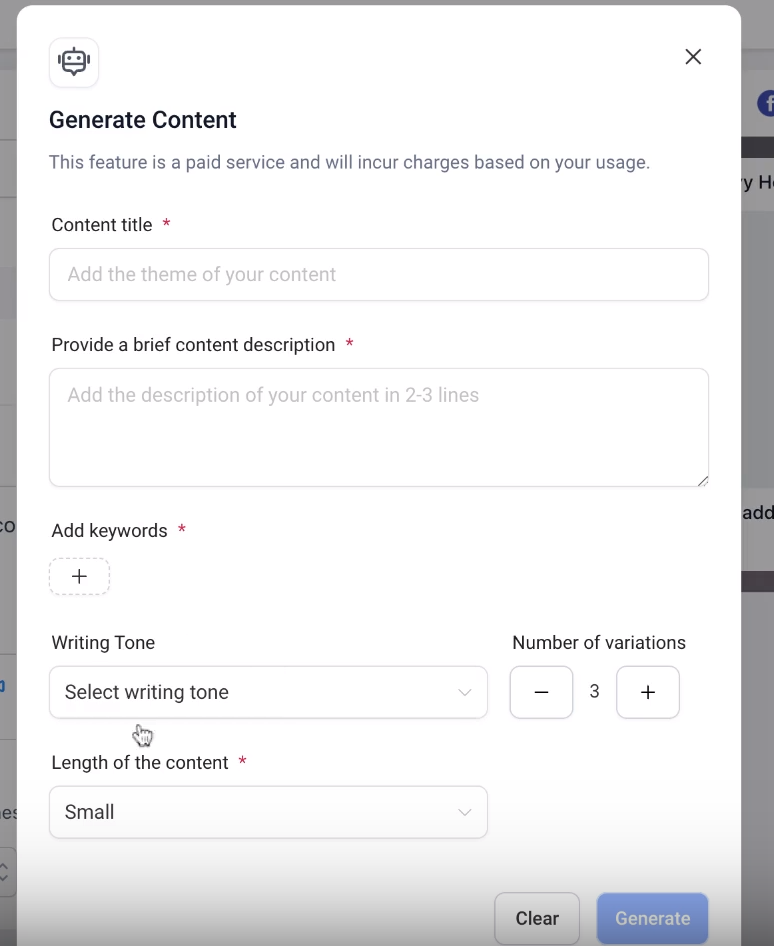
If you want help writing, you can use the built-in AI content tools at this stage to generate new copy or adapt the length for each platform.
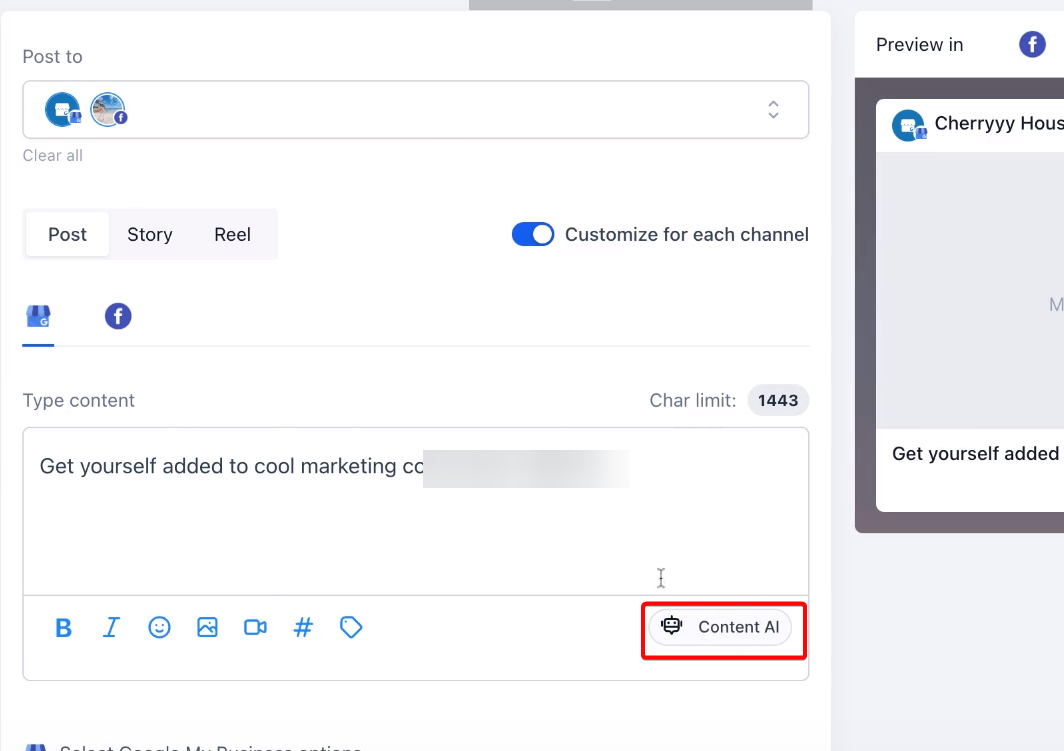
Once you have crafted the content for each channel, review all details for accuracy and consistency, then post immediately or schedule it for later.
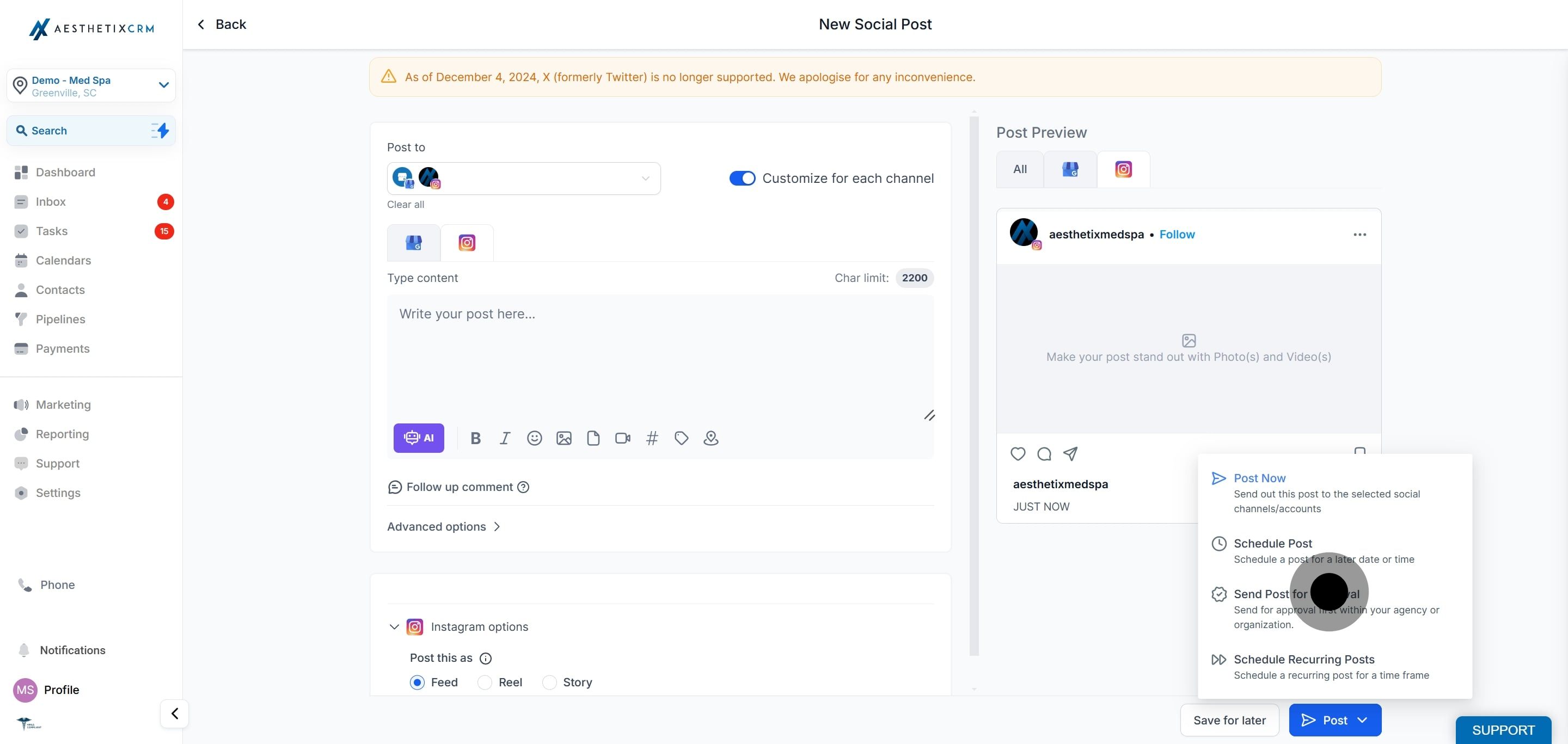
If you turn off the customization toggle, the active social content will apply to all selected channels, and you will see a warning that the customized content will be lost.

If you post before-and-after or other patient photos on any channel, confirm you have the patient's written consent to use their image publicly, and avoid anything that could identify a patient without permission.
How do I make the customization option appear?
Select more than one social account in the Post to section. The per-channel customization toggle only shows when multiple platforms are selected.
What if my content exceeds the character limit for a platform?
Modify the content to fit within that platform's limit. Social Planner provides a warning when your content exceeds the allowed character count for a channel.
Can I use different images for different platforms?
Yes. With customization toggled on, you can add different media for each social account.
What happens if I turn the customization toggle off after editing each channel?
The content in the currently active channel is applied to all selected platforms, and any per-channel customizations are lost. Social Planner warns you before this happens.
Can I schedule a customized post instead of posting immediately?
Yes. After crafting content for each channel, you can post immediately or schedule the post for a later time.
Will switching accounts while media is uploading cause problems?
Yes. If a file or video thumbnail is still processing, switching accounts or the customization toggle can discard the upload or interrupt thumbnail processing. Wait for uploads to finish first.
Can I use AI to help write each version?
Yes. The built-in AI content tools can generate copy or resize it to fit each platform while you customize.
