Social Planner lets your practice connect a TikTok Personal or Business account so you can schedule and publish content directly from Aesthetix CRM. This is a great fit for treatment demos, quick tips, and behind-the-scenes clips that perform well on TikTok.
One thing to note up front: if you want to use Comment Management for TikTok in Social Planner, you must connect a TikTok Business account. A Personal account can publish content, but comment management requires a Business account.
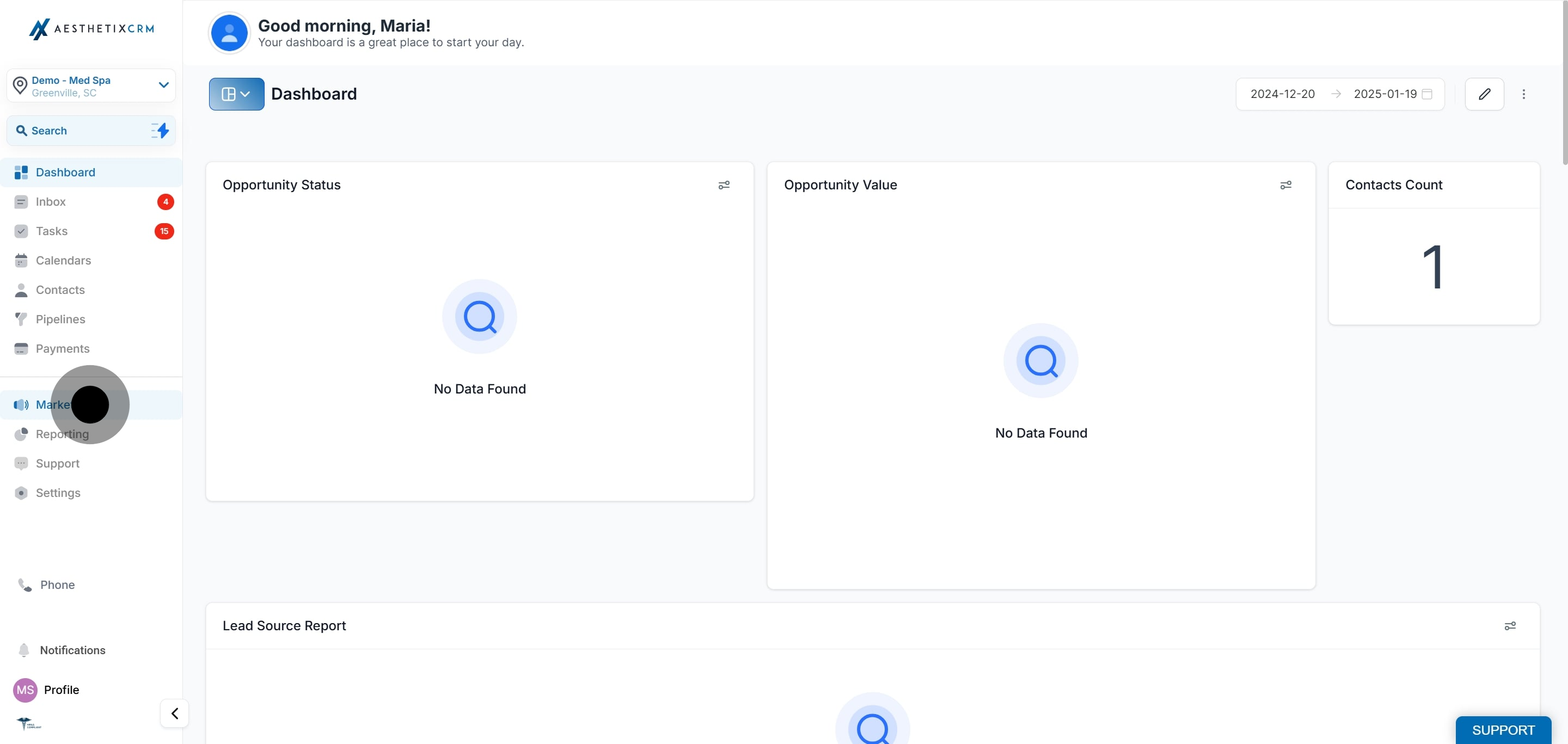
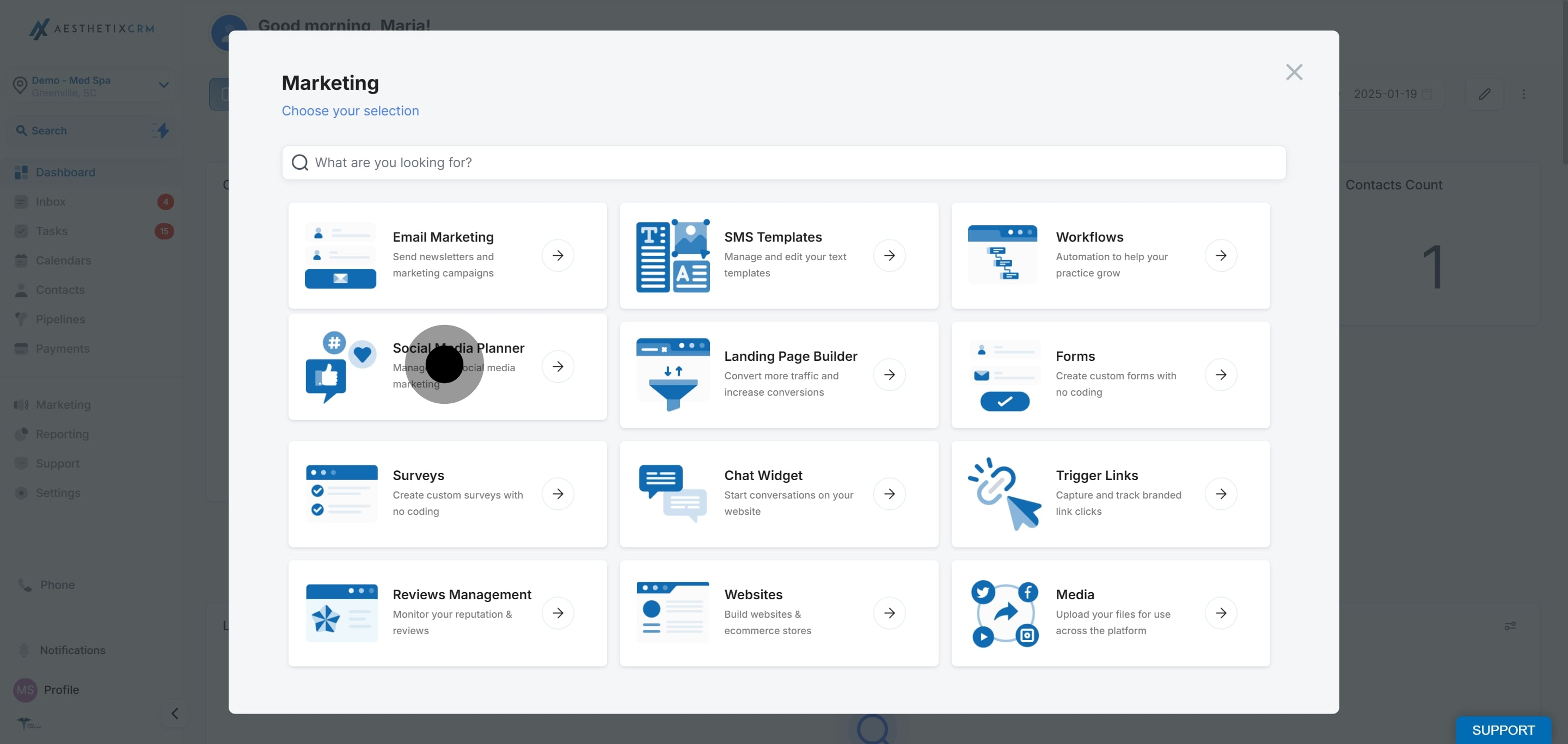
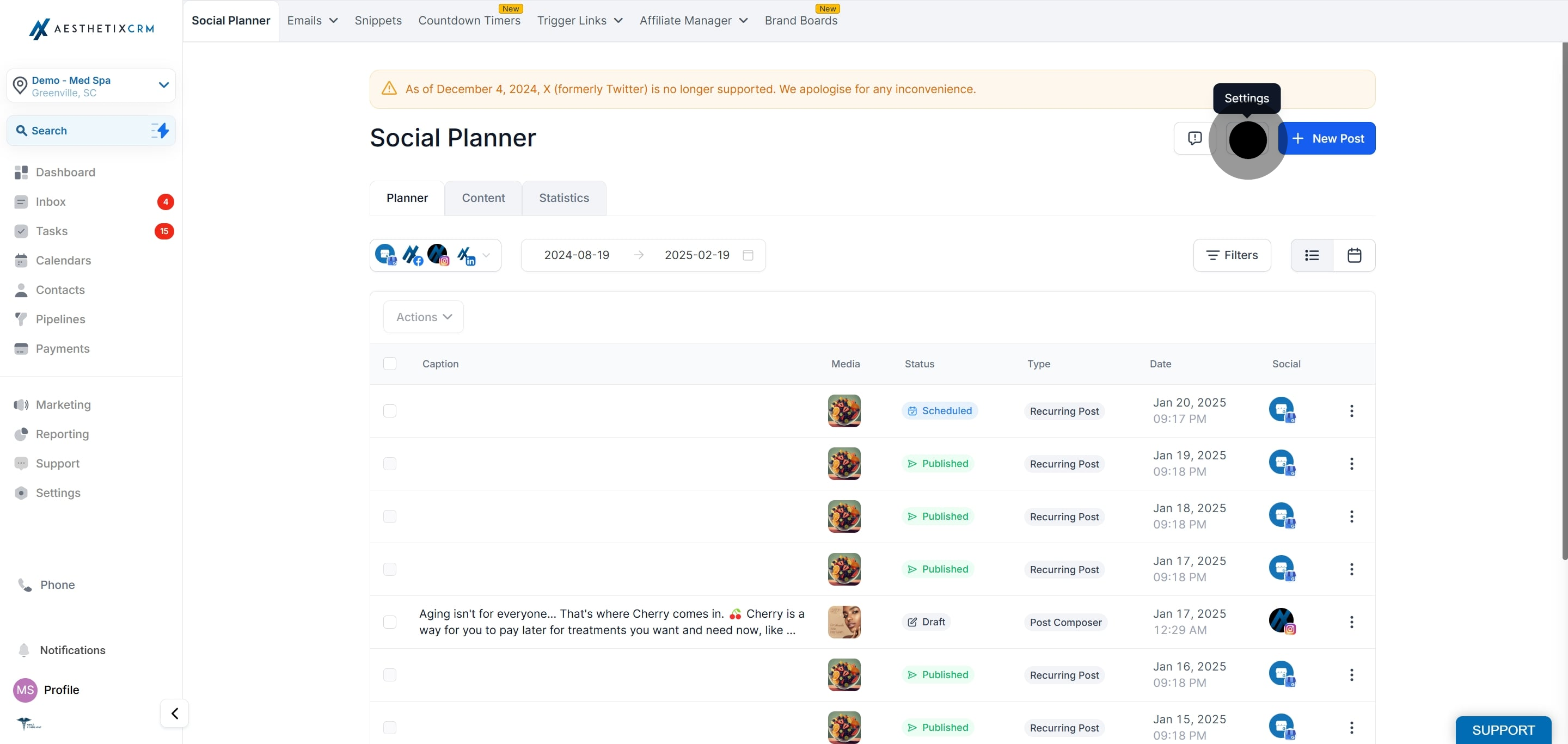
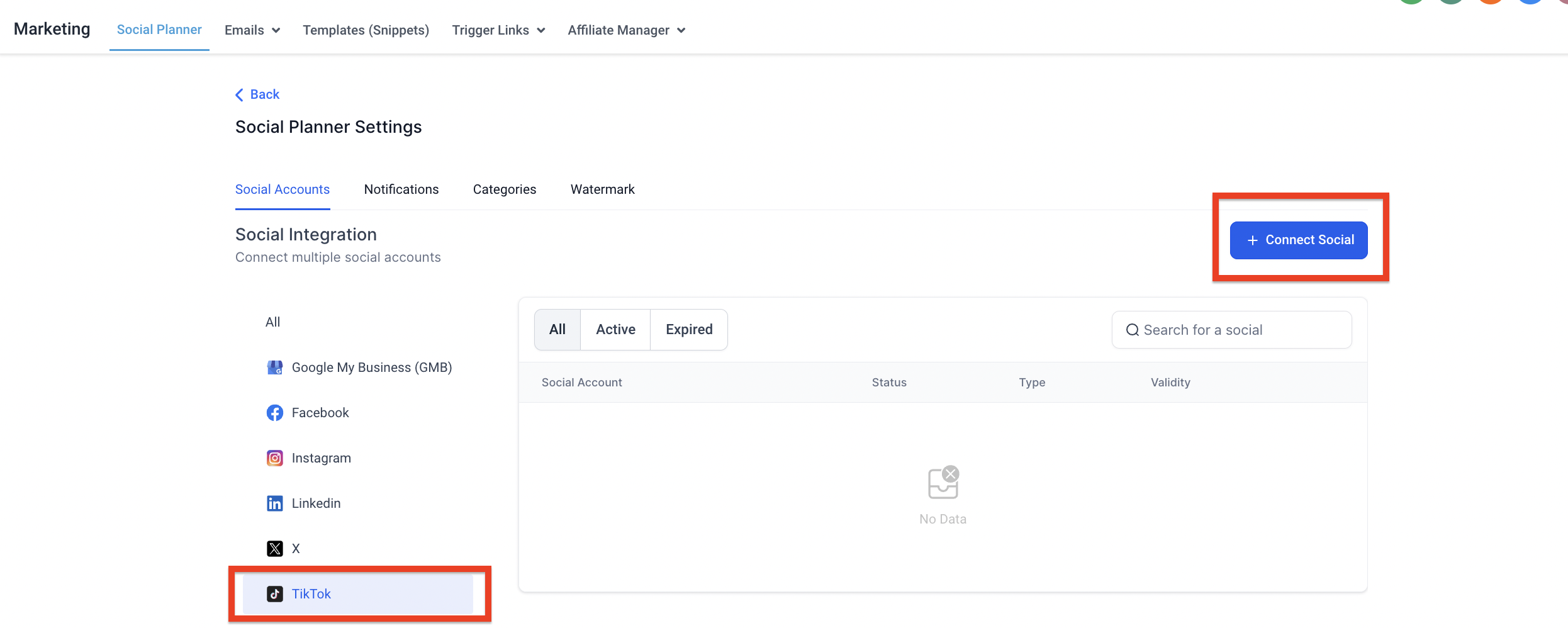
In the top-right corner of Social Planner, click the Settings (gear) icon. If this is your first visit, you can also use the setup wizard's connect option.
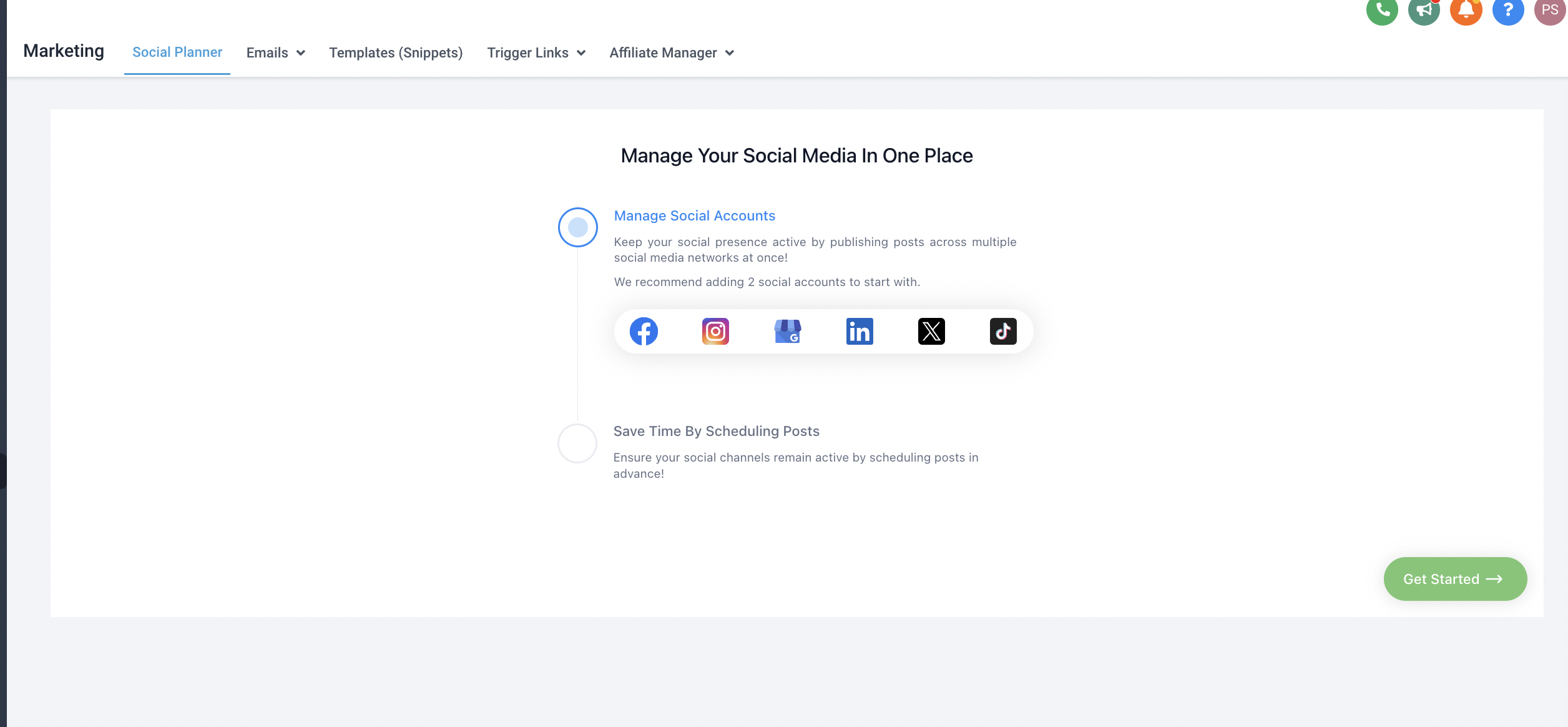

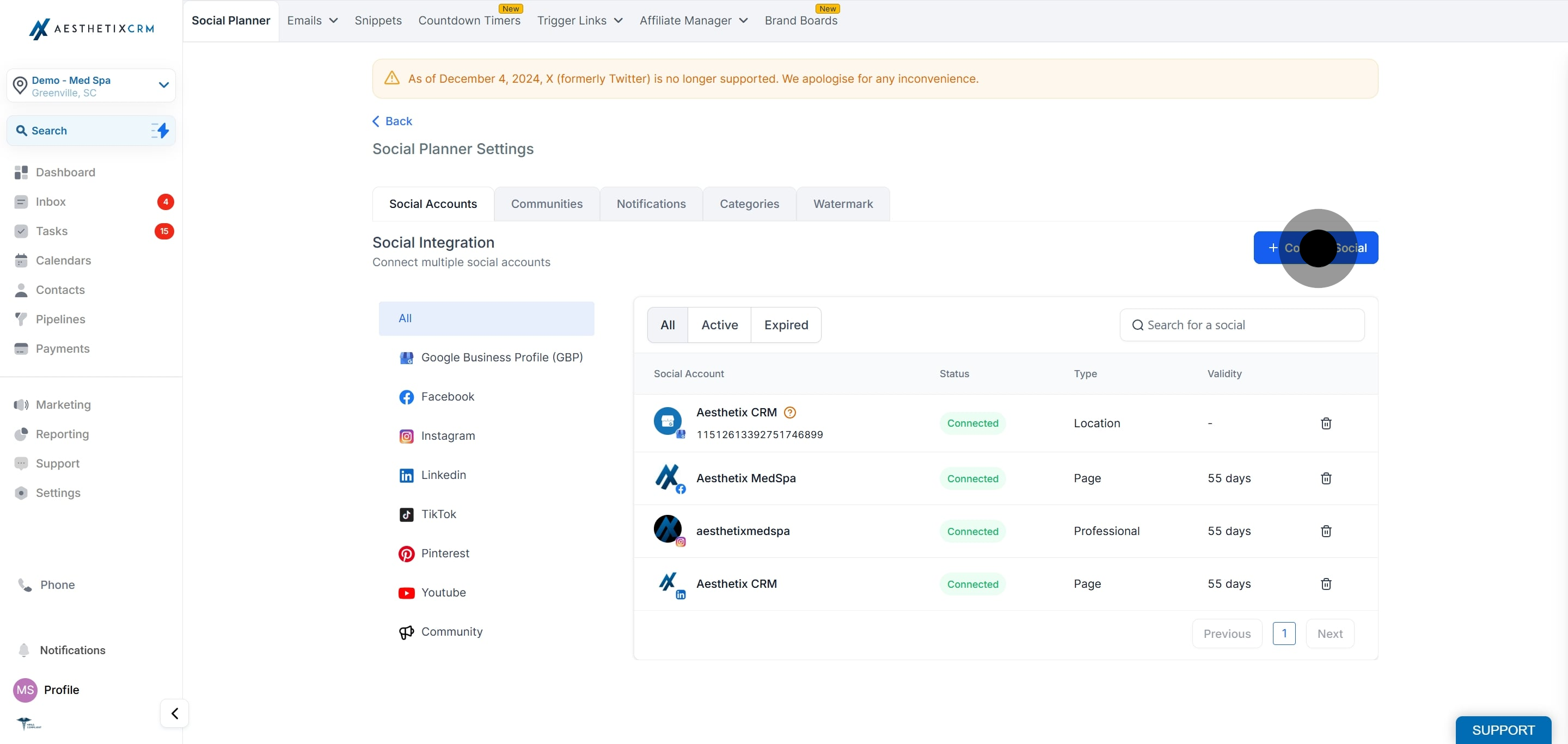
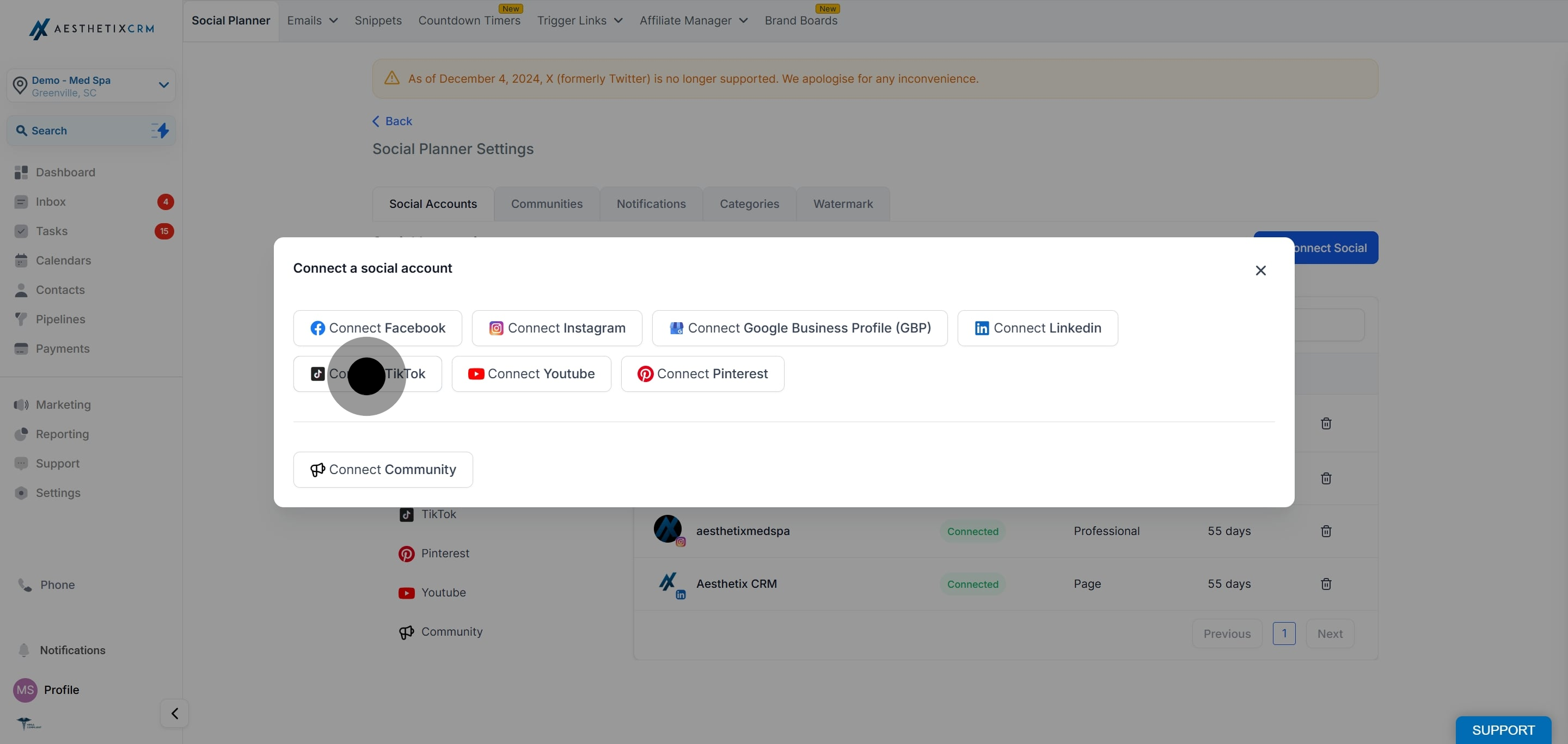
After clicking Add account, choose whether to add a TikTok Personal or Business account.
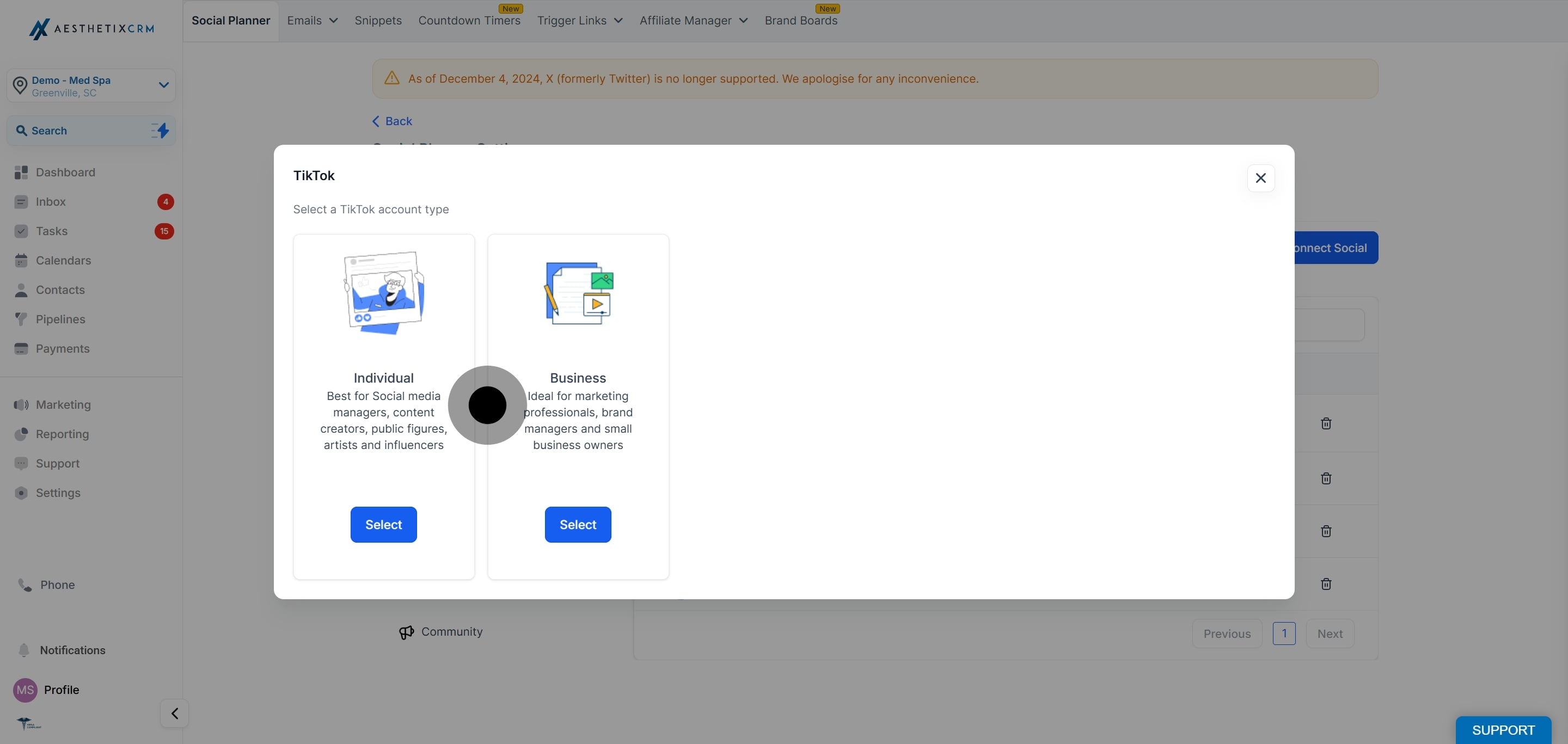
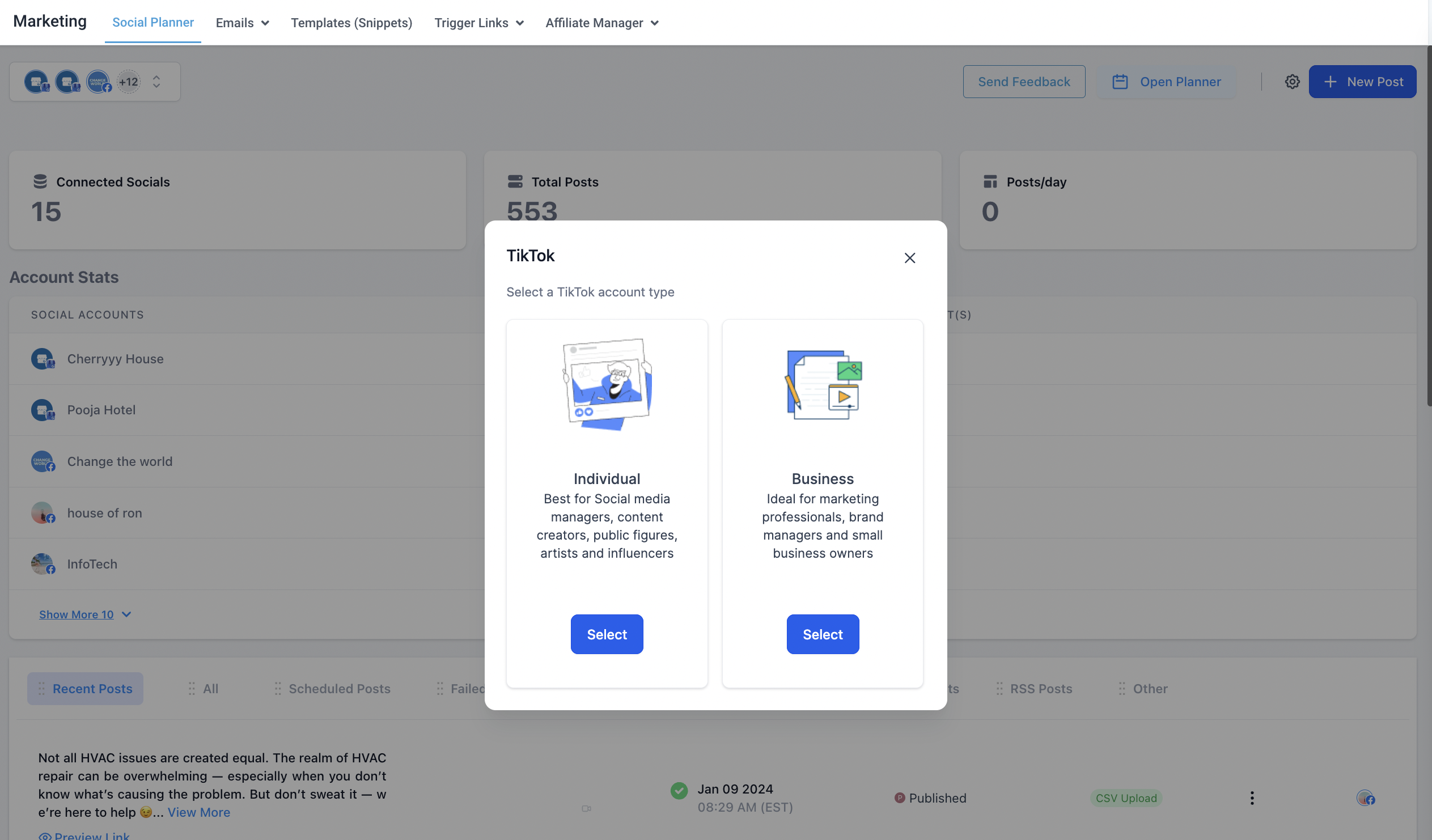
Log in to the TikTok Business or Personal account you want to integrate with Social Planner. You may see LeadConnector, our underlying social integration provider, referenced on the authorization screen. This is expected and safe.
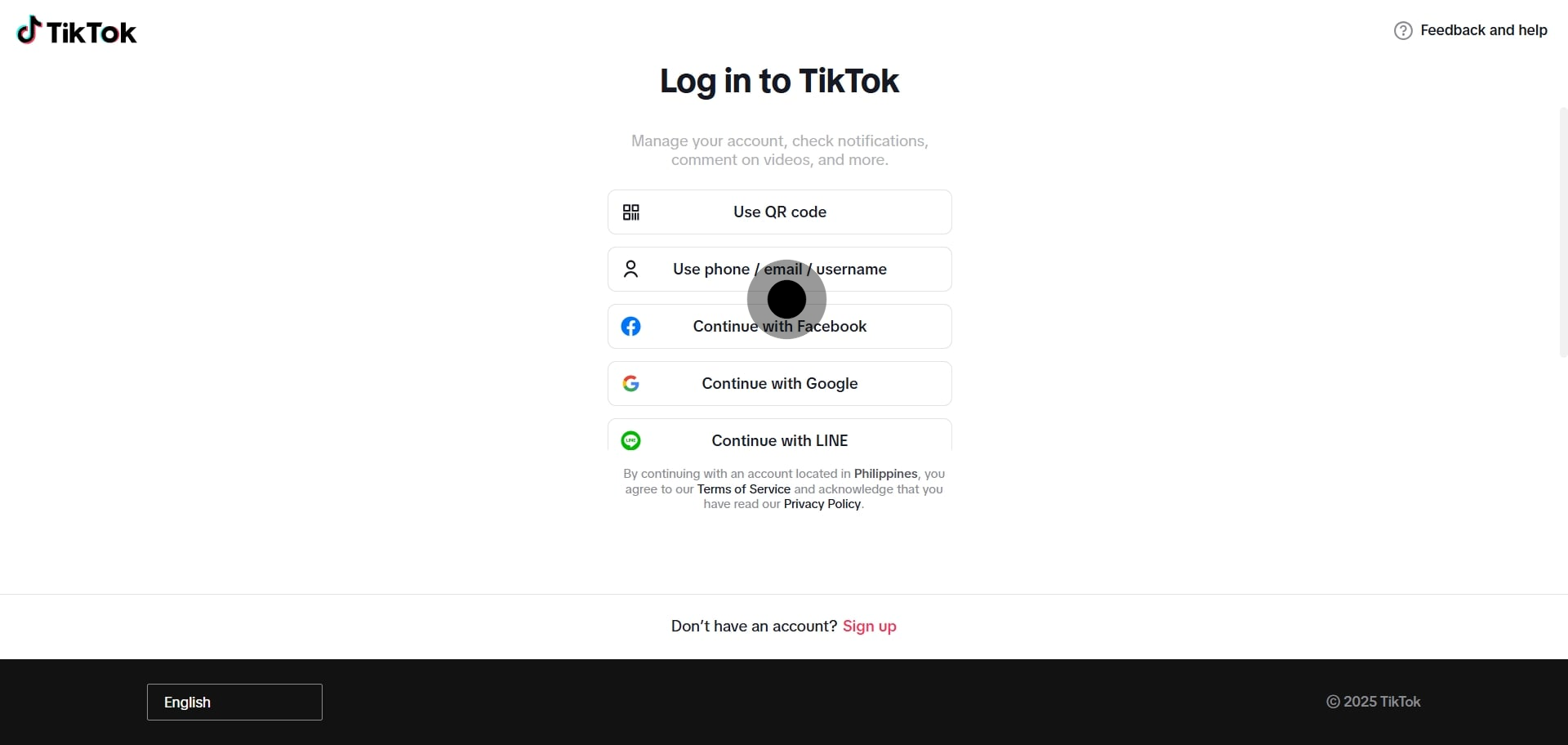
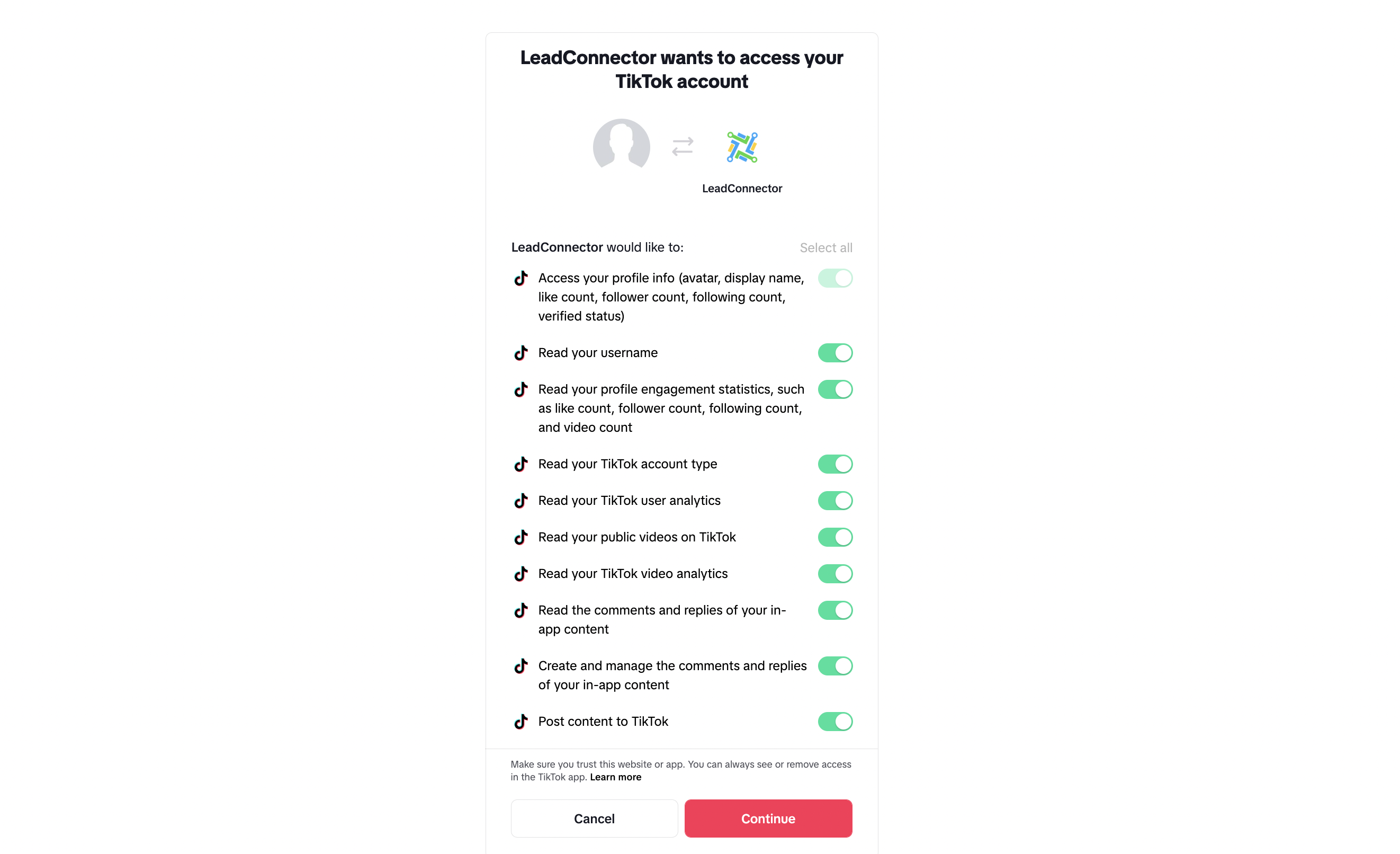
Select the TikTok account you want to use.
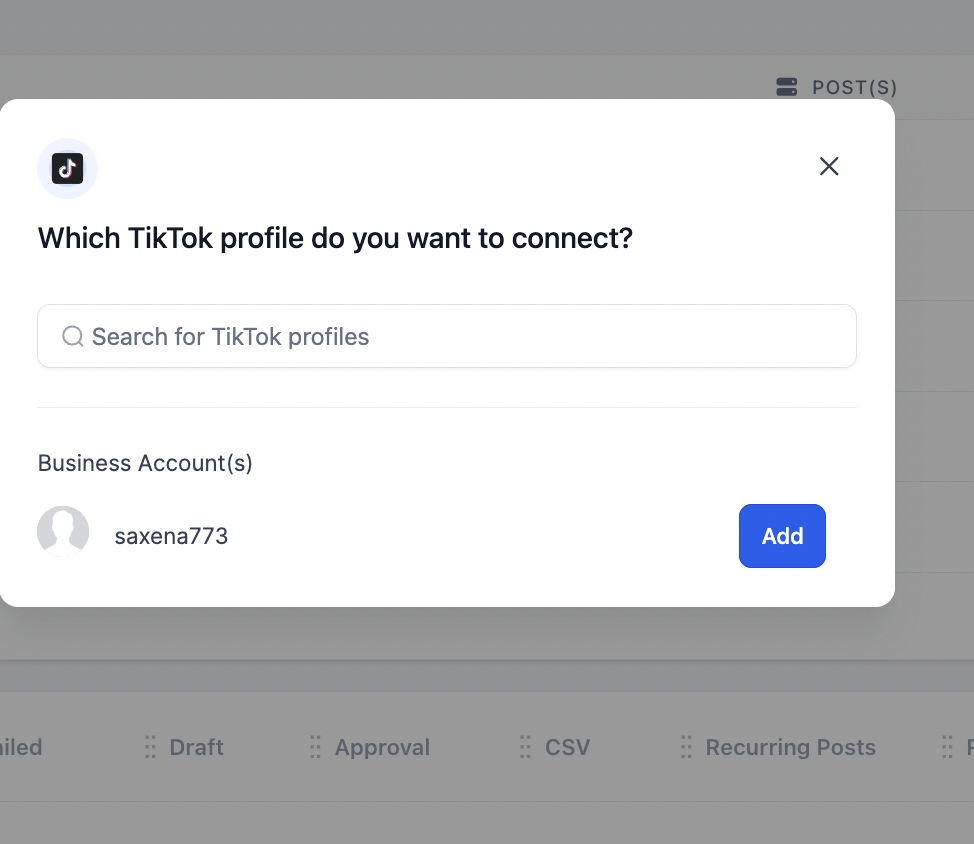
You can manage connected accounts anytime from the Settings (gear) icon in Social Planner.
Can I connect a personal TikTok account?
Yes. Both Personal and Business TikTok accounts can be connected for publishing content.
What is the difference between connecting a Personal and a Business account?
A Personal account can schedule and publish content. A Business account can do that as well and also unlocks Comment Management for TikTok in Social Planner.
Do I need a Business account to manage comments?
Yes. Comment Management for TikTok requires a TikTok Business account. If you connected a Personal account and want comment management, connect a Business account instead.
Can I connect more than one TikTok account?
Yes. Repeat the connection steps for each account, then choose which one to publish to when creating a post.
Why does the authorization screen mention LeadConnector?
LeadConnector is the underlying provider that powers the social connection for Aesthetix CRM. Seeing it during TikTok authorization is expected and safe.
How do I remove or reconnect a TikTok account?
Open the Settings (gear) icon in Social Planner to manage your connected accounts, where you can reconnect or remove an account as needed.
