Google Business Profile is one of the most reliable ways to manage your practice's online presence and build trust with prospective patients searching locally. Connecting it to Social Planner lets you publish and schedule posts to your business locations directly from Aesthetix CRM, so your local listing stays active alongside the rest of your social calendar.
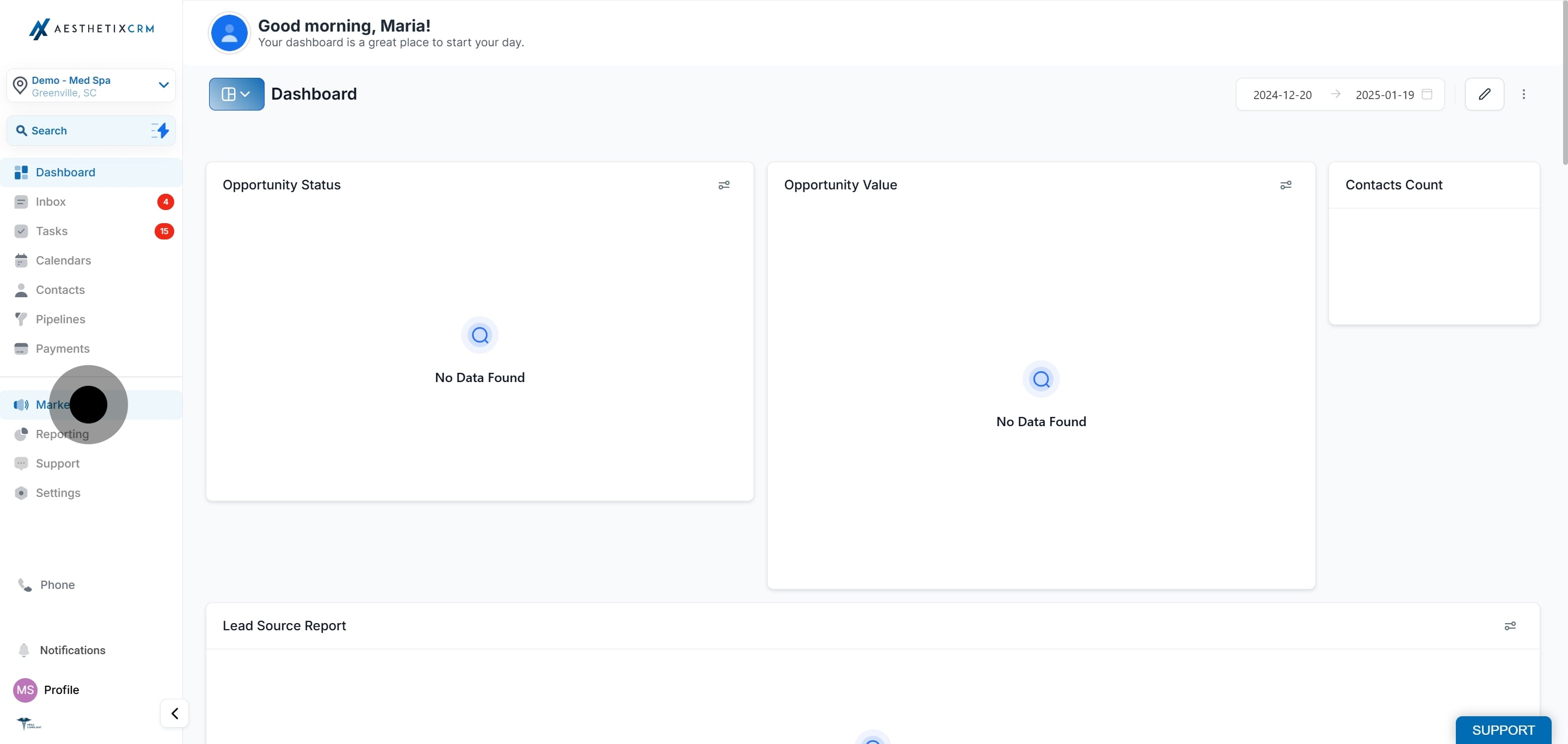
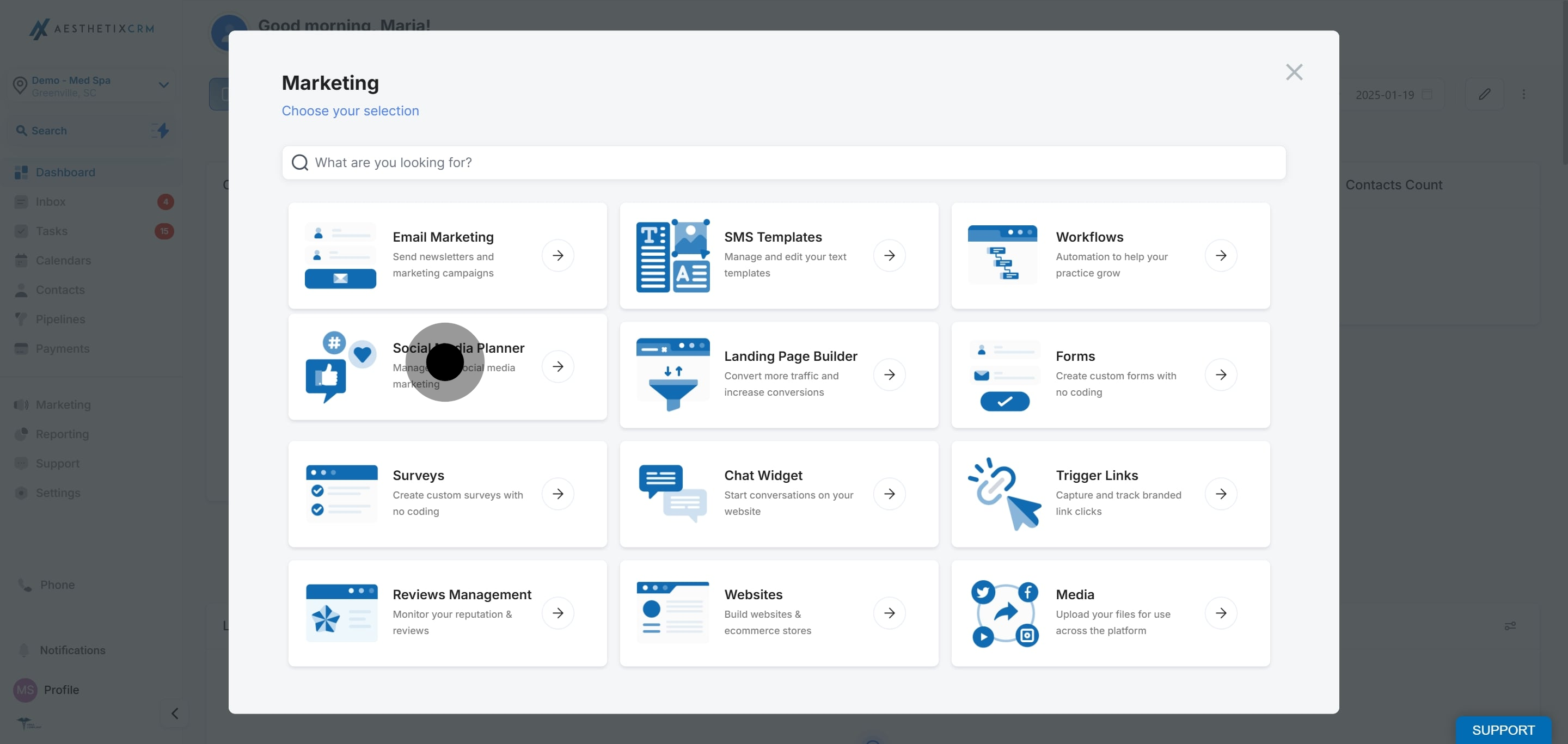
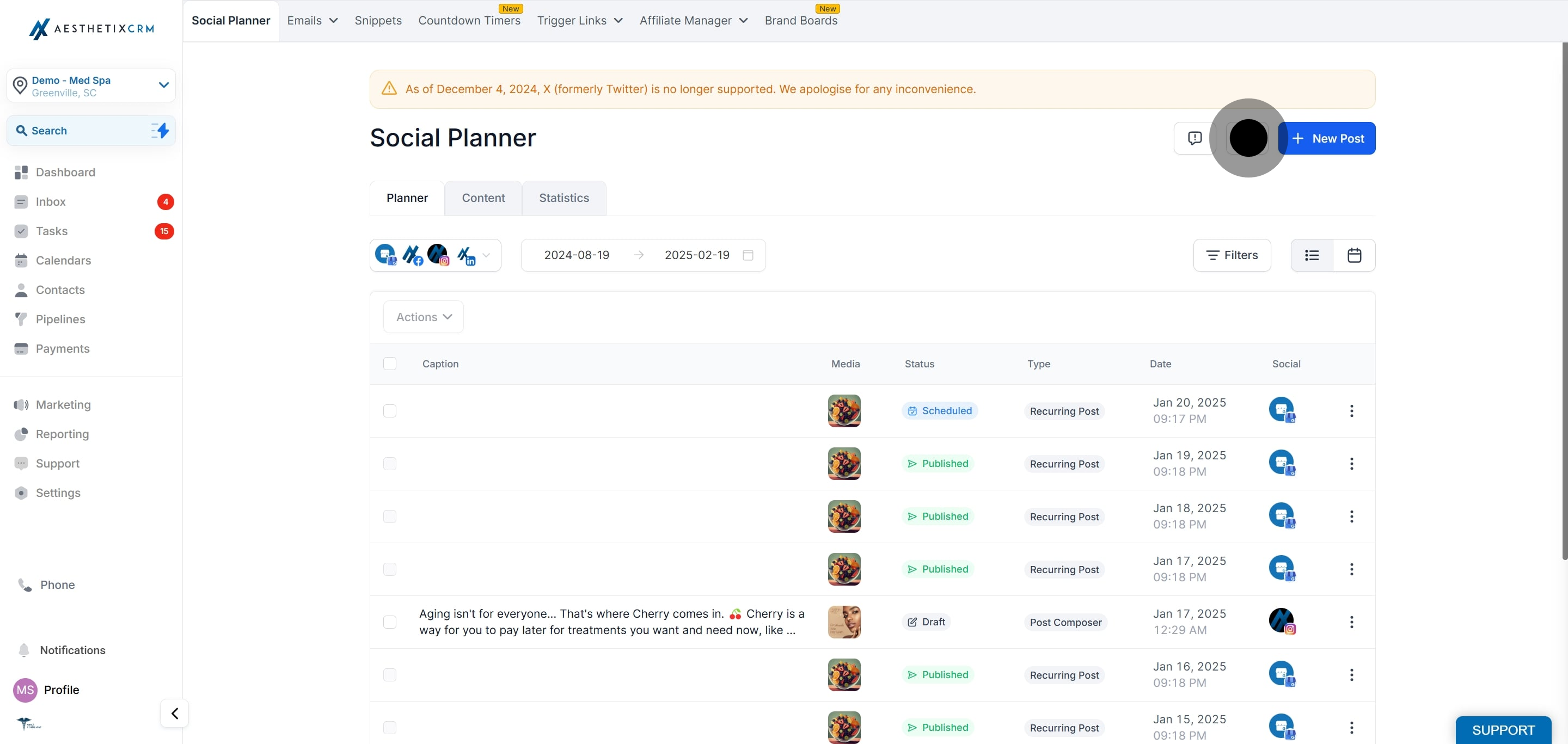
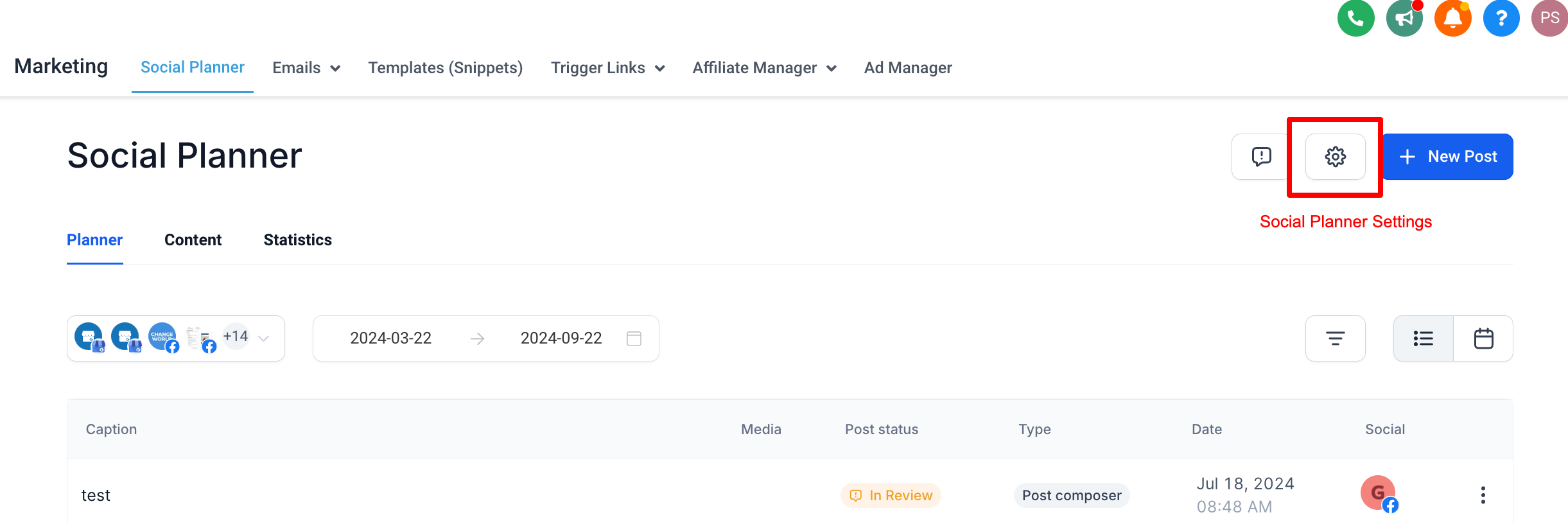
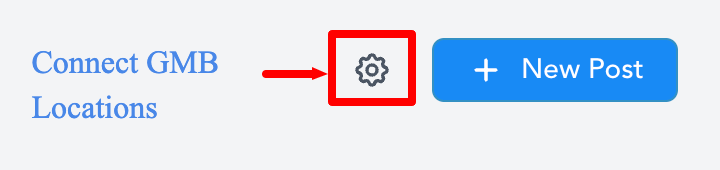
In the top-right corner of Social Planner, click the Settings (gear) icon.
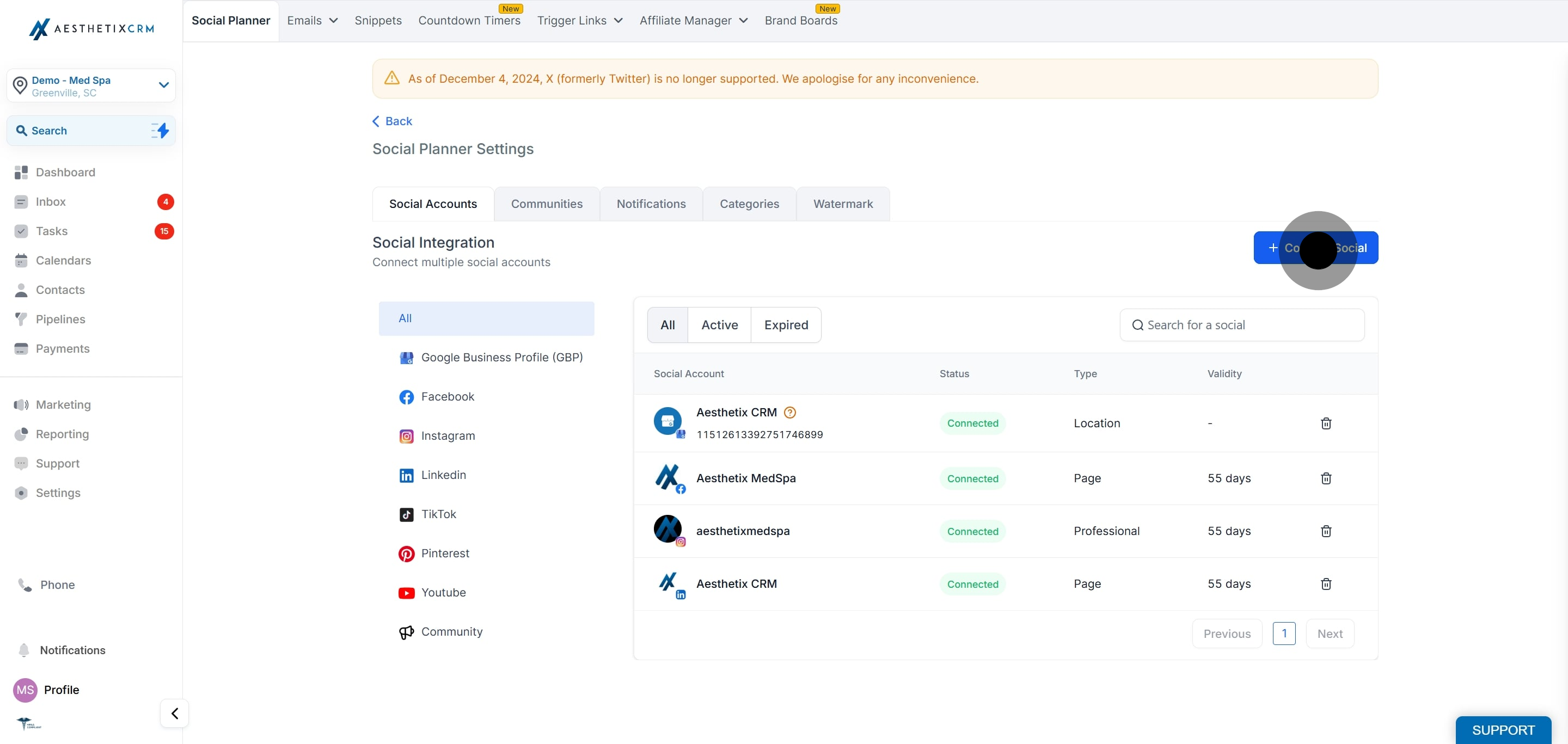
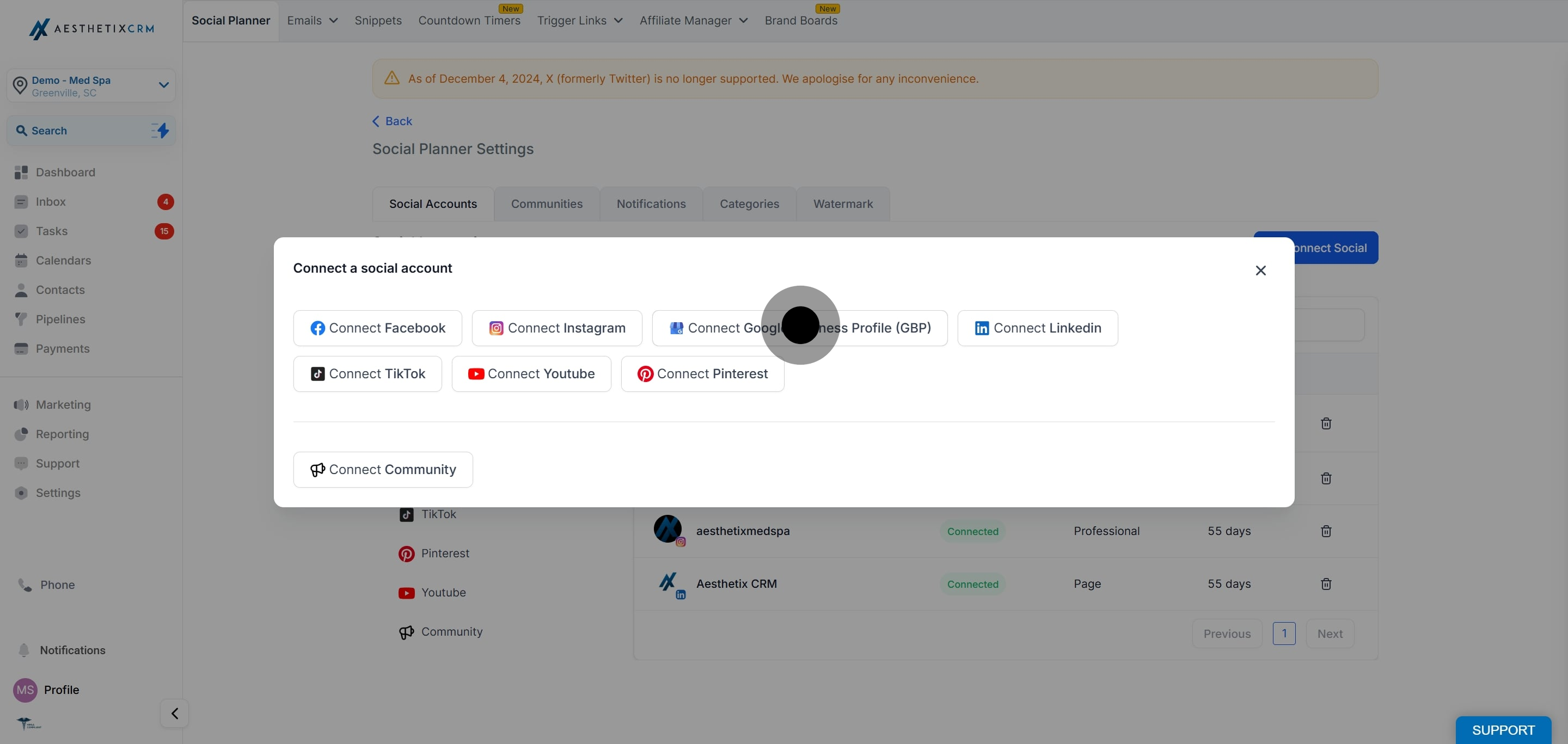
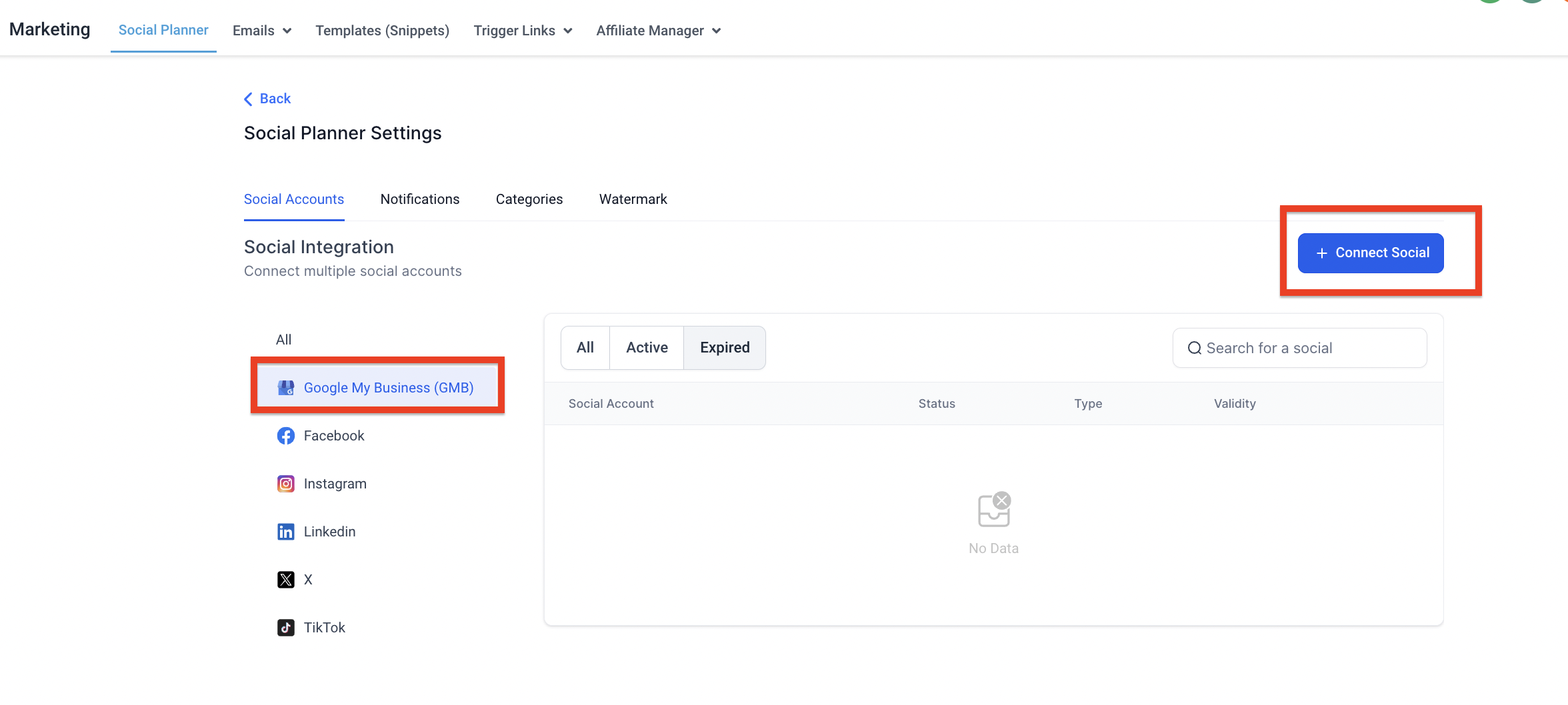
Click Connect Social, then select Google Business Profile (GBP) to connect a new location. You can manage multiple locations this way.
If you are connecting for the first time, Google asks you to choose the Gmail account that manages your business locations, then grant the requested permissions.
You may see LeadConnector, our underlying social integration provider, referenced on the Google consent screen. This is expected and safe: it is simply the service that powers the connection behind the scenes.
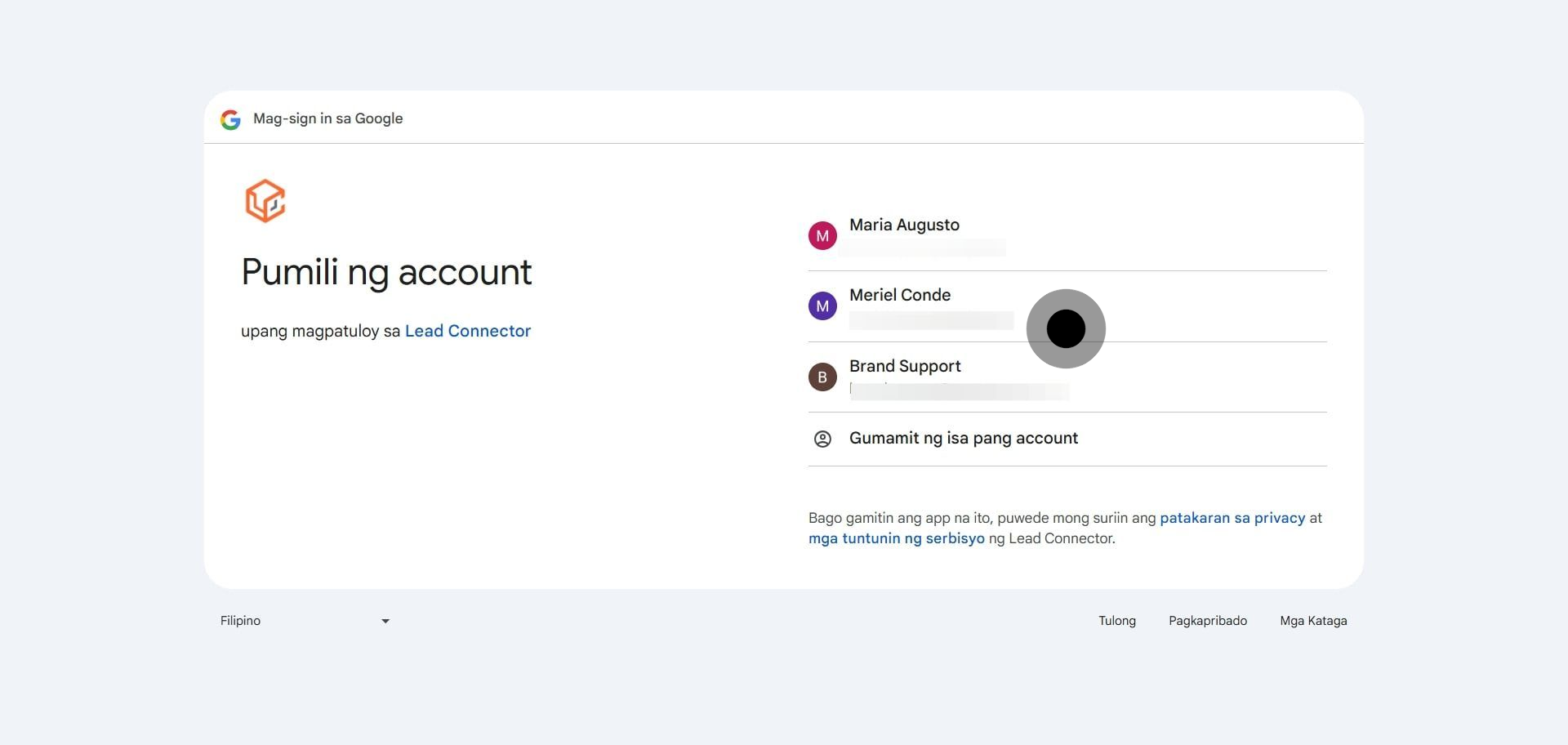
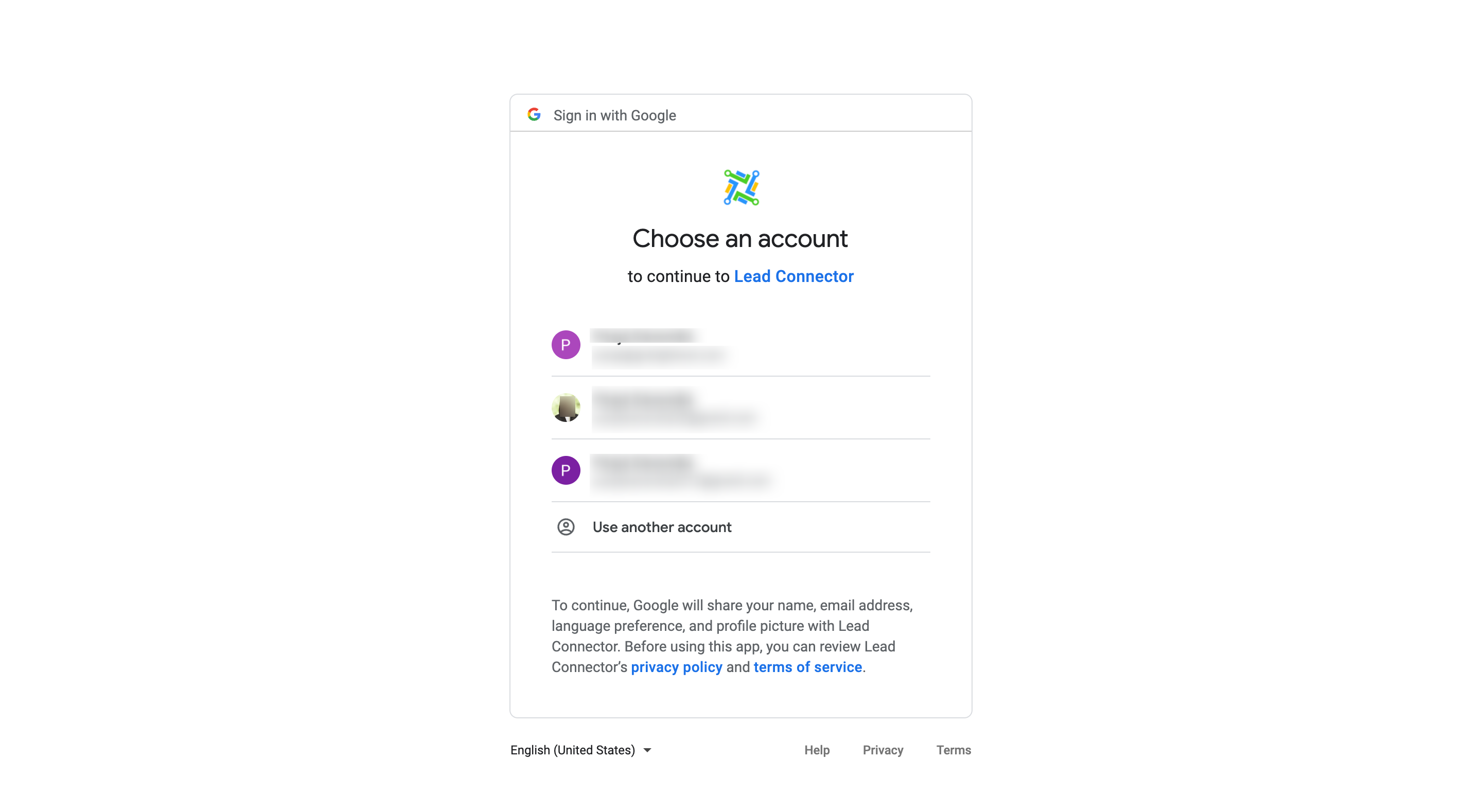
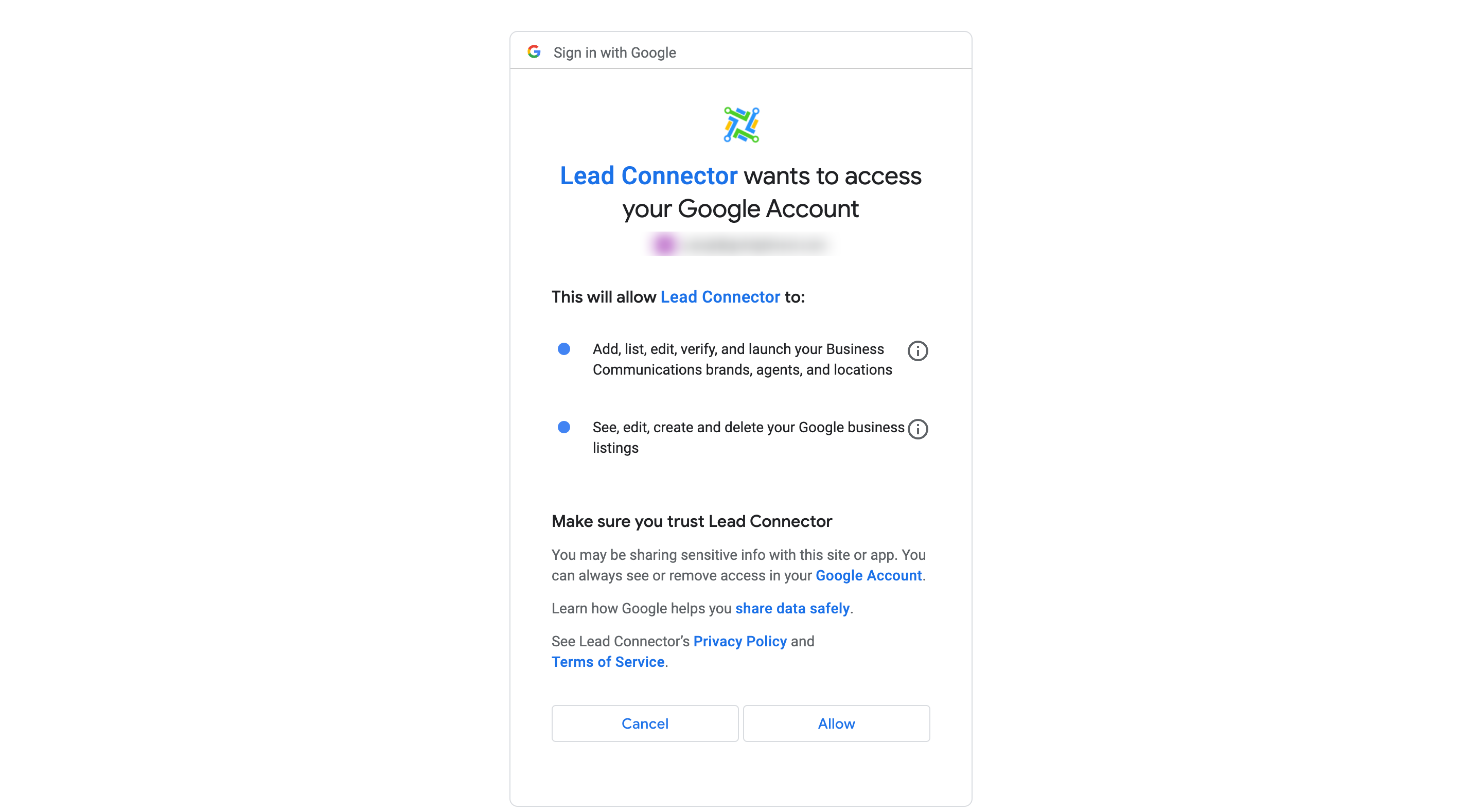
Select the Google Business Profile locations you want available in Social Planner.
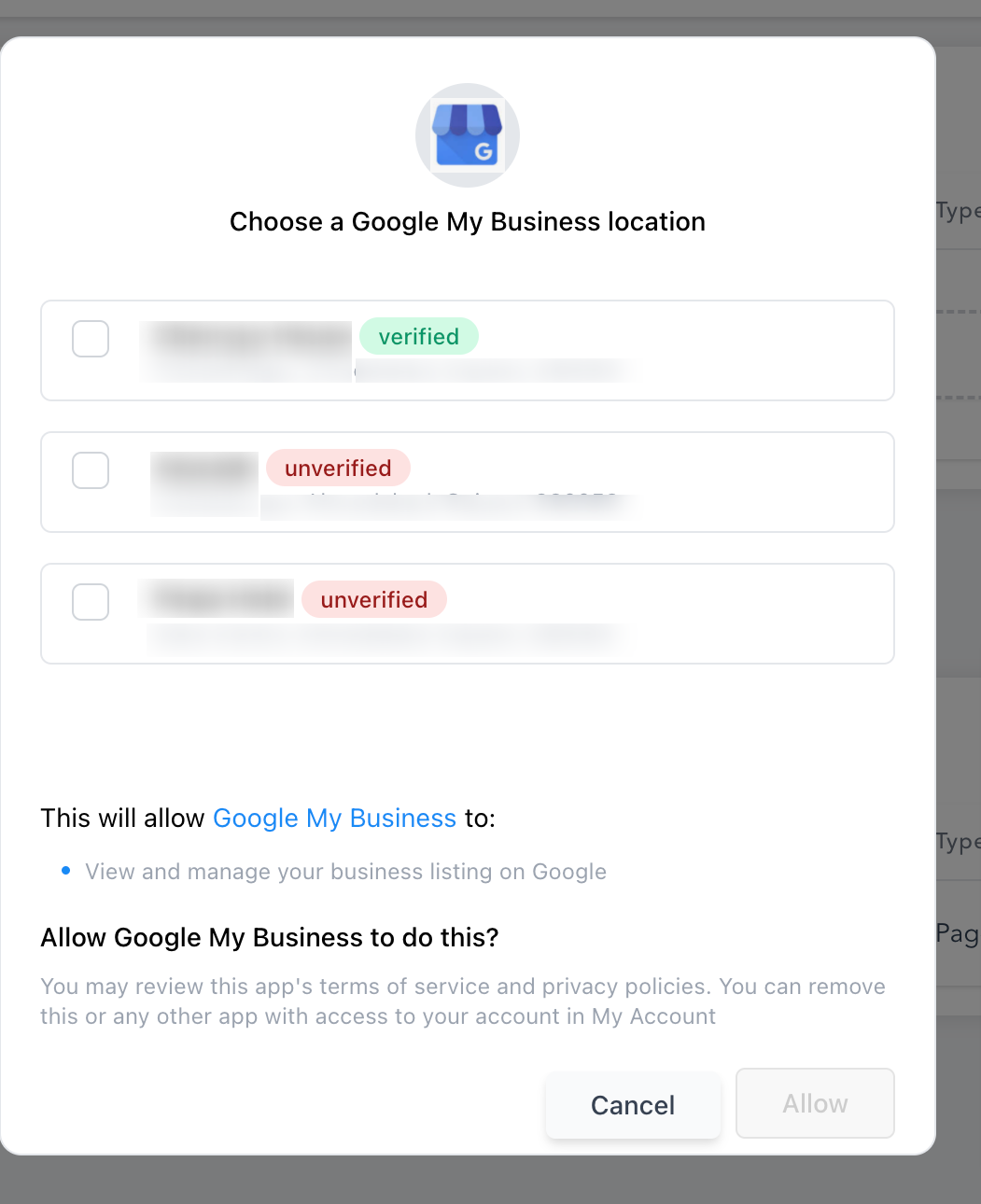
If a location is already added, you will see a message that the location has already been added.
If the account has more than 10 locations, you may see the error "This location belongs to a chain. The Local Post API is disabled for this location." This is a Google restriction on chain listings and not something that can be changed in Aesthetix CRM.
Can I connect more than one location?
Yes. Repeat the connection steps to add multiple locations, then choose which one to publish to when you create a post.
Why do I need to choose a Gmail account?
Google Business Profile is managed through a Google account. Choosing the Gmail account that owns or manages your locations lets Social Planner access the correct listings.
I got an error that says my location belongs to a chain. What does that mean?
If your Google account has more than 10 locations, Google disables the Local Post API for those listings and treats them as a chain. This prevents posting through Social Planner and is a limitation set by Google.
Why does the consent screen mention LeadConnector?
LeadConnector is the underlying provider that powers the social connection for Aesthetix CRM. Seeing it on the Google authorization screen is expected and safe.
One of my locations is missing from the list. What should I check?
Confirm you signed in with the Gmail account that manages that location and that you have permission to post to it. If the location was already connected, it will not appear again in the add list.
How do I manage or remove a connected location later?
Return to Marketing > Social Planner, open Settings, and manage your connected accounts from the Social Accounts section.
